Motion Creator
給創作者的動態圖形
講解、資料故事、短影片、字幕、標題和轉場,適合 YouTube、Reels、TikTok 和 LinkedIn。Agent 根據你的筆記、腳本或試算表寫內容,每個場景都附配樂算繪。
61 個 Skill · 17 個免費
一條龍做完整支影片的工作流程
把素材交給 Agent:它規劃鏡頭、給你看分鏡,再算繪附配樂的 MP4。下面每個鏡頭也可以單獨使用。
還沒想好?先免費用 Motion Director
一句話進去,先出分鏡,再出 MP4。它會從三條產品線裡挑鏡頭;如果這裡的工作流程能做得更好,它會在分鏡階段告訴你。
有 Claude Motion?複製提示詞
適用於 Claude Team 和 Enterprise。每則提示詞都連到能在 Claude Code、Codex 或 Cursor 裡做同類影片的 Skill。
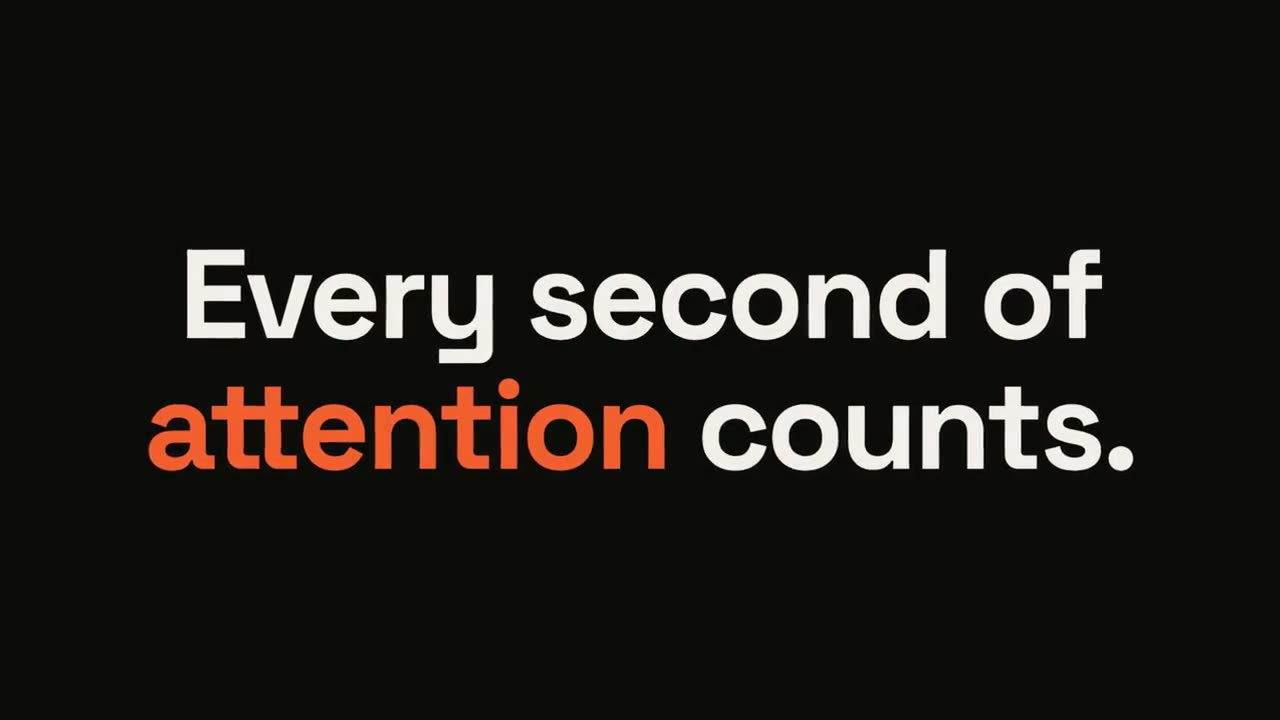
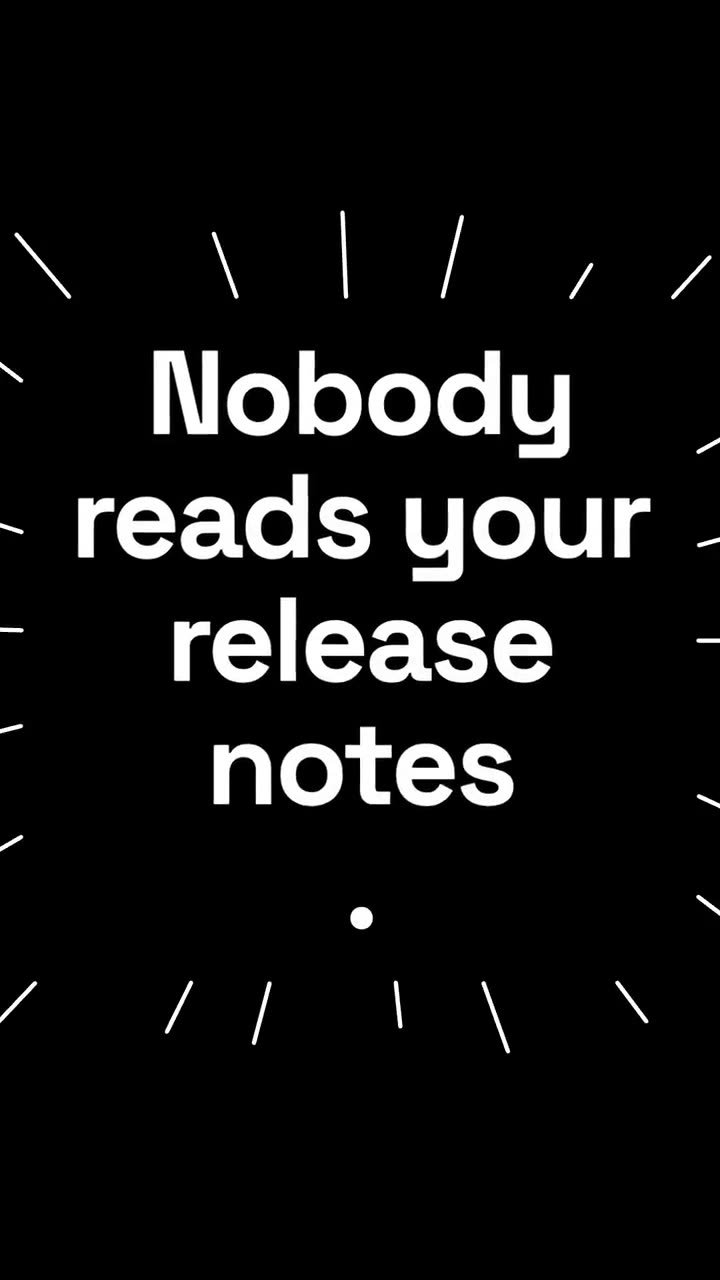
金句爆點
檢視 Skill →免費Make a 6-second 16:9 kinetic statement for [who will watch, e.g. followers on LinkedIn], playing muted in the feed. Use only the sentence below; don't change a word. Near-black background, bold geometric sans, centered. The words punch in one at a time from a slight blur and larger scale. When the last word lands, the key word flips to orange and short orange rays burst outward around the whole statement and retract. End frame: the text slowly scales up by a few percent and holds. Statement: [your line] (e.g. "Every second of attention counts.") Key word: [e.g. "attention"]
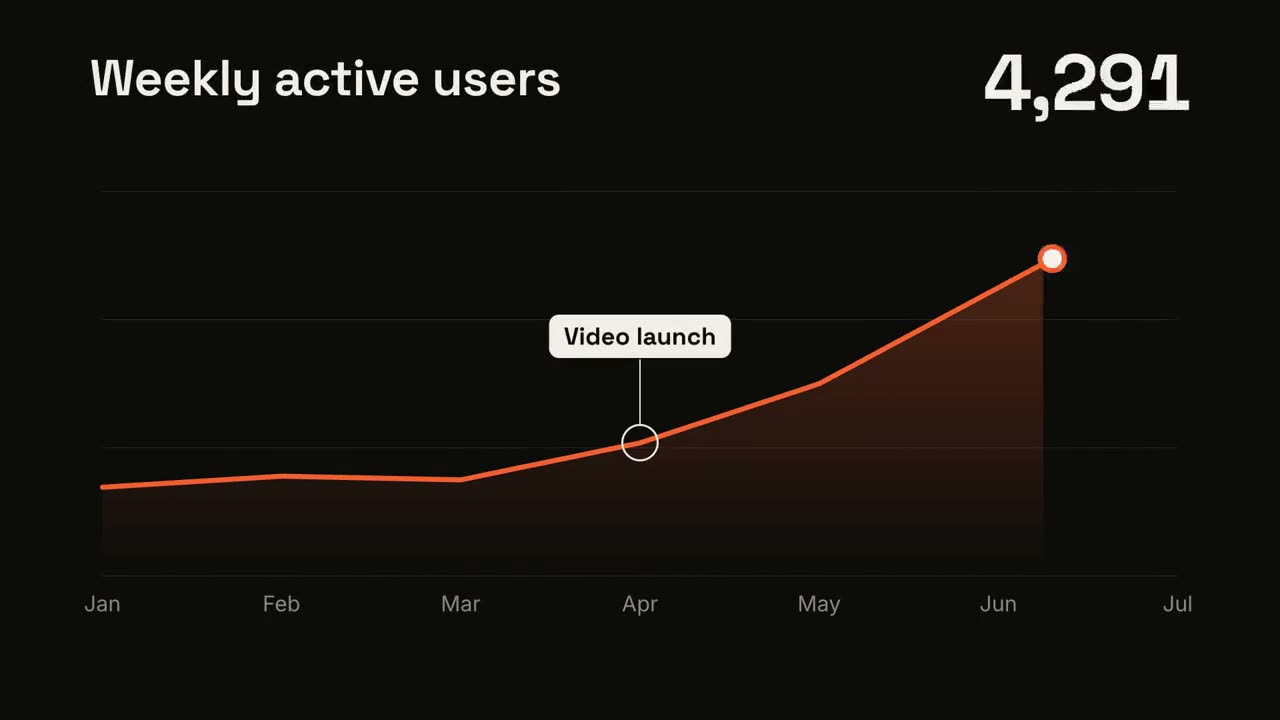
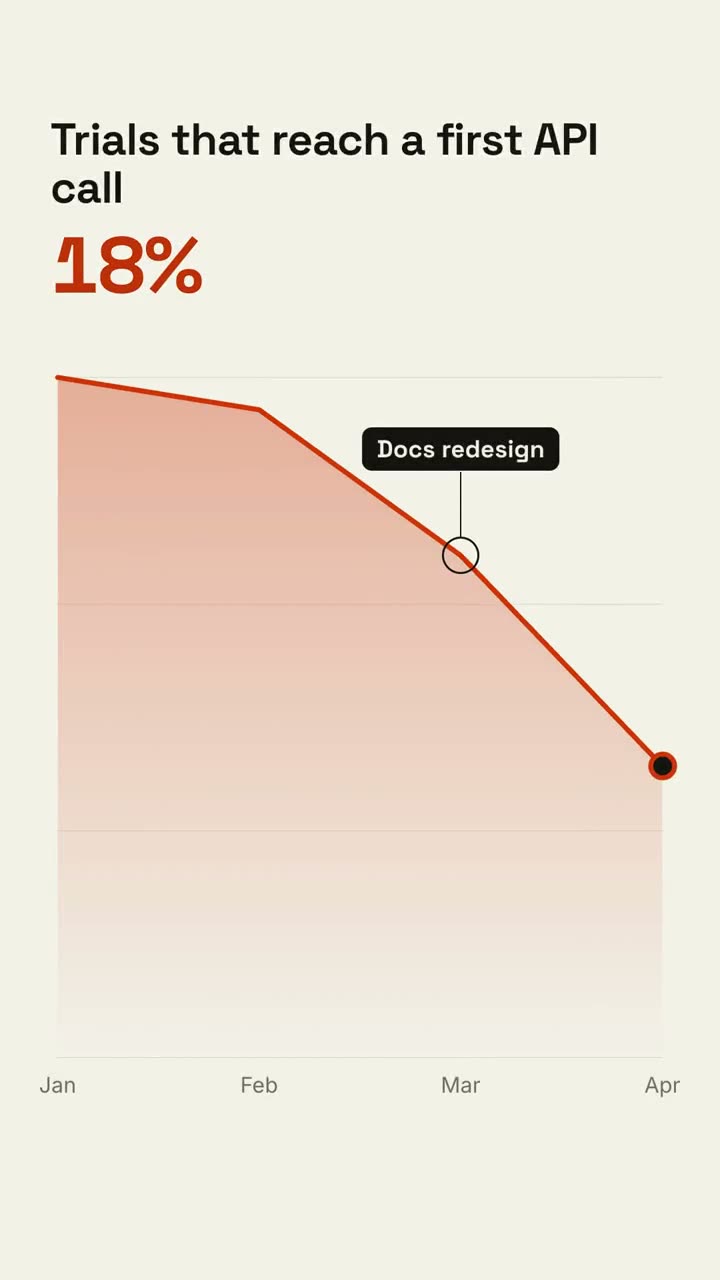
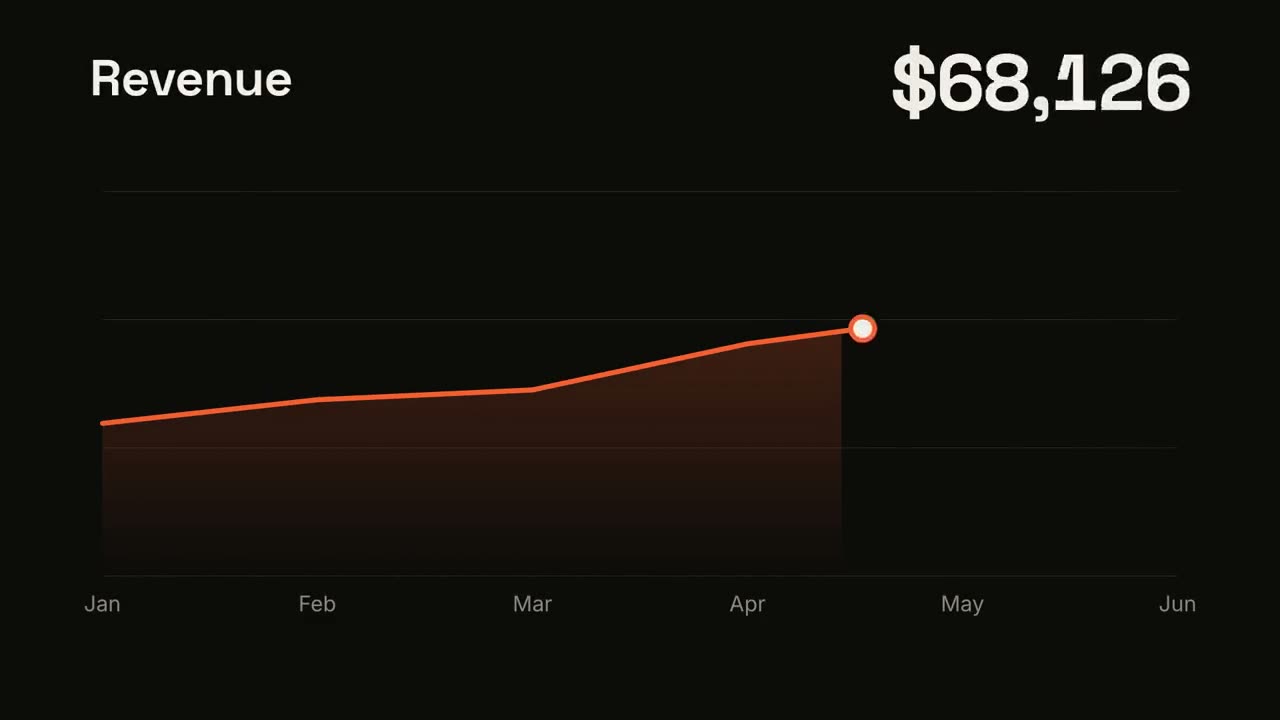
趨勢折線
檢視 Skill →免費Make a 7-second 16:9 line chart for [who will watch, e.g. the board], playing [where, e.g. the quarterly review]. Use only the numbers I attach or list below; don't round or smooth them. Near-black background. The title sits top left and a large white number top right. An orange line draws from left to right across the period over a fading orange gradient fill, while a white dot with an orange halo rides the tip and the big number counts along with it. At the marked point, a white ring appears on the line with a thin stem and a white label. End frame: the big number turns orange, held for 1.5 seconds. Title: [e.g. "Weekly active users"] Data: [your periods and values] (e.g. Jan to Jul, 1,200 to 5,200) Marked point and label: [e.g. April, "Video launch"]

動態文字標題
檢視 Skill →免費Make an 8-second 16:9 title card for [who will watch, e.g. viewers of our YouTube series], playing [where, e.g. the opening of each episode]. Use only the words below; don't change them. Near-black background. A short orange rule draws in from the left, then a small uppercase label fades in with wide letter spacing tightening. Below it, a two-line headline rises line by line from behind invisible masks with a fast expo ease: line one in an off-white editorial serif, line two in orange italic, which then gets an orange underline wiping in from left to right. A soft gray supporting line fades up word by word. End frame: the finished title, held with a slow upward drift and a faint warm glow moving behind the text. Label: [e.g. "INTRODUCING"] Headline: [two lines] (e.g. "Motion that" / "moves people") Supporting line: [one short sentence]
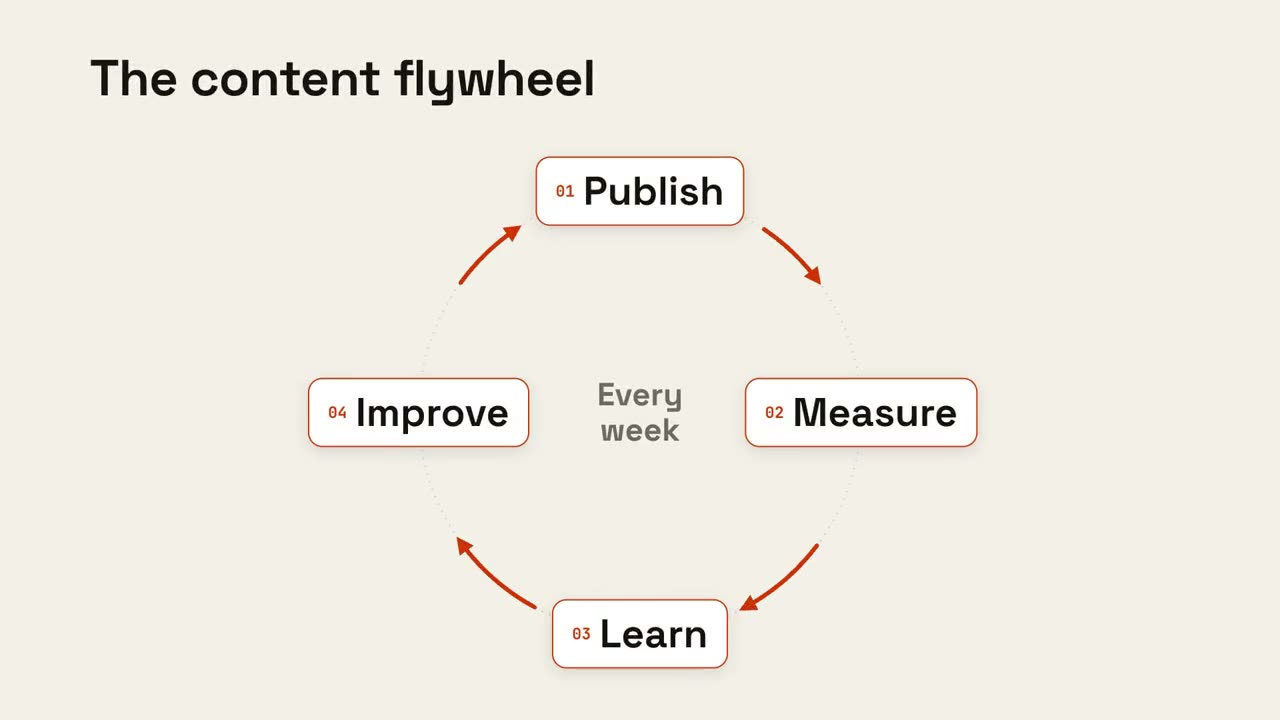
循環飛輪
檢視 Skill →免費Make an 8-second 16:9 loop diagram for [who will watch, e.g. the marketing team], playing [where, e.g. the planning deck]. Use only the title and four steps below. Off-white background. The title appears. Four white rounded cards with small orange numbers pop in around a faint dotted circle: top, right, bottom, left. Curved orange arrows draw clockwise from each card to the next. A short line fades in at the center in gray. End frame: a glowing orange dot travels around the circle continuously, briefly outlining each card in orange as it passes. Title: [e.g. "The content flywheel"] Four steps: [e.g. Publish, Measure, Learn, Improve] Center line: [e.g. "Every week"]
Motion Creator 的全部鏡頭
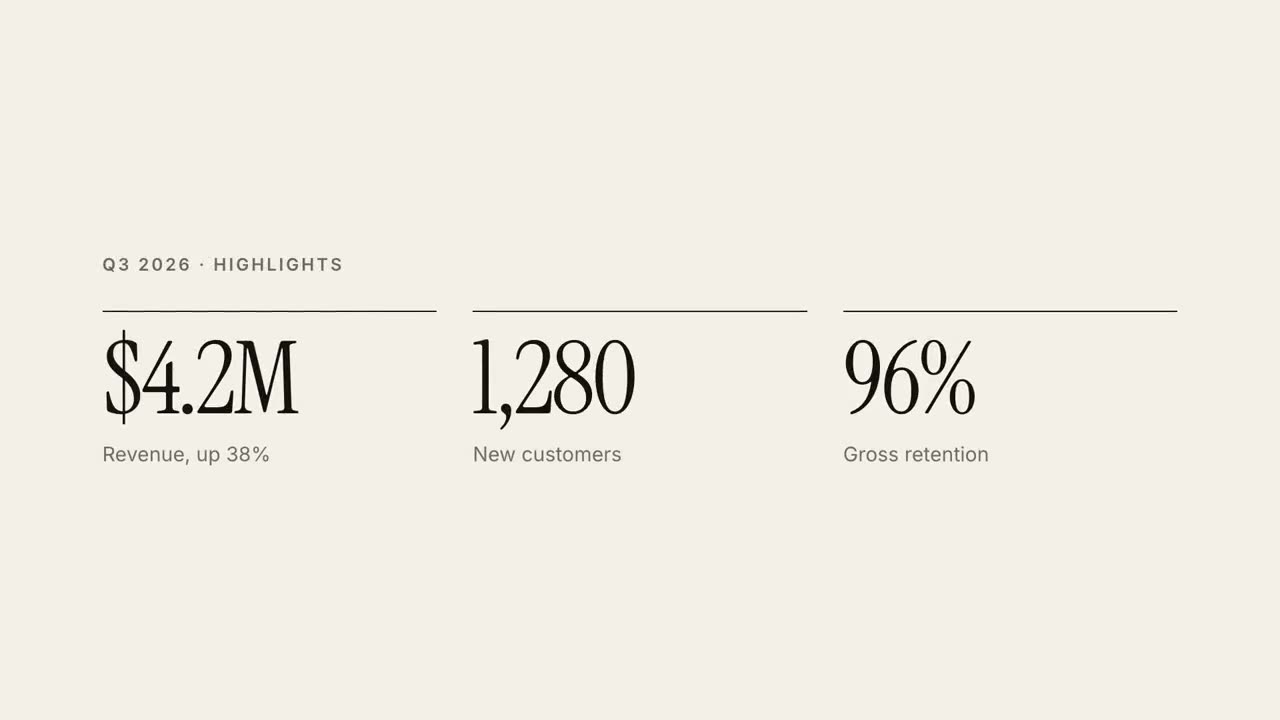
30 秒報告講解
把季報做成 30 秒雜誌風講解影片。
動態文字標題
三種動效風格的雜誌感標題動畫。
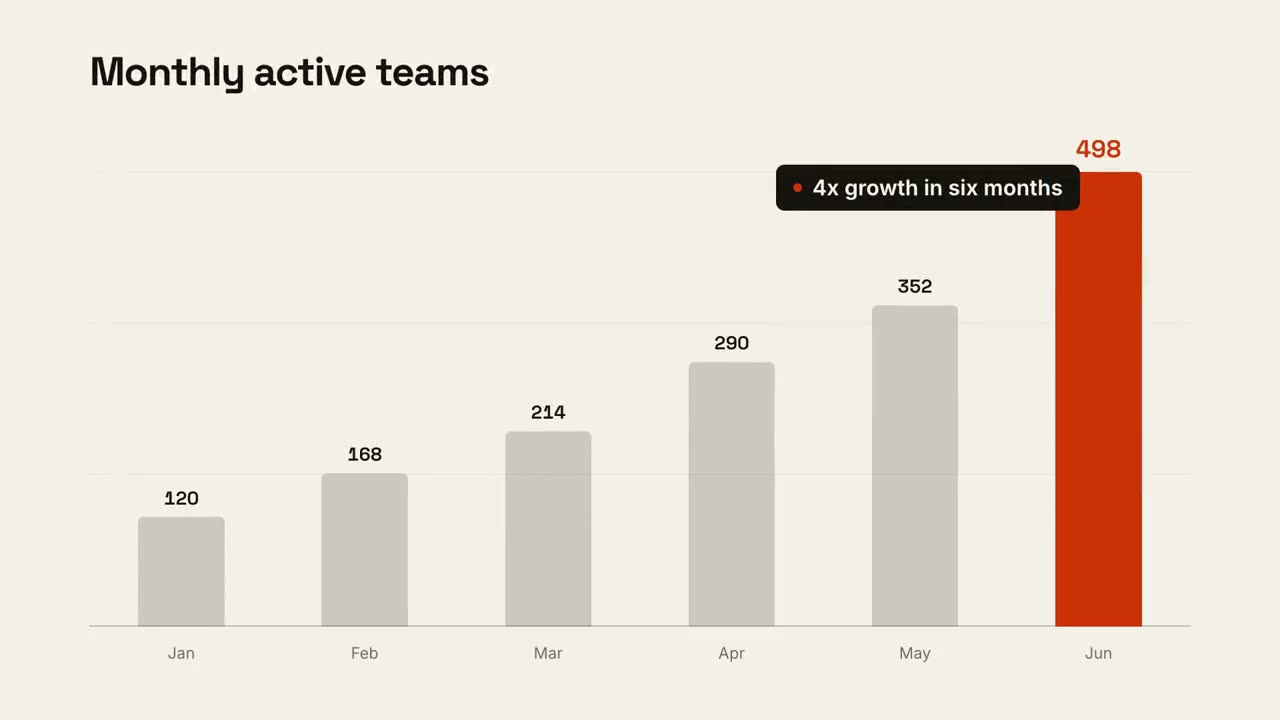
資料圖表故事
柱狀圖或折線圖動畫,最後點出結論。
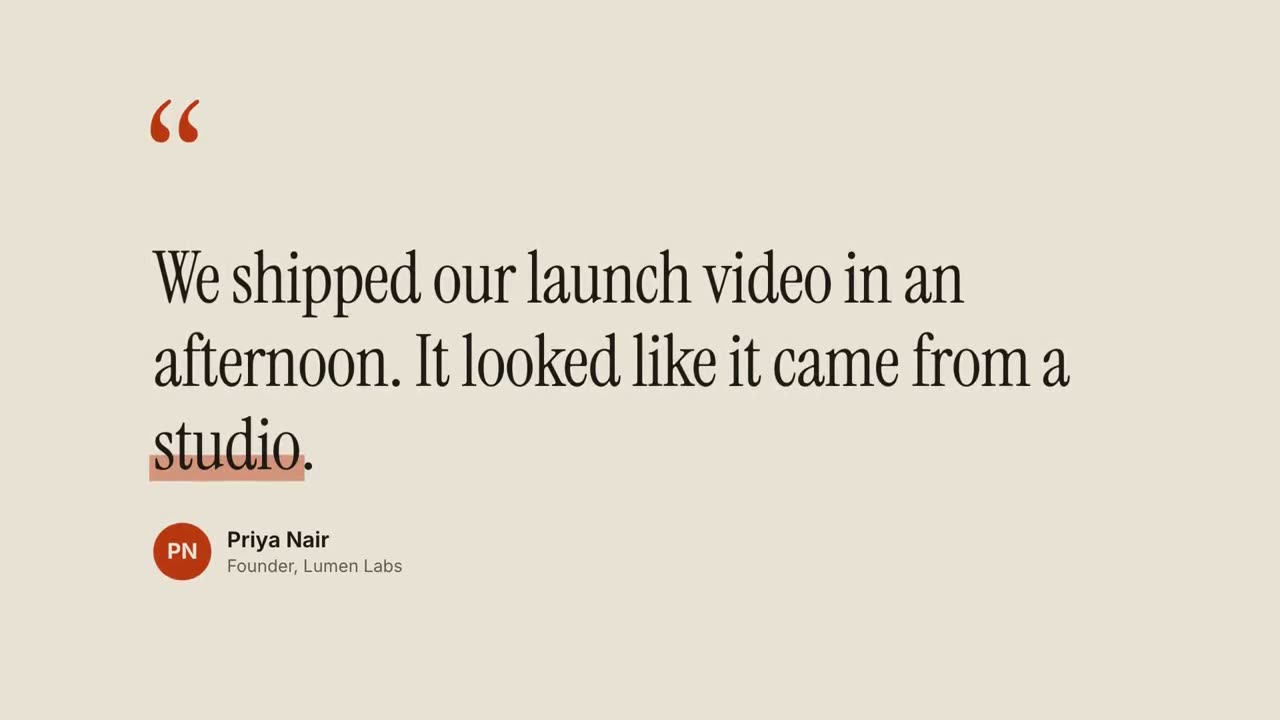
引用卡
客戶評價和金句,逐詞浮現。
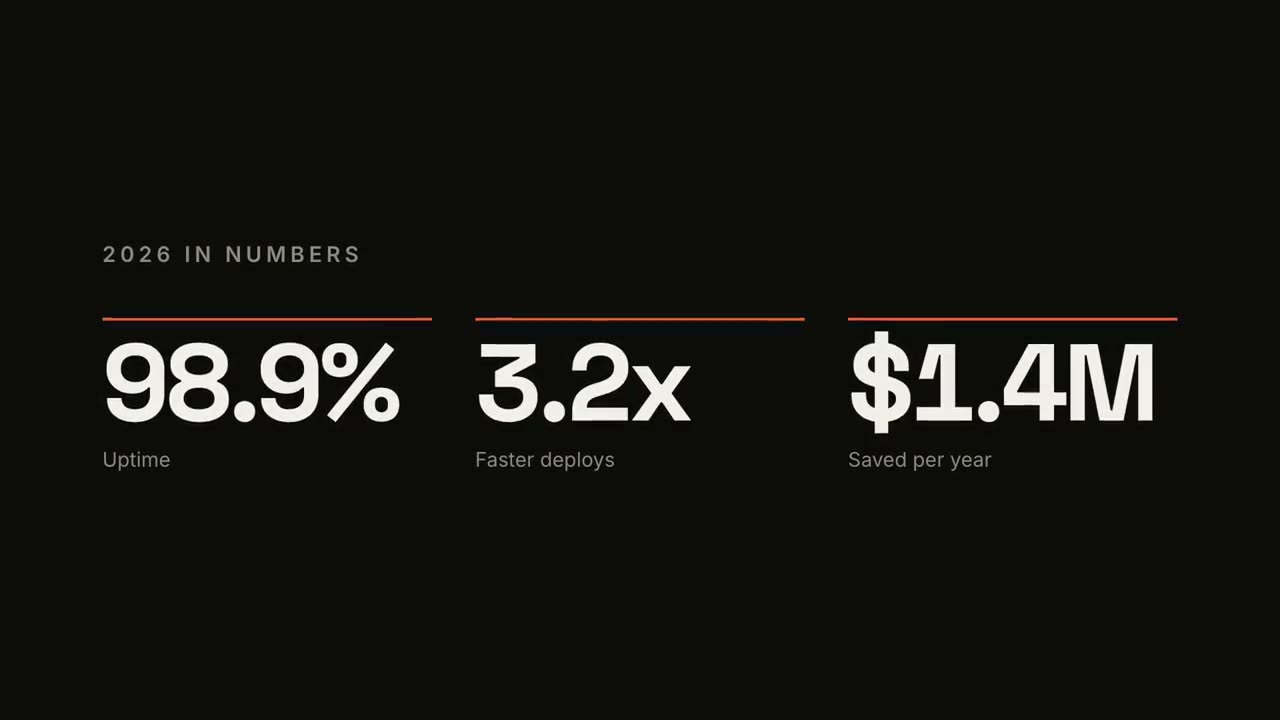
KPI 數字計數
最多四個關鍵數字,帶計數動畫。

人名條 Lower Thirds
四種廣播風格的人名 / 頭銜條。
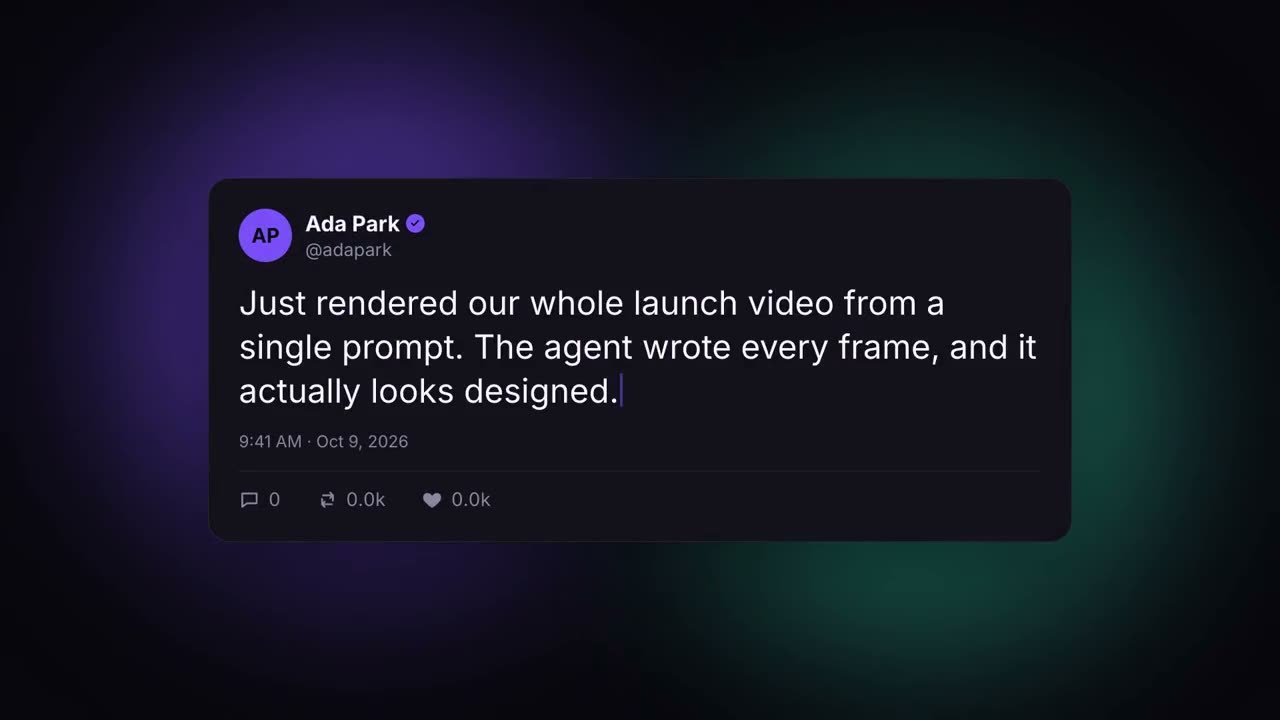
社群貼文卡
自動打字並漲讚的社群貼文。
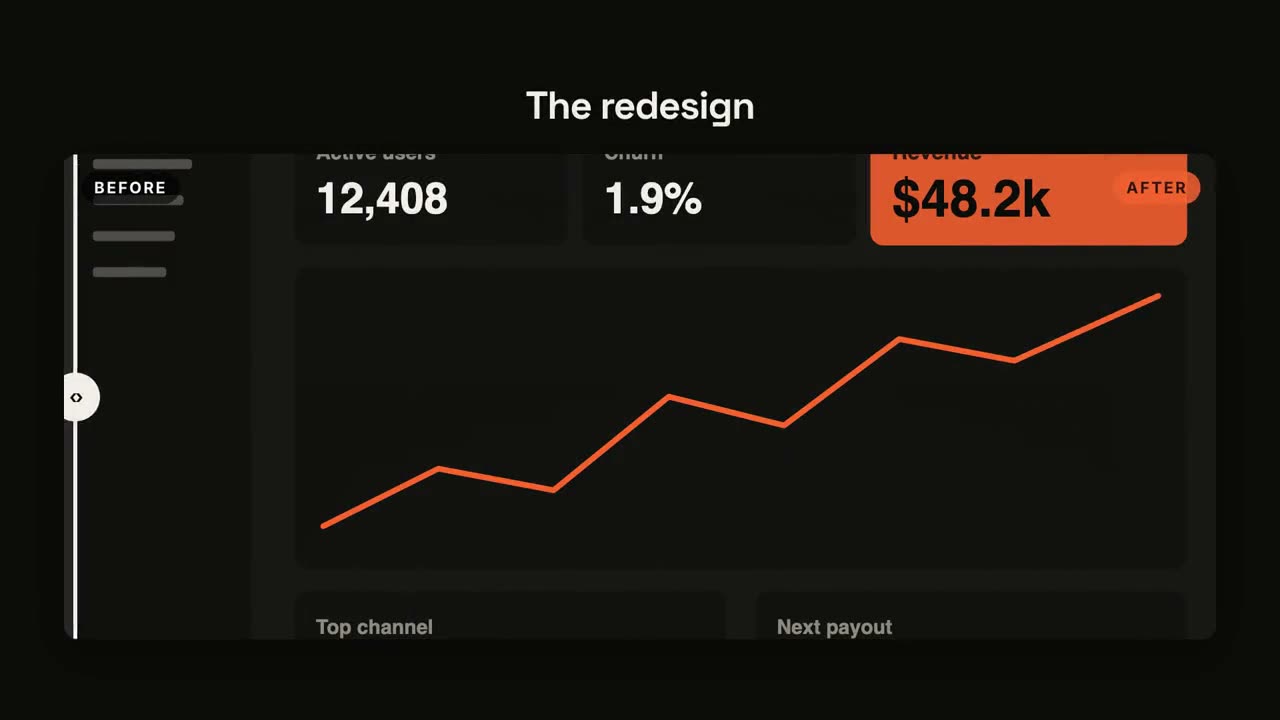
前後對比
帶滑動分隔線的前後對比。

倒計時
圓環倒計時 3-2-1,最後揭曉。
金句爆點
短句逐詞砸入,關鍵詞隨放射線爆開。
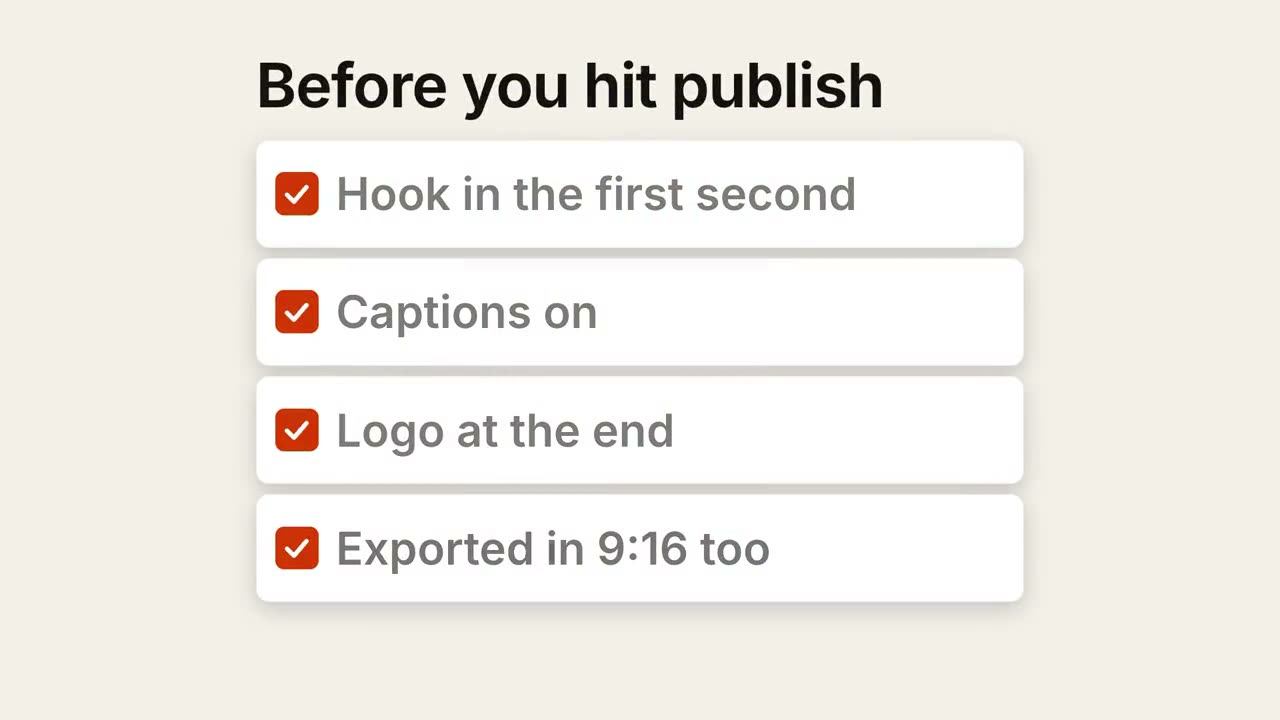
清單打勾
清單逐項自動打勾。
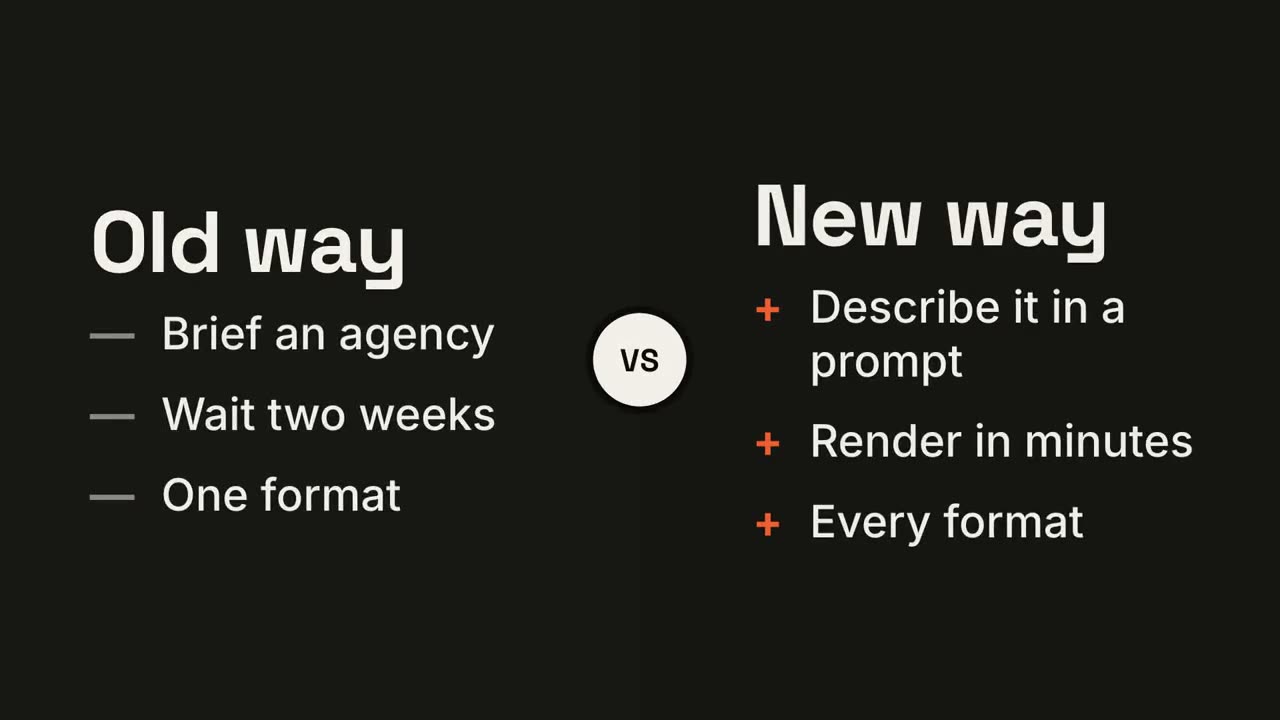
左右對決
兩側圍繞 VS 徽章展開,勝出的一方亮起。
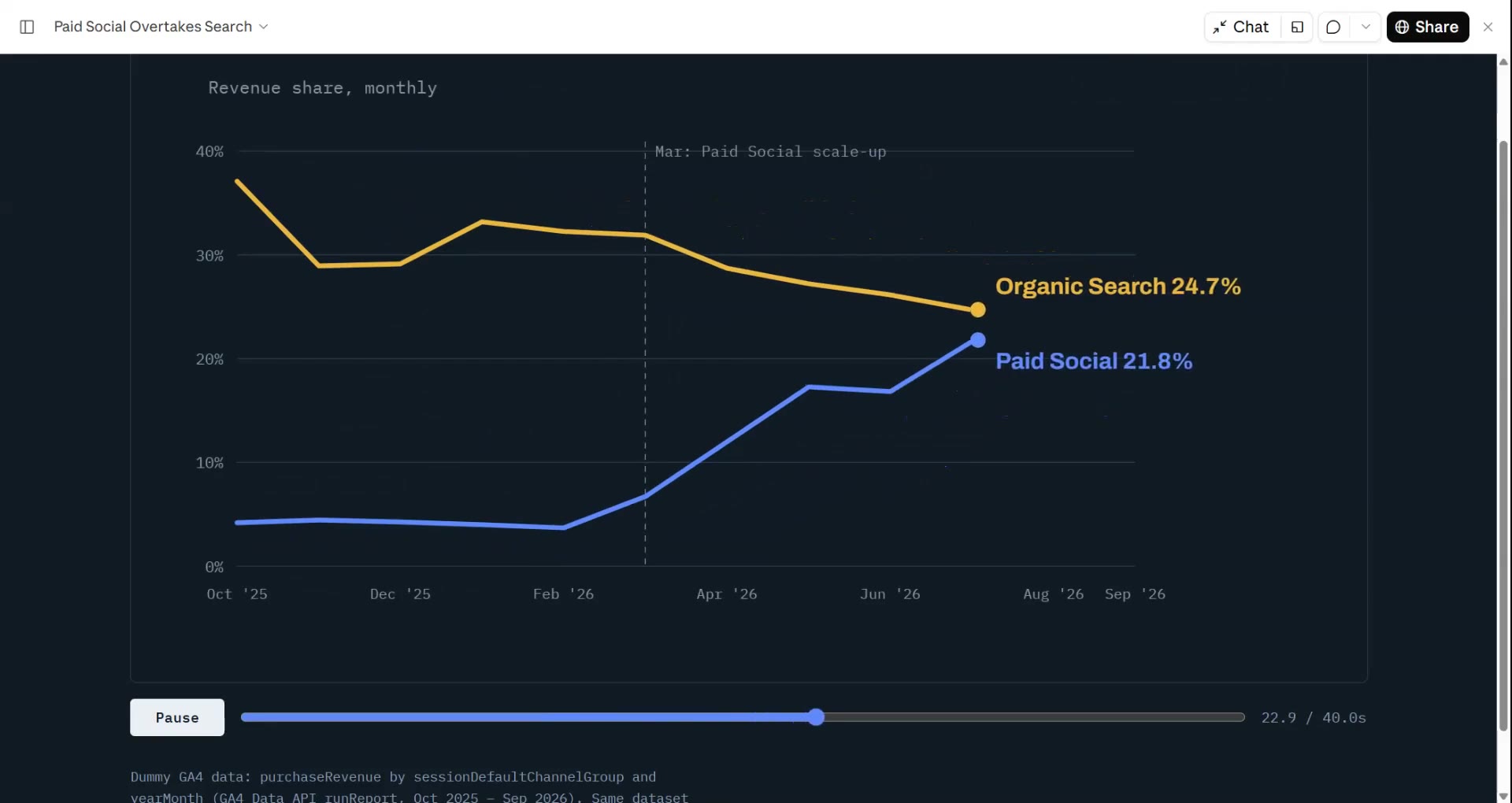
趨勢折線
折線隨即時數值畫出,並標註一個關鍵時刻。
循環飛輪
步驟環繞成圈,箭頭首尾相連,光點持續循環。
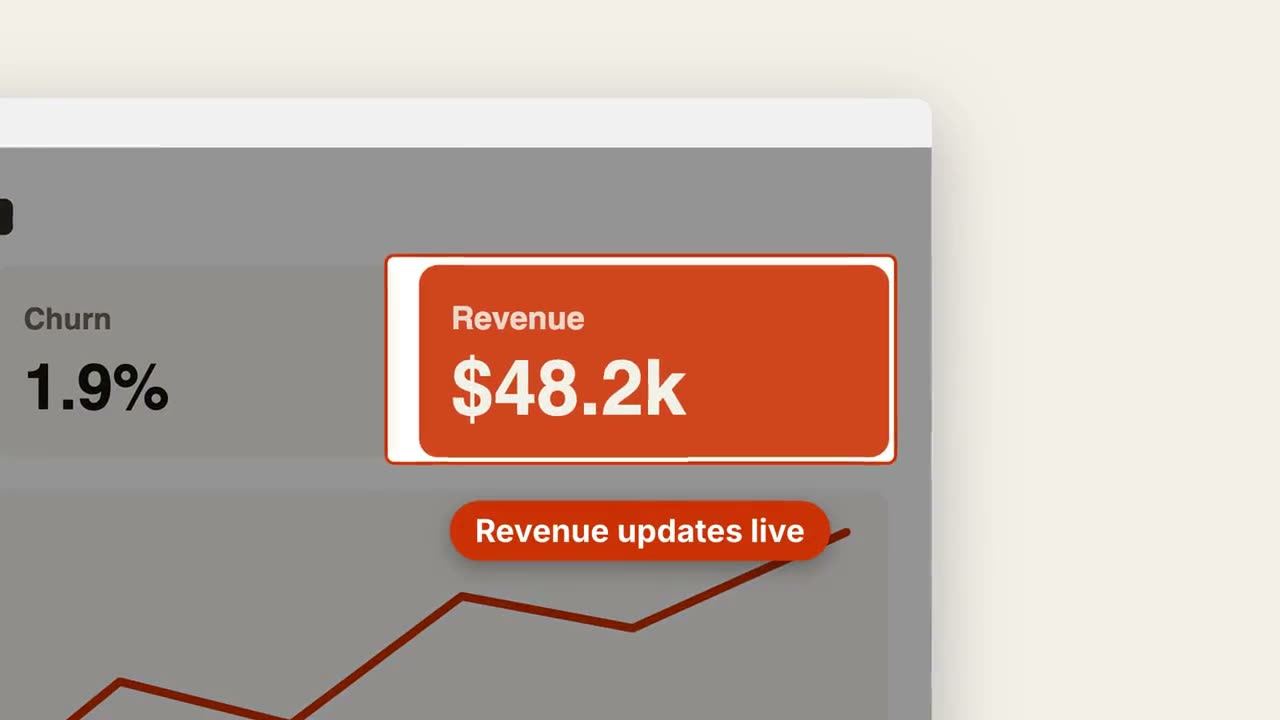
截圖放大標註
推近截圖中的某個區域,壓暗其餘部分並加上標註。
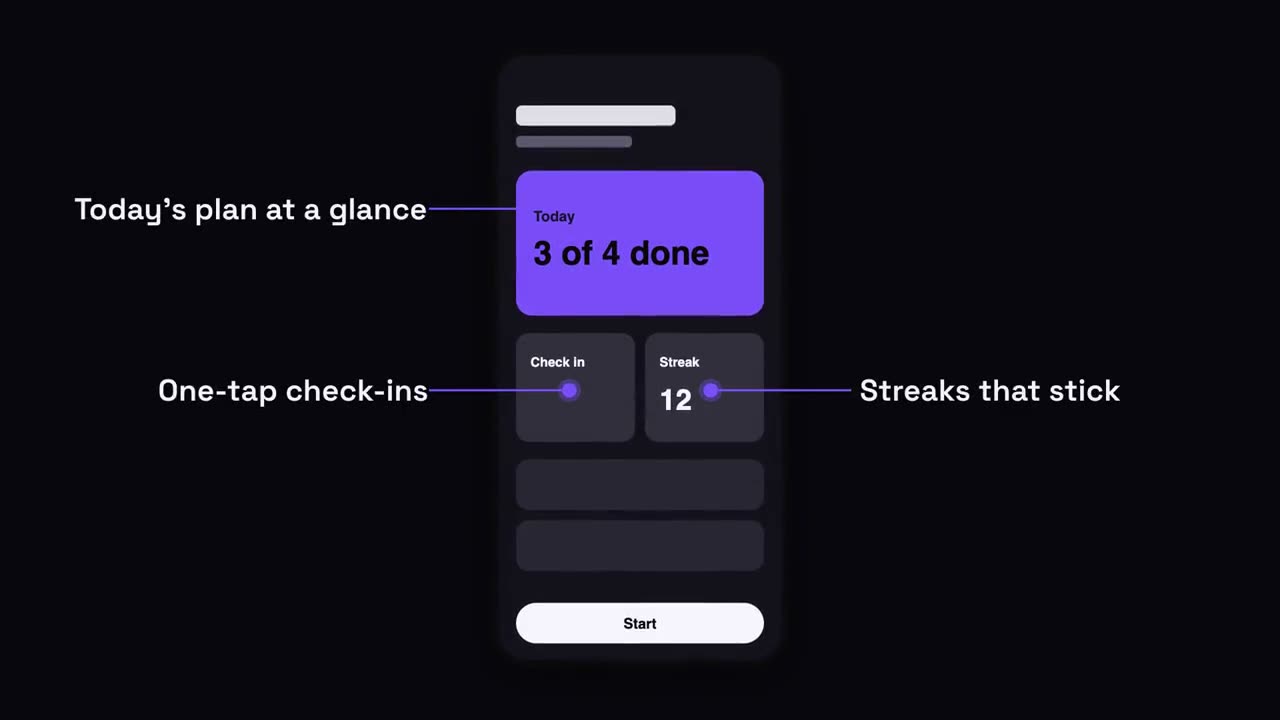
手機介面標註
手機升入畫面,標註帶著引線從螢幕兩側彈出。

章節印章
巨大的章節號像印章一樣砸下,隨後出現標題。
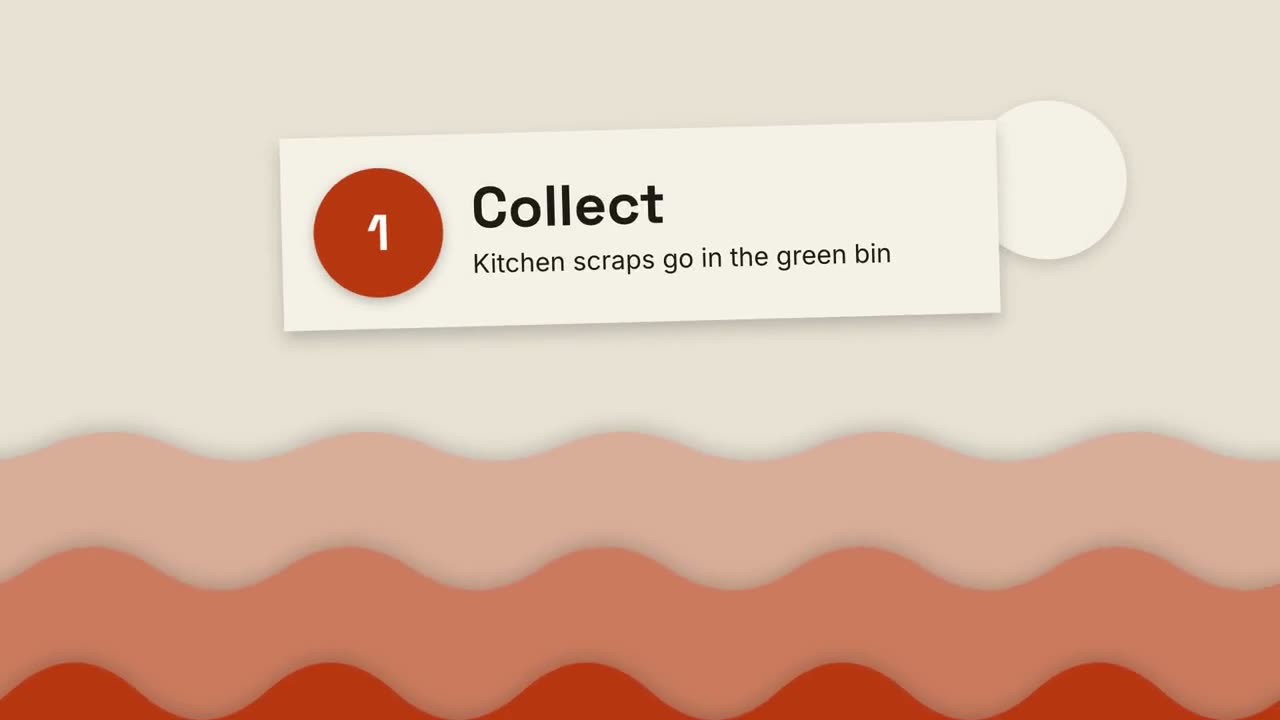
剪紙風講解片
層疊的紙山和剪紙卡片,三步講清任何事。
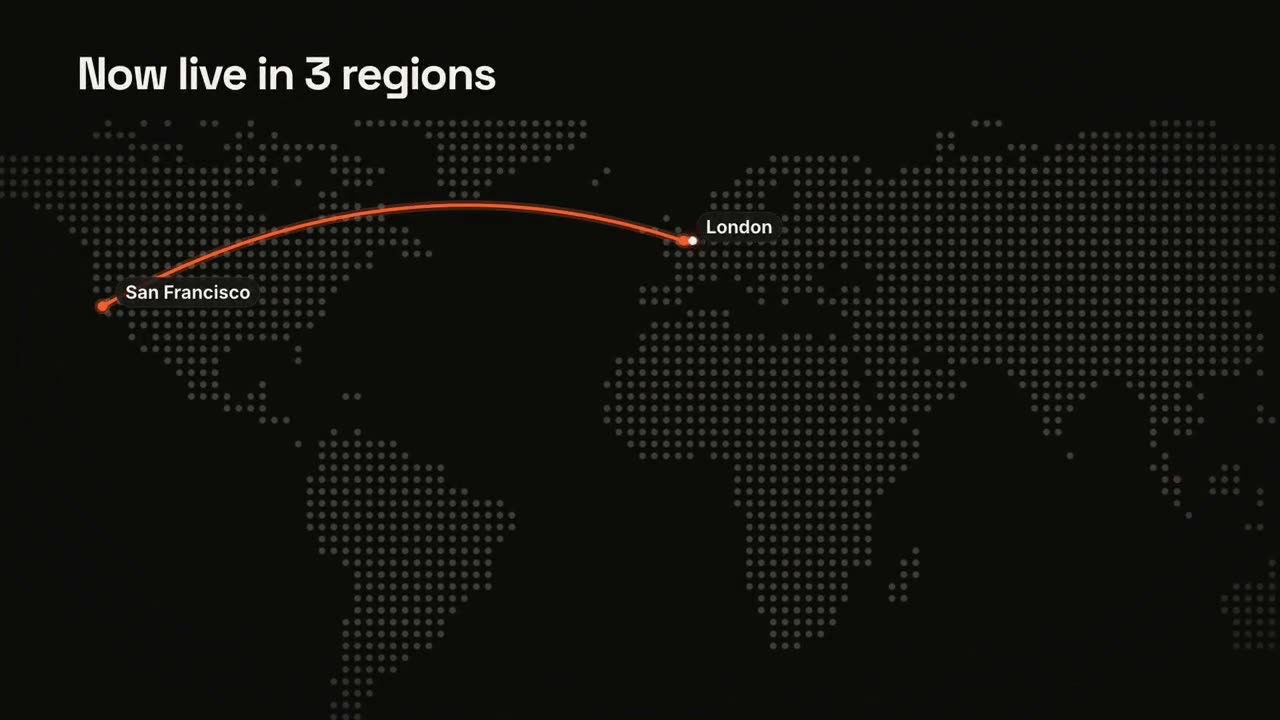
地圖路線
點陣世界地圖上的動態路線。
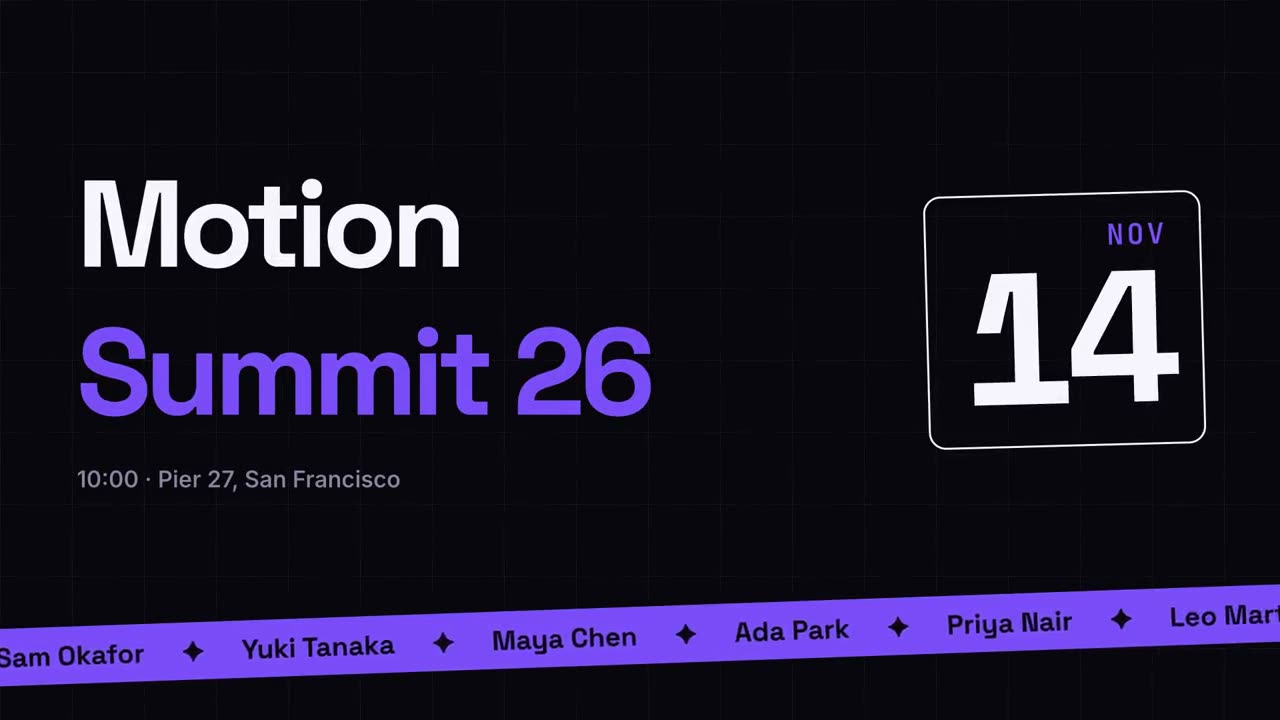
活動宣傳
海報風活動預告,配演講嘉賓跑馬燈。
轉場合集
六種轉場,用於銜接幻燈片、圖片或場景。

里程碑時間軸
時間軸畫出,里程碑沿線依次出現。

要點回顧牆
要點卡片飛入,排成整齊的編號牆。

通知堆疊
通知一條接一條落在鎖定畫面上。
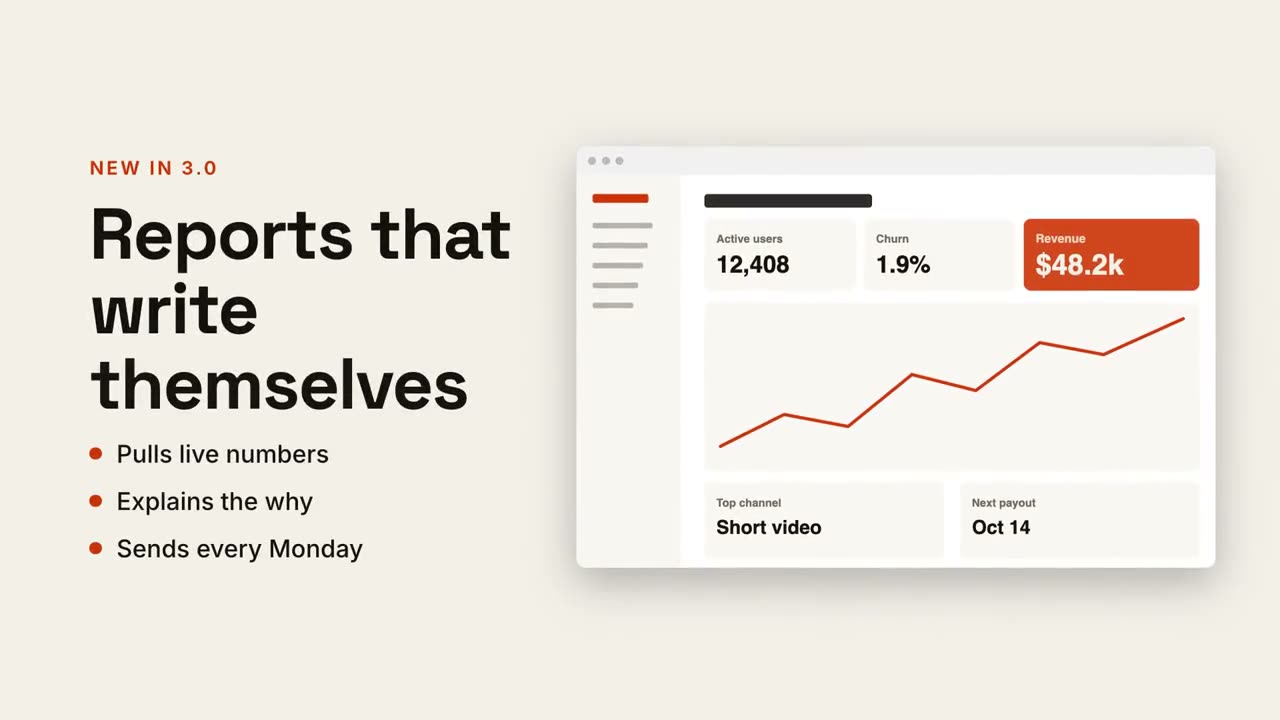
圖文分割畫面
一側標題和要點,另一側截圖滑入。
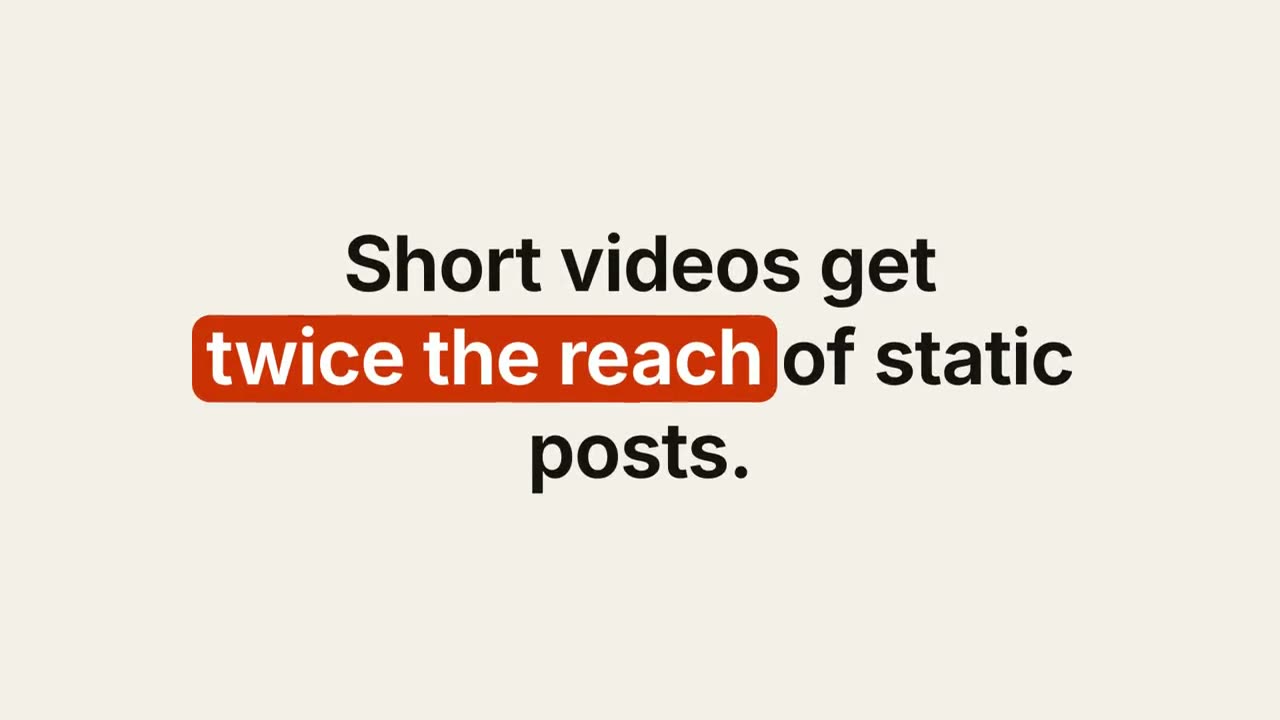
關鍵詞字幕
關鍵詞帶膠囊、底線或變色的設計感字幕。
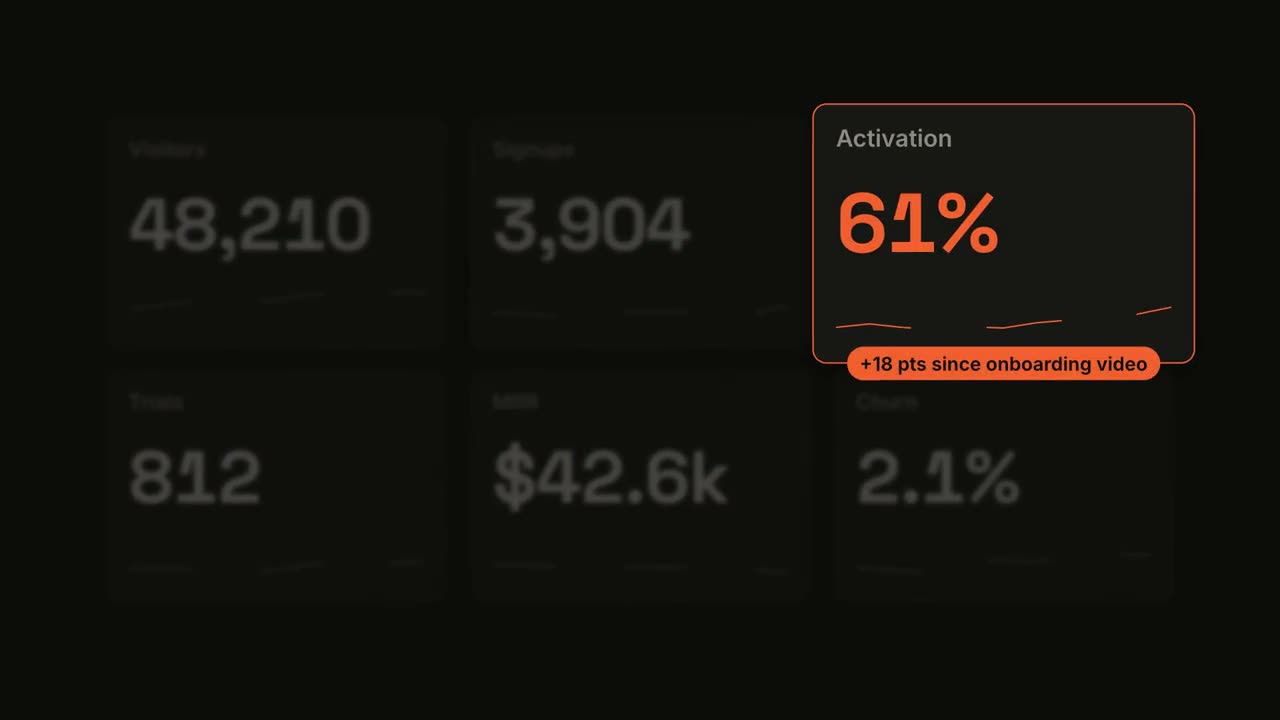
指標聚焦
儀表板數字滾動,隨後聚焦其中一項指標。
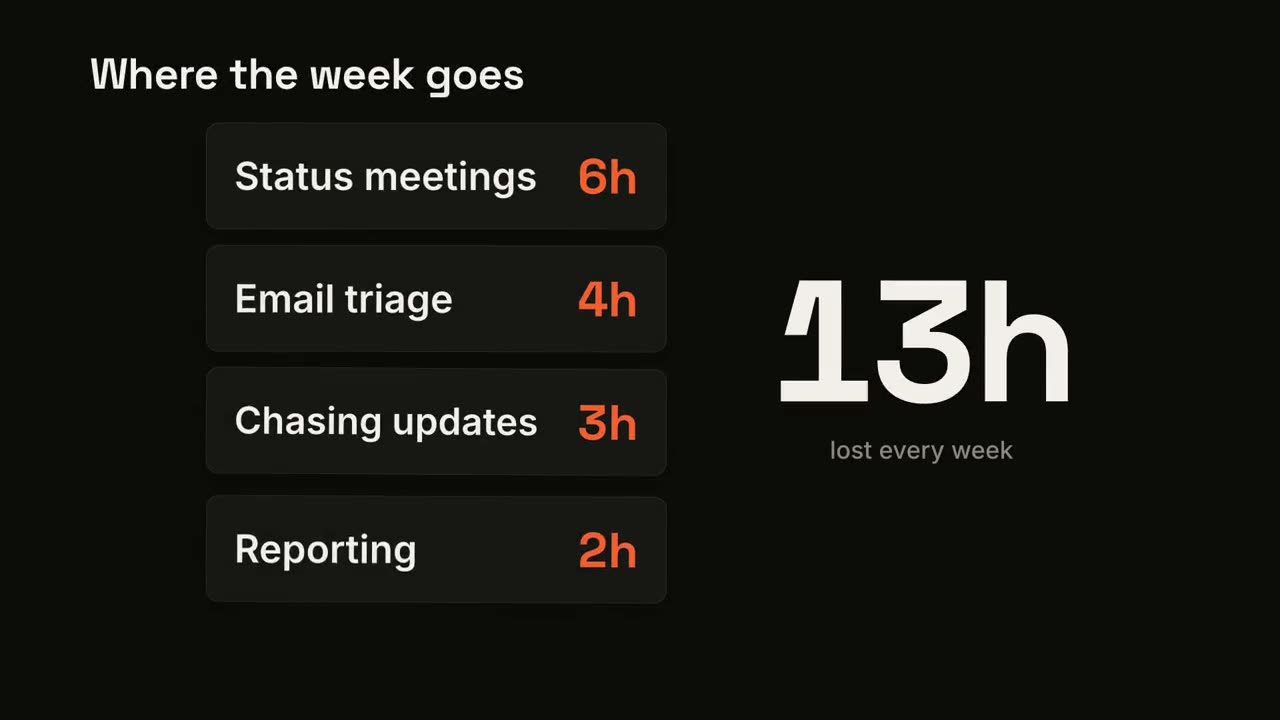
卡片累加計數
卡片逐張落下,大號數字即時累加總數。
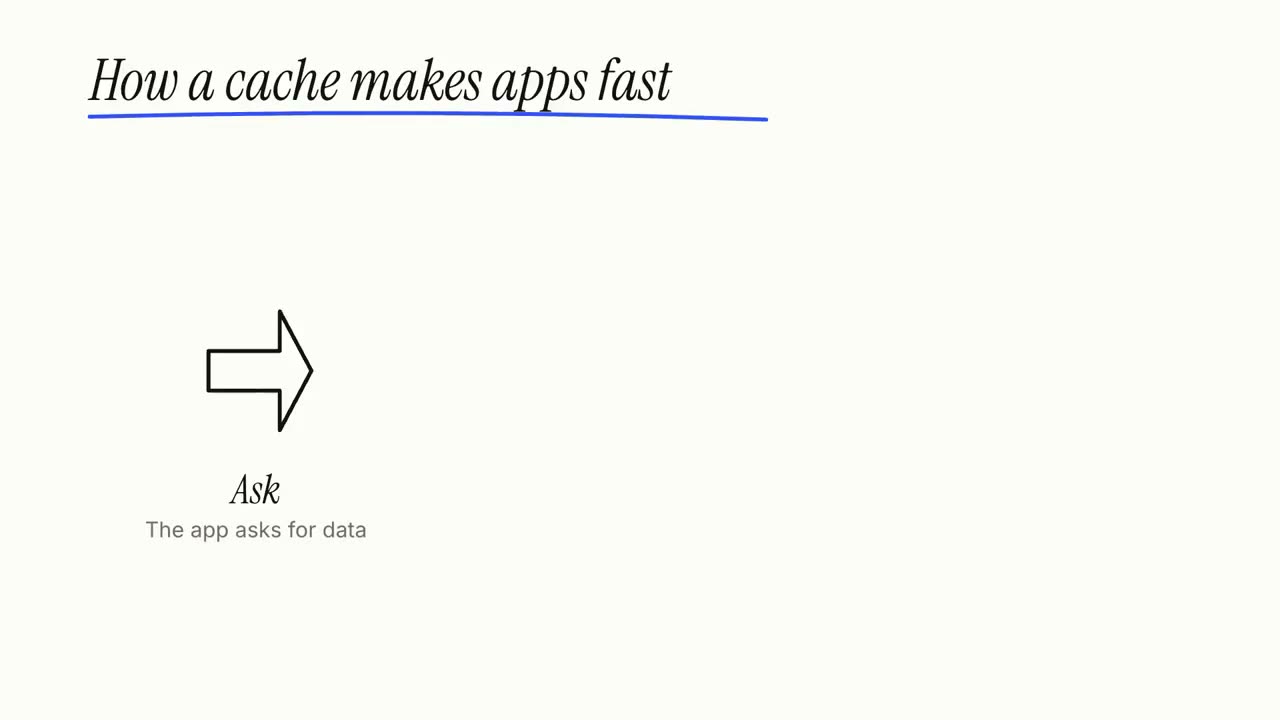
白板講解片
馬克筆塗鴉自動畫出,標註逐字寫上,一步一步講清楚。
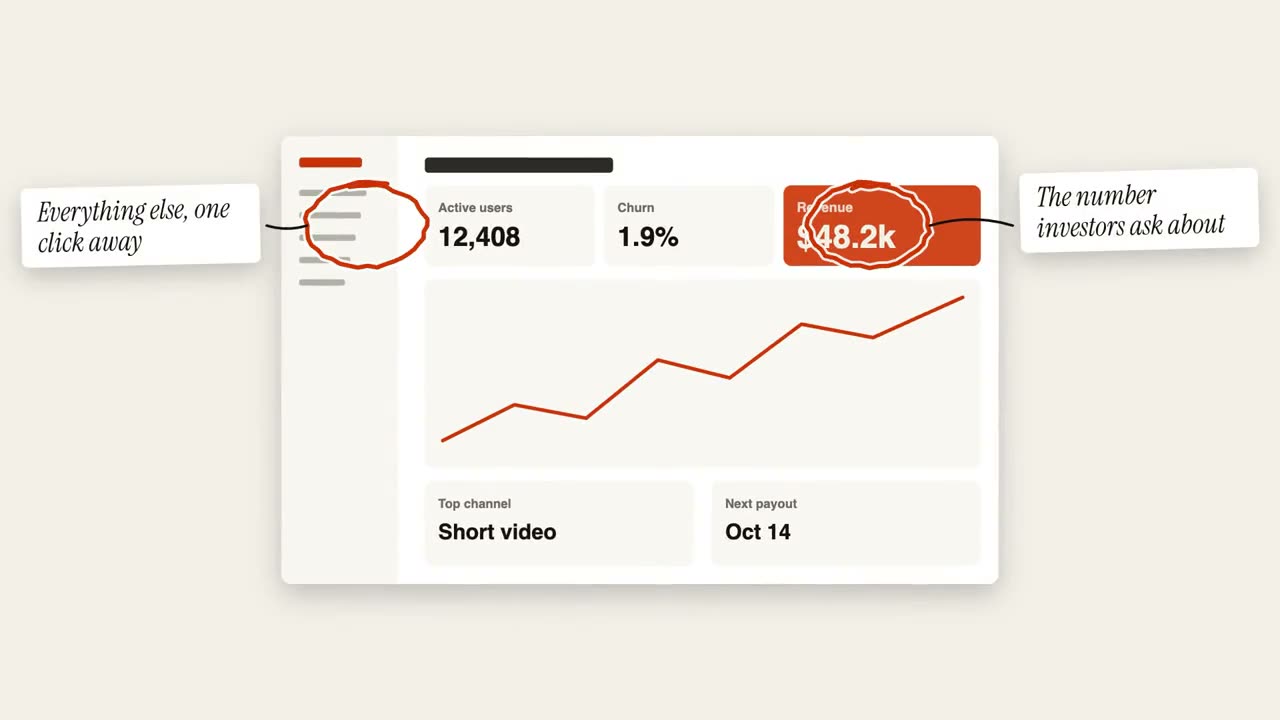
圈註批注
在圖片上手繪圈注,並貼上便籤說明。
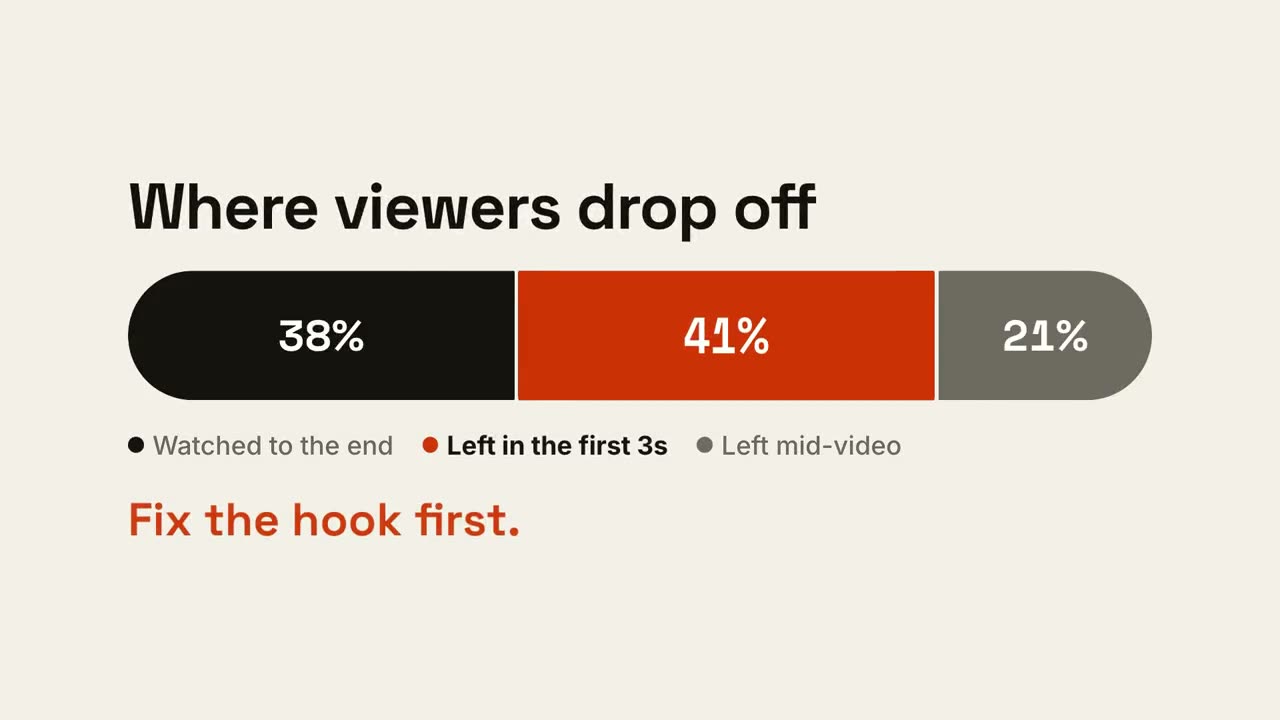
比例條
一根長條按比例分段,再突出最關鍵的那一段。
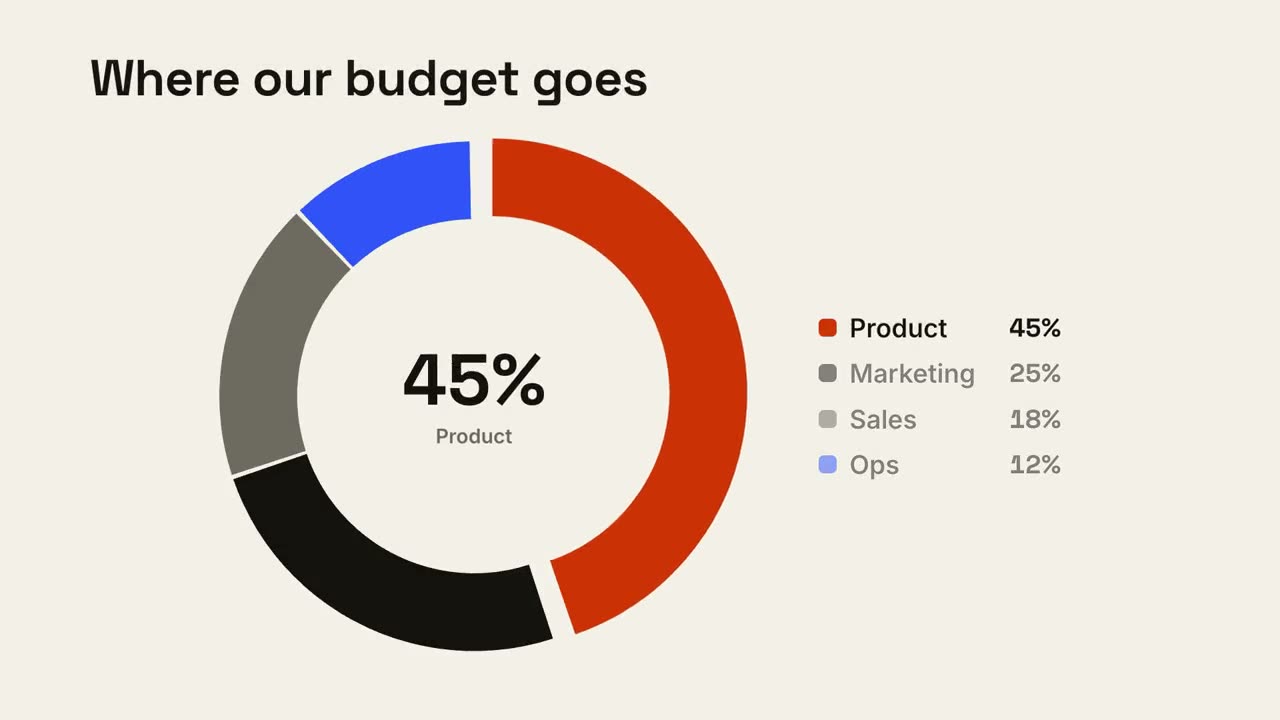
環形佔比
環形圖逐段畫出,最大的一塊向外彈出。
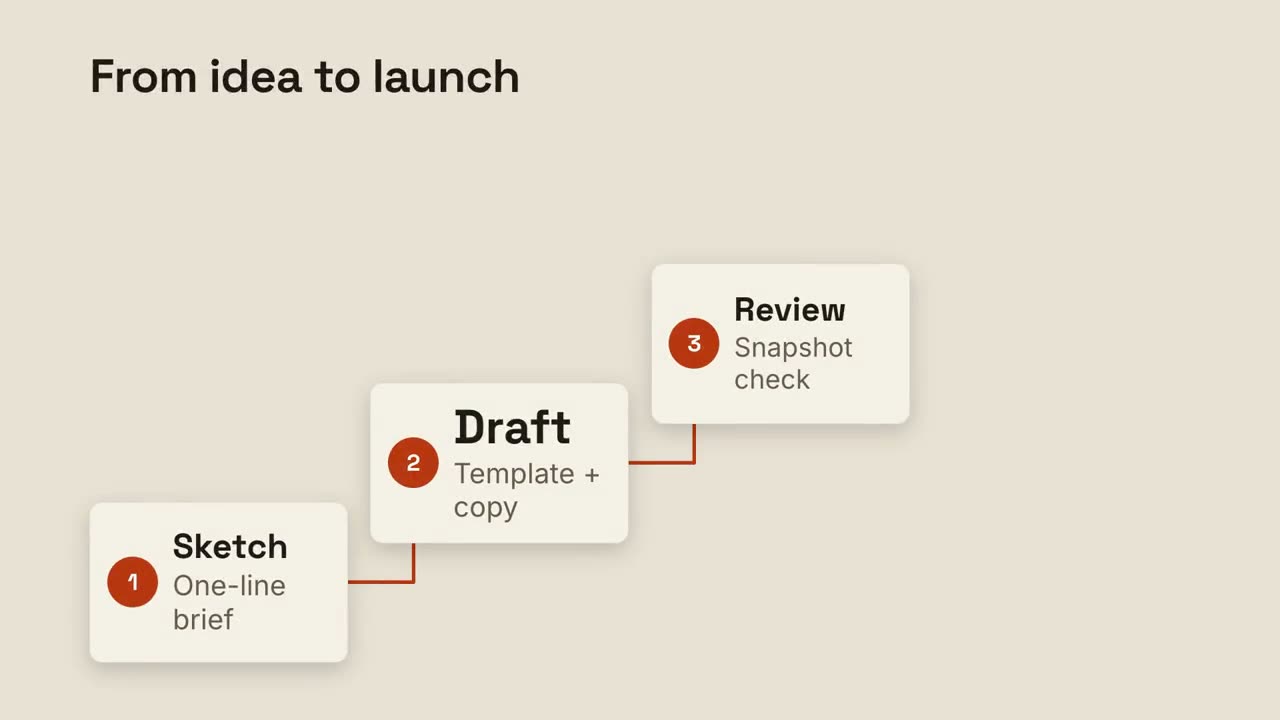
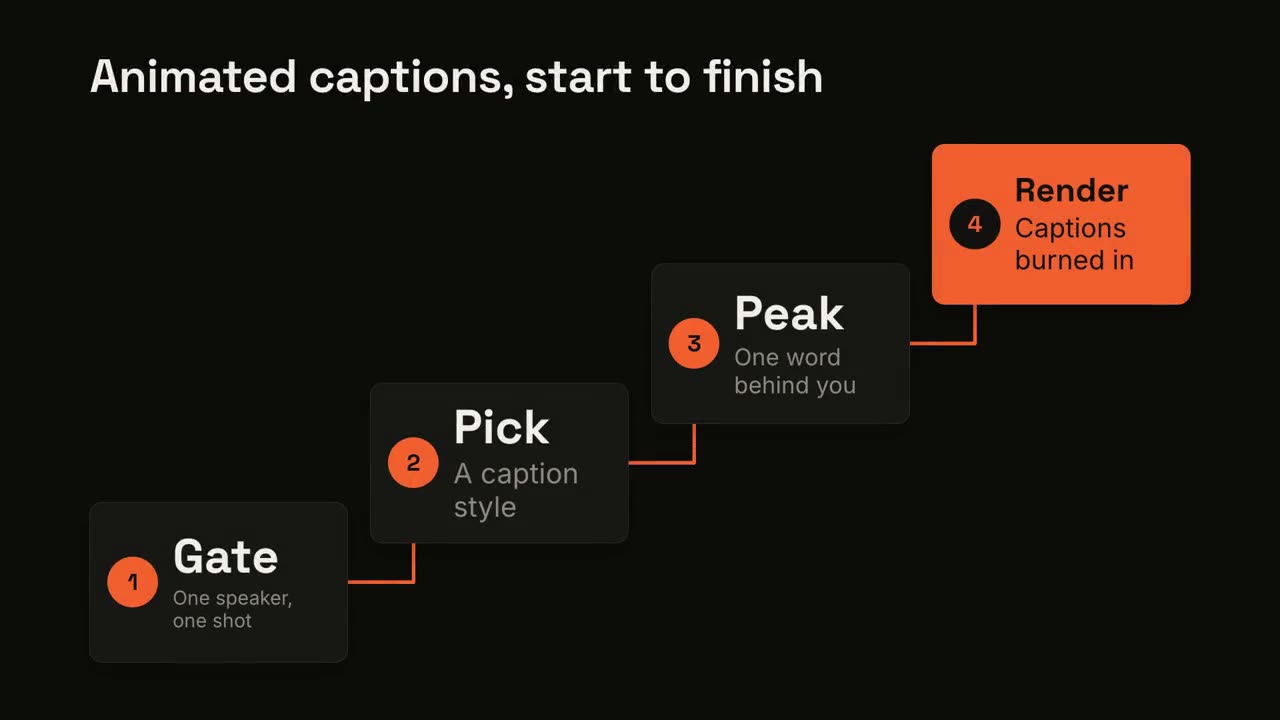
階梯步驟
編號步驟沿階梯上升,用線條依次相連。
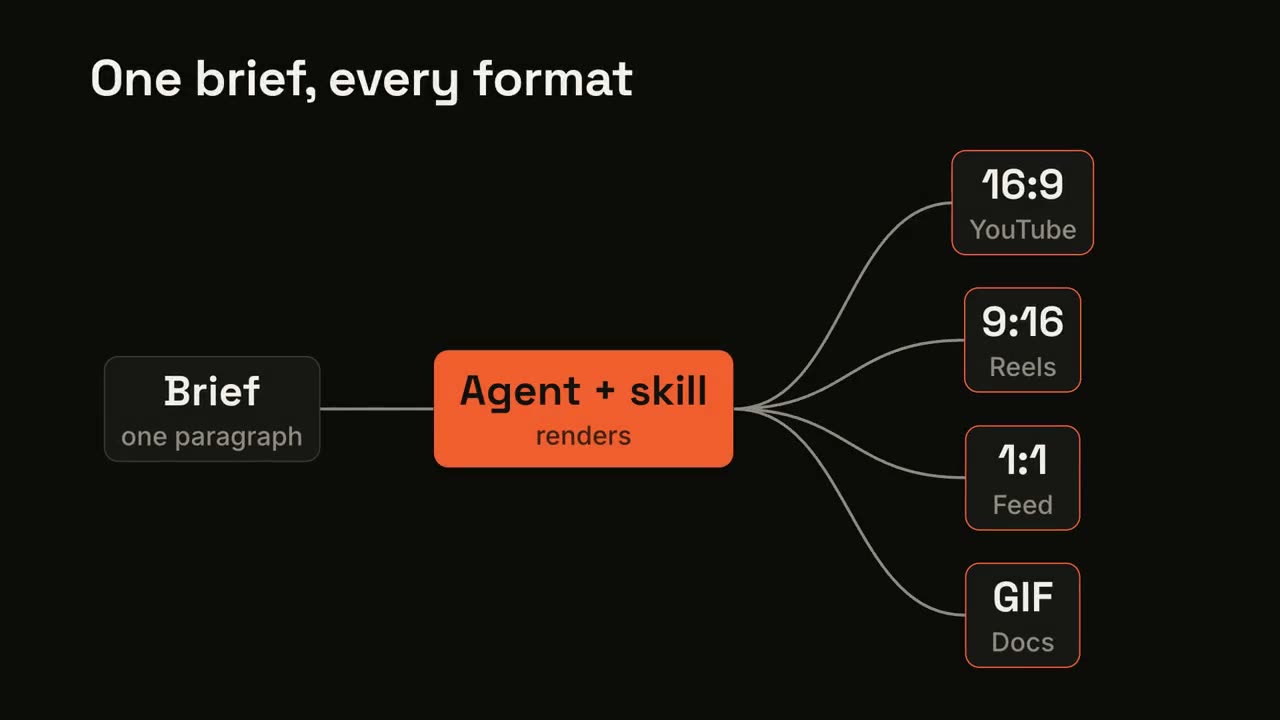
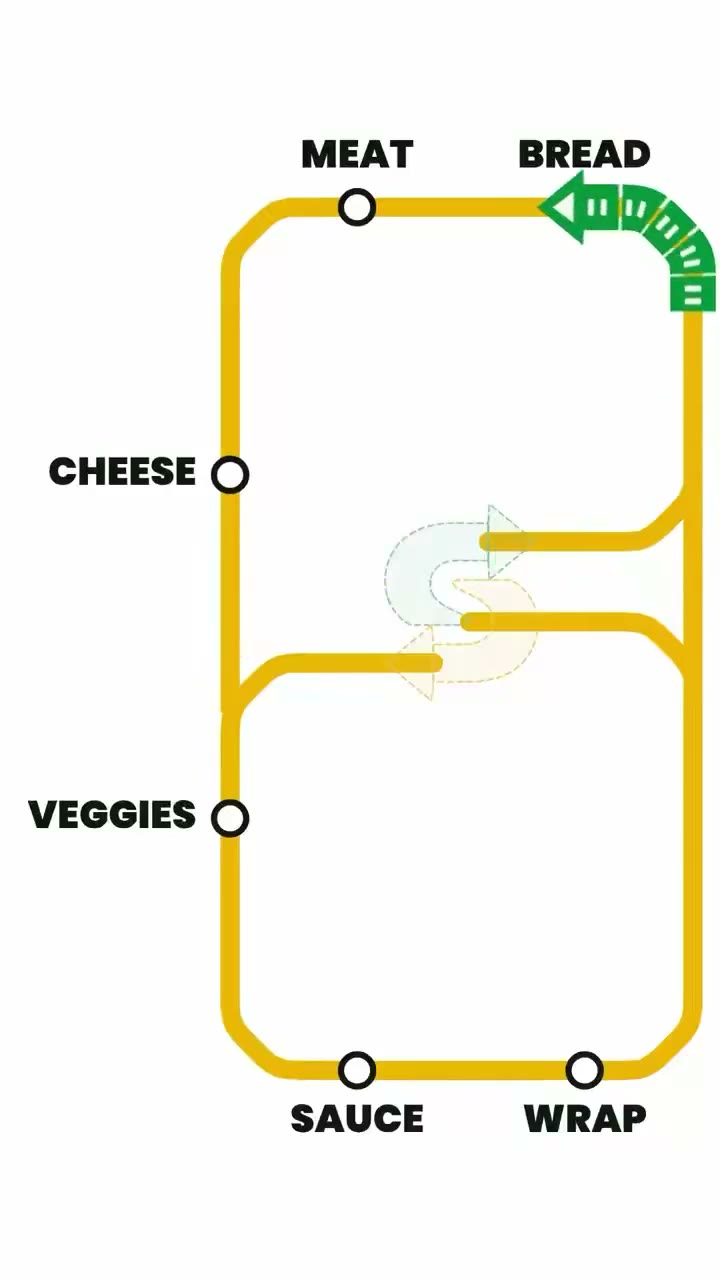
流水線分發
一個輸入經過處理,分發成多個輸出。
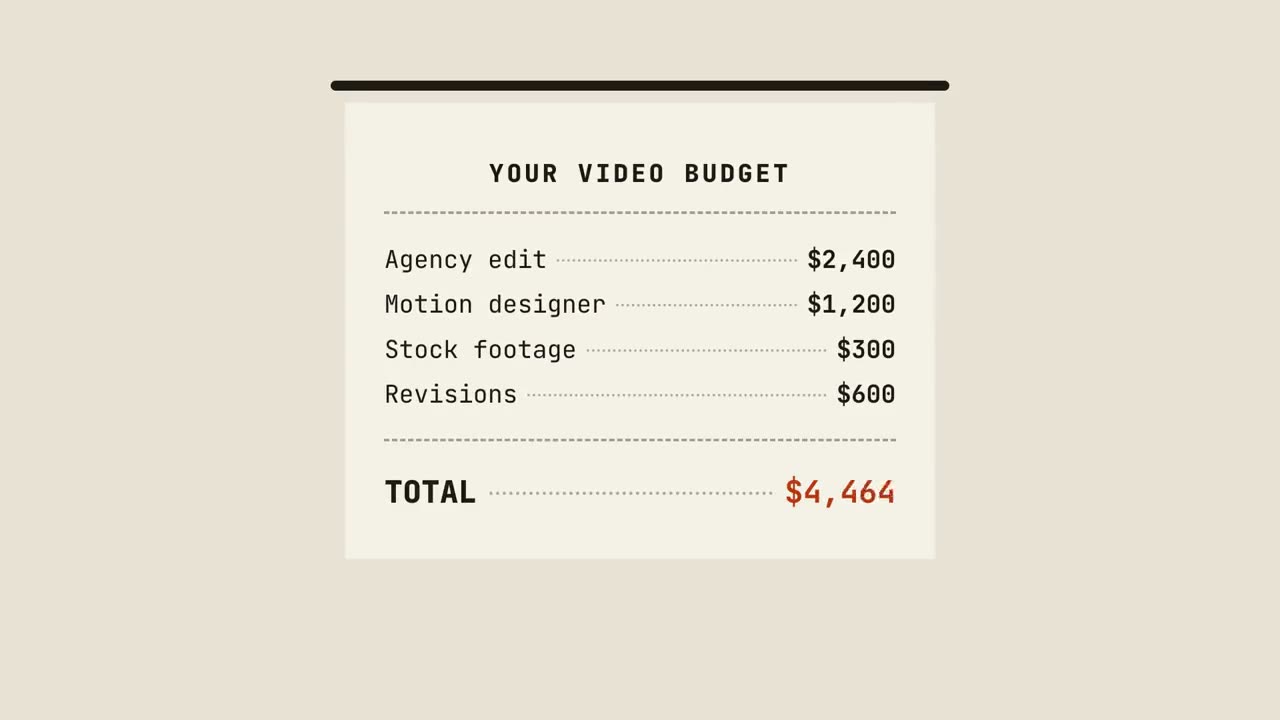
帳單小票
小票逐行列印、彙總金額,最後蓋上印章。
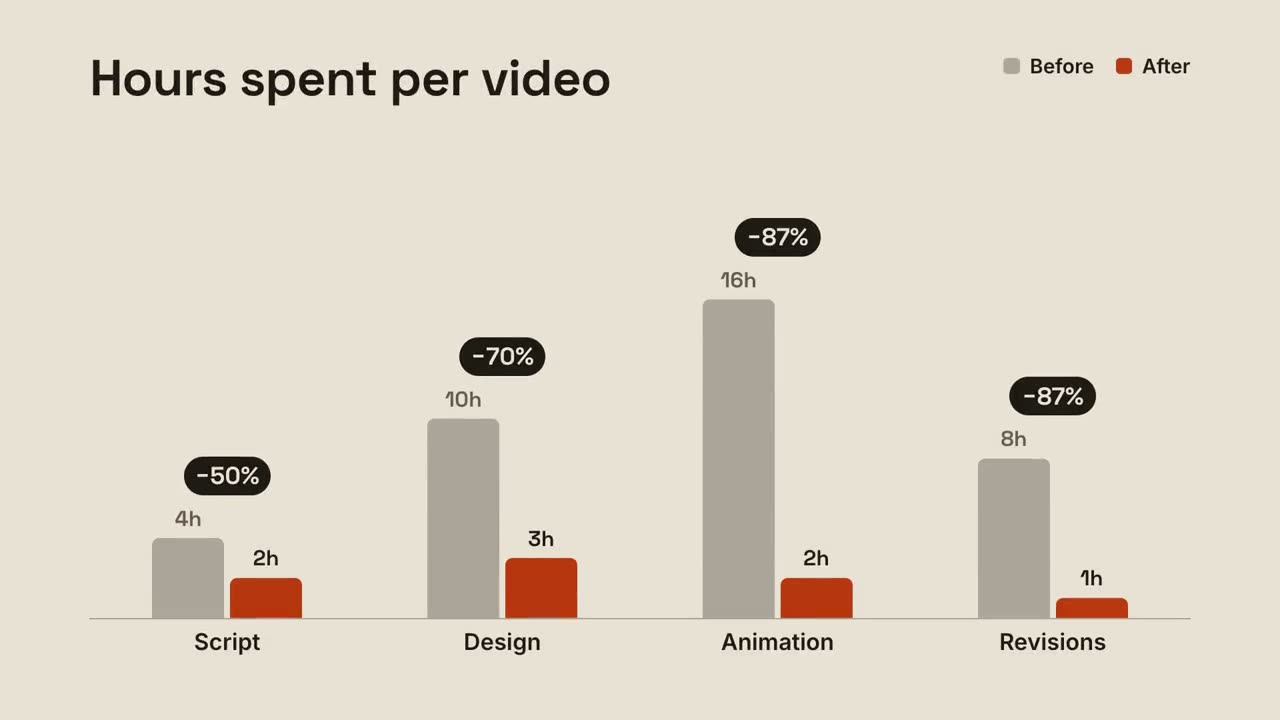
分組對比柱
每組前後兩根柱子對比,變化百分比在上方彈出。
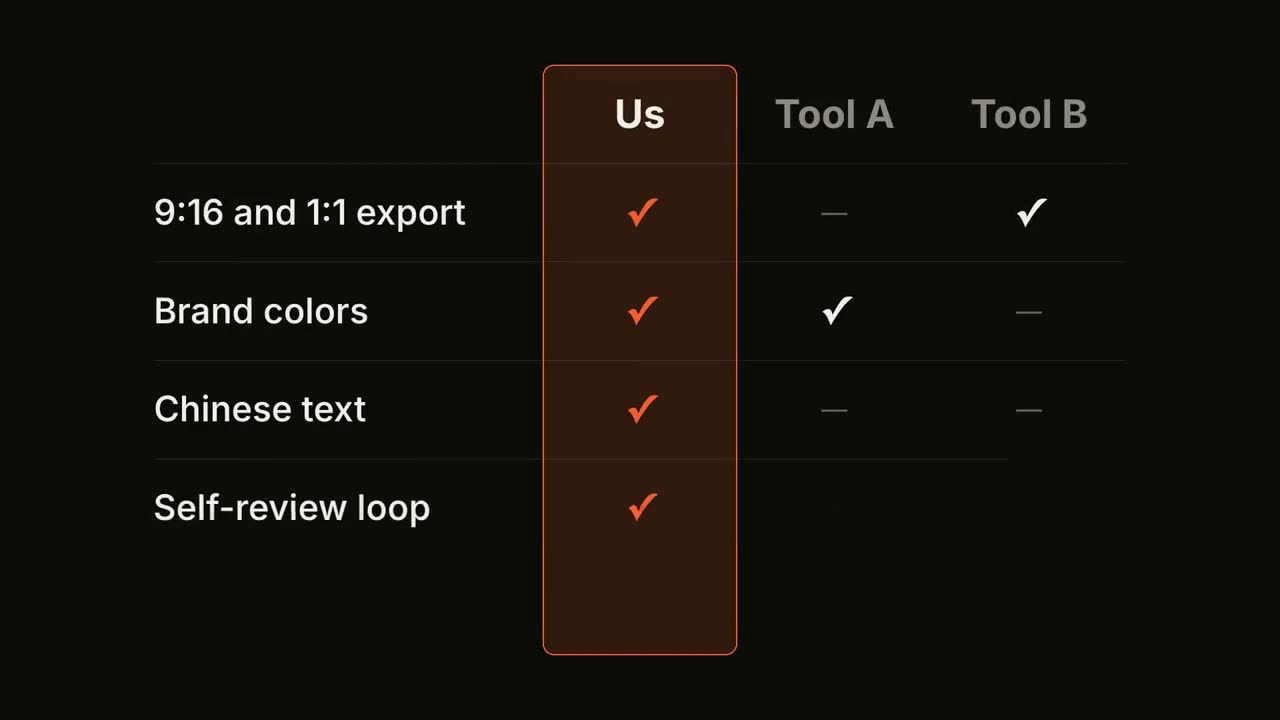
功能對比表
對比表逐行填入,你的那一列始終高亮。
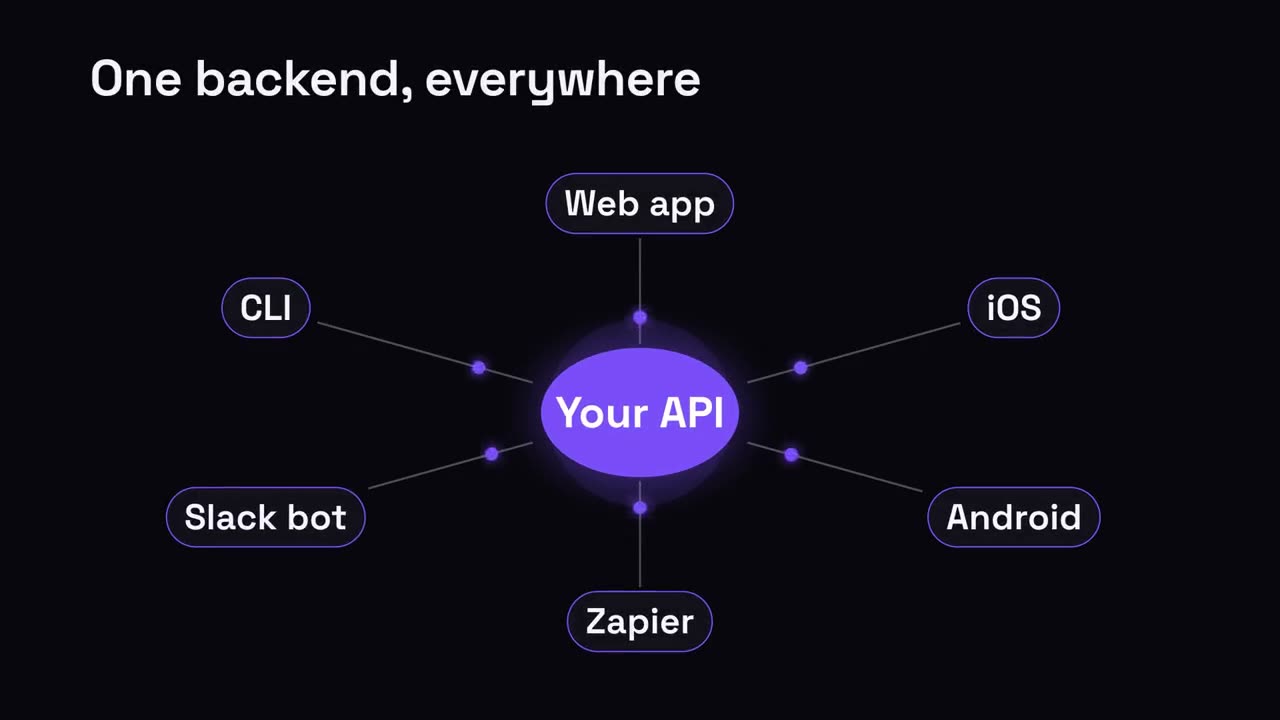
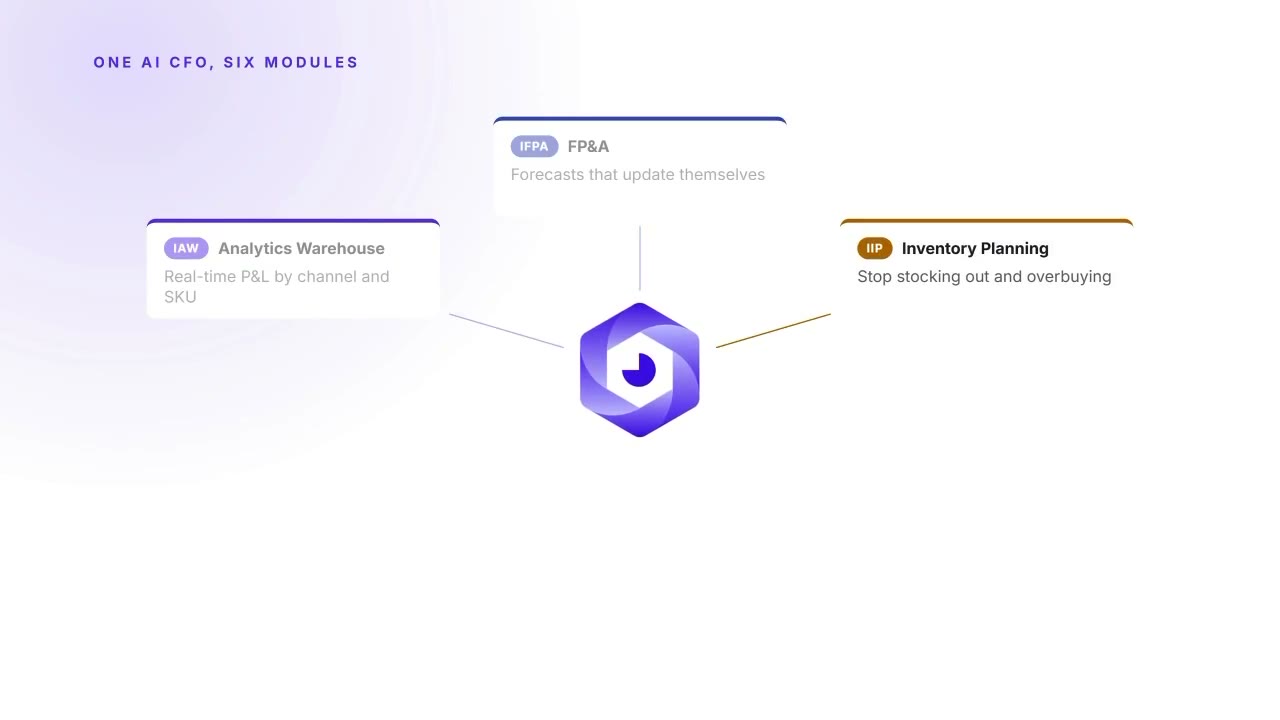
中心輻射
一箇中心節點,向所有連線物件輻射。
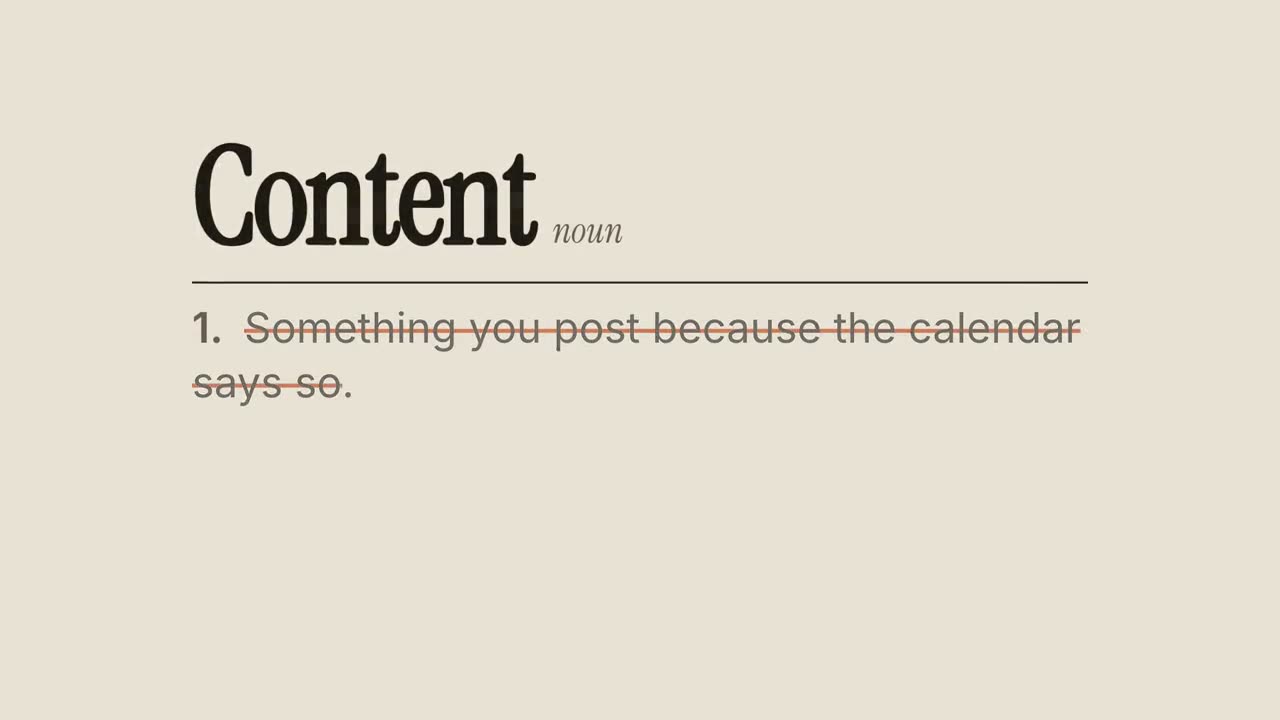
重新定義
詞典式詞條:劃掉常見定義,寫上你的新定義。
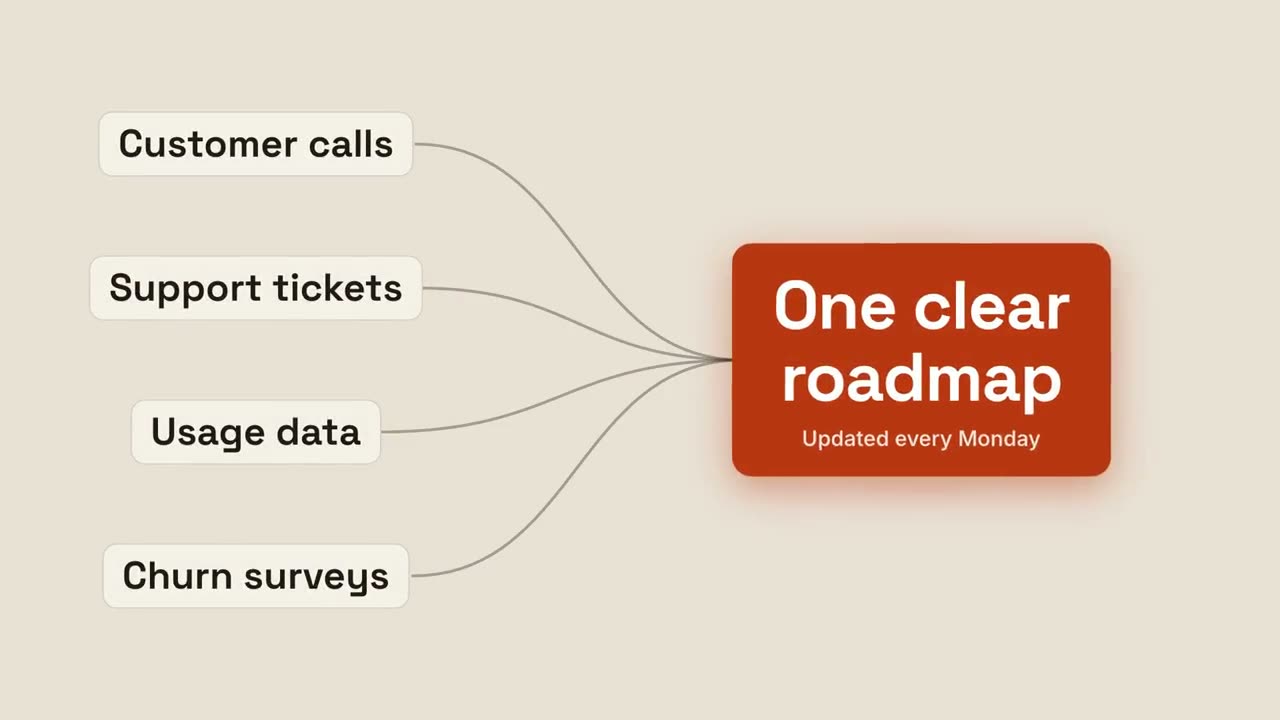
匯聚成果
多個輸入匯流,形成一個發光的結果。
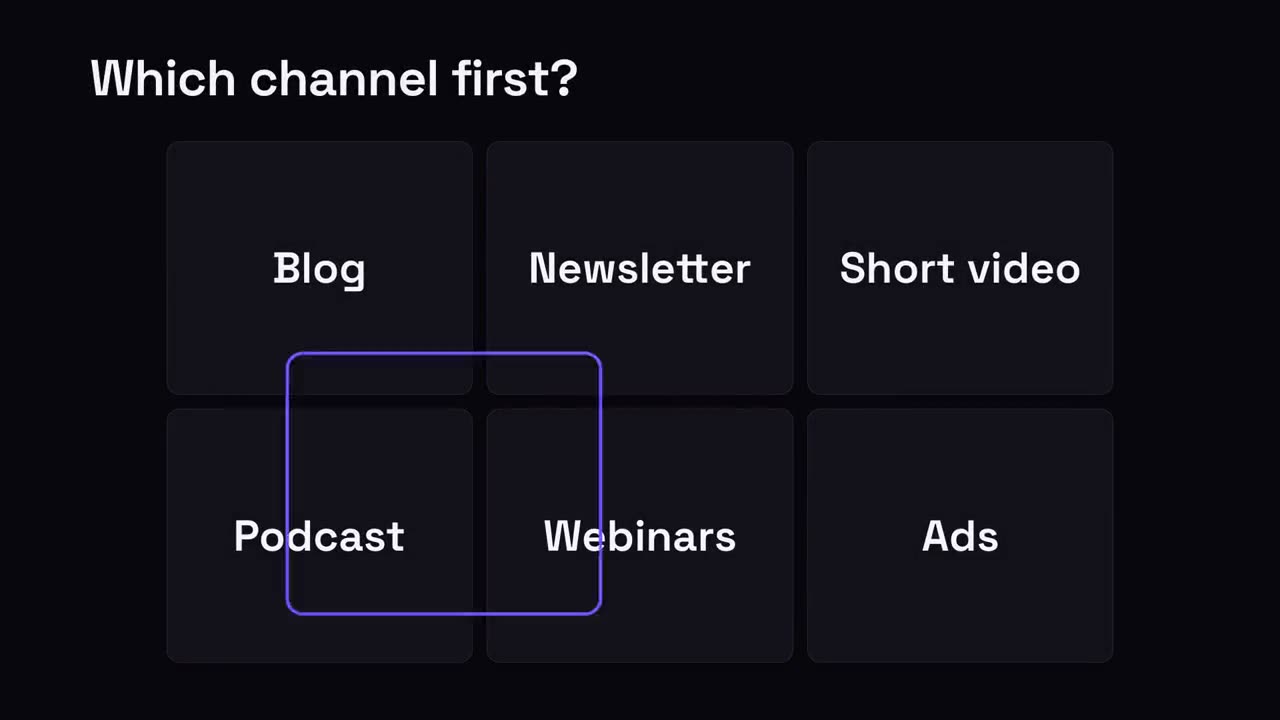
多選一網格
一組選項,選擇框來回跳動,最後落在勝出項上。
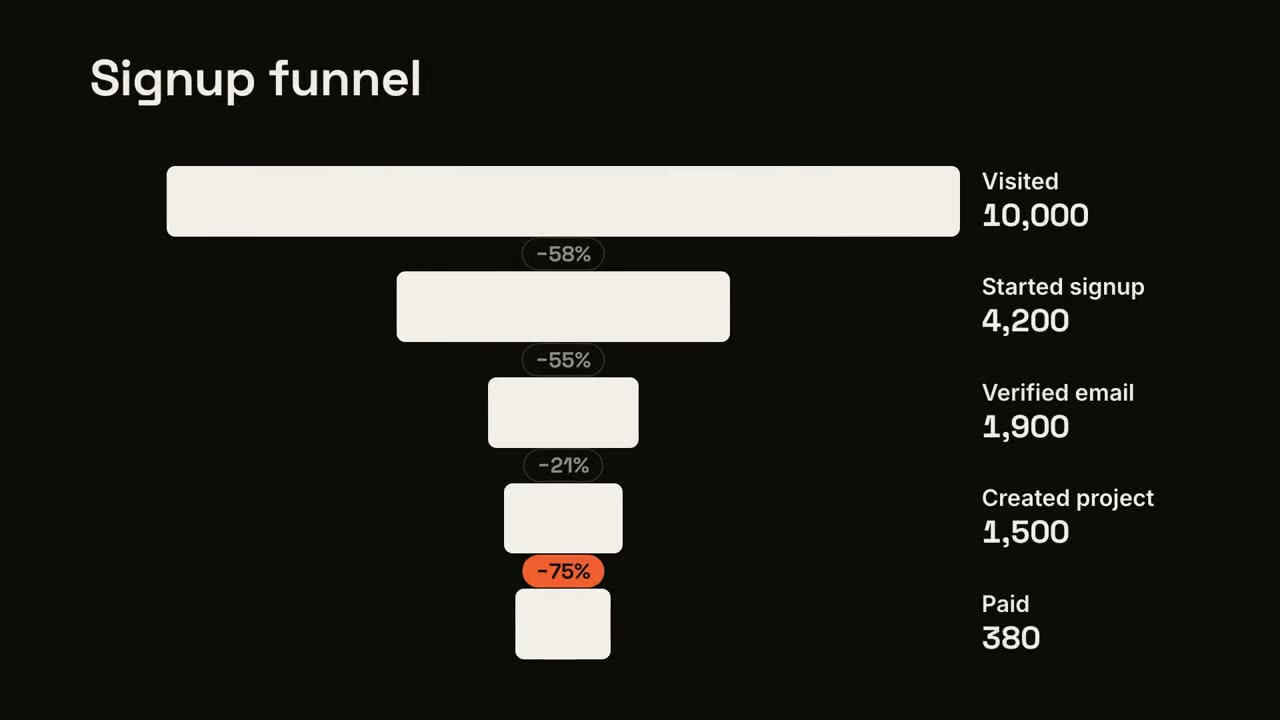
漏斗流失
漏斗逐級收窄,並標出流失最嚴重的一步。
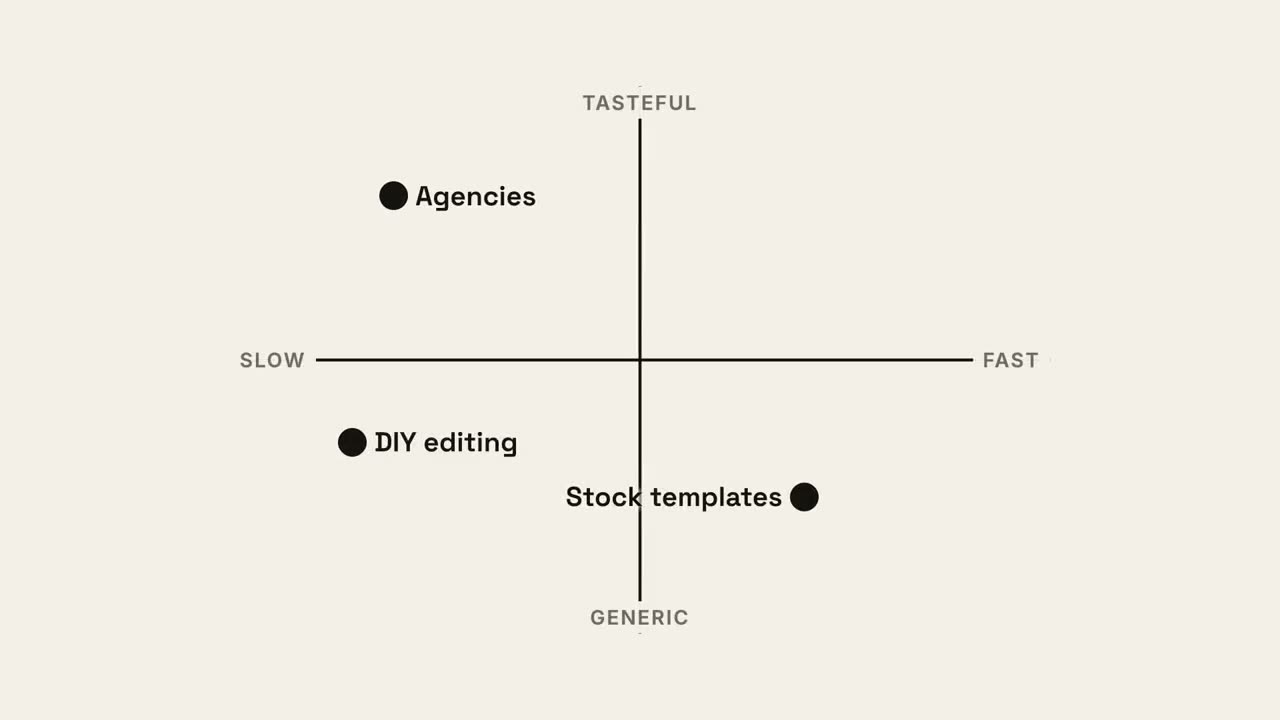
四象限定位
2×2 定點陣圖,你的圓點佔據最好的那個象限。
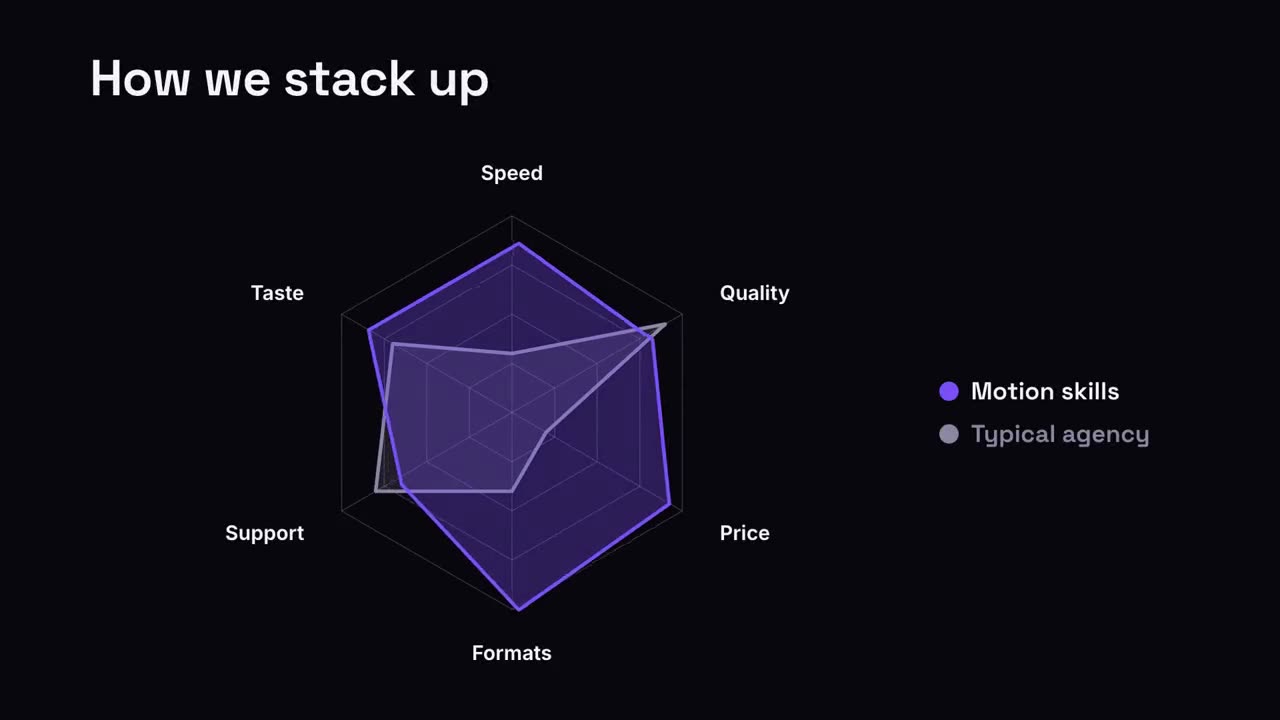
雷達對比
雷達圖上,你的圖形把對比物件比下去。
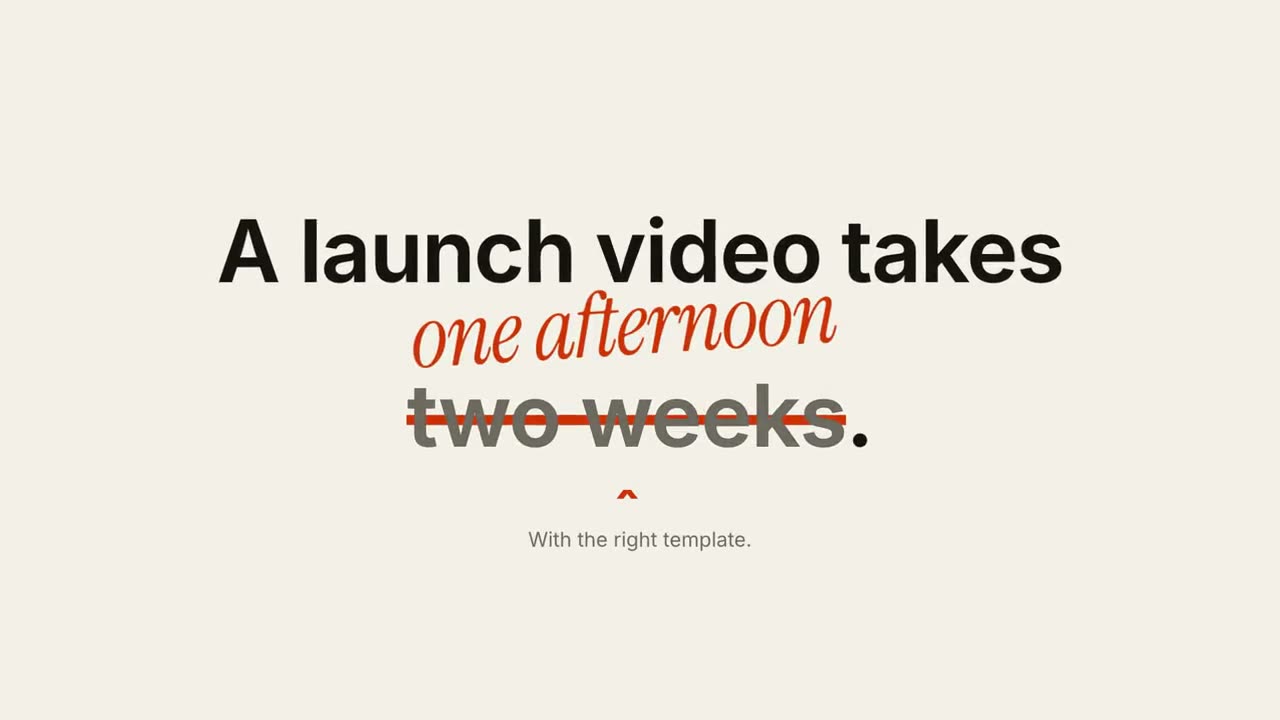
劃掉更正
劃掉句子中的一個短語,在上方寫上更正。
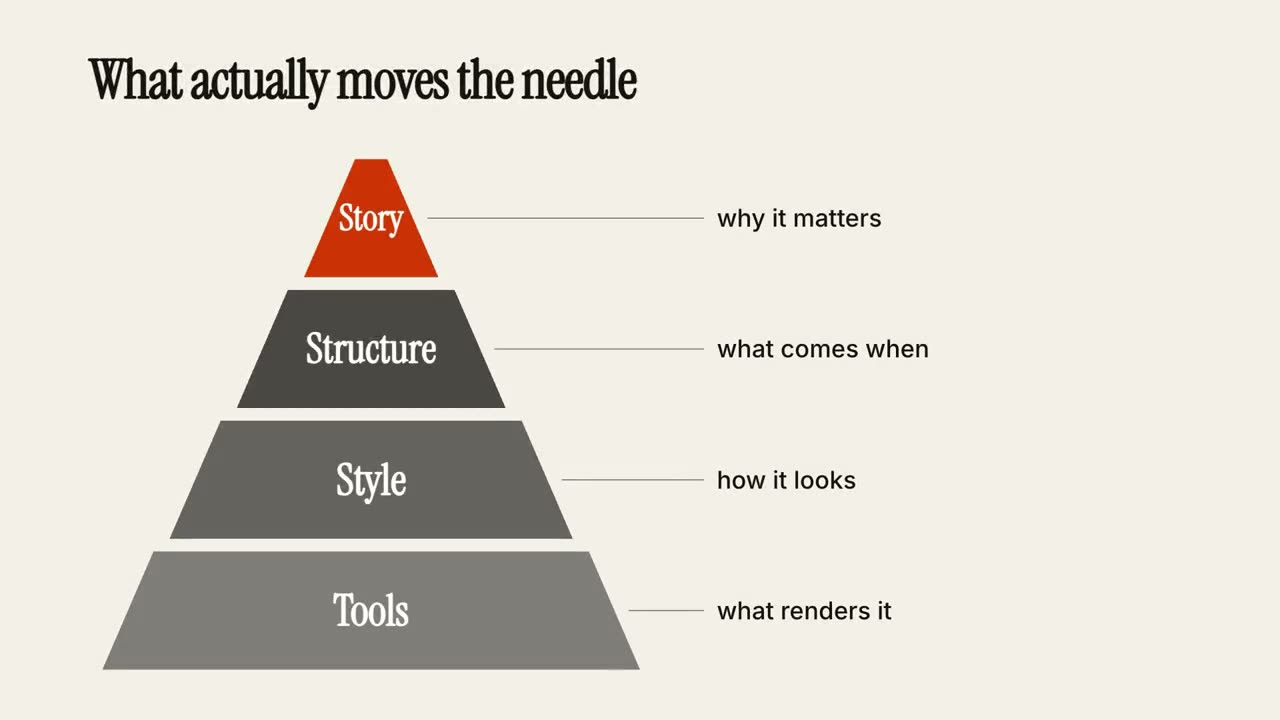
層級金字塔
金字塔逐層搭建,每層附一句說明。
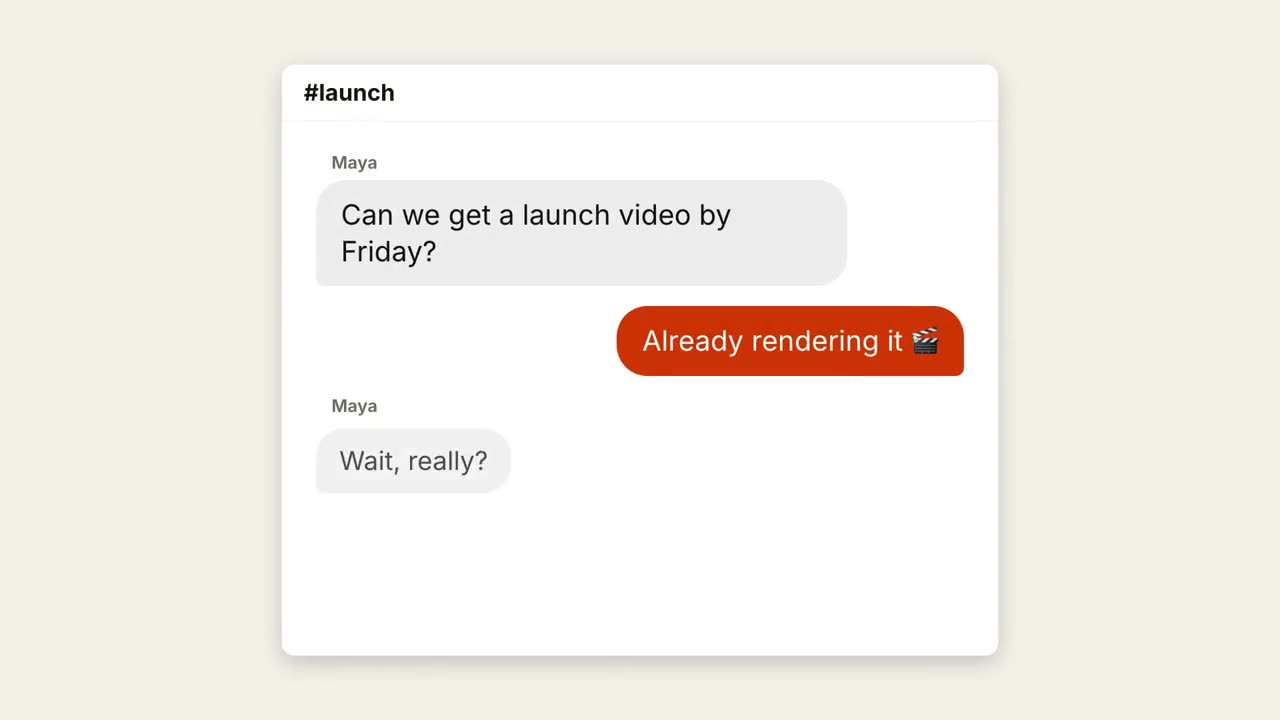
聊天對話
一段對話:先顯示輸入中,再彈出氣泡。
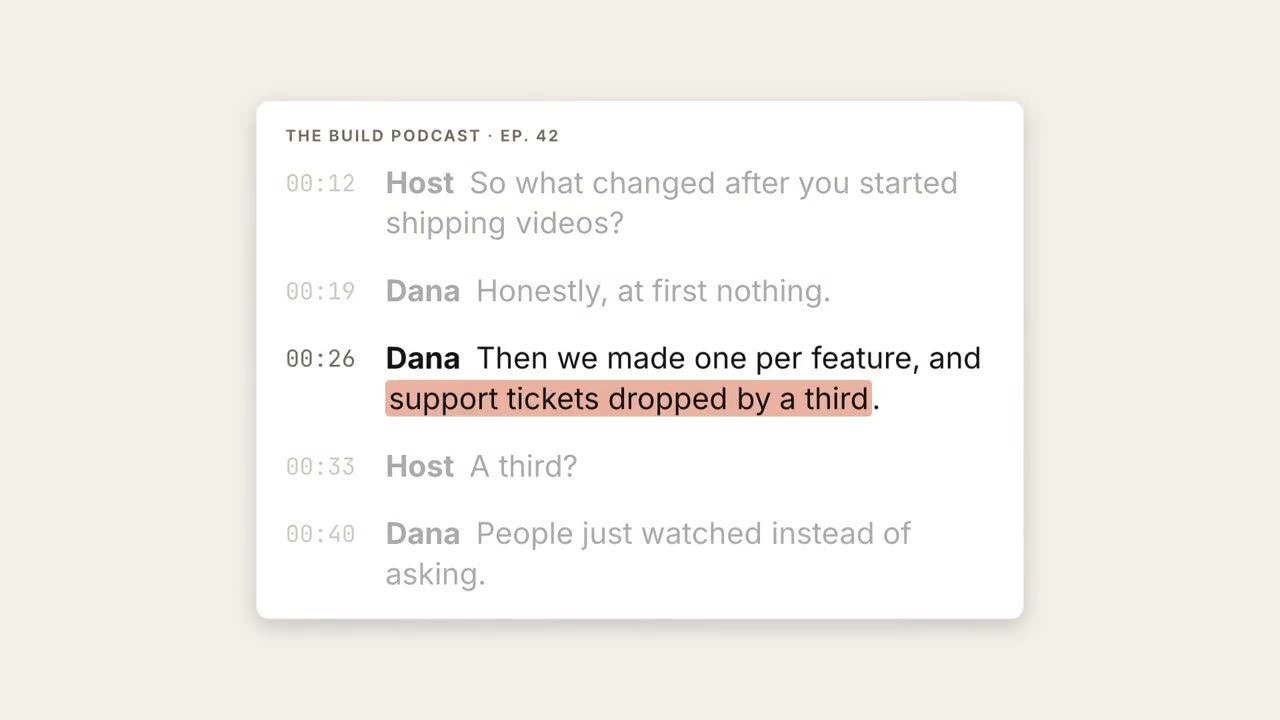
逐字稿高亮
逐字稿依次出現,關鍵句被高亮並放大成引語。
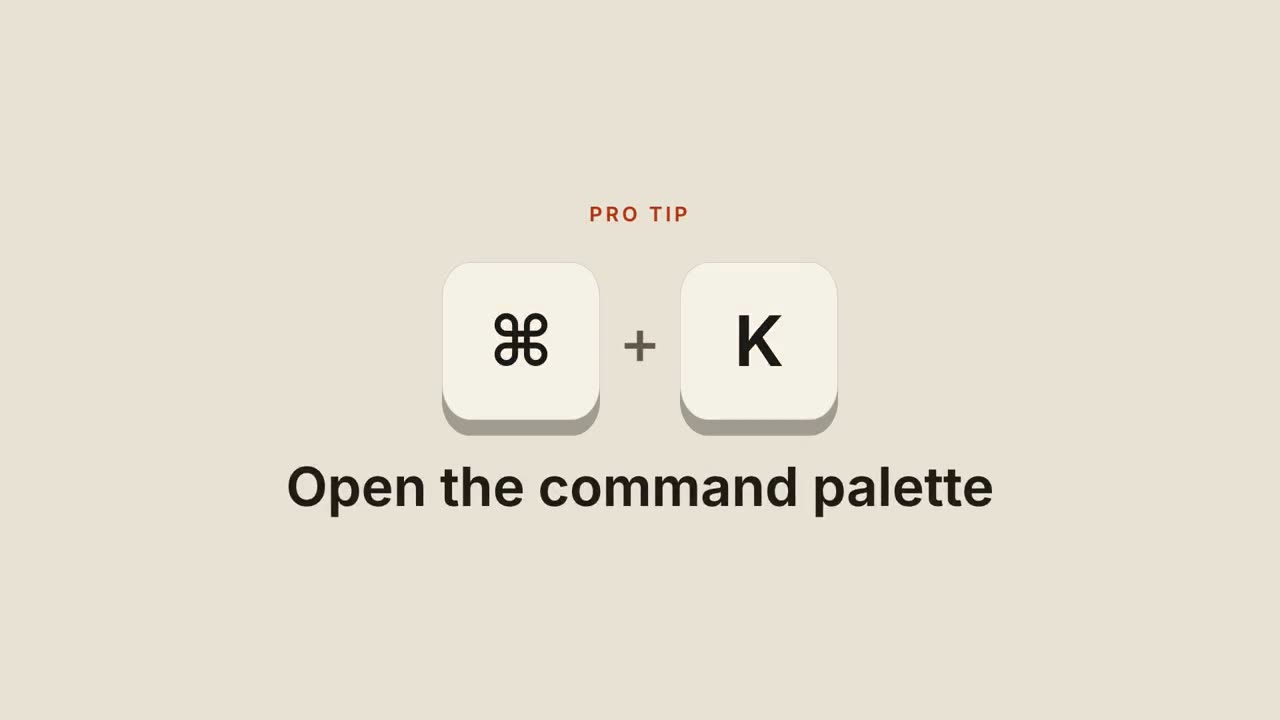
快速鍵
鍵帽落下、按下,再顯示這個快速鍵的作用。

網頁滾動展示
傾斜的瀏覽器視窗平滑滾過整個頁面。
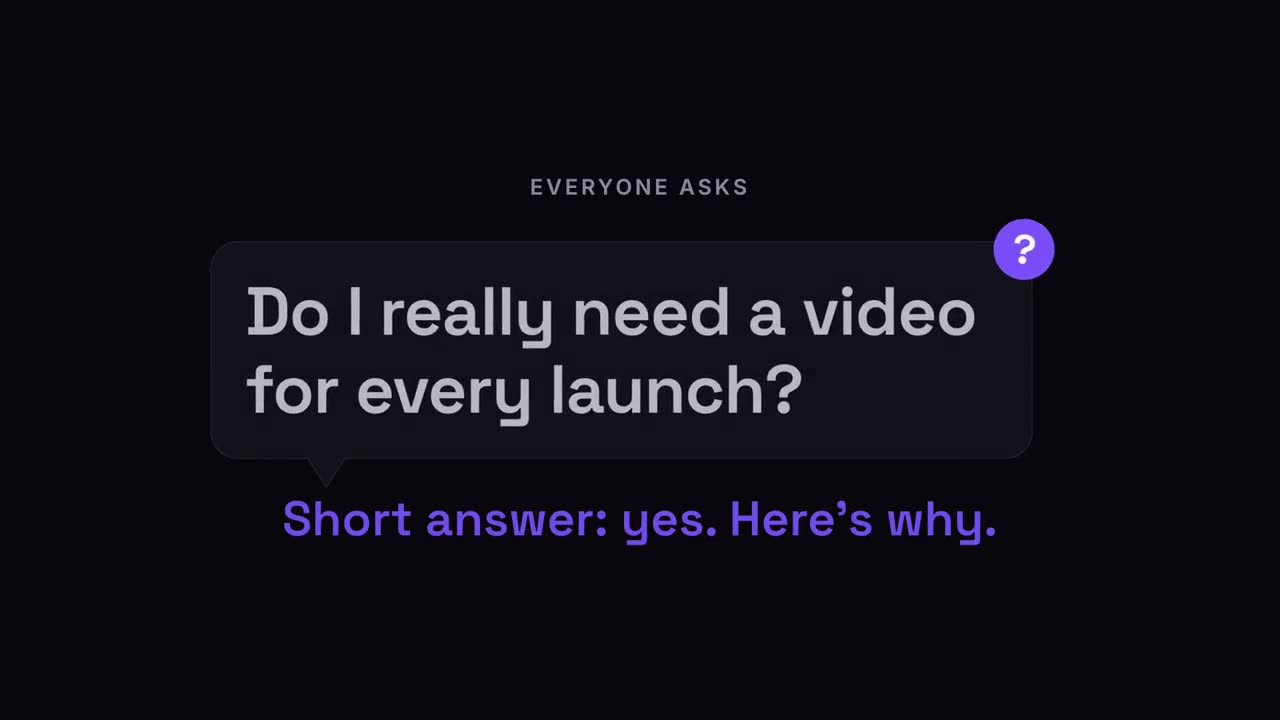
問題氣泡
觀眾的問題出現在對話氣泡裡,隨後給出答案。
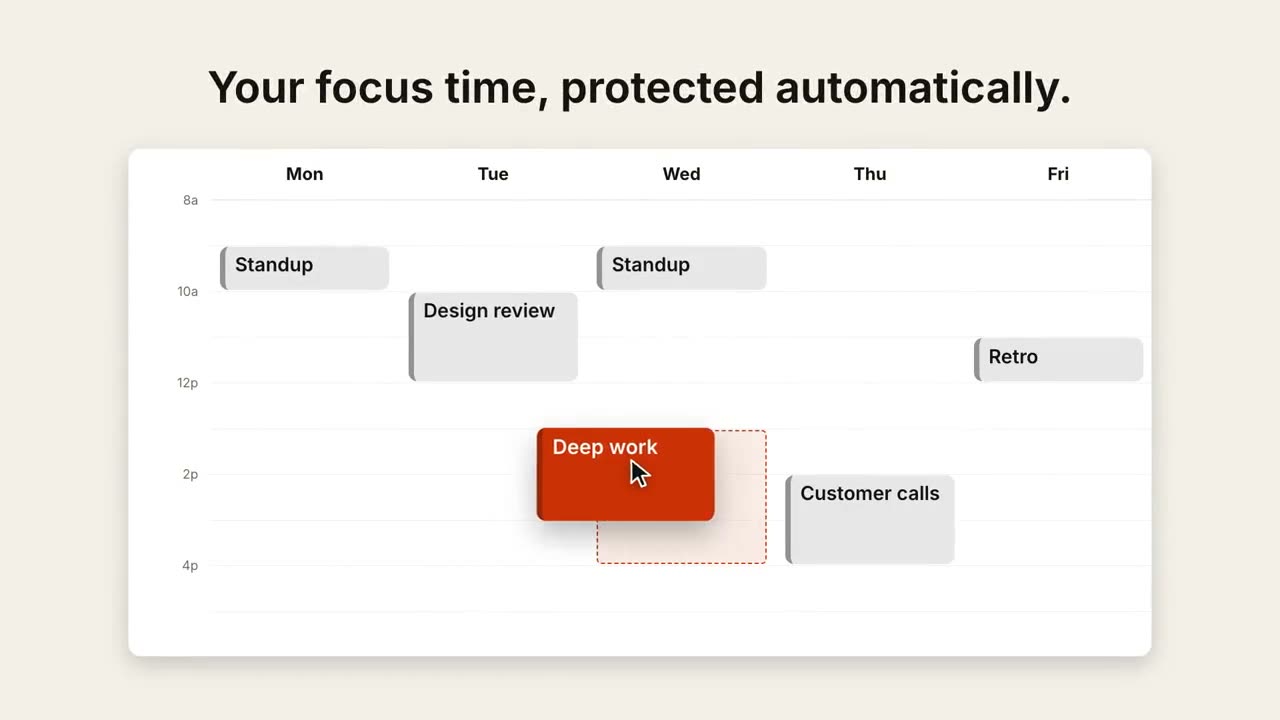
日程拖曳
周檢視排滿日程,游標把一個事件拖到更合適的時段。
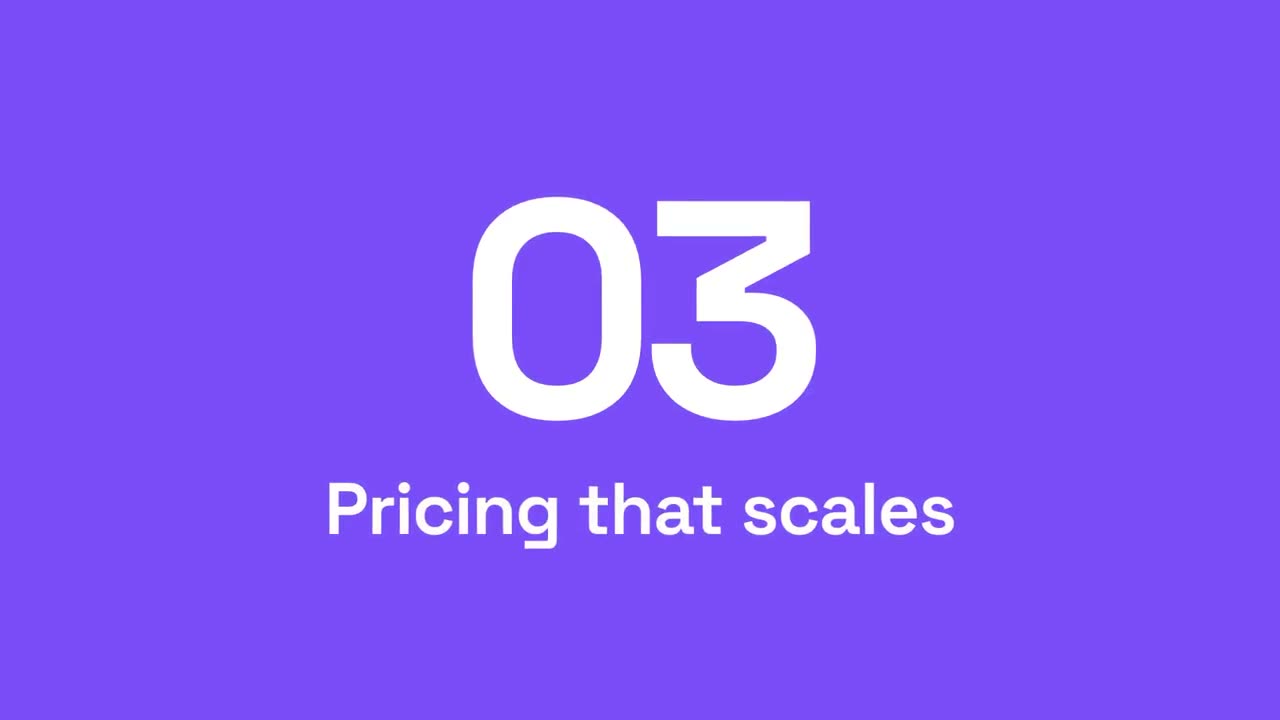
章節轉場
強調色面板掃過畫面,章節號滾動到下一個。
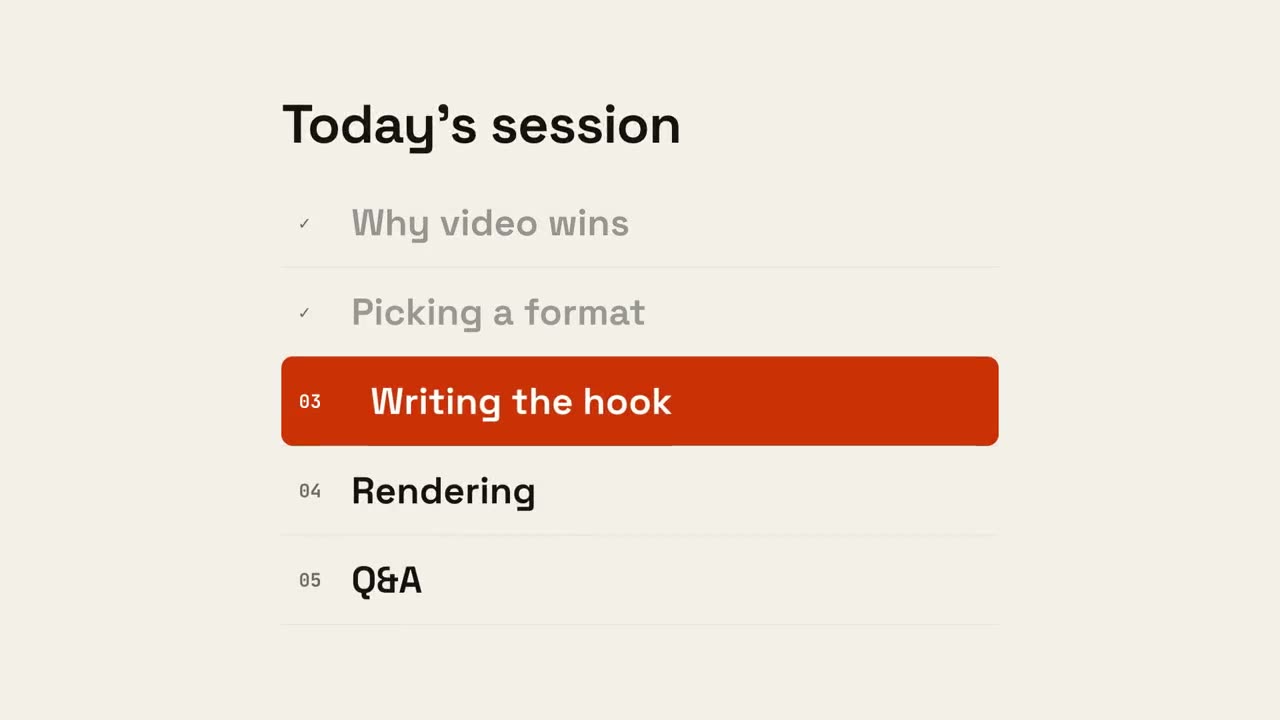
議程進度
議程列出,已完成項打勾,標記滑到下一項。
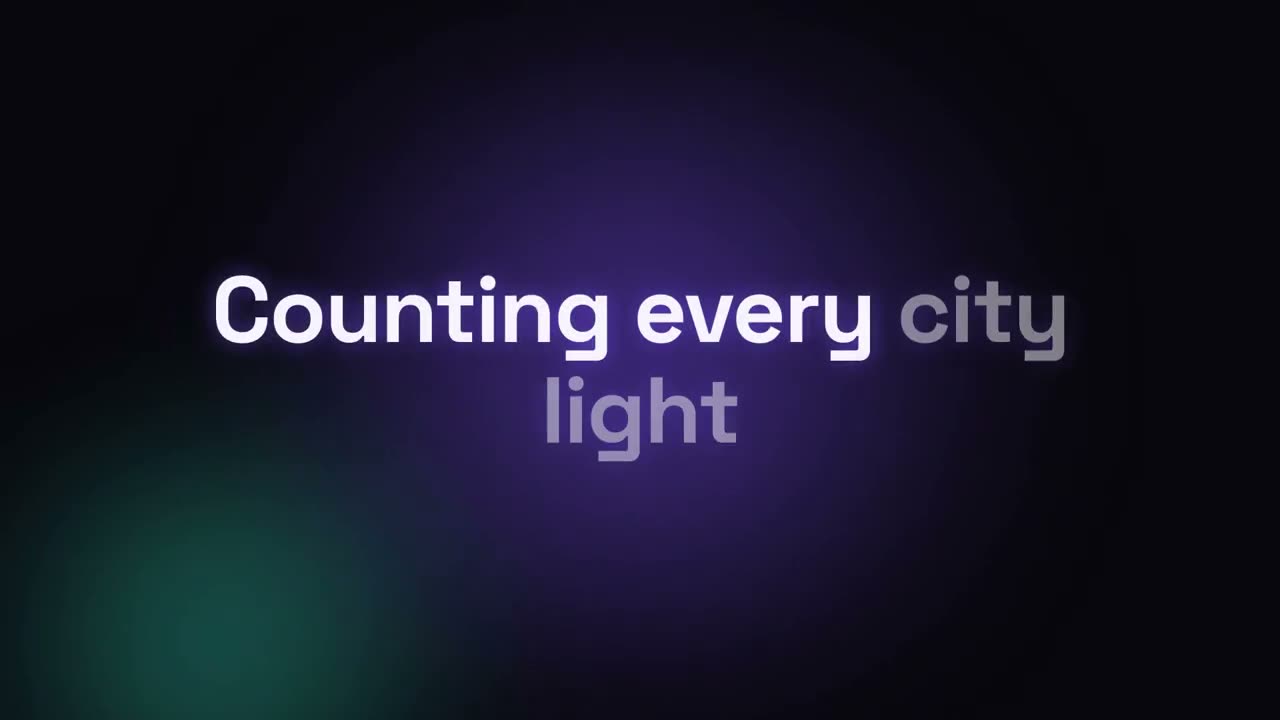
歌詞影片
按時間軸出現的歌詞:卡拉 OK 填色、動感逐詞或逐行堆疊。
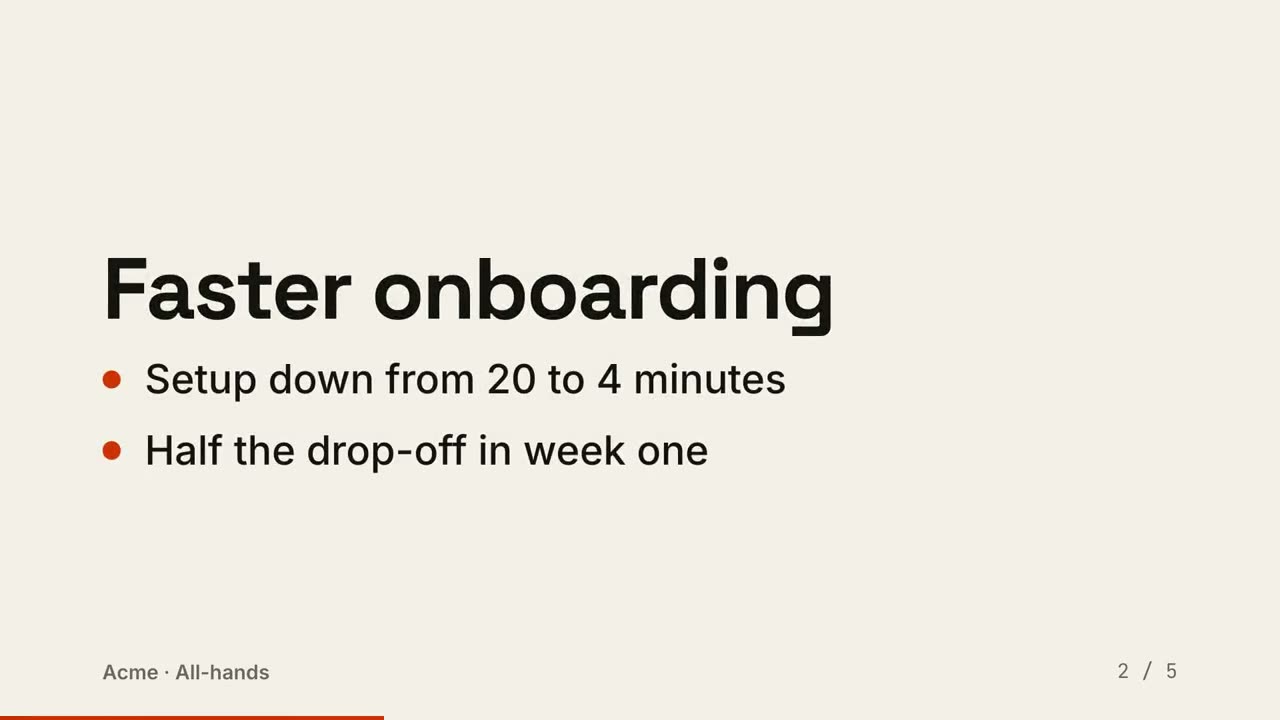
幻燈片轉影片
把幻燈片渲染成影片:每頁一拍,要點依次出現。
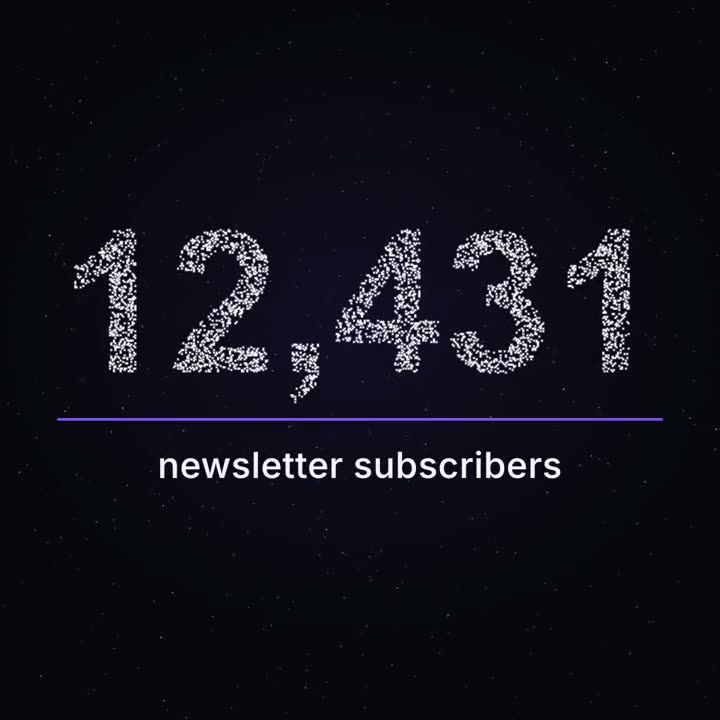
里程碑粒子數字
成千上萬個光點像星空般漂浮,再聚成你的真實數字。
用這些 Skill 做出來的作品



常見問題
能做 YouTube 講解影片嗎?
能。Explainer Director 把文章、筆記或一個主題做成 30–90 秒的講解影片,配樂或用你自己的配音。單一場景(圖表、示意圖、標題)也可以直接放進你的剪輯。
能幫我的口播影片加字幕嗎?
能。Animated Captions 在你的電腦上轉寫影片,並加上逐字字幕。第一次執行會下載語音模型(約 2 GB)。
資料影片裡的數字準確嗎?
Data → Video 的每個數字都從你的檔案讀取,從不編造或推算;算繪前會先給你看分鏡核對。