Motion Creator
给创作者的动态图形
讲解、数据故事、短视频、字幕、标题和转场,适合 YouTube、Reels、TikTok 和 LinkedIn。Agent 根据你的笔记、脚本或表格写内容,每个场景都带配乐渲染。
61 个 Skill · 17 个免费
一条龙做完整支视频的工作流
把素材交给 Agent:它规划镜头、给你看分镜,再渲染带配乐的 MP4。下面每个镜头也可以单独使用。
还没想好?先免费用 Motion Director
一句话进去,先出分镜,再出 MP4。它会从三条产品线里挑镜头;如果这里的工作流能做得更好,它会在分镜阶段告诉你。
有 Claude Motion?复制提示词
适用于 Claude Team 和 Enterprise。每条提示词都链接到能在 Claude Code、Codex 或 Cursor 里做同类视频的 Skill。
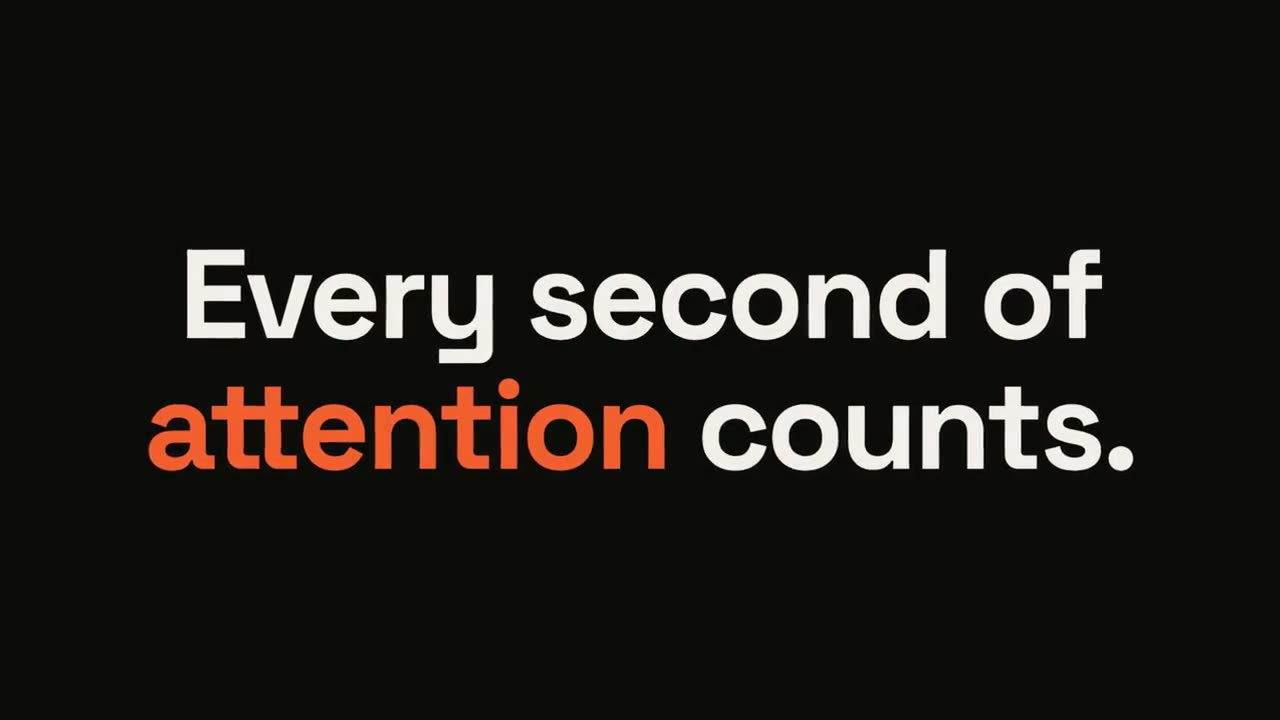
金句爆点
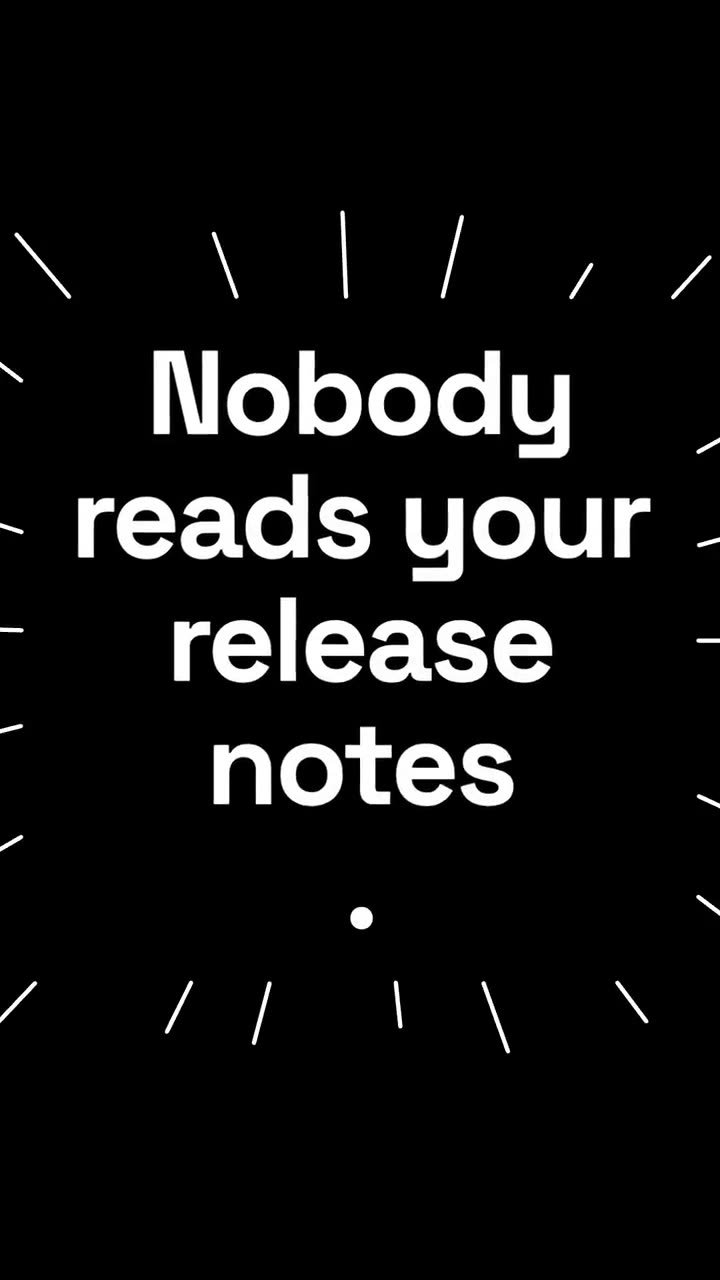
查看 Skill →免费Make a 6-second 16:9 kinetic statement for [who will watch, e.g. followers on LinkedIn], playing muted in the feed. Use only the sentence below; don't change a word. Near-black background, bold geometric sans, centered. The words punch in one at a time from a slight blur and larger scale. When the last word lands, the key word flips to orange and short orange rays burst outward around the whole statement and retract. End frame: the text slowly scales up by a few percent and holds. Statement: [your line] (e.g. "Every second of attention counts.") Key word: [e.g. "attention"]
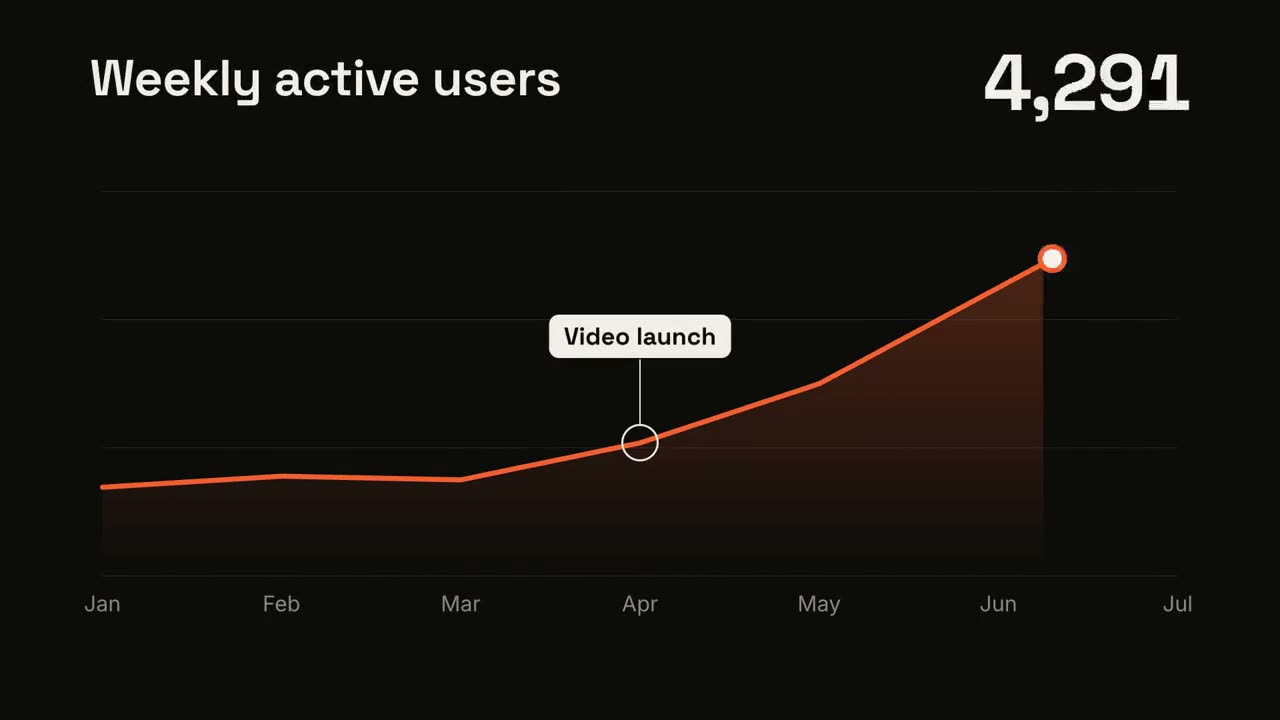
趋势折线
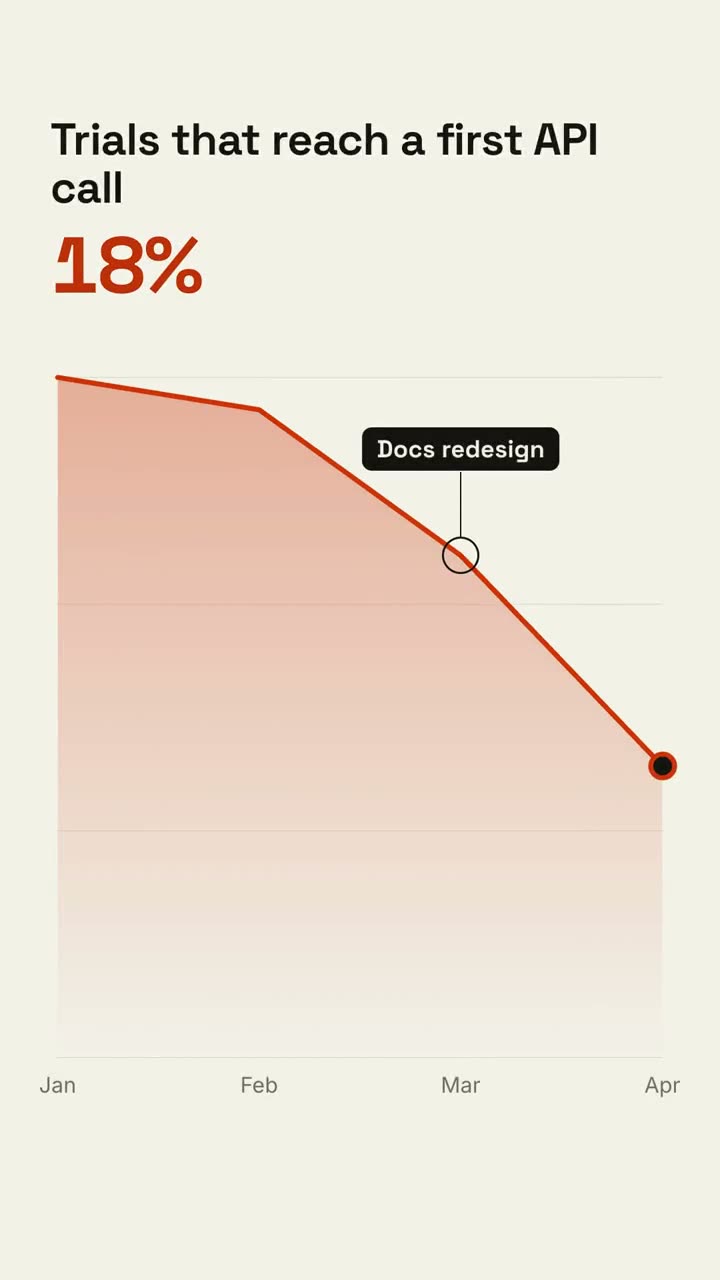
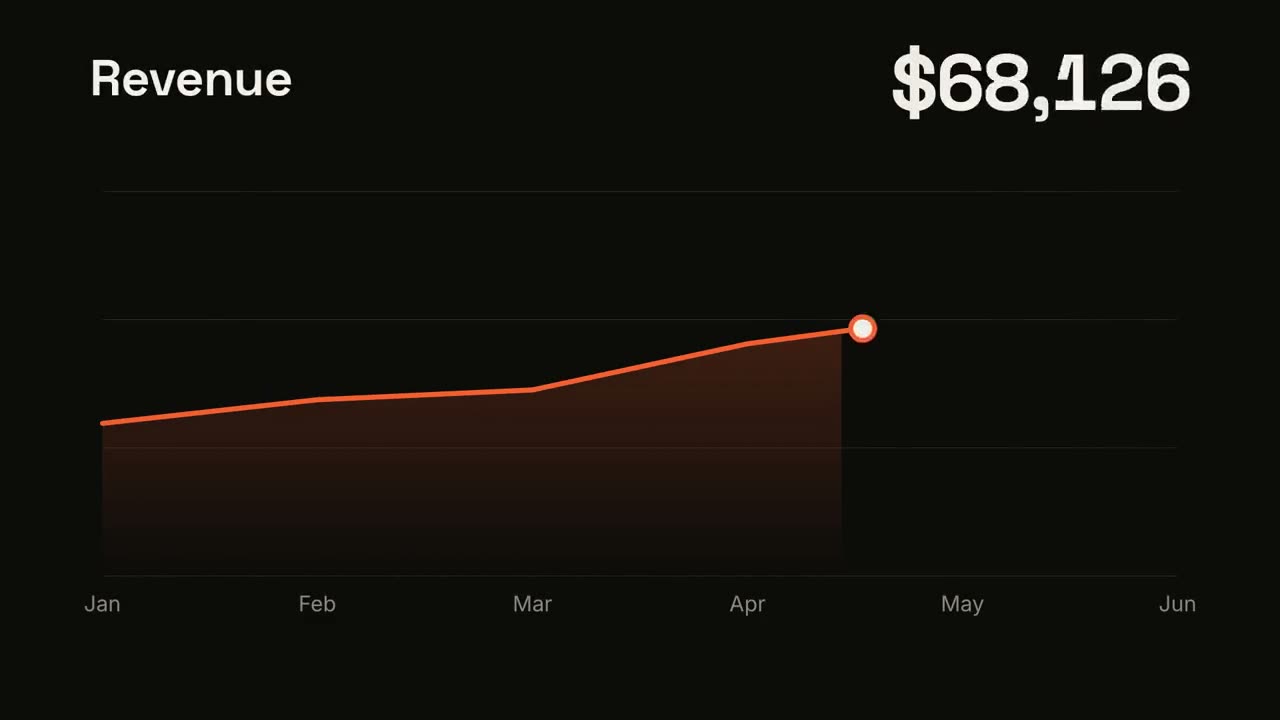
查看 Skill →免费Make a 7-second 16:9 line chart for [who will watch, e.g. the board], playing [where, e.g. the quarterly review]. Use only the numbers I attach or list below; don't round or smooth them. Near-black background. The title sits top left and a large white number top right. An orange line draws from left to right across the period over a fading orange gradient fill, while a white dot with an orange halo rides the tip and the big number counts along with it. At the marked point, a white ring appears on the line with a thin stem and a white label. End frame: the big number turns orange, held for 1.5 seconds. Title: [e.g. "Weekly active users"] Data: [your periods and values] (e.g. Jan to Jul, 1,200 to 5,200) Marked point and label: [e.g. April, "Video launch"]
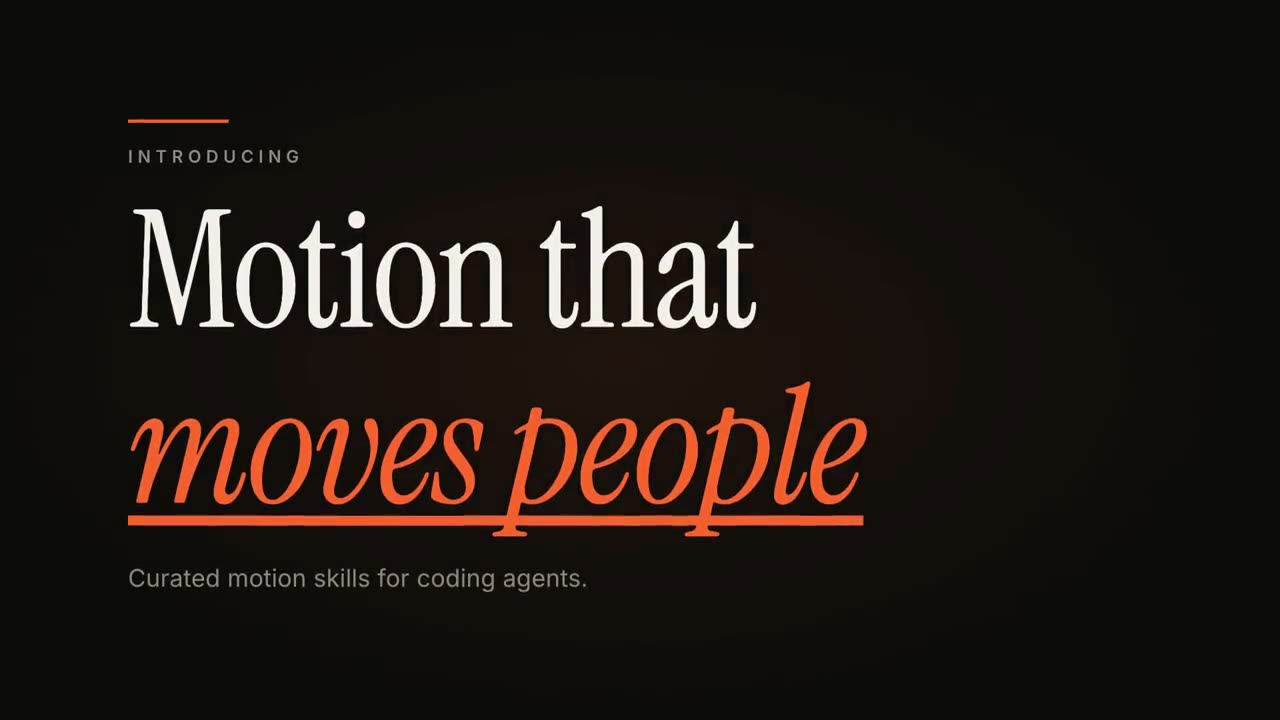
动态文字标题
查看 Skill →免费Make an 8-second 16:9 title card for [who will watch, e.g. viewers of our YouTube series], playing [where, e.g. the opening of each episode]. Use only the words below; don't change them. Near-black background. A short orange rule draws in from the left, then a small uppercase label fades in with wide letter spacing tightening. Below it, a two-line headline rises line by line from behind invisible masks with a fast expo ease: line one in an off-white editorial serif, line two in orange italic, which then gets an orange underline wiping in from left to right. A soft gray supporting line fades up word by word. End frame: the finished title, held with a slow upward drift and a faint warm glow moving behind the text. Label: [e.g. "INTRODUCING"] Headline: [two lines] (e.g. "Motion that" / "moves people") Supporting line: [one short sentence]
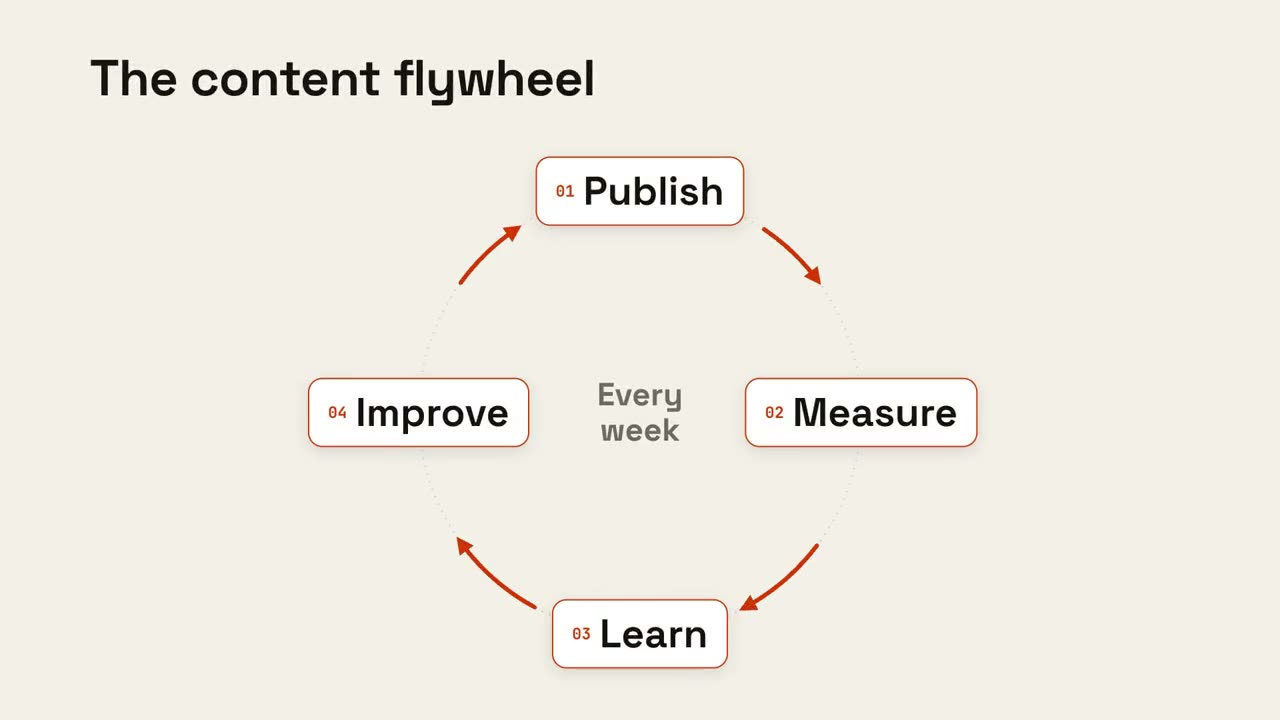
循环飞轮
查看 Skill →免费Make an 8-second 16:9 loop diagram for [who will watch, e.g. the marketing team], playing [where, e.g. the planning deck]. Use only the title and four steps below. Off-white background. The title appears. Four white rounded cards with small orange numbers pop in around a faint dotted circle: top, right, bottom, left. Curved orange arrows draw clockwise from each card to the next. A short line fades in at the center in gray. End frame: a glowing orange dot travels around the circle continuously, briefly outlining each card in orange as it passes. Title: [e.g. "The content flywheel"] Four steps: [e.g. Publish, Measure, Learn, Improve] Center line: [e.g. "Every week"]
Motion Creator 的全部镜头
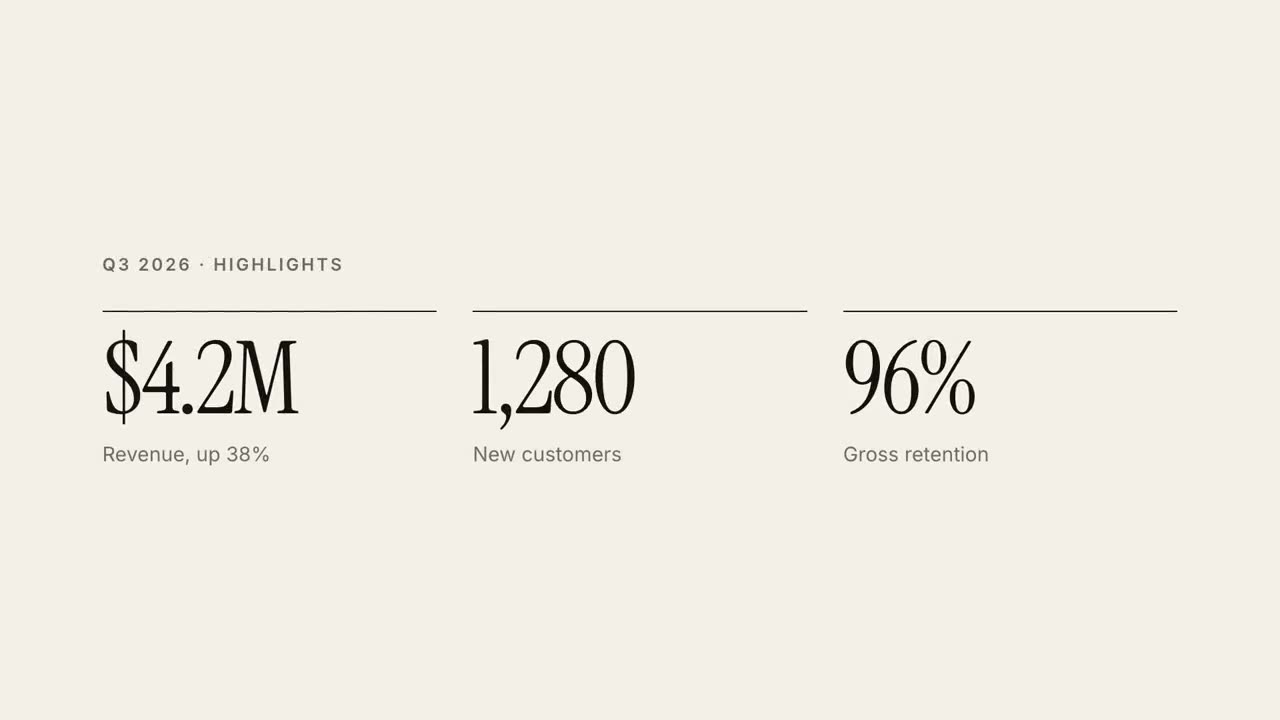
30 秒报告讲解
把季报做成 30 秒杂志风讲解视频。
动态文字标题
三种动效风格的杂志感标题动画。
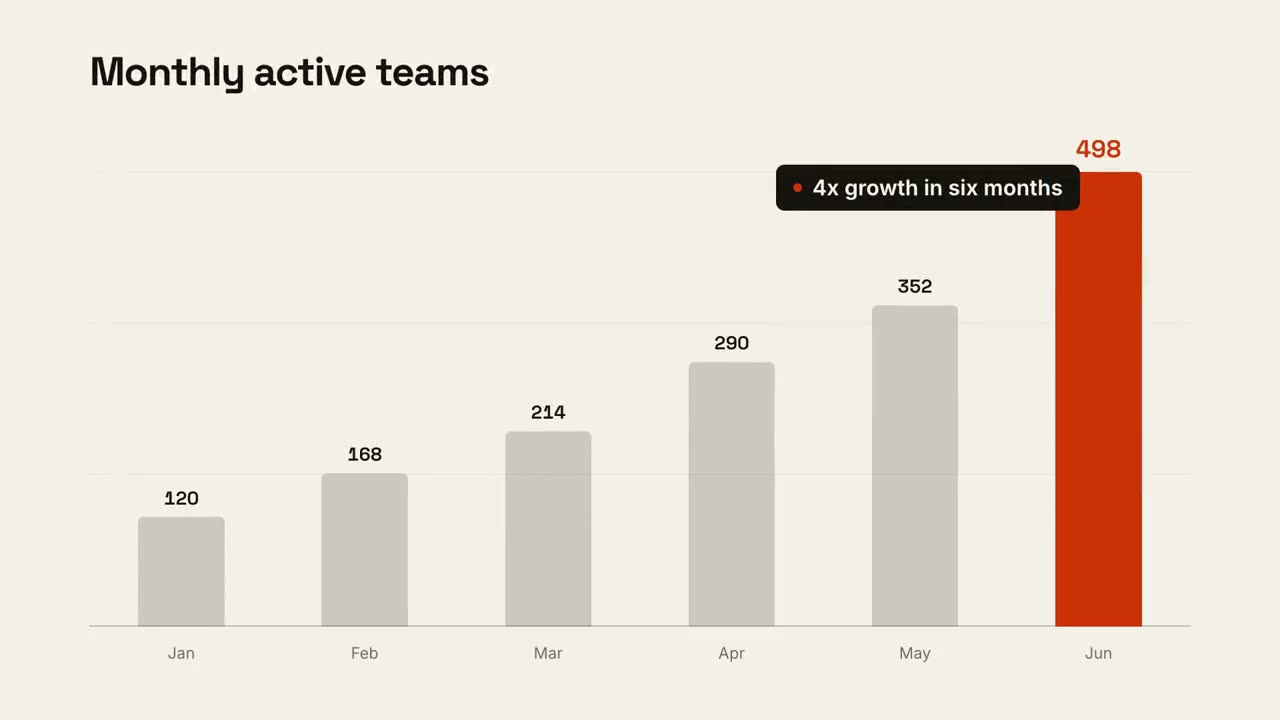
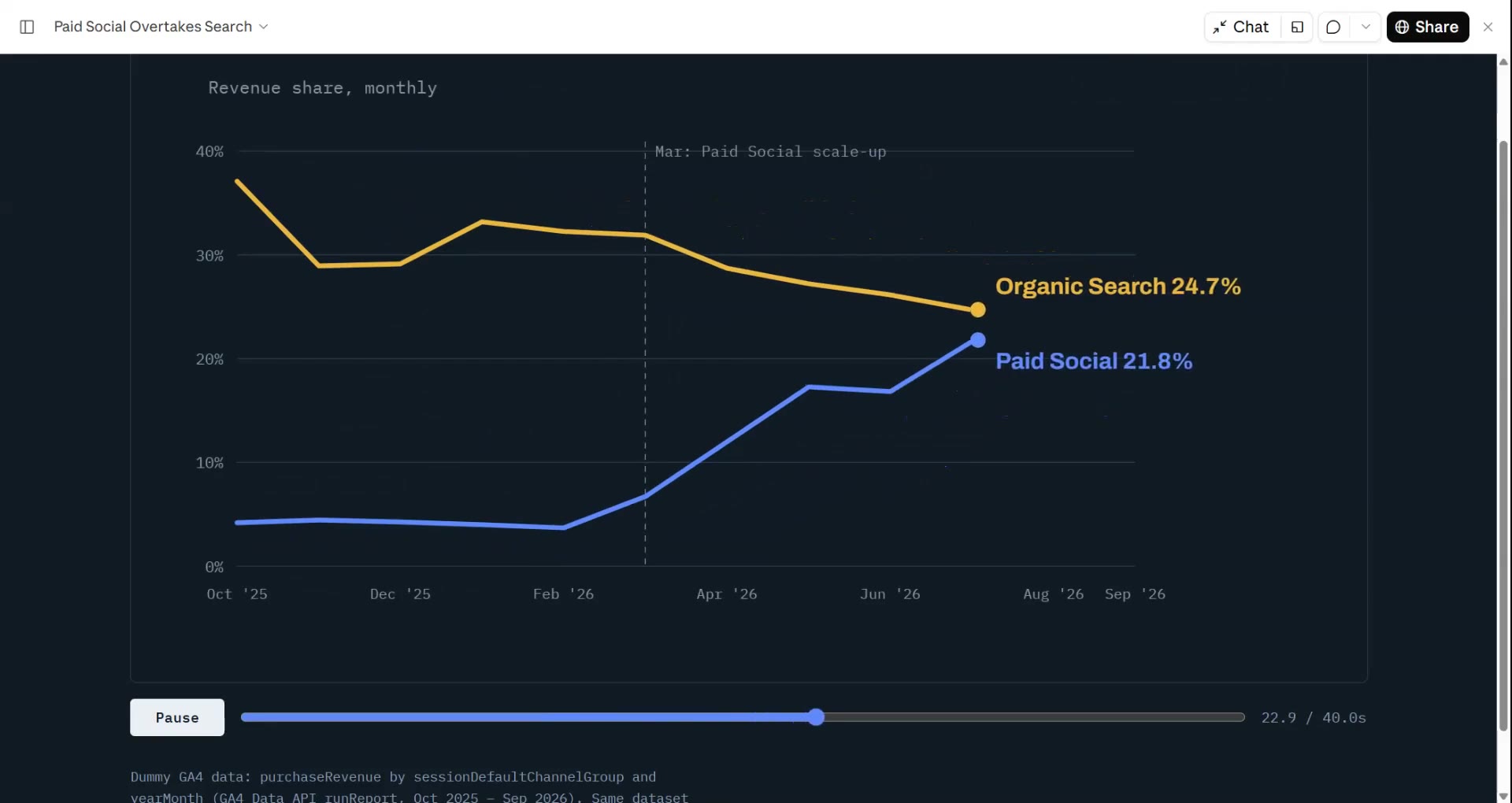
数据图表故事
柱状图或折线图动画,最后点出结论。
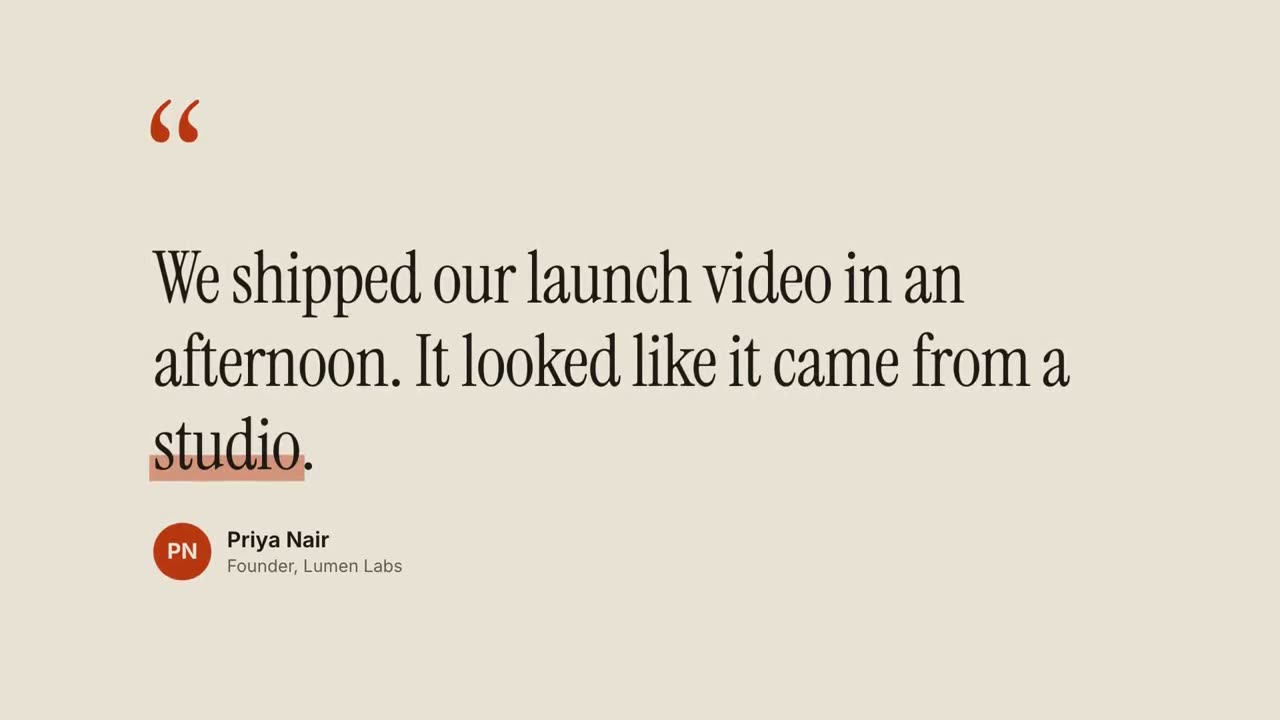
引用卡
客户评价和金句,逐词浮现。
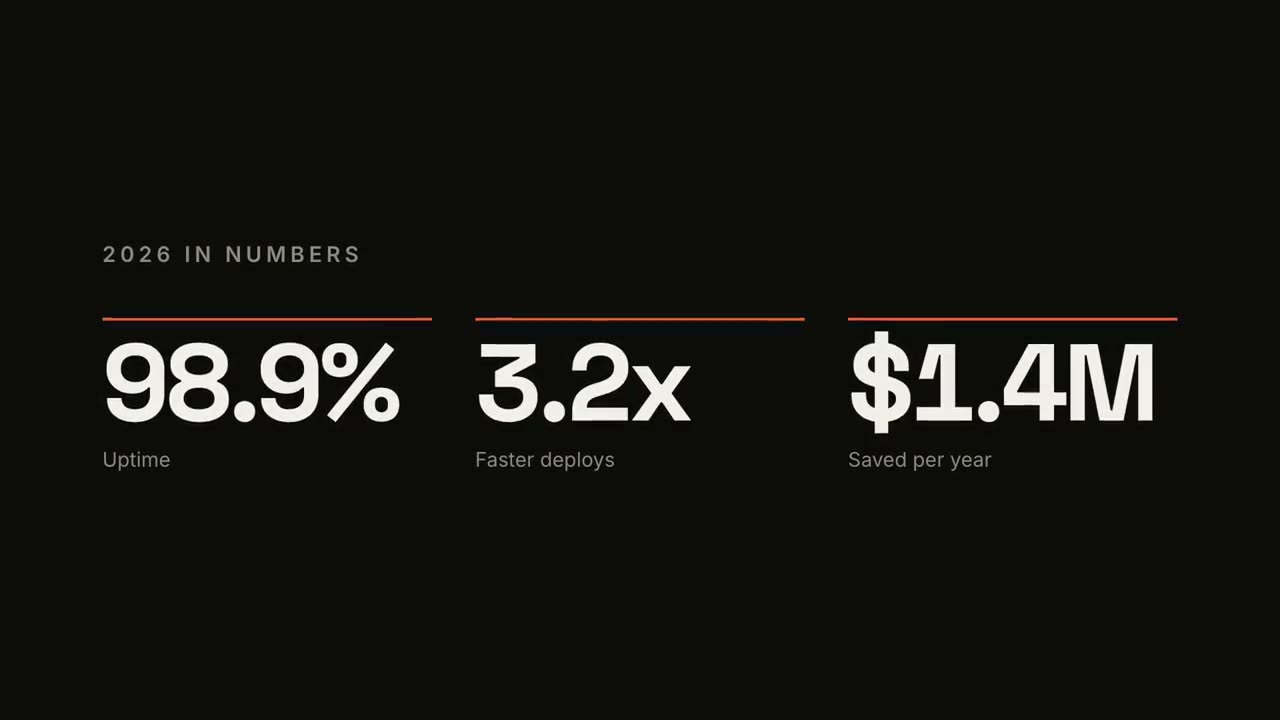
KPI 数字计数
最多四个关键数字,带计数动画。

人名条 Lower Thirds
四种广播风格的人名 / 头衔条。
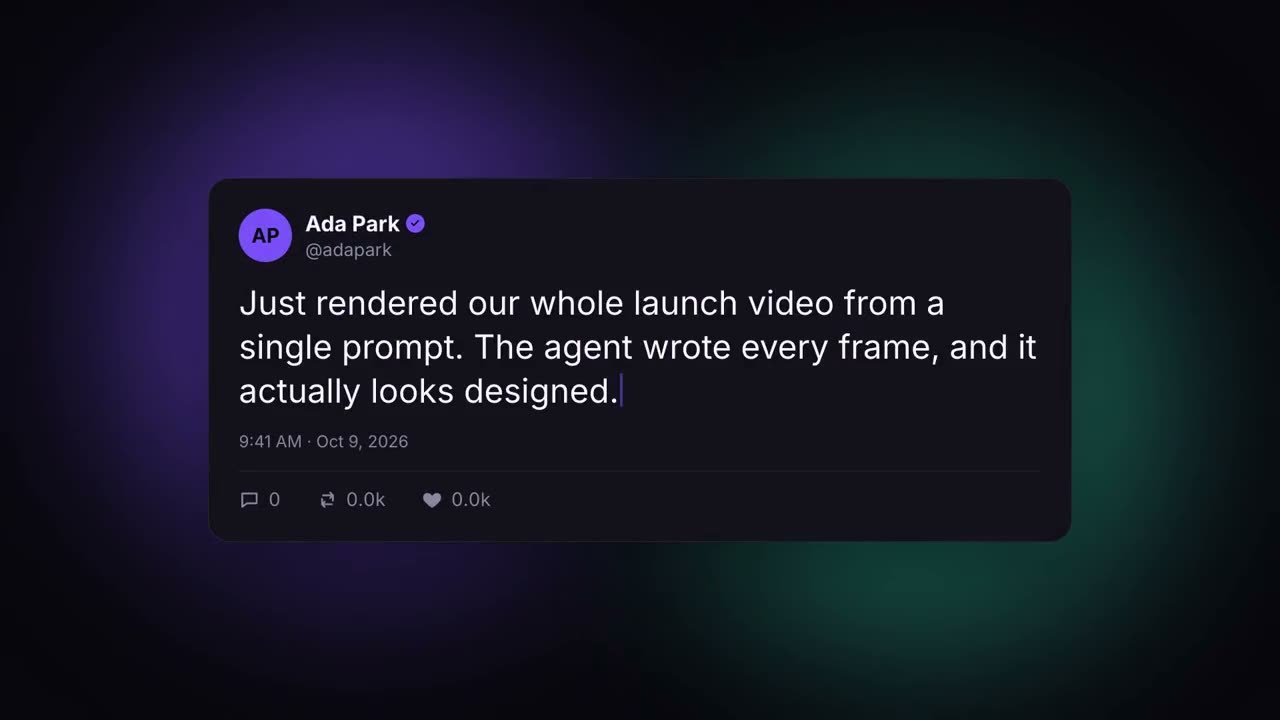
社媒帖子卡
自动打字并涨赞的社媒帖子。
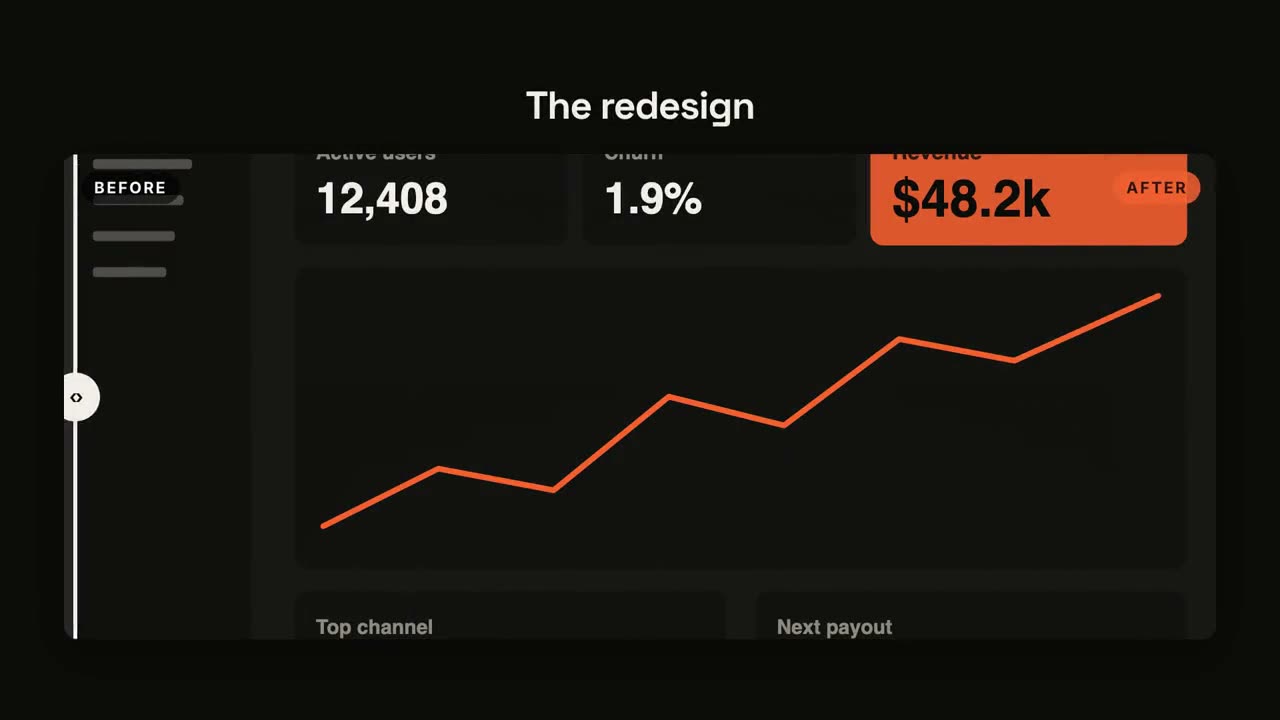
前后对比
带滑动分隔线的前后对比。
倒计时
圆环倒计时 3-2-1,最后揭晓。
金句爆点
短句逐词砸入,关键词随放射线爆开。
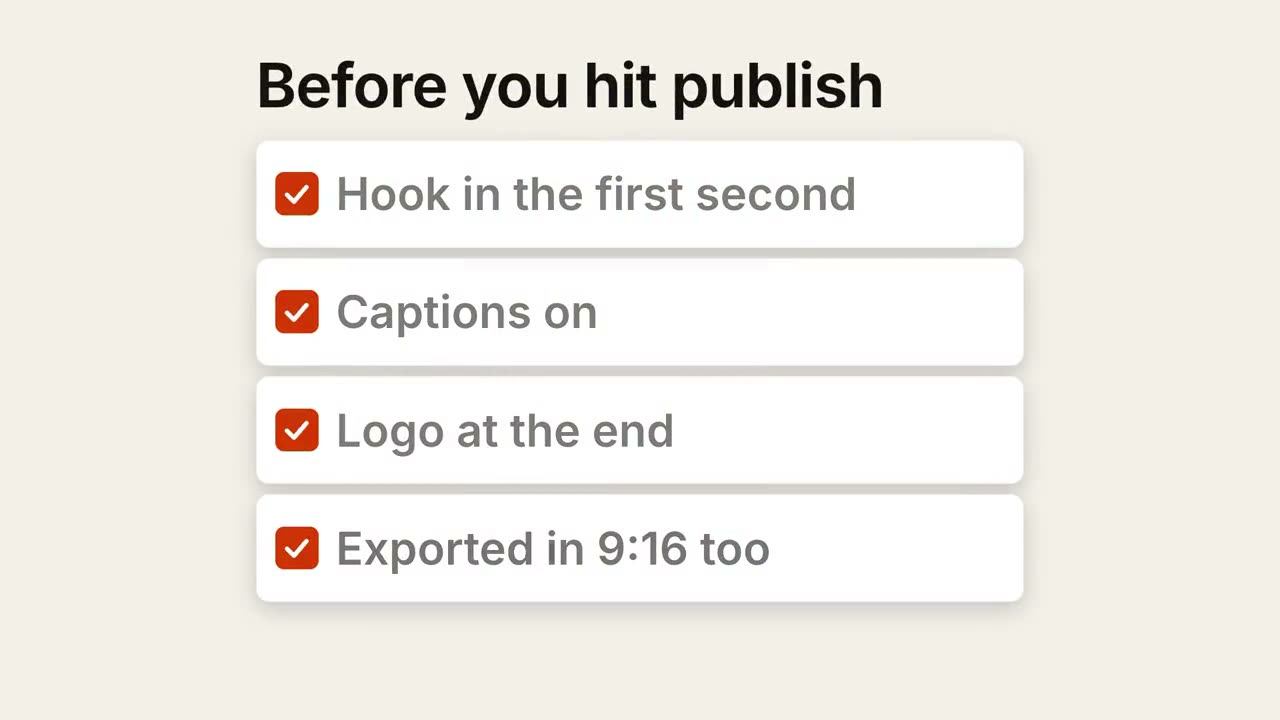
清单打勾
清单逐项自动打勾。
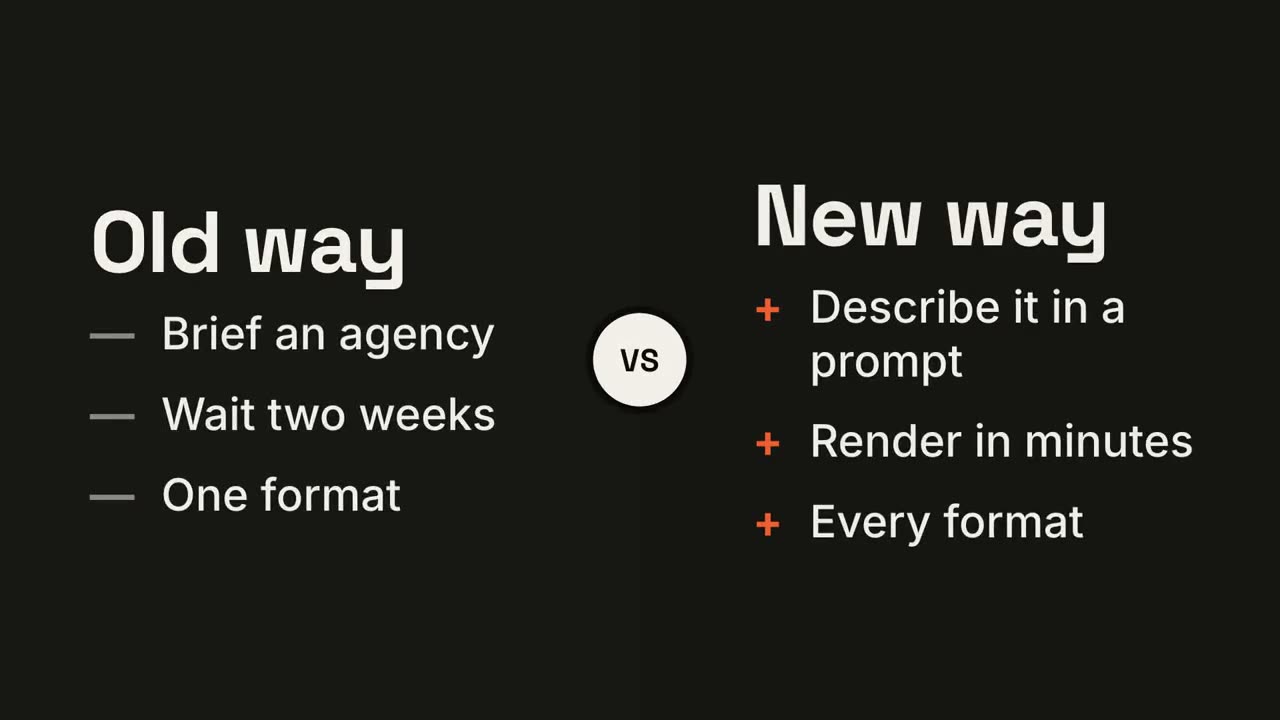
左右对决
两侧围绕 VS 徽章展开,胜出的一方亮起。
趋势折线
折线随实时数值画出,并标注一个关键时刻。
循环飞轮
步骤环绕成圈,箭头首尾相连,光点持续循环。
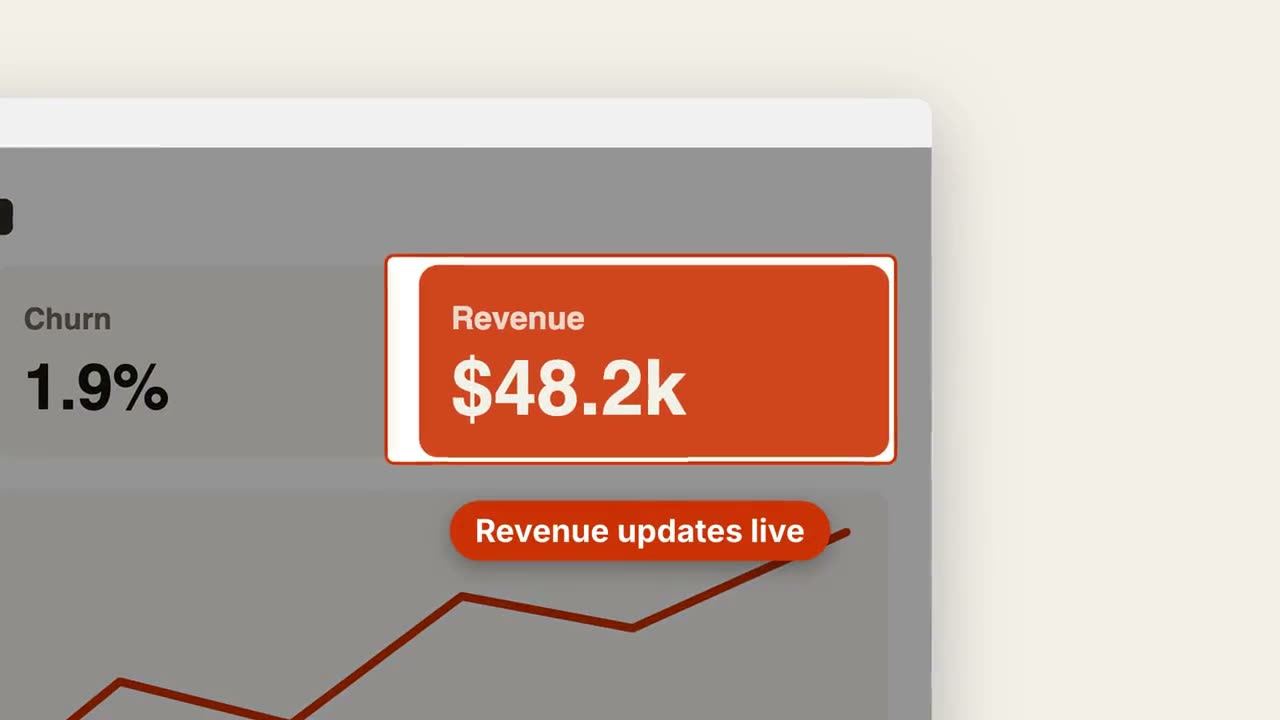
截图放大标注
推近截图中的某个区域,压暗其余部分并加上标注。
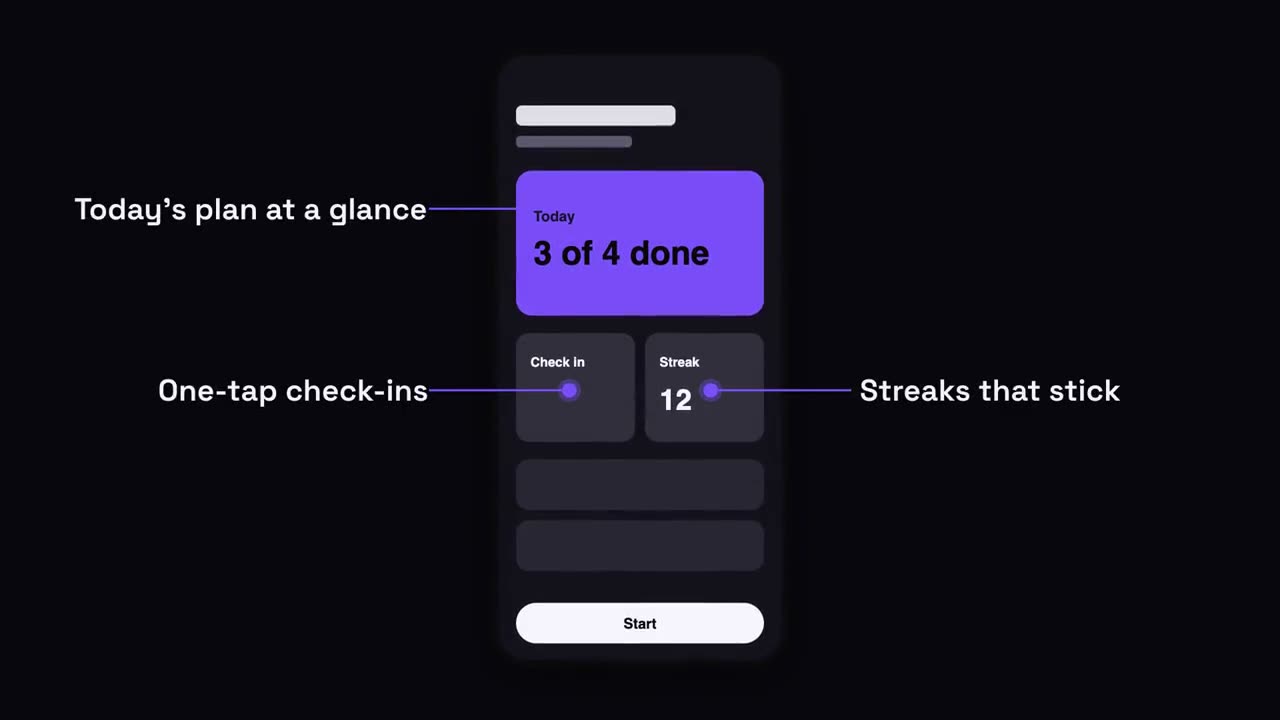
手机界面标注
手机升入画面,标注带着引线从屏幕两侧弹出。

章节印章
巨大的章节号像印章一样砸下,随后出现标题。
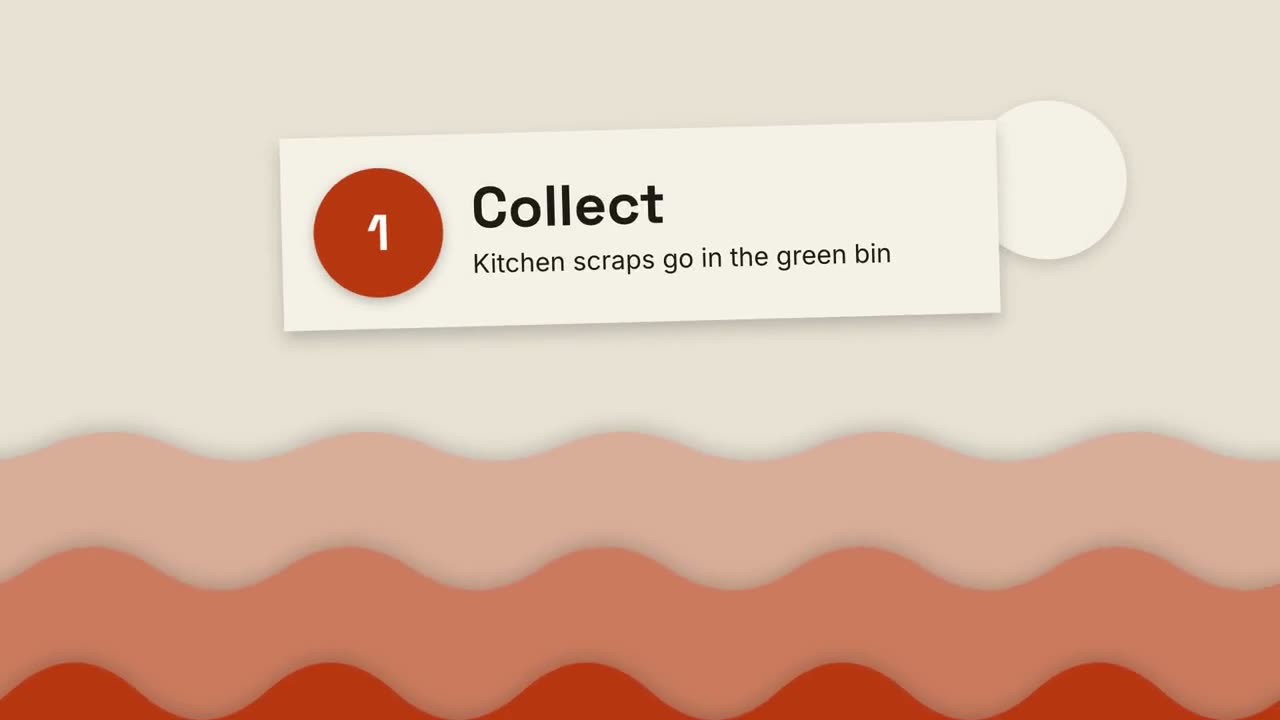
剪纸风讲解片
层叠的纸山和剪纸卡片,三步讲清任何事。
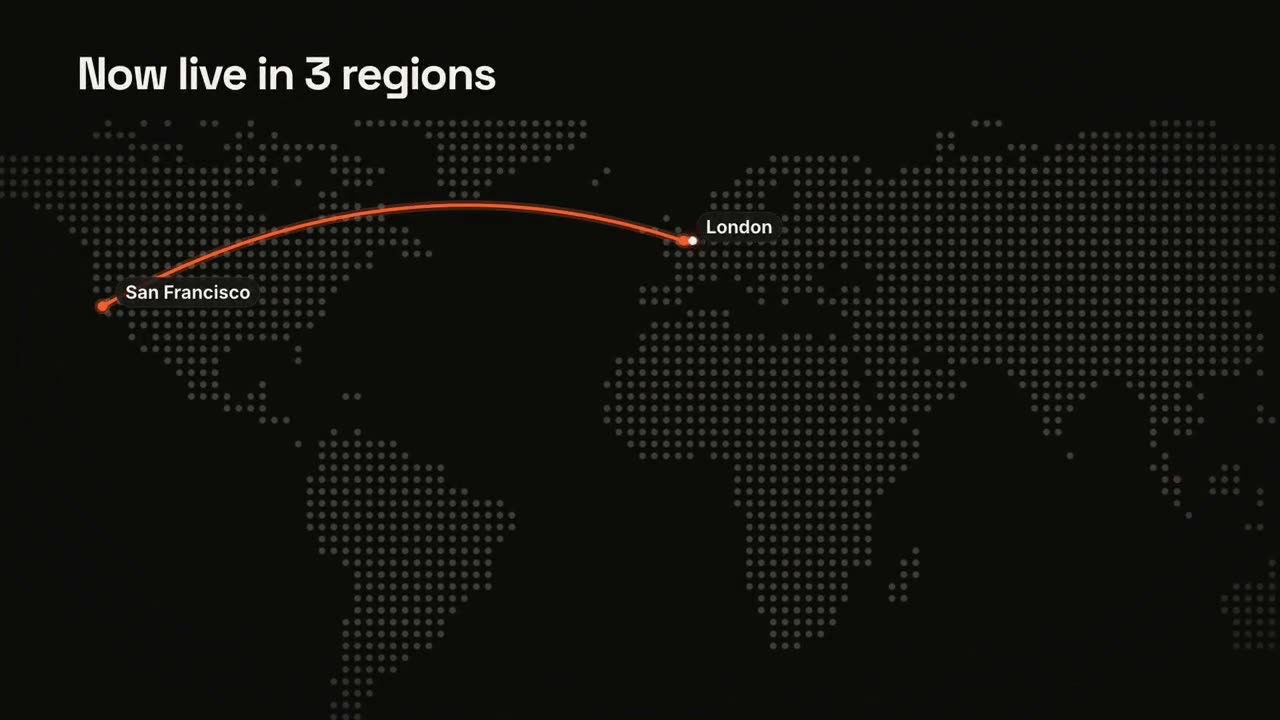
地图路线
点阵世界地图上的动态路线。
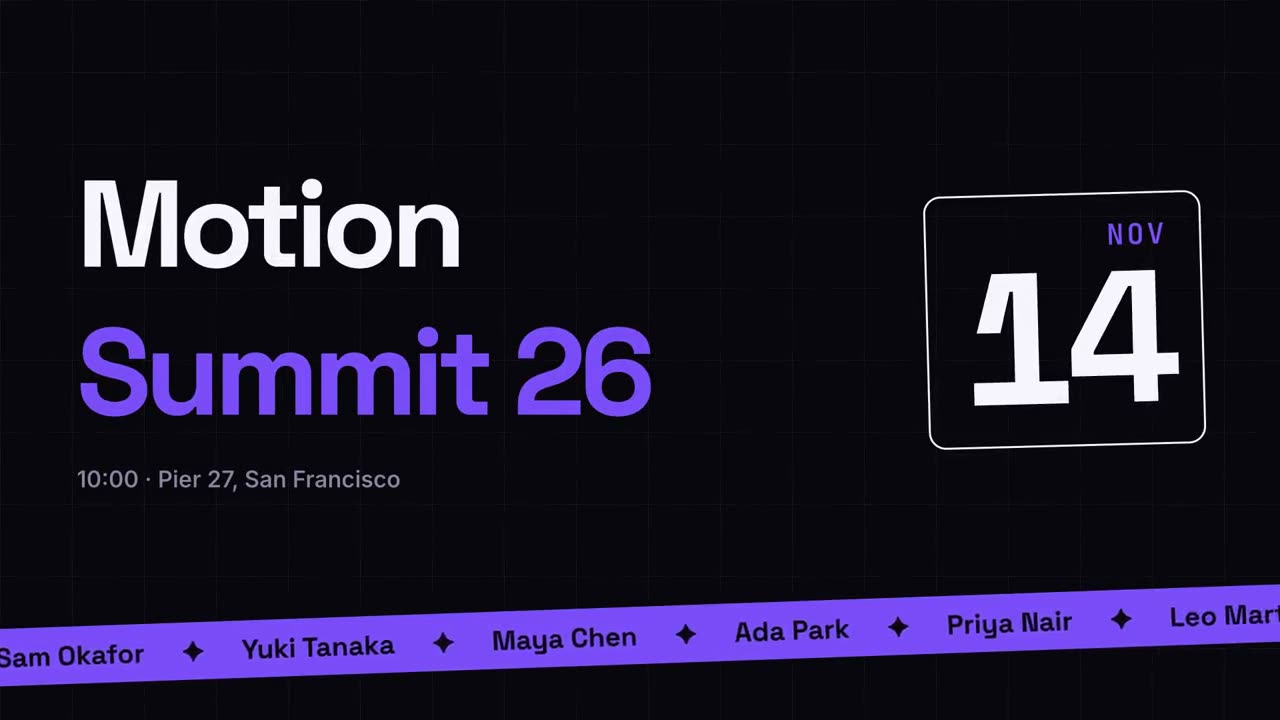
活动宣传
海报风活动预告,配演讲嘉宾跑马灯。
转场合集
六种转场,用于衔接幻灯片、图片或场景。

里程碑时间线
时间线画出,里程碑沿线依次出现。

要点回顾墙
要点卡片飞入,排成整齐的编号墙。
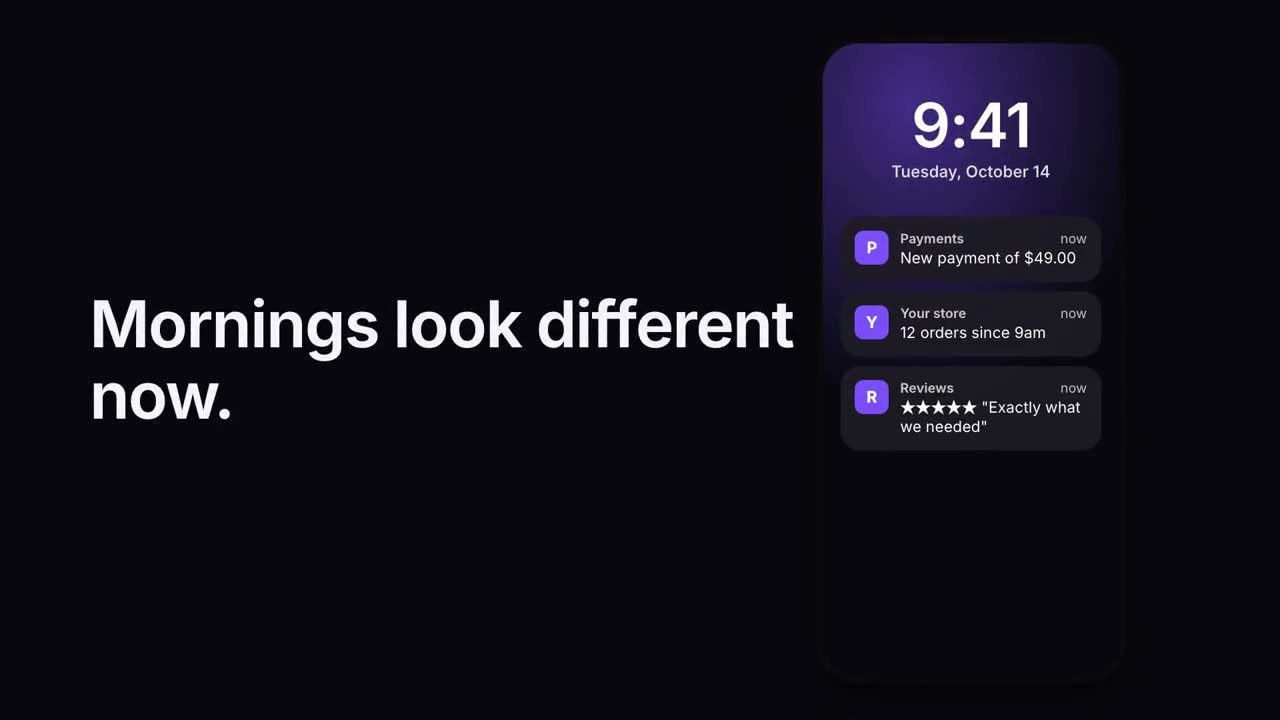
通知堆叠
通知一条接一条落在锁屏上。
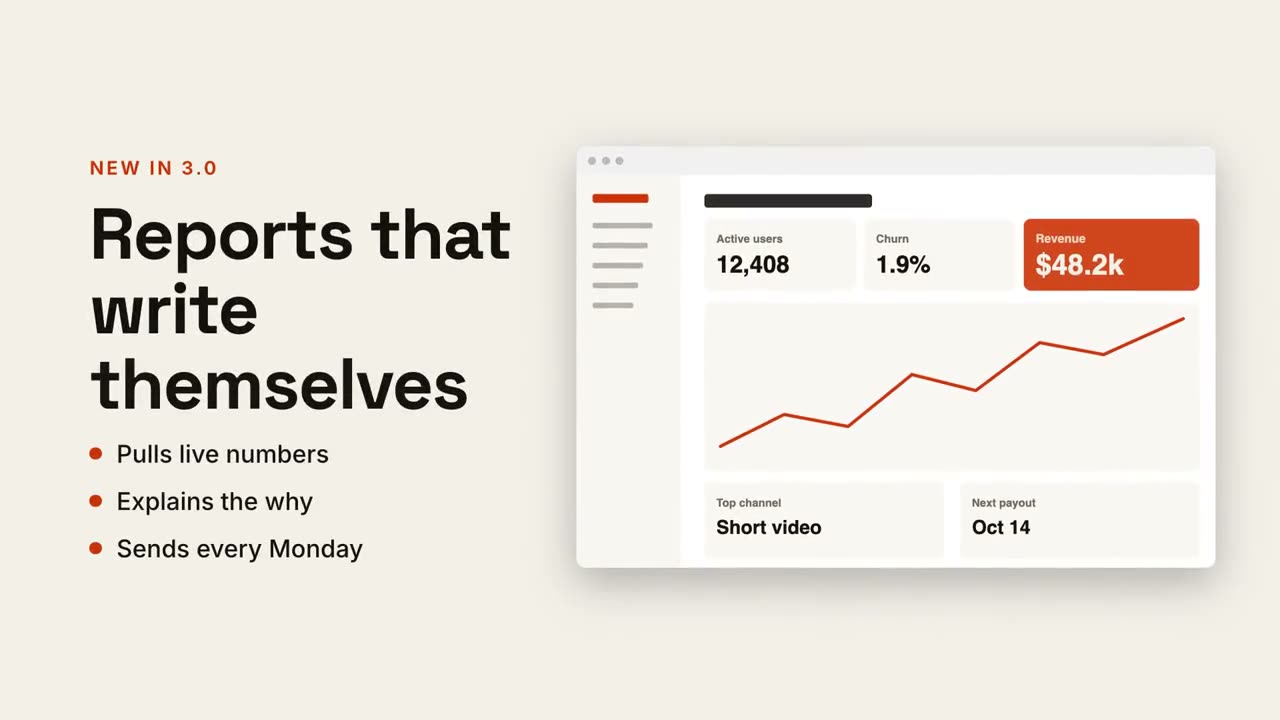
图文分屏
一侧标题和要点,另一侧截图滑入。
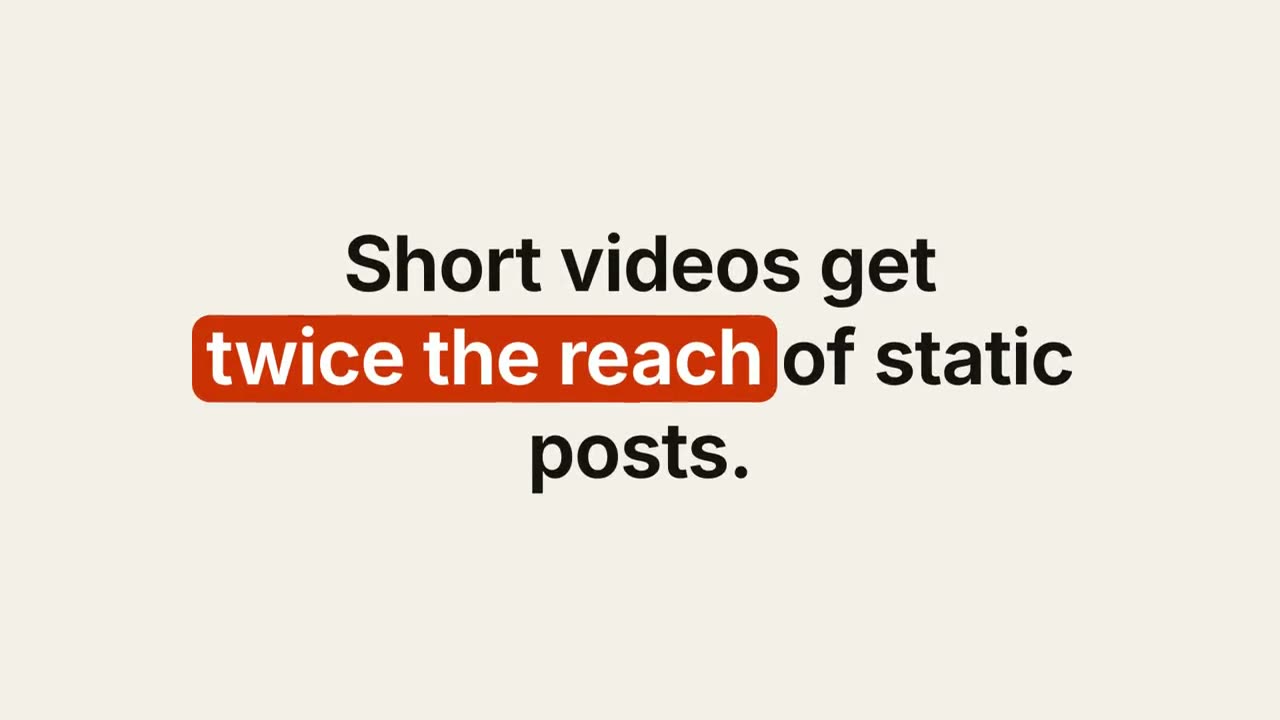
关键词字幕
关键词带胶囊、下划线或变色的设计感字幕。
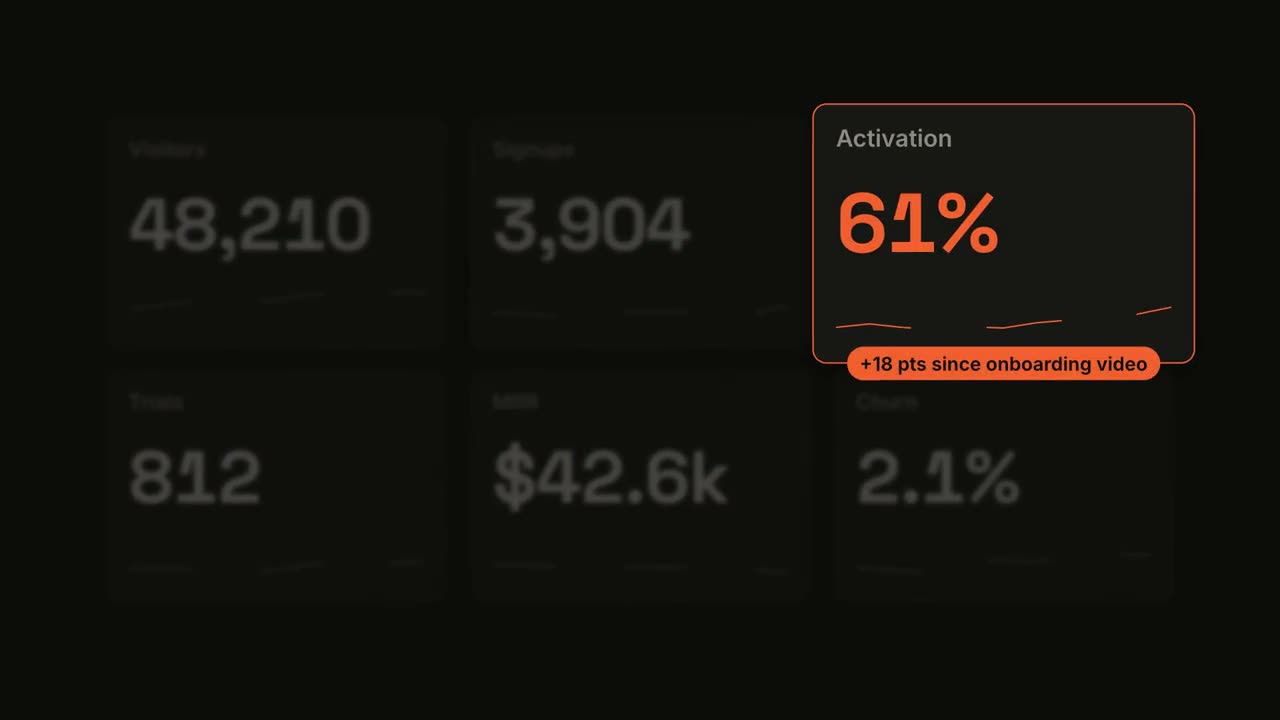
指标聚焦
仪表盘数字滚动,随后聚焦其中一项指标。
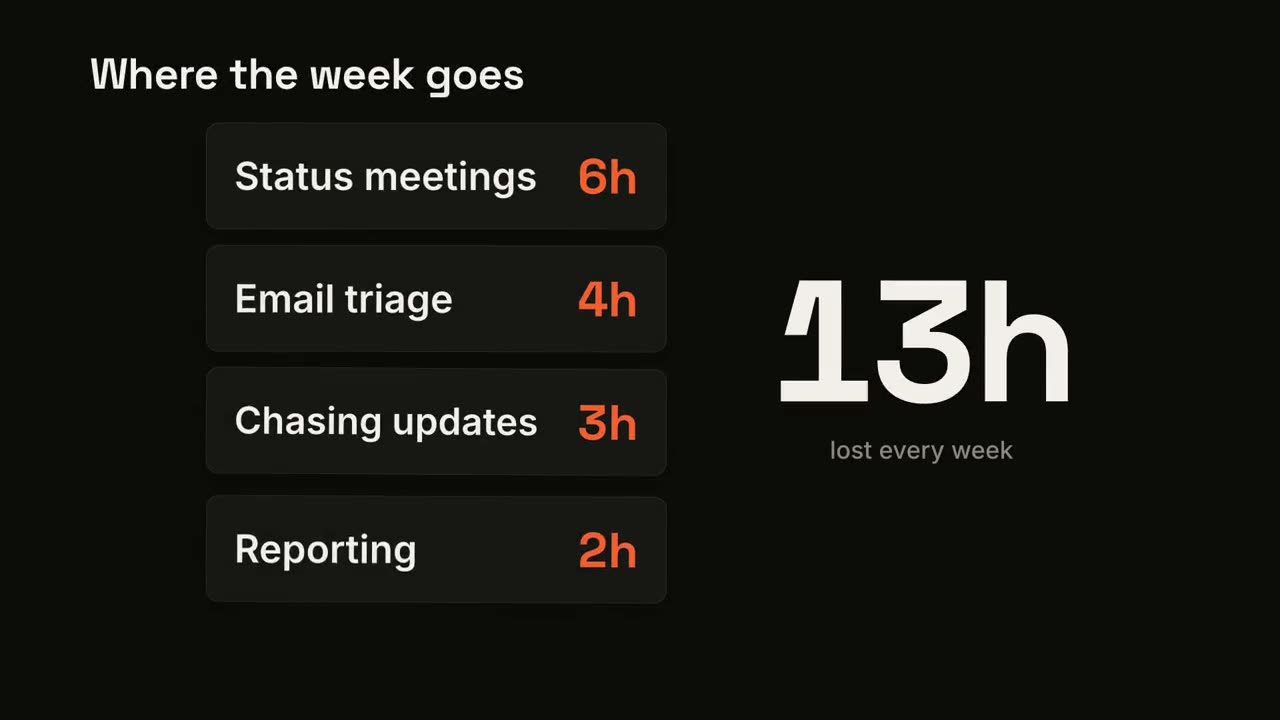
卡片累加计数
卡片逐张落下,大号数字实时累加总数。
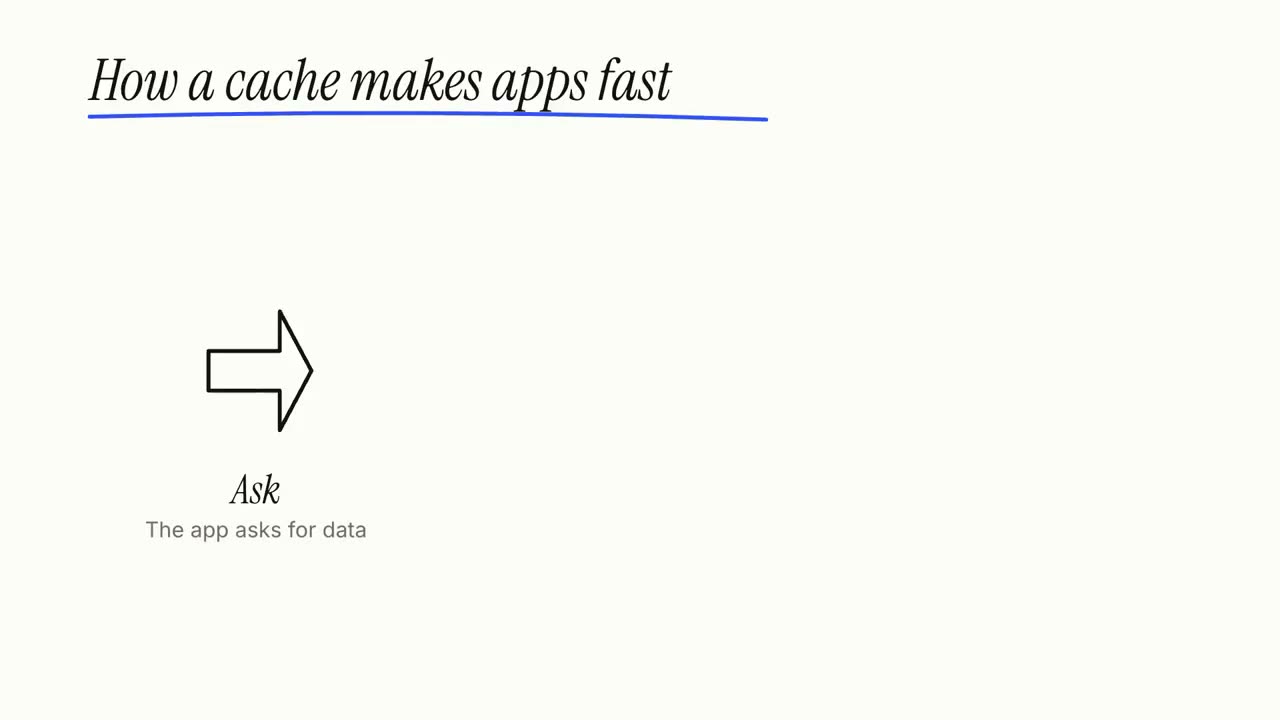
白板讲解片
马克笔涂鸦自动画出,标注逐字写上,一步一步讲清楚。
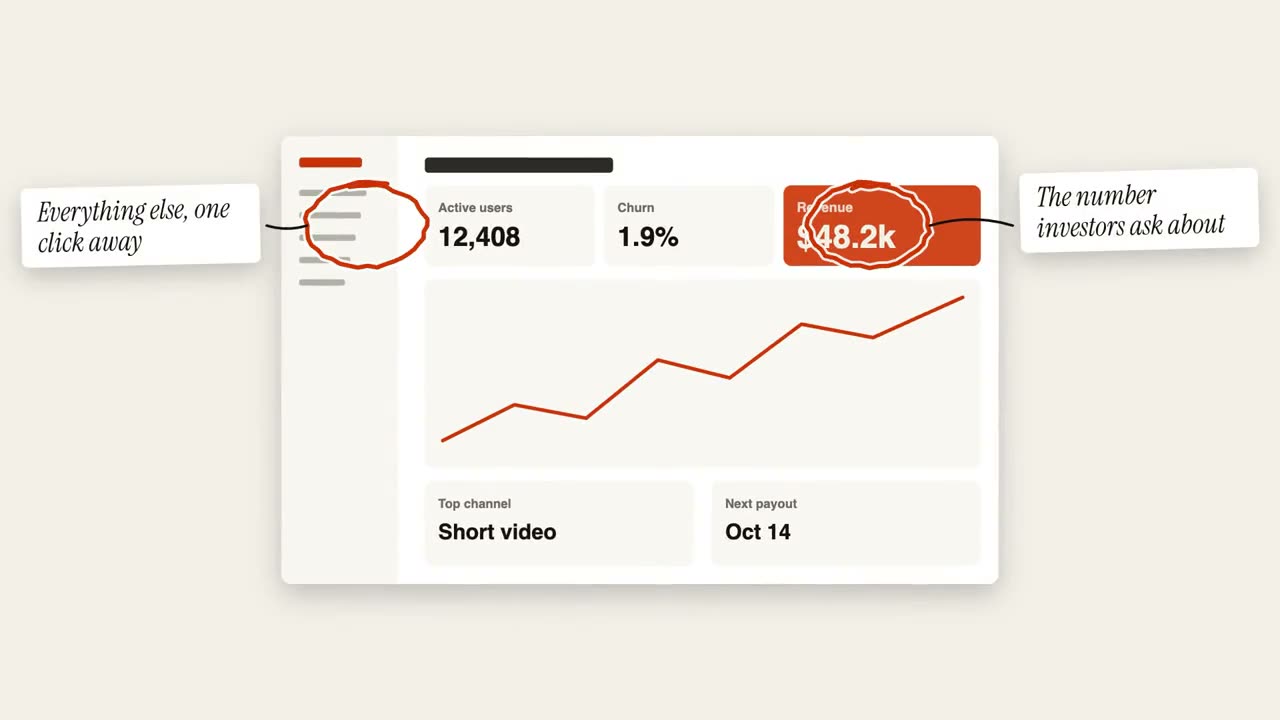
圈注批注
在图片上手绘圈注,并贴上便签说明。
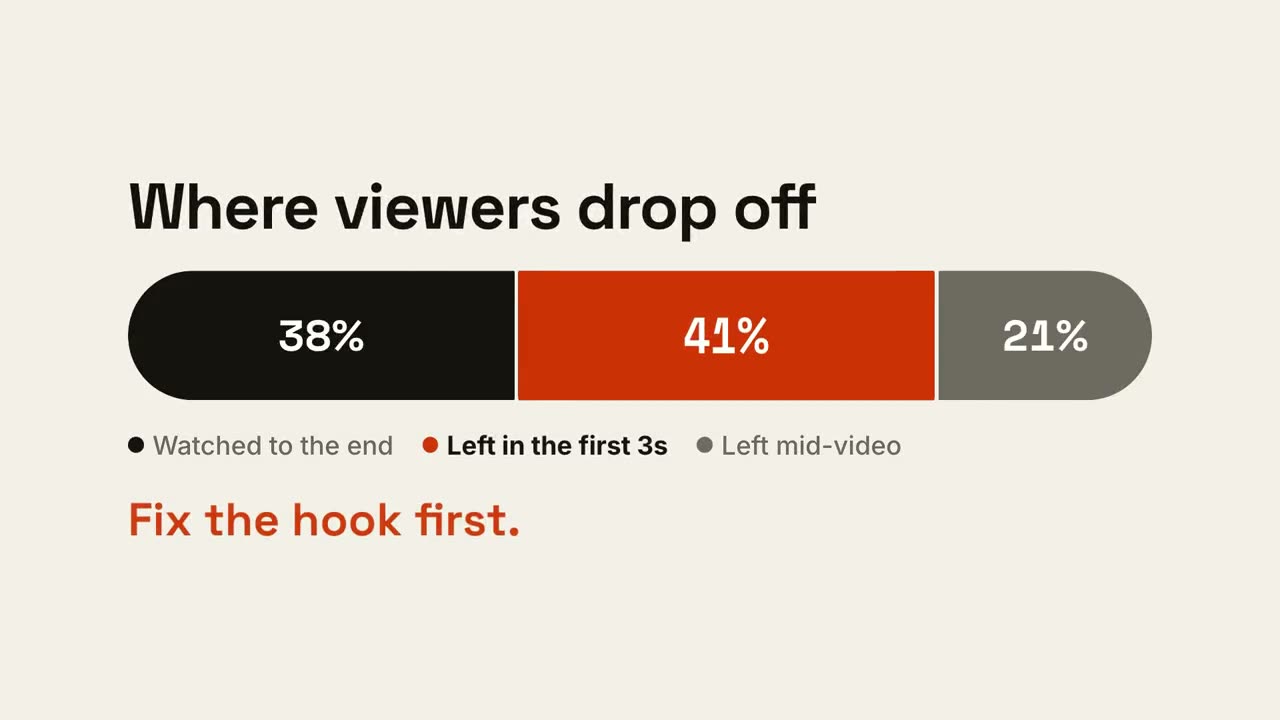
比例条
一根长条按比例分段,再突出最关键的那一段。
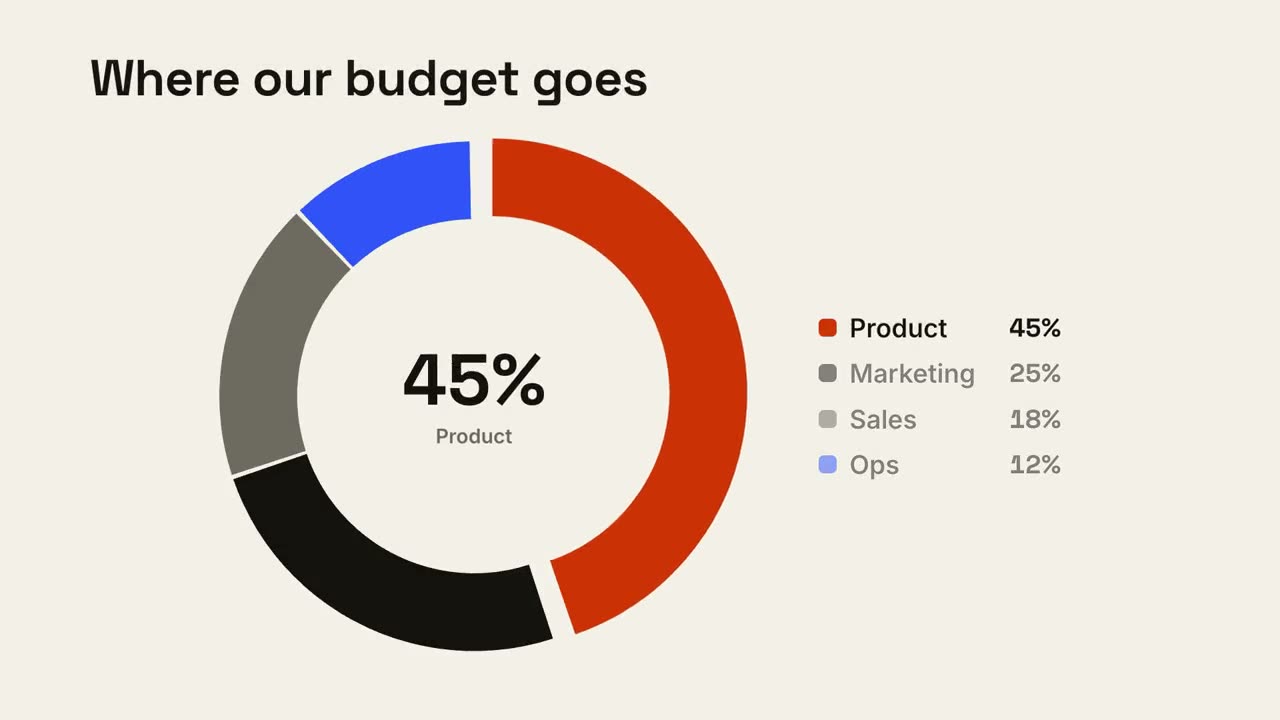
环形占比
环形图逐段画出,最大的一块向外弹出。
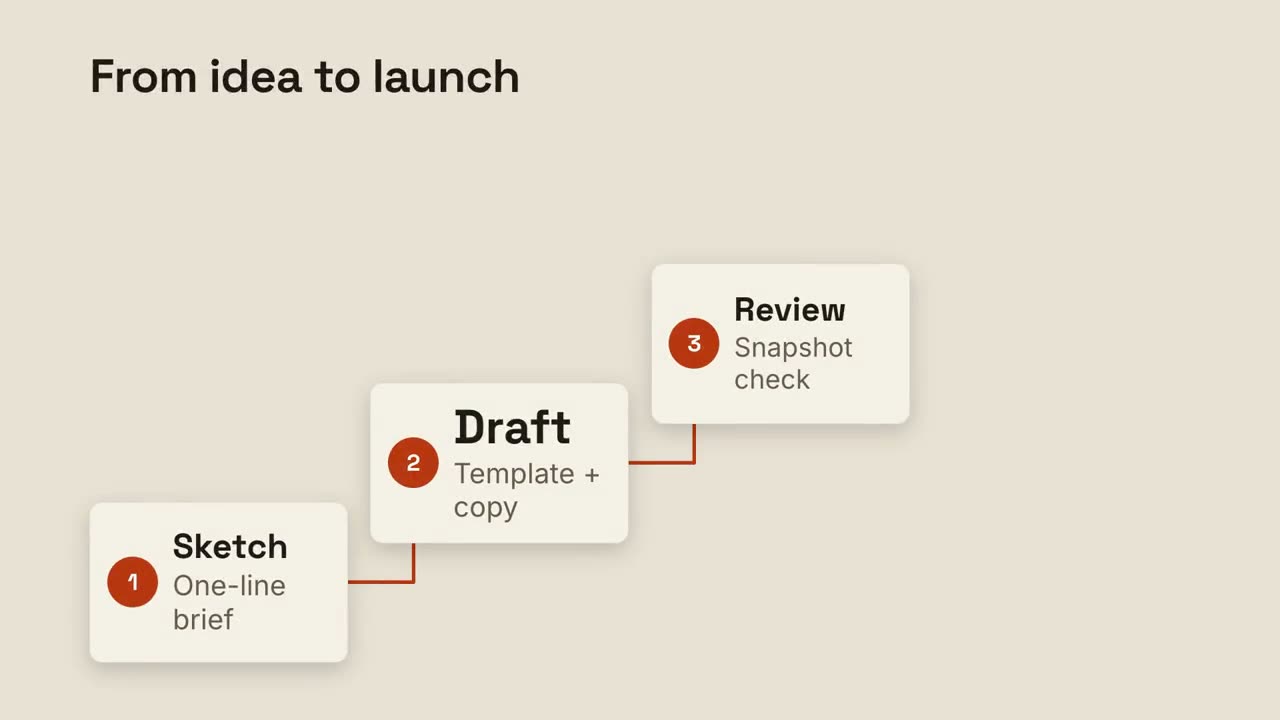
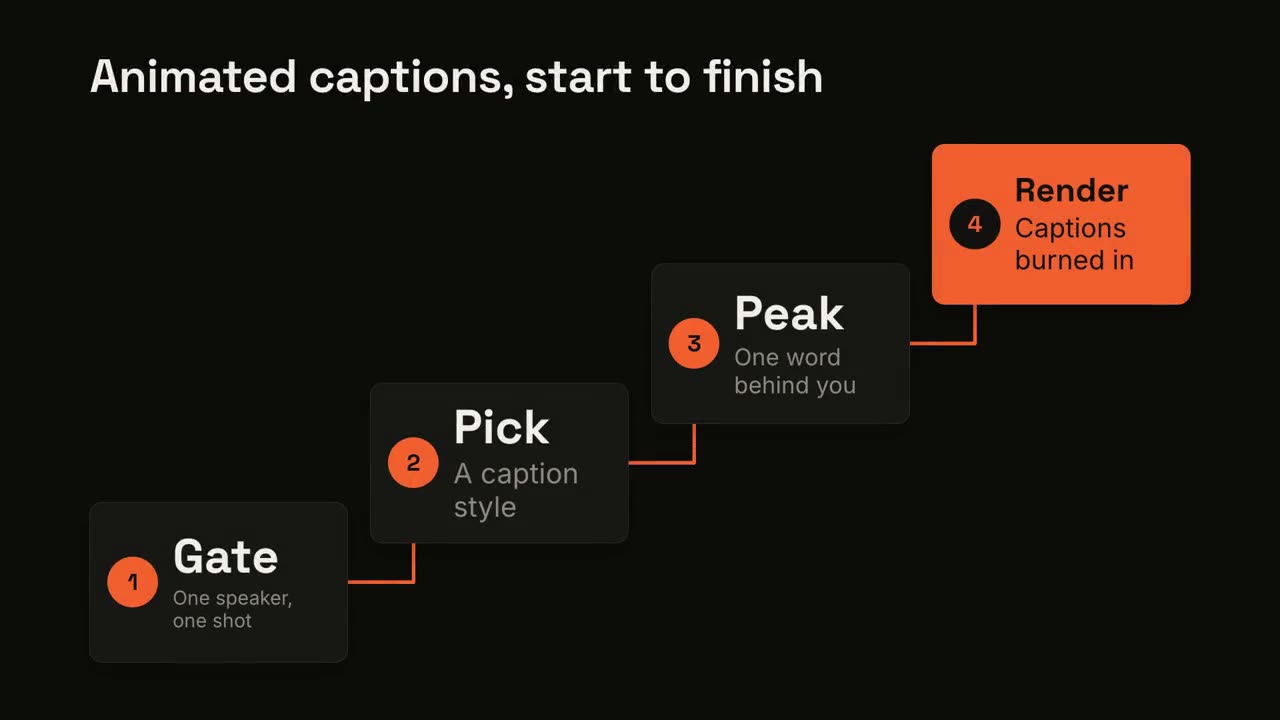
阶梯步骤
编号步骤沿阶梯上升,用线条依次相连。
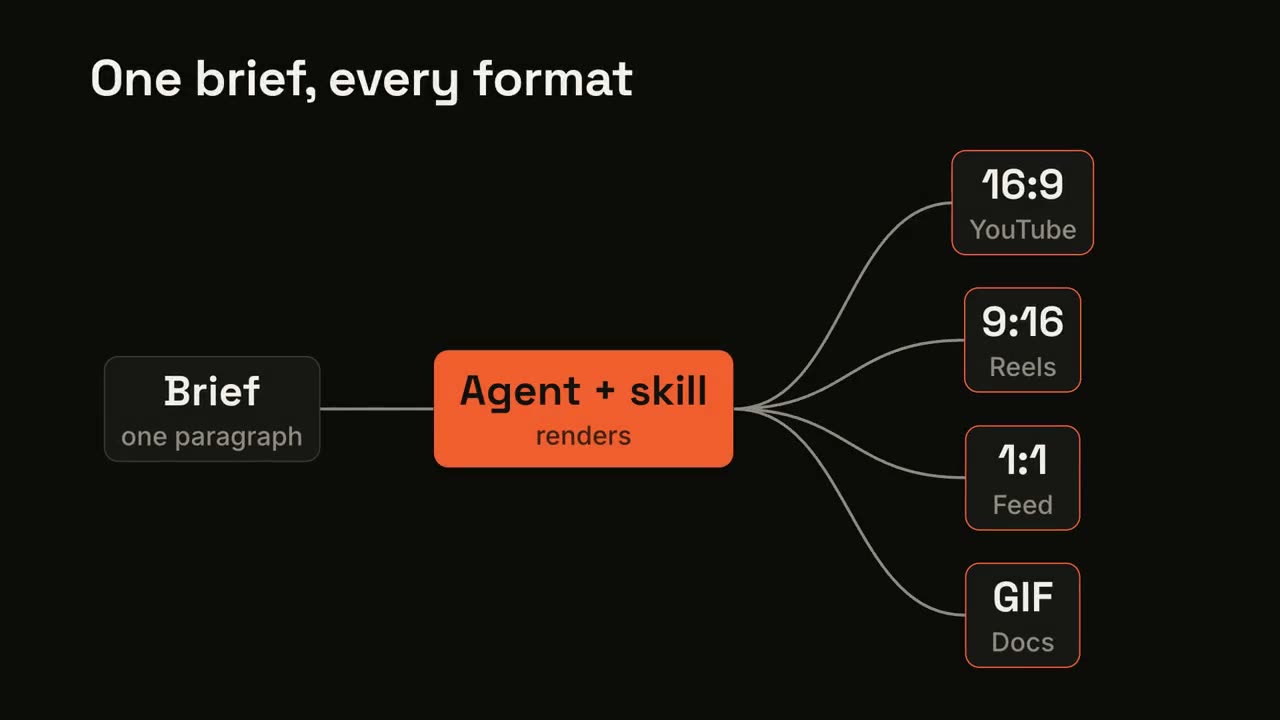
流水线分发
一个输入经过处理,分发成多个输出。
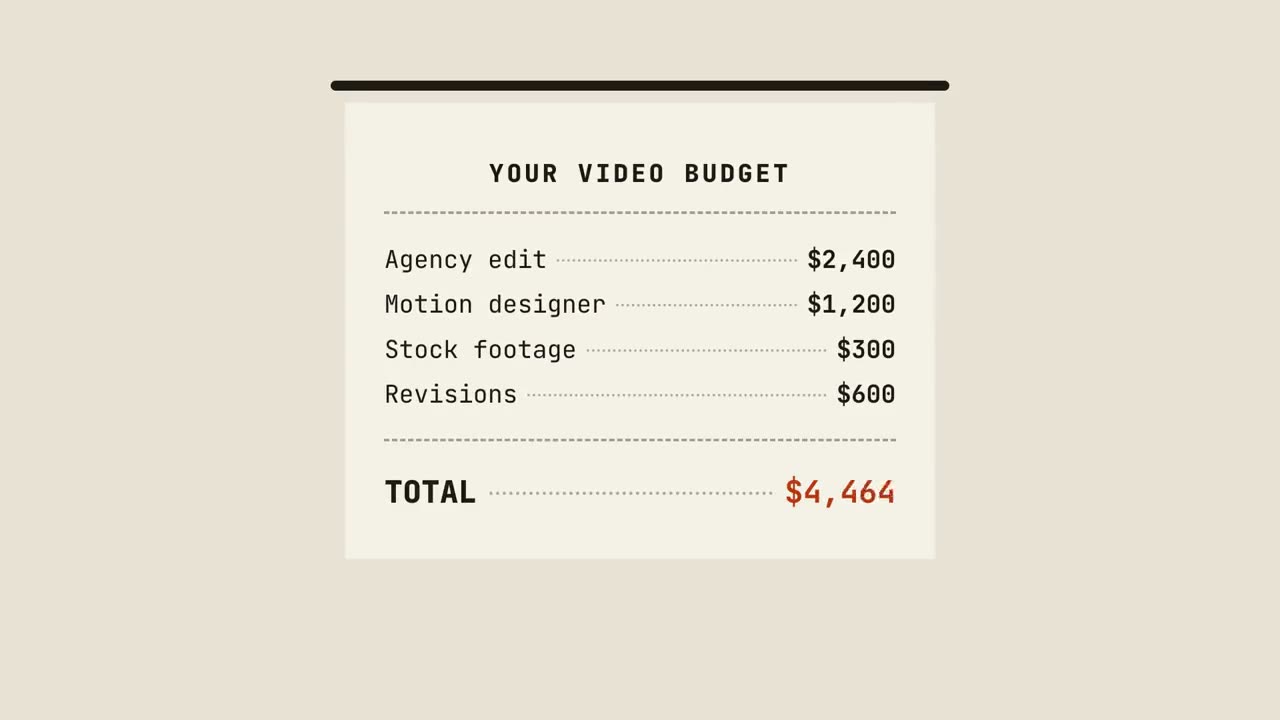
账单小票
小票逐行打印、汇总金额,最后盖上印章。
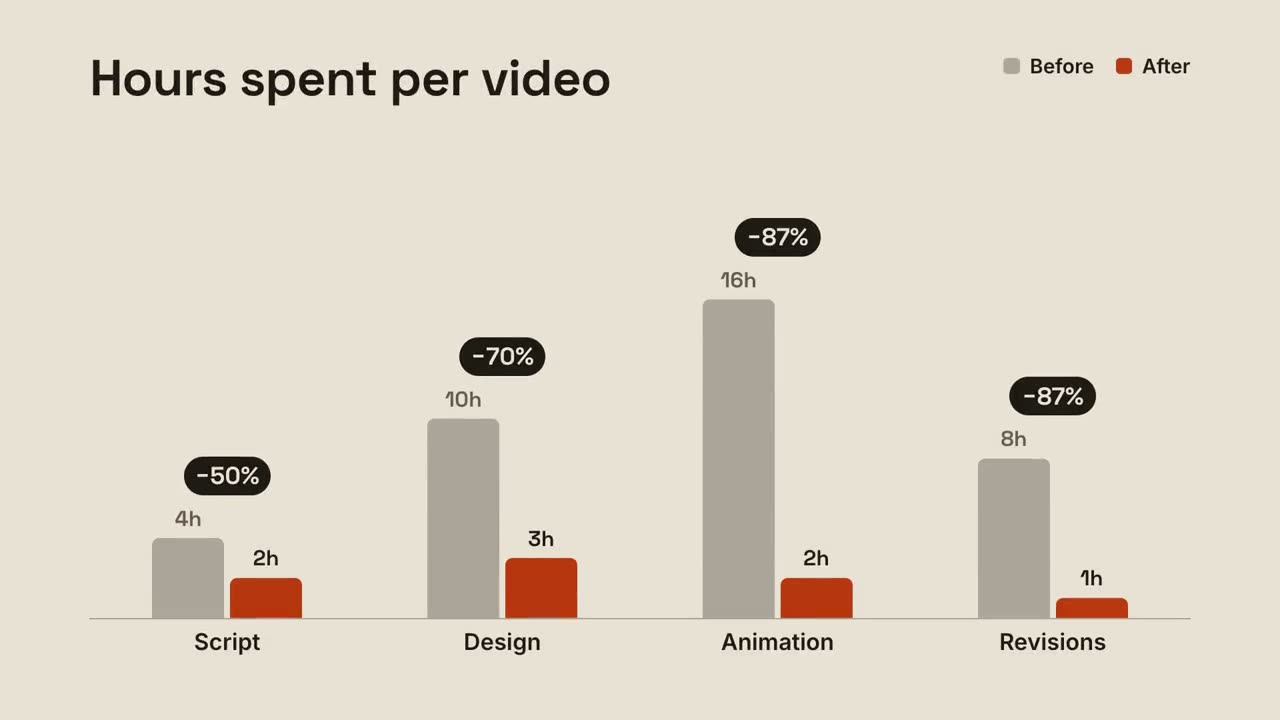
分组对比柱
每组前后两根柱子对比,变化百分比在上方弹出。
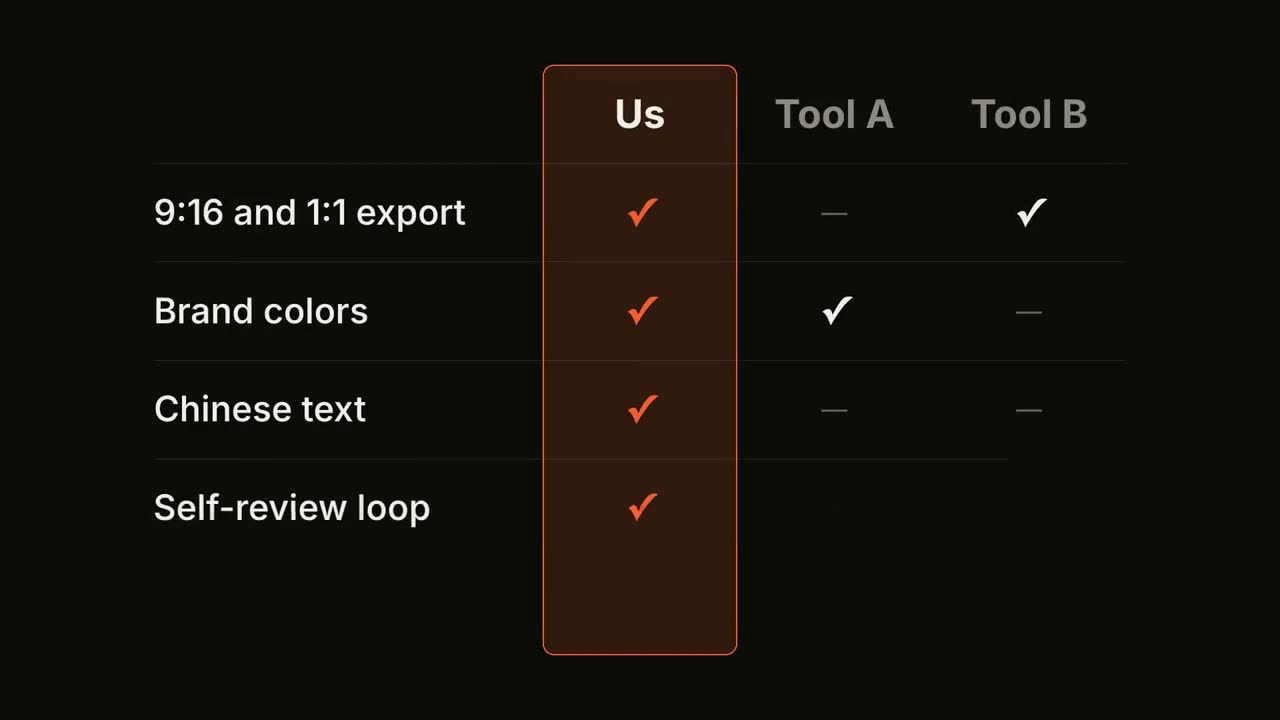
功能对比表
对比表逐行填入,你的那一列始终高亮。
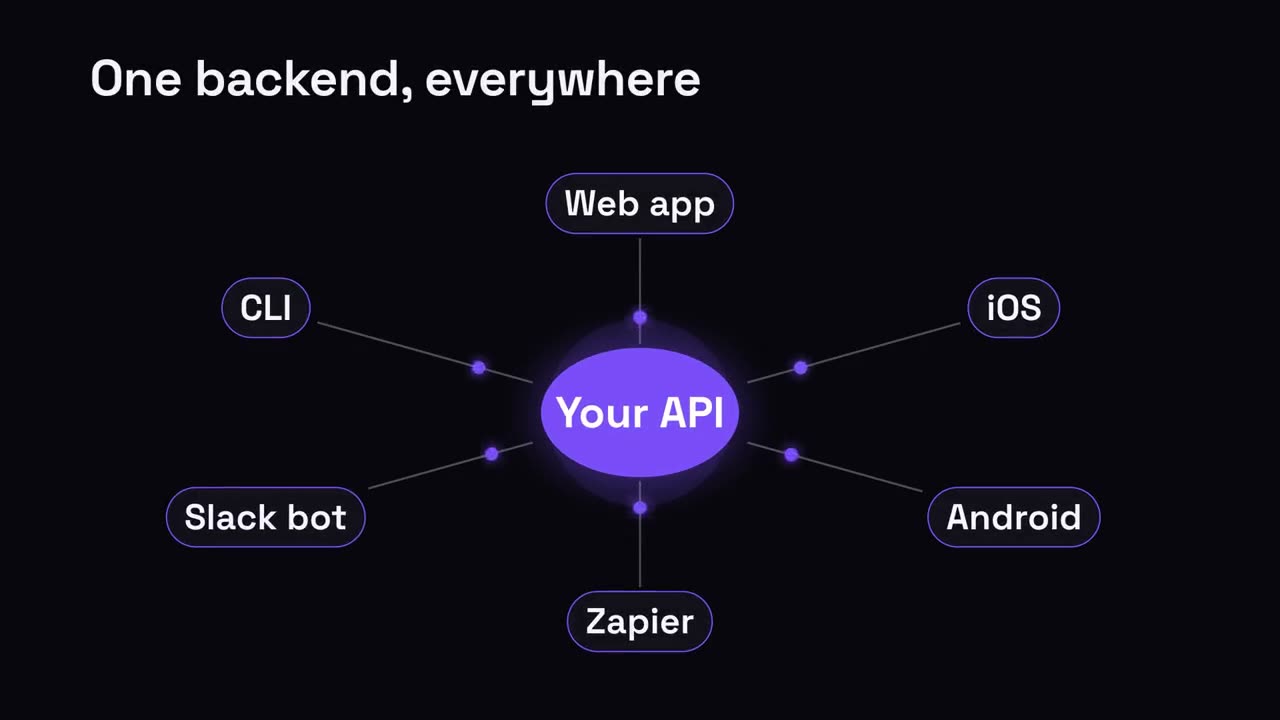
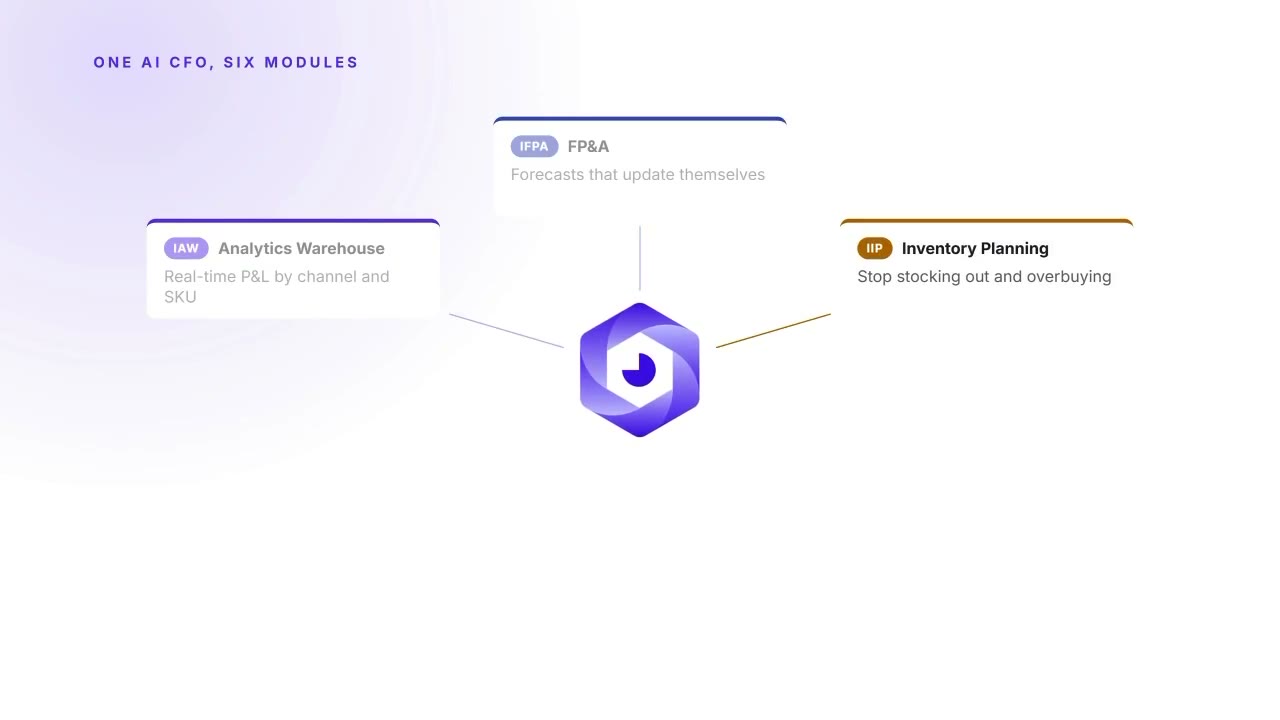
中心辐射
一个中心节点,向所有连接对象辐射。
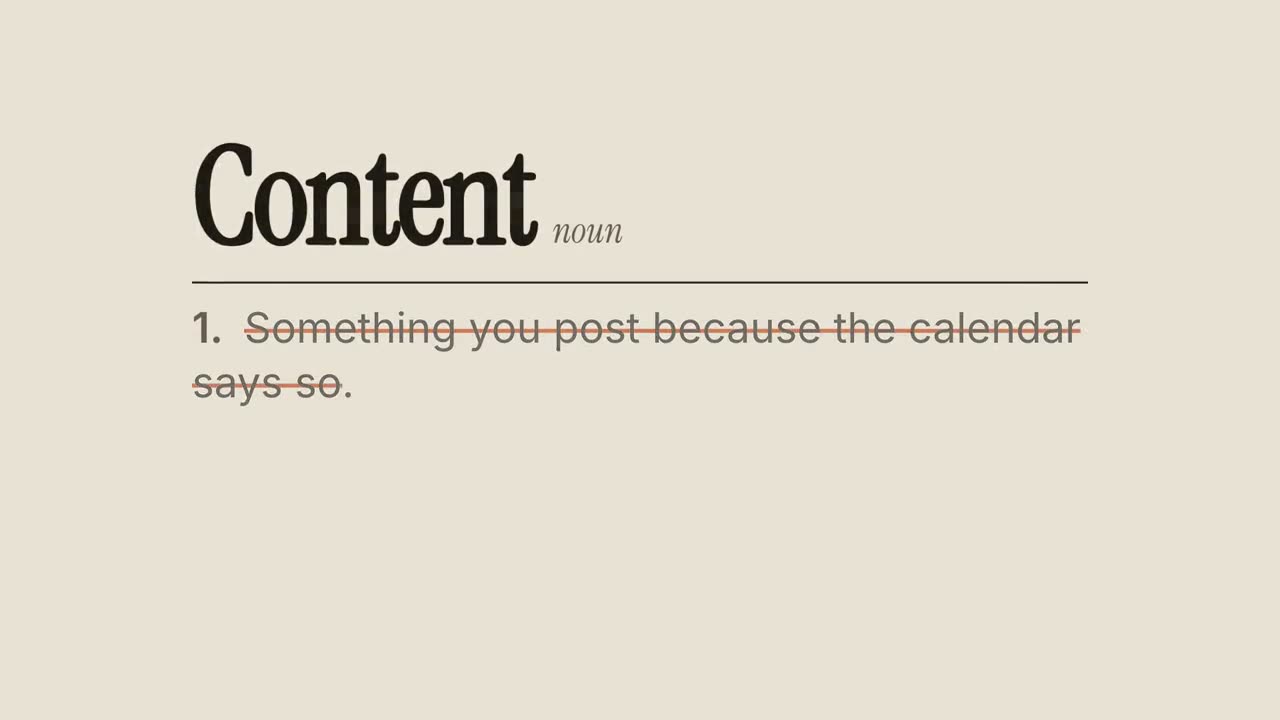
重新定义
词典式词条:划掉常见定义,写上你的新定义。
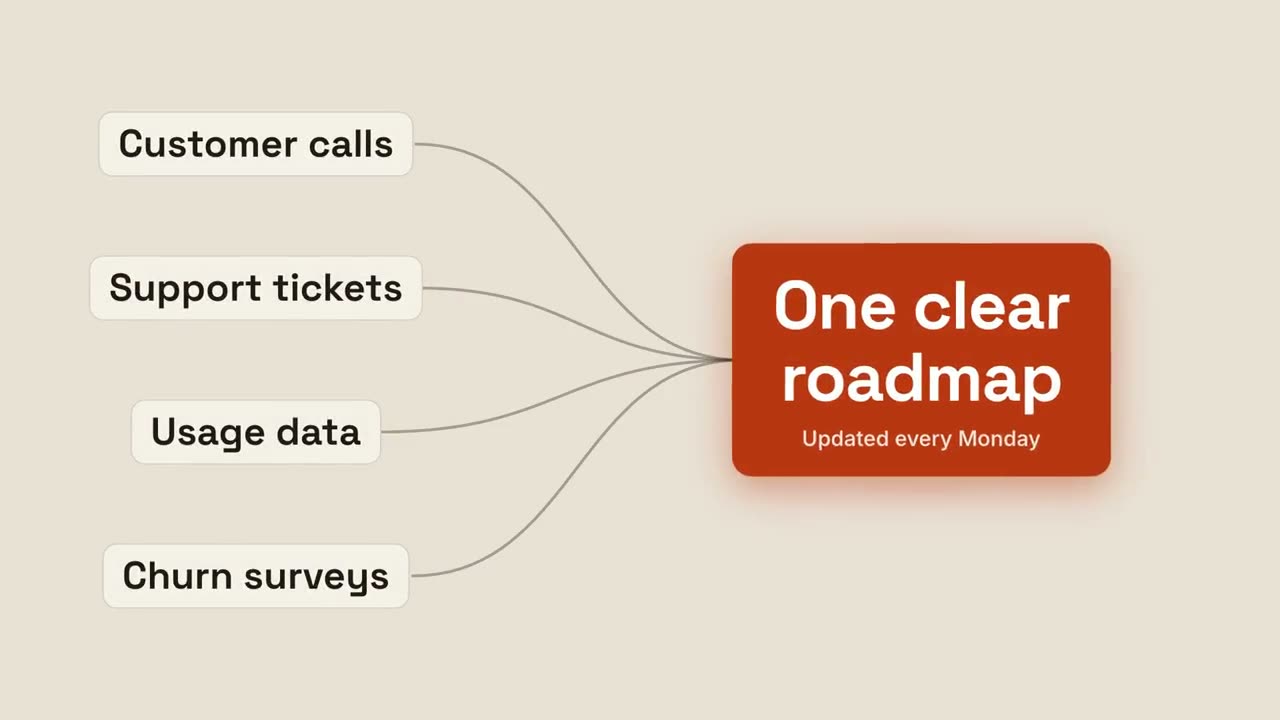
汇聚成果
多个输入汇流,形成一个发光的结果。
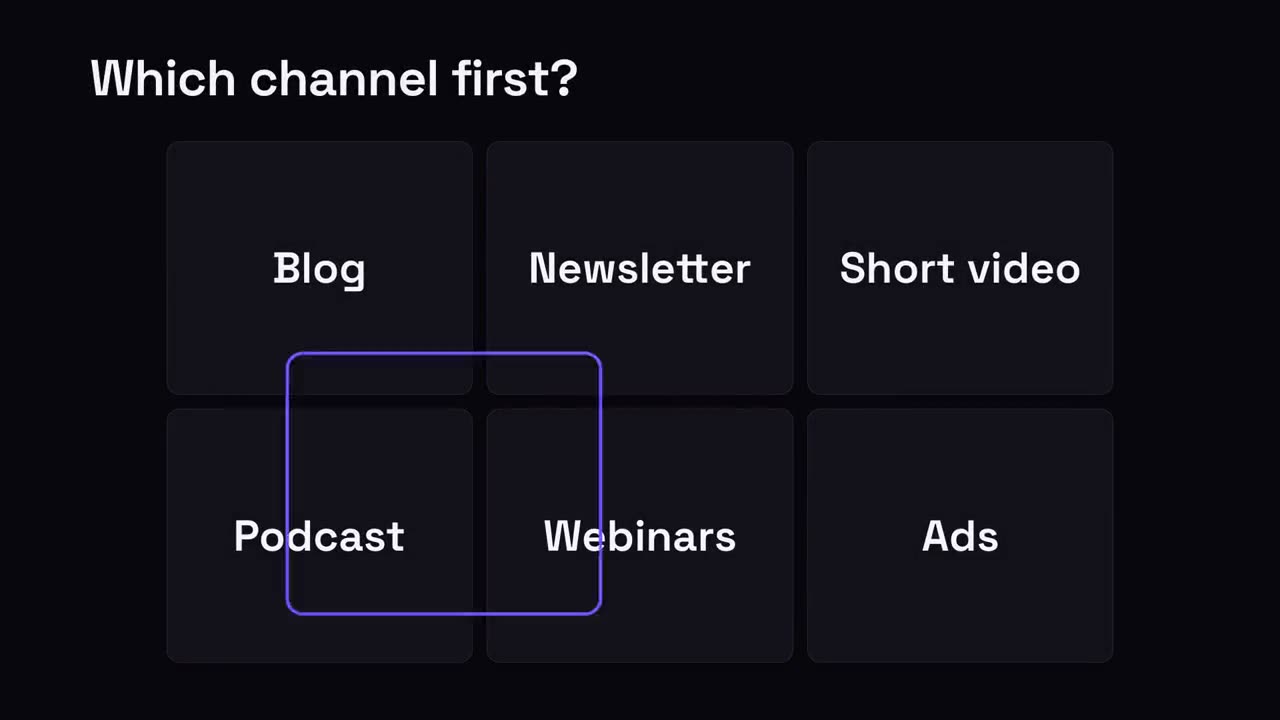
多选一网格
一组选项,选择框来回跳动,最后落在胜出项上。
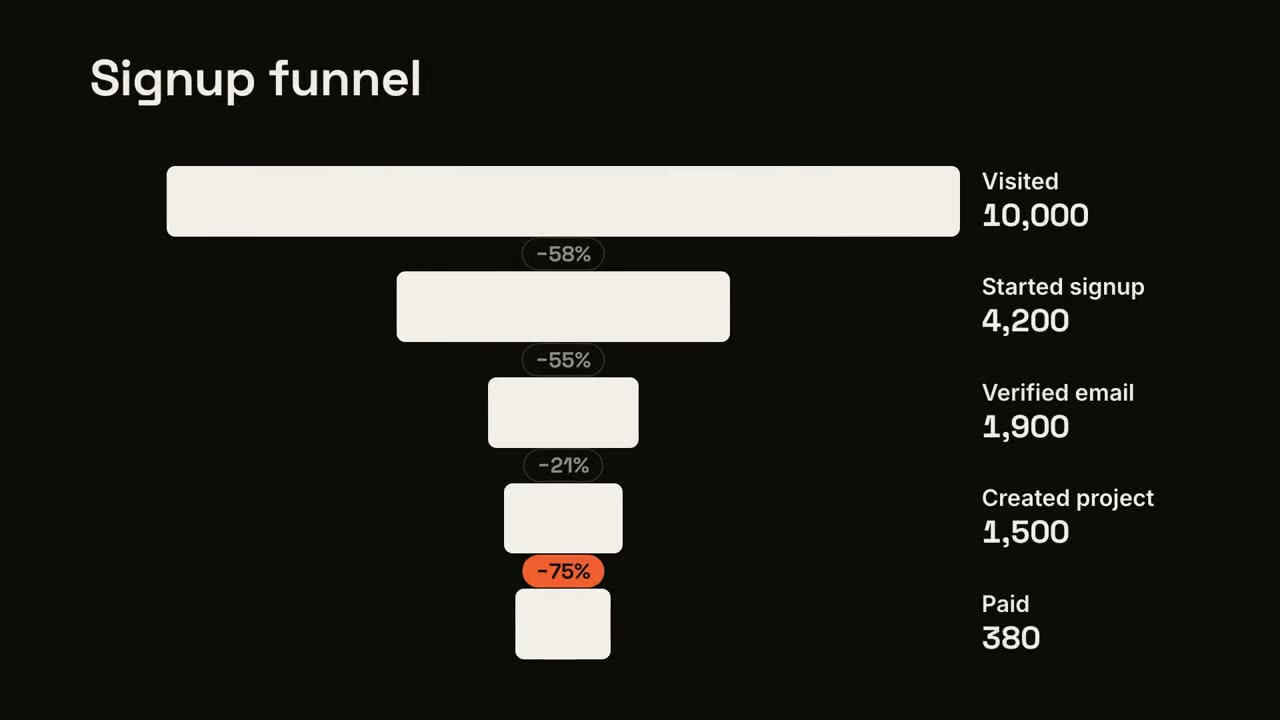
漏斗流失
漏斗逐级收窄,并标出流失最严重的一步。
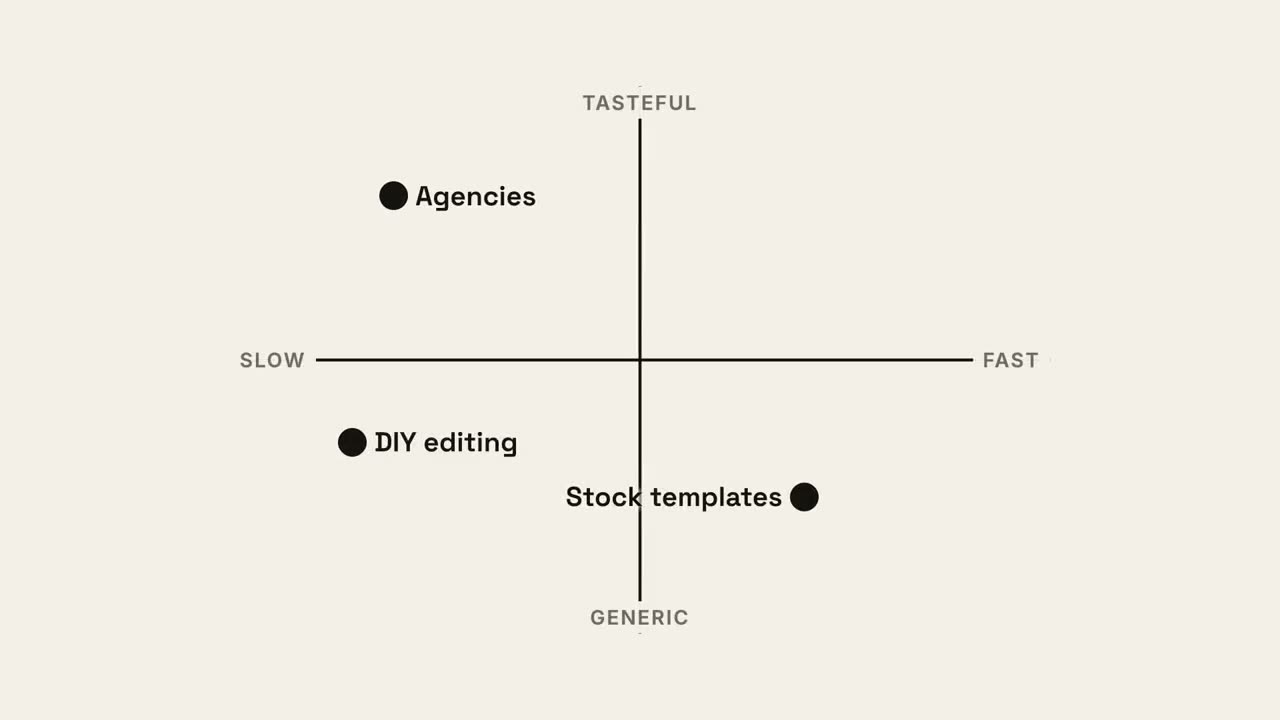
四象限定位
2×2 定位图,你的圆点占据最好的那个象限。
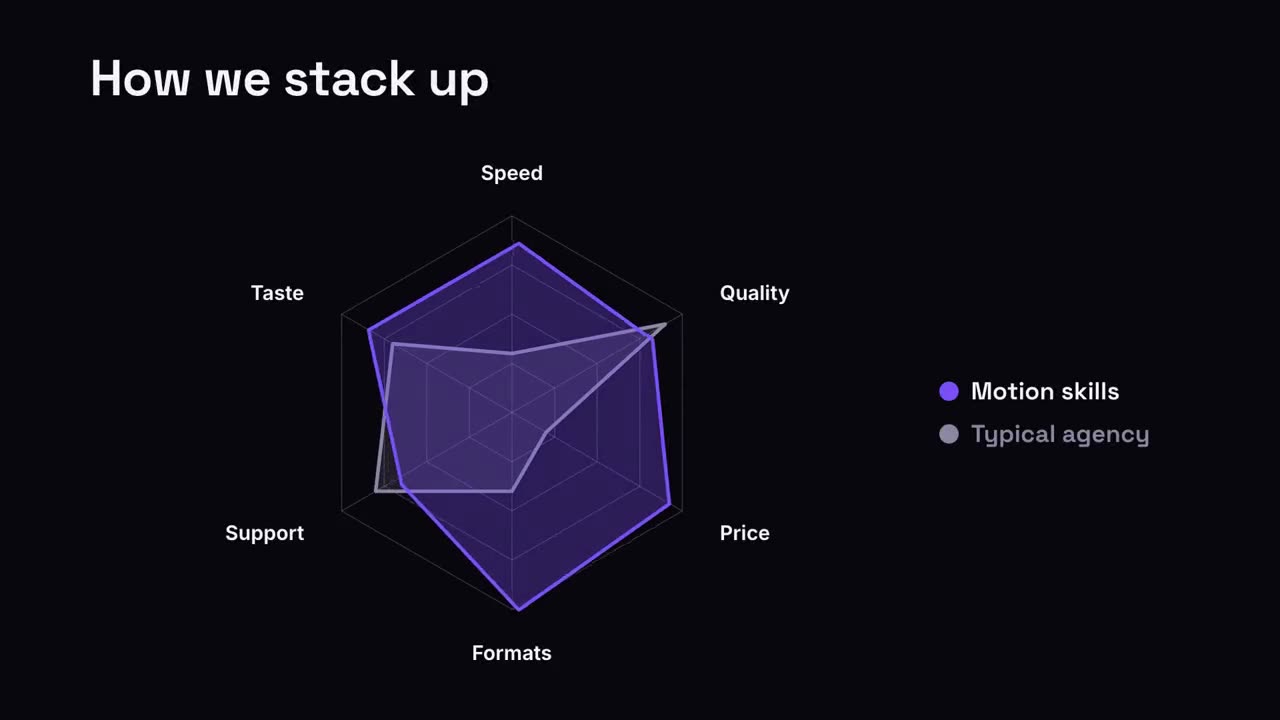
雷达对比
雷达图上,你的图形把对比对象比下去。
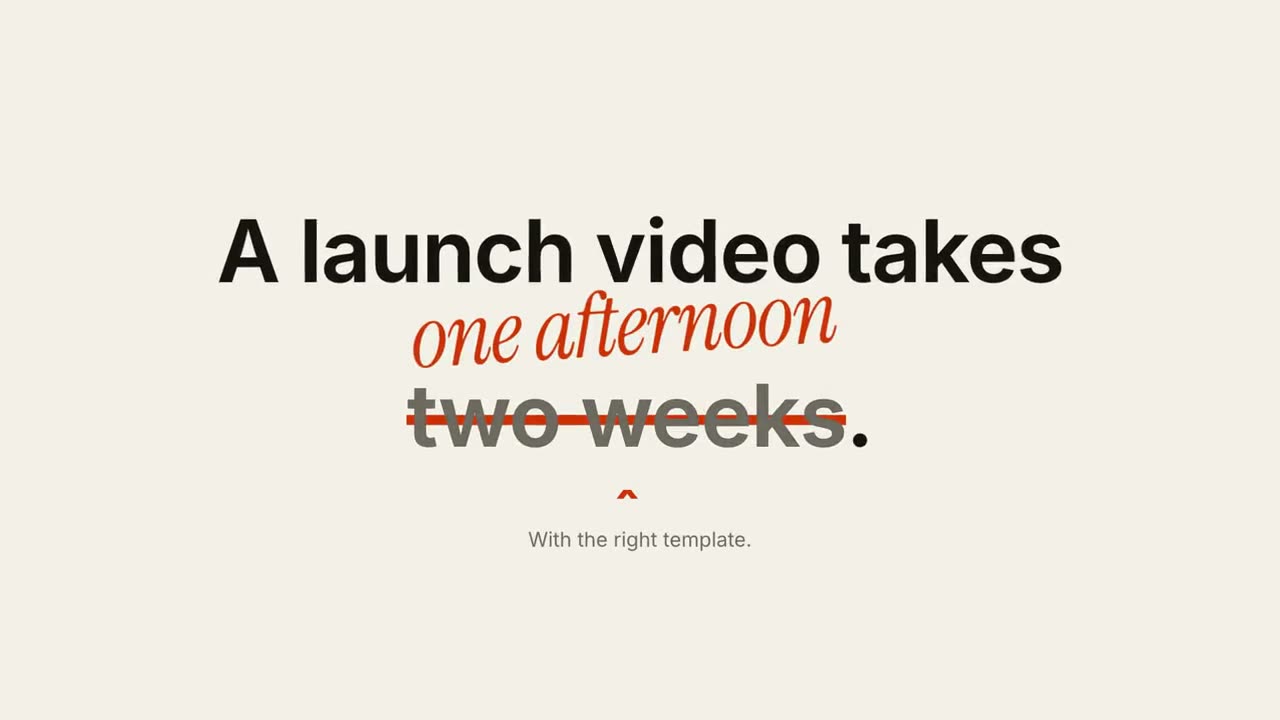
划掉更正
划掉句子中的一个短语,在上方写上更正。
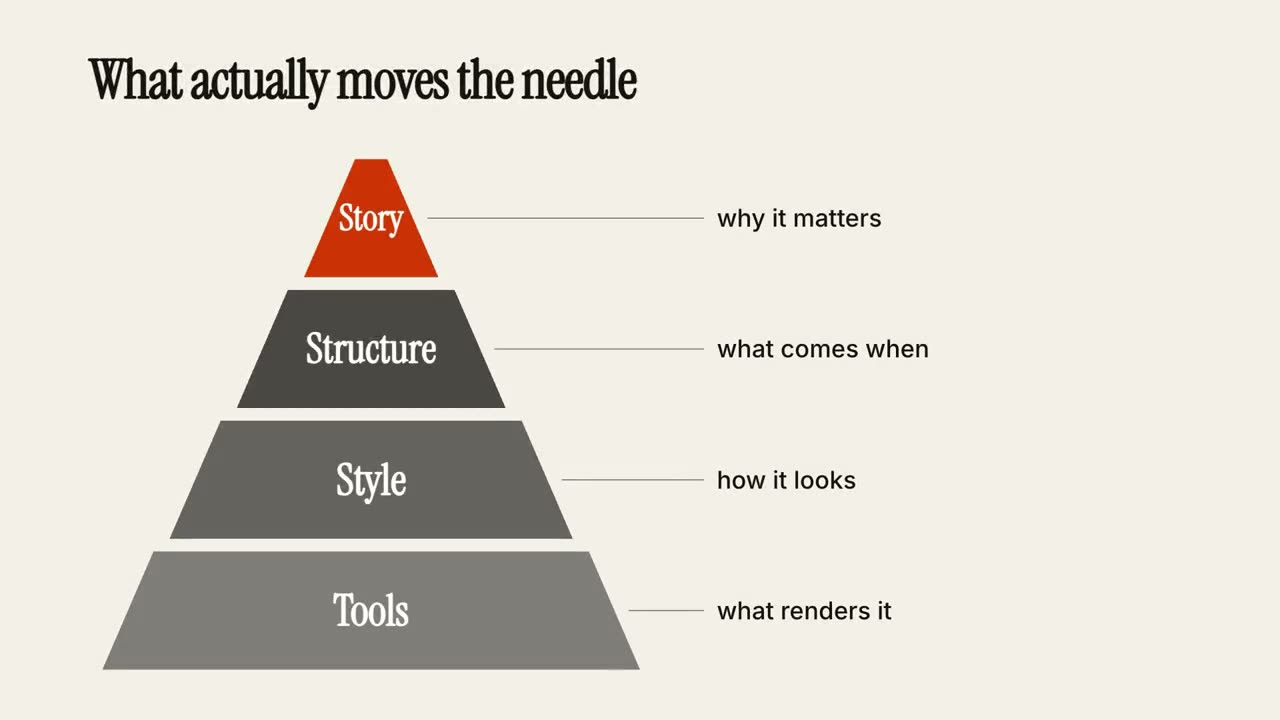
层级金字塔
金字塔逐层搭建,每层附一句说明。
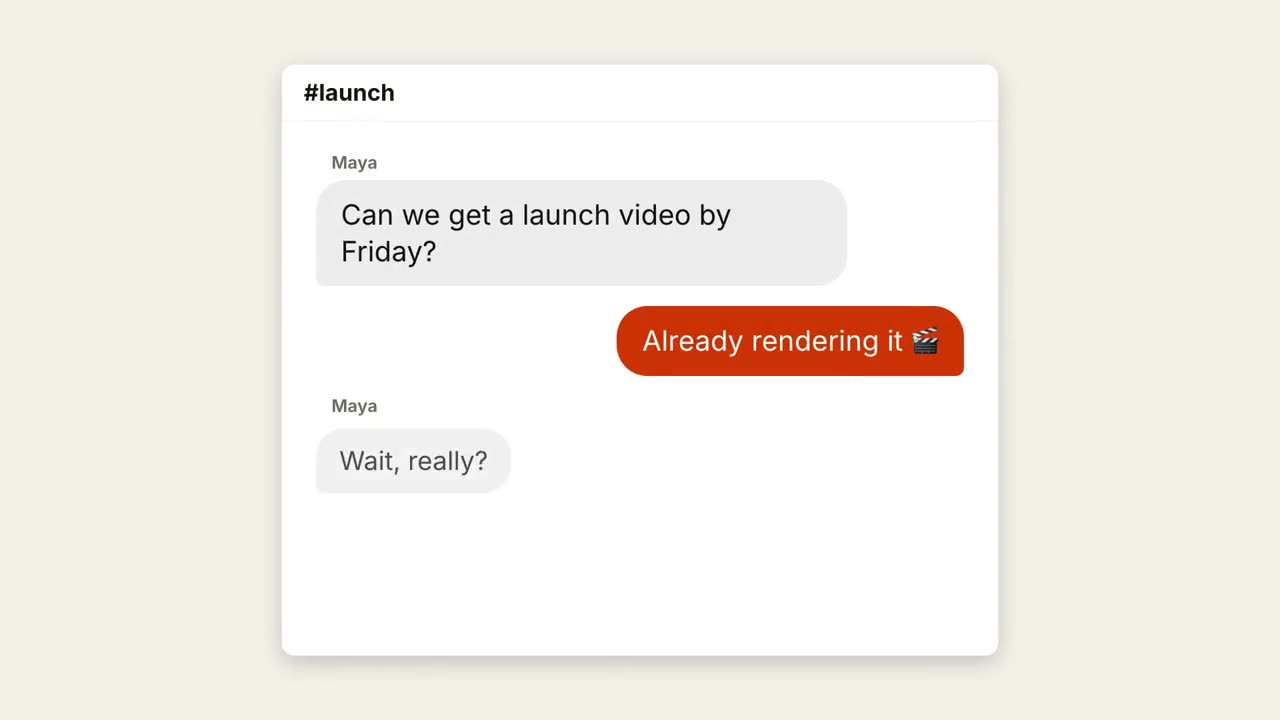
聊天对话
一段对话:先显示输入中,再弹出气泡。
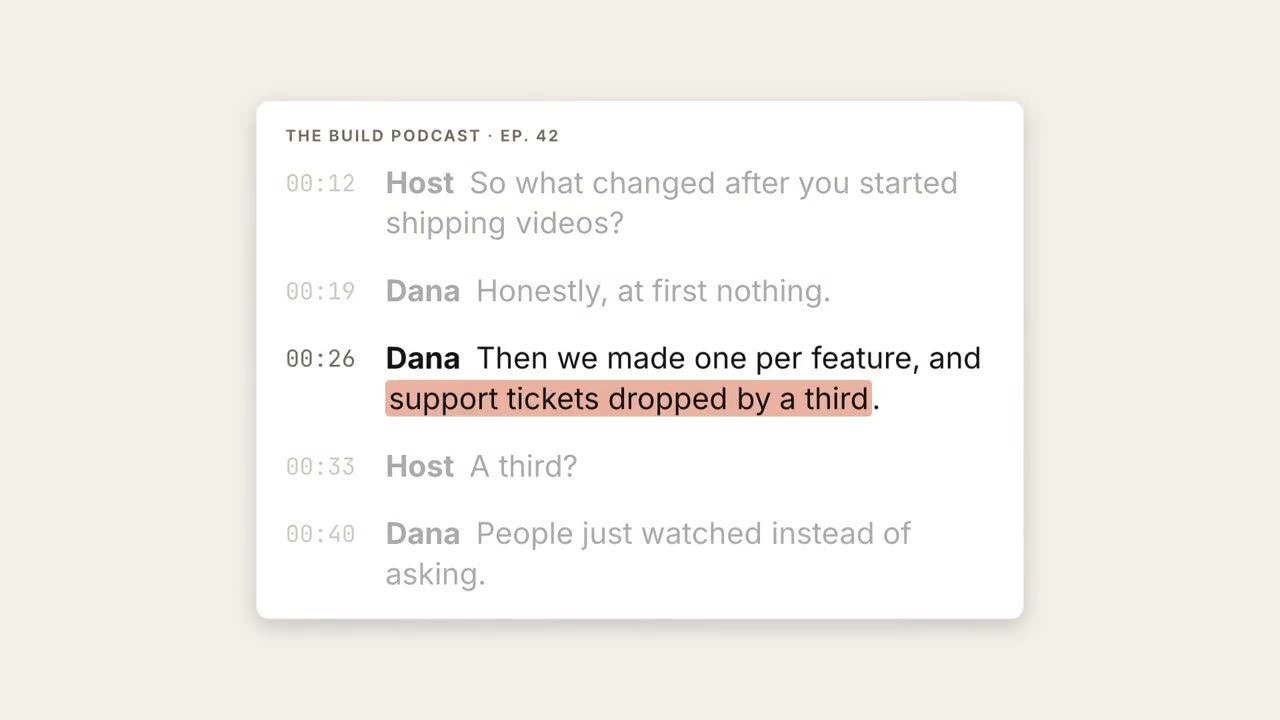
逐字稿高亮
逐字稿依次出现,关键句被高亮并放大成引语。
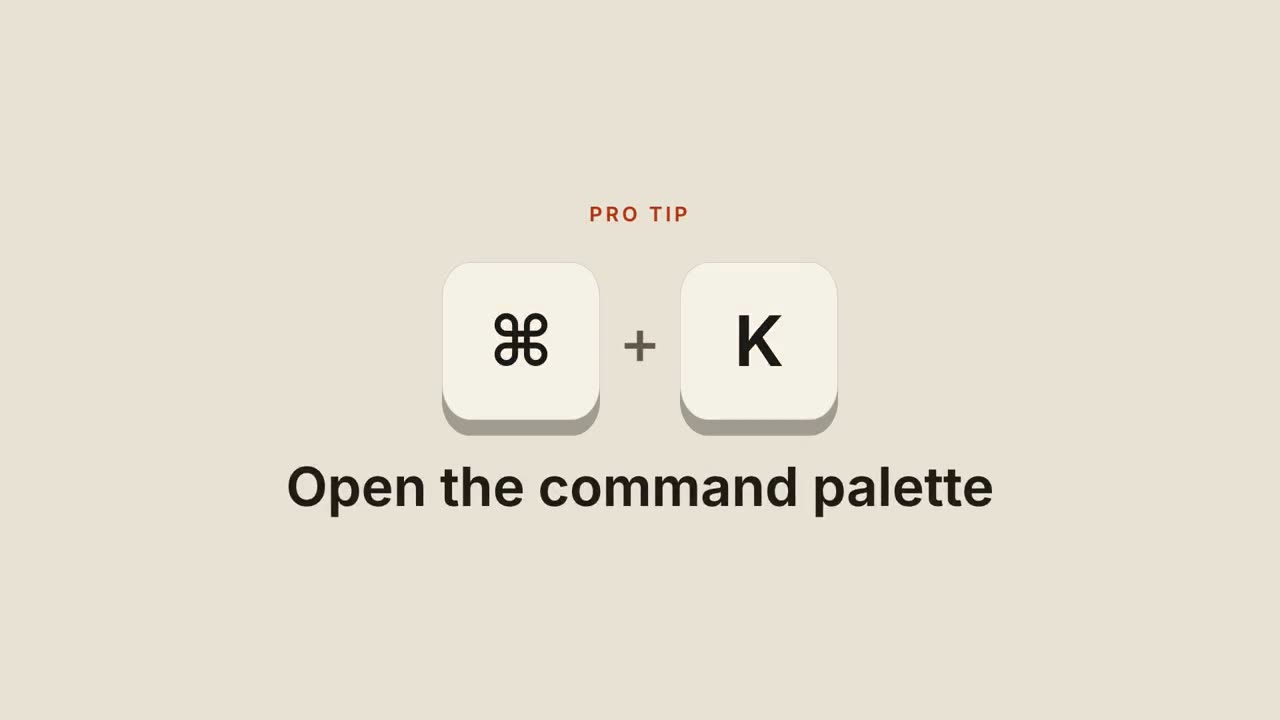
快捷键
键帽落下、按下,再显示这个快捷键的作用。
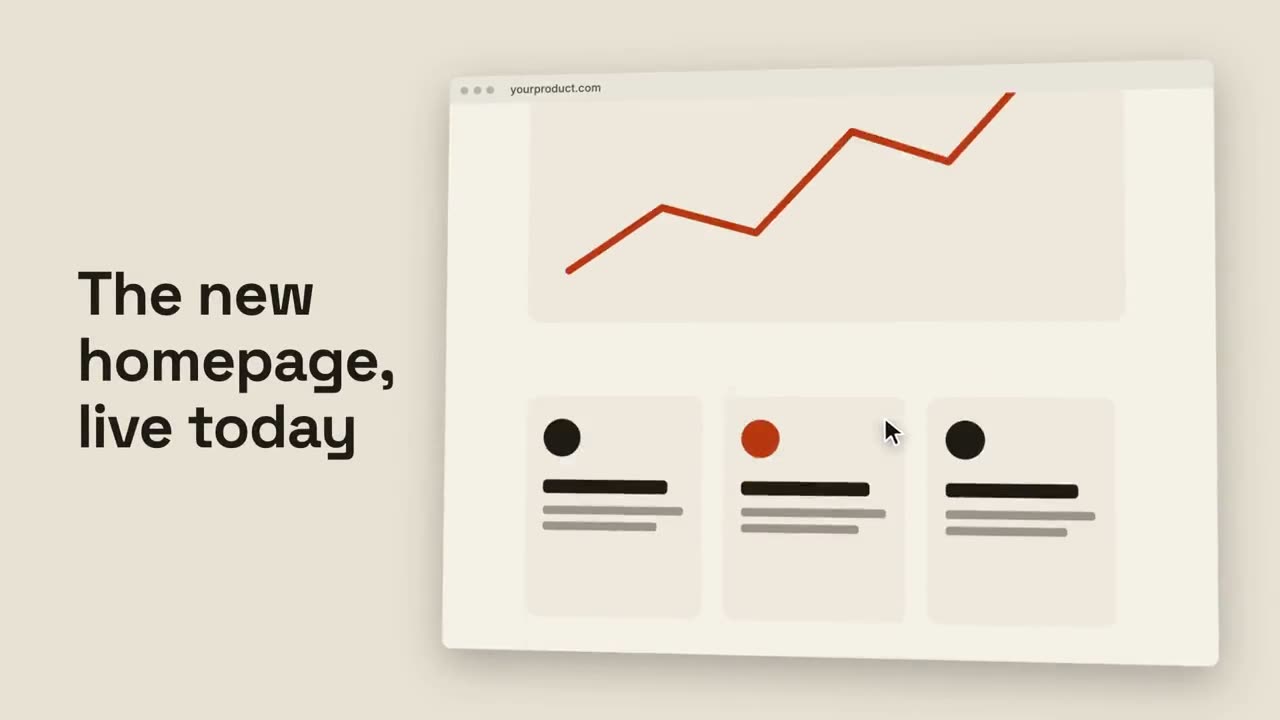
网页滚动展示
倾斜的浏览器窗口平滑滚过整个页面。
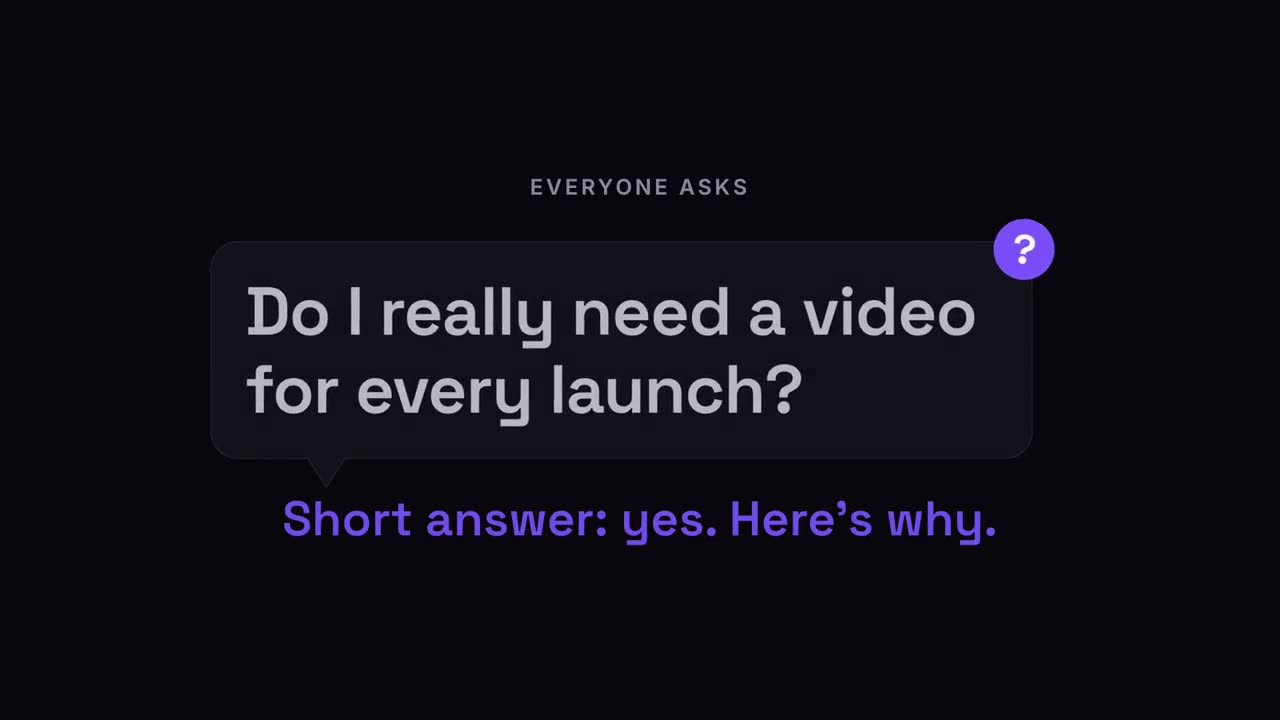
问题气泡
观众的问题出现在对话气泡里,随后给出答案。
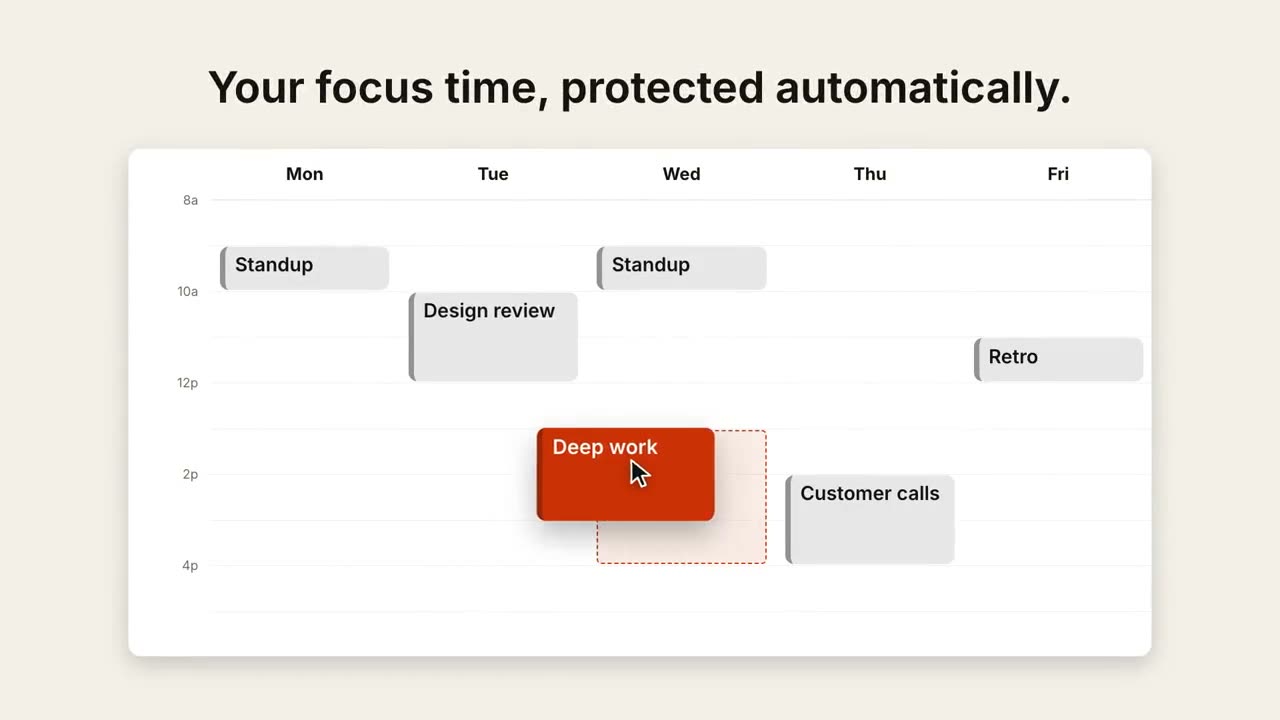
日程拖拽
周视图排满日程,光标把一个事件拖到更合适的时段。
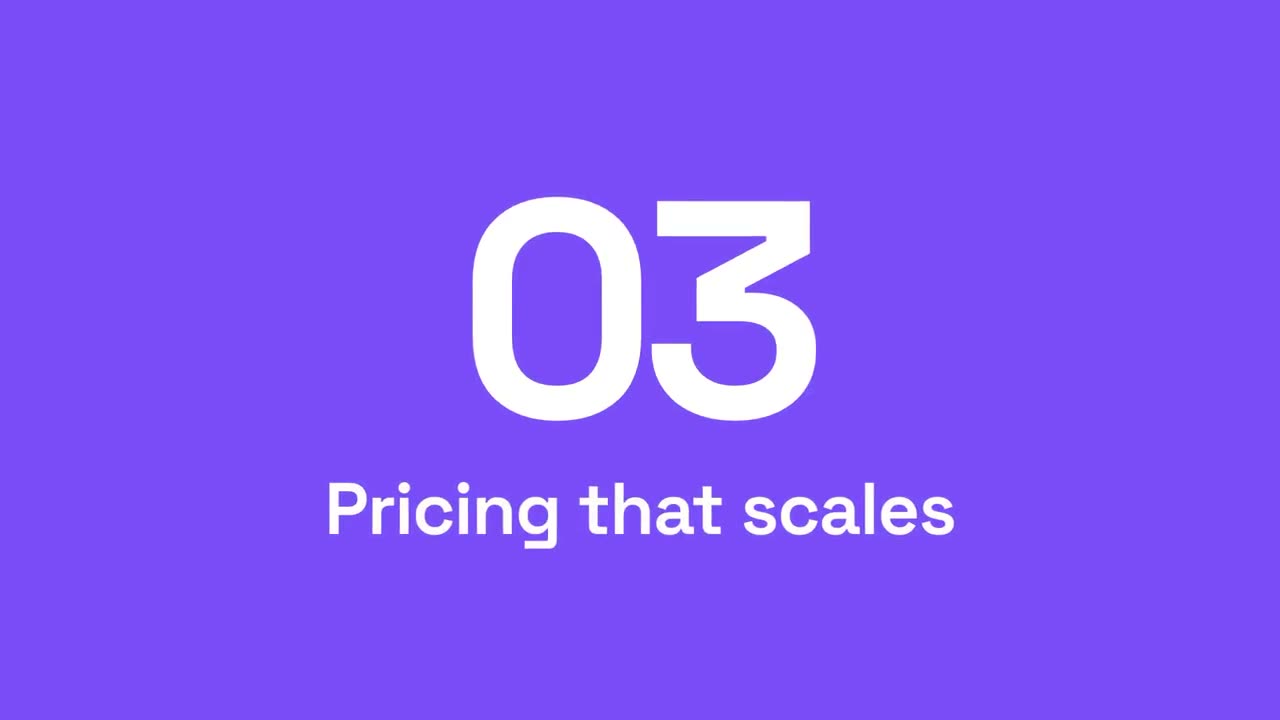
章节转场
强调色面板扫过画面,章节号滚动到下一个。
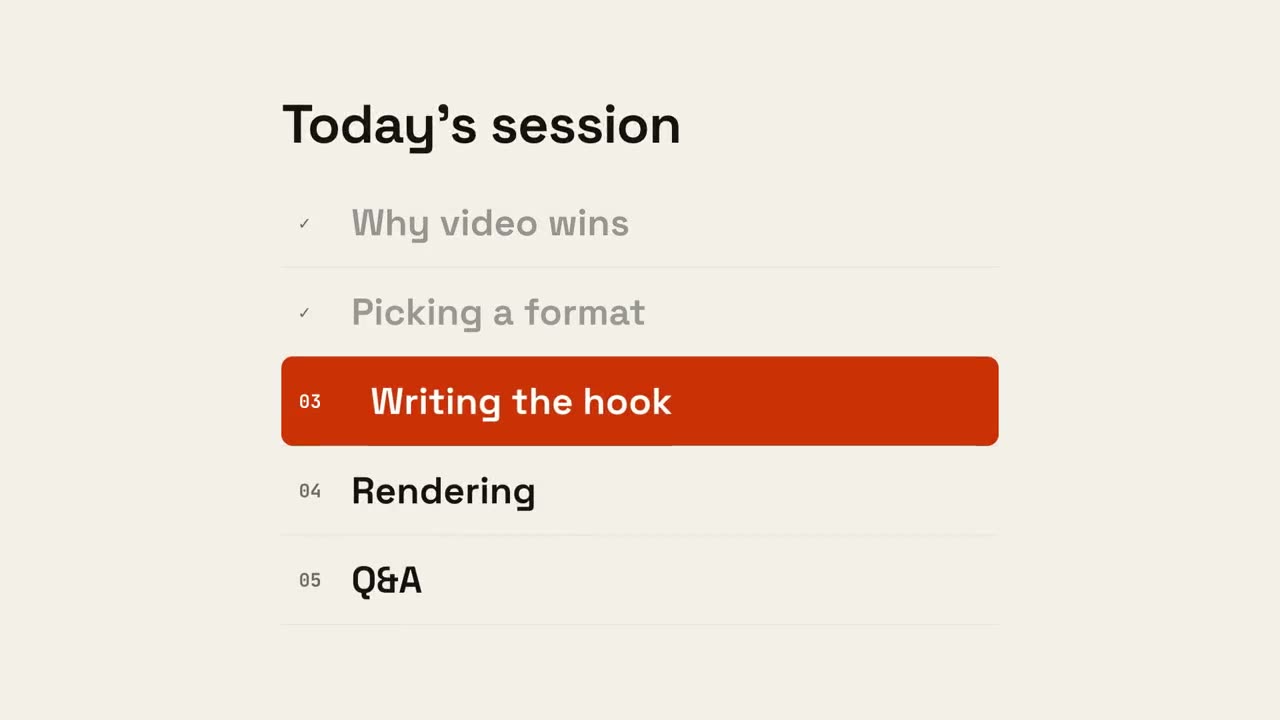
议程进度
议程列出,已完成项打勾,标记滑到下一项。
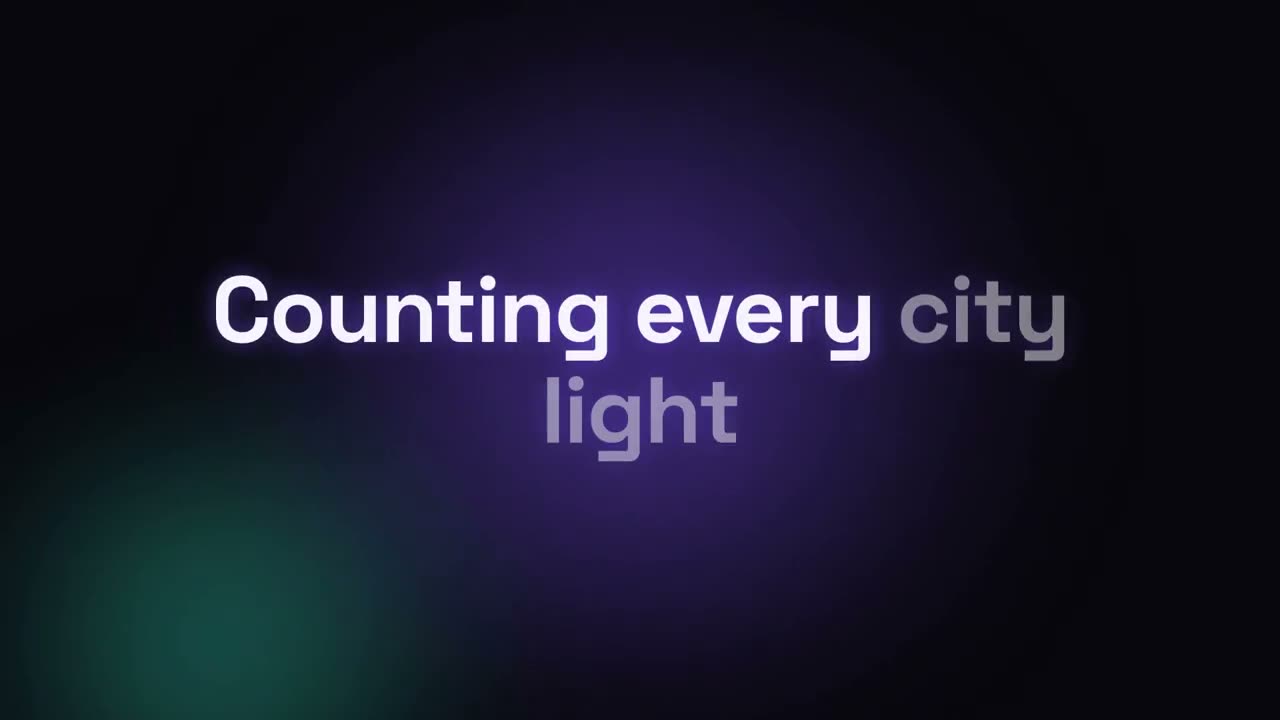
歌词视频
按时间轴出现的歌词:卡拉 OK 填色、动感逐词或逐行堆叠。
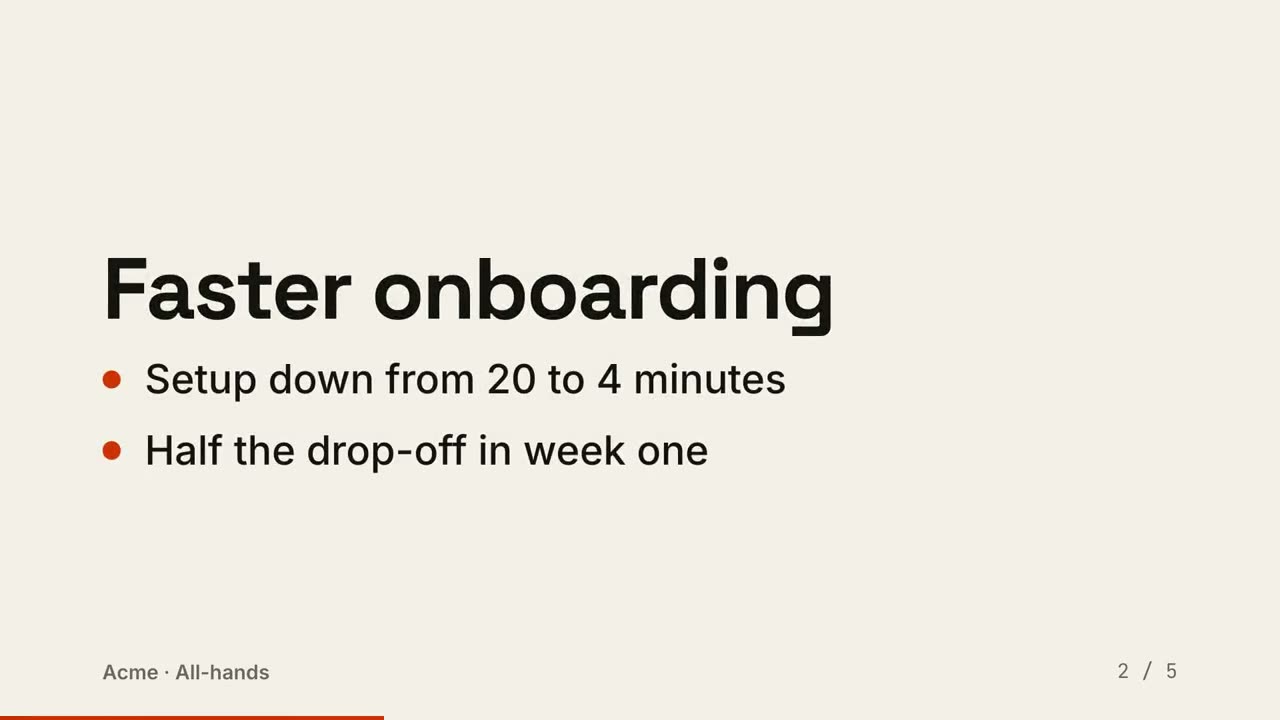
幻灯片转视频
把幻灯片渲染成视频:每页一拍,要点依次出现。
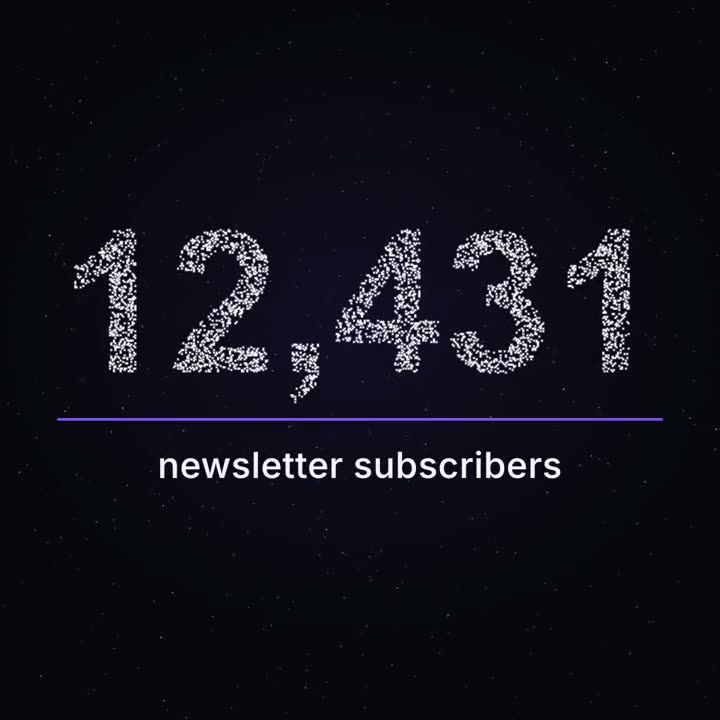
里程碑粒子数字
成千上万个光点像星空般漂浮,再聚成你的真实数字。
用这些 Skill 做出来的作品



常见问题
能做 YouTube 讲解视频吗?
能。Explainer Director 把文章、笔记或一个主题做成 30–90 秒的讲解视频,配乐或用你自己的配音。单个场景(图表、示意图、标题)也可以直接放进你的剪辑。
能给我的口播视频加字幕吗?
能。Animated Captions 在你的电脑上转写视频,并加上逐字字幕。第一次运行会下载语音模型(约 2 GB)。
数据视频里的数字准确吗?
Data → Video 的每个数字都从你的文件读取,从不编造或推算;渲染前会先给你看分镜核对。