貼上到 Claude Code、Codex、Cursor 或任何支援 Skills 的 Agent 中。
範例提示詞
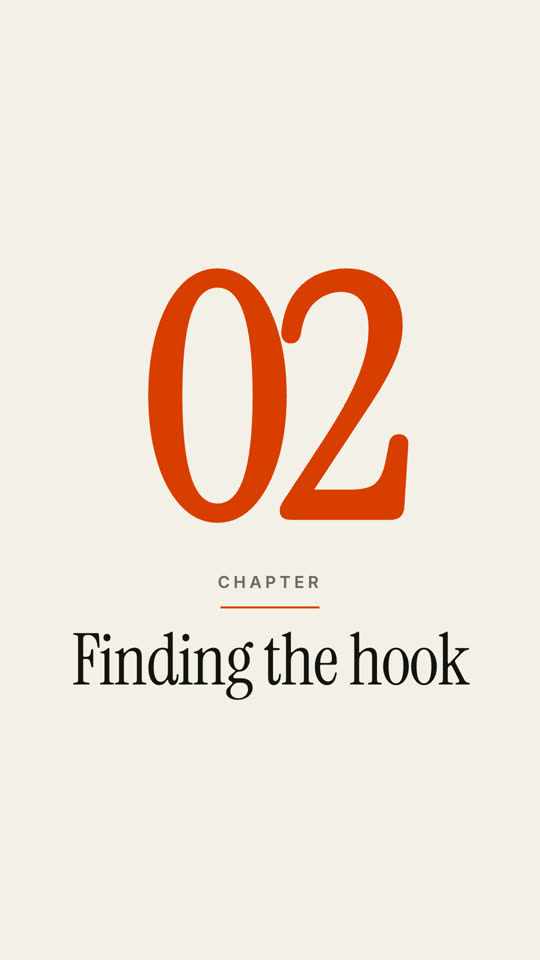
Use the chapter-stamp skill: label "Part", number "III", title "Rendering at scale". Paper theme, grotesk font, 9:16.
風格提示詞(Claude Motion 或 Opus 5.5)
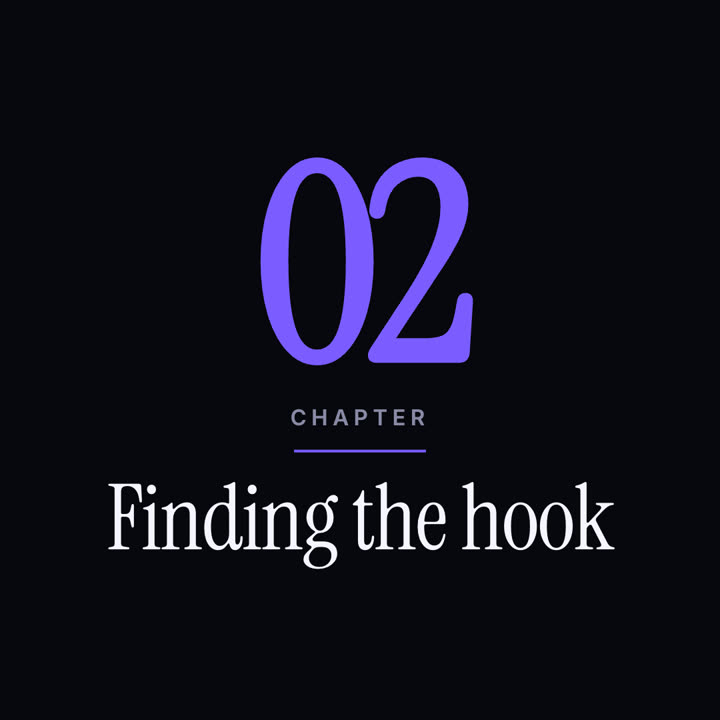
Make a 5-second 16:9 chapter card for [who will watch, e.g. viewers of our course], playing [where, e.g. at the start of each lesson]. Use only the number and chapter title below. Near-black background.

A huge serif number slams down from twice its size with a tiny camera shake. To its right, a short orange rule extends, a small gray uppercase "CHAPTER" tightens its letter spacing, and the chapter title rises word by word in a light serif. End frame: the number turns orange and the whole card slowly scales up.

Number: [e.g. 02]
Chapter title: [e.g. "Finding the hook"]
無需安裝:貼到 Claude Motion(Team 或 Enterprise),或直接傳給 Opus 5.5,就能得到相近的風格。每次執行結果會有差異;用 Skill 則每次結果一致。