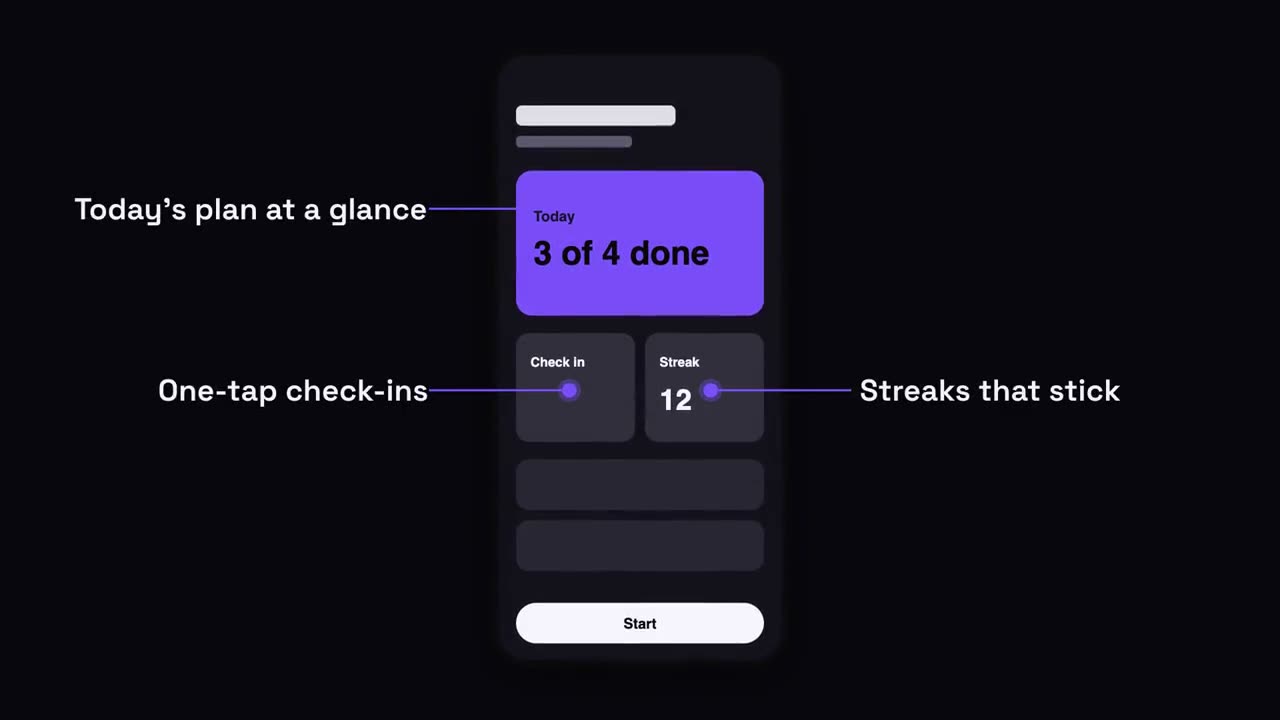
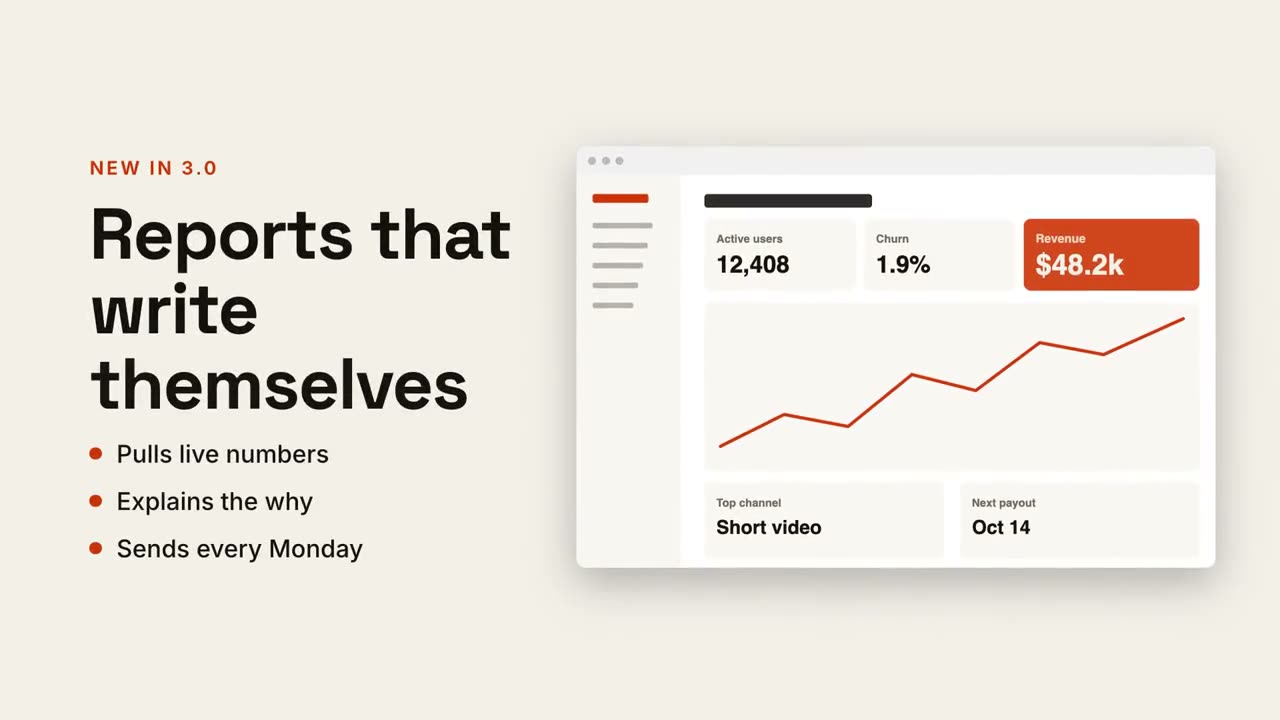
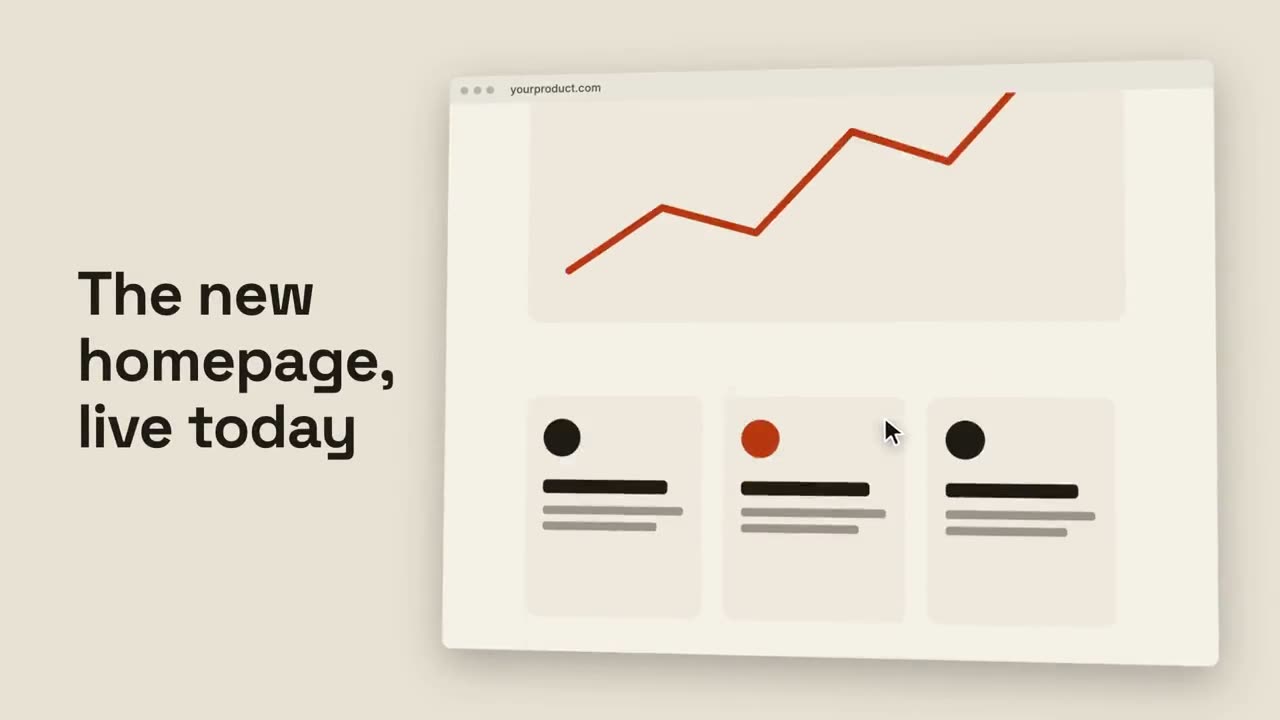
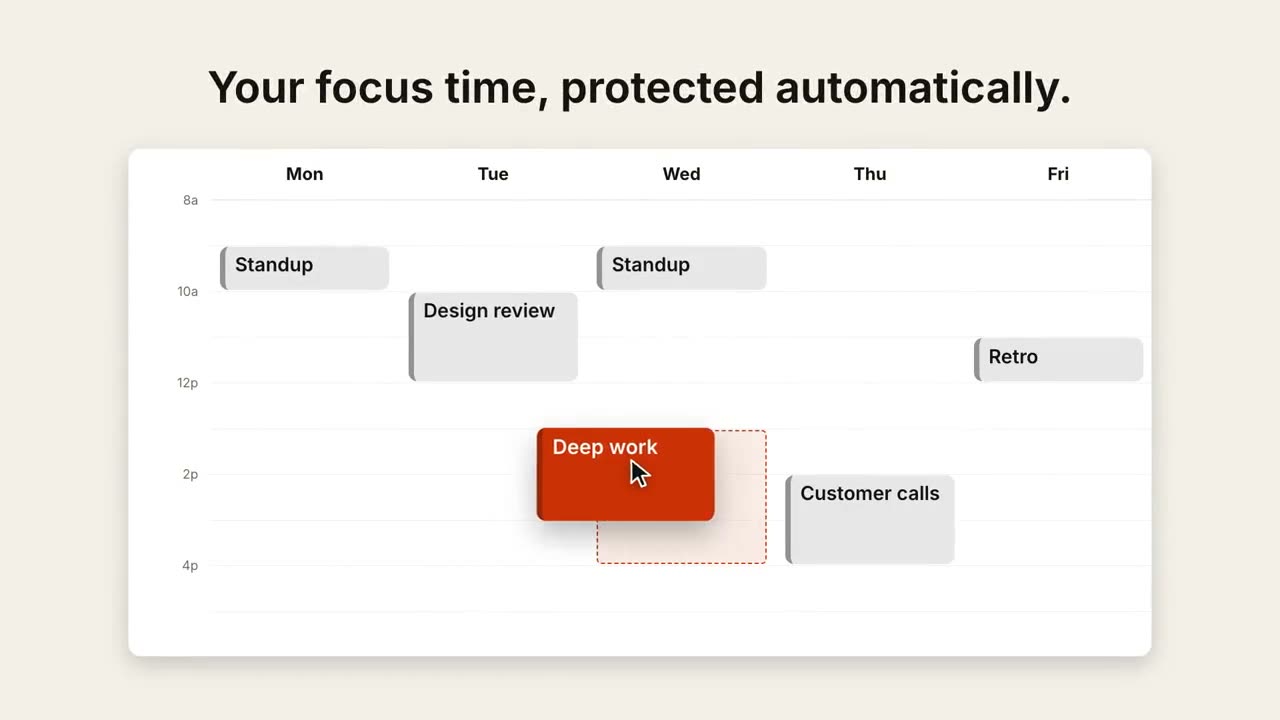
貼上到 Claude Code、Codex、Cursor 或任何支援 Skills 的 Agent 中。
範例提示詞
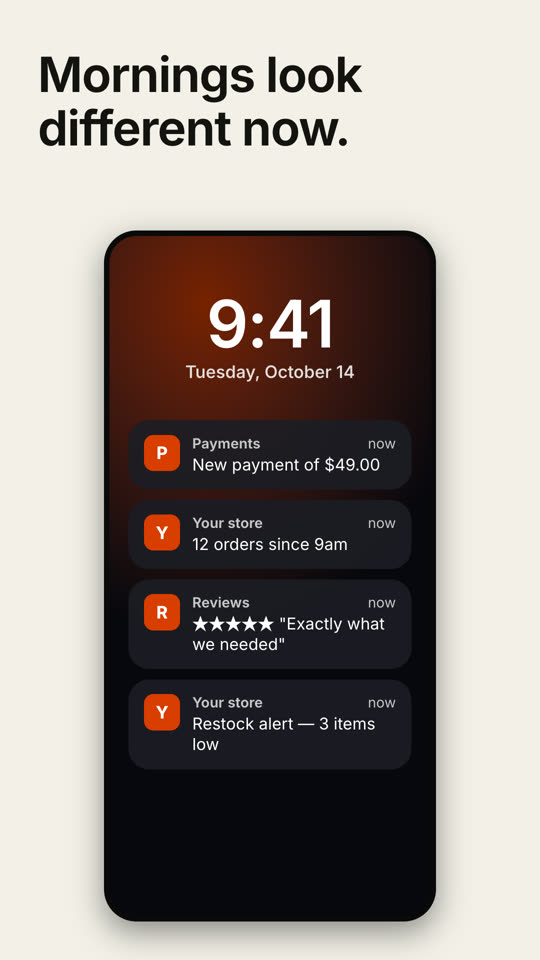
Use the notification-stack skill: notifications "Calendar: Standup moved to 10:30 | Team: Deploy finished ✅ | Inbox: 3 new leads", caption "Your morning, handled.". Paper theme, 9:16.
風格提示詞(Claude Motion 或 Opus 5.5)
Make a 7-second 16:9 scene for [who will watch, e.g. small shop owners], playing [where, e.g. Instagram and our landing page]. Use only the line and notifications below. Deep navy background.

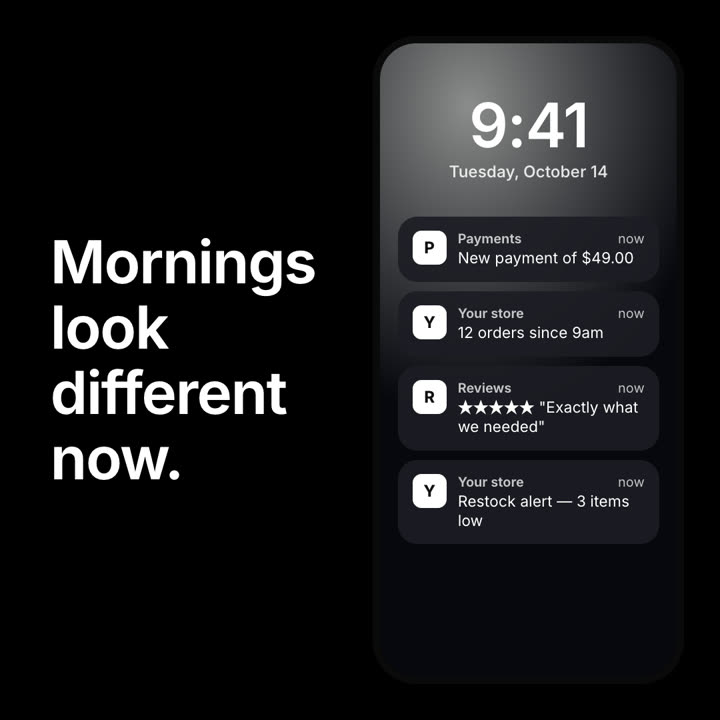
On the left, bold white text with the line. On the right, a phone lock screen with a violet glow, a large time and the date. Dark translucent notifications drop in one by one with a slight buzz of the phone, each with a small violet letter icon. End frame: all four notifications stacked, held for 1.5 seconds.

Line: [e.g. "Mornings look different now."]
Time and date: [e.g. "9:41", "Tuesday, October 14"]
Four notifications: [e.g. "Payments — New payment of $49.00", "Your store — 12 orders since 9am"]
無需安裝:貼到 Claude Motion(Team 或 Enterprise),或直接傳給 Opus 5.5,就能得到相近的風格。每次執行結果會有差異;用 Skill 則每次結果一致。