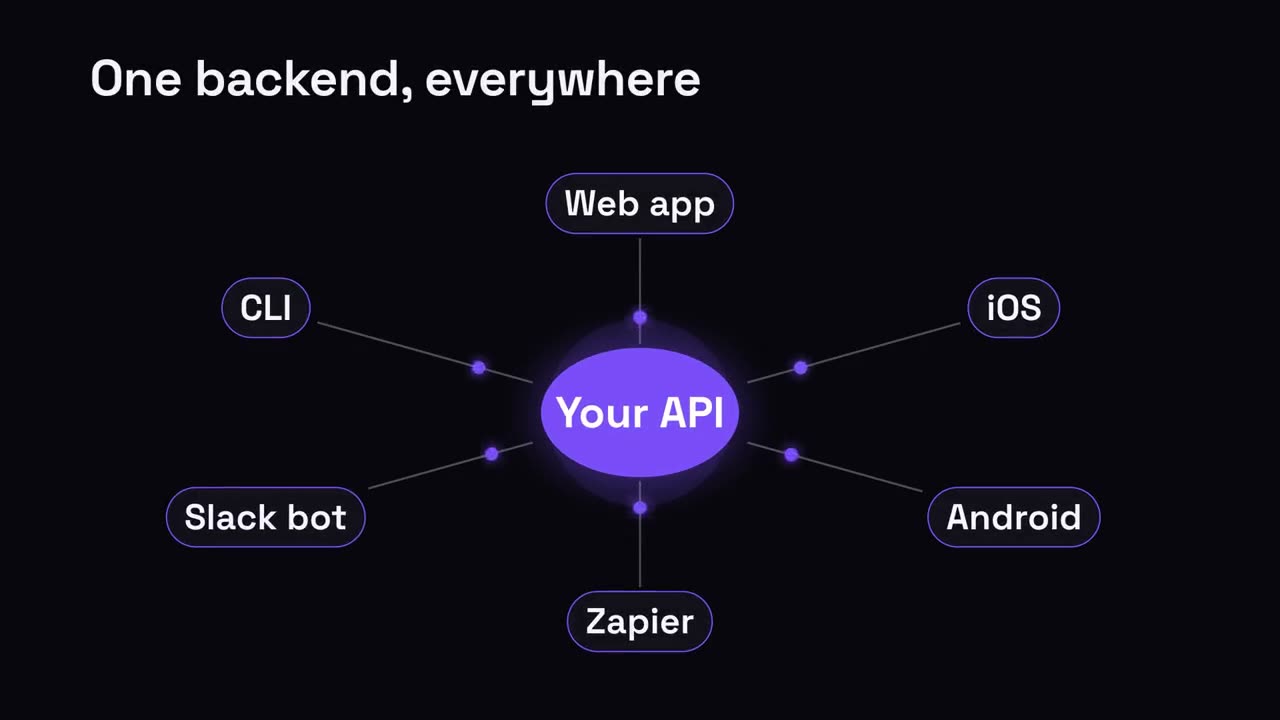
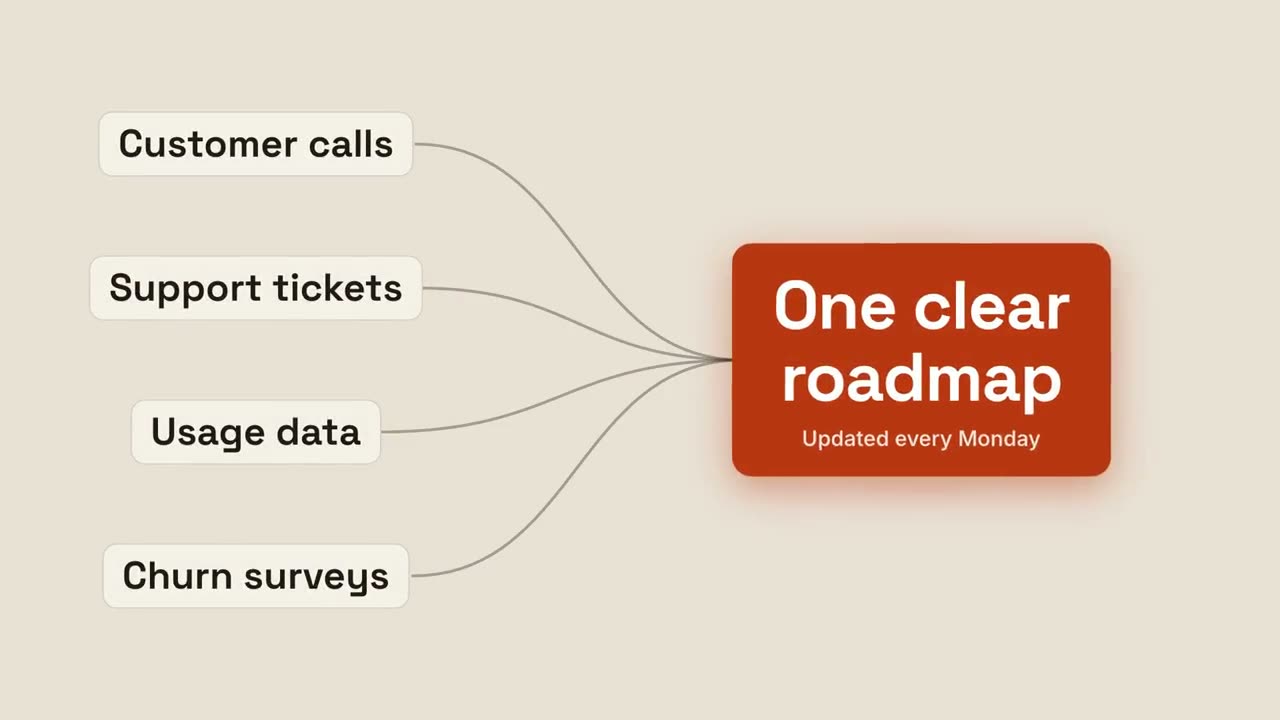
貼上到 Claude Code、Codex、Cursor 或任何支援 Skills 的 Agent 中。
範例提示詞
Use the tier-pyramid skill: title "Maslow for SaaS", tiers "Delight: wow moments | Speed: no waiting | Reliability: it works | Security: it's safe". Ink theme.
風格提示詞(Claude Motion 或 Opus 5.5)
Make a 7-second 16:9 pyramid for [who will watch, e.g. a workshop audience], playing [where, e.g. the talk slides]. Use only the title, four tiers and notes below. Off-white background, serif title.

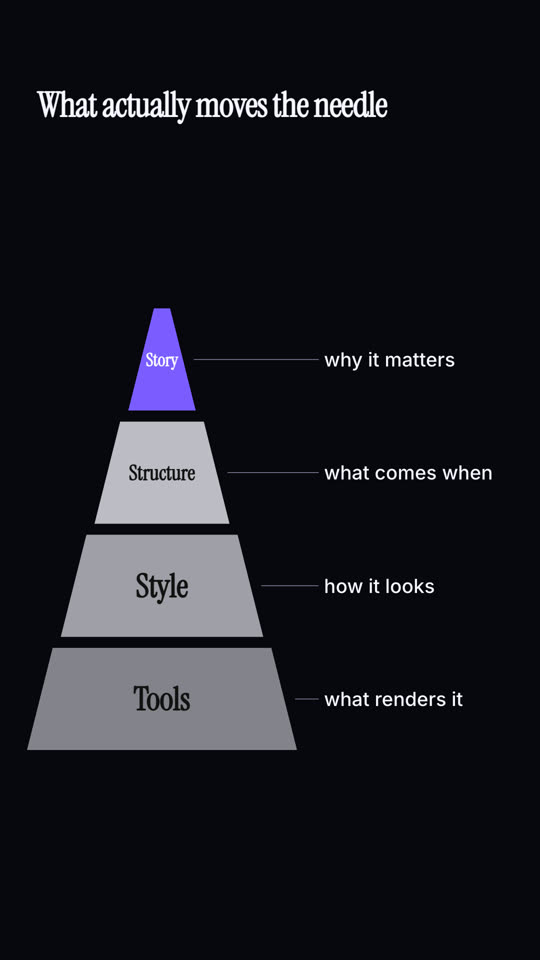
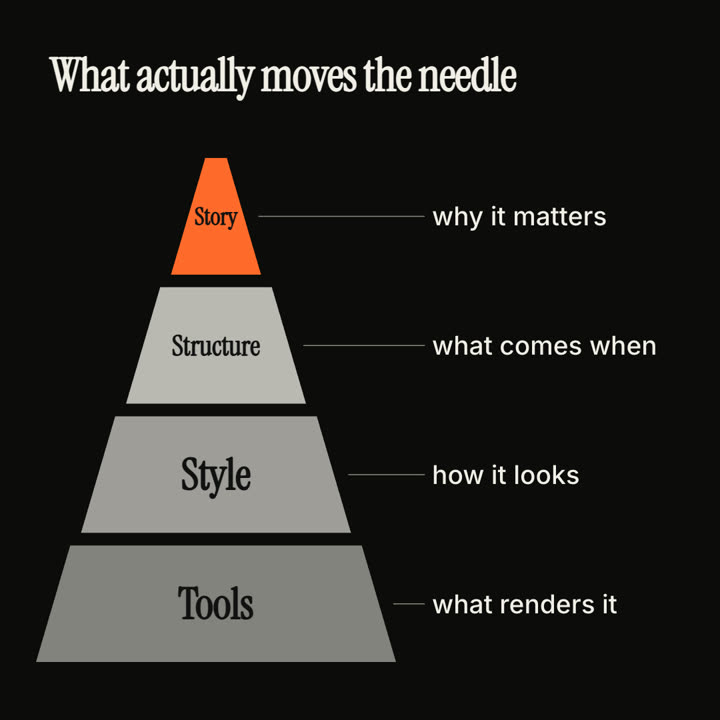
The title appears. A pyramid of four trapezoid tiers builds from the bottom up with a small bounce, getting darker as it rises, with an orange triangle on top. As each tier lands, a dotted gray leader draws to the right with its note. End frame: the full pyramid with all four notes, held for 1.5 seconds.

Title: [e.g. "What actually moves the needle"]
Four tiers, bottom to top, with notes: [e.g. "Tools — what renders it", "Style — how it looks", "Structure — what comes when", "Story — why it matters"]
無需安裝:貼到 Claude Motion(Team 或 Enterprise),或直接傳給 Opus 5.5,就能得到相近的風格。每次執行結果會有差異;用 Skill 則每次結果一致。