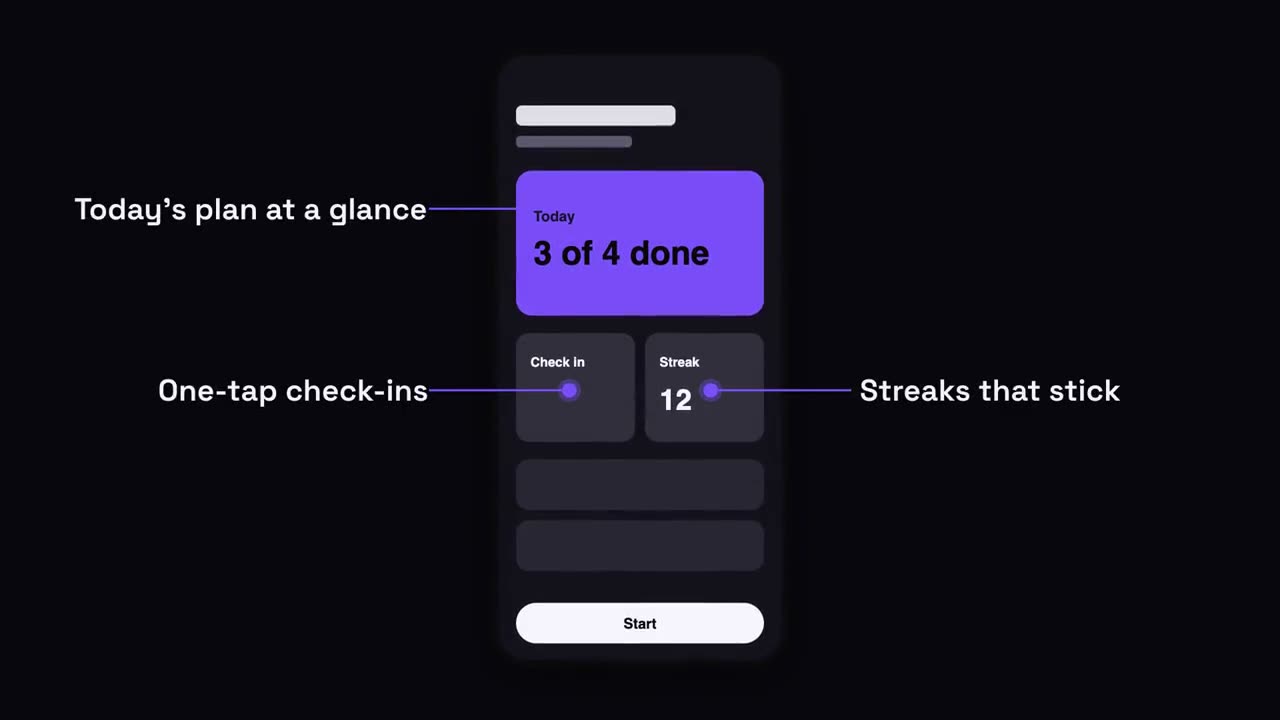
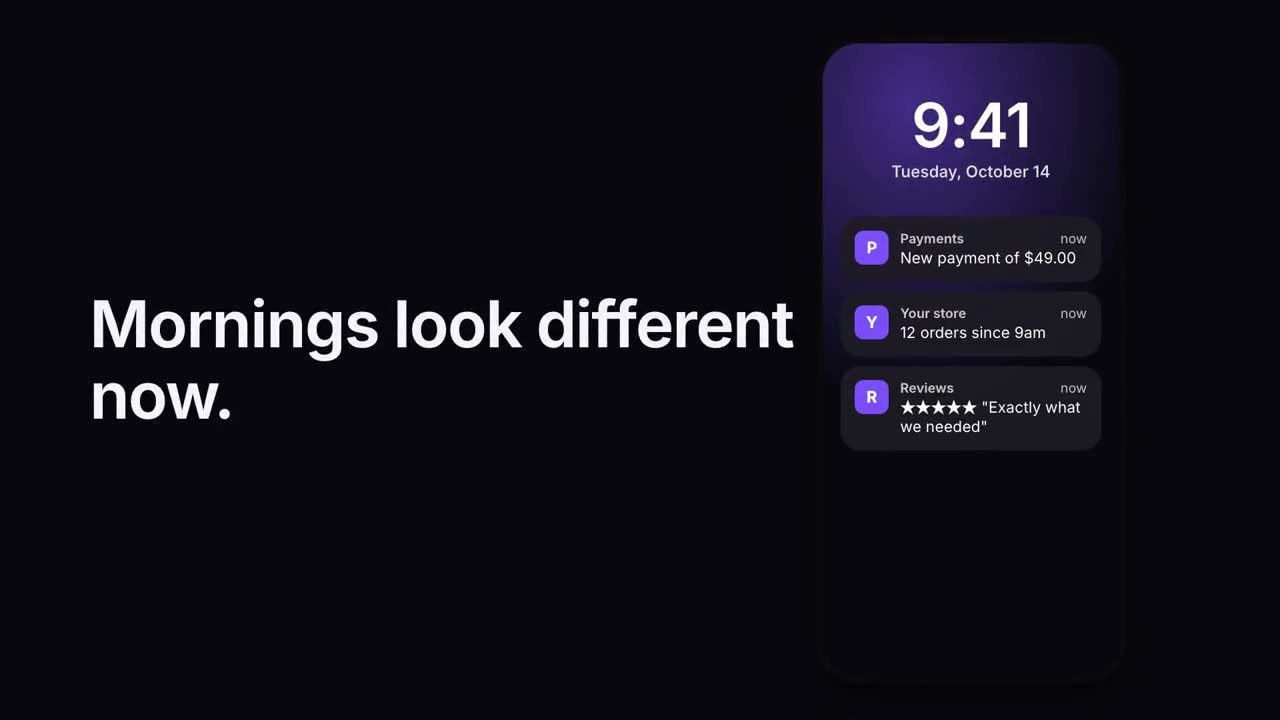
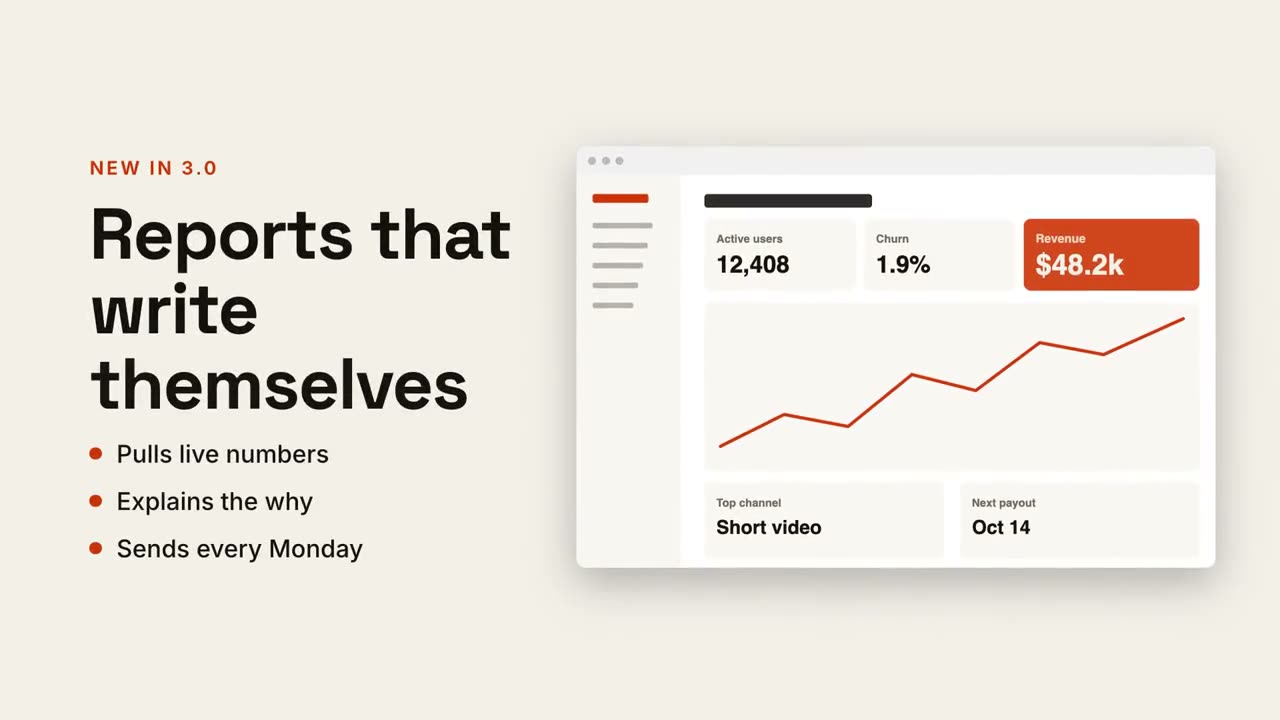
貼上到 Claude Code、Codex、Cursor 或任何支援 Skills 的 Agent 中。
範例提示詞
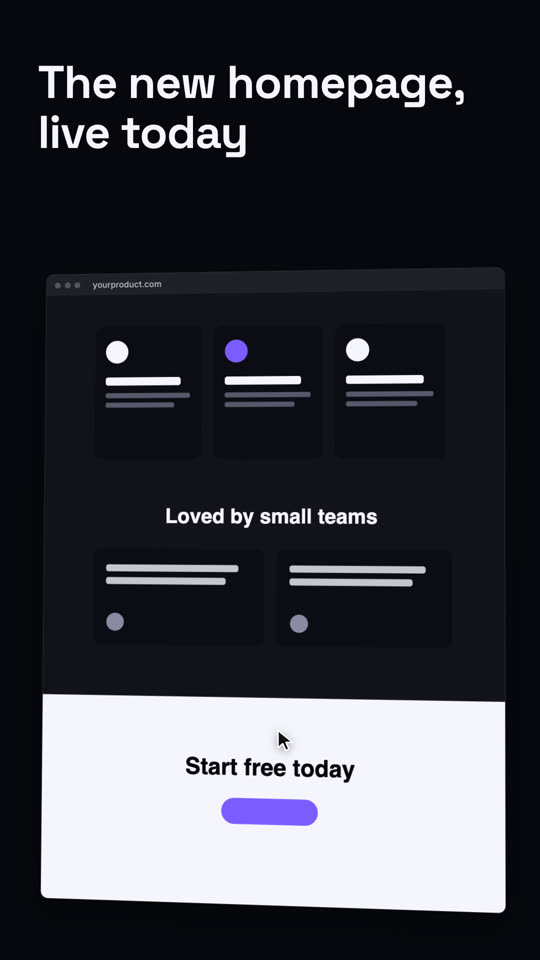
Use the browser-scroll skill with our full-page screenshot assets/home-full.png, url "fable.dev", caption "Redesigned from the ground up". Flat, ink theme, 9:16.
風格提示詞(Claude Motion 或 Opus 5.5)
Make an 8-second 16:9 website showcase for [who will watch, e.g. customers and the press], playing [where, e.g. the launch post]. Use only the headline and the full-page screenshot I give. Sand background.

Bold text with the headline sits on the left. On the right, a browser window with the page settles in, tilted slightly in 3D. The page scrolls smoothly from the hero down to the footer while a small cursor drifts over it. End frame: the tilt relaxes on the footer.

Headline: [e.g. "The new homepage, live today"]
Attach: [a full-page screenshot of your site]
無需安裝:貼到 Claude Motion(Team 或 Enterprise),或直接傳給 Opus 5.5,就能得到相近的風格。每次執行結果會有差異;用 Skill 則每次結果一致。