貼上到 Claude Code、Codex、Cursor 或任何支援 Skills 的 Agent 中。
範例提示詞
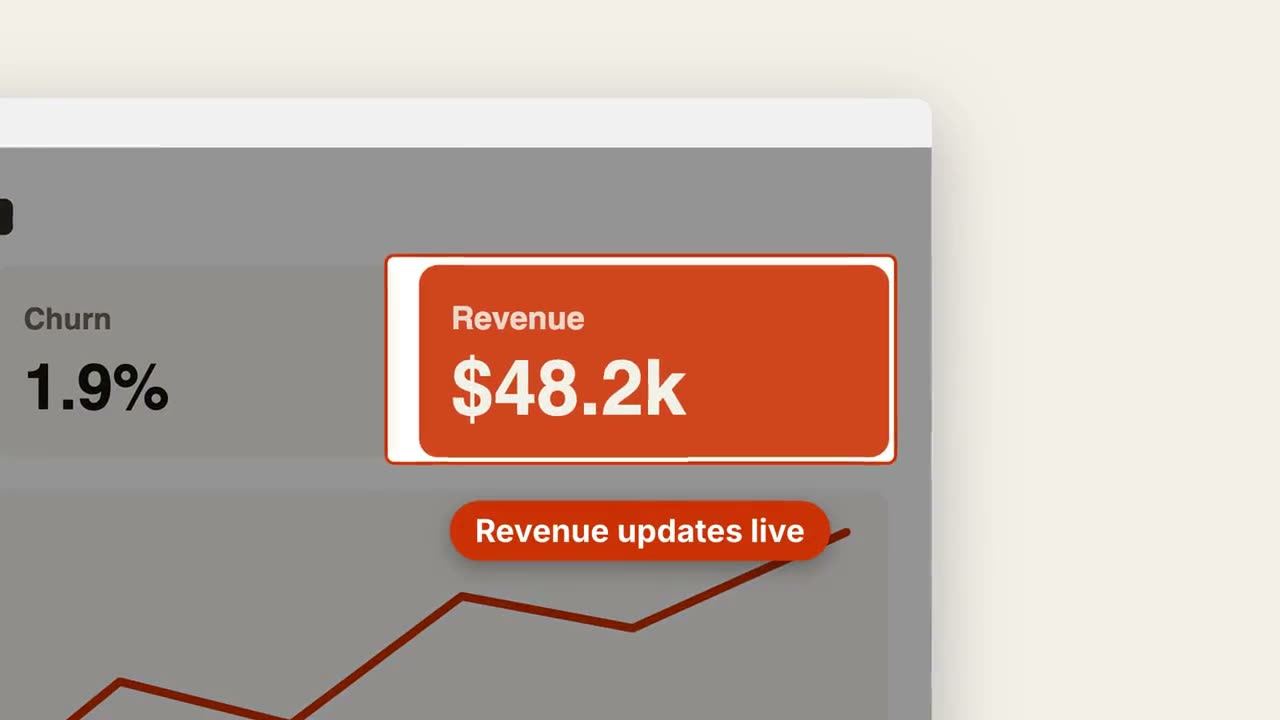
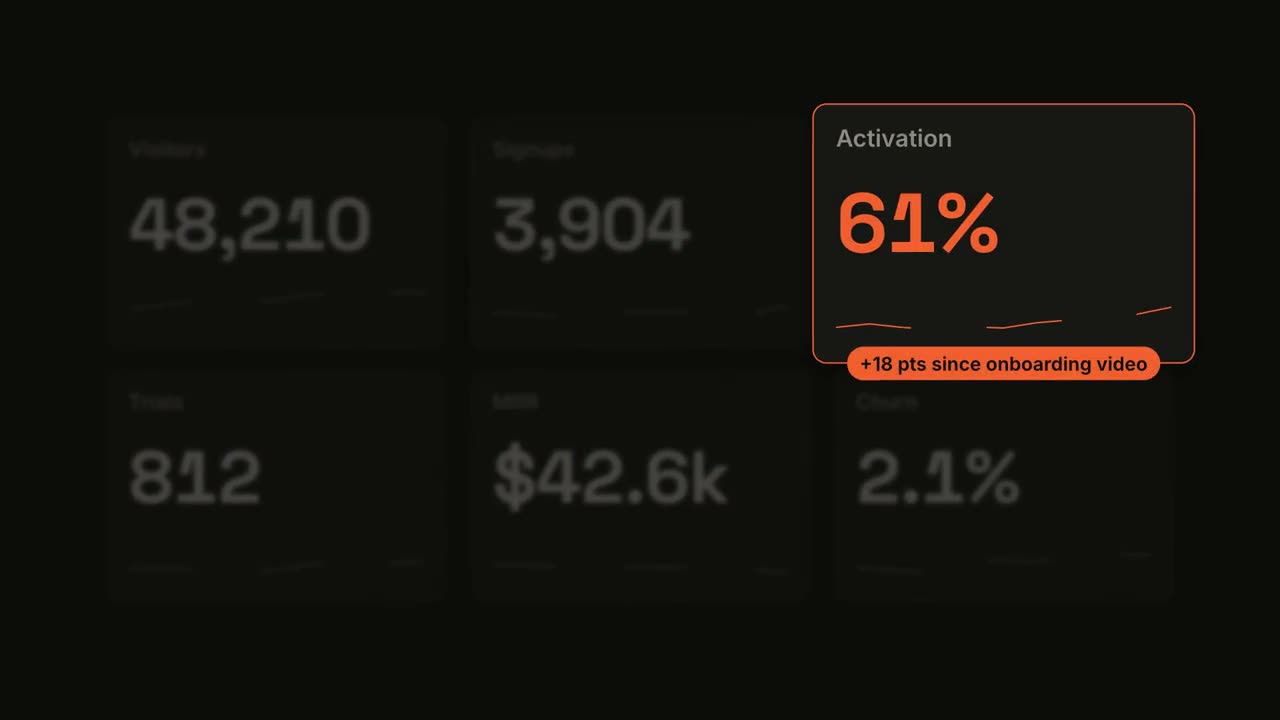
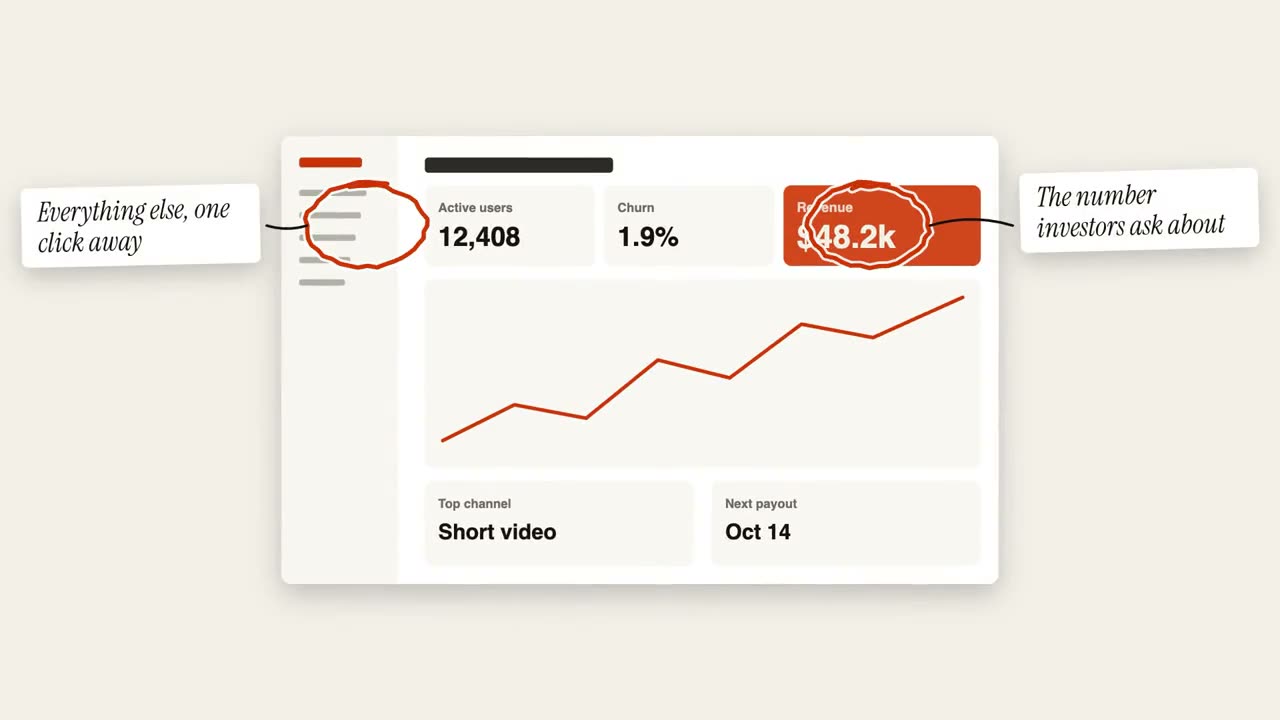
Use the transcript-highlight skill with lines from our customer call: "Lena: We tried three tools. | Lena: This is the first one *my whole team actually opens*.", source "Customer call · Sept". Ink theme, 9:16.
風格提示詞(Claude Motion 或 Opus 5.5)
Make an 8-second 16:9 scene for [who will watch, e.g. podcast listeners on LinkedIn], playing muted in the feed. Use only the transcript excerpt I attach or paste below; quote it word for word. Off-white background.

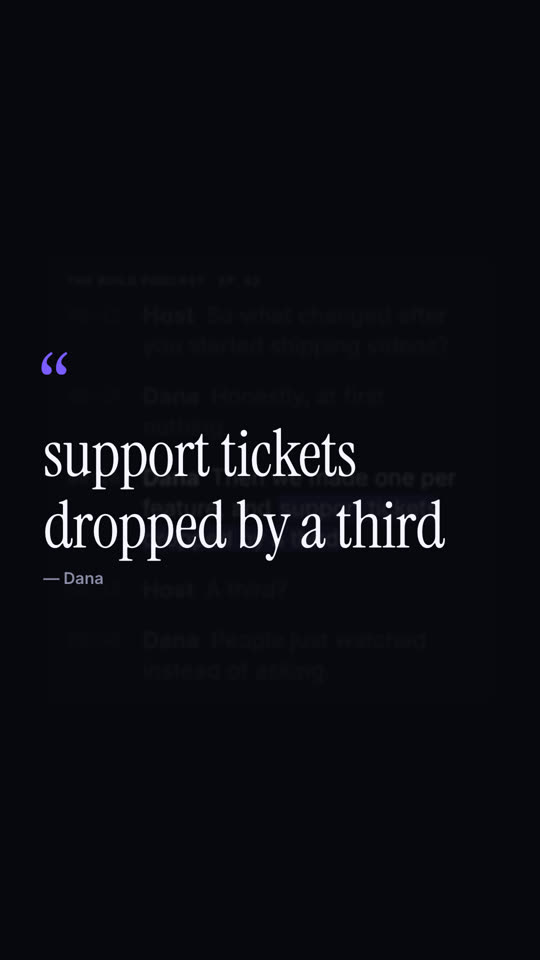
A white card with the show and episode name shows the transcript with gray monospace timestamps; the lines appear one by one. Then everything dims except the guest's line, and a soft orange highlighter sweeps across the key phrase. End frame: the card blurs into the background and the phrase rises as a large serif pull quote with an orange quotation mark and the speaker's name beneath.

Show and episode: [e.g. "THE BUILD PODCAST · EP. 42"]
Transcript: [the host's question and the guest's answer, with timestamps]
Key phrase and speaker: [e.g. "support tickets dropped by a third", Dana]
無需安裝:貼到 Claude Motion(Team 或 Enterprise),或直接傳給 Opus 5.5,就能得到相近的風格。每次執行結果會有差異;用 Skill 則每次結果一致。