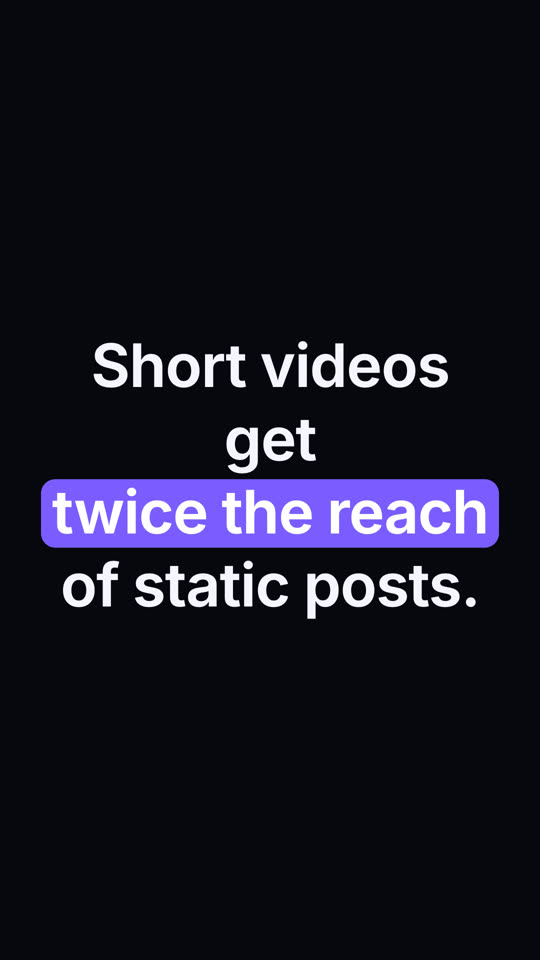
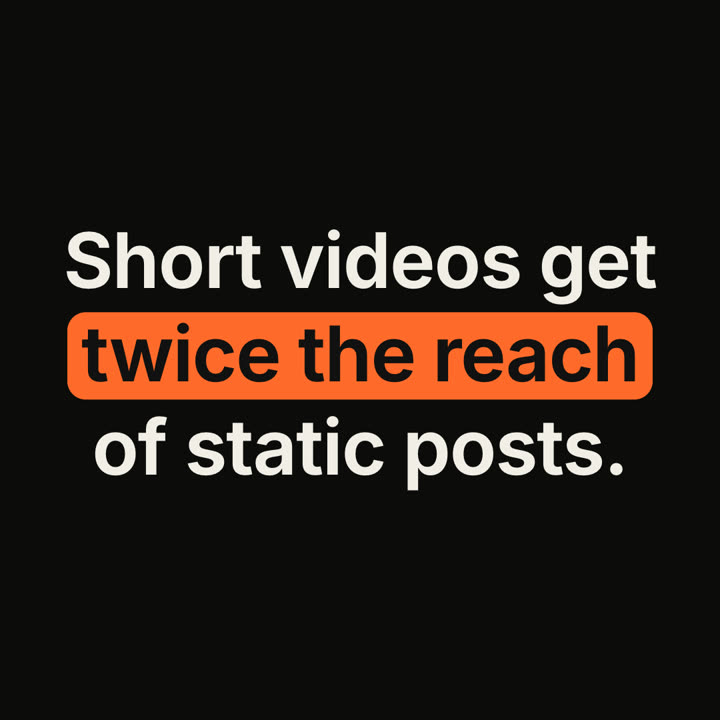
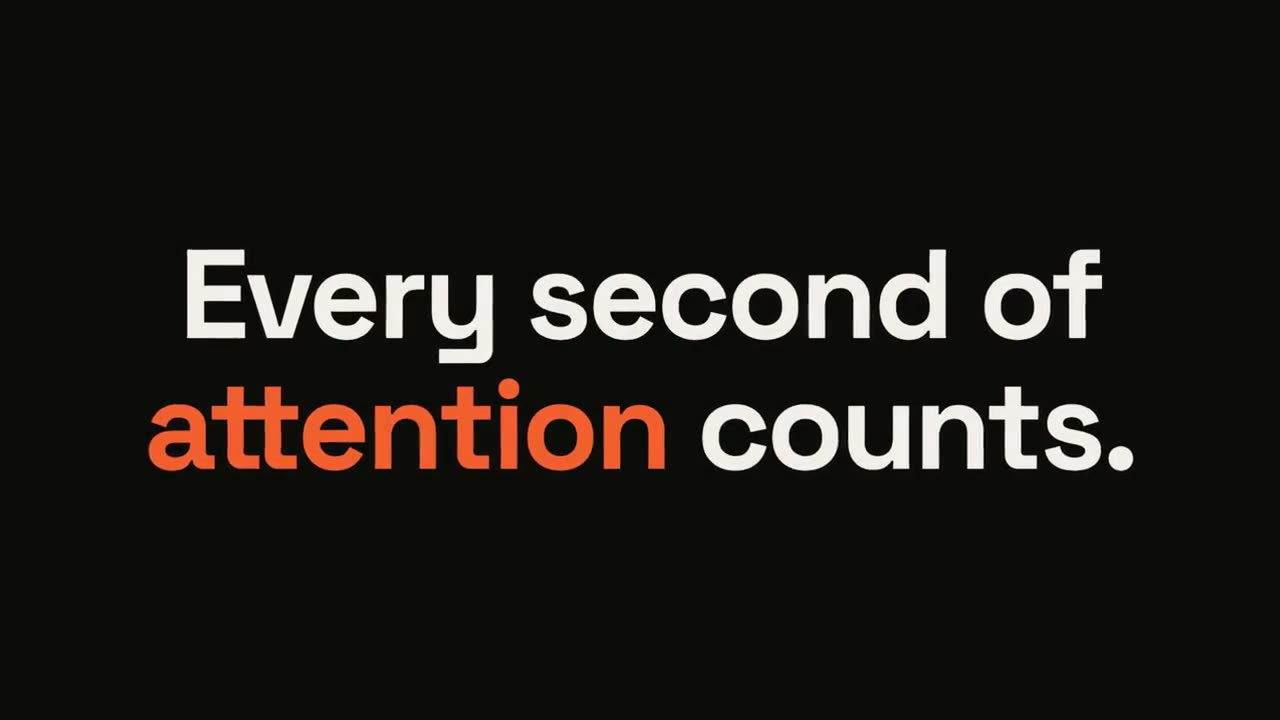
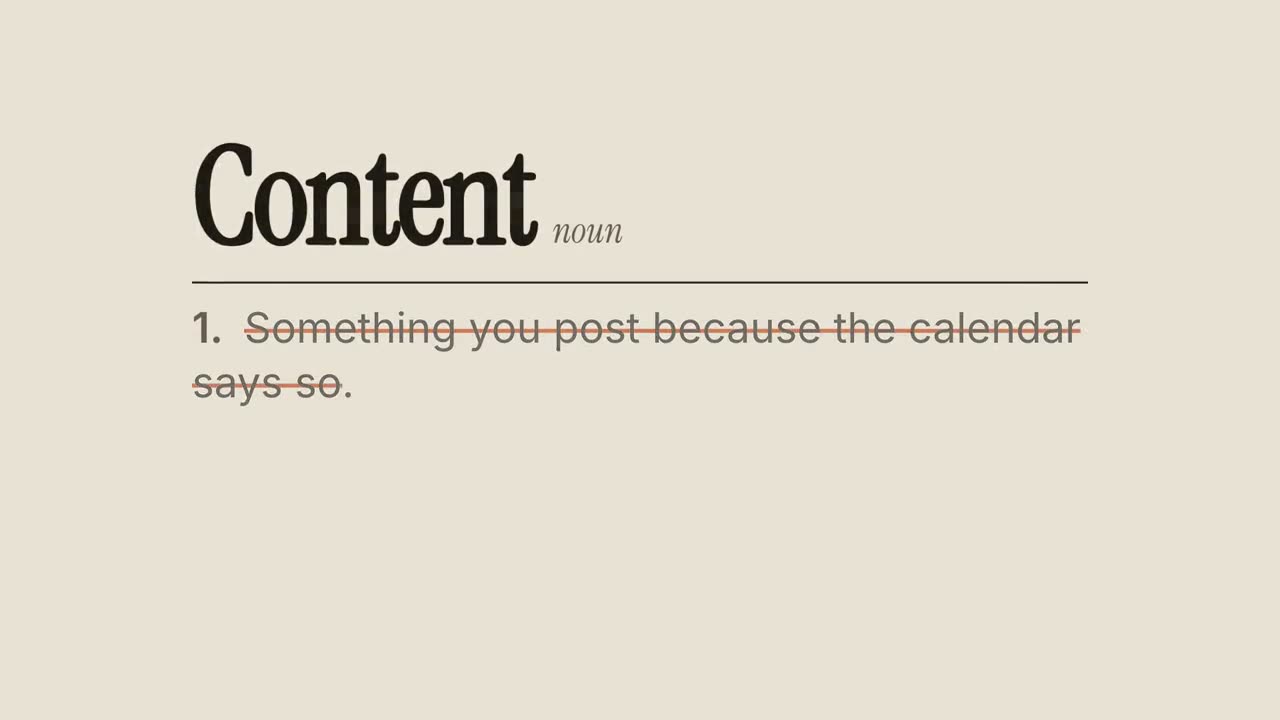
貼上到 Claude Code、Codex、Cursor 或任何支援 Skills 的 Agent 中。
範例提示詞
Use the keyword-caption skill: "Teams that *document decisions* ship *30% faster*." Underline style, lower third, ink theme.
風格提示詞(Claude Motion 或 Opus 5.5)
Make a 6-second 16:9 caption for [who will watch, e.g. marketers on LinkedIn], playing muted in the feed. Use only the sentence below; don't change a word. Warm off-white background, bold sans, centered.

The sentence rises word by word. Then a rounded rust-orange pill wipes in from left to right behind the key phrase and those words turn white. End frame: hold, 2 seconds.

Sentence: [e.g. "Short videos get twice the reach of static posts."]
Key phrase: [e.g. "twice the reach"]
無需安裝:貼到 Claude Motion(Team 或 Enterprise),或直接傳給 Opus 5.5,就能得到相近的風格。每次執行結果會有差異;用 Skill 則每次結果一致。