貼上到 Claude Code、Codex、Cursor 或任何支援 Skills 的 Agent 中。
範例提示詞
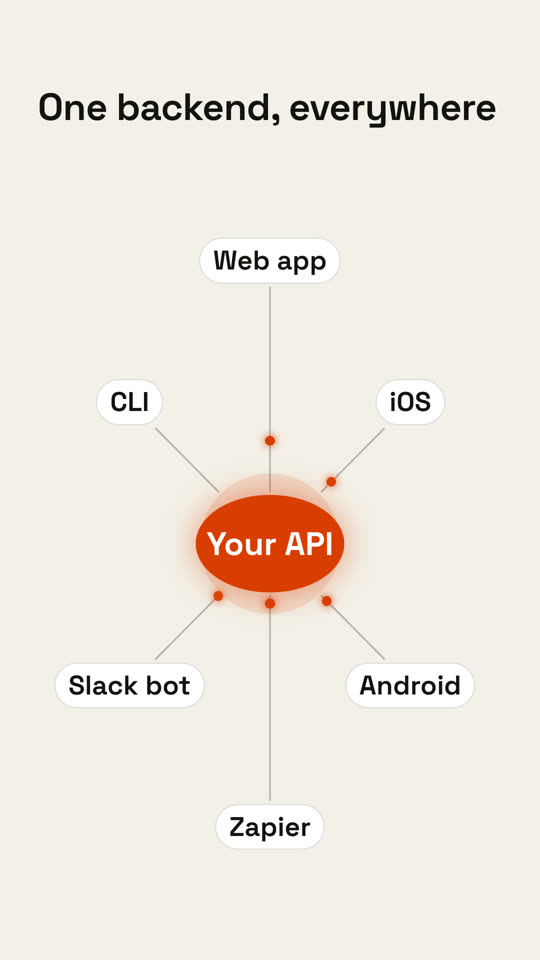
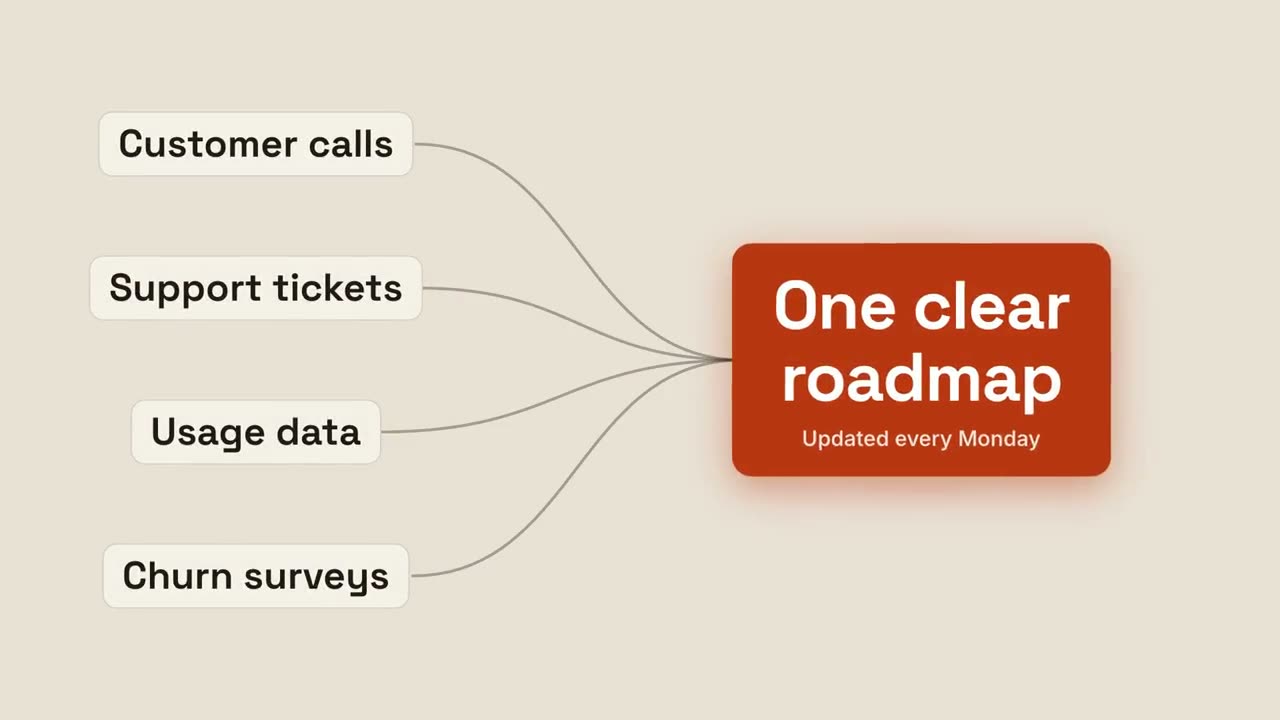
Use the hub-spoke skill: hub "Brand kit", spokes "Website | Decks | Social | Video | Email", title "One source of truth". Paper theme, 1:1.
風格提示詞(Claude Motion 或 Opus 5.5)
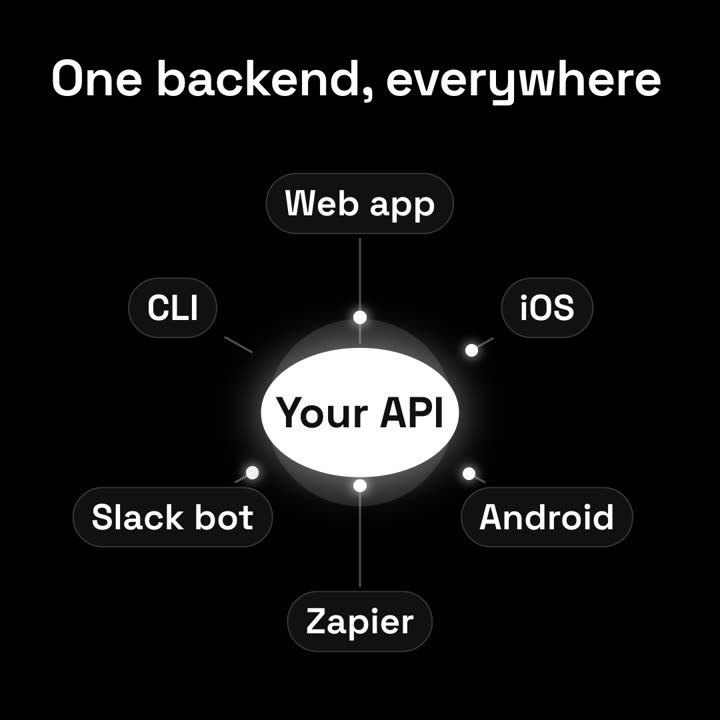
Make a 7-second 16:9 hub diagram for [who will watch, e.g. developers], playing [where, e.g. the platform page]. Use only the labels below. Deep navy background.

The title appears. A glowing violet circle with the hub label pops into the center with a soft halo. Thin lines draw outward to six dark pill labels arranged in an ellipse. End frame: the hub pulses and violet dots shoot along every line to the pills, outlining each in violet, in two waves.

Title: [e.g. "One backend, everywhere"]
Hub: [e.g. "Your API"]
Six spokes: [e.g. Web app, iOS, Android, Zapier, Slack bot, CLI]
無需安裝:貼到 Claude Motion(Team 或 Enterprise),或直接傳給 Opus 5.5,就能得到相近的風格。每次執行結果會有差異;用 Skill 則每次結果一致。