貼上到 Claude Code、Codex、Cursor 或任何支援 Skills 的 Agent 中。
範例提示詞
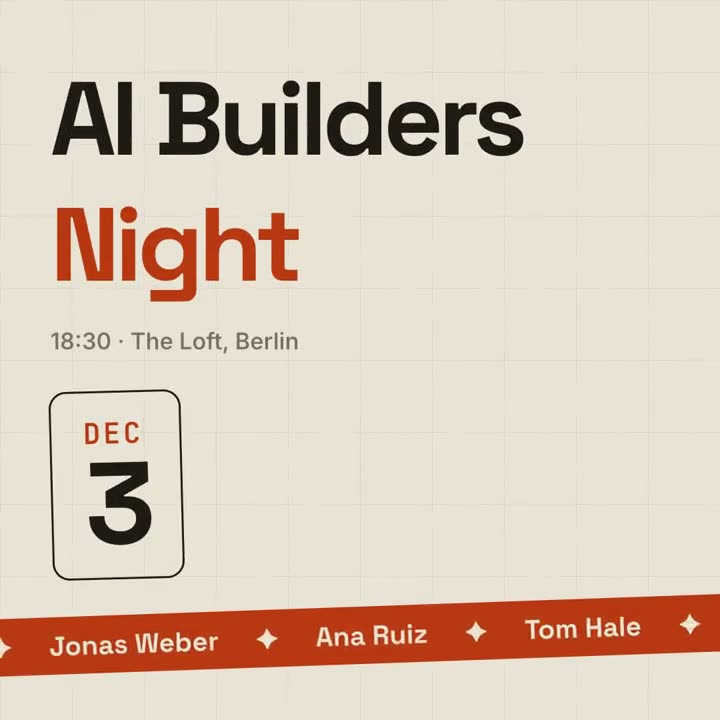
Use the event-promo skill for our meetup: event "AI Builders | Night", date "Dec 3", details "18:30 · The Loft, Berlin", speakers "Ana Ruiz | Tom Hale | Mei Lin", cta "RSVP → aibuilders.berlin". 1:1 for Instagram.
風格提示詞(Claude Motion 或 Opus 5.5)
Make a 10-second 16:9 event announcement for [who will watch, e.g. designers in the Bay Area], playing [where, e.g. LinkedIn and the event page]. Use only the event details below; don't change a date, place or name. Deep navy background with a faint grid.

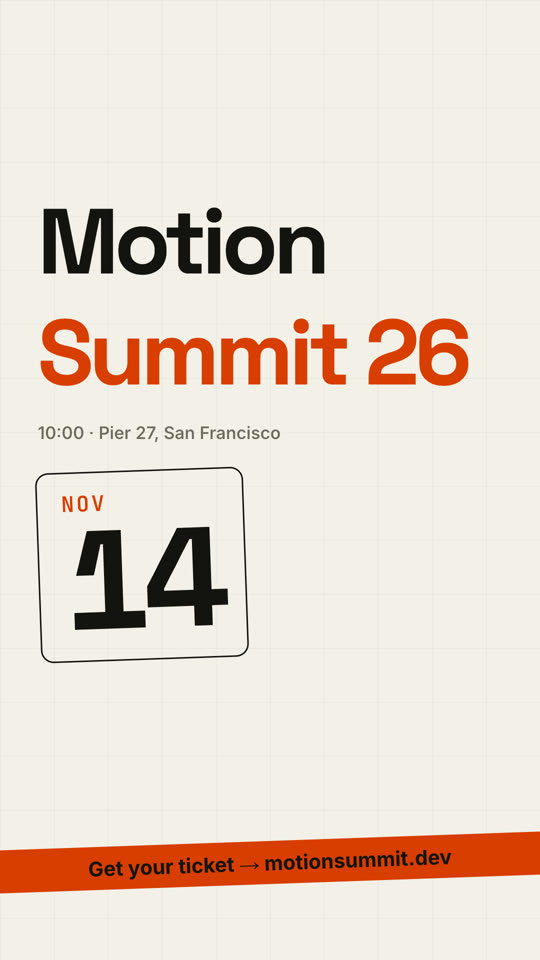
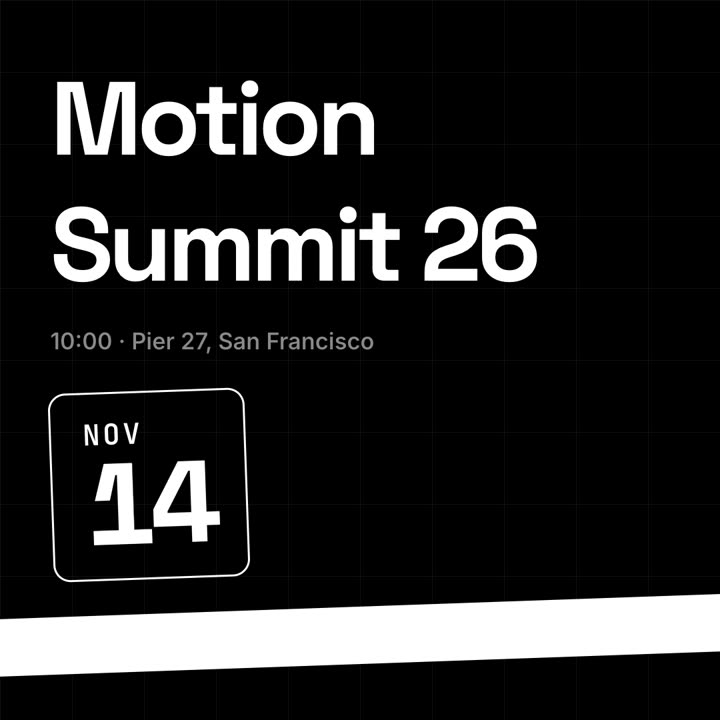
The event name rises from masks in a heavy geometric sans, first word white, second word violet, with the time and place fading in beneath. On the right, a rounded outlined date block tilts in, showing the month in small violet monospace above a huge day number counting up. A slightly tilted violet ticker band slides up from the bottom, scrolling speaker names separated by ✦. End frame: the ticker fades to the ticket line.

Event name: [e.g. "Motion" / "Summit 26"]
Time and place: [e.g. "10:00 · Pier 27, San Francisco"]
Date: [e.g. NOV 14]
Speakers: [names]
Ticket line: [e.g. "Get your ticket → motionsummit.dev"]
無需安裝:貼到 Claude Motion(Team 或 Enterprise),或直接傳給 Opus 5.5,就能得到相近的風格。每次執行結果會有差異;用 Skill 則每次結果一致。