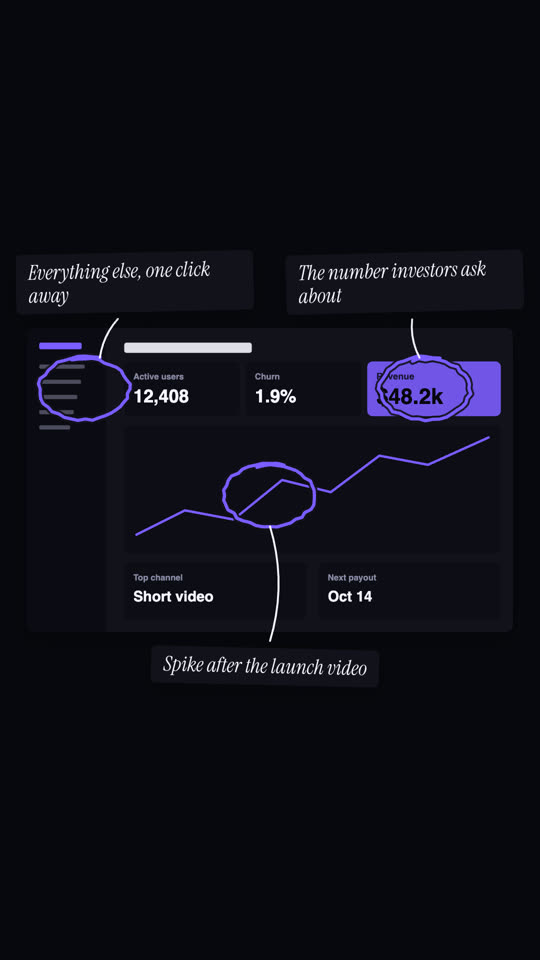
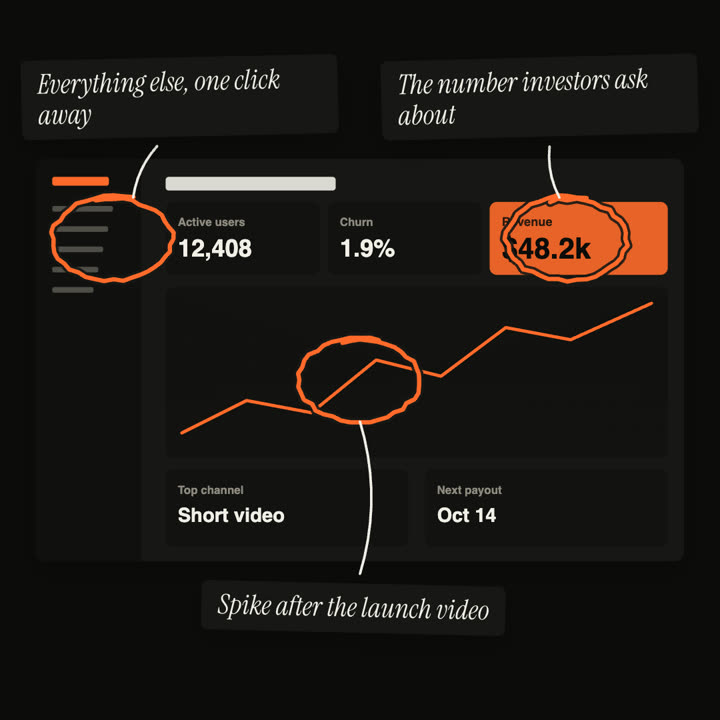
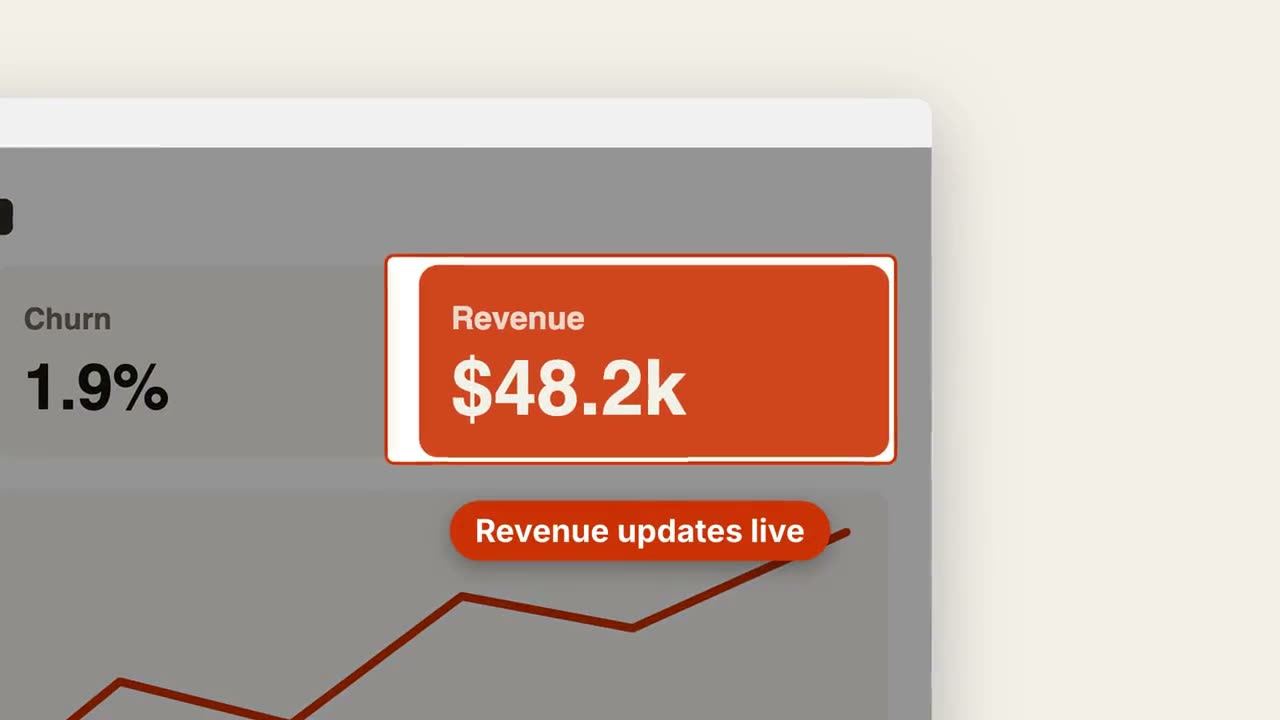
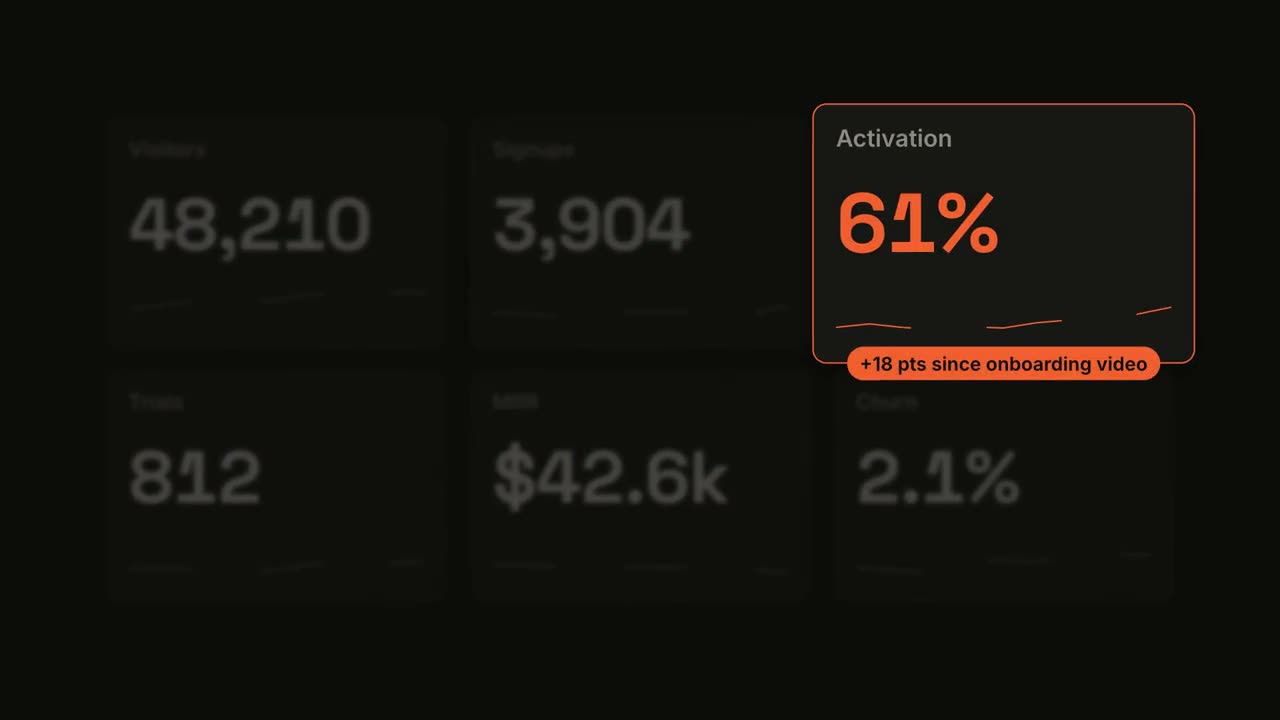
貼上到 Claude Code、Codex、Cursor 或任何支援 Skills 的 Agent 中。
範例提示詞
Use the circle-annotation skill with assets/landing.png and marks "0.5, 0.15: Headline says what it does | 0.8, 0.85: One clear CTA". Sand theme, 16:9.
風格提示詞(Claude Motion 或 Opus 5.5)
Make an 8-second 16:9 annotation scene for [who will watch, e.g. investors], playing [where, e.g. the update deck]. Use only the screenshot and three notes I give. Off-white background.

The screenshot sits in the center with a soft shadow. One at a time, a rust-orange hand-drawn marker circle loops around a spot, followed by a thin black hand-drawn arrow to a white tilted sticky note in the margin with an italic serif note. End frame: all three notes showing, held for 1.5 seconds.

Attach: [a screenshot]
Three spots and notes: [e.g. revenue card → "The number investors ask about", chart spike → "Spike after the launch video", sidebar → "Everything else, one click away"]
無需安裝:貼到 Claude Motion(Team 或 Enterprise),或直接傳給 Opus 5.5,就能得到相近的風格。每次執行結果會有差異;用 Skill 則每次結果一致。