貼上到 Claude Code、Codex、Cursor 或任何支援 Skills 的 Agent 中。
範例提示詞
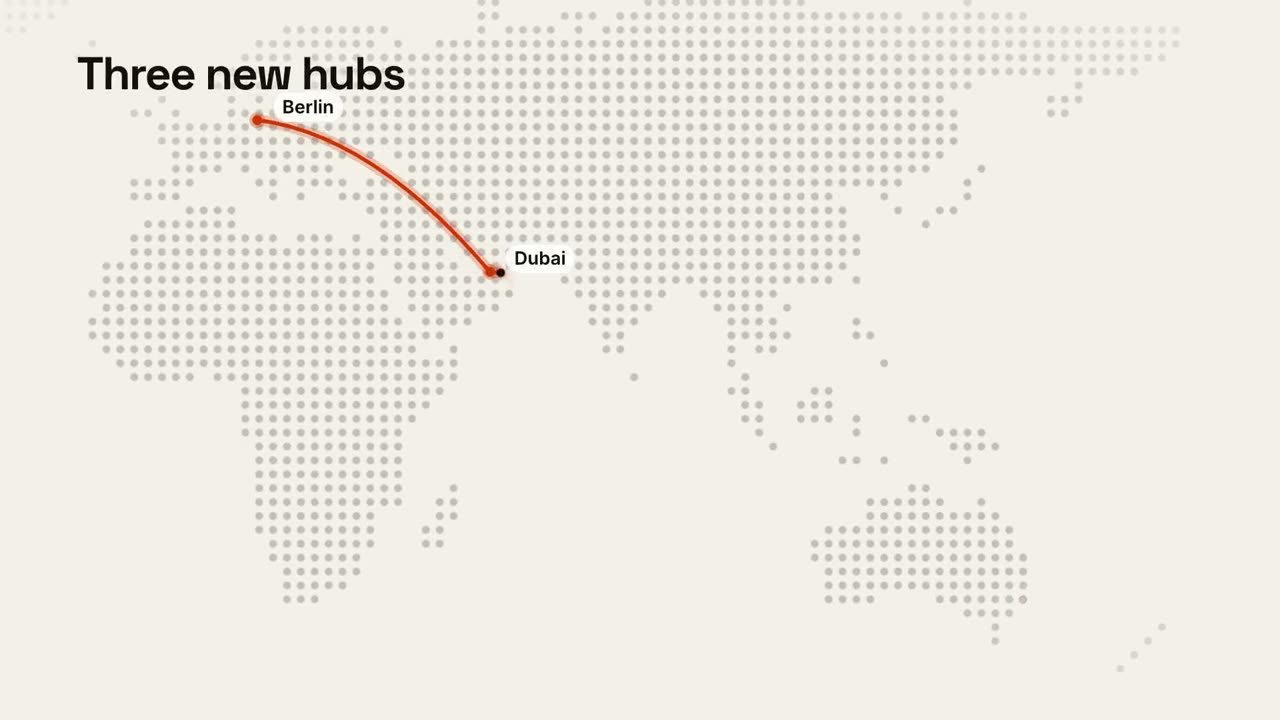
Use the maps-routes skill for our new offices: "Berlin: 52.52, 13.40 | Dubai: 25.20, 55.27 | Sydney: -33.87, 151.21", title "Three new hubs", caption "Hiring in all three".
風格提示詞(Claude Motion 或 Opus 5.5)
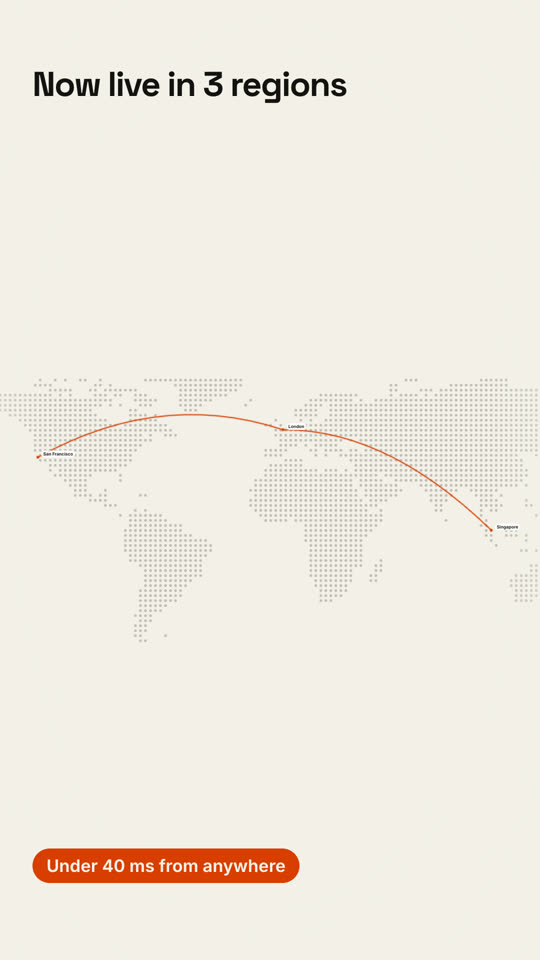
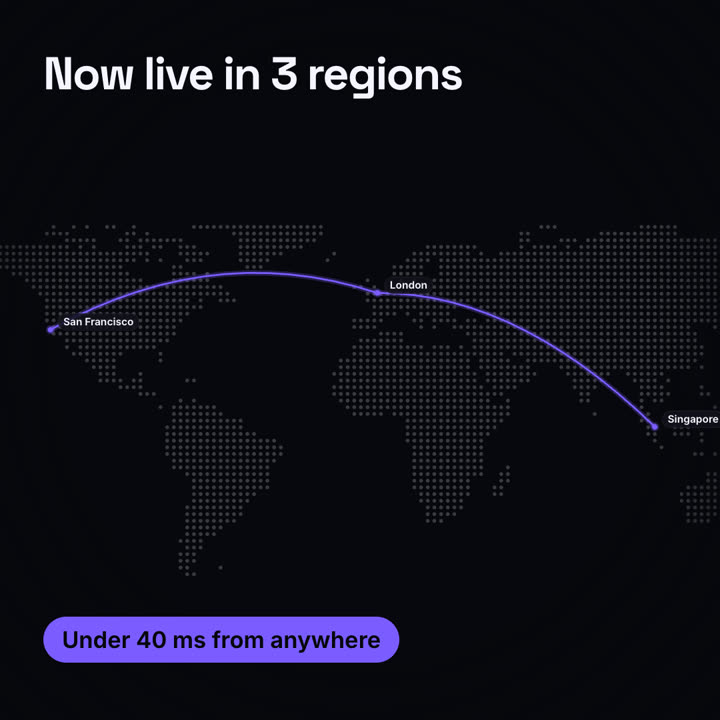
Make a 12-second 16:9 map animation for [who will watch, e.g. enterprise prospects], playing [where, e.g. the sales deck]. Use only the places and claim below; don't add stops. Near-black background.

A dot-matrix world map fades in with the title at the top left. The camera glides in to frame the route. An orange pin pops at the first stop with a pulse ring and a label; an orange arc draws to the next stop with a glowing dot traveling along it, each stop popping a labeled pin. End frame: an orange pill with the claim slides in at the bottom left, held for 2 seconds.

Title: [e.g. "Now live in 3 regions"]
Stops in order: [e.g. San Francisco → London → Singapore]
Claim: [e.g. "Under 40 ms from anywhere"]
無需安裝:貼到 Claude Motion(Team 或 Enterprise),或直接傳給 Opus 5.5,就能得到相近的風格。每次執行結果會有差異;用 Skill 則每次結果一致。