Motion Creator
Motion graphics for creators
Explainers, data stories, shorts, captions, titles and transitions for YouTube, Reels, TikTok and LinkedIn. Your agent writes from your notes, script or spreadsheet and renders each scene with music.
61 skills · 17 free
Workflows that finish the video
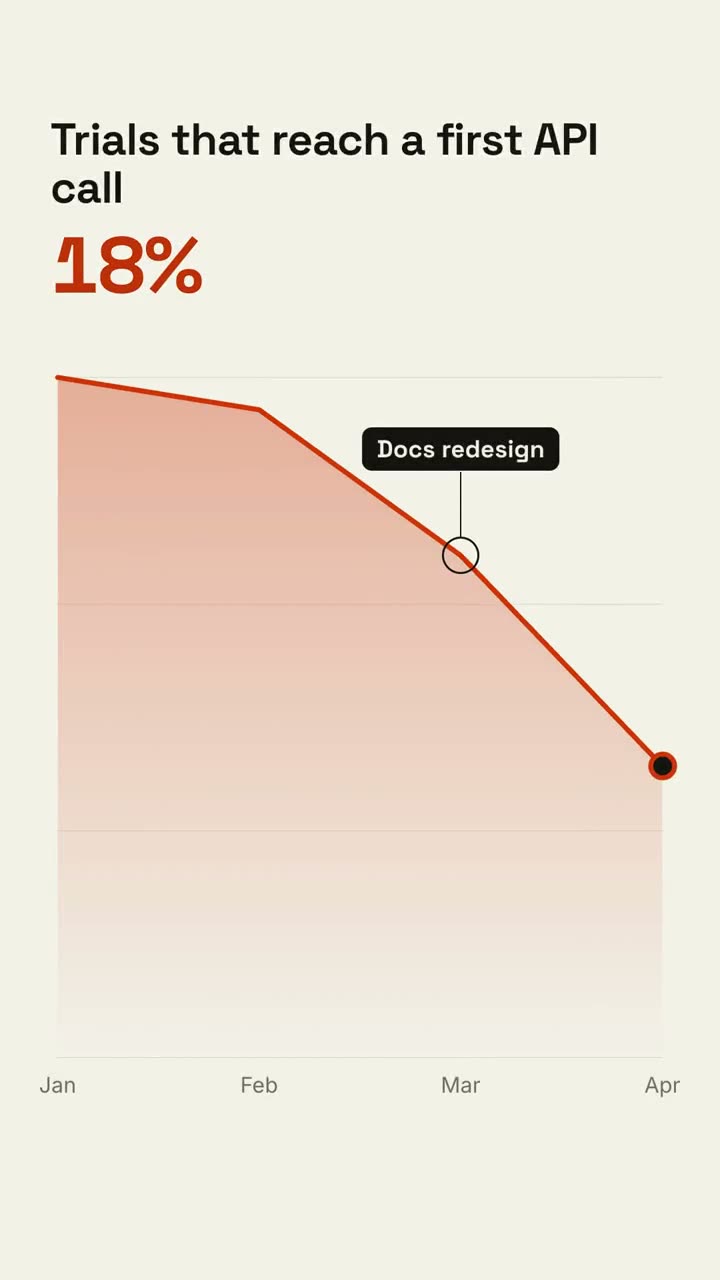
Give your agent the material; it plans the shots, shows a storyboard and renders the MP4 with music. Then use any shot below on its own.
Explainer Director
Turn an article, notes or just a topic into an explainer video.
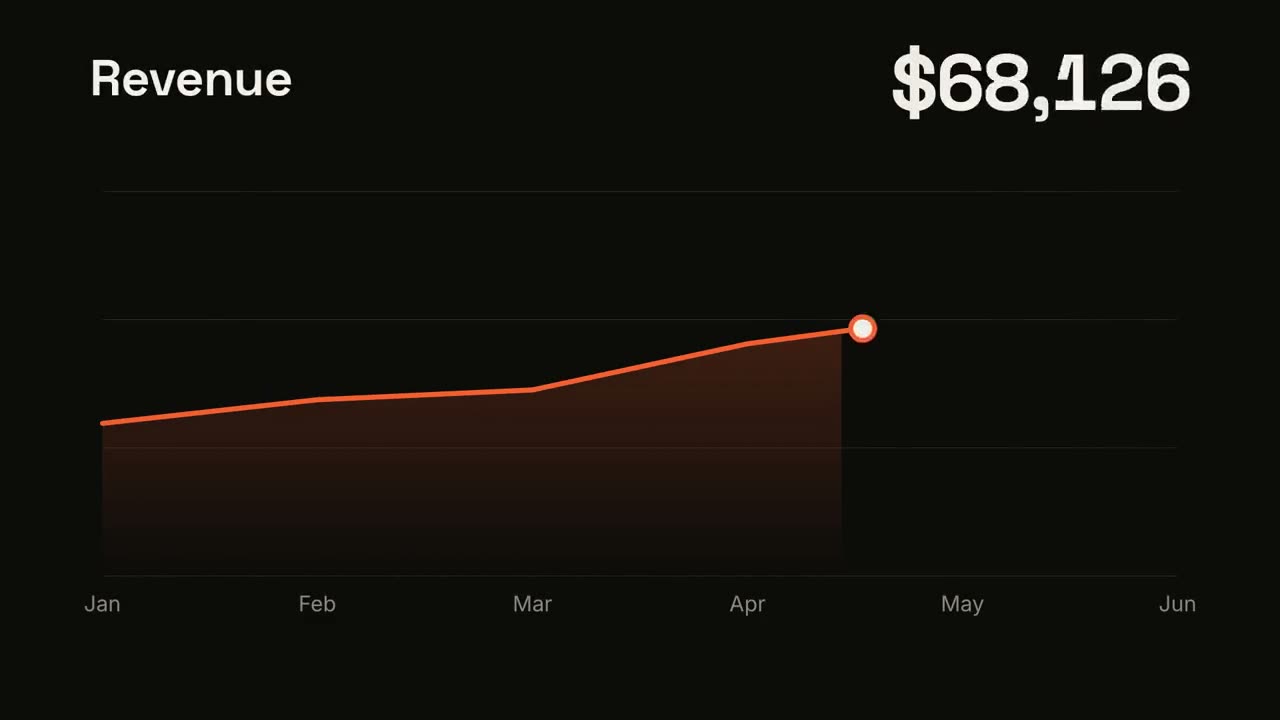
Data → Video
Turn a spreadsheet or CSV into a short data video with the story found for you.
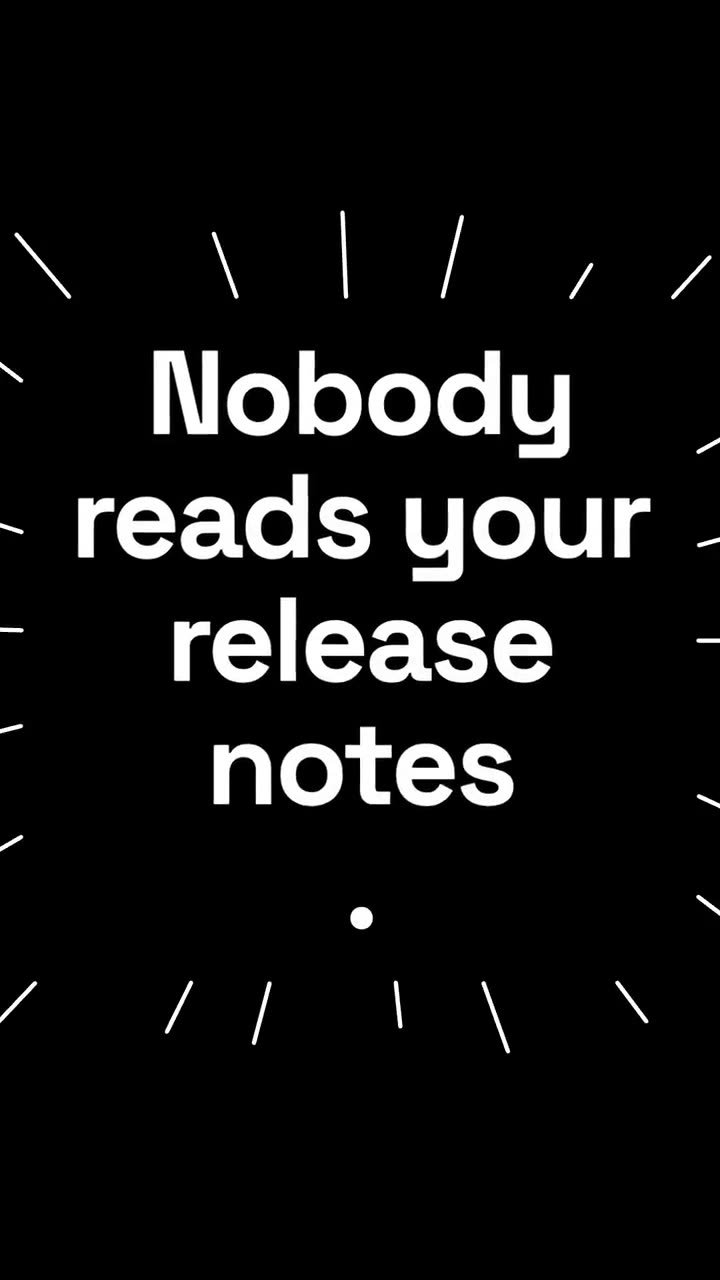
Script → Short
Turn an idea or script into a 9:16 short for Reels, Shorts and TikTok.
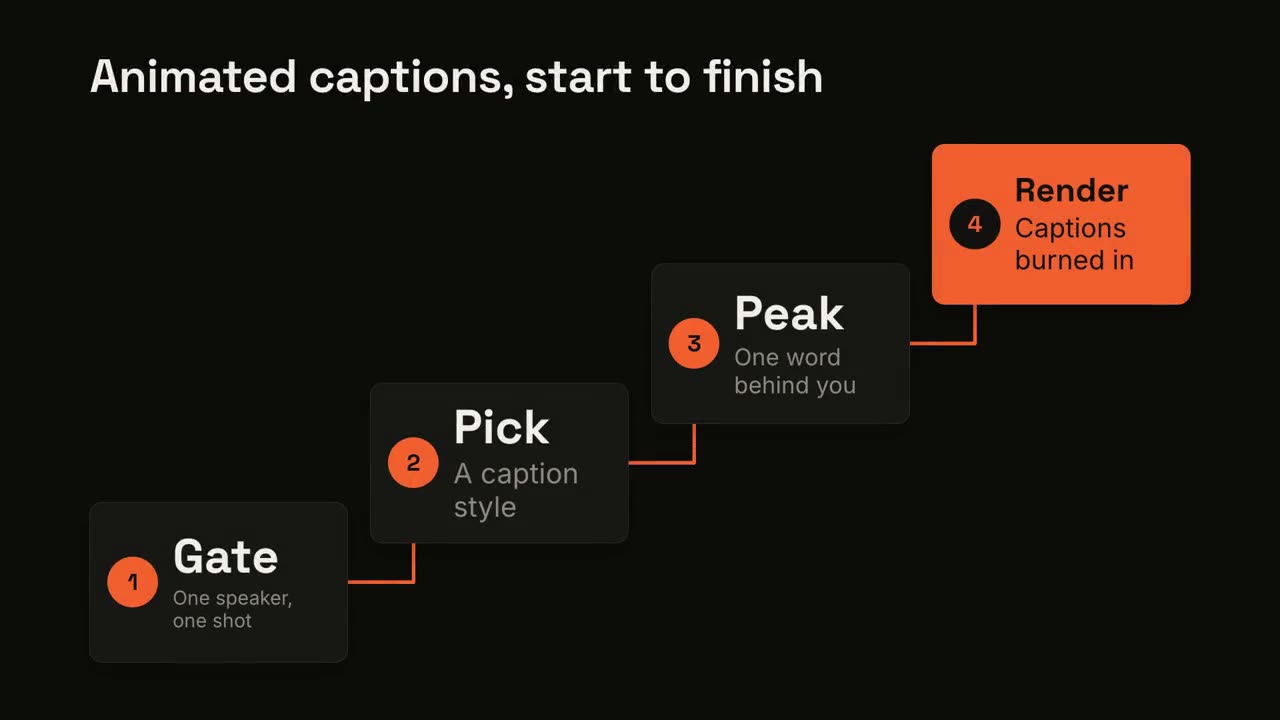
Animated Captions
Designed captions for talking-head clips, with one peak word behind the speaker.
Not sure yet? Start free with Motion Director
One sentence in, a storyboard, then the MP4. It casts shots from every line and tells you at the storyboard when a workflow here would go further.
Have Claude Motion? Copy a prompt
For Claude Team and Enterprise. Each prompt links to the skill that makes the same kind of video in Claude Code, Codex or Cursor.
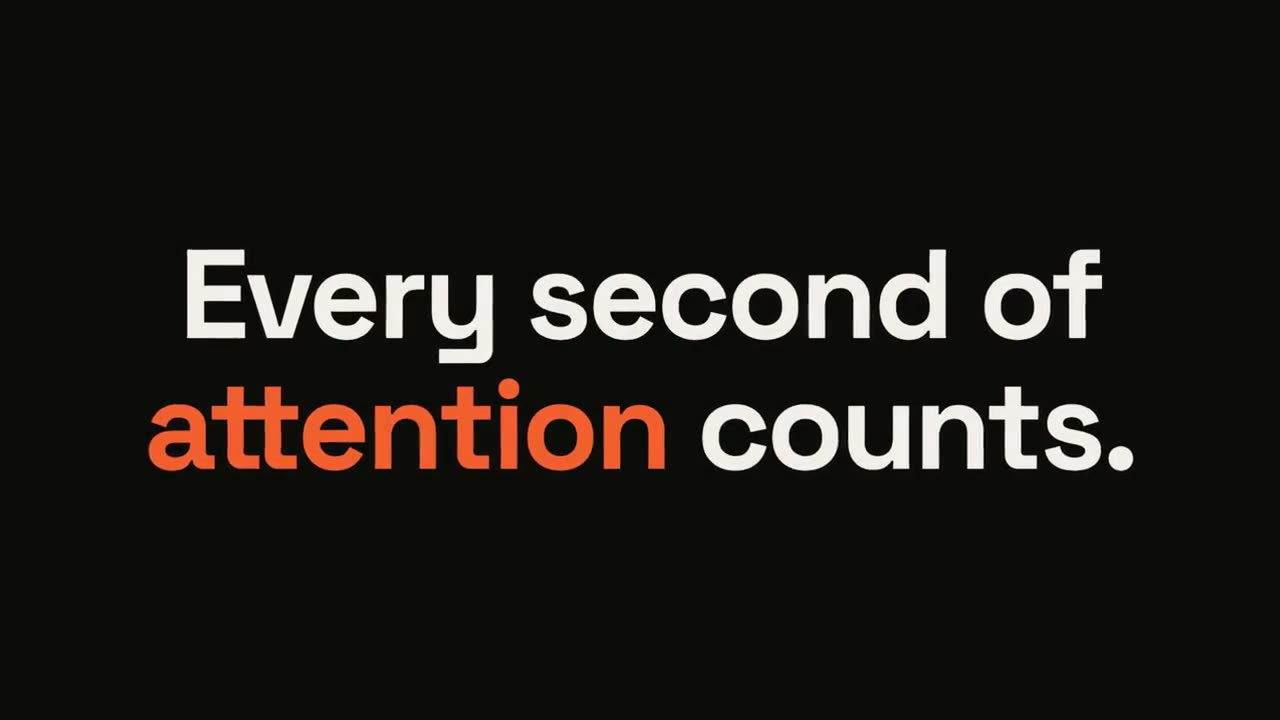
Statement Burst
Open skill →FreeMake a 6-second 16:9 kinetic statement for [who will watch, e.g. followers on LinkedIn], playing muted in the feed. Use only the sentence below; don't change a word. Near-black background, bold geometric sans, centered. The words punch in one at a time from a slight blur and larger scale. When the last word lands, the key word flips to orange and short orange rays burst outward around the whole statement and retract. End frame: the text slowly scales up by a few percent and holds. Statement: [your line] (e.g. "Every second of attention counts.") Key word: [e.g. "attention"]
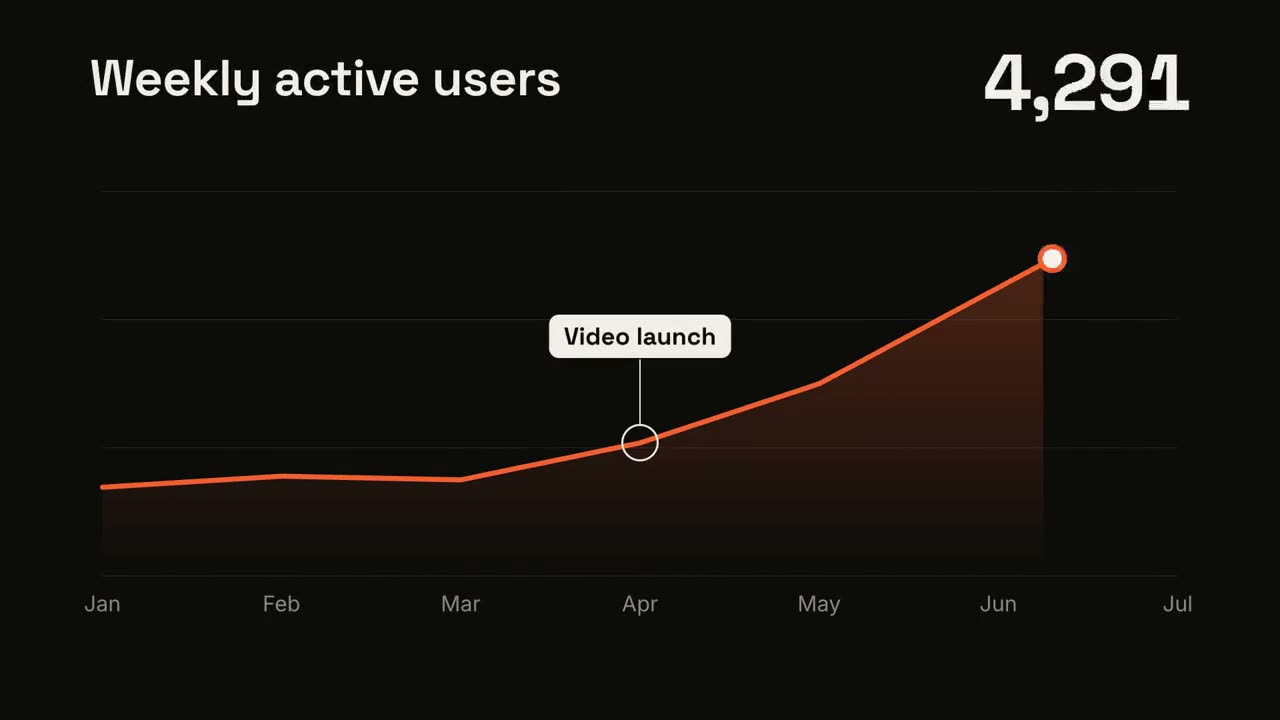
Line Trend
Open skill →FreeMake a 7-second 16:9 line chart for [who will watch, e.g. the board], playing [where, e.g. the quarterly review]. Use only the numbers I attach or list below; don't round or smooth them. Near-black background. The title sits top left and a large white number top right. An orange line draws from left to right across the period over a fading orange gradient fill, while a white dot with an orange halo rides the tip and the big number counts along with it. At the marked point, a white ring appears on the line with a thin stem and a white label. End frame: the big number turns orange, held for 1.5 seconds. Title: [e.g. "Weekly active users"] Data: [your periods and values] (e.g. Jan to Jul, 1,200 to 5,200) Marked point and label: [e.g. April, "Video launch"]
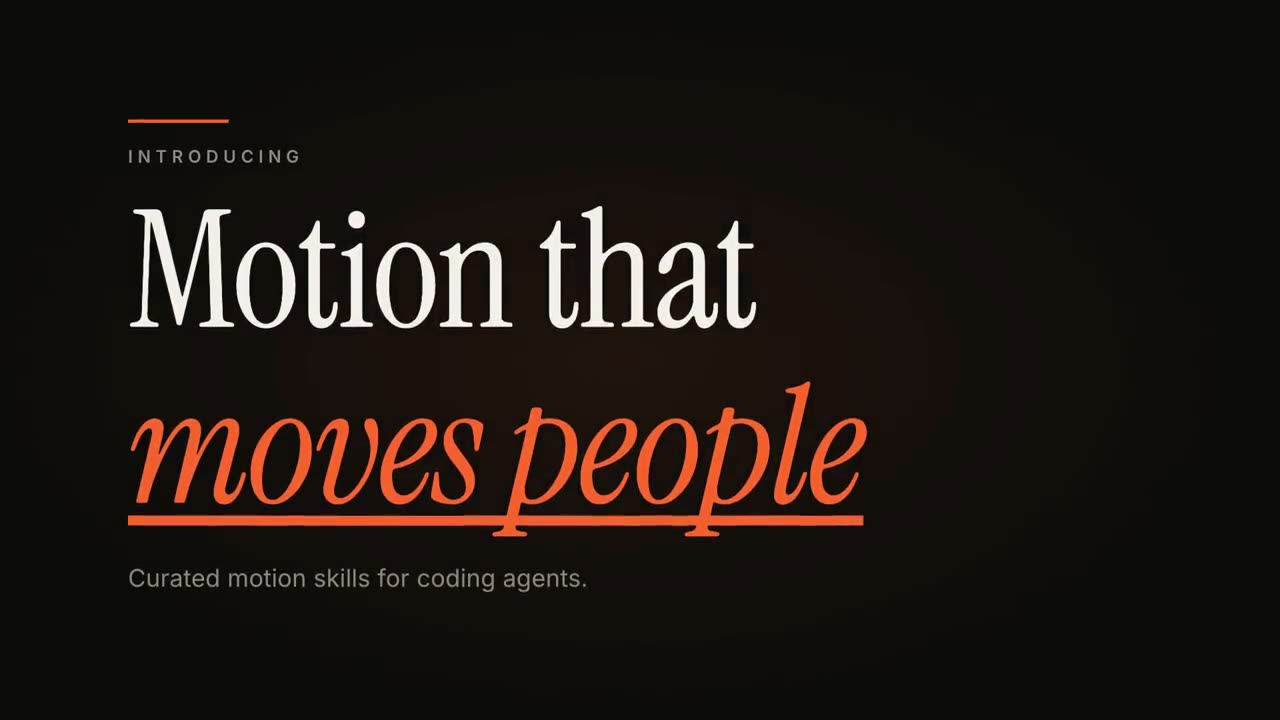
Kinetic Type Title
Open skill →FreeMake an 8-second 16:9 title card for [who will watch, e.g. viewers of our YouTube series], playing [where, e.g. the opening of each episode]. Use only the words below; don't change them. Near-black background. A short orange rule draws in from the left, then a small uppercase label fades in with wide letter spacing tightening. Below it, a two-line headline rises line by line from behind invisible masks with a fast expo ease: line one in an off-white editorial serif, line two in orange italic, which then gets an orange underline wiping in from left to right. A soft gray supporting line fades up word by word. End frame: the finished title, held with a slow upward drift and a faint warm glow moving behind the text. Label: [e.g. "INTRODUCING"] Headline: [two lines] (e.g. "Motion that" / "moves people") Supporting line: [one short sentence]
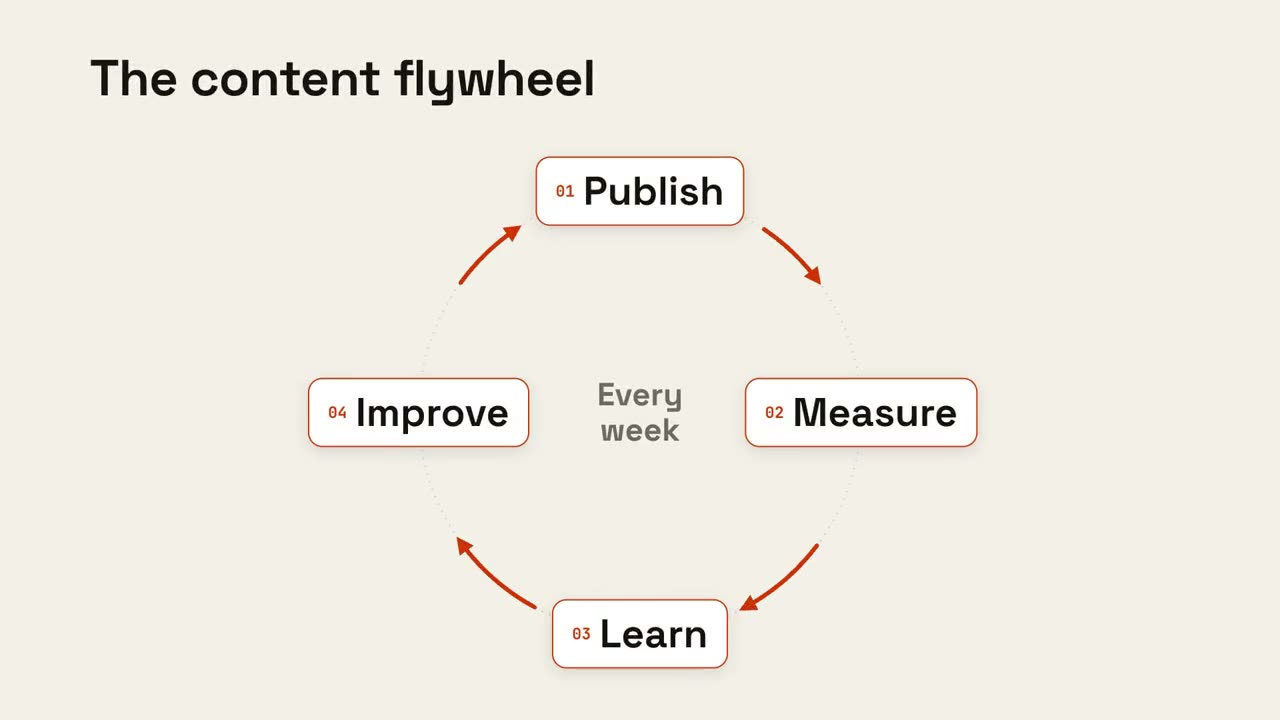
Cycle Loop
Open skill →FreeMake an 8-second 16:9 loop diagram for [who will watch, e.g. the marketing team], playing [where, e.g. the planning deck]. Use only the title and four steps below. Off-white background. The title appears. Four white rounded cards with small orange numbers pop in around a faint dotted circle: top, right, bottom, left. Curved orange arrows draw clockwise from each card to the next. A short line fades in at the center in gray. End frame: a glowing orange dot travels around the circle continuously, briefly outlining each card in orange as it passes. Title: [e.g. "The content flywheel"] Four steps: [e.g. Publish, Measure, Learn, Improve] Center line: [e.g. "Every week"]
Every shot in Motion Creator
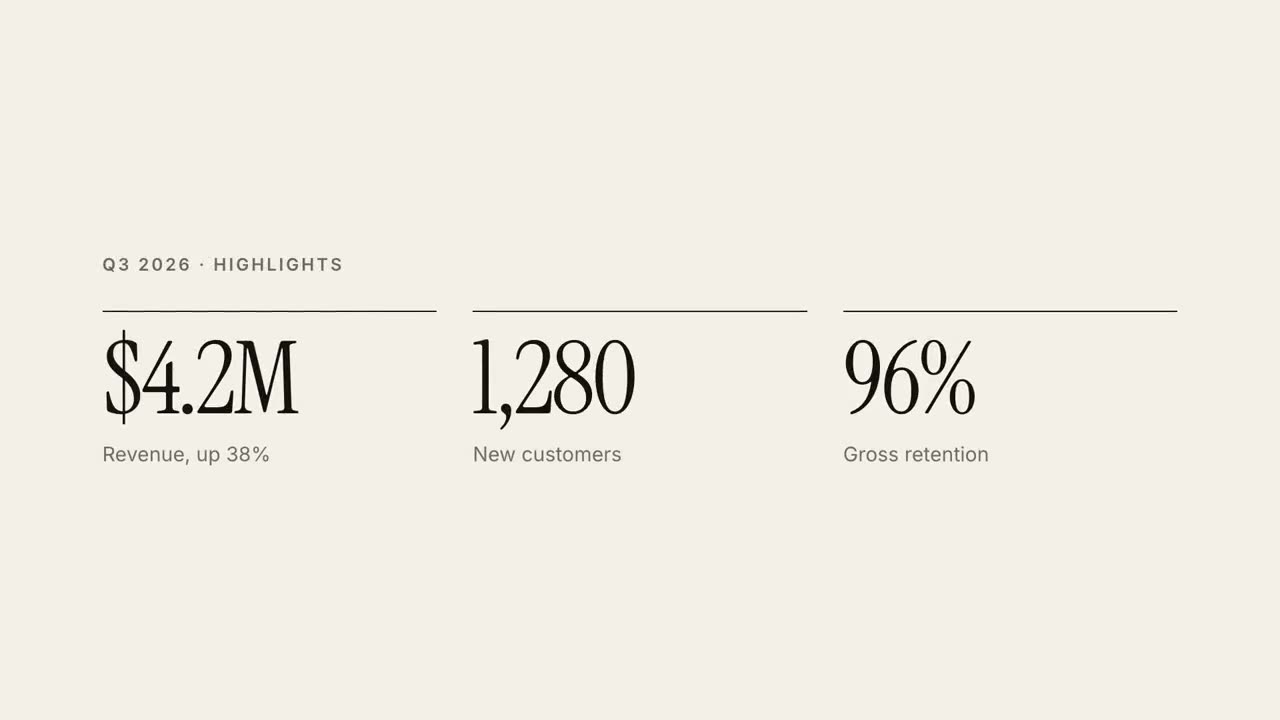
30s Report Explainer
A quarterly report as a 30-second editorial explainer.
Kinetic Type Title
An editorial headline reveal in three motion styles.
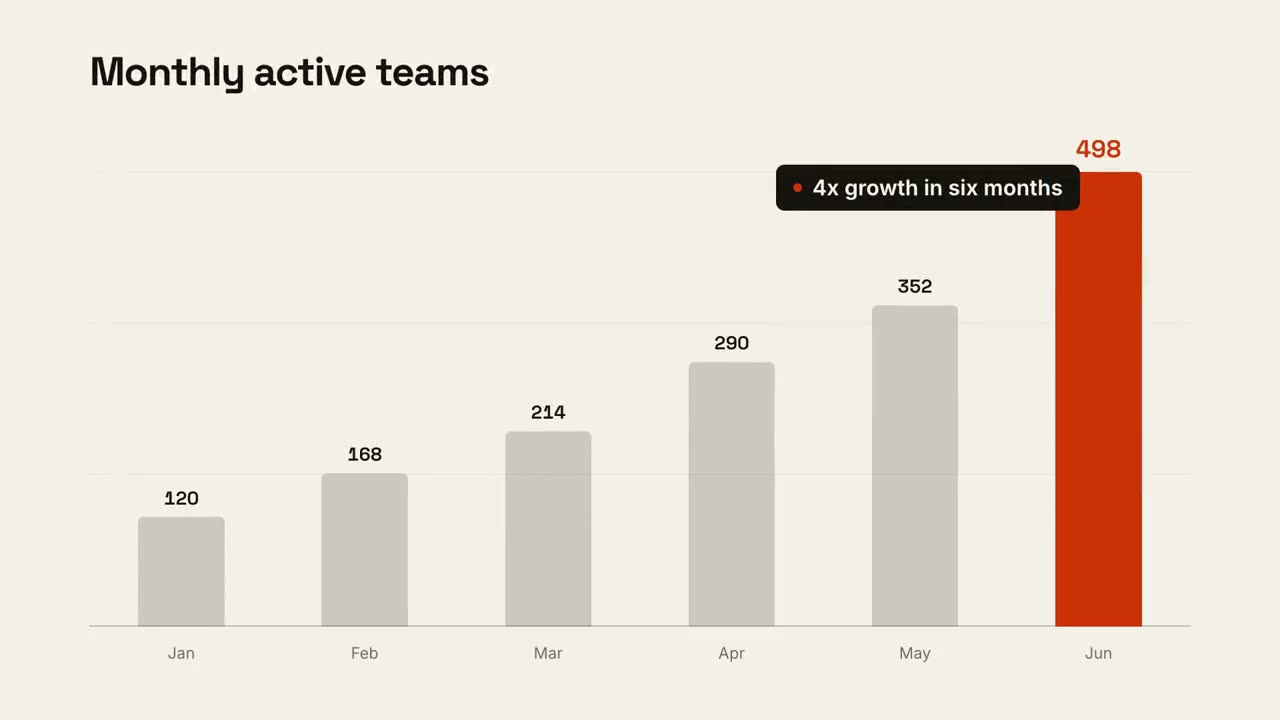
Data Chart Story
An animated bar or line chart that lands one takeaway.
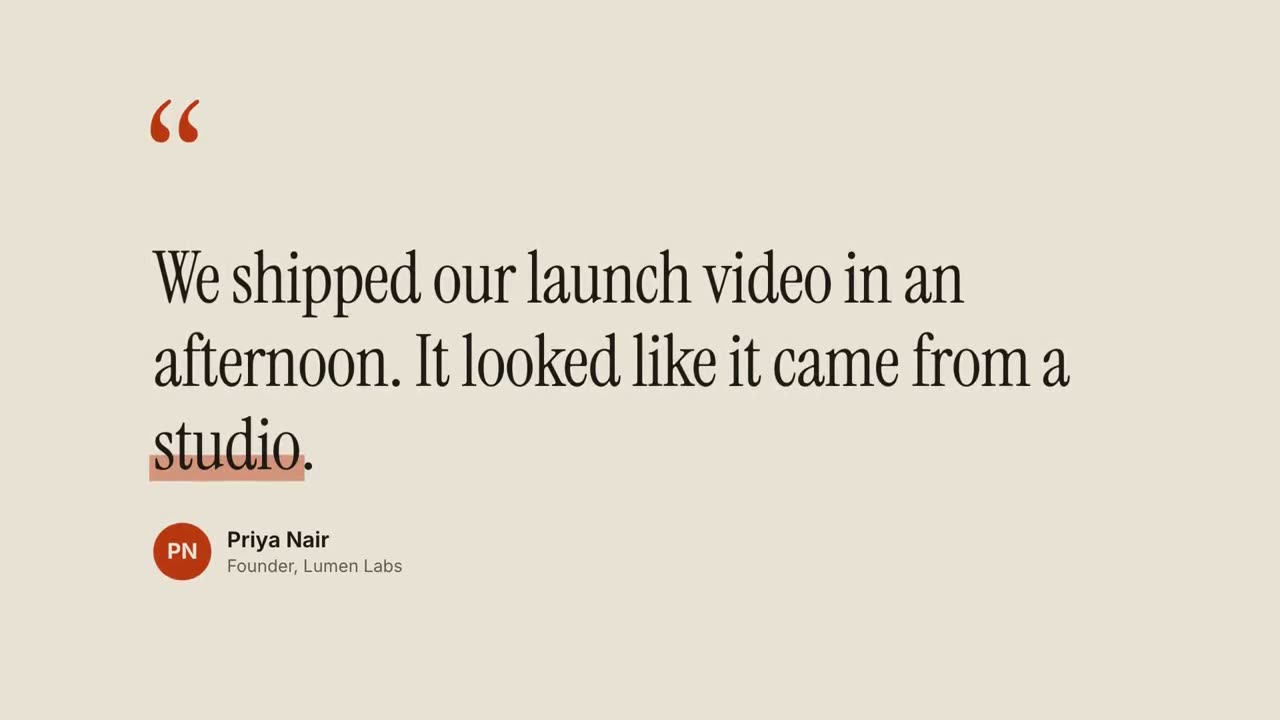
Quote Card
Testimonials and pull-quotes, revealed word by word.
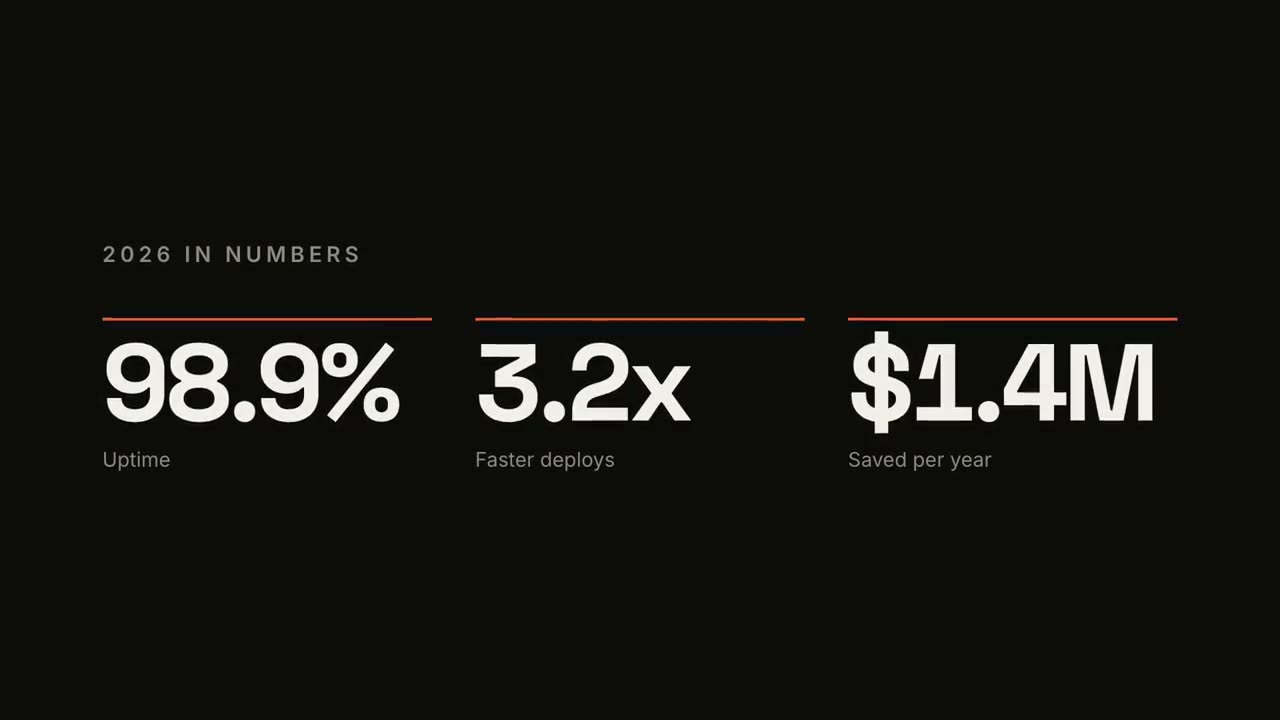
KPI Counter
Up to four headline numbers that count up.

Lower Thirds
Name and title bars in four broadcast styles.
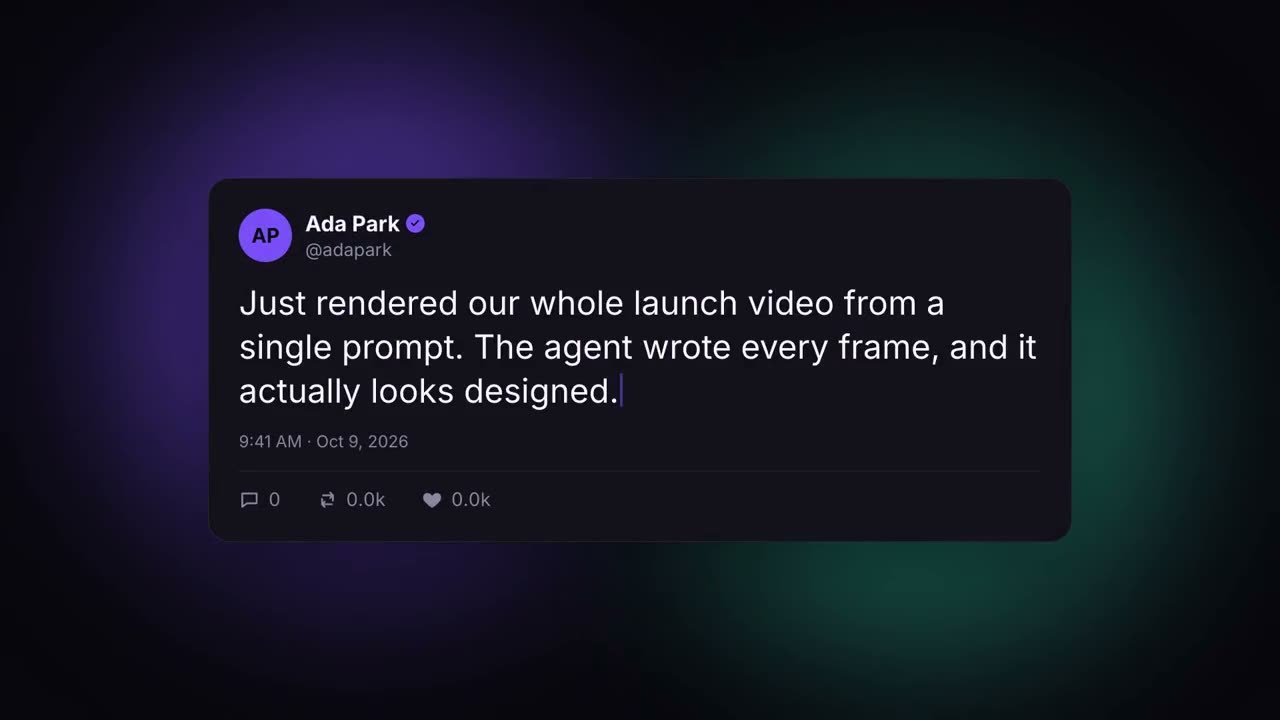
Social Post Card
A post that types itself out and racks up likes.
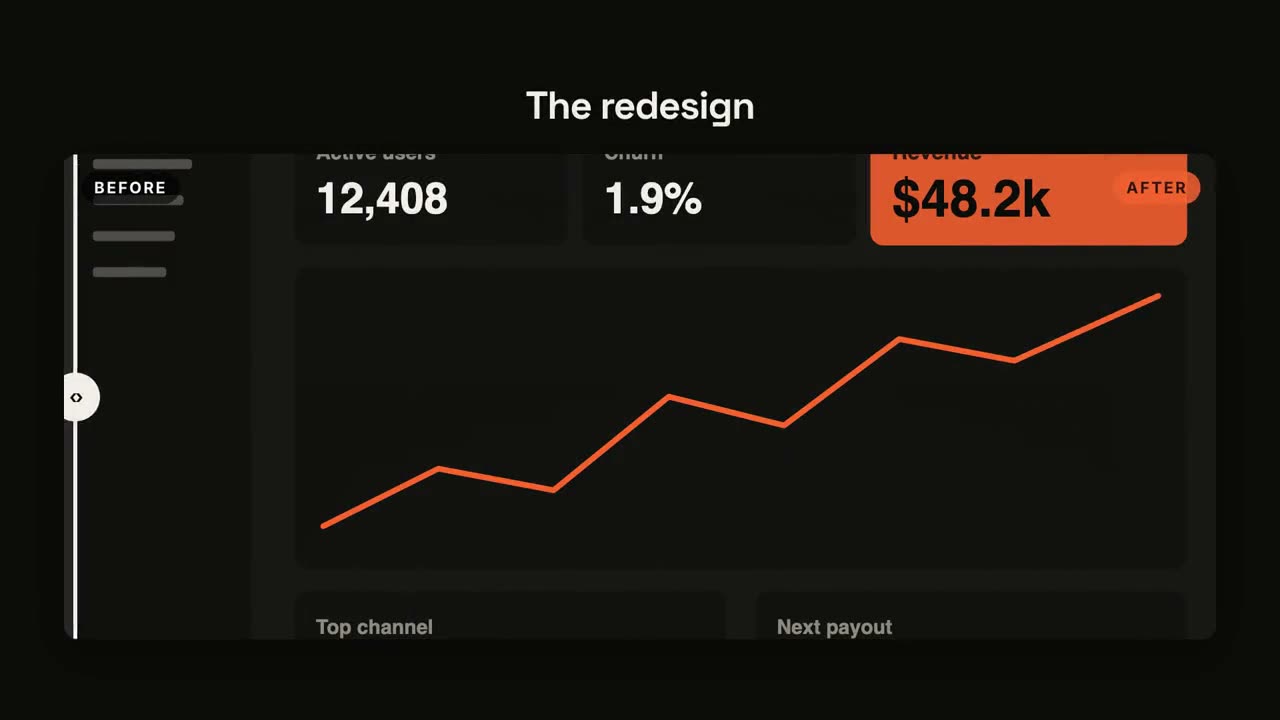
Before / After
A wipe comparison with a sweeping divider.
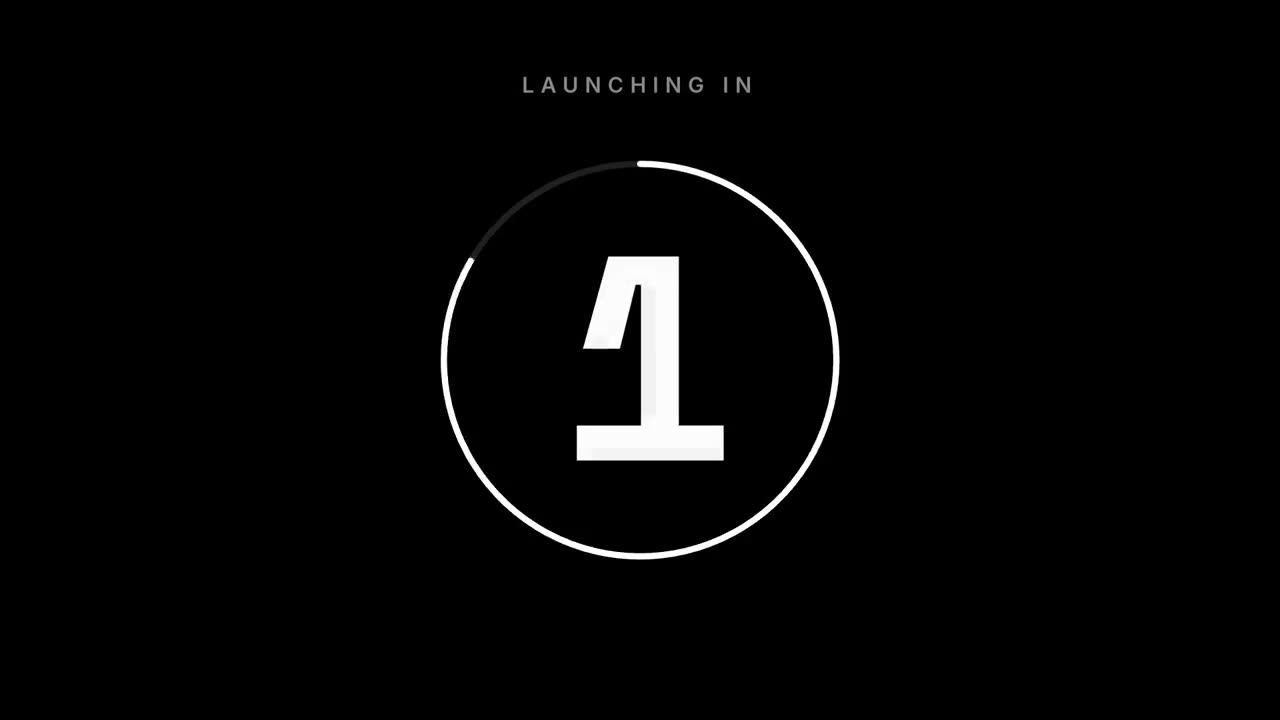
Countdown
3-2-1 numbers around a draining ring, then the reveal.
Statement Burst
A short statement slams in word by word, then the key word bursts.
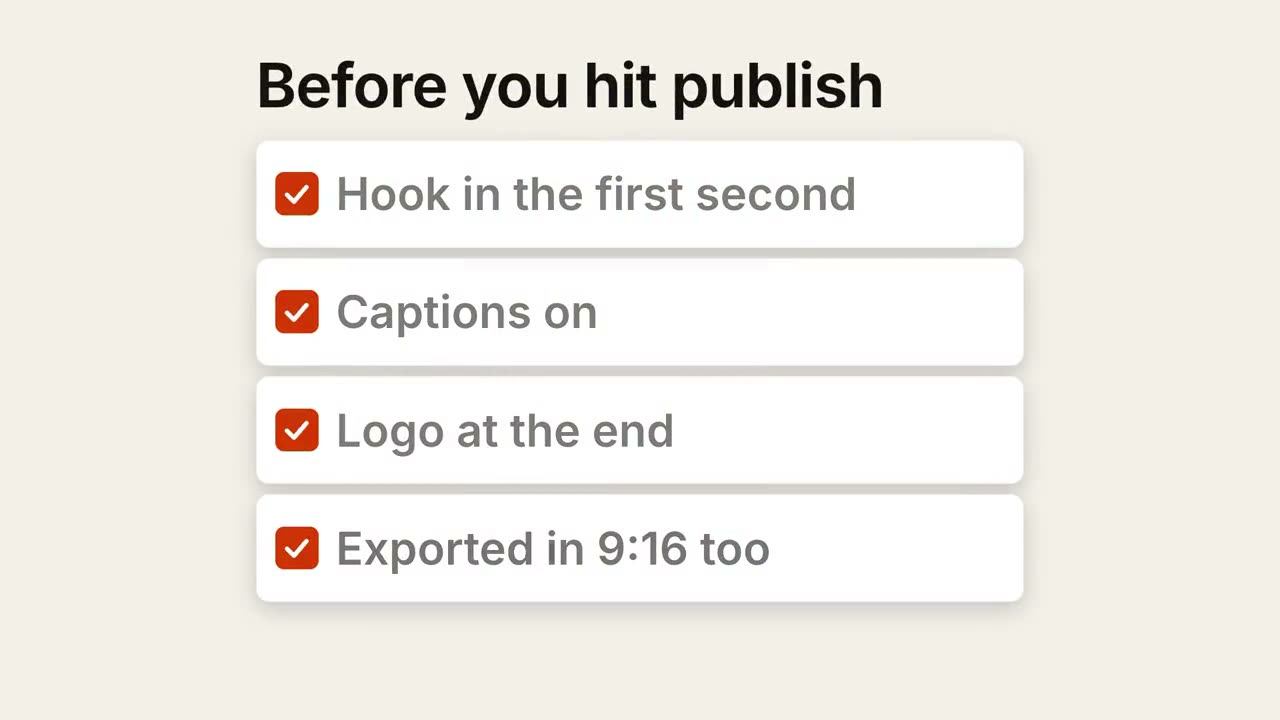
Checklist Ticks
A checklist where every box ticks itself, one by one.
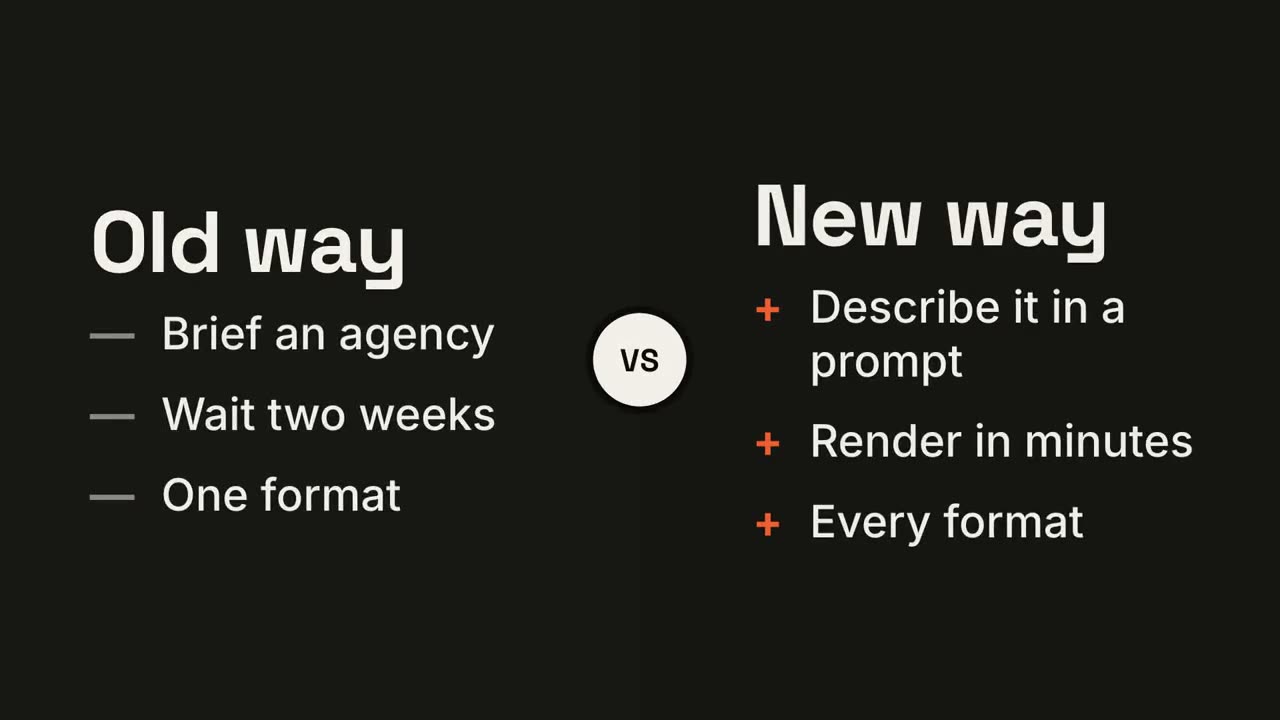
Versus Split
Two sides wipe open around a VS badge, and the winner lights up.
Line Trend
A line draws with a running value, and one moment gets annotated.
Cycle Loop
Steps around a ring, joined by arrows, with a pulse that keeps circling.
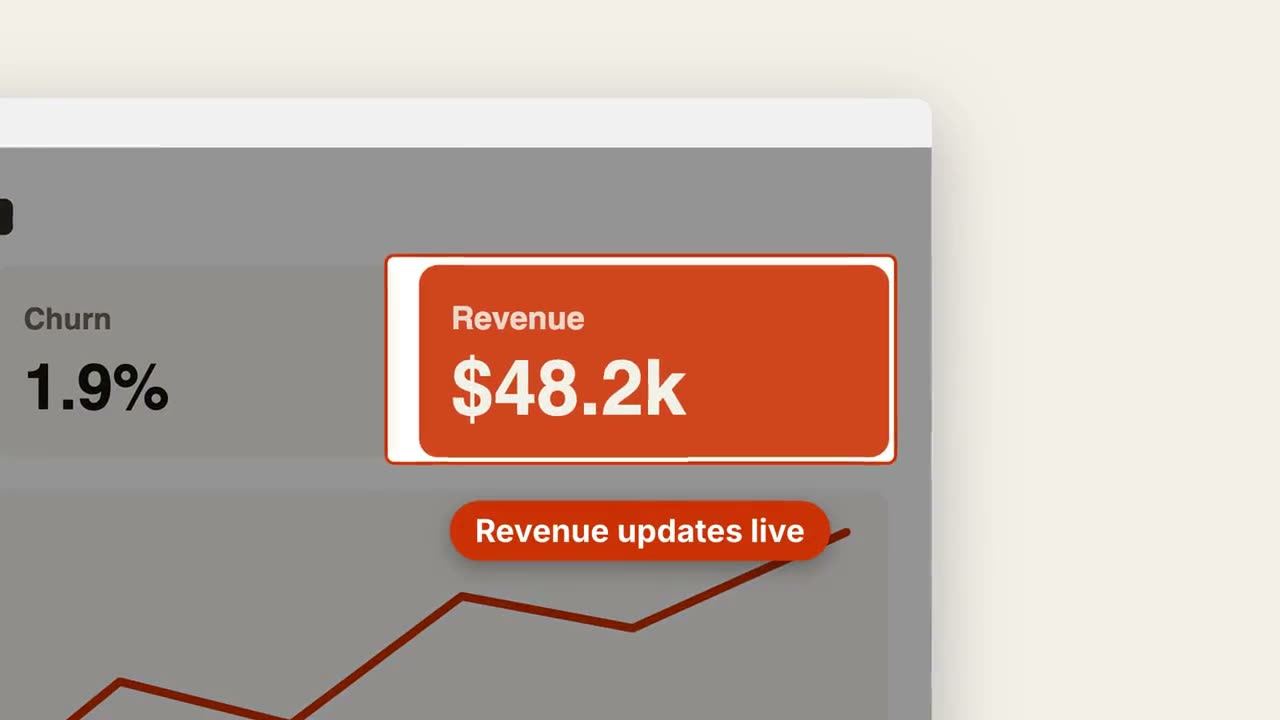
Screenshot Zoom Callout
Push into one area of a screenshot, dim the rest, and call it out.
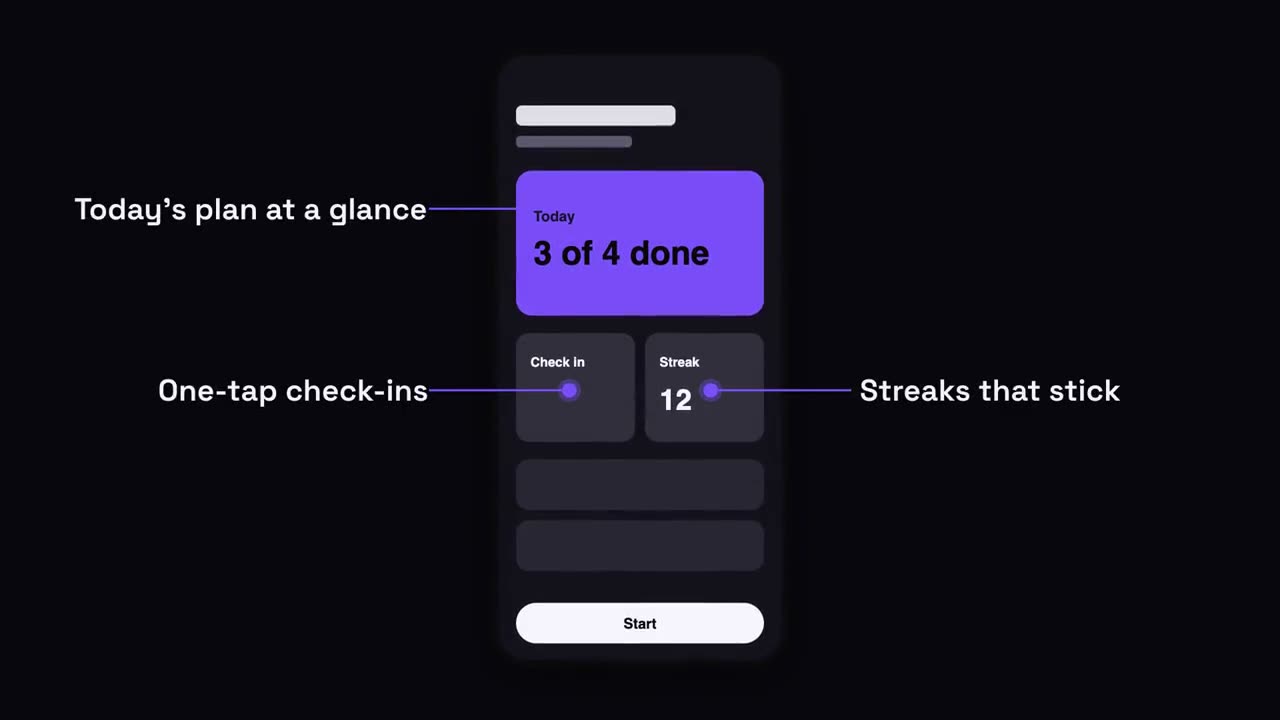
Phone Callouts
A phone rises in, and labels pop out with leader lines to its screen.

Chapter Stamp
A giant chapter number slams in like a stamp, then the title.
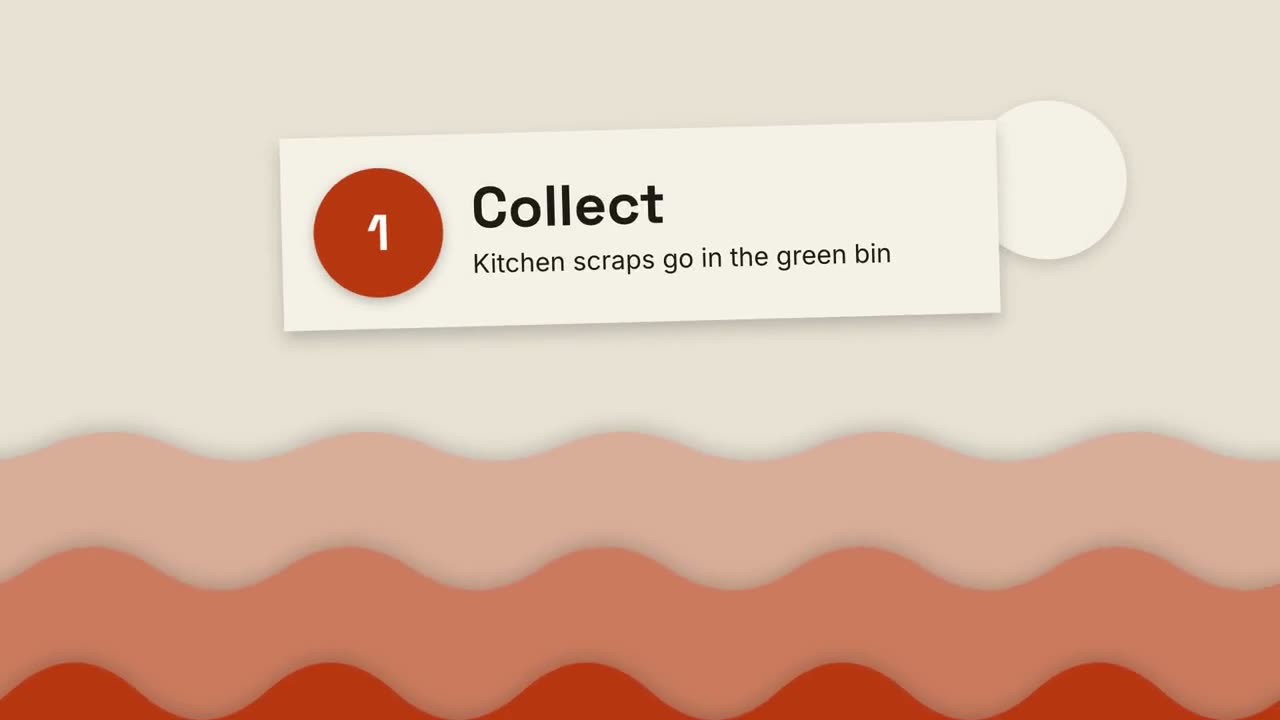
Paper-Cut Explainer
Layered paper hills and cut-paper cards explain anything in three steps.
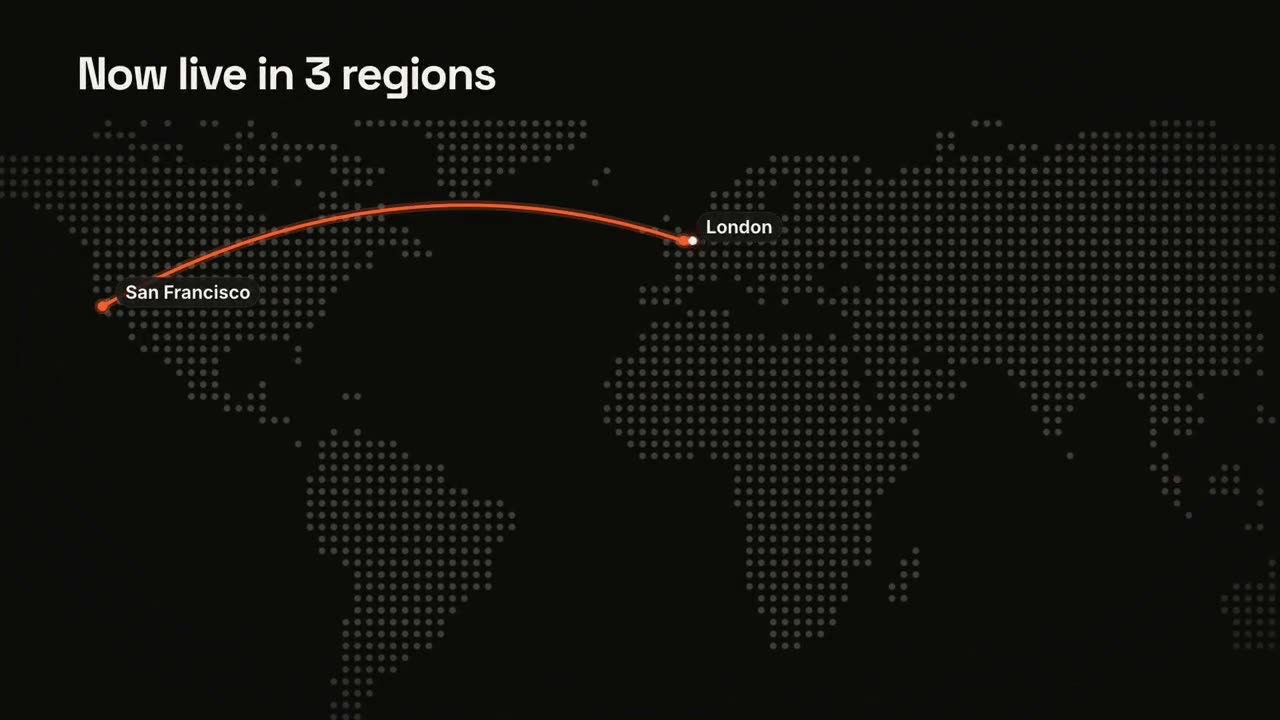
Maps & Routes
A dot-matrix world map with an animated route.
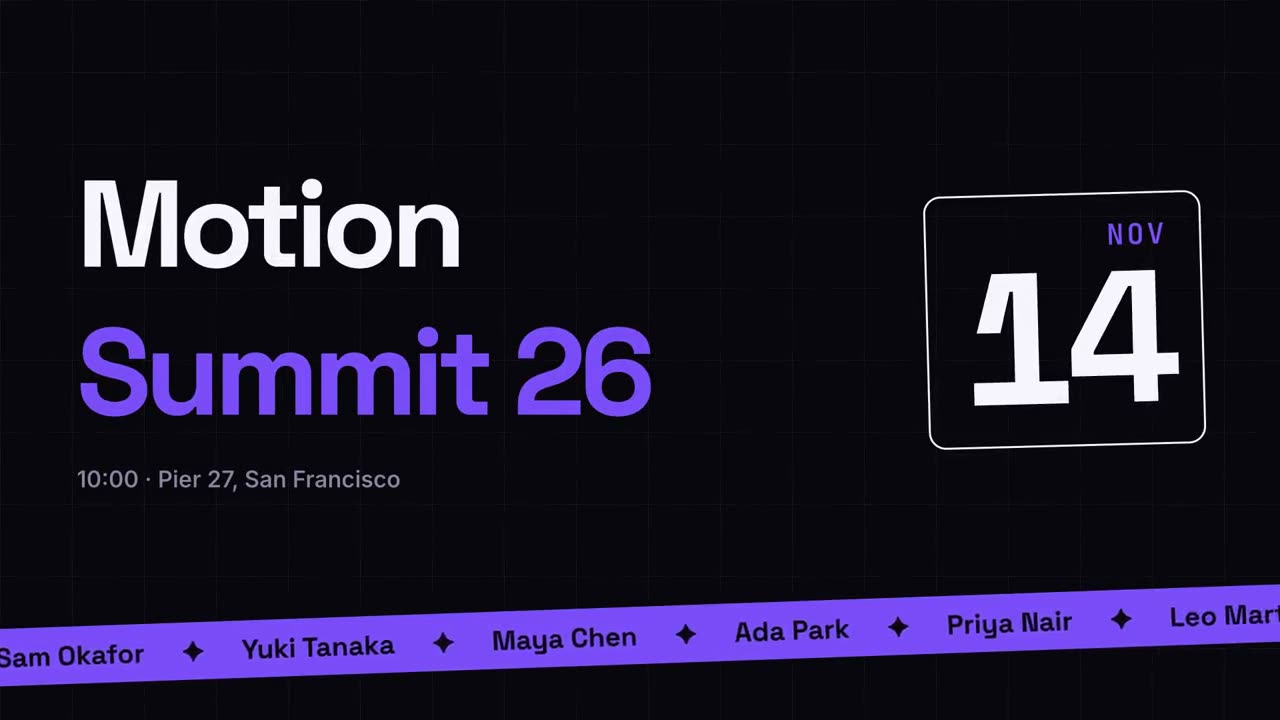
Event Promo
A poster-style event announcement with a speaker ticker.
Transitions Pack
Six transitions for joining slides, images or scenes.

Milestone Timeline
A timeline draws across and milestones pop up along it.

Recap Wall
Takeaway cards fly in and settle into a tidy numbered wall.
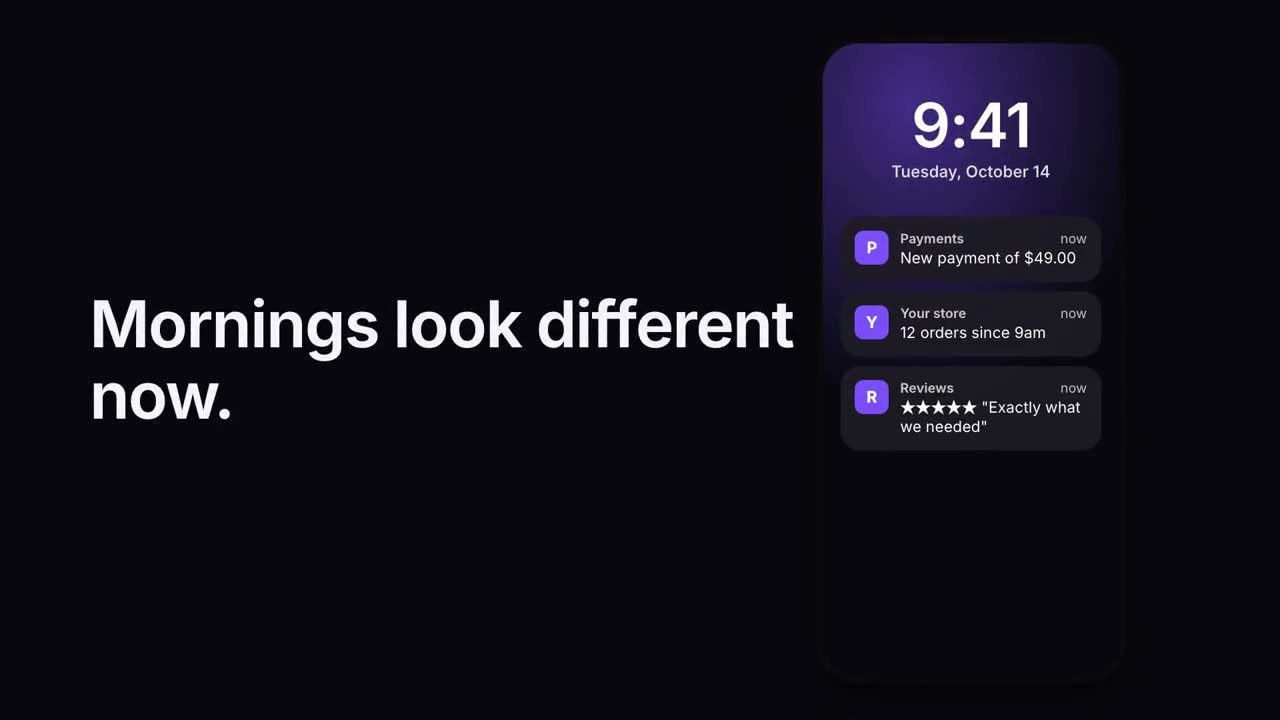
Notification Stack
Notifications land on a lock screen one after another.
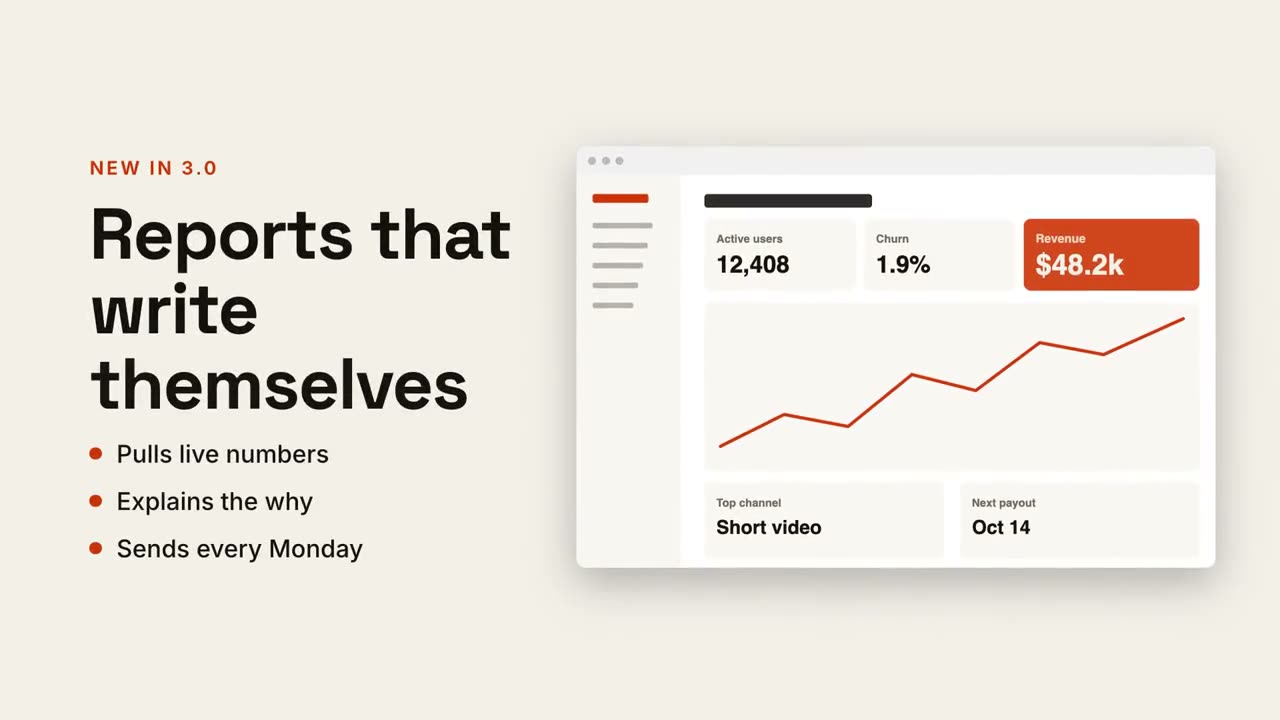
Text + Screen Split
Headline and points on one side, your screenshot gliding in on the other.
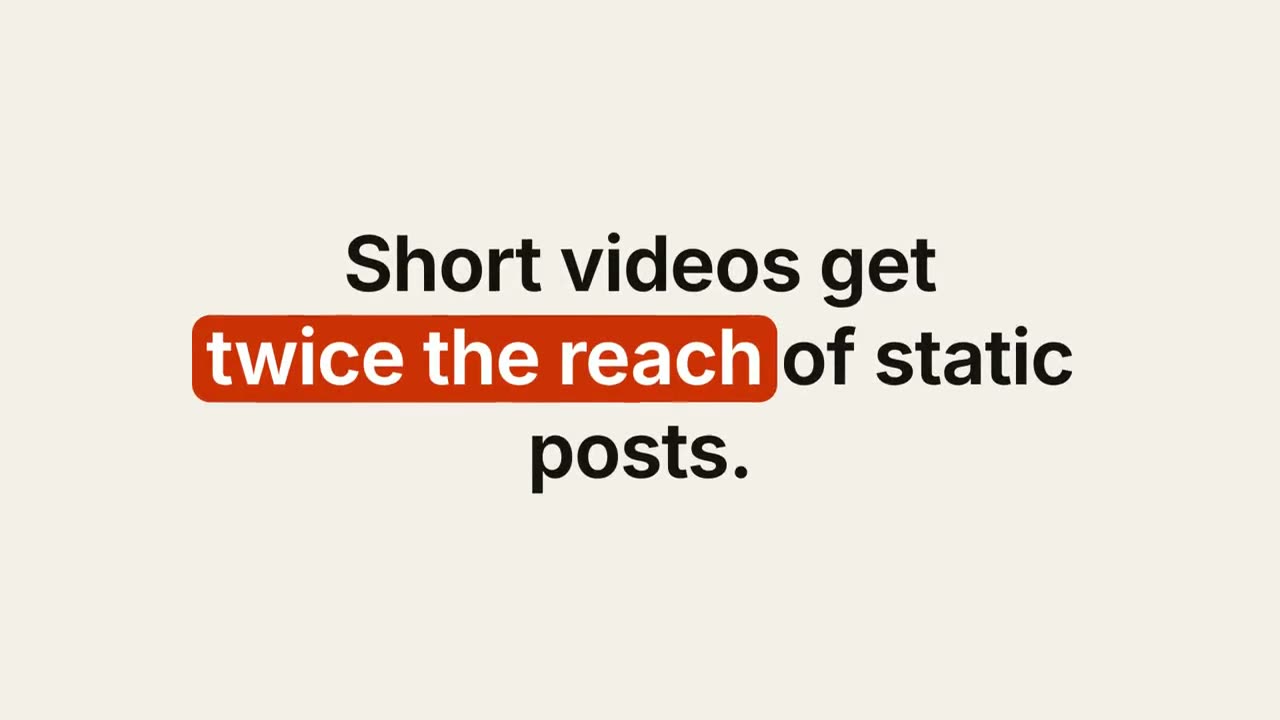
Keyword Caption
A designed caption whose keywords get a pill, underline or color.
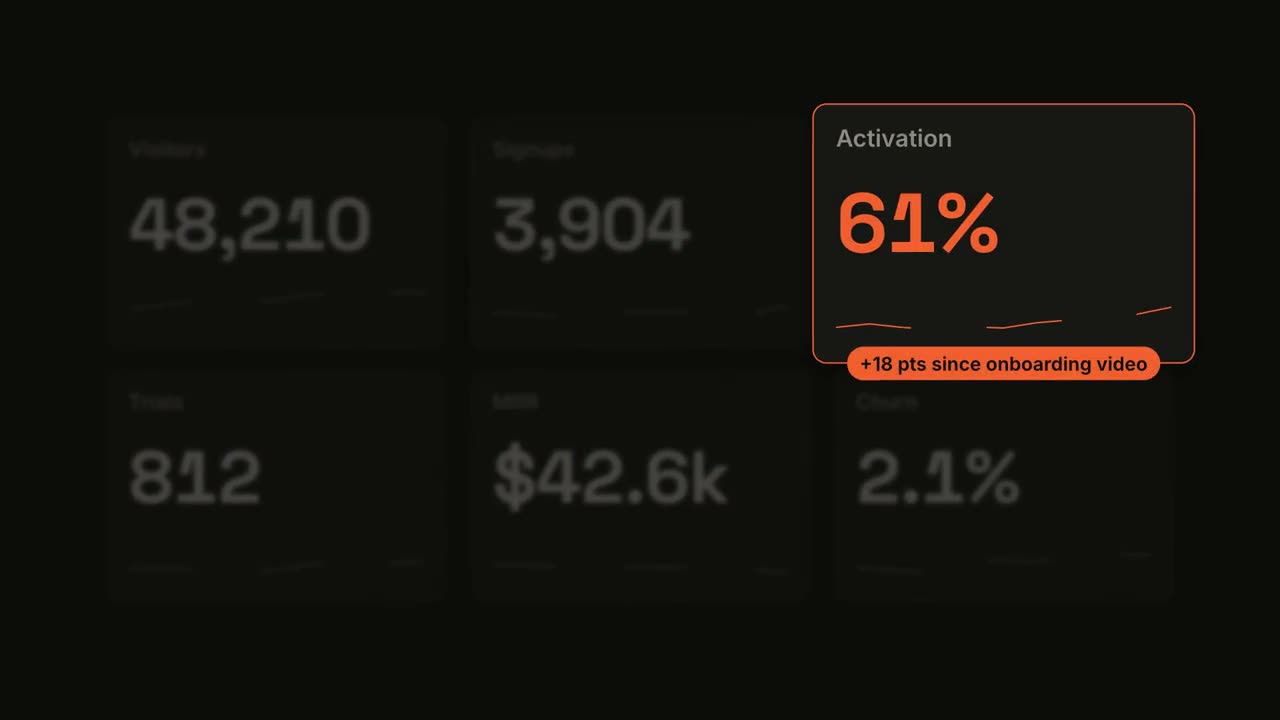
Metric Spotlight
A dashboard counts up, then one tile takes the spotlight.
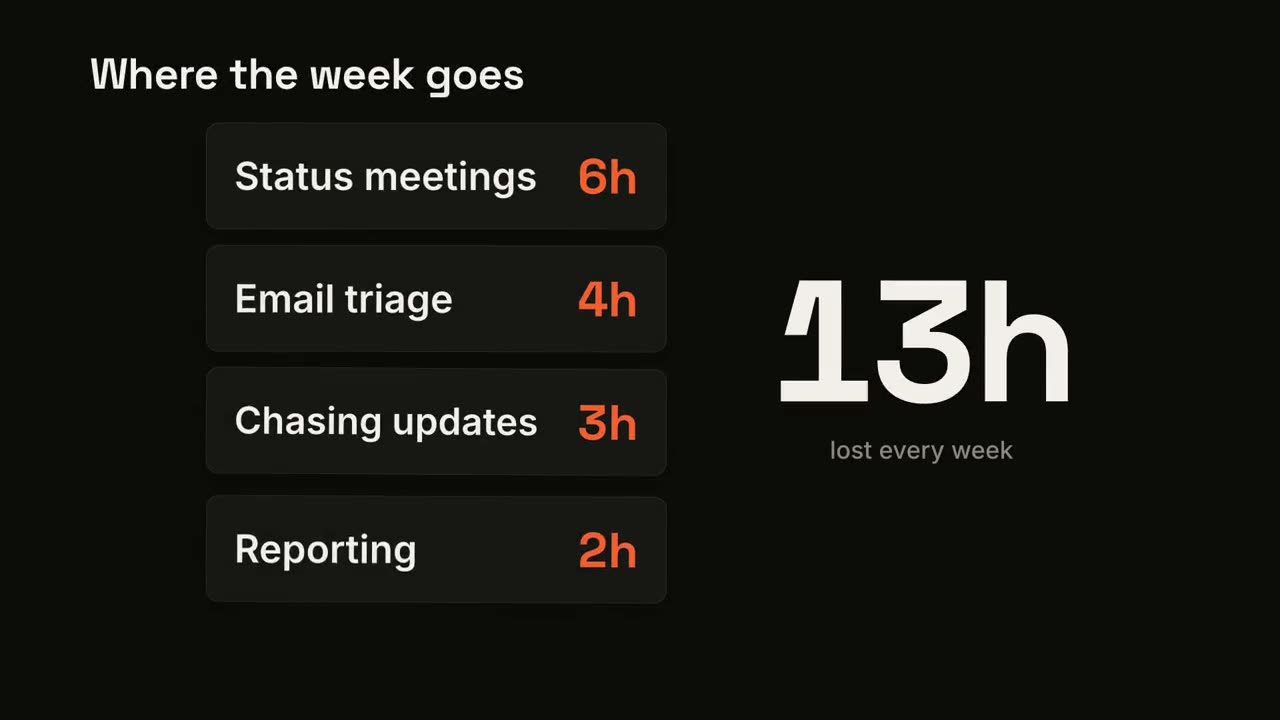
Card Stack Counter
Cards drop in one by one while a big total adds them up.
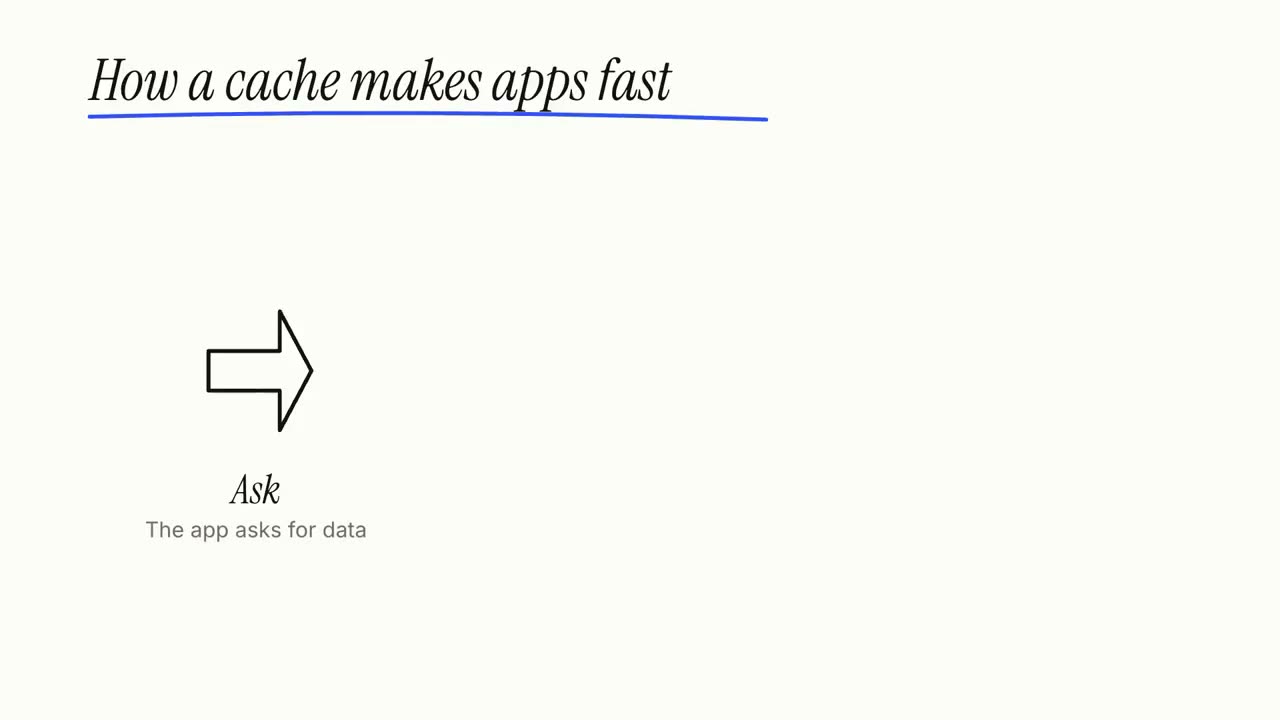
Whiteboard Explainer
Marker doodles draw themselves while labels write on, step by step.
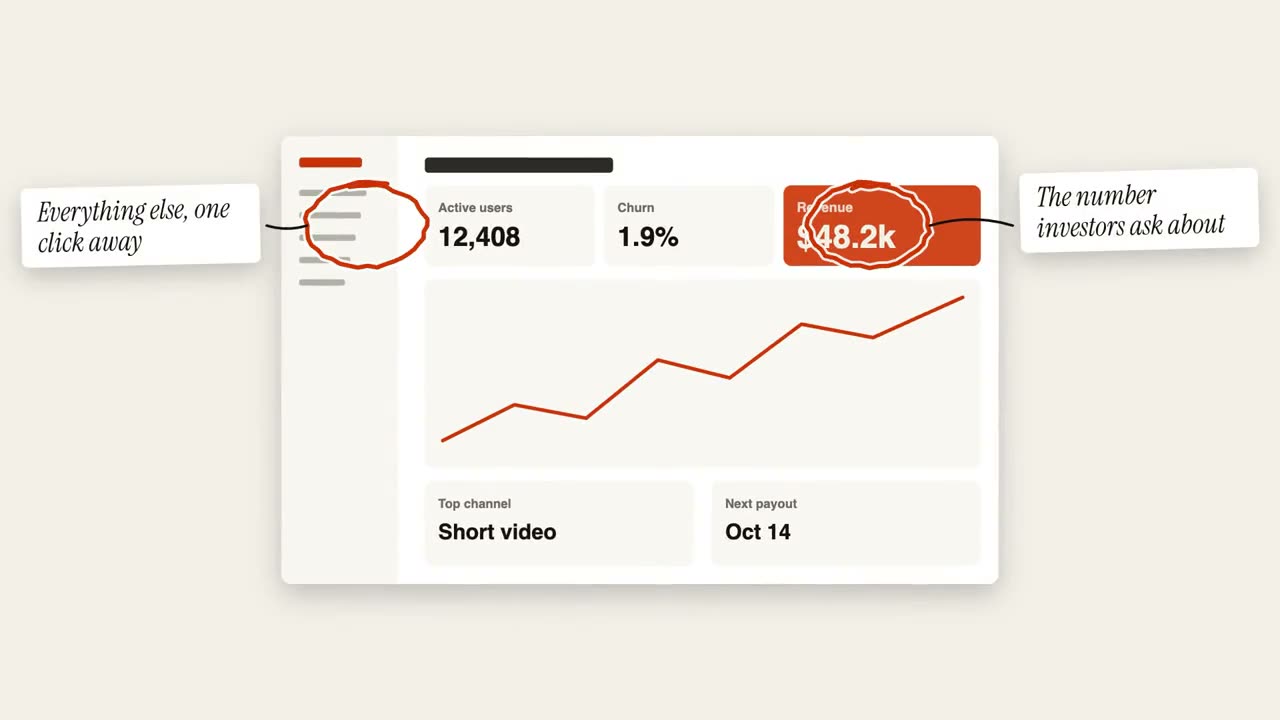
Circle Annotation
Hand-drawn circles and sticky notes mark up an image.
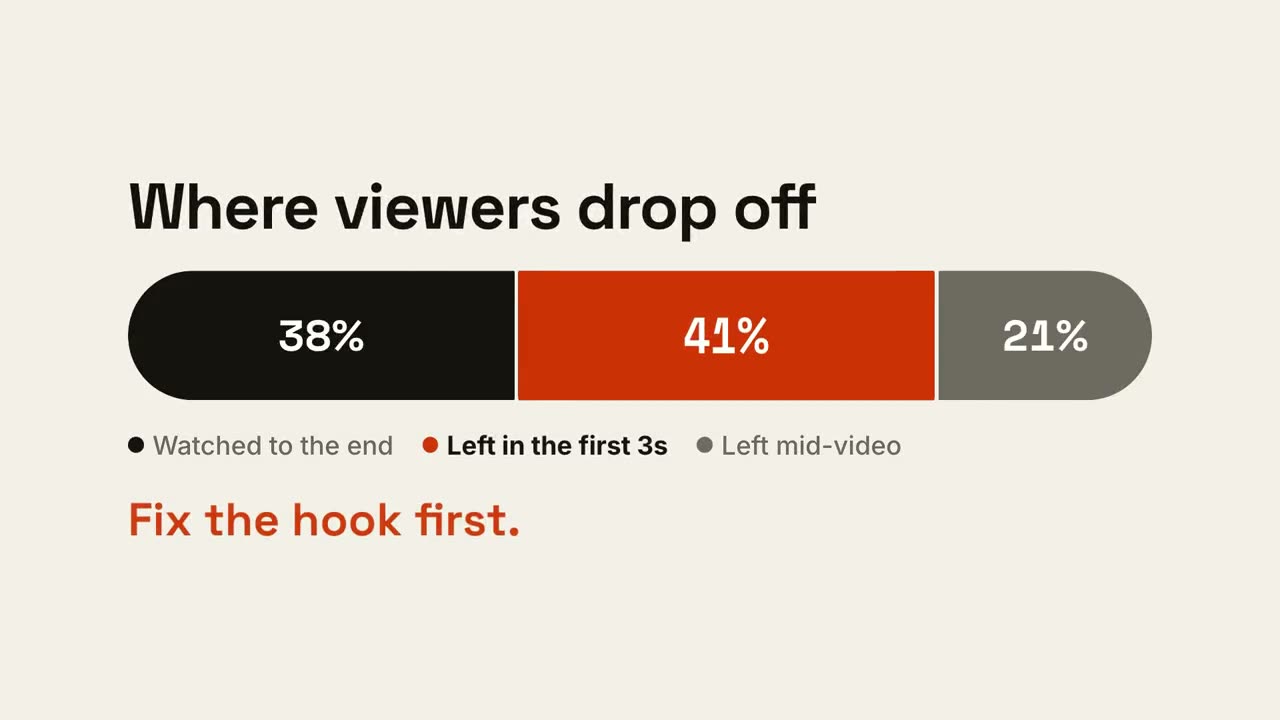
Ratio Bar
One bar splits into shares, then the part that matters gets called out.
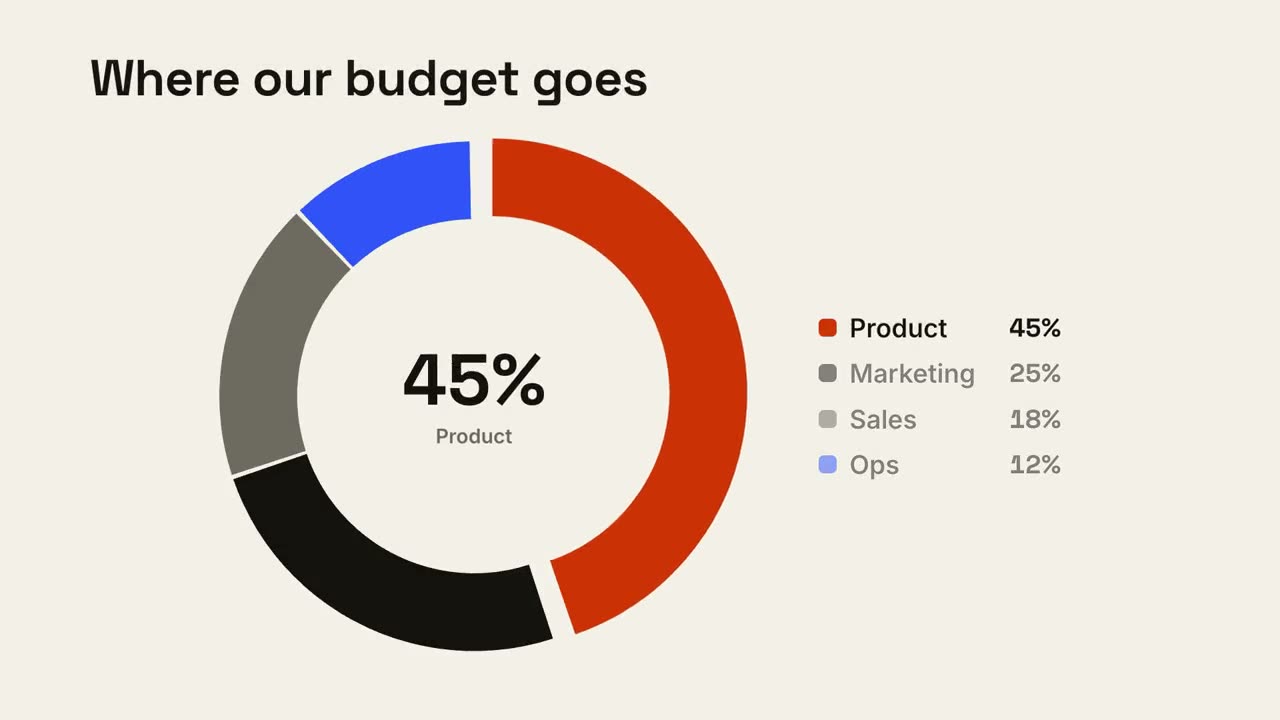
Donut Breakdown
A donut chart draws itself and the biggest slice pops out.
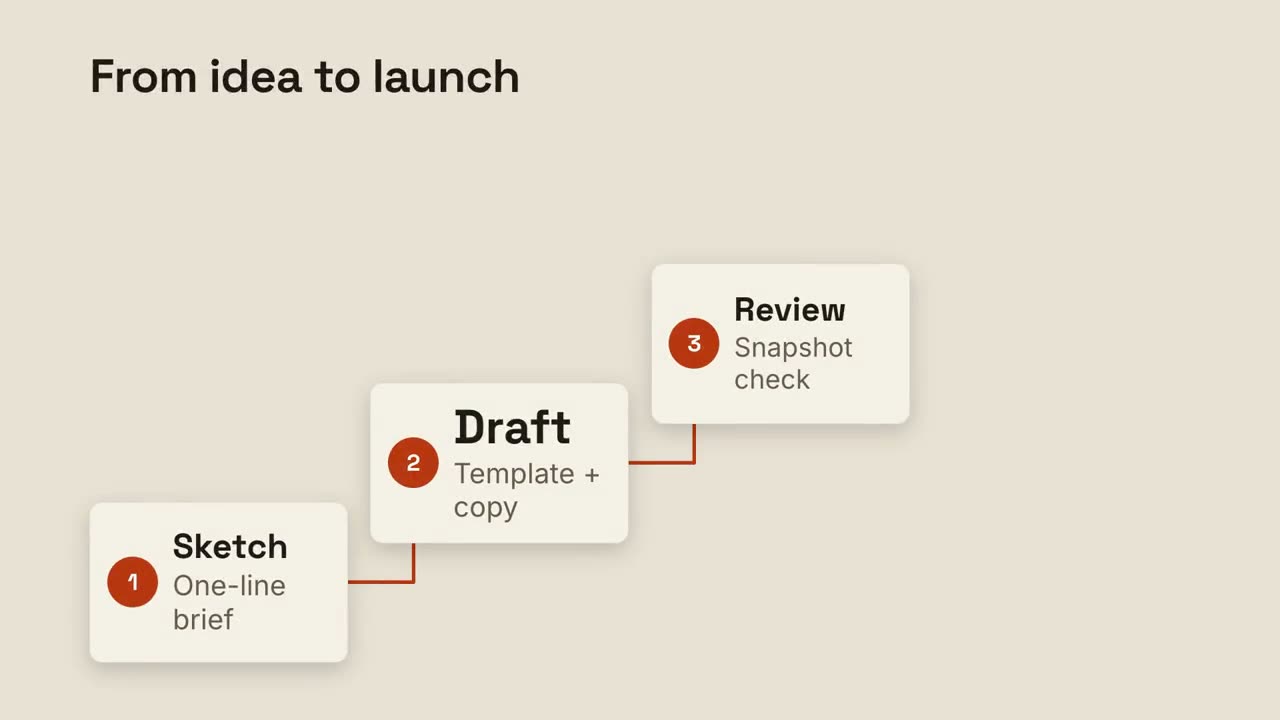
Step Ladder
Numbered steps climb a staircase, joined by a drawn line.
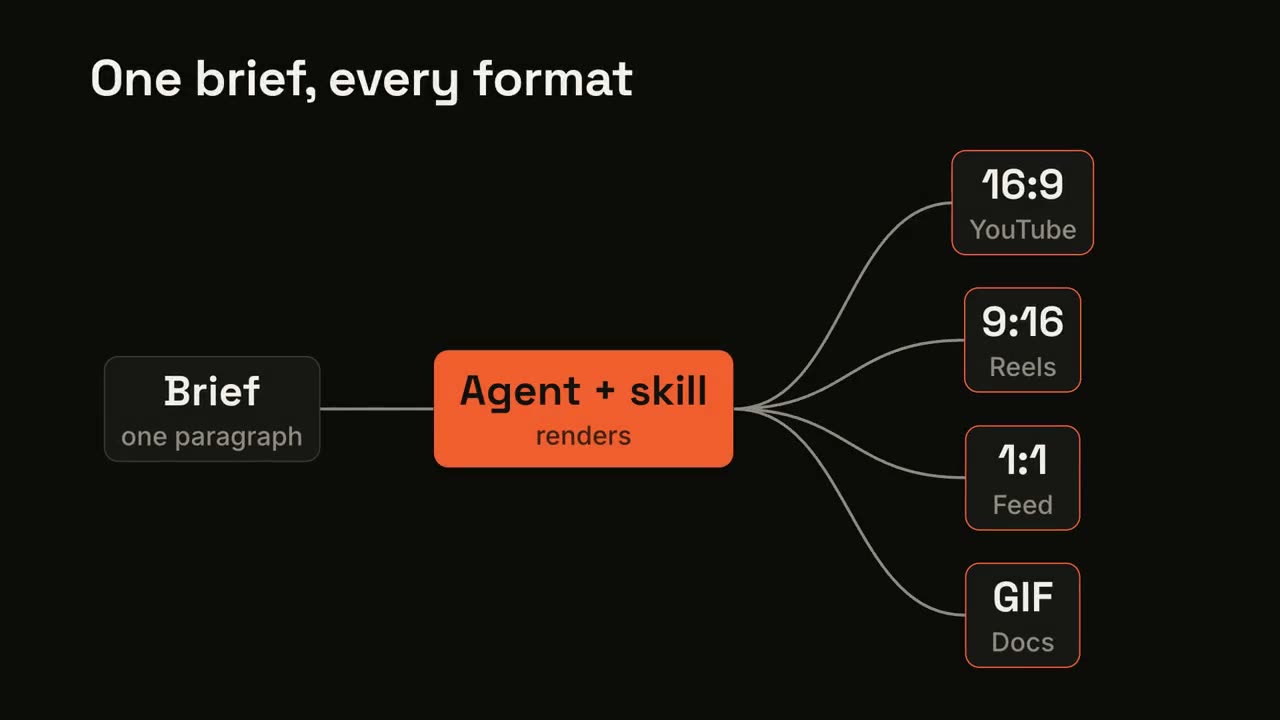
Pipeline Fan-out
One input flows through a process and fans out to many outputs.
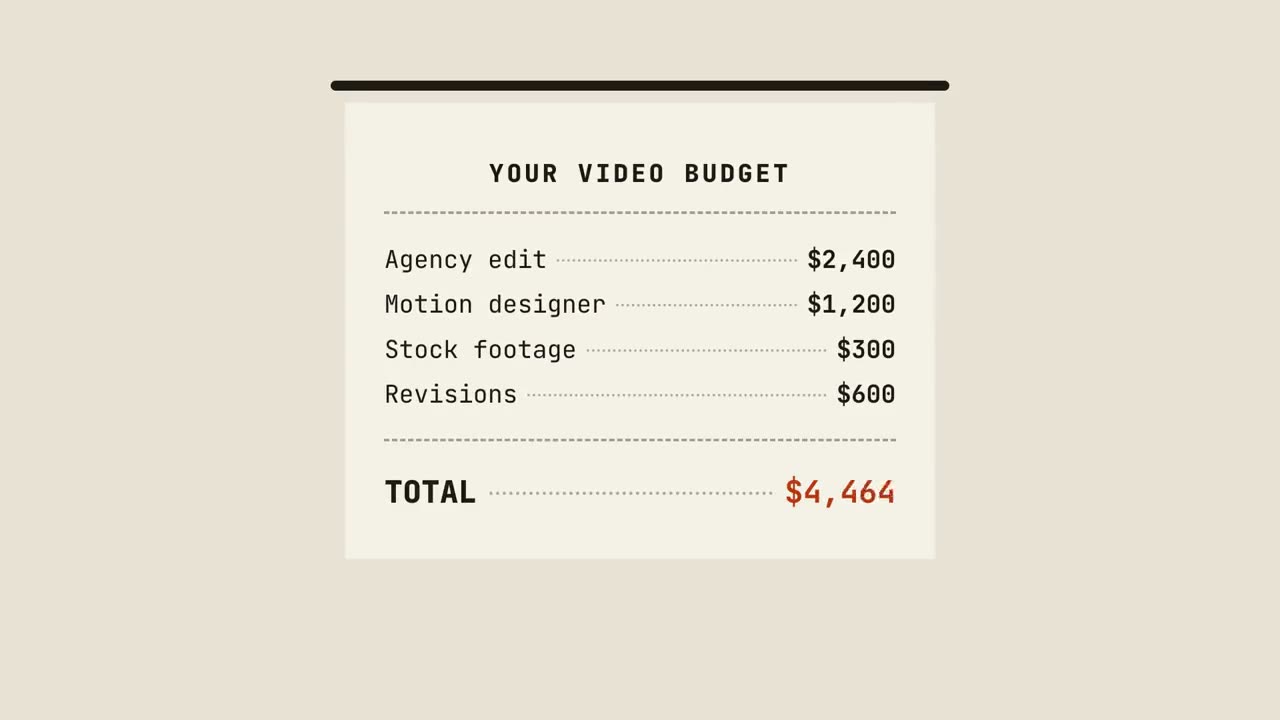
Receipt Tally
A receipt prints line by line, totals up, and gets stamped.
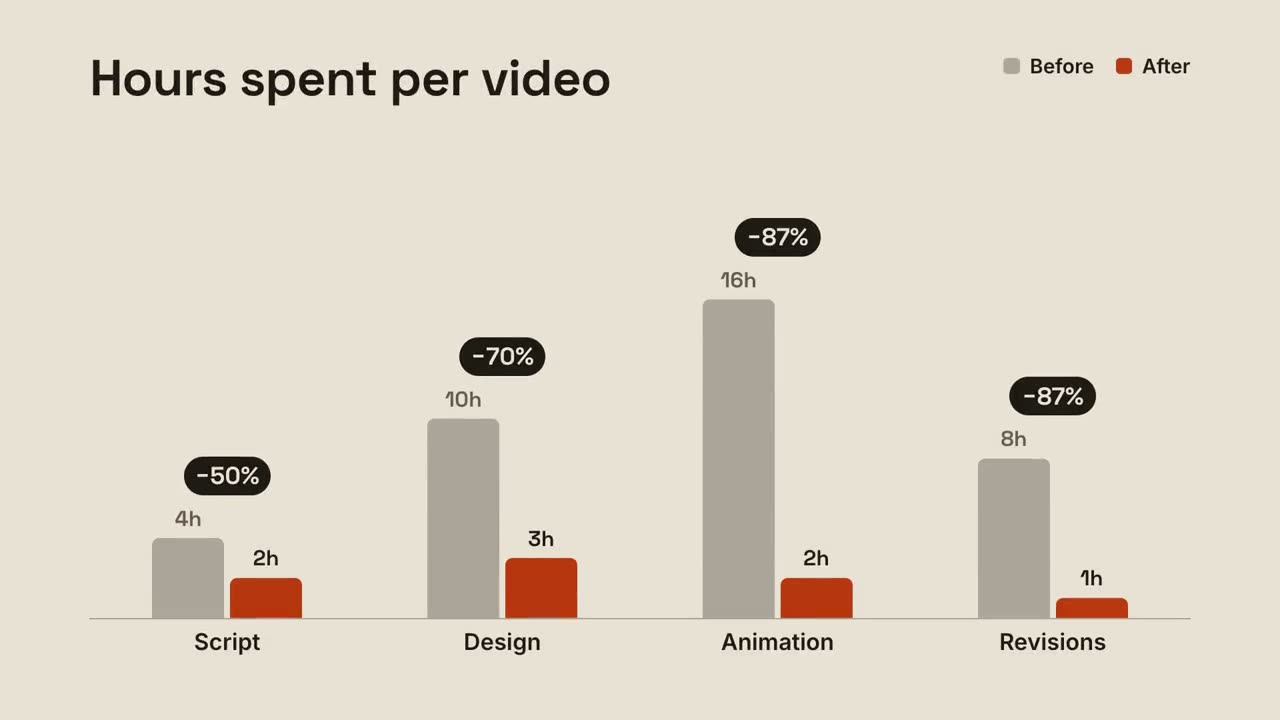
Grouped Bars
Before-and-after bars per group, with the change popping above each pair.
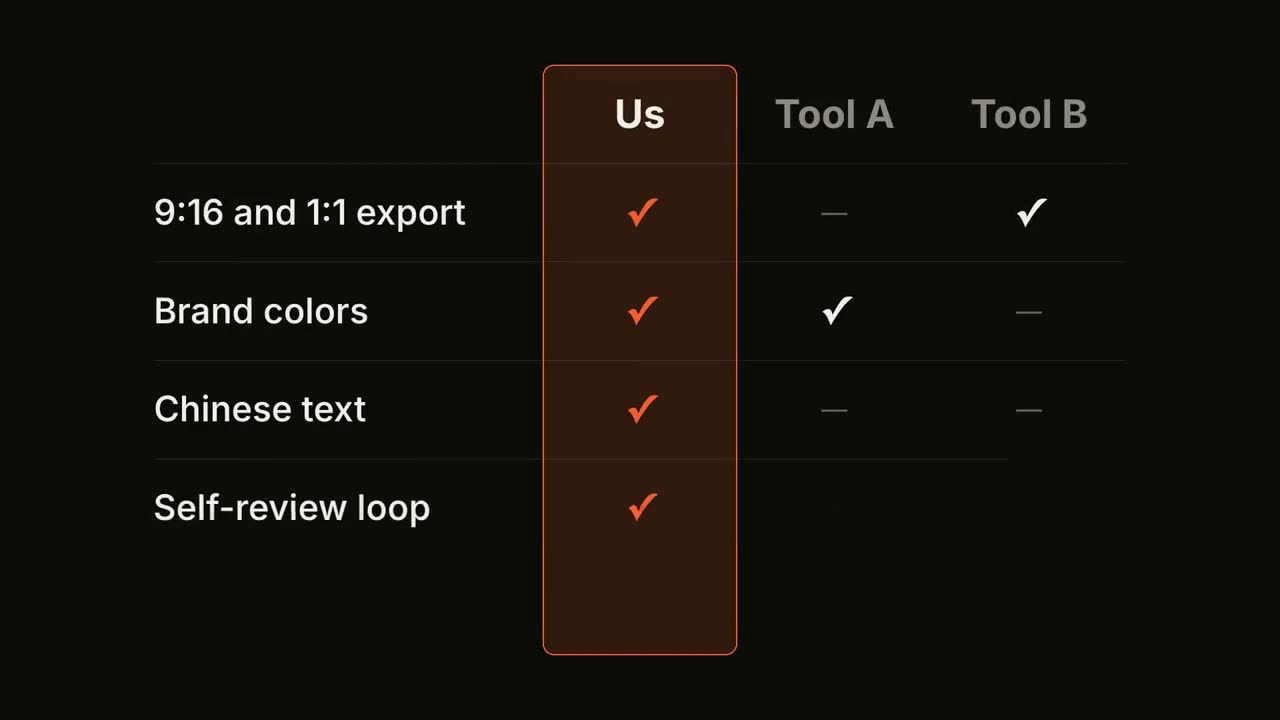
Feature Matrix
A comparison table fills row by row, with your column highlighted.
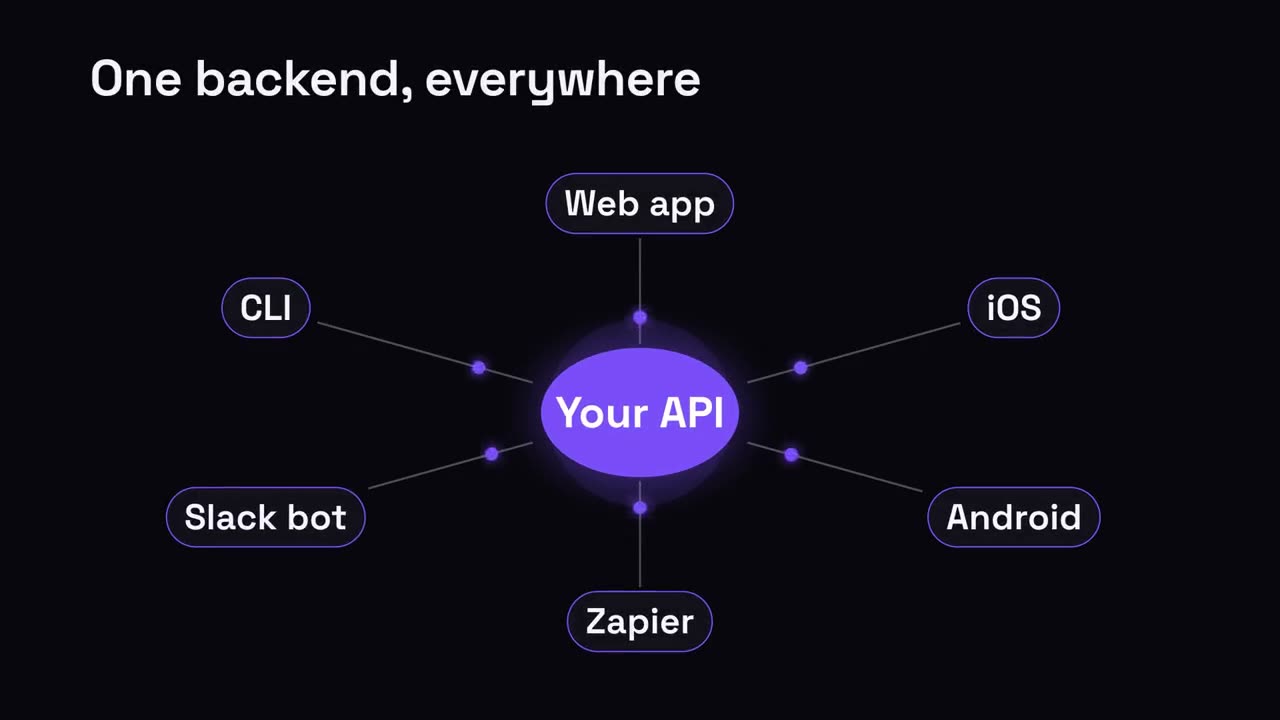
Hub & Spoke
A central hub radiates out to everything it connects.
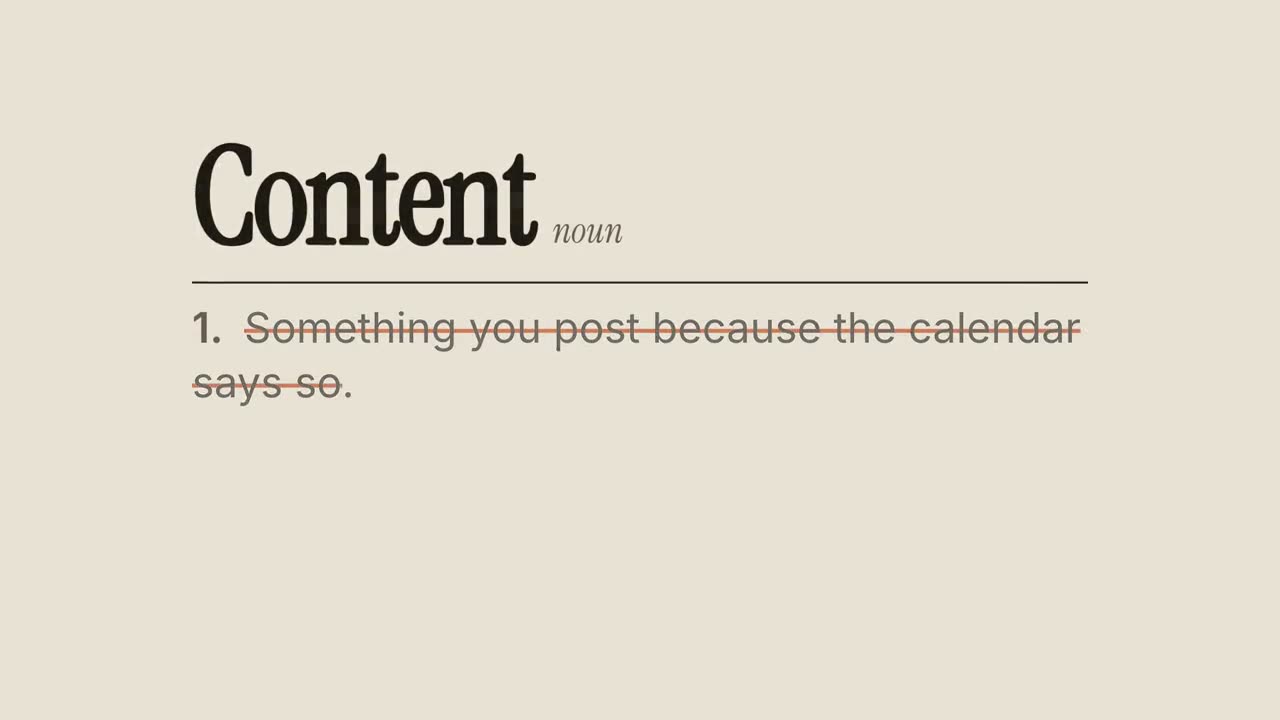
Definition Reframe
A dictionary entry whose usual definition gets crossed out and rewritten.
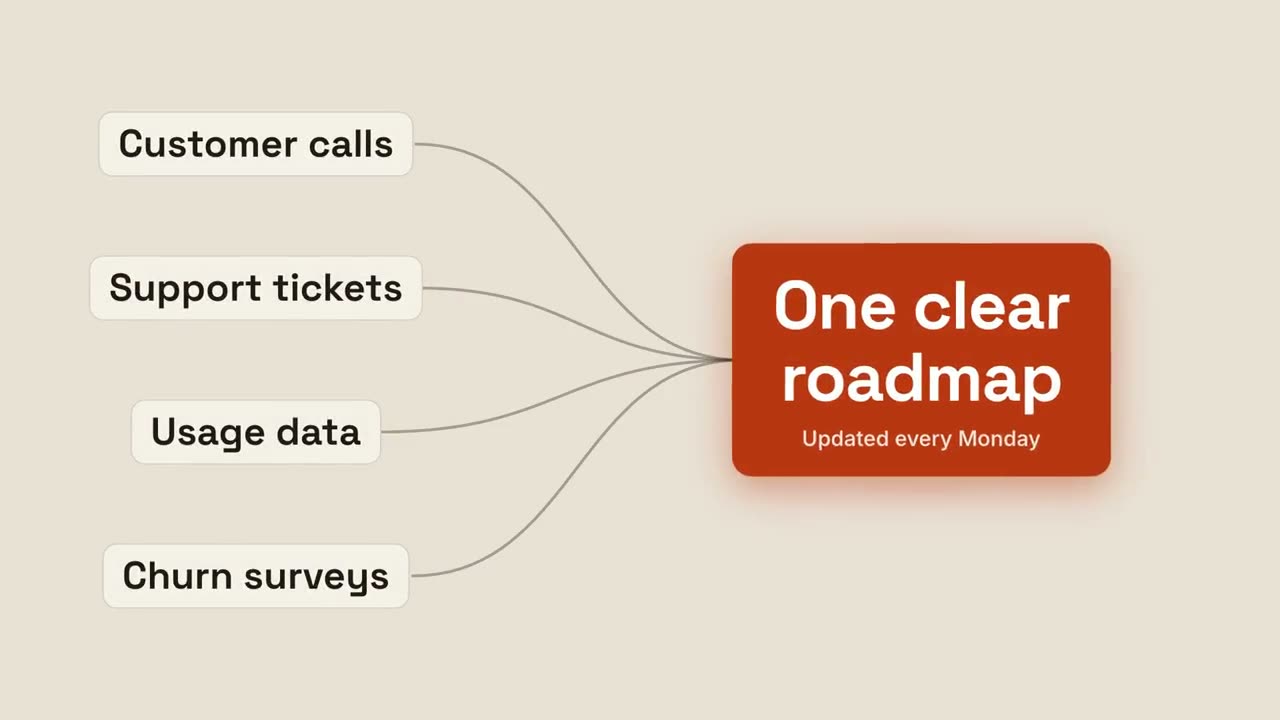
Converge to Result
Several inputs stream together into one glowing result.
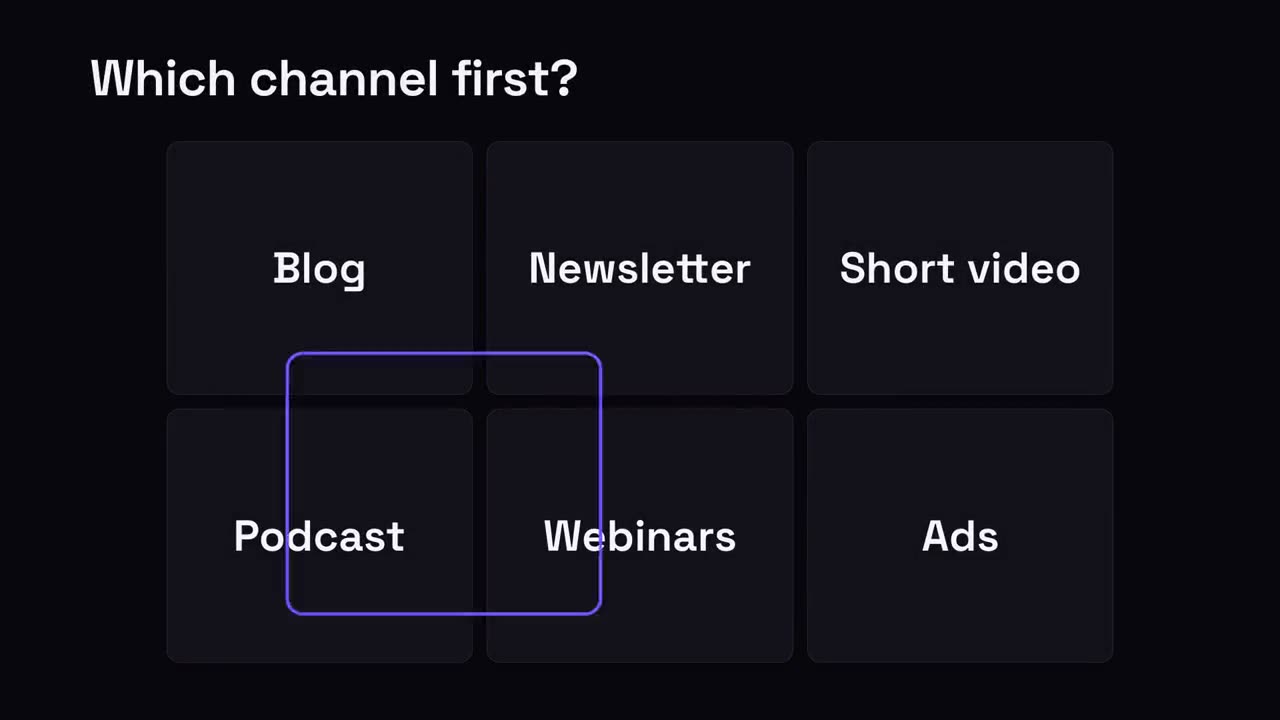
Pick-One Grid
A grid of options; a selection ring hops around and lands on the winner.
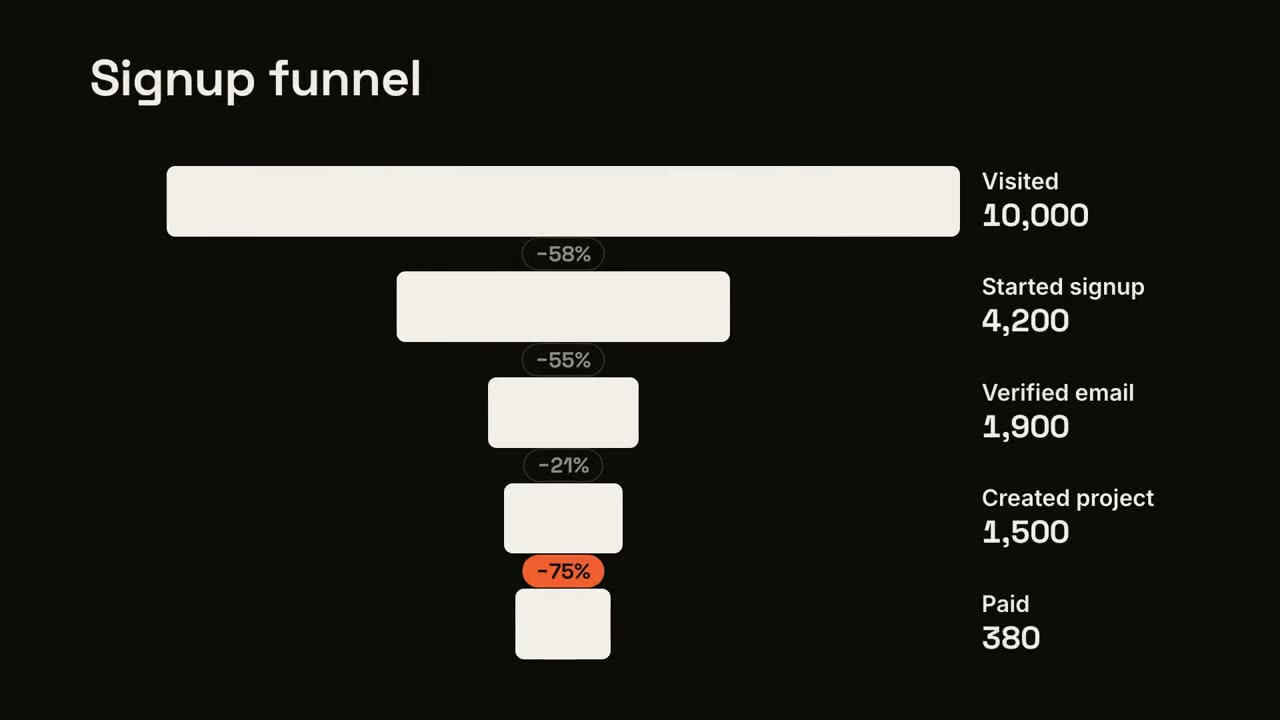
Funnel Drop-off
Funnel stages narrow down, and the worst leak gets flagged.
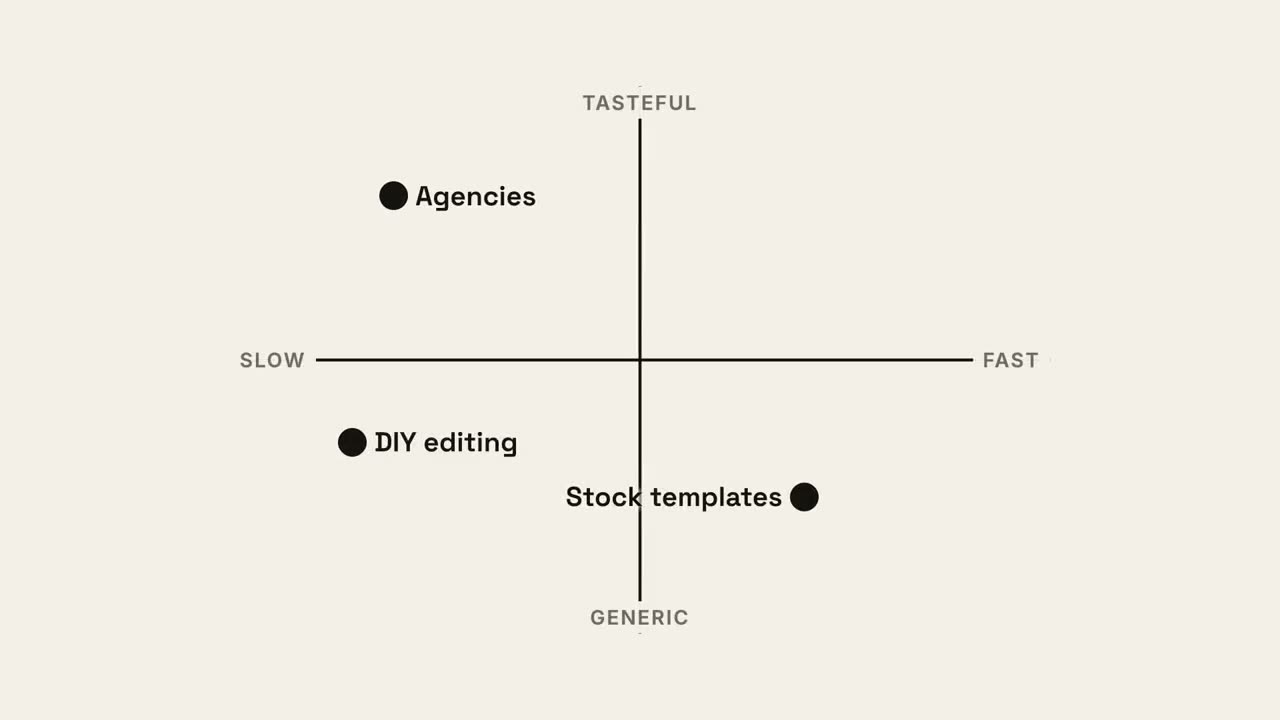
Quadrant Map
A 2×2 positioning map where your dot claims the best quadrant.
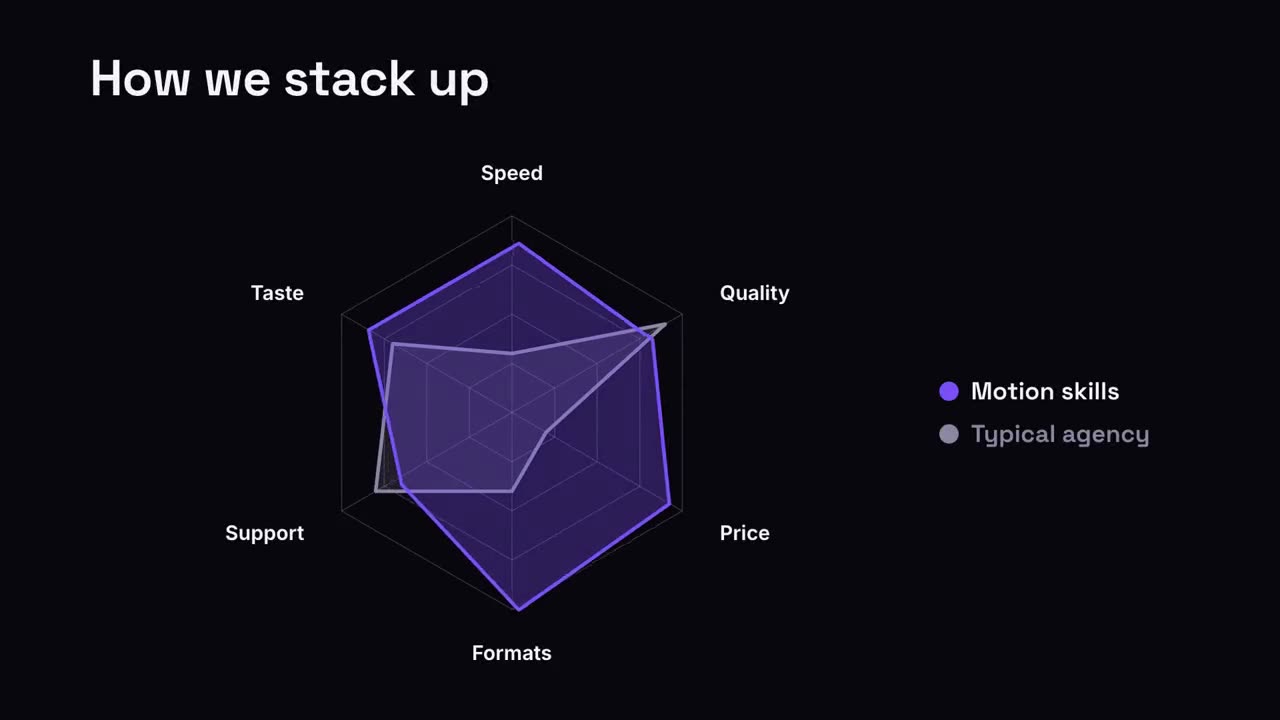
Radar Compare
A spider chart where your shape outgrows the comparison.
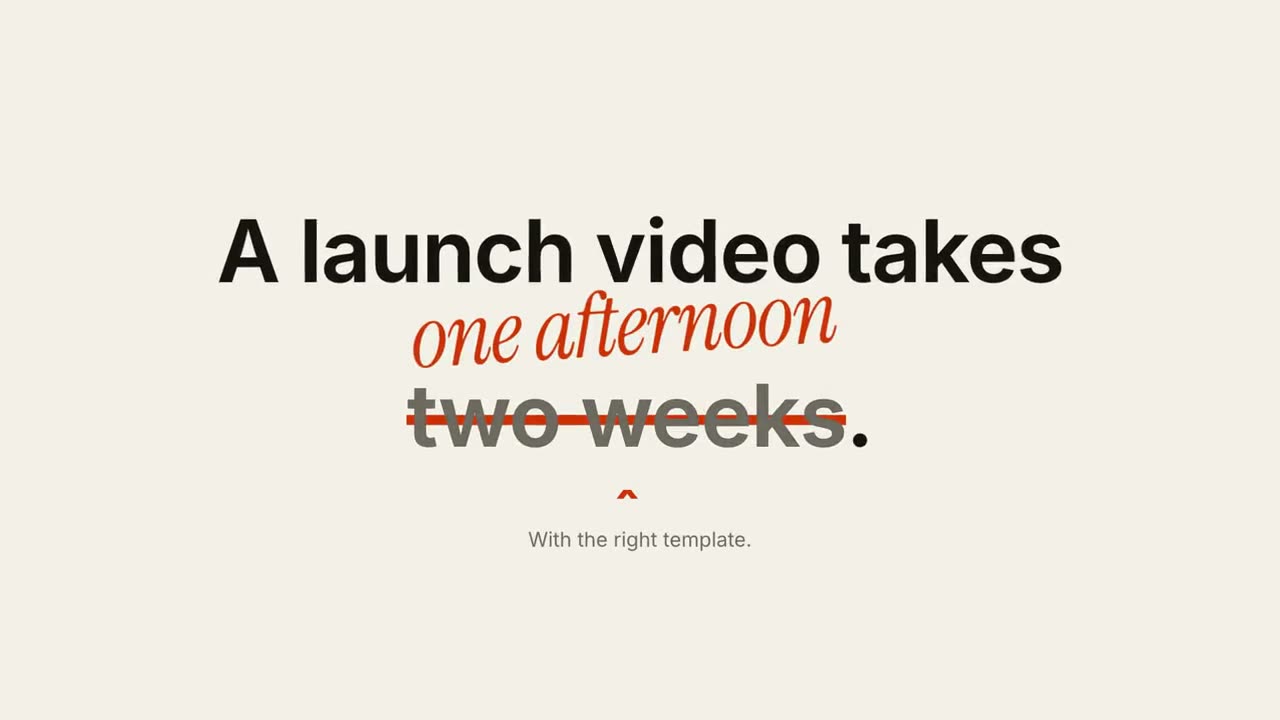
Strike & Correct
One phrase gets crossed out and a correction is written above it.
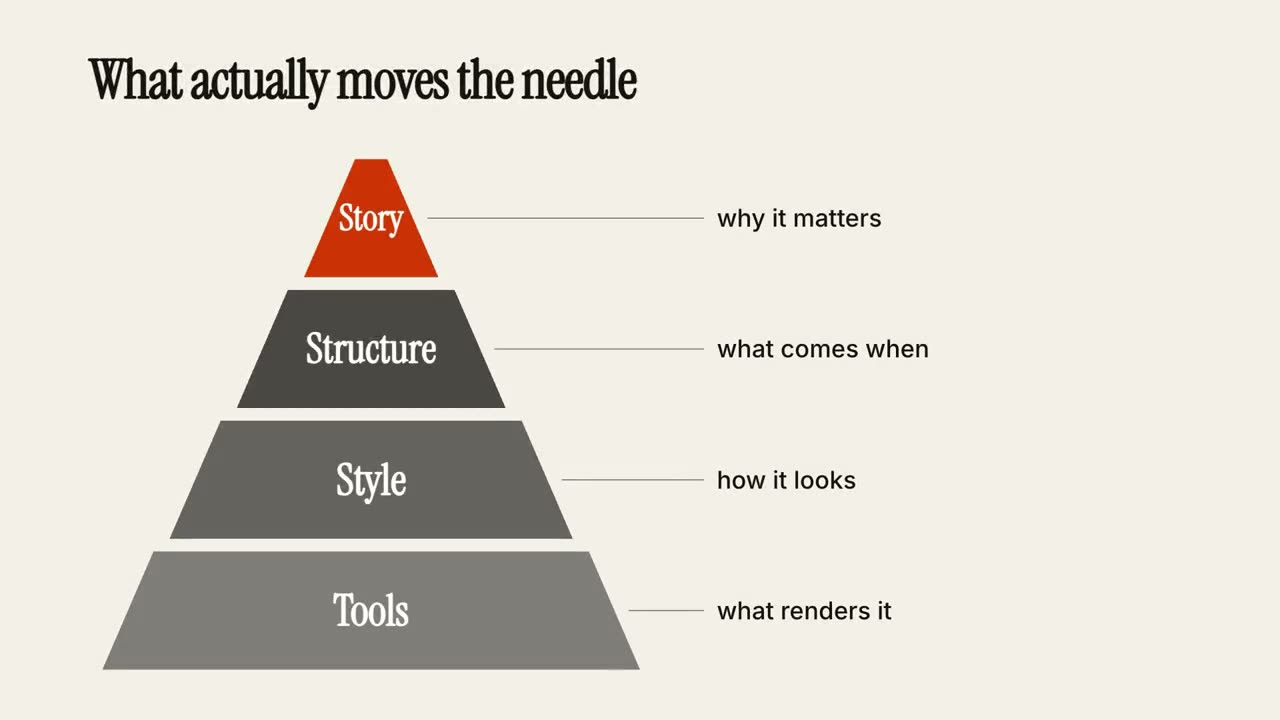
Tier Pyramid
A pyramid builds layer by layer, each tier with a note.
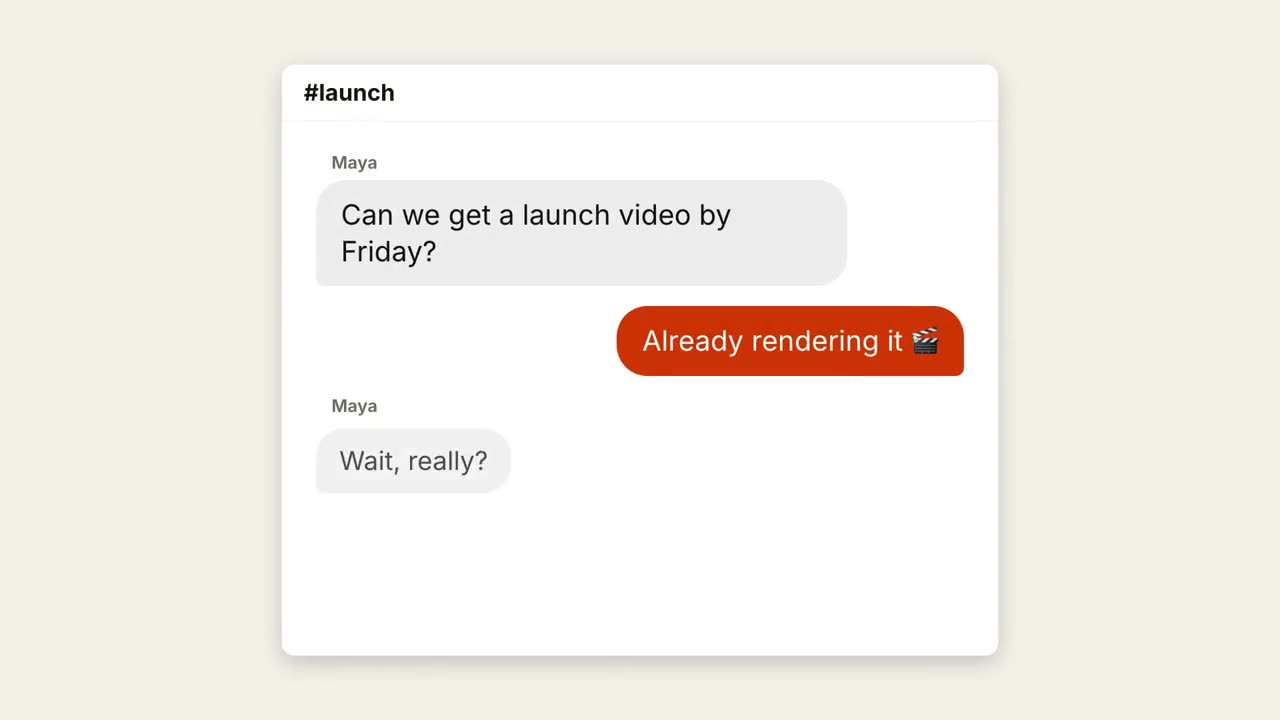
Chat Thread
A conversation plays out with typing dots and popping bubbles.
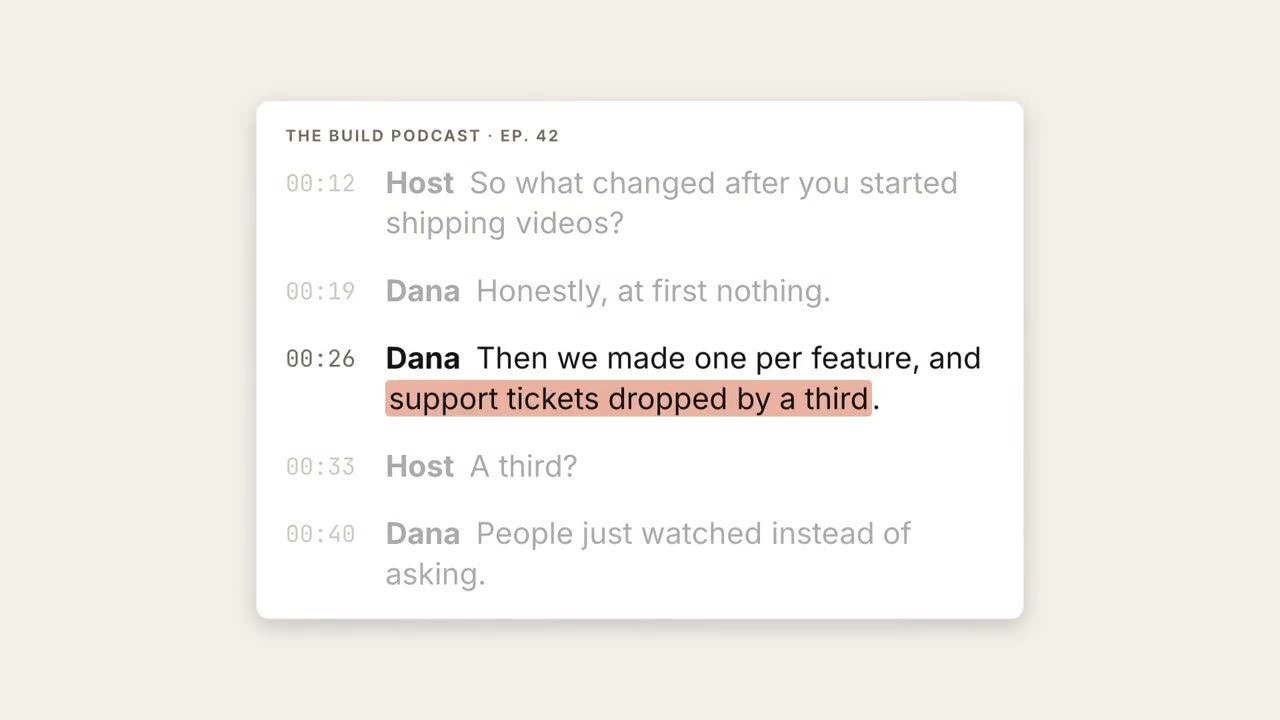
Transcript Highlight
A transcript plays out, the key phrase is highlighted and lifted into a pull quote.
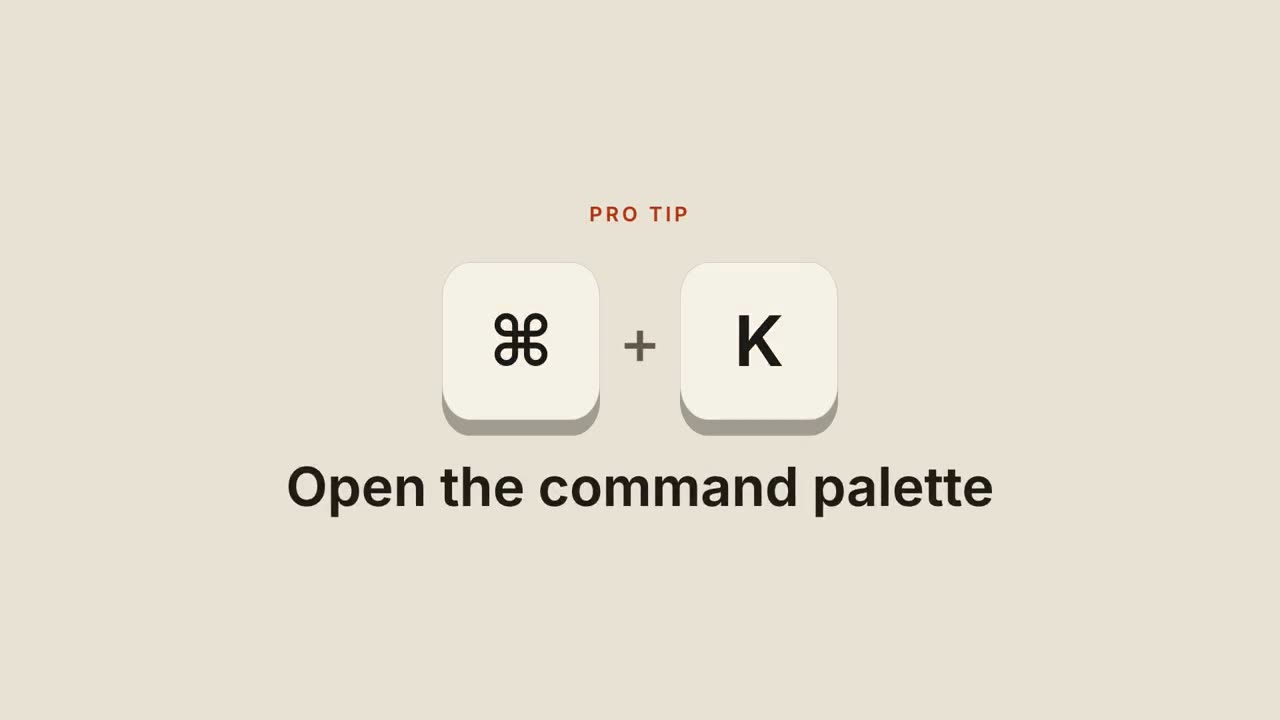
Shortcut Keys
Keycaps drop in, press down, and reveal what the shortcut does.
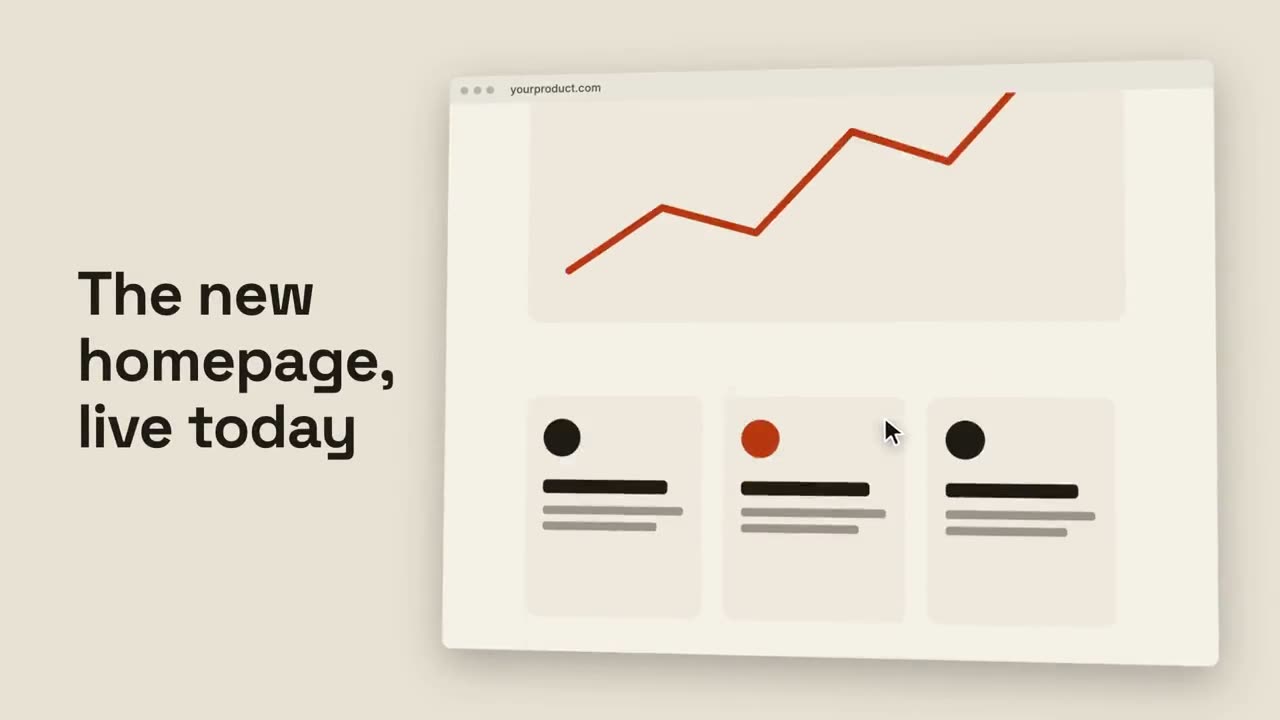
Browser Scroll
A tilted browser scrolls smoothly through a full page.
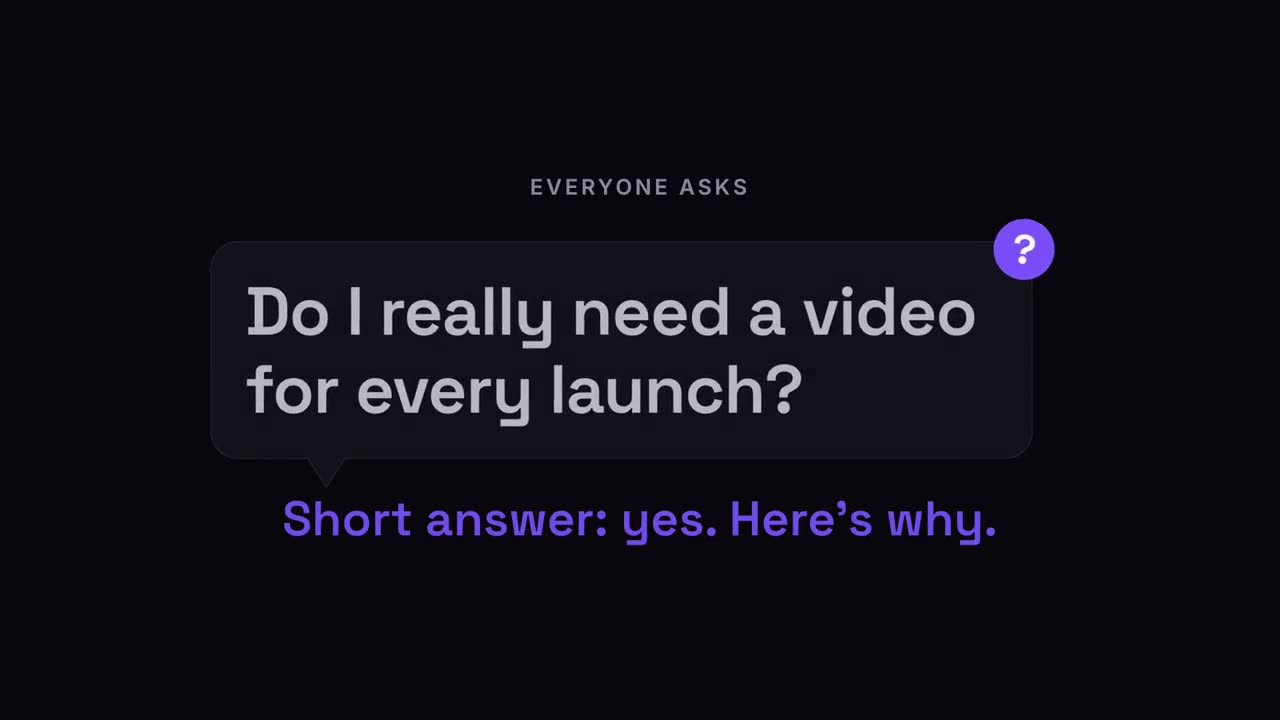
Question Pop
The audience's question pops up in a speech bubble, then the answer.
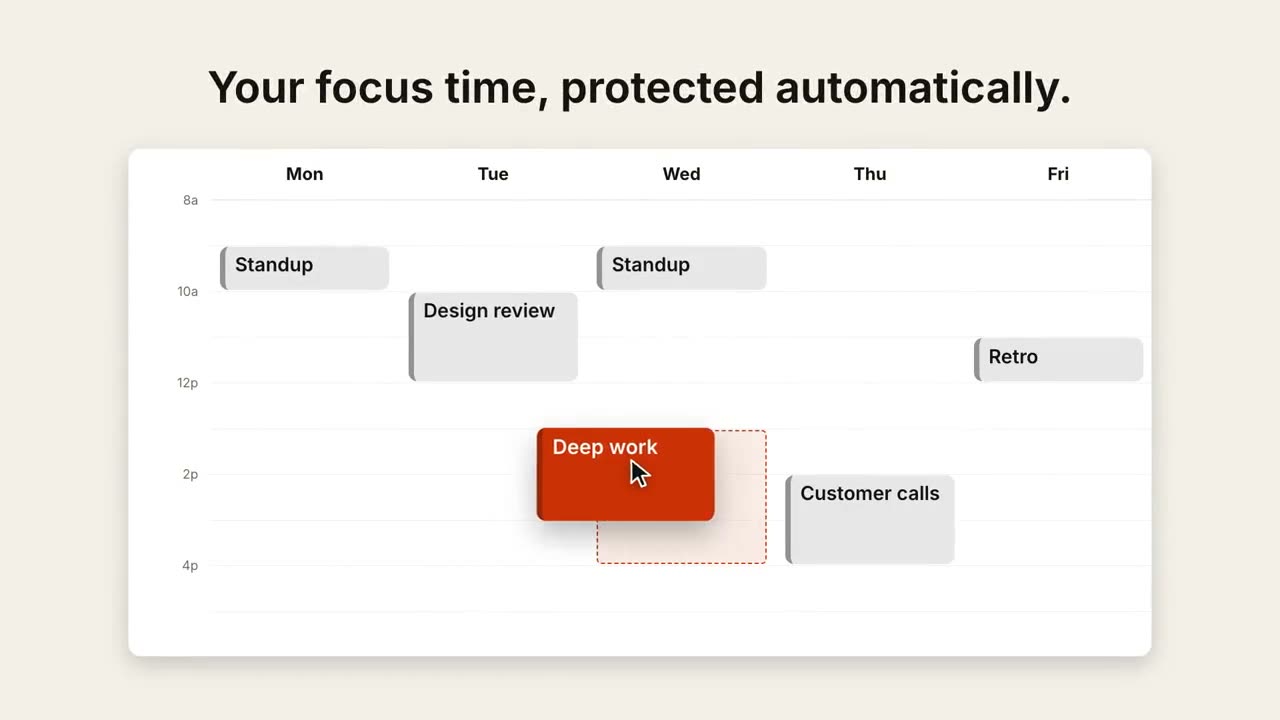
Calendar Reschedule
A week view fills up, then a cursor drags one event to a better slot.
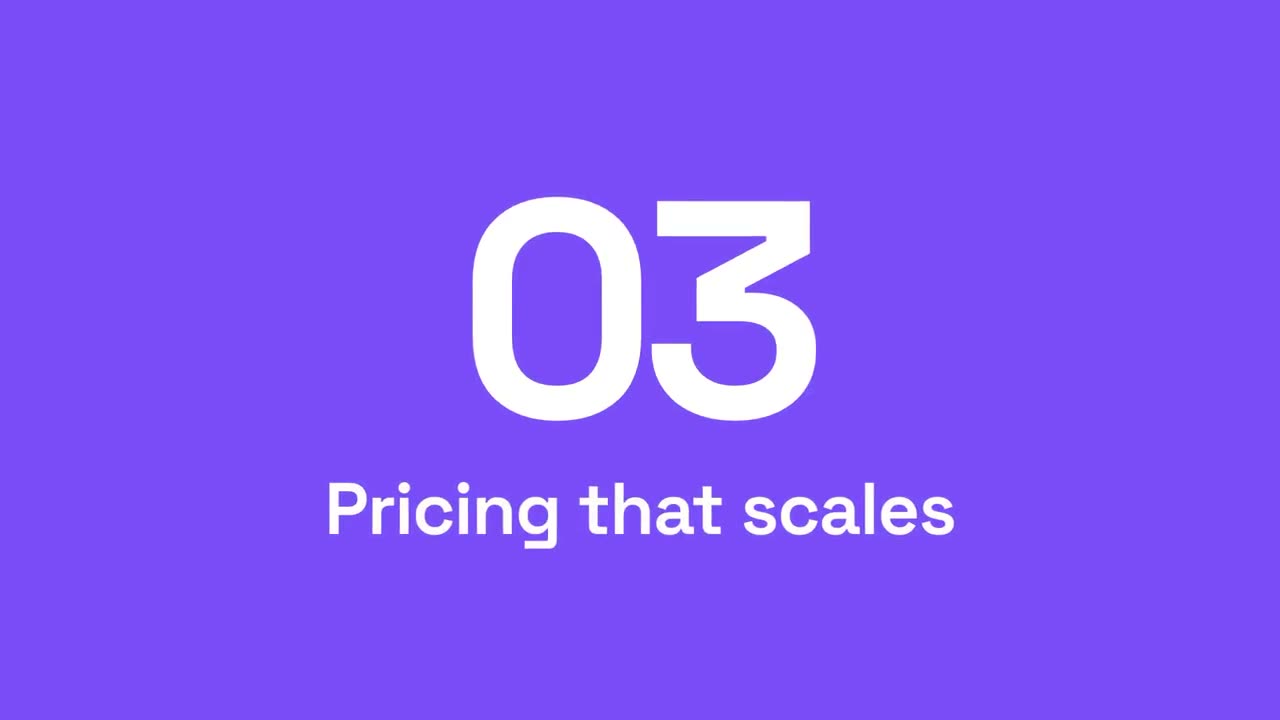
Section Number Wipe
Accent panels sweep across while the section number rolls to the next.
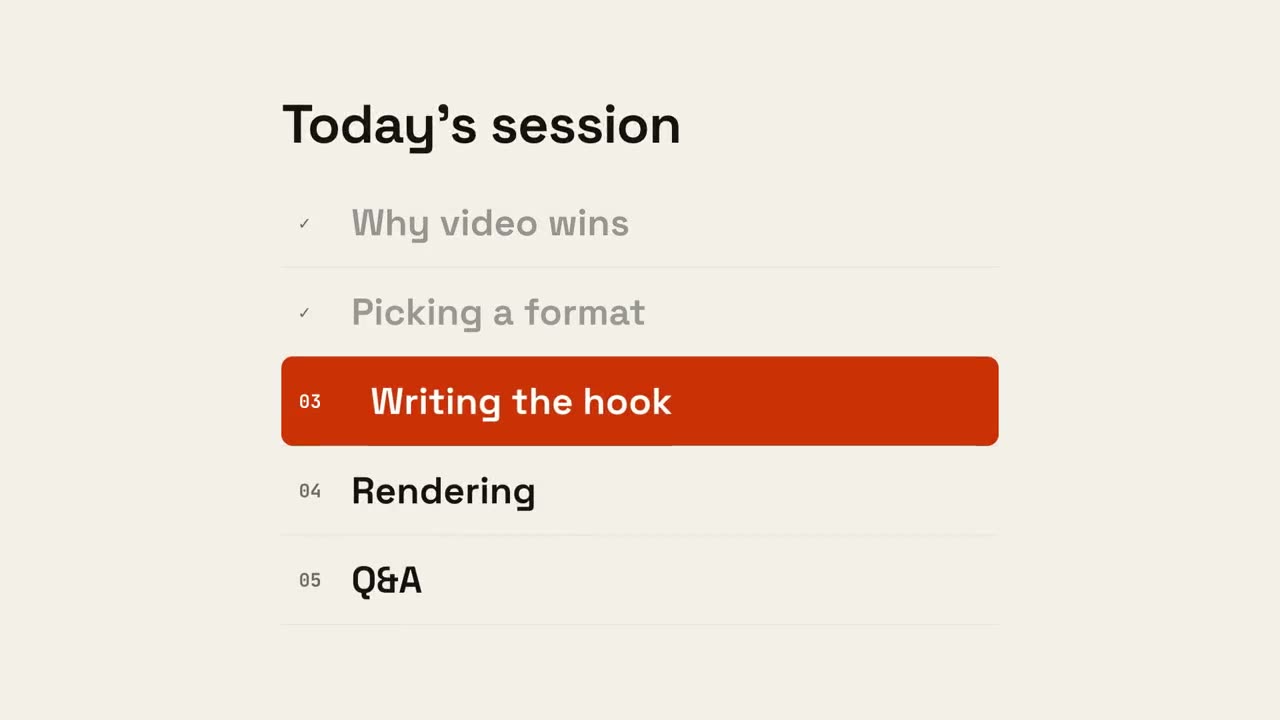
Agenda Progress
The agenda appears, done items tick off, and a marker slides to what's next.
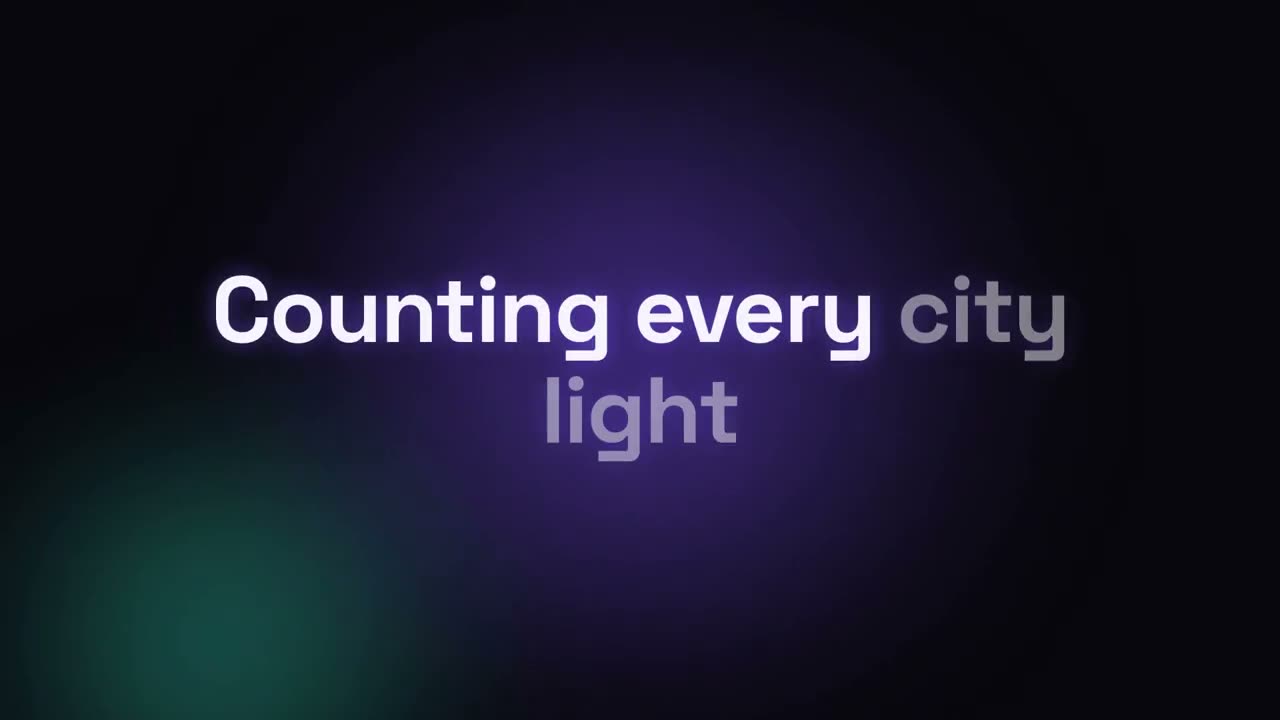
Lyric Video
Timed lyrics with karaoke fill, kinetic words or stacking lines.
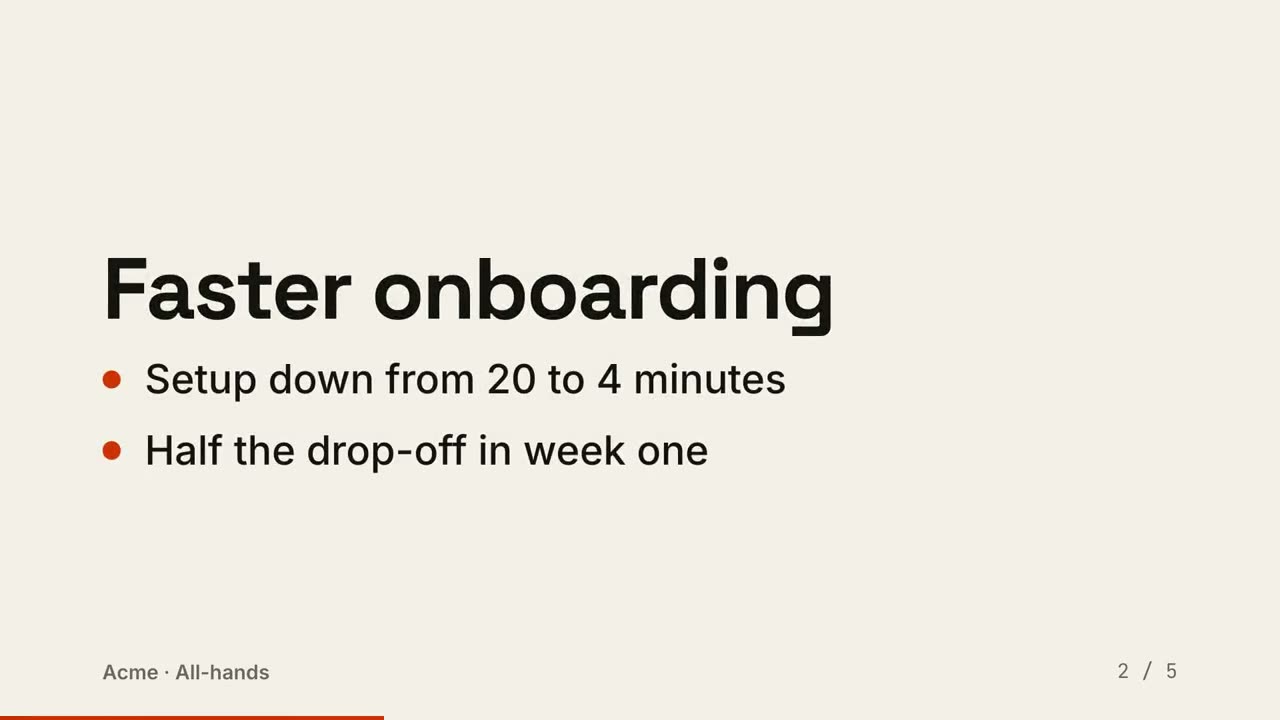
Slides to Video
A deck rendered as a video: one slide per beat, points reveal in order.
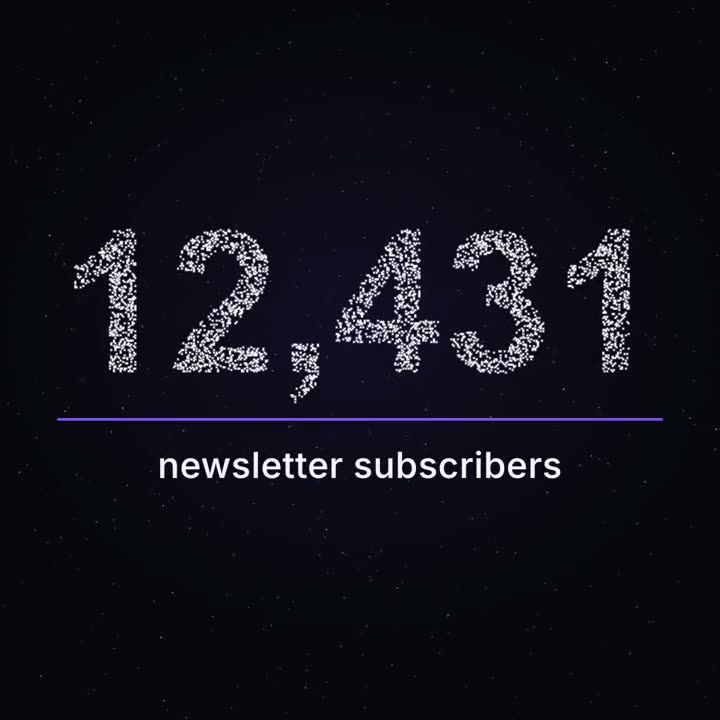
Milestone Particles
Thousands of points drift like a night sky, then gather into your real number.
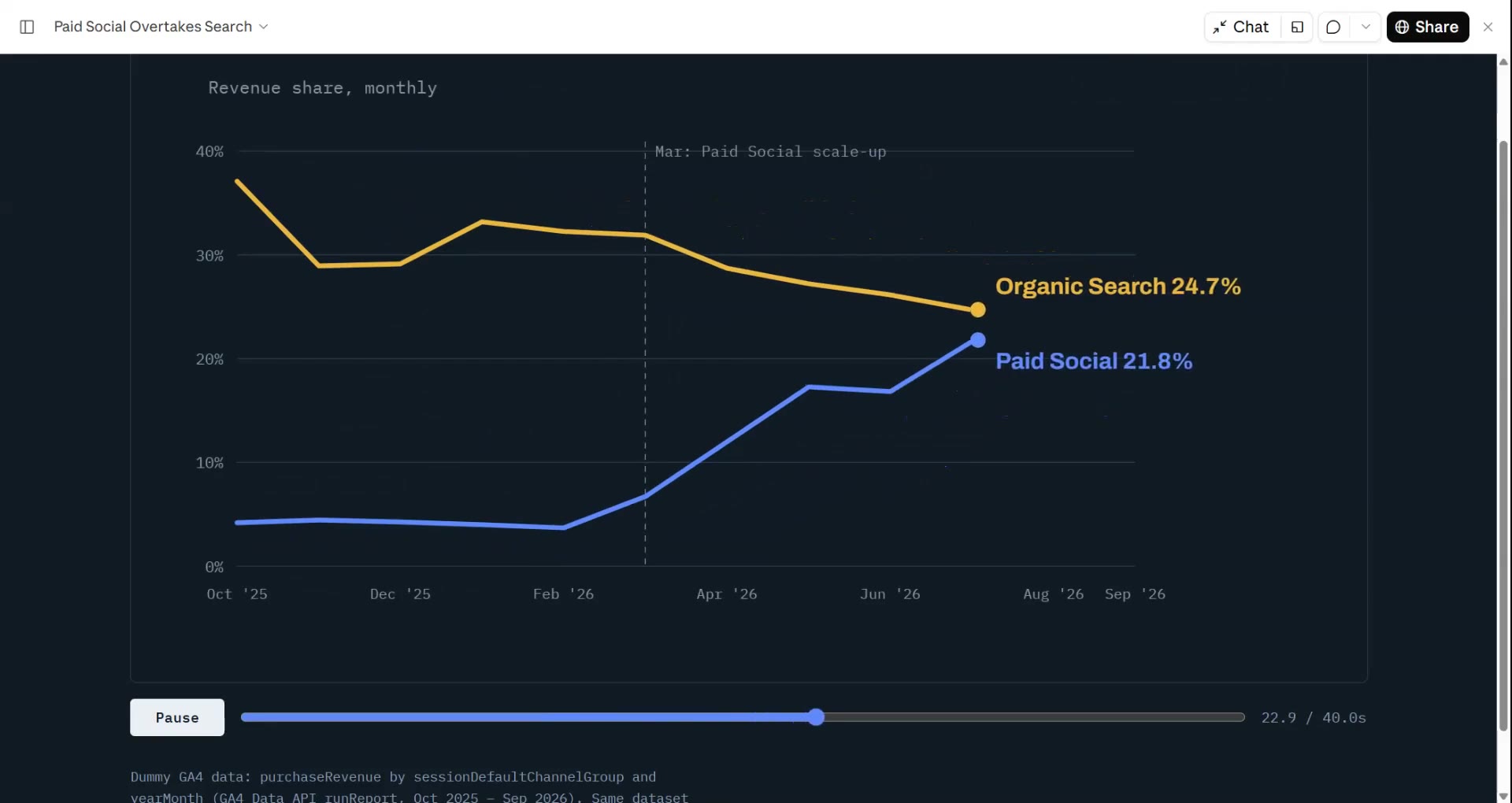
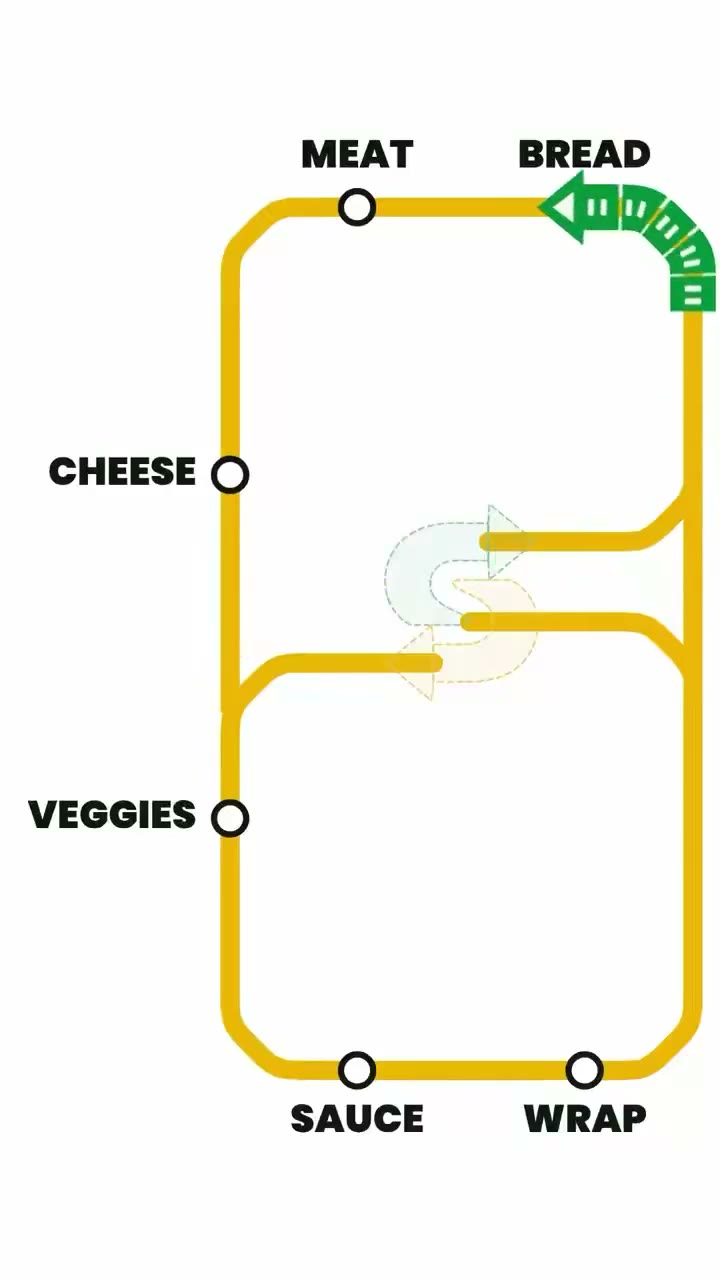
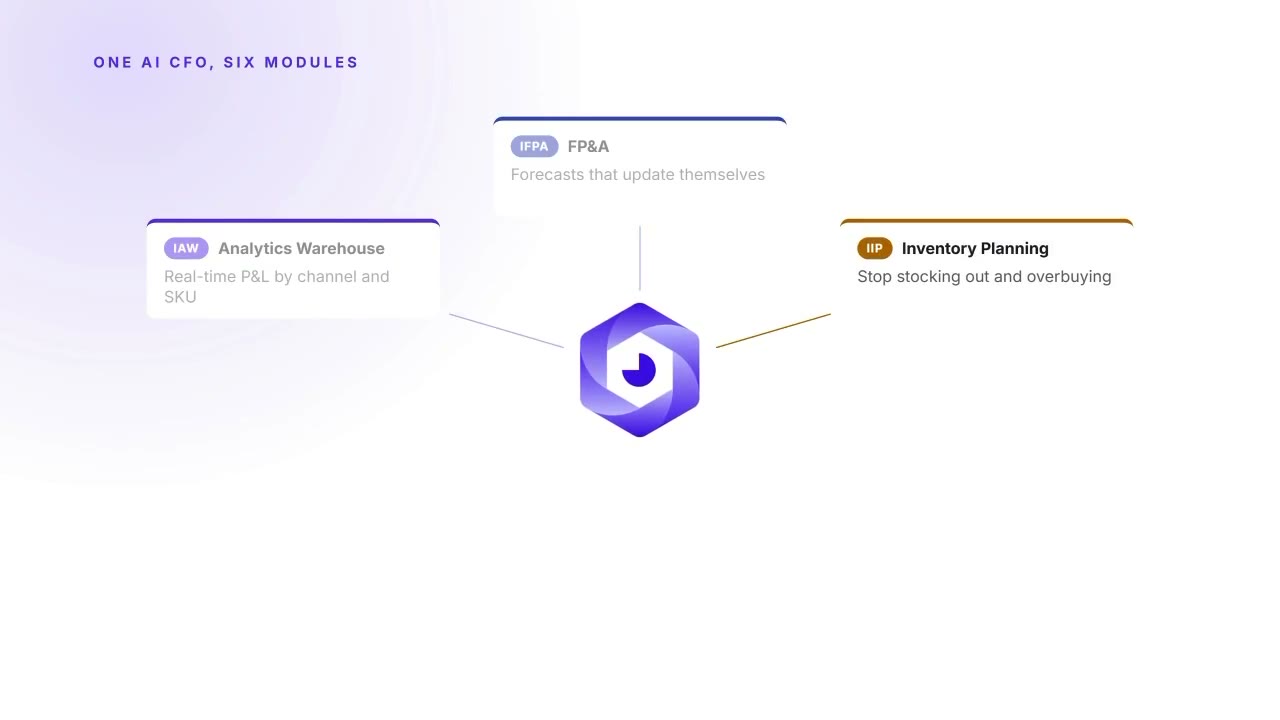
Made with these skills



Questions
Can it make a YouTube explainer?
Yes. Explainer Director turns an article, notes or a topic into a 30–90 s explainer, with music or your own voiceover. Single scenes (charts, diagrams, titles) can go straight into your edit.
Can it caption my talking-head video?
Yes. Animated Captions transcribes the video on your computer and adds word-by-word captions. The first run downloads a speech model (about 2 GB).
Will the numbers in a data video be right?
Data → Video reads every number from your file and never invents or extrapolates; it shows you a storyboard to check before rendering.