貼上到 Claude Code、Codex、Cursor 或任何支援 Skills 的 Agent 中。
範例提示詞
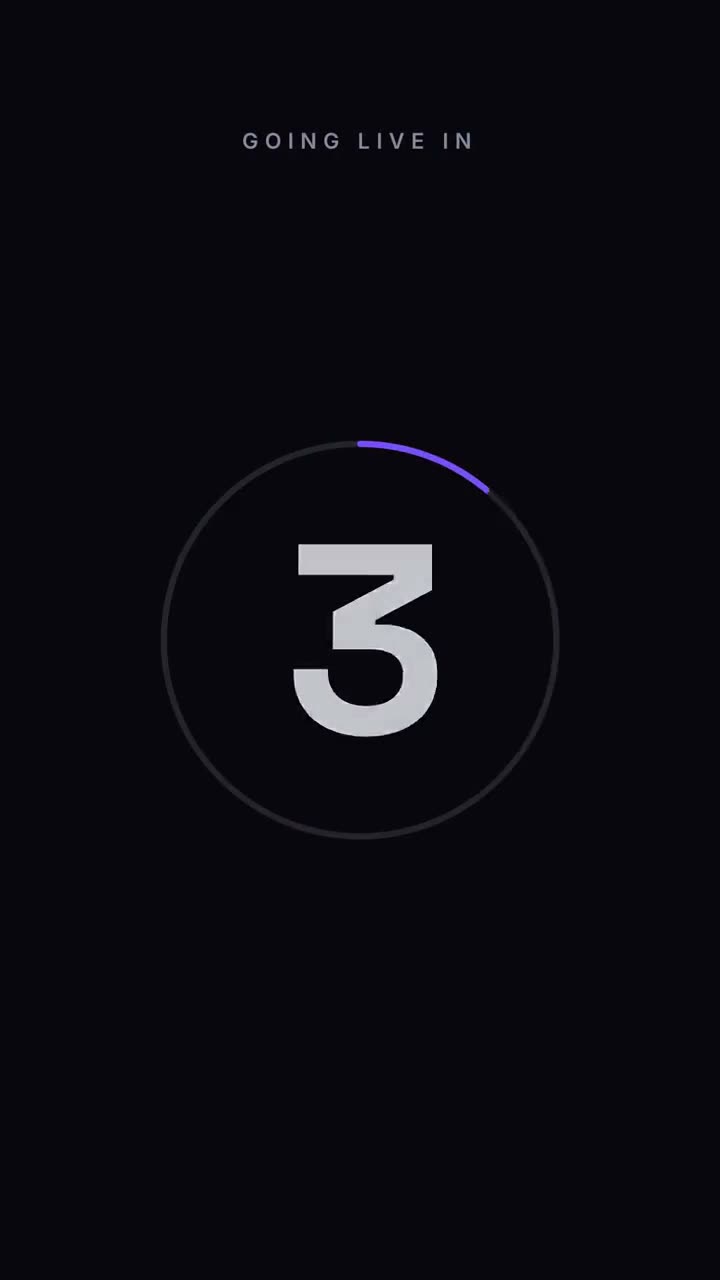
Use the countdown skill for our livestream: label "Going live in", count from 5, final "We're live", detail "youtube.com/@acme". 9:16, electric theme.
風格提示詞(Claude Motion 或 Opus 5.5)
Make a 7-second 16:9 launch countdown for [who will watch, e.g. our followers], playing [where, e.g. the livestream and X the hour before launch]. Use only the date and line below. Pure black background.

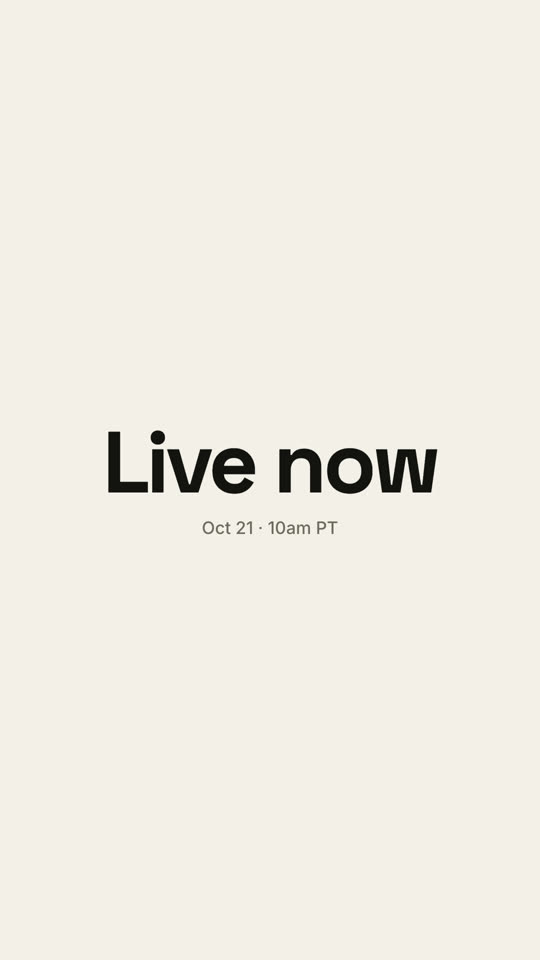
Small uppercase "LAUNCHING IN" sits at the top. A thin white ring drains clockwise around each number as huge white numerals 3, 2, 1 slam in from a blurred, oversized state and shrink away. After 1, the ring blows outward and an off-white flash fills the frame. End frame: the launch line settles in with tightening letter spacing above the date and time in gray.

Launch line: [e.g. "Live now"]
Date and time: [e.g. "Oct 21 · 10am PT"]
無需安裝:貼到 Claude Motion(Team 或 Enterprise),或直接傳給 Opus 5.5,就能得到相近的風格。每次執行結果會有差異;用 Skill 則每次結果一致。