貼上到 Claude Code、Codex、Cursor 或任何支援 Skills 的 Agent 中。
範例提示詞
Use the calendar-reschedule skill: events "Tue 9-10: Sync | Tue 10-11: *1:1 with Sam* | Thu 15-16: Planning", to "Wed 16-17", caption "Conflicts fix themselves". Electric theme, 1:1.
風格提示詞(Claude Motion 或 Opus 5.5)
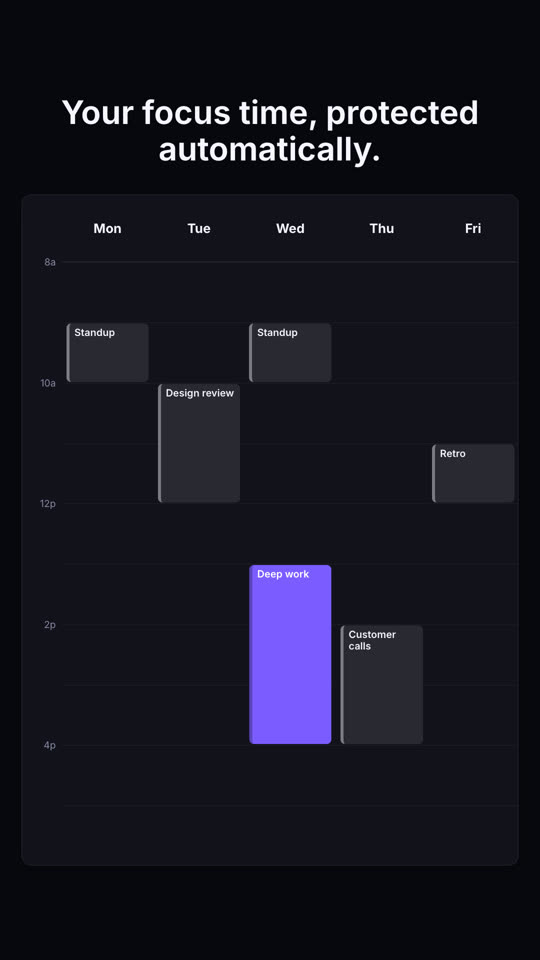
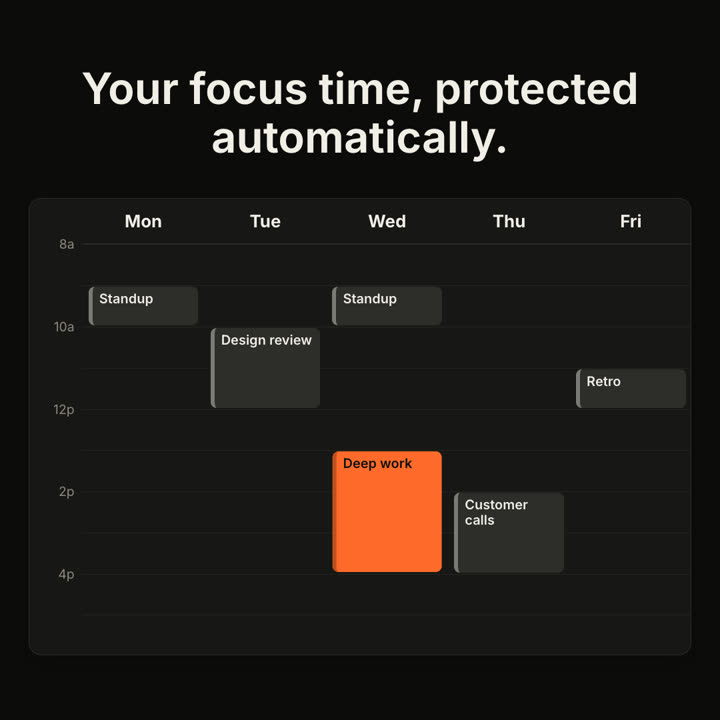
Make an 8-second 16:9 calendar scene for [who will watch, e.g. busy managers], playing [where, e.g. the feature page]. Use only the caption, events and move below. A generic week view, not any real app's design. Off-white background.

The caption sits above a white Monday-to-Friday week view with faint hour lines. Gray event blocks pop in, plus one orange block. A cursor grabs the orange block, a dashed orange outline appears at the new slot, and the block glides across and stretches to fit. End frame: it drops in with a brief orange flash.

Caption: [e.g. "Your focus time, protected automatically."]
Events: [e.g. Standup, Design review, Customer calls, Retro]
Block and move: [e.g. "Deep work", Monday afternoon → Wednesday 1–4pm]
無需安裝:貼到 Claude Motion(Team 或 Enterprise),或直接傳給 Opus 5.5,就能得到相近的風格。每次執行結果會有差異;用 Skill 則每次結果一致。