← Skills
付費字幕
動態字幕
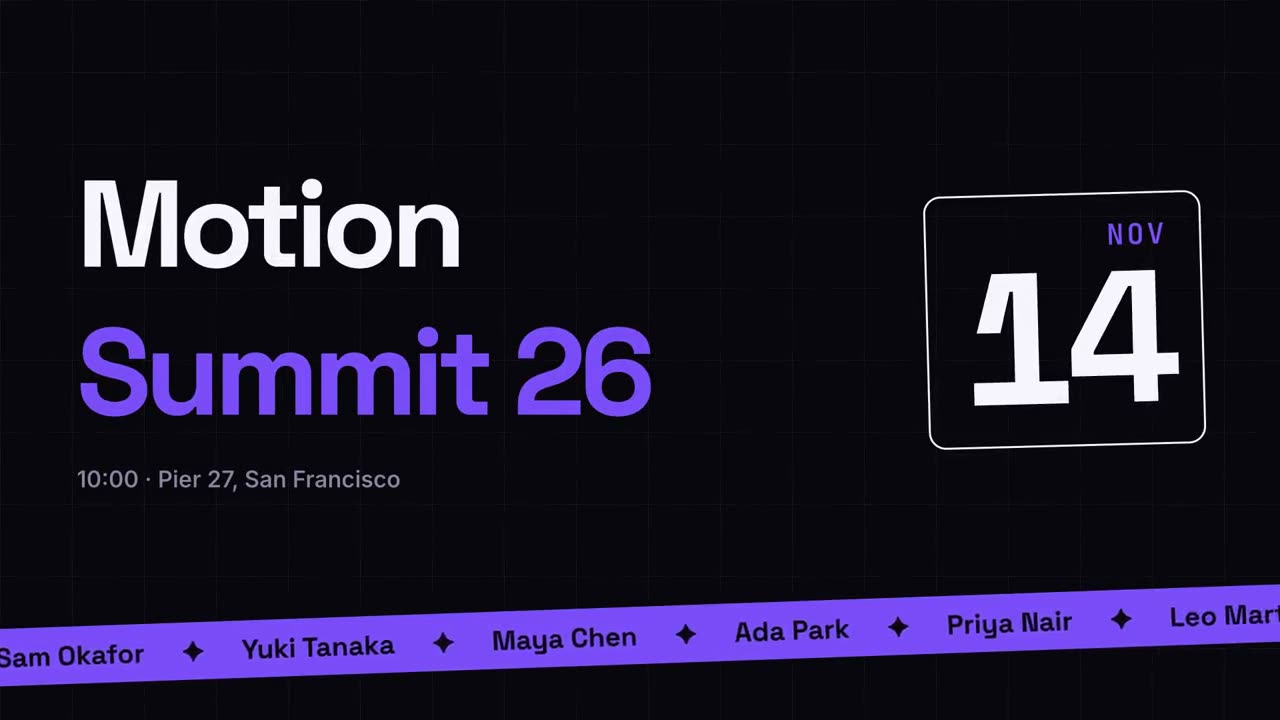
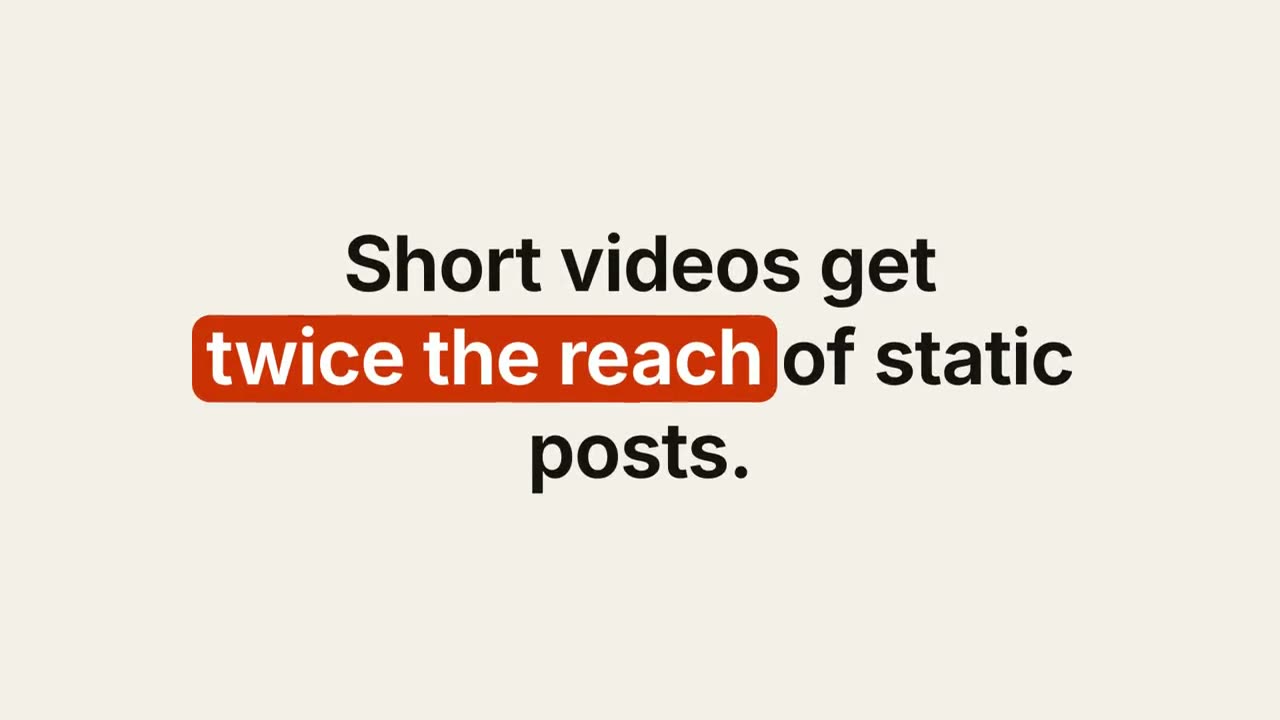
為口播影片加上設計感字幕,關鍵詞放在人物身後。
貼上到 Claude Code、Codex、Cursor 或任何支援 Skills 的 Agent 中。
需要: Node.js 22+、FFmpeg、Chrome,語音辨識模型約 2 GB。不需要 API Key。
安裝提示詞
閱讀 https://claude-motion.com/skills/animated-captions/install.md,依說明安裝「animated-captions」Skill,然後用它做出第一支影片。
貼上到 Claude Code、Codex、Cursor 或任何支援 Skills 的 Agent 中。
範例提示詞
Use the animated-captions skill on assets/founder-update.mp4. It's a B2B update, keep it calm and readable.
風格提示詞(Claude Motion 或 Opus 5.5)
Add captions to the attached [length, e.g. 30-second] talking-head clip for [who will watch, e.g. LinkedIn followers], playing muted in the feed. Use only the speaker's exact words; don't paraphrase.

A clean white lower-third subtitle follows the speech word for word. When the speaker says the key phrase, its short form appears huge behind them, partly hidden by their shoulders, then fades. End frame: the last caption clears with the clip.

Attach: [your clip]
Key phrase and short form: [e.g. "ten times faster" → "10×"]
無需安裝:貼到 Claude Motion(Team 或 Enterprise),或直接傳給 Opus 5.5,就能得到相近的風格。每次執行結果會有差異;用 Skill 則每次結果一致。
搭配使用
查看方案 →這些進階 Skill 可以接入 動態字幕:每個 $4.99,或用訂閱全部解鎖。