貼上到 Claude Code、Codex、Cursor 或任何支援 Skills 的 Agent 中。
範例提示詞
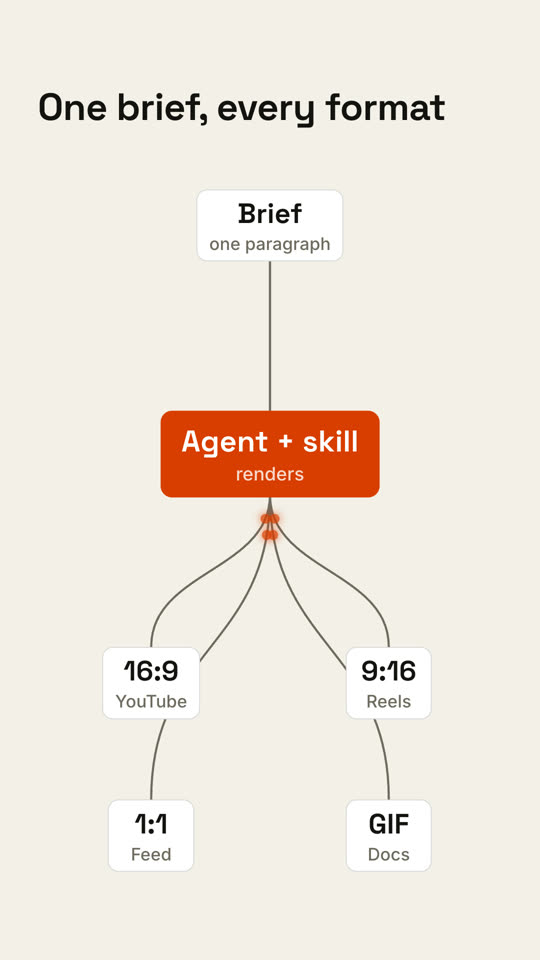
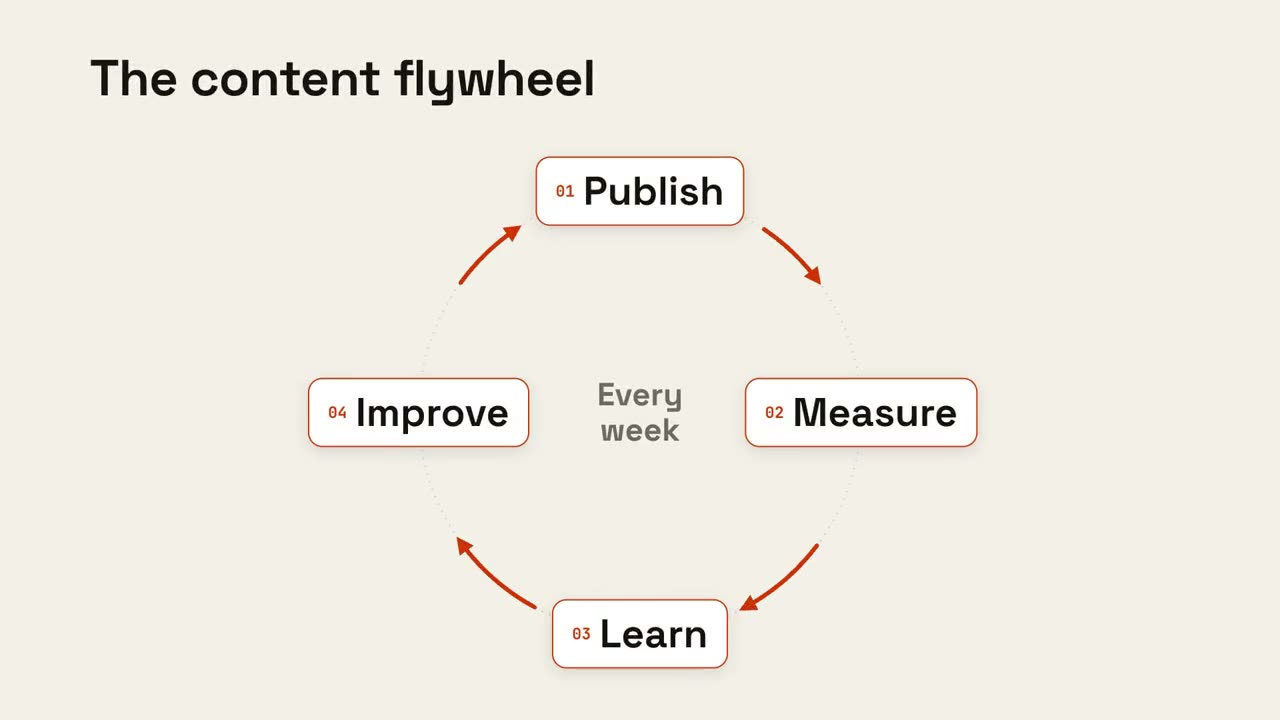
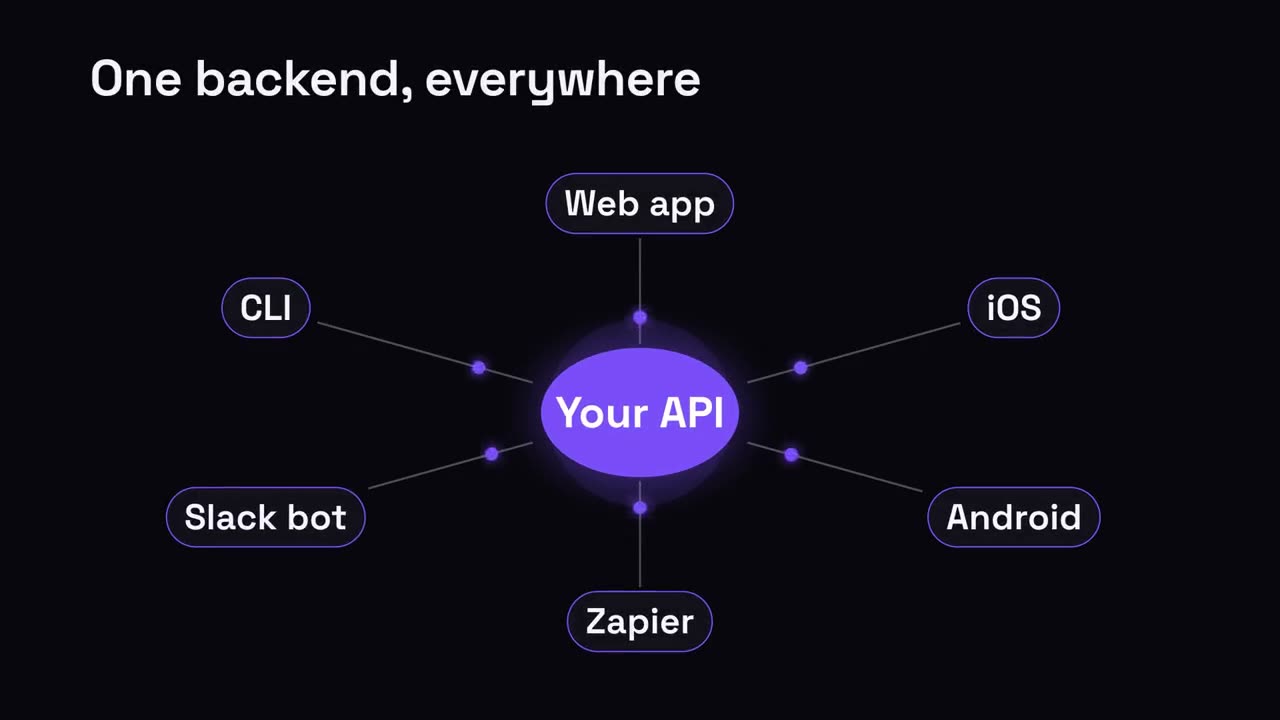
Use the pipeline-fanout skill: input "Webhook: order.created", process "Router: rules", outputs "Slack: #sales | Email: customer | CRM: deal". Paper theme.
風格提示詞(Claude Motion 或 Opus 5.5)
Make an 8-second 16:9 pipeline diagram for [who will watch, e.g. engineers evaluating us], playing [where, e.g. the docs overview]. Use only the labels below. Near-black background.

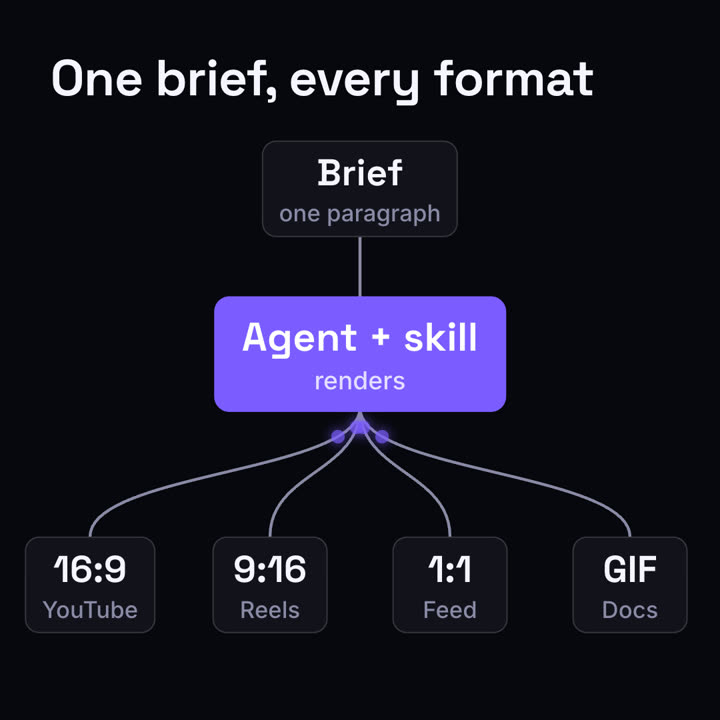
The title appears. A dark input card appears on the left, a gray line draws to the middle card which turns bright orange, then four curved lines fan out to four output cards on the right. Glowing orange dots travel from the input into the orange node and out along every branch, briefly outlining each output card in orange. End frame: the pulses repeat once and settle.

Title: [e.g. "One brief, every format"]
Input, middle step and four outputs: [e.g. "Brief — one paragraph" → "Agent + skill — renders" → "16:9 YouTube", "9:16 Reels", "1:1 Feed", "GIF Docs"]
無需安裝:貼到 Claude Motion(Team 或 Enterprise),或直接傳給 Opus 5.5,就能得到相近的風格。每次執行結果會有差異;用 Skill 則每次結果一致。