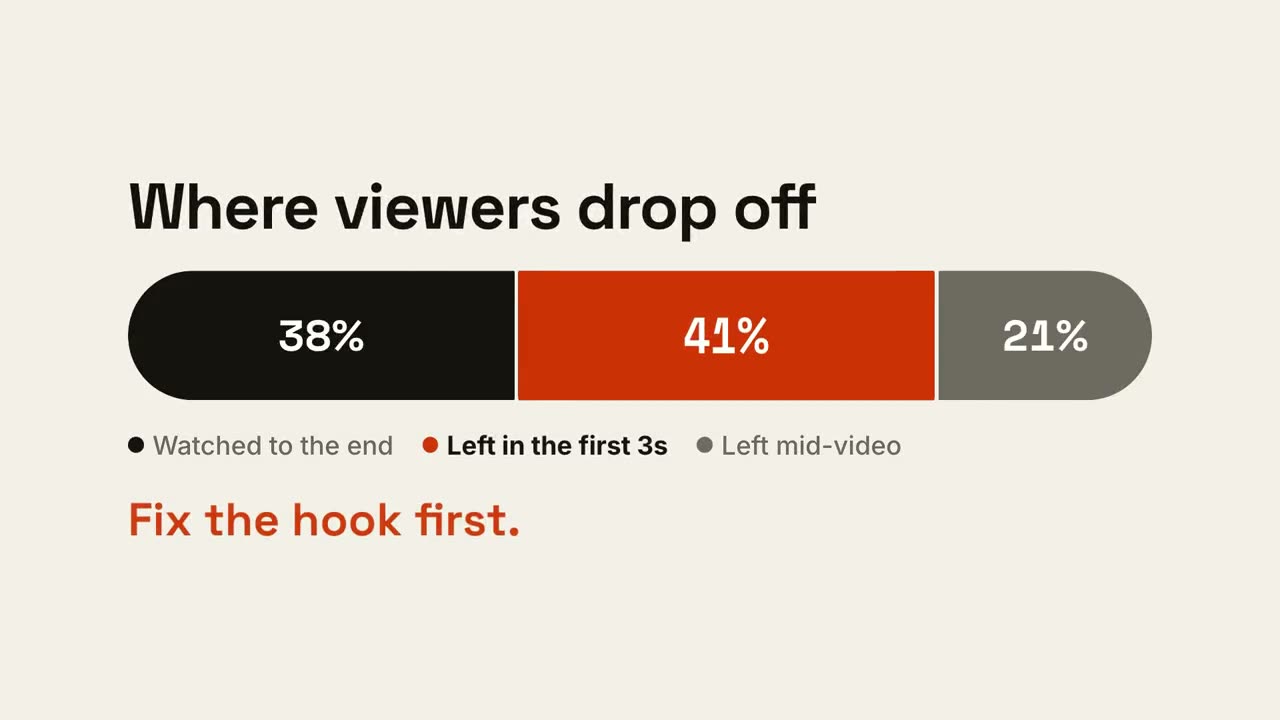
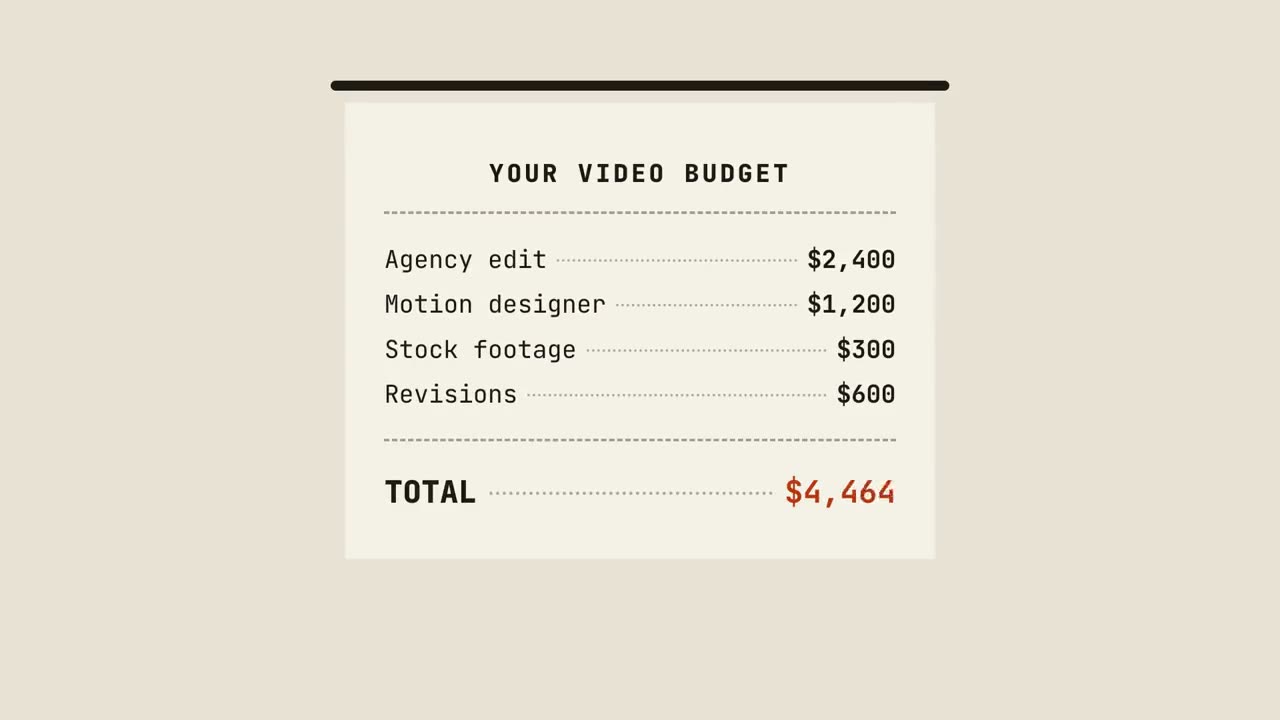
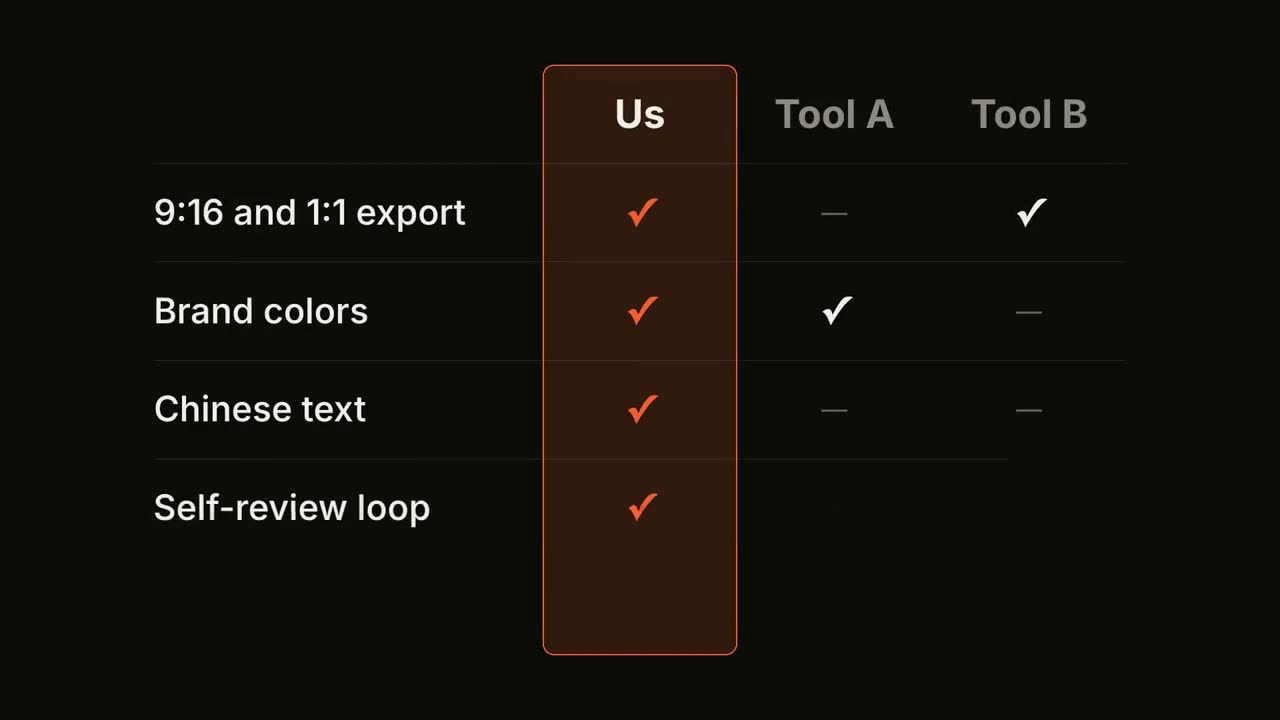
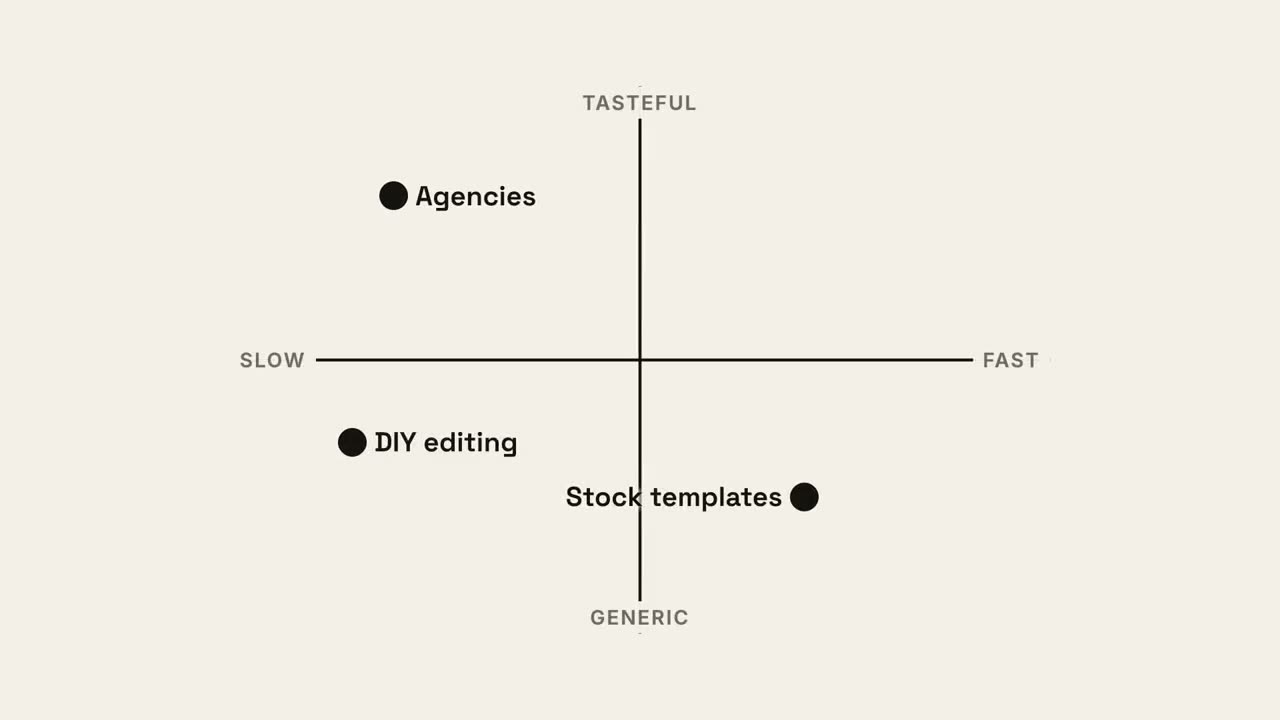
貼上到 Claude Code、Codex、Cursor 或任何支援 Skills 的 Agent 中。
範例提示詞
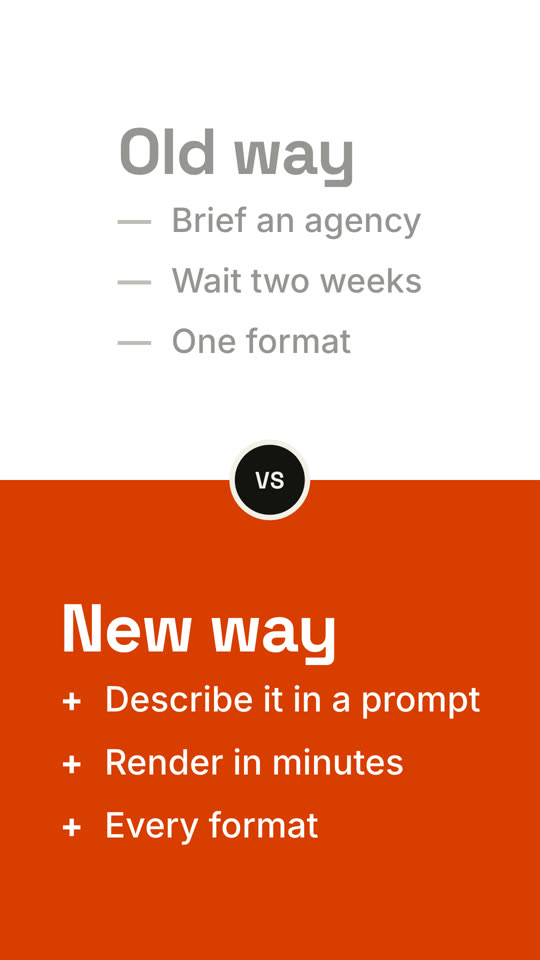
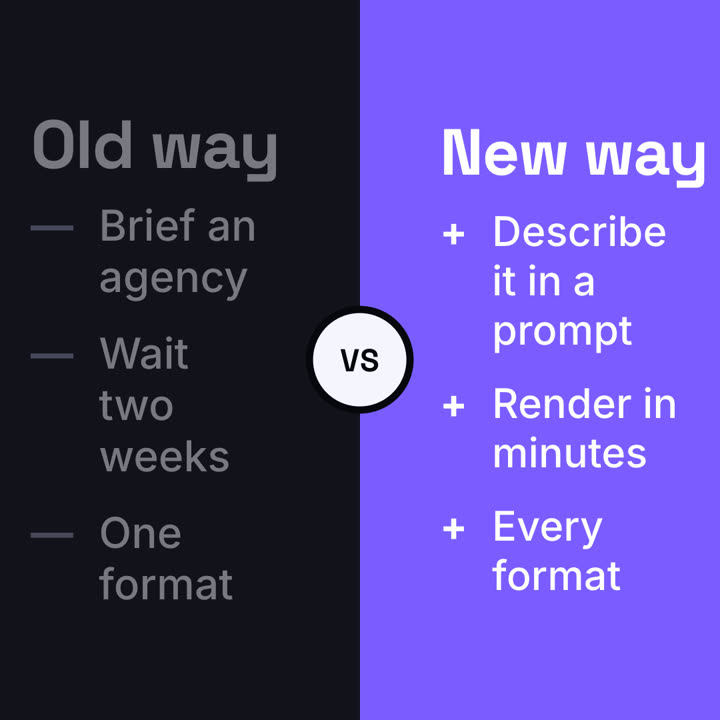
Use the versus-split skill: left "Spreadsheet", right "Dashboard", points for each, winner right, paper theme, 9:16.
風格提示詞(Claude Motion 或 Opus 5.5)
Make a 7-second 16:9 comparison for [who will watch, e.g. prospects deciding between us and an agency], playing [where, e.g. the sales deck]. Use only the two titles and six points below; don't reword them. Near-black background.

The frame splits into two dark panels that slide in from the left and right. A white circular "VS" badge spins into the center. The left panel lists its three points with dashes; the right panel lists its three with orange plus signs. End frame: the right panel floods orange with black text and scales up slightly while the left panel dims.

Left title and points: [e.g. "Old way": "Brief an agency", "Wait two weeks", "One format"]
Right title and points: [e.g. "New way": "Describe it in a prompt", "Render in minutes", "Every format"]
無需安裝:貼到 Claude Motion(Team 或 Enterprise),或直接傳給 Opus 5.5,就能得到相近的風格。每次執行結果會有差異;用 Skill 則每次結果一致。