Motion Creator
クリエイターのためのモーショングラフィックス
解説、データストーリー、ショート、字幕、タイトル、トランジションを YouTube・Reels・TikTok・LinkedIn 向けに。エージェントがメモ・台本・スプレッドシートから内容を書き、各シーンを音楽つきでレンダリングします。
61 本の Skill · 無料 17 本
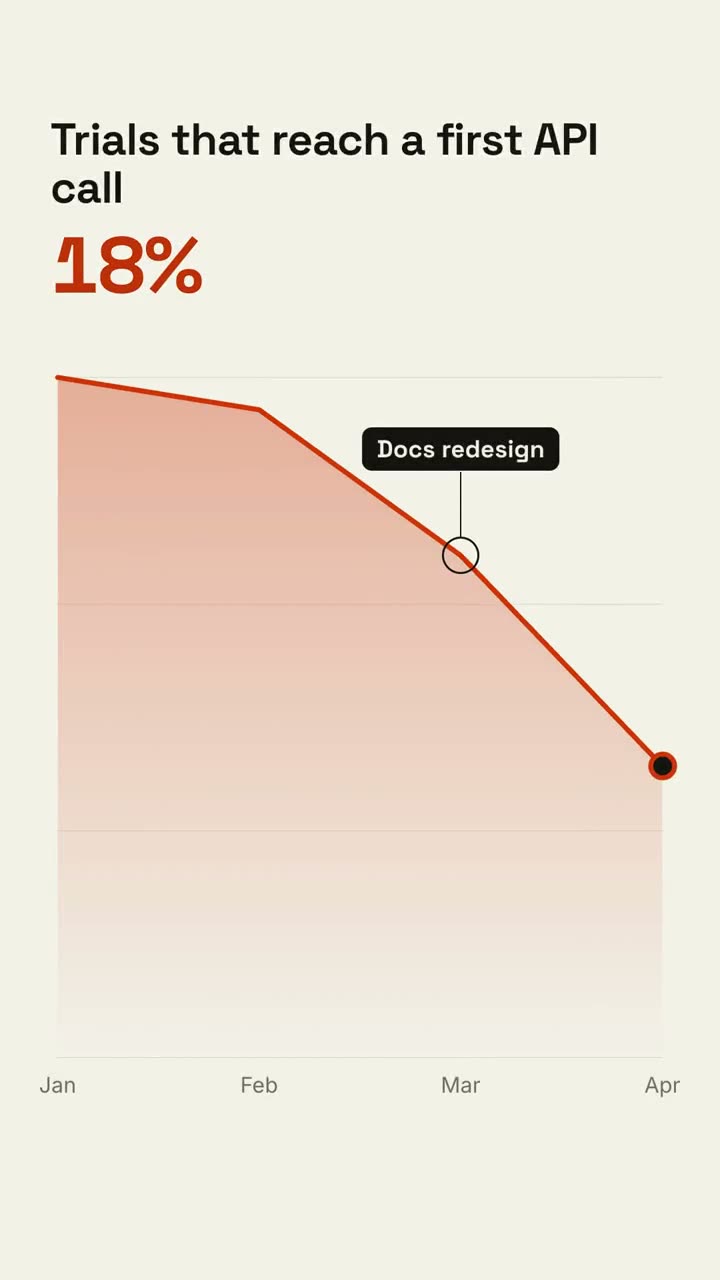
動画を最後まで仕上げるワークフロー
素材をエージェントに渡すと、ショットを組み、絵コンテを見せ、音楽つきの MP4 をレンダリングします。下のショットは単体でも使えます。
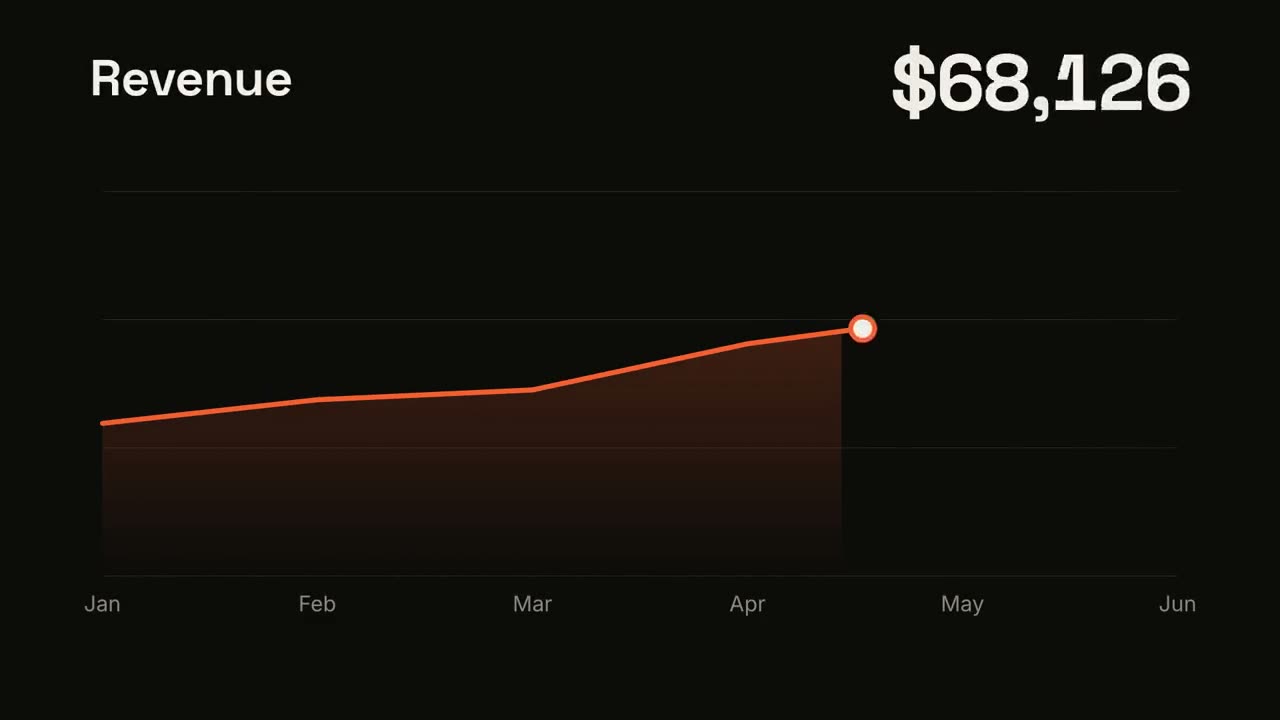
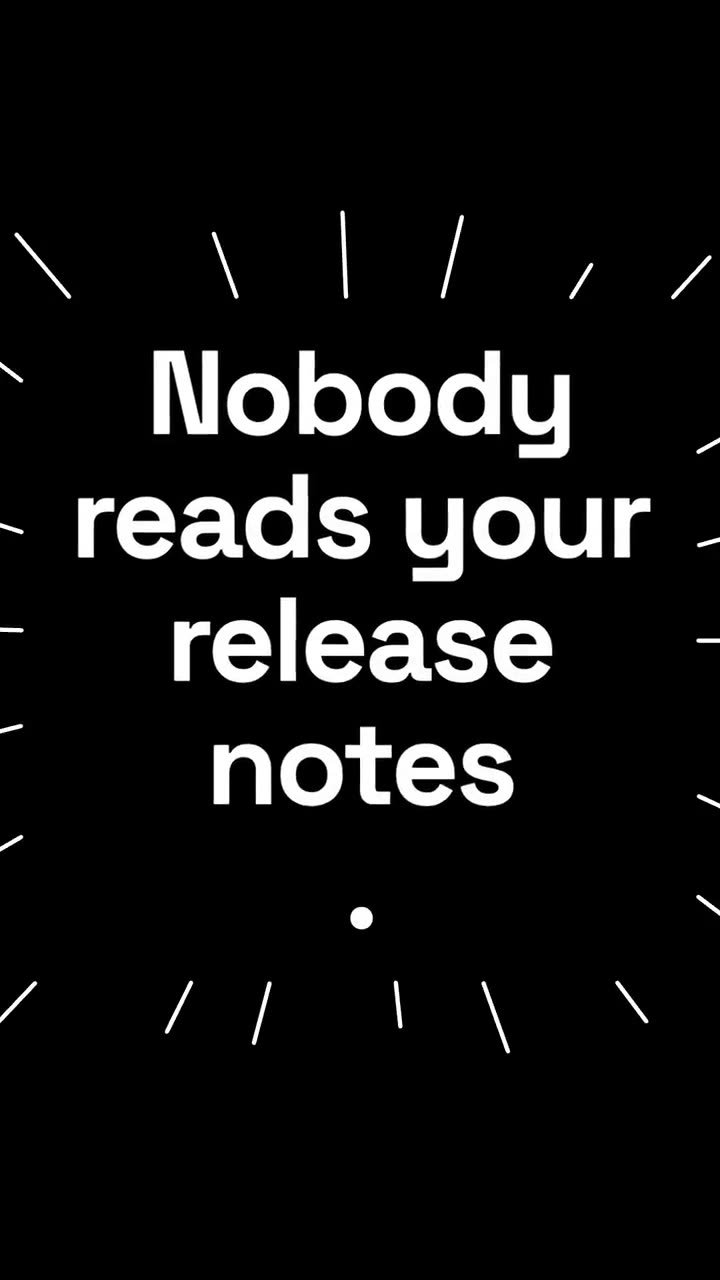
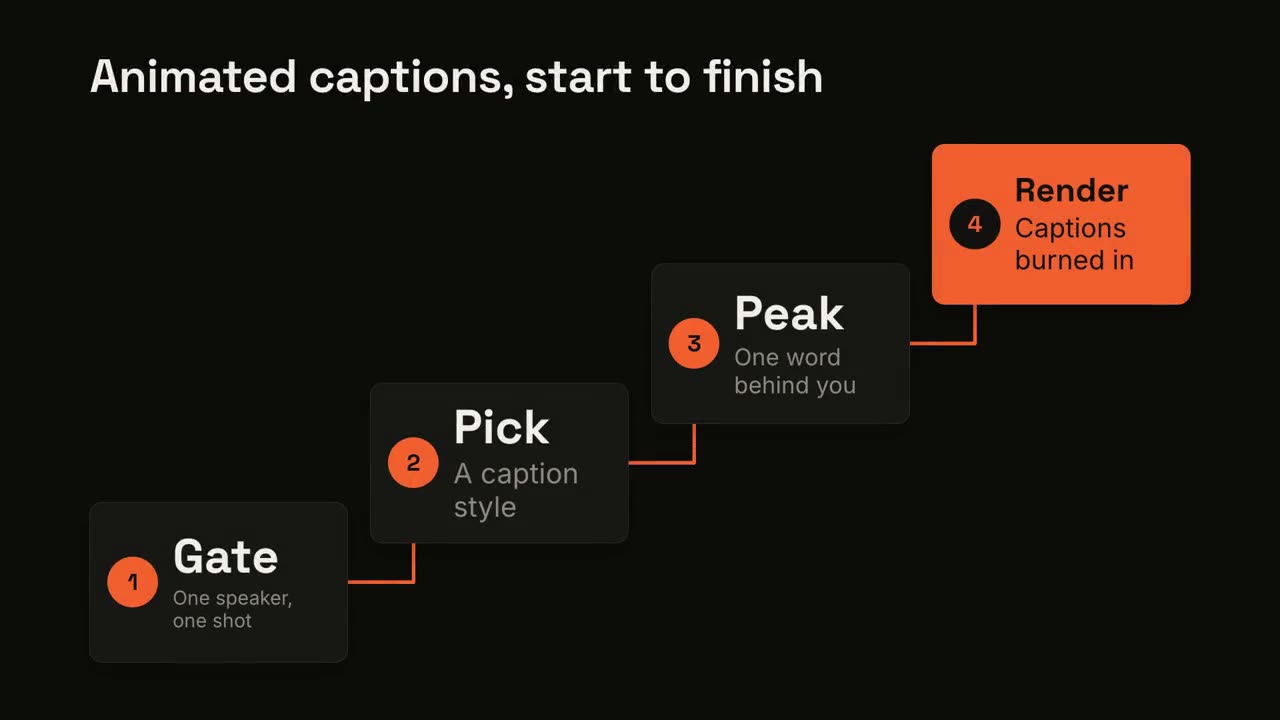
迷ったら、無料の Motion Director から
一文を入れると、まず絵コンテ、次に MP4。3 つのラインからショットを選び、ここのワークフローの方が向いているときは絵コンテの段階で教えてくれます。
Claude Motion をお持ちなら、プロンプトをコピー
Claude Team と Enterprise 向け。各プロンプトは、Claude Code・Codex・Cursor で同じ種類の動画を作れる Skill にリンクしています。
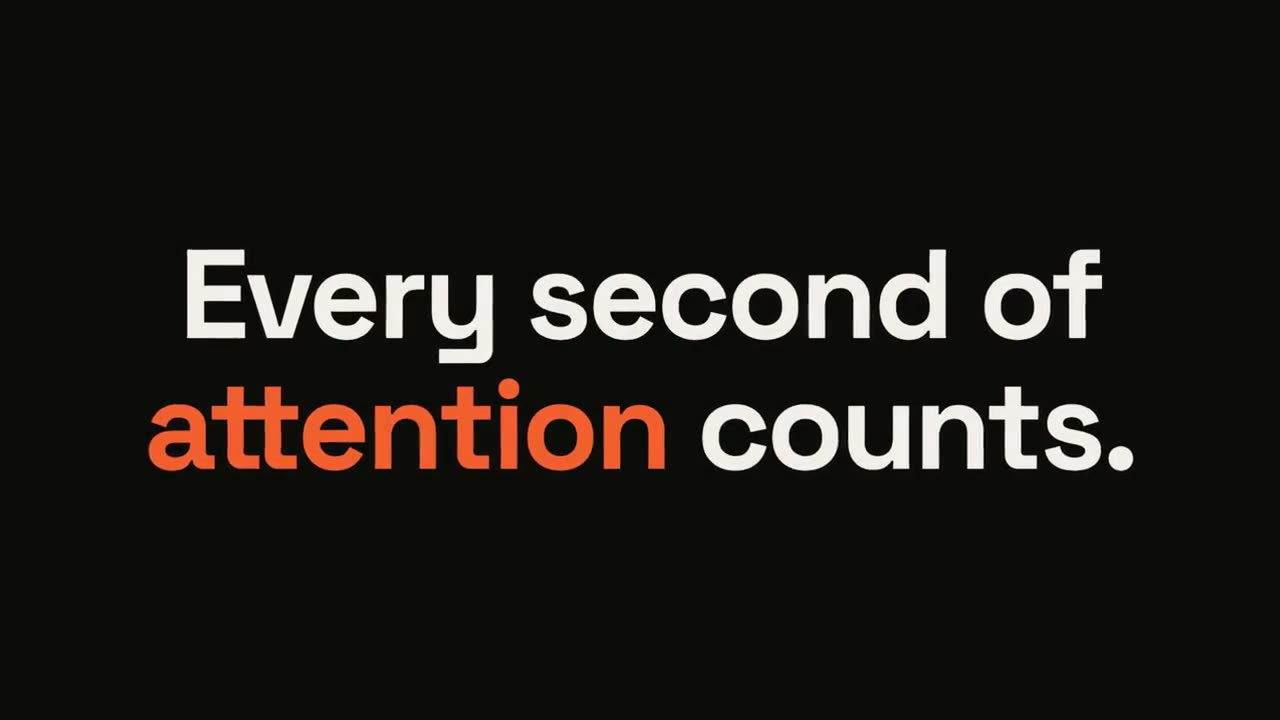
ステートメント・バースト
Skill を開く →無料Make a 6-second 16:9 kinetic statement for [who will watch, e.g. followers on LinkedIn], playing muted in the feed. Use only the sentence below; don't change a word. Near-black background, bold geometric sans, centered. The words punch in one at a time from a slight blur and larger scale. When the last word lands, the key word flips to orange and short orange rays burst outward around the whole statement and retract. End frame: the text slowly scales up by a few percent and holds. Statement: [your line] (e.g. "Every second of attention counts.") Key word: [e.g. "attention"]
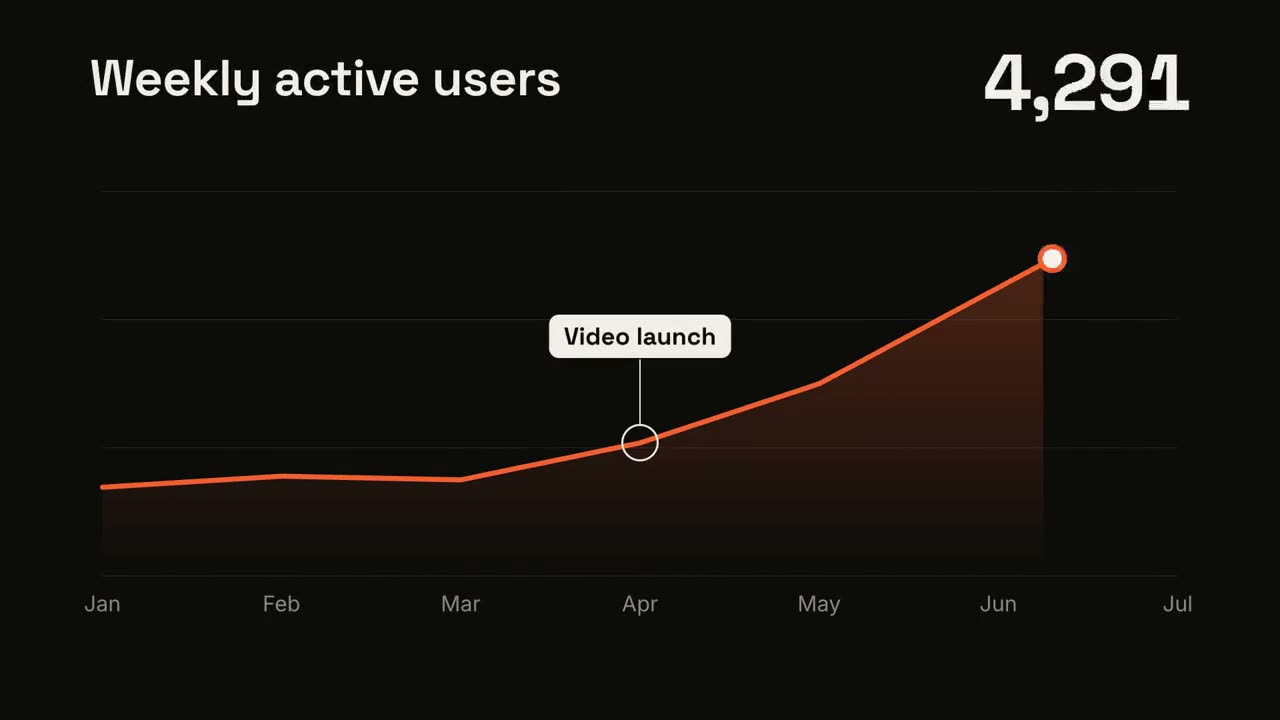
折れ線トレンド
Skill を開く →無料Make a 7-second 16:9 line chart for [who will watch, e.g. the board], playing [where, e.g. the quarterly review]. Use only the numbers I attach or list below; don't round or smooth them. Near-black background. The title sits top left and a large white number top right. An orange line draws from left to right across the period over a fading orange gradient fill, while a white dot with an orange halo rides the tip and the big number counts along with it. At the marked point, a white ring appears on the line with a thin stem and a white label. End frame: the big number turns orange, held for 1.5 seconds. Title: [e.g. "Weekly active users"] Data: [your periods and values] (e.g. Jan to Jul, 1,200 to 5,200) Marked point and label: [e.g. April, "Video launch"]
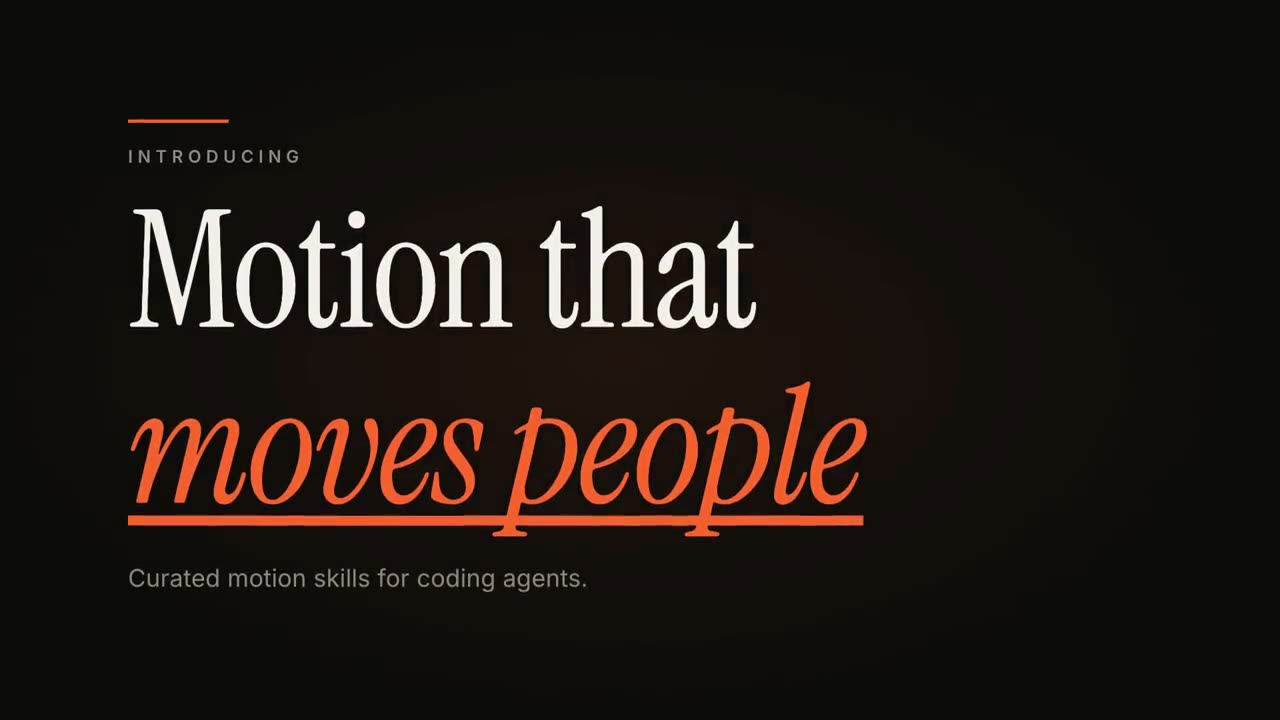
キネティックタイポ・タイトル
Skill を開く →無料Make an 8-second 16:9 title card for [who will watch, e.g. viewers of our YouTube series], playing [where, e.g. the opening of each episode]. Use only the words below; don't change them. Near-black background. A short orange rule draws in from the left, then a small uppercase label fades in with wide letter spacing tightening. Below it, a two-line headline rises line by line from behind invisible masks with a fast expo ease: line one in an off-white editorial serif, line two in orange italic, which then gets an orange underline wiping in from left to right. A soft gray supporting line fades up word by word. End frame: the finished title, held with a slow upward drift and a faint warm glow moving behind the text. Label: [e.g. "INTRODUCING"] Headline: [two lines] (e.g. "Motion that" / "moves people") Supporting line: [one short sentence]
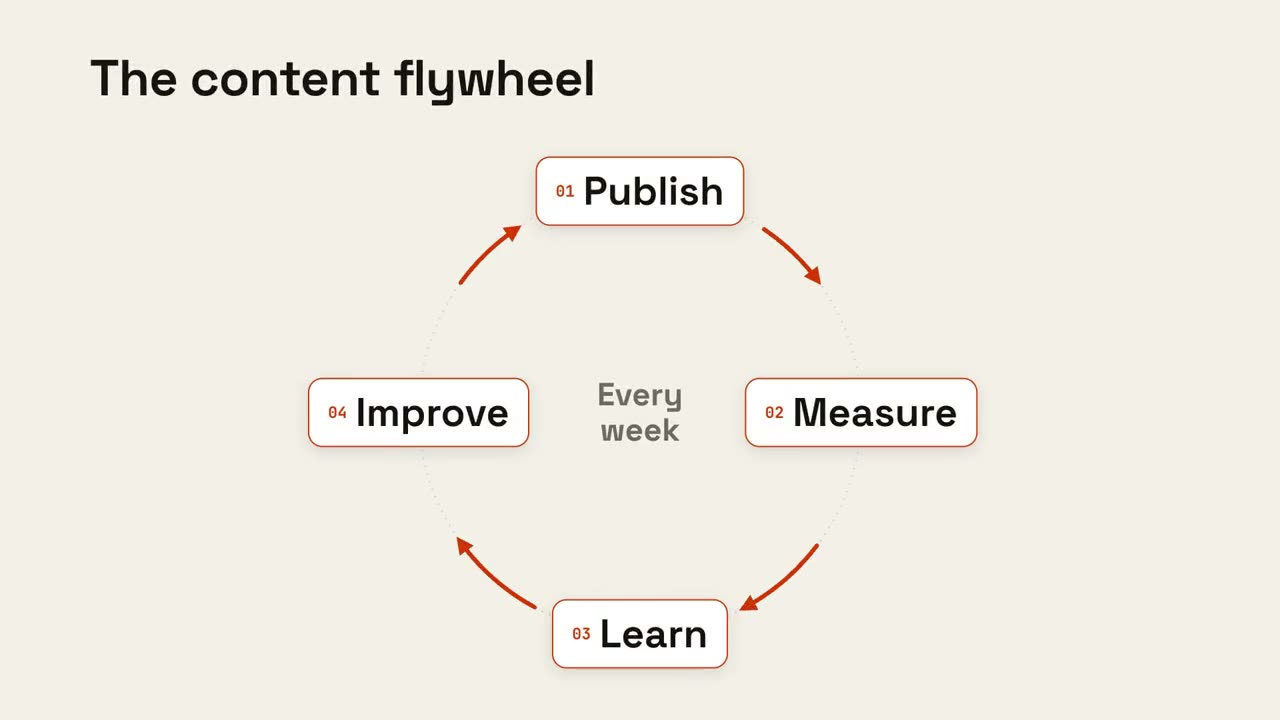
サイクルループ
Skill を開く →無料Make an 8-second 16:9 loop diagram for [who will watch, e.g. the marketing team], playing [where, e.g. the planning deck]. Use only the title and four steps below. Off-white background. The title appears. Four white rounded cards with small orange numbers pop in around a faint dotted circle: top, right, bottom, left. Curved orange arrows draw clockwise from each card to the next. A short line fades in at the center in gray. End frame: a glowing orange dot travels around the circle continuously, briefly outlining each card in orange as it passes. Title: [e.g. "The content flywheel"] Four steps: [e.g. Publish, Measure, Learn, Improve] Center line: [e.g. "Every week"]
Motion Creator のすべてのショット
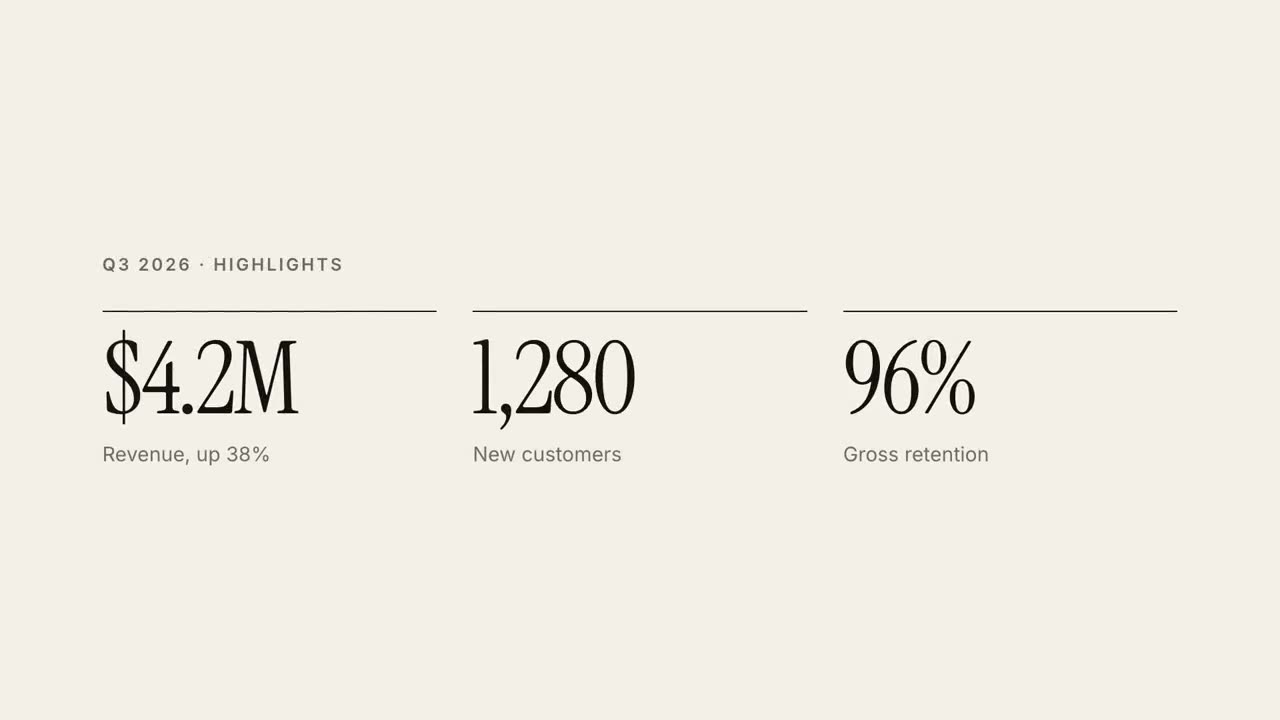
30 秒レポート解説
四半期レポートを 30 秒のエディトリアルな解説動画に。
キネティックタイポ・タイトル
3 種類の動きで見せる、エディトリアルな見出し。
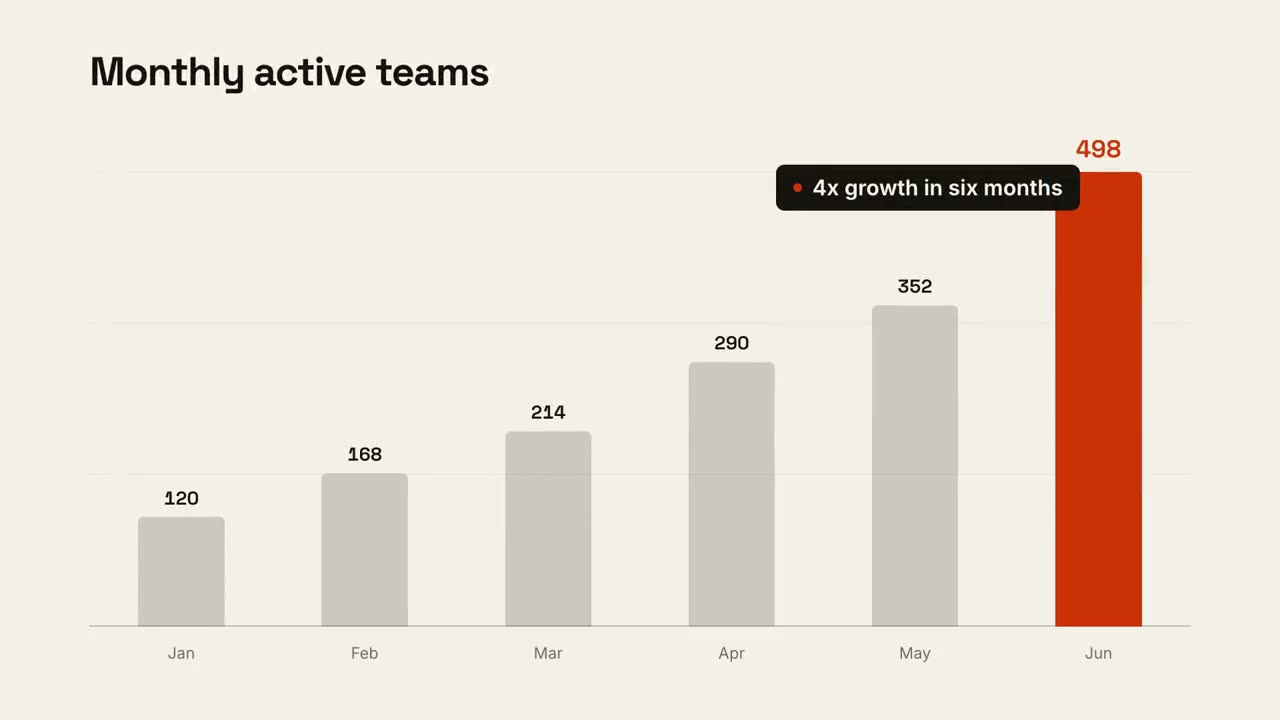
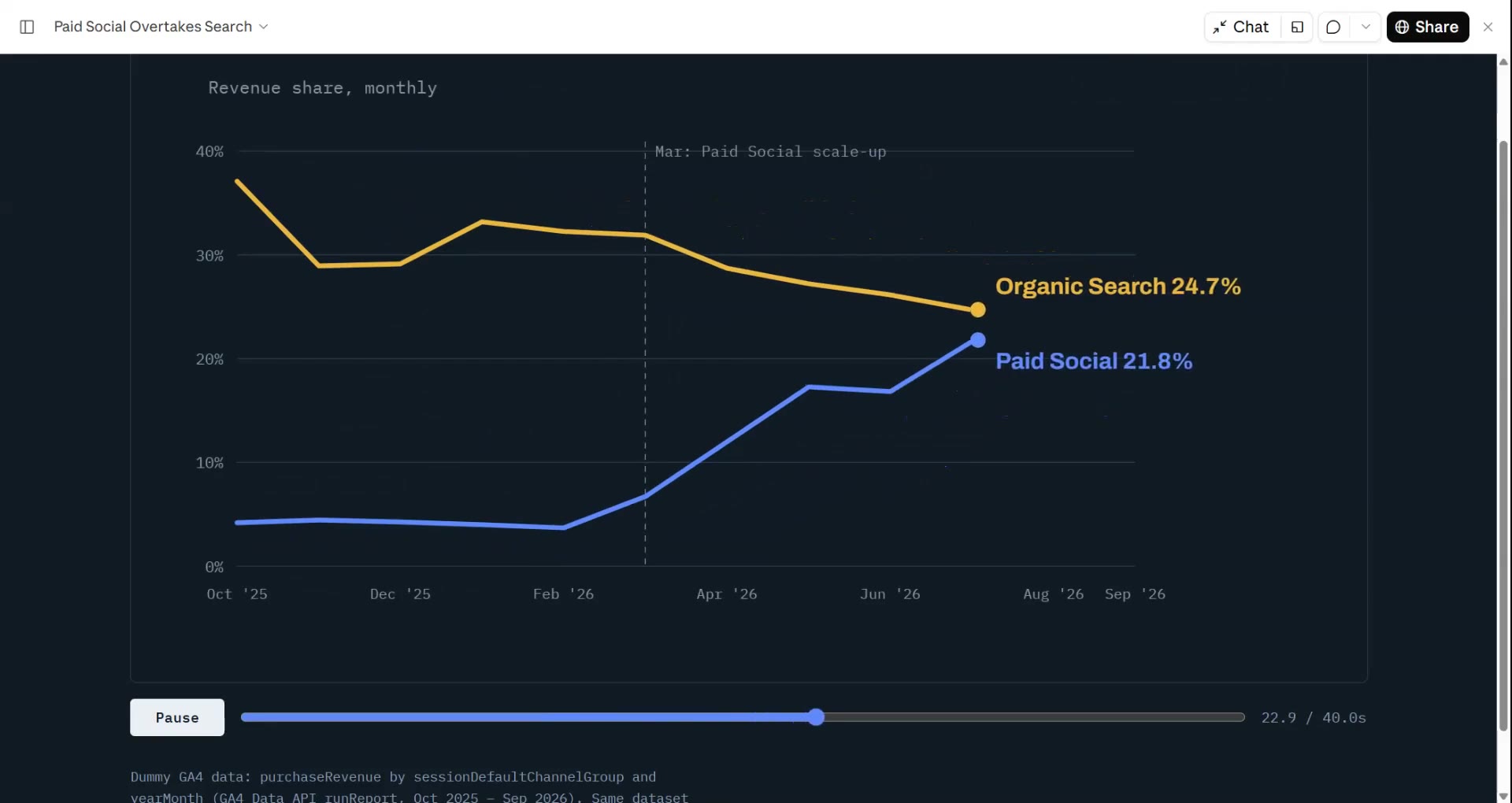
データチャート・ストーリー
ひとつの結論を伝える、アニメーションの棒グラフまたは折れ線グラフ。
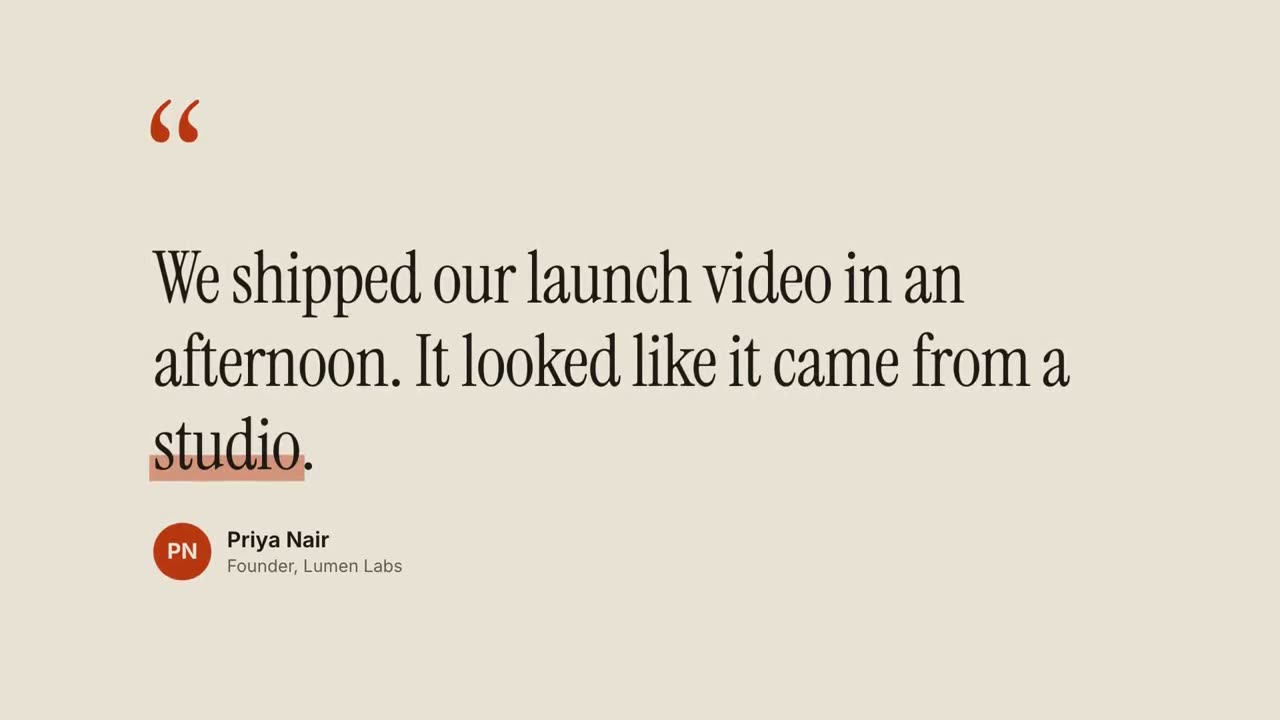
引用カード
お客様の声や引用を、一語ずつ見せます。
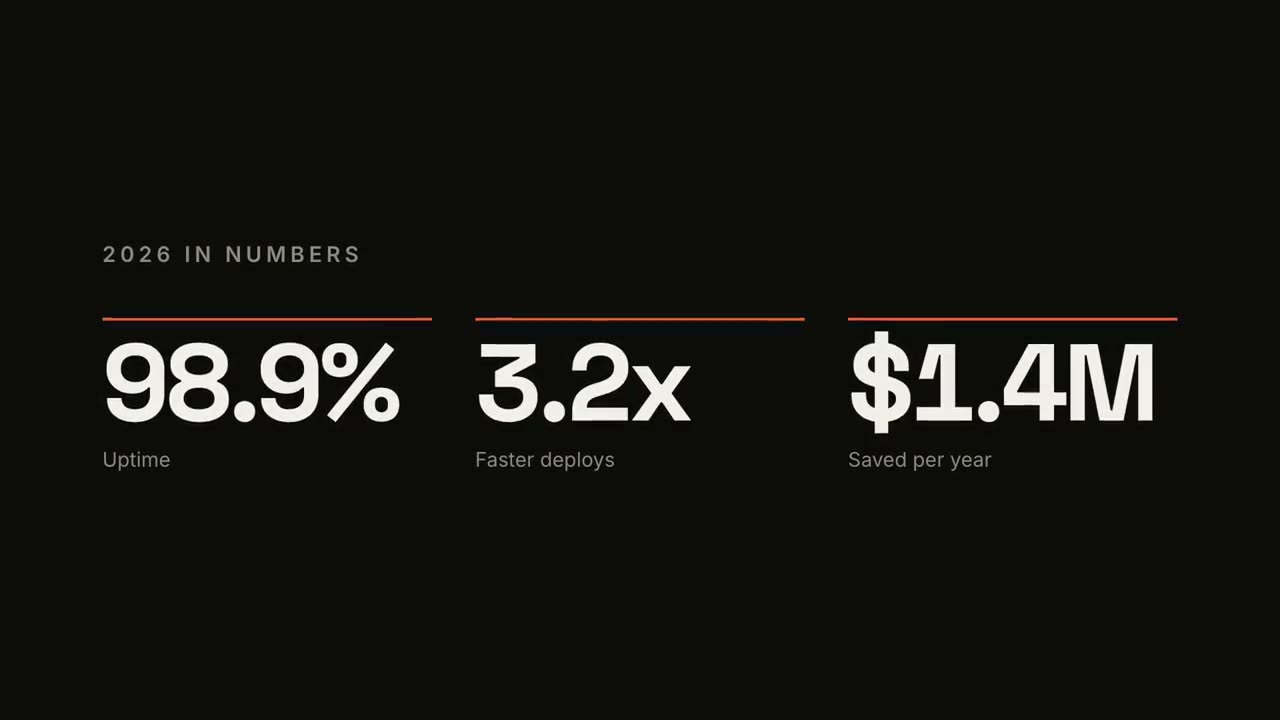
KPI カウンター
カウントアップする最大 4 つの主要な数字。

ローワーサード
4 種類の放送スタイルの名前・肩書きバー。
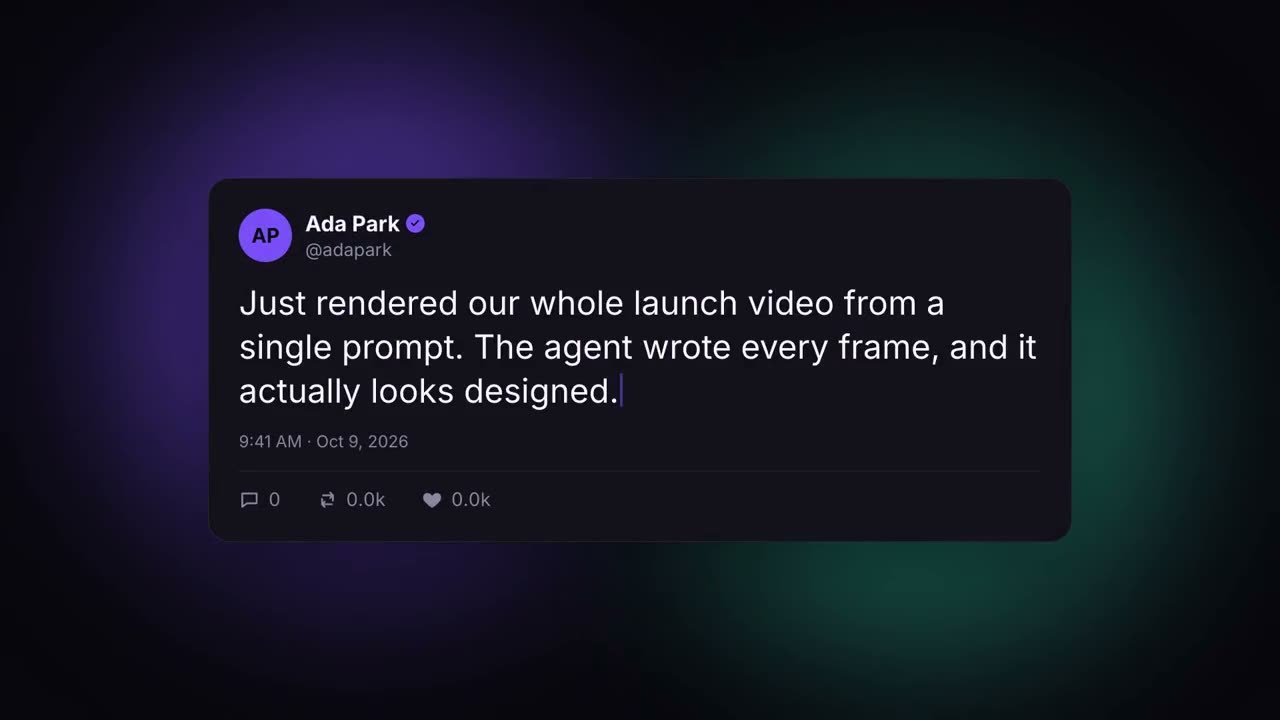
SNS 投稿カード
自動で入力され、いいねが増えていく投稿。
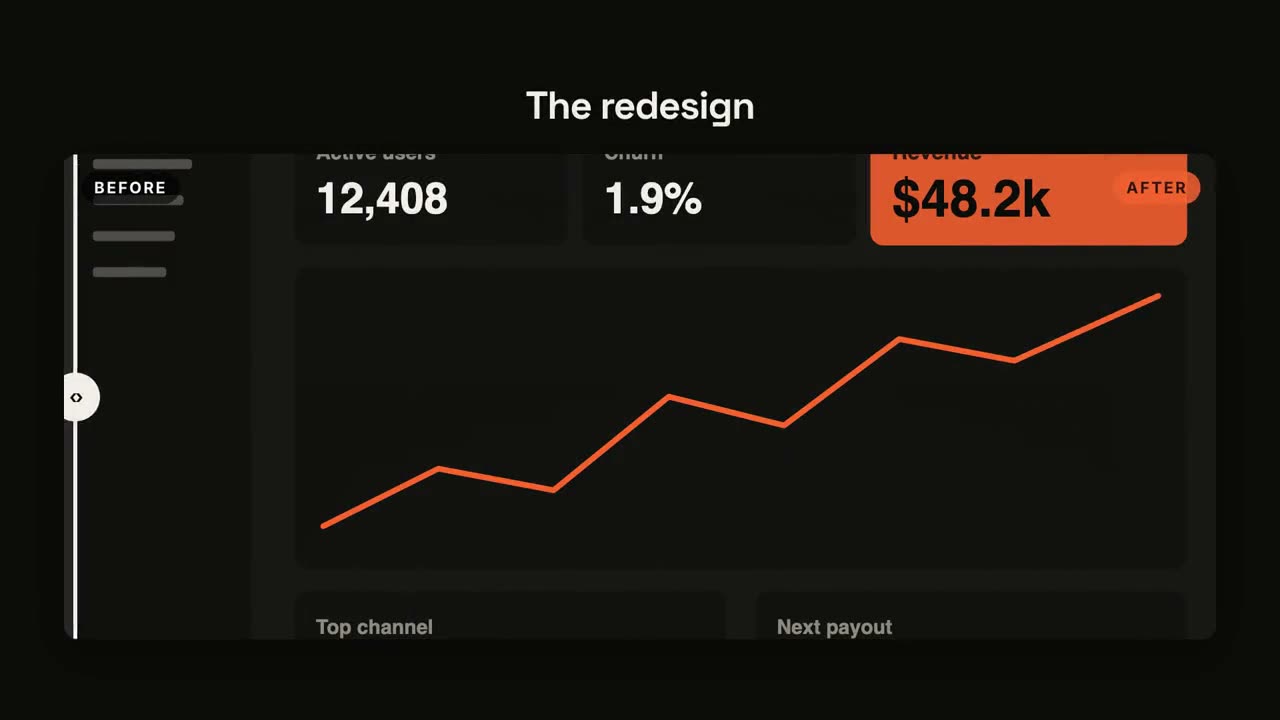
ビフォー / アフター
仕切り線がスイープするワイプ比較。
カウントダウン
減っていくリングの周りで 3・2・1、そして発表。
ステートメント・バースト
短い一文が一語ずつ叩きつけられ、キーワードが弾けます。
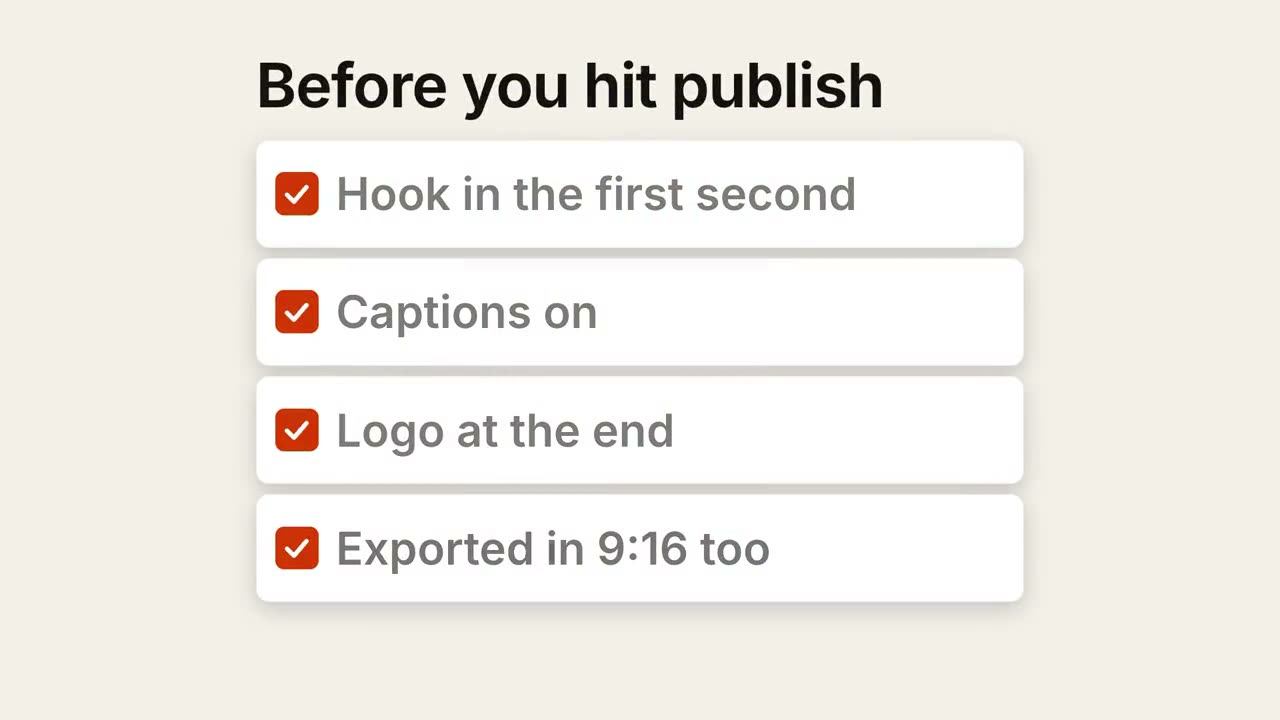
チェックリスト
すべてのボックスに 1 つずつチェックが入っていくチェックリスト。
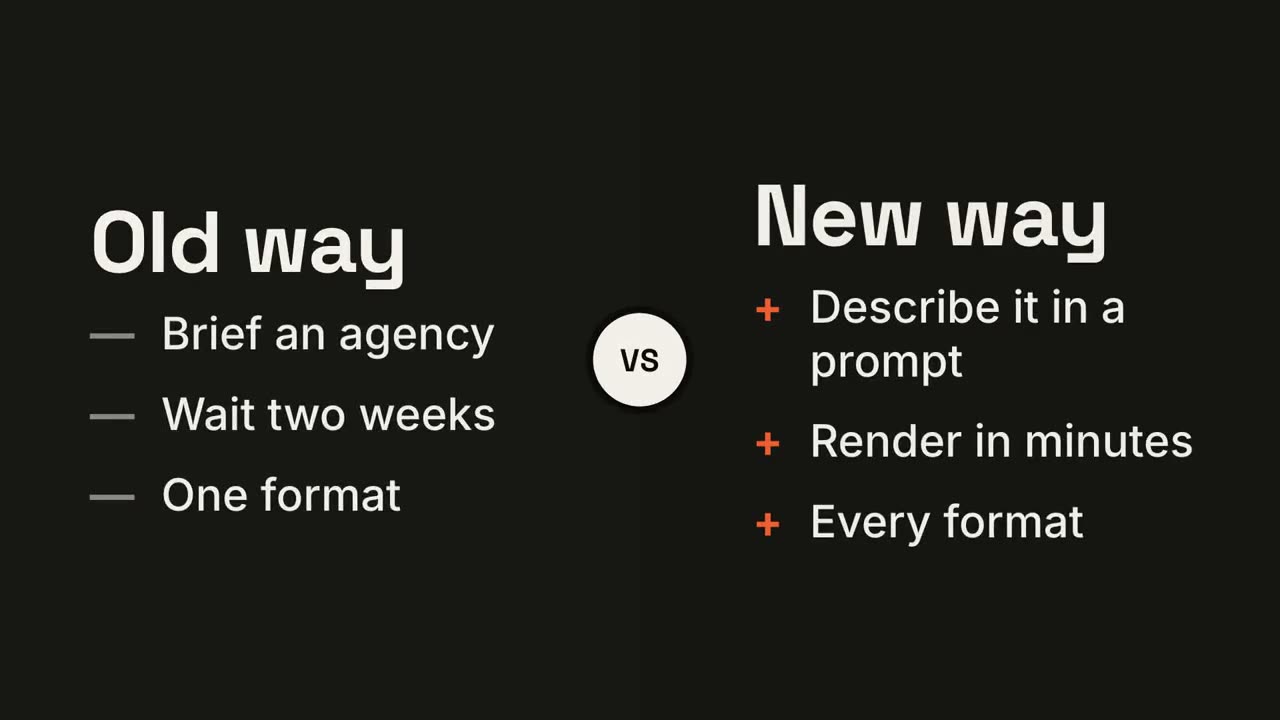
対決スプリット
VS バッジを中心に 2 つの陣営が開き、勝者が光ります。
折れ線トレンド
値を表示しながら線が描かれ、ある時点に注釈が付きます。
サイクルループ
リング上のステップを矢印がつなぎ、パルスが回り続けます。
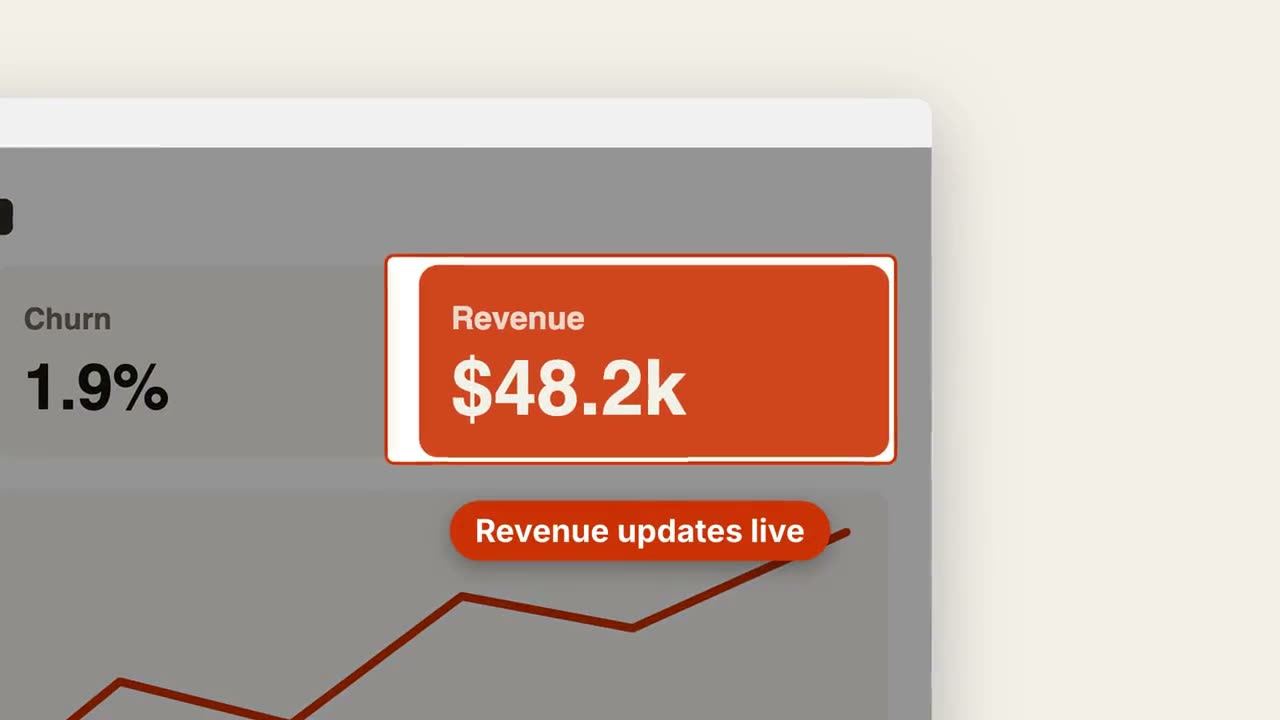
スクリーンショット・ズーム
スクリーンショットの一部に寄り、周りを暗くして示します。
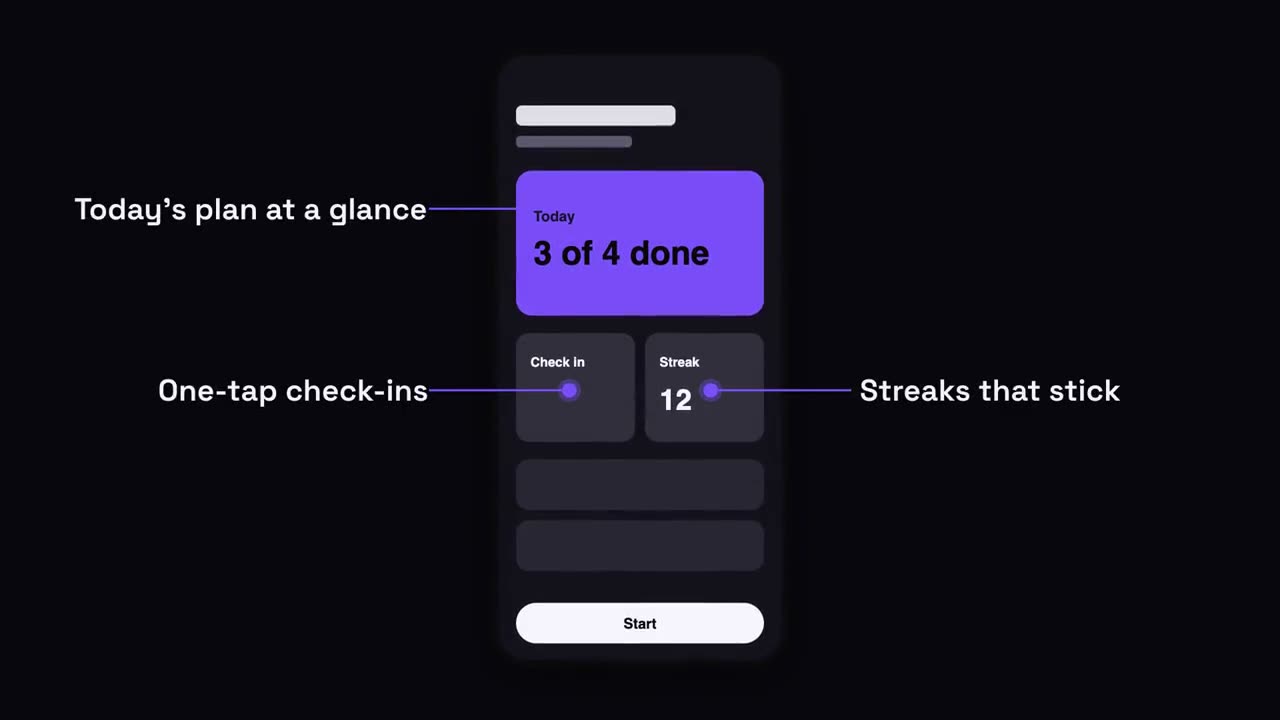
スマートフォンの吹き出し
スマートフォンが浮かび上がり、引き出し線でラベルが画面から伸びます。

チャプタースタンプ
巨大なチャプター番号がスタンプのように叩きつけられ、続いてタイトル。
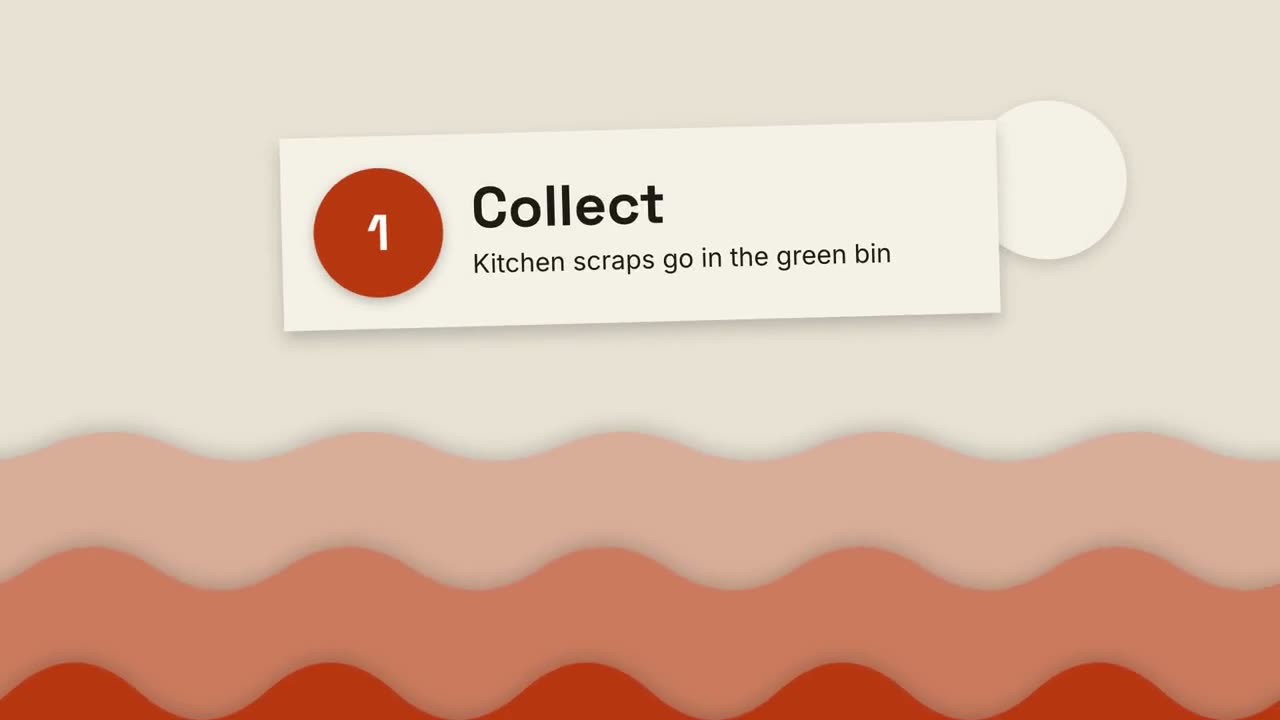
切り絵の解説
重なる紙の丘と切り絵のカードで、何でも 3 ステップで説明します。
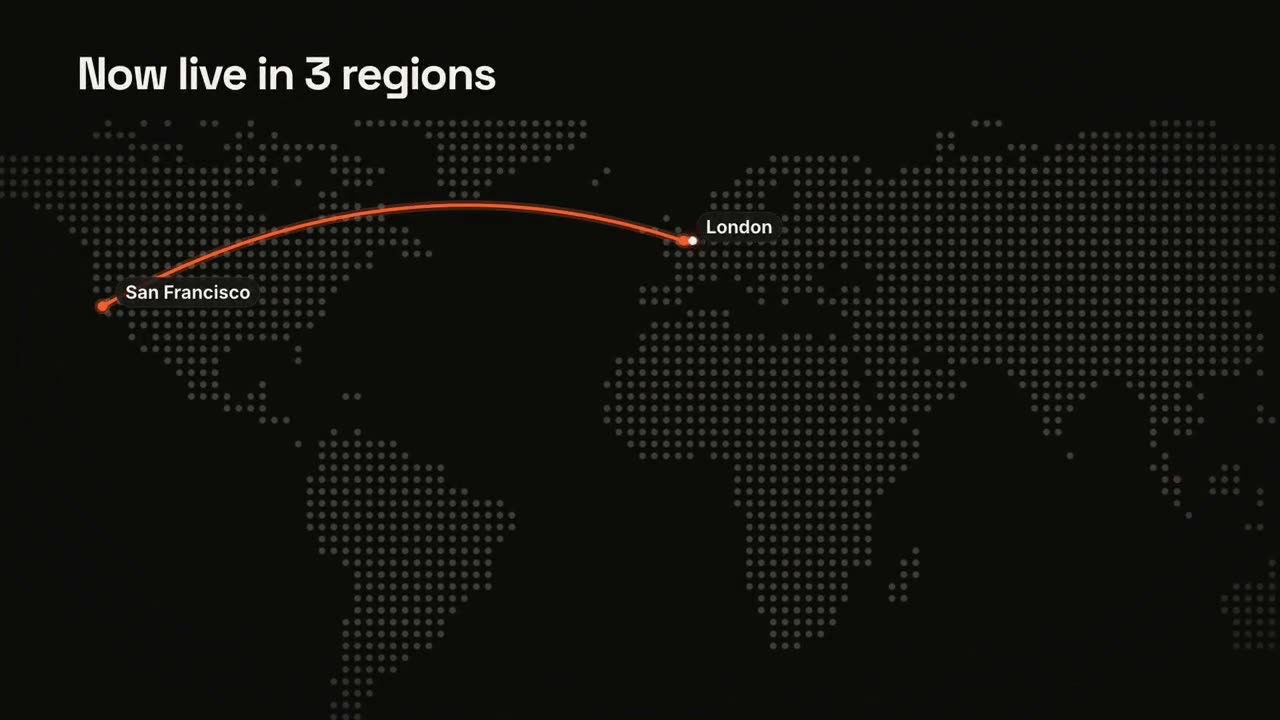
地図とルート
アニメーションするルート付きのドットマトリクス世界地図。
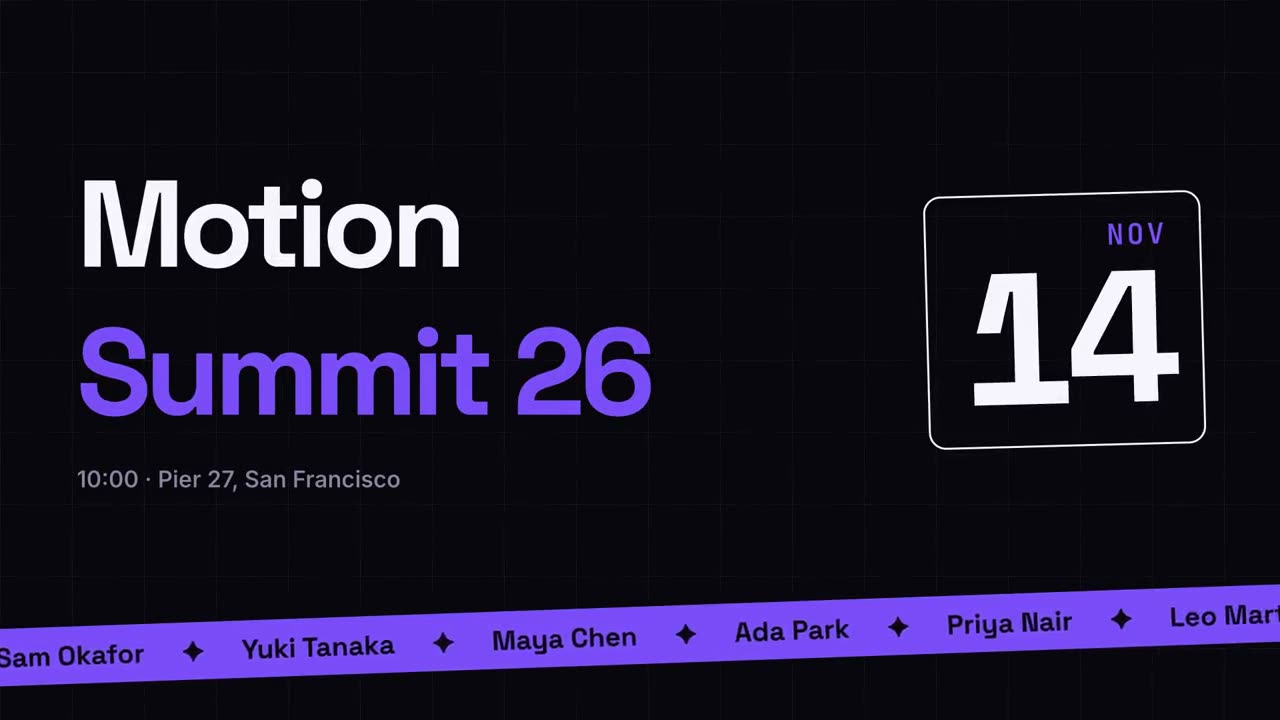
イベント告知
登壇者のティッカー付き、ポスター風のイベント告知。
トランジションパック
スライド、画像、シーンをつなぐ 6 種類のトランジション。

マイルストーン・タイムライン
タイムラインが描かれ、その上にマイルストーンが現れます。

まとめウォール
要点のカードが飛んできて、番号付きの整った壁に並びます。
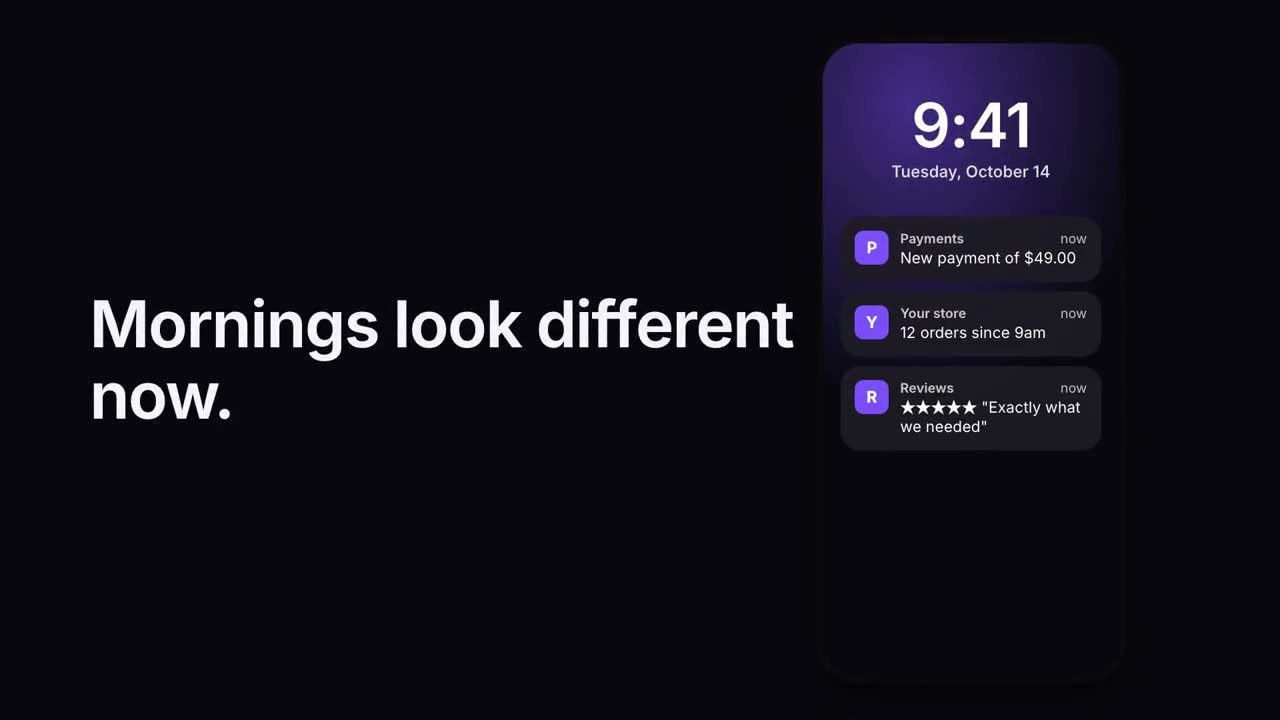
通知スタック
ロック画面に通知が次々と届きます。
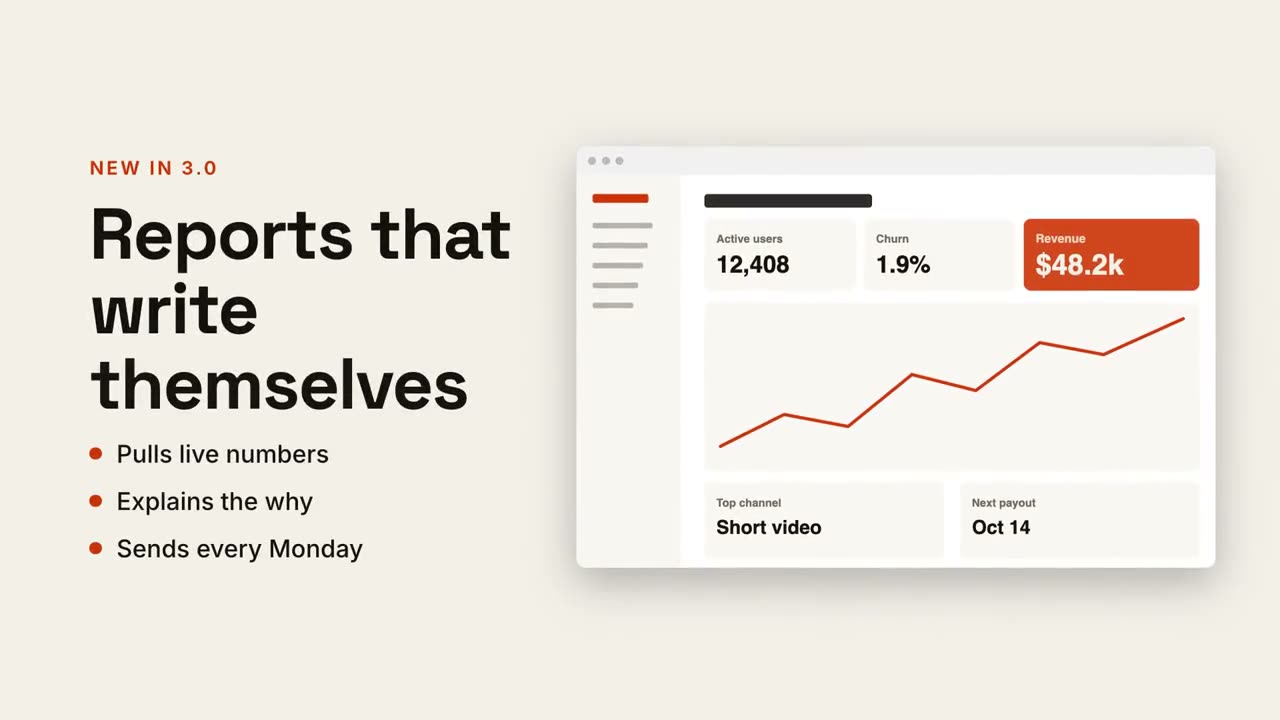
テキスト + 画面の分割
片側に見出しと要点、もう片側にスクリーンショットがスライドイン。
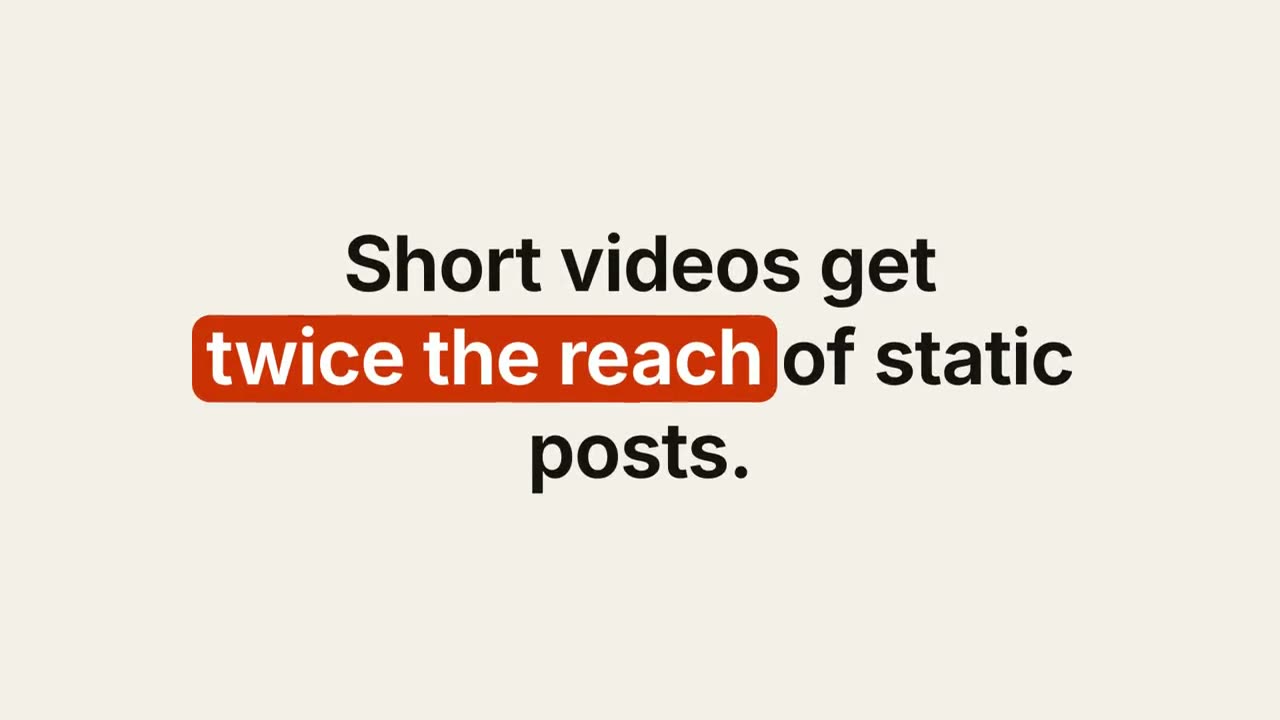
キーワード字幕
キーワードにピル、下線、色が付くデザイン字幕。
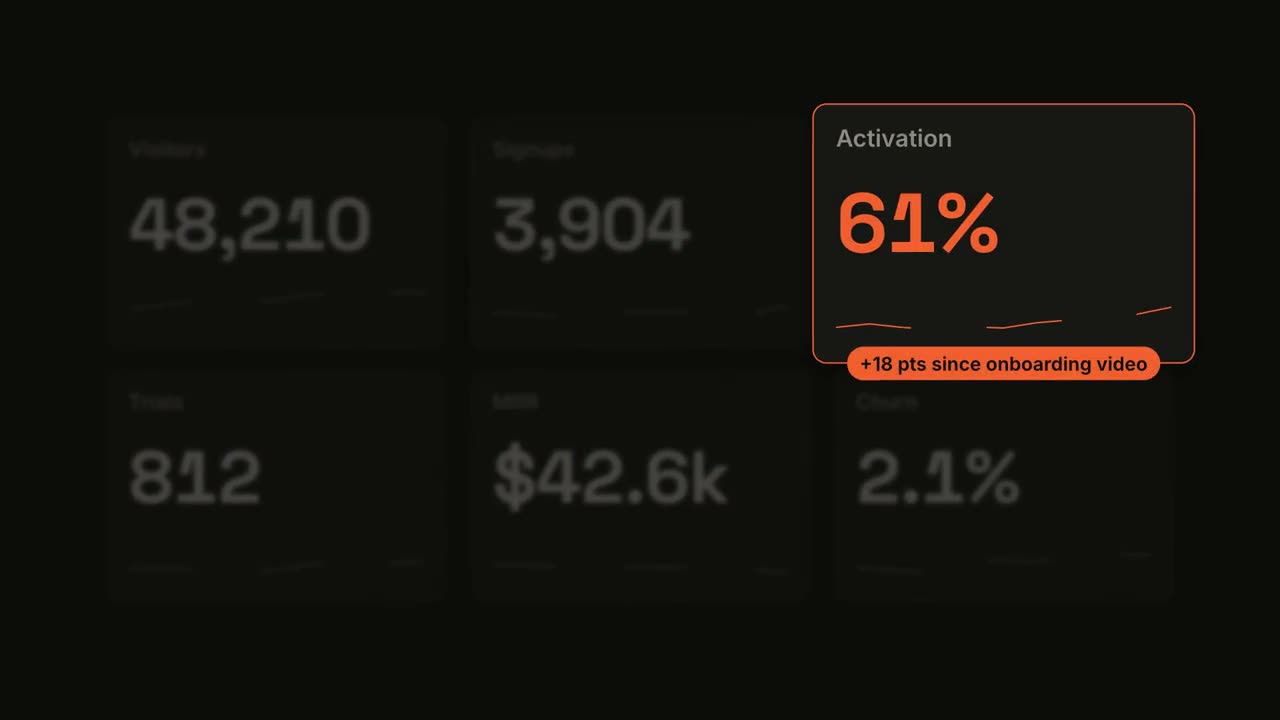
メトリクス・スポットライト
ダッシュボードがカウントアップし、1 つのタイルにスポットライトが当たります。
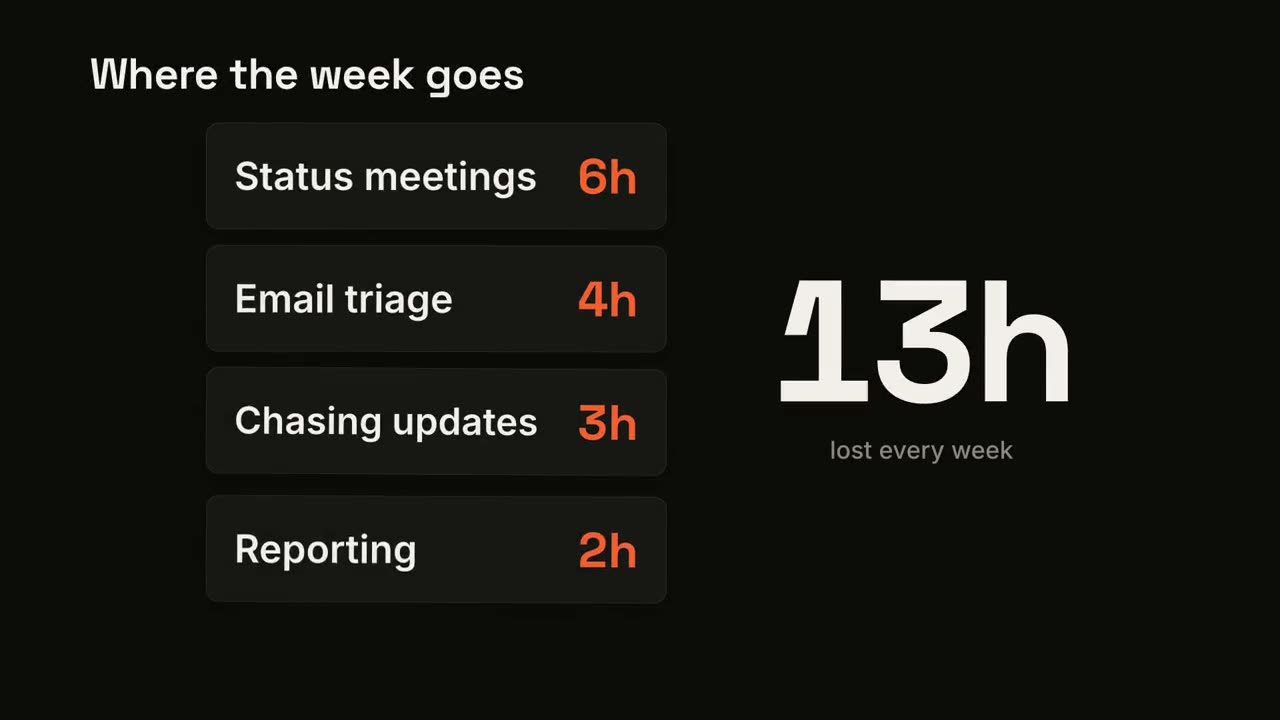
カードスタック・カウンター
カードが 1 枚ずつ落ちてきて、大きな合計が加算されていきます。
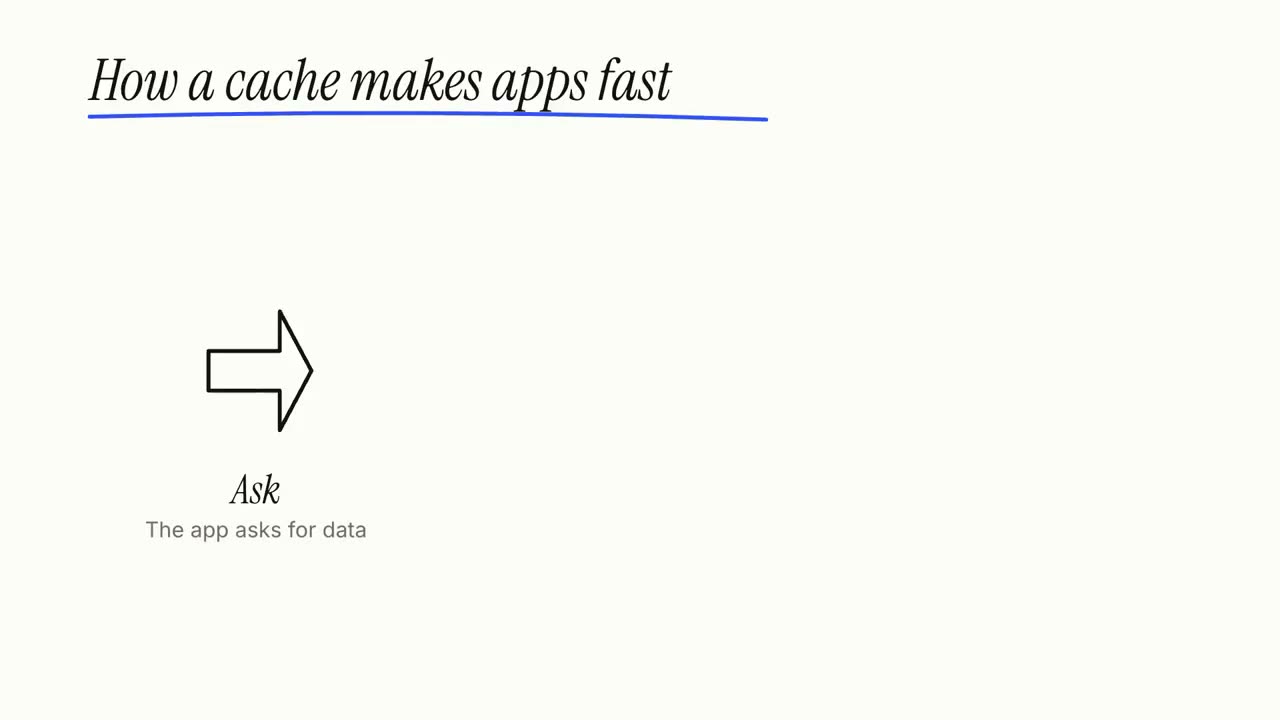
ホワイトボード解説
マーカーの落書きが自ら描かれ、ラベルが一歩ずつ書き込まれます。
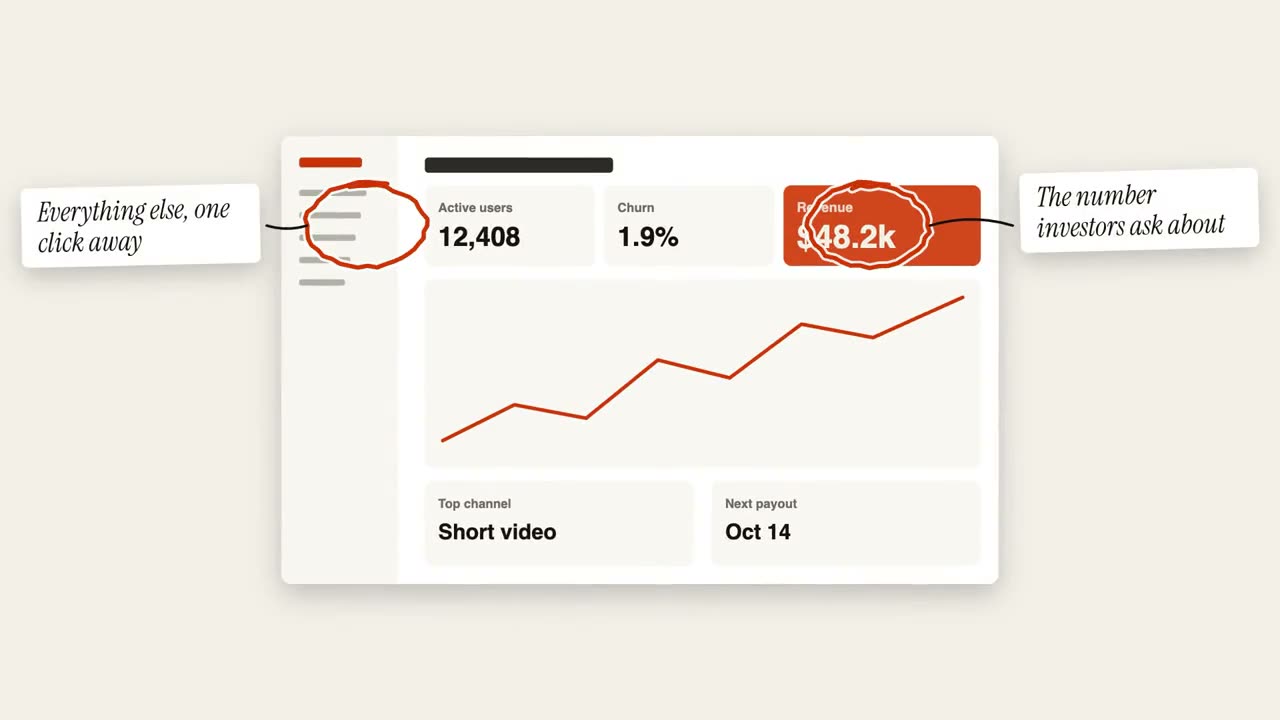
丸囲み注釈
手描きの丸と付箋で画像に注釈を入れます。
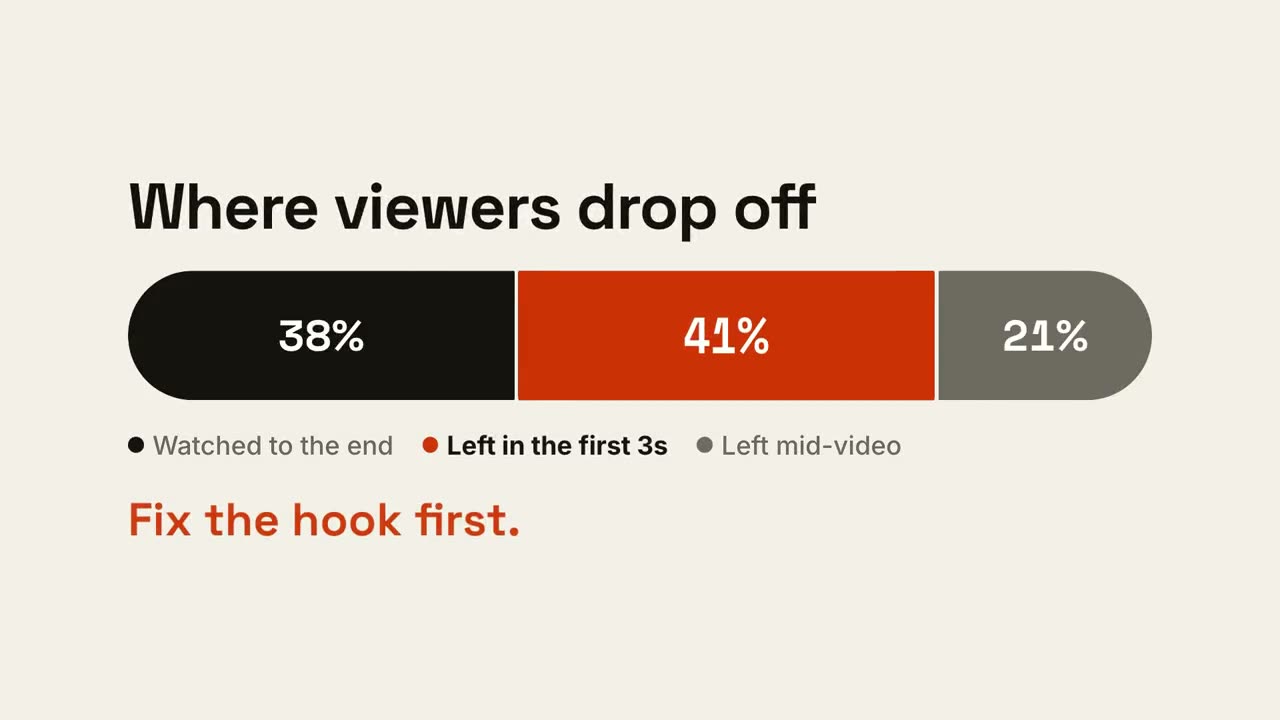
比率バー
1 本のバーが割合に分かれ、重要な部分が示されます。
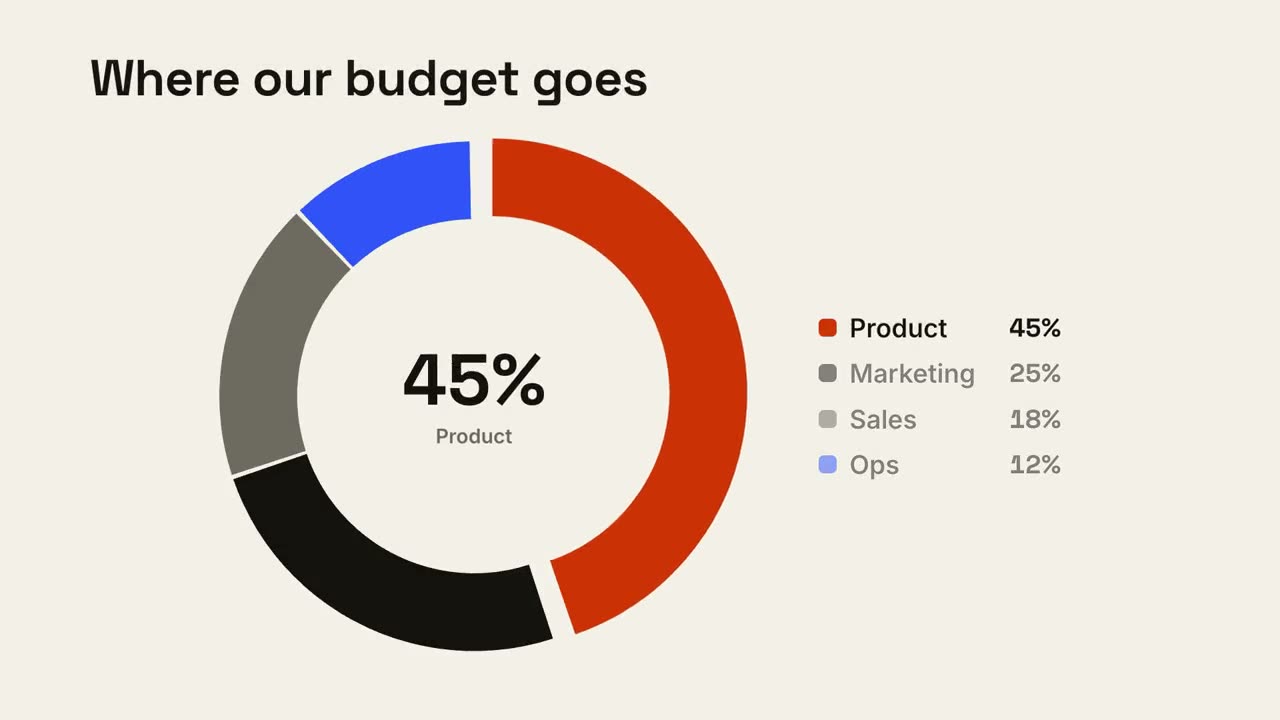
ドーナツ内訳
ドーナツチャートが描かれ、最大の区分が飛び出します。
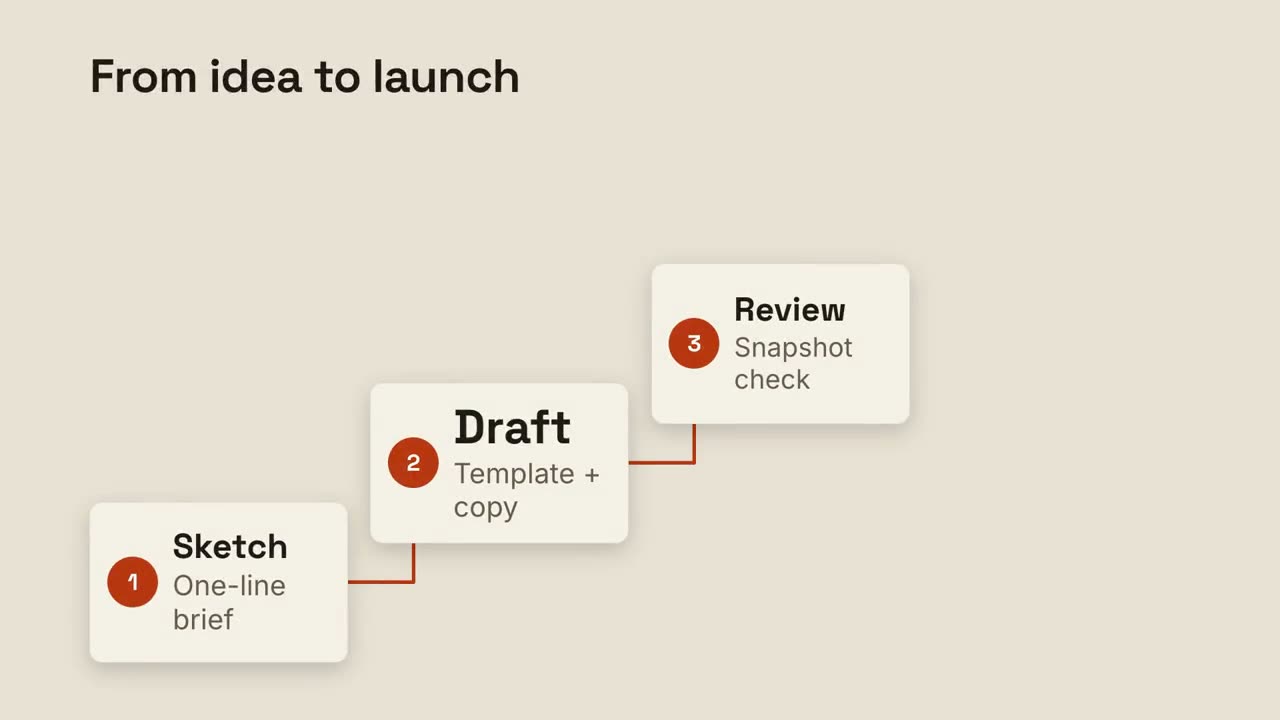
ステップラダー
番号付きのステップが階段を上り、線でつながります。
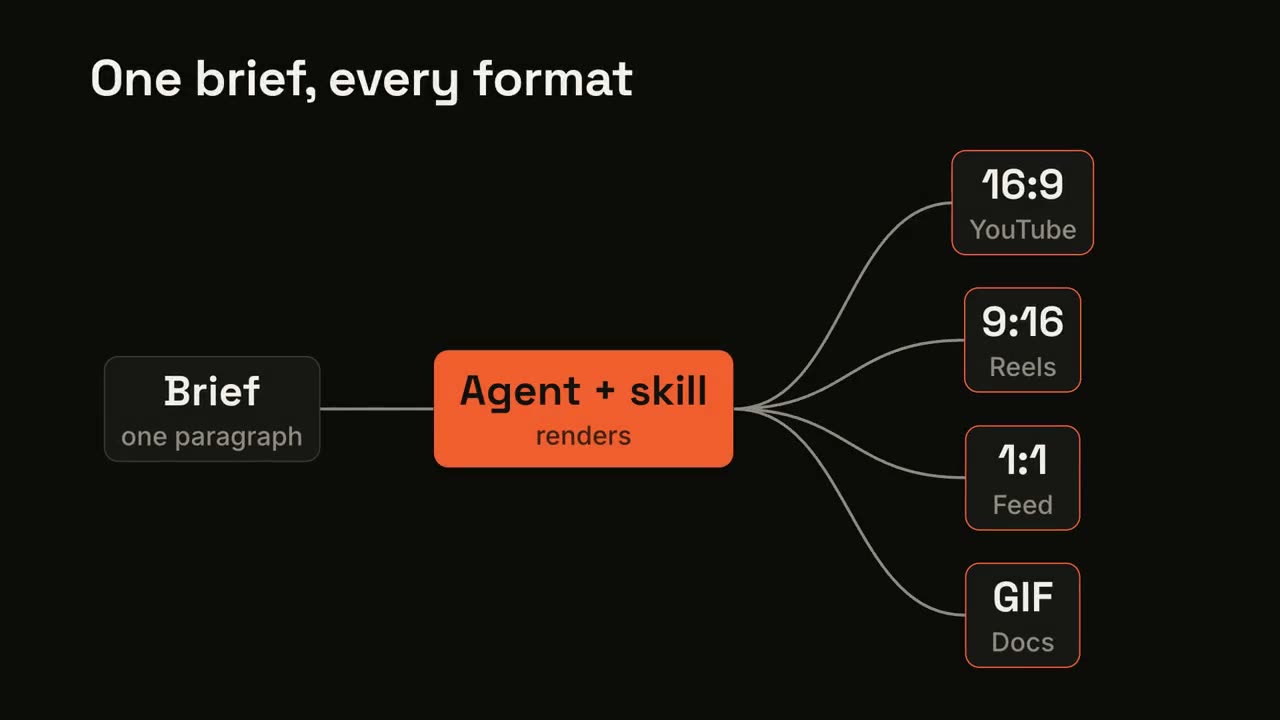
パイプラインのファンアウト
1 つの入力がプロセスを通り、多くの出力に広がります。
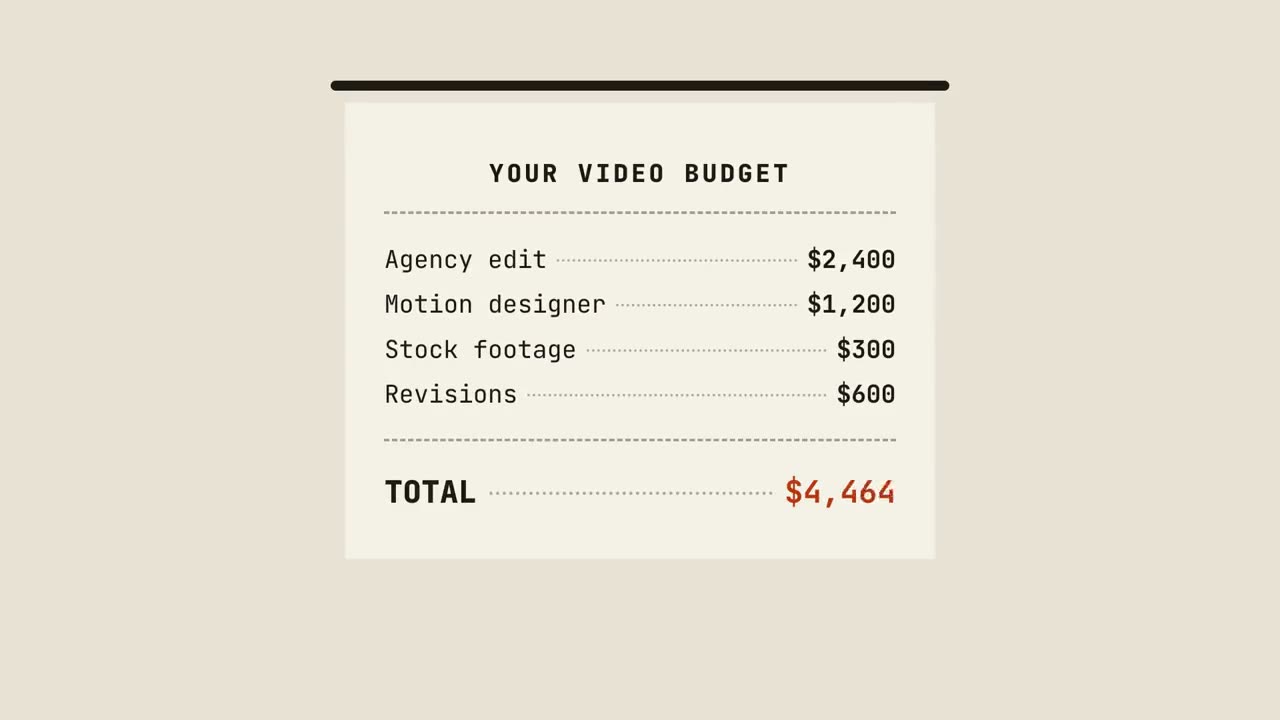
レシート集計
レシートが 1 行ずつ印刷され、合計され、スタンプが押されます。
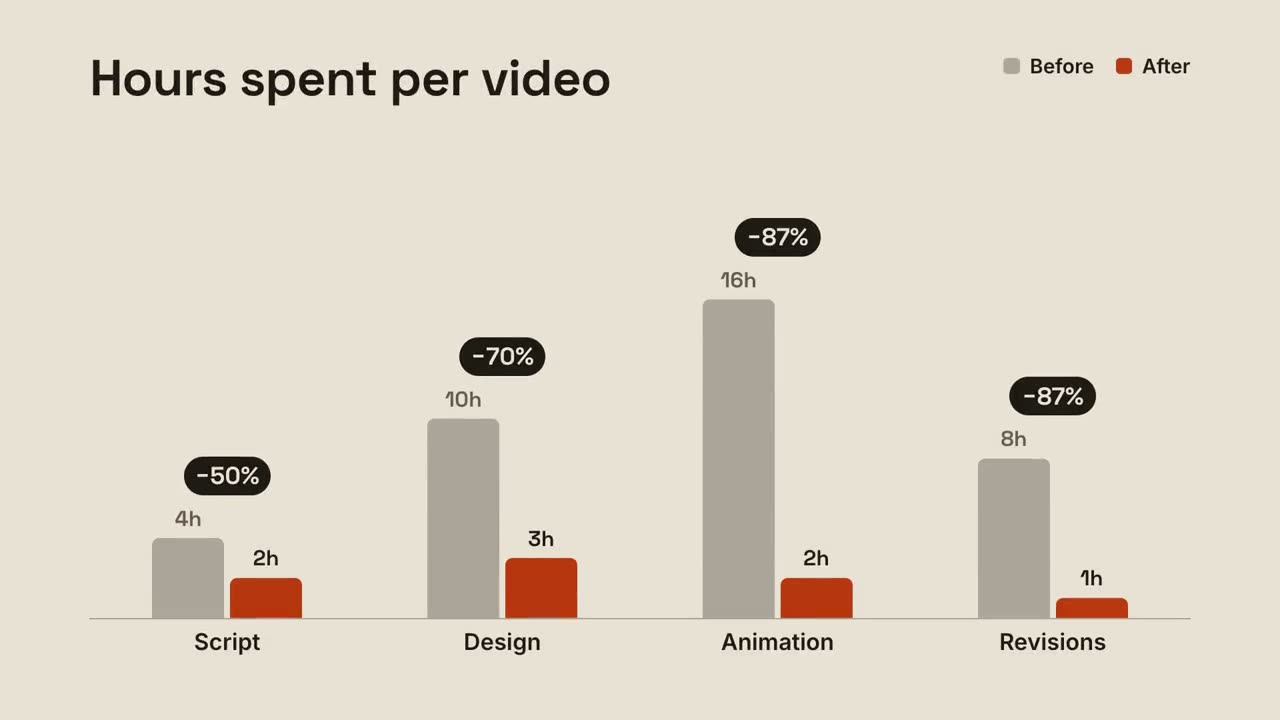
グループ棒グラフ
グループごとのビフォーアフターの棒と、ペアの上に現れる変化率。
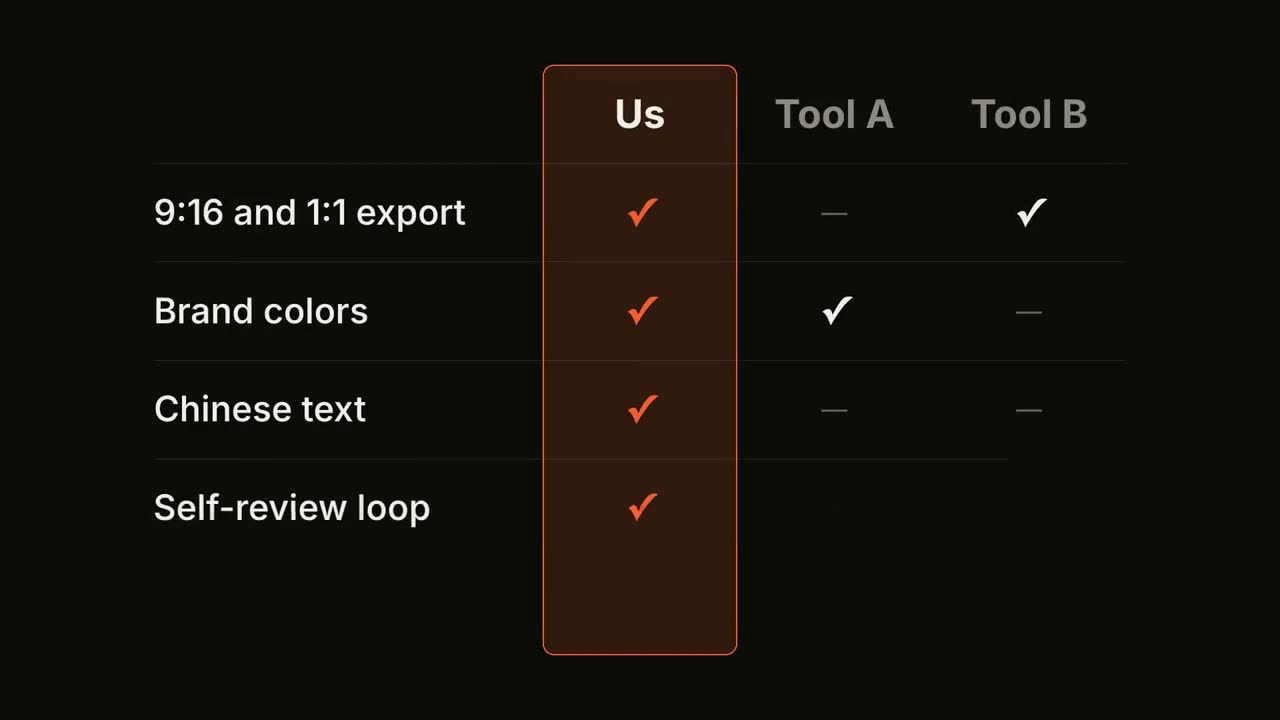
機能比較表
比較表が行ごとに埋まり、あなたの列が強調されます。
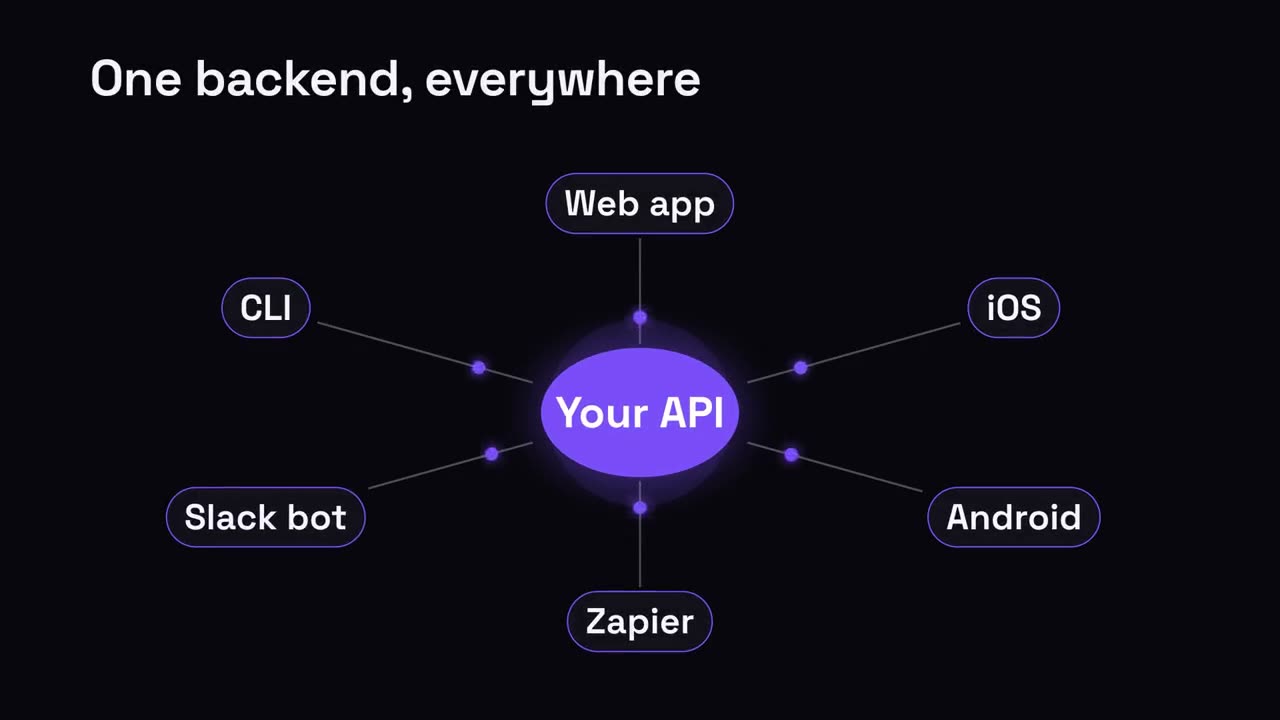
ハブ & スポーク
中央のハブから、つながるすべてへ放射状に広がります。
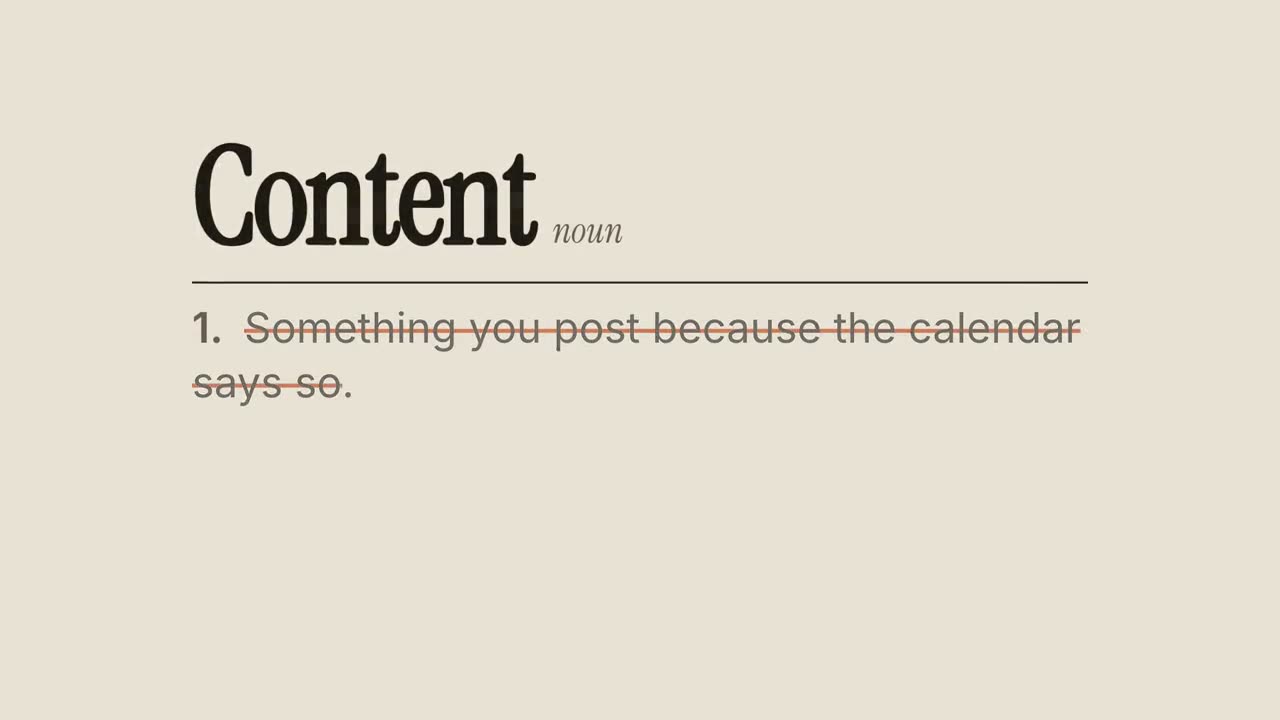
定義の書き換え
辞書の一般的な定義が線で消され、書き換えられます。
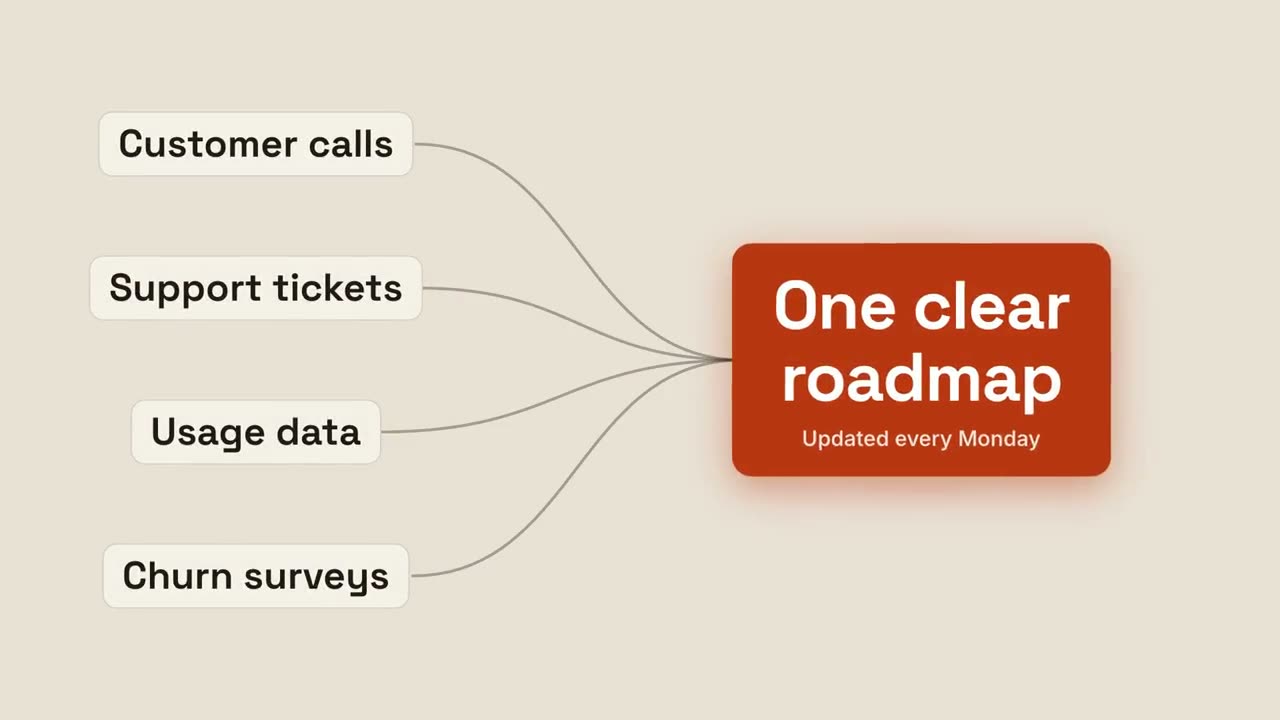
成果への収束
複数の入力が流れ込み、1 つの輝く成果に集まります。
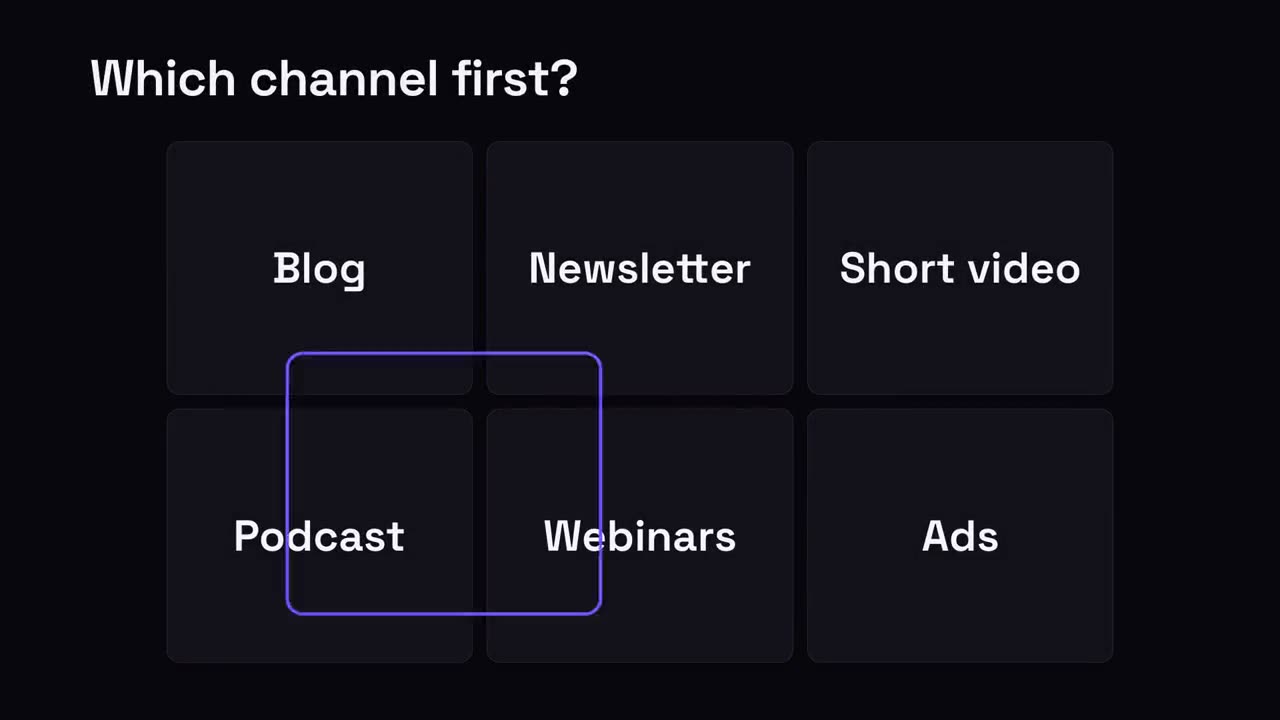
ひとつを選ぶグリッド
選択肢のグリッドで、選択リングが飛び回って勝者に止まります。
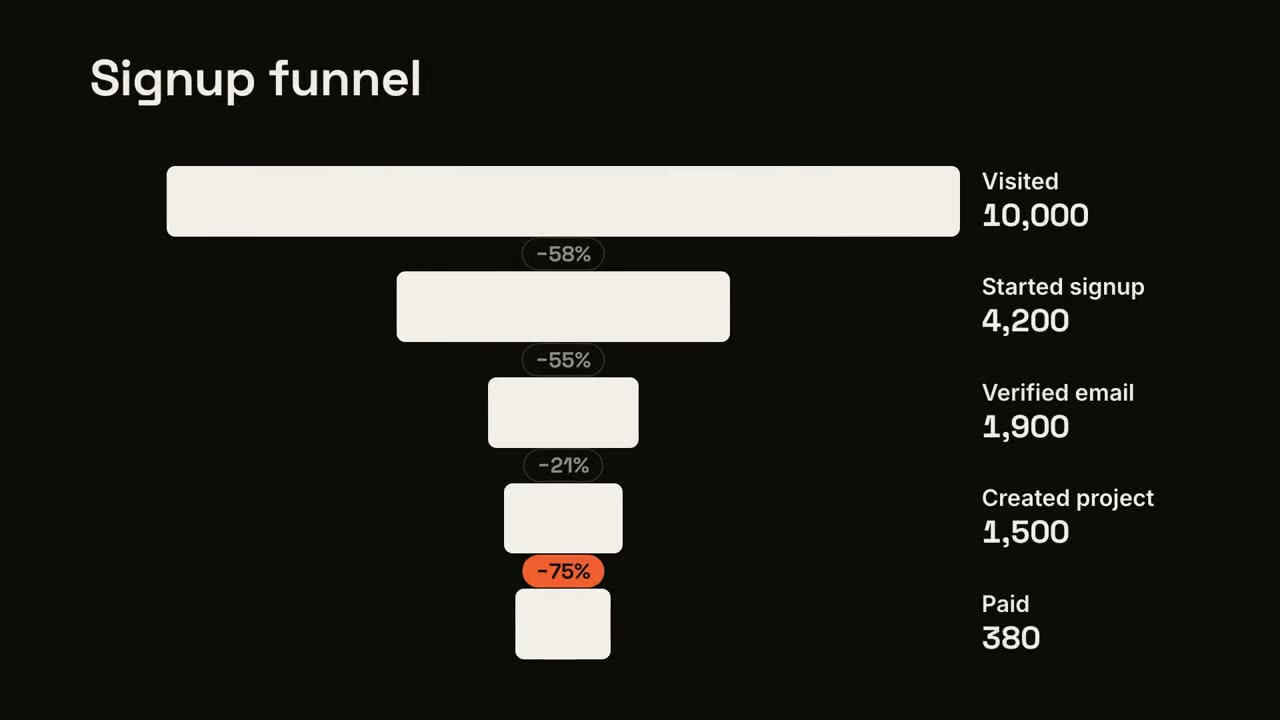
ファネルの離脱
ファネルの段階が絞られていき、最大の離脱が示されます。
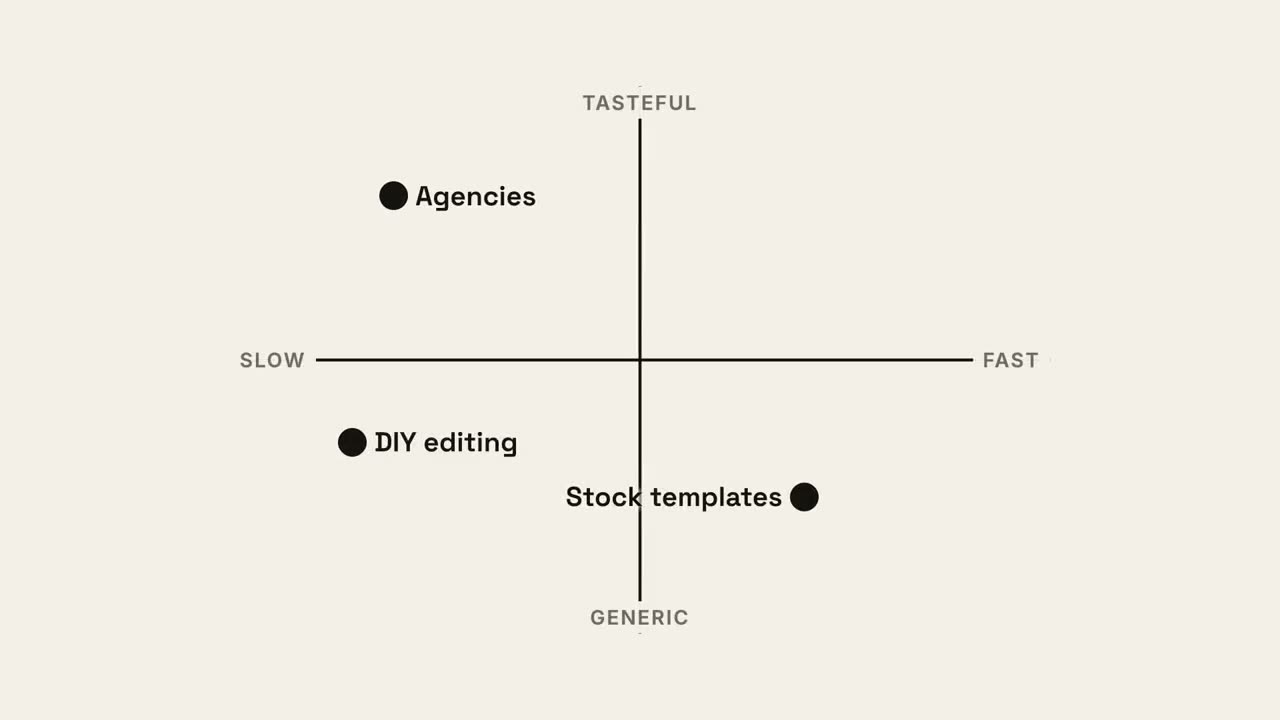
4 象限マップ
あなたの点が最良の象限を取る 2×2 のポジショニングマップ。
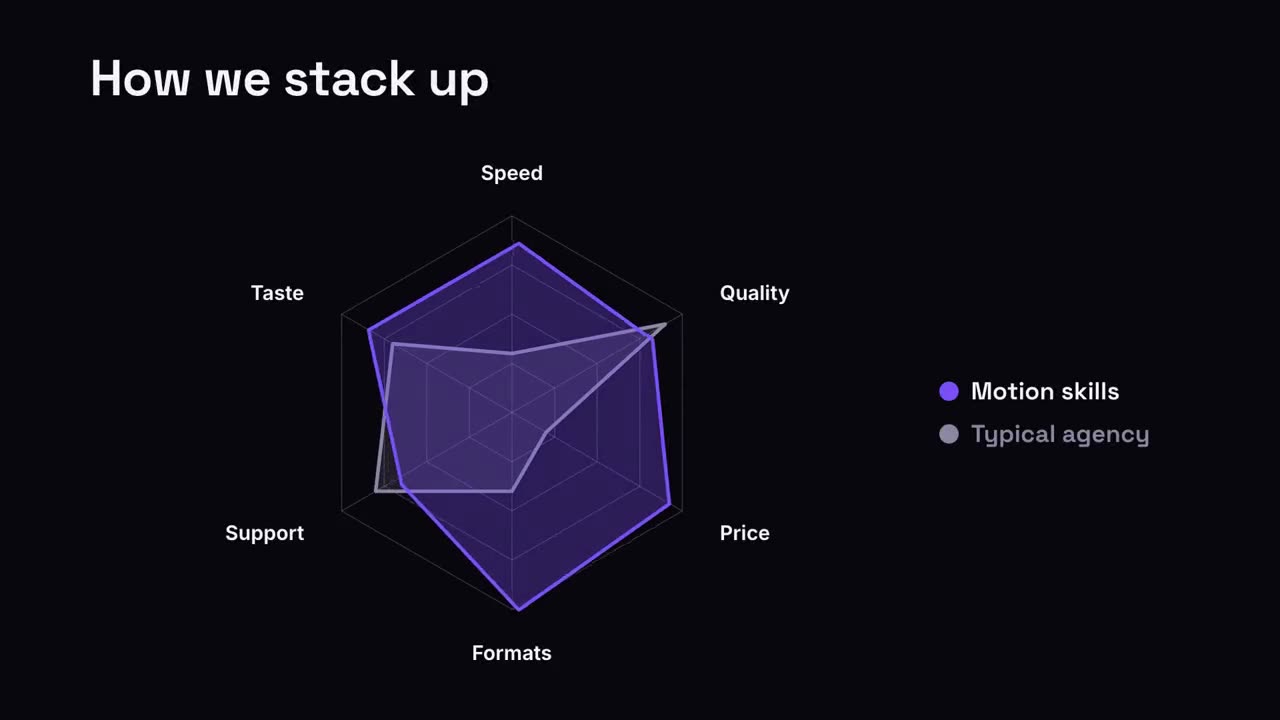
レーダー比較
あなたの形が比較対象を上回るスパイダーチャート。
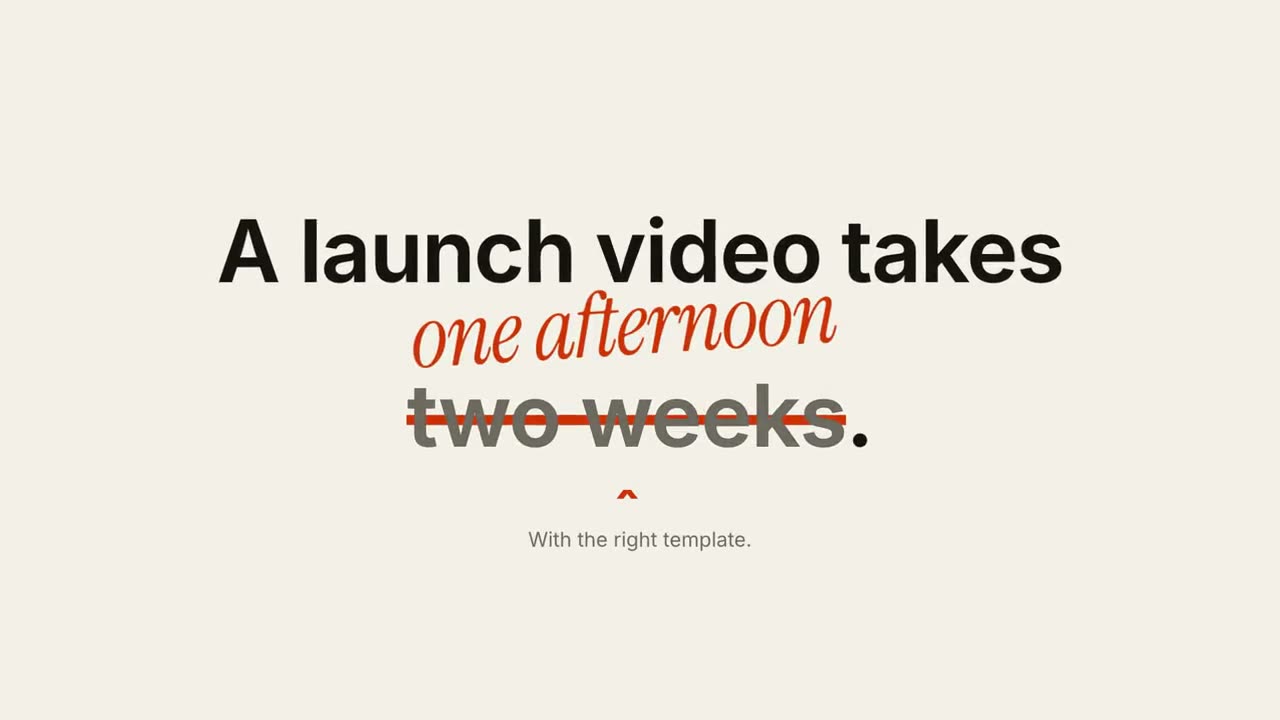
打ち消しと訂正
あるフレーズが線で消され、その上に訂正が書かれます。
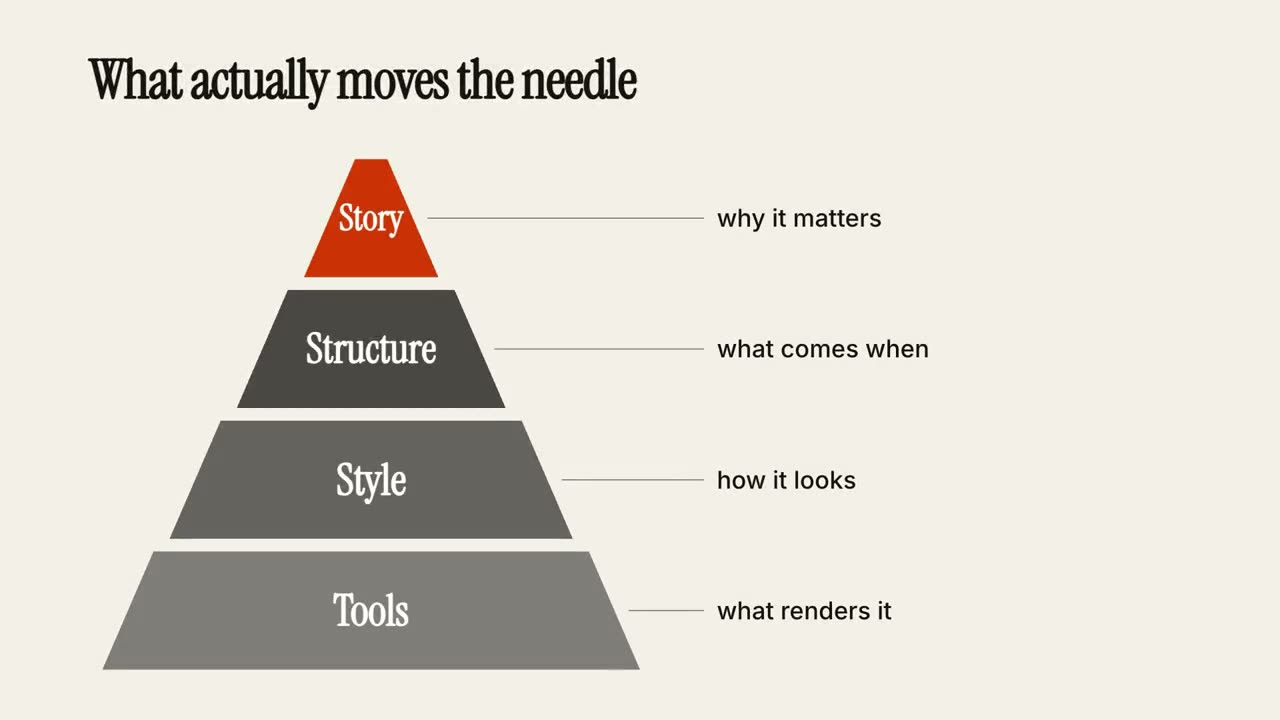
階層ピラミッド
ピラミッドが層ごとに組み上がり、各層に注釈が付きます。
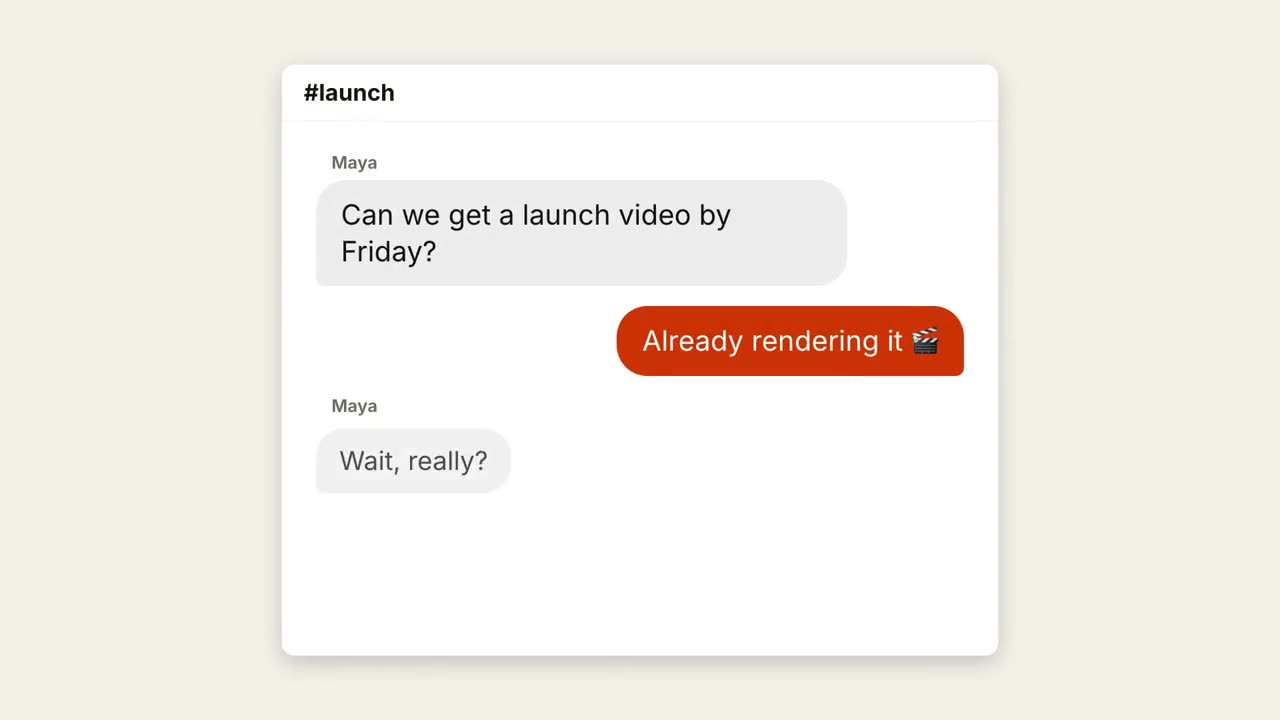
チャットスレッド
入力中のドットと弾む吹き出しで会話が進みます。
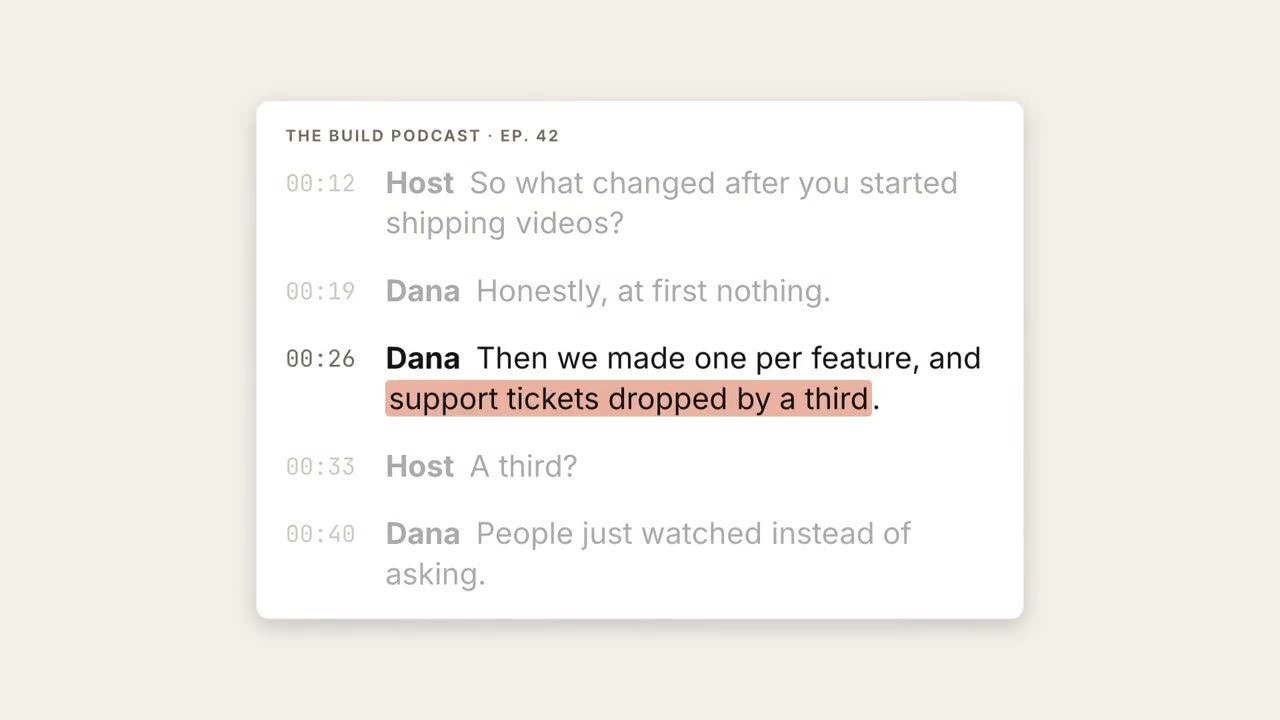
書き起こしハイライト
書き起こしが流れ、重要なフレーズがハイライトされて大きな引用になります。
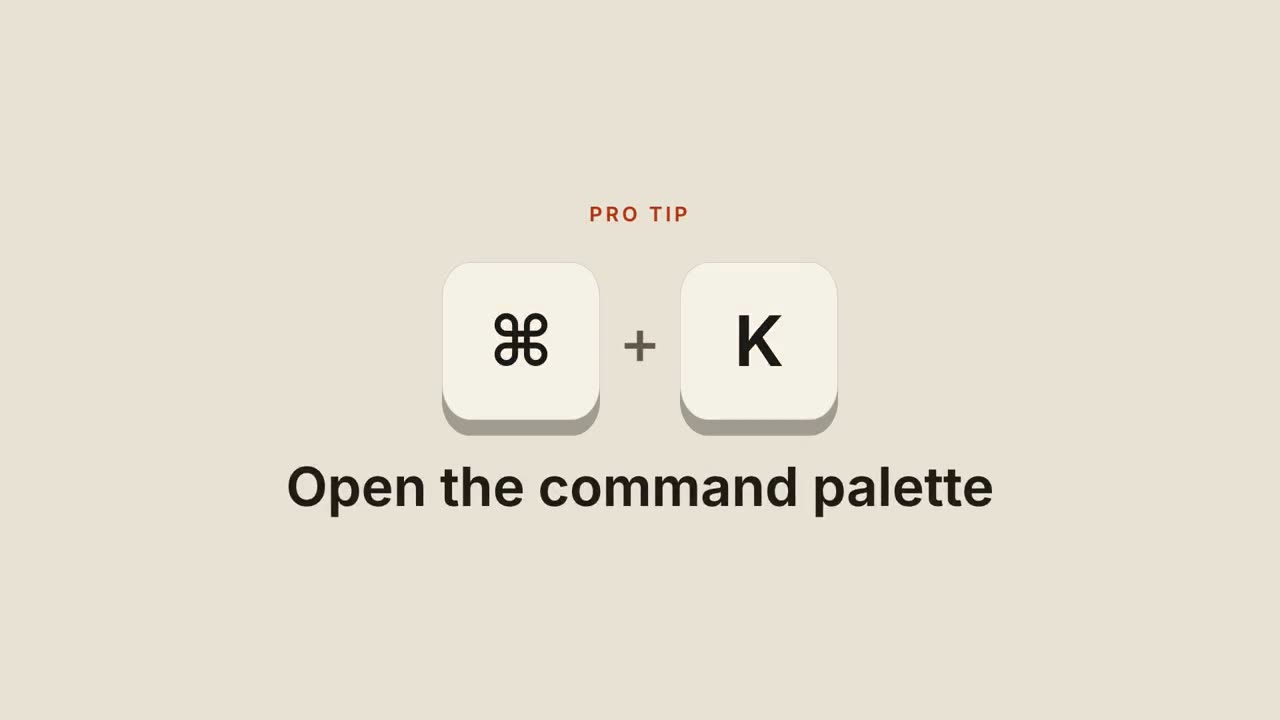
ショートカットキー
キーキャップが落ちてきて押し込まれ、ショートカットの動作を示します。
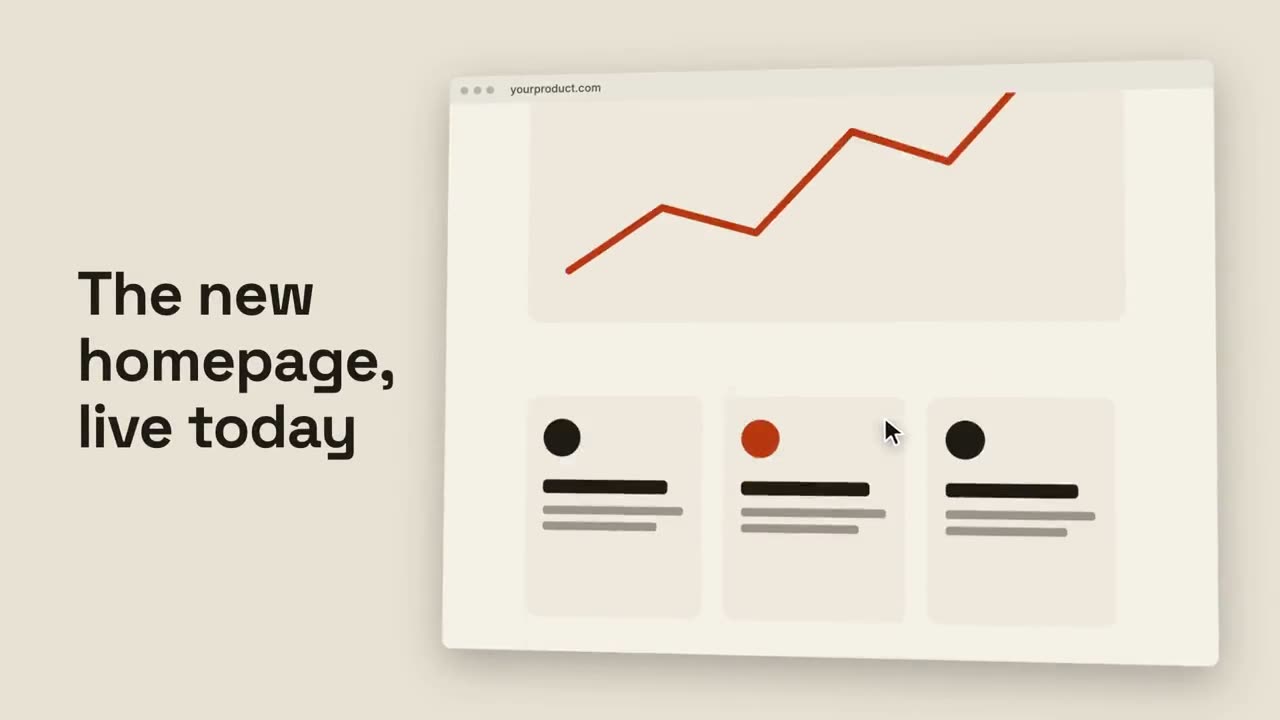
ブラウザスクロール
傾いたブラウザがページ全体をなめらかにスクロールします。
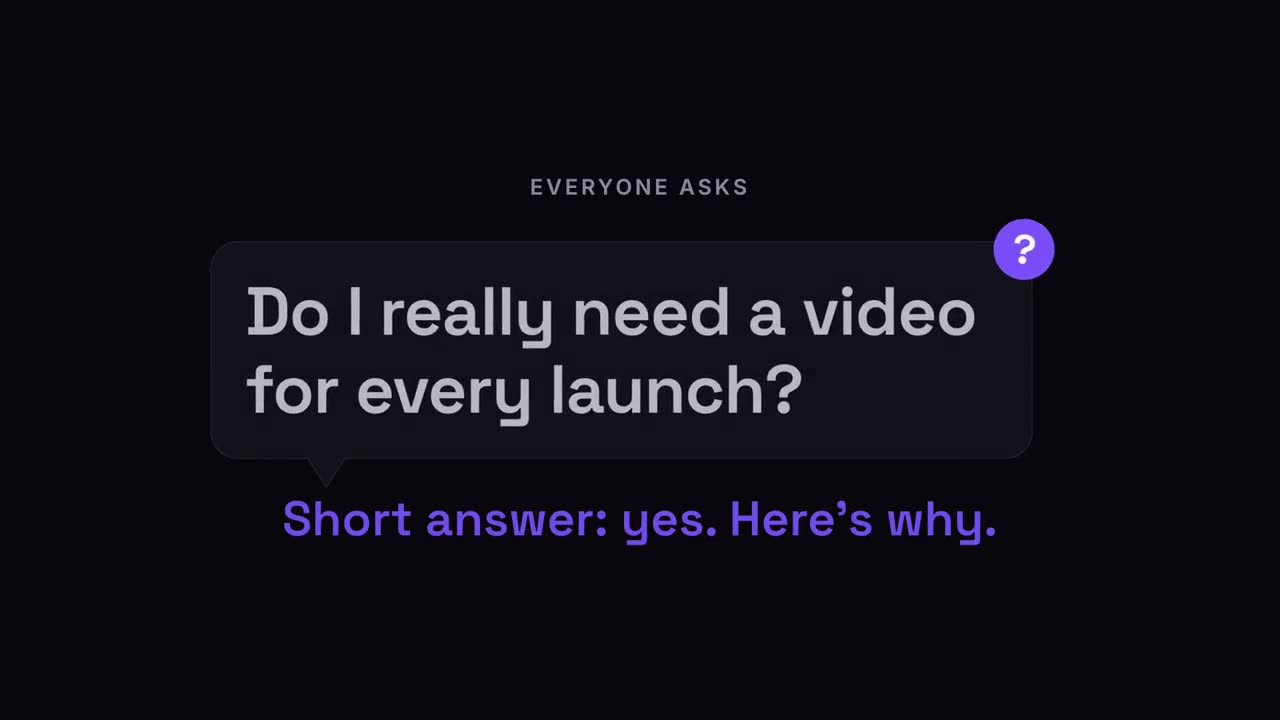
質問ポップ
視聴者の質問が吹き出しで現れ、続いて答え。
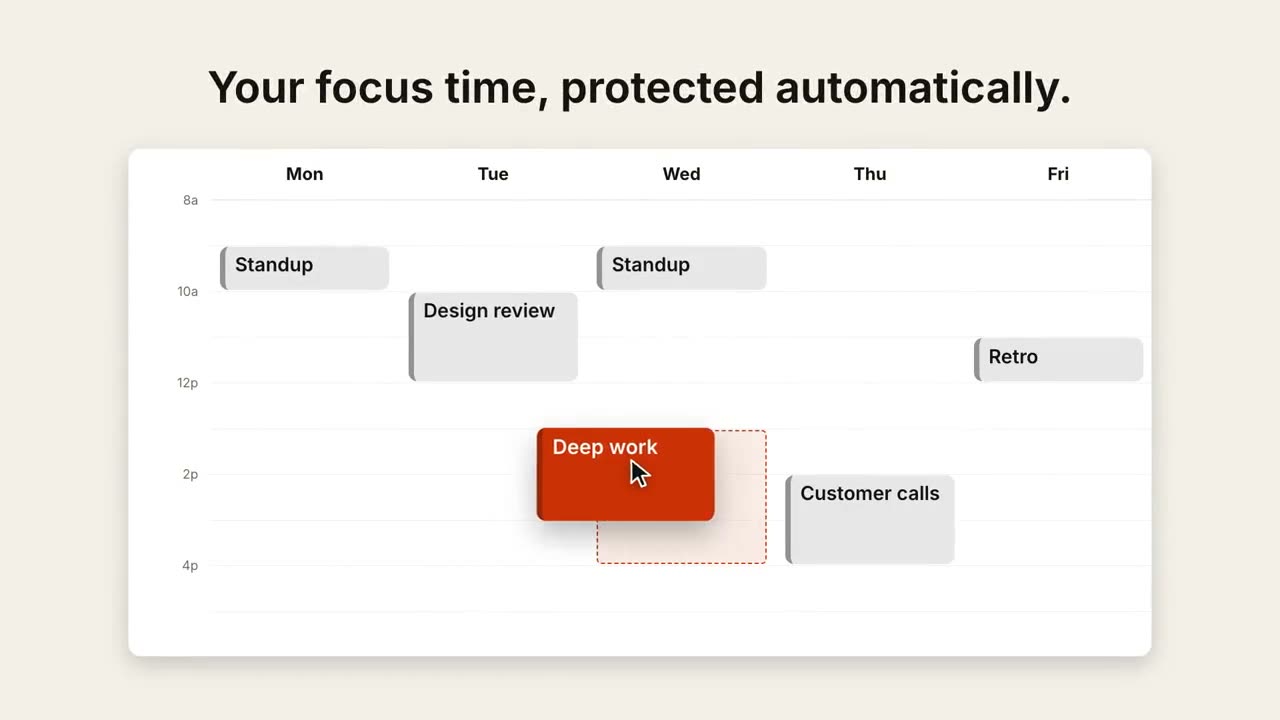
カレンダーの予定変更
週表示が埋まり、カーソルが 1 つの予定をより良い時間へドラッグします。
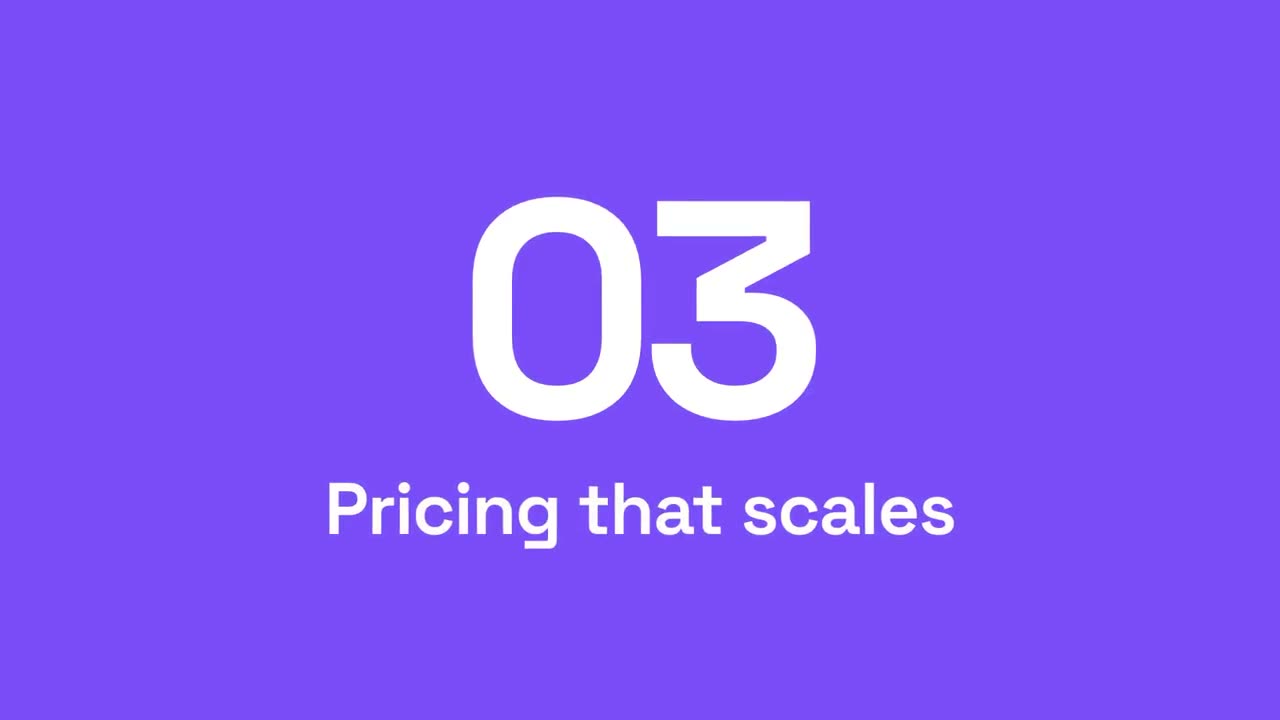
セクション番号ワイプ
アクセントのパネルが横切り、セクション番号が次へ切り替わります。
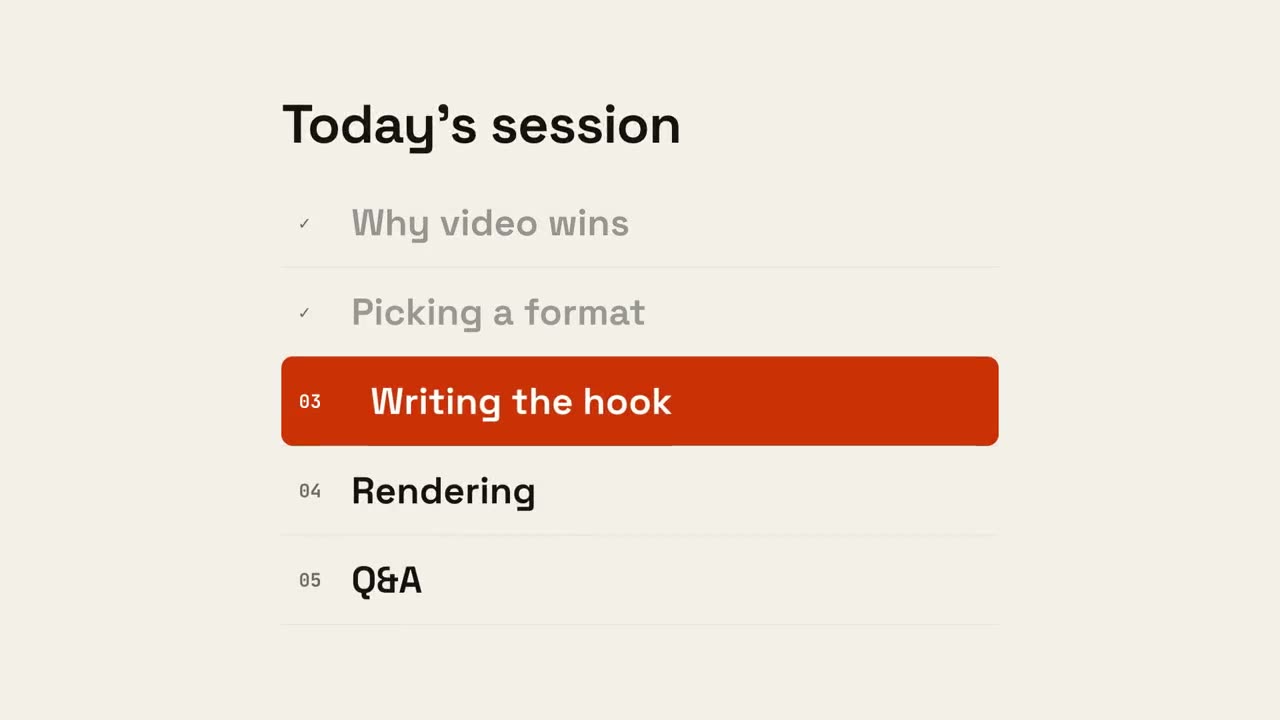
アジェンダ進行
アジェンダが現れ、終わった項目にチェックが入り、マーカーが次の項目へ移動します。
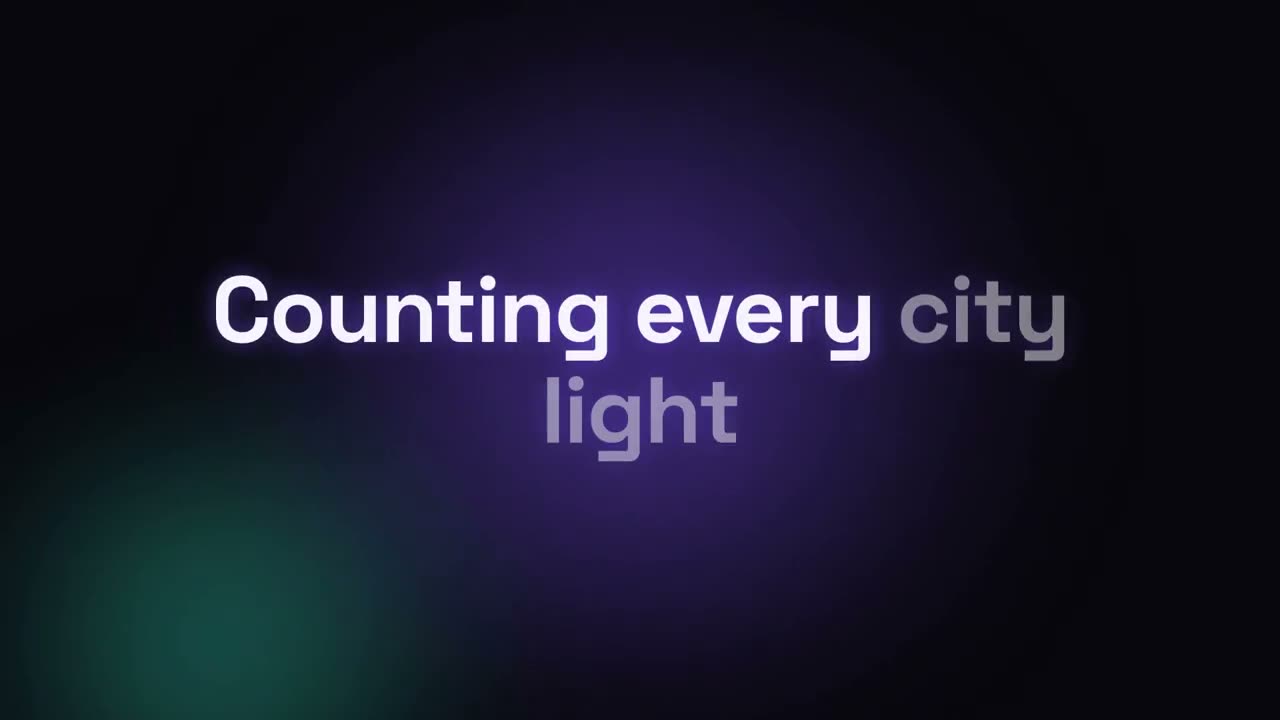
リリックビデオ
カラオケ塗り、キネティックな単語、積み重なる行で見せる歌詞。
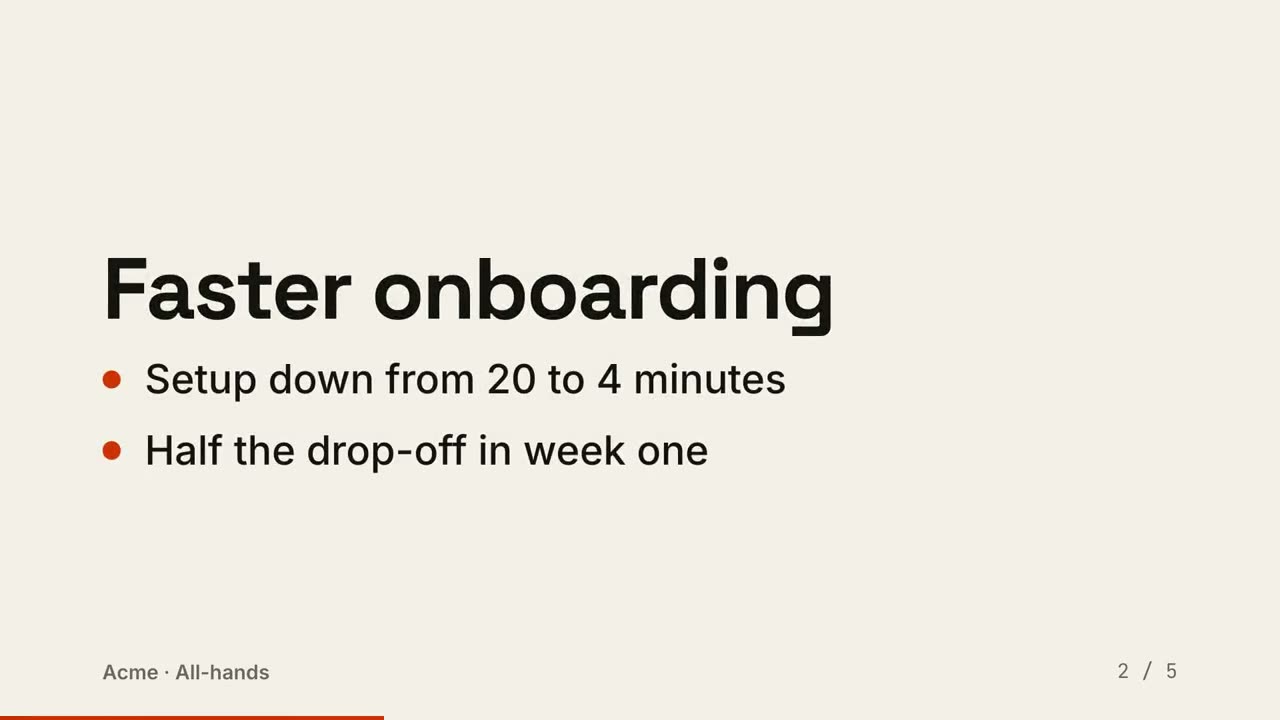
スライドを動画に
スライドを動画として書き出し:1 ビートに 1 枚、要点が順に現れます。
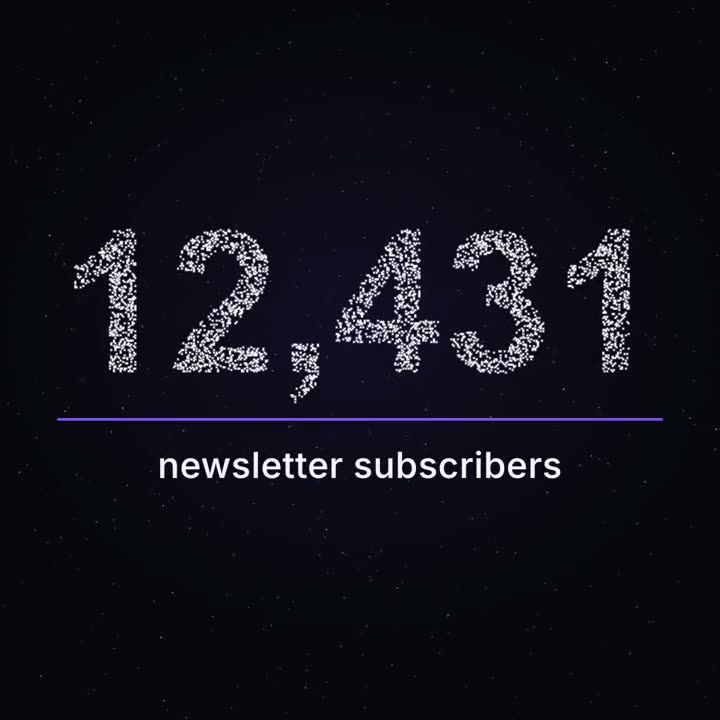
マイルストーン・パーティクル
夜空のように漂う無数の点が、あなたの本当の数字に集まります。
これらの Skill で作った作品

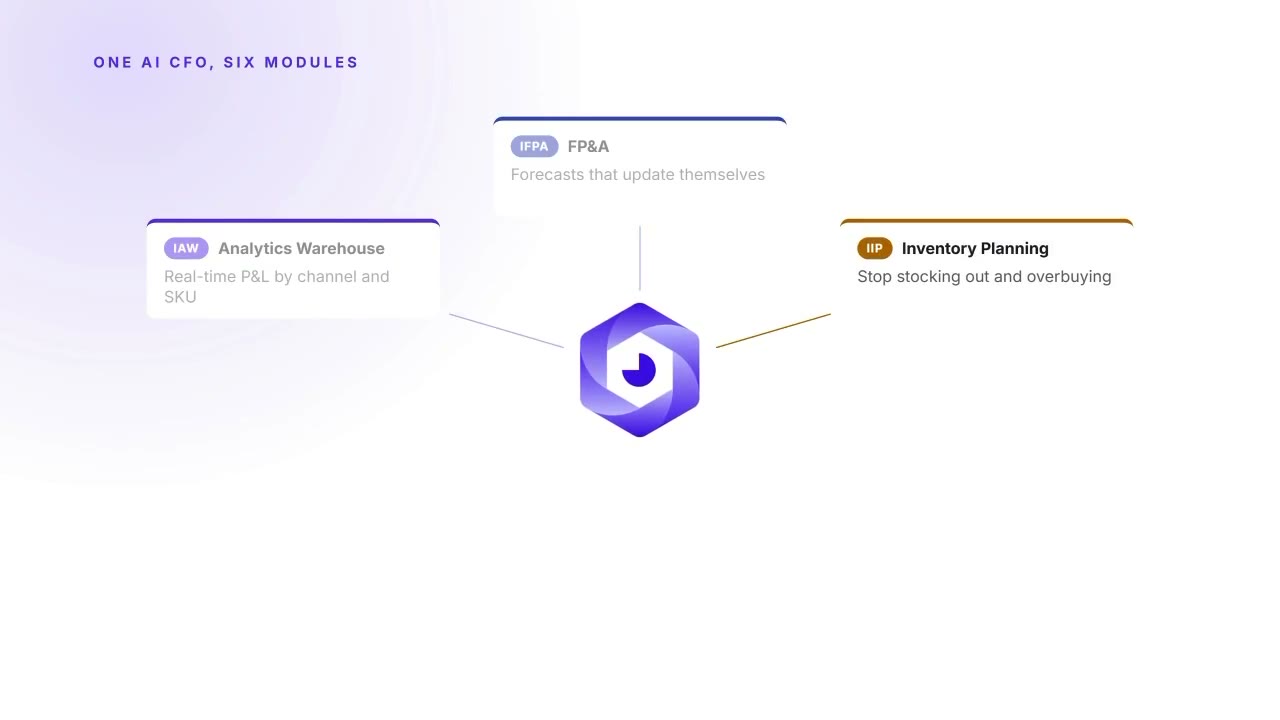
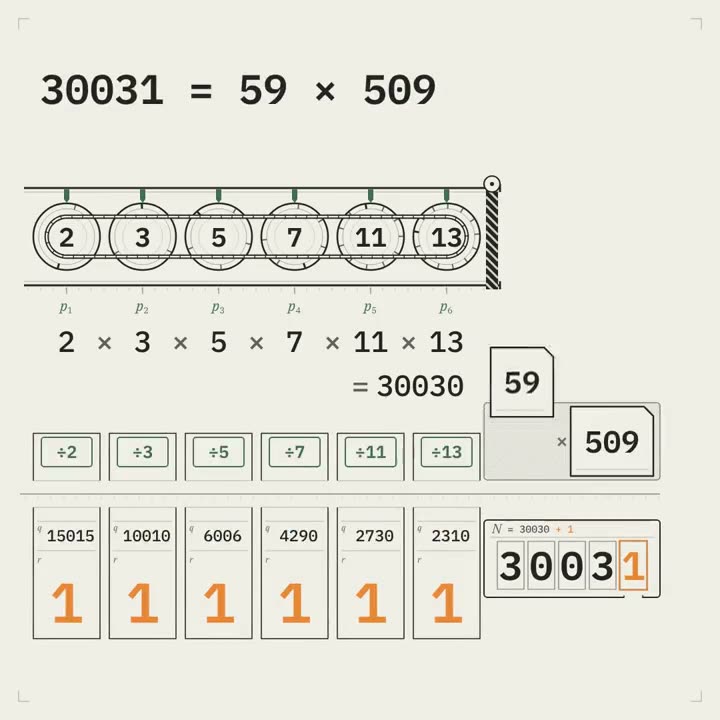
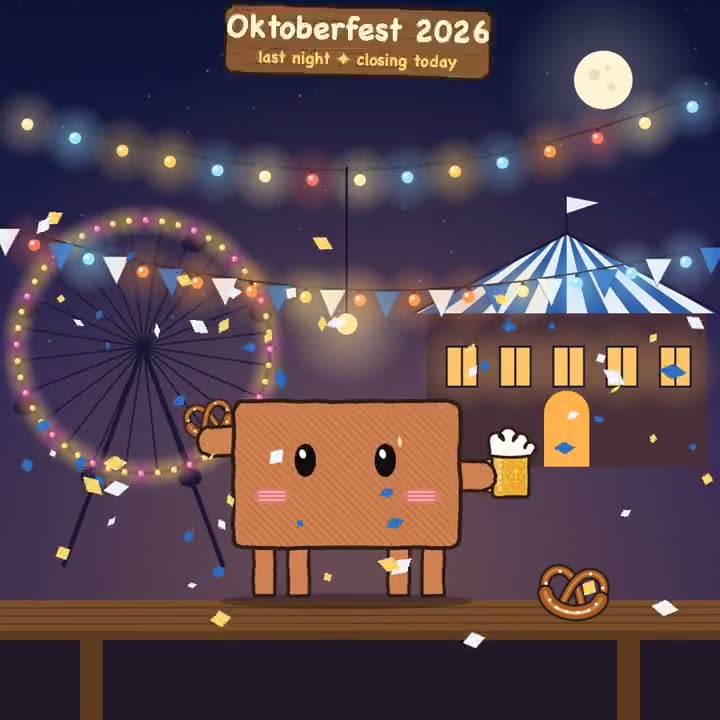
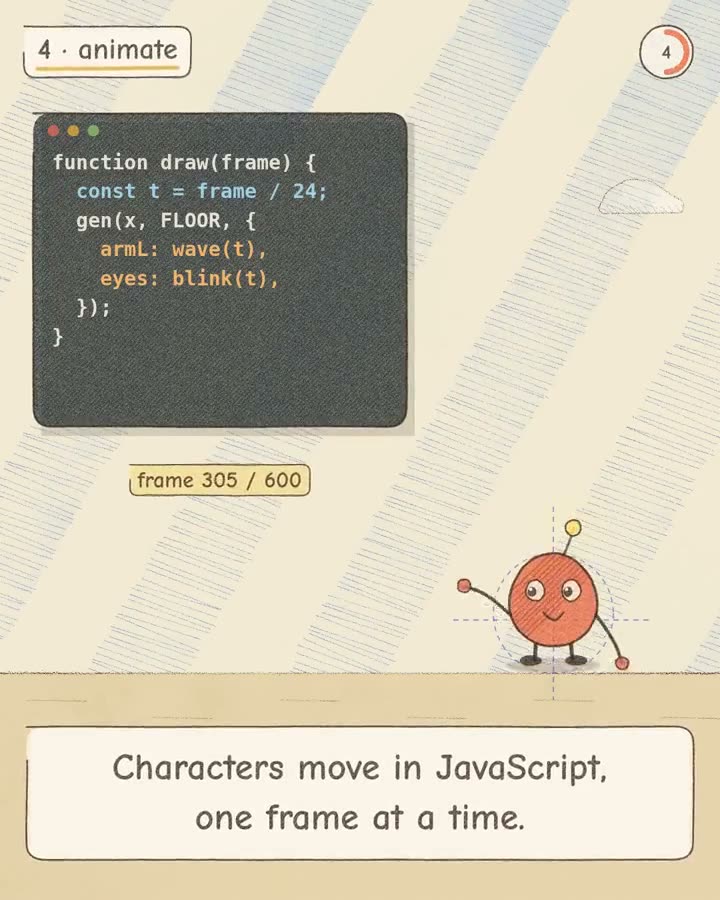
よくある質問
YouTube の解説動画を作れますか?
はい。Explainer Director が記事・メモ・テーマから 30〜90 秒の解説動画を作ります。音楽か、あなた自身のナレーションを使えます。単体のシーン(グラフ、図解、タイトル)もそのまま編集に使えます。
顔出し動画に字幕を付けられますか?
はい。Animated Captions があなたのコンピューター上で文字起こしをし、単語ごとの字幕を付けます。初回は音声モデル(約 2 GB)をダウンロードします。
データ動画の数字は正確ですか?
Data → Video はすべての数字をファイルから読み取り、作ったり推定したりしません。レンダリング前に絵コンテで確認できます。