貼上到 Claude Code、Codex、Cursor 或任何支援 Skills 的 Agent 中。
範例提示詞
Use the metric-spotlight skill: metrics "Orders: 1,240 | AOV: $64 | Returns: 3.1% | Repeat rate: 38%", focus "Repeat rate", note "Up from 22%". Paper theme, 1:1.
風格提示詞(Claude Motion 或 Opus 5.5)
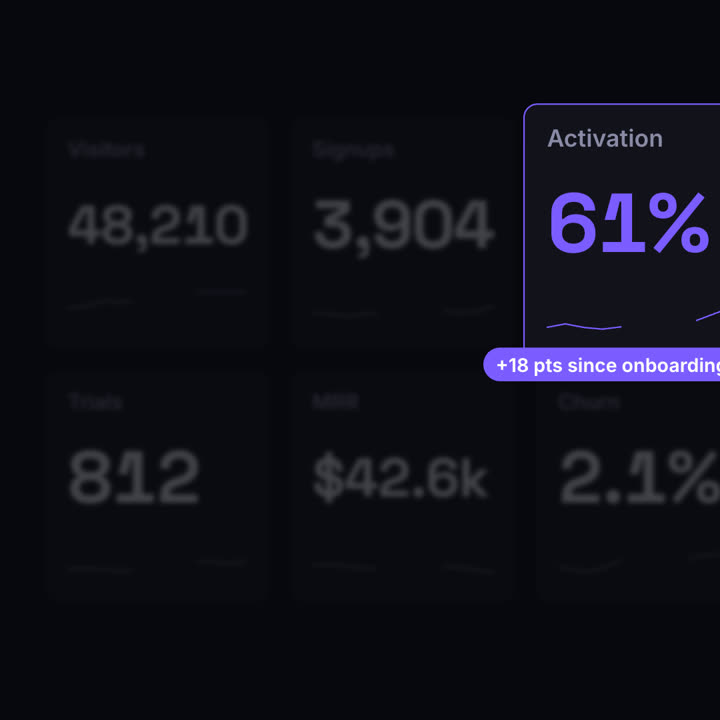
Make a 7-second 16:9 dashboard scene for [who will watch, e.g. the growth team], playing [where, e.g. the weekly review]. Use only the six metrics I attach or list below; don't round or change any. Near-black background.

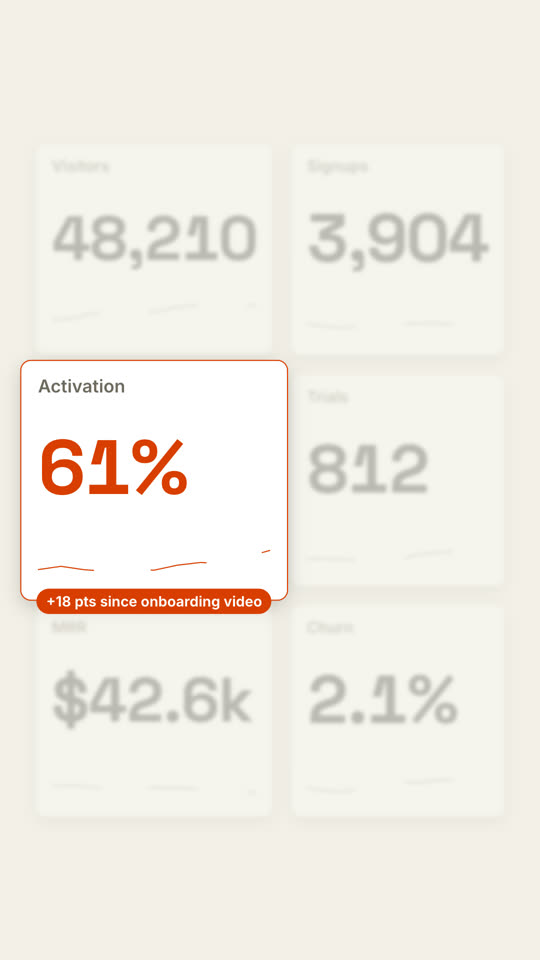
Six dark rounded tiles appear in a 3-by-2 grid, each counting up to its value while a thin sparkline draws along the bottom. Then every tile except the one I name blurs and fades, the named tile grows with an orange outline and an orange value. End frame: an orange pill with the takeaway pops onto its bottom edge, held for 1.5 seconds.

Six metrics: [names and values] (e.g. Visitors 48,210, Signups 3,904, Activation 61%, Trials 812, MRR $42.6k, Churn 2.1%)
Spotlight metric and takeaway: [e.g. Activation, "+18 pts since onboarding video"]
無需安裝:貼到 Claude Motion(Team 或 Enterprise),或直接傳給 Opus 5.5,就能得到相近的風格。每次執行結果會有差異;用 Skill 則每次結果一致。