貼上到 Claude Code、Codex、Cursor 或任何支援 Skills 的 Agent 中。
範例提示詞
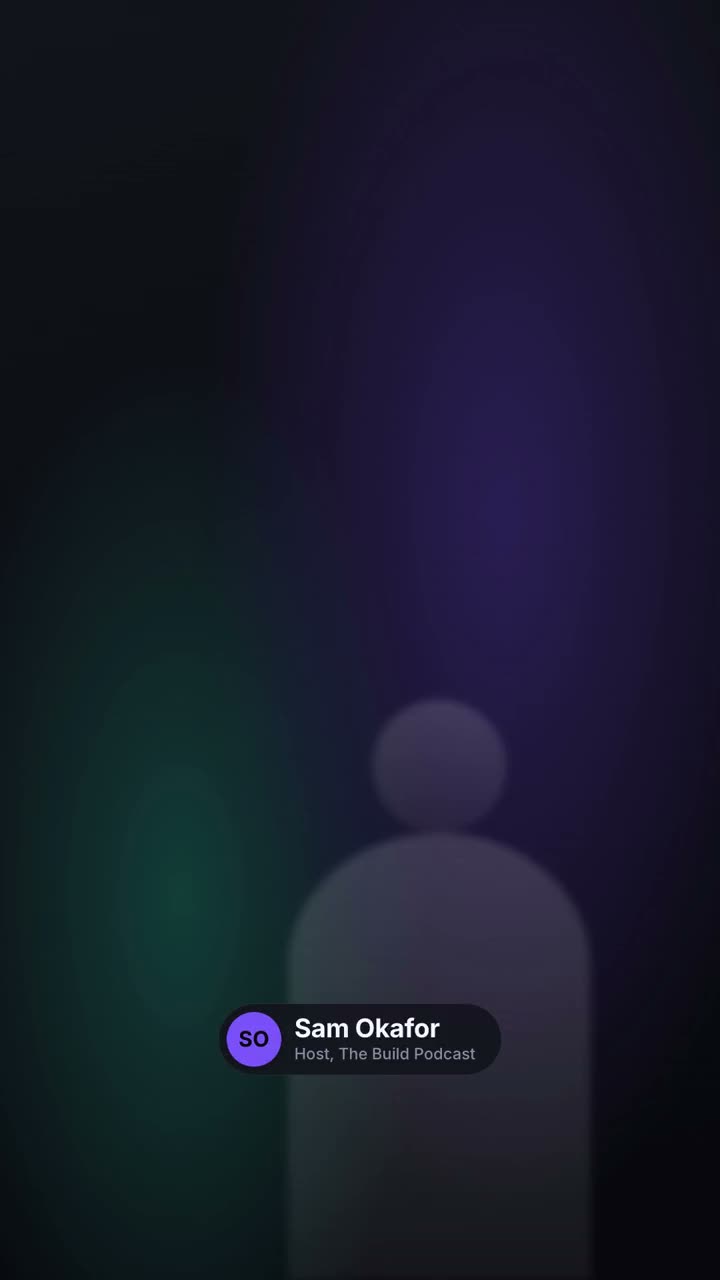
Use the lower-thirds skill to make a transparent overlay for our interview: name "Dr. Lena Ortiz", role "Chief Scientist, Helix", pill style, bottom left. Render it as a MOV with transparency.
風格提示詞(Claude Motion 或 Opus 5.5)
Make a 6-second 16:9 lower third for [who will watch, e.g. viewers of our interview video], playing [where, e.g. over the speaker's first appearance]. Use only the name and title below. Over a softly blurred, warm-toned video backdrop, or over the clip I attach.

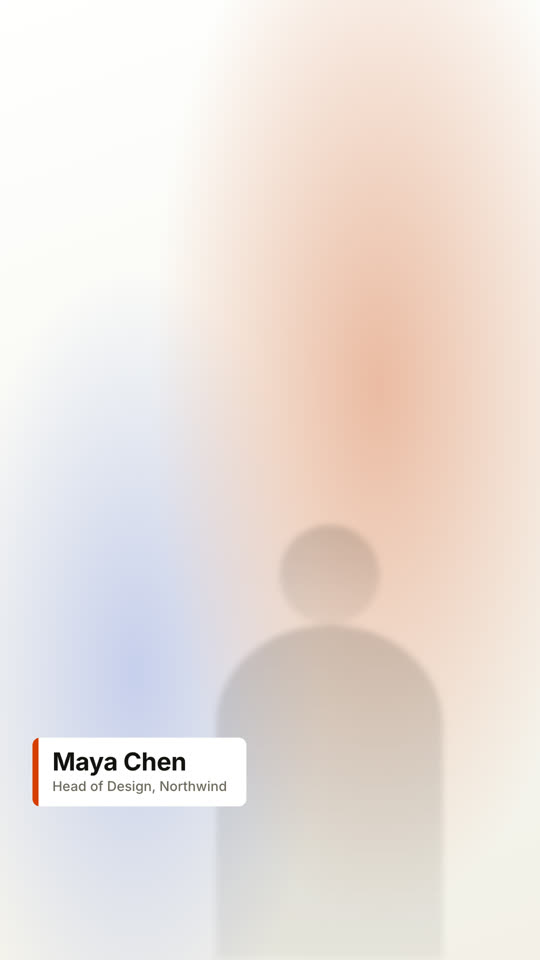
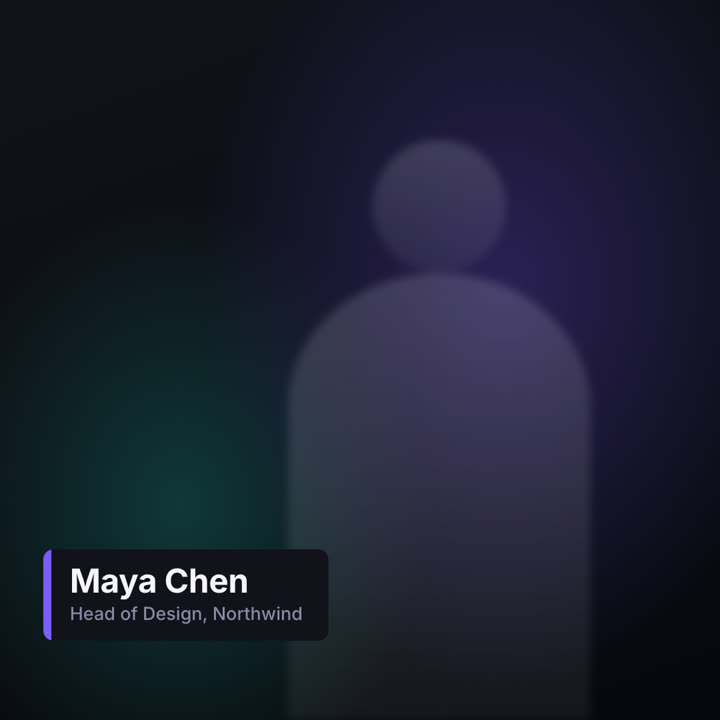
At 0.4s a slim orange vertical tab grows, then a dark rounded card wipes open from the left, revealing the name in bold white sans and the title in muted gray beneath, each sliding up slightly. Hold. End: the card wipes closed to the left at 4.7s.

Name and title: [e.g. Maya Chen, Head of Design, Northwind]
Attach (optional): [the clip it goes over]
無需安裝:貼到 Claude Motion(Team 或 Enterprise),或直接傳給 Opus 5.5,就能得到相近的風格。每次執行結果會有差異;用 Skill 則每次結果一致。