貼上到 Claude Code、Codex、Cursor 或任何支援 Skills 的 Agent 中。
範例提示詞
Use the strike-correct skill: "Most users read {the docs|the first line}." Bold style, electric theme, 1:1.
風格提示詞(Claude Motion 或 Opus 5.5)
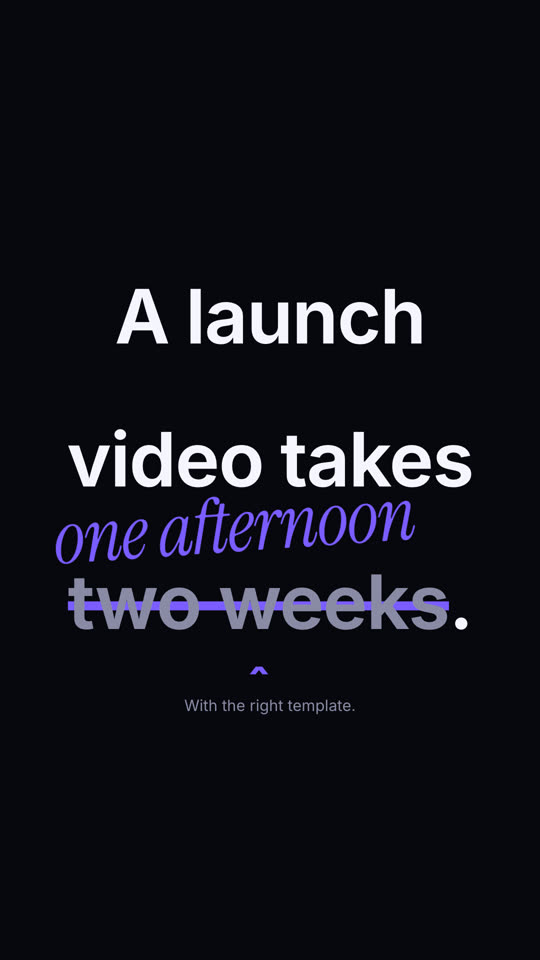
Make a 6-second 16:9 scene for [who will watch, e.g. marketers on LinkedIn], playing muted in the feed. Use only the sentence and correction below. Off-white background, bold black sans.

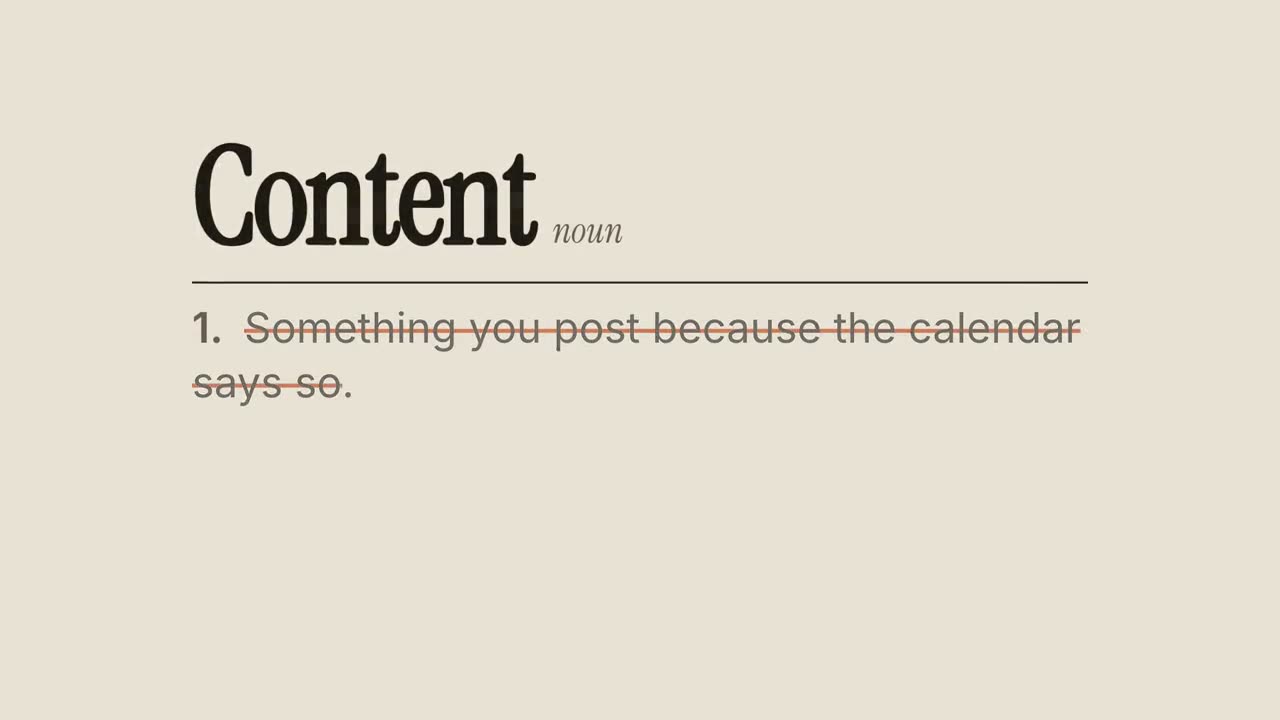
The sentence builds in word by word. At 2 seconds an orange line strikes through the wrong phrase, which fades to gray, a small orange caret appears beneath it, and the correction pops in above in orange handwritten-style italic, slightly rotated. End frame: a small gray footnote sits below, held for 1.5 seconds.

Sentence: [e.g. "A launch video takes two weeks."]
Wrong phrase and correction: [e.g. "two weeks" → "one afternoon"]
Footnote: [e.g. "With the right template."]
無需安裝:貼到 Claude Motion(Team 或 Enterprise),或直接傳給 Opus 5.5,就能得到相近的風格。每次執行結果會有差異;用 Skill 則每次結果一致。