← Skills
免費講解
動效導演
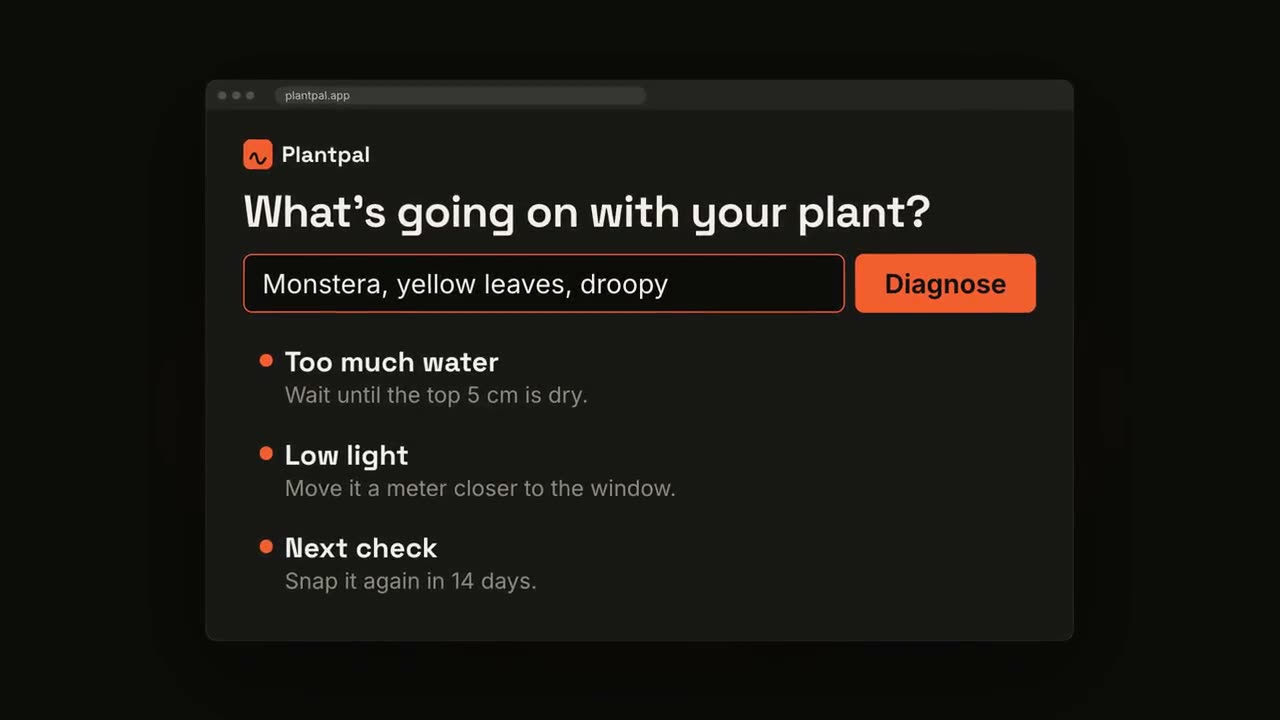
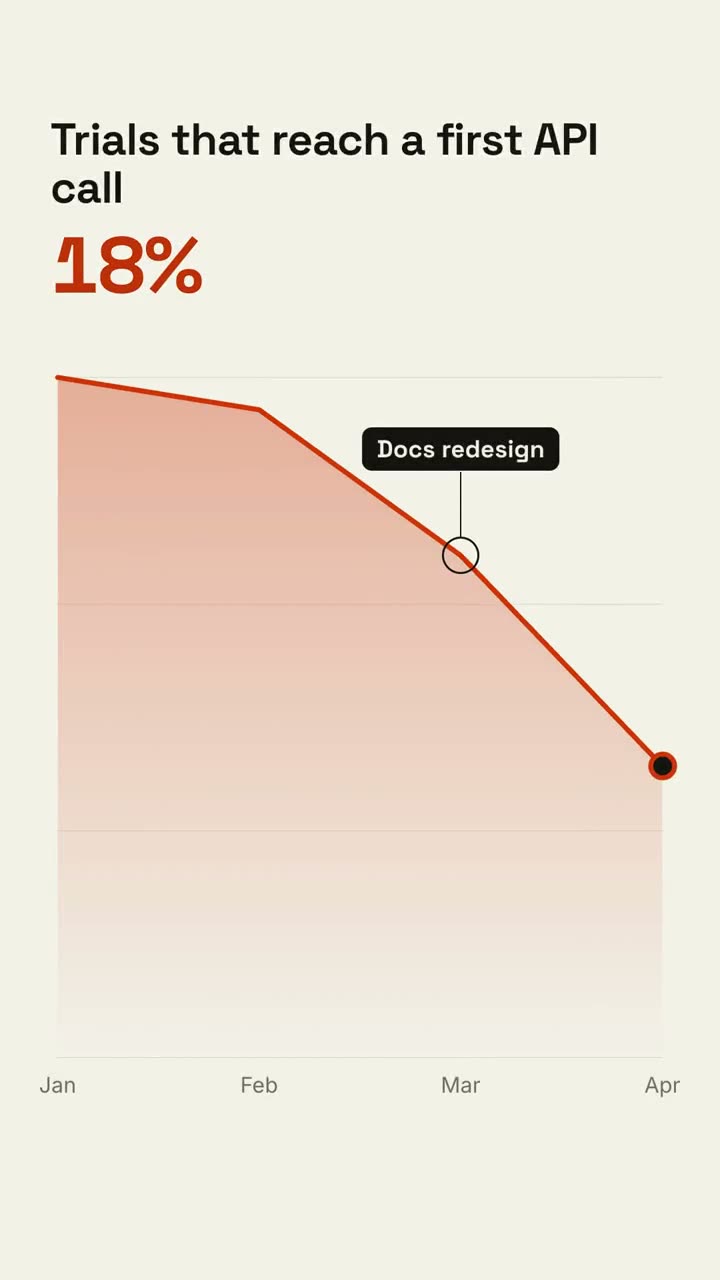
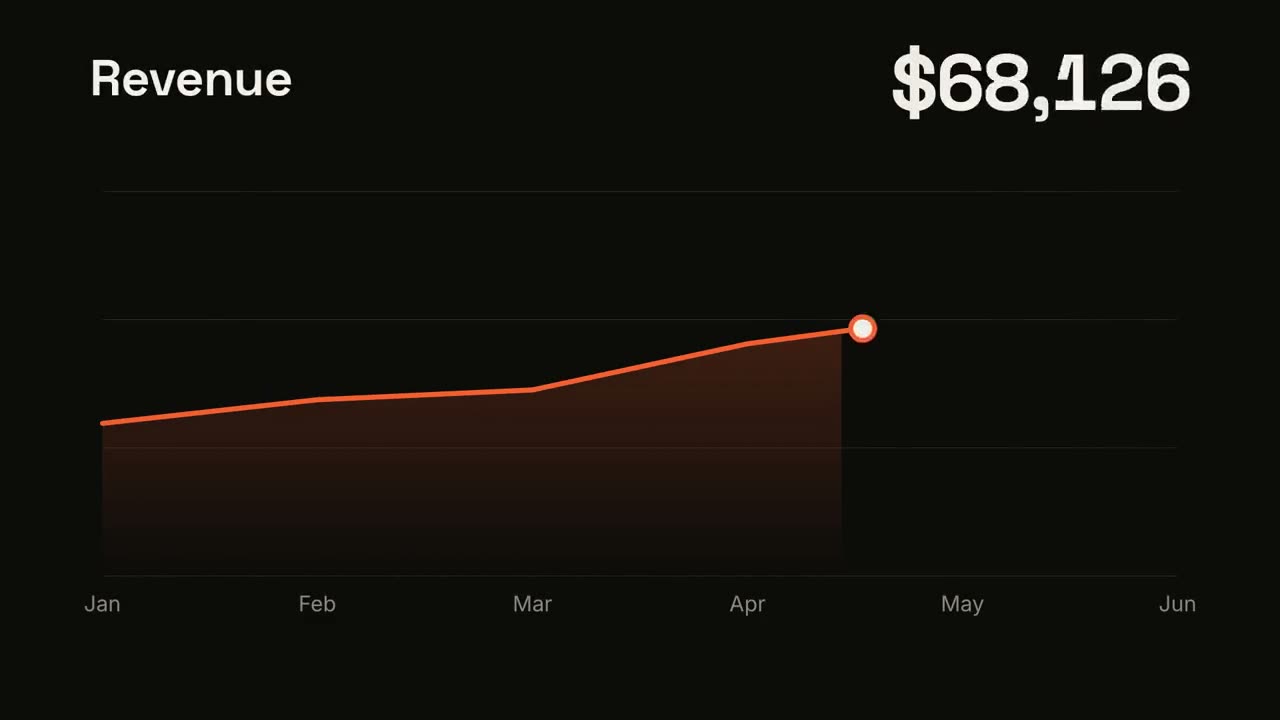
描述你想要的影片,Agent 逐個鏡頭導演,直接算繪出 MP4。
貼上到 Claude Code、Codex、Cursor 或任何支援 Skills 的 Agent 中。
需要: Node.js 22+、FFmpeg、Chrome。不需要 API Key。
安裝提示詞
閱讀 https://claude-motion.com/skills/motion-director/install.md,依說明安裝「motion-director」Skill,然後用它做出第一支影片。
貼上到 Claude Code、Codex、Cursor 或任何支援 Skills 的 Agent 中。
範例提示詞
Use the motion-director skill: a 20-second launch video for our 2.0 release, 16:9, from the notes in CHANGELOG.md.
風格提示詞(Claude Motion 或 Opus 5.5)
Make a 20-second 16:9 launch video for [who will watch, e.g. our existing users], playing [where, e.g. muted in the X and LinkedIn feed]. Use only the release notes and numbers I attach; don't invent features or change a number. Electric dark style, upbeat pace.

Scene 1: a bold hook line. Scene 2: the product on screen. Scene 3: the three biggest changes tick off one by one. Scene 4: two headline numbers count up. End frame: product name, one call to action and the URL, held for 2 seconds.

Attach: [your release notes or changelog]
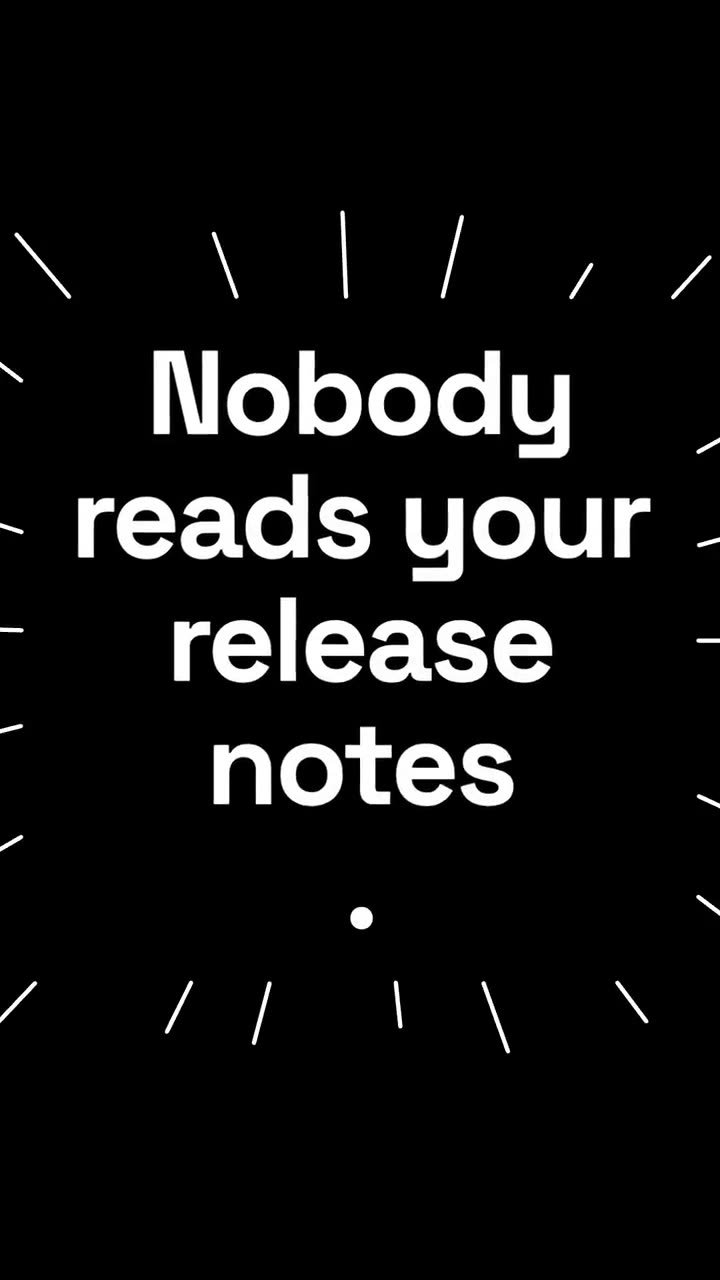
Hook: [one line, e.g. "Release notes nobody reads? Not anymore."]
Call to action: [e.g. "Update today"]
無需安裝:貼到 Claude Motion(Team 或 Enterprise),或直接傳給 Opus 5.5,就能得到相近的風格。每次執行結果會有差異;用 Skill 則每次結果一致。
讓你的素材發揮更多
查看方案 →動效導演 免費就能做出一整支影片。如果你的素材是程式庫、試算表、文章或腳本,這些工作流程能做得更深入:每個 $4.99,或用訂閱全部解鎖。