貼上到 Claude Code、Codex、Cursor 或任何支援 Skills 的 Agent 中。
範例提示詞
Use the agenda-progress skill: title "Workshop", items "Setup | Your first skill | Brand kit | Publishing", current 2. Ink theme, 1:1.
風格提示詞(Claude Motion 或 Opus 5.5)
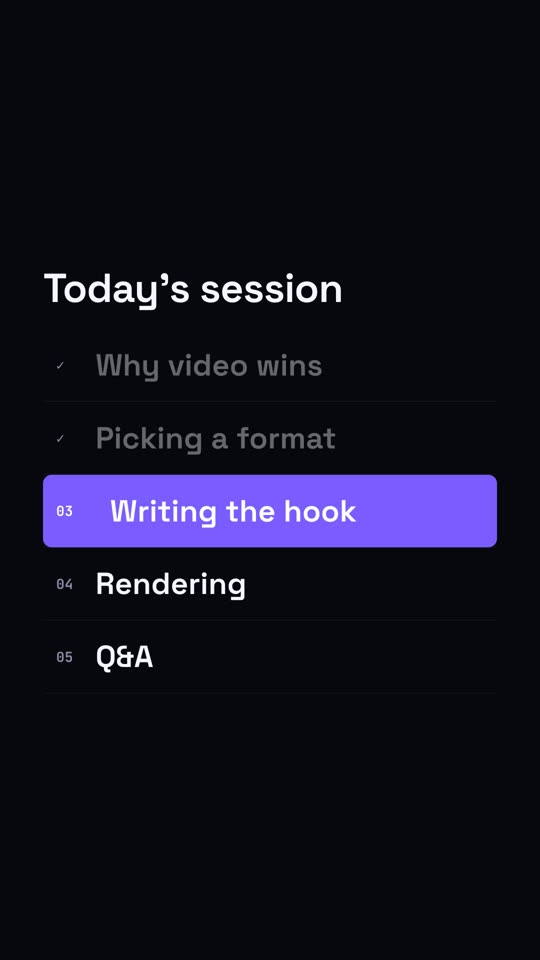
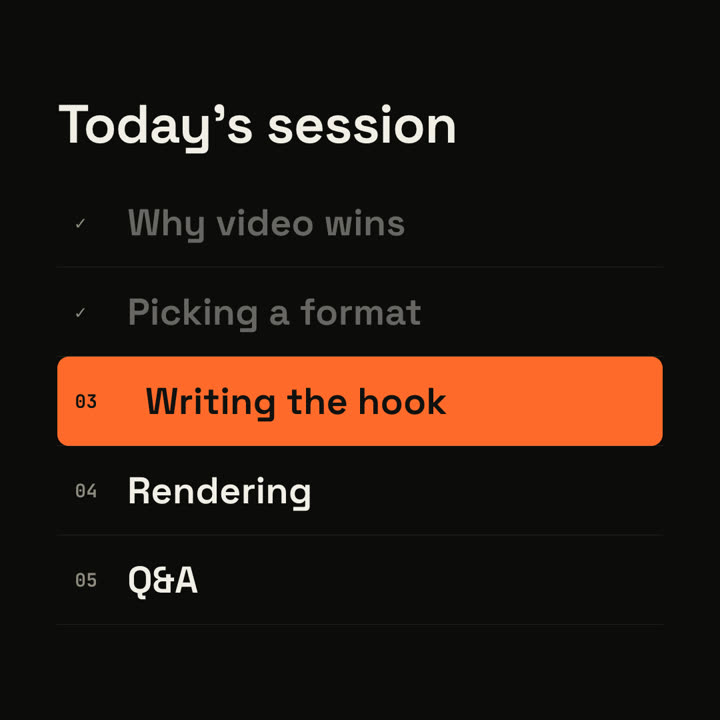
Make a 6-second 16:9 agenda scene for [who will watch, e.g. webinar attendees], playing [where, e.g. between sections of the session]. Use only the title and five items below. Off-white background.

The title appears. Five numbered rows slide in. An orange highlight bar sits on the current row, the finished rows dim and their numbers turn into ticks. End frame: the bar slides down to the next item, whose text turns white and nudges right.

Title: [e.g. "Today's session"]
Five items: [e.g. "Why video wins", "Picking a format", "Writing the hook", "Rendering", "Q&A"]
Current item: [e.g. "Writing the hook"]
無需安裝:貼到 Claude Motion(Team 或 Enterprise),或直接傳給 Opus 5.5,就能得到相近的風格。每次執行結果會有差異;用 Skill 則每次結果一致。