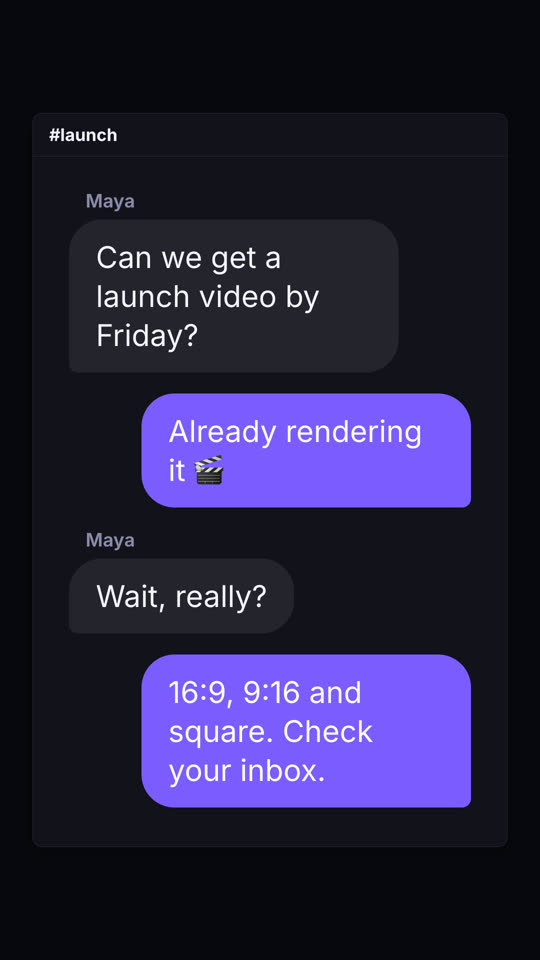
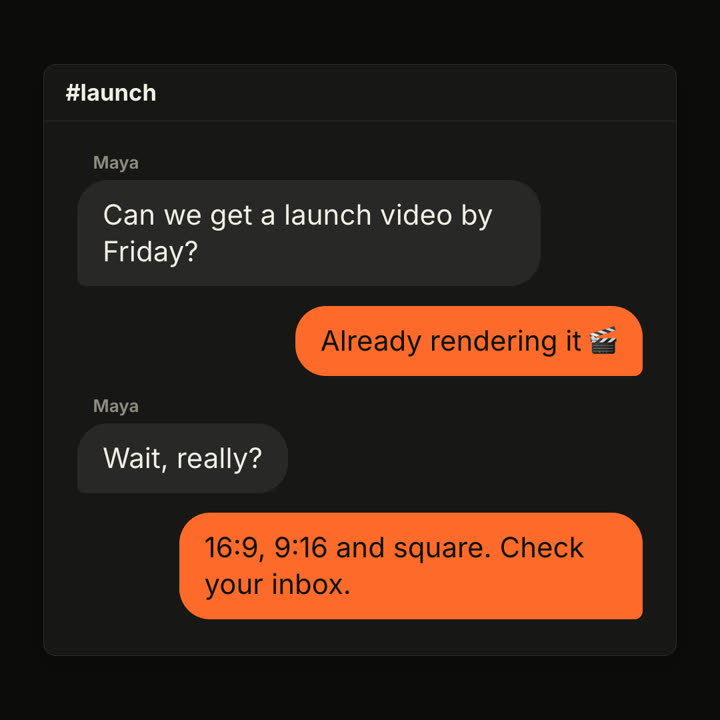
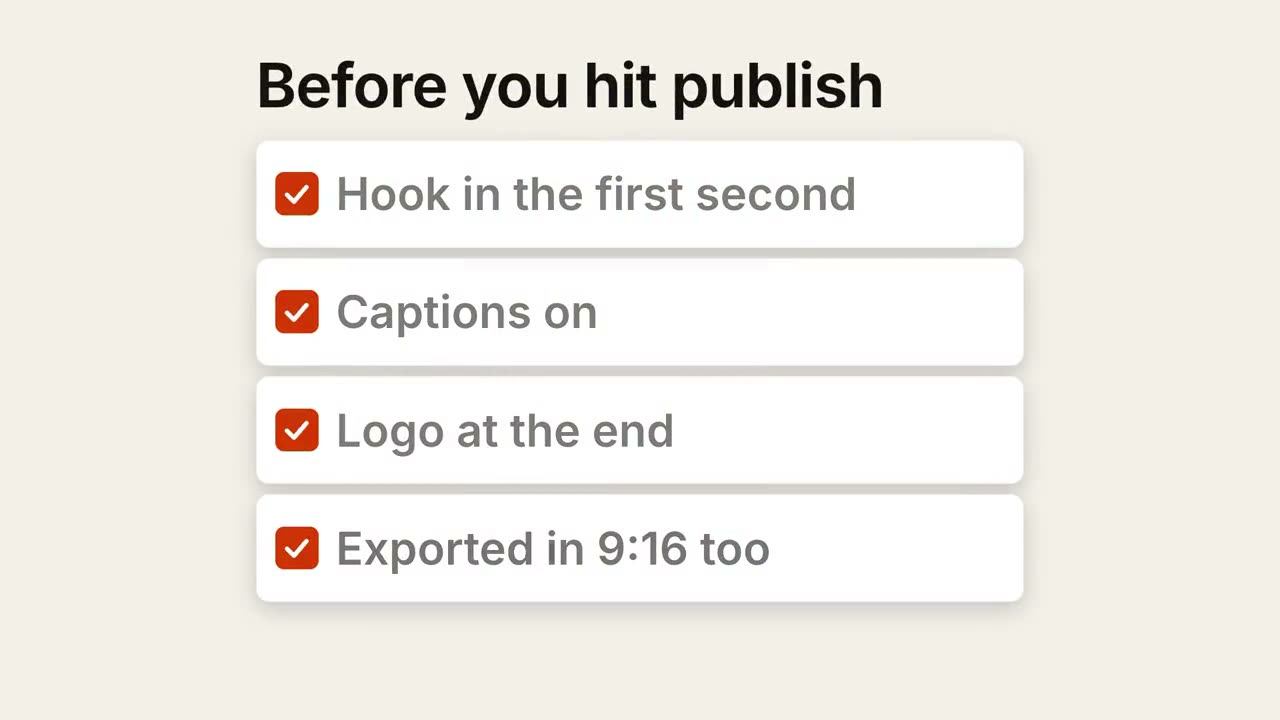
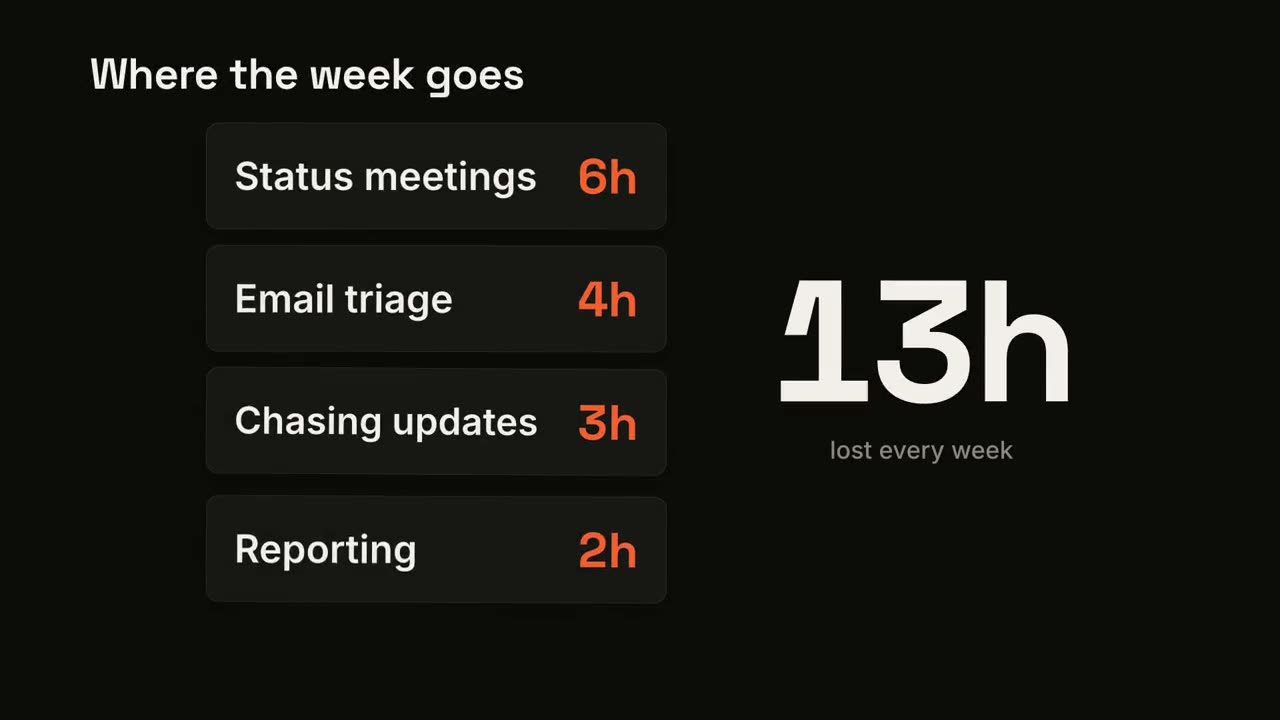
貼上到 Claude Code、Codex、Cursor 或任何支援 Skills 的 Agent 中。
範例提示詞
Use the chat-thread skill: messages "Customer: Is there a free plan? | Support: Yes, forever free up to 3 projects. | Customer: Sold.", header "Support". Electric theme, 9:16.
風格提示詞(Claude Motion 或 Opus 5.5)
Make an 8-second 16:9 chat scene for [who will watch, e.g. teams who'd use our product], playing [where, e.g. X and LinkedIn]. Use only the channel name and messages below, in order. A generic chat window, not any real app's design. Off-white background.

A white rounded window with the channel header fades up. Messages play out one by one, each preceded by a gray bubble with three bouncing typing dots: the other person on the left in gray bubbles, the replies on the right in orange bubbles. End frame: the full thread, held for 1.5 seconds.

Channel: [e.g. "#launch"]
Messages: [name and line, 4 messages] (e.g. Maya: "Can we get a launch video by Friday?" / Reply: "Already rendering it 🎬")
無需安裝:貼到 Claude Motion(Team 或 Enterprise),或直接傳給 Opus 5.5,就能得到相近的風格。每次執行結果會有差異;用 Skill 則每次結果一致。