← 場景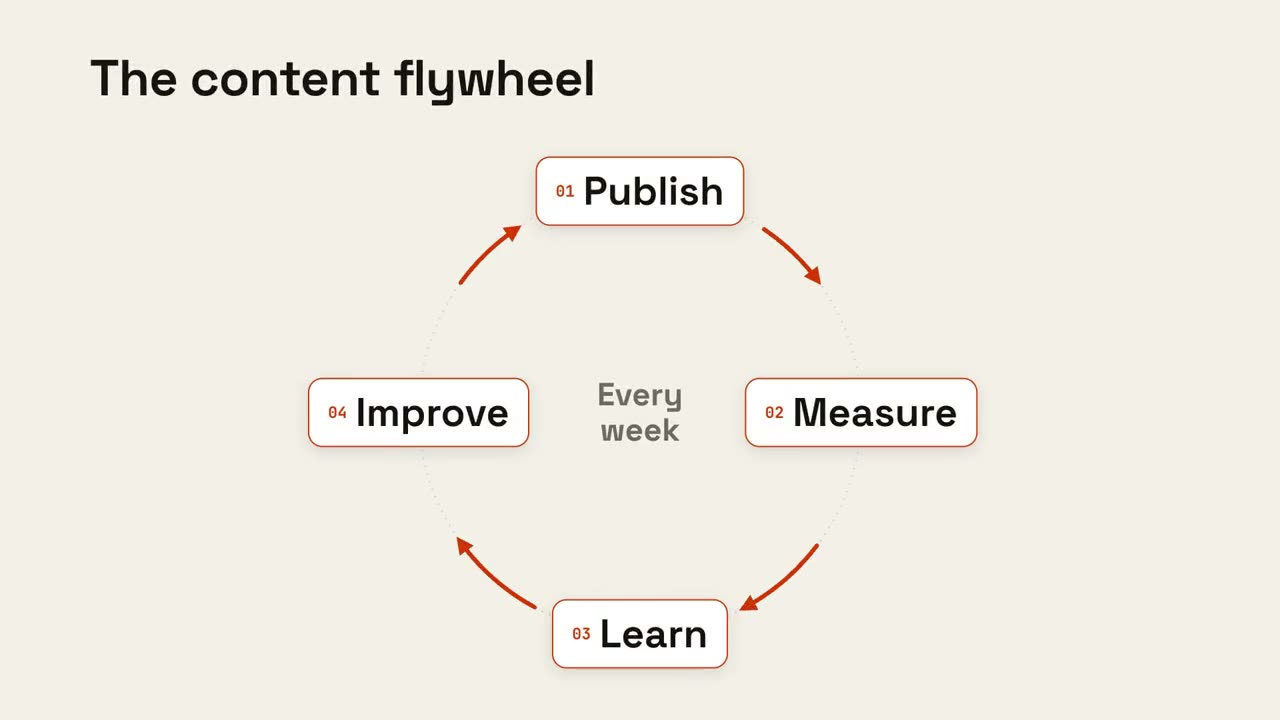
 付費
付費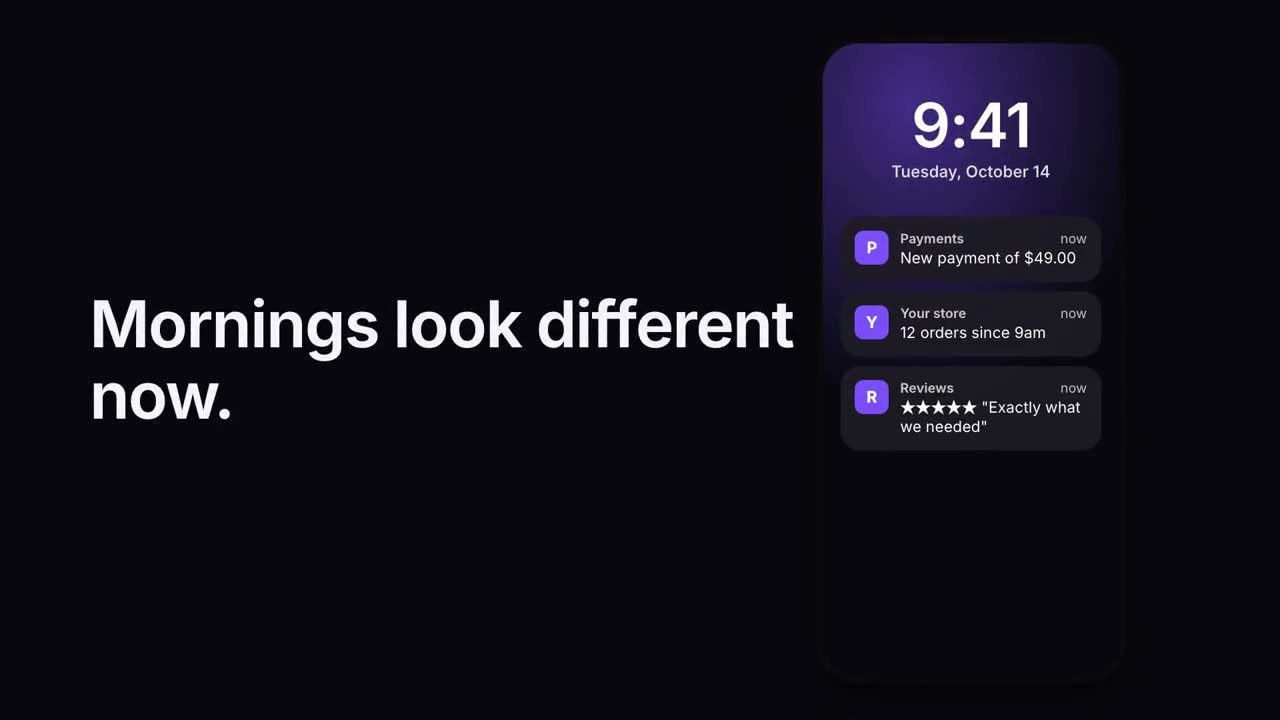 付費
付費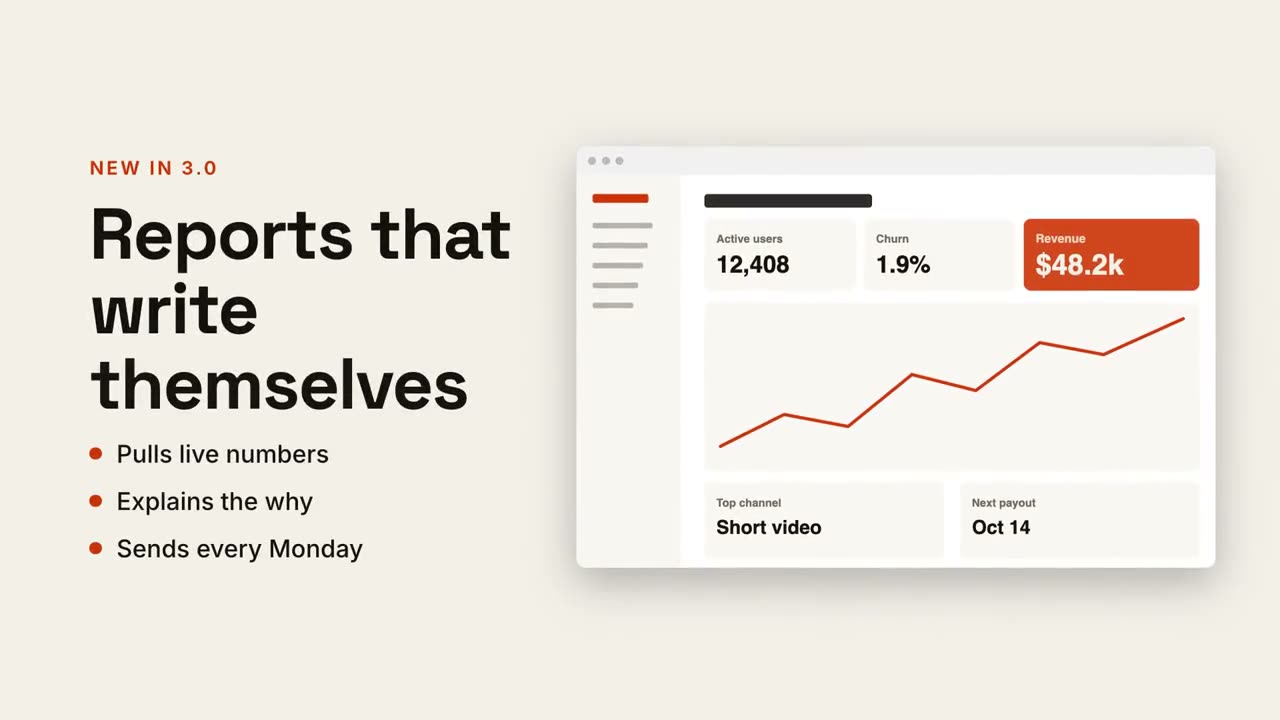 付費
付費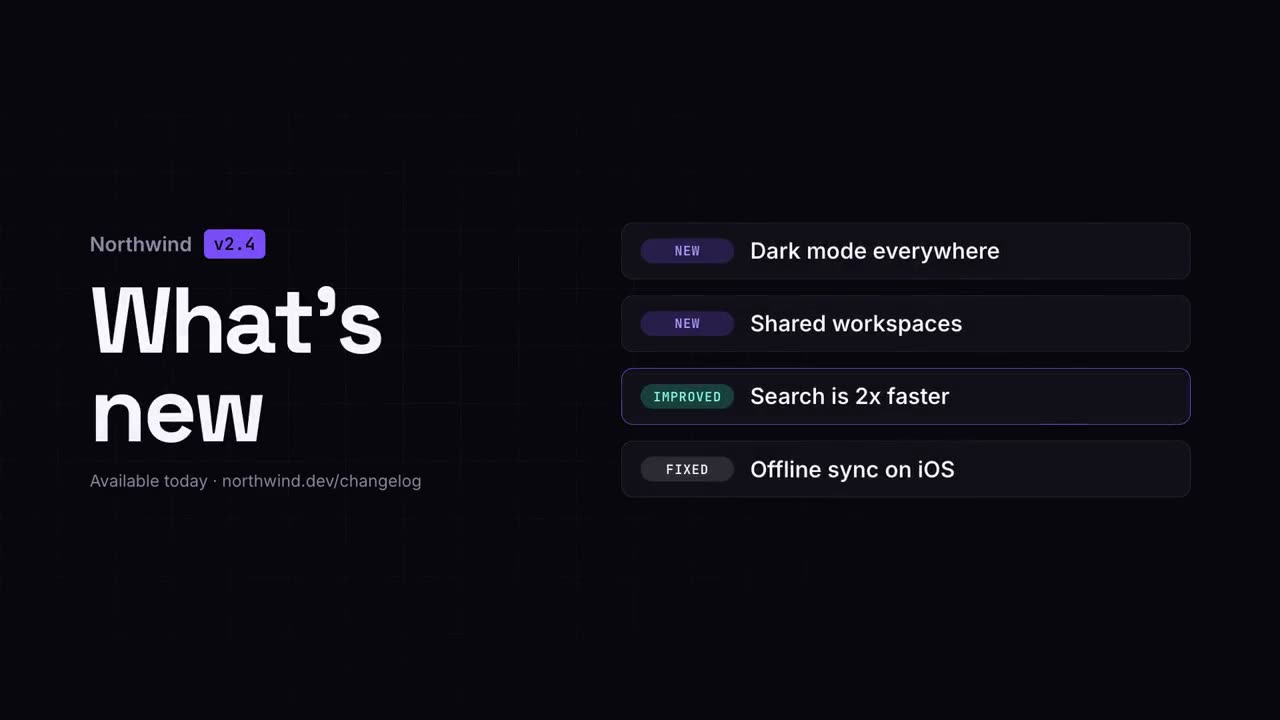 免費免費免費免費免費
 免費
免費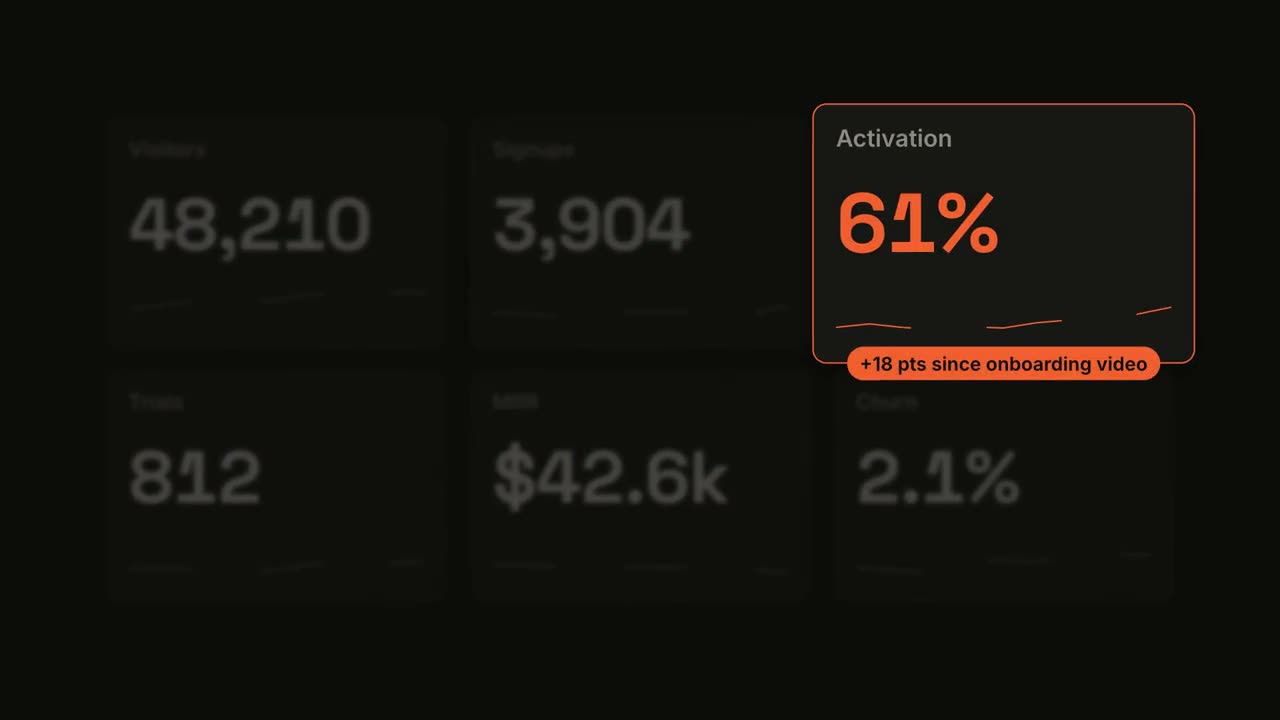 付費
付費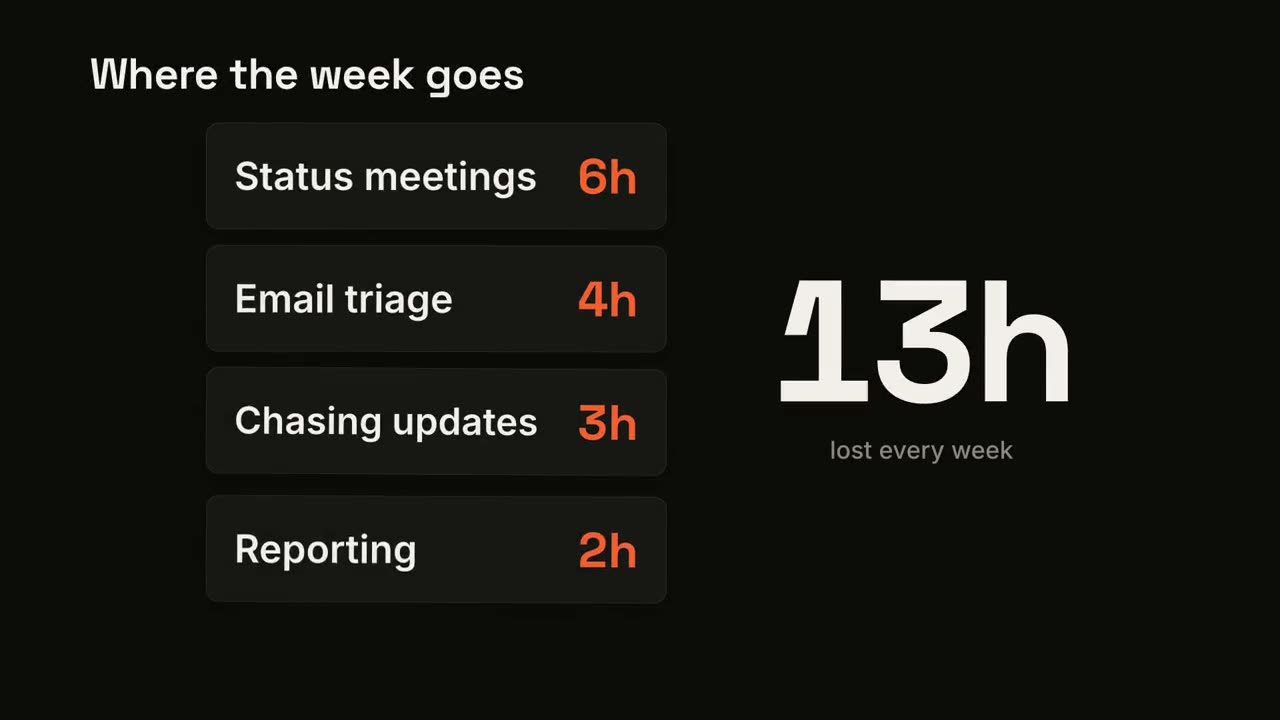 付費
付費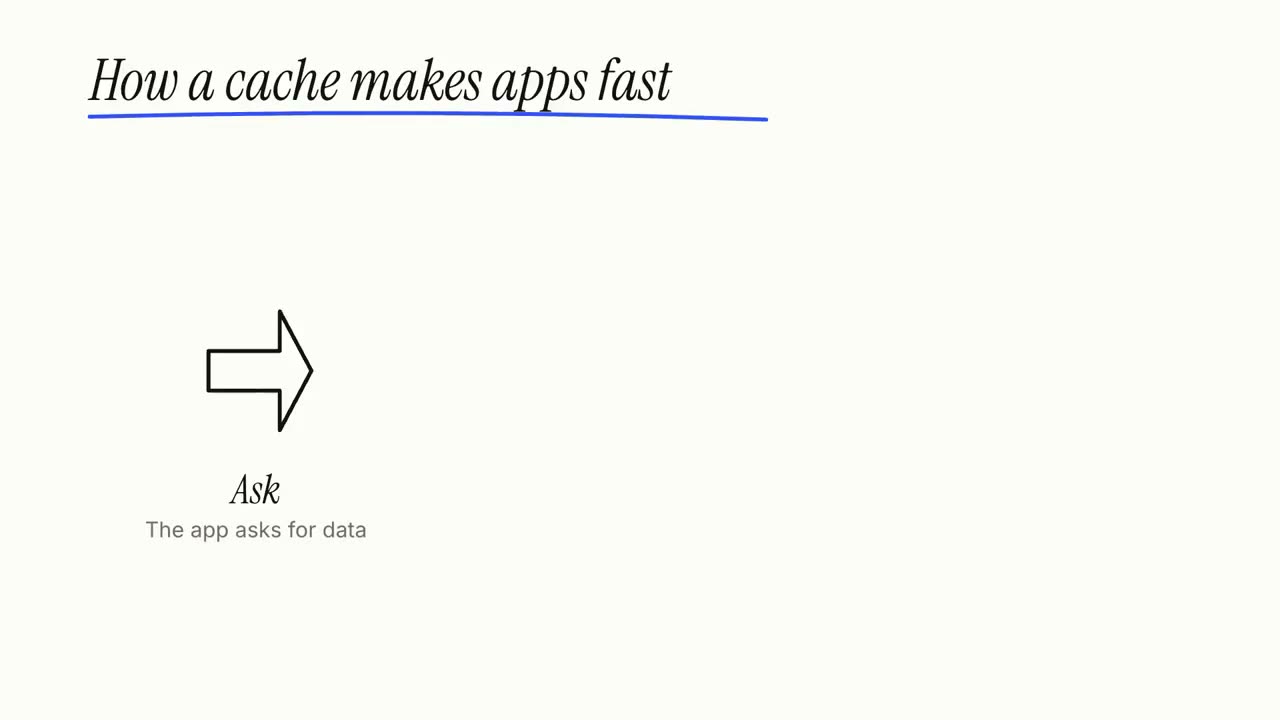 付費
付費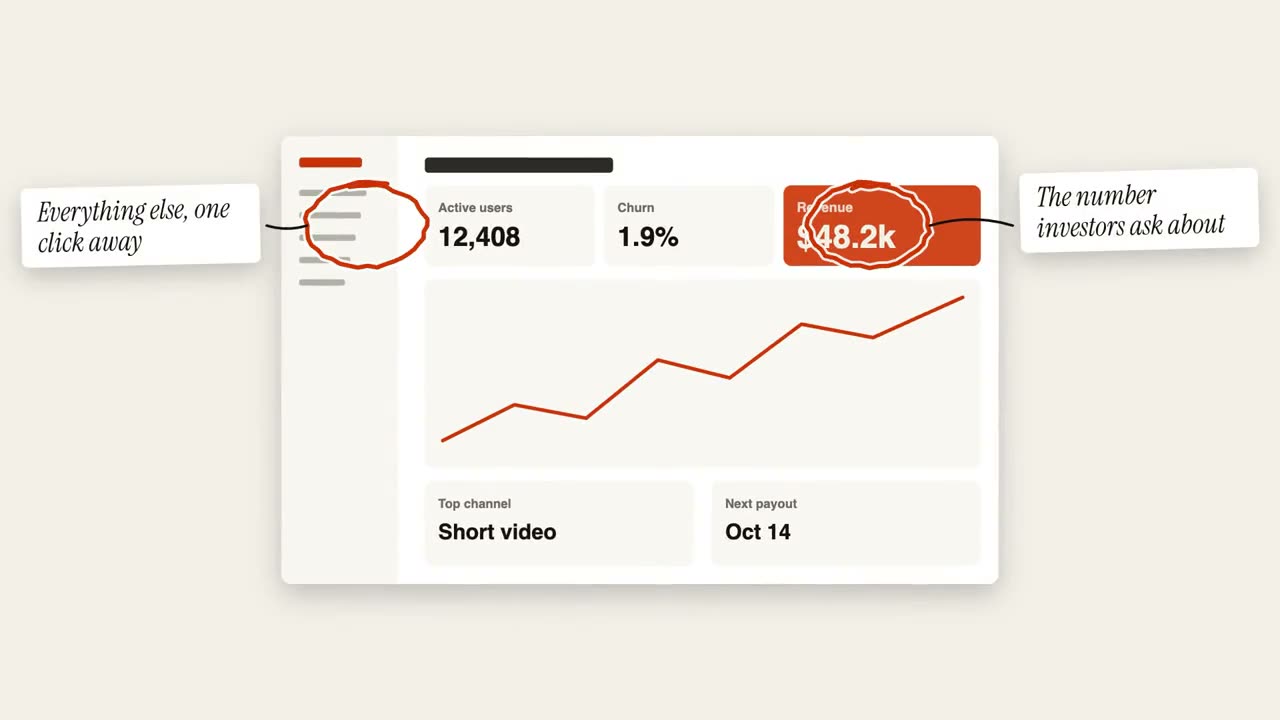 付費
付費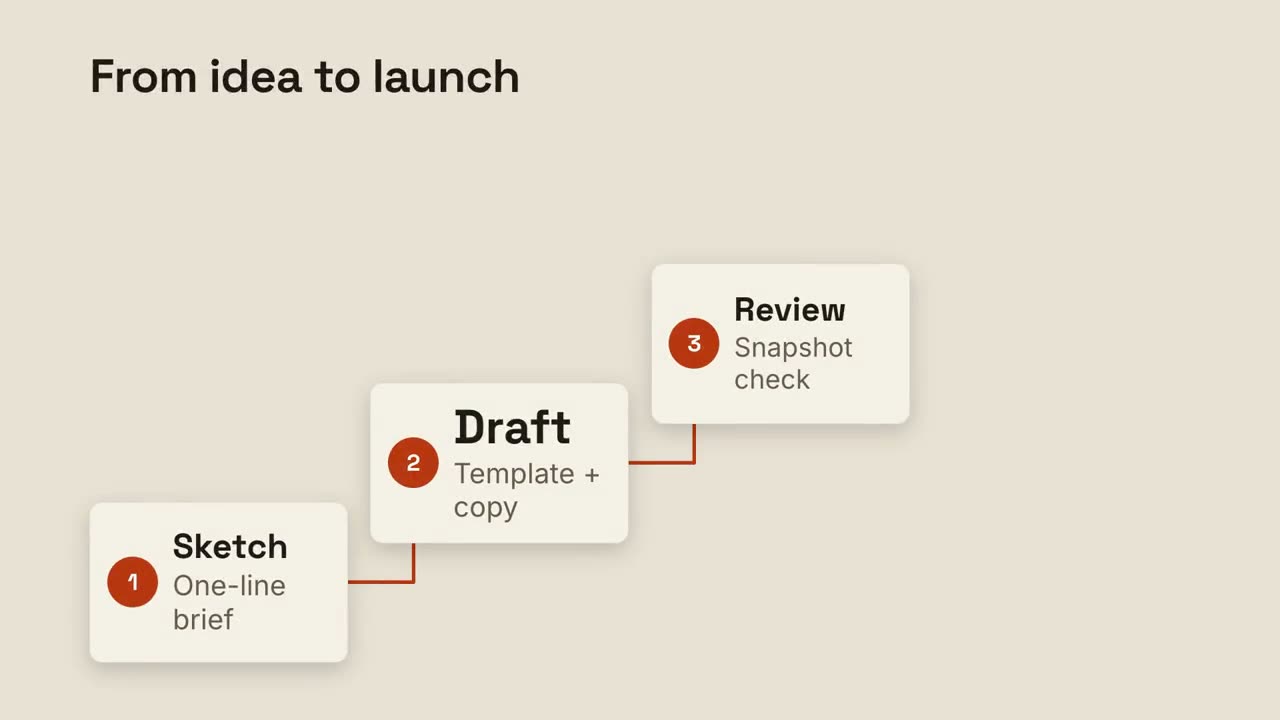 付費
付費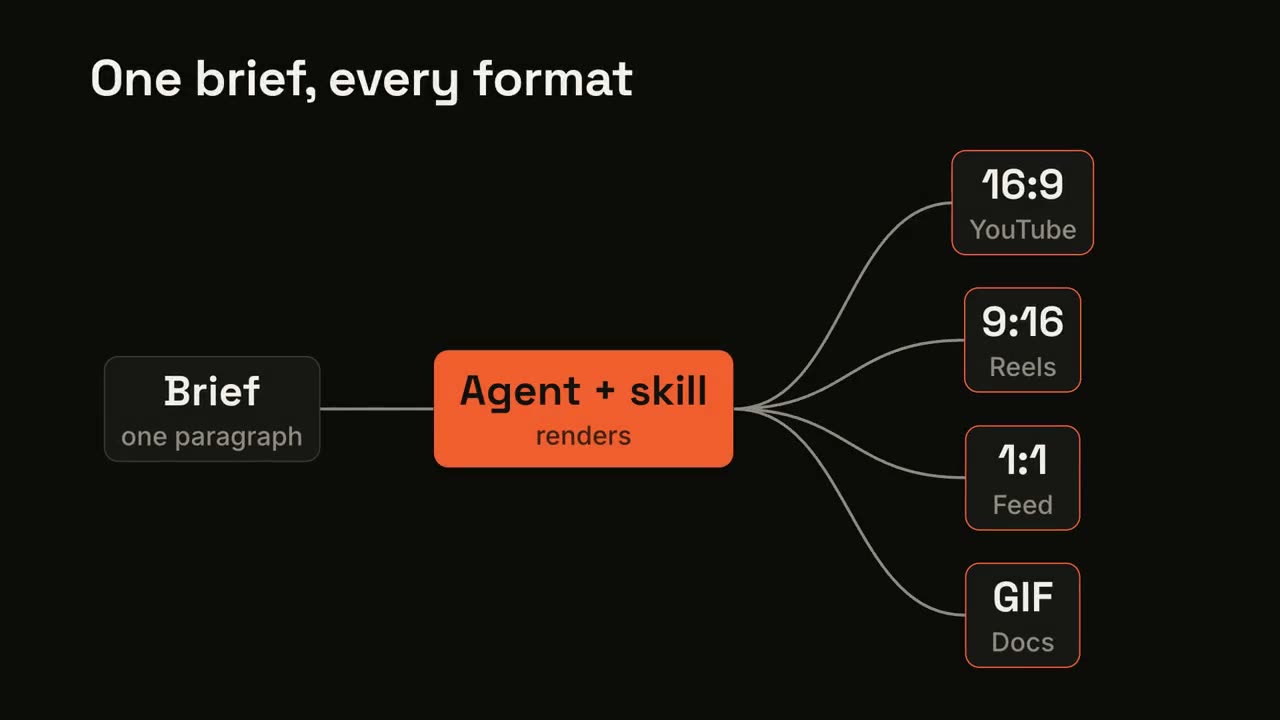 付費
付費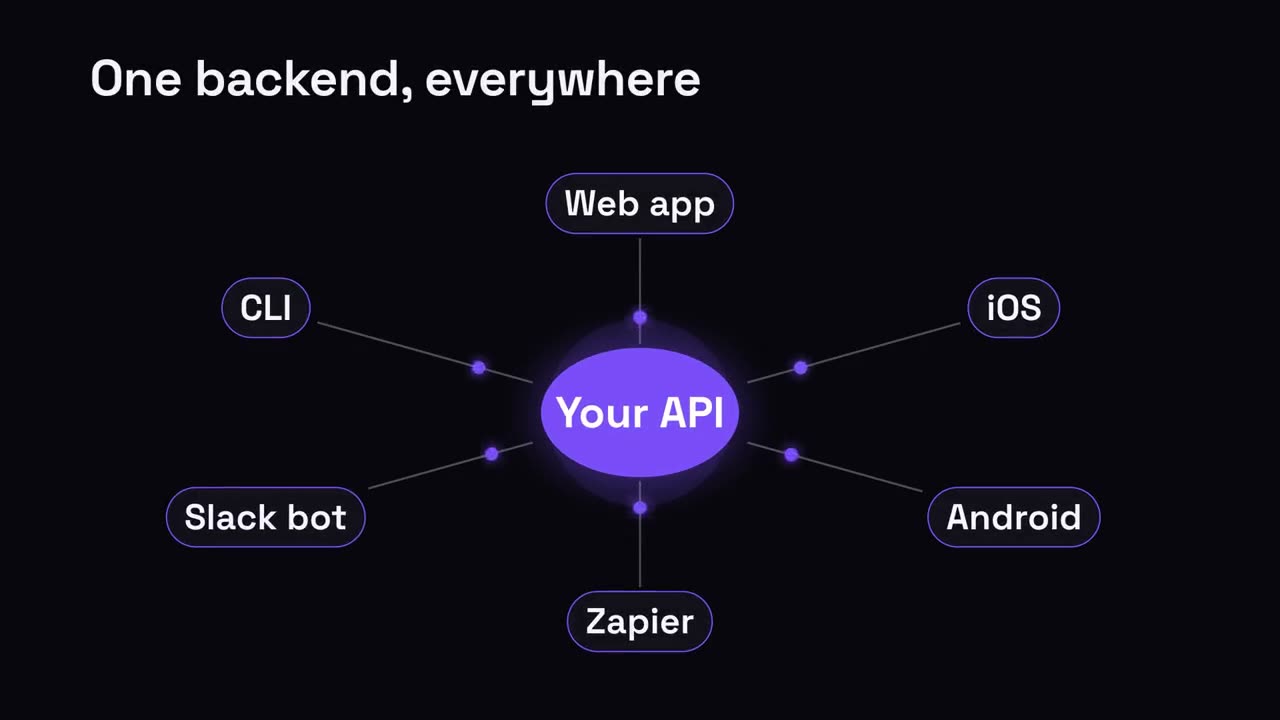 付費
付費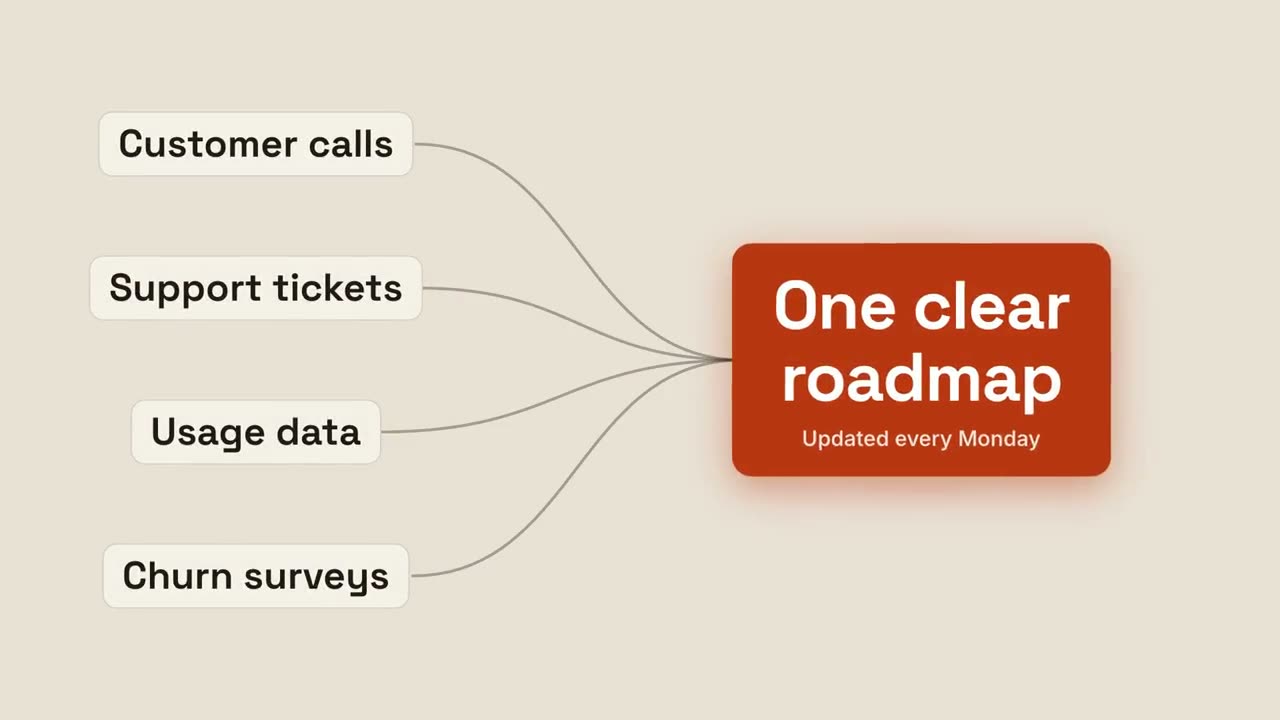 付費
付費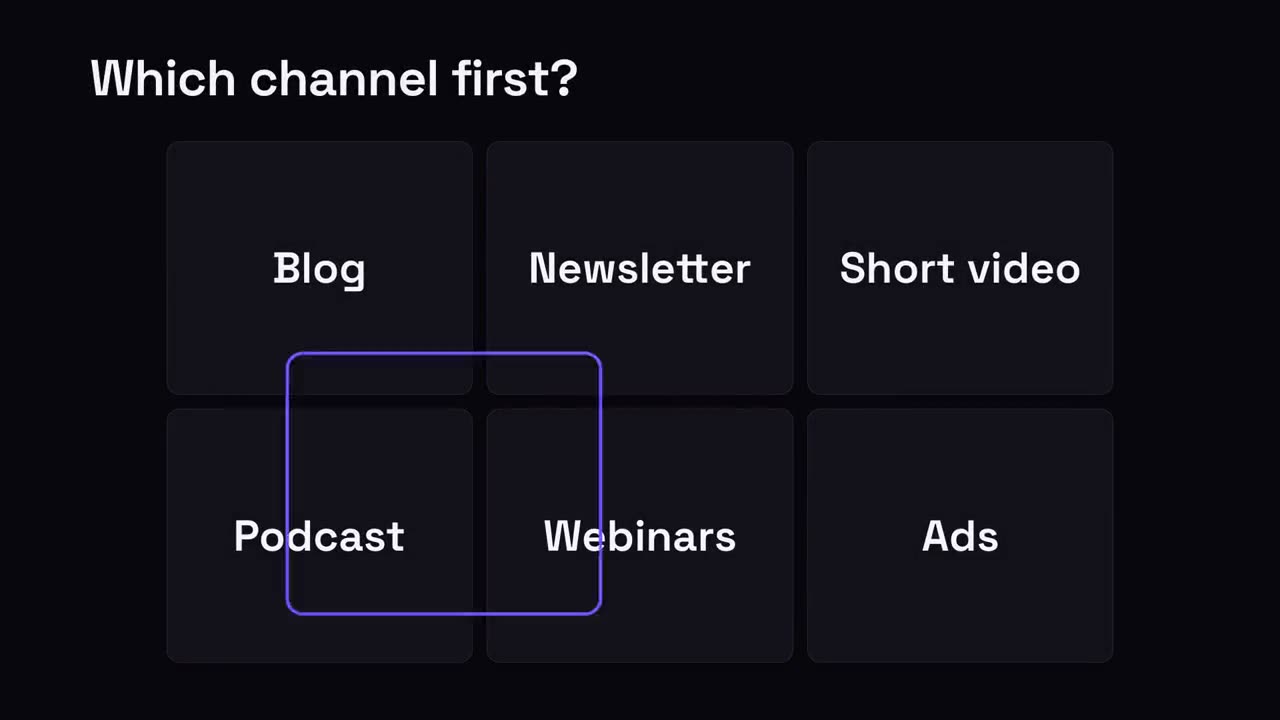 付費
付費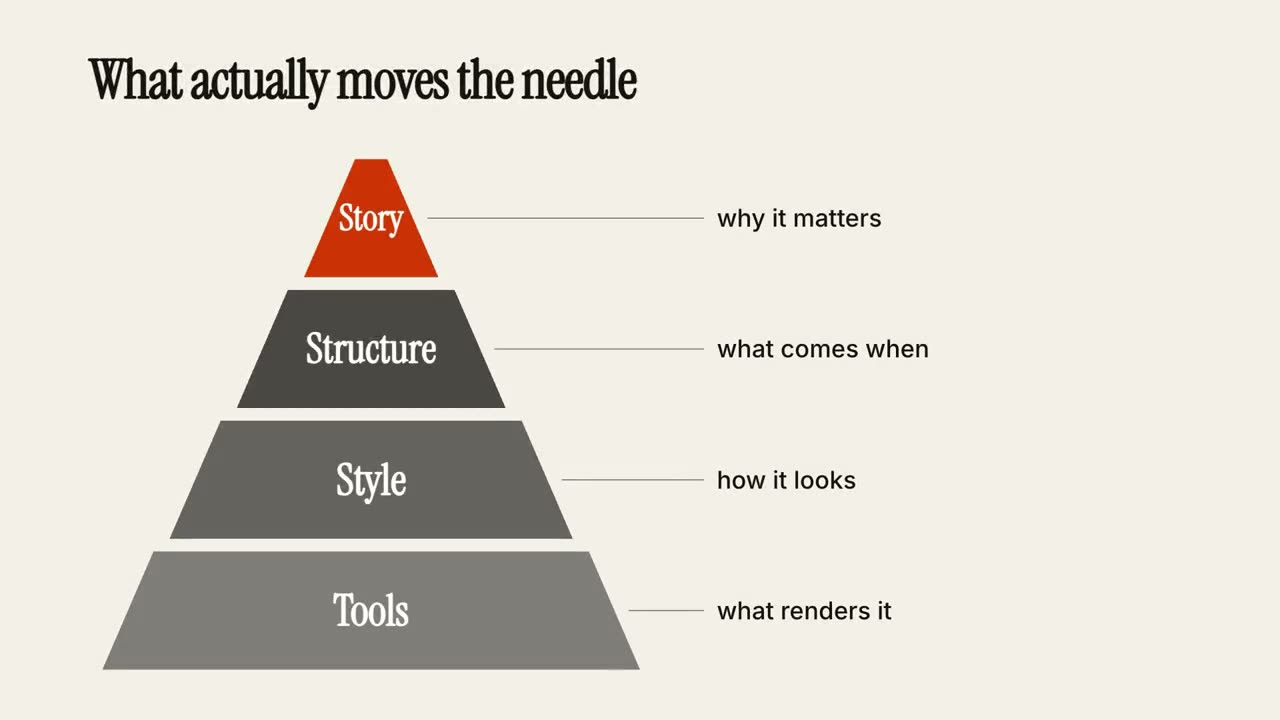 付費
付費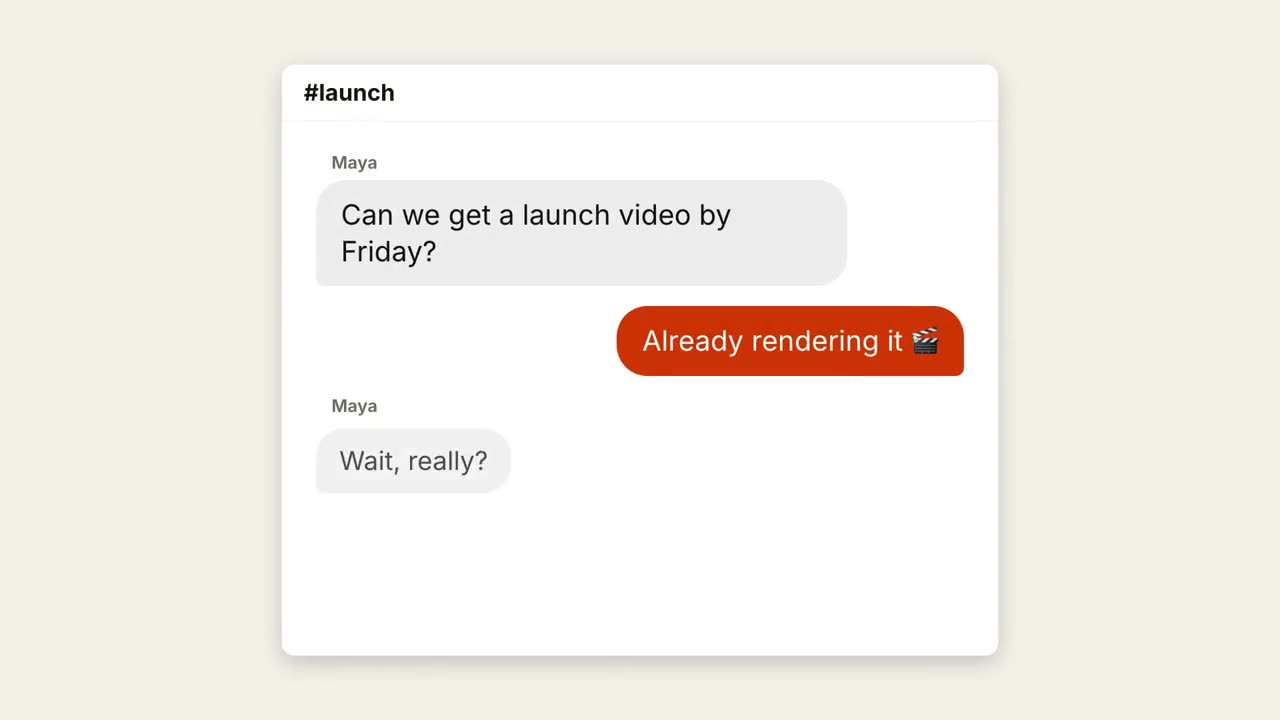 付費
付費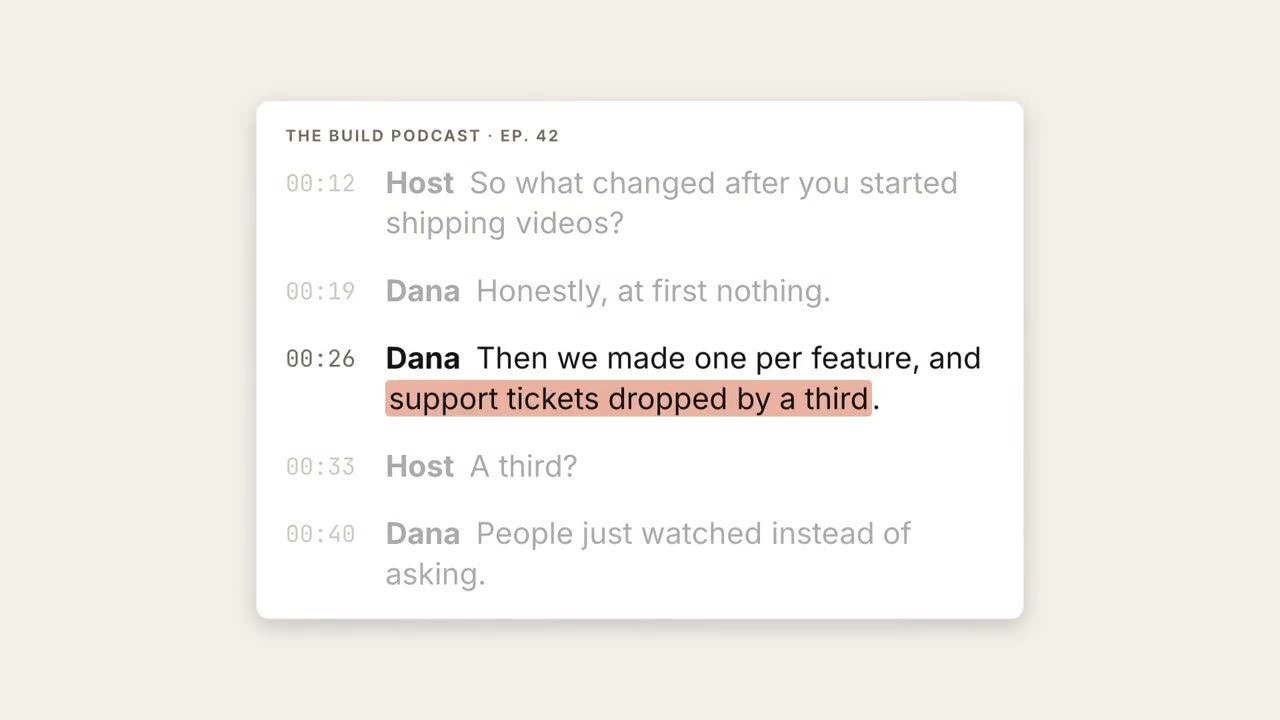 付費
付費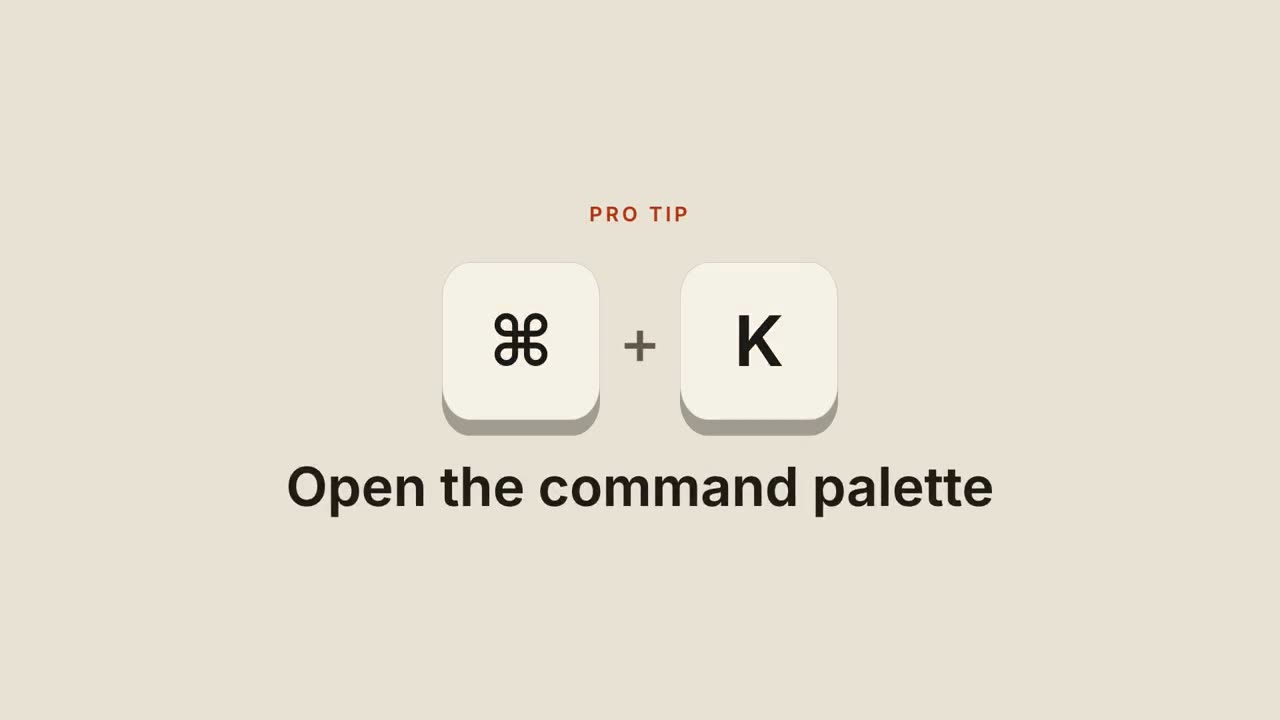 付費
付費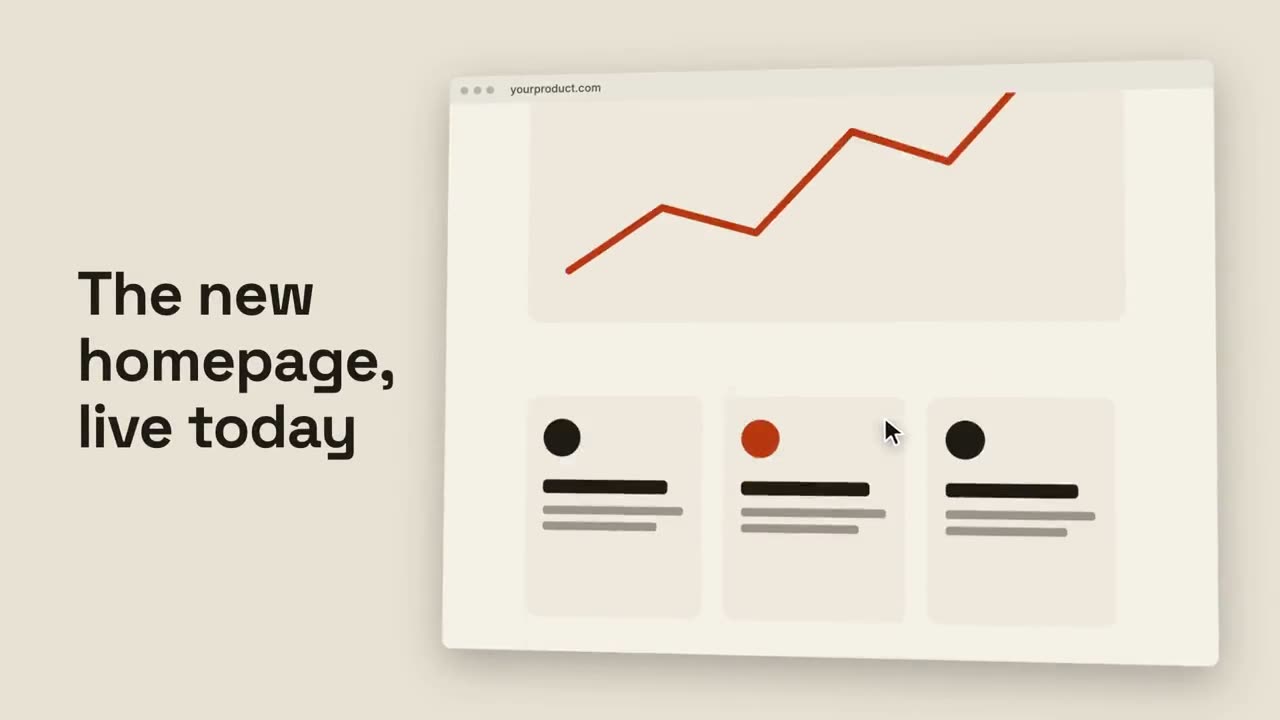 付費
付費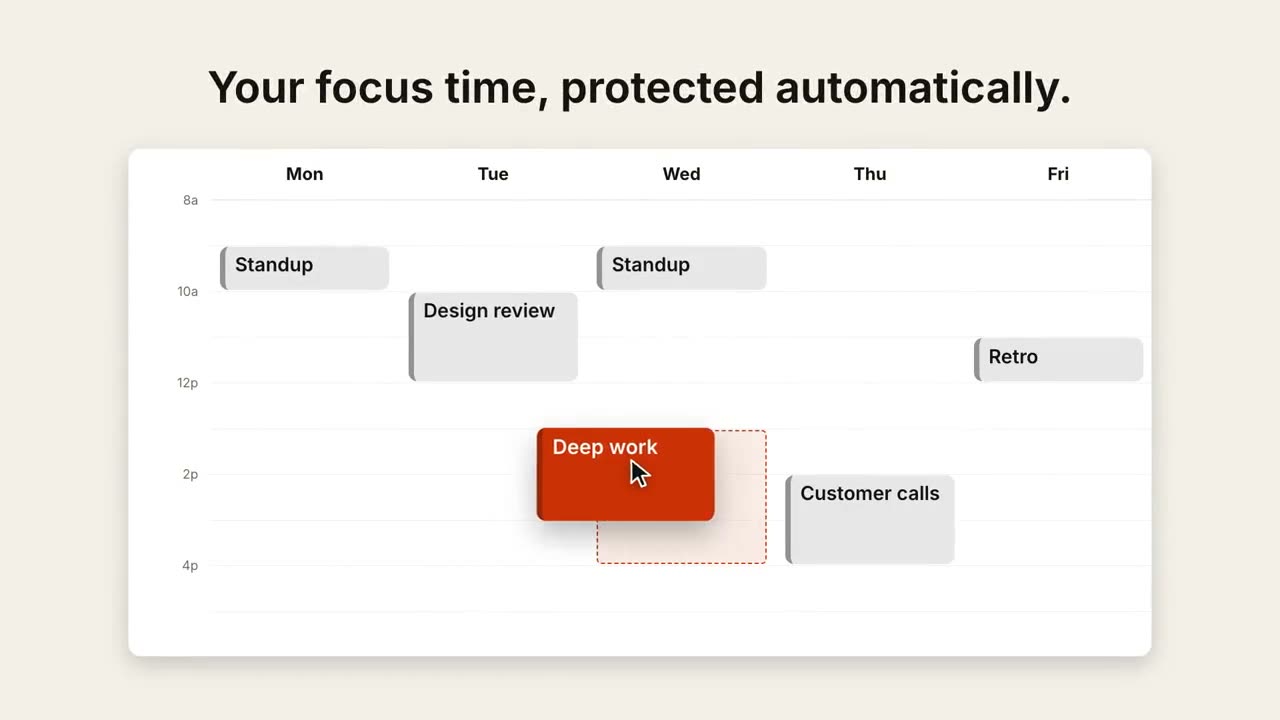 付費
付費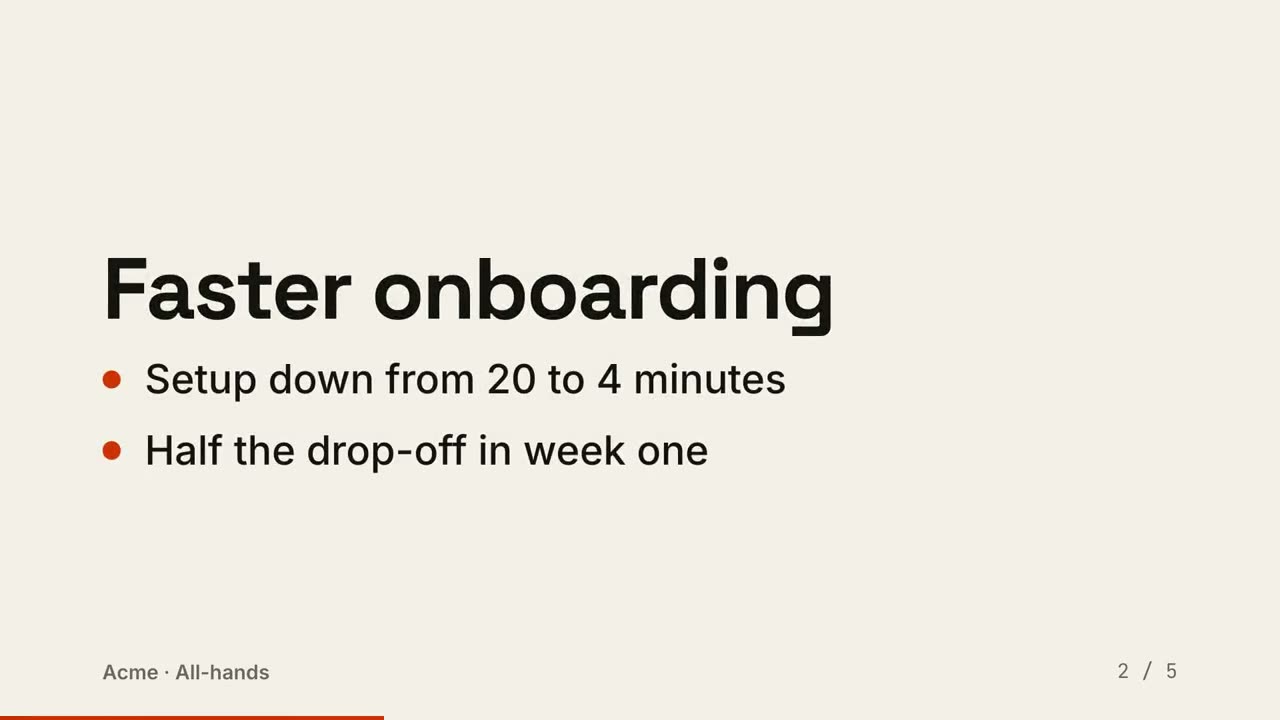 付費
付費
教學講解
給 Agent 一篇文章、一份筆記或只是一個主題:「講解片導演」寫腳本、查核事實,再逐個鏡頭導成 30–90 秒的講解影片。下面的步驟、循環和標註就是它用的鏡頭,也都能單獨使用。
從你的素材到成片
把手上的素材交給 Agent,工作流負責寫稿、分鏡和算繪 MP4。
從這些提示詞開始
貼上到 Claude Motion,或者安裝對應的 Skill 後交給你的 Agent。
循環飛輪
檢視 Skill →免費風格提示詞(Claude Motion 或 Opus 5.5)
Make an 8-second 16:9 loop diagram for [who will watch, e.g. the marketing team], playing [where, e.g. the planning deck]. Use only the title and four steps below. Off-white background.

The title appears. Four white rounded cards with small orange numbers pop in around a faint dotted circle: top, right, bottom, left. Curved orange arrows draw clockwise from each card to the next. A short line fades in at the center in gray. End frame: a glowing orange dot travels around the circle continuously, briefly outlining each card in orange as it passes.

Title: [e.g. "The content flywheel"]
Four steps: [e.g. Publish, Measure, Learn, Improve]
Center line: [e.g. "Every week"]
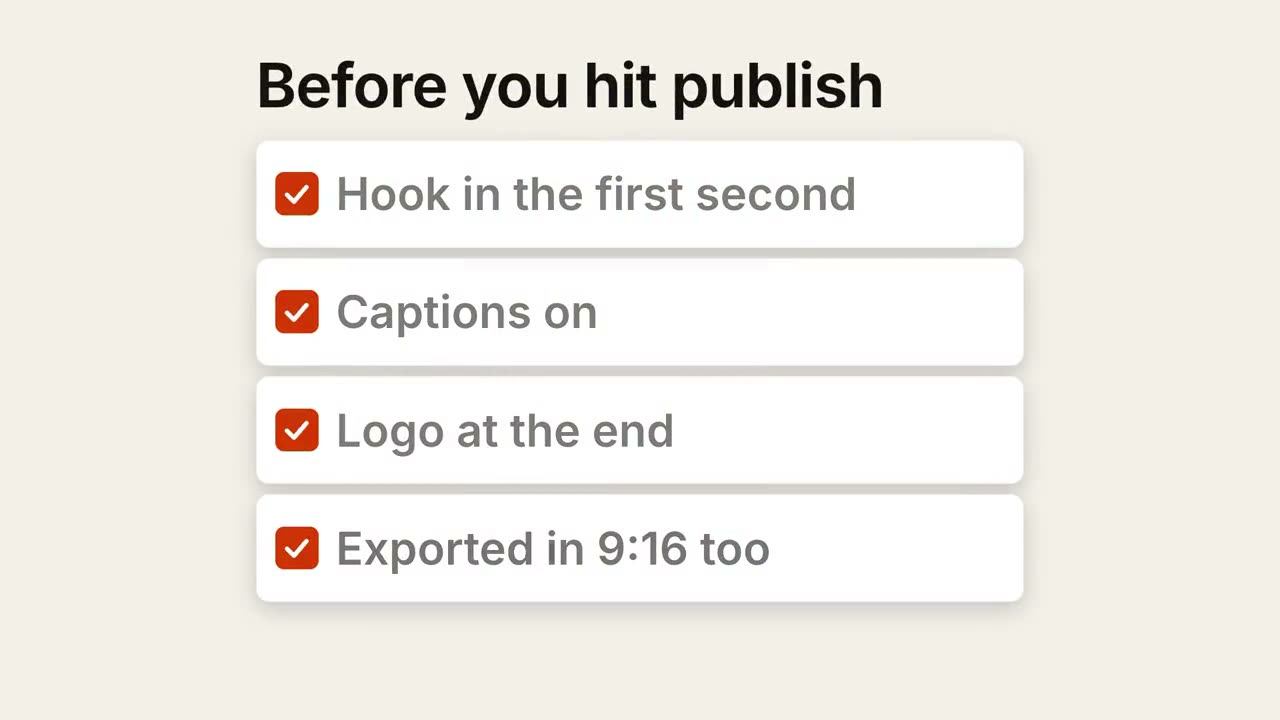
清單打勾
檢視 Skill →免費風格提示詞(Claude Motion 或 Opus 5.5)
Make a 7-second 16:9 checklist for [who will watch, e.g. our content team], playing [where, e.g. the training page]. Use only the title and four items below; don't reword them. Warm off-white background.

The title fades up, then four white rounded cards slide in from the left, each with an empty checkbox and a label. One by one each checkbox fills rust orange with a little bounce, a white tick draws in, and its label dims. End frame: a small orange pill pops in below, held for 1.5 seconds.

Title: [e.g. "Before you hit publish"]
Four items: [e.g. "Hook in the first second", "Captions on", "Logo at the end", "Exported in 9:16 too"]
Pill: [e.g. "Ready to ship"]
手機介面標註
檢視 Skill →免費風格提示詞(Claude Motion 或 Opus 5.5)
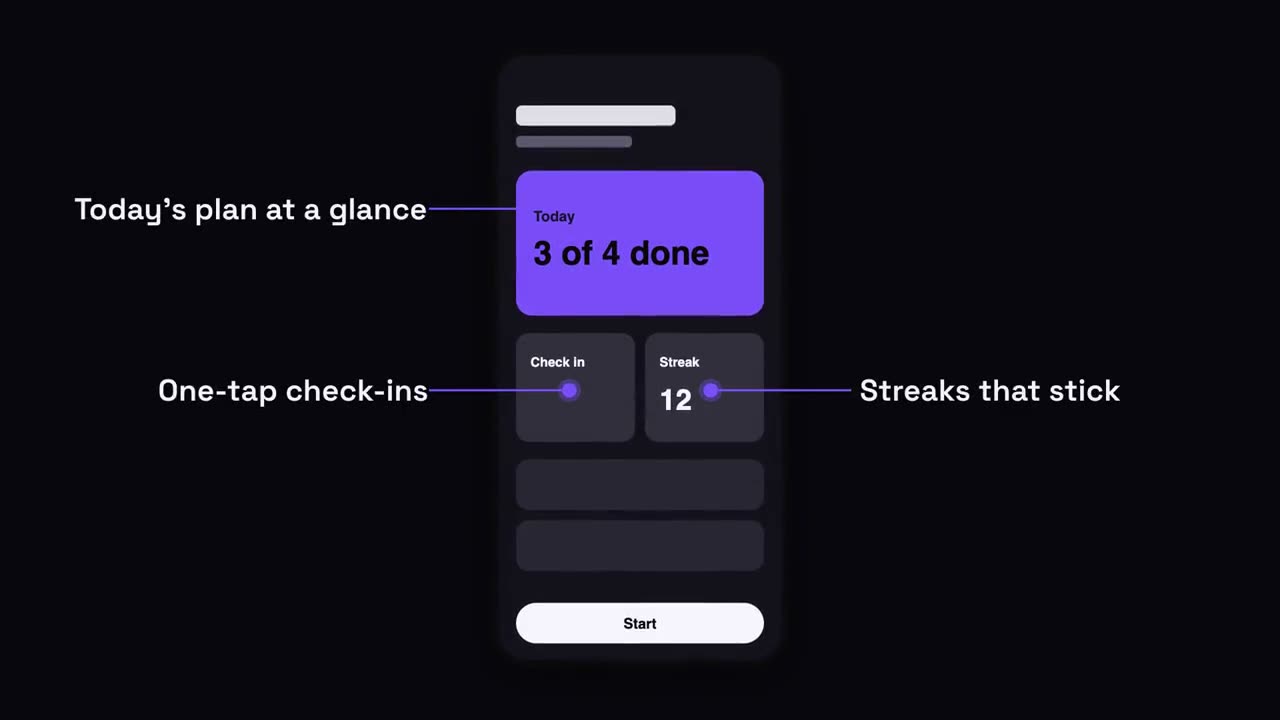
Make a 7-second 16:9 app scene for [who will watch, e.g. new users], playing [where, e.g. the app's landing page]. Use only the screenshot and four labels I give. Deep navy background.

A black phone showing the screenshot rises into the center with a slight rotation that settles. One at a time, small violet dots appear on parts of the screen and thin violet lines draw out to white labels on the left and right. End frame: the phone floats gently with all four labels showing.

Attach: [a phone screenshot of your app]
Four labels and what each points at: [e.g. "Today's plan at a glance", "One-tap check-ins", "Streaks that stick", "Start in one tap"]
截圖放大標註
檢視 Skill →免費風格提示詞(Claude Motion 或 Opus 5.5)
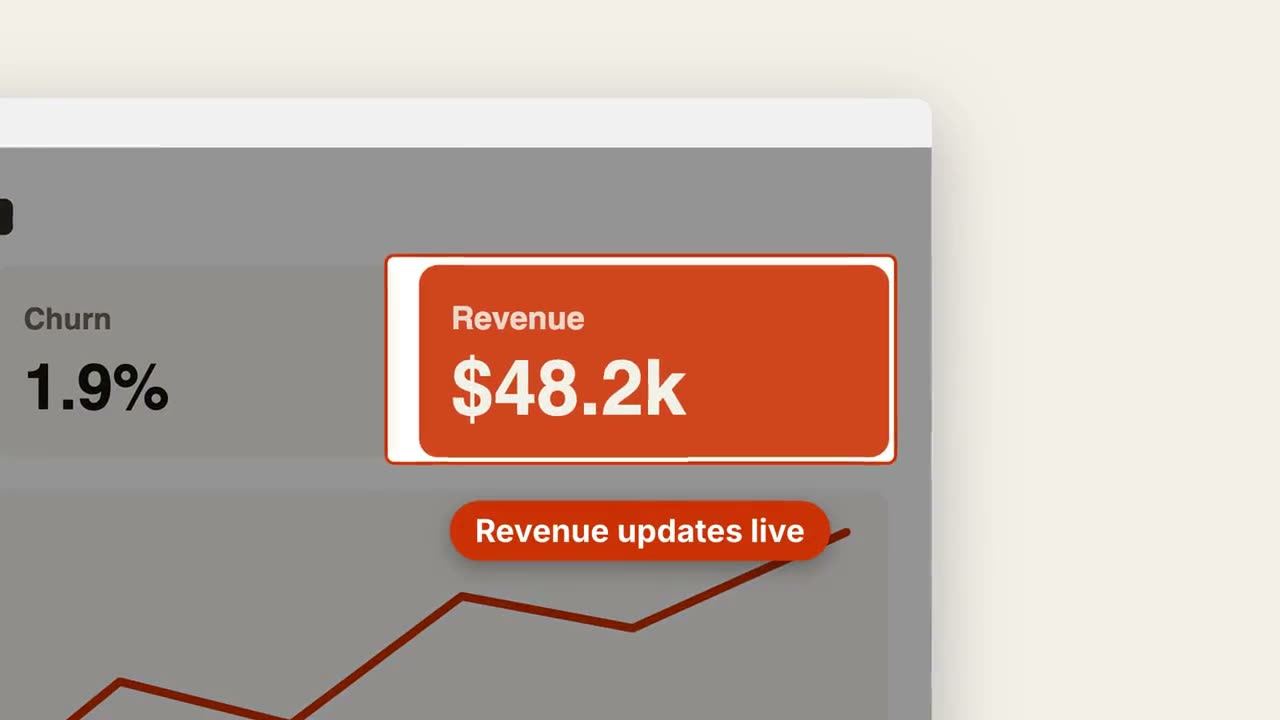
Make a 7-second 16:9 product scene for [who will watch, e.g. prospects], playing [where, e.g. the feature page]. Use only the screenshot and caption I give. Off-white background.

A browser window with the screenshot settles in with a soft shadow. After a beat, the camera pushes smoothly into the detail I name. The rest of the screenshot dims under a dark overlay while the detail gets an orange outline, and an orange pill caption pops in just below it. End frame: the camera keeps drifting in very slightly.

Attach: [a screenshot of your product]
Detail to zoom into: [e.g. the top-right revenue card "$48.2k"]
Caption: [e.g. "Revenue updates live"]
可單獨使用的場景
程式碼展示
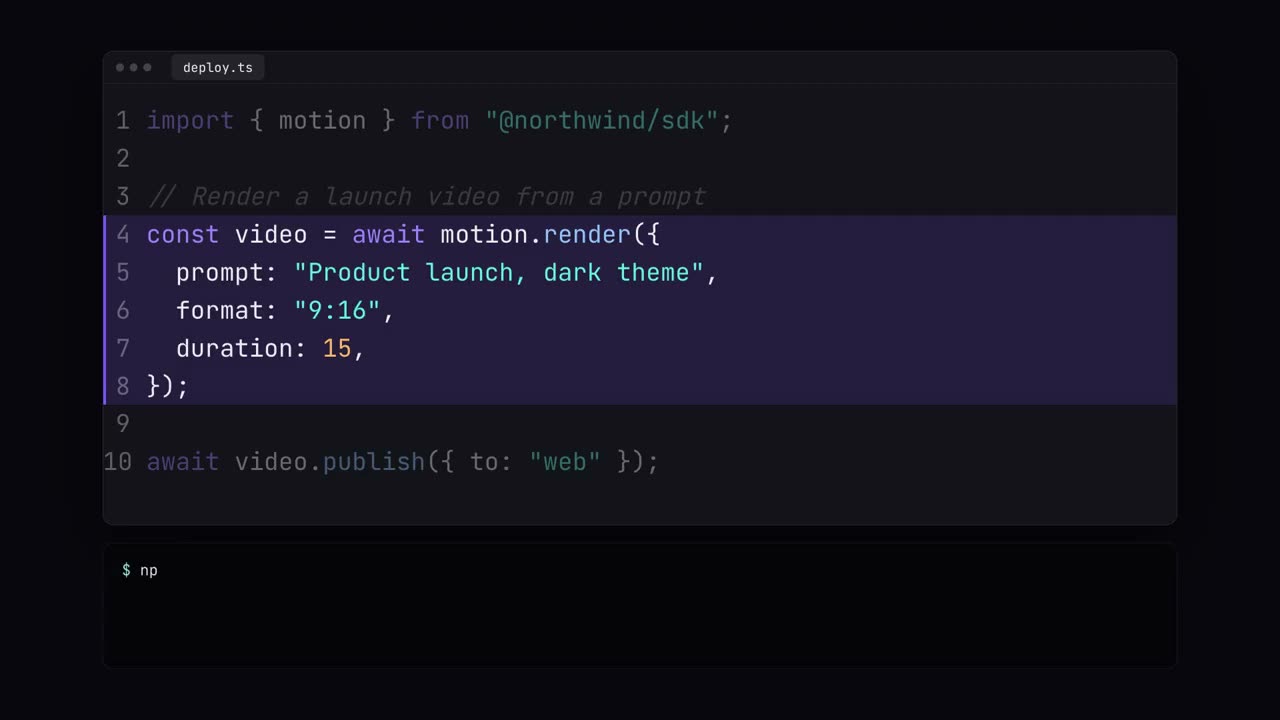
帶語法高亮的程式碼打字、重點行高亮和終端執行。
開發者16:9 / 9:16 / 1:1
通知堆疊
通知一條接一條落在鎖定畫面上。
講解16:9 / 9:16 / 1:1
圖文分割畫面
一側標題和要點,另一側截圖滑入。
講解16:9 / 9:16 / 1:1
更新日誌影片
把更新日誌變成好看、易分享的短影片。
開發者16:9 / 9:16 / 1:1
清單打勾
清單逐項自動打勾。
講解16:9 / 9:16 / 1:1
循環飛輪
步驟環繞成圈,箭頭首尾相連,光點持續循環。
講解16:9 / 9:16 / 1:1
截圖放大標註
推近截圖中的某個區域,壓暗其餘部分並加上標註。
講解16:9 / 9:16 / 1:1
手機介面標註
手機升入畫面,標註帶著引線從螢幕兩側彈出。
講解16:9 / 9:16 / 1:1
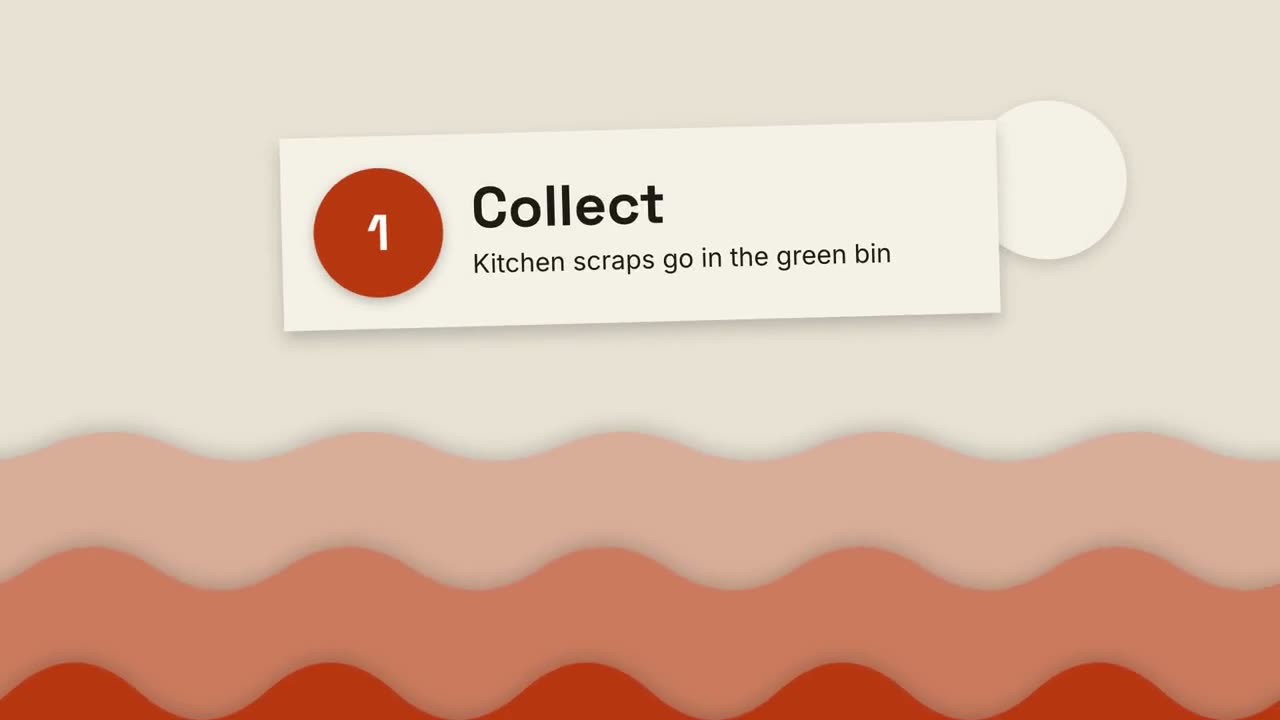
剪紙風講解片
層疊的紙山和剪紙卡片,三步講清任何事。
講解16:9 / 9:16 / 1:1
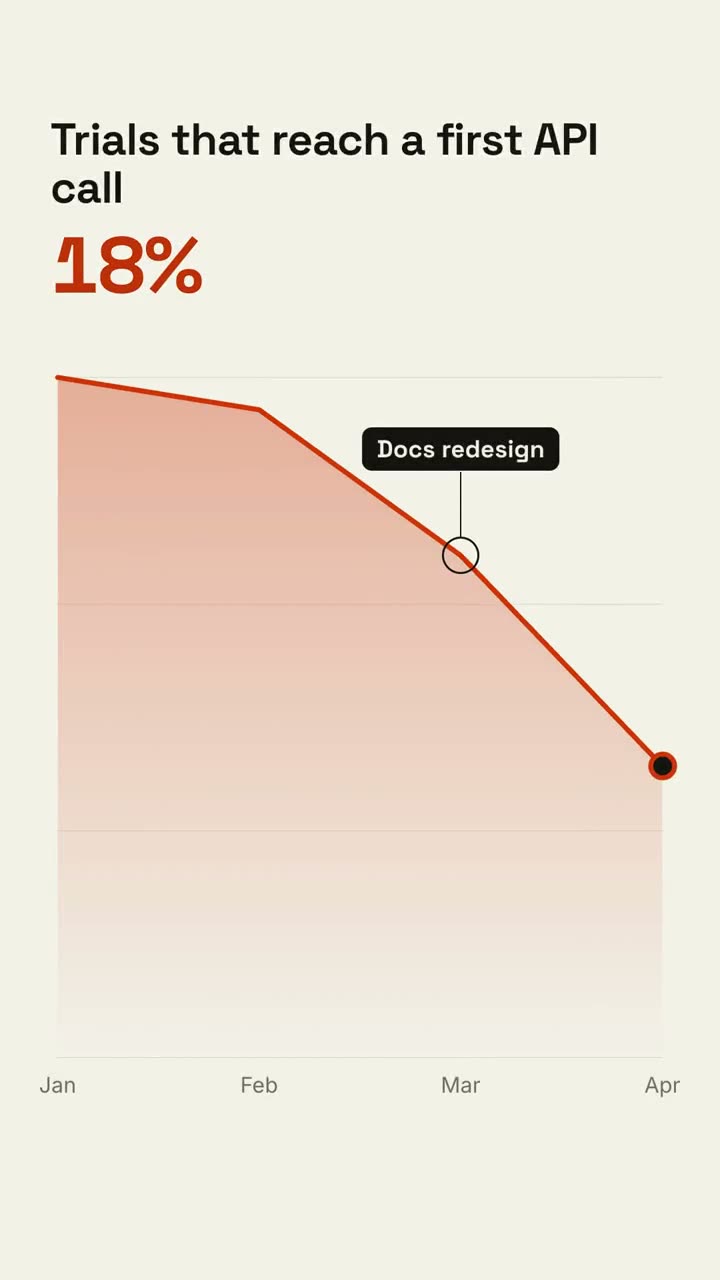
指標聚焦
儀表板數字滾動,隨後聚焦其中一項指標。
講解16:9 / 9:16 / 1:1
卡片累加計數
卡片逐張落下,大號數字即時累加總數。
講解16:9 / 9:16 / 1:1
白板講解片
馬克筆塗鴉自動畫出,標註逐字寫上,一步一步講清楚。
講解16:9 / 9:16 / 1:1
圈註批注
在圖片上手繪圈注,並貼上便籤說明。
講解16:9 / 9:16 / 1:1
階梯步驟
編號步驟沿階梯上升,用線條依次相連。
講解16:9 / 9:16 / 1:1
流水線分發
一個輸入經過處理,分發成多個輸出。
講解16:9 / 9:16 / 1:1
中心輻射
一箇中心節點,向所有連線物件輻射。
講解16:9 / 9:16 / 1:1
匯聚成果
多個輸入匯流,形成一個發光的結果。
講解16:9 / 9:16 / 1:1
多選一網格
一組選項,選擇框來回跳動,最後落在勝出項上。
講解16:9 / 9:16 / 1:1
層級金字塔
金字塔逐層搭建,每層附一句說明。
講解16:9 / 9:16 / 1:1
聊天對話
一段對話:先顯示輸入中,再彈出氣泡。
講解16:9 / 9:16 / 1:1
逐字稿高亮
逐字稿依次出現,關鍵句被高亮並放大成引語。
講解16:9 / 9:16 / 1:1
快速鍵
鍵帽落下、按下,再顯示這個快速鍵的作用。
講解16:9 / 9:16 / 1:1
網頁滾動展示
傾斜的瀏覽器視窗平滑滾過整個頁面。
講解16:9 / 9:16 / 1:1
日程拖曳
周檢視排滿日程,游標把一個事件拖到更合適的時段。
講解16:9 / 9:16 / 1:1
幻燈片轉影片
把幻燈片渲染成影片:每頁一拍,要點依次出現。
講解16:9 / 9:16 / 1:1