Tutorials & explainers
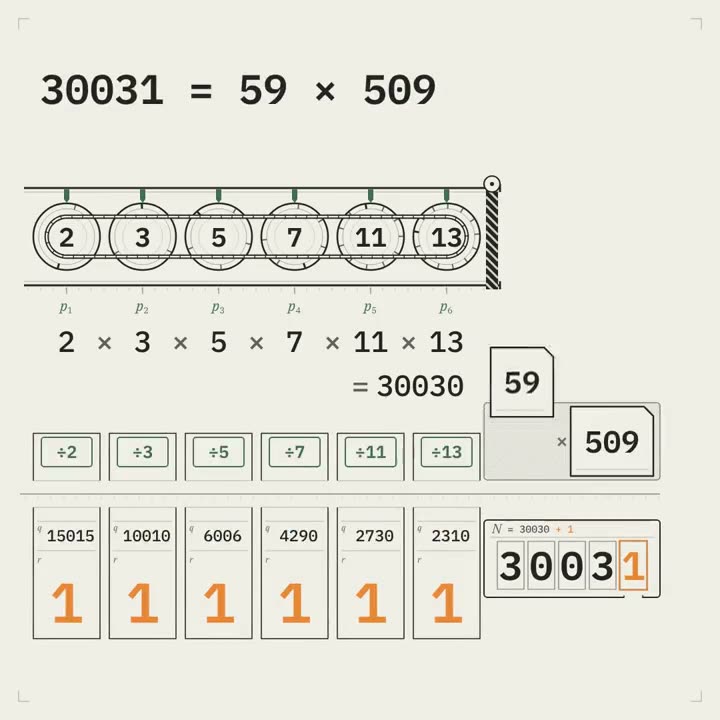
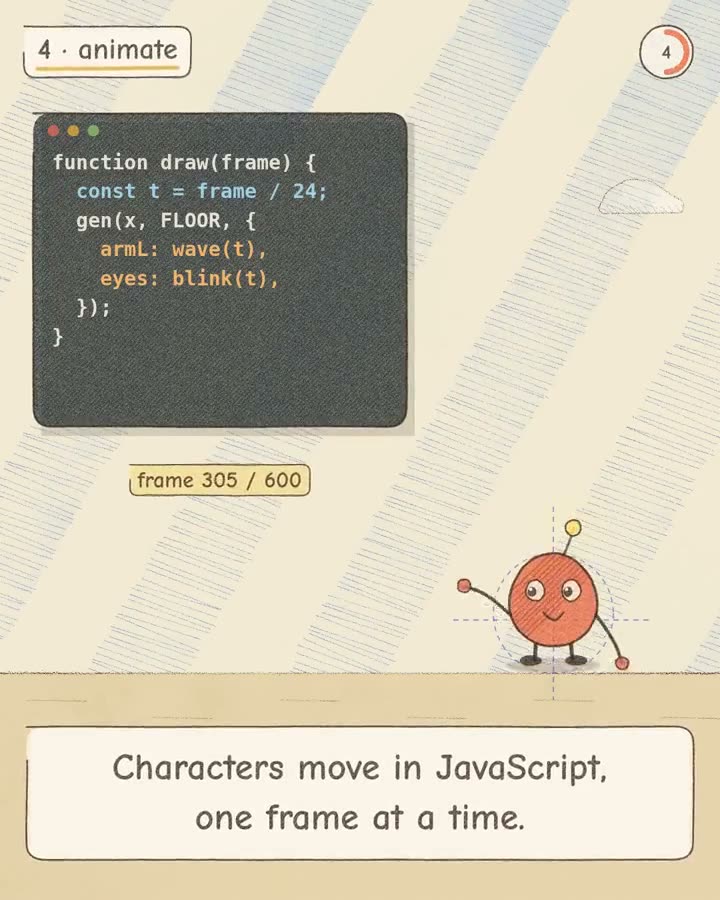
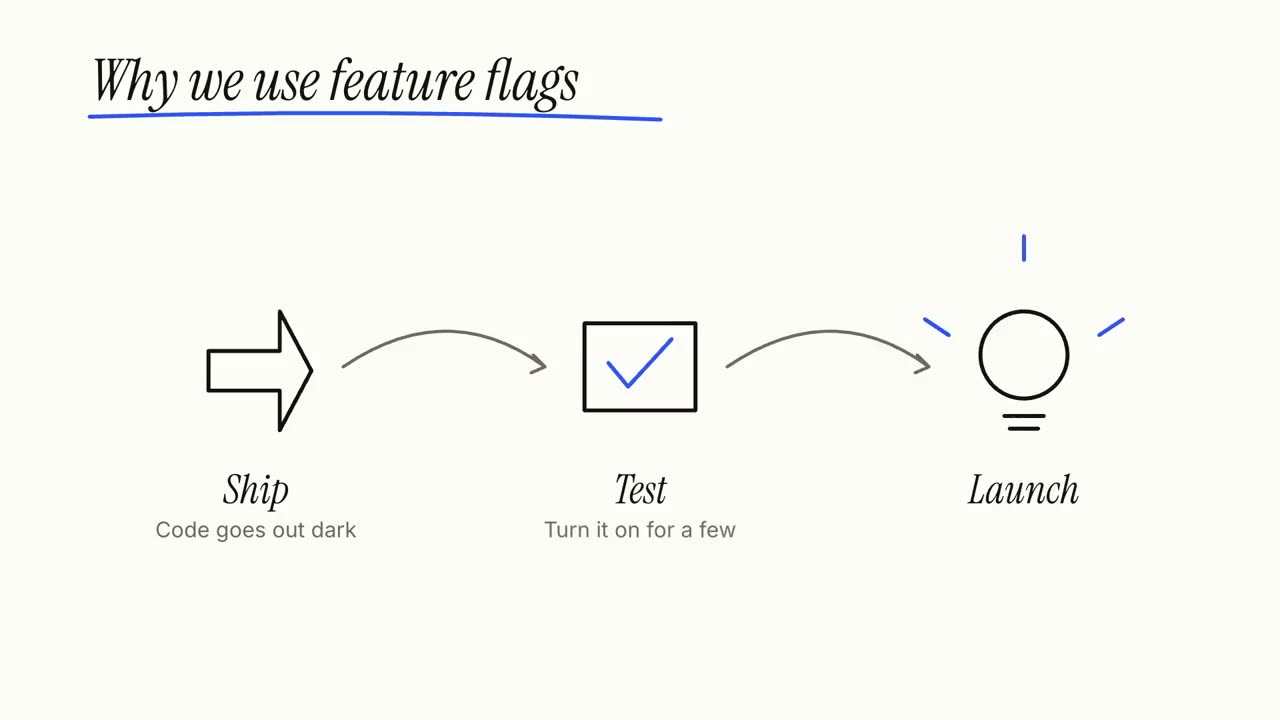
Give your agent an article, notes or just a topic: Explainer Director writes the script, fact-checks it and directs it shot by shot into a 30–90 second explainer. The steps, cycles and callouts below are its shots, and each works on its own too.
From your material to a finished video
Give your agent what you have; the workflow writes, directs and renders the MP4.
Prompts to start with
Paste into Claude Motion, or install the matching skill and ask your agent.
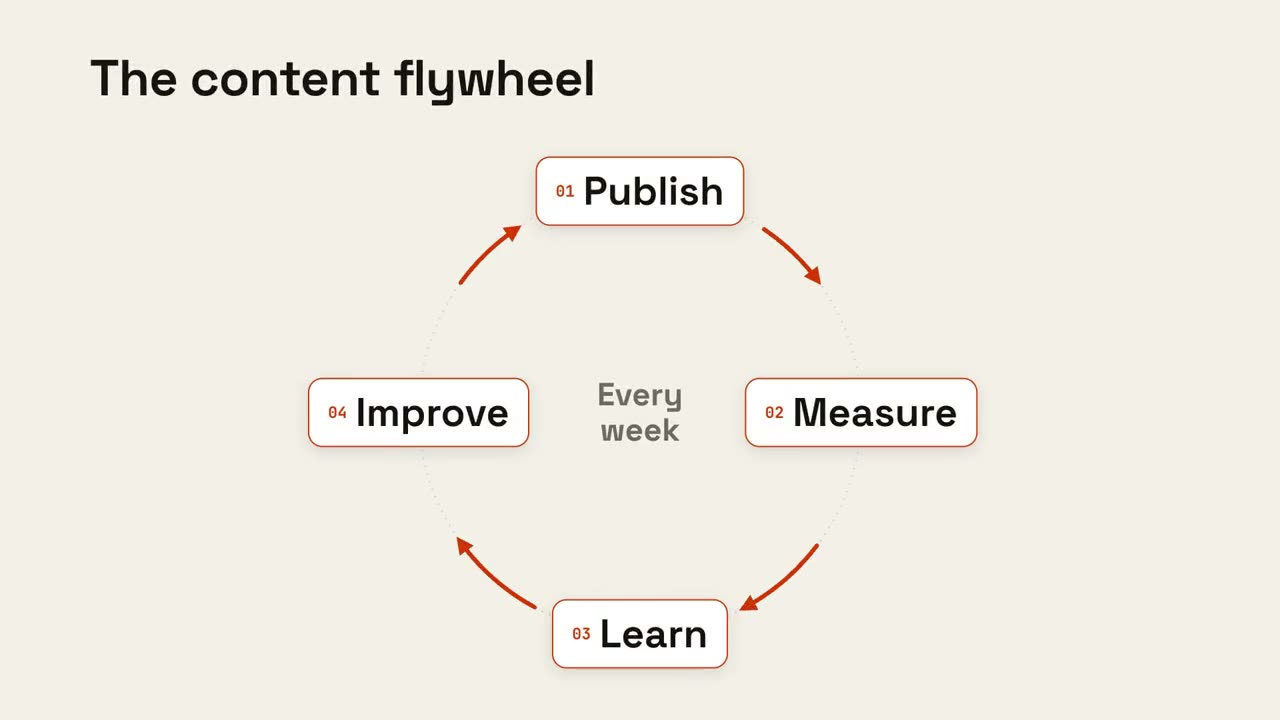
Cycle Loop
Open skill →FreeMake an 8-second 16:9 loop diagram for [who will watch, e.g. the marketing team], playing [where, e.g. the planning deck]. Use only the title and four steps below. Off-white background. The title appears. Four white rounded cards with small orange numbers pop in around a faint dotted circle: top, right, bottom, left. Curved orange arrows draw clockwise from each card to the next. A short line fades in at the center in gray. End frame: a glowing orange dot travels around the circle continuously, briefly outlining each card in orange as it passes. Title: [e.g. "The content flywheel"] Four steps: [e.g. Publish, Measure, Learn, Improve] Center line: [e.g. "Every week"]
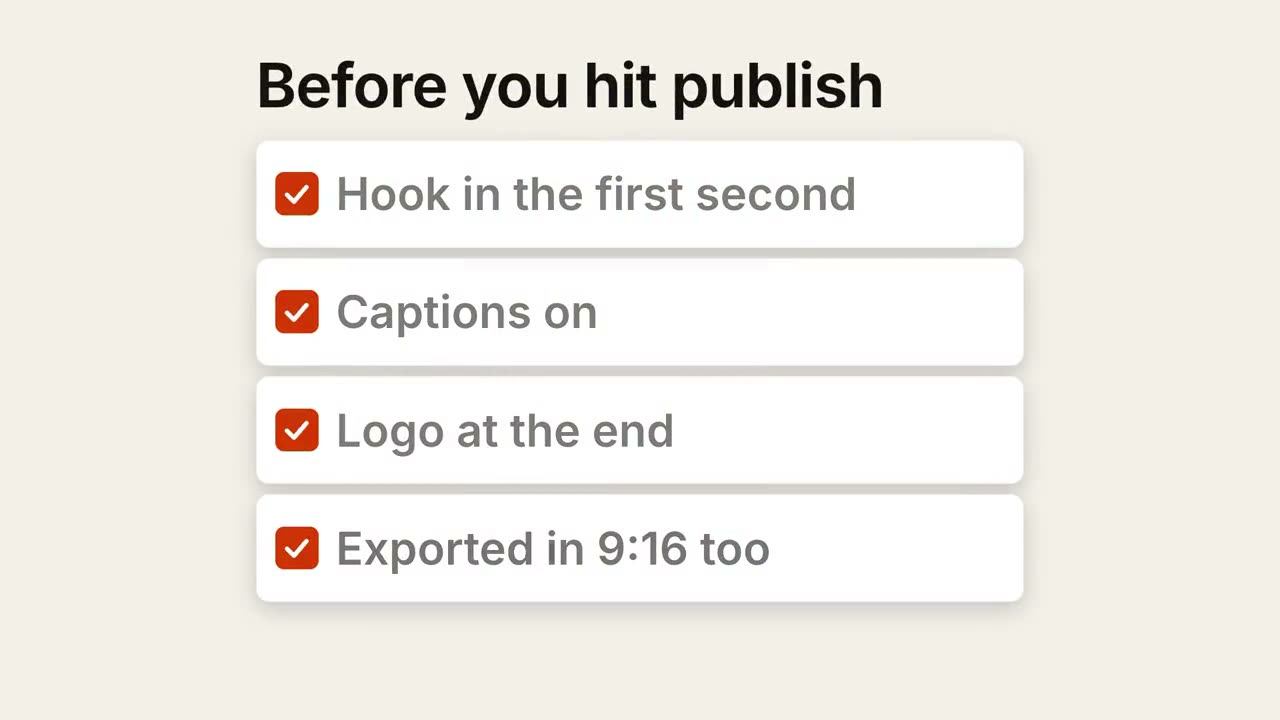
Checklist Ticks
Open skill →FreeMake a 7-second 16:9 checklist for [who will watch, e.g. our content team], playing [where, e.g. the training page]. Use only the title and four items below; don't reword them. Warm off-white background. The title fades up, then four white rounded cards slide in from the left, each with an empty checkbox and a label. One by one each checkbox fills rust orange with a little bounce, a white tick draws in, and its label dims. End frame: a small orange pill pops in below, held for 1.5 seconds. Title: [e.g. "Before you hit publish"] Four items: [e.g. "Hook in the first second", "Captions on", "Logo at the end", "Exported in 9:16 too"] Pill: [e.g. "Ready to ship"]
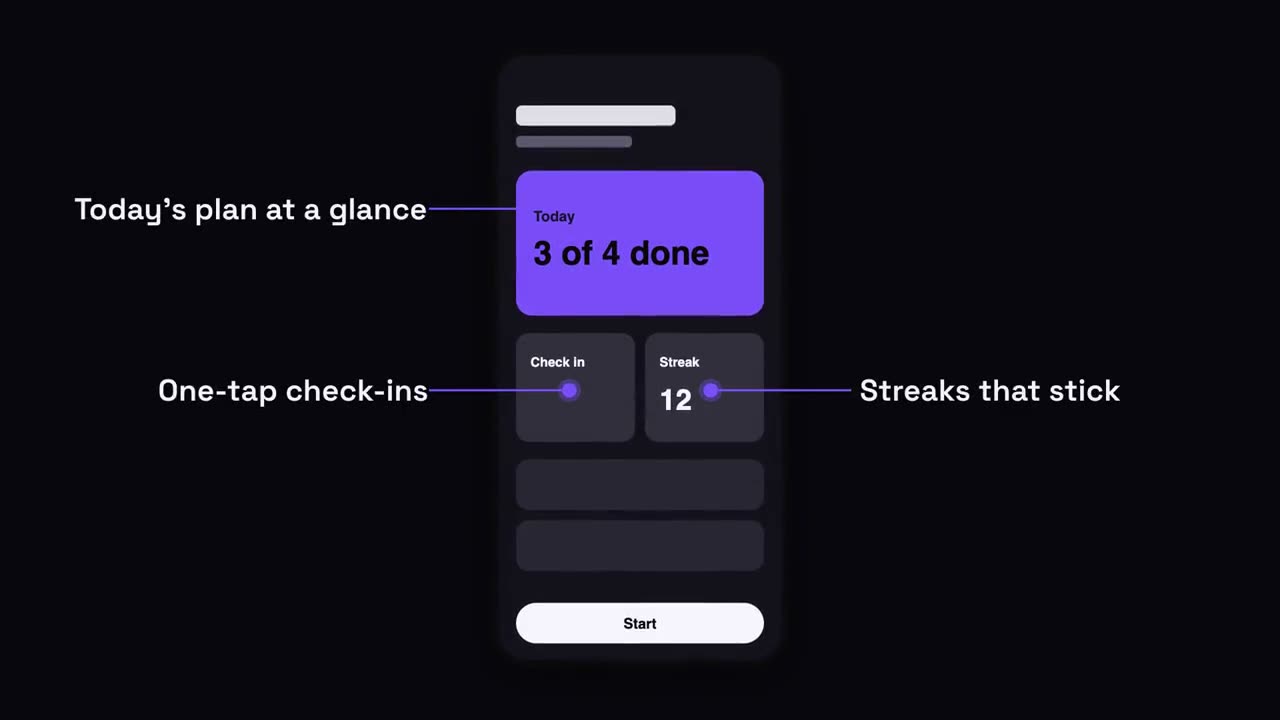
Phone Callouts
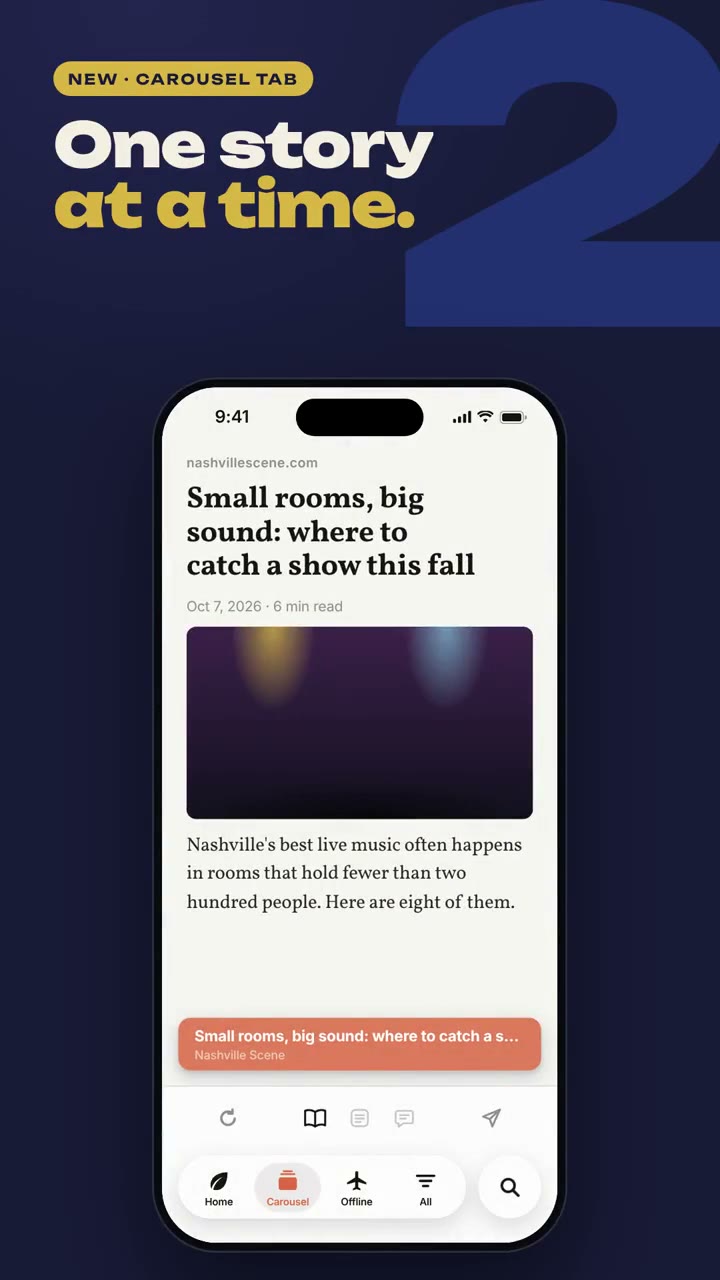
Open skill →FreeMake a 7-second 16:9 app scene for [who will watch, e.g. new users], playing [where, e.g. the app's landing page]. Use only the screenshot and four labels I give. Deep navy background. A black phone showing the screenshot rises into the center with a slight rotation that settles. One at a time, small violet dots appear on parts of the screen and thin violet lines draw out to white labels on the left and right. End frame: the phone floats gently with all four labels showing. Attach: [a phone screenshot of your app] Four labels and what each points at: [e.g. "Today's plan at a glance", "One-tap check-ins", "Streaks that stick", "Start in one tap"]
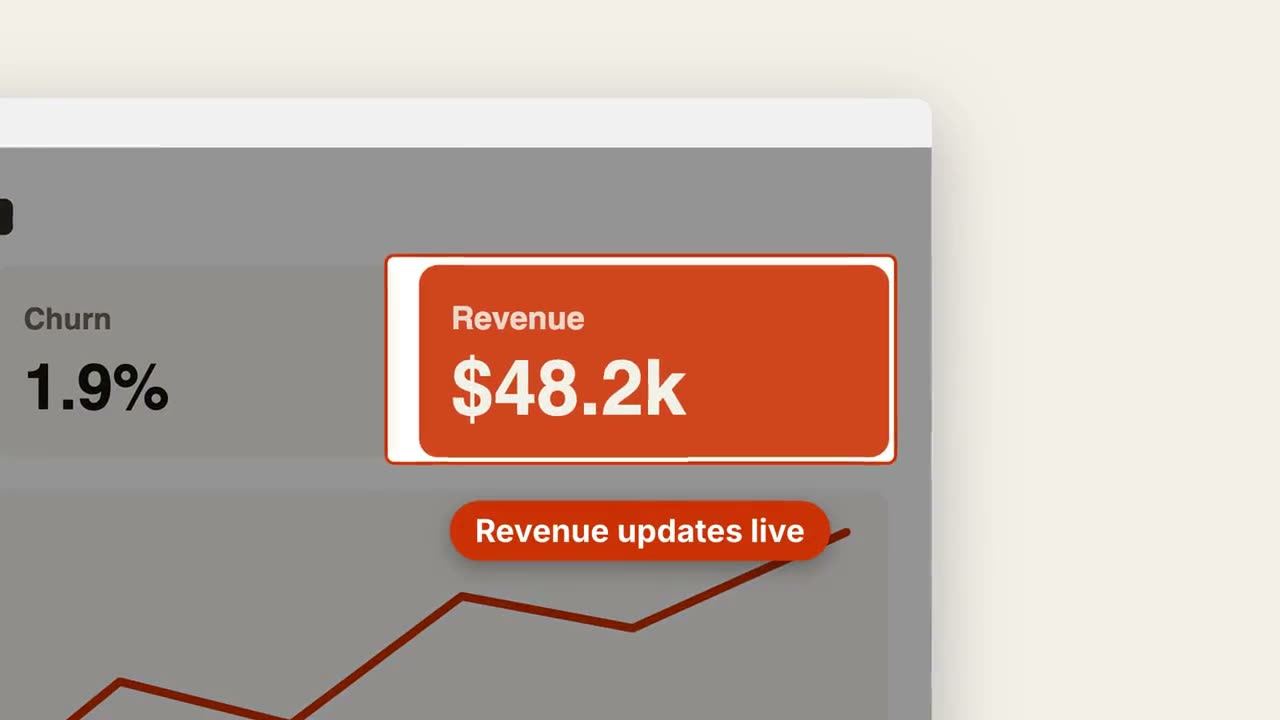
Screenshot Zoom Callout
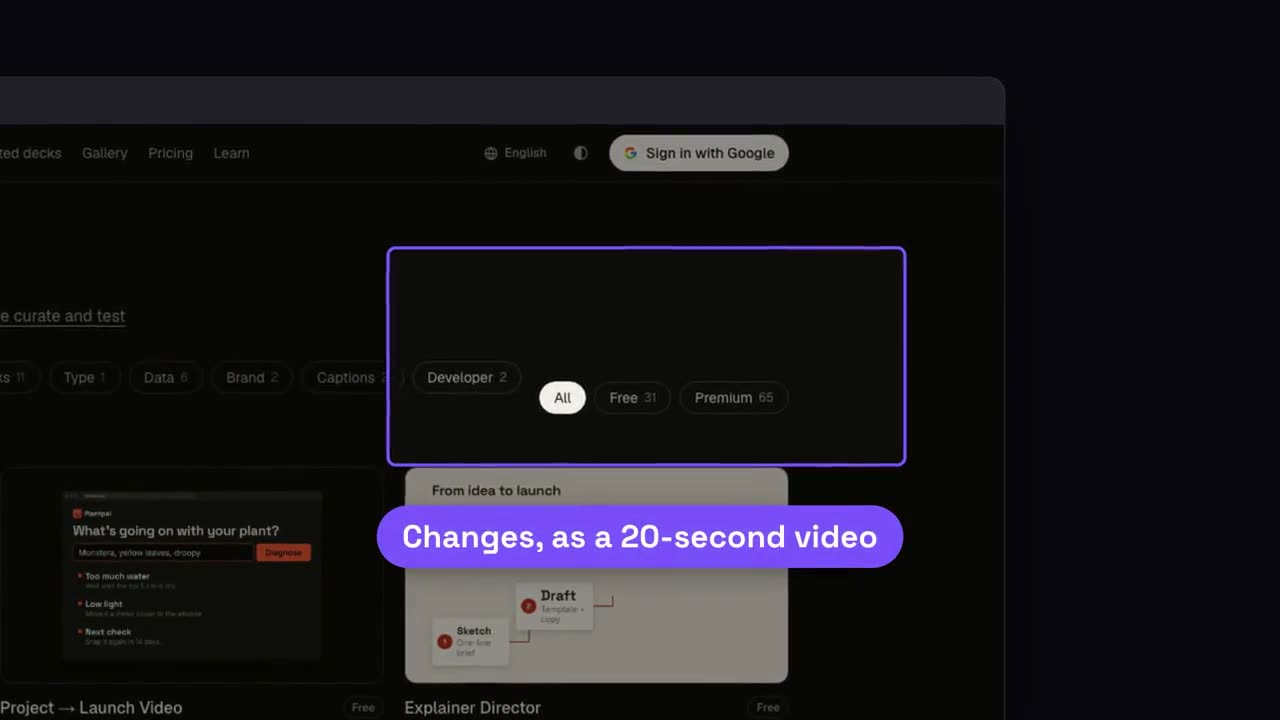
Open skill →FreeMake a 7-second 16:9 product scene for [who will watch, e.g. prospects], playing [where, e.g. the feature page]. Use only the screenshot and caption I give. Off-white background. A browser window with the screenshot settles in with a soft shadow. After a beat, the camera pushes smoothly into the detail I name. The rest of the screenshot dims under a dark overlay while the detail gets an orange outline, and an orange pill caption pops in just below it. End frame: the camera keeps drifting in very slightly. Attach: [a screenshot of your product] Detail to zoom into: [e.g. the top-right revenue card "$48.2k"] Caption: [e.g. "Revenue updates live"]
Single scenes for this
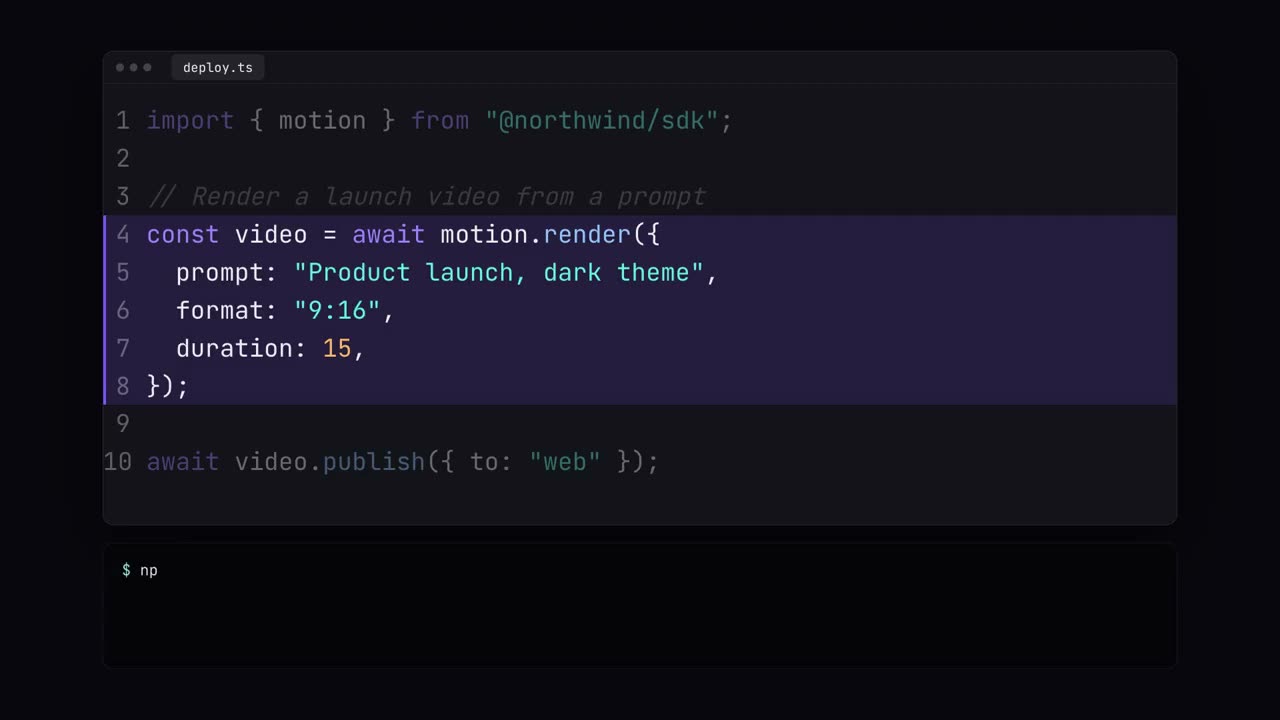
Code Showcase
Typed code with syntax colors, highlights and a terminal run.
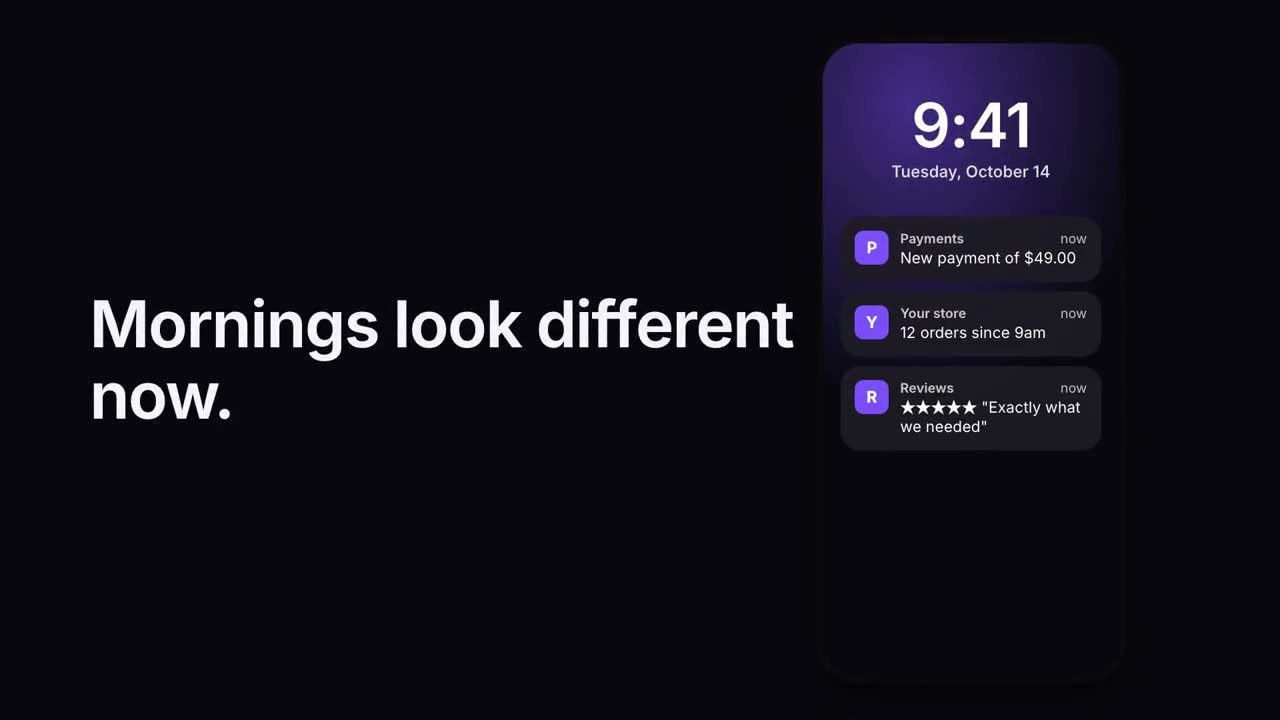
Notification Stack
Notifications land on a lock screen one after another.
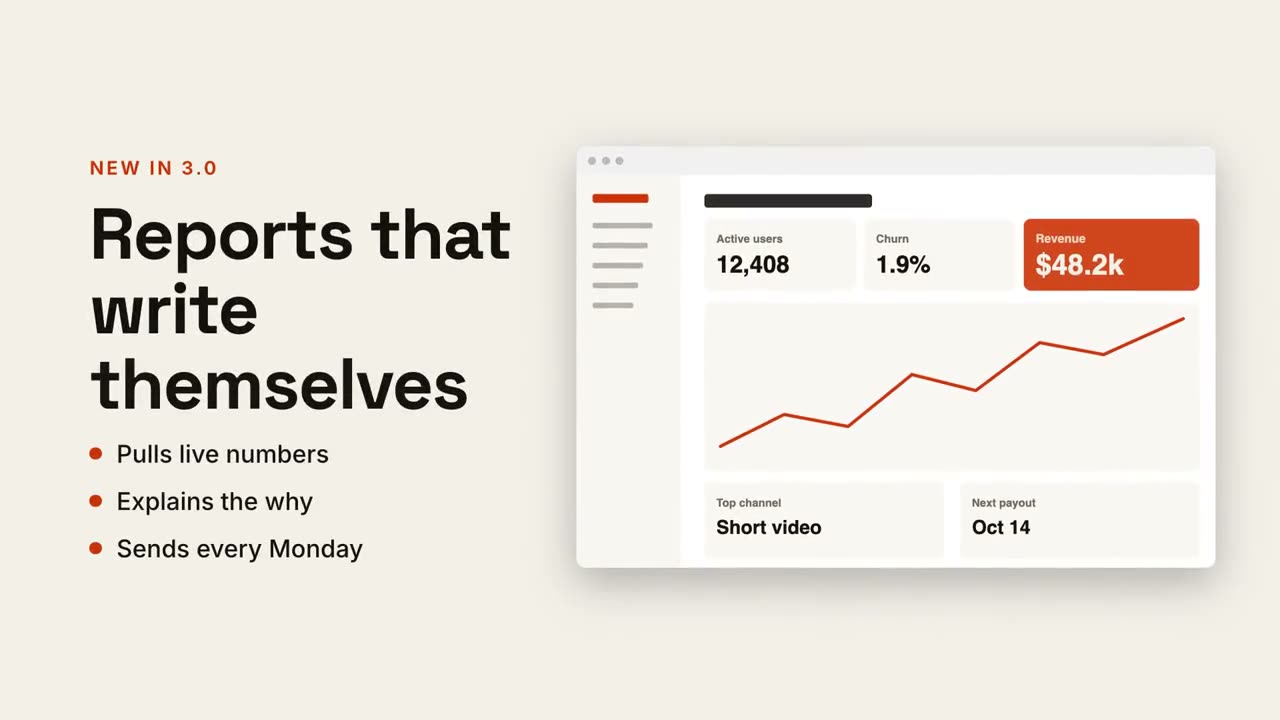
Text + Screen Split
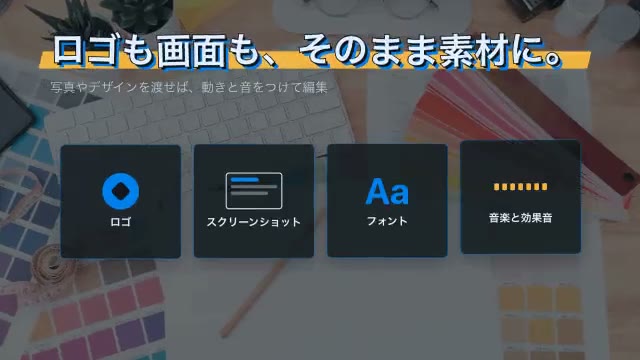
Headline and points on one side, your screenshot gliding in on the other.
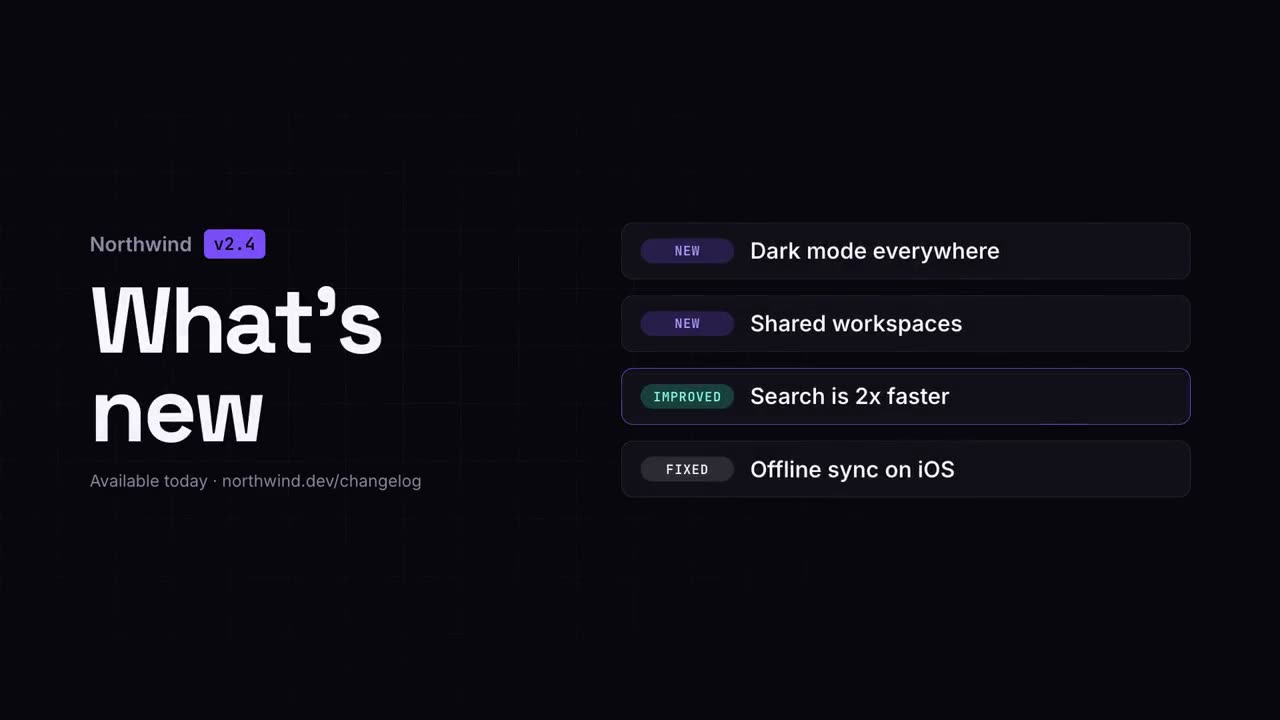
Changelog Video
Release notes as a crisp, shareable clip.
Checklist Ticks
A checklist where every box ticks itself, one by one.
Cycle Loop
Steps around a ring, joined by arrows, with a pulse that keeps circling.
Screenshot Zoom Callout
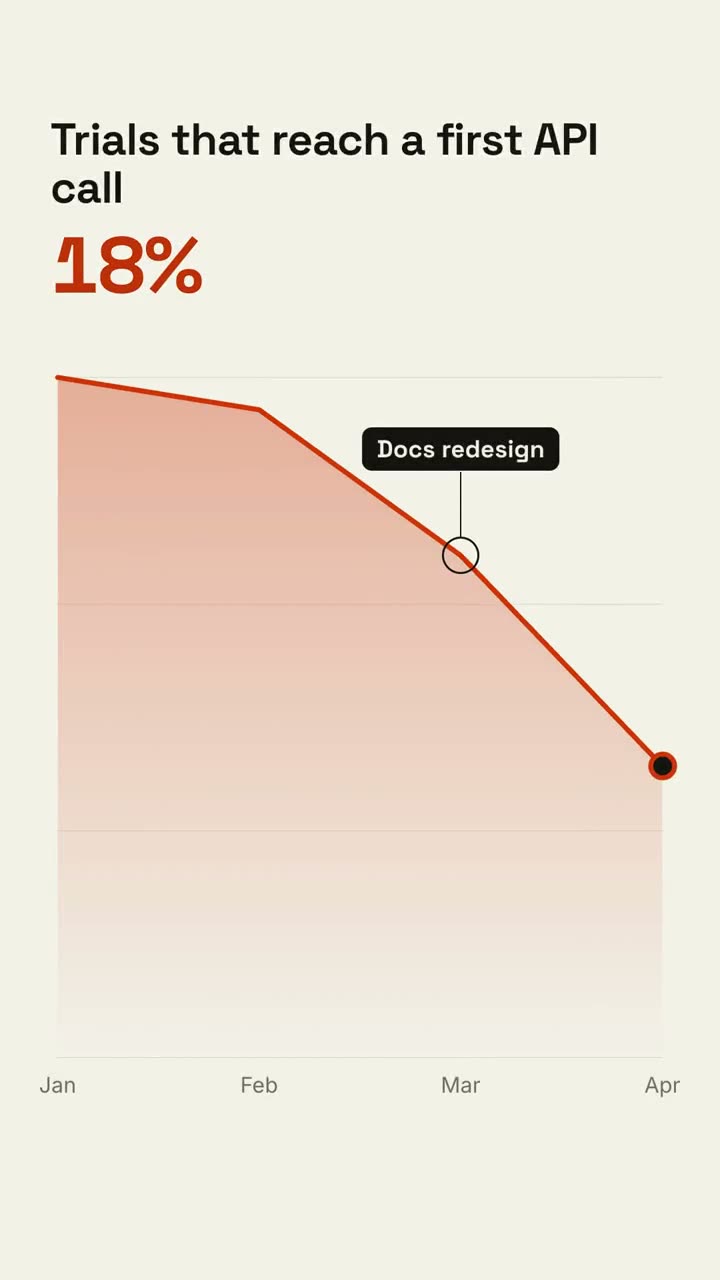
Push into one area of a screenshot, dim the rest, and call it out.
Phone Callouts
A phone rises in, and labels pop out with leader lines to its screen.
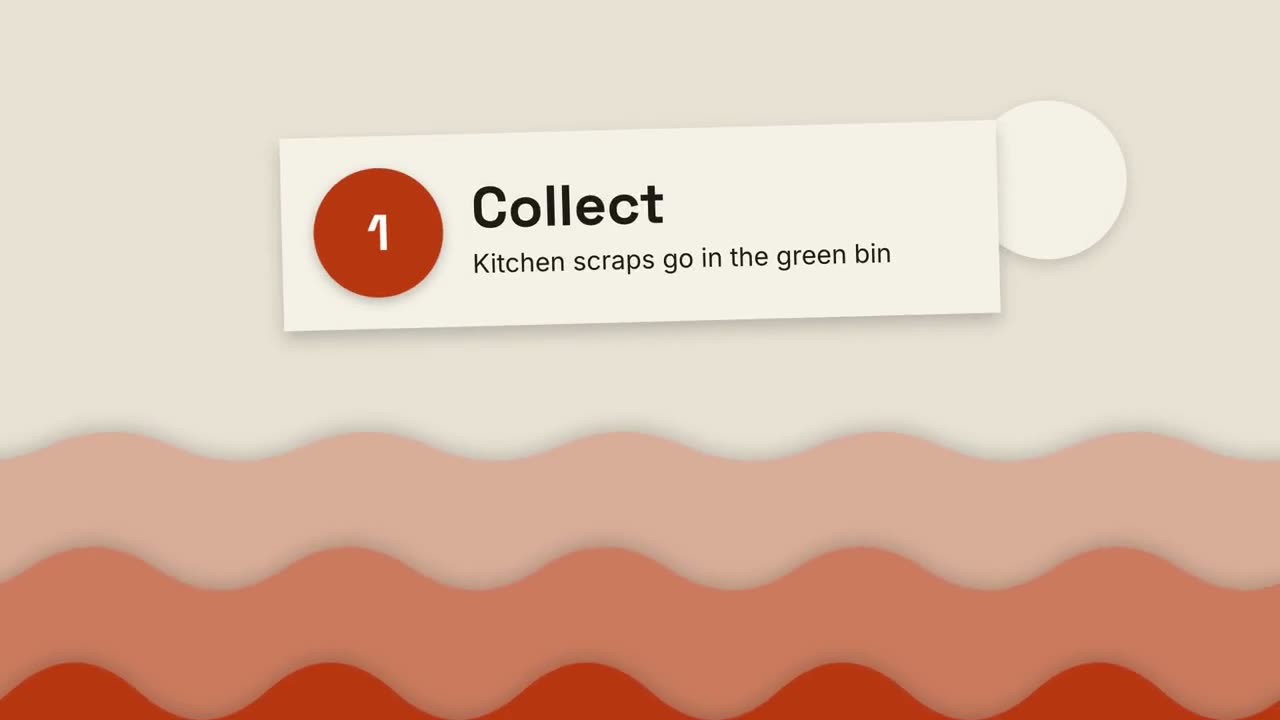
Paper-Cut Explainer
Layered paper hills and cut-paper cards explain anything in three steps.
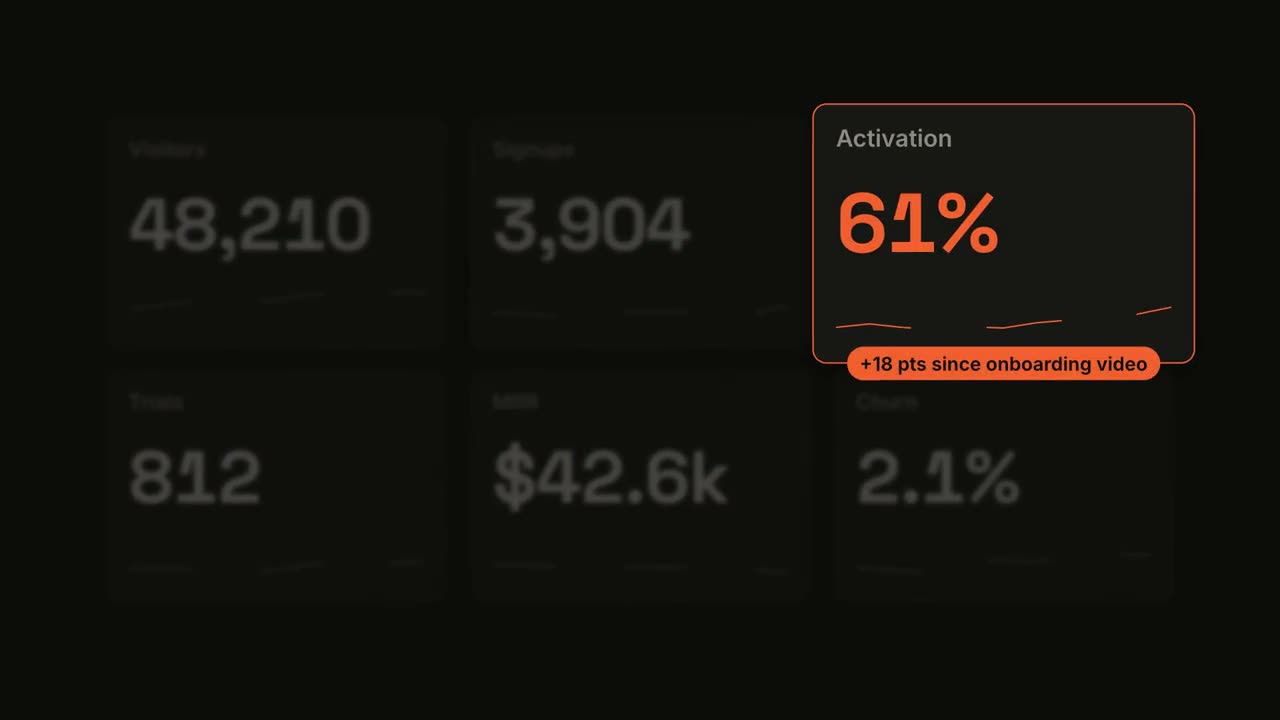
Metric Spotlight
A dashboard counts up, then one tile takes the spotlight.
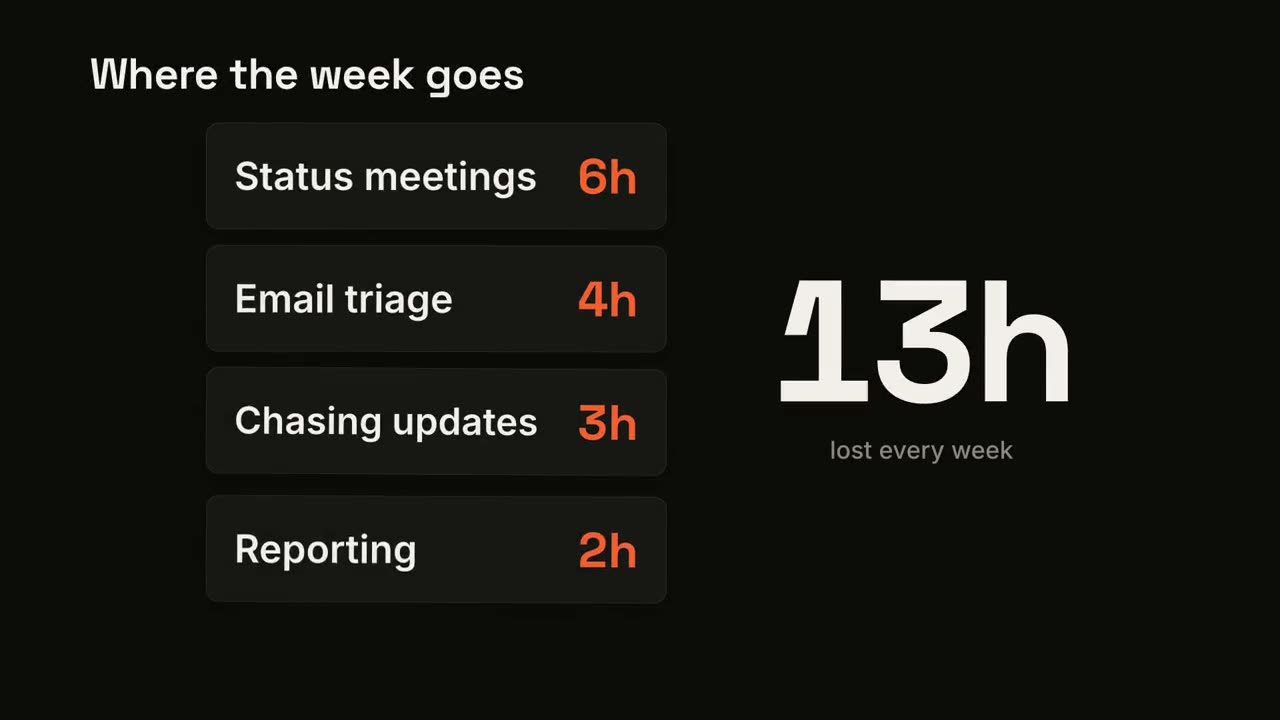
Card Stack Counter
Cards drop in one by one while a big total adds them up.
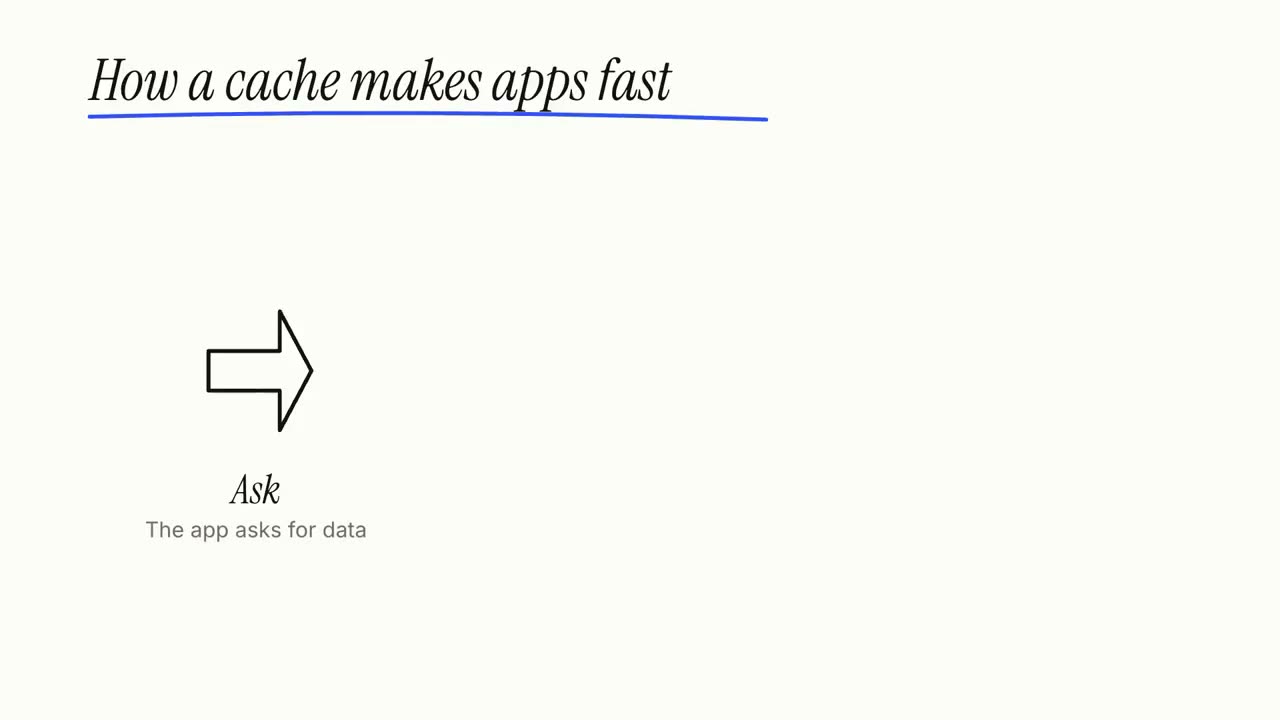
Whiteboard Explainer
Marker doodles draw themselves while labels write on, step by step.
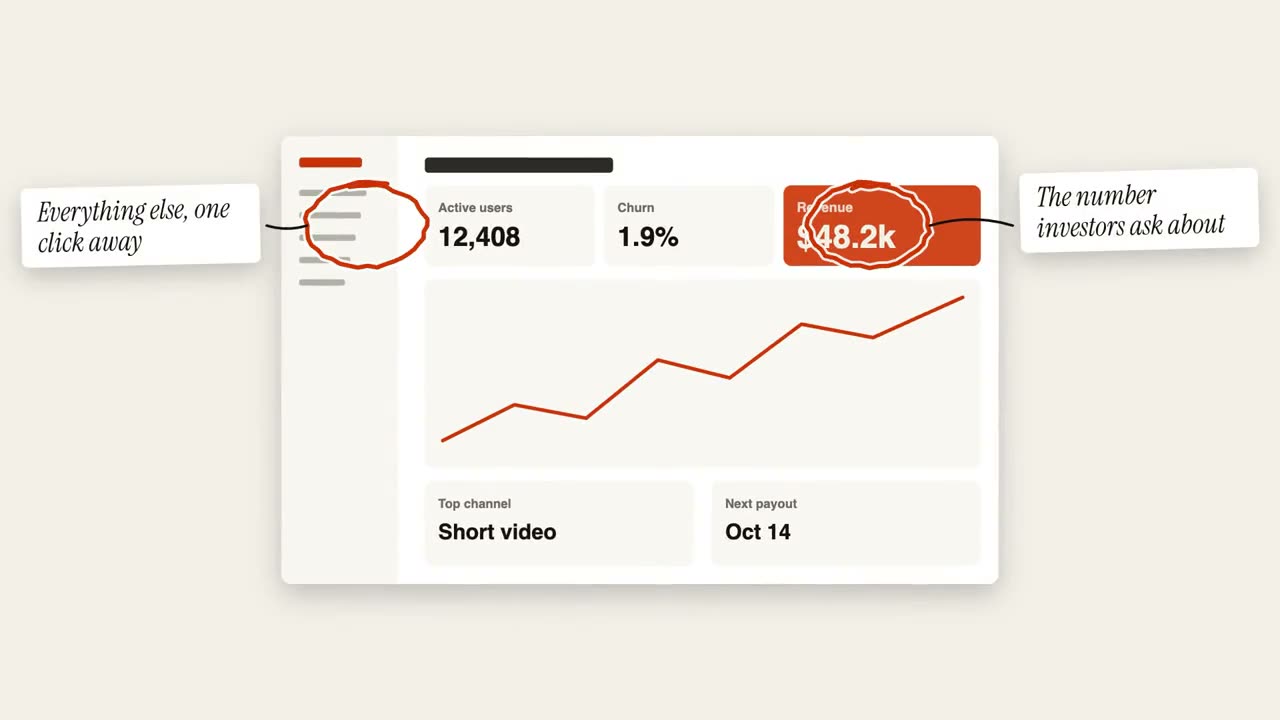
Circle Annotation
Hand-drawn circles and sticky notes mark up an image.
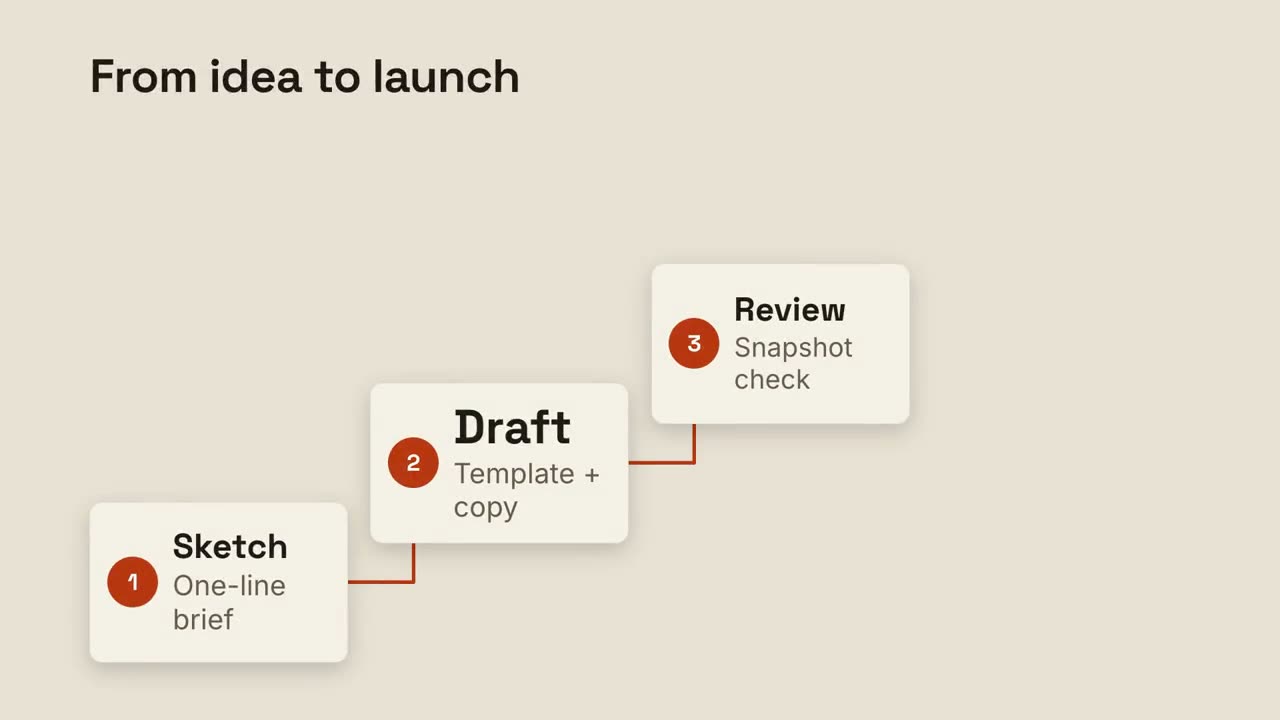
Step Ladder
Numbered steps climb a staircase, joined by a drawn line.
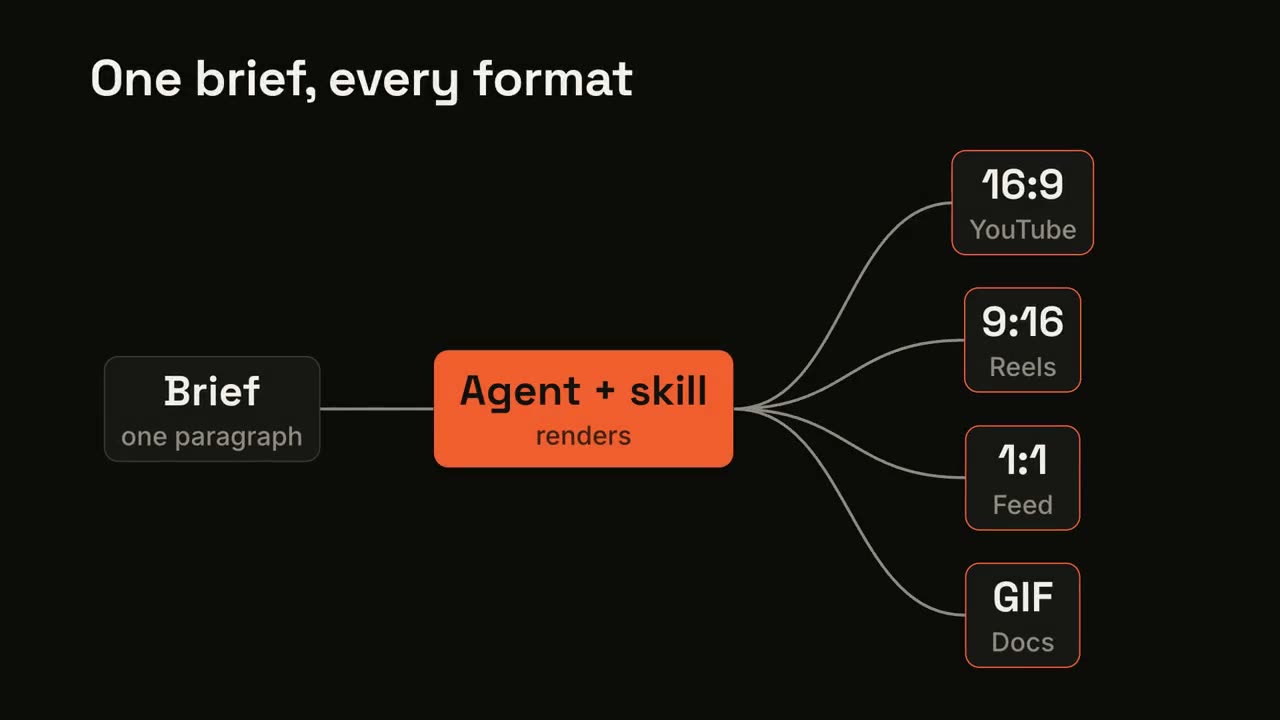
Pipeline Fan-out
One input flows through a process and fans out to many outputs.
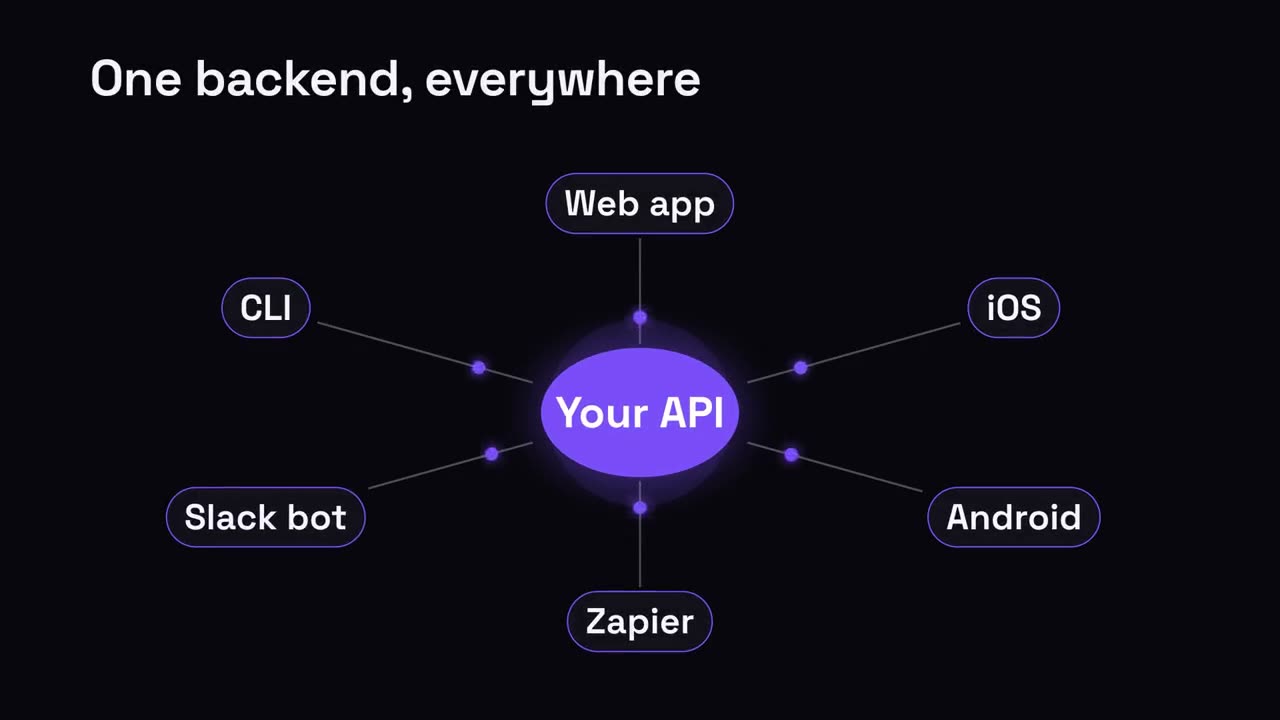
Hub & Spoke
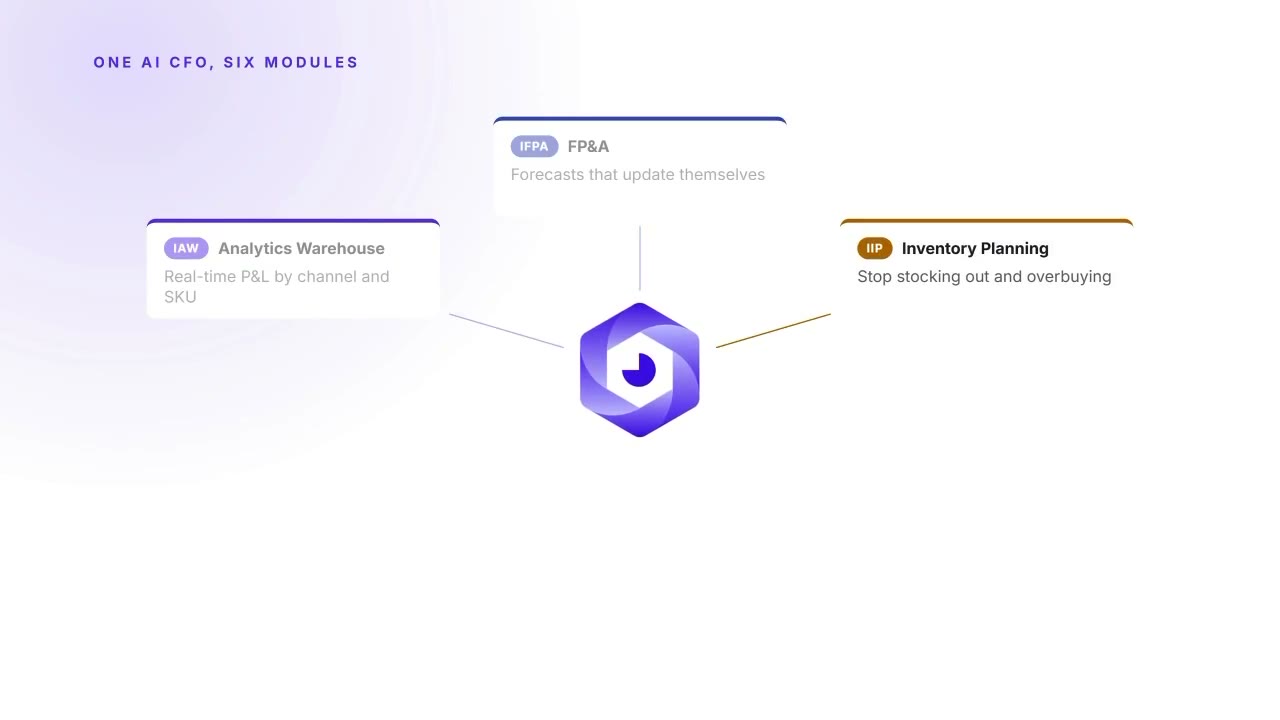
A central hub radiates out to everything it connects.
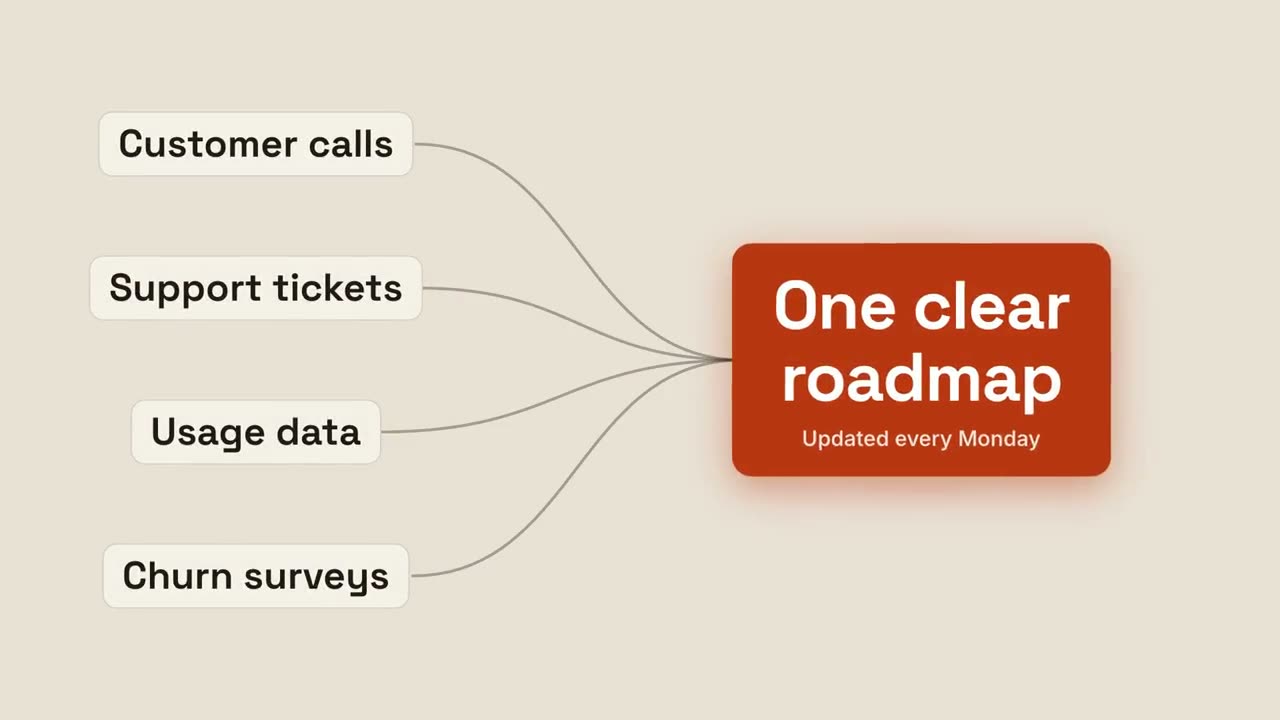
Converge to Result
Several inputs stream together into one glowing result.
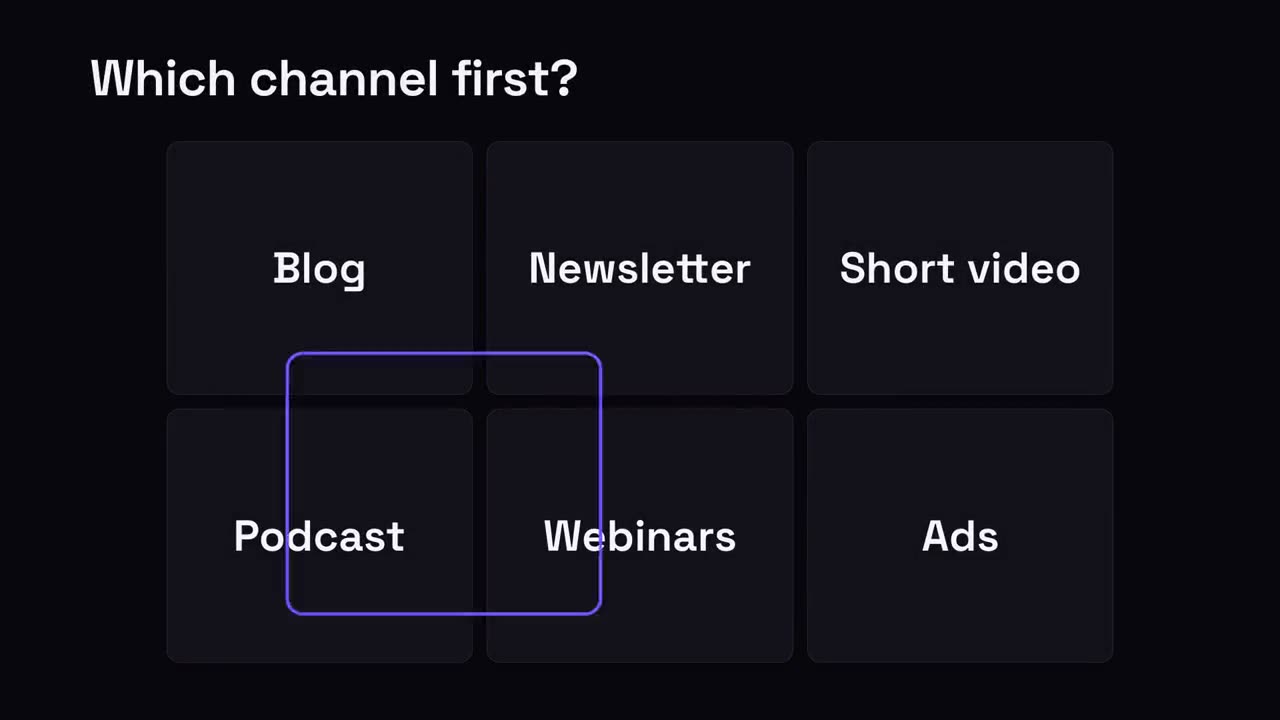
Pick-One Grid
A grid of options; a selection ring hops around and lands on the winner.
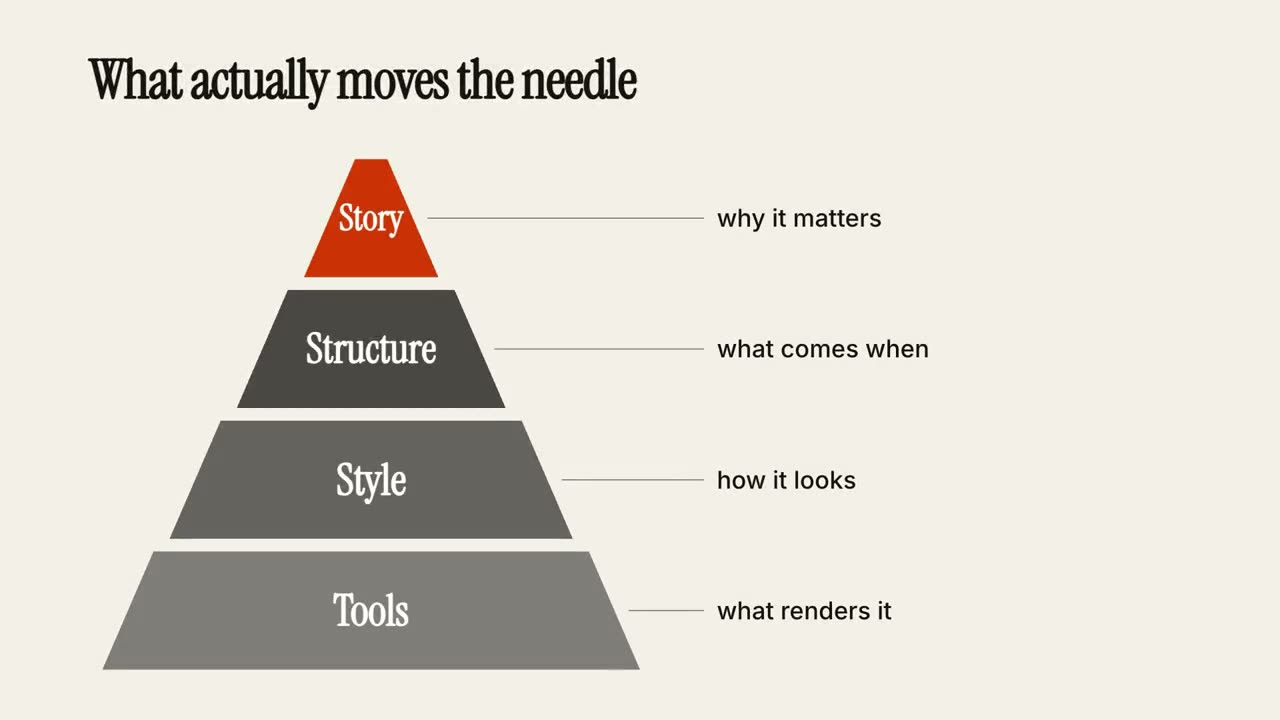
Tier Pyramid
A pyramid builds layer by layer, each tier with a note.
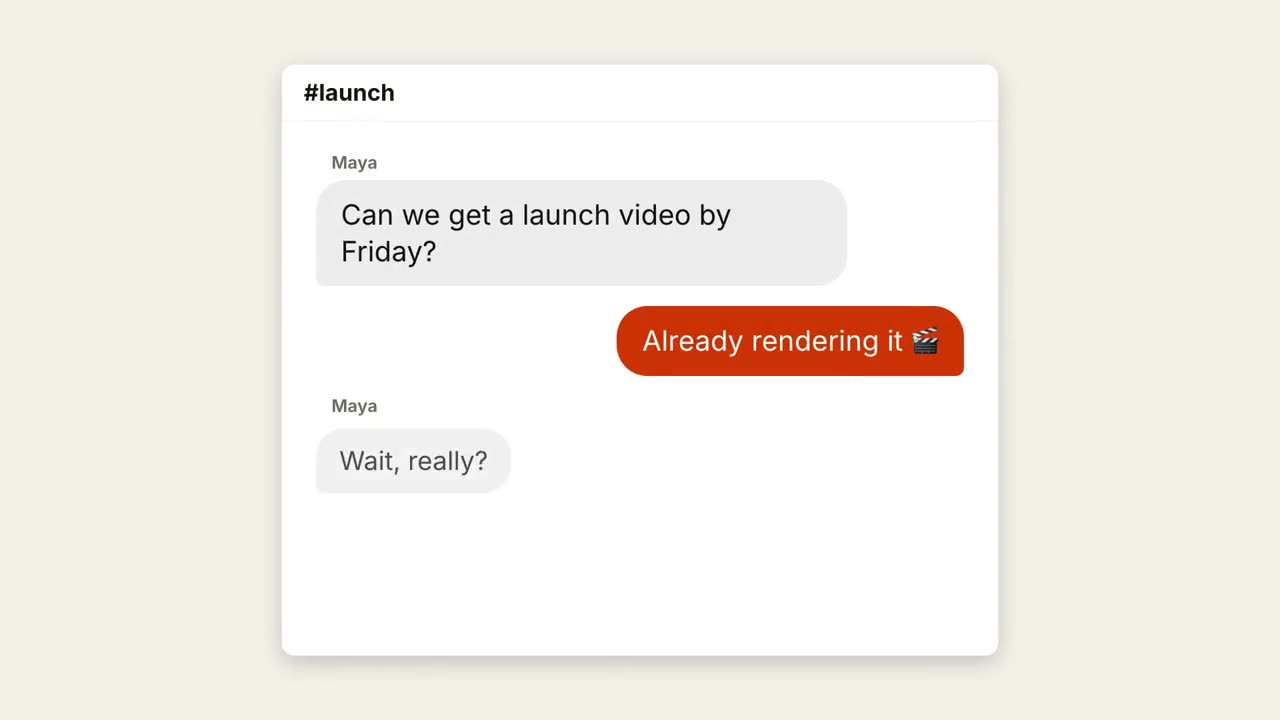
Chat Thread
A conversation plays out with typing dots and popping bubbles.
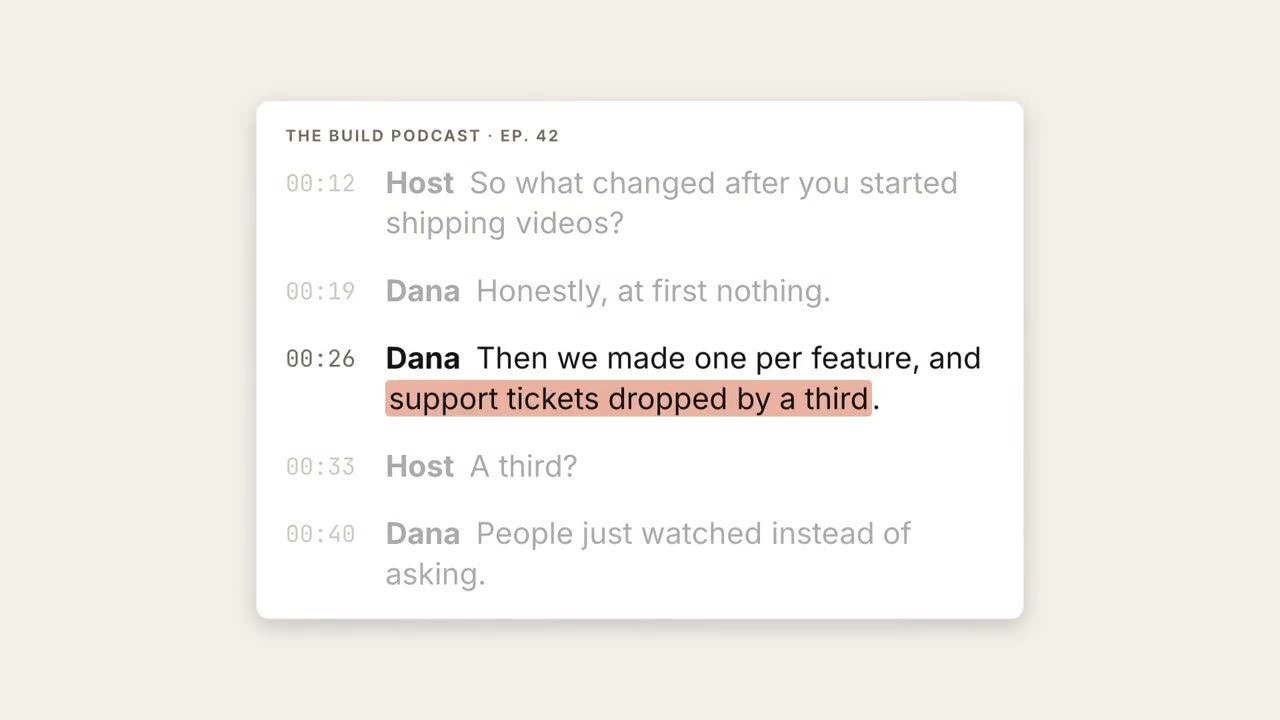
Transcript Highlight
A transcript plays out, the key phrase is highlighted and lifted into a pull quote.
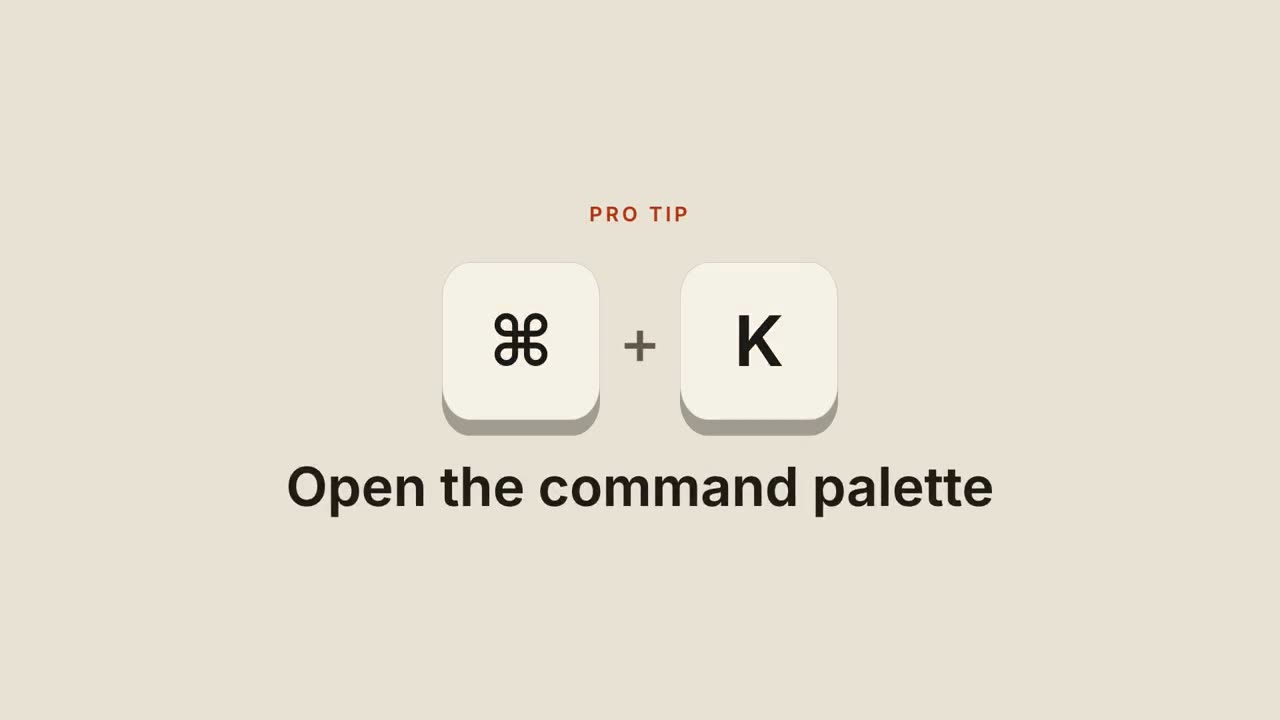
Shortcut Keys
Keycaps drop in, press down, and reveal what the shortcut does.
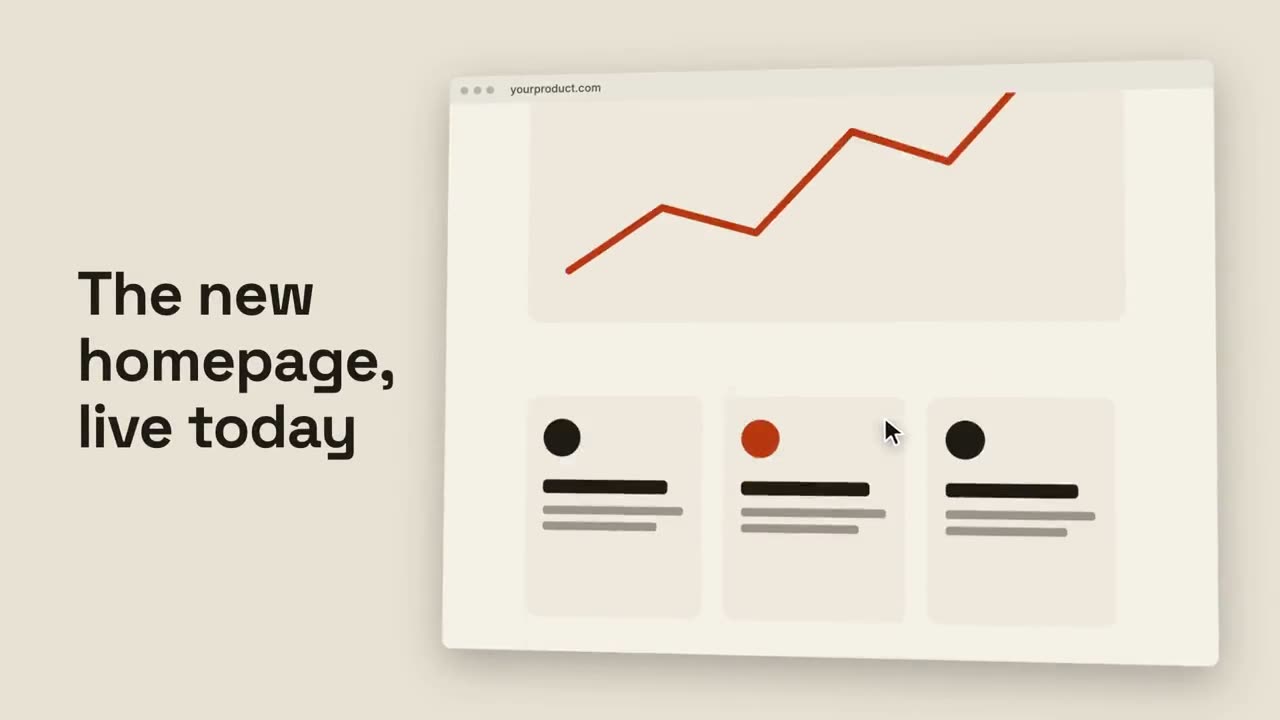
Browser Scroll
A tilted browser scrolls smoothly through a full page.
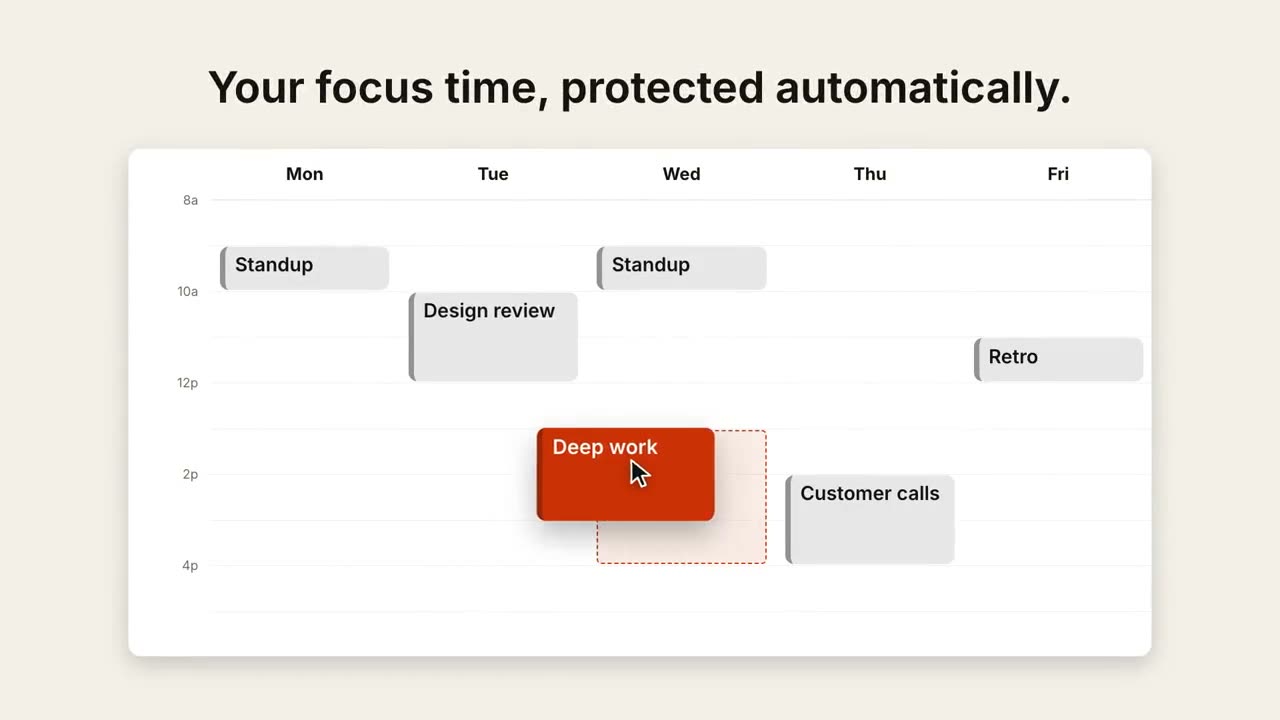
Calendar Reschedule
A week view fills up, then a cursor drags one event to a better slot.
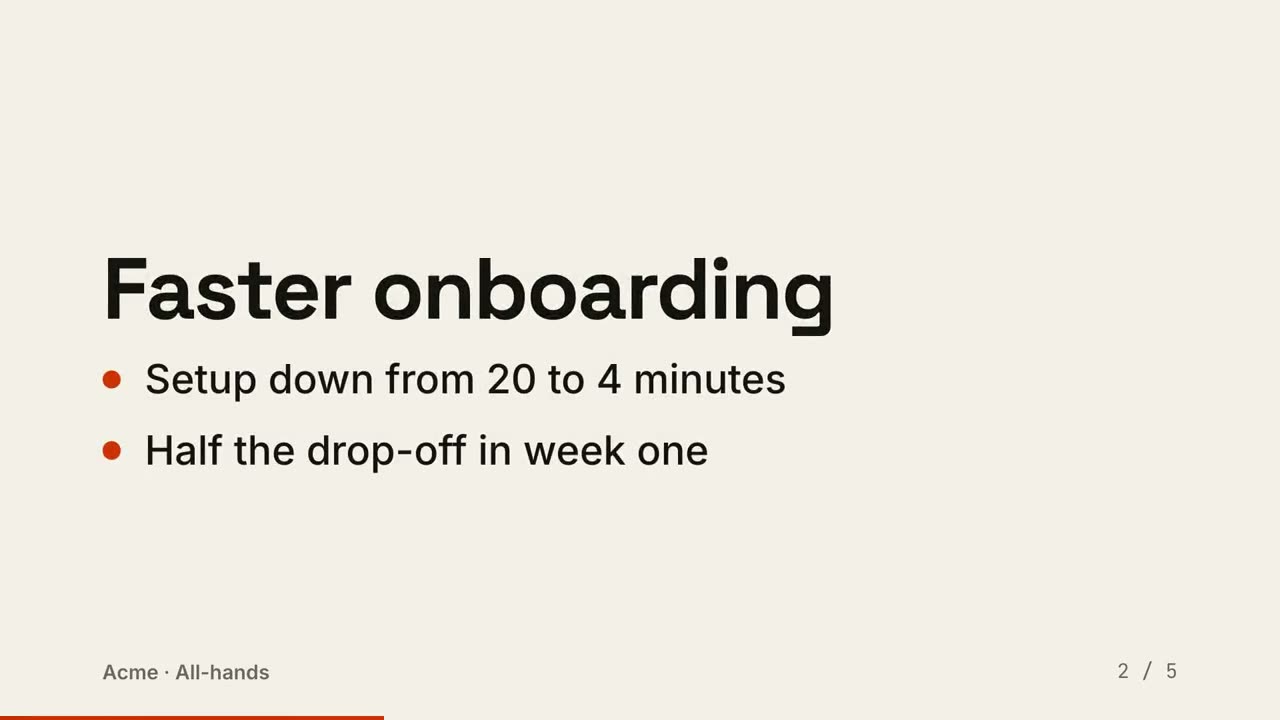
Slides to Video
A deck rendered as a video: one slide per beat, points reveal in order.
Made with these