튜토리얼과 설명
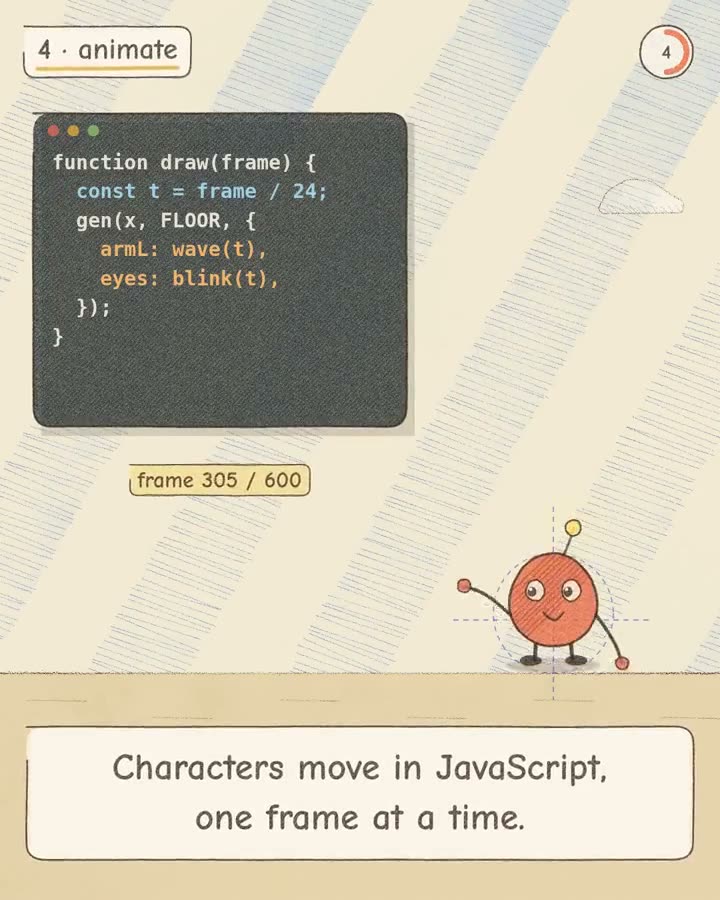
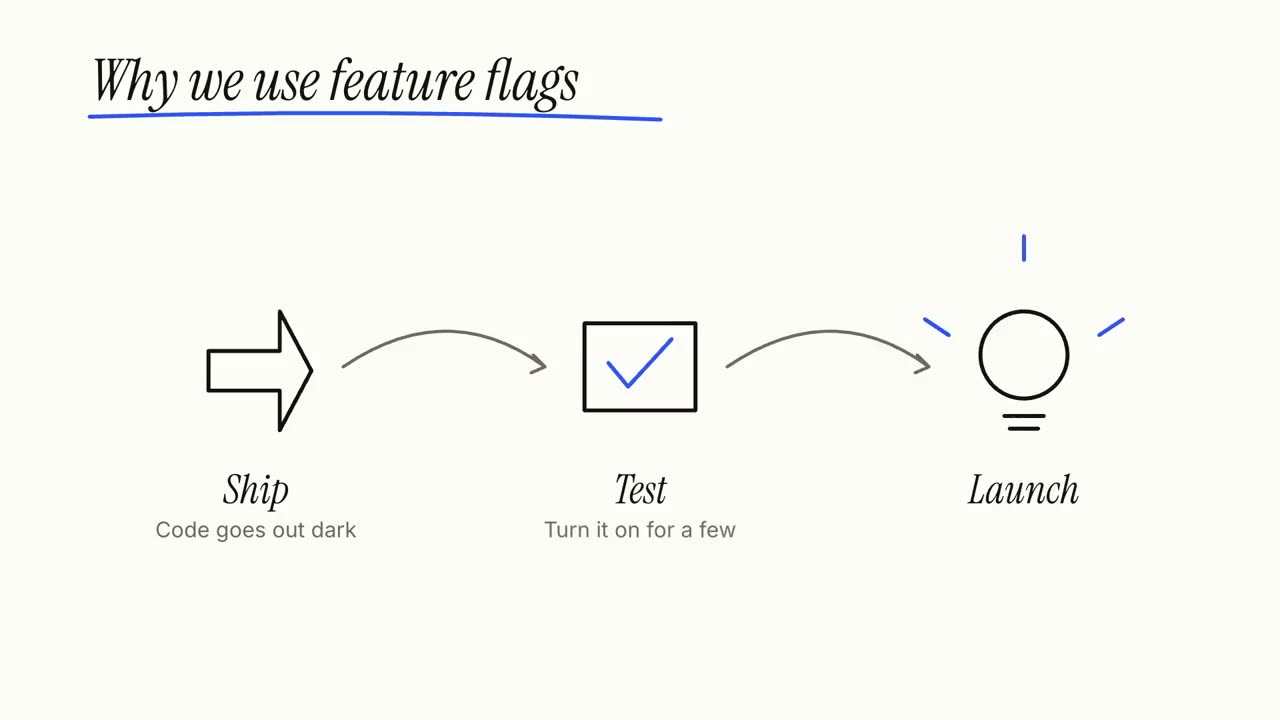
기사, 메모 또는 주제만 주면 Explainer Director가 대본을 쓰고 사실을 확인한 뒤 샷별로 연출해 30~90초 설명 영상을 만듭니다. 아래의 단계, 순환, 콜아웃이 그 샷이며 각각 따로도 쓸 수 있습니다.
가진 자료에서 완성 영상까지
가진 자료를 에이전트에게 주면 워크플로가 대본, 연출, MP4 렌더링까지 합니다.
이 프롬프트부터 시작하세요
Claude Motion에 붙여 넣거나, 맞는 Skill을 설치해 에이전트에게 요청하세요.
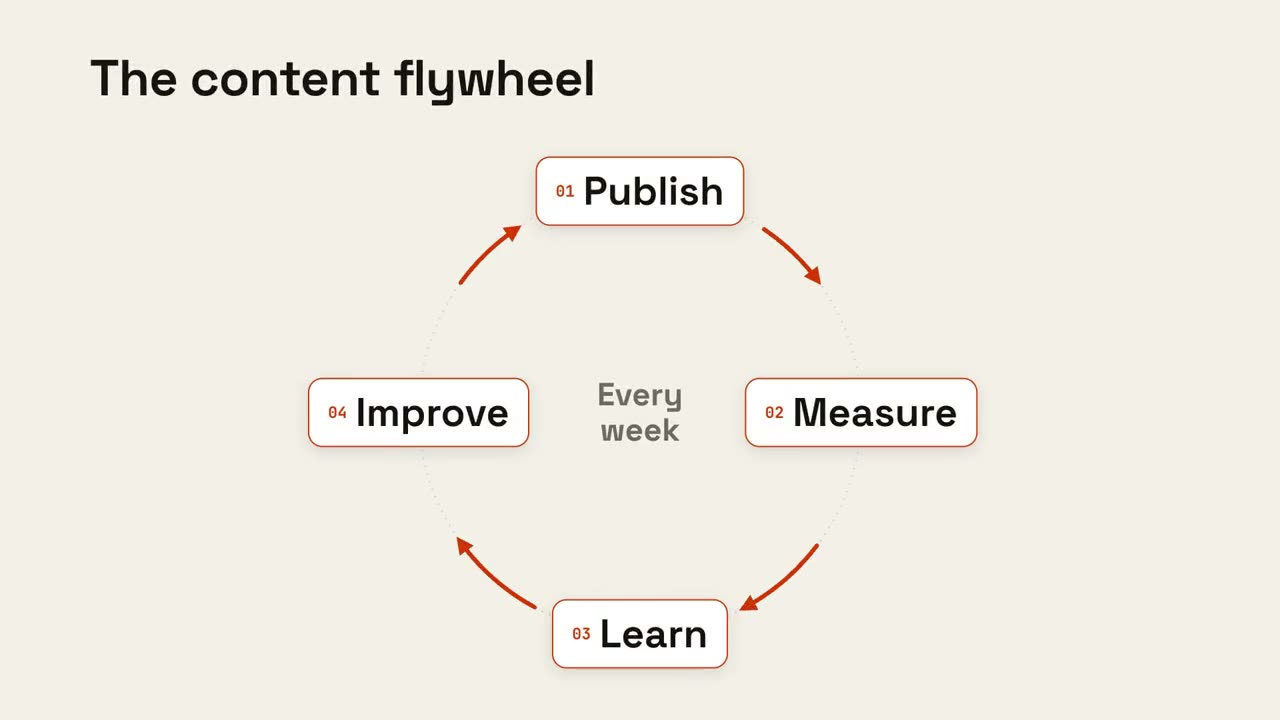
순환 루프
Skill 열기 →무료Make an 8-second 16:9 loop diagram for [who will watch, e.g. the marketing team], playing [where, e.g. the planning deck]. Use only the title and four steps below. Off-white background. The title appears. Four white rounded cards with small orange numbers pop in around a faint dotted circle: top, right, bottom, left. Curved orange arrows draw clockwise from each card to the next. A short line fades in at the center in gray. End frame: a glowing orange dot travels around the circle continuously, briefly outlining each card in orange as it passes. Title: [e.g. "The content flywheel"] Four steps: [e.g. Publish, Measure, Learn, Improve] Center line: [e.g. "Every week"]
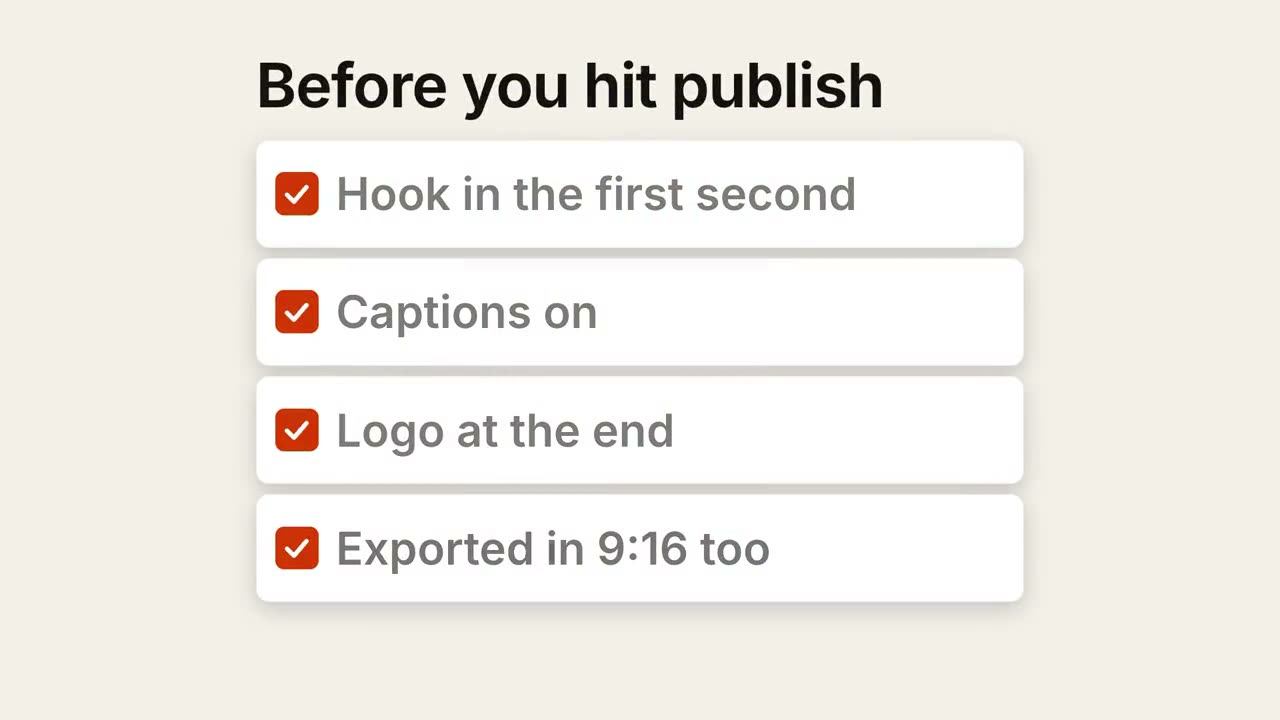
체크리스트
Skill 열기 →무료Make a 7-second 16:9 checklist for [who will watch, e.g. our content team], playing [where, e.g. the training page]. Use only the title and four items below; don't reword them. Warm off-white background. The title fades up, then four white rounded cards slide in from the left, each with an empty checkbox and a label. One by one each checkbox fills rust orange with a little bounce, a white tick draws in, and its label dims. End frame: a small orange pill pops in below, held for 1.5 seconds. Title: [e.g. "Before you hit publish"] Four items: [e.g. "Hook in the first second", "Captions on", "Logo at the end", "Exported in 9:16 too"] Pill: [e.g. "Ready to ship"]
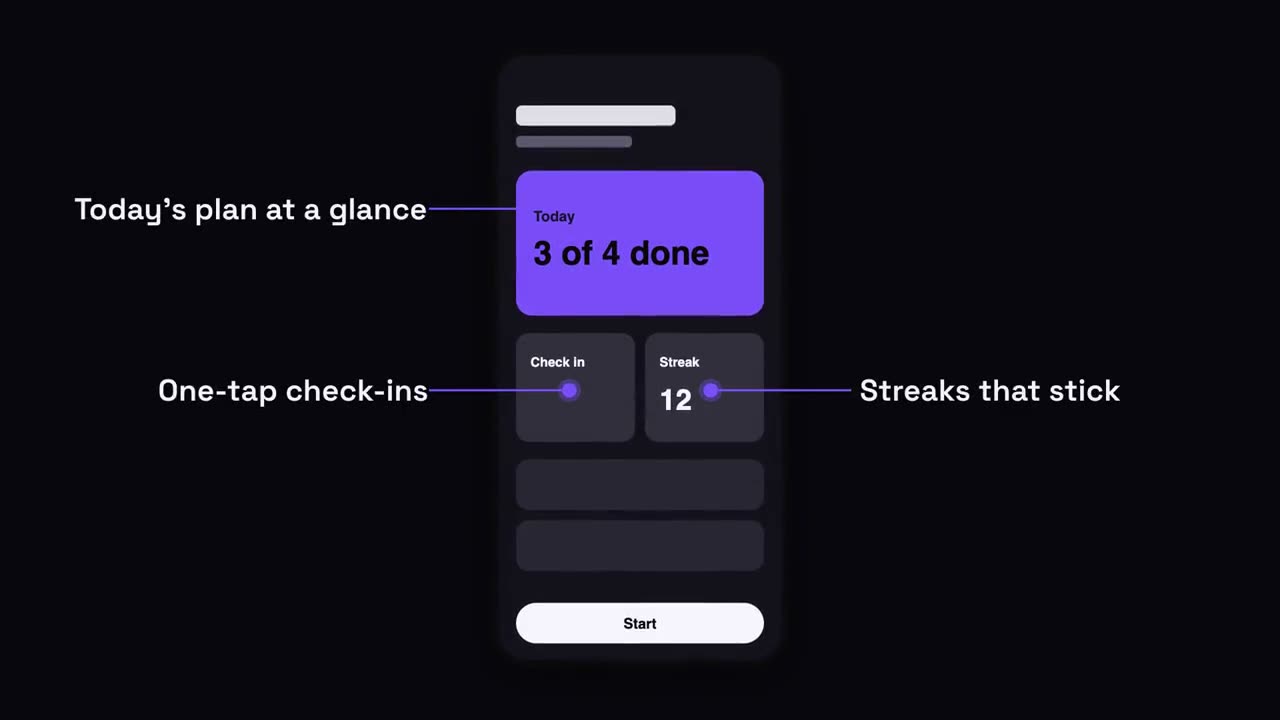
휴대폰 말풍선
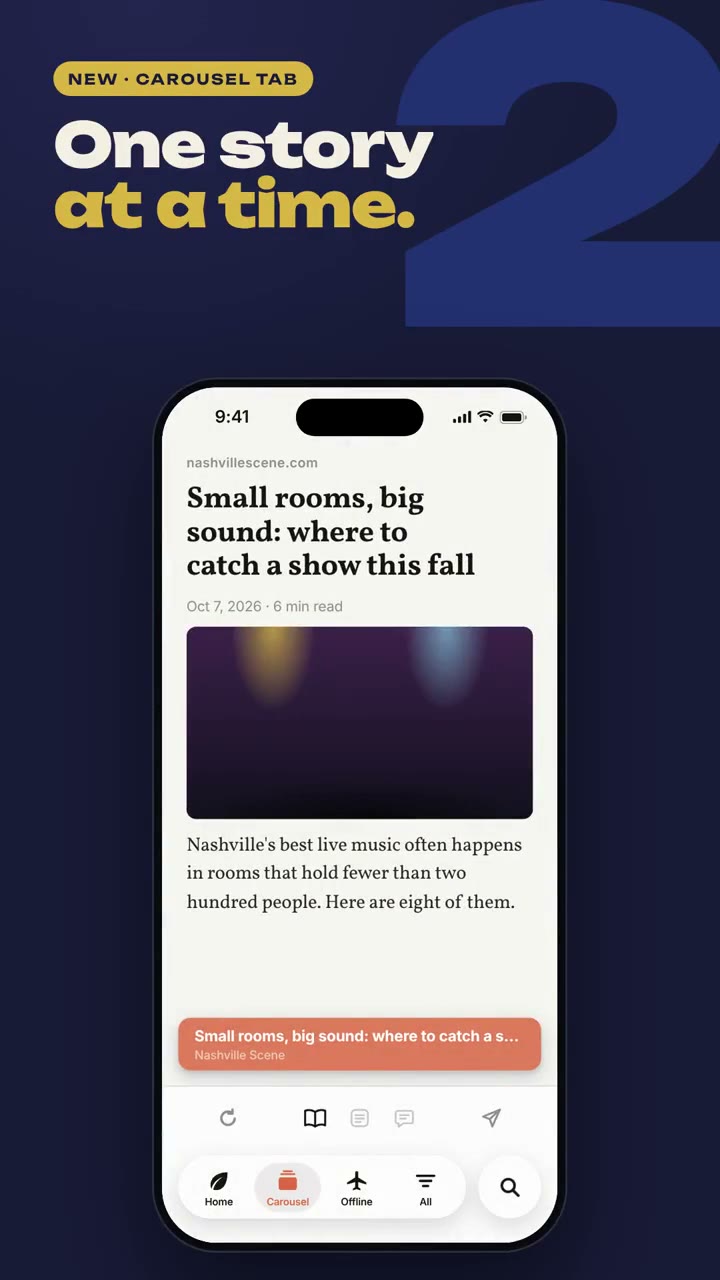
Skill 열기 →무료Make a 7-second 16:9 app scene for [who will watch, e.g. new users], playing [where, e.g. the app's landing page]. Use only the screenshot and four labels I give. Deep navy background. A black phone showing the screenshot rises into the center with a slight rotation that settles. One at a time, small violet dots appear on parts of the screen and thin violet lines draw out to white labels on the left and right. End frame: the phone floats gently with all four labels showing. Attach: [a phone screenshot of your app] Four labels and what each points at: [e.g. "Today's plan at a glance", "One-tap check-ins", "Streaks that stick", "Start in one tap"]
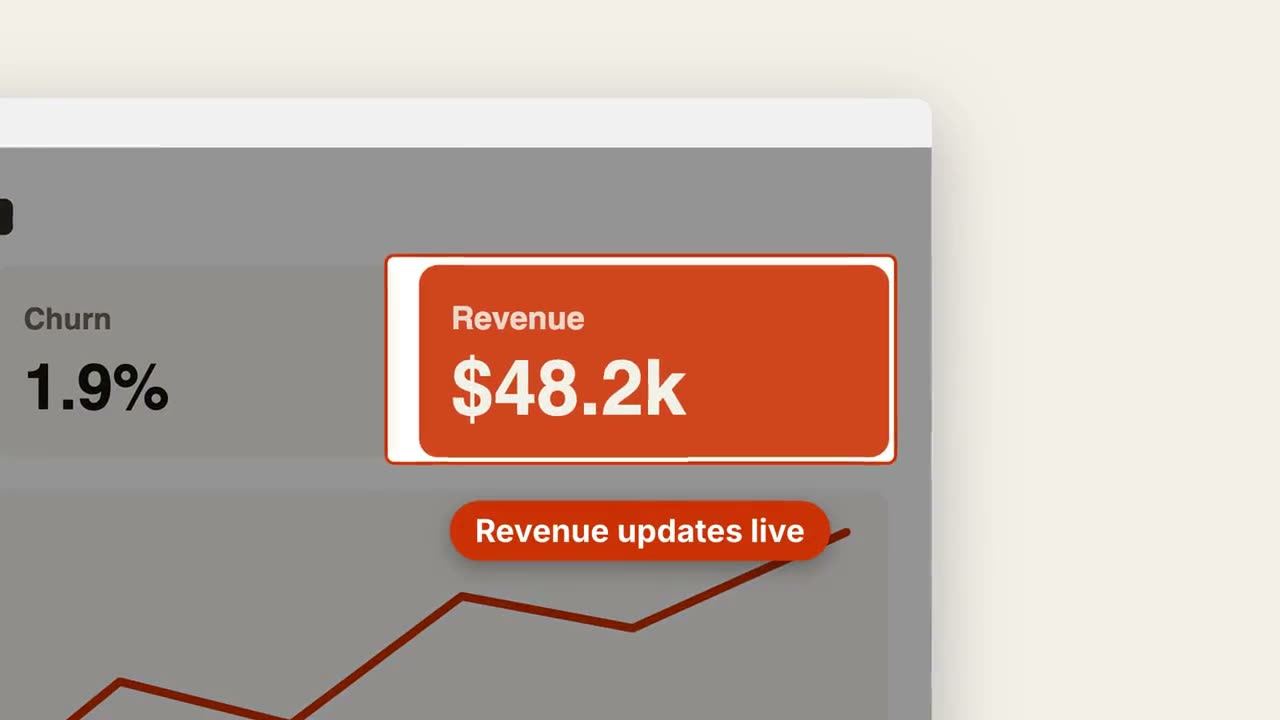
스크린샷 줌 말풍선
Skill 열기 →무료Make a 7-second 16:9 product scene for [who will watch, e.g. prospects], playing [where, e.g. the feature page]. Use only the screenshot and caption I give. Off-white background. A browser window with the screenshot settles in with a soft shadow. After a beat, the camera pushes smoothly into the detail I name. The rest of the screenshot dims under a dark overlay while the detail gets an orange outline, and an orange pill caption pops in just below it. End frame: the camera keeps drifting in very slightly. Attach: [a screenshot of your product] Detail to zoom into: [e.g. the top-right revenue card "$48.2k"] Caption: [e.g. "Revenue updates live"]
따로 쓸 수 있는 장면
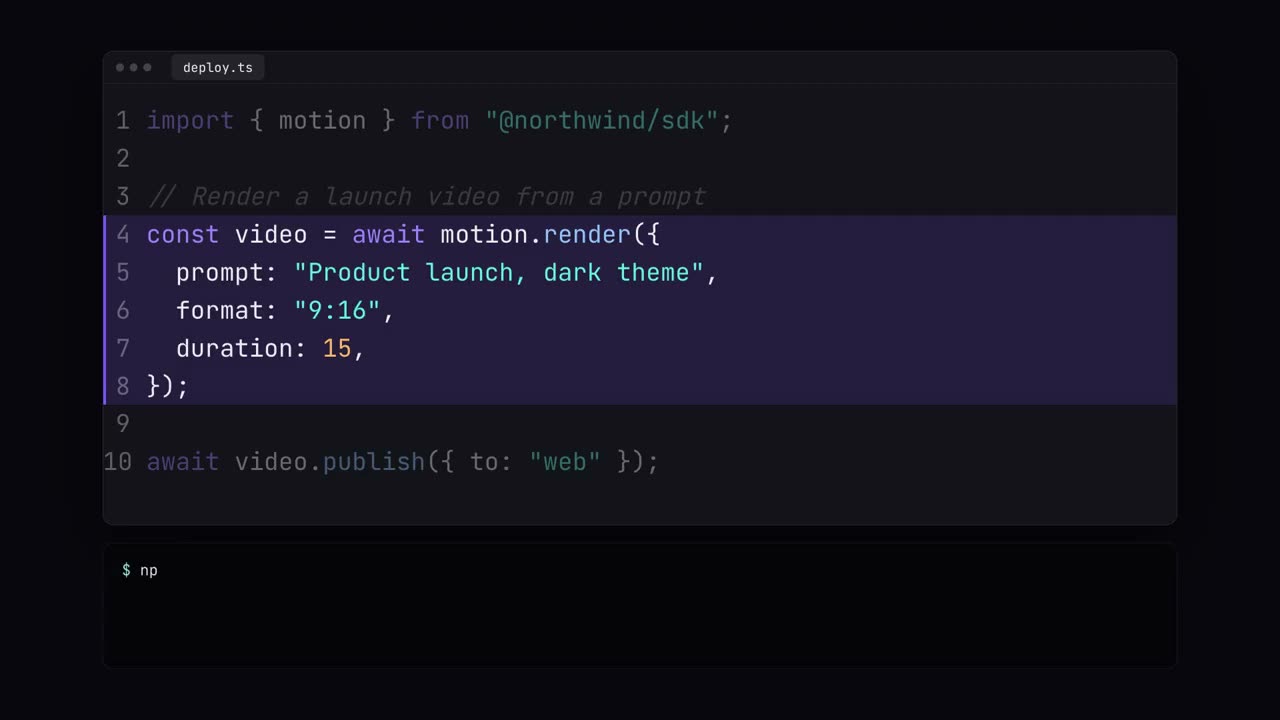
코드 쇼케이스
구문 강조 코드 입력, 하이라이트, 터미널 실행.
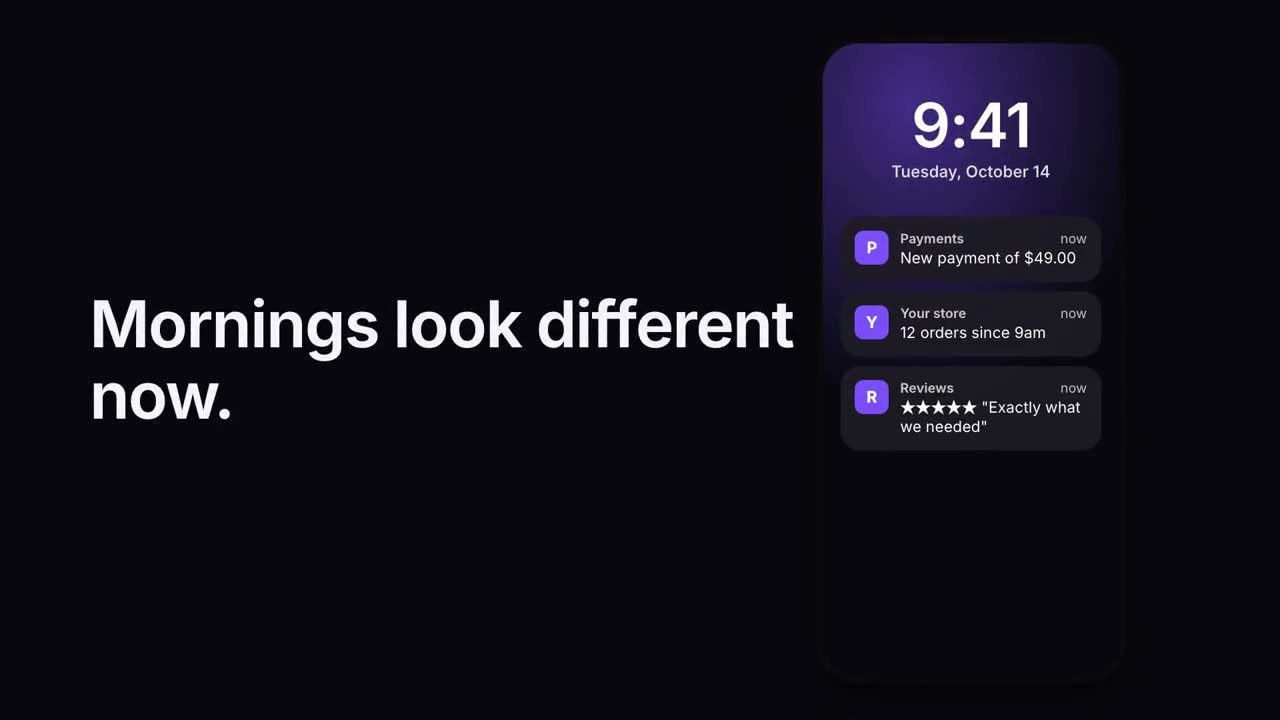
알림 스택
잠금 화면에 알림이 차례로 도착합니다.
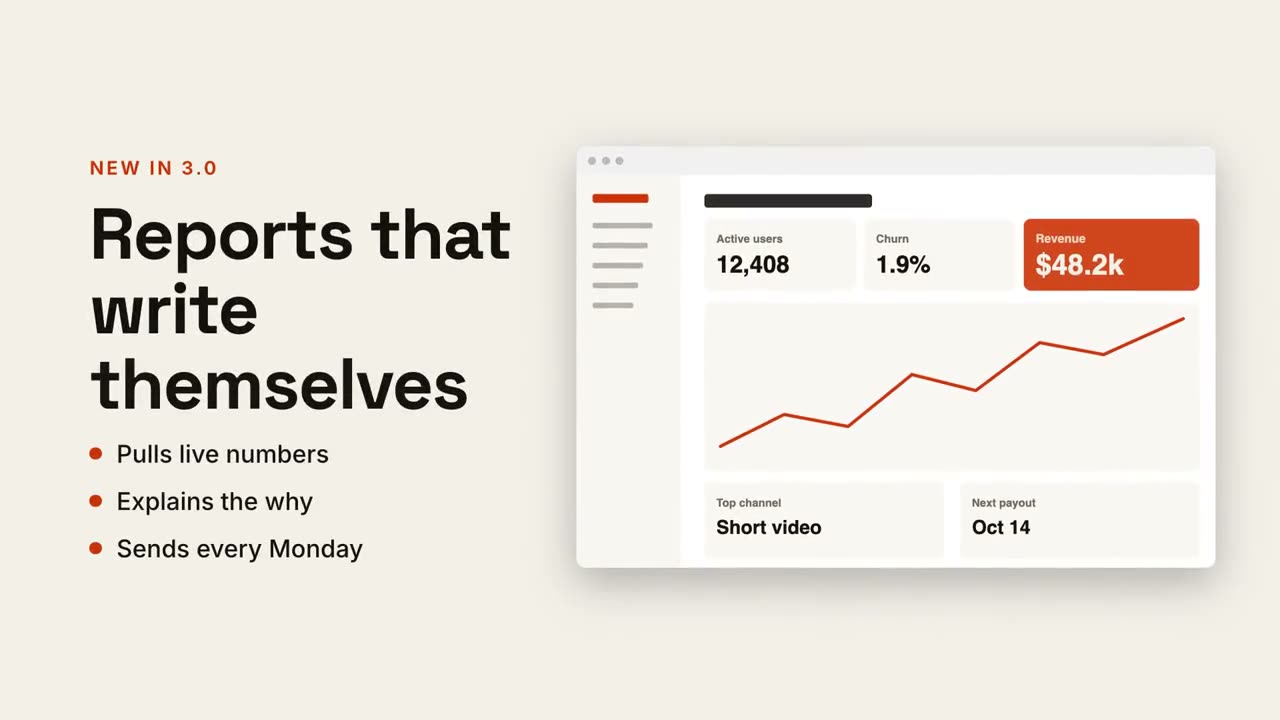
텍스트 + 화면 분할
한쪽에 헤드라인과 포인트, 다른 쪽에 스크린샷이 미끄러져 들어옵니다.
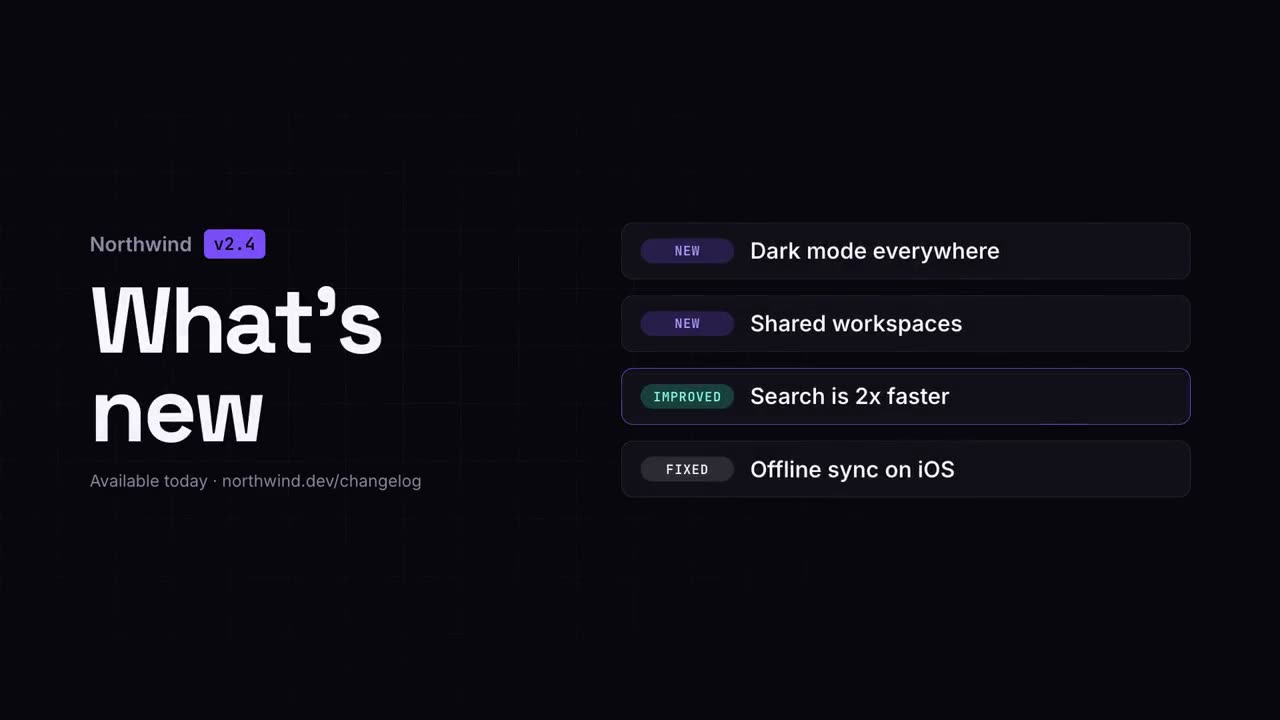
변경 내역 영상
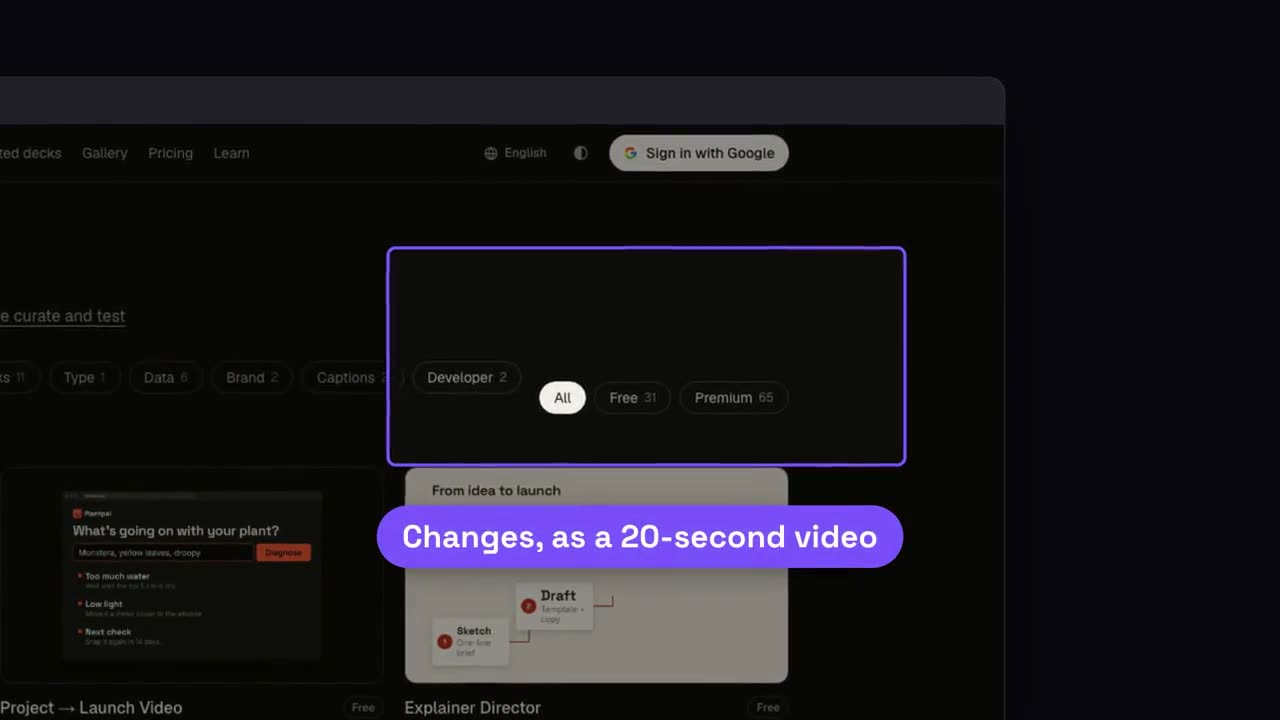
릴리스 노트를 깔끔하고 공유하기 좋은 클립으로.
체크리스트
모든 칸에 하나씩 스스로 체크되는 체크리스트.
순환 루프
링 위의 단계들이 화살표로 이어지고, 펄스가 계속 돕니다.
스크린샷 줌 말풍선
스크린샷의 한 부분으로 다가가 나머지를 흐리게 하고 짚어 줍니다.
휴대폰 말풍선
휴대폰이 떠오르고, 지시선으로 화면에서 라벨이 뻗어 나옵니다.
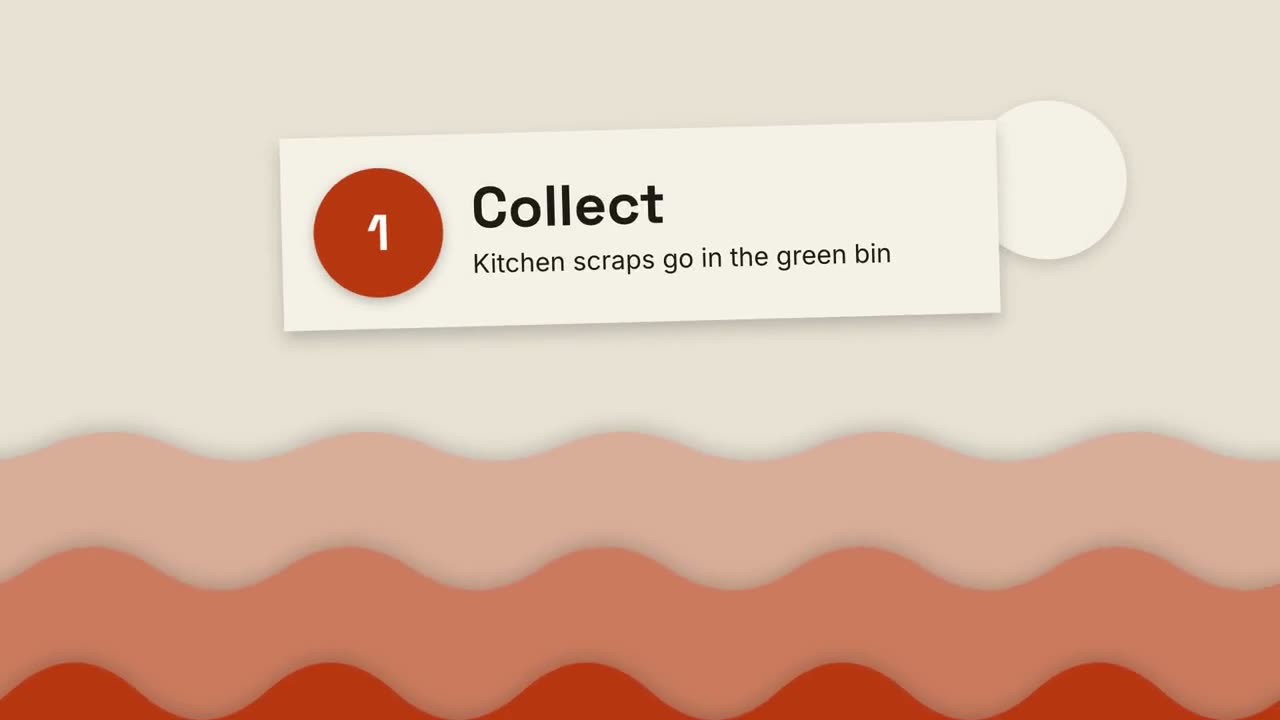
종이 오리기 설명
겹겹의 종이 언덕과 오린 종이 카드로 무엇이든 세 단계로 설명합니다.
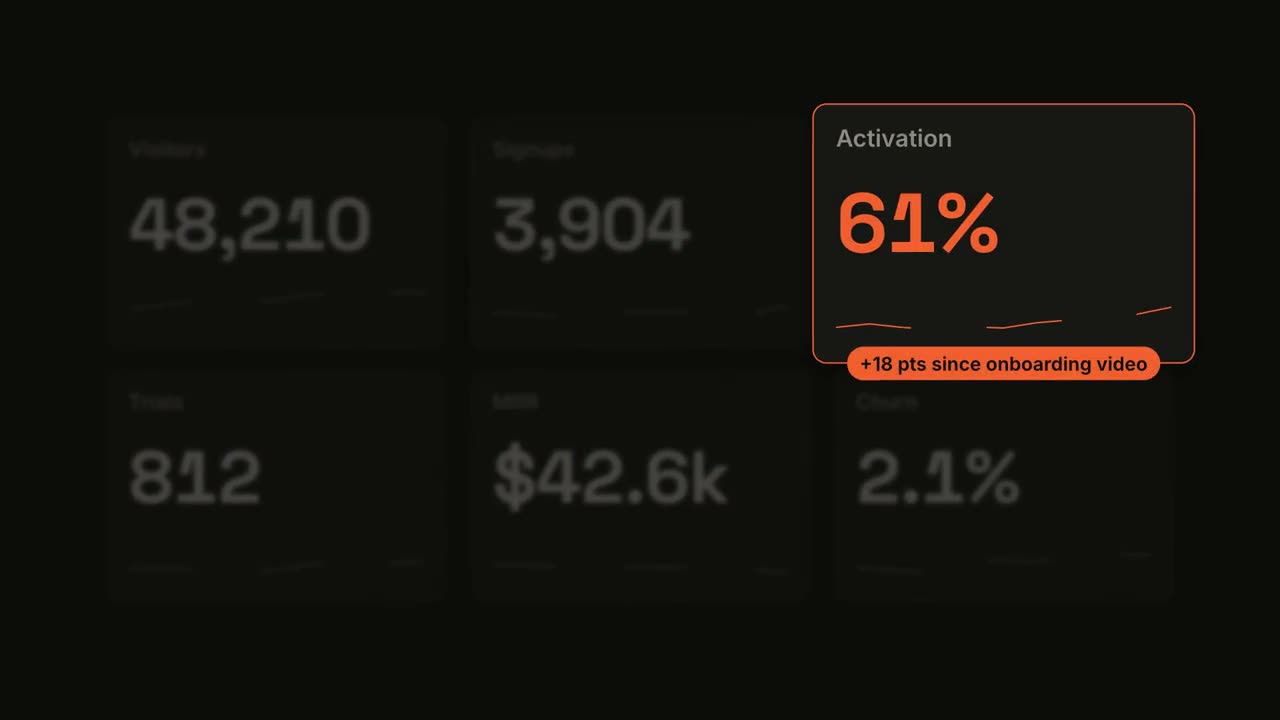
메트릭 스포트라이트
대시보드가 카운트업되고, 타일 하나가 스포트라이트를 받습니다.
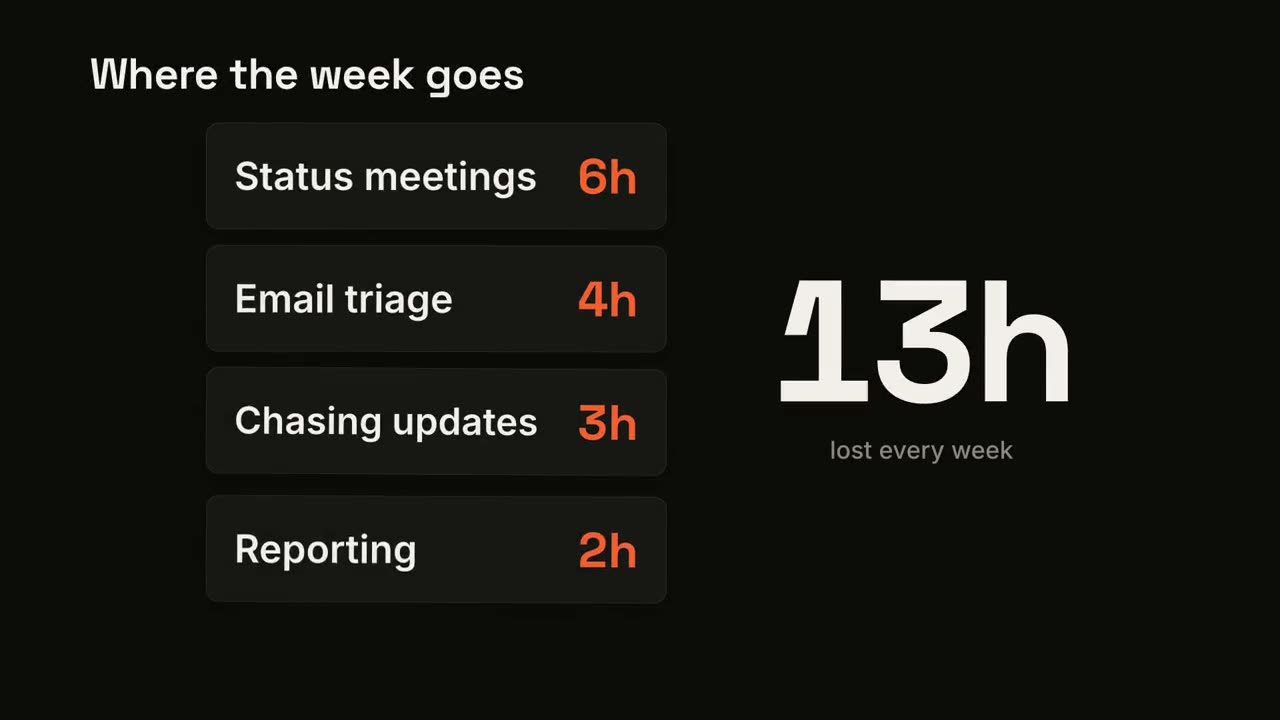
카드 스택 카운터
카드가 하나씩 떨어지고 큰 합계가 더해집니다.
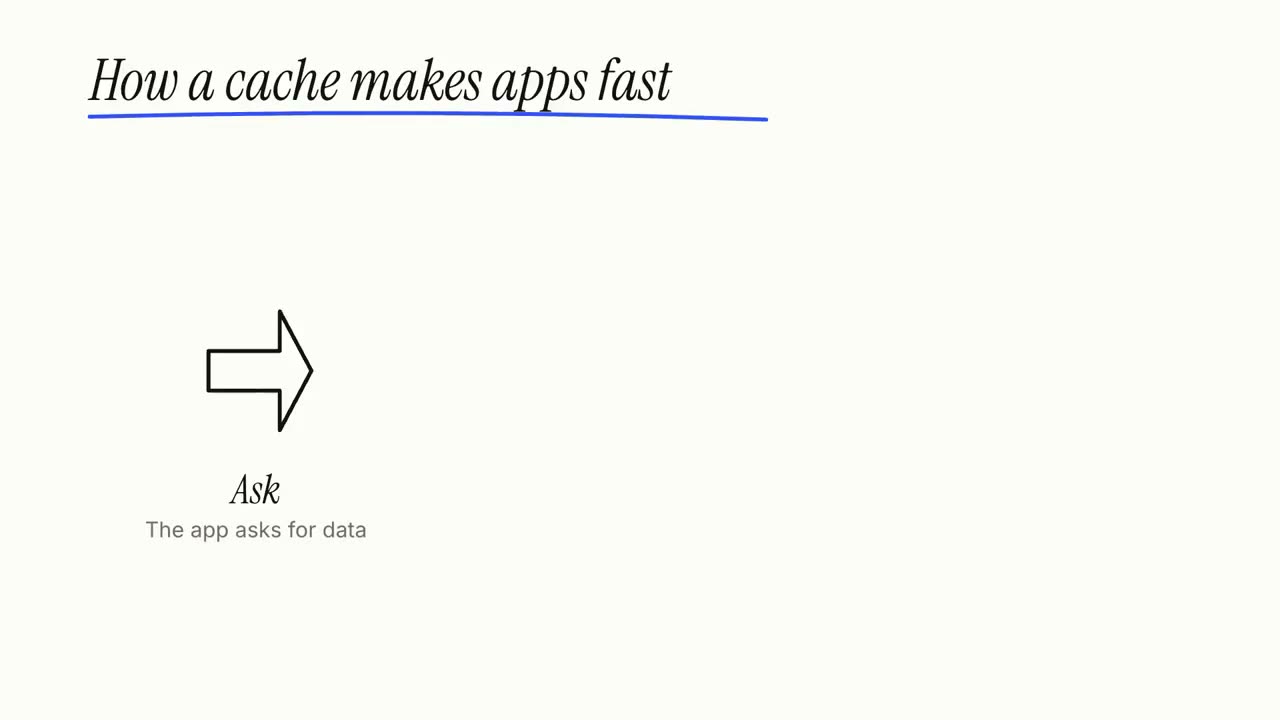
화이트보드 설명
마커 낙서가 스스로 그려지고 라벨이 한 단계씩 쓰입니다.
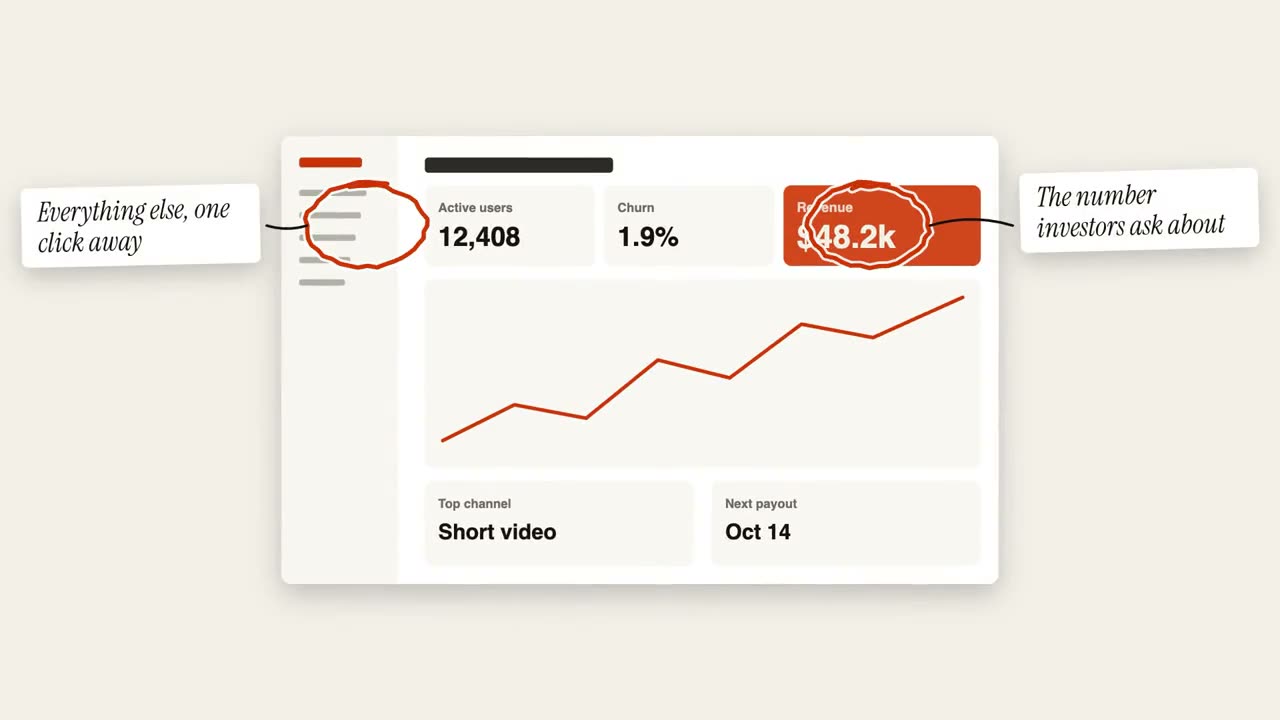
동그라미 주석
손으로 그린 동그라미와 포스트잇으로 이미지에 표시합니다.
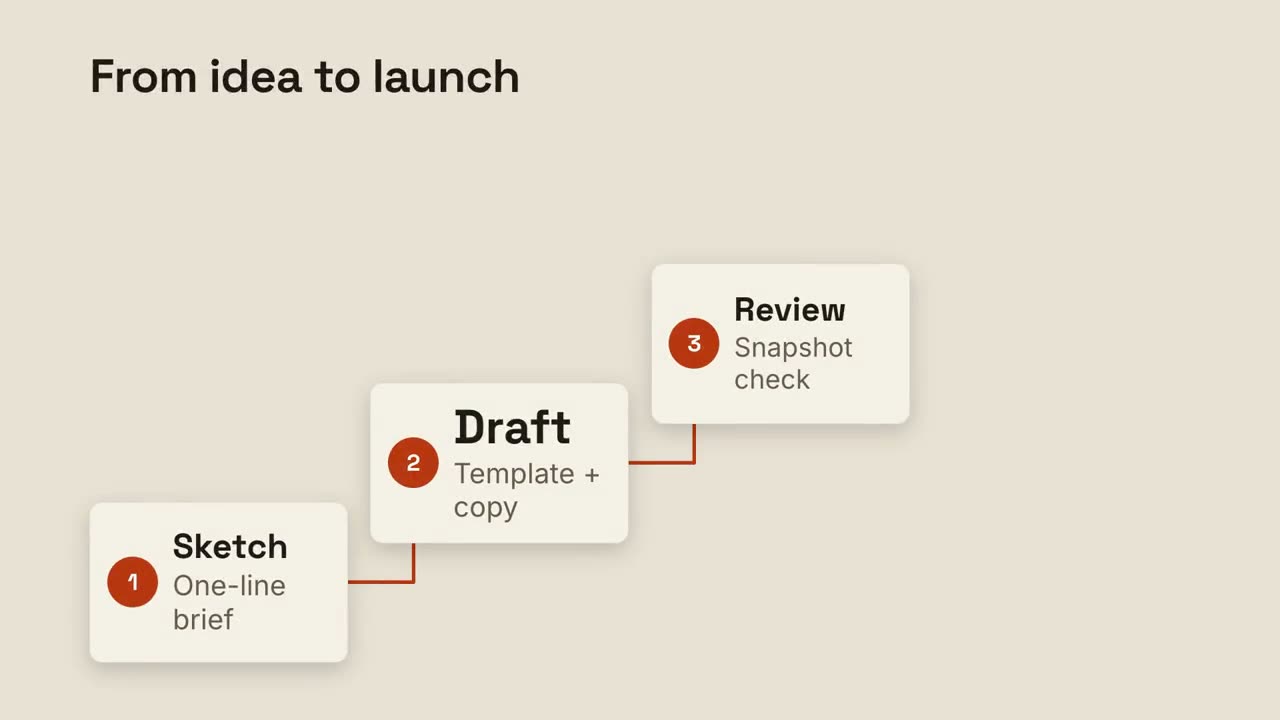
스텝 래더
번호 매긴 단계가 계단을 오르고 선으로 이어집니다.
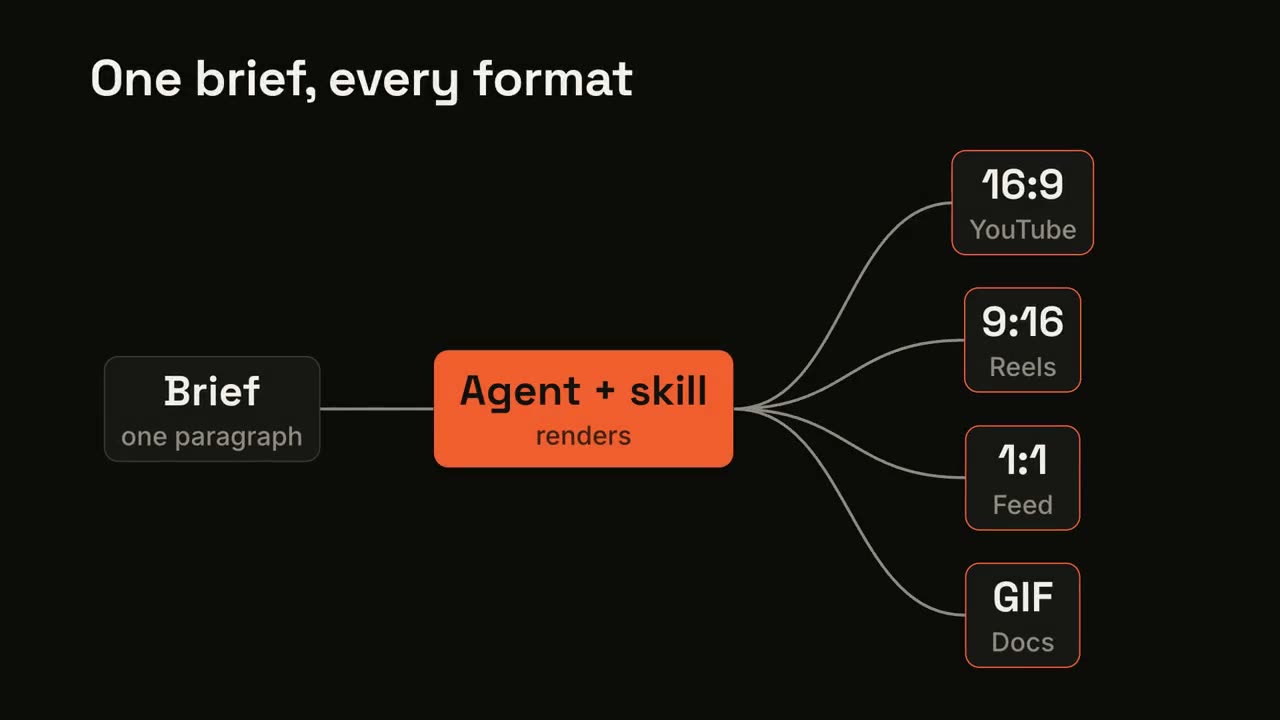
파이프라인 팬아웃
하나의 입력이 과정을 거쳐 여러 출력으로 퍼져 나갑니다.
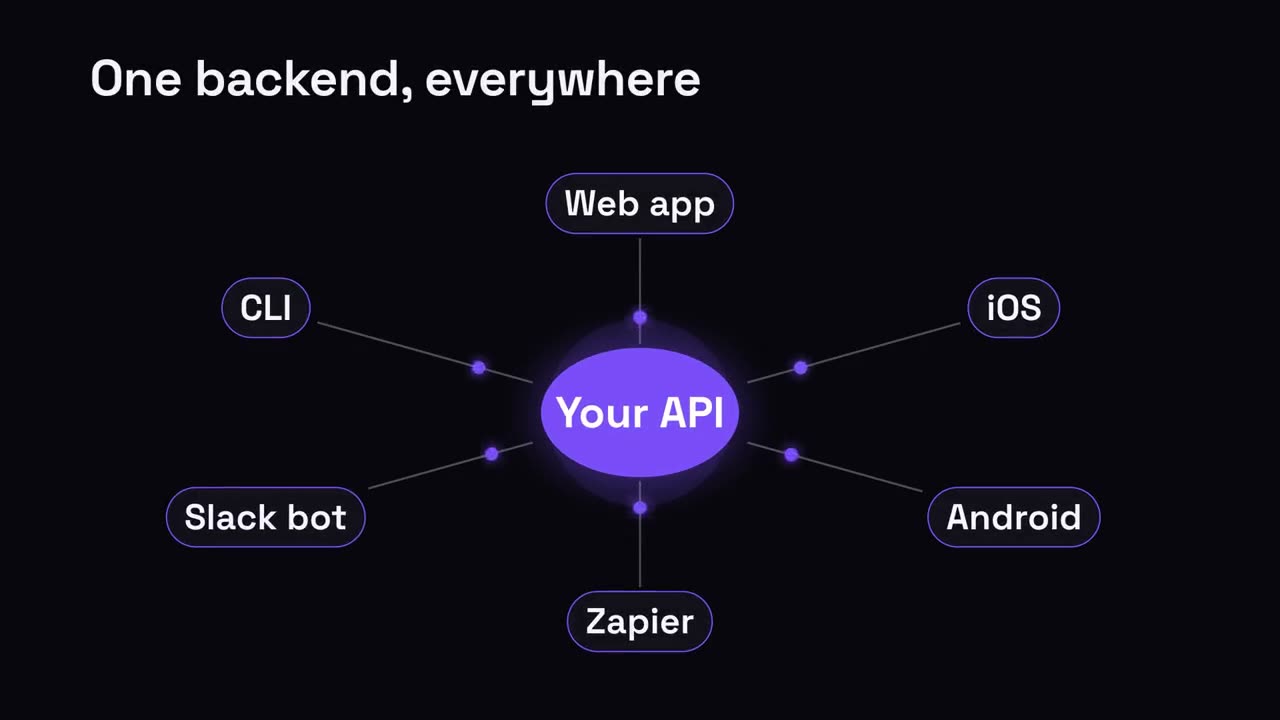
허브 & 스포크
중심 허브에서 연결된 모든 것으로 퍼져 나갑니다.
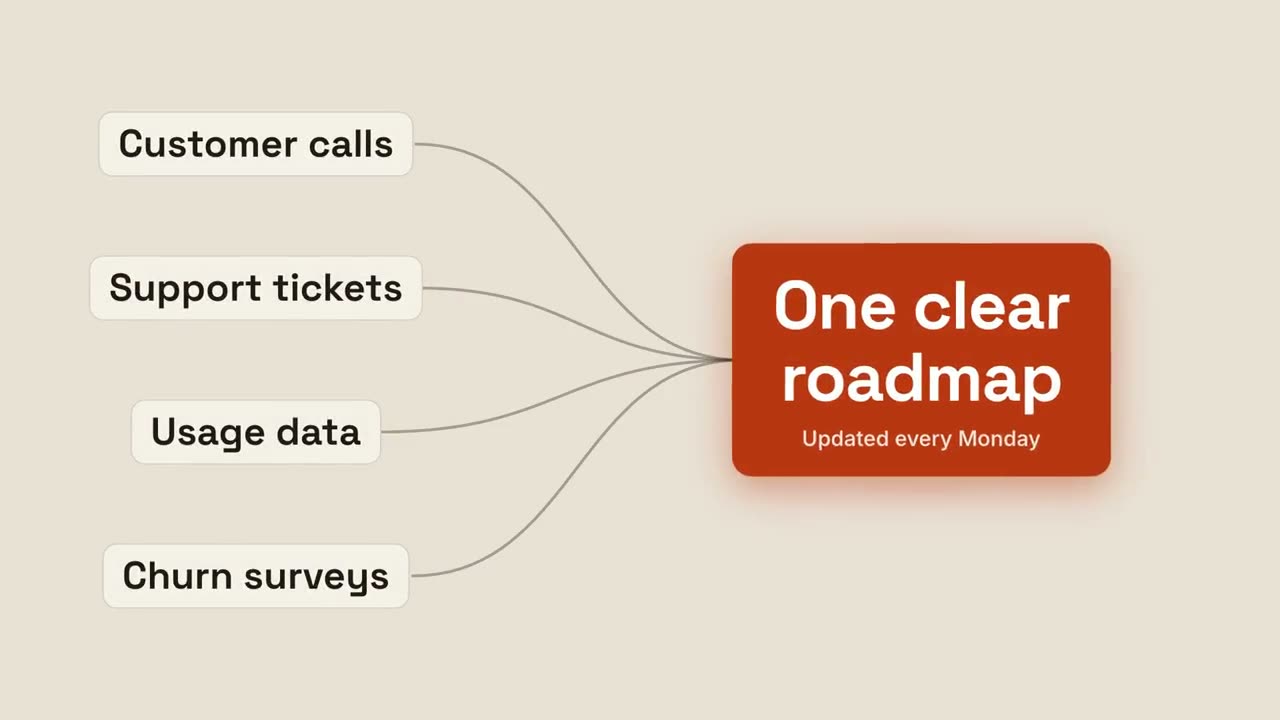
결과로 수렴
여러 입력이 흘러들어 하나의 빛나는 결과가 됩니다.
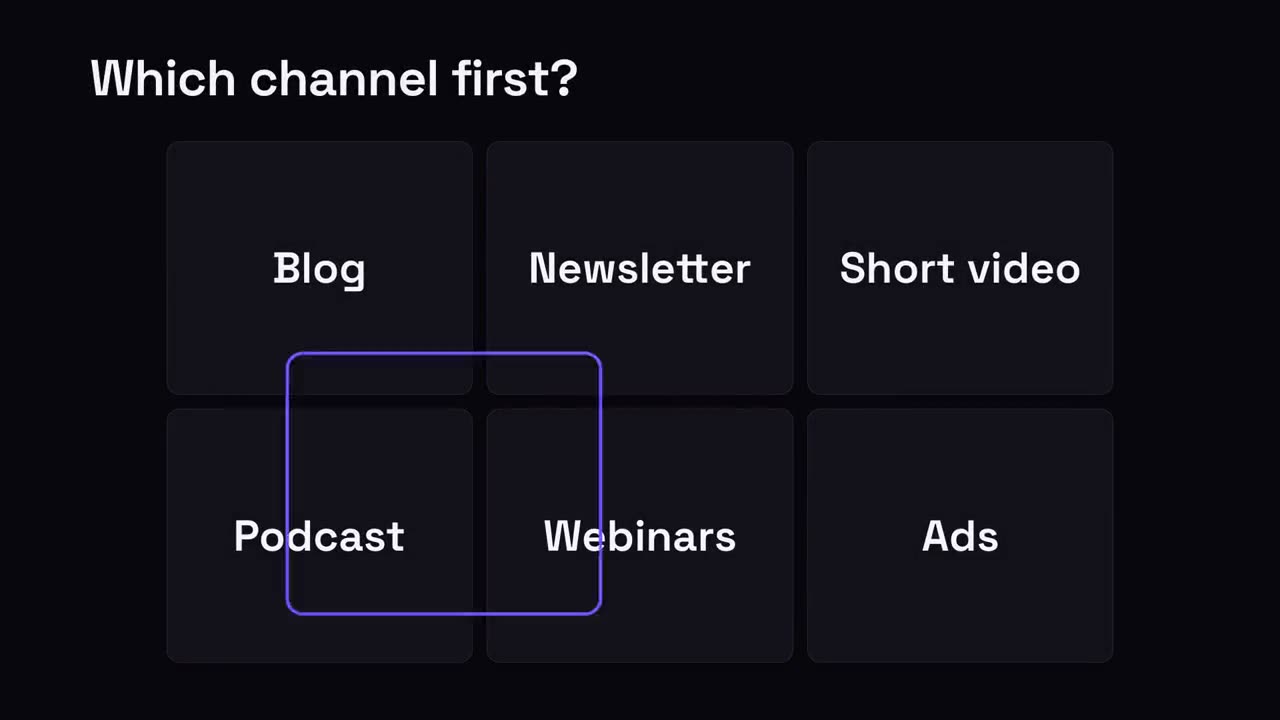
하나 고르기 그리드
선택지 그리드에서 선택 링이 이리저리 뛰다가 정답에 멈춥니다.
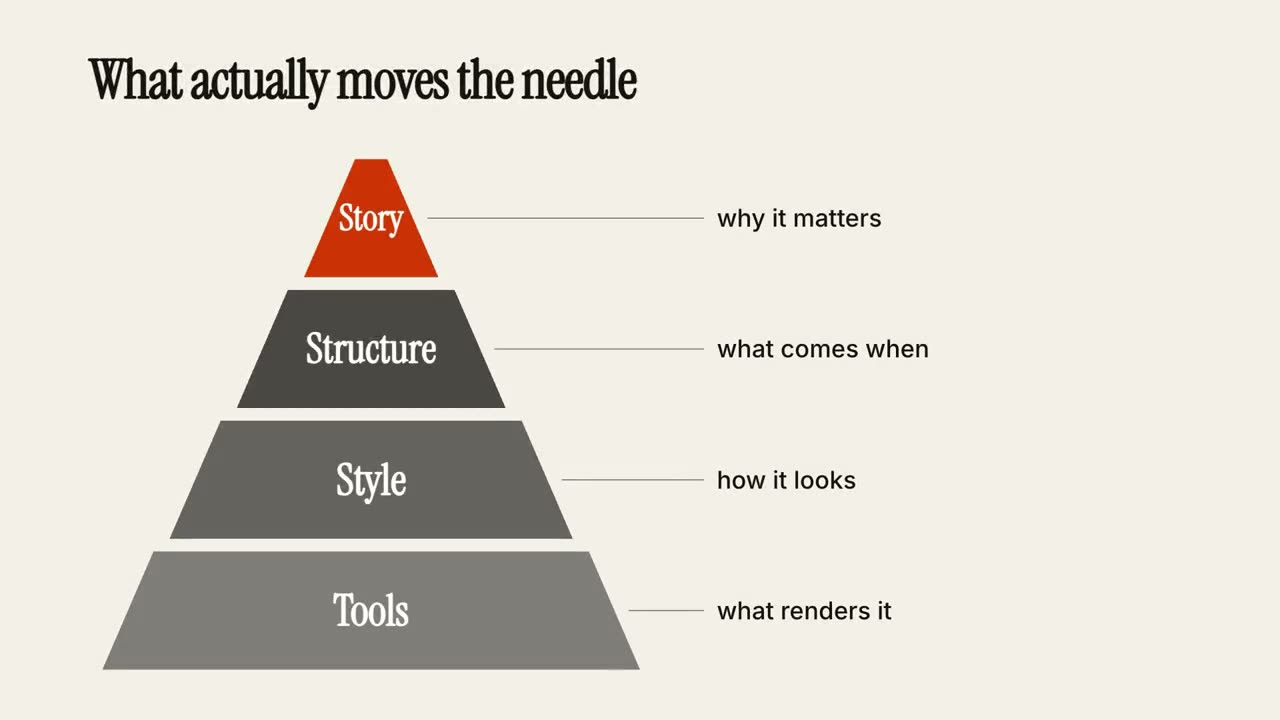
계층 피라미드
피라미드가 층층이 쌓이고, 층마다 메모가 붙습니다.
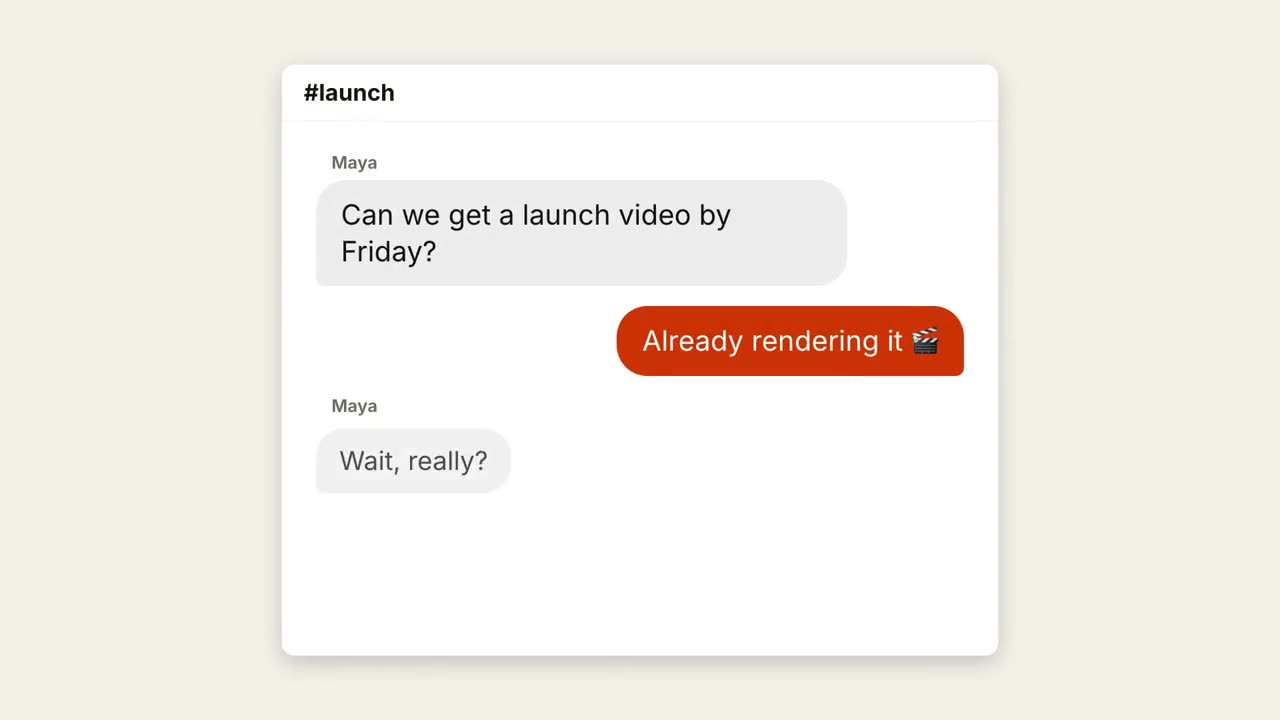
채팅 스레드
입력 중 점과 튀어나오는 말풍선으로 대화가 진행됩니다.
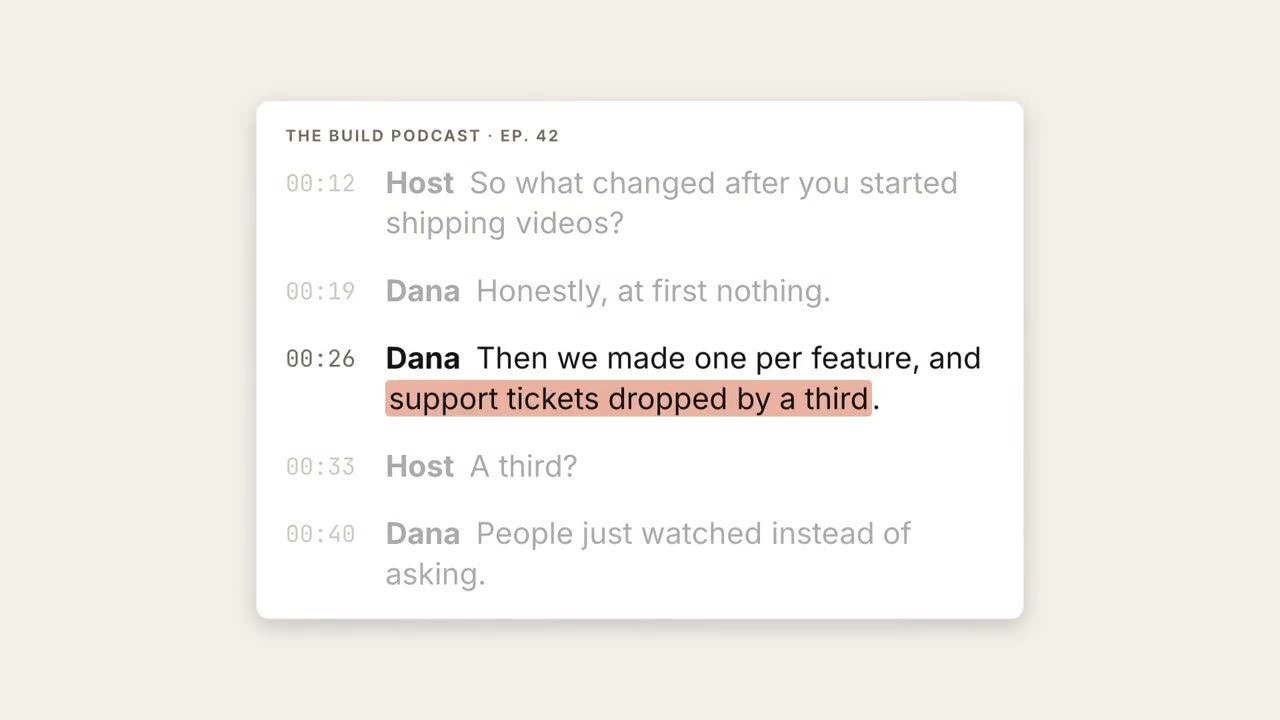
녹취록 하이라이트
녹취록이 흐르고, 핵심 구절이 강조되어 큰 인용문으로 떠오릅니다.
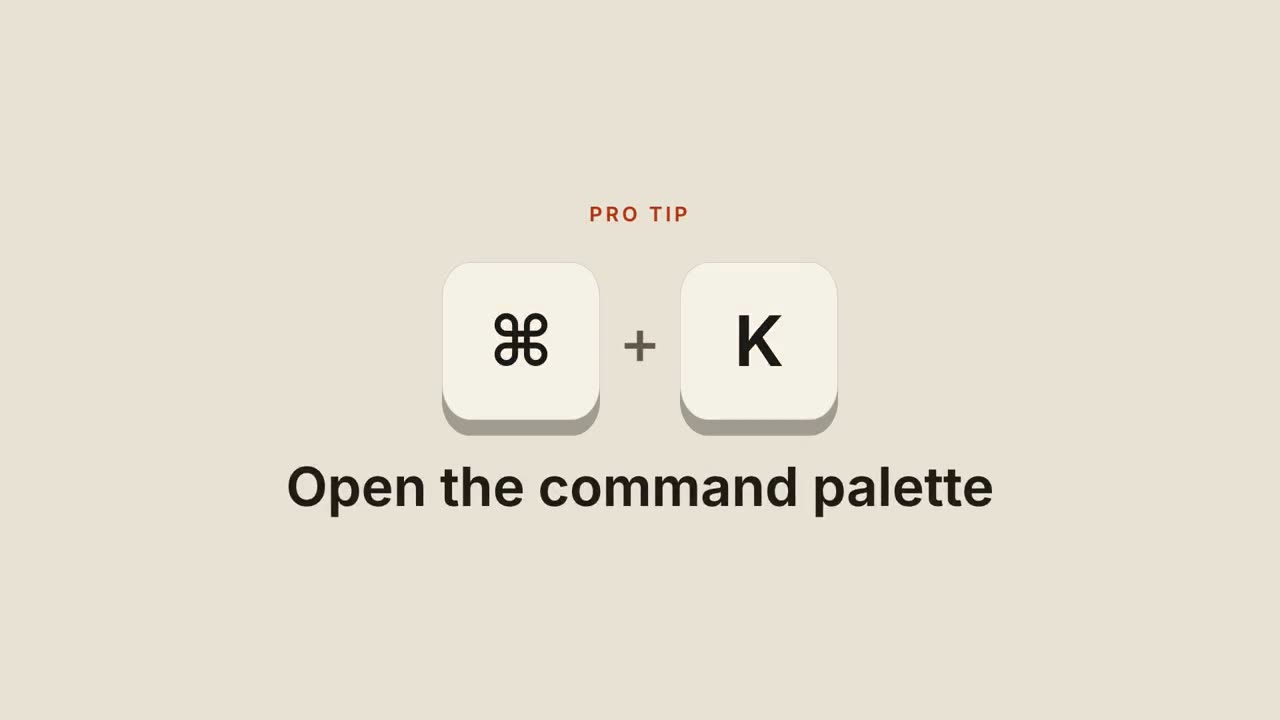
단축키
키캡이 떨어지고, 눌리고, 단축키가 하는 일을 보여 줍니다.
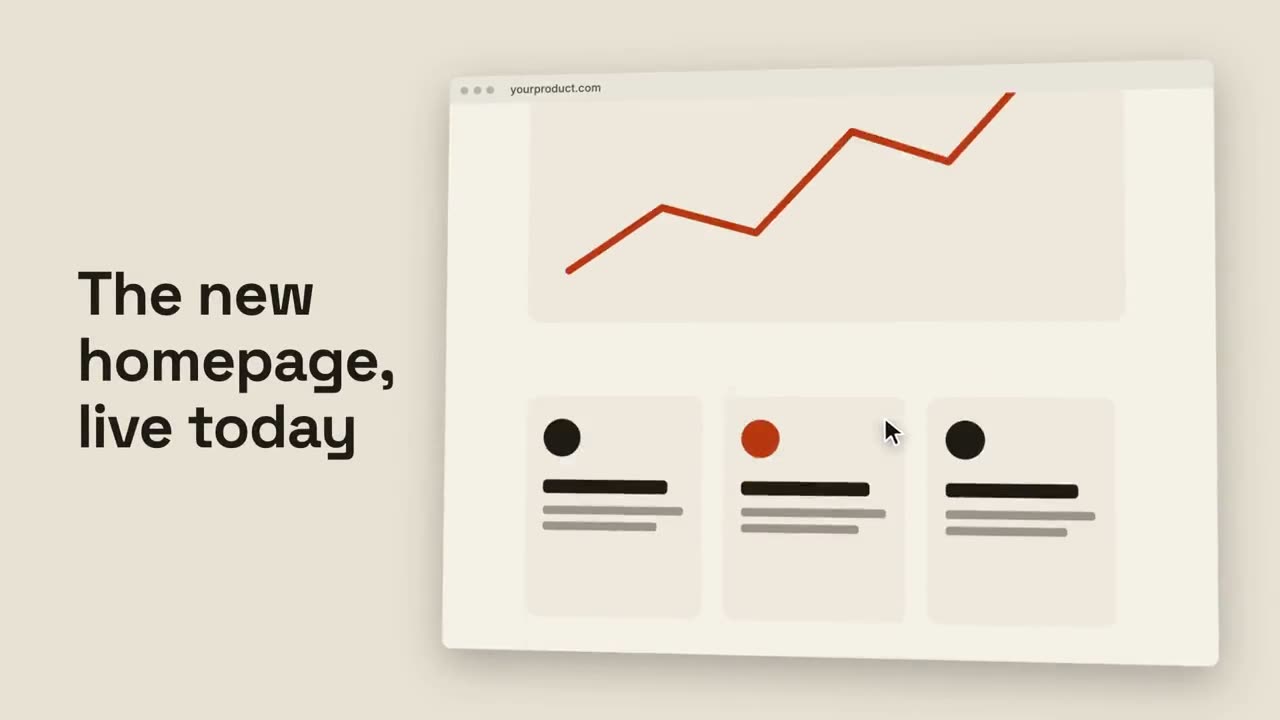
브라우저 스크롤
기울어진 브라우저가 페이지 전체를 부드럽게 스크롤합니다.
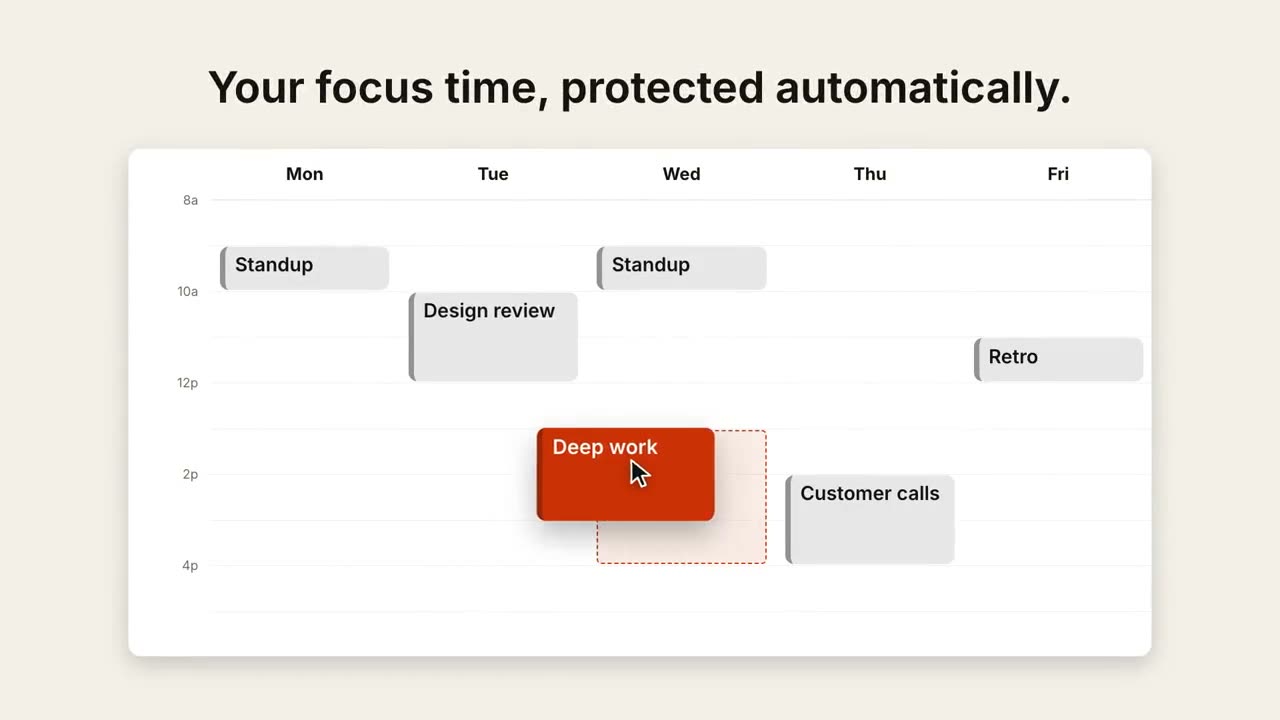
캘린더 일정 변경
주간 보기가 채워지고, 커서가 일정 하나를 더 좋은 시간으로 끌어다 놓습니다.
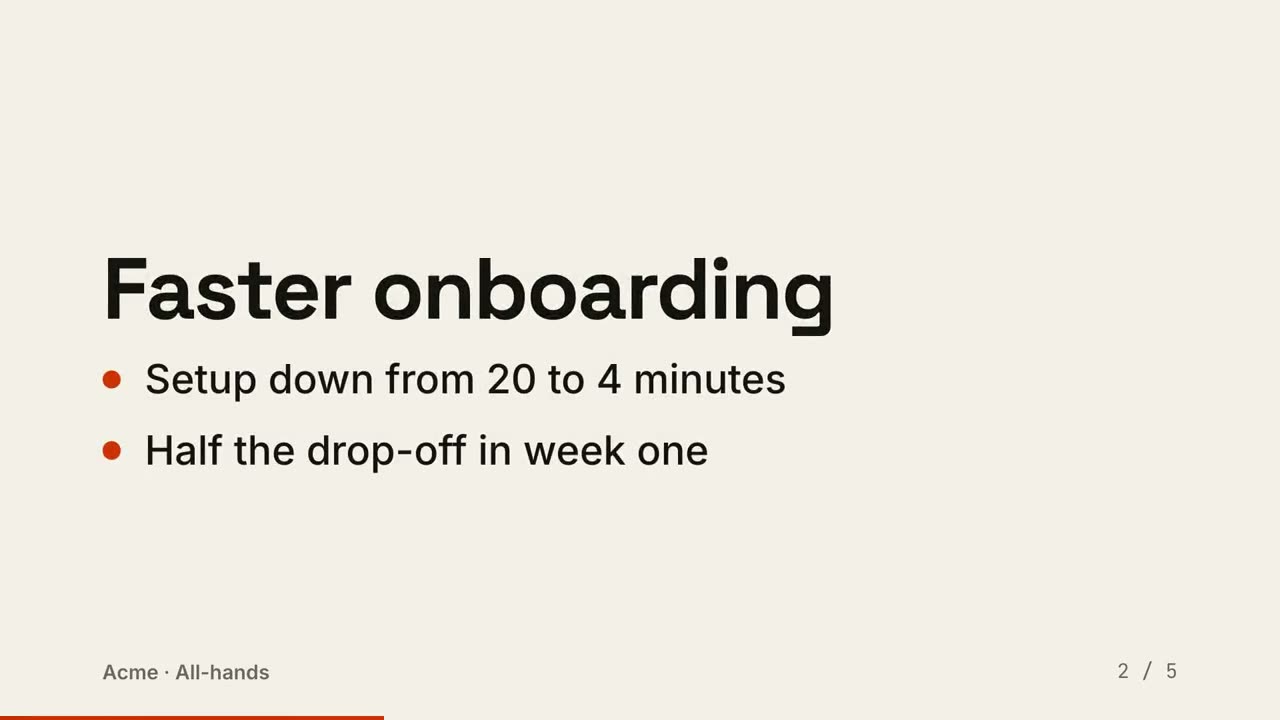
슬라이드를 영상으로
슬라이드를 영상으로 렌더링: 장면마다 한 장, 포인트가 순서대로 나타납니다.