Tutoriales y explicativos
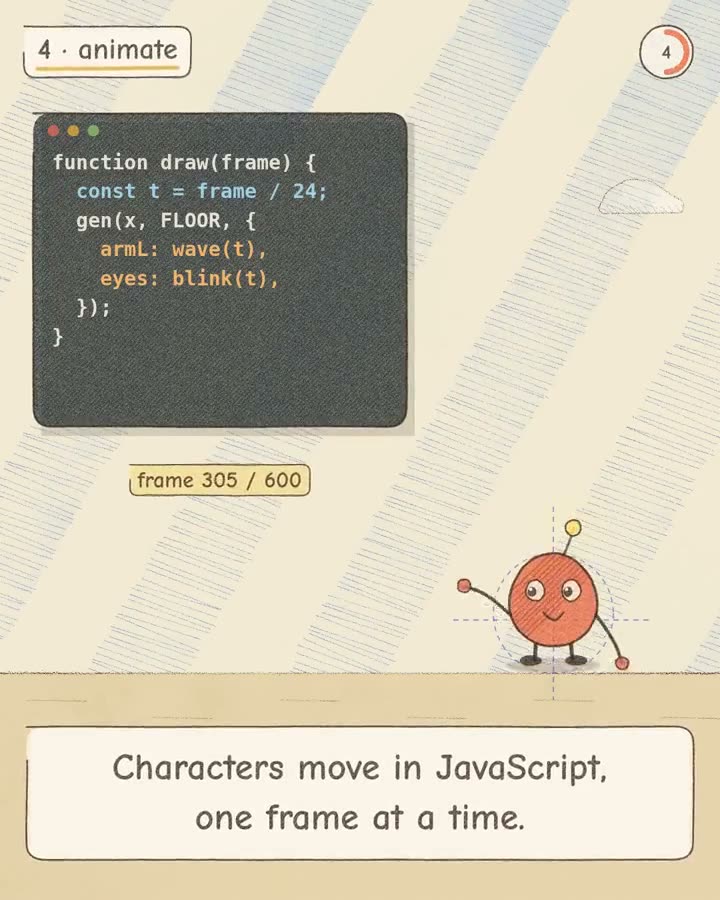
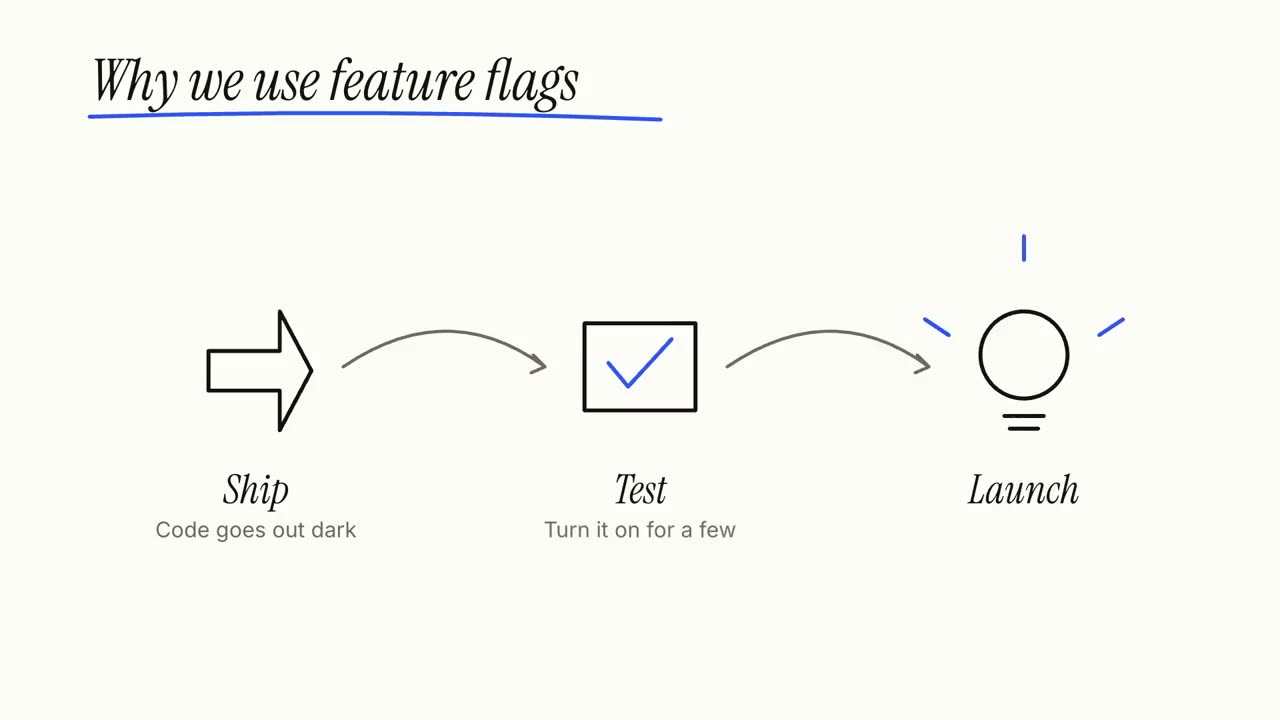
Dale a tu agente un artículo, unas notas o solo un tema: Explainer Director escribe el guion, verifica los datos y lo dirige toma a toma en un video explicativo de 30 a 90 segundos. Los pasos, ciclos y llamadas de abajo son sus tomas, y cada una funciona sola.
De tu material a un video terminado
Dale a tu agente lo que tienes; el flujo escribe, dirige y renderiza el MP4.
Prompts para empezar
Pégalo en Claude Motion, o instala el skill correspondiente y pídeselo a tu agente.
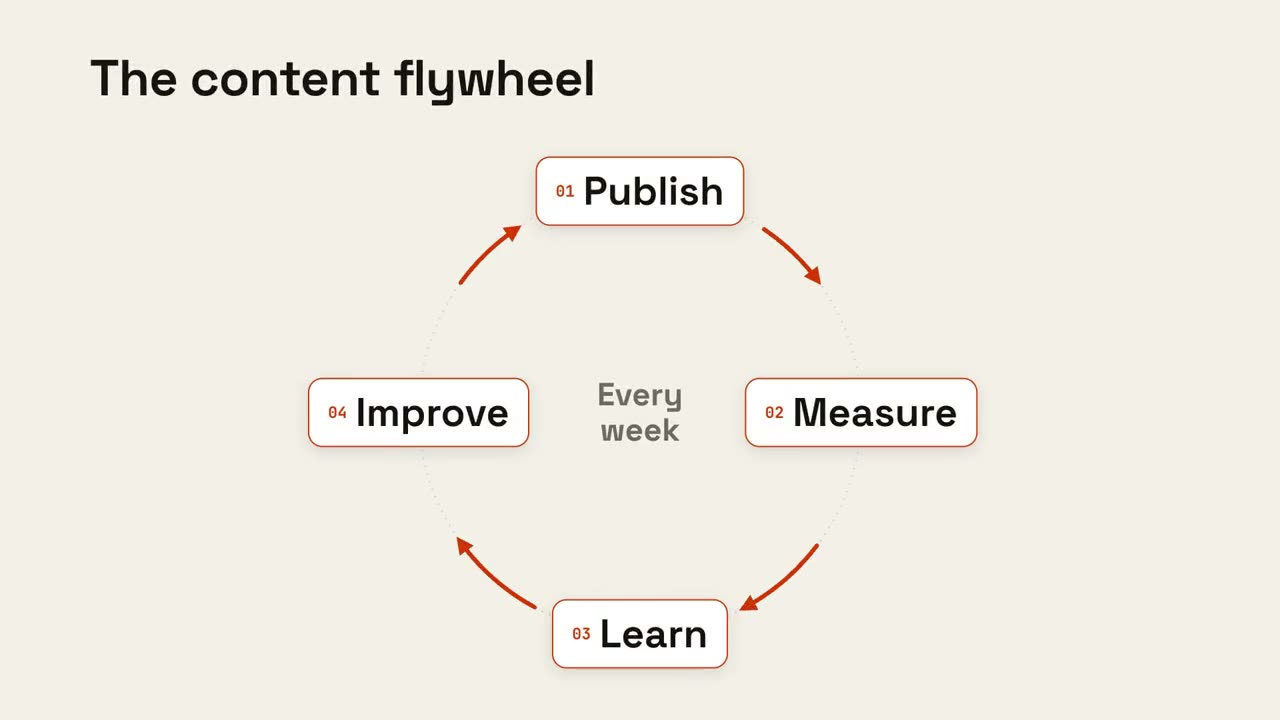
Ciclo en bucle
Abrir skill →GratisMake an 8-second 16:9 loop diagram for [who will watch, e.g. the marketing team], playing [where, e.g. the planning deck]. Use only the title and four steps below. Off-white background. The title appears. Four white rounded cards with small orange numbers pop in around a faint dotted circle: top, right, bottom, left. Curved orange arrows draw clockwise from each card to the next. A short line fades in at the center in gray. End frame: a glowing orange dot travels around the circle continuously, briefly outlining each card in orange as it passes. Title: [e.g. "The content flywheel"] Four steps: [e.g. Publish, Measure, Learn, Improve] Center line: [e.g. "Every week"]
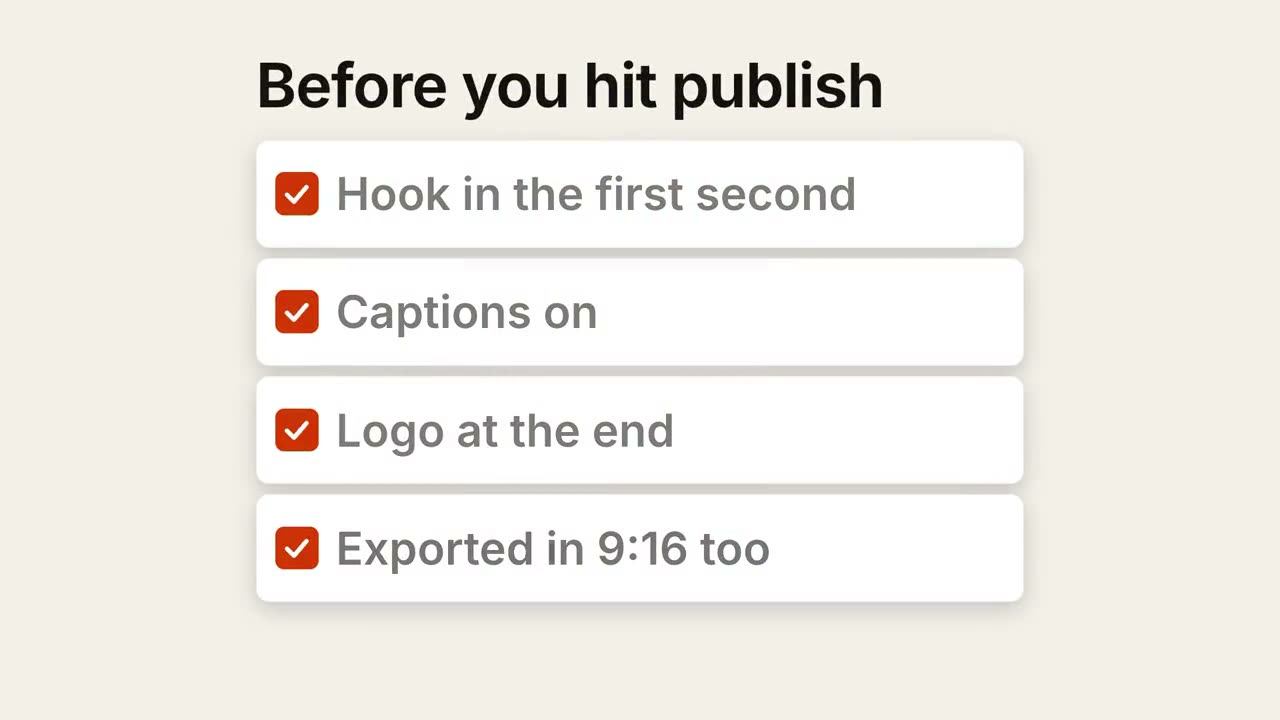
Lista de verificación
Abrir skill →GratisMake a 7-second 16:9 checklist for [who will watch, e.g. our content team], playing [where, e.g. the training page]. Use only the title and four items below; don't reword them. Warm off-white background. The title fades up, then four white rounded cards slide in from the left, each with an empty checkbox and a label. One by one each checkbox fills rust orange with a little bounce, a white tick draws in, and its label dims. End frame: a small orange pill pops in below, held for 1.5 seconds. Title: [e.g. "Before you hit publish"] Four items: [e.g. "Hook in the first second", "Captions on", "Logo at the end", "Exported in 9:16 too"] Pill: [e.g. "Ready to ship"]
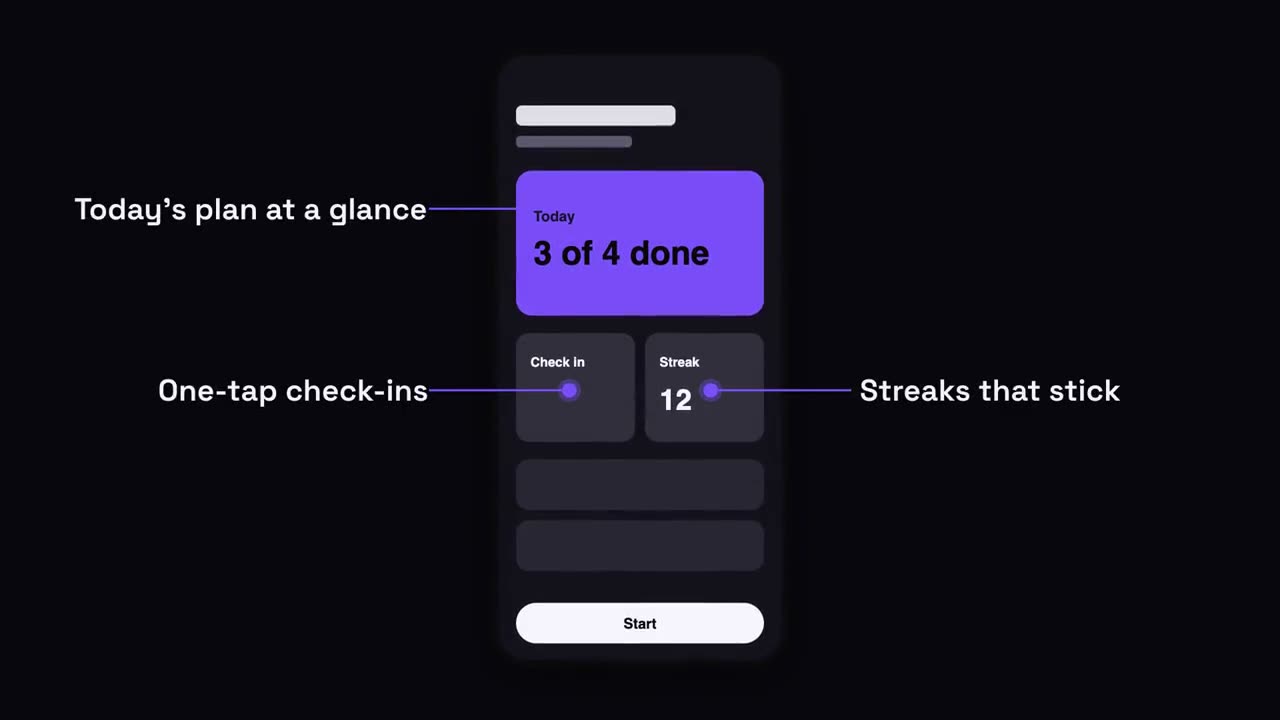
Llamadas sobre teléfono
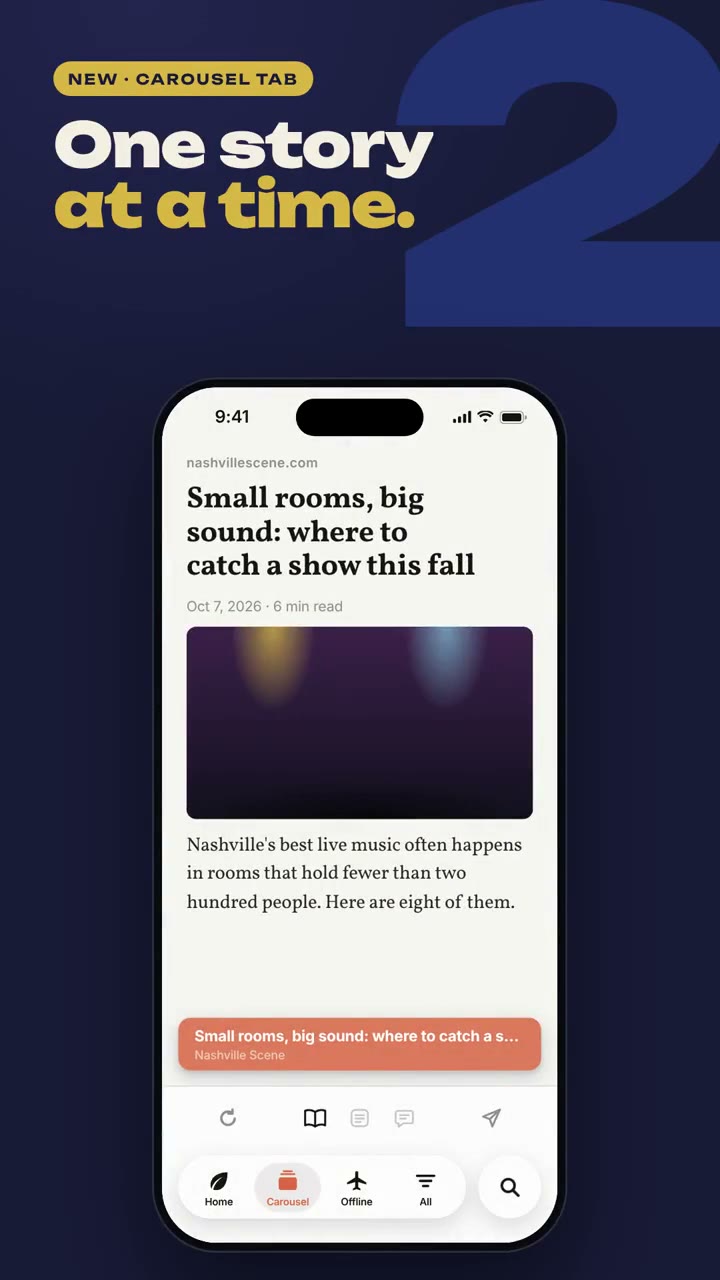
Abrir skill →GratisMake a 7-second 16:9 app scene for [who will watch, e.g. new users], playing [where, e.g. the app's landing page]. Use only the screenshot and four labels I give. Deep navy background. A black phone showing the screenshot rises into the center with a slight rotation that settles. One at a time, small violet dots appear on parts of the screen and thin violet lines draw out to white labels on the left and right. End frame: the phone floats gently with all four labels showing. Attach: [a phone screenshot of your app] Four labels and what each points at: [e.g. "Today's plan at a glance", "One-tap check-ins", "Streaks that stick", "Start in one tap"]
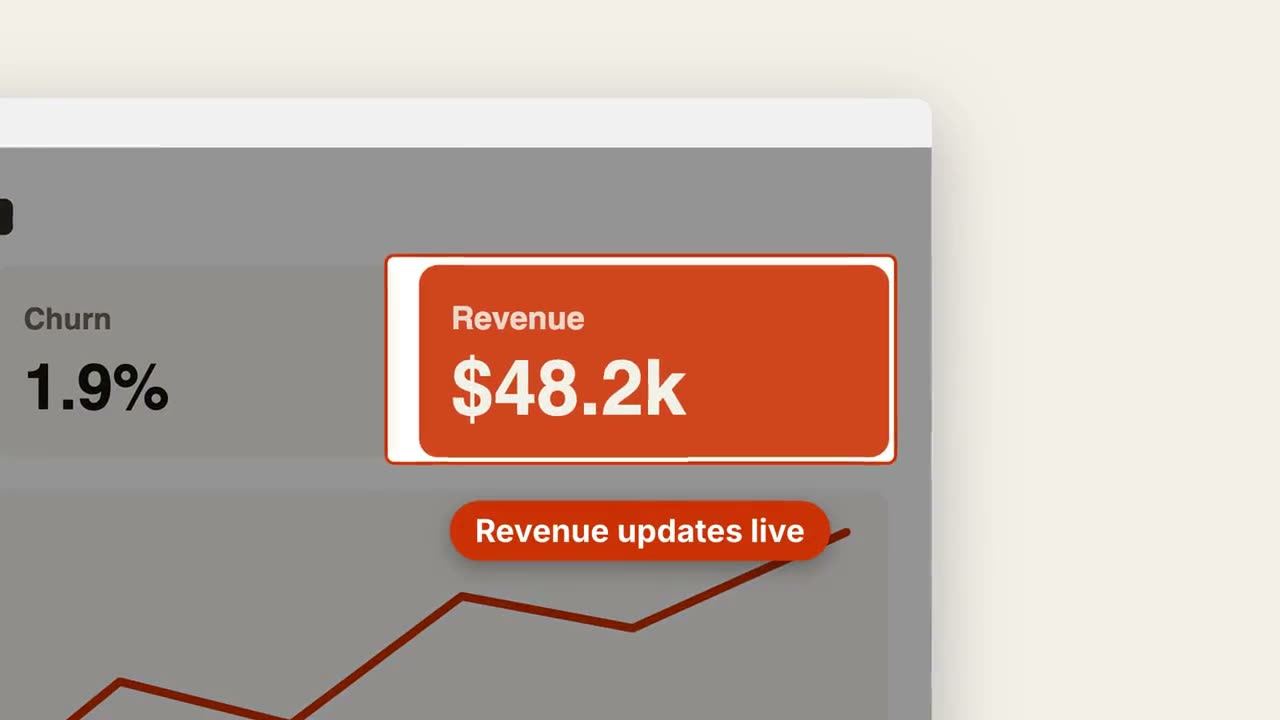
Zoom sobre captura
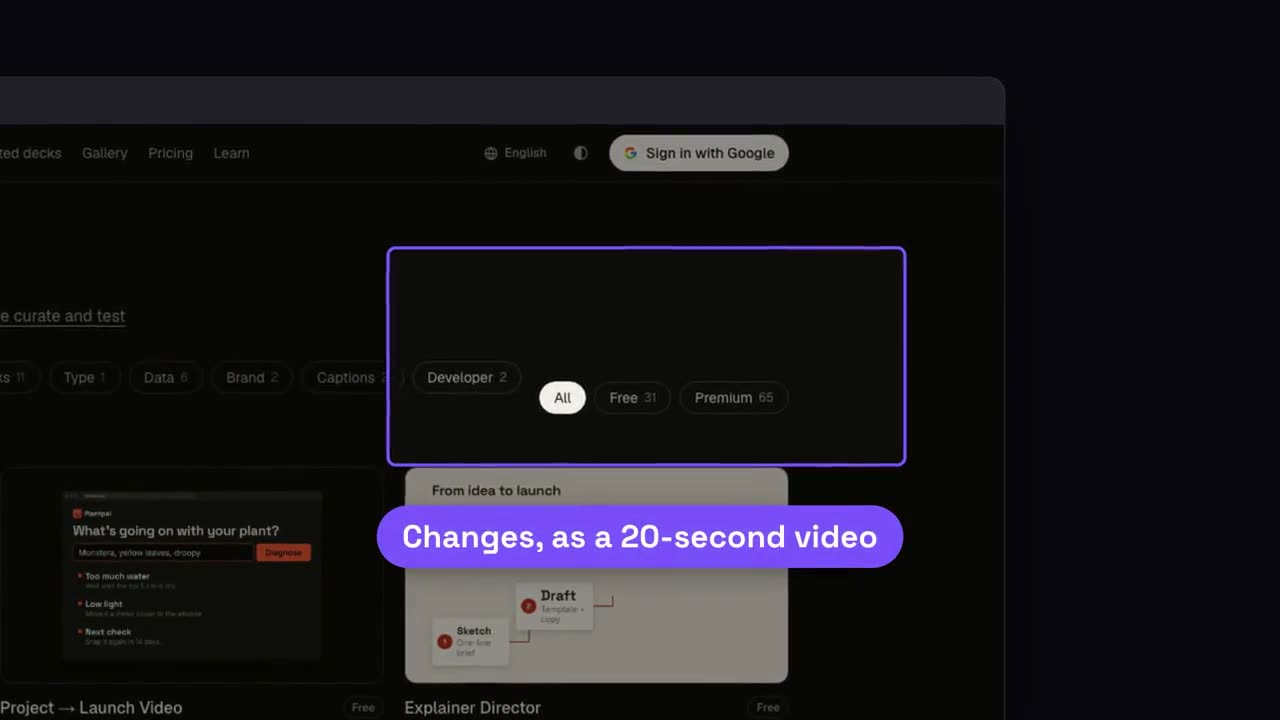
Abrir skill →GratisMake a 7-second 16:9 product scene for [who will watch, e.g. prospects], playing [where, e.g. the feature page]. Use only the screenshot and caption I give. Off-white background. A browser window with the screenshot settles in with a soft shadow. After a beat, the camera pushes smoothly into the detail I name. The rest of the screenshot dims under a dark overlay while the detail gets an orange outline, and an orange pill caption pops in just below it. End frame: the camera keeps drifting in very slightly. Attach: [a screenshot of your product] Detail to zoom into: [e.g. the top-right revenue card "$48.2k"] Caption: [e.g. "Revenue updates live"]
Escenas sueltas para esto
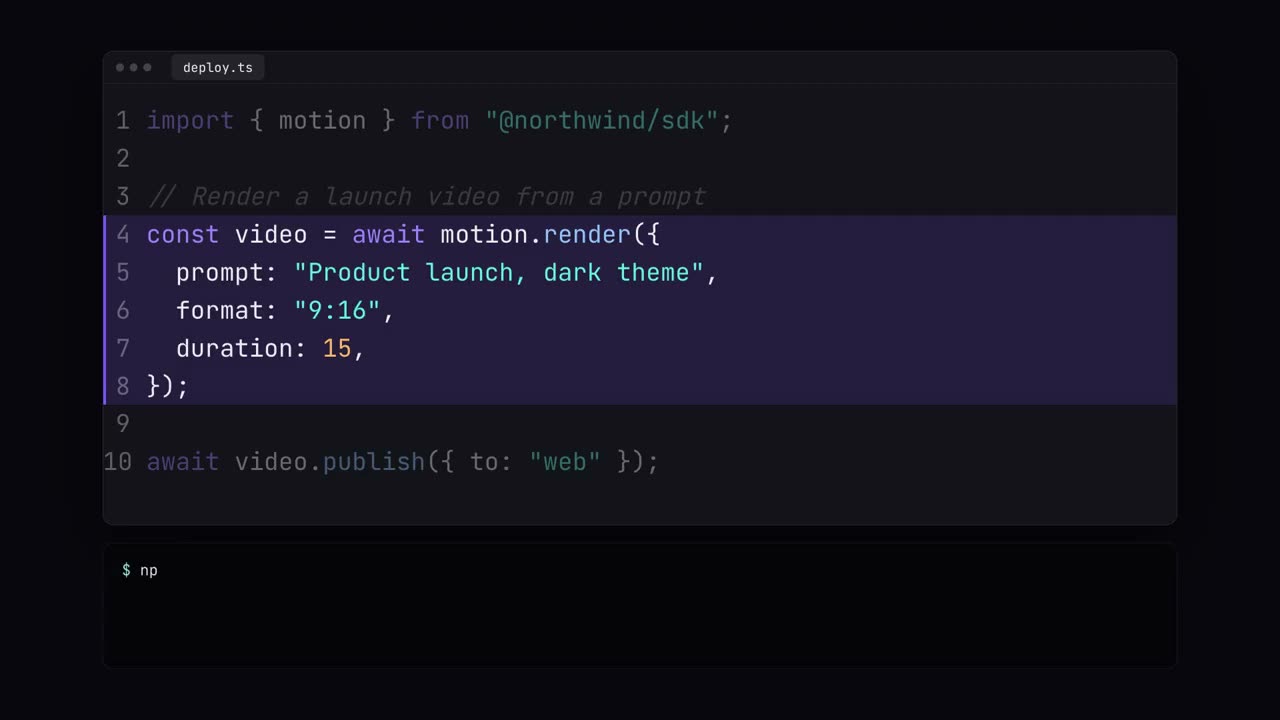
Vitrina de código
Código tecleado con colores de sintaxis, resaltados y una ejecución en terminal.
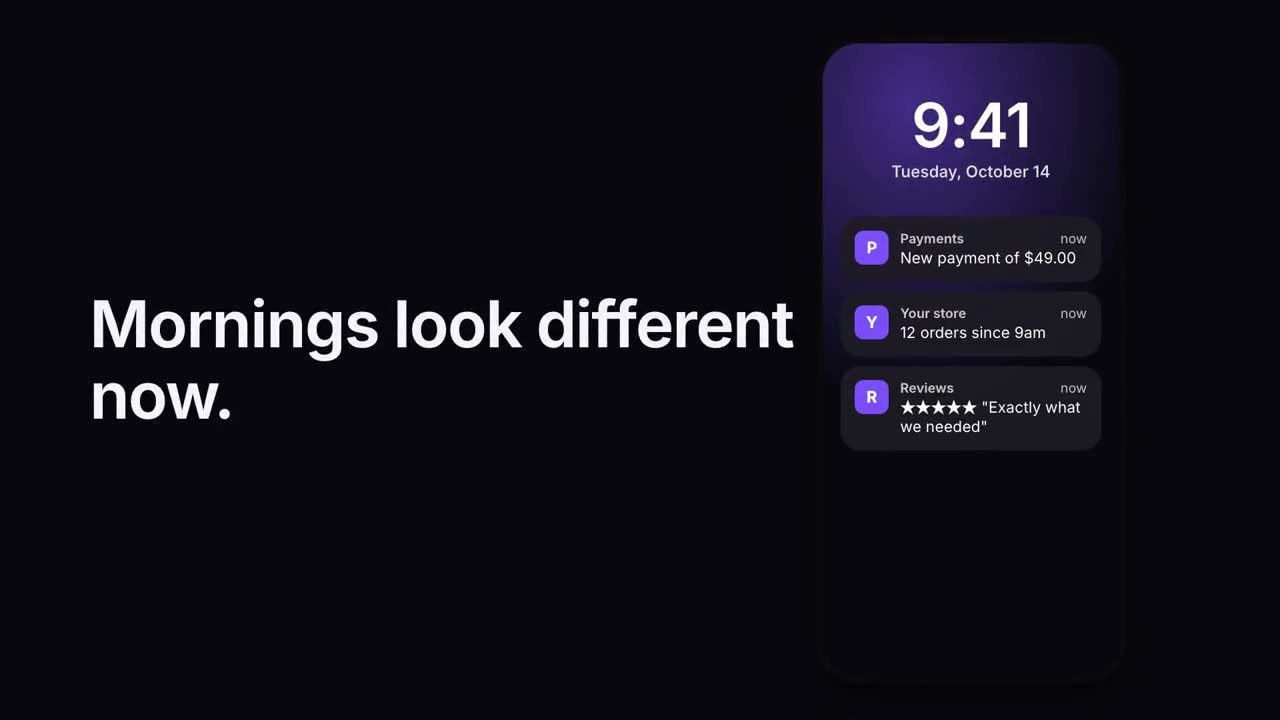
Pila de notificaciones
Las notificaciones llegan una tras otra a una pantalla de bloqueo.
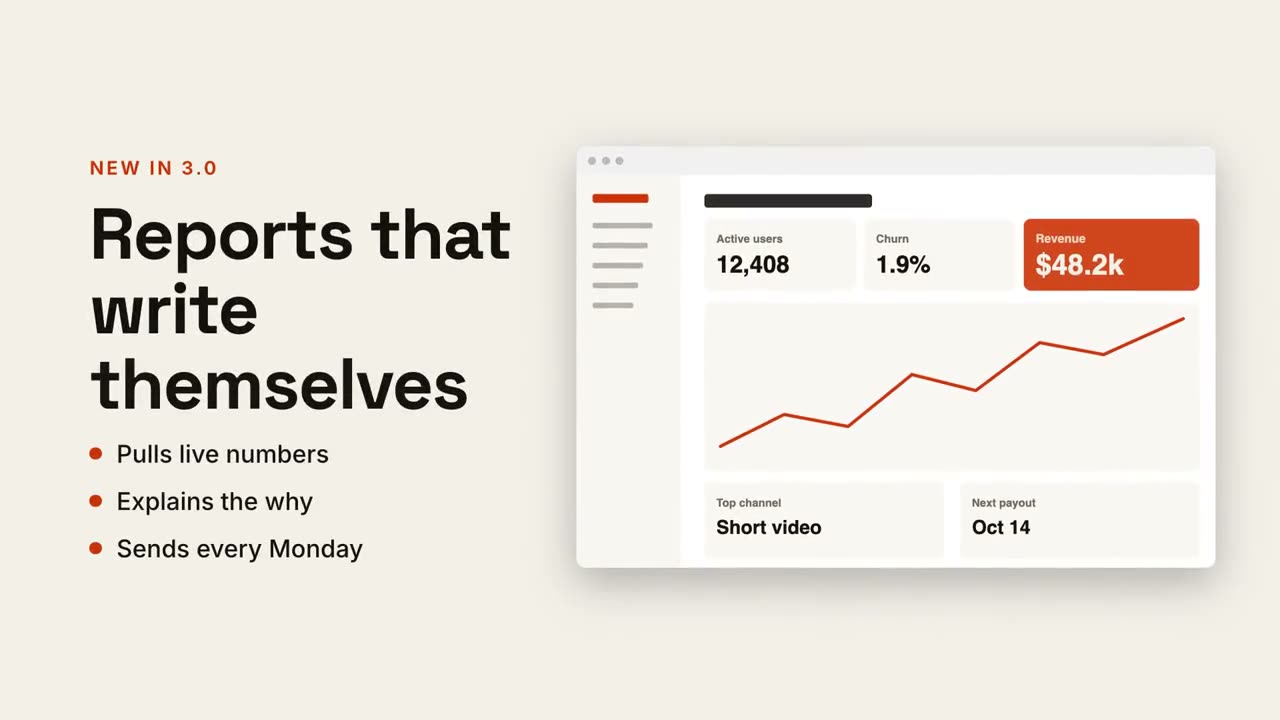
Texto + pantalla
Titular y puntos a un lado, tu captura deslizándose al otro.
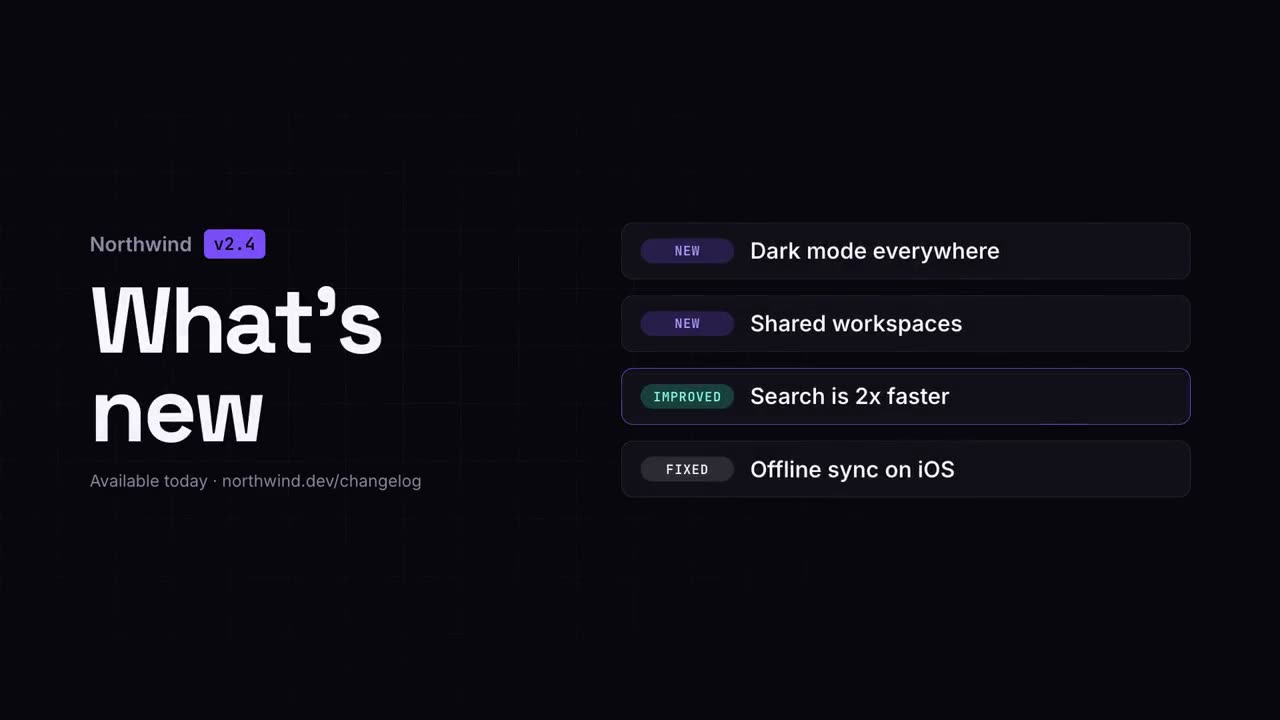
Video de novedades
Las notas de versión como un clip claro y fácil de compartir.
Lista de verificación
Una lista en la que cada casilla se marca sola, una a una.
Ciclo en bucle
Pasos alrededor de un anillo, unidos por flechas, con un pulso que no deja de girar.
Zoom sobre captura
Acércate a una zona de una captura, atenúa el resto y señálala.
Llamadas sobre teléfono
Sube un teléfono y aparecen etiquetas con líneas guía hacia su pantalla.
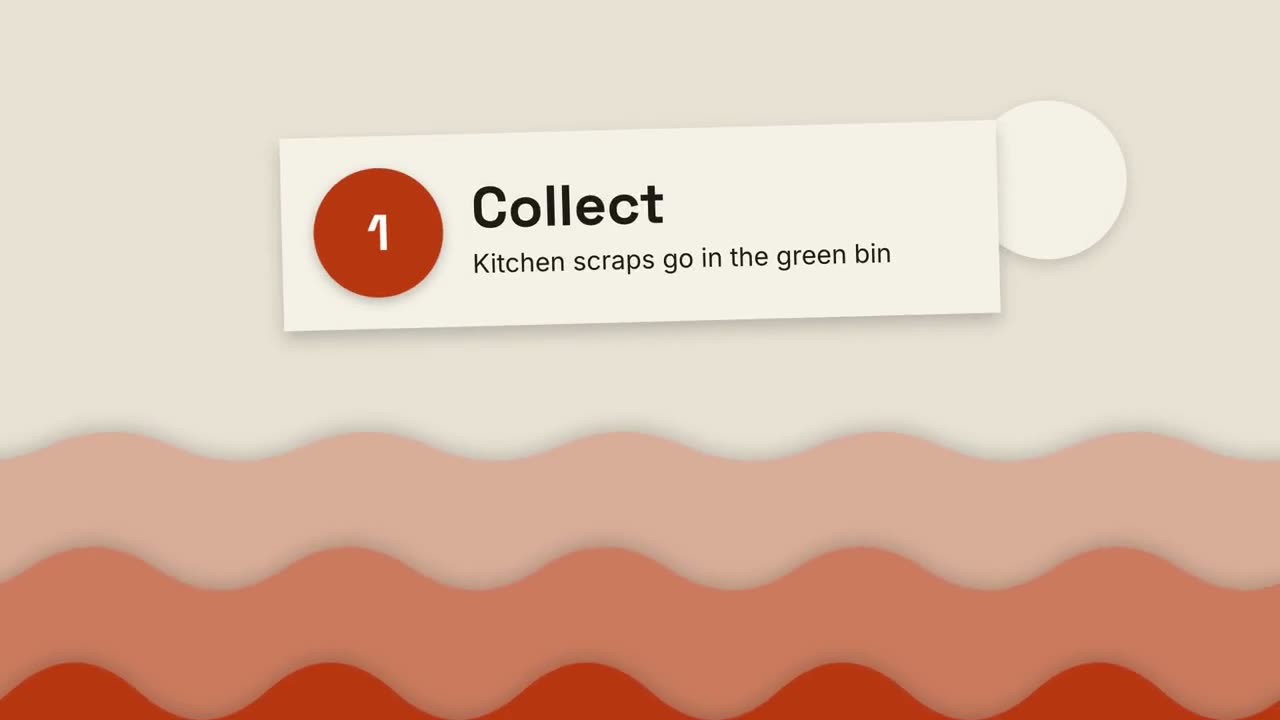
Explicativo de papel recortado
Colinas de papel en capas y tarjetas recortadas explican cualquier cosa en tres pasos.
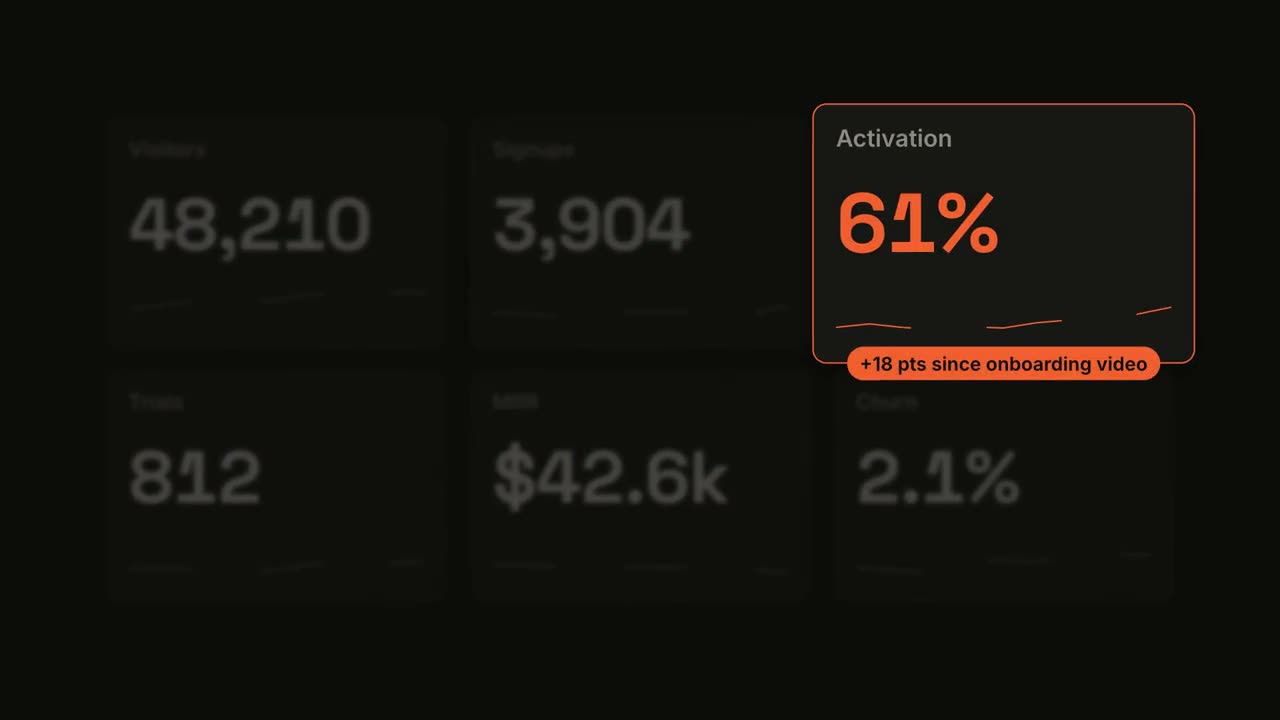
Métrica destacada
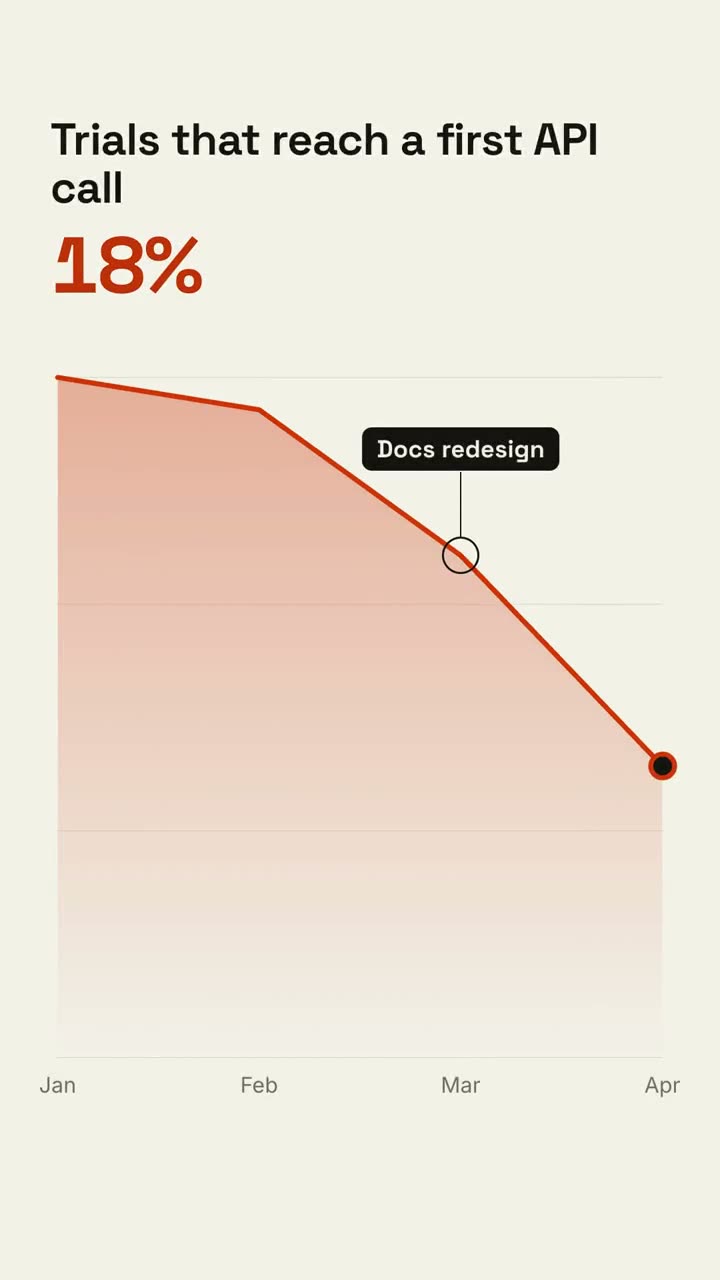
Un panel cuenta hacia arriba y luego una tarjeta se lleva el foco.
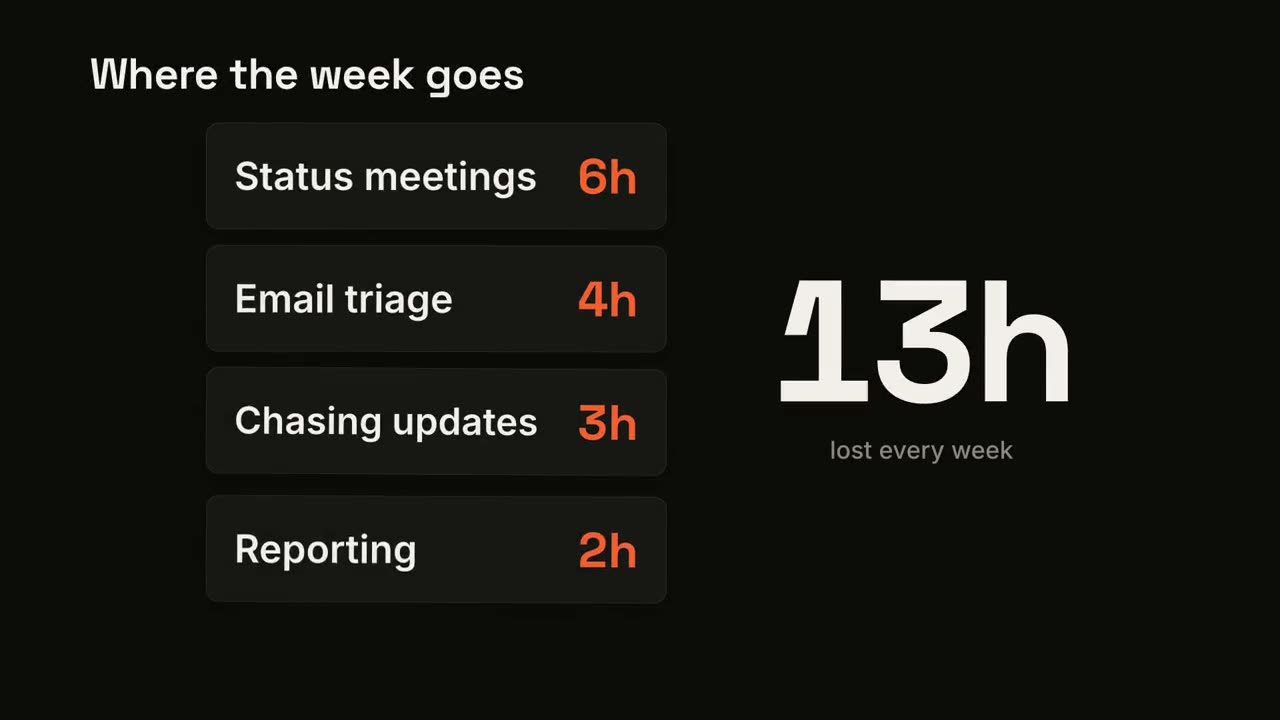
Contador de tarjetas
Las tarjetas caen una a una mientras un total grande las suma.
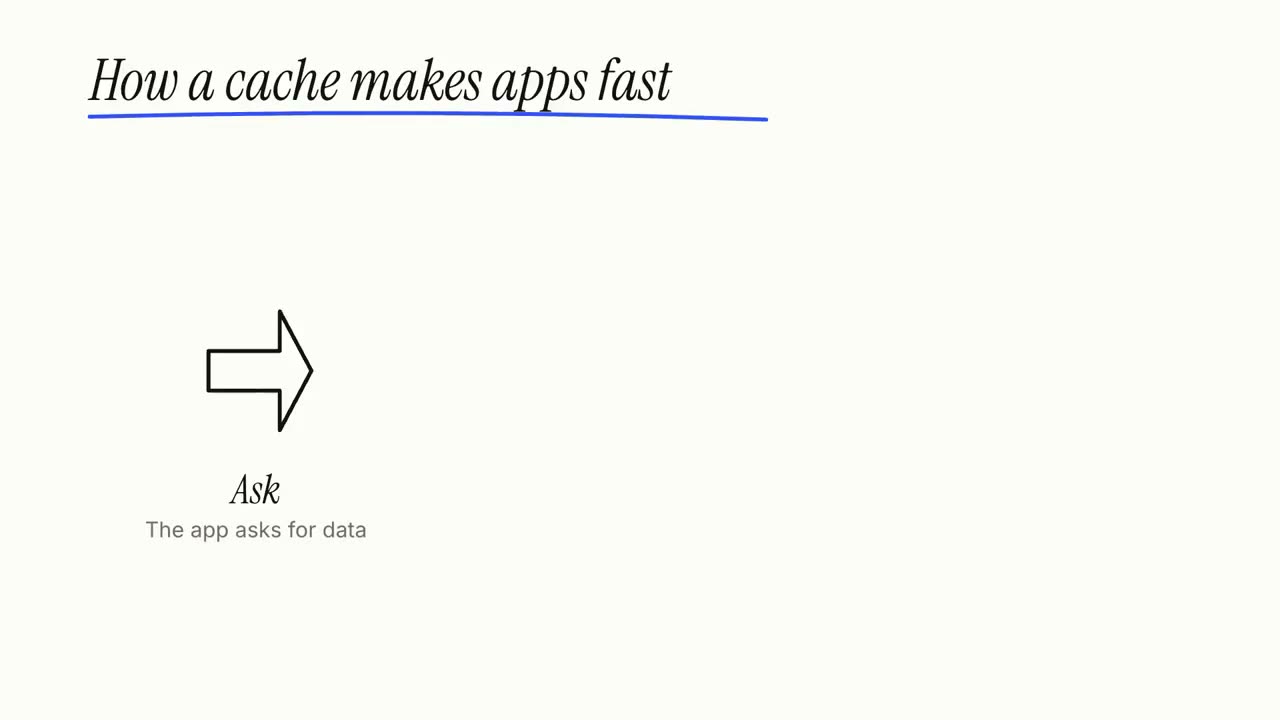
Explicativo en pizarra blanca
Dibujos con marcador se trazan solos mientras las etiquetas se escriben, paso a paso.
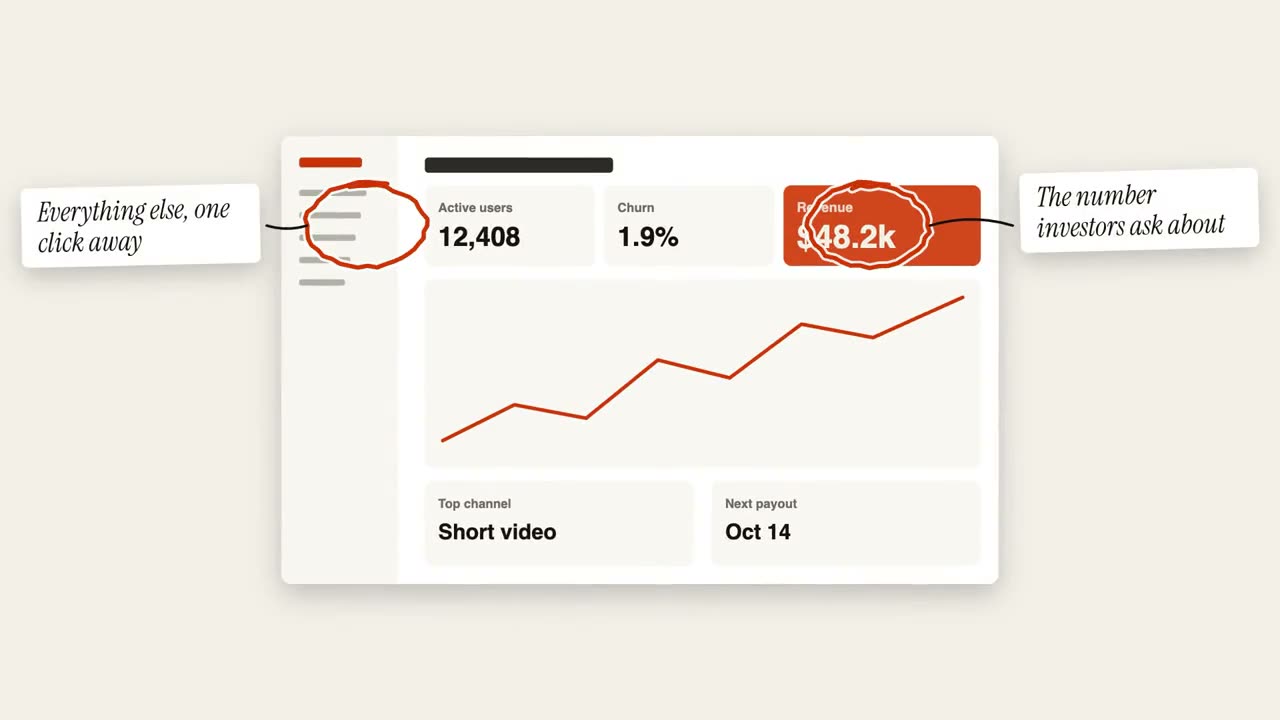
Anotación con círculos
Círculos a mano alzada y notas adhesivas marcan una imagen.
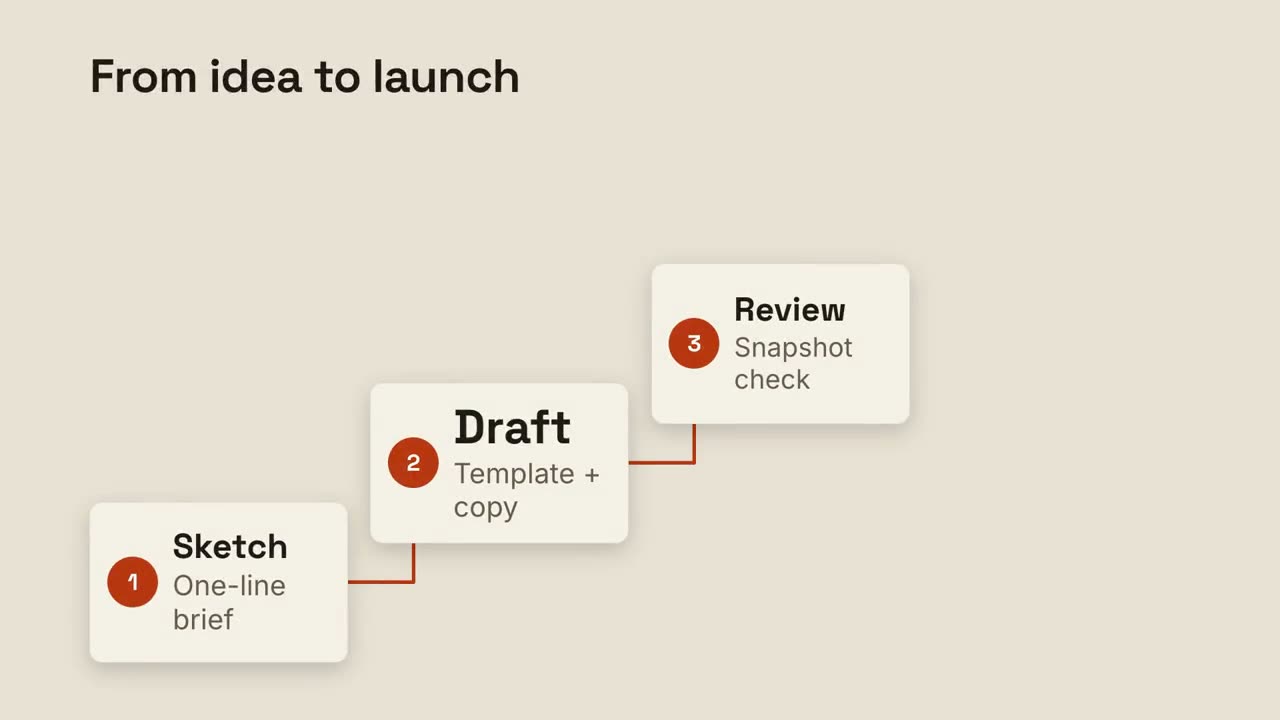
Escalera de pasos
Pasos numerados suben una escalera, unidos por una línea.
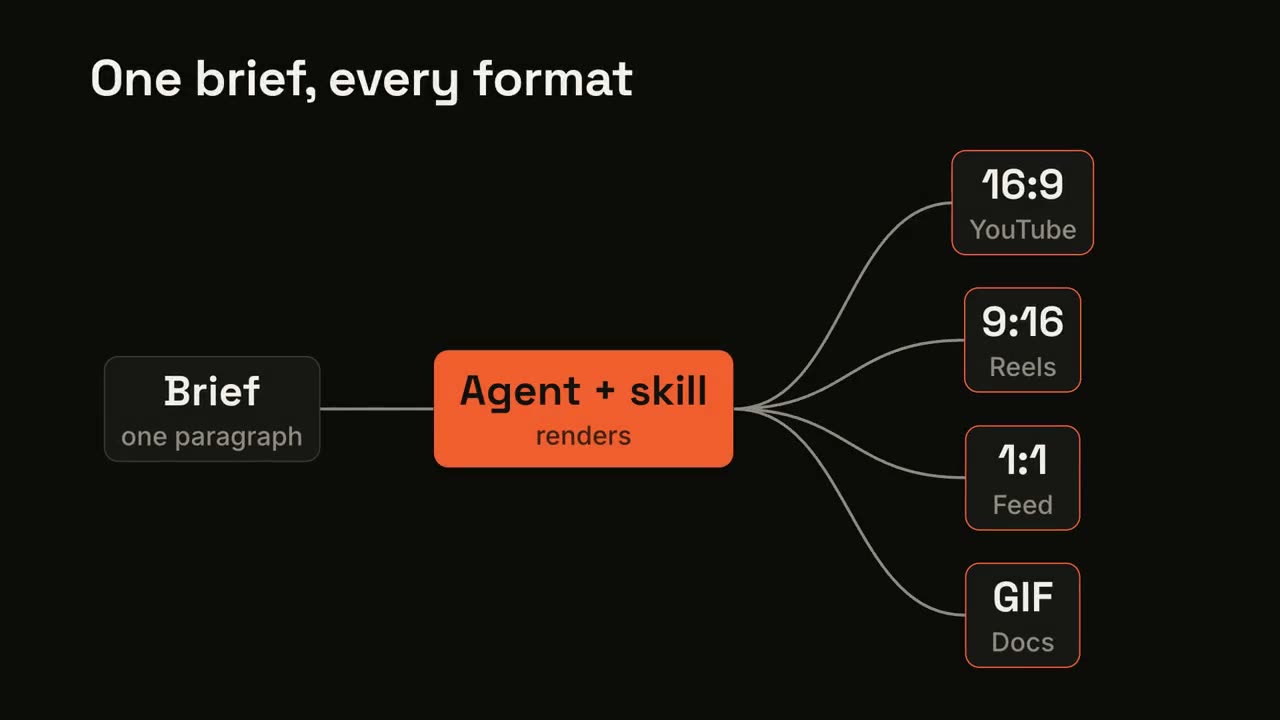
Flujo en abanico
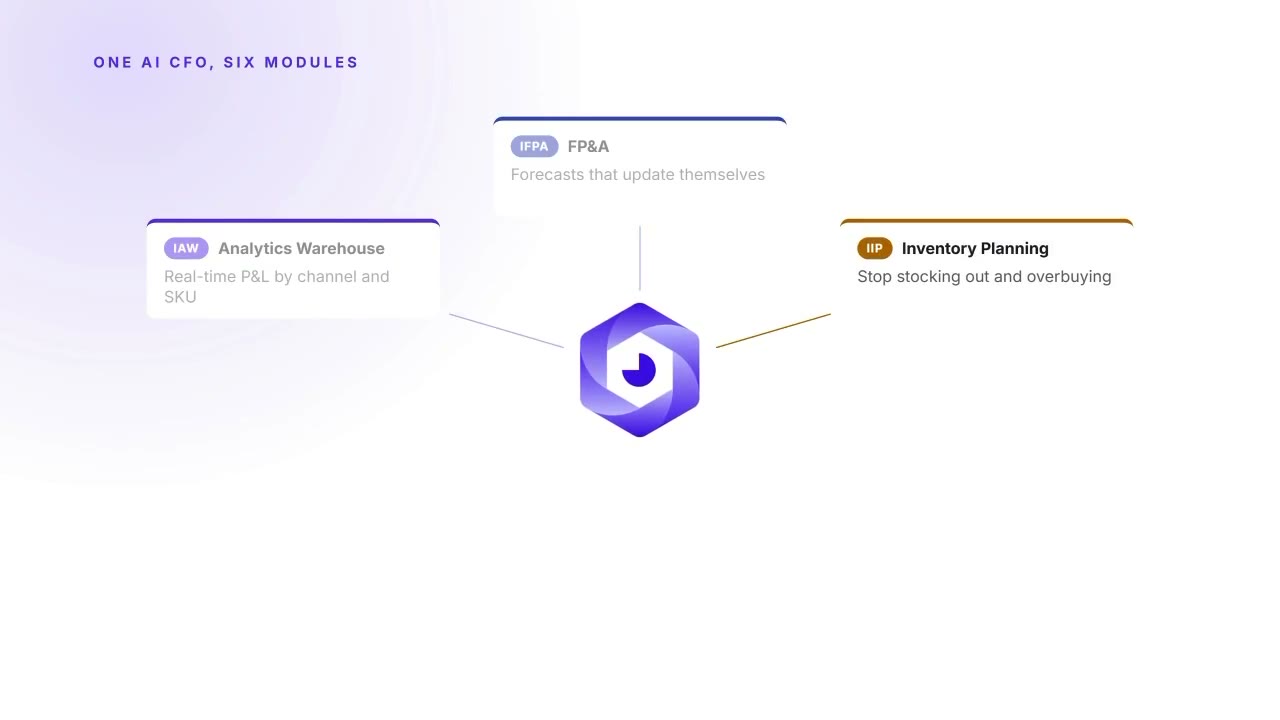
Una entrada pasa por un proceso y se abre en muchas salidas.
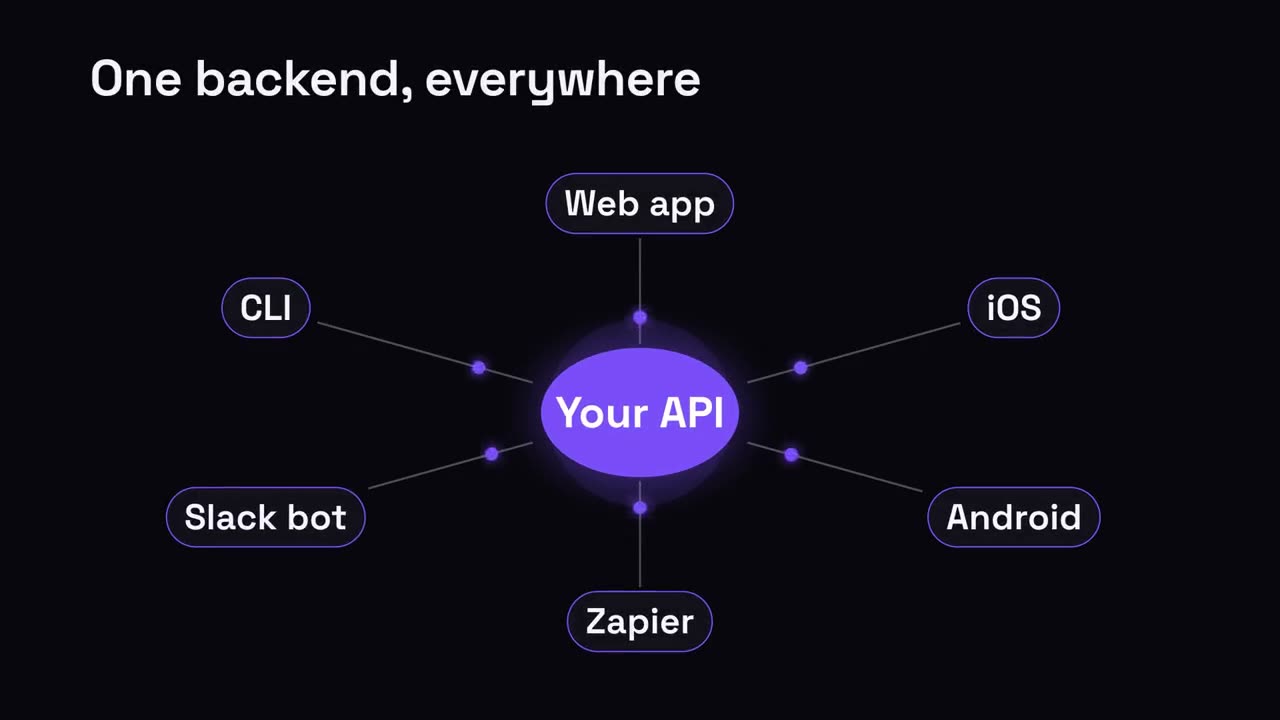
Nodo central y radios
Un nodo central se irradia hacia todo lo que conecta.
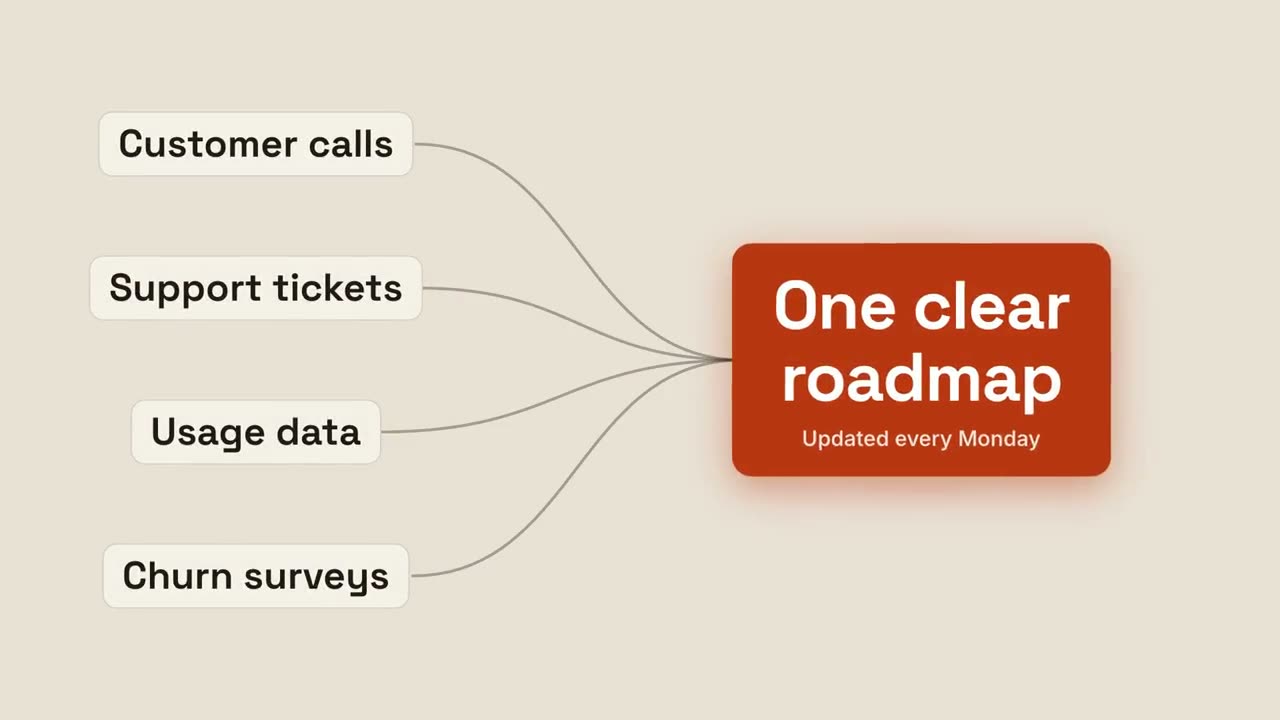
Converger en un resultado
Varias entradas fluyen juntas hacia un único resultado brillante.
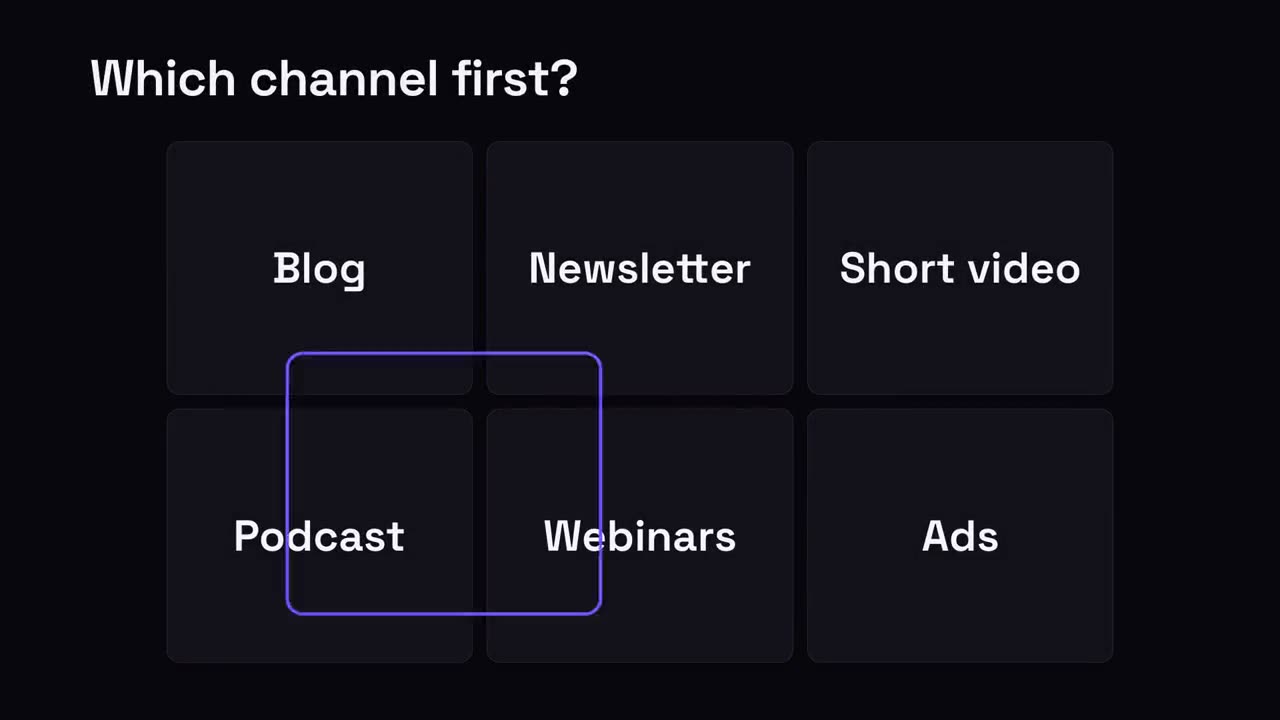
Elige uno
Una cuadrícula de opciones; un anillo salta entre ellas y se queda en la ganadora.
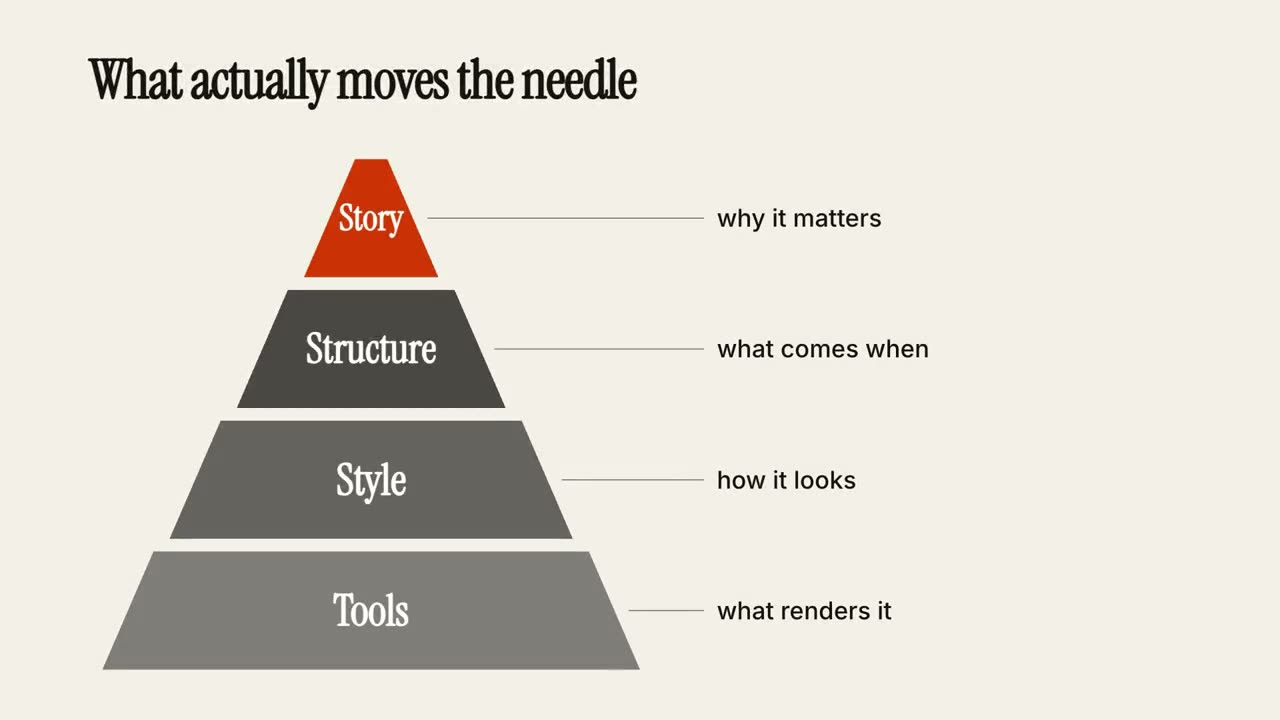
Pirámide de niveles
Una pirámide se arma capa por capa, cada nivel con una nota.
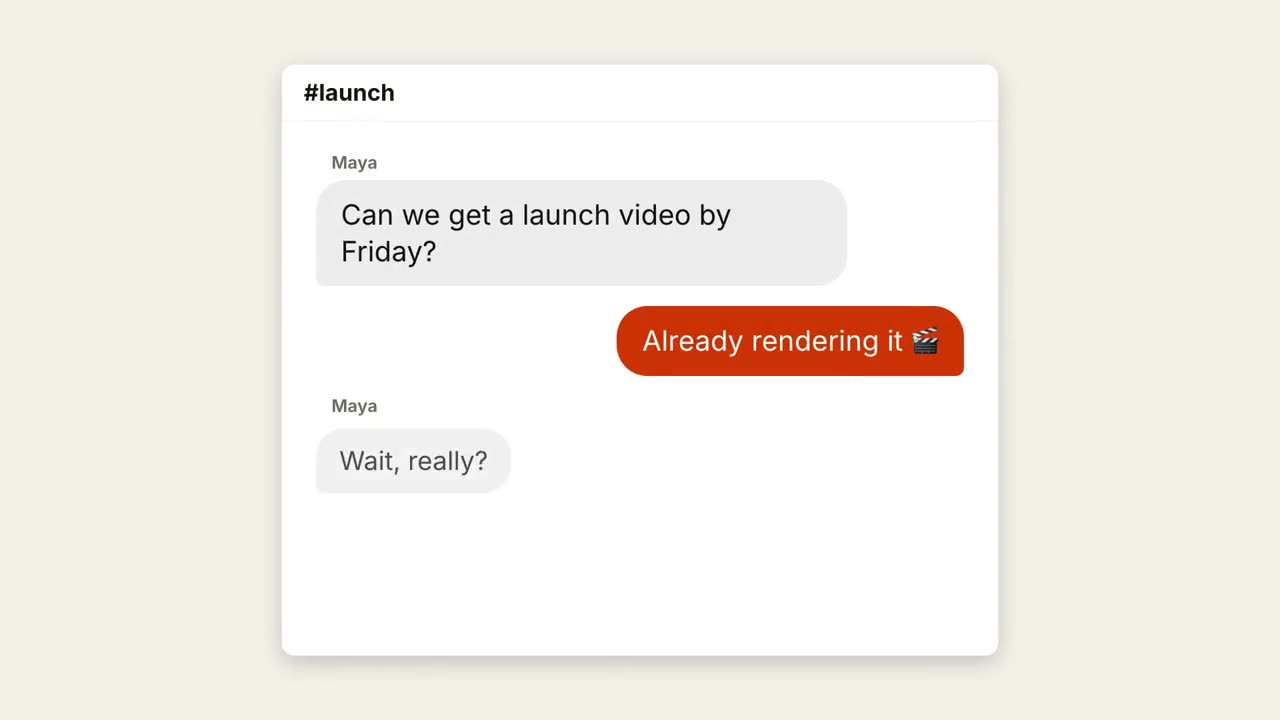
Hilo de chat
Una conversación avanza con puntos de escritura y burbujas que aparecen.
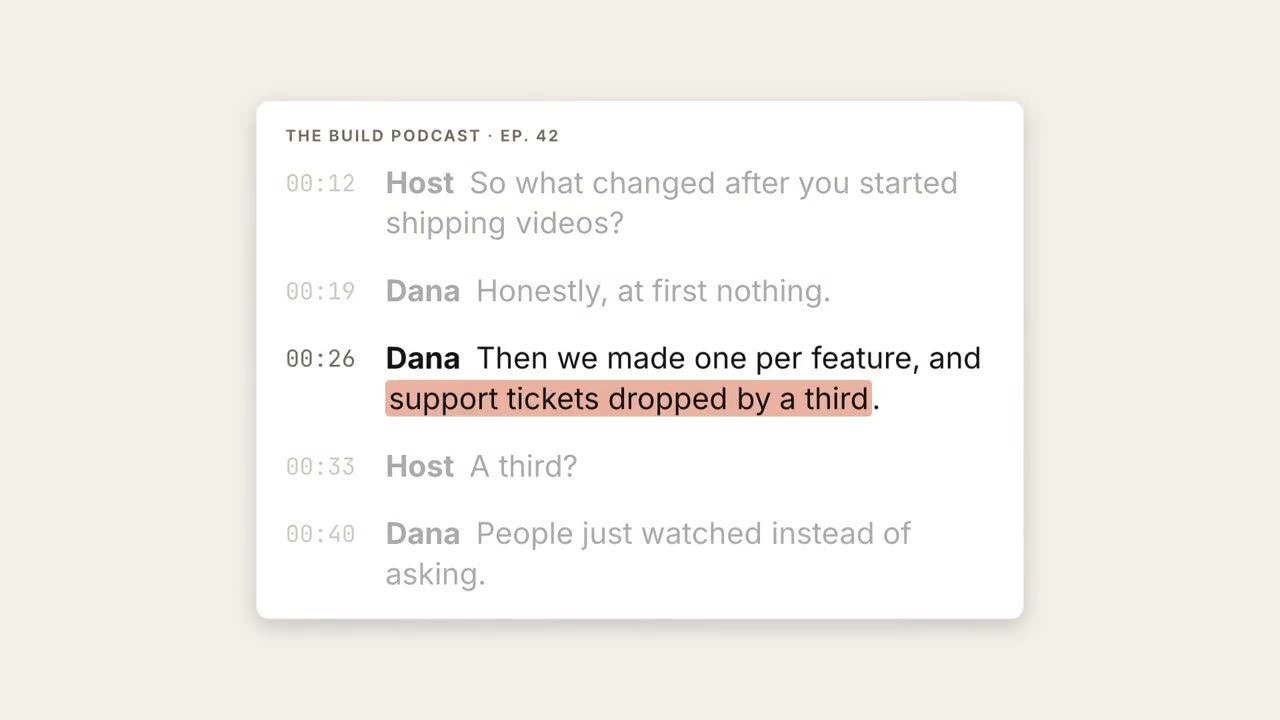
Transcripción destacada
Avanza una transcripción, la frase clave se resalta y se convierte en cita destacada.
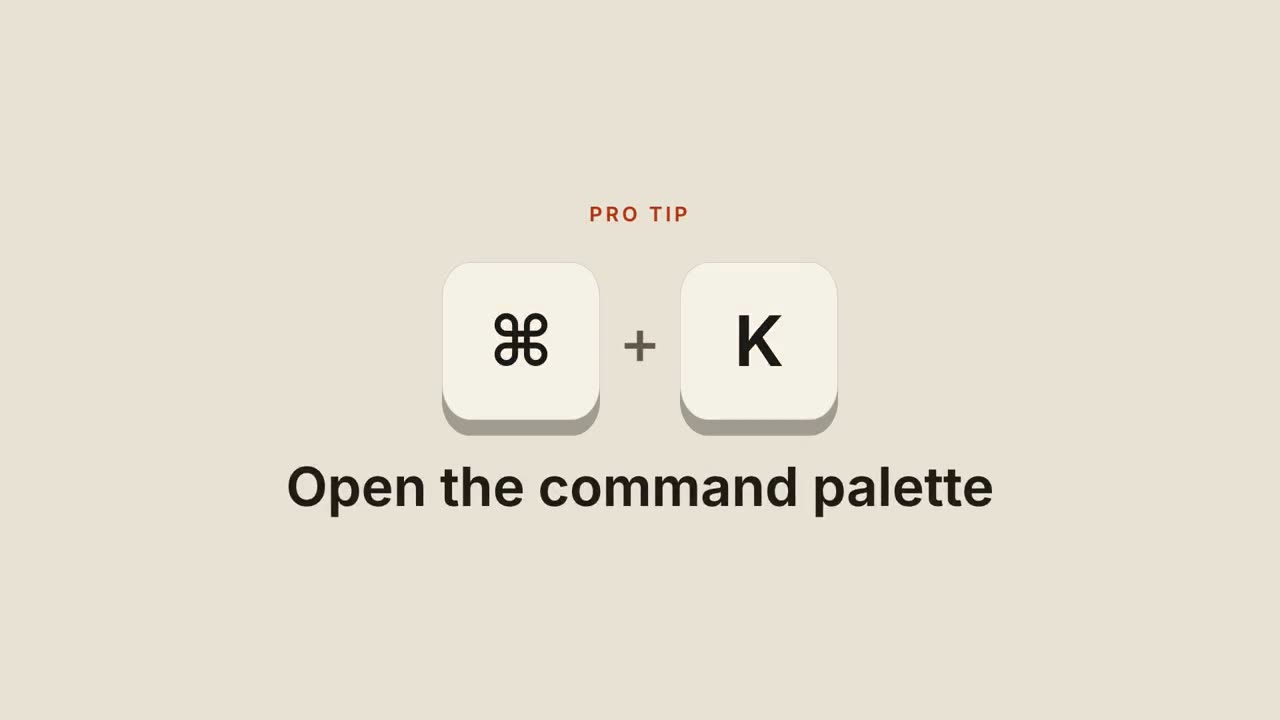
Atajos de teclado
Las teclas caen, se presionan y revelan lo que hace el atajo.
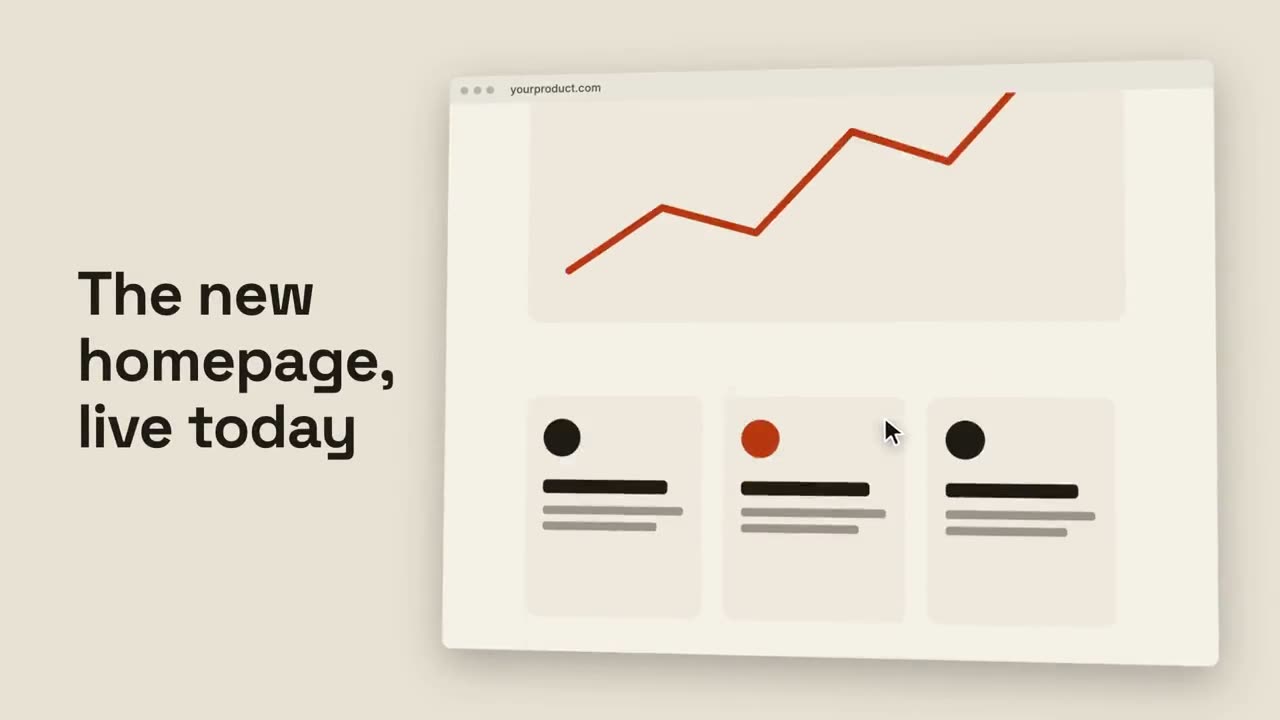
Scroll de navegador
Un navegador inclinado recorre suavemente una página completa.
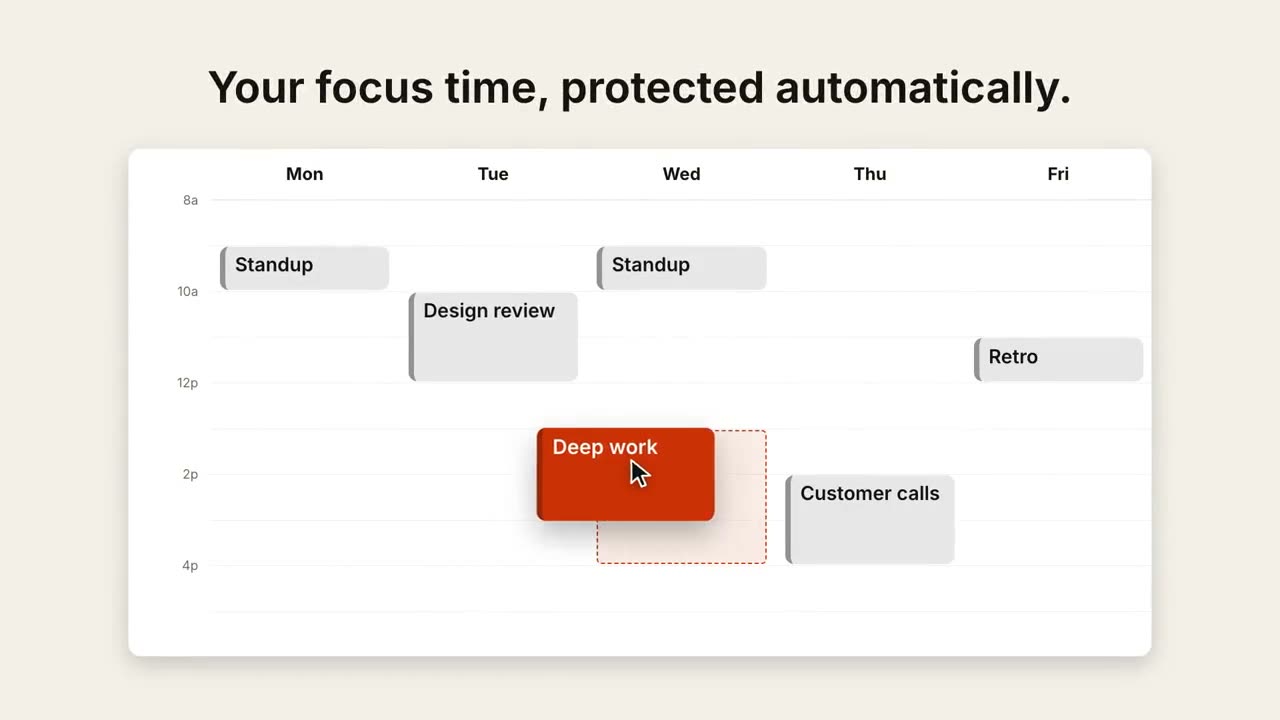
Reprogramar en el calendario
Una vista semanal se llena y un cursor arrastra un evento a un mejor horario.
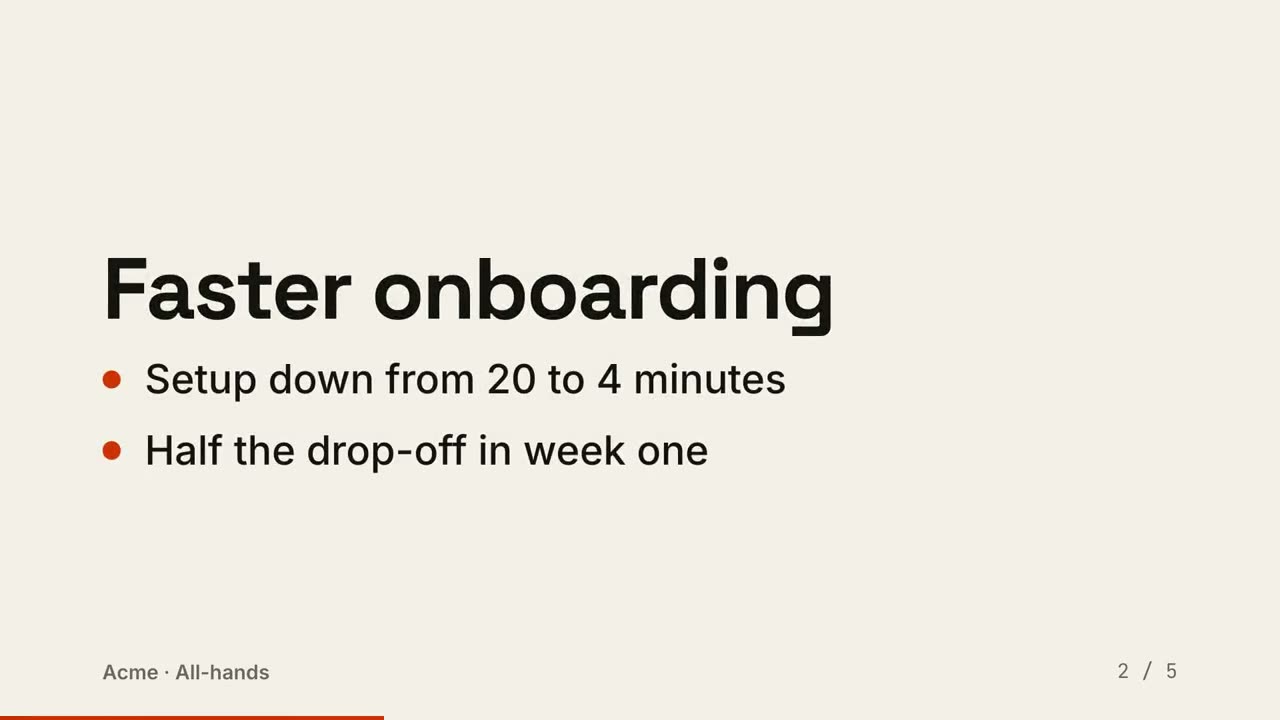
Diapositivas a video
Una presentación renderizada como video: una diapositiva por momento, los puntos aparecen en orden.
Hecho con estos