Tutoriais e explicativos
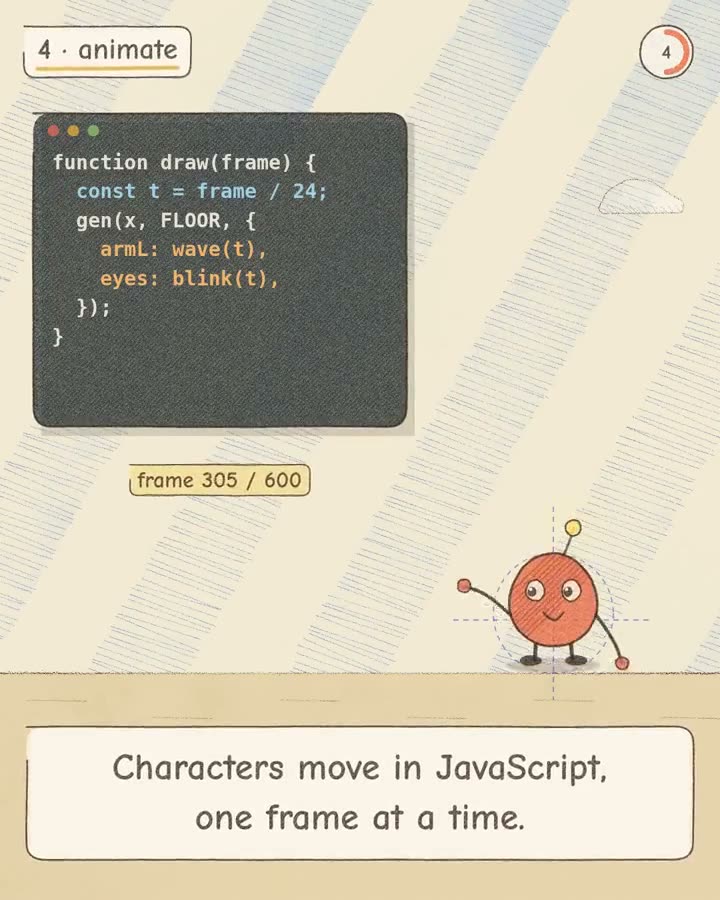
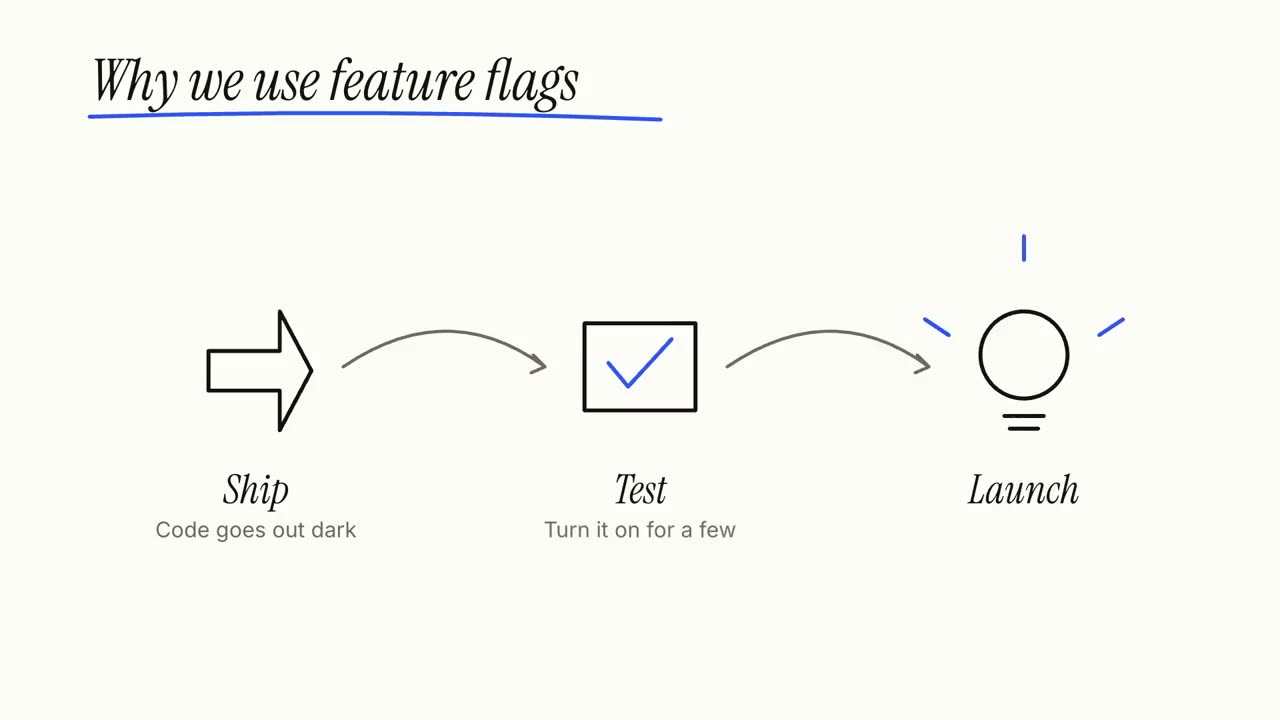
Dê ao seu agente um artigo, anotações ou só um tema: o Explainer Director escreve o roteiro, checa os fatos e dirige cena a cena um vídeo explicativo de 30 a 90 segundos. Os passos, ciclos e destaques abaixo são as cenas dele, e cada uma funciona sozinha.
Do seu material a um vídeo pronto
Dê ao seu agente o que você tem; o fluxo escreve, dirige e renderiza o MP4.
Prompts para começar
Cole no Claude Motion ou instale o skill correspondente e peça ao seu agente.
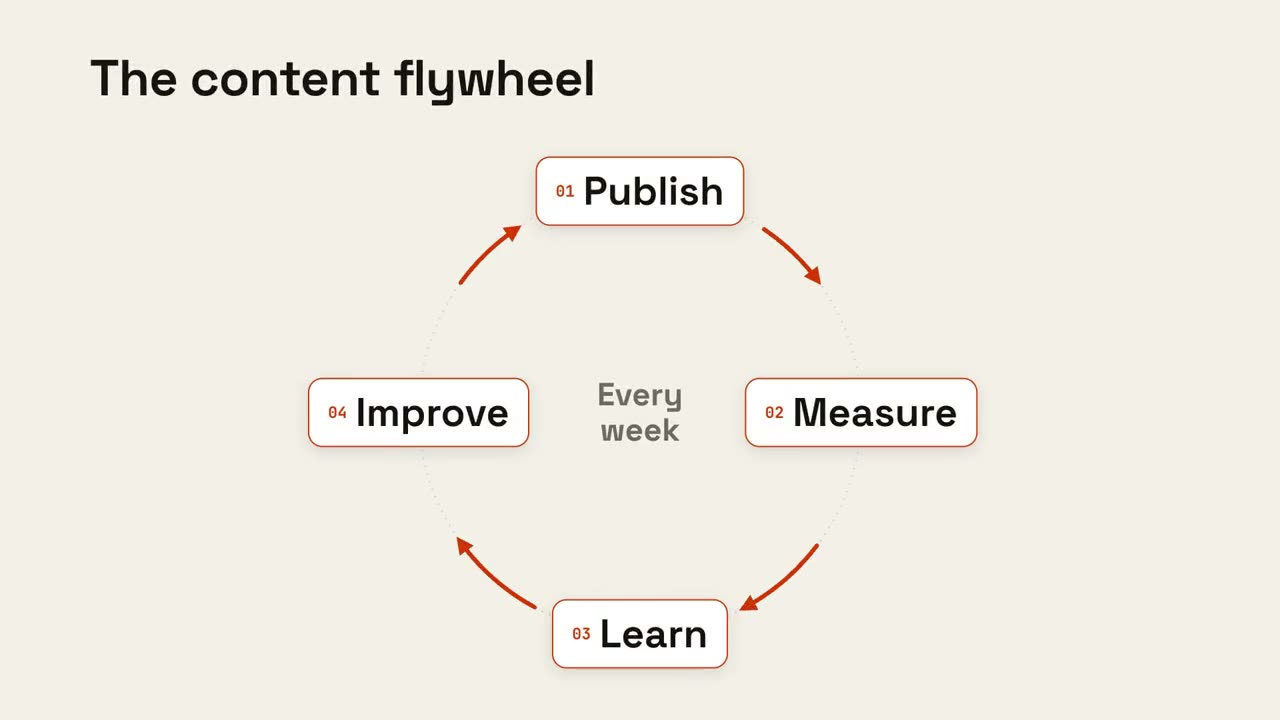
Ciclo contínuo
Abrir skill →GrátisMake an 8-second 16:9 loop diagram for [who will watch, e.g. the marketing team], playing [where, e.g. the planning deck]. Use only the title and four steps below. Off-white background. The title appears. Four white rounded cards with small orange numbers pop in around a faint dotted circle: top, right, bottom, left. Curved orange arrows draw clockwise from each card to the next. A short line fades in at the center in gray. End frame: a glowing orange dot travels around the circle continuously, briefly outlining each card in orange as it passes. Title: [e.g. "The content flywheel"] Four steps: [e.g. Publish, Measure, Learn, Improve] Center line: [e.g. "Every week"]
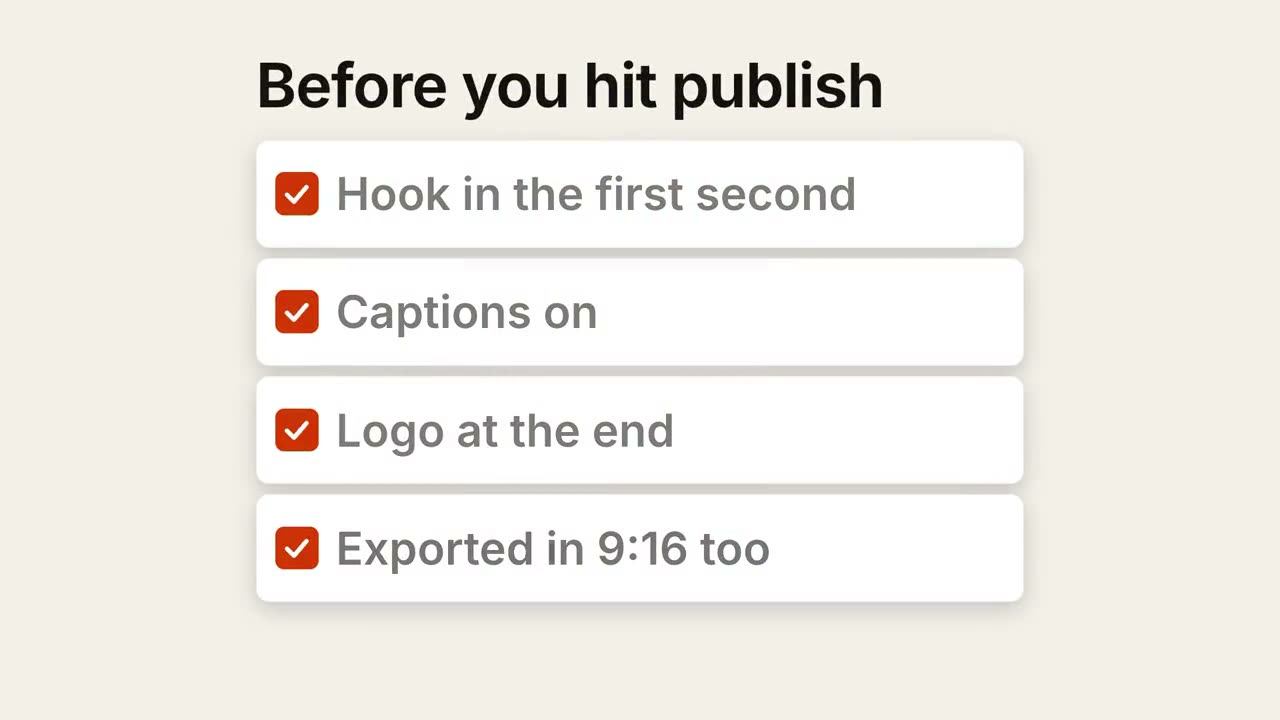
Checklist
Abrir skill →GrátisMake a 7-second 16:9 checklist for [who will watch, e.g. our content team], playing [where, e.g. the training page]. Use only the title and four items below; don't reword them. Warm off-white background. The title fades up, then four white rounded cards slide in from the left, each with an empty checkbox and a label. One by one each checkbox fills rust orange with a little bounce, a white tick draws in, and its label dims. End frame: a small orange pill pops in below, held for 1.5 seconds. Title: [e.g. "Before you hit publish"] Four items: [e.g. "Hook in the first second", "Captions on", "Logo at the end", "Exported in 9:16 too"] Pill: [e.g. "Ready to ship"]
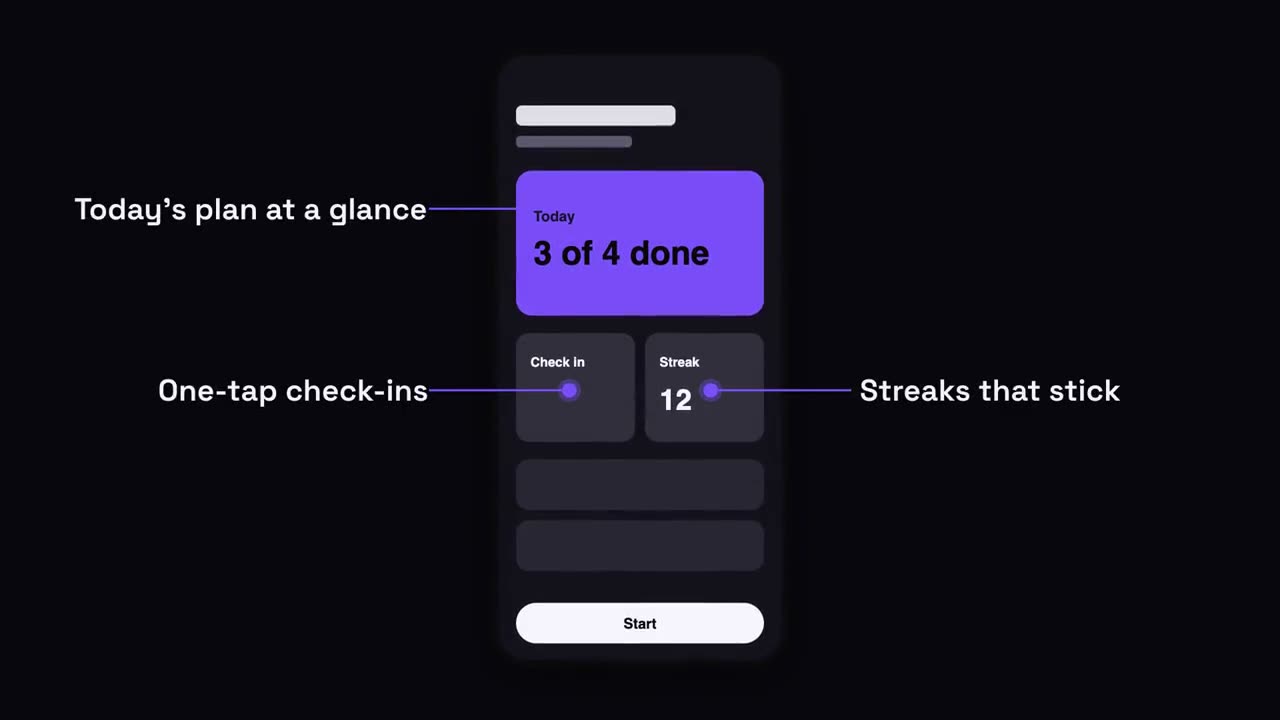
Destaques no celular
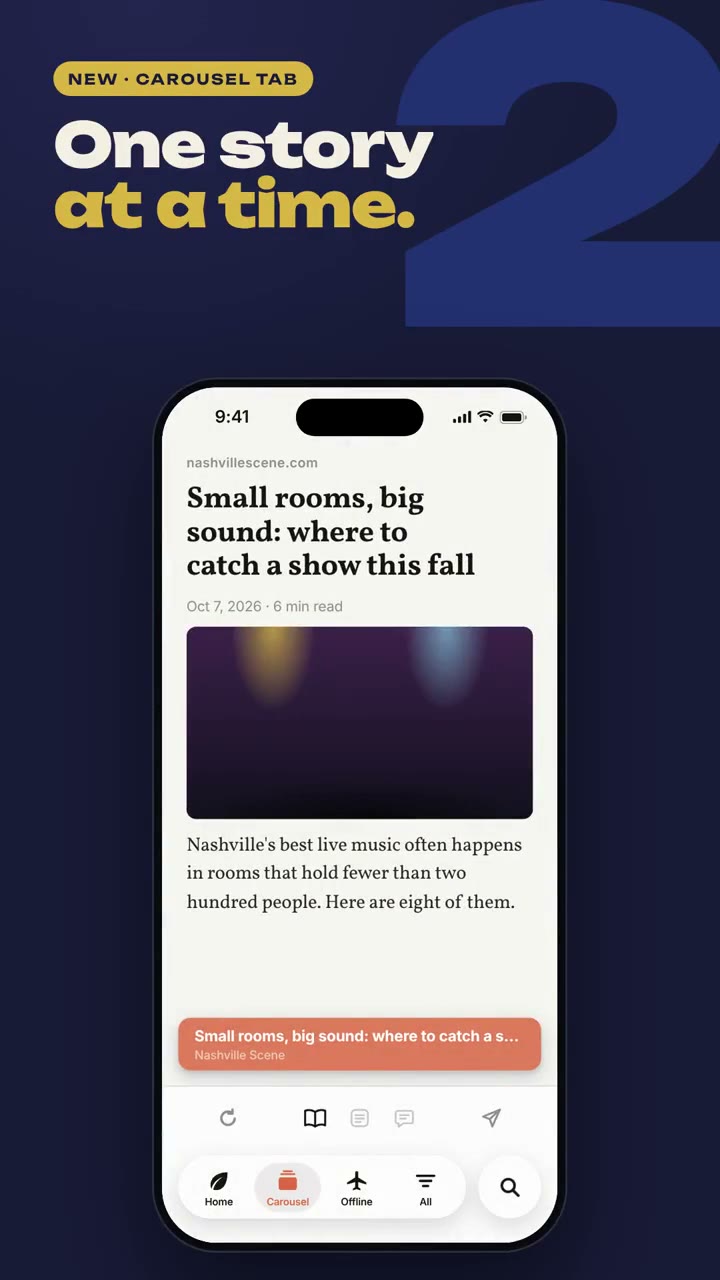
Abrir skill →GrátisMake a 7-second 16:9 app scene for [who will watch, e.g. new users], playing [where, e.g. the app's landing page]. Use only the screenshot and four labels I give. Deep navy background. A black phone showing the screenshot rises into the center with a slight rotation that settles. One at a time, small violet dots appear on parts of the screen and thin violet lines draw out to white labels on the left and right. End frame: the phone floats gently with all four labels showing. Attach: [a phone screenshot of your app] Four labels and what each points at: [e.g. "Today's plan at a glance", "One-tap check-ins", "Streaks that stick", "Start in one tap"]
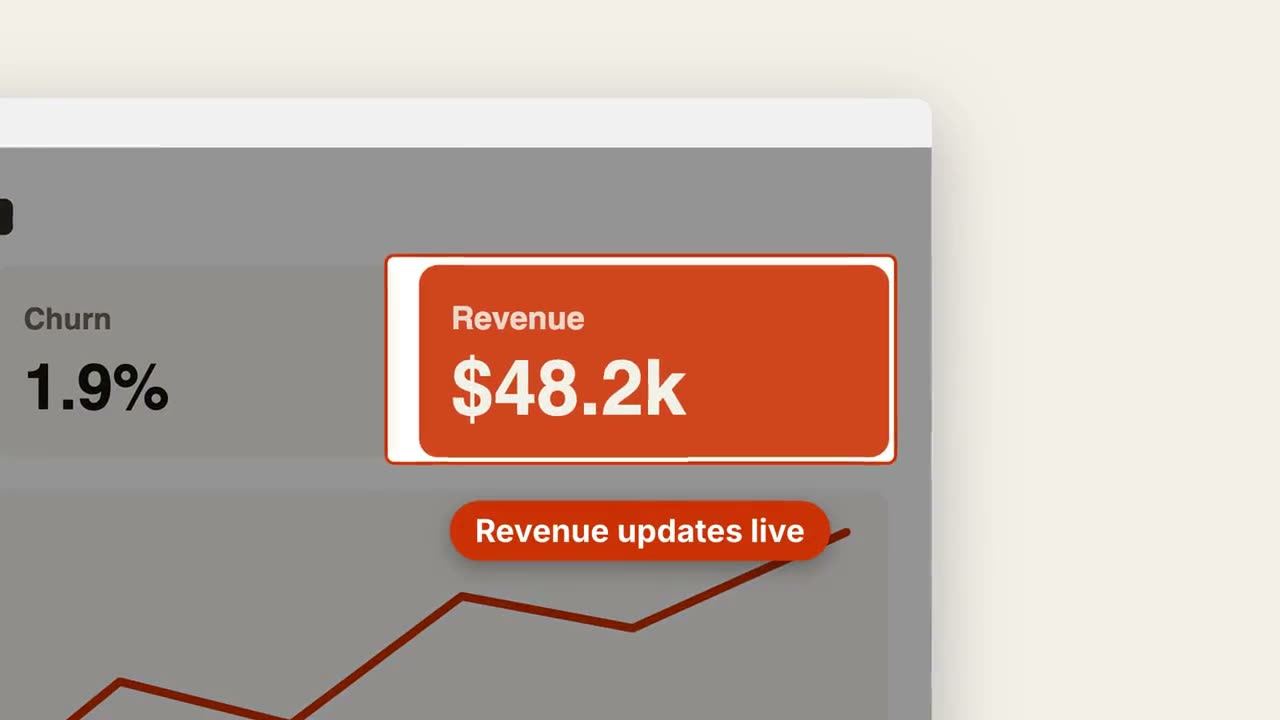
Zoom na captura
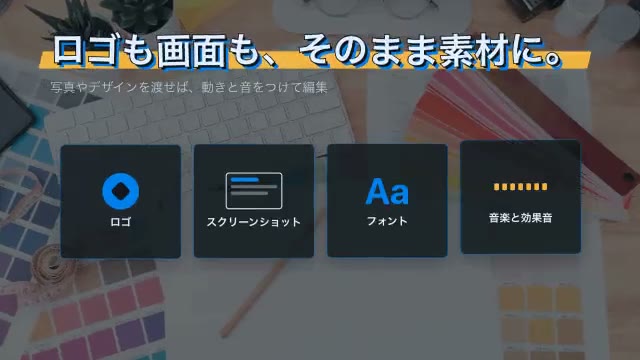
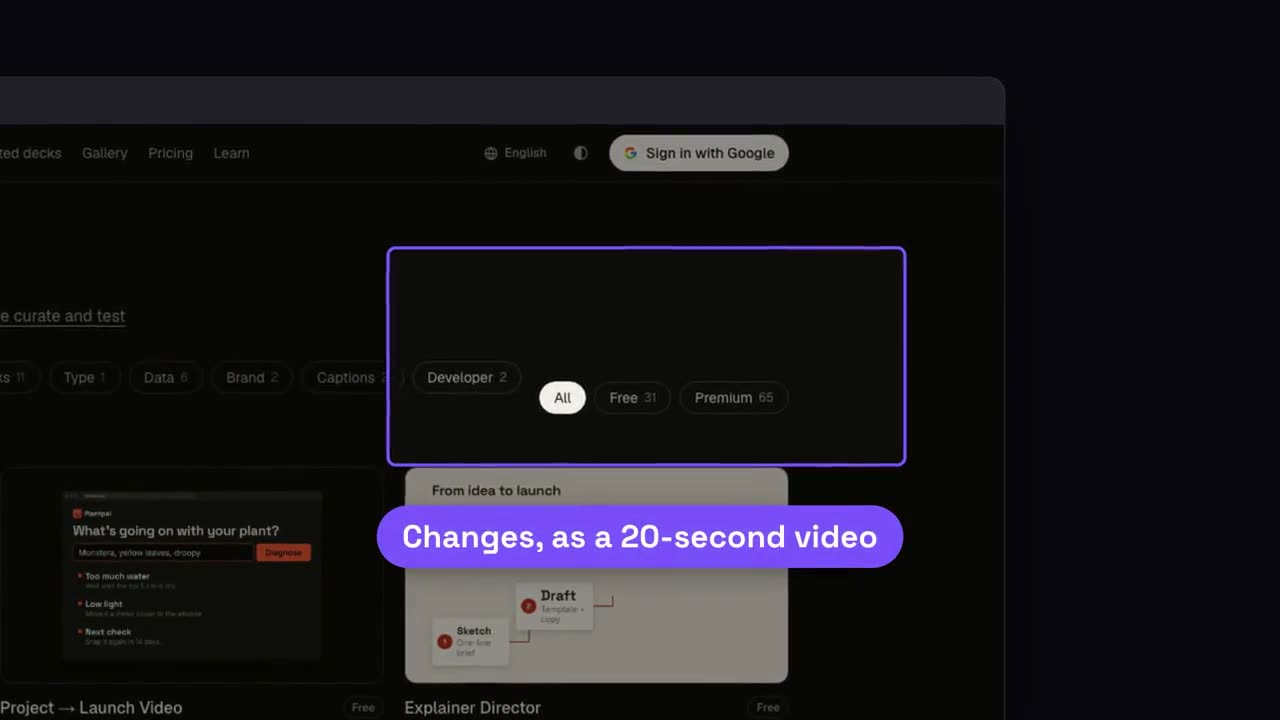
Abrir skill →GrátisMake a 7-second 16:9 product scene for [who will watch, e.g. prospects], playing [where, e.g. the feature page]. Use only the screenshot and caption I give. Off-white background. A browser window with the screenshot settles in with a soft shadow. After a beat, the camera pushes smoothly into the detail I name. The rest of the screenshot dims under a dark overlay while the detail gets an orange outline, and an orange pill caption pops in just below it. End frame: the camera keeps drifting in very slightly. Attach: [a screenshot of your product] Detail to zoom into: [e.g. the top-right revenue card "$48.2k"] Caption: [e.g. "Revenue updates live"]
Cenas avulsas para isso
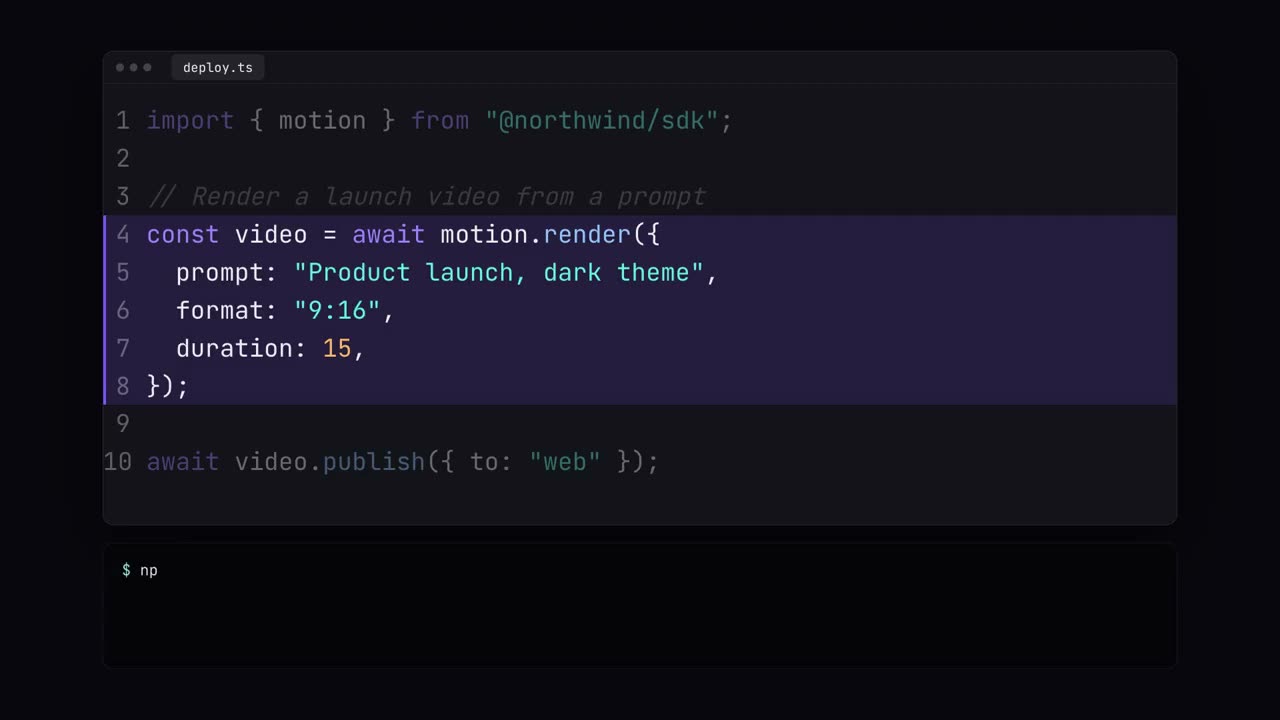
Vitrine de código
Código digitado com cores de sintaxe, destaques e execução no terminal.
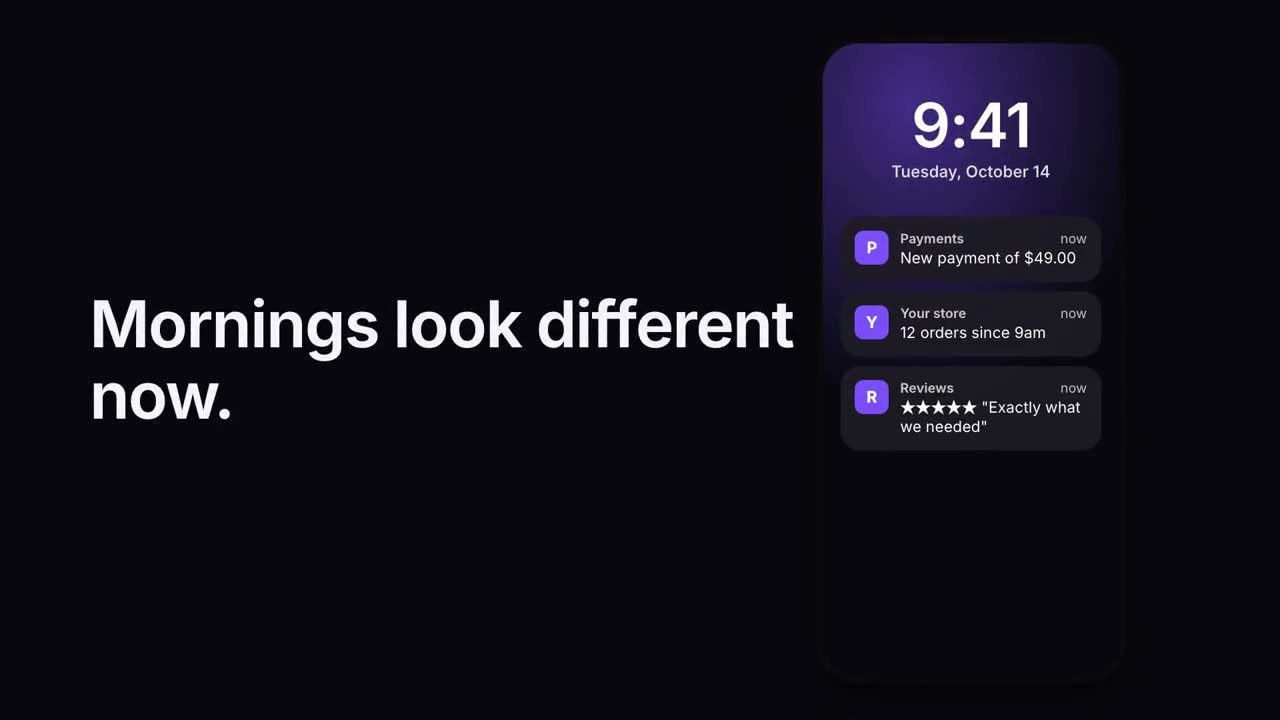
Pilha de notificações
As notificações chegam uma após a outra na tela de bloqueio.
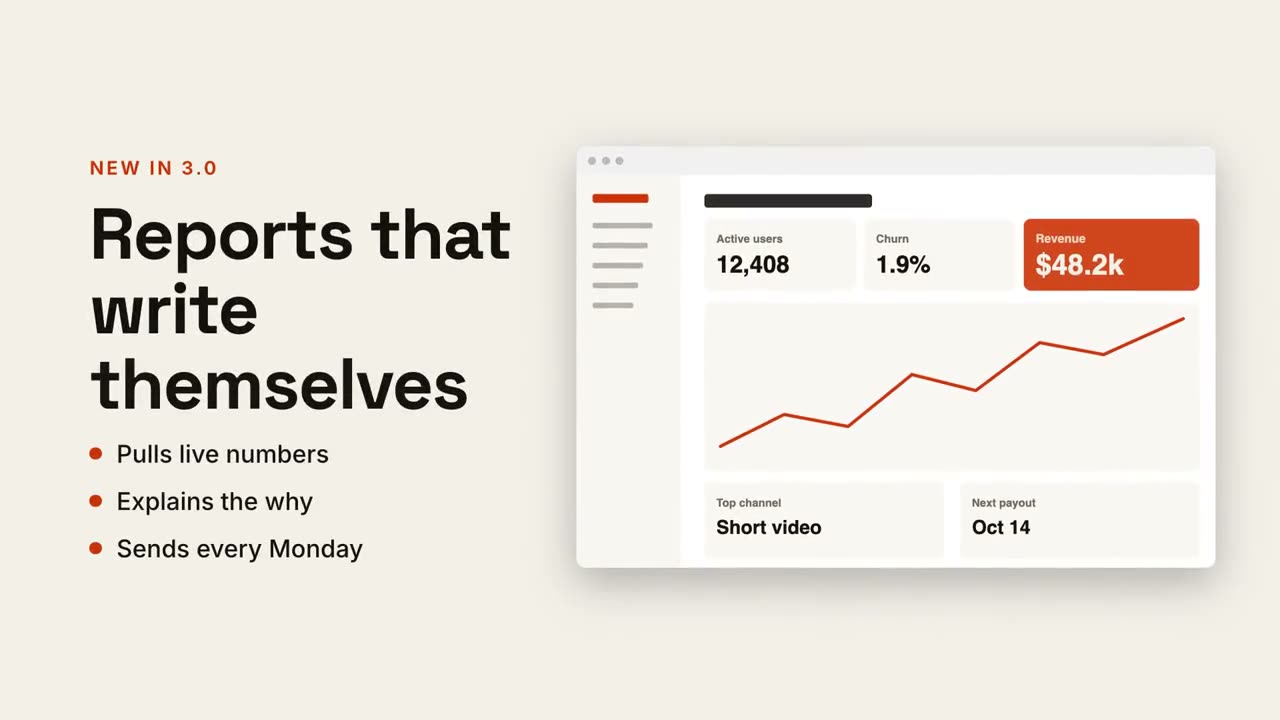
Texto + tela
Título e pontos de um lado, sua captura deslizando do outro.
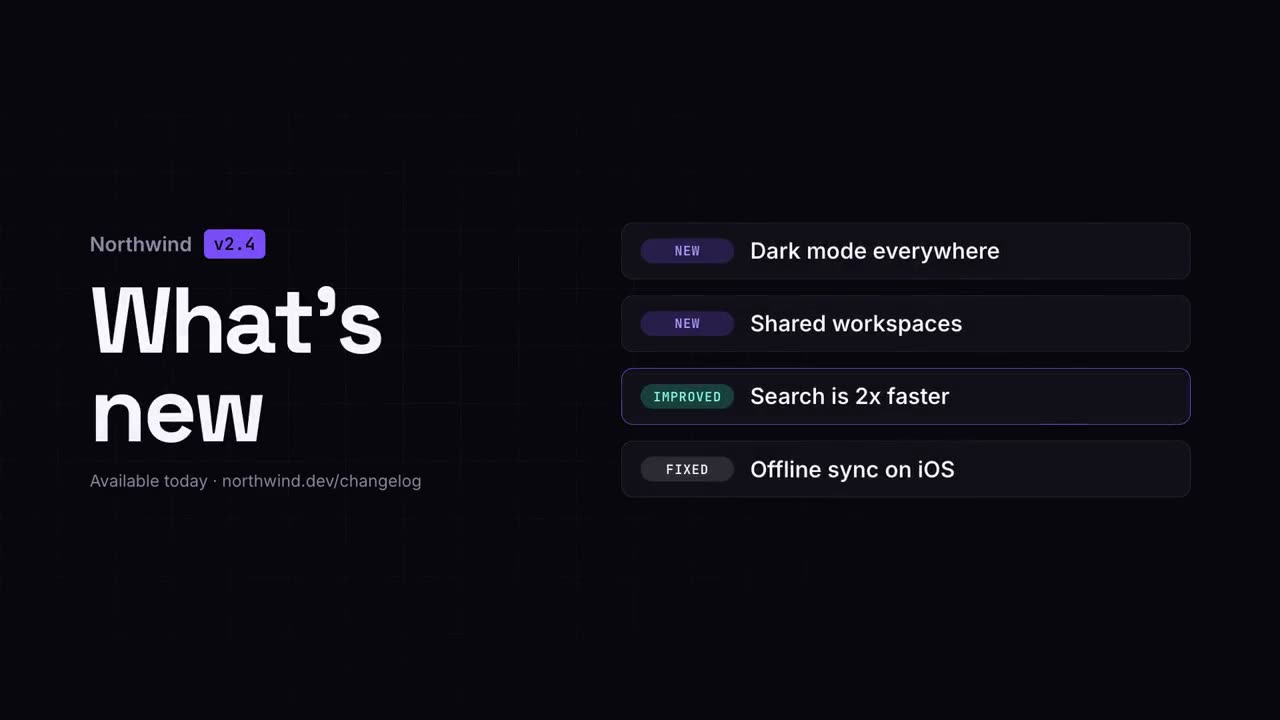
Vídeo de novidades
As notas de versão como um clipe claro e fácil de compartilhar.
Checklist
Um checklist em que cada caixa se marca sozinha, uma a uma.
Ciclo contínuo
Passos em volta de um anel, ligados por setas, com um pulso que não para de girar.
Zoom na captura
Aproxime uma área da captura, escureça o resto e destaque.
Destaques no celular
Um celular sobe e rótulos saem da tela com linhas-guia.
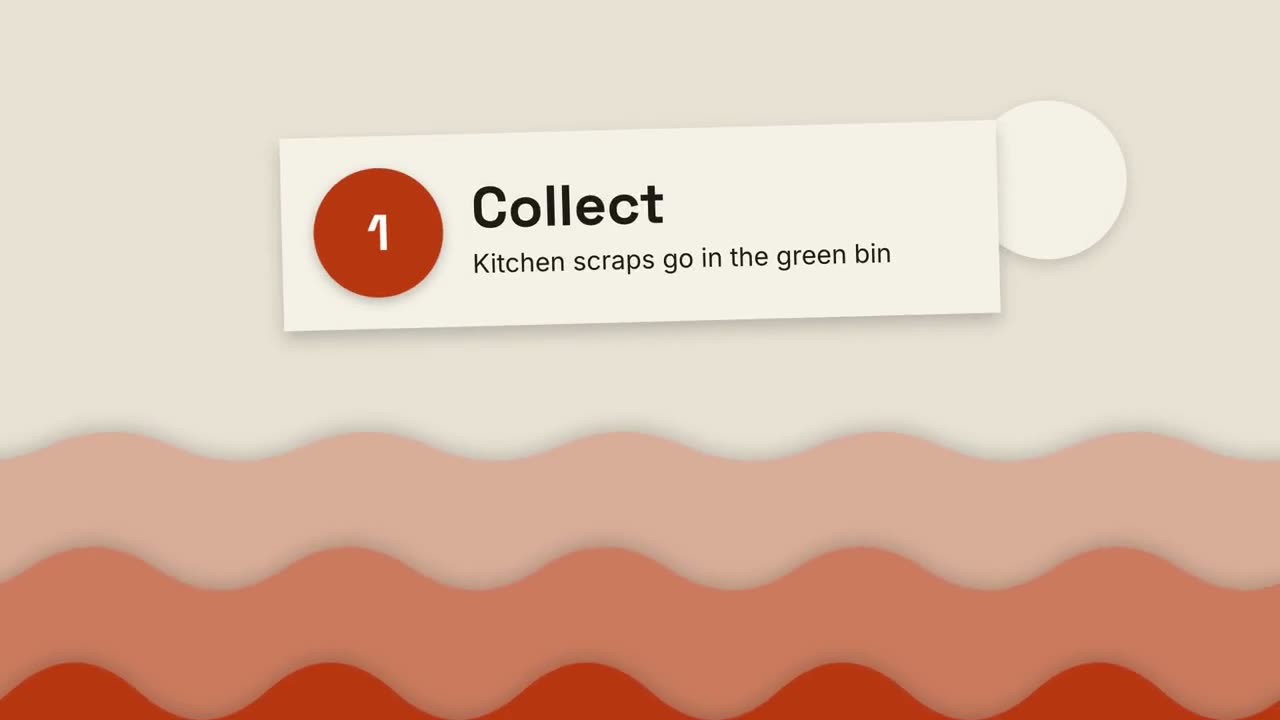
Explicativo em papel recortado
Colinas de papel em camadas e cartões recortados explicam qualquer coisa em três passos.
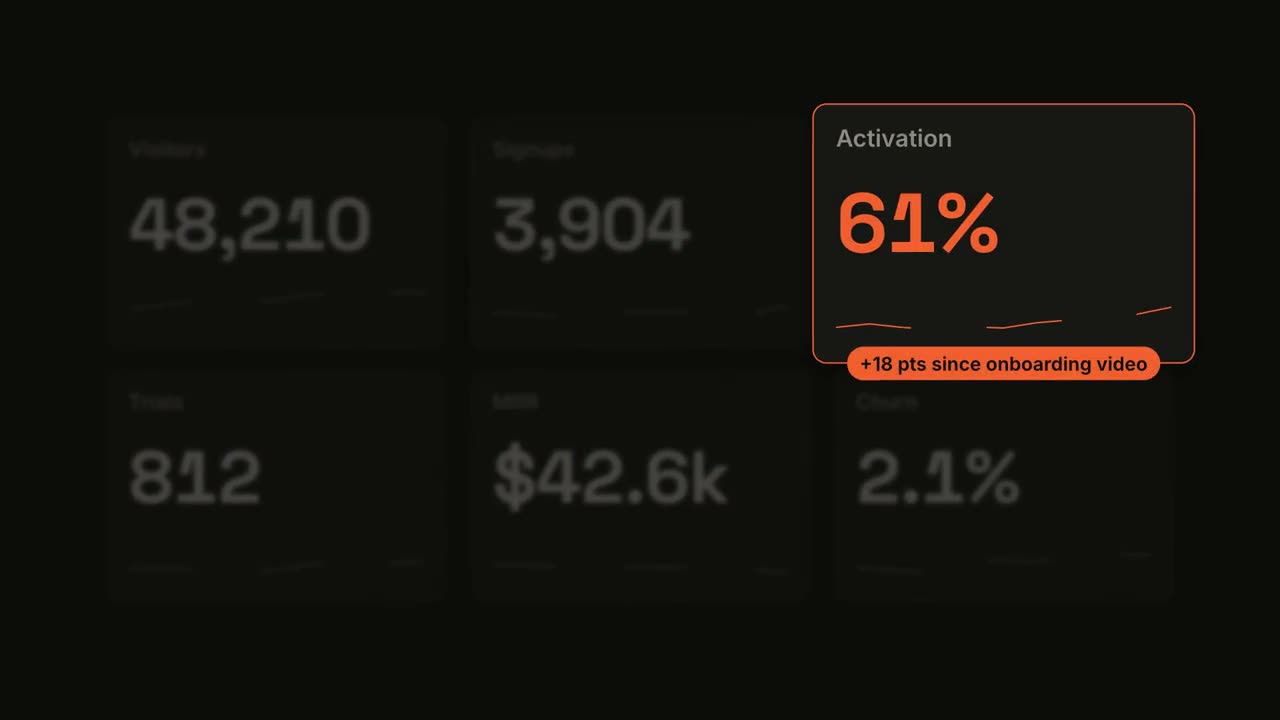
Métrica em destaque
Um painel vai contando e depois um bloco ganha o holofote.
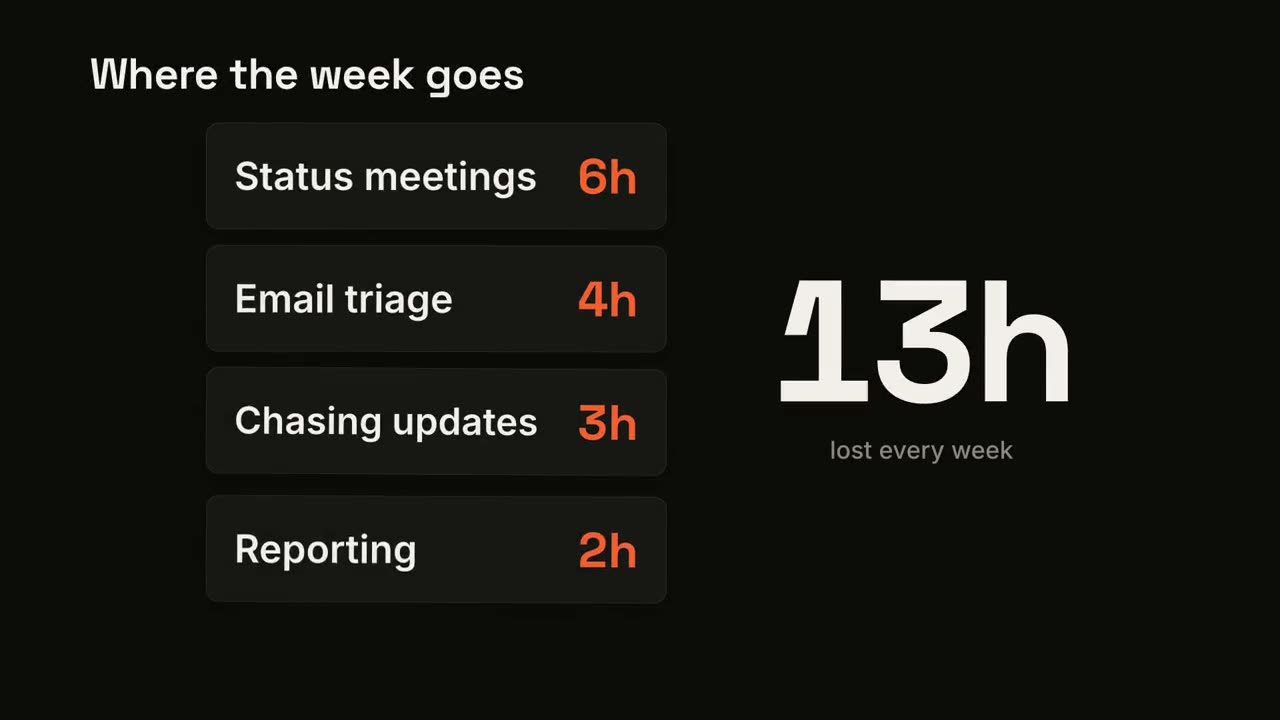
Contador de cartões
Cartões caem um a um enquanto um total grande vai somando.
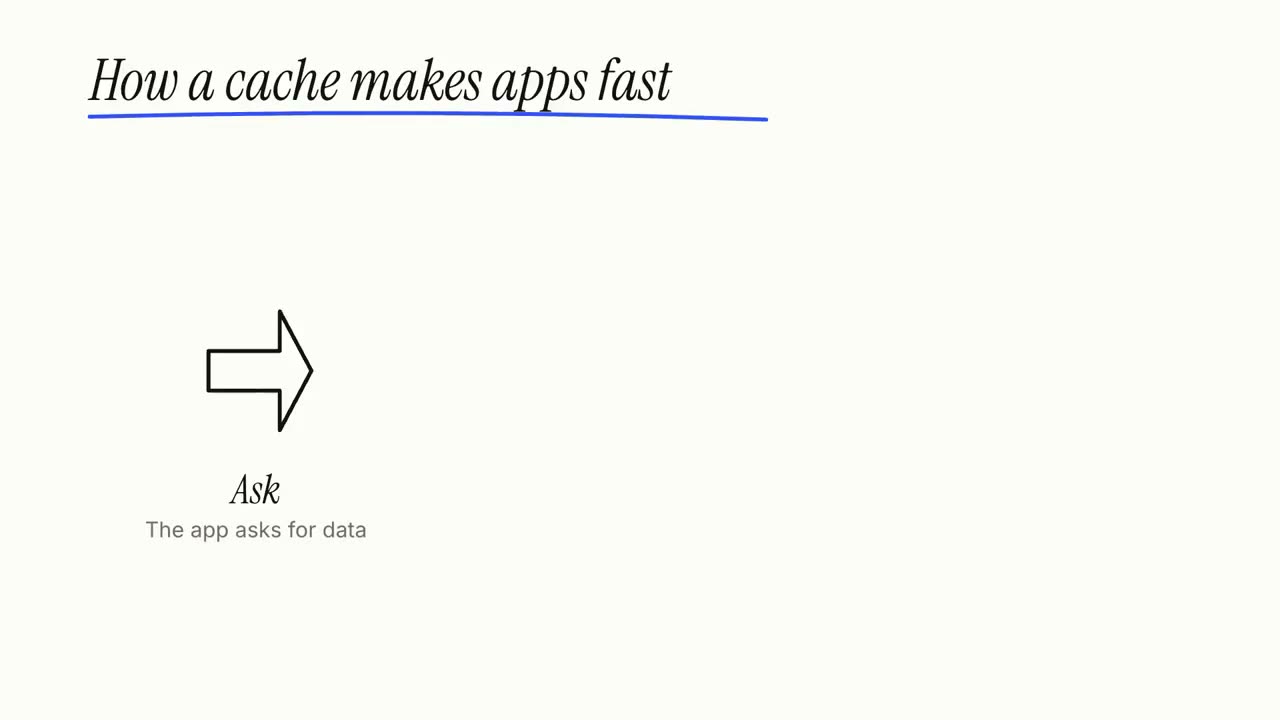
Explicativo em quadro branco
Rabiscos de marcador se desenham sozinhos enquanto os rótulos são escritos, passo a passo.
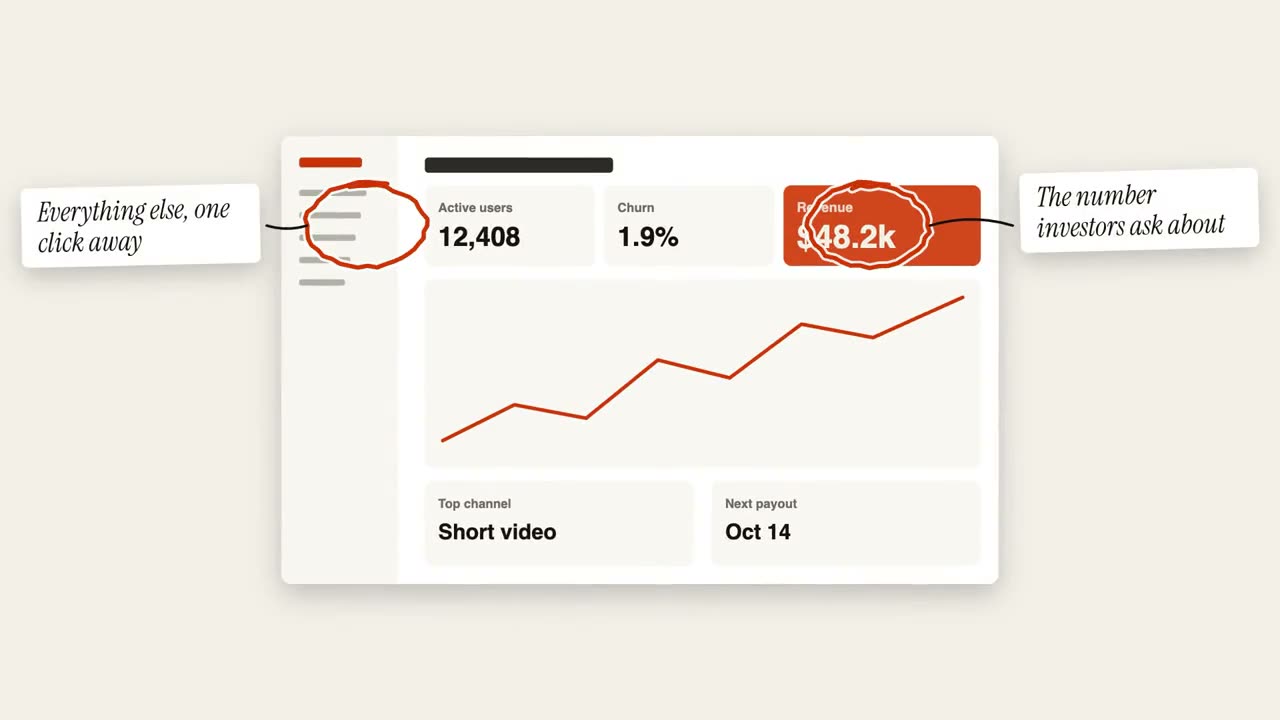
Anotações com círculos
Círculos feitos à mão e post-its marcam uma imagem.
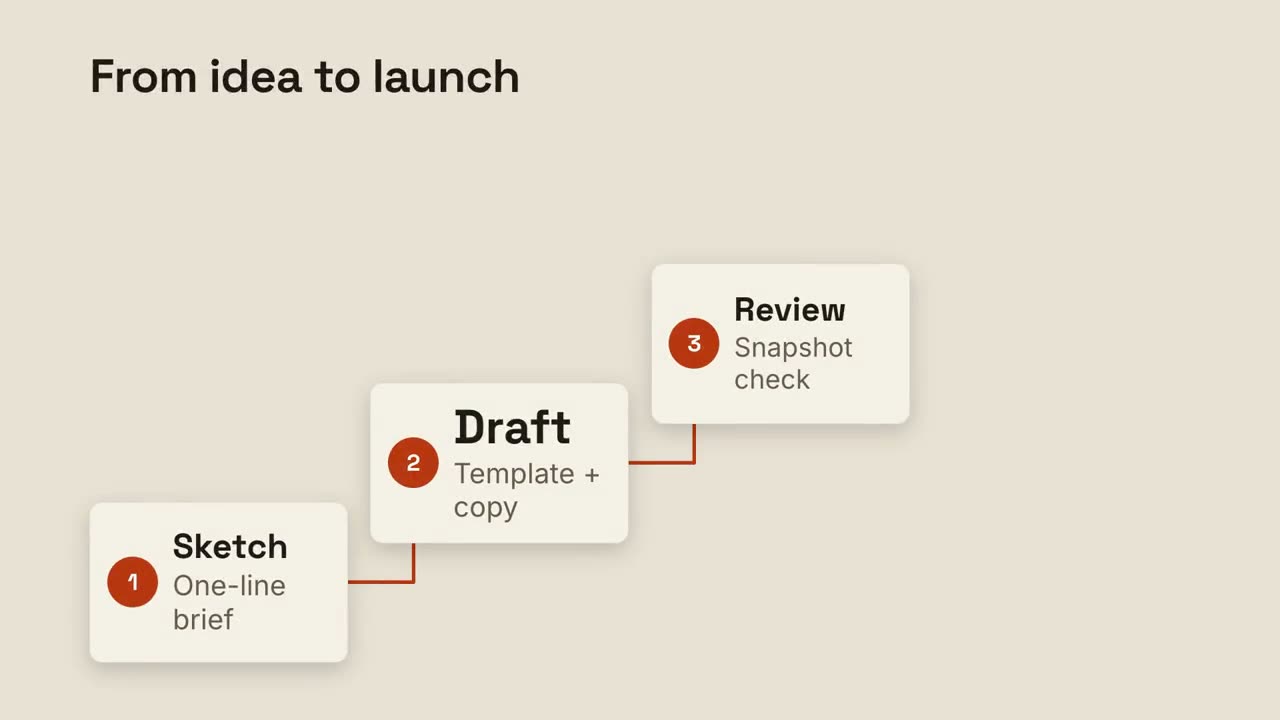
Escada de passos
Passos numerados sobem uma escada, ligados por uma linha.
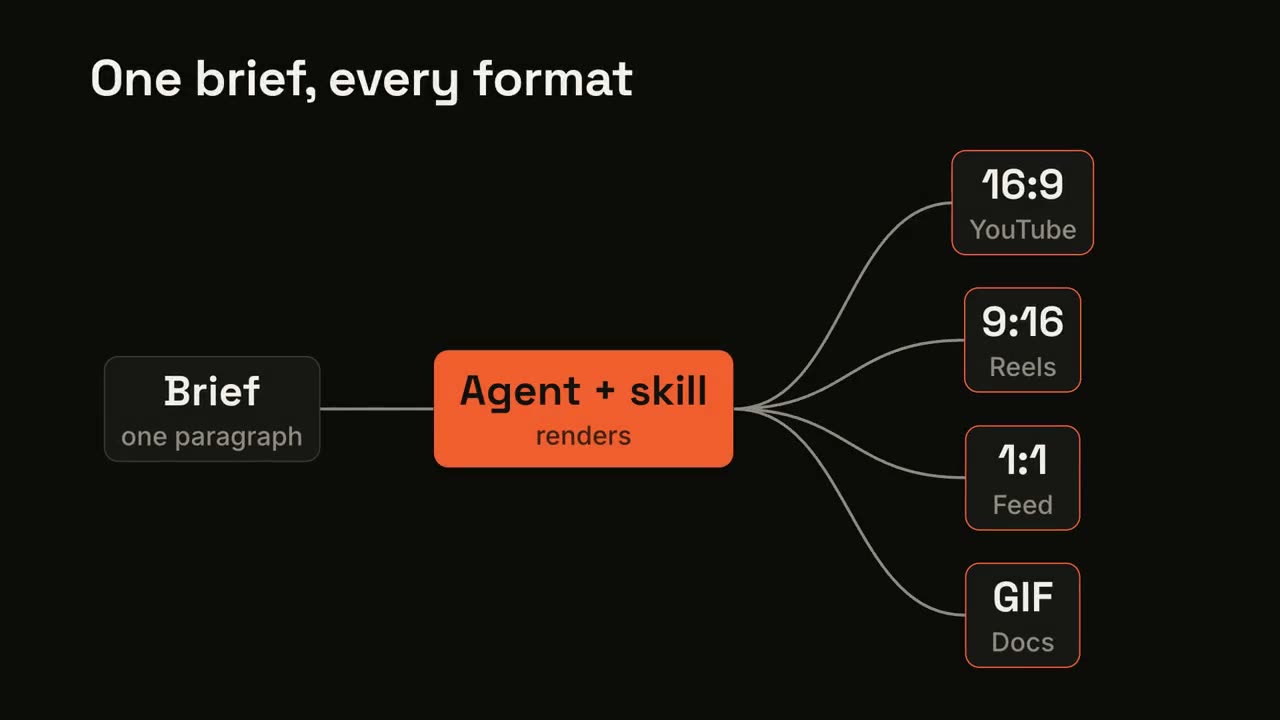
Pipeline em leque
Uma entrada passa por um processo e se abre em várias saídas.
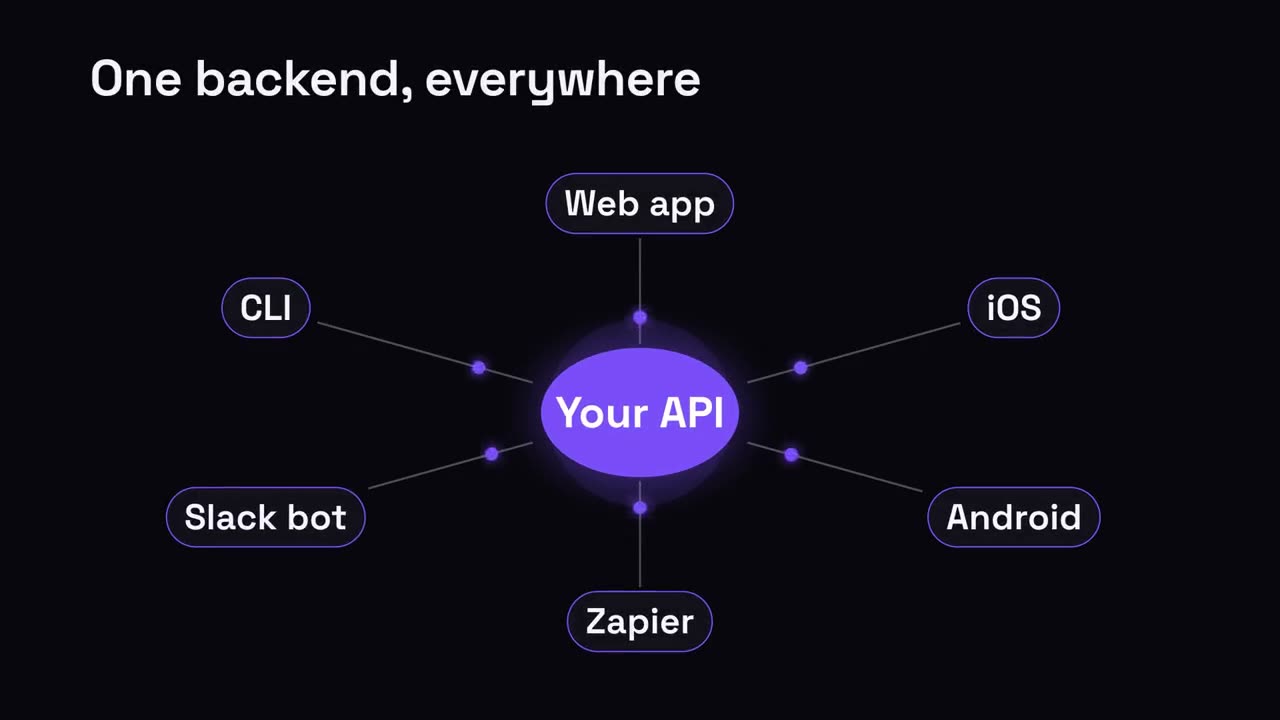
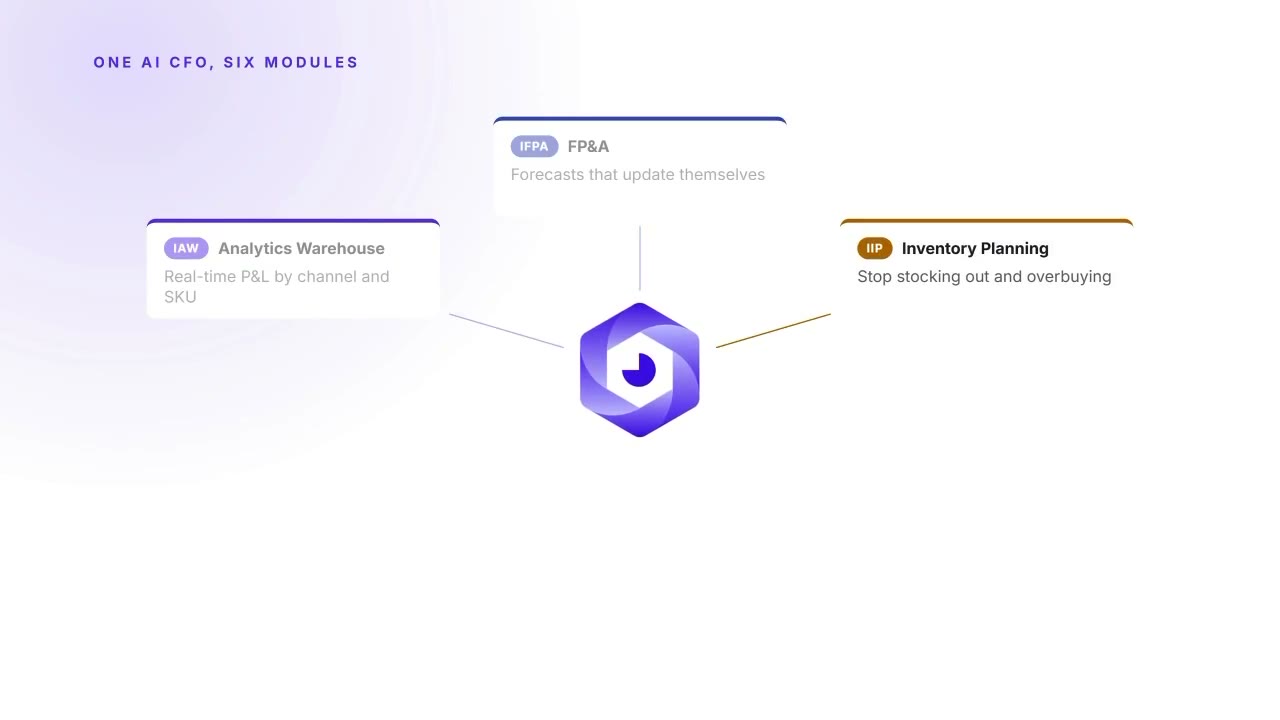
Hub e raios
Um hub central se irradia para tudo o que conecta.
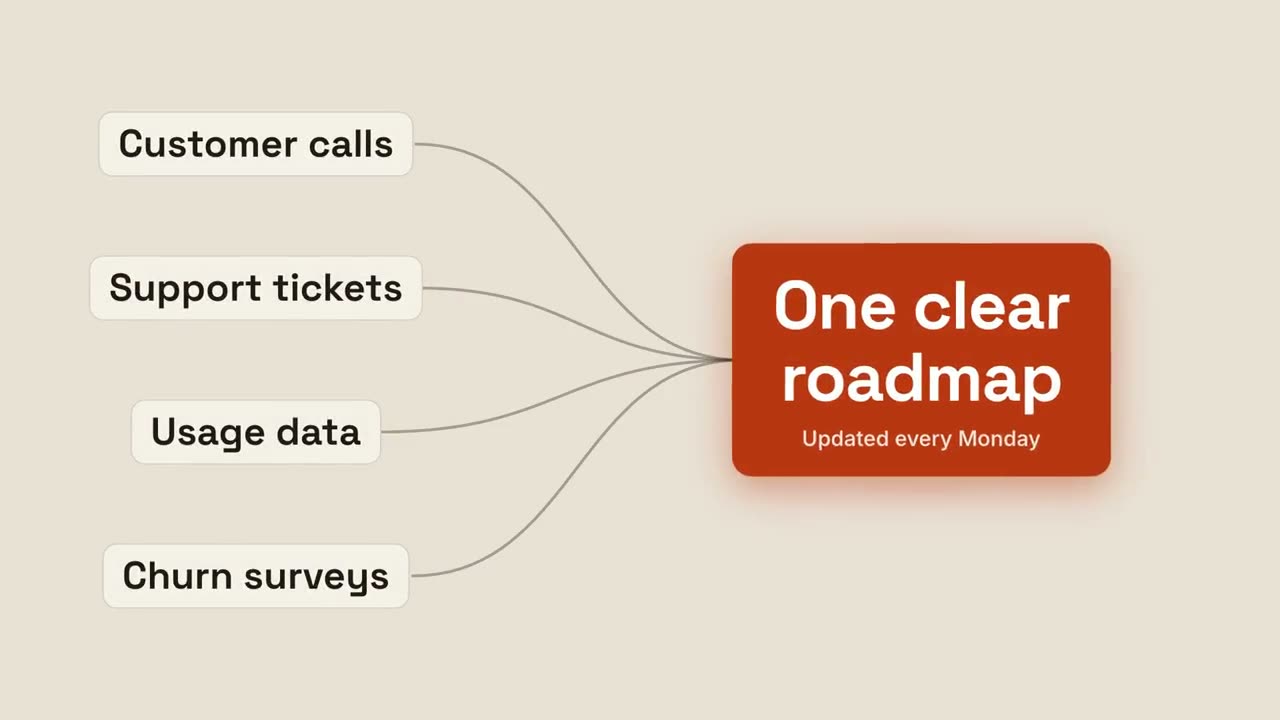
Convergir em um resultado
Várias entradas fluem juntas até um único resultado brilhante.
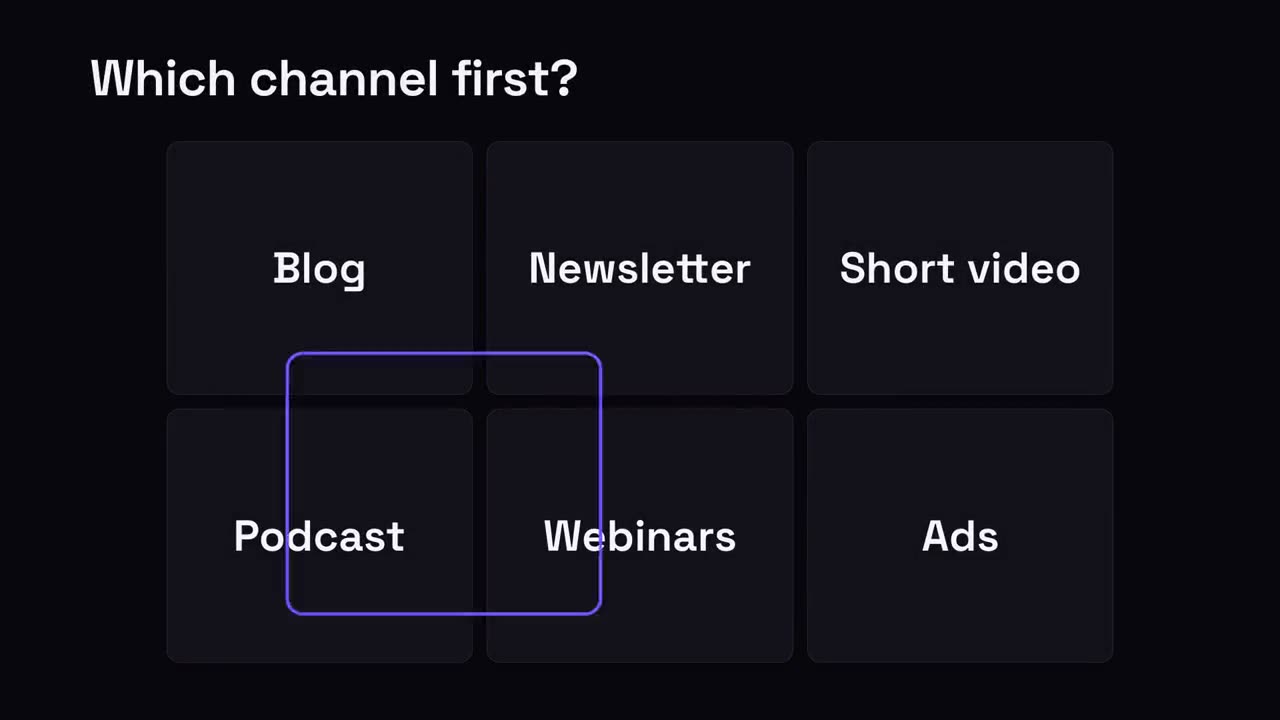
Escolha um
Uma grade de opções; um anel de seleção pula entre elas e para na vencedora.
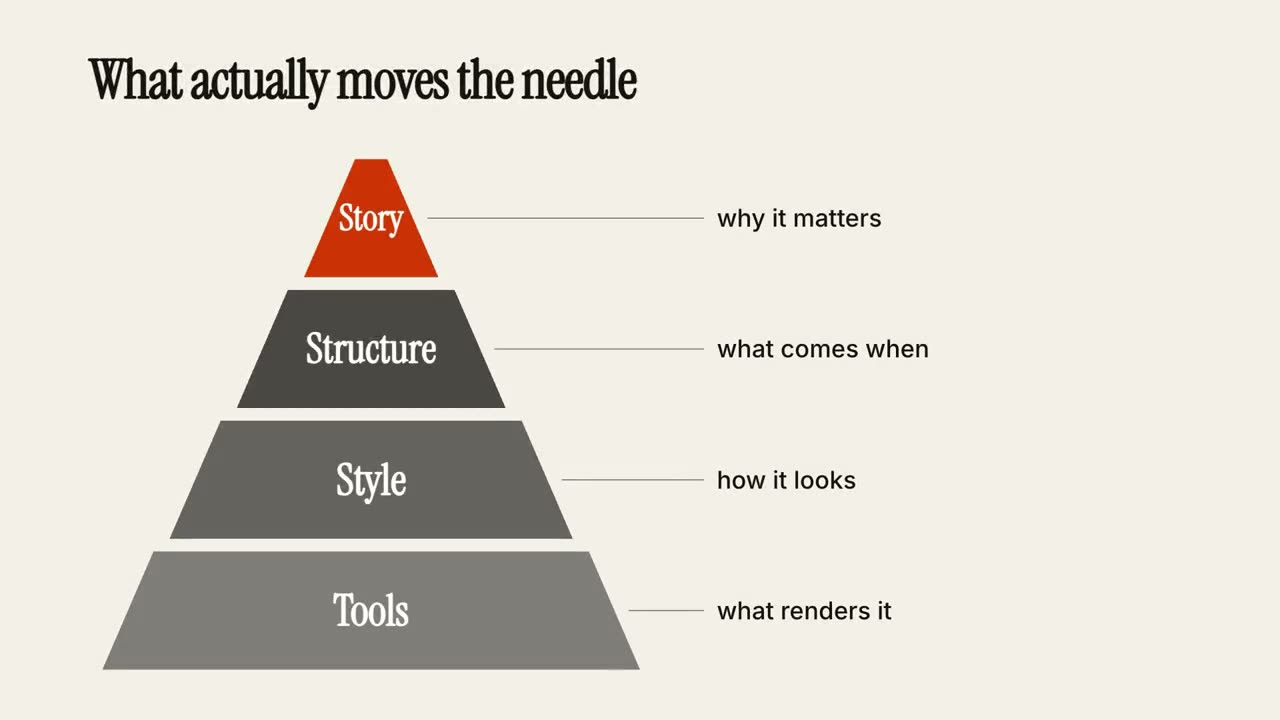
Pirâmide de níveis
Uma pirâmide se monta camada por camada, cada nível com uma nota.
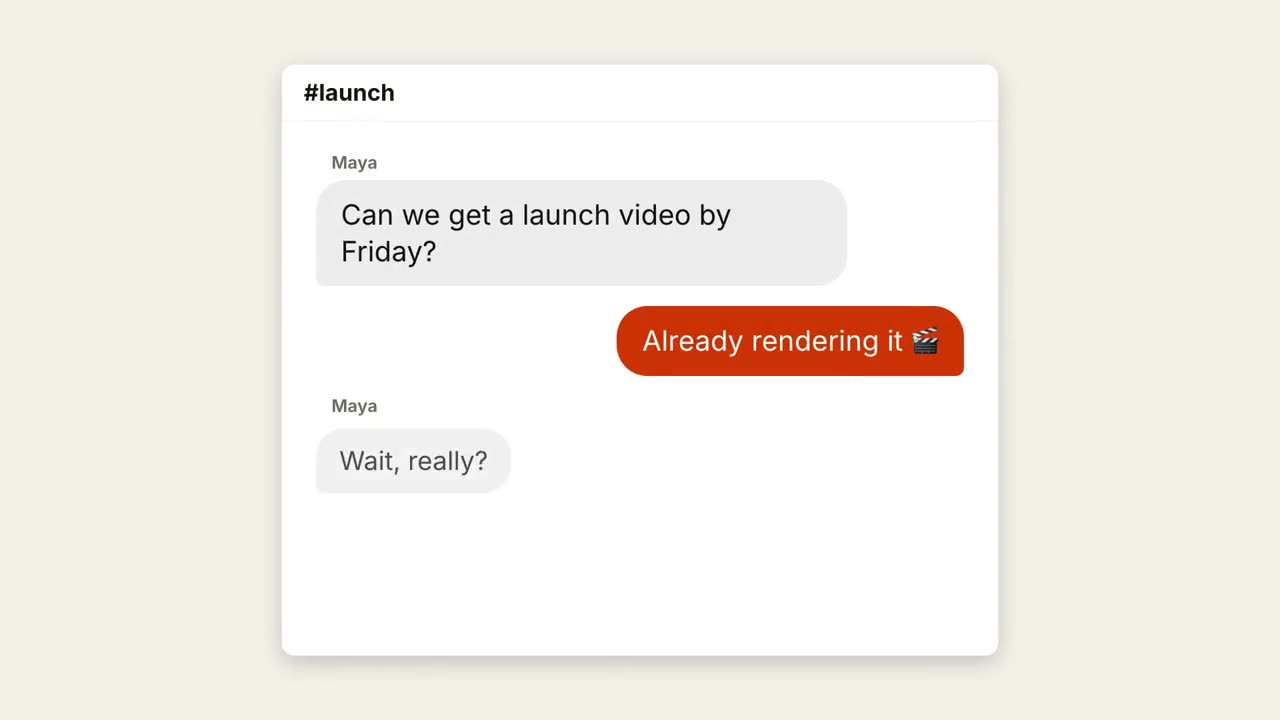
Conversa no chat
Uma conversa acontece com pontinhos de digitação e balões que surgem.
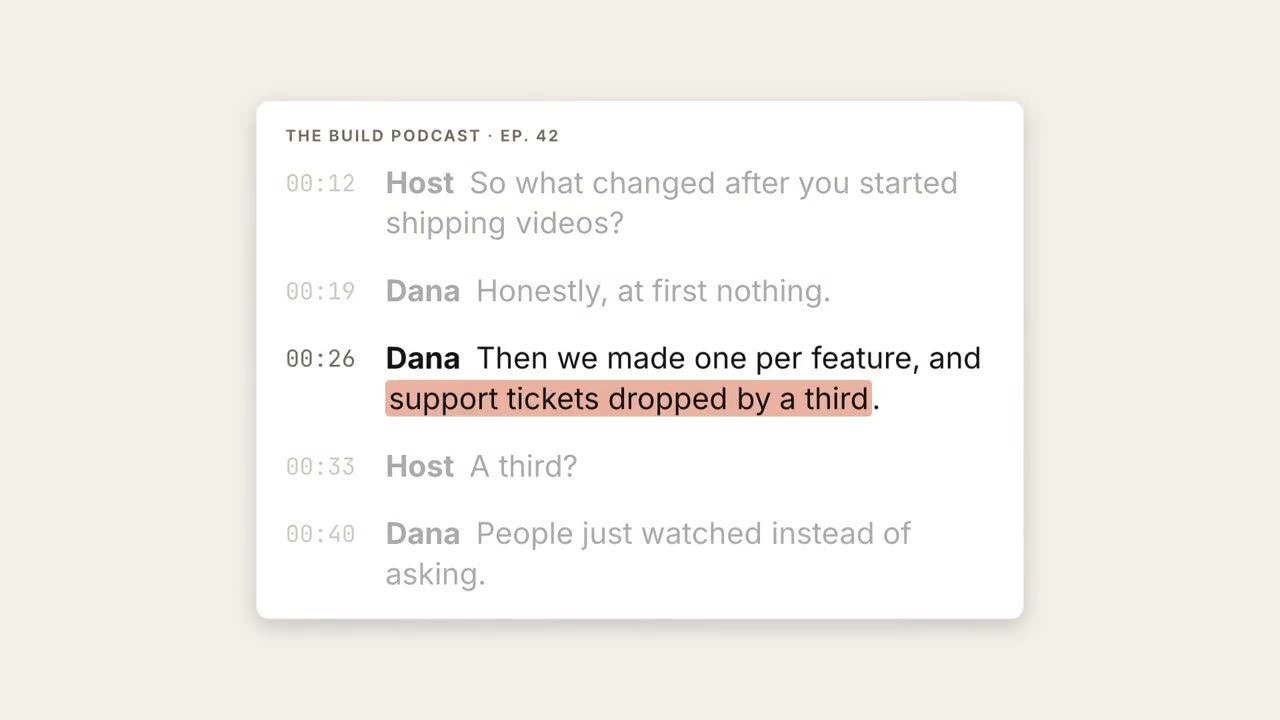
Transcrição em destaque
Uma transcrição corre, o trecho-chave é marcado e vira uma grande citação.
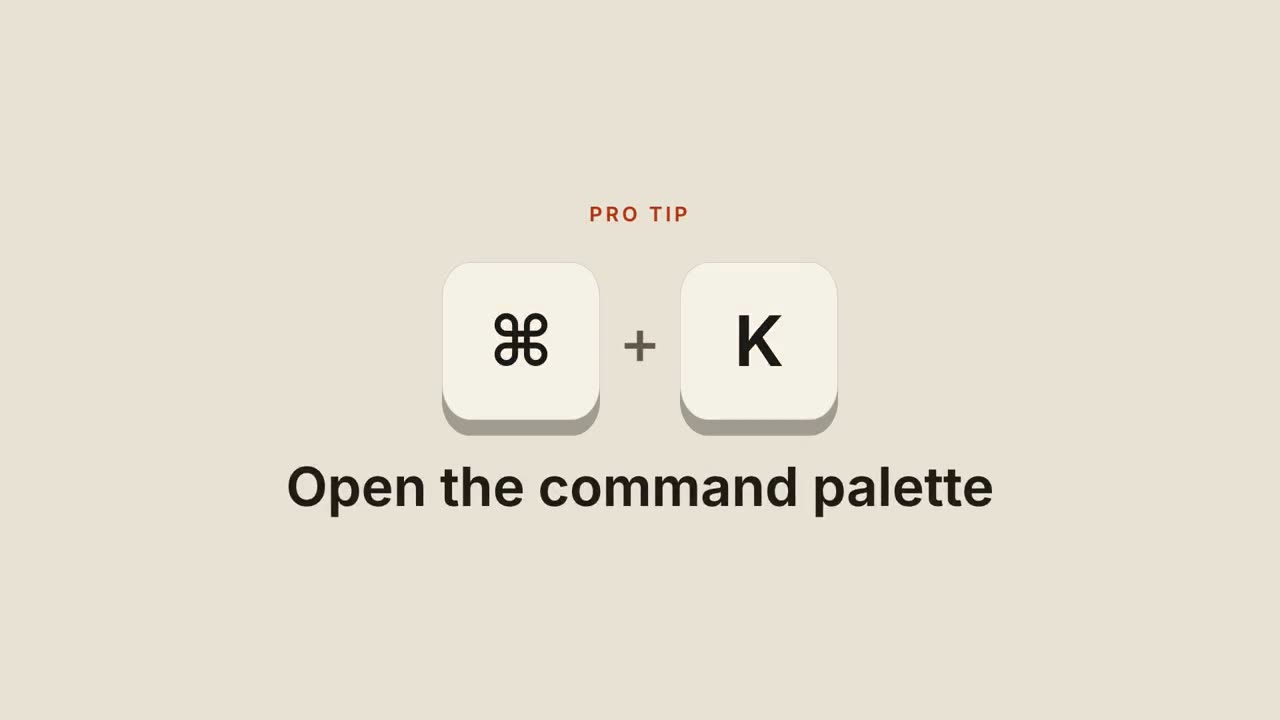
Atalhos de teclado
Teclas caem, são pressionadas e revelam o que o atalho faz.
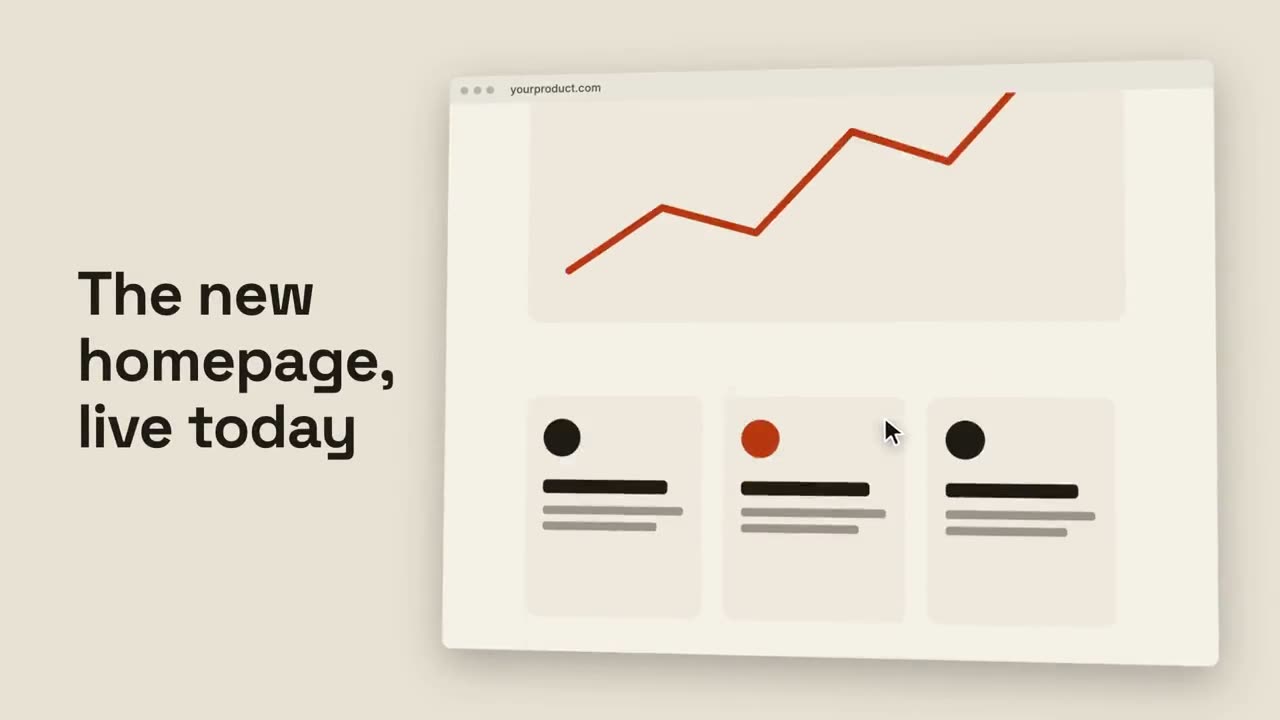
Rolagem no navegador
Um navegador inclinado rola suavemente por uma página inteira.
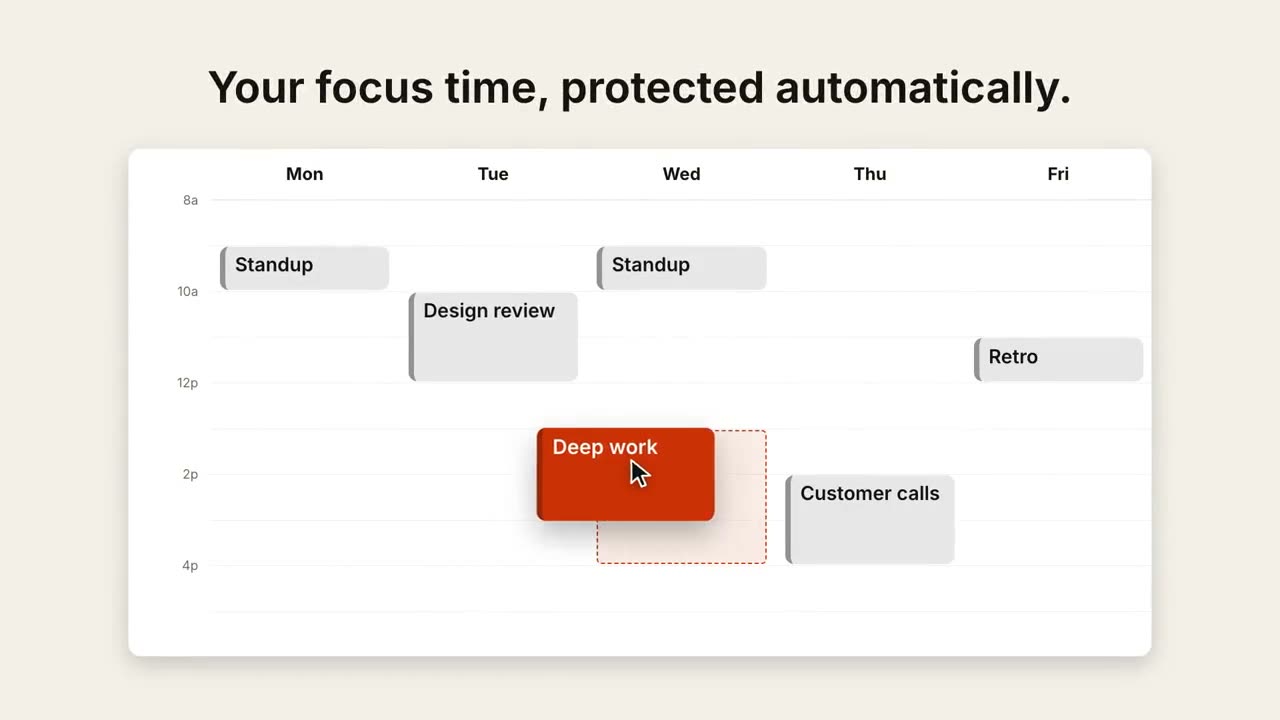
Remarcar na agenda
Uma visão semanal se enche e um cursor arrasta um evento para um horário melhor.
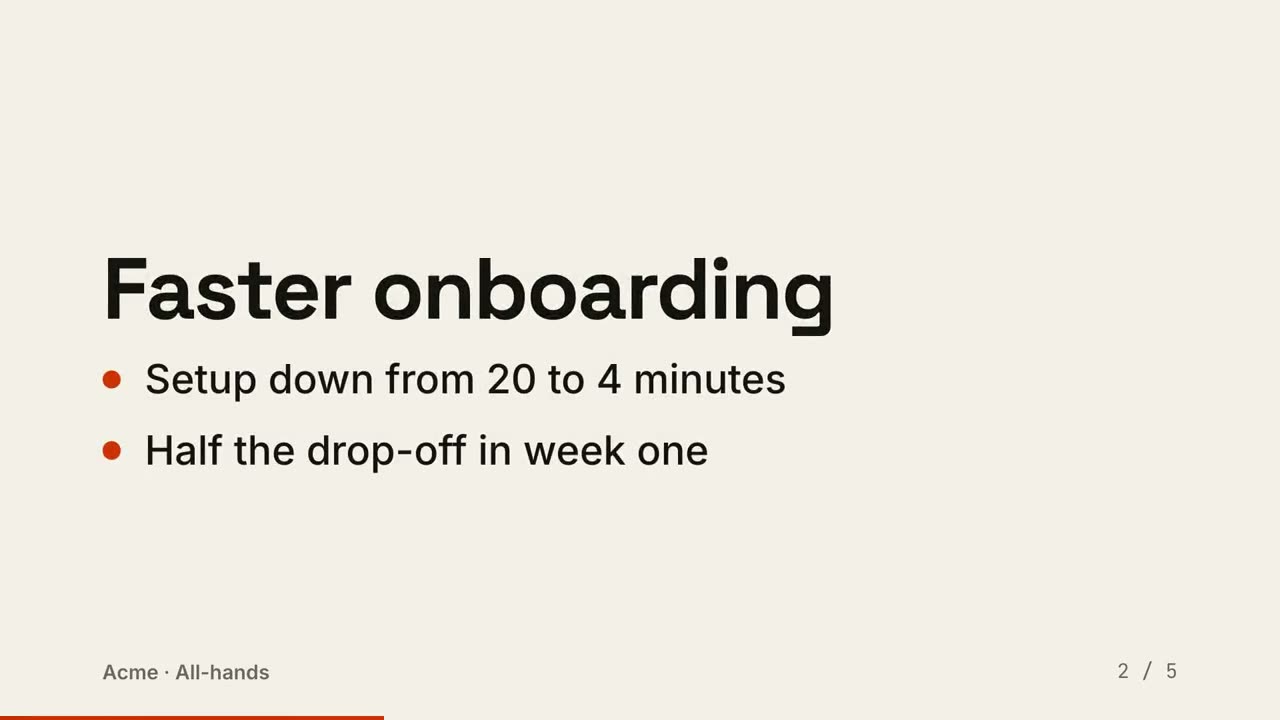
Slides em vídeo
Uma apresentação renderizada como vídeo: um slide por momento, os pontos aparecem em ordem.
Feito com estes