Tutoriels et explications
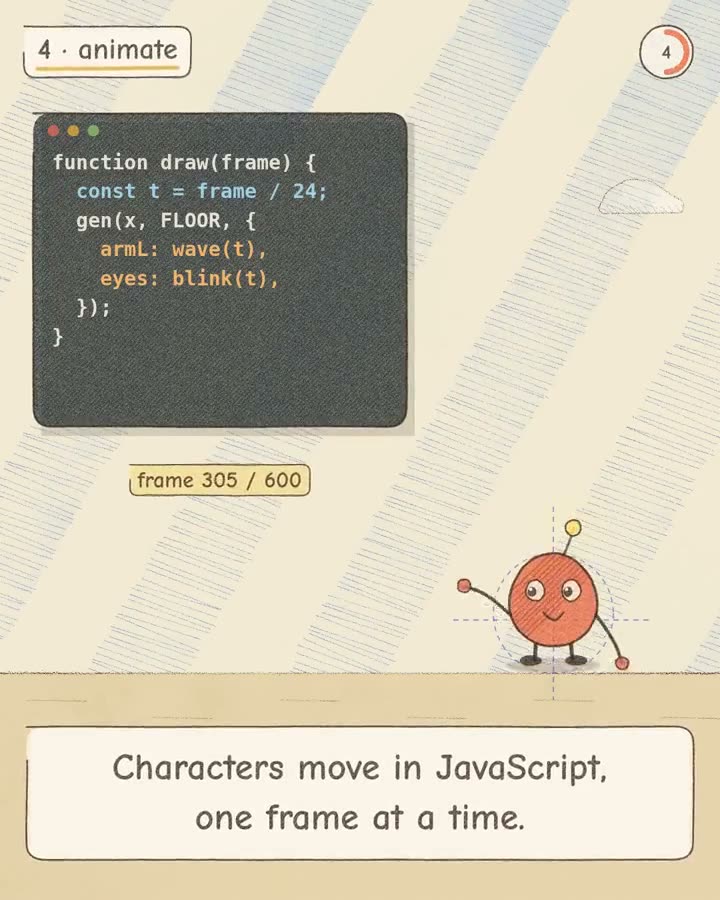
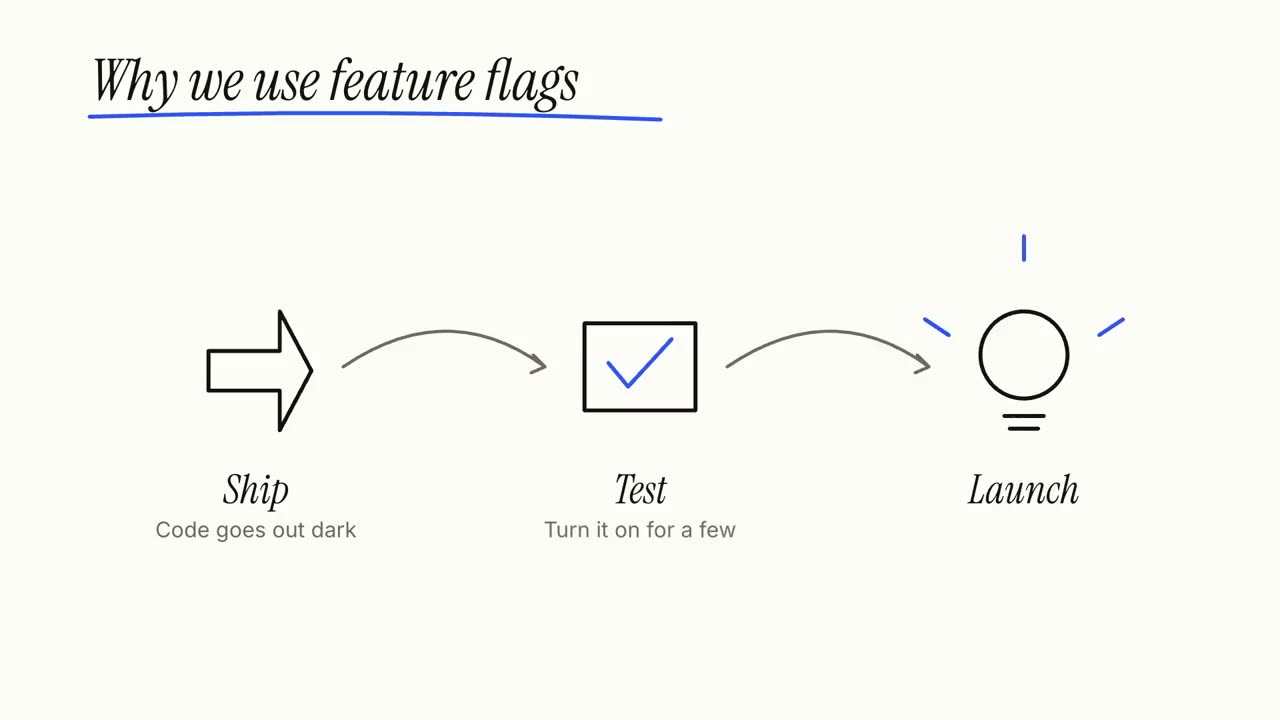
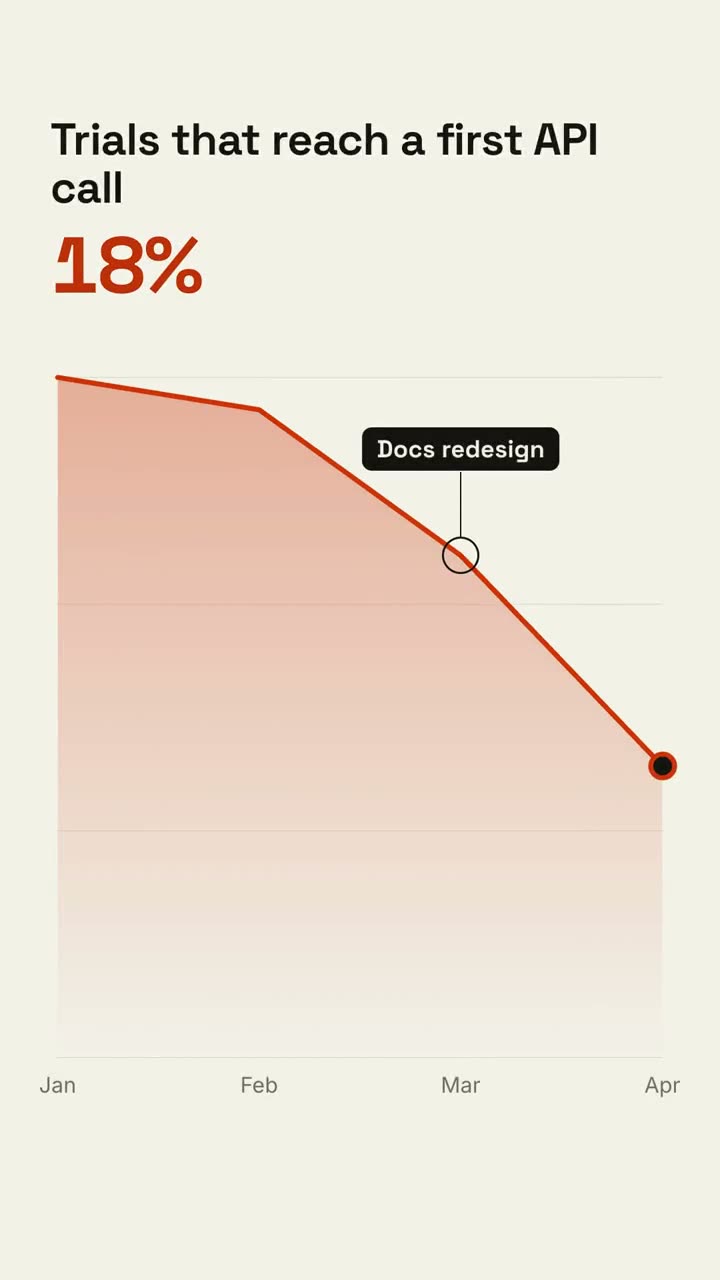
Donnez à votre agent un article, des notes ou juste un sujet : Explainer Director écrit le script, vérifie les faits et le réalise plan par plan en une vidéo explicative de 30 à 90 secondes. Les étapes, cycles et annotations ci-dessous sont ses plans, et chacun marche seul.
De votre matière à une vidéo finie
Donnez à votre agent ce que vous avez ; le workflow écrit, réalise et rend le MP4.
Des prompts pour commencer
Collez-le dans Claude Motion, ou installez le skill correspondant et demandez à votre agent.
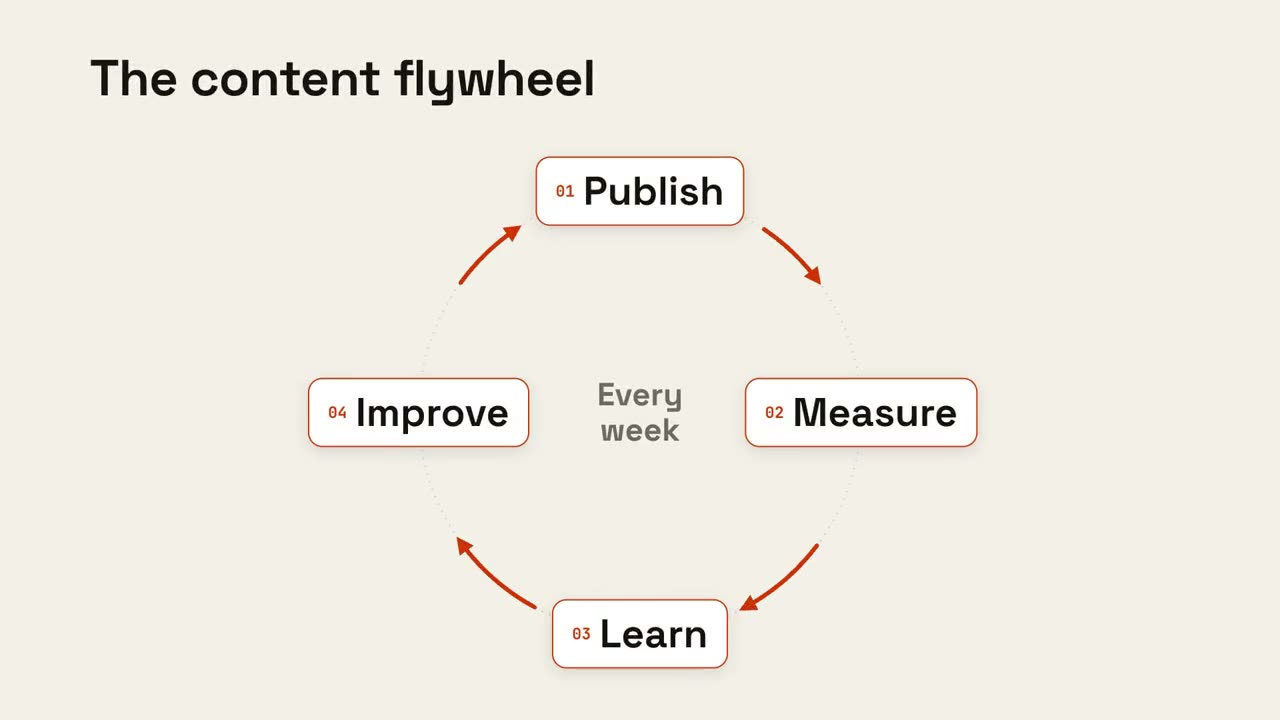
Cycle en boucle
Ouvrir le skill →GratuitMake an 8-second 16:9 loop diagram for [who will watch, e.g. the marketing team], playing [where, e.g. the planning deck]. Use only the title and four steps below. Off-white background. The title appears. Four white rounded cards with small orange numbers pop in around a faint dotted circle: top, right, bottom, left. Curved orange arrows draw clockwise from each card to the next. A short line fades in at the center in gray. End frame: a glowing orange dot travels around the circle continuously, briefly outlining each card in orange as it passes. Title: [e.g. "The content flywheel"] Four steps: [e.g. Publish, Measure, Learn, Improve] Center line: [e.g. "Every week"]
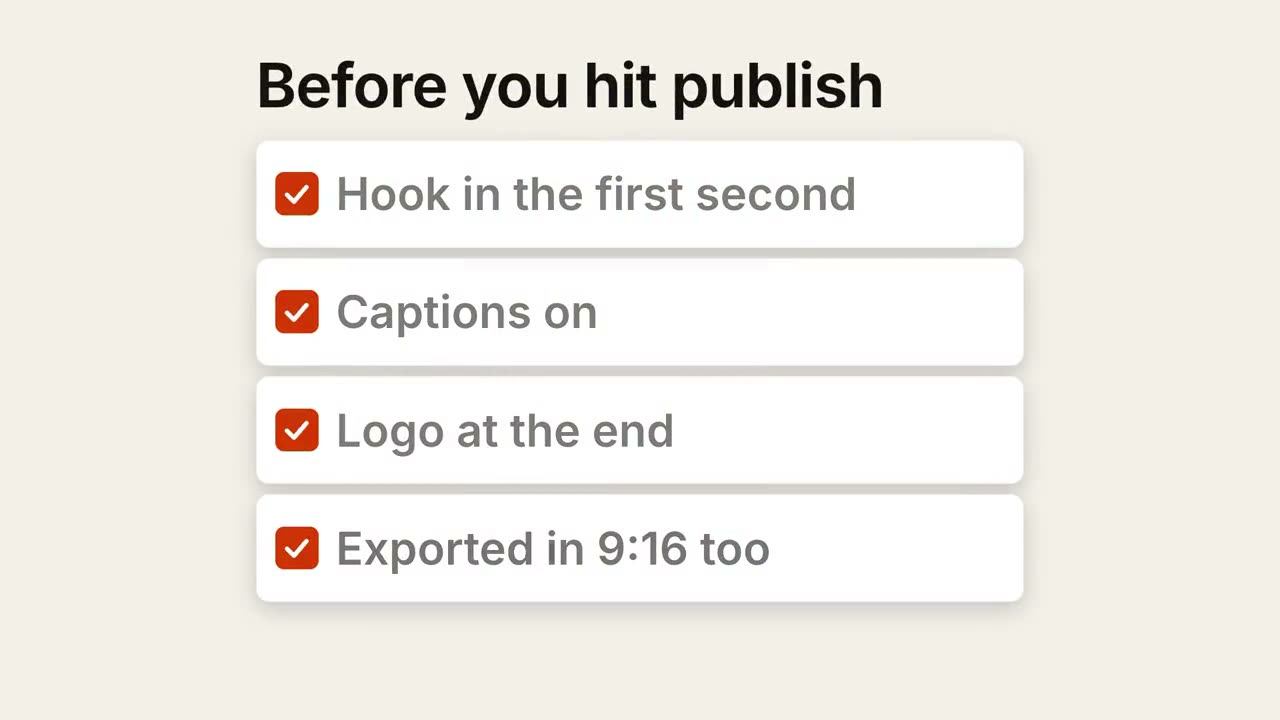
Checklist
Ouvrir le skill →GratuitMake a 7-second 16:9 checklist for [who will watch, e.g. our content team], playing [where, e.g. the training page]. Use only the title and four items below; don't reword them. Warm off-white background. The title fades up, then four white rounded cards slide in from the left, each with an empty checkbox and a label. One by one each checkbox fills rust orange with a little bounce, a white tick draws in, and its label dims. End frame: a small orange pill pops in below, held for 1.5 seconds. Title: [e.g. "Before you hit publish"] Four items: [e.g. "Hook in the first second", "Captions on", "Logo at the end", "Exported in 9:16 too"] Pill: [e.g. "Ready to ship"]
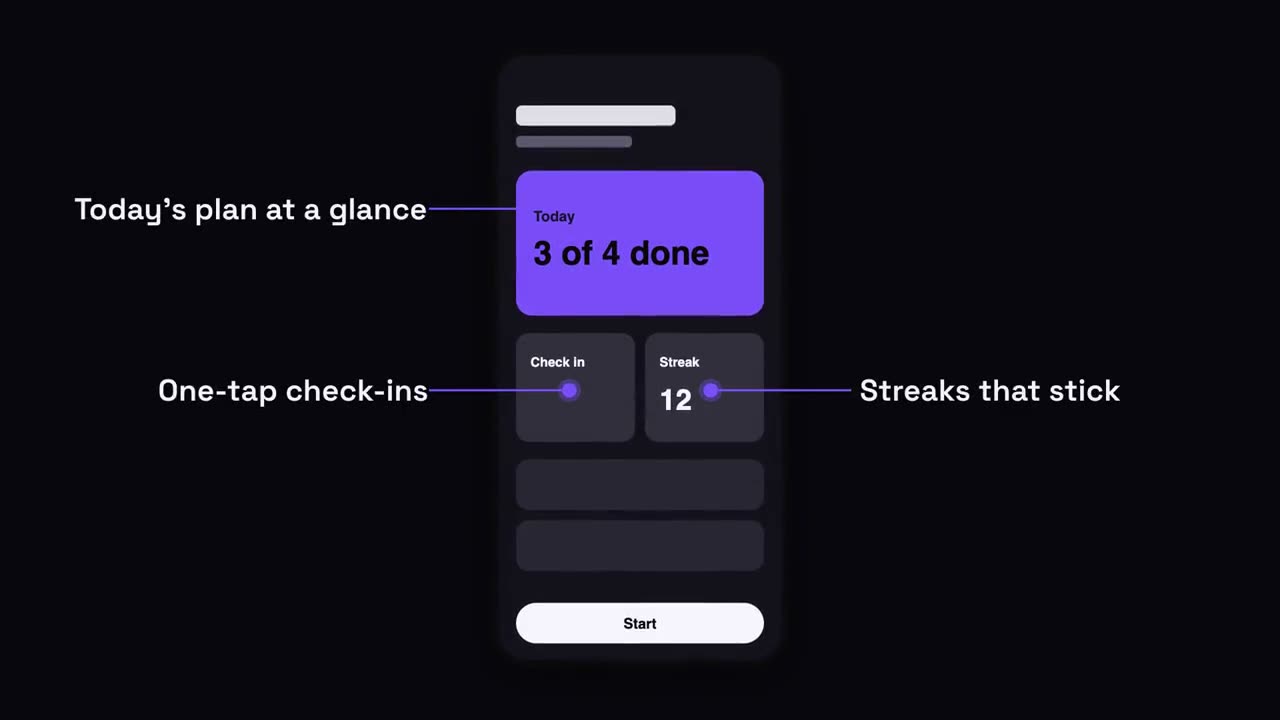
Annotations sur téléphone
Ouvrir le skill →GratuitMake a 7-second 16:9 app scene for [who will watch, e.g. new users], playing [where, e.g. the app's landing page]. Use only the screenshot and four labels I give. Deep navy background. A black phone showing the screenshot rises into the center with a slight rotation that settles. One at a time, small violet dots appear on parts of the screen and thin violet lines draw out to white labels on the left and right. End frame: the phone floats gently with all four labels showing. Attach: [a phone screenshot of your app] Four labels and what each points at: [e.g. "Today's plan at a glance", "One-tap check-ins", "Streaks that stick", "Start in one tap"]
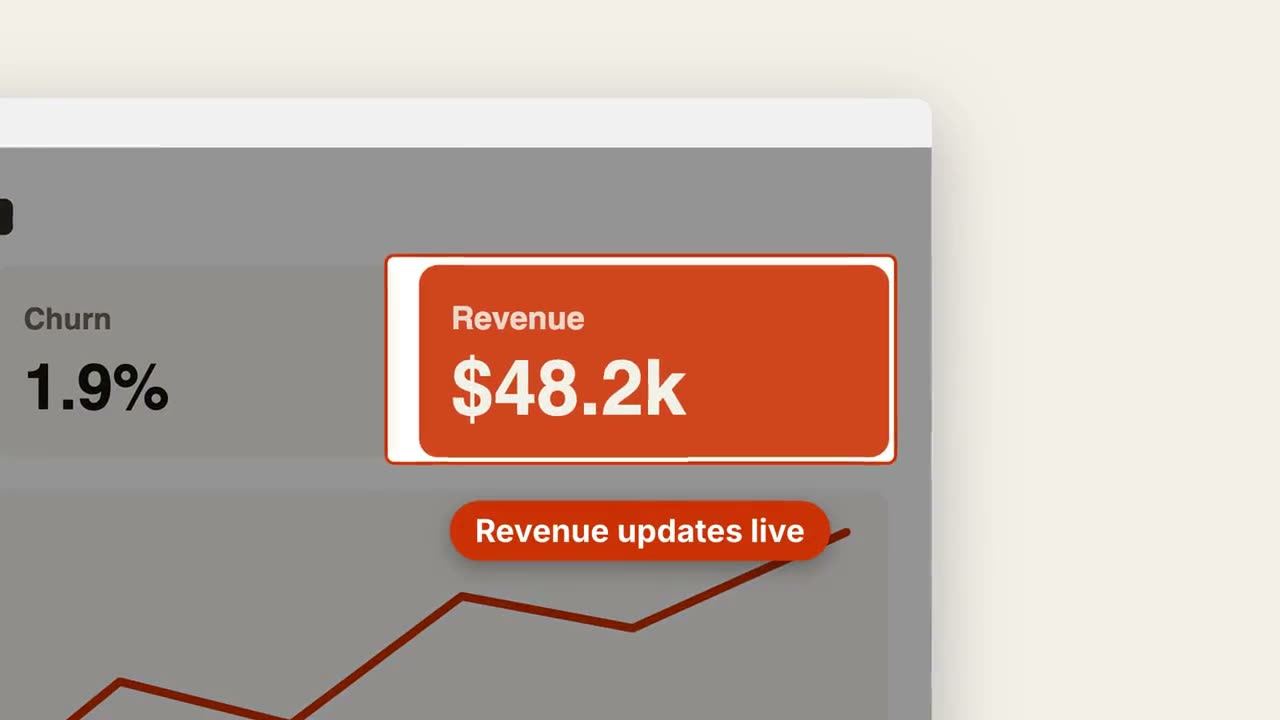
Zoom sur capture
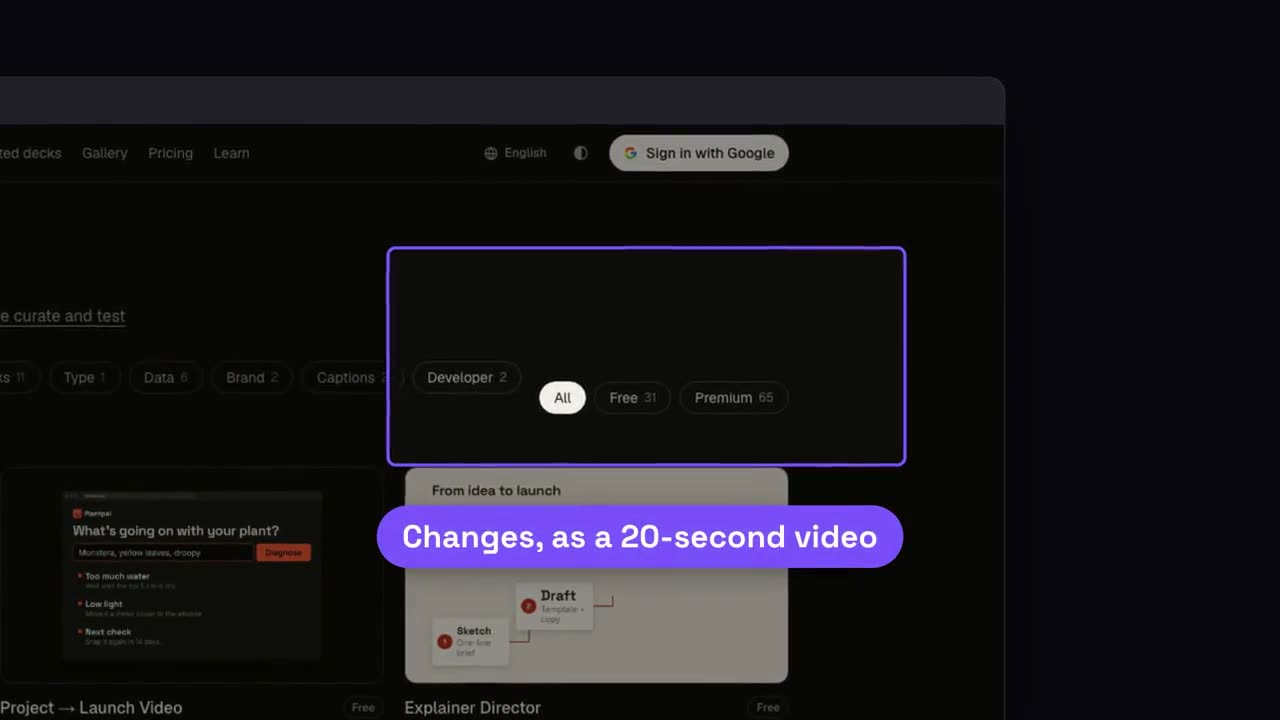
Ouvrir le skill →GratuitMake a 7-second 16:9 product scene for [who will watch, e.g. prospects], playing [where, e.g. the feature page]. Use only the screenshot and caption I give. Off-white background. A browser window with the screenshot settles in with a soft shadow. After a beat, the camera pushes smoothly into the detail I name. The rest of the screenshot dims under a dark overlay while the detail gets an orange outline, and an orange pill caption pops in just below it. End frame: the camera keeps drifting in very slightly. Attach: [a screenshot of your product] Detail to zoom into: [e.g. the top-right revenue card "$48.2k"] Caption: [e.g. "Revenue updates live"]
Scènes à l’unité pour ça
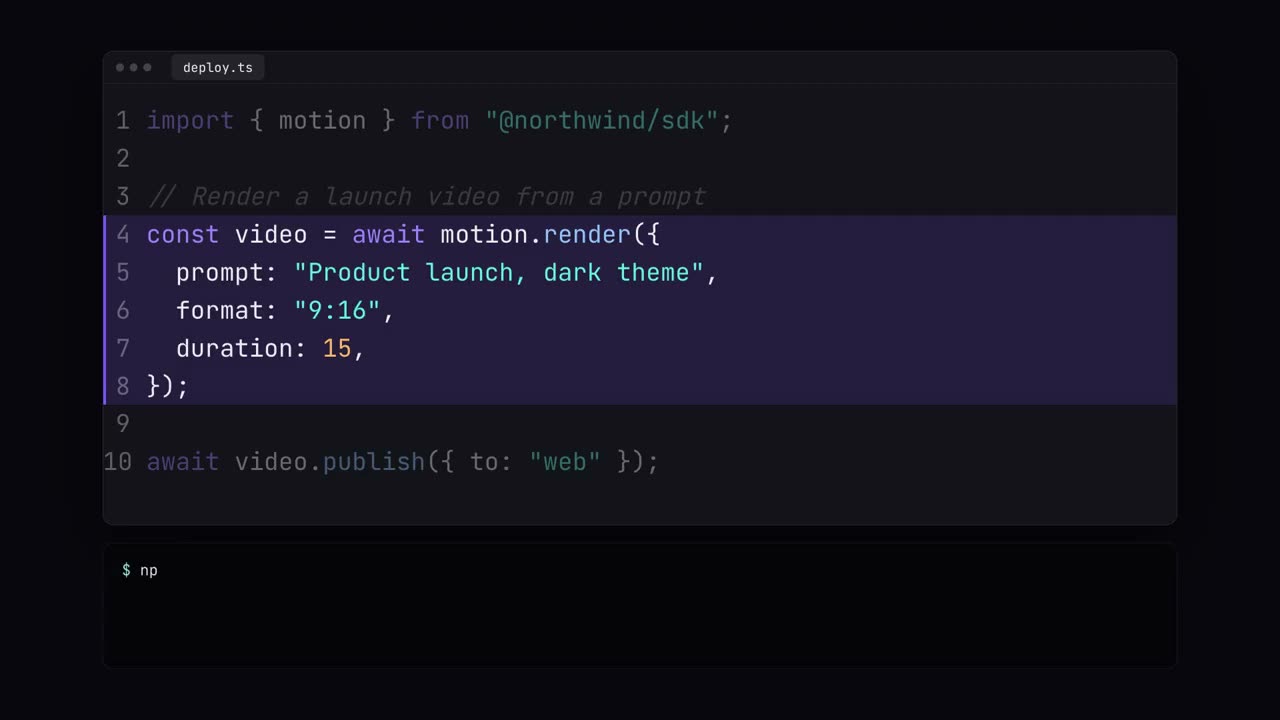
Vitrine de code
Du code tapé avec coloration syntaxique, mises en évidence et exécution dans le terminal.
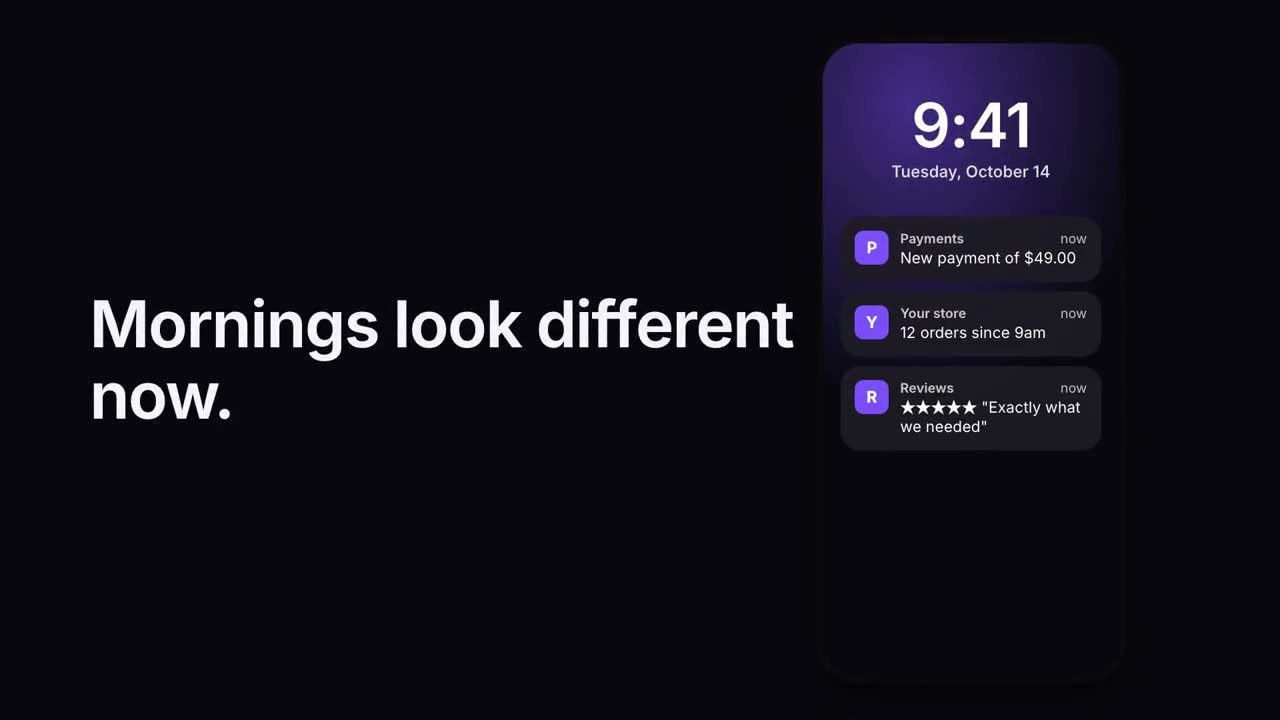
Pile de notifications
Des notifications arrivent l’une après l’autre sur un écran verrouillé.
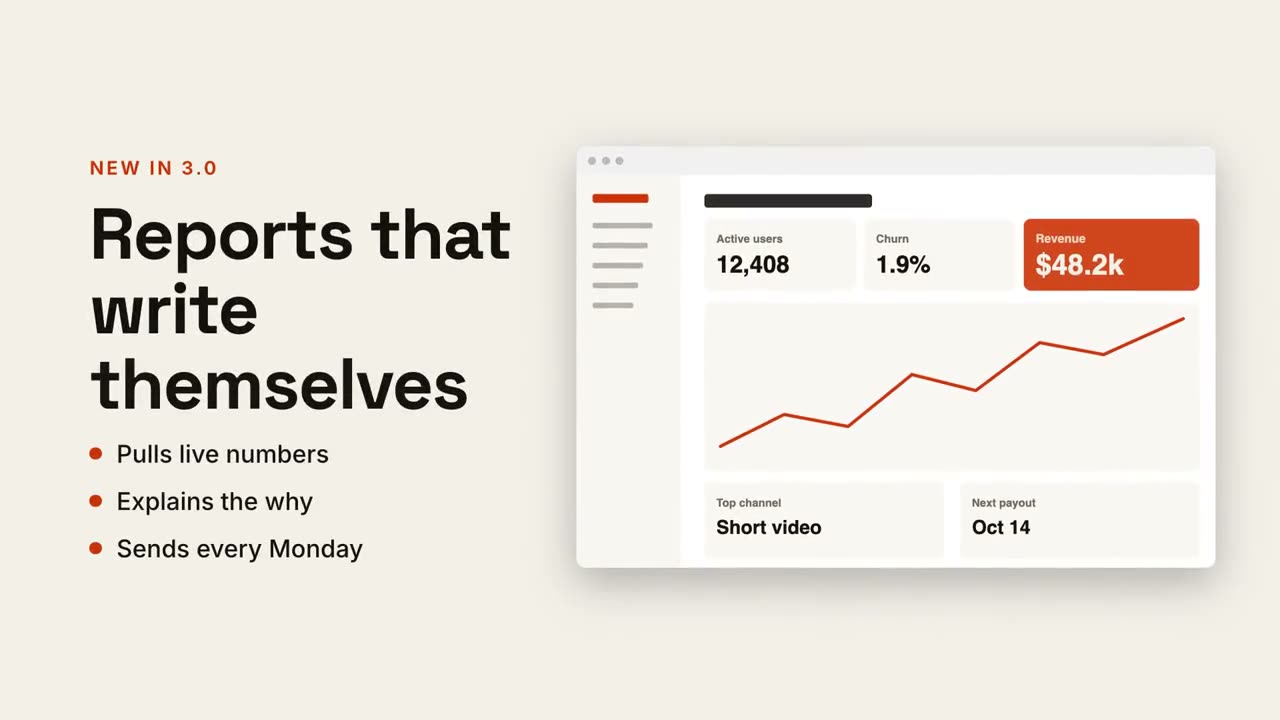
Texte + écran
Titre et points d’un côté, votre capture qui glisse de l’autre.
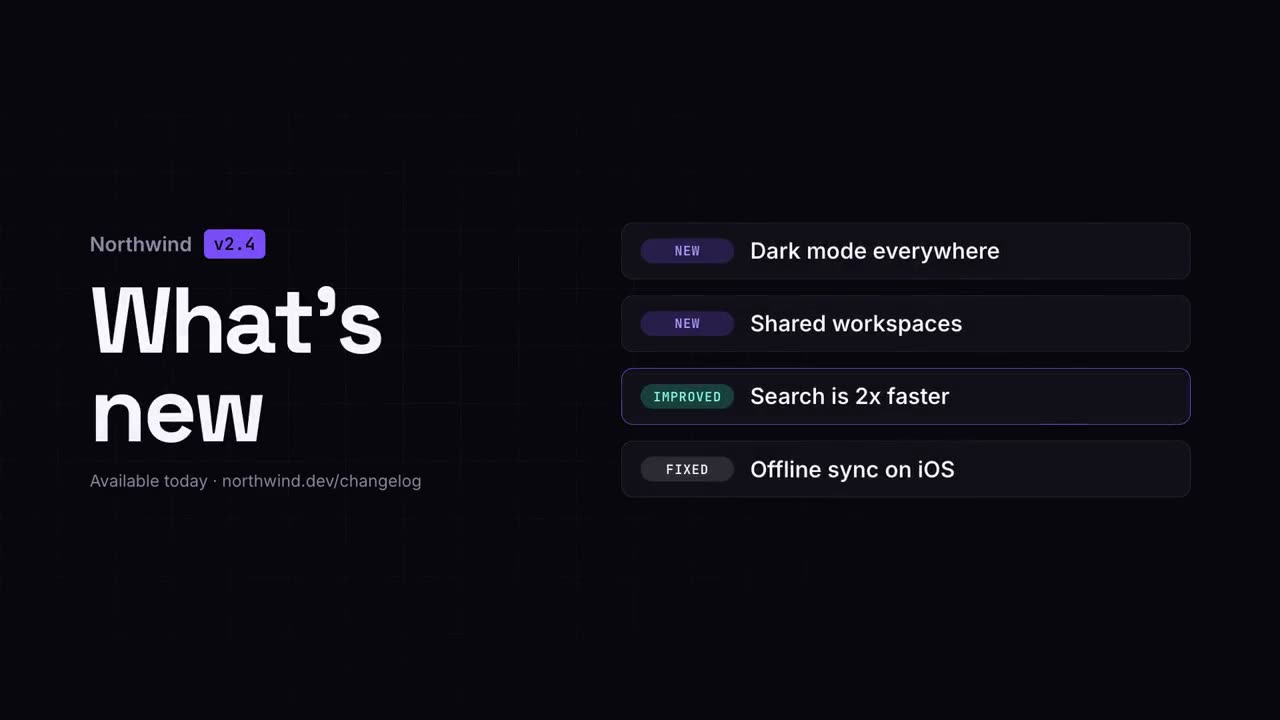
Vidéo de nouveautés
Les notes de version en un clip net et facile à partager.
Checklist
Une checklist dont chaque case se coche toute seule, une à une.
Cycle en boucle
Des étapes autour d’un anneau, reliées par des flèches, avec une impulsion qui tourne sans fin.
Zoom sur capture
Zoomez sur une zone d’une capture, assombrissez le reste et annotez-la.
Annotations sur téléphone
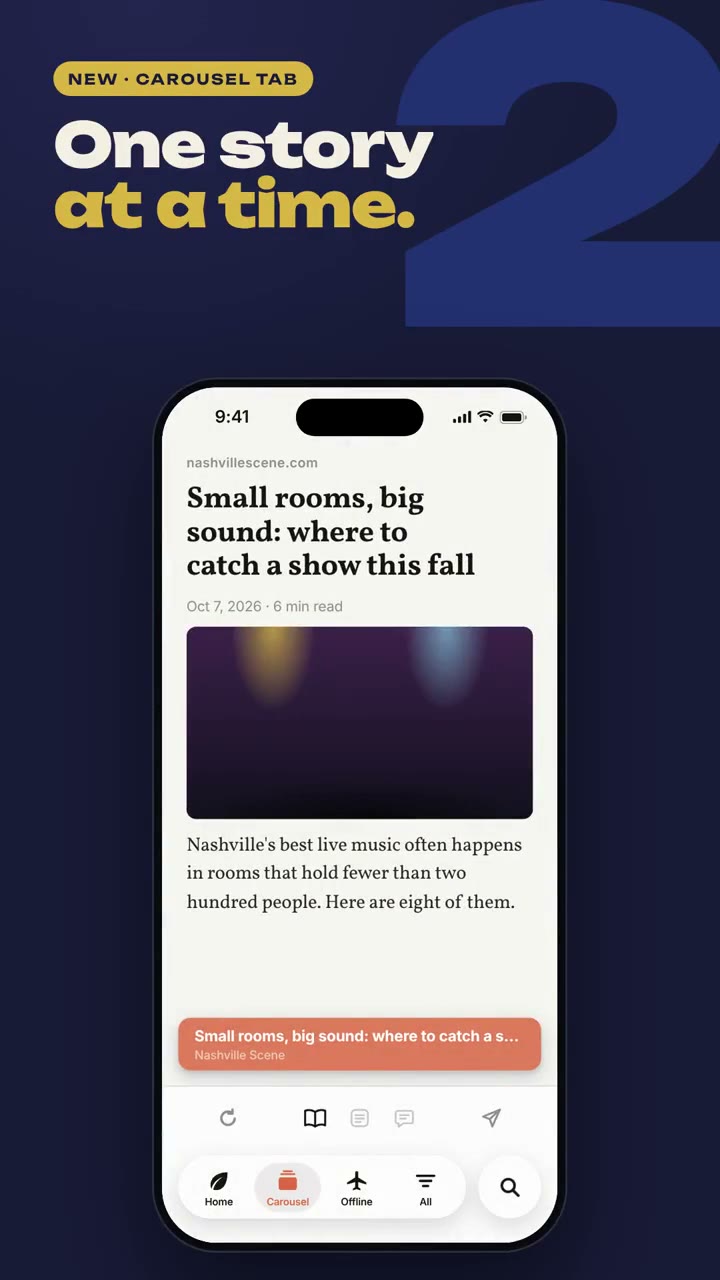
Un téléphone apparaît et des étiquettes se relient à son écran par des lignes.
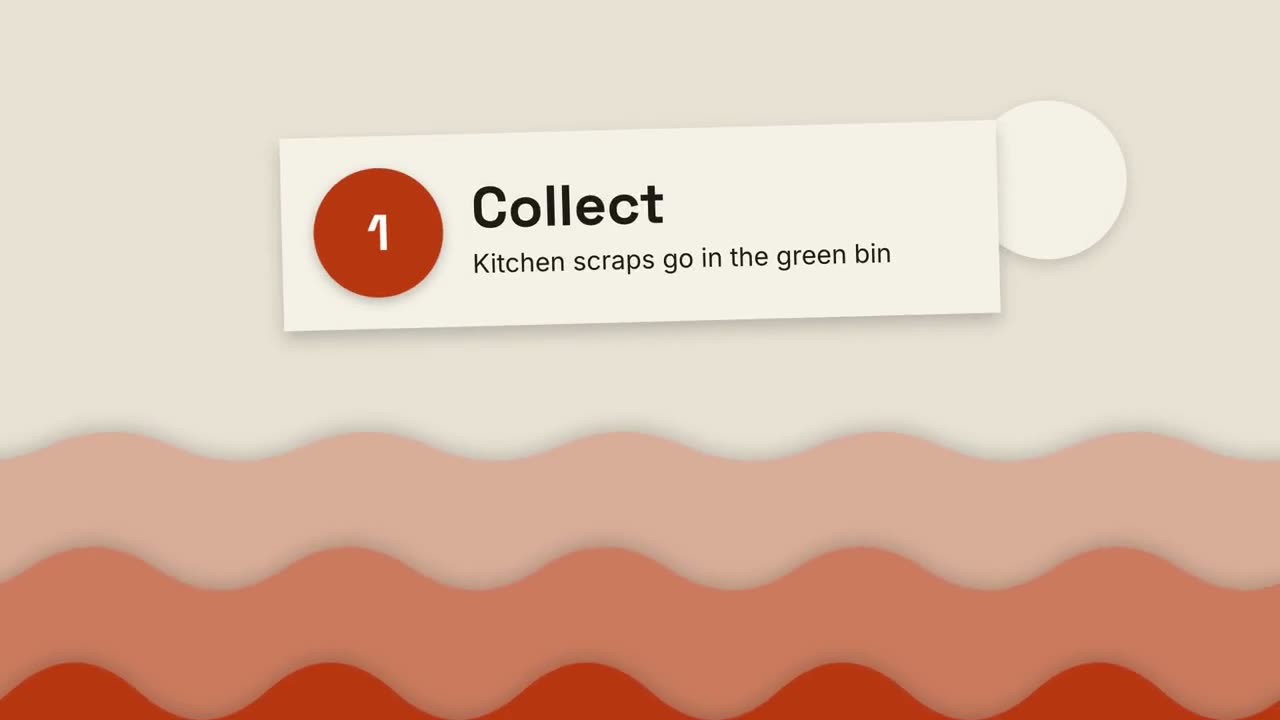
Explication en papier découpé
Des collines de papier superposées et des cartes découpées expliquent tout en trois étapes.
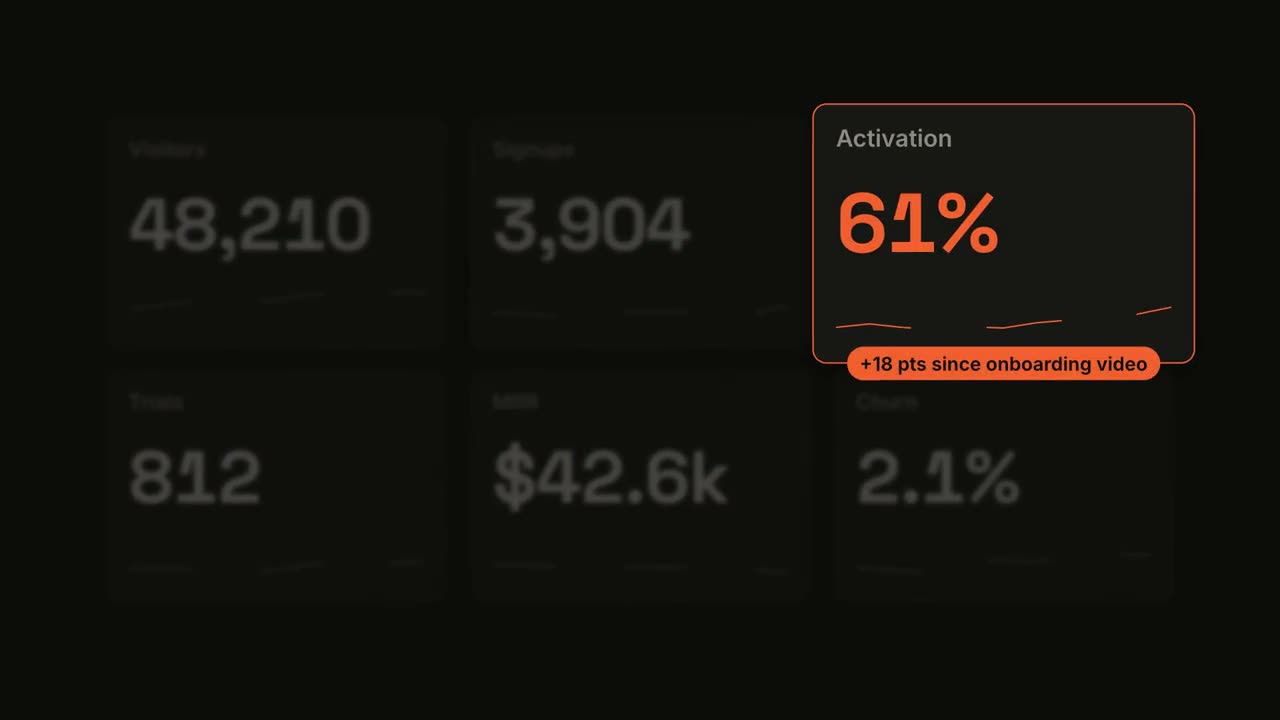
Métrique à la une
Un tableau de bord s’incrémente, puis une tuile prend la lumière.
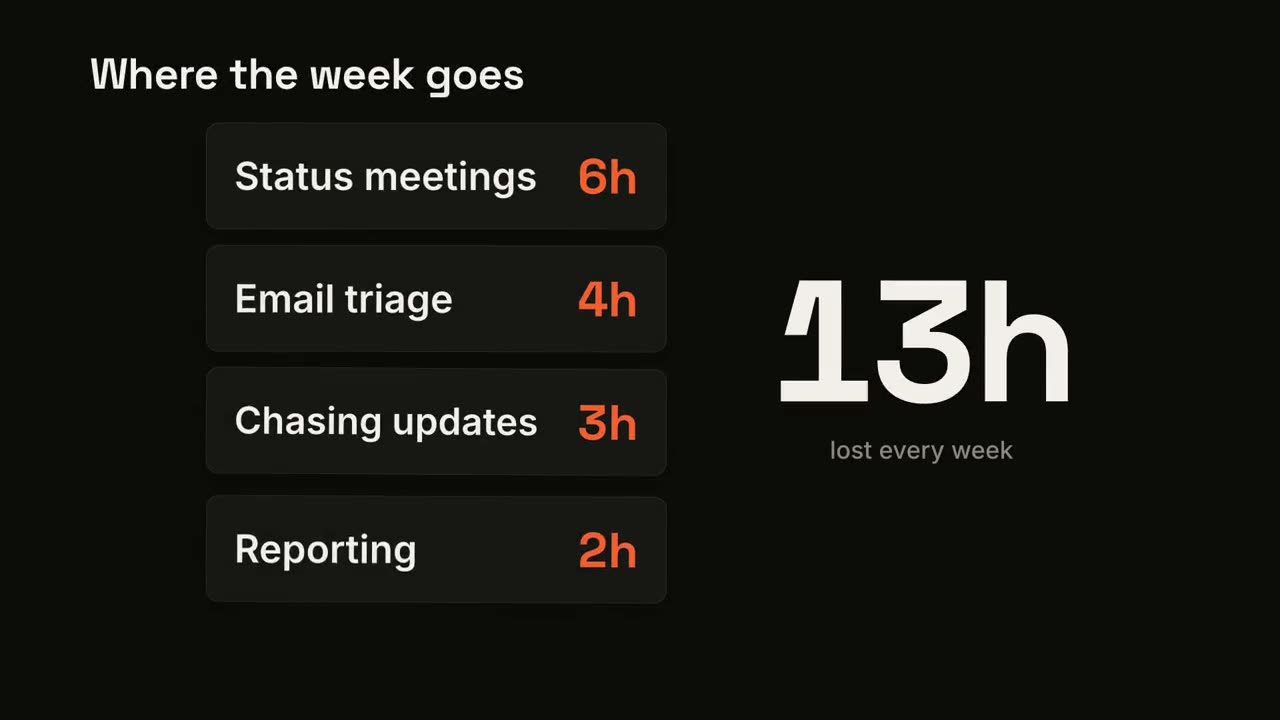
Compteur de cartes
Des cartes tombent une à une pendant qu’un grand total les additionne.
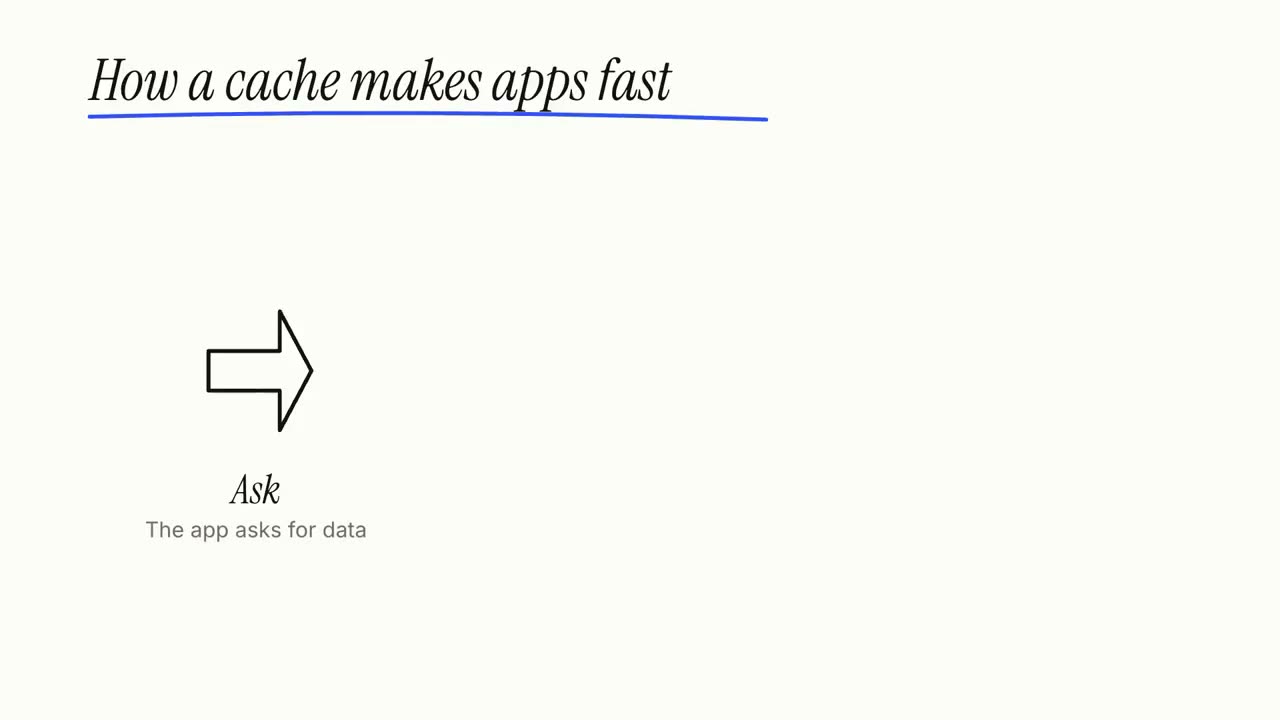
Explication au tableau blanc
Des croquis au feutre se dessinent tout seuls pendant que les légendes s’écrivent, étape par étape.
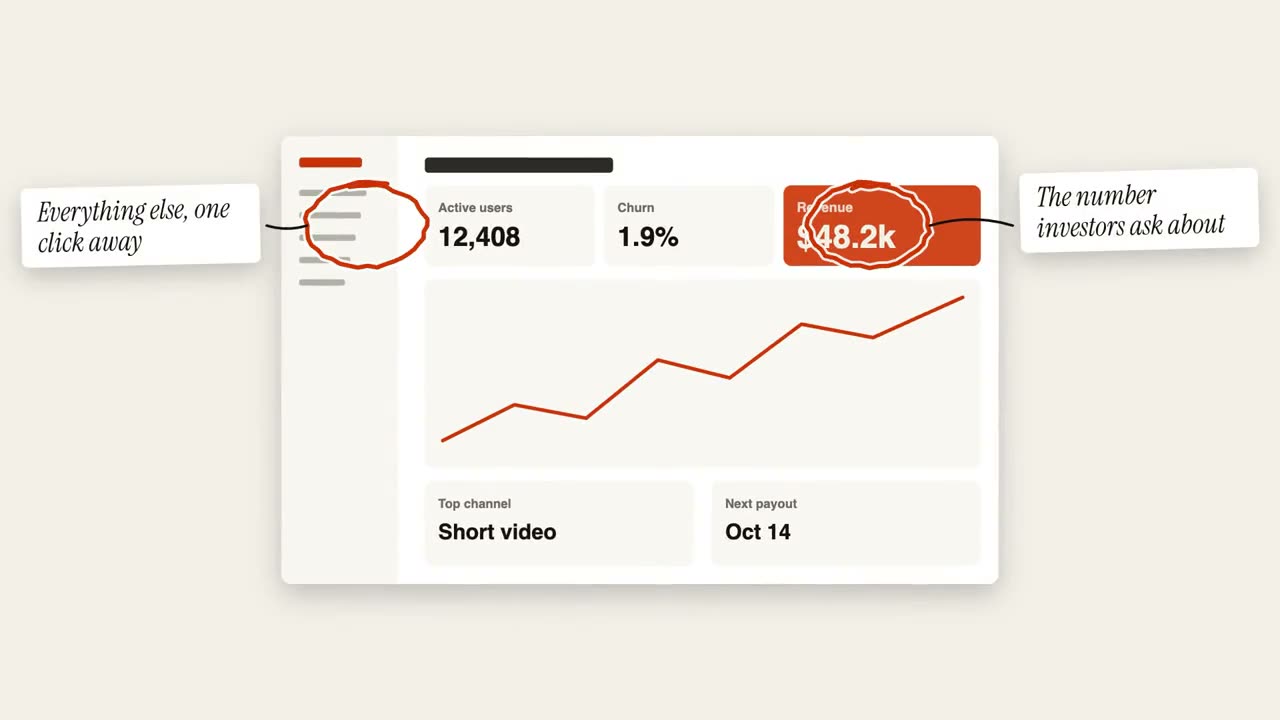
Annotations entourées
Des cercles dessinés à la main et des post-it annotent une image.
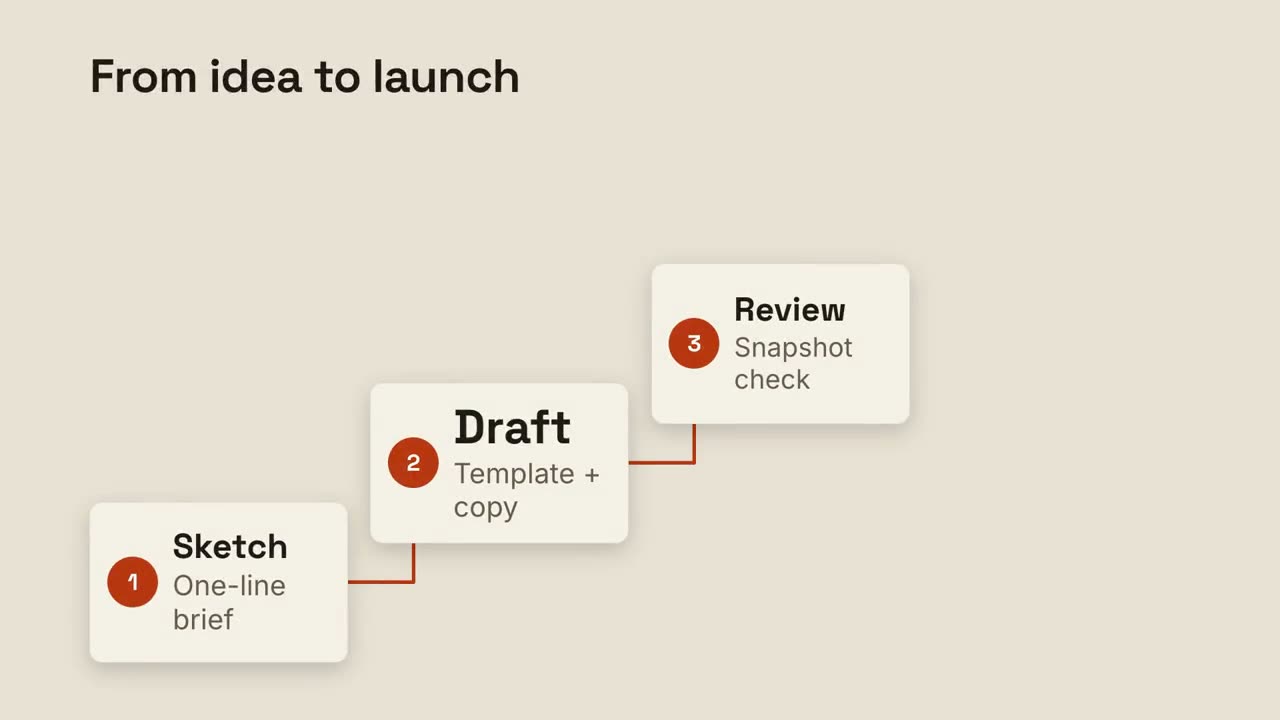
Escalier d’étapes
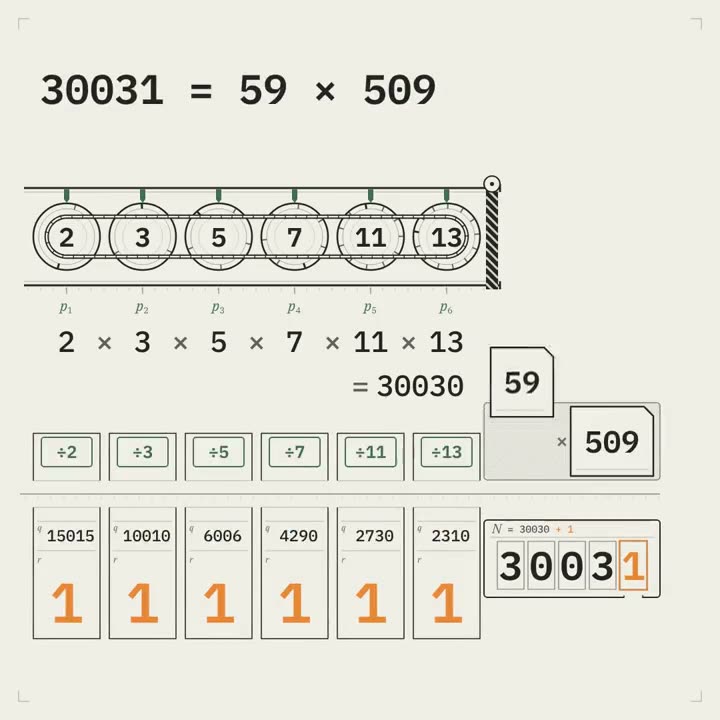
Des étapes numérotées montent un escalier, reliées par une ligne.
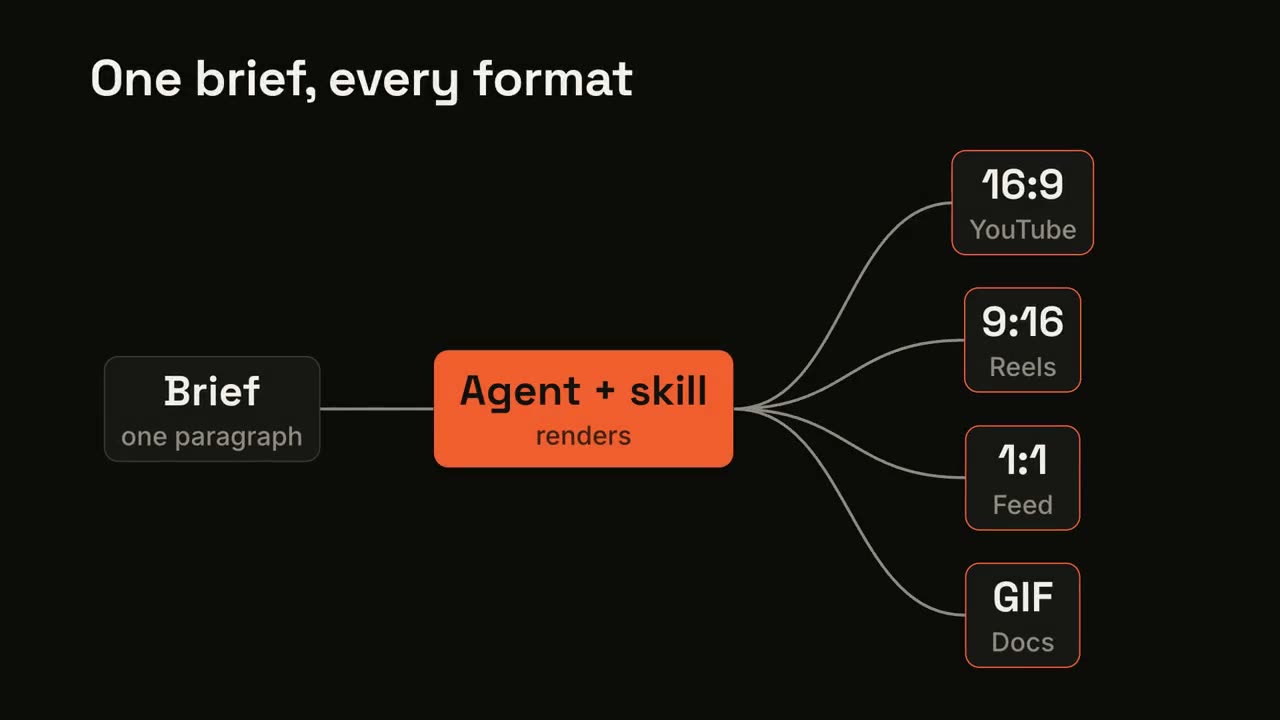
Pipeline en éventail
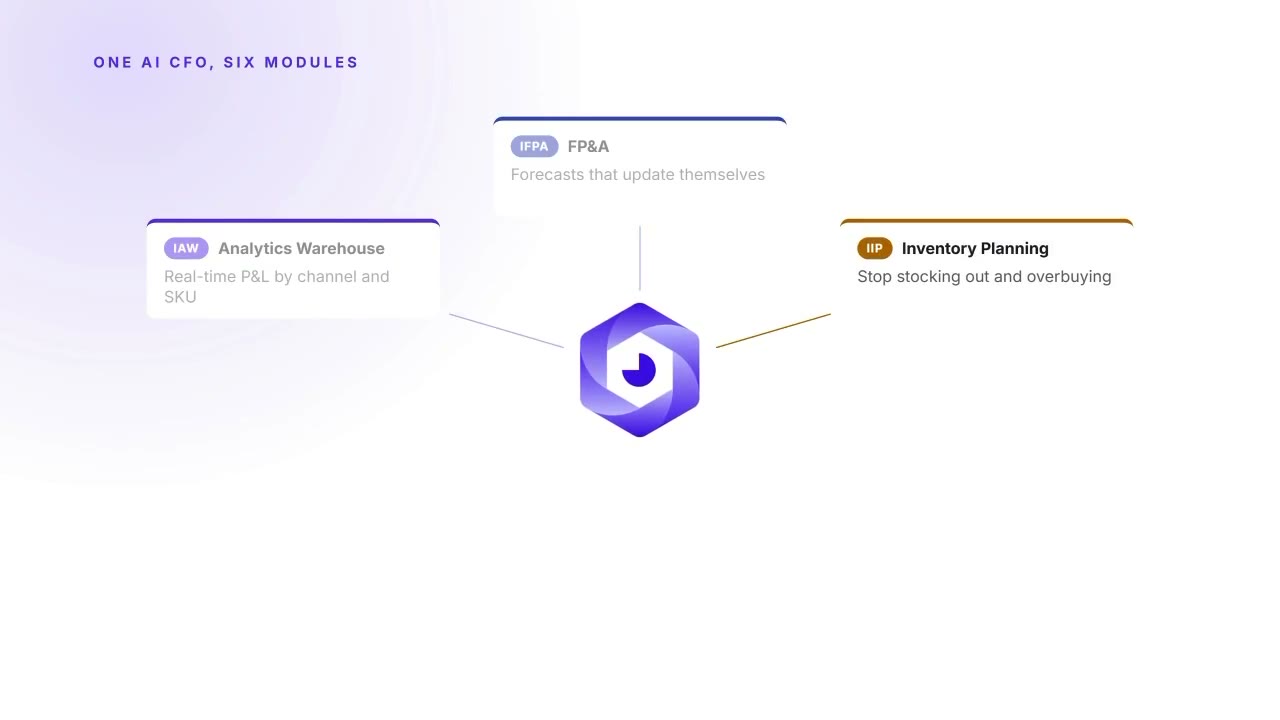
Une entrée traverse un processus et se déploie en plusieurs sorties.
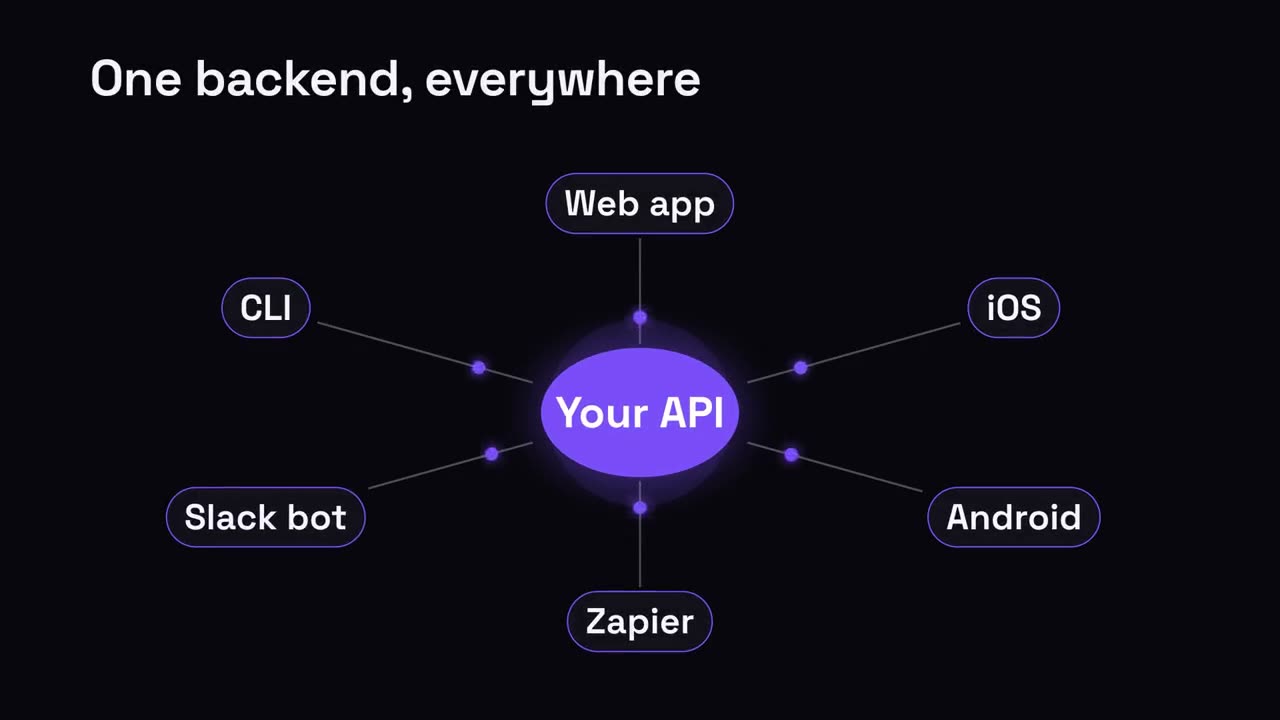
Pôle et rayons
Un pôle central rayonne vers tout ce qu’il relie.
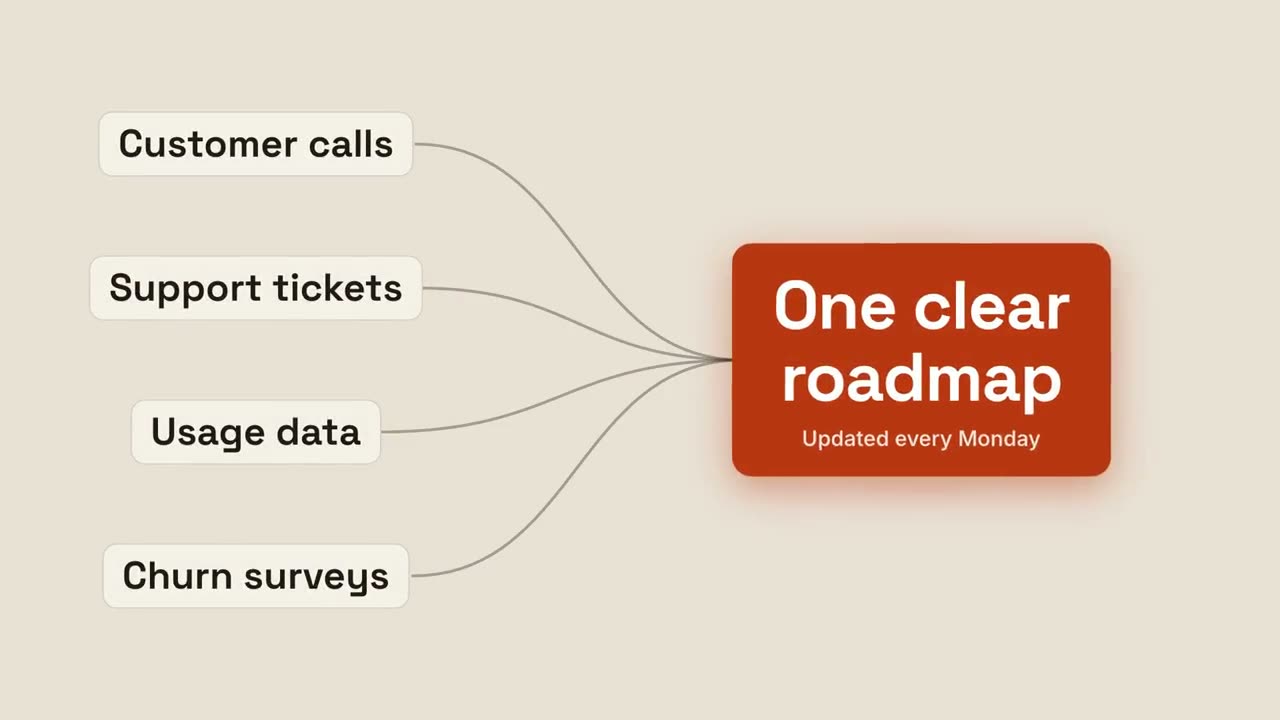
Convergence vers un résultat
Plusieurs entrées convergent vers un résultat lumineux.
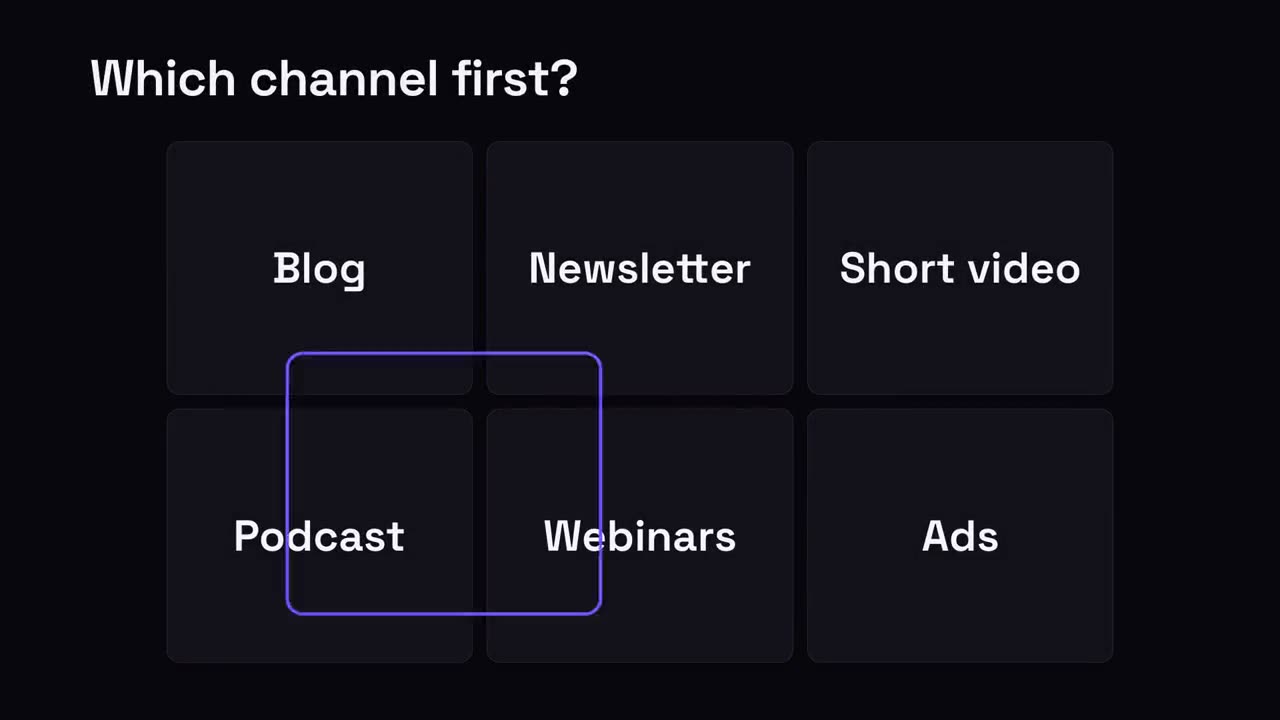
Choisir le bon
Une grille d’options ; un anneau de sélection saute de l’une à l’autre et s’arrête sur la gagnante.
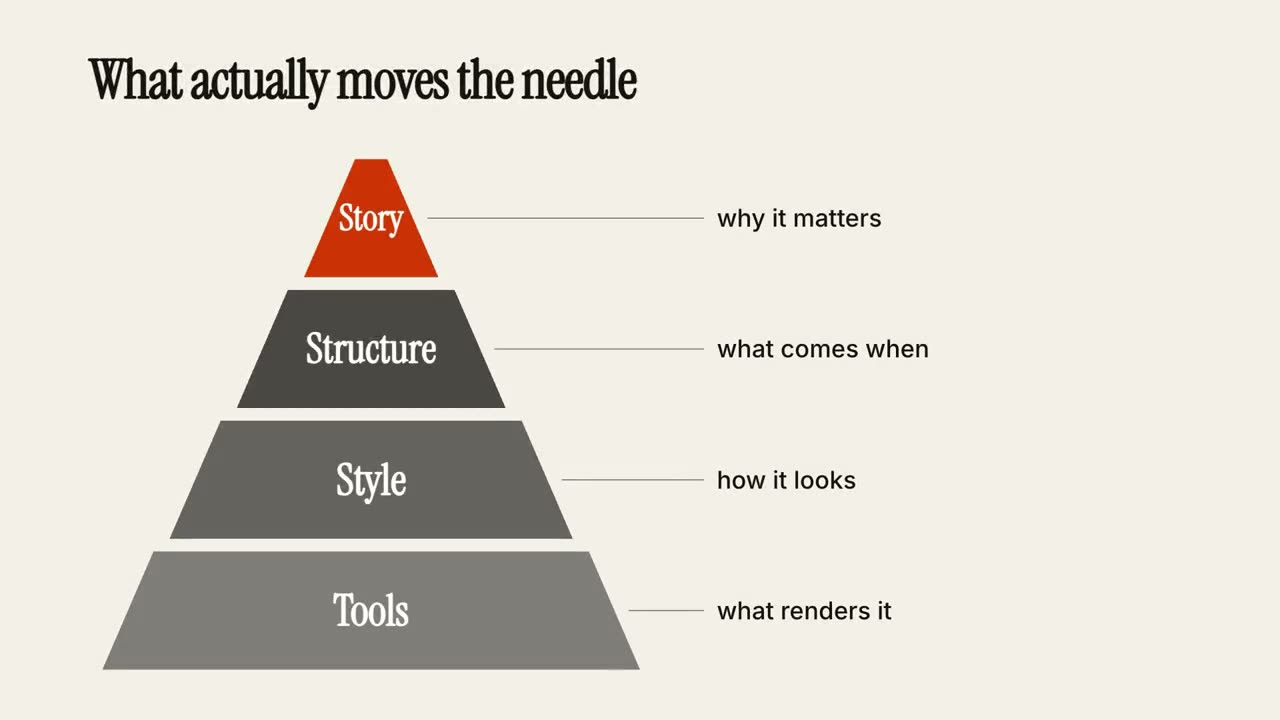
Pyramide de niveaux
Une pyramide se construit étage par étage, chaque niveau avec une note.
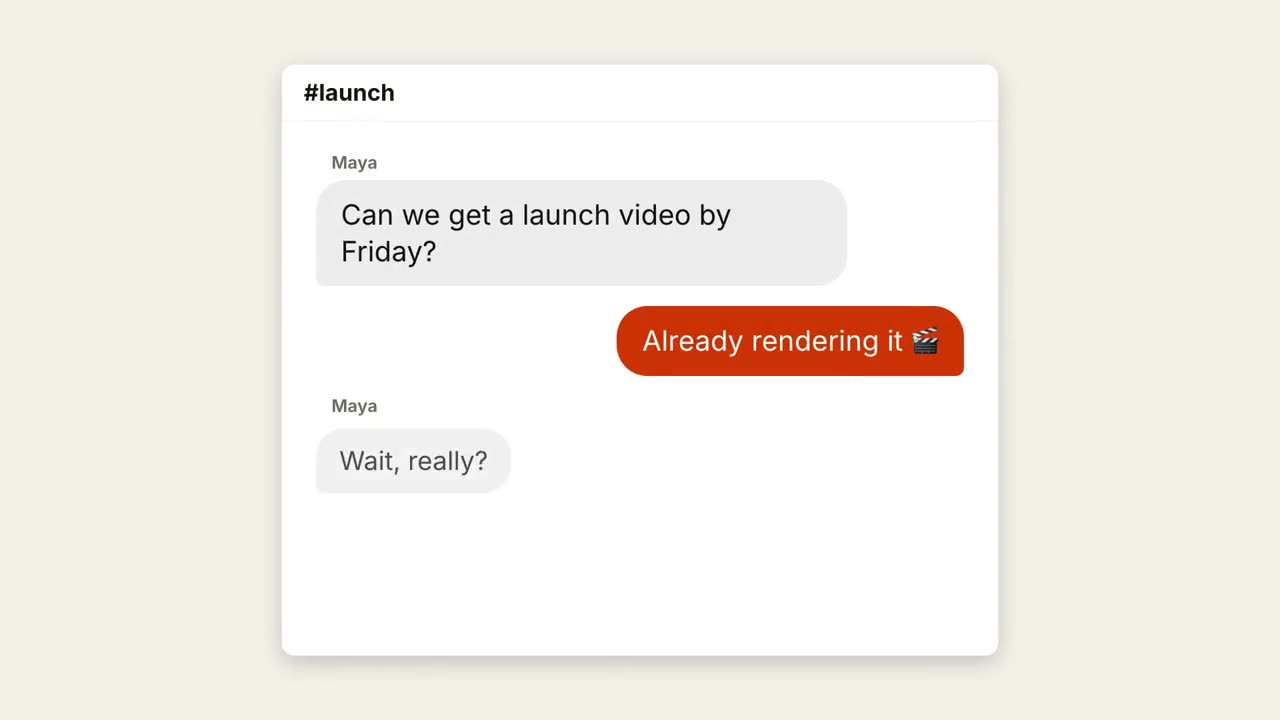
Fil de discussion
Une conversation se déroule, avec points de saisie et bulles qui apparaissent.
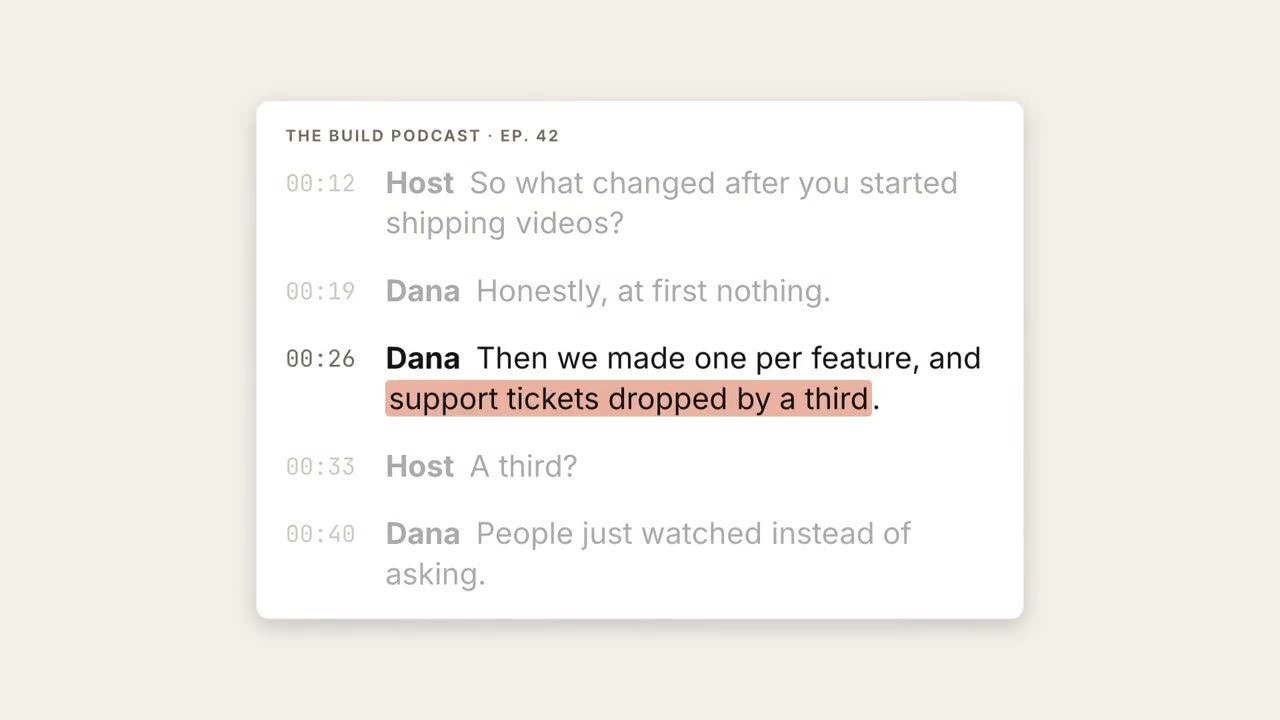
Transcription surlignée
Une transcription défile, la phrase clé est surlignée et devient une grande citation.
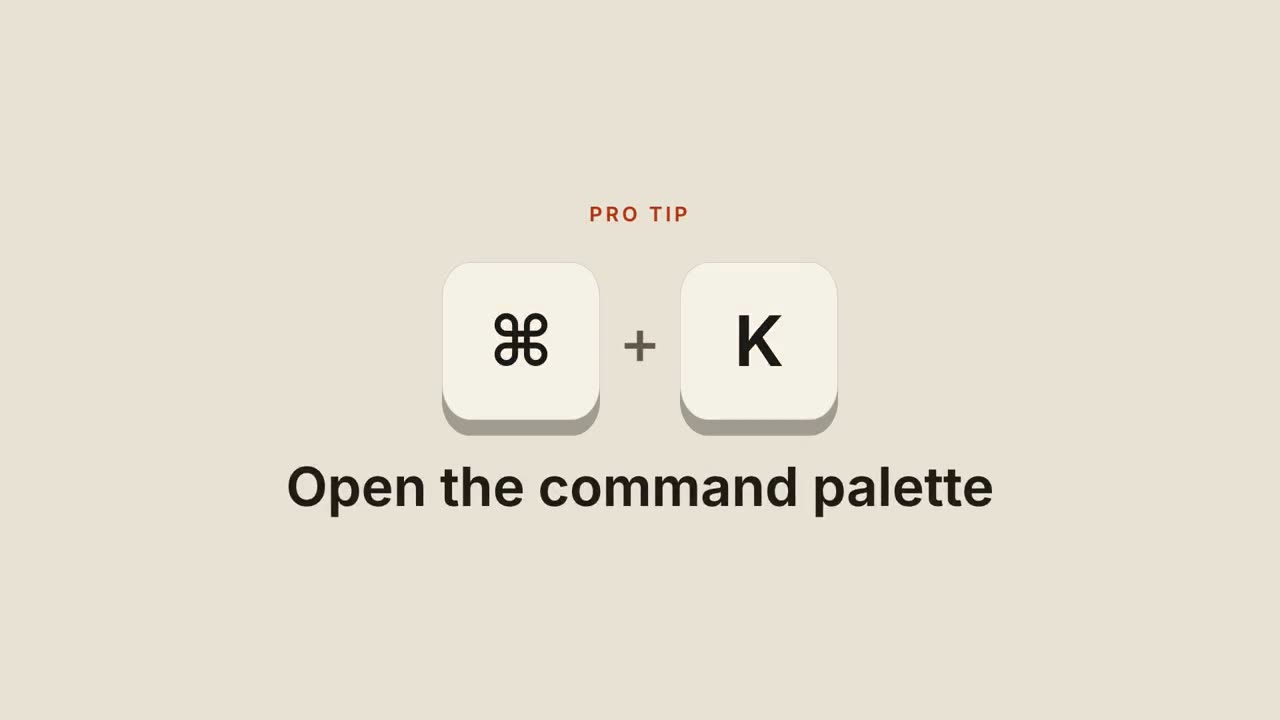
Raccourcis clavier
Des touches tombent, s’enfoncent et révèlent ce que fait le raccourci.
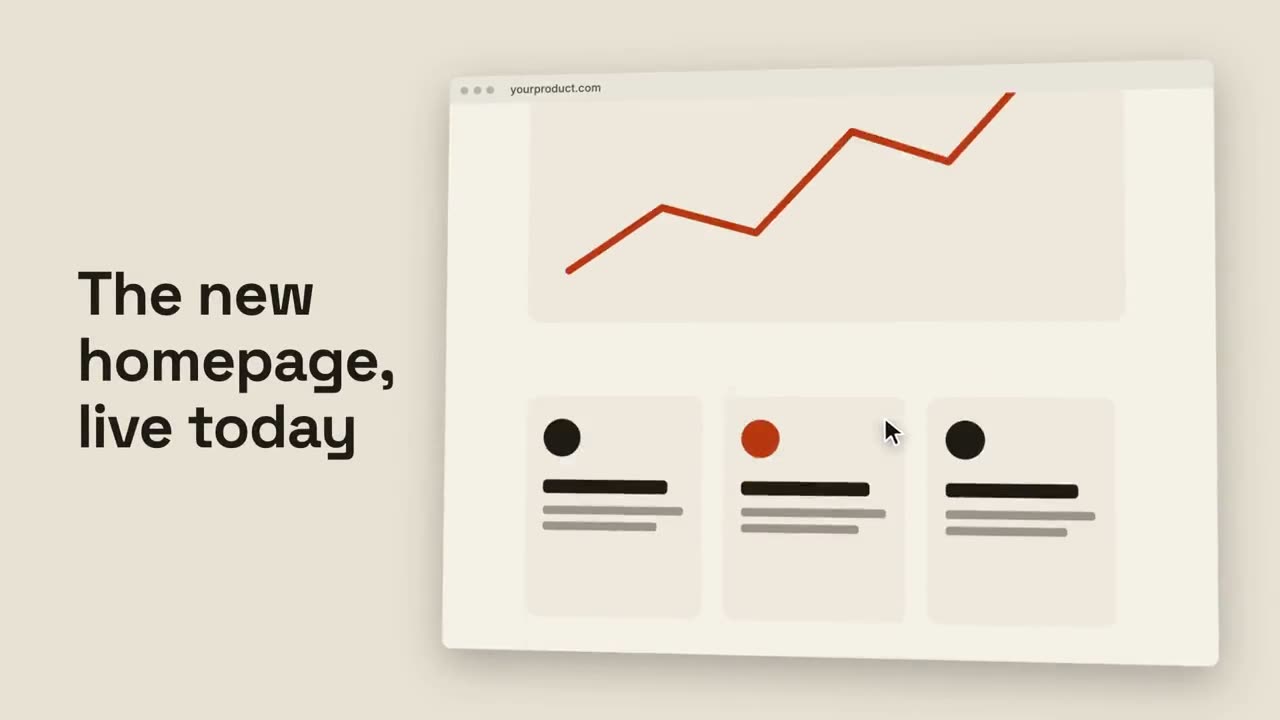
Défilement de navigateur
Un navigateur incliné fait défiler une page entière en douceur.
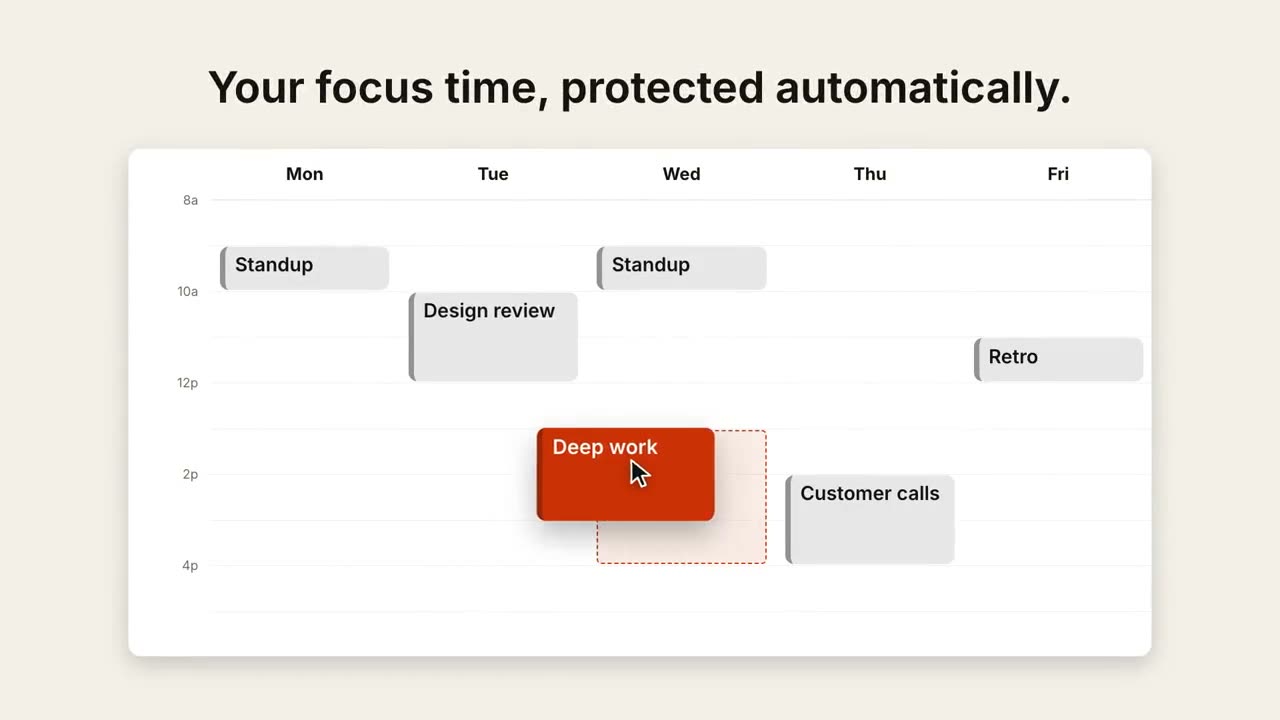
Déplacer un rendez-vous
Une semaine se remplit, puis un curseur fait glisser un événement vers un meilleur créneau.
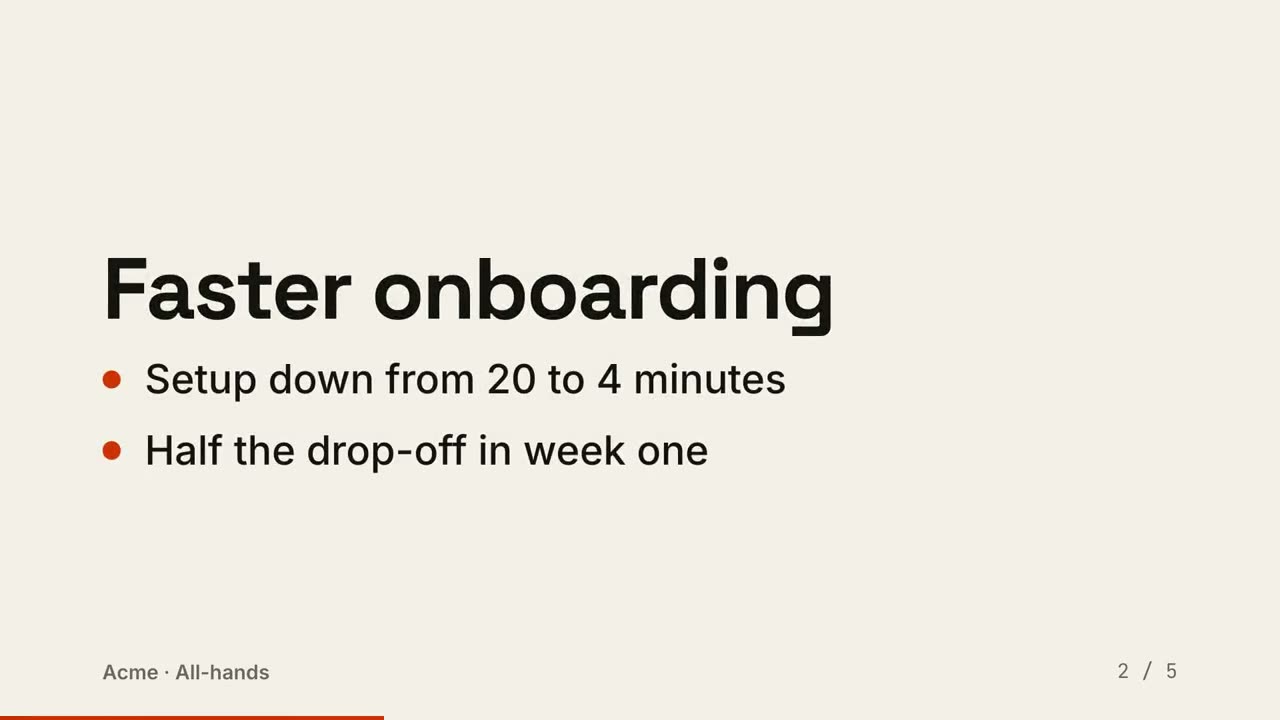
Diapositives en vidéo
Une présentation rendue en vidéo : une diapositive par temps, les points apparaissent dans l’ordre.
Réalisé avec ces skills