チュートリアルと解説
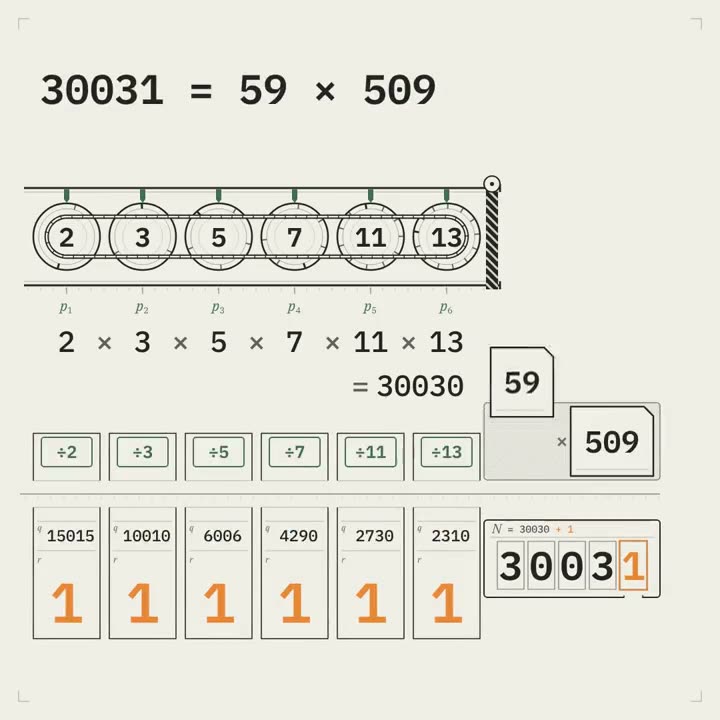
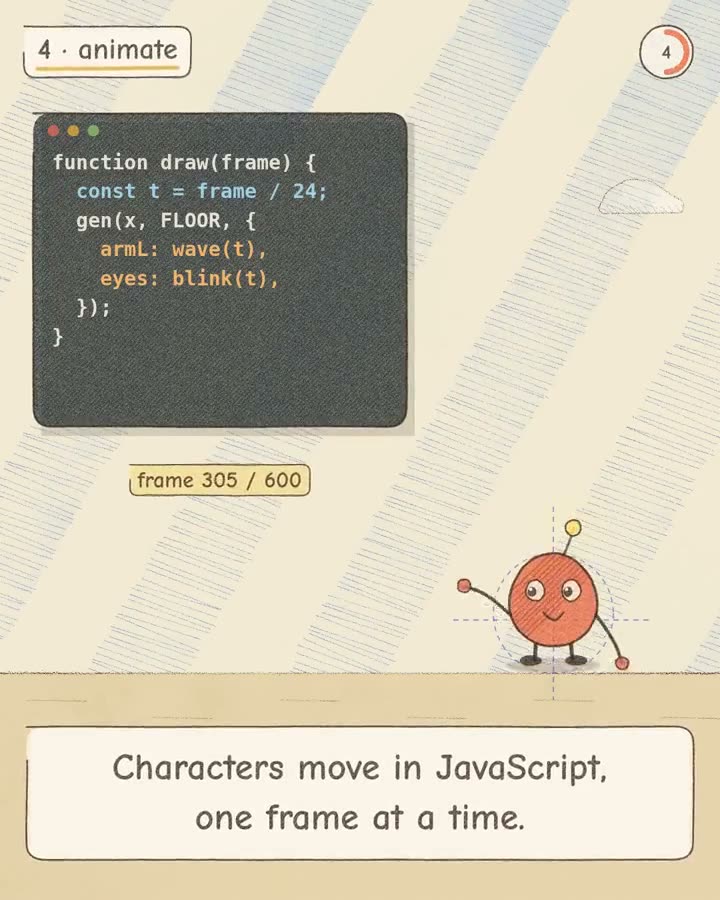
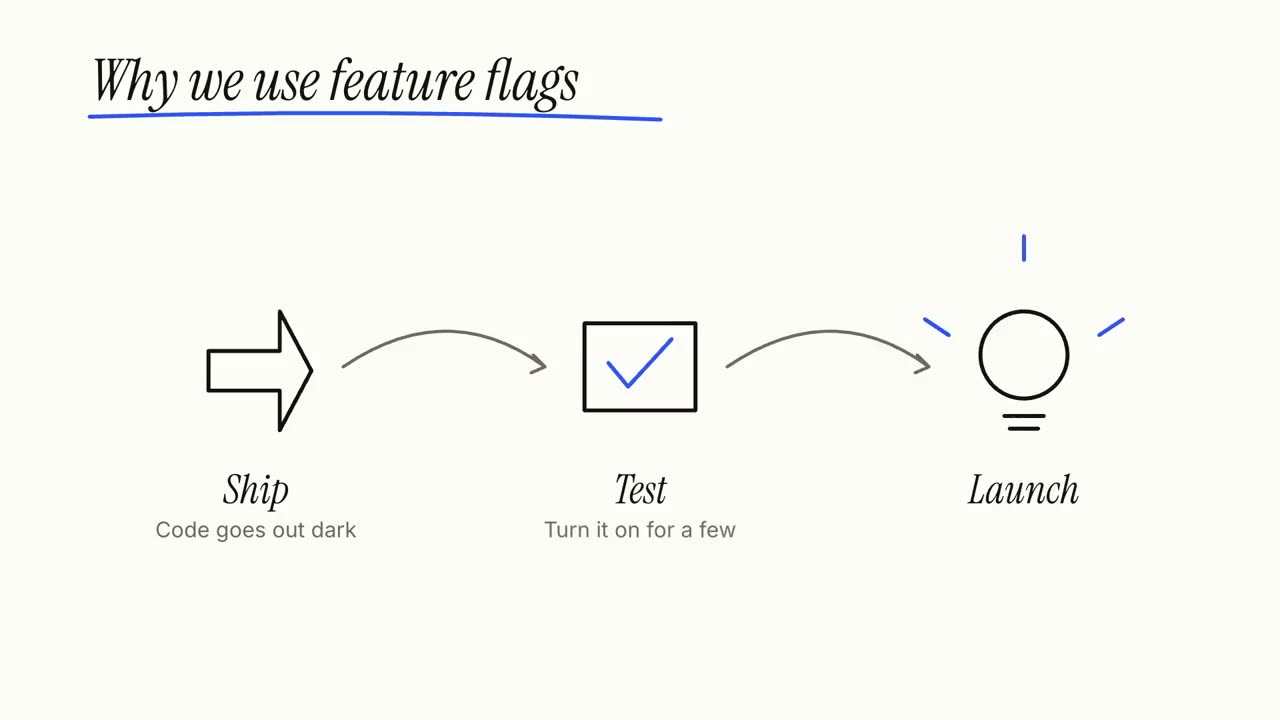
記事、メモ、またはテーマだけをエージェントに渡せば、Explainer Director が台本を書き、事実確認をし、ショットごとに演出して 30〜90 秒の解説動画にします。下のステップ、サイクル、吹き出しはそのショットで、単体でも使えます。
手元の素材から完成動画まで
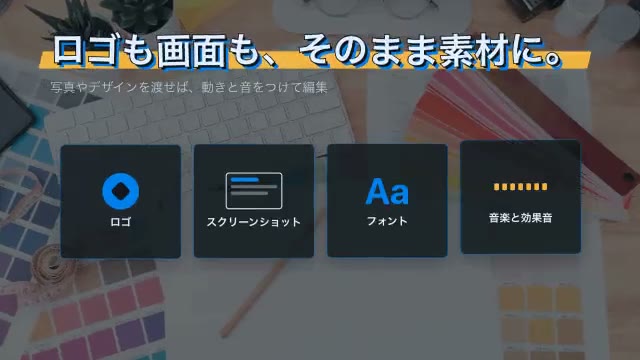
手元の素材をエージェントに渡せば、ワークフローが台本・演出・MP4 のレンダリングまで行います。
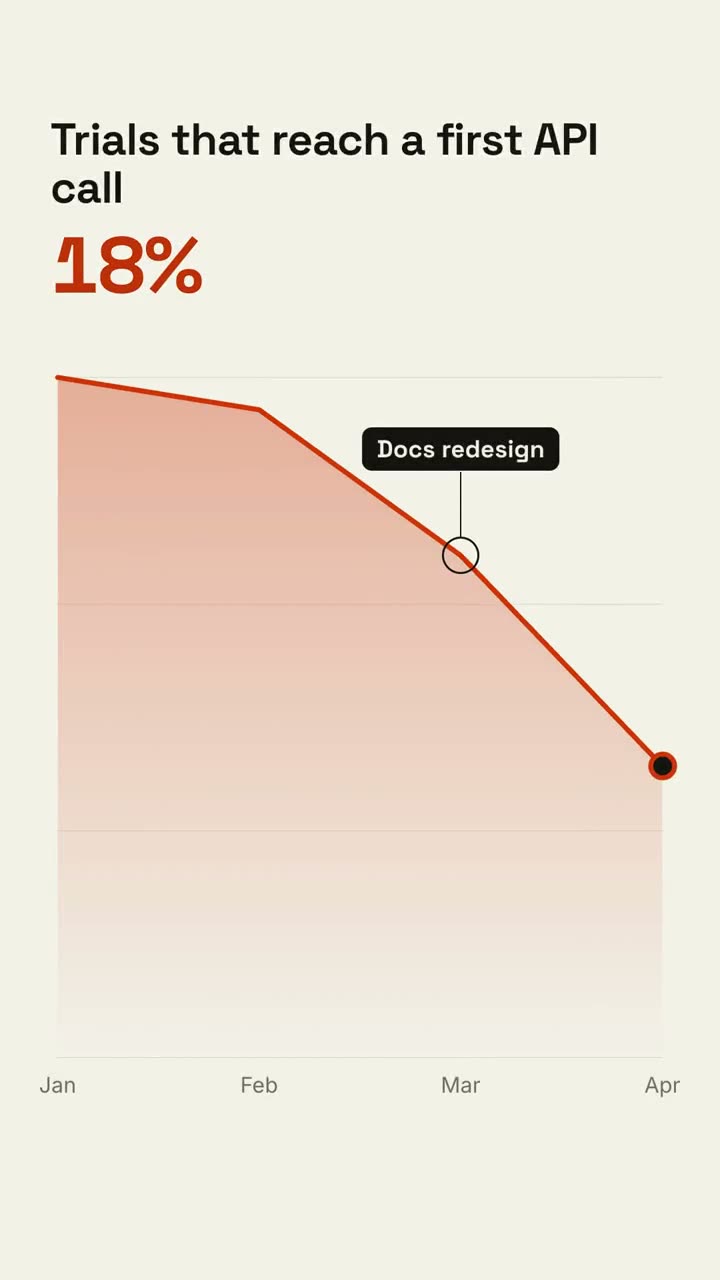
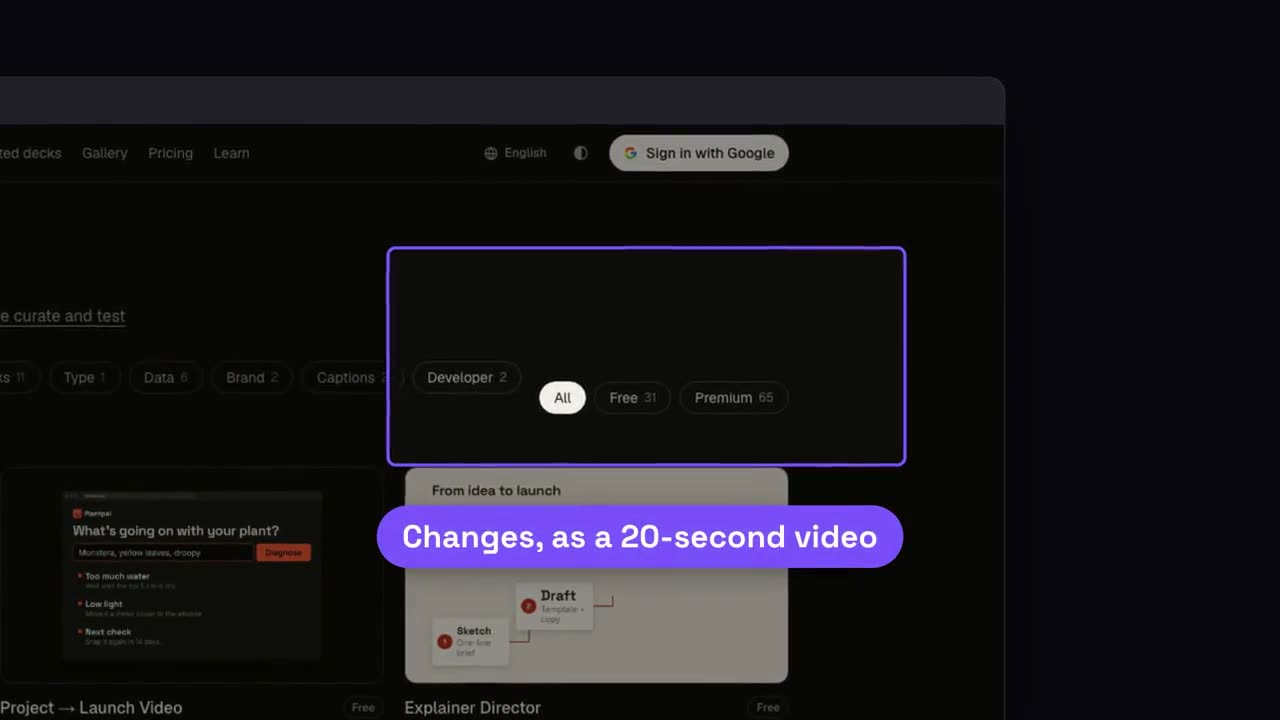
まずはこのプロンプトから
Claude Motion に貼り付けるか、対応する Skill をインストールしてエージェントに頼みましょう。
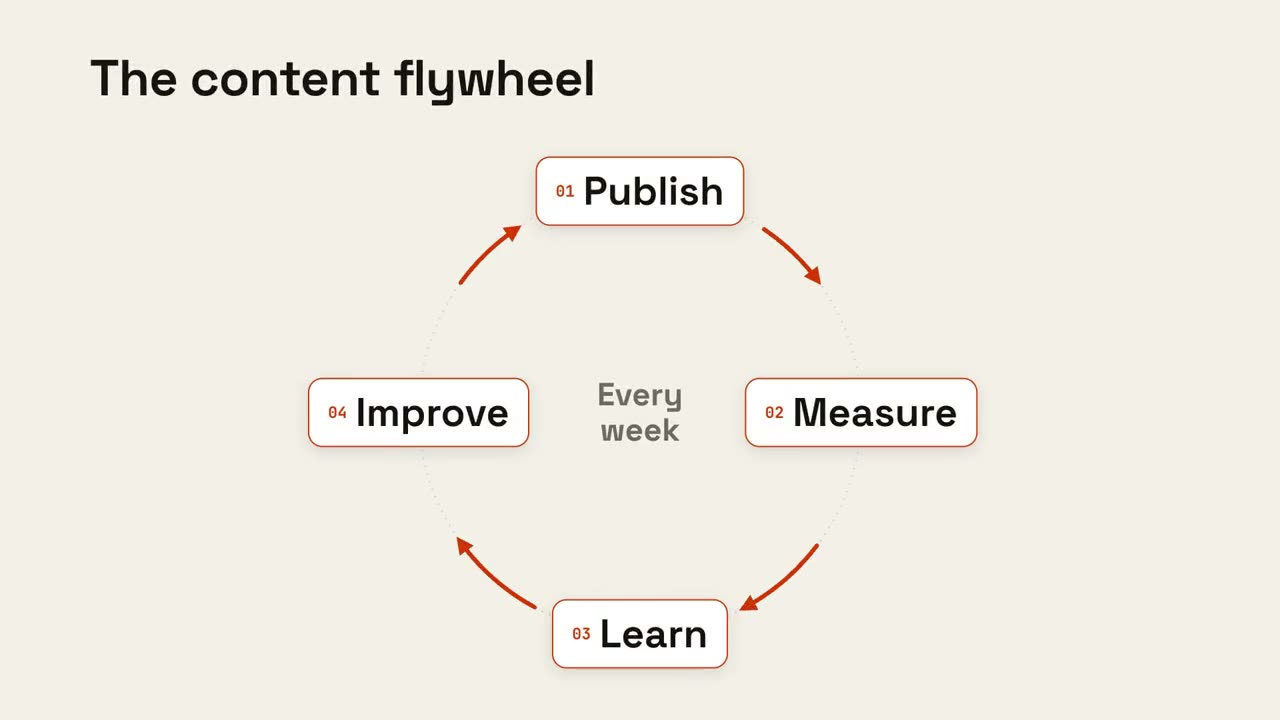
サイクルループ
Skill を開く →無料Make an 8-second 16:9 loop diagram for [who will watch, e.g. the marketing team], playing [where, e.g. the planning deck]. Use only the title and four steps below. Off-white background. The title appears. Four white rounded cards with small orange numbers pop in around a faint dotted circle: top, right, bottom, left. Curved orange arrows draw clockwise from each card to the next. A short line fades in at the center in gray. End frame: a glowing orange dot travels around the circle continuously, briefly outlining each card in orange as it passes. Title: [e.g. "The content flywheel"] Four steps: [e.g. Publish, Measure, Learn, Improve] Center line: [e.g. "Every week"]
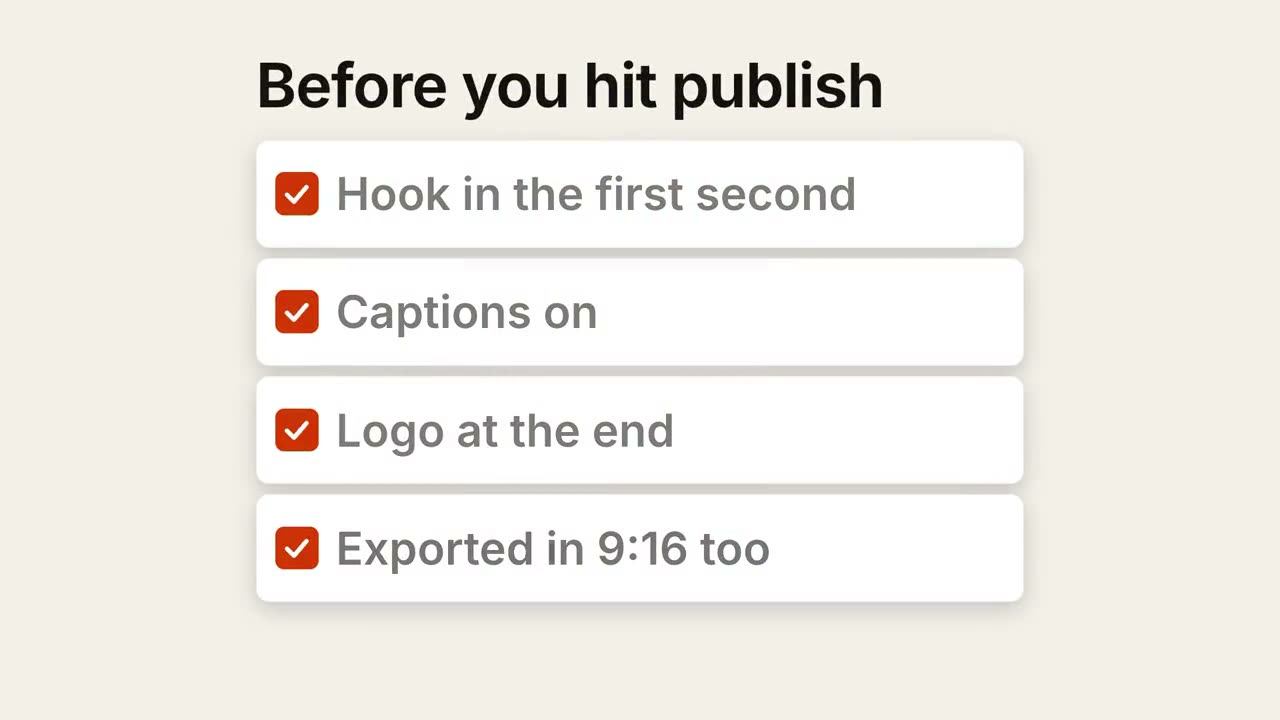
チェックリスト
Skill を開く →無料Make a 7-second 16:9 checklist for [who will watch, e.g. our content team], playing [where, e.g. the training page]. Use only the title and four items below; don't reword them. Warm off-white background. The title fades up, then four white rounded cards slide in from the left, each with an empty checkbox and a label. One by one each checkbox fills rust orange with a little bounce, a white tick draws in, and its label dims. End frame: a small orange pill pops in below, held for 1.5 seconds. Title: [e.g. "Before you hit publish"] Four items: [e.g. "Hook in the first second", "Captions on", "Logo at the end", "Exported in 9:16 too"] Pill: [e.g. "Ready to ship"]
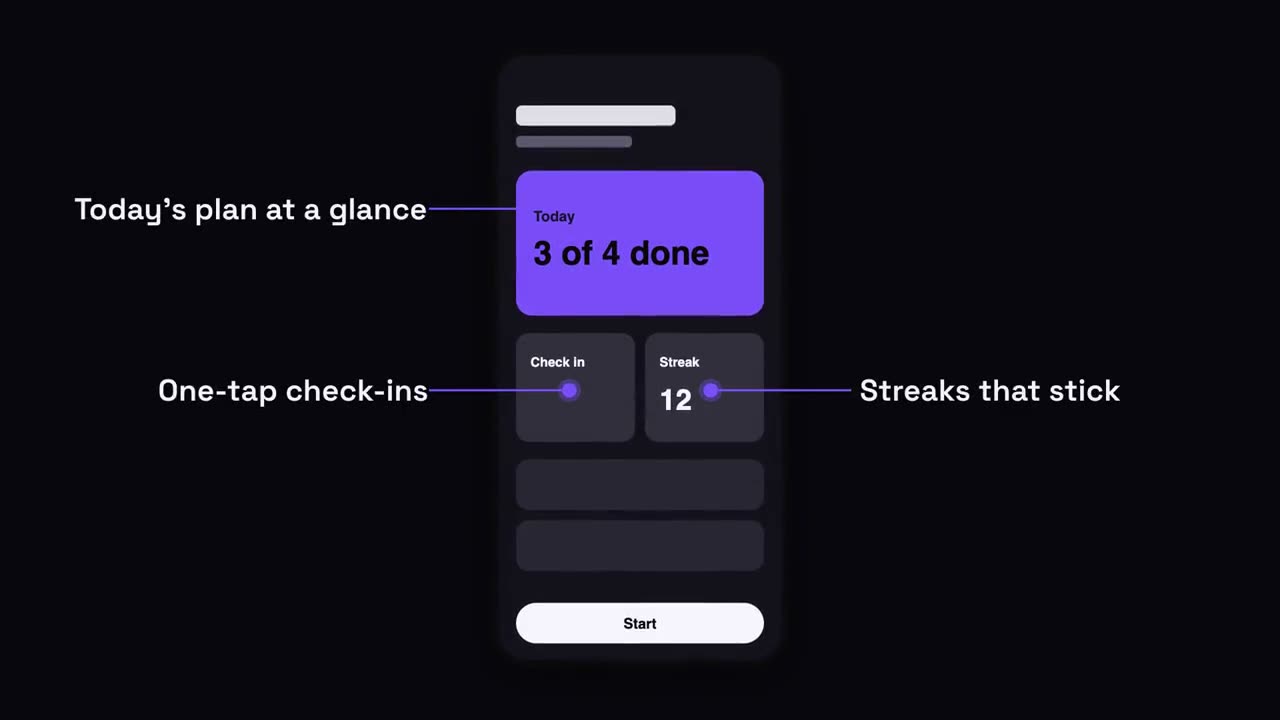
スマートフォンの吹き出し
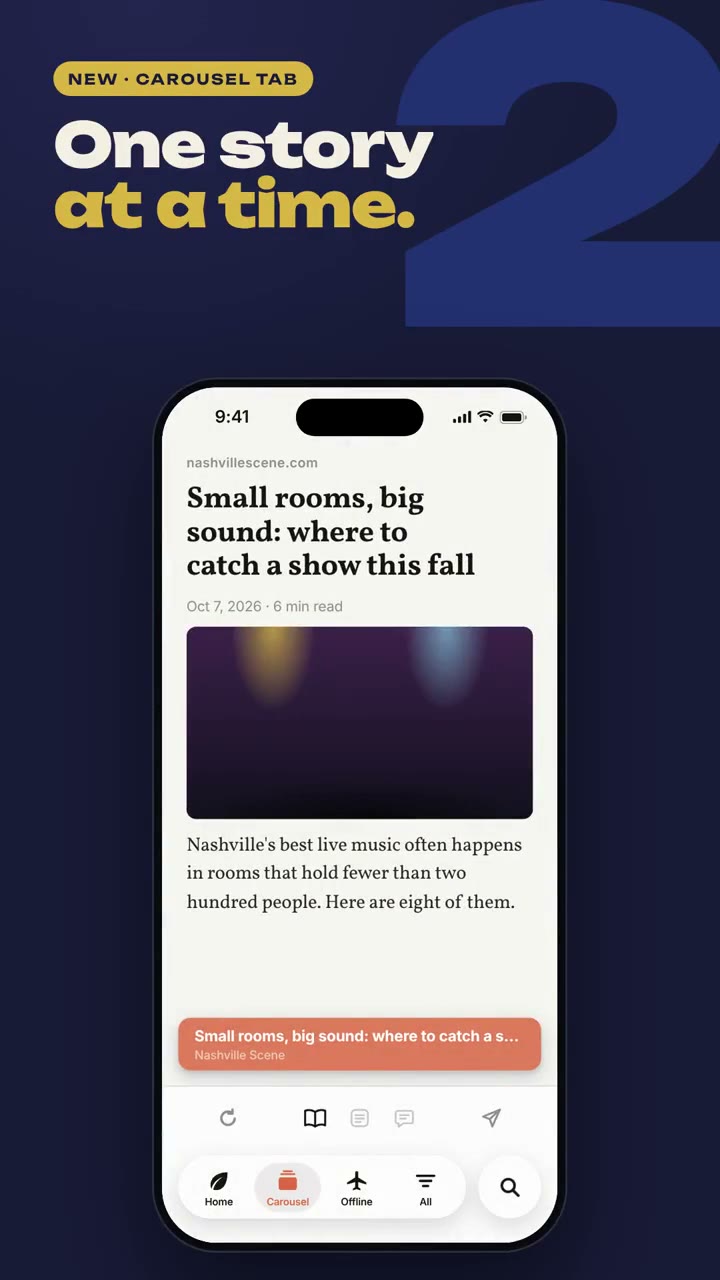
Skill を開く →無料Make a 7-second 16:9 app scene for [who will watch, e.g. new users], playing [where, e.g. the app's landing page]. Use only the screenshot and four labels I give. Deep navy background. A black phone showing the screenshot rises into the center with a slight rotation that settles. One at a time, small violet dots appear on parts of the screen and thin violet lines draw out to white labels on the left and right. End frame: the phone floats gently with all four labels showing. Attach: [a phone screenshot of your app] Four labels and what each points at: [e.g. "Today's plan at a glance", "One-tap check-ins", "Streaks that stick", "Start in one tap"]
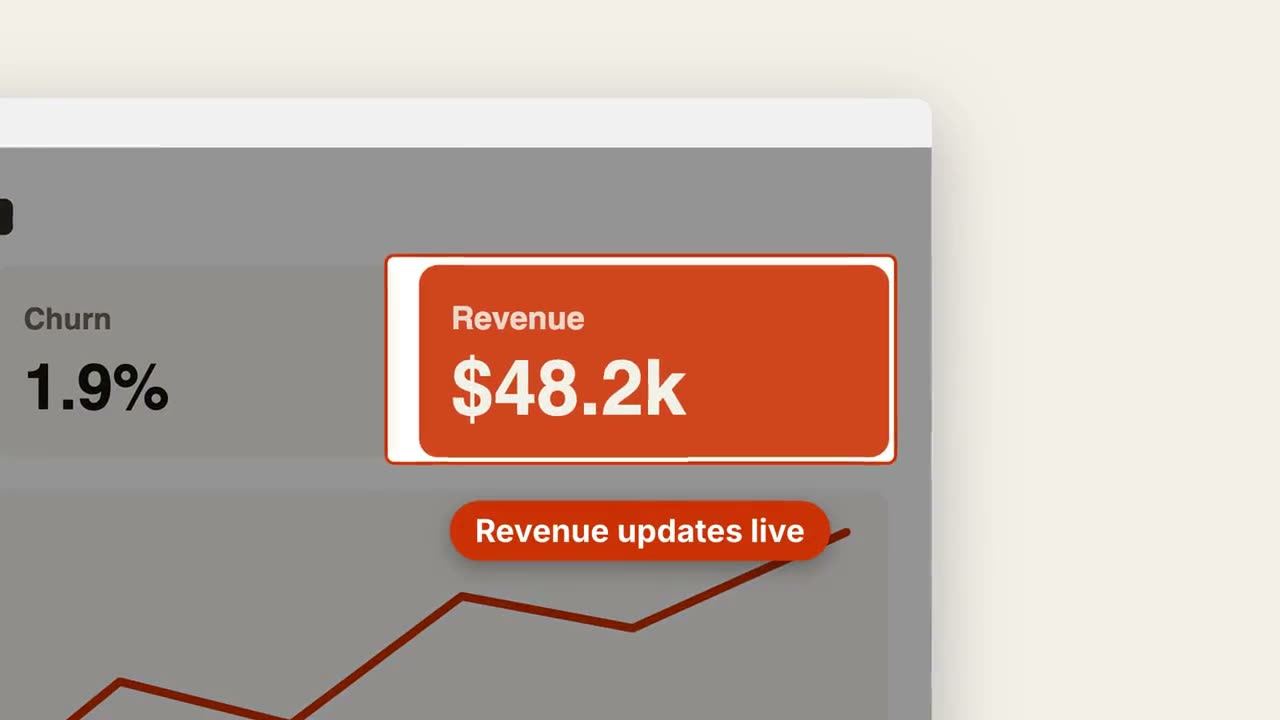
スクリーンショット・ズーム
Skill を開く →無料Make a 7-second 16:9 product scene for [who will watch, e.g. prospects], playing [where, e.g. the feature page]. Use only the screenshot and caption I give. Off-white background. A browser window with the screenshot settles in with a soft shadow. After a beat, the camera pushes smoothly into the detail I name. The rest of the screenshot dims under a dark overlay while the detail gets an orange outline, and an orange pill caption pops in just below it. End frame: the camera keeps drifting in very slightly. Attach: [a screenshot of your product] Detail to zoom into: [e.g. the top-right revenue card "$48.2k"] Caption: [e.g. "Revenue updates live"]
単体で使えるシーン
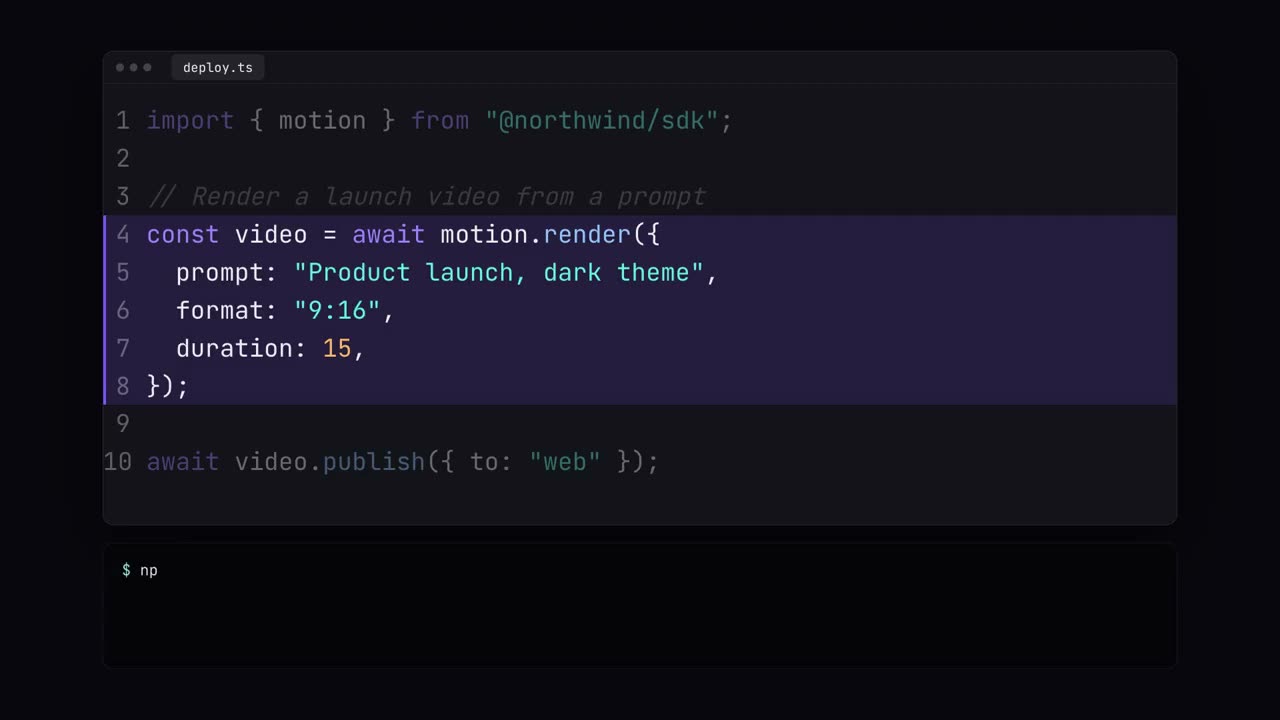
コードショーケース
シンタックスカラー付きのコード入力、ハイライト、ターミナル実行。
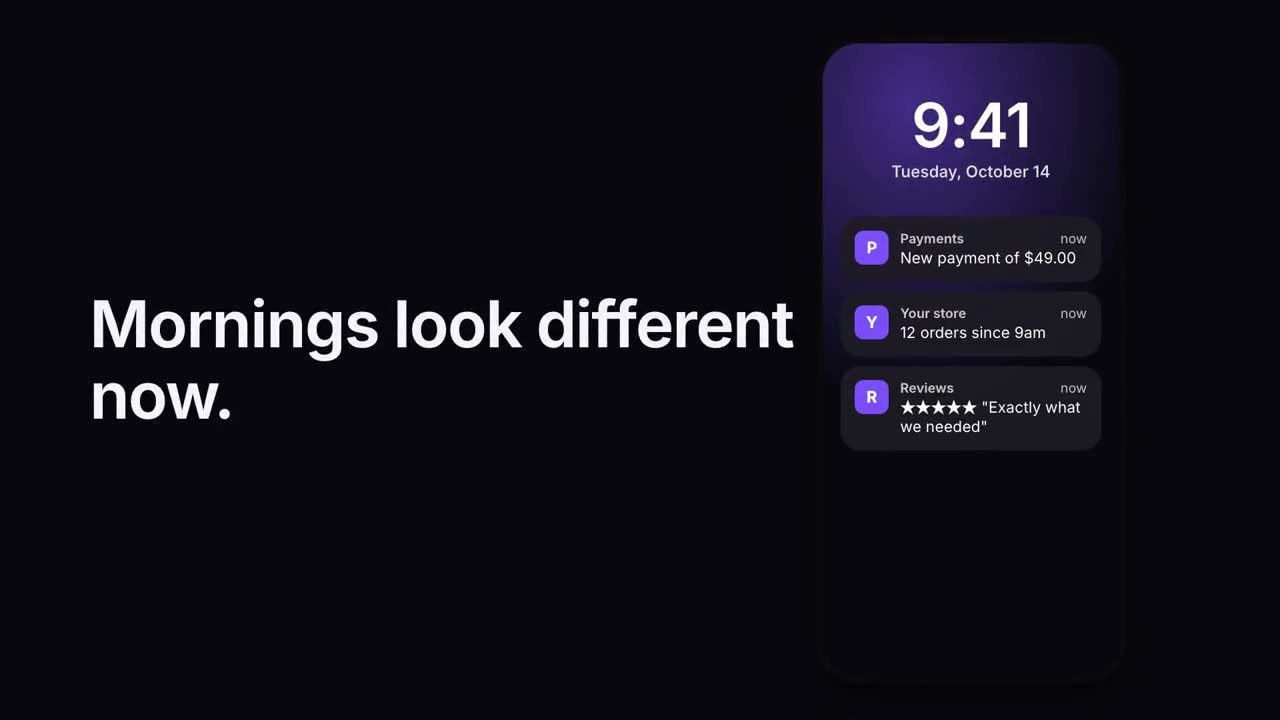
通知スタック
ロック画面に通知が次々と届きます。
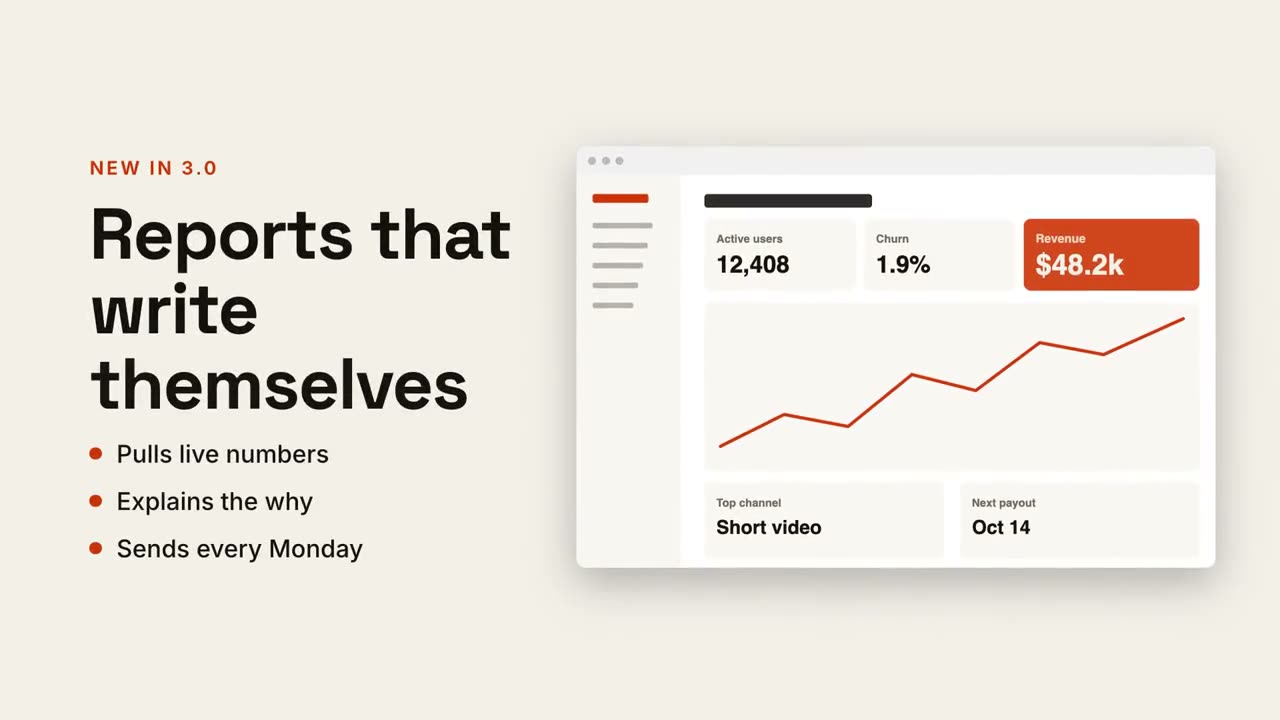
テキスト + 画面の分割
片側に見出しと要点、もう片側にスクリーンショットがスライドイン。
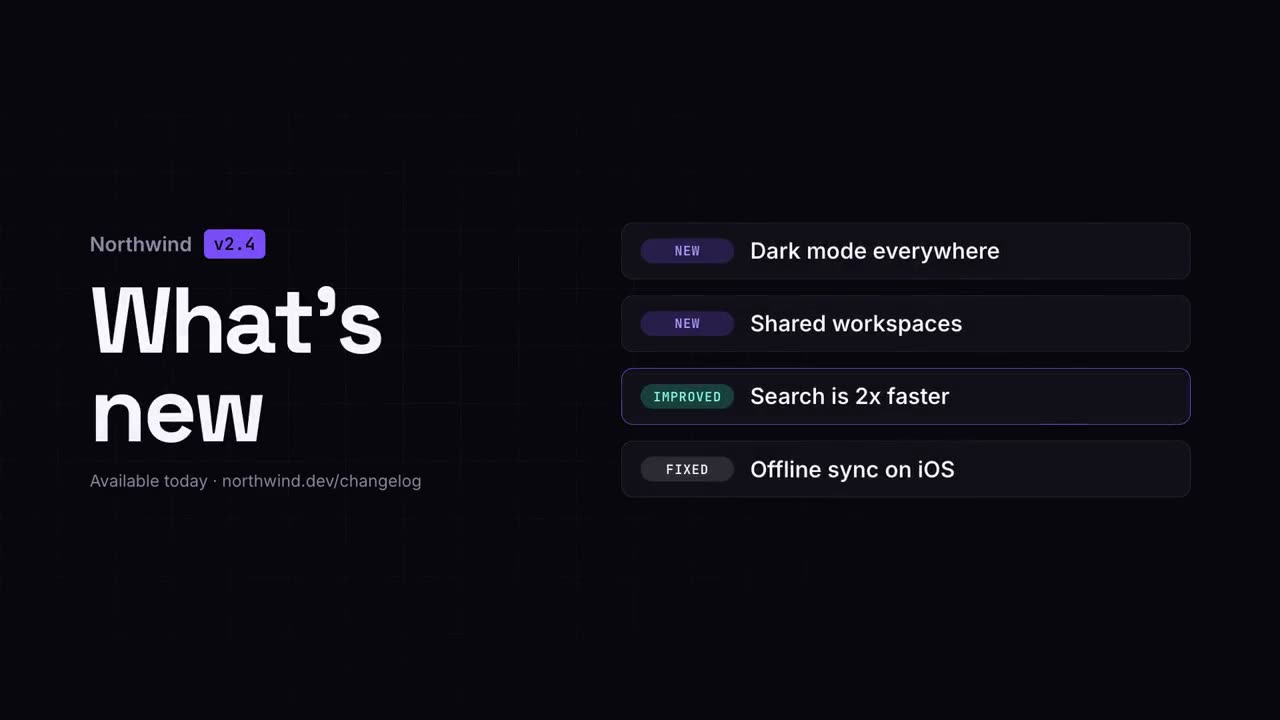
変更履歴ビデオ
リリースノートを、すっきりと共有しやすいクリップに。
チェックリスト
すべてのボックスに 1 つずつチェックが入っていくチェックリスト。
サイクルループ
リング上のステップを矢印がつなぎ、パルスが回り続けます。
スクリーンショット・ズーム
スクリーンショットの一部に寄り、周りを暗くして示します。
スマートフォンの吹き出し
スマートフォンが浮かび上がり、引き出し線でラベルが画面から伸びます。
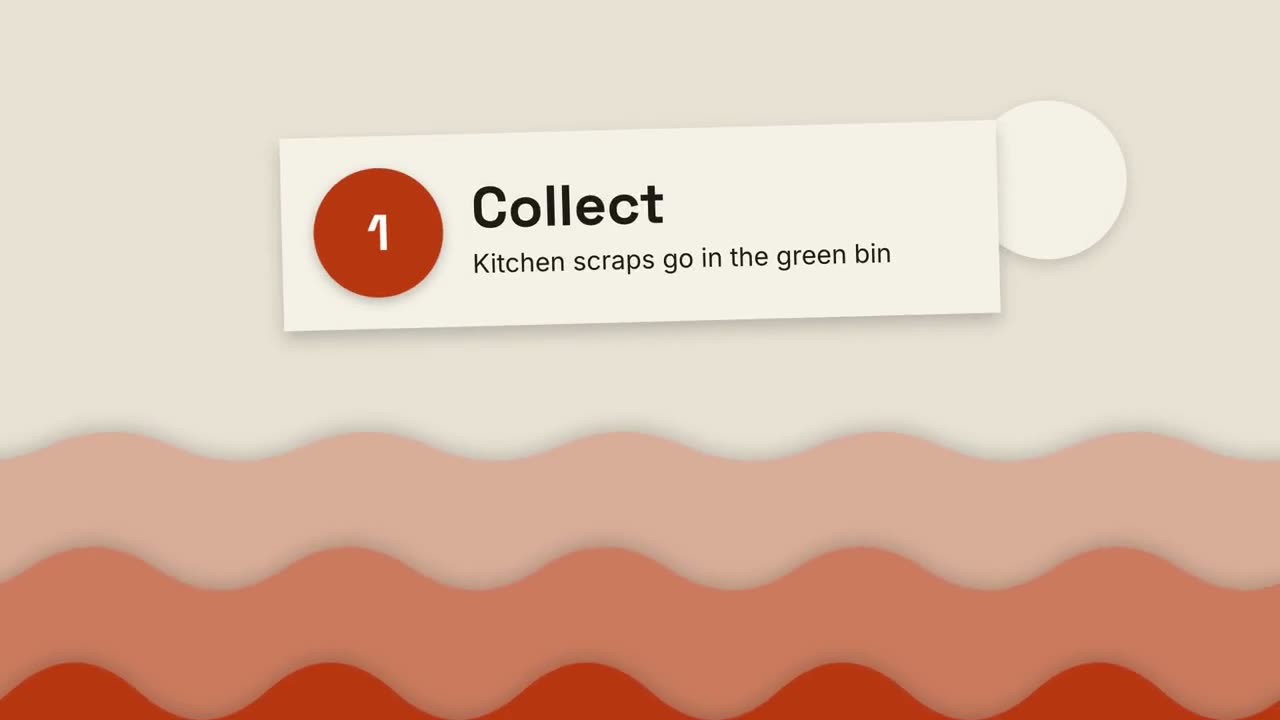
切り絵の解説
重なる紙の丘と切り絵のカードで、何でも 3 ステップで説明します。
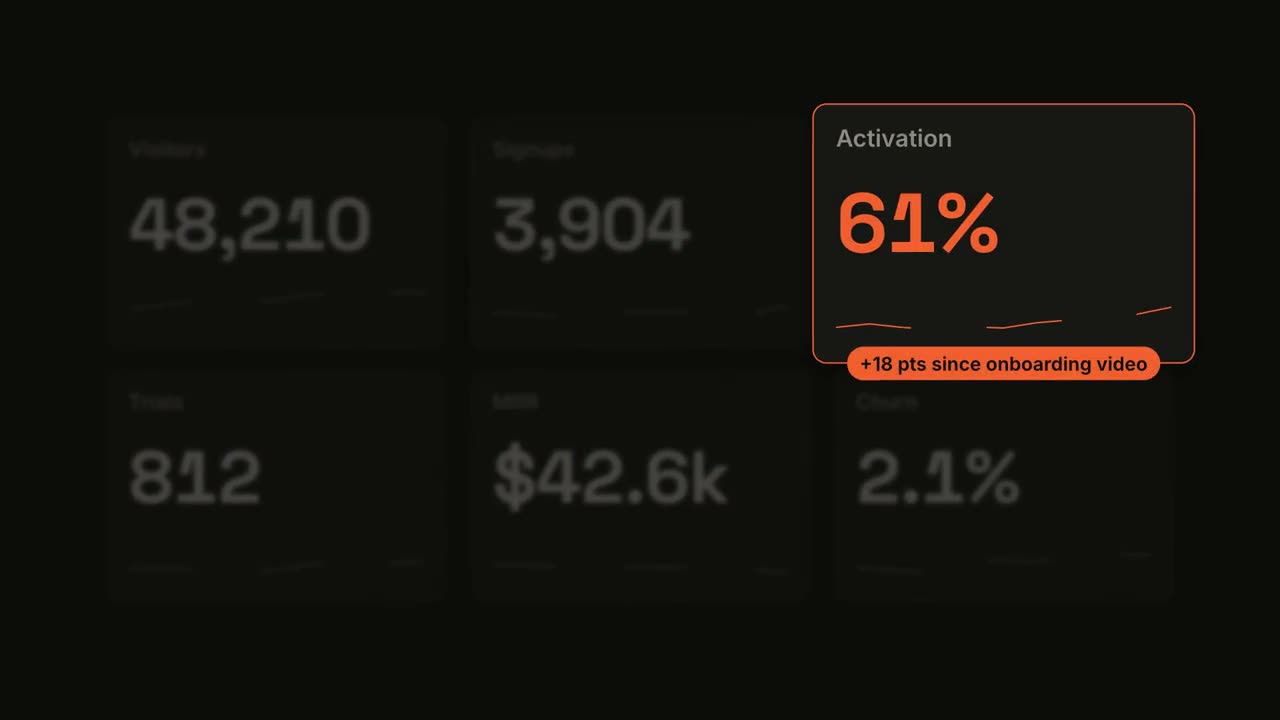
メトリクス・スポットライト
ダッシュボードがカウントアップし、1 つのタイルにスポットライトが当たります。
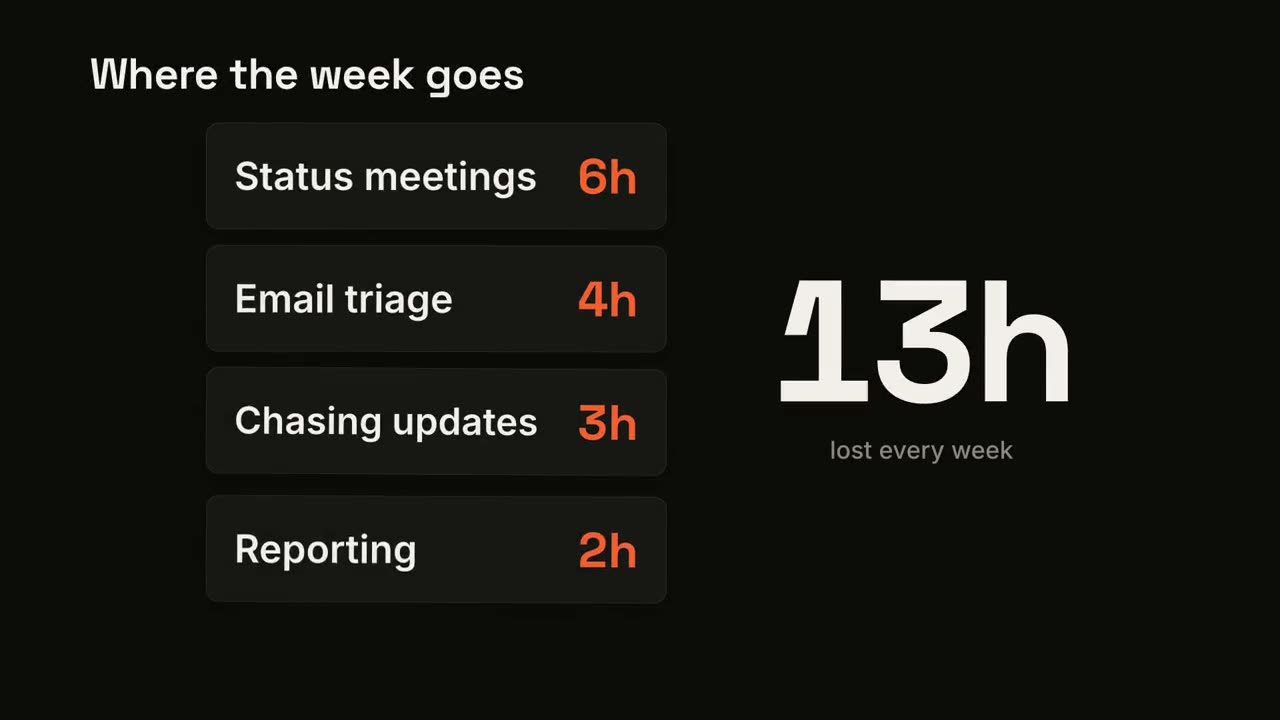
カードスタック・カウンター
カードが 1 枚ずつ落ちてきて、大きな合計が加算されていきます。
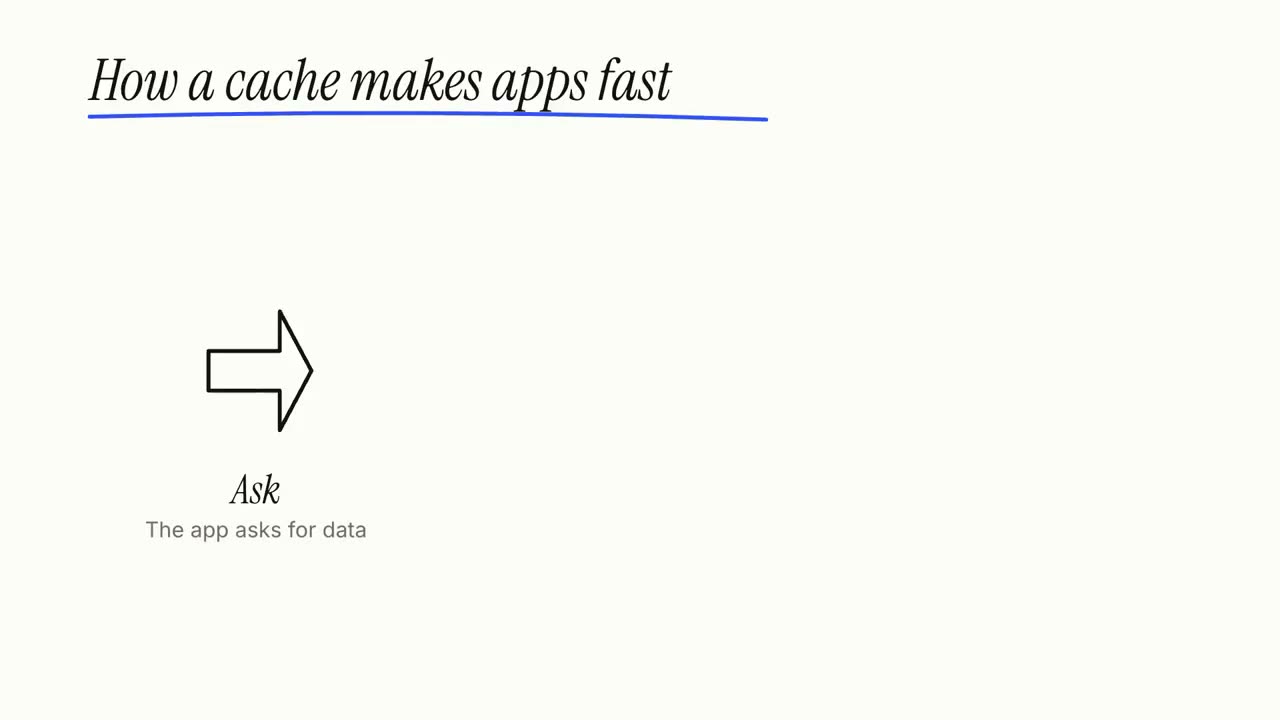
ホワイトボード解説
マーカーの落書きが自ら描かれ、ラベルが一歩ずつ書き込まれます。
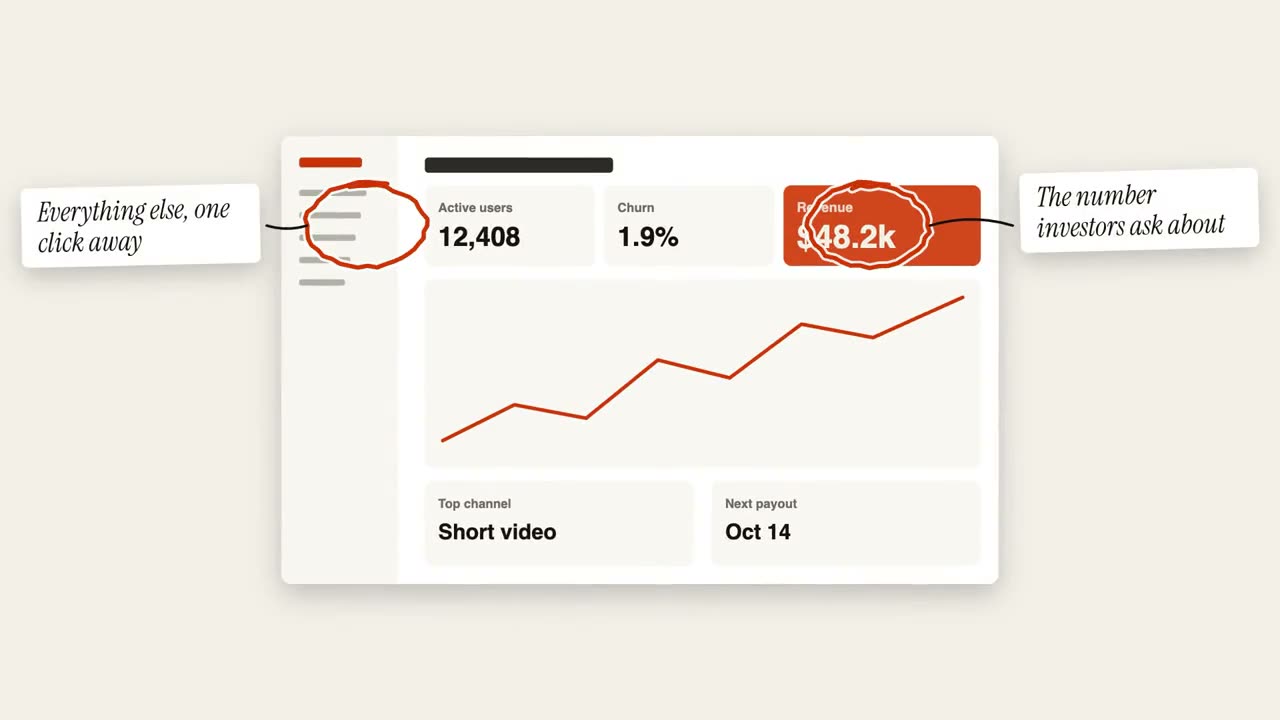
丸囲み注釈
手描きの丸と付箋で画像に注釈を入れます。
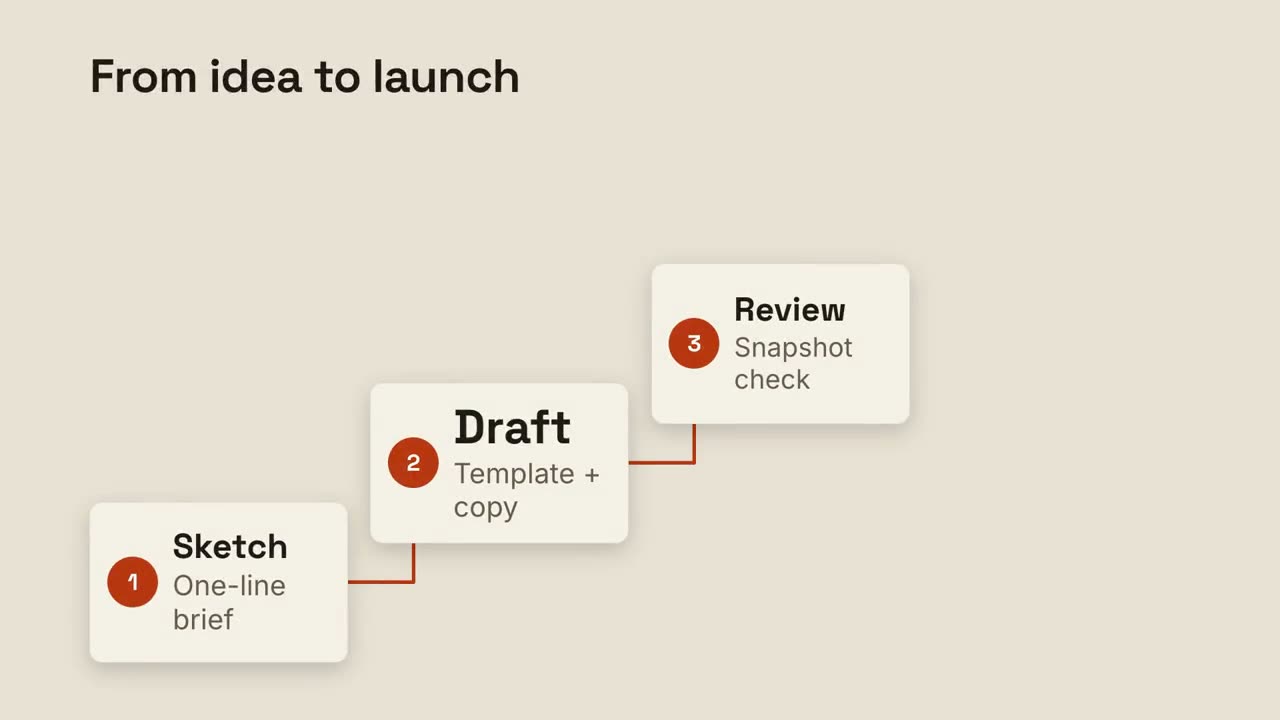
ステップラダー
番号付きのステップが階段を上り、線でつながります。
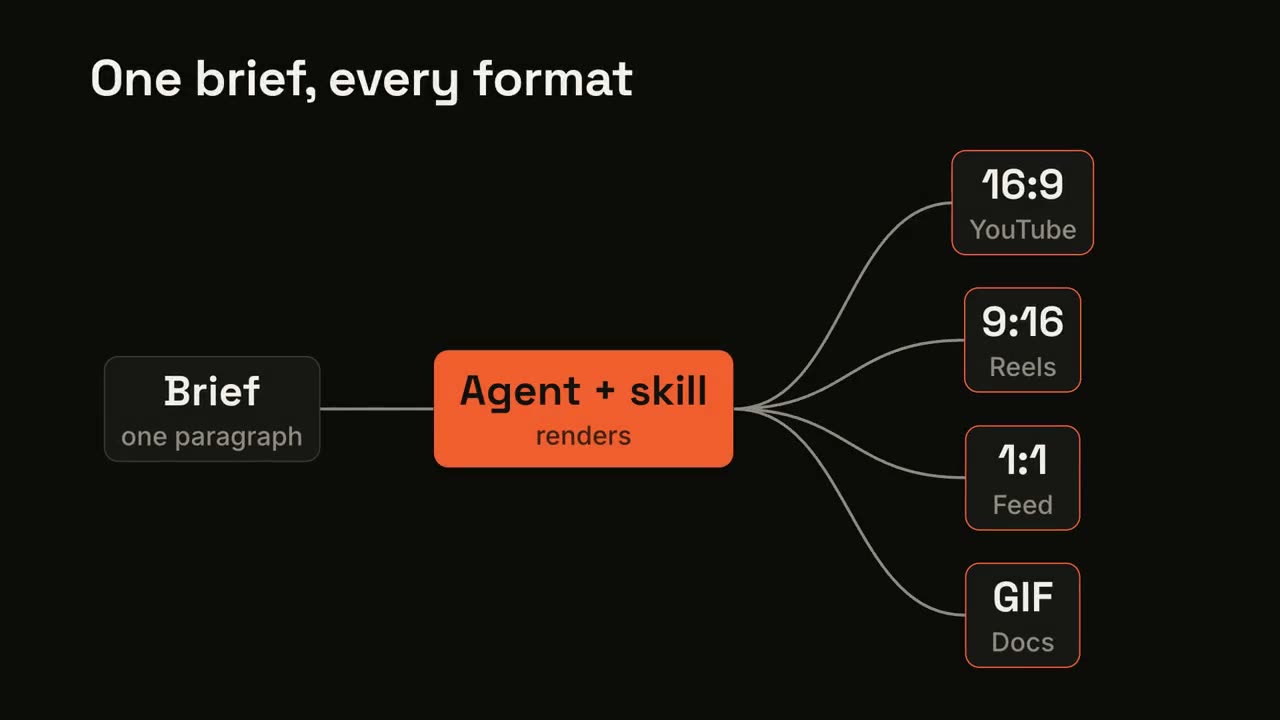
パイプラインのファンアウト
1 つの入力がプロセスを通り、多くの出力に広がります。
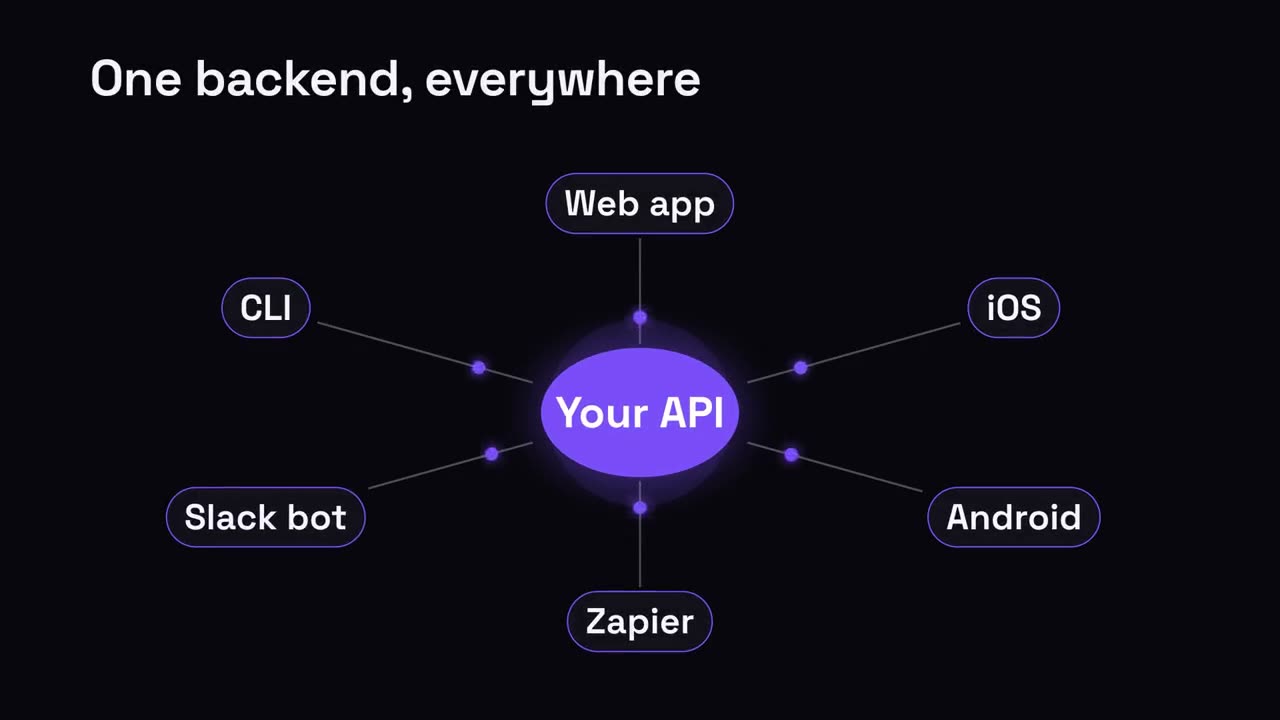
ハブ & スポーク
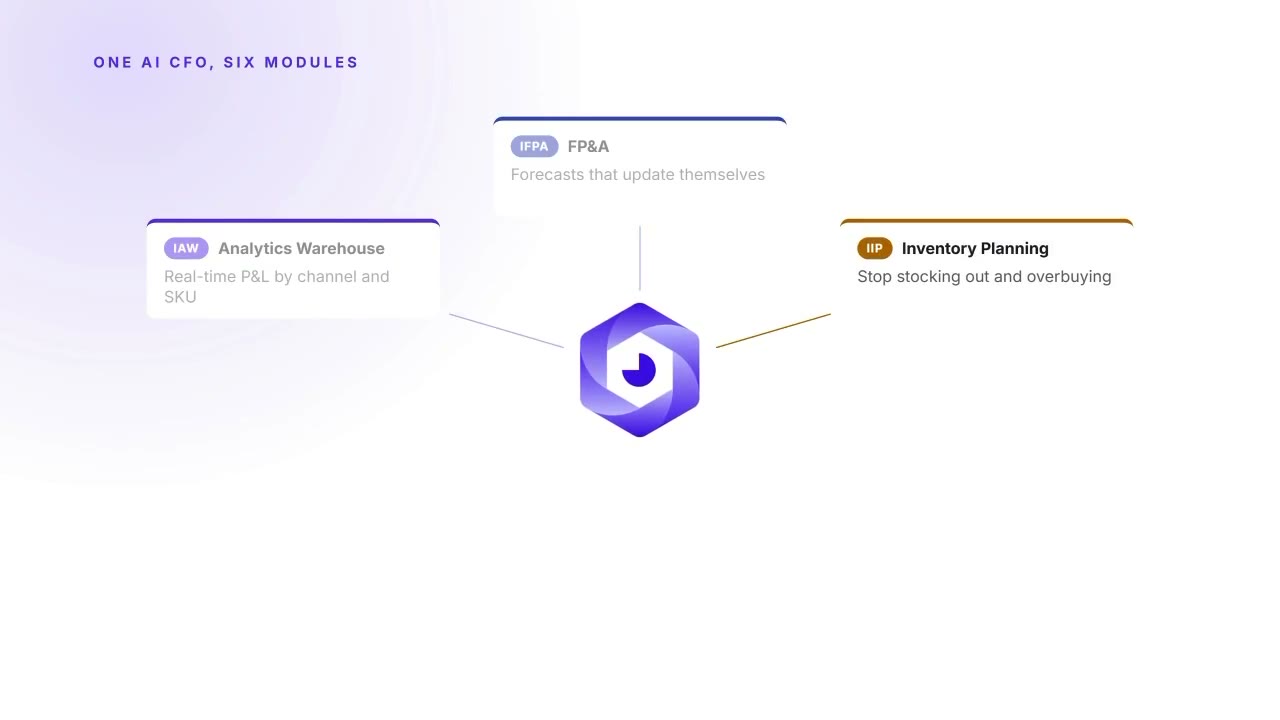
中央のハブから、つながるすべてへ放射状に広がります。
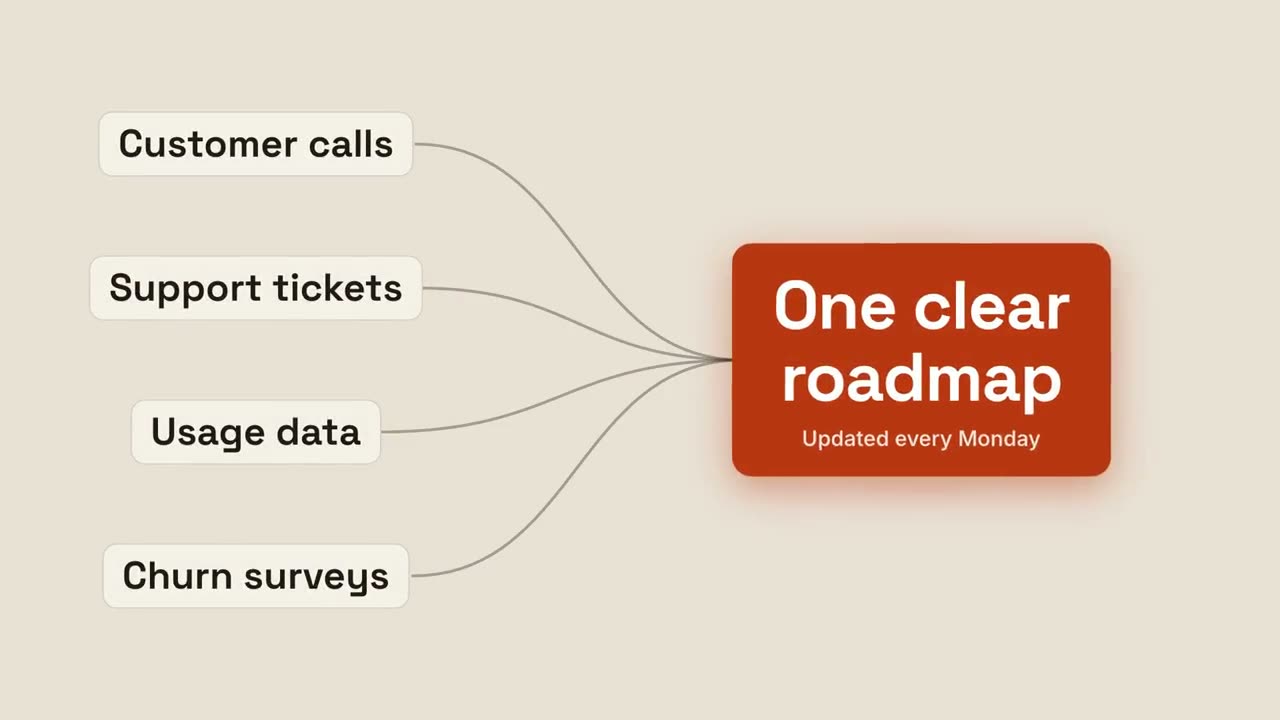
成果への収束
複数の入力が流れ込み、1 つの輝く成果に集まります。
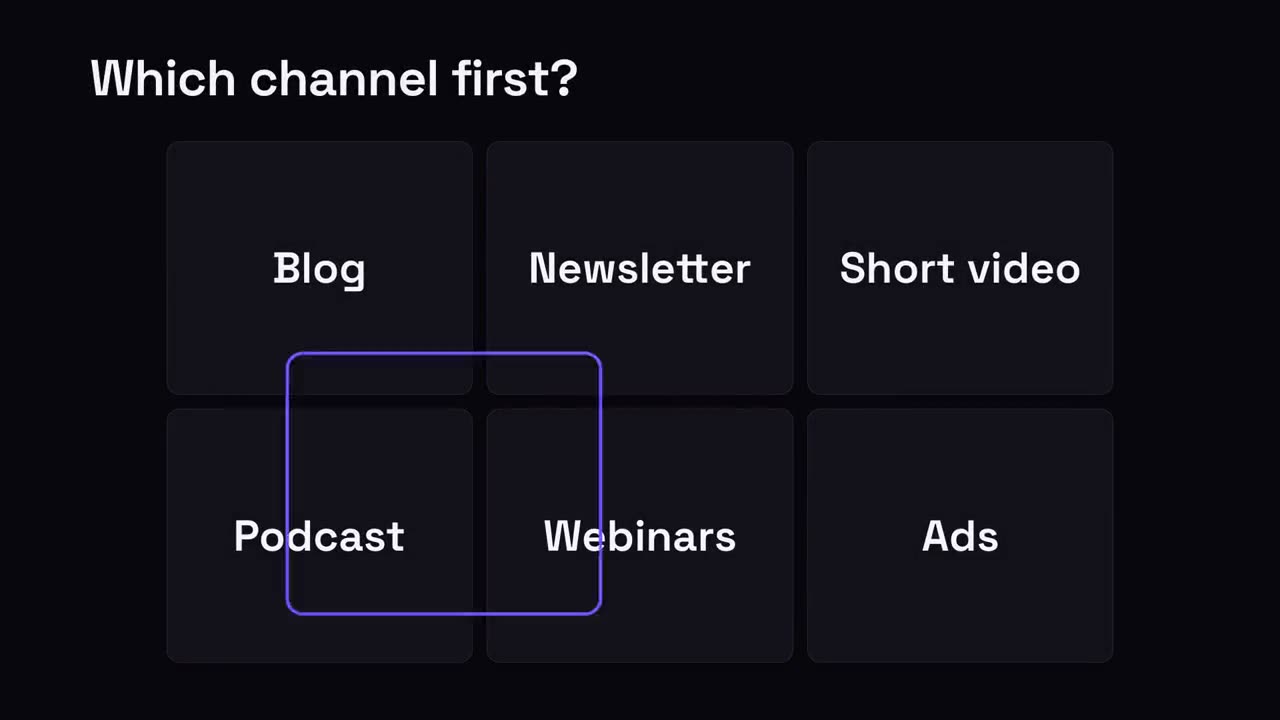
ひとつを選ぶグリッド
選択肢のグリッドで、選択リングが飛び回って勝者に止まります。
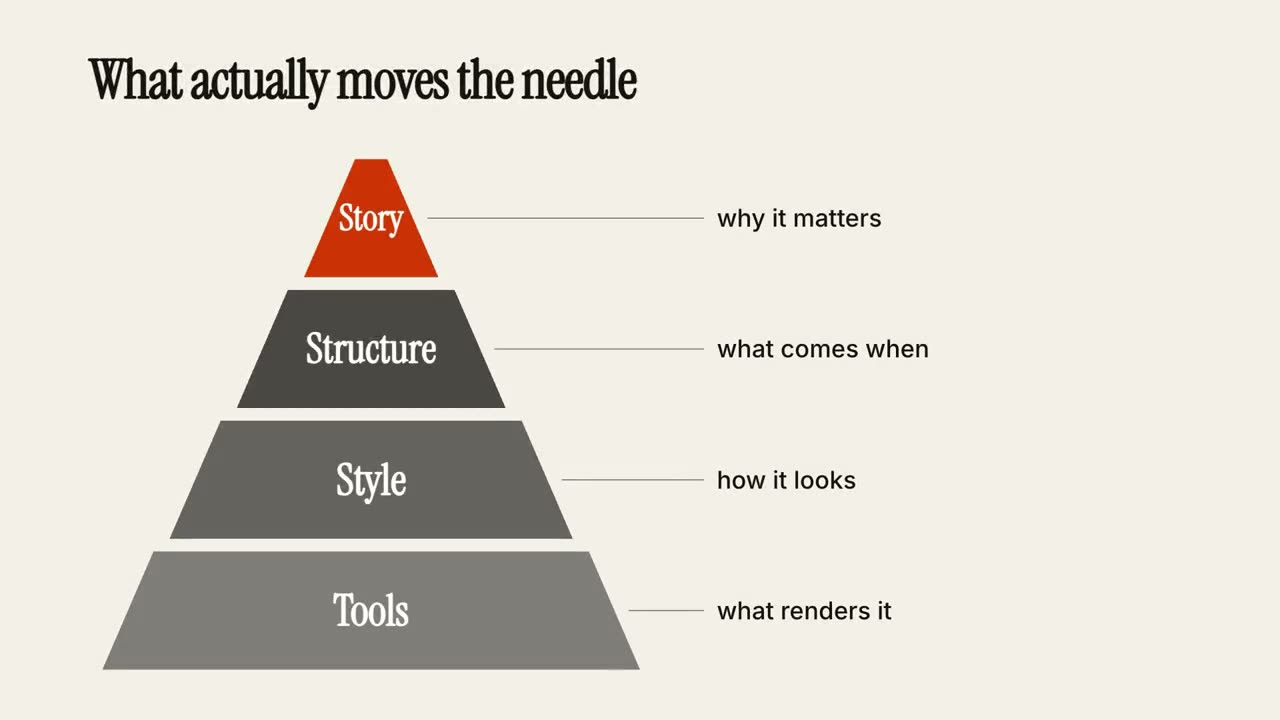
階層ピラミッド
ピラミッドが層ごとに組み上がり、各層に注釈が付きます。
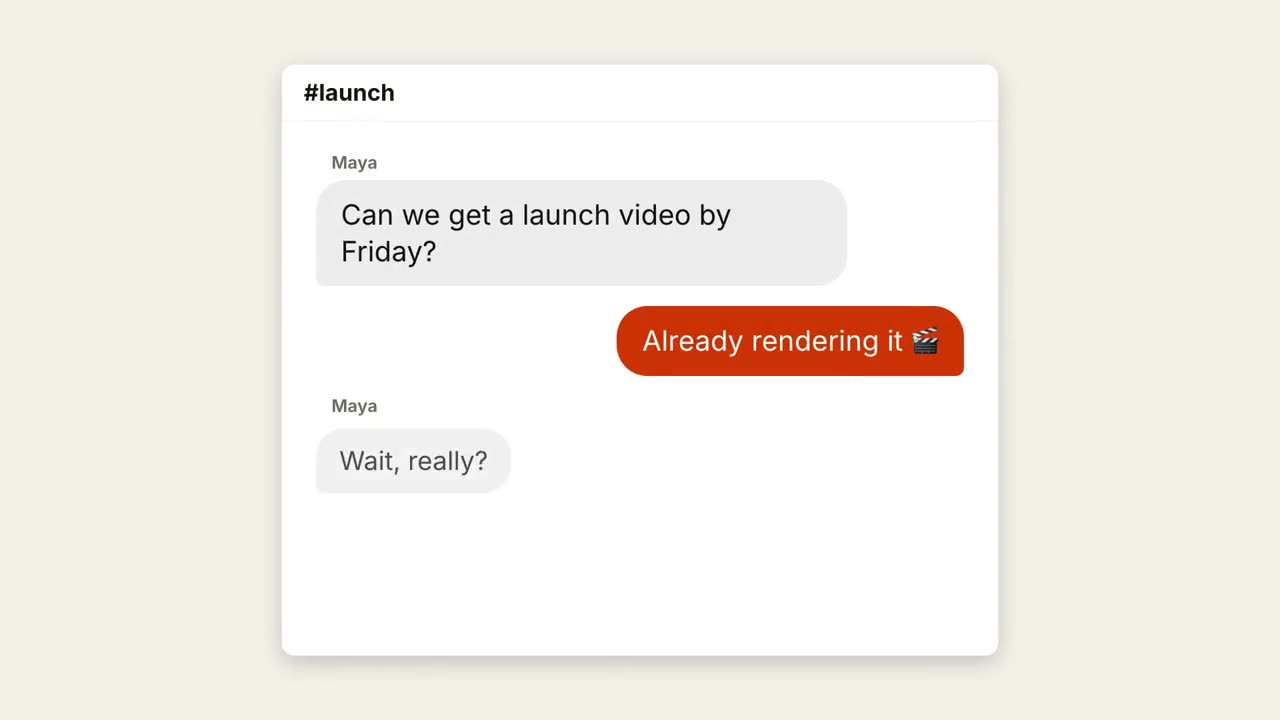
チャットスレッド
入力中のドットと弾む吹き出しで会話が進みます。
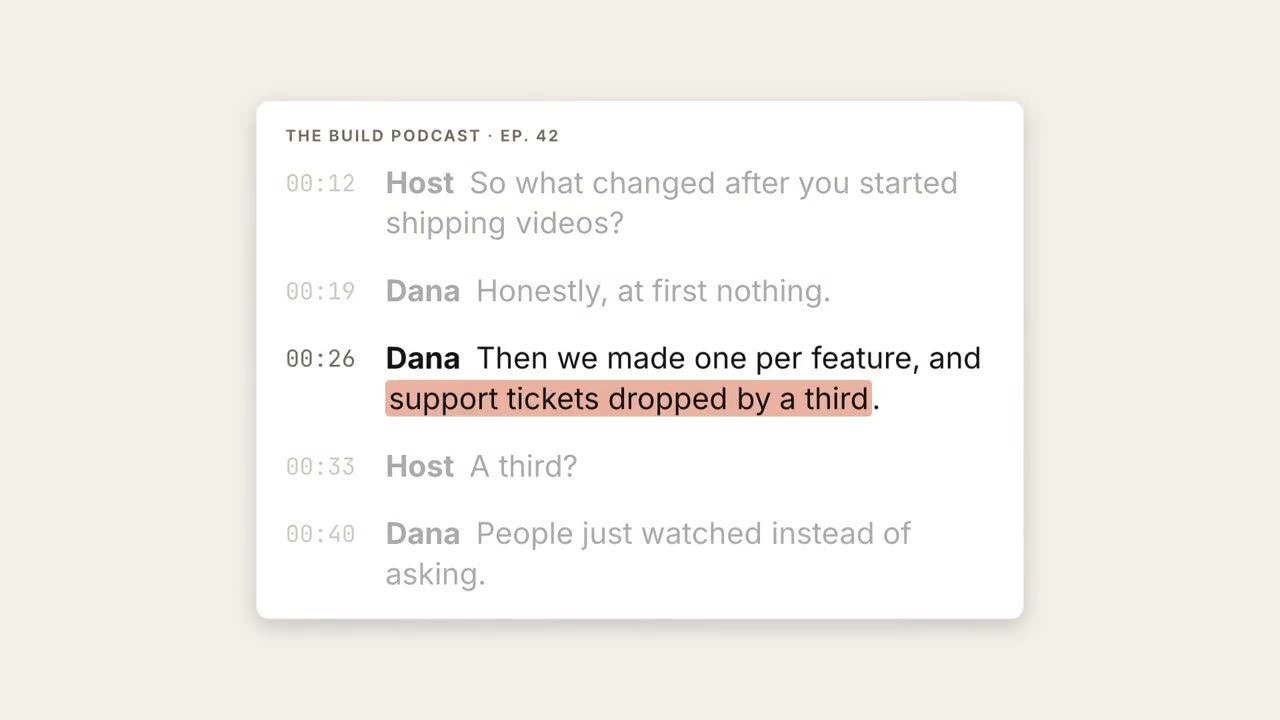
書き起こしハイライト
書き起こしが流れ、重要なフレーズがハイライトされて大きな引用になります。
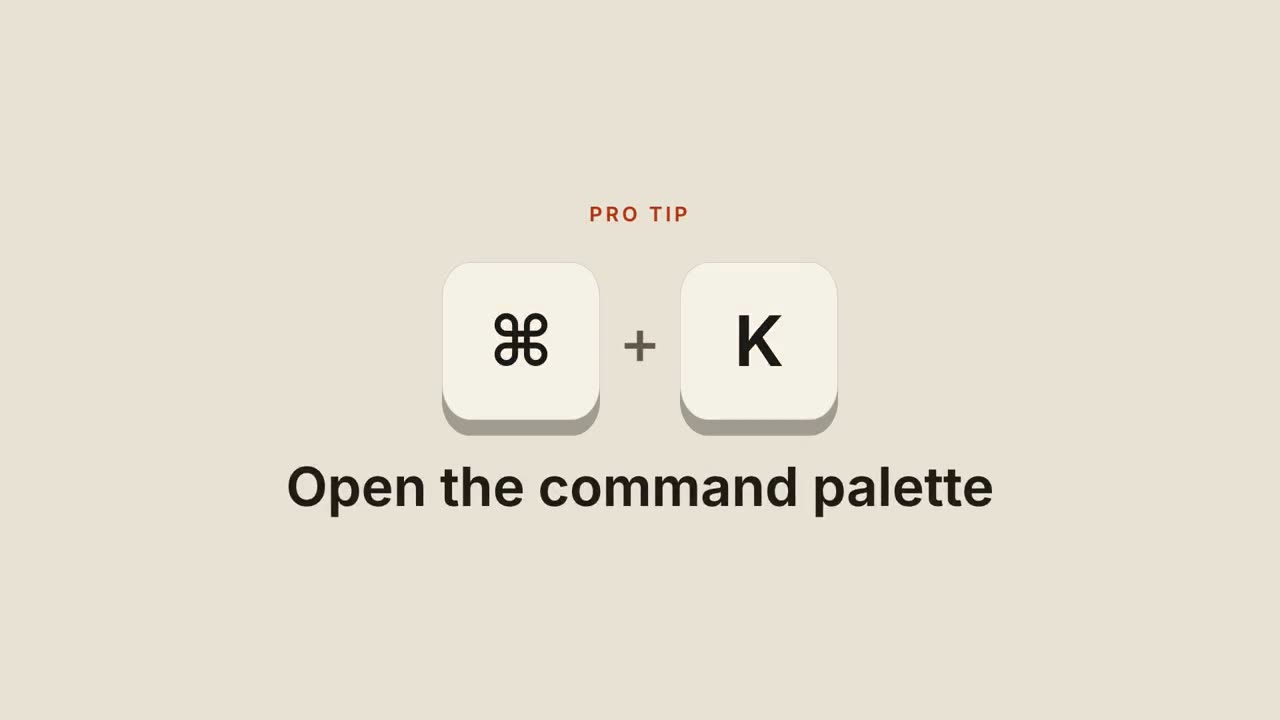
ショートカットキー
キーキャップが落ちてきて押し込まれ、ショートカットの動作を示します。
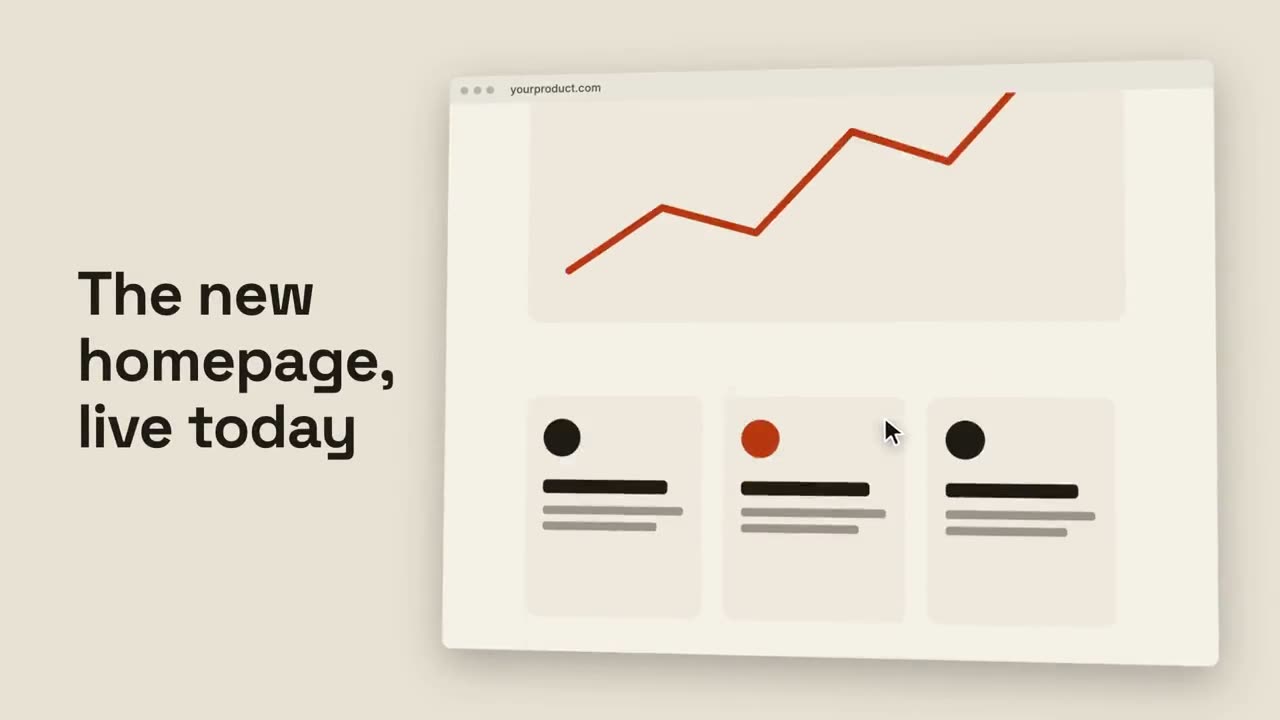
ブラウザスクロール
傾いたブラウザがページ全体をなめらかにスクロールします。
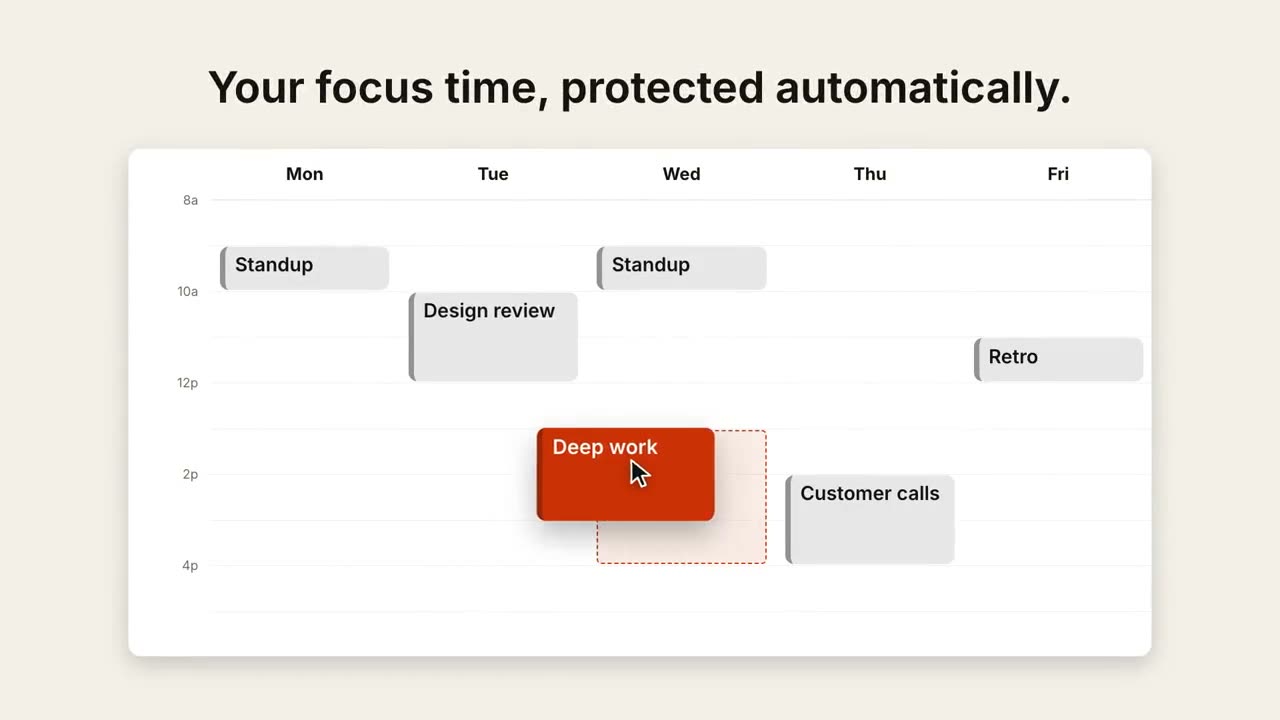
カレンダーの予定変更
週表示が埋まり、カーソルが 1 つの予定をより良い時間へドラッグします。
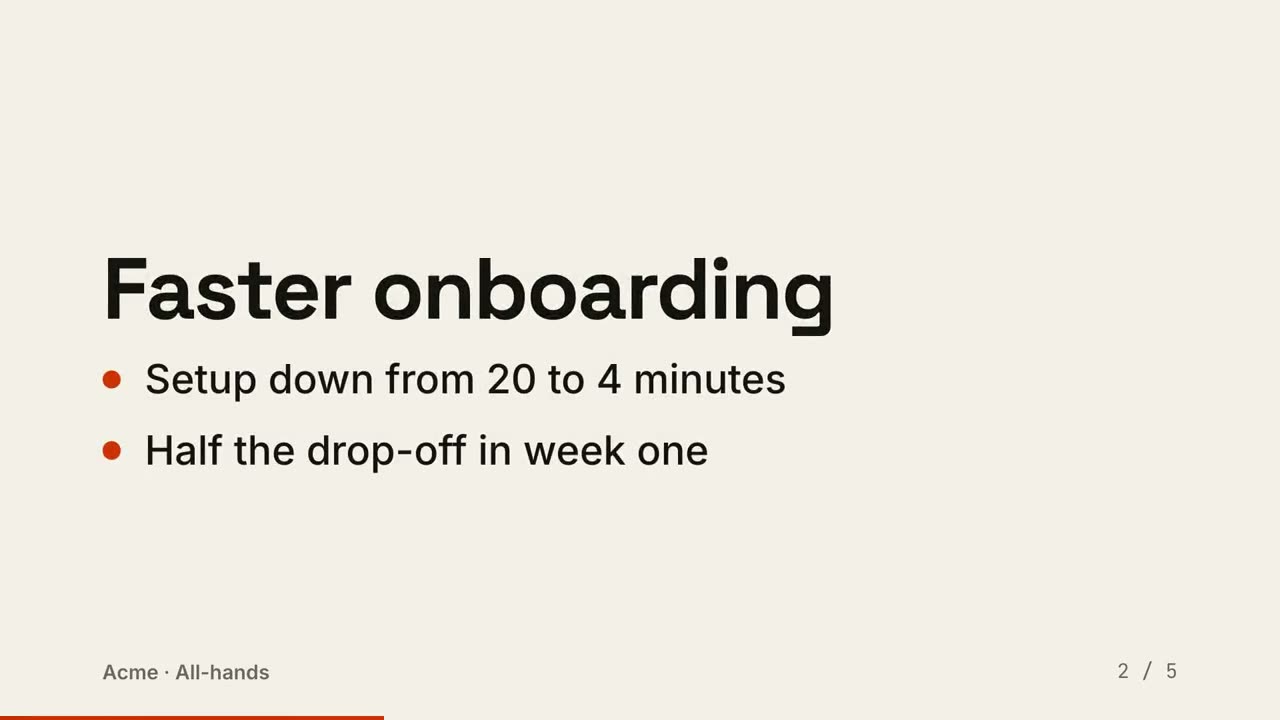
スライドを動画に
スライドを動画として書き出し:1 ビートに 1 枚、要点が順に現れます。