← 場景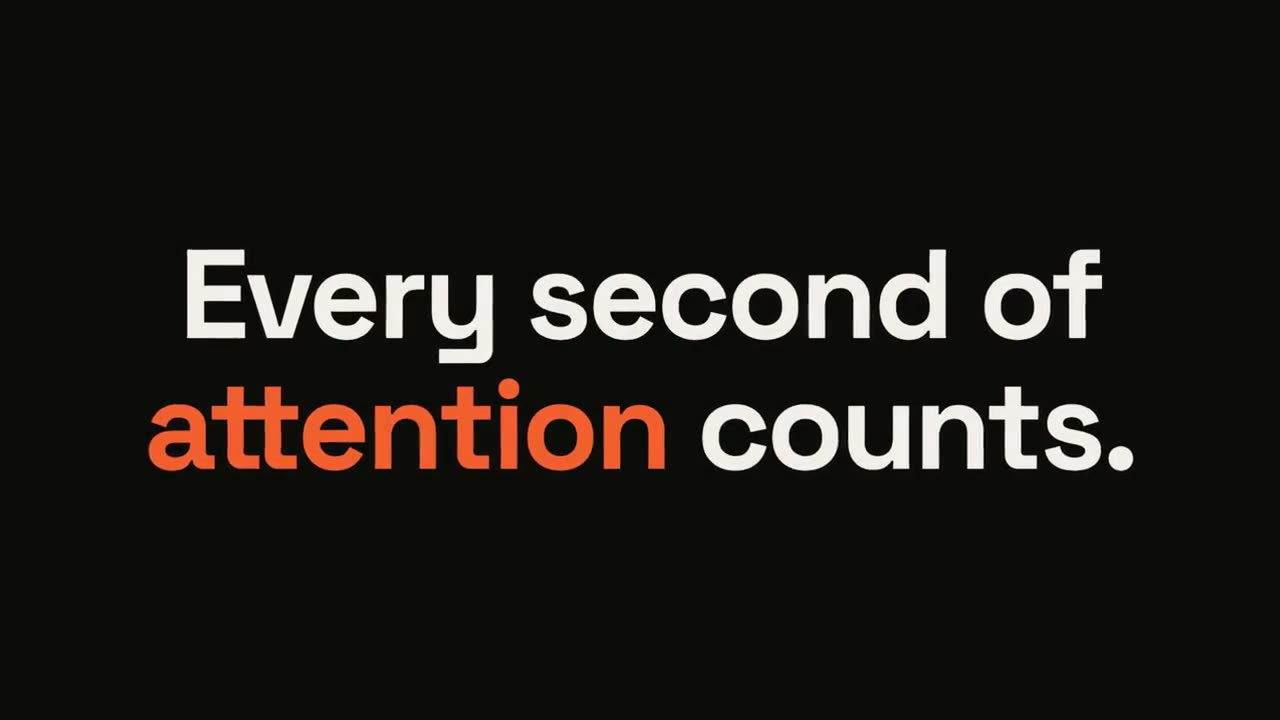
 付費
付費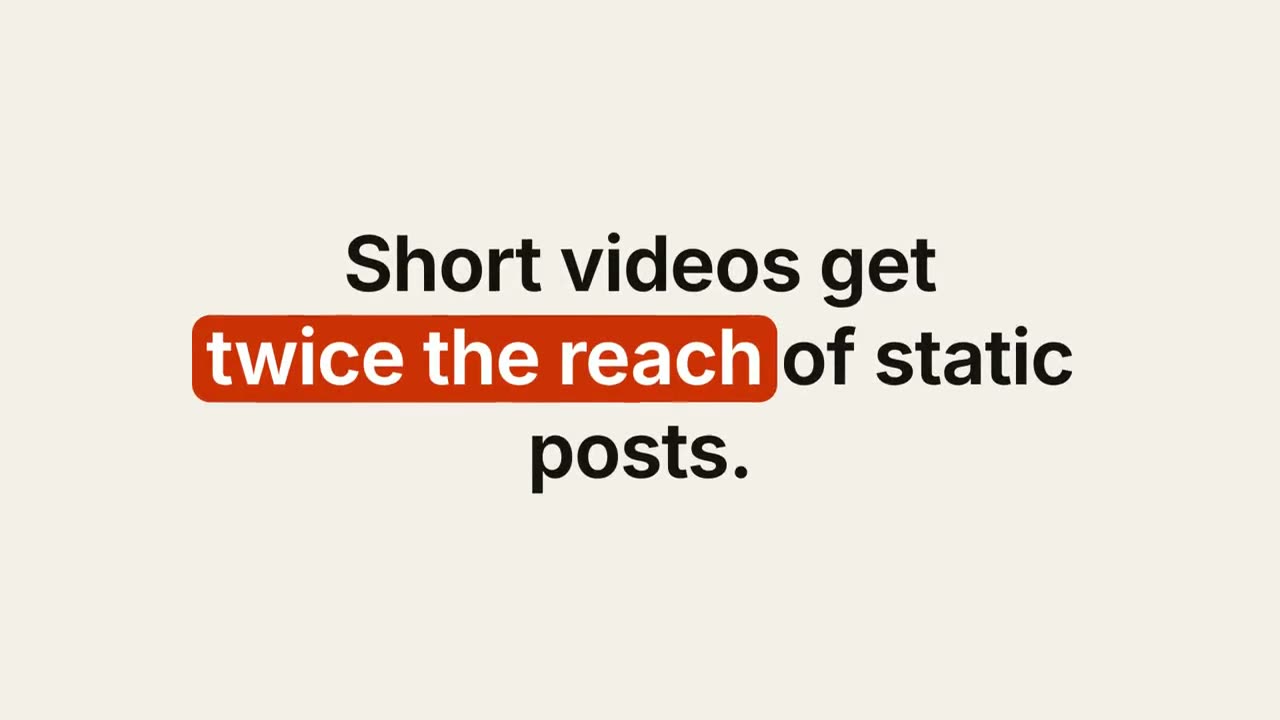 付費
付費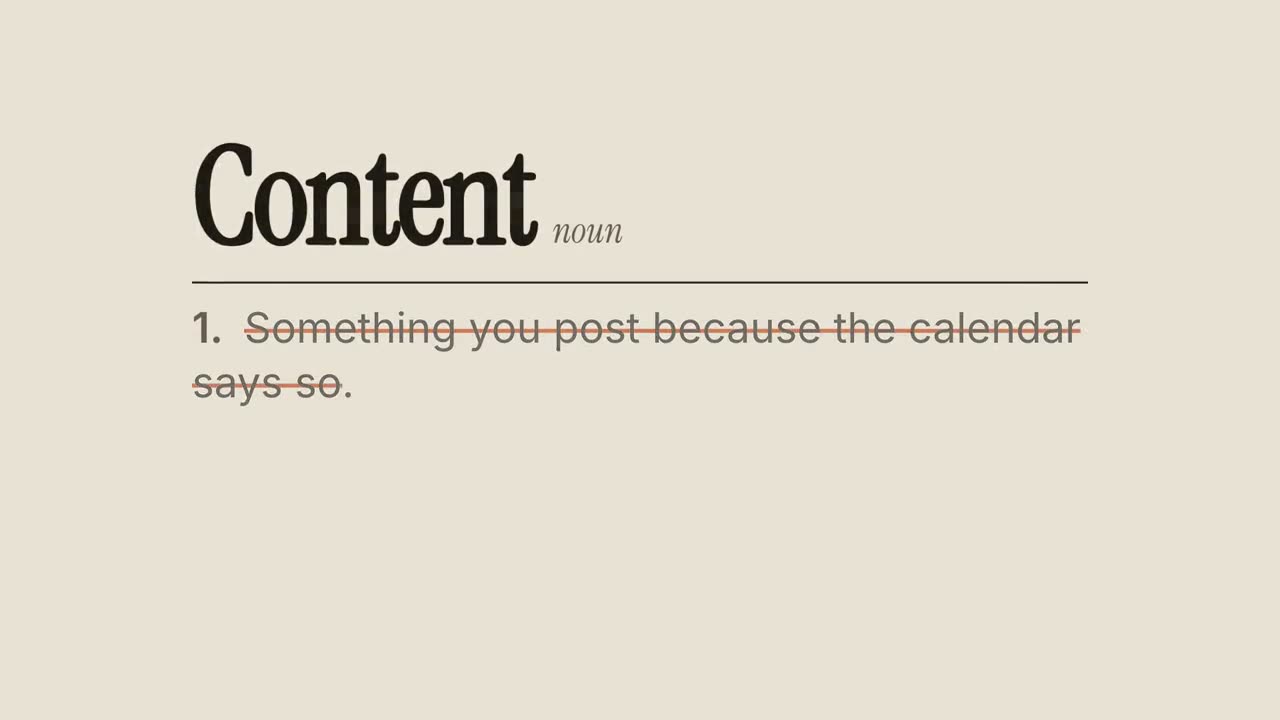 付費免費免費
 免費
免費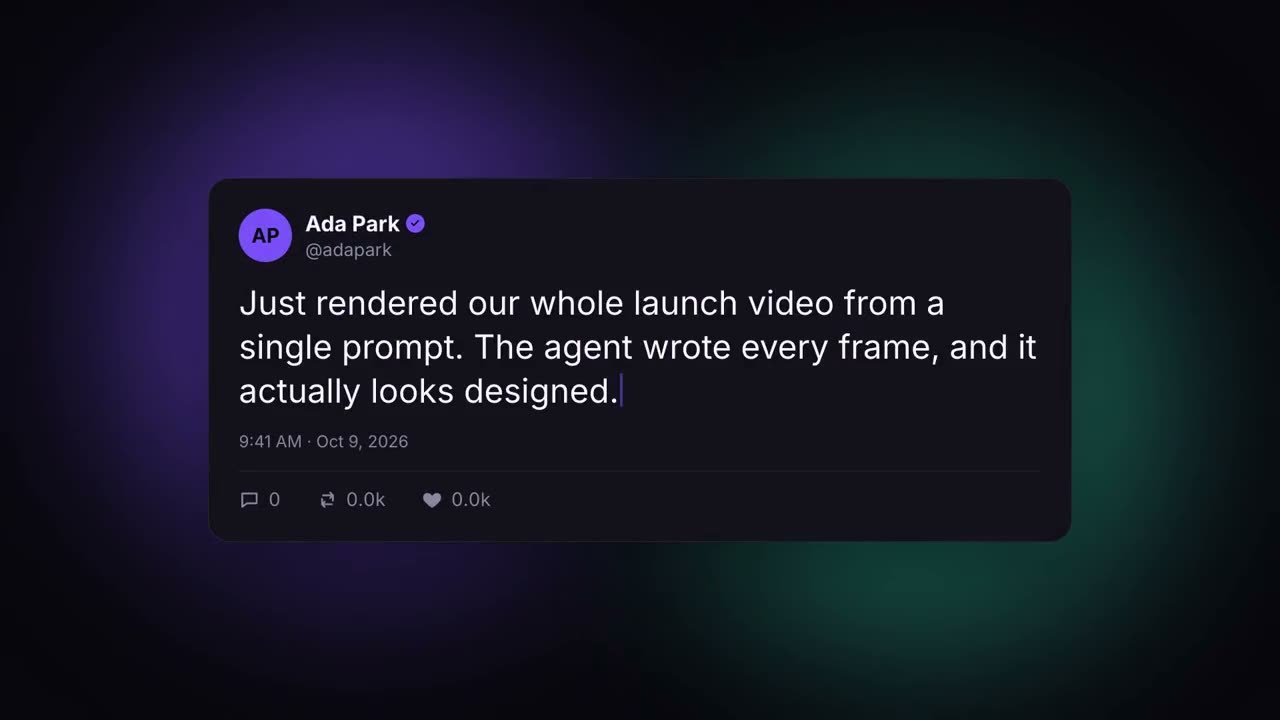 免費
免費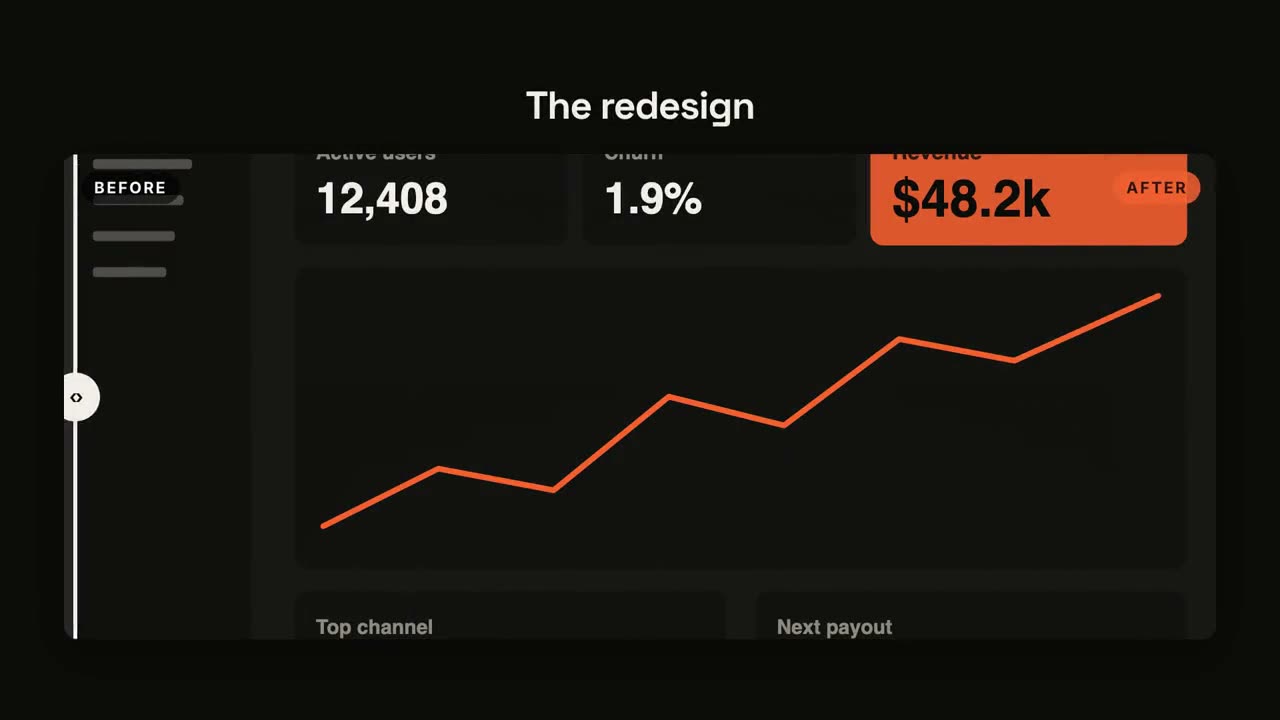 免費
免費 免費免費
免費免費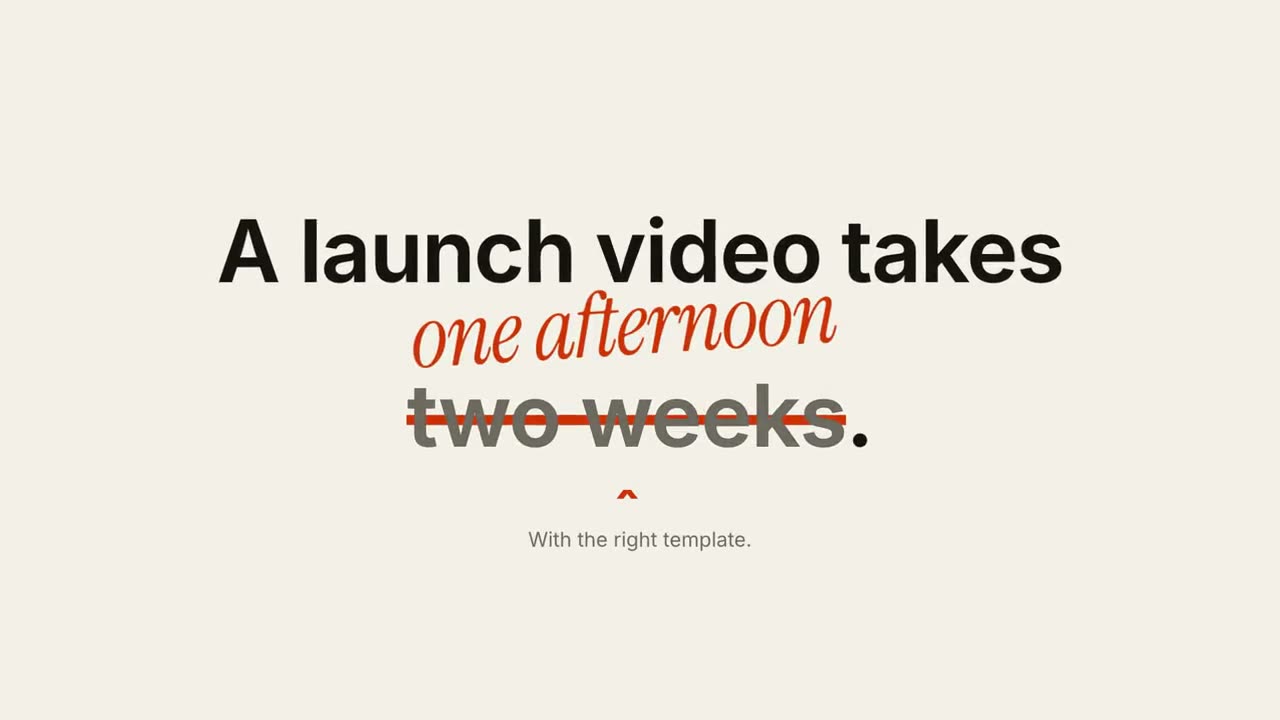 付費
付費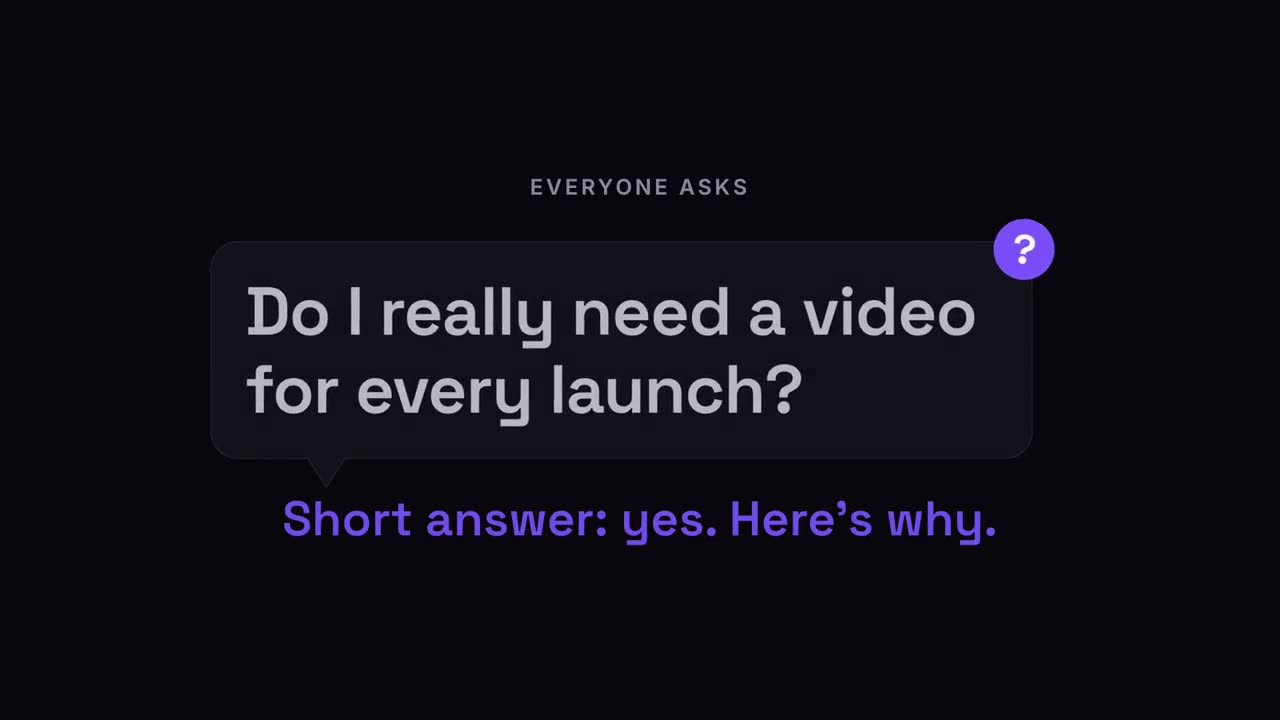 付費
付費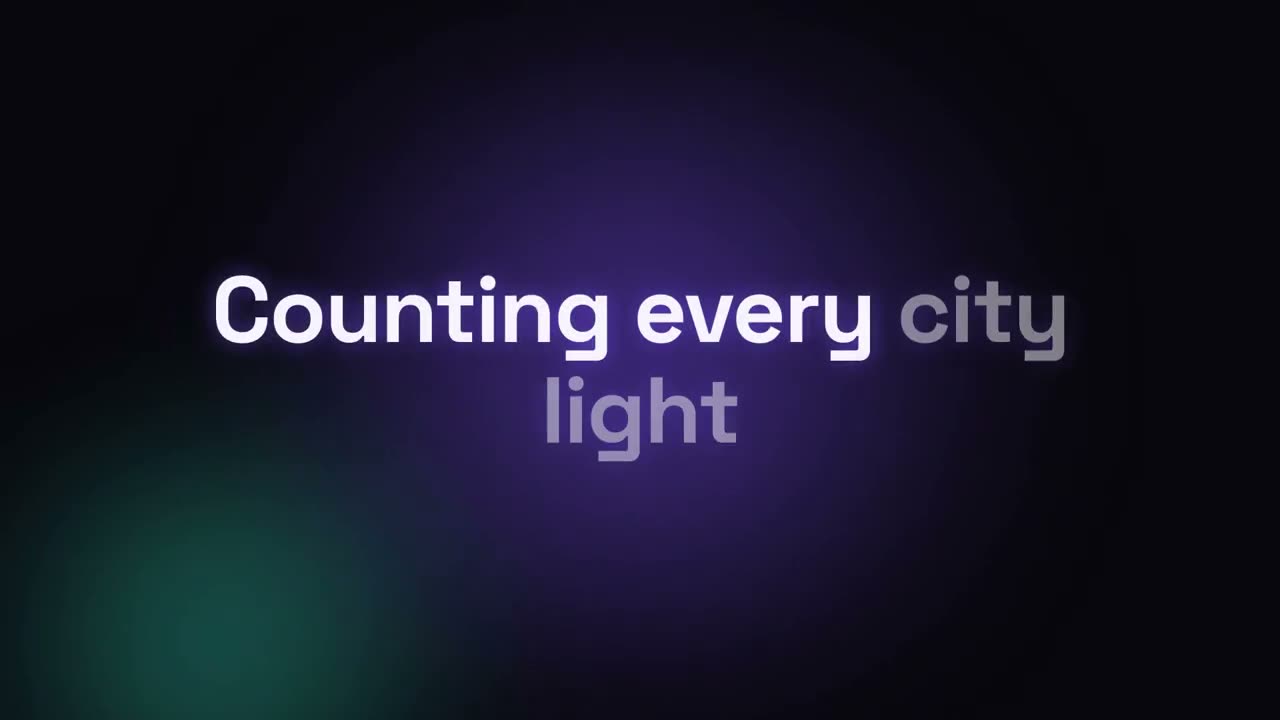 付費
付費
社交短影片
用「腳本 → 直式短影音」把一個想法或幾句話變成 10–20 秒的直式短片:第一秒就是鉤子,每拍按閱讀速度計時,配上有力的音樂。有口播影片?「動態字幕」幫它加逐字字幕。
從你的素材到成片
把手上的素材交給 Agent,工作流負責寫稿、分鏡和算繪 MP4。
從這些提示詞開始
貼上到 Claude Motion,或者安裝對應的 Skill 後交給你的 Agent。
金句爆點
檢視 Skill →免費風格提示詞(Claude Motion 或 Opus 5.5)
Make a 6-second 16:9 kinetic statement for [who will watch, e.g. followers on LinkedIn], playing muted in the feed. Use only the sentence below; don't change a word. Near-black background, bold geometric sans, centered.

The words punch in one at a time from a slight blur and larger scale. When the last word lands, the key word flips to orange and short orange rays burst outward around the whole statement and retract. End frame: the text slowly scales up by a few percent and holds.

Statement: [your line] (e.g. "Every second of attention counts.")
Key word: [e.g. "attention"]
動態文字標題
檢視 Skill →免費風格提示詞(Claude Motion 或 Opus 5.5)
Make an 8-second 16:9 title card for [who will watch, e.g. viewers of our YouTube series], playing [where, e.g. the opening of each episode]. Use only the words below; don't change them. Near-black background.

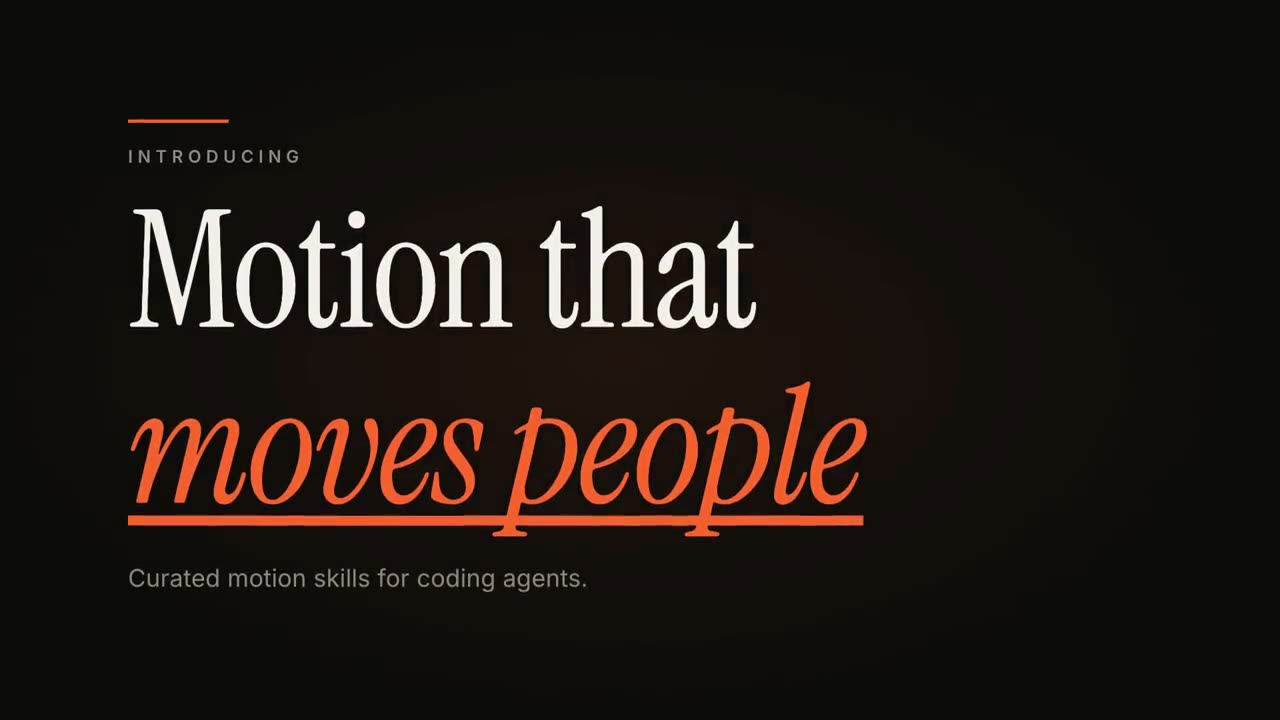
A short orange rule draws in from the left, then a small uppercase label fades in with wide letter spacing tightening. Below it, a two-line headline rises line by line from behind invisible masks with a fast expo ease: line one in an off-white editorial serif, line two in orange italic, which then gets an orange underline wiping in from left to right. A soft gray supporting line fades up word by word. End frame: the finished title, held with a slow upward drift and a faint warm glow moving behind the text.

Label: [e.g. "INTRODUCING"]
Headline: [two lines] (e.g. "Motion that" / "moves people")
Supporting line: [one short sentence]
引用卡
檢視 Skill →免費風格提示詞(Claude Motion 或 Opus 5.5)
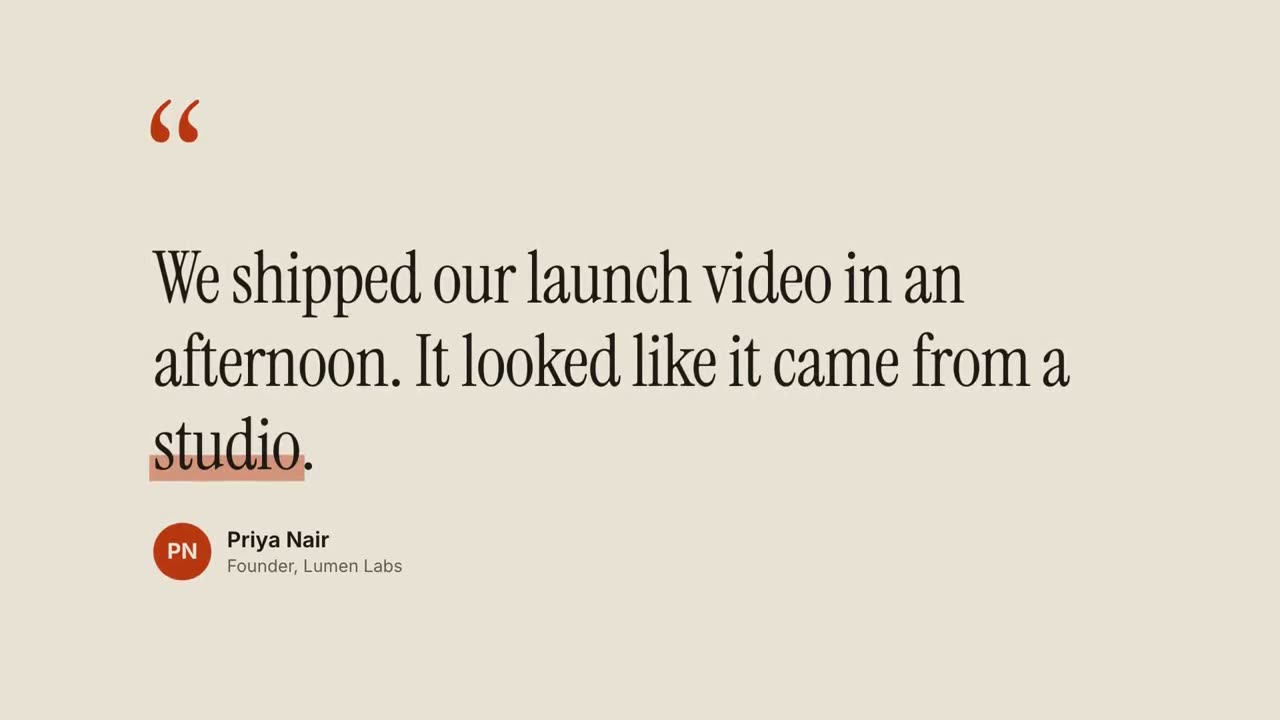
Make an 8-second 16:9 testimonial clip for [who will watch, e.g. founders comparing tools], playing [where, e.g. our pricing page or a LinkedIn post]. Use only the quote, name and title I give below; don't change a word. Warm sand-colored background.

Scene 1: large rust-colored serif quotation marks drop in at the top left. Scene 2: the quote appears word by word in a dark editorial serif, each word rising slightly out of a blur, then a translucent rust highlighter sweeps under the key word. End frame: an avatar circle with the initials, and the name and title slide in below, held for 2 seconds.

Quote: [your customer's quote] (e.g. "We shipped our launch video in an afternoon. It looked like it came from a studio.")
Key word: [e.g. "studio"]
Name and title: [name, role, company] (e.g. Priya Nair, Founder, Lumen Labs)
動態字幕
檢視 Skill →付費風格提示詞(Claude Motion 或 Opus 5.5)
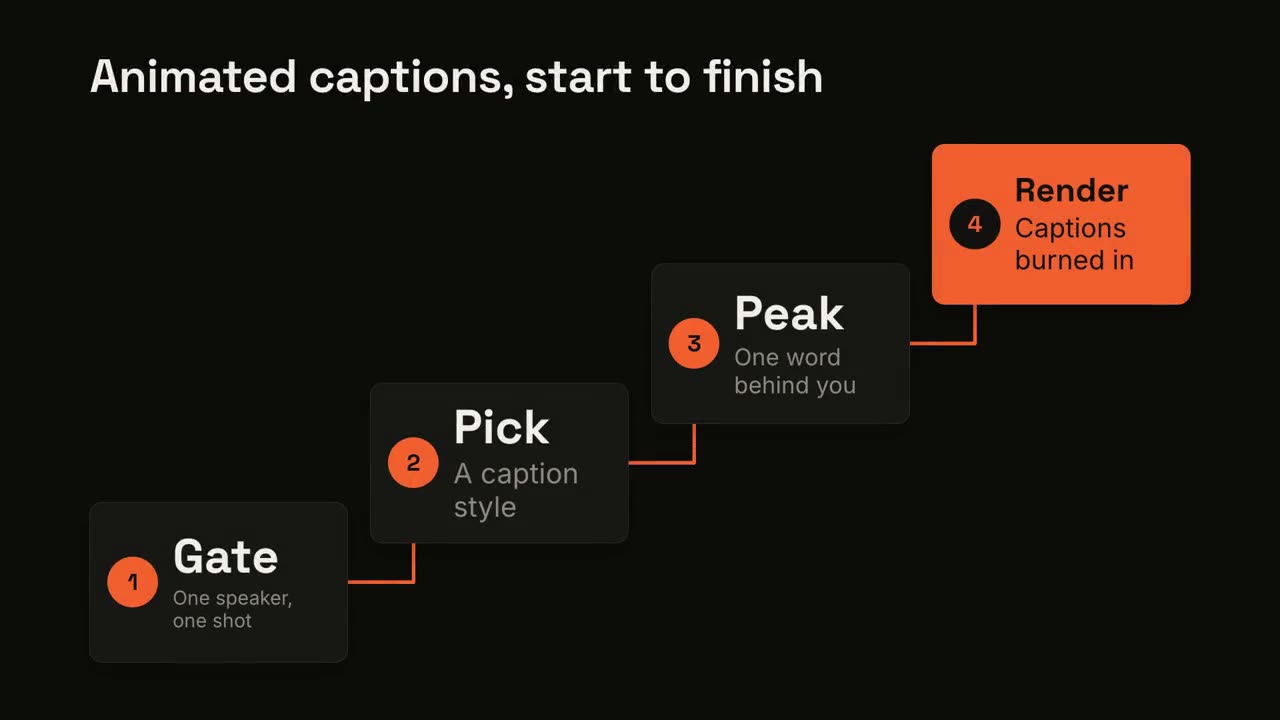
Add captions to the attached [length, e.g. 30-second] talking-head clip for [who will watch, e.g. LinkedIn followers], playing muted in the feed. Use only the speaker's exact words; don't paraphrase.

A clean white lower-third subtitle follows the speech word for word. When the speaker says the key phrase, its short form appears huge behind them, partly hidden by their shoulders, then fades. End frame: the last caption clears with the clip.

Attach: [your clip]
Key phrase and short form: [e.g. "ten times faster" → "10×"]
可單獨使用的場景
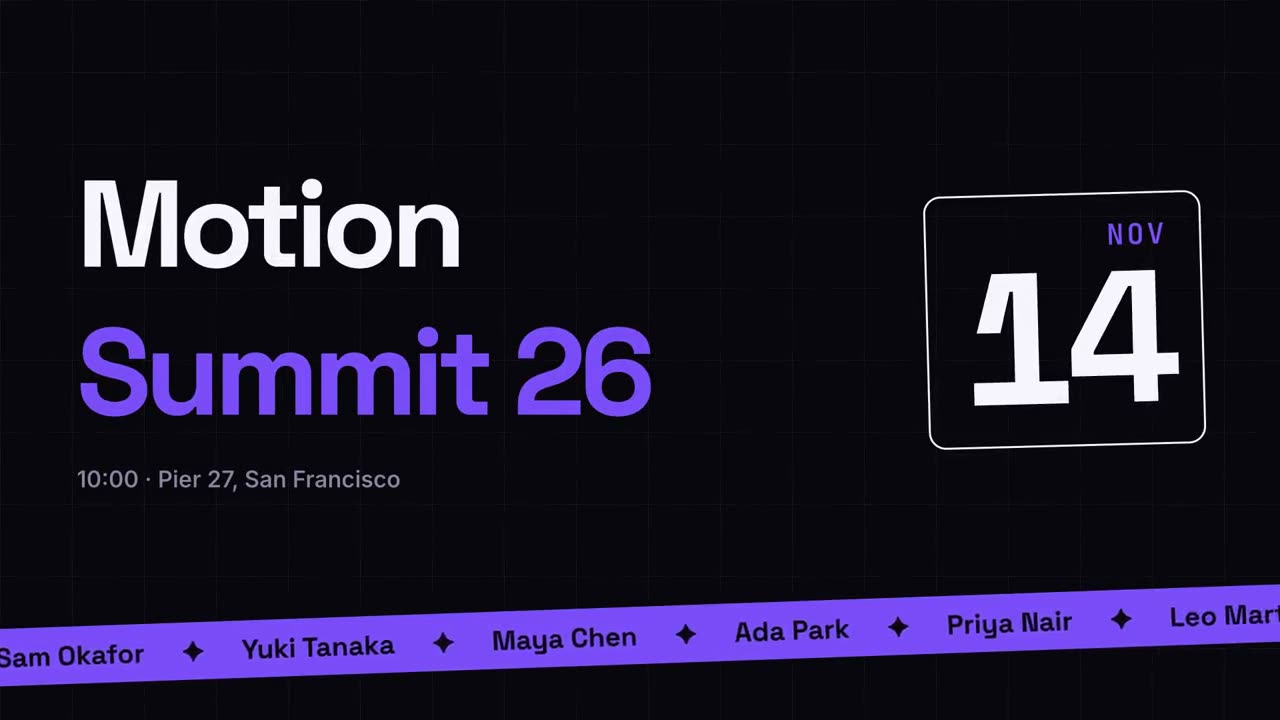
活動宣傳
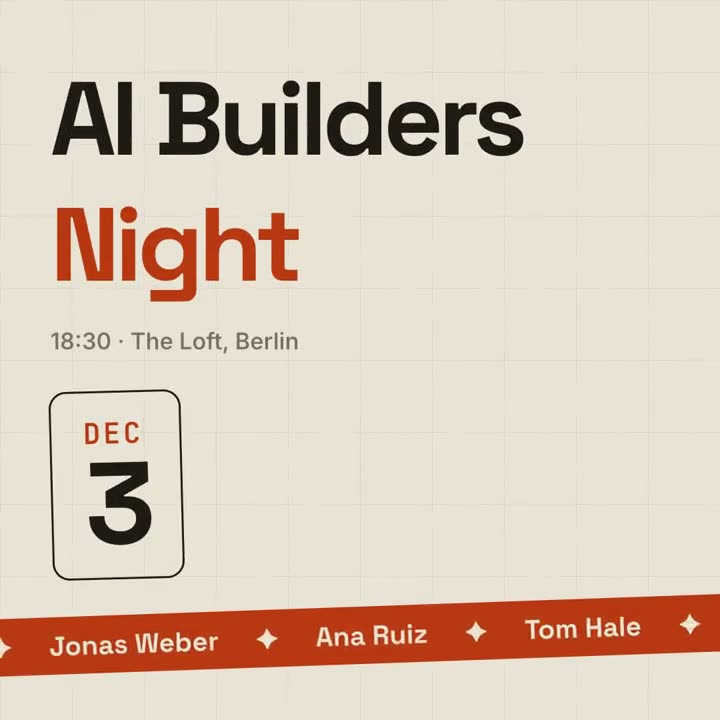
海報風活動預告,配演講嘉賓跑馬燈。
社群16:9 / 9:16 / 1:1
關鍵詞字幕
關鍵詞帶膠囊、底線或變色的設計感字幕。
講解16:9 / 9:16 / 1:1
重新定義
詞典式詞條:劃掉常見定義,寫上你的新定義。
講解16:9 / 9:16 / 1:1
動態文字標題
三種動效風格的雜誌感標題動畫。
文字16:9 / 9:16 / 1:1
引用卡
客戶評價和金句,逐詞浮現。
社群16:9 / 9:16 / 1:1
人名條 Lower Thirds
四種廣播風格的人名 / 頭銜條。
字幕16:9 / 9:16 / 1:1
社群貼文卡
自動打字並漲讚的社群貼文。
社群16:9 / 9:16 / 1:1
前後對比
帶滑動分隔線的前後對比。
社群16:9 / 9:16 / 1:1
倒計時
圓環倒計時 3-2-1,最後揭曉。
社群16:9 / 9:16 / 1:1
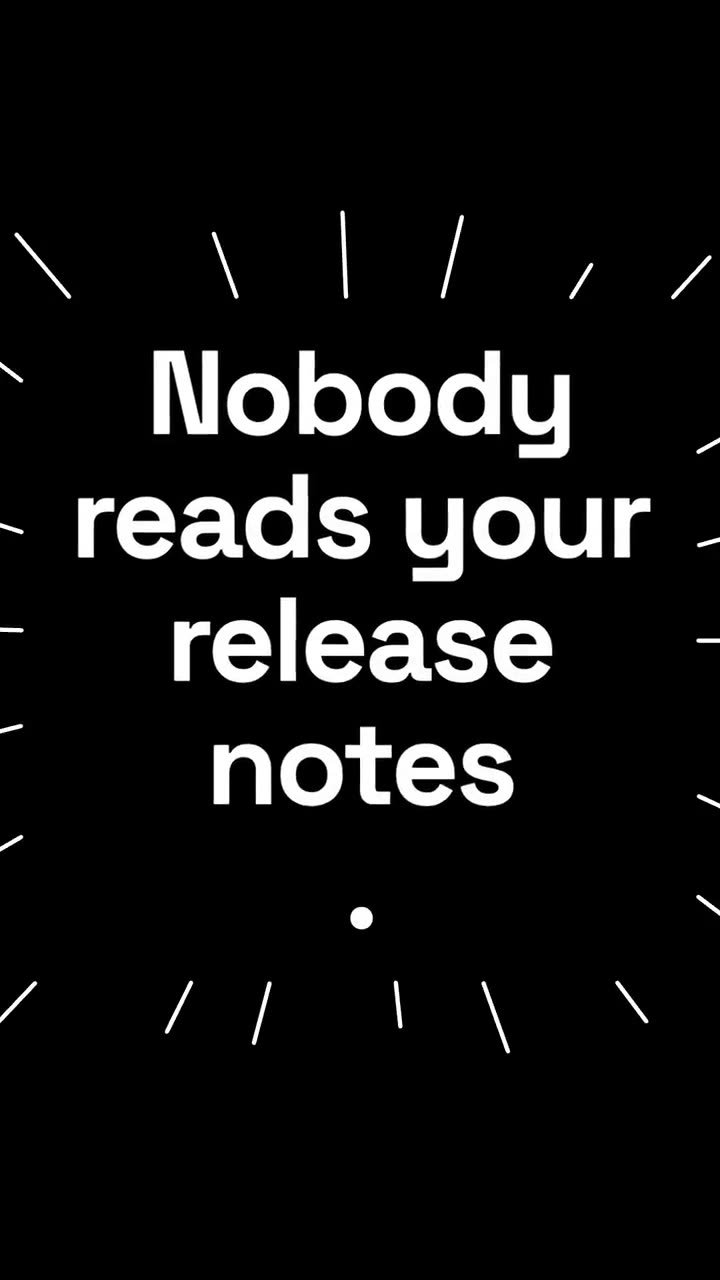
金句爆點
短句逐詞砸入,關鍵詞隨放射線爆開。
講解16:9 / 9:16 / 1:1
劃掉更正
劃掉句子中的一個短語,在上方寫上更正。
講解16:9 / 9:16 / 1:1
問題氣泡
觀眾的問題出現在對話氣泡裡,隨後給出答案。
講解16:9 / 9:16 / 1:1
歌詞影片
按時間軸出現的歌詞:卡拉 OK 填色、動感逐詞或逐行堆疊。
社群16:9 / 9:16 / 1:1