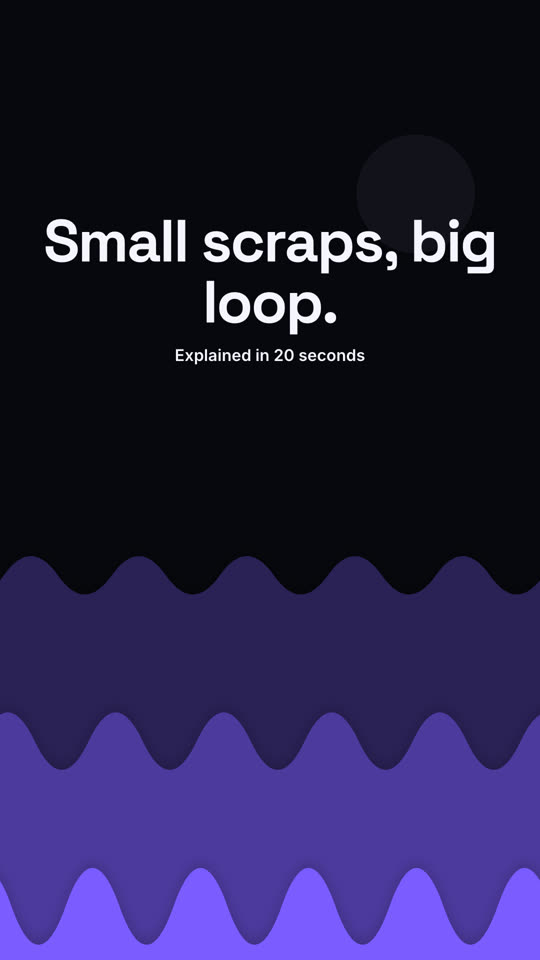
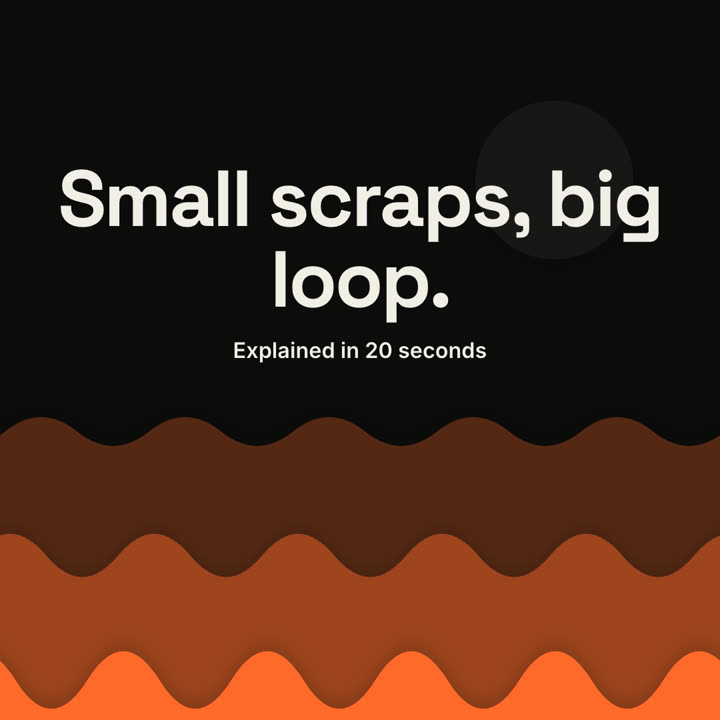
Claude Code、Codex、Cursor など Skill に対応したエージェントに貼り付けてください。
プロンプト例
Use the papercut-explainer skill: title "How vaccines train your body", steps "Show: A harmless preview of the germ | Learn: Your immune system practices | Remember: It's ready for the real thing", outro "Practice makes protected." Electric theme, 9:16.
スタイルプロンプト(Claude Motion または Opus 5.5)
Make a 20-second 16:9 cut-paper explainer for [who will watch, e.g. residents in our city], playing [where, e.g. the council website and Instagram]. Use only the title and three steps below; don't add facts. Warm sand background.

Scene 1: three wavy paper hills in shades of rust slide up from the bottom with soft shadows and drift slowly sideways, and a pale paper sun rises. Scene 2: a cream paper banner drops in, slightly tilted, with the title. Scene 3: three cream paper cards slide in from the right one at a time, each with a rust cut-paper badge (a circle "1", a triangle "2", a rotated square "3") and a step. End frame: the closing line and a small subtitle, held for 2 seconds.

Title: [e.g. "How compost feeds a city"]
Three steps: [e.g. "Collect — Kitchen scraps go in the green bin", "Break down", "Grow"]
Closing line: [e.g. "Small scraps, big loop."]