Claude Code、Codex、Cursor など Skill に対応したエージェントに貼り付けてください。
プロンプト例
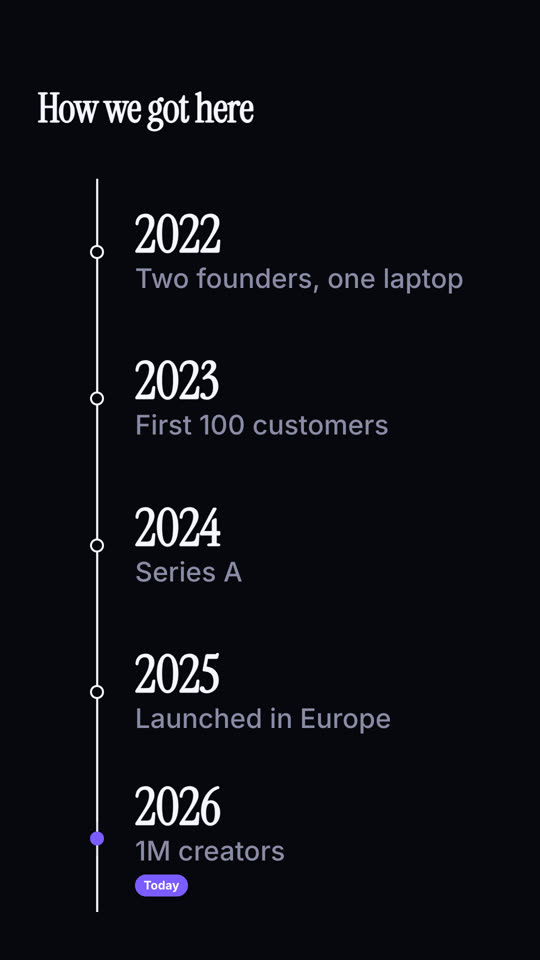
Use the milestone-timeline skill: title "Product history", milestones "v1: Text only | v2: Images | v3: Video | v4: Motion skills", now "Now". Ink theme, 9:16.
スタイルプロンプト(Claude Motion または Opus 5.5)
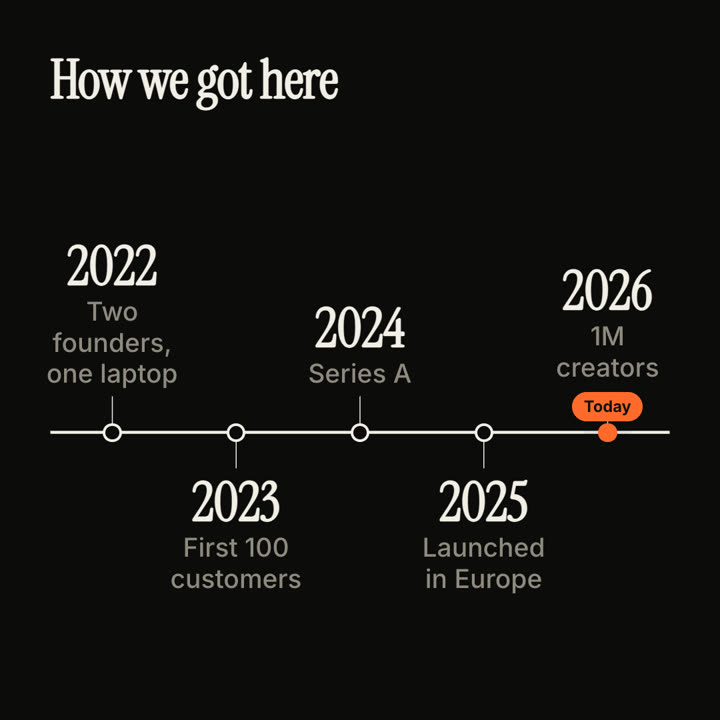
Make an 8-second 16:9 timeline for [who will watch, e.g. new hires and investors], playing [where, e.g. the about page and the onboarding deck]. Use only the years and milestones below; don't change a date. Sand background.

A serif title appears. A thin dark line draws from left to right. As it reaches each point, a hollow dot pops and a milestone appears, alternating above and below the line. End frame: the final milestone with an orange dot and a small orange "Today" pill that pulses.

Title: [e.g. "How we got here"]
Milestones: [year — one line each, 4 to 5] (e.g. "2022 — Two founders, one laptop" … "2026 — 1M creators")