Claude Code、Codex、Cursor など Skill に対応したエージェントに貼り付けてください。
プロンプト例
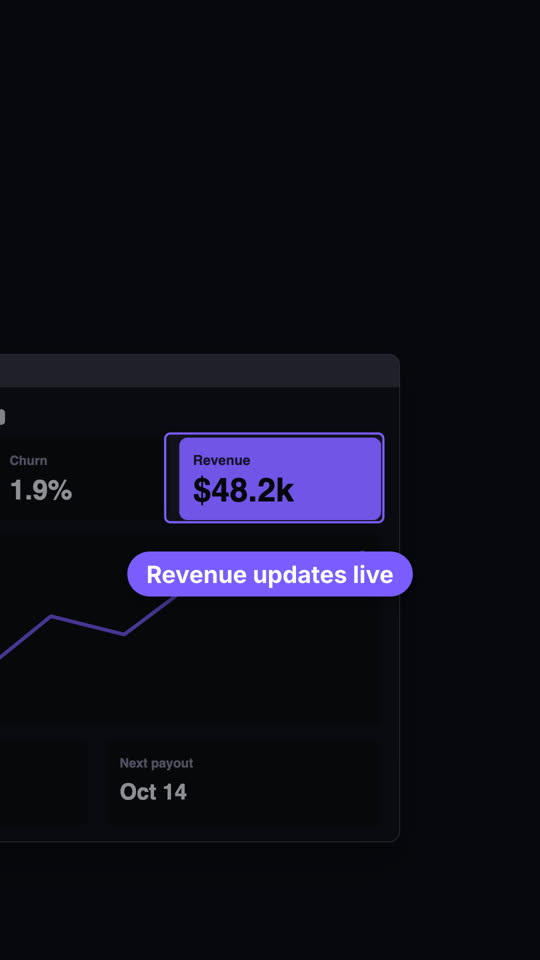
Use the screenshot-zoom skill with our screenshot assets/billing.png, url "app.ledgerly.io/billing", focus "0.05, 0.6, 0.4, 0.25", label "Invoices send themselves". Strong zoom, 9:16.
スタイルプロンプト(Claude Motion または Opus 5.5)
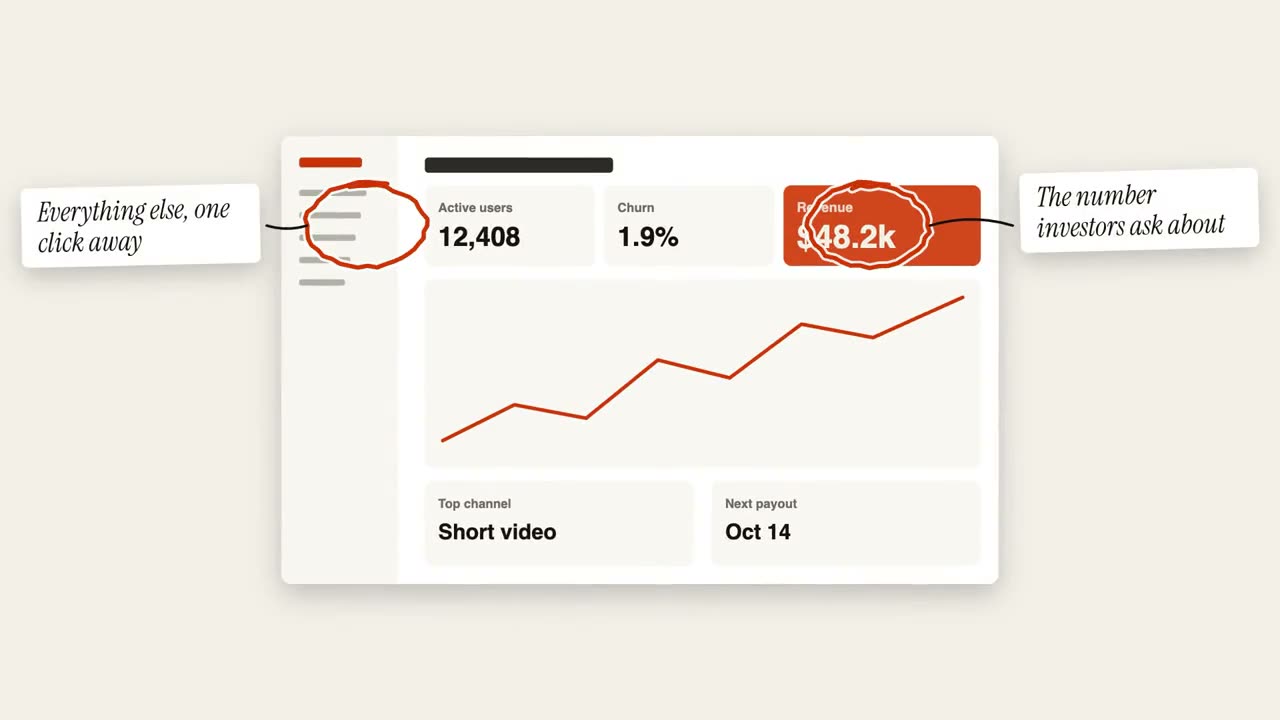
Make a 7-second 16:9 product scene for [who will watch, e.g. prospects], playing [where, e.g. the feature page]. Use only the screenshot and caption I give. Off-white background.

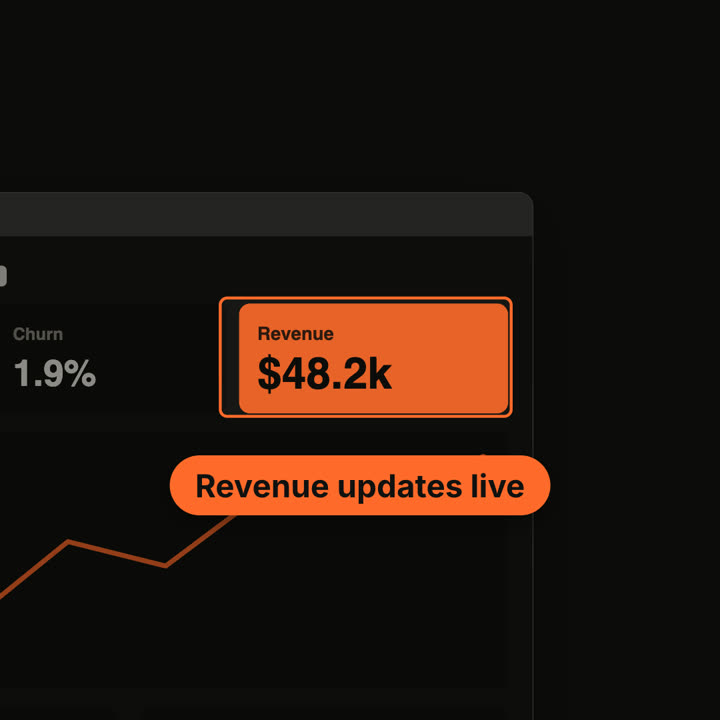
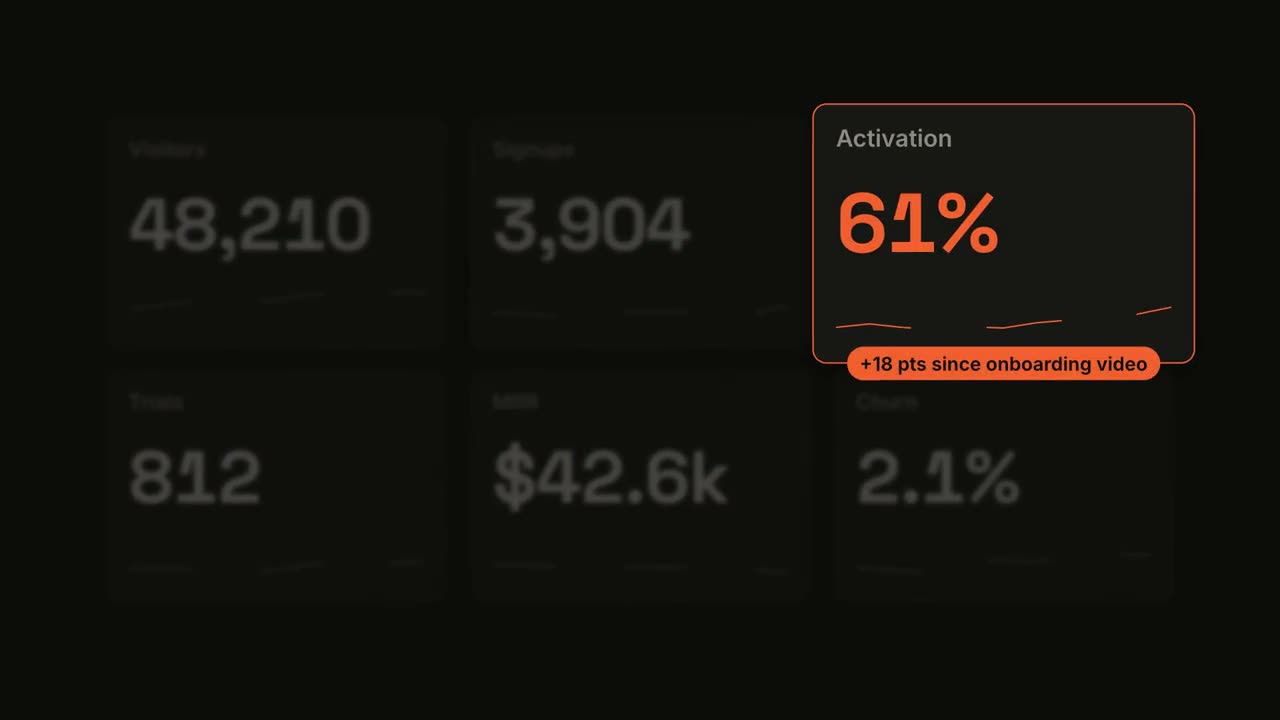
A browser window with the screenshot settles in with a soft shadow. After a beat, the camera pushes smoothly into the detail I name. The rest of the screenshot dims under a dark overlay while the detail gets an orange outline, and an orange pill caption pops in just below it. End frame: the camera keeps drifting in very slightly.

Attach: [a screenshot of your product]
Detail to zoom into: [e.g. the top-right revenue card "$48.2k"]
Caption: [e.g. "Revenue updates live"]