Motion Skills
← Skills
Premium解説

キーワード字幕

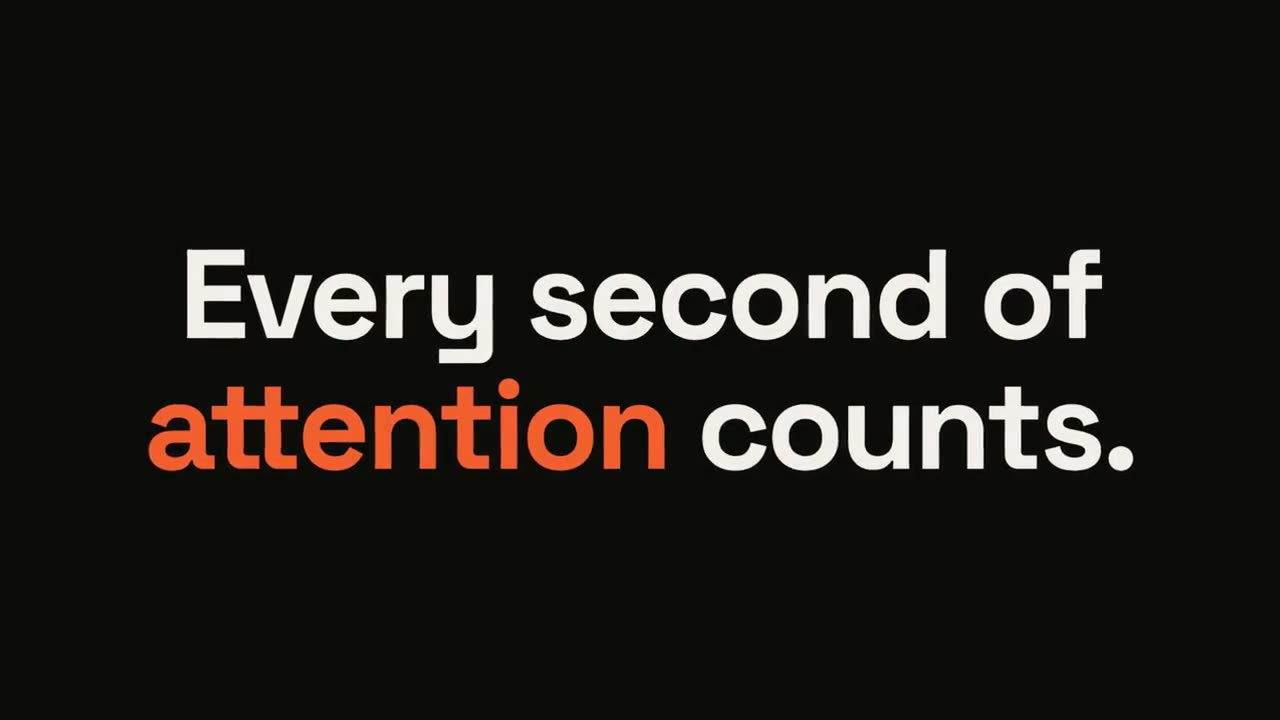
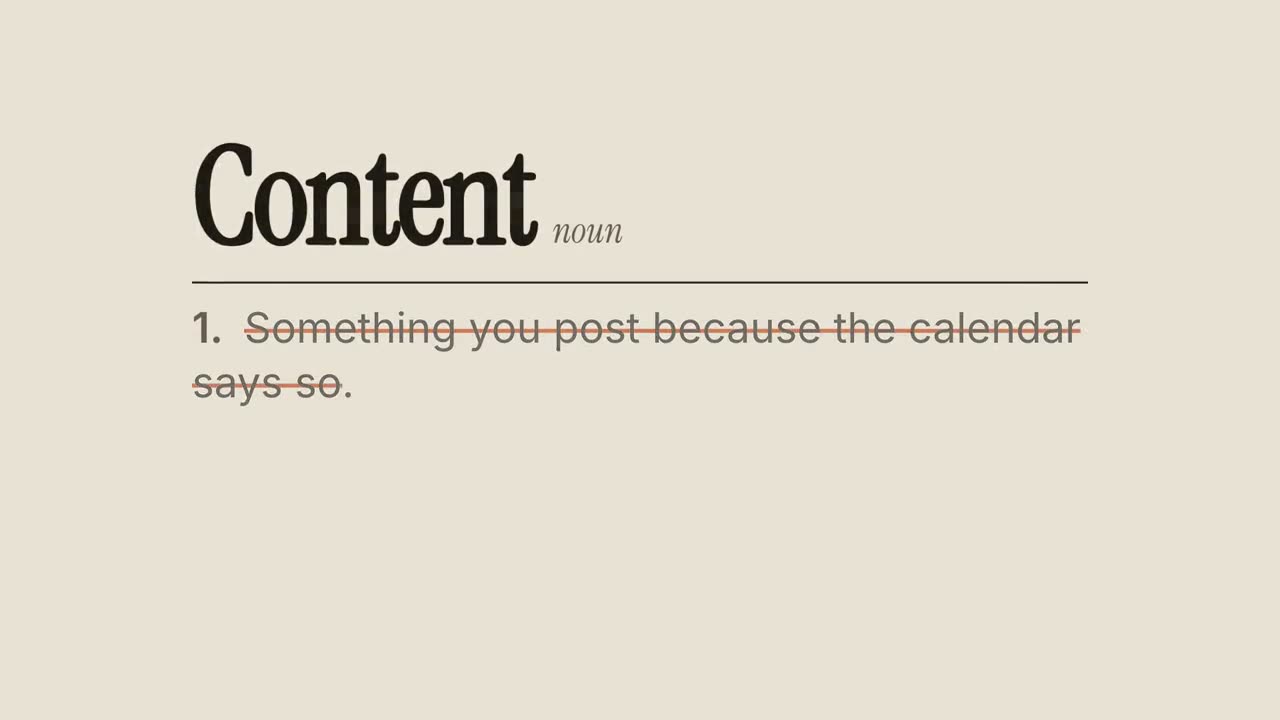
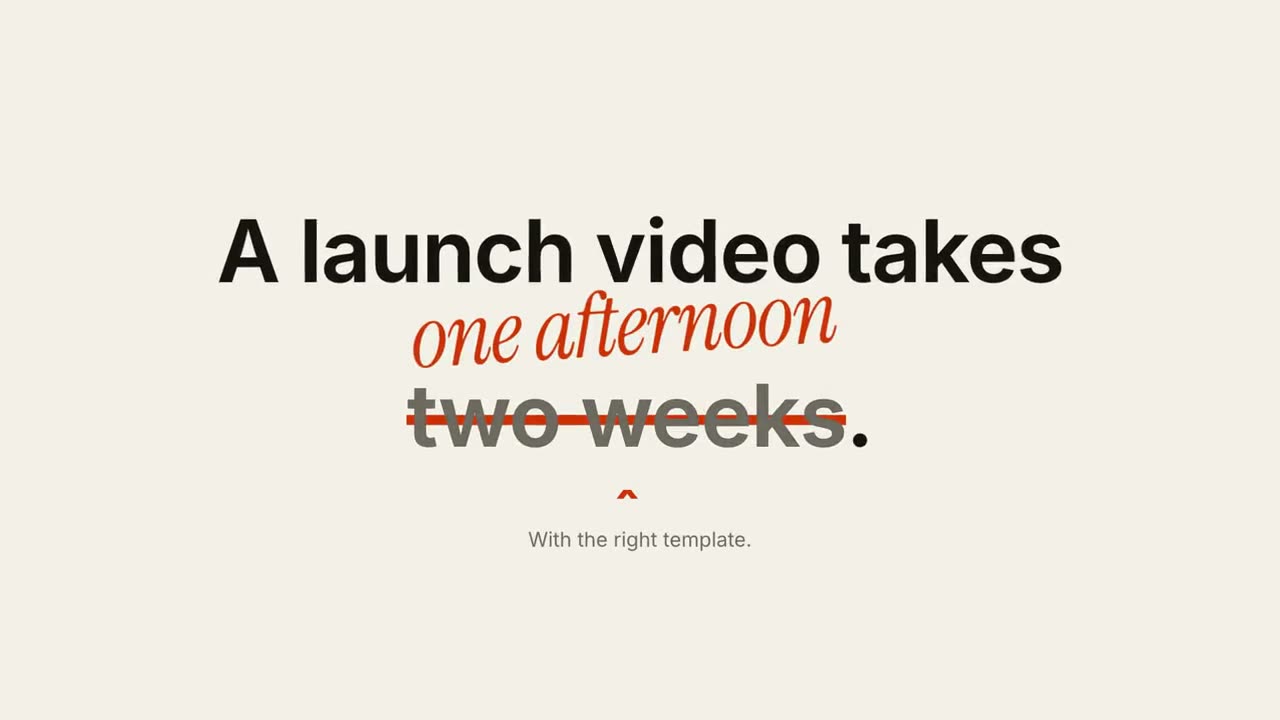
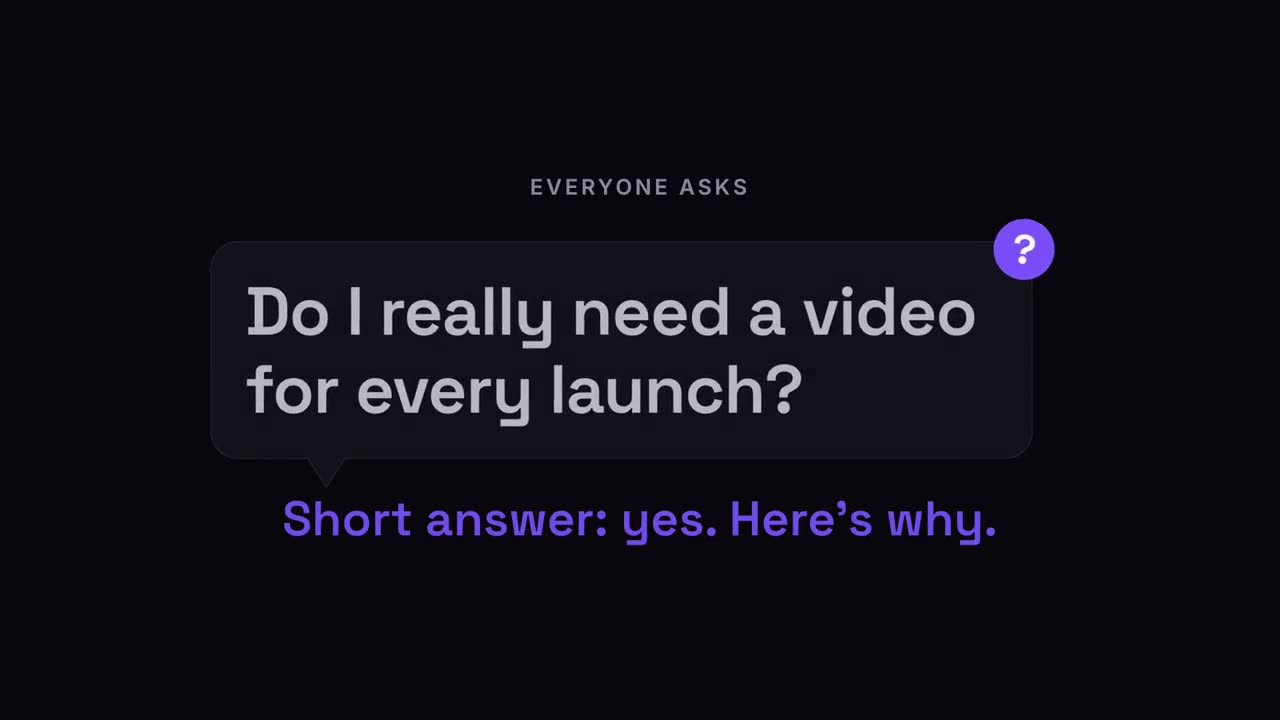
キーワードにピル、下線、色が付くデザイン字幕。

Claude Code、Codex、Cursor など Skill に対応したエージェントに貼り付けてください。

必要なもの: Node.js 22+、FFmpeg、Chrome。API キー不要。

ほかのテーマと画面比率

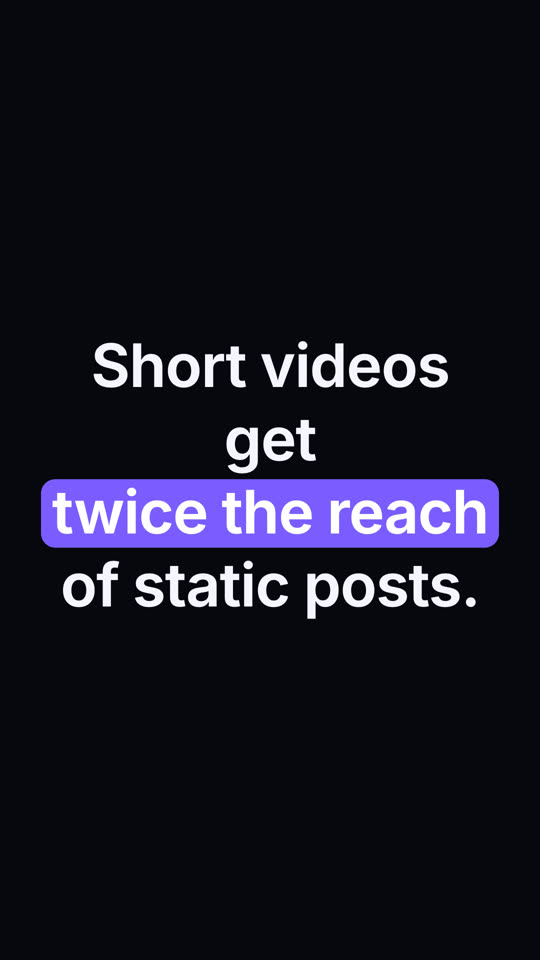
キーワード字幕 · エレクトリック · 9:16
テーマ: エレクトリック · 9:16
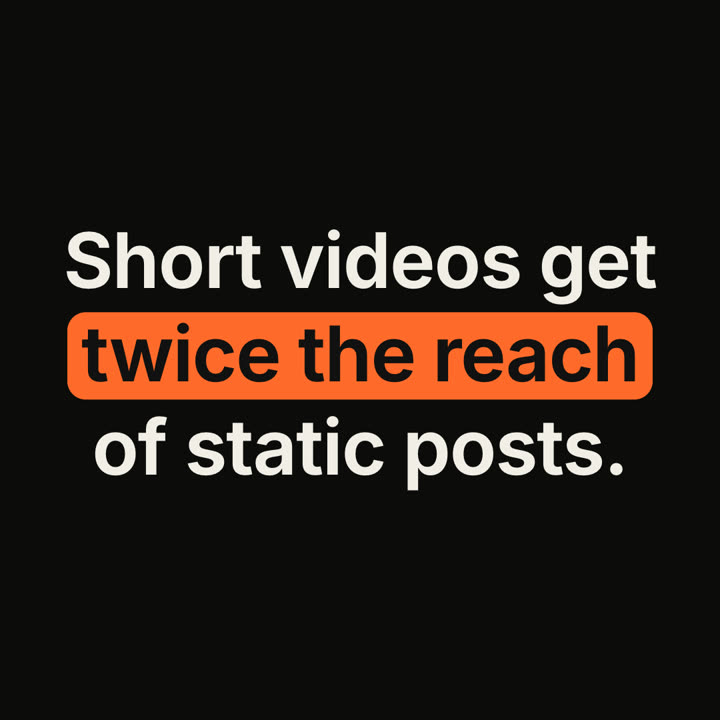
キーワード字幕 · インク · 1:1
テーマ: インク · 1:1

同じテンプレートをテーマと画面比率を変えてレンダリングした最終フレームです。

5つのテーマ

  • インク
    ink
  • ペーパー · デフォルト
    paper
  • エレクトリック
    electric
  • ノワール
    noir
  • サンド
    sand

プロンプトでテーマ名を指定するだけで切り替わります。アクセント色・背景色・文字色を自分で指定することもできます。

インストール用プロンプト
https://claude-motion.com/skills/keyword-caption/install.md を読んで手順どおりに「keyword-caption」スキルをインストールし、それを使って最初の動画を作ってください。

Claude Code、Codex、Cursor など Skill に対応したエージェントに貼り付けてください。

プロンプト例
Use the keyword-caption skill: "Teams that *document decisions* ship *30% faster*." Underline style, lower third, ink theme.
スタイルプロンプト(Claude Motion または Opus 5.5)
Make a 6-second 16:9 caption for [who will watch, e.g. marketers on LinkedIn], playing muted in the feed. Use only the sentence below; don't change a word. Warm off-white background, bold sans, centered.

The sentence rises word by word. Then a rounded rust-orange pill wipes in from left to right behind the key phrase and those words turn white. End frame: hold, 2 seconds.

Sentence: [e.g. "Short videos get twice the reach of static posts."]
Key phrase: [e.g. "twice the reach"]
インストール不要:Claude Motion(Team または Enterprise)に貼り付けるか、Opus 5.5 に渡すと近い雰囲気になります。結果は実行ごとに変わります。Skill なら毎回同じ結果です。

このシリーズの他の Skill

タイポグラフィ →