Claude Code、Codex、Cursor など Skill に対応したエージェントに貼り付けてください。
プロンプト例
Use the ratio-bar skill: title "Our traffic", parts "Search: 52 | Social: 31 | Referral: 17", focus "Social", note "Up 3x since we started posting video." Ink theme.
スタイルプロンプト(Claude Motion または Opus 5.5)
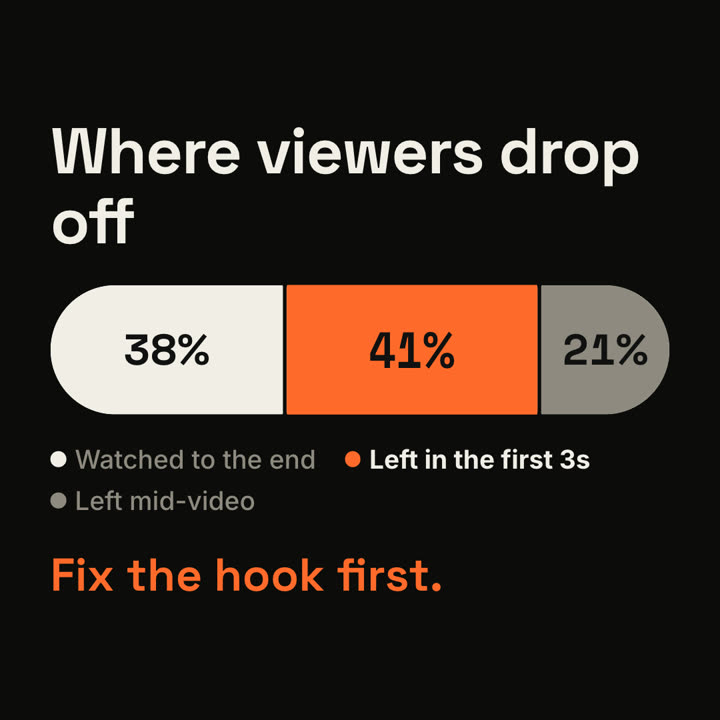
Make a 7-second 16:9 scene for [who will watch, e.g. the video team], playing [where, e.g. the monthly retro]. Use only the three shares below; they must add up to 100%. Off-white background.

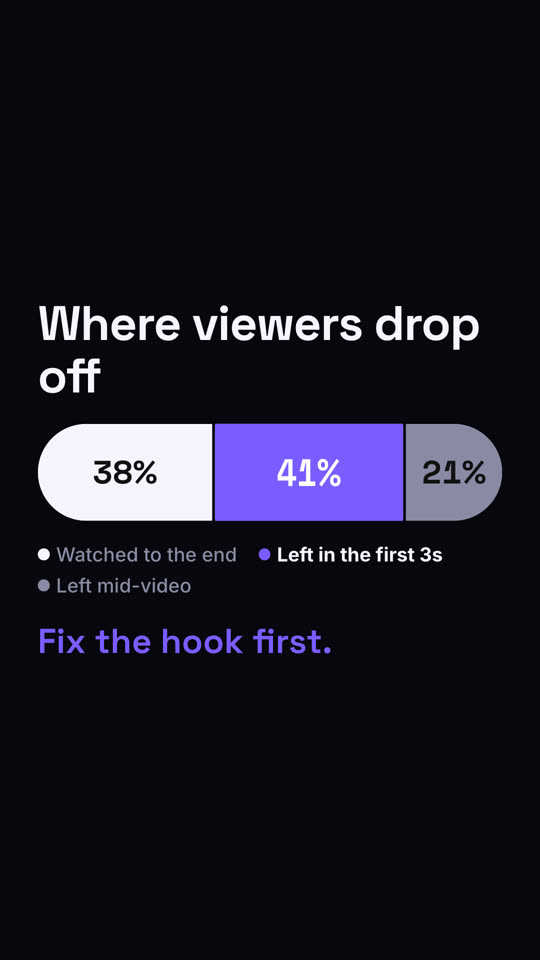
The title appears. Below, a thick rounded bar wipes in from the left and splits into three segments (black, rust orange, gray) with the numbers counting up, and a legend lists what each one means. Then the highlighted segment swells slightly and the other legend items fade to gray. End frame: the takeaway appears in orange below.

Title: [e.g. "Where viewers drop off"]
Three segments: [e.g. "Watched to the end" 38%, "Left in the first 3s" 41%, "Left mid-video" 21%]
Highlight and takeaway: [e.g. the 41% segment, "Fix the hook first."]