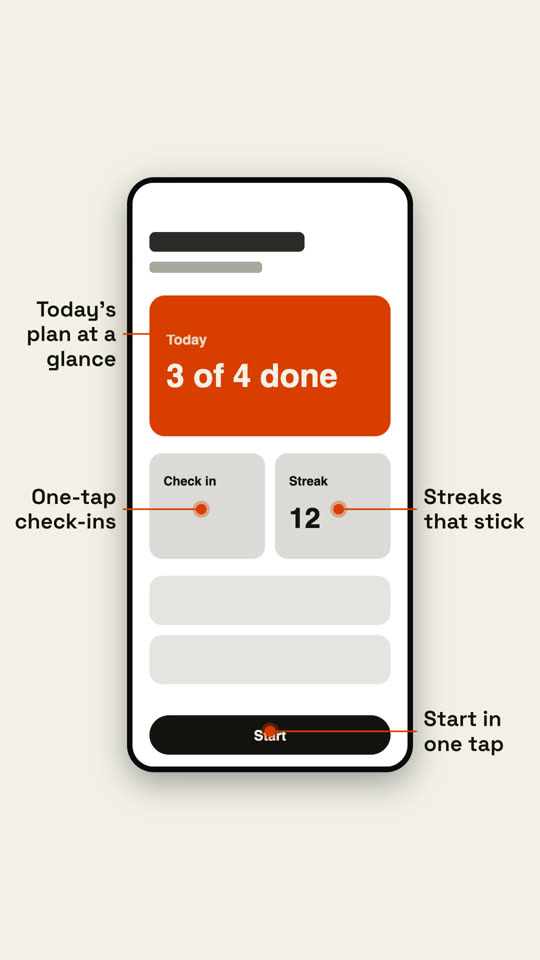
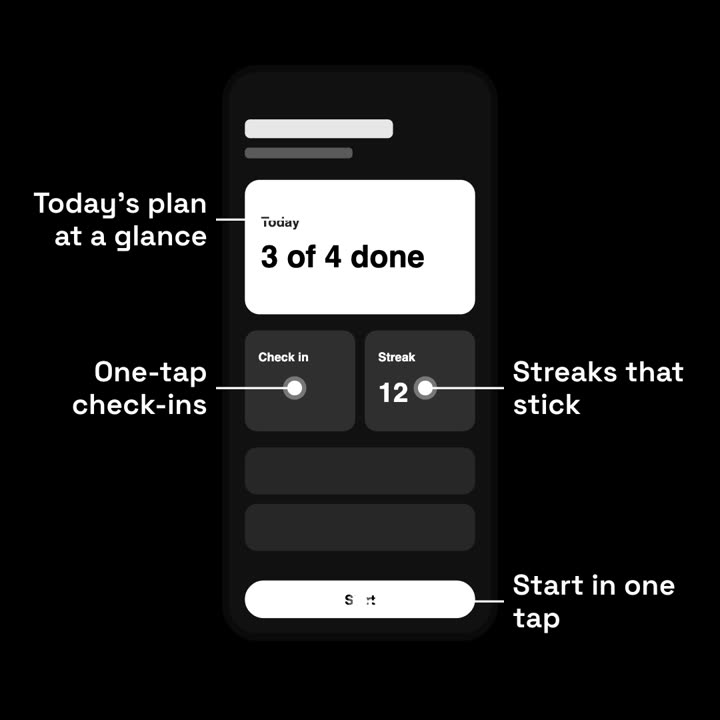
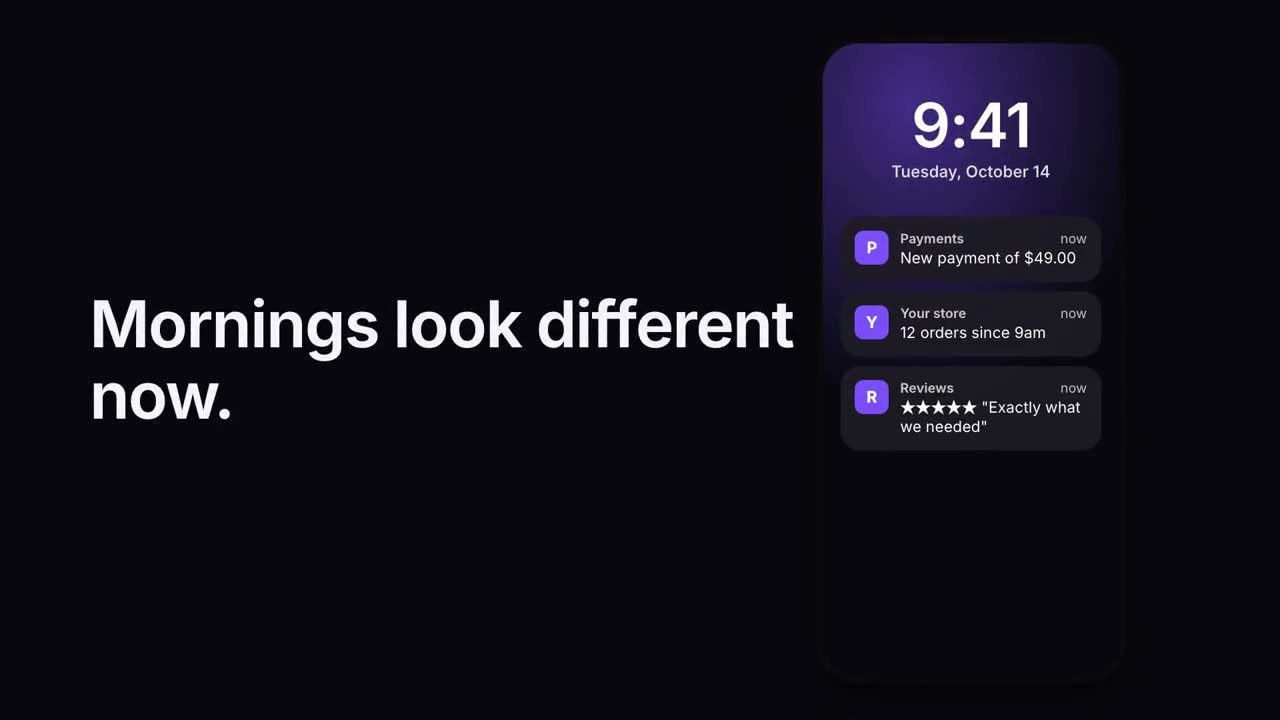
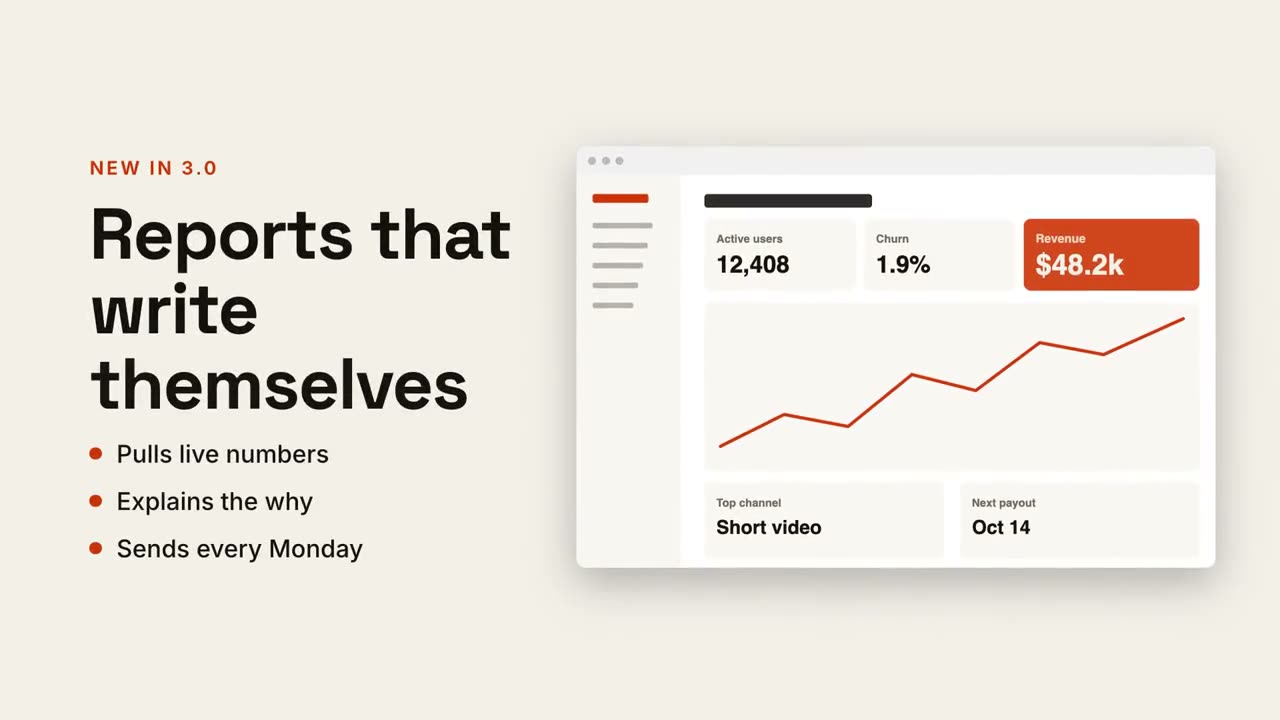
Claude Code、Codex、Cursor など Skill に対応したエージェントに貼り付けてください。
プロンプト例
Use the phone-callouts skill with assets/app-home.png and callouts "0.5, 0.2: Your balance, live | 0.3, 0.7: Send in two taps | 0.7, 0.7: Split with friends". Paper theme, 1:1.
スタイルプロンプト(Claude Motion または Opus 5.5)
Make a 7-second 16:9 app scene for [who will watch, e.g. new users], playing [where, e.g. the app's landing page]. Use only the screenshot and four labels I give. Deep navy background.

A black phone showing the screenshot rises into the center with a slight rotation that settles. One at a time, small violet dots appear on parts of the screen and thin violet lines draw out to white labels on the left and right. End frame: the phone floats gently with all four labels showing.

Attach: [a phone screenshot of your app]
Four labels and what each points at: [e.g. "Today's plan at a glance", "One-tap check-ins", "Streaks that stick", "Start in one tap"]