Claude Code、Codex、Cursor など Skill に対応したエージェントに貼り付けてください。
プロンプト例
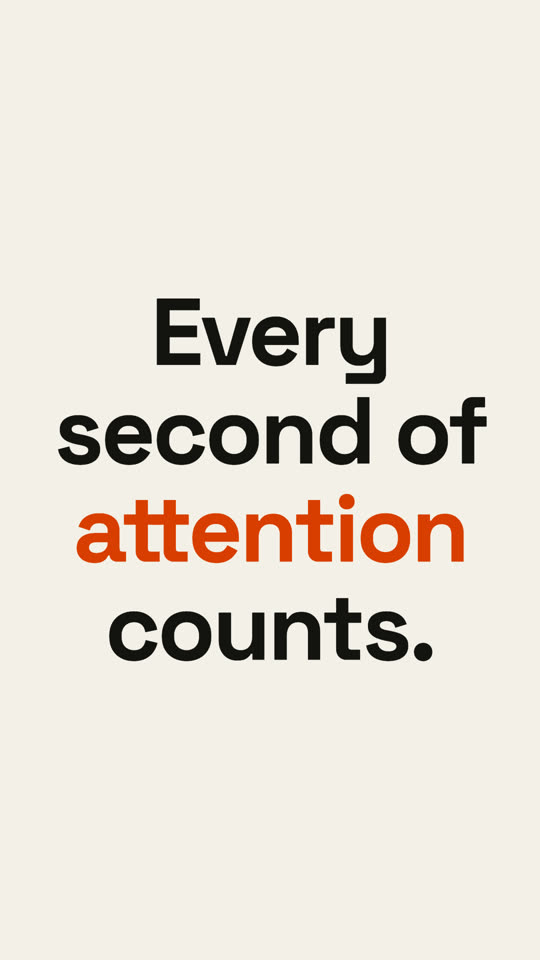
Use the statement-burst skill: "Nobody reads. *Everybody* watches." Calm pace, paper theme, 9:16.
スタイルプロンプト(Claude Motion または Opus 5.5)
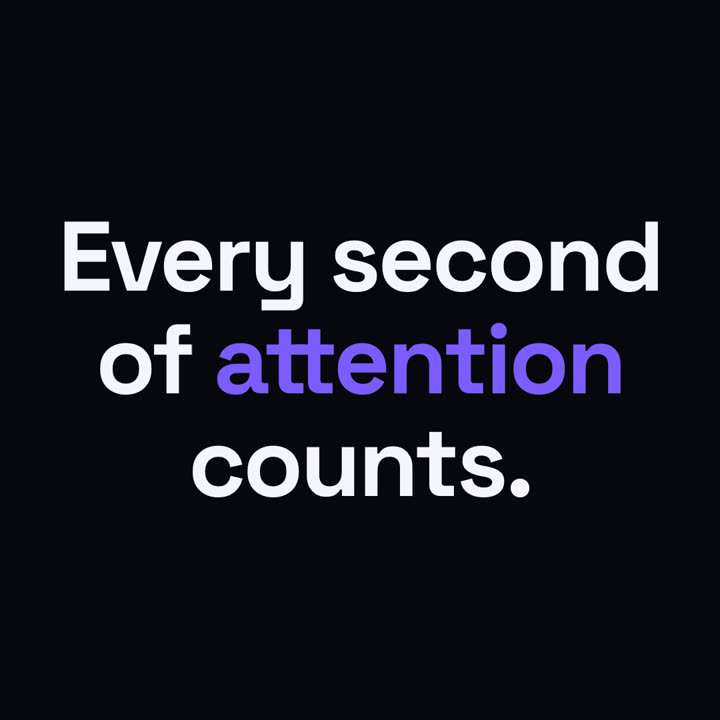
Make a 6-second 16:9 kinetic statement for [who will watch, e.g. followers on LinkedIn], playing muted in the feed. Use only the sentence below; don't change a word. Near-black background, bold geometric sans, centered.

The words punch in one at a time from a slight blur and larger scale. When the last word lands, the key word flips to orange and short orange rays burst outward around the whole statement and retract. End frame: the text slowly scales up by a few percent and holds.

Statement: [your line] (e.g. "Every second of attention counts.")
Key word: [e.g. "attention"]