Claude Code、Codex、Cursor など Skill に対応したエージェントに貼り付けてください。
プロンプト例
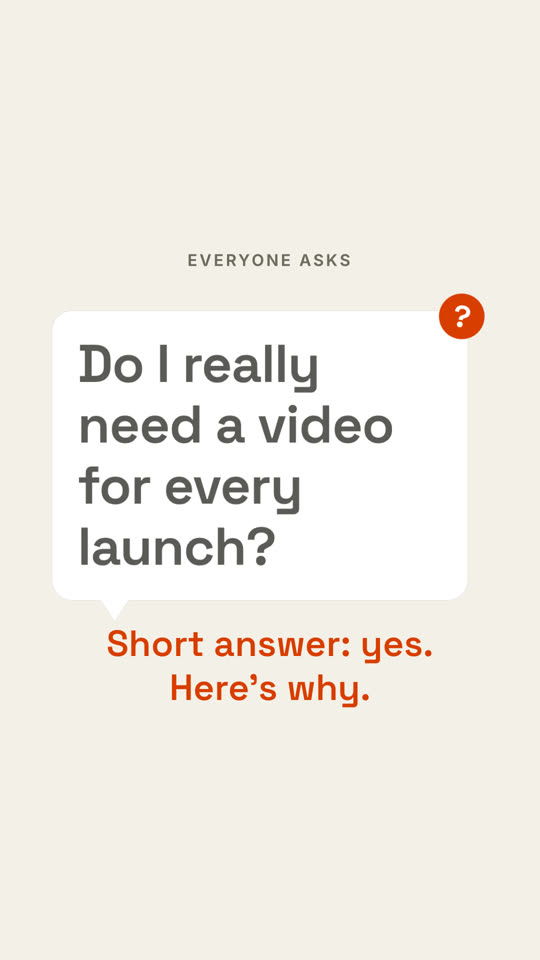
Use the question-pop skill: asker "Founders ask", question "When should we hire our first designer?", answer "Earlier than you think." Sand theme, 9:16.
スタイルプロンプト(Claude Motion または Opus 5.5)
Make a 7-second 16:9 scene for [who will watch, e.g. our followers], playing [where, e.g. the start of a FAQ video]. Use only the label, question and answer line below. Deep navy background.

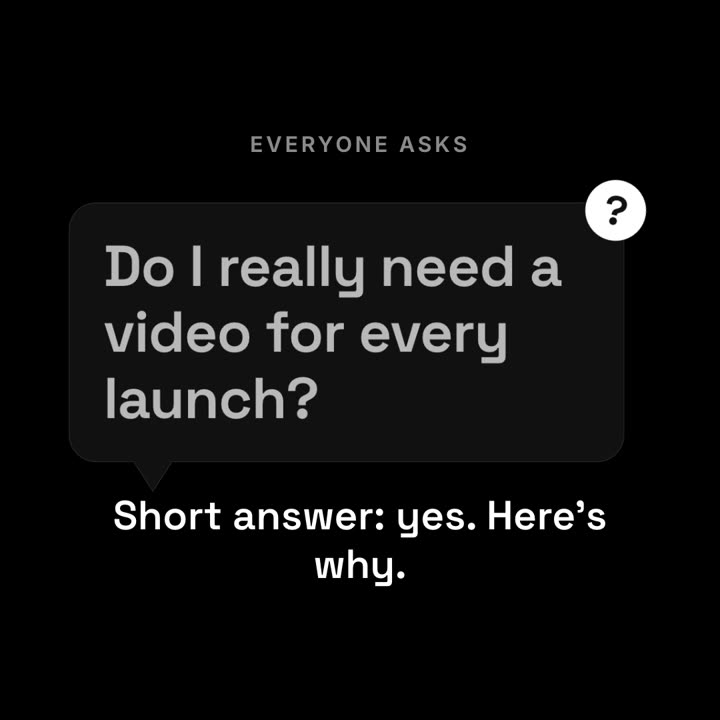
A small gray uppercase label appears, then a dark rounded speech bubble with a tail springs in from its lower left. Inside, the question appears word by word in white. A violet circular badge with a question mark pops onto the bubble's top-right corner and wobbles. End frame: the bubble shrinks slightly and dims while the answer line rises below in violet.

Label: [e.g. "EVERYONE ASKS"]
Question: [e.g. "Do I really need a video for every launch?"]
Answer line: [e.g. "Short answer: yes. Here's why."]