Claude Code、Codex、Cursor など Skill に対応したエージェントに貼り付けてください。
プロンプト例
Use the before-after skill with assets/old.png and assets/new.png, title "Checkout, rebuilt", labels "v1" and "v2". 16:9.
スタイルプロンプト(Claude Motion または Opus 5.5)
Make an 8-second 16:9 before-and-after comparison for [who will watch, e.g. customers], playing [where, e.g. the redesign announcement]. Use only the two screenshots and the title I give. Dark background.

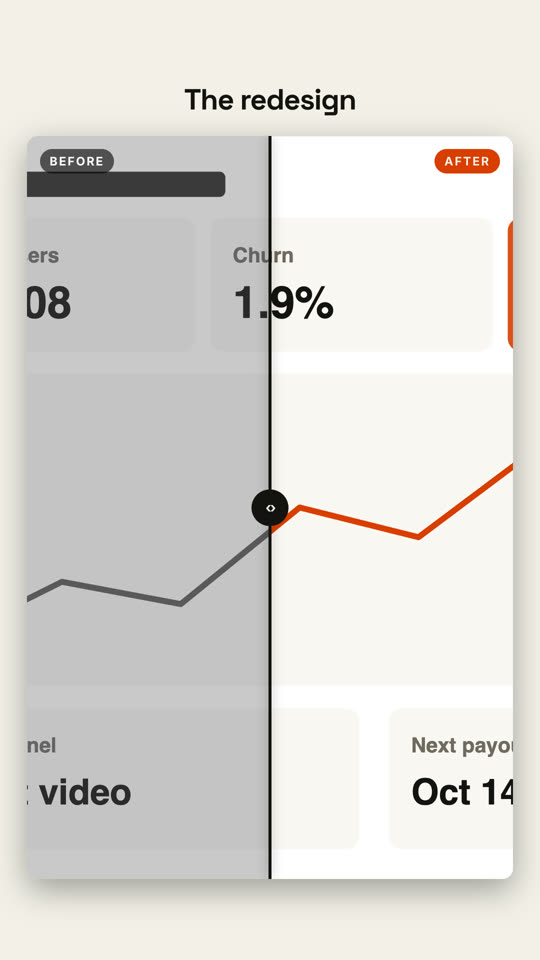
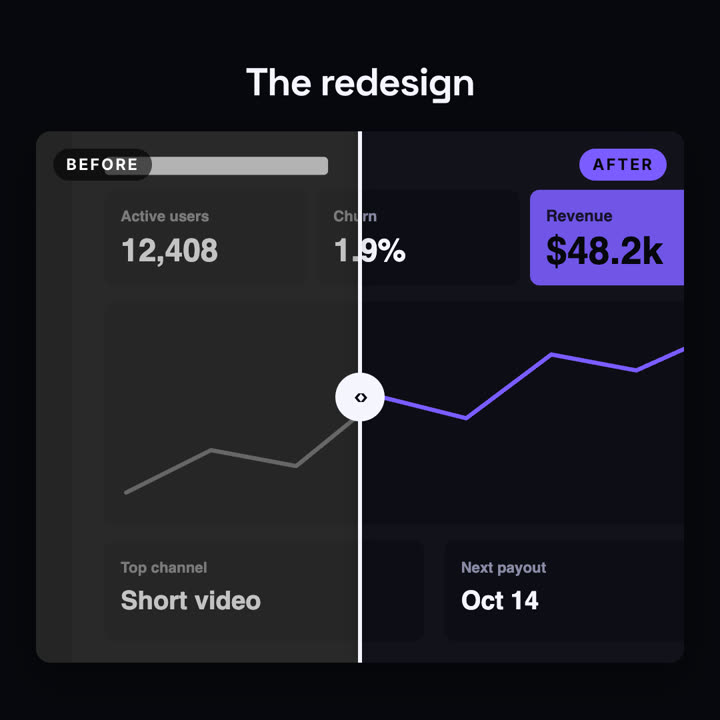
The title fades in above a large rounded frame showing the before screenshot in grayscale, labeled "BEFORE". A white vertical divider with a round handle sweeps from right to left, revealing the after screenshot in full color with an orange "AFTER" tag. End frame: the divider swings back to about three quarters and settles in the middle.

Title: [e.g. "The redesign"]
Attach: [a before screenshot and an after screenshot, same size]