Motion Launch
エージェントが作るローンチ動画
製品ローンチ、新機能、リリースノート、ブランドのジングル。エージェントがプロジェクトやサイトを読み、製品の画面を再現して、16:9・9:16・1:1 の短い動画に仕上げます。
23 本の Skill · 無料 2 本
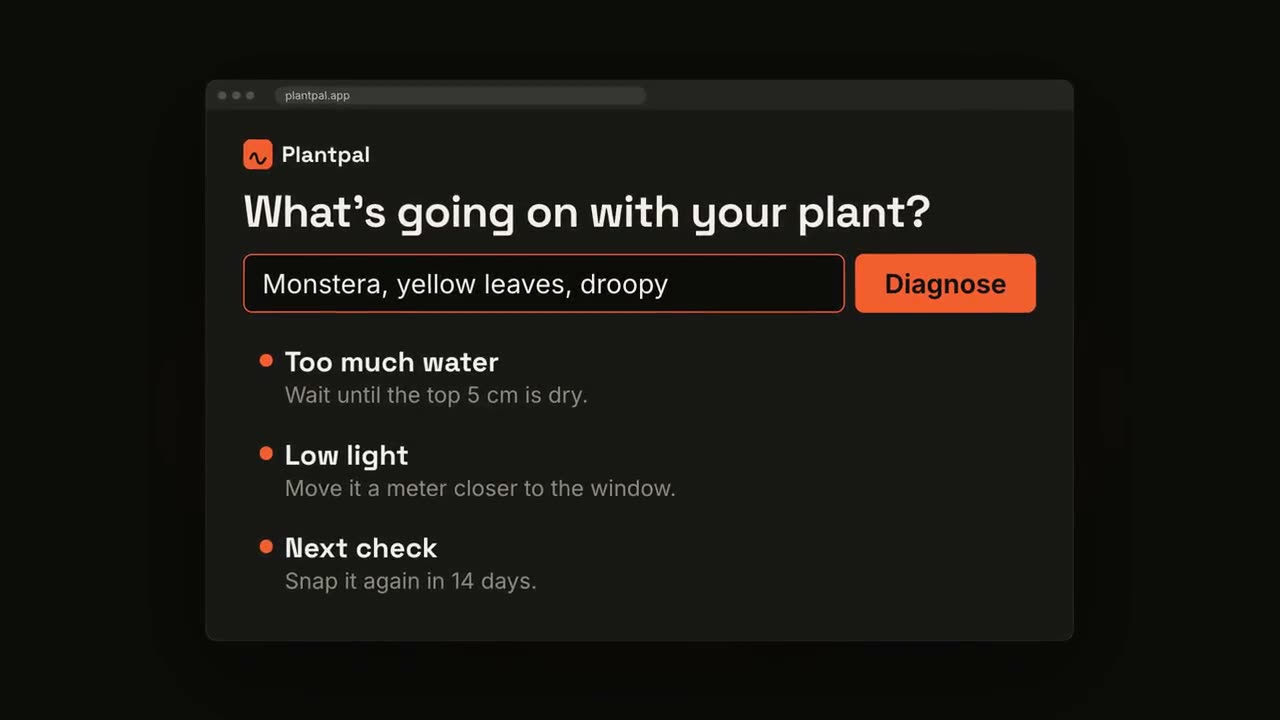
動画を最後まで仕上げるワークフロー
素材をエージェントに渡すと、ショットを組み、絵コンテを見せ、音楽つきの MP4 をレンダリングします。下のショットは単体でも使えます。
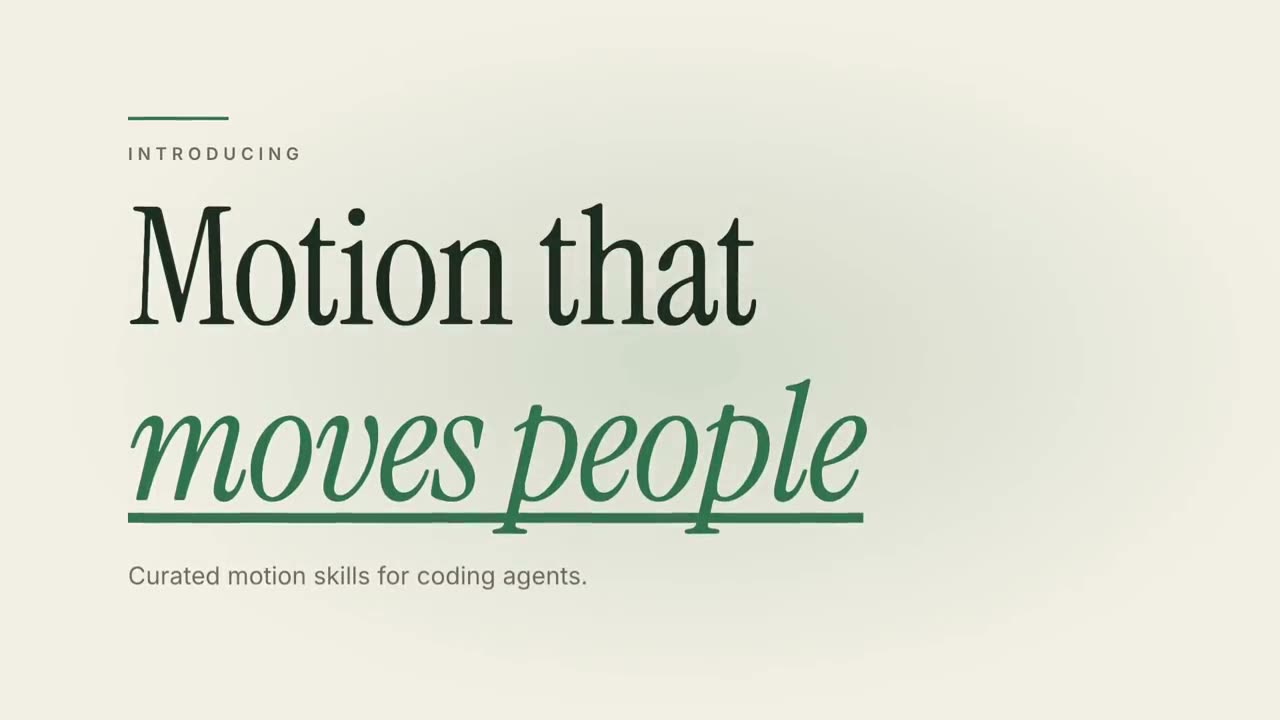
迷ったら、無料の Motion Director から
一文を入れると、まず絵コンテ、次に MP4。3 つのラインからショットを選び、ここのワークフローの方が向いているときは絵コンテの段階で教えてくれます。
Claude Motion をお持ちなら、プロンプトをコピー
Claude Team と Enterprise 向け。各プロンプトは、Claude Code・Codex・Cursor で同じ種類の動画を作れる Skill にリンクしています。
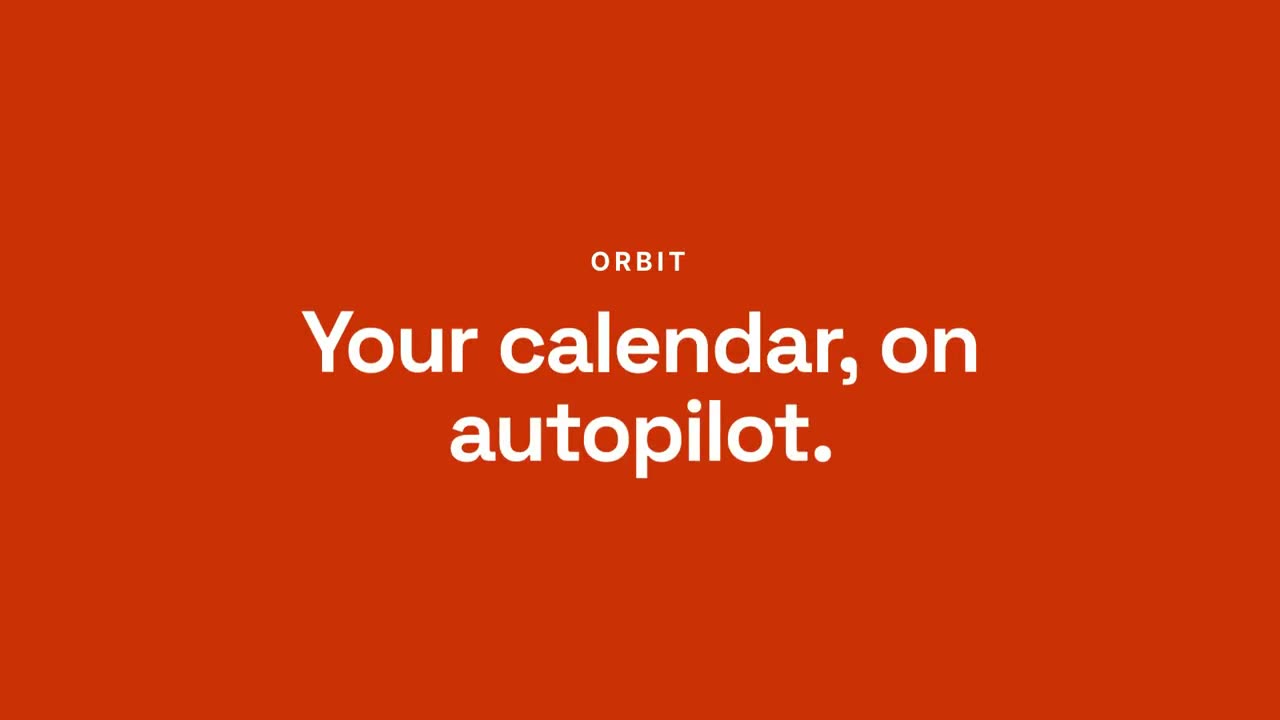
チャットから成果へ・ローンチ
Skill を開く →PremiumMake a 20-second 16:9 launch video for [who will watch, e.g. busy managers], playing [where, e.g. our homepage and LinkedIn]. Use only the product name, chat lines and features below; don't change a word. Off-white background. Scene 1: a clean white chat window appears and the user's request types into the input, then is sent. A small orange avatar shows typing dots, then replies. Scene 2: the reply expands into a full orange frame with the product name and the headline rising word by word. Scene 3: three white feature cards follow. End frame: the product name with an orange call-to-action button and the URL, held for 2 seconds. Product: [e.g. Orbit] Request and reply: [e.g. "Plan my week around three deep-work blocks." → "Done. Meetings moved, focus time locked in."] Headline: [e.g. "Your calendar, on autopilot."] Three features: [e.g. Smart slots, Focus guard, Daily recap] Call to action and URL: [e.g. "Try Orbit free", orbit.app]
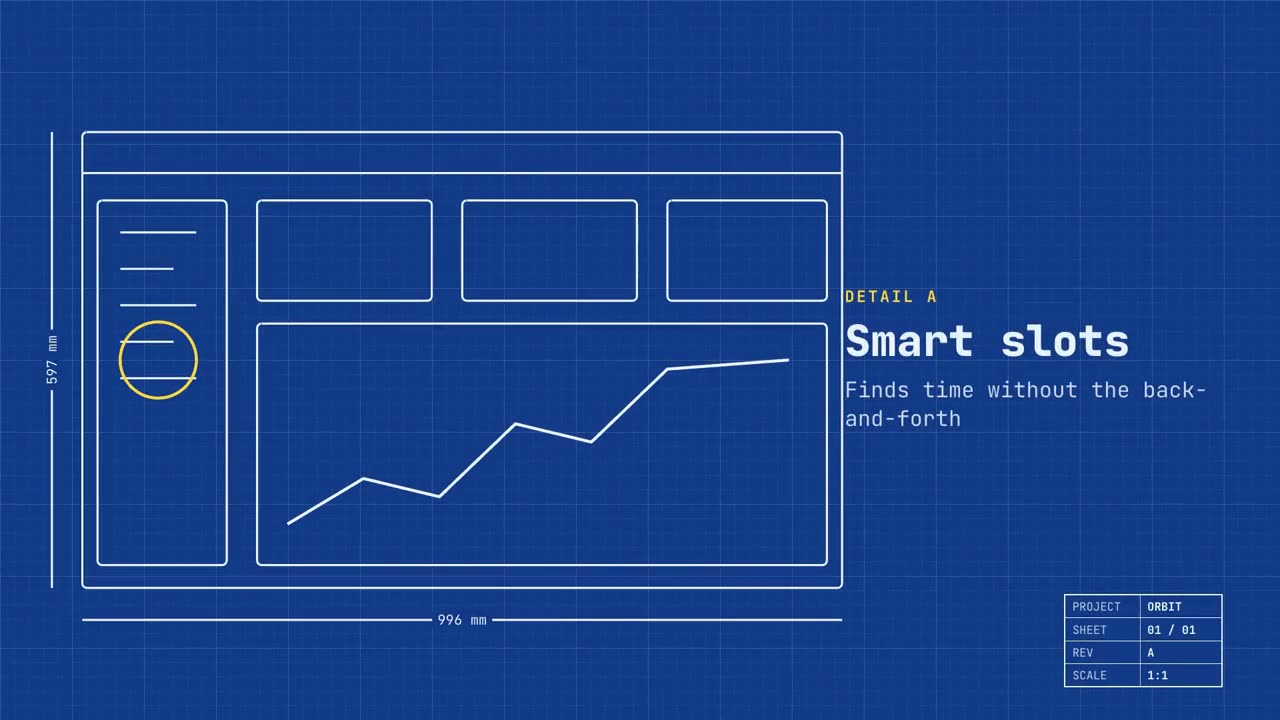
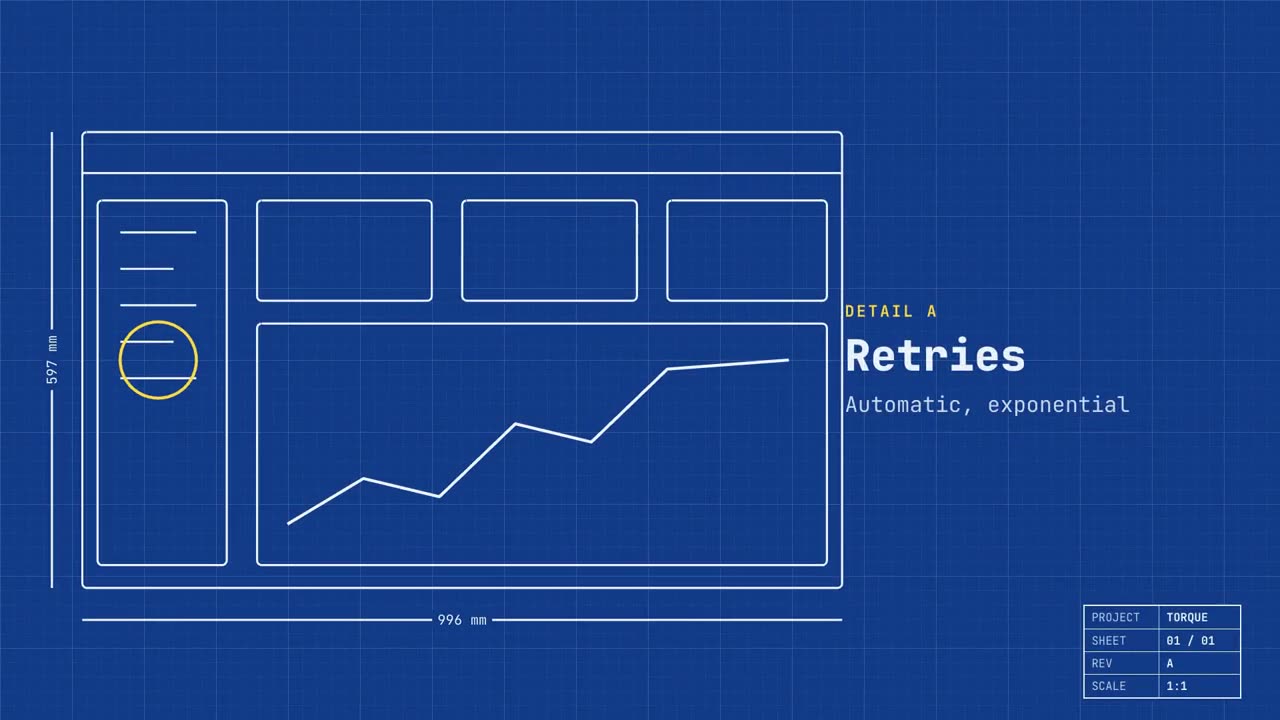
ブループリント・ローンチ
Skill を開く →PremiumMake a 20-second 16:9 launch video for [who will watch, e.g. engineers and product teams], playing [where, e.g. Product Hunt and X]. Use only the name, lines and screenshot I give; don't change a word. Deep blueprint-blue background with a fine white grid. Scene 1: a wireframe of an app window draws itself in thin white lines (header, sidebar, three cards, a chart) with dashed dimension lines labeled in millimeters and a drawing title block in the corner with the project name. Scene 2: the product name scrambles in, monospace, with the tagline in yellow. Scene 3: three yellow rings circle details labeled DETAIL A, B, C with feature names. Scene 4: the wireframe fills in with the screenshot from left to right and a yellow "APPROVED" stamp slams on. End frame: the name, a yellow status tag and the URL. Product and tagline: [e.g. Orbit, "Engineered for focus."] Three features: [names] Status tag and URL: [e.g. "Now in public beta", orbit.app] Attach: [a screenshot of your product]
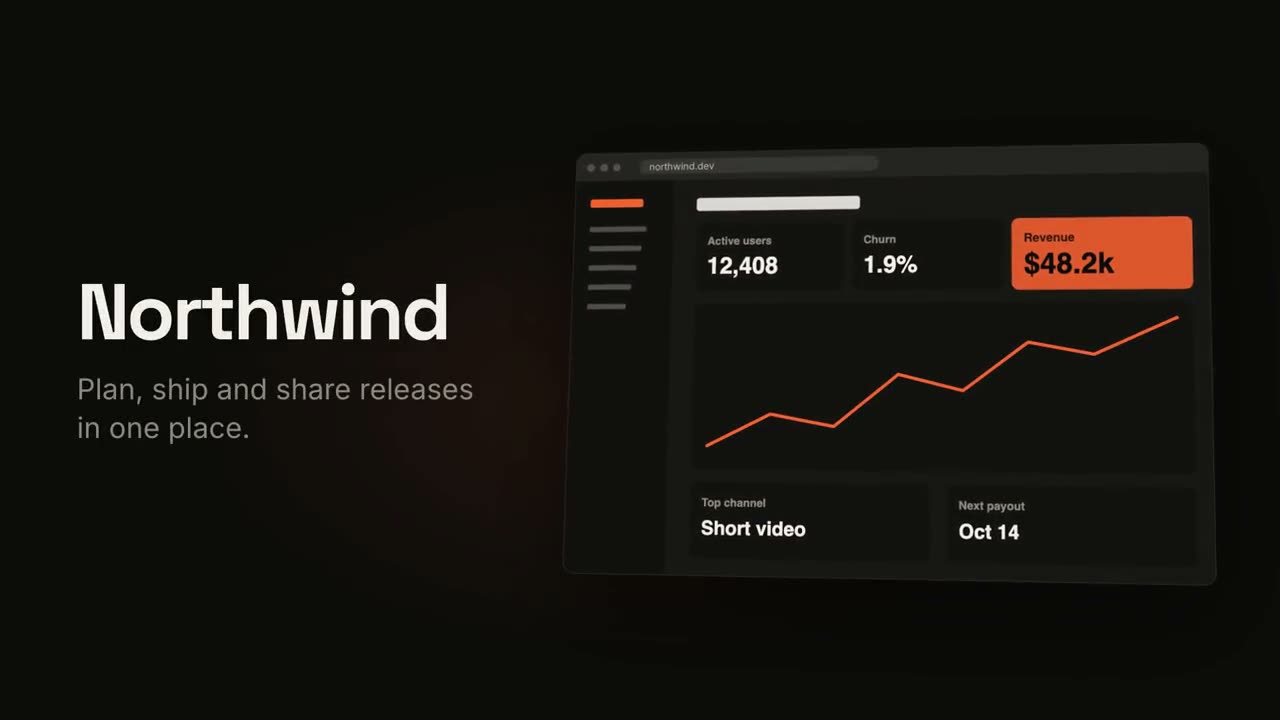
製品ローンチ映像
Skill を開く →PremiumMake an 18-second 16:9 product launch film for [who will watch, e.g. product managers], playing [where, e.g. our homepage hero and X]. Use only the name, lines and screenshot I give below; don't change a word. Near-black background with a warm orange glow. Scene 1 (0–3.4s): a two-line hook rises from masks, line one off-white, line two orange, slowly pushing in. An orange wipe cuts to Scene 2: the product name and tagline on the left while a browser window with the screenshot rises from below with a 3D tilt and settles. Scene 3: three features one at a time, each with a huge orange numeral (01, 02, 03), a bold title and a gray description, with a segmented progress bar at the bottom. End frame: the logo mark spins in, then the name, an orange call-to-action pill and the URL. Hook: [two lines] (e.g. "Your roadmap" / "finally in motion") Product and tagline: [e.g. Northwind, one line] Features: [three titles with one-line descriptions] Call to action and URL: [e.g. "Start free", northwind.dev] Attach: [a screenshot of your product]
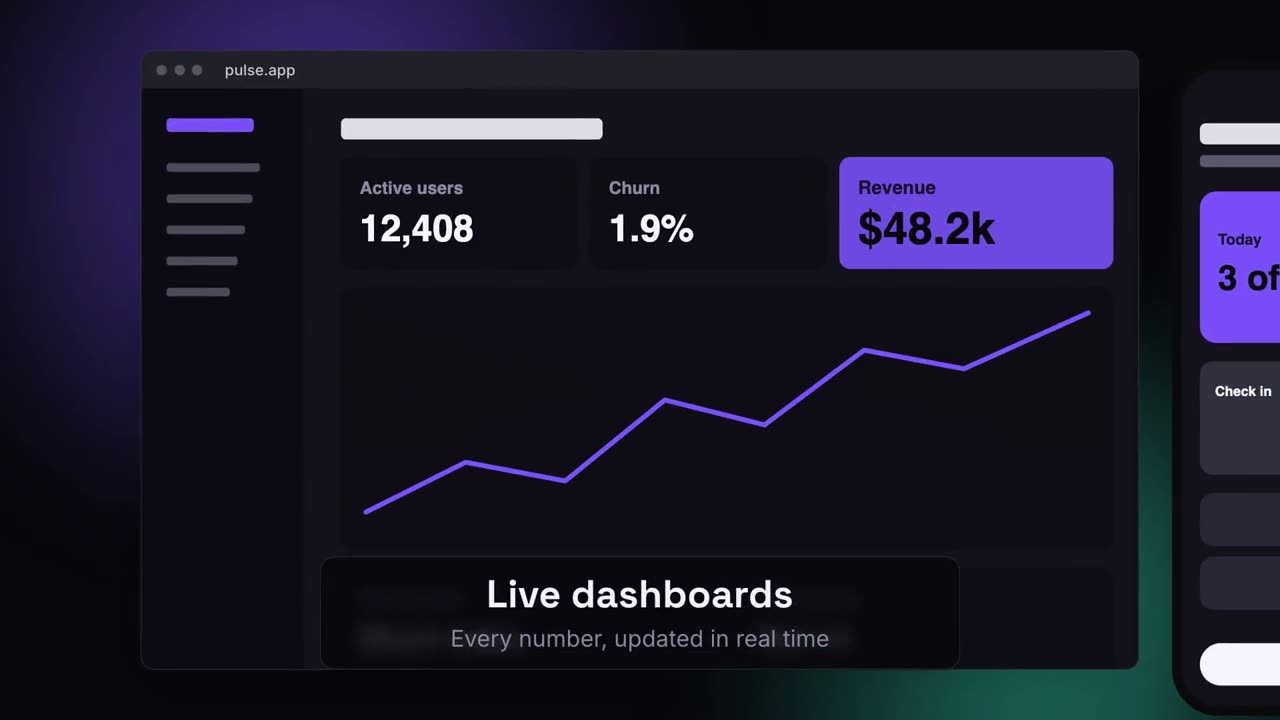
デバイスキャンバス・ローンチ
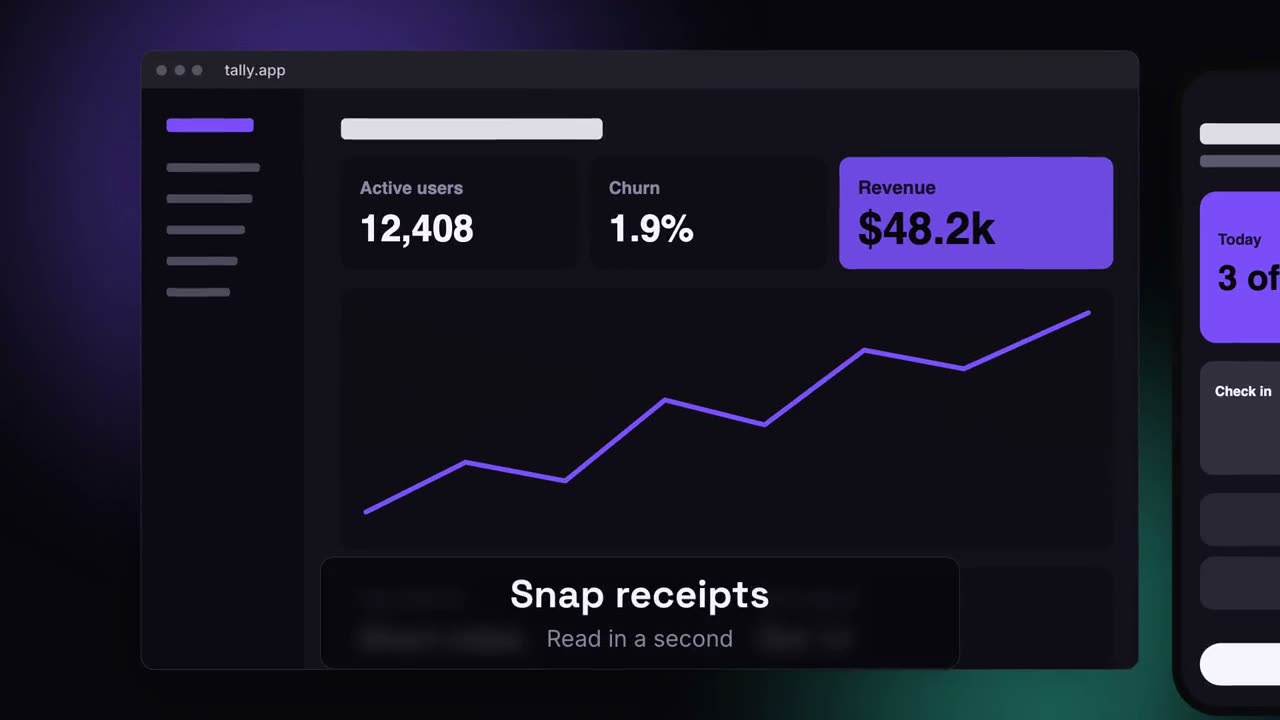
Skill を開く →PremiumMake a 20-second 16:9 launch video for [who will watch, e.g. ops and finance leads], playing [where, e.g. the homepage hero]. Use only the lines and screenshots I give; don't change a word. Deep navy background with soft violet and teal glows. Scene 1: the hook rises word by word and fades. Scene 2: a browser window with the desktop screenshot and a phone with the mobile screenshot rise onto the canvas. Scene 3: the camera glides in to the browser while a glass caption shows the first feature, then to the phone with the second, then pulls back to show both with the third. End frame: the devices blur and sink as the product name, the hook and a violet call-to-action button appear. Hook: [e.g. "Your metrics, everywhere you work."] Three captions: [e.g. "Live dashboards — Every number, updated in real time", "Pocket alerts", "Always in sync"] Product and call to action: [e.g. Pulse, "Get Pulse free"] Attach: [a desktop screenshot and a phone screenshot]
Motion Launch のすべてのショット
製品ローンチ映像
フック、製品の登場、3 つの機能、エンドカード。
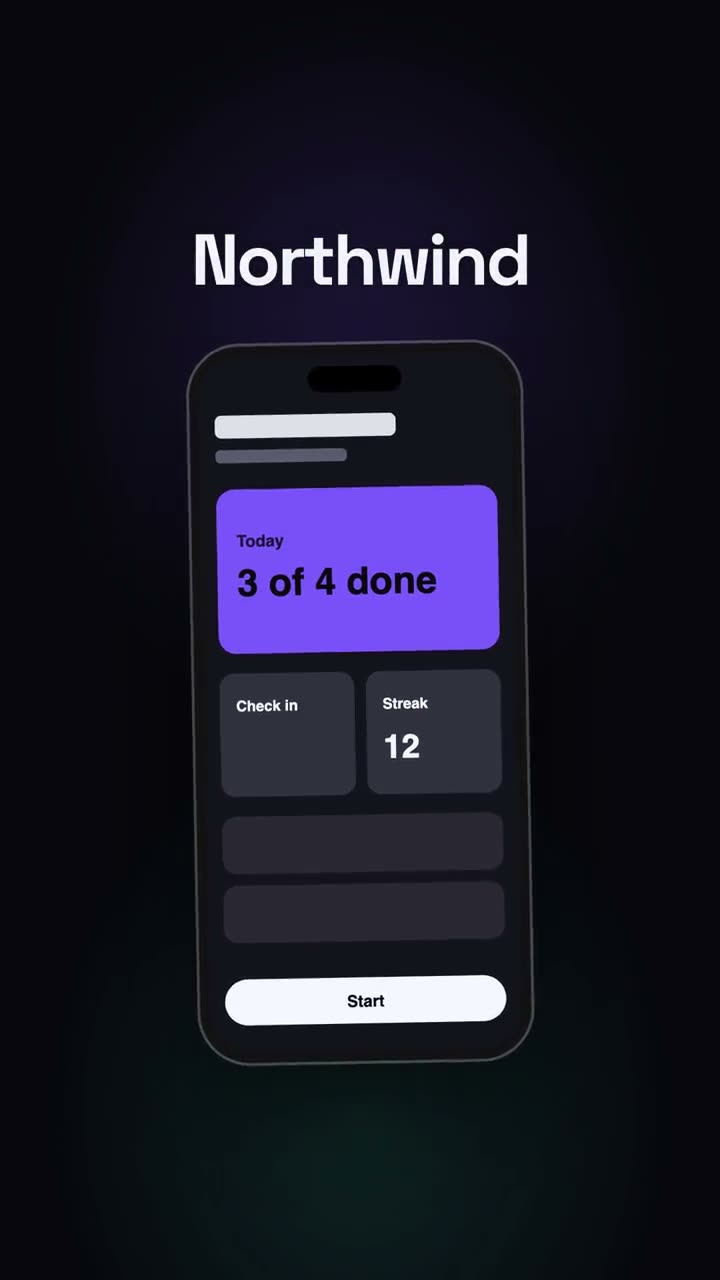
縦型ローンチ
SNS ファーストのローンチ編集:フック、スマートフォン、展開、CTA。
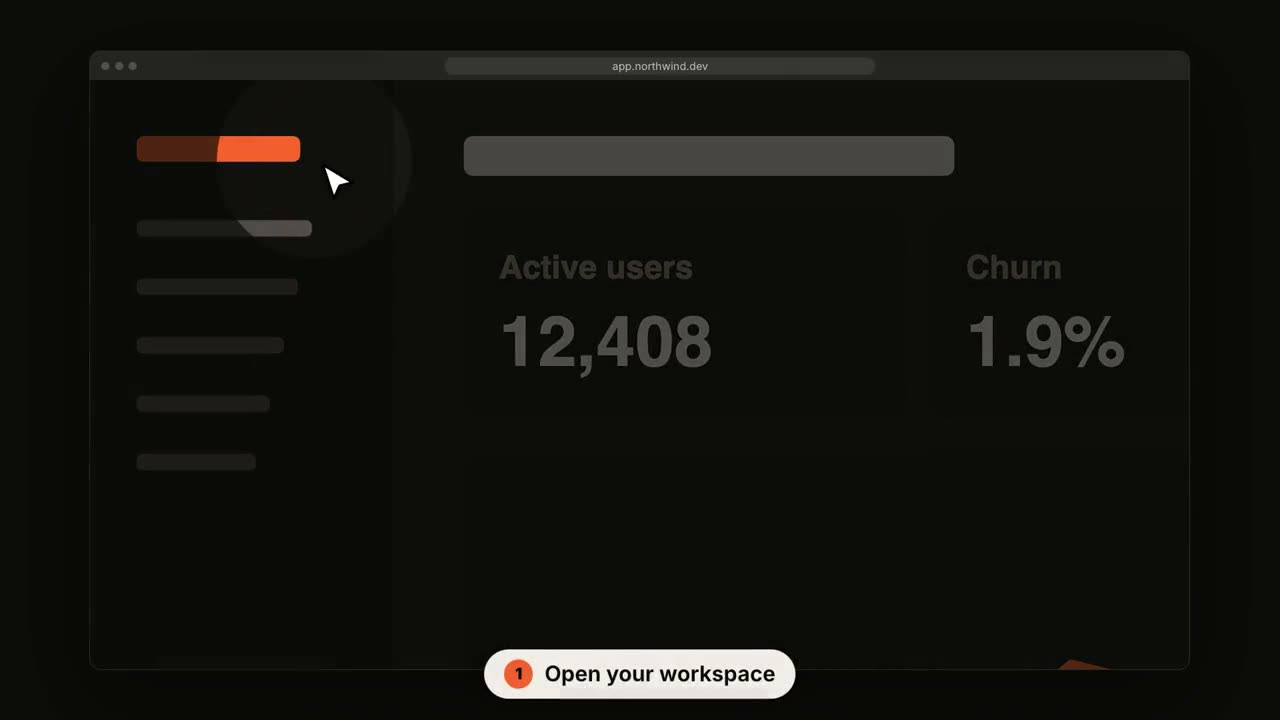
SaaS UI ウォークスルー
カーソルがクリックしていく中、カメラが各ステップに寄っていきます。
チャットから成果へ・ローンチ
プロンプトが入力され、アシスタントが答え、その答えがローンチになります。
ブループリント・ローンチ
製品が自ら描かれる設計図になり、やがて実物で塗りつぶされます。
ロゴスティング & アウトロ
インパクトのあるブランドの登場、またはすっきりしたエンドカード。
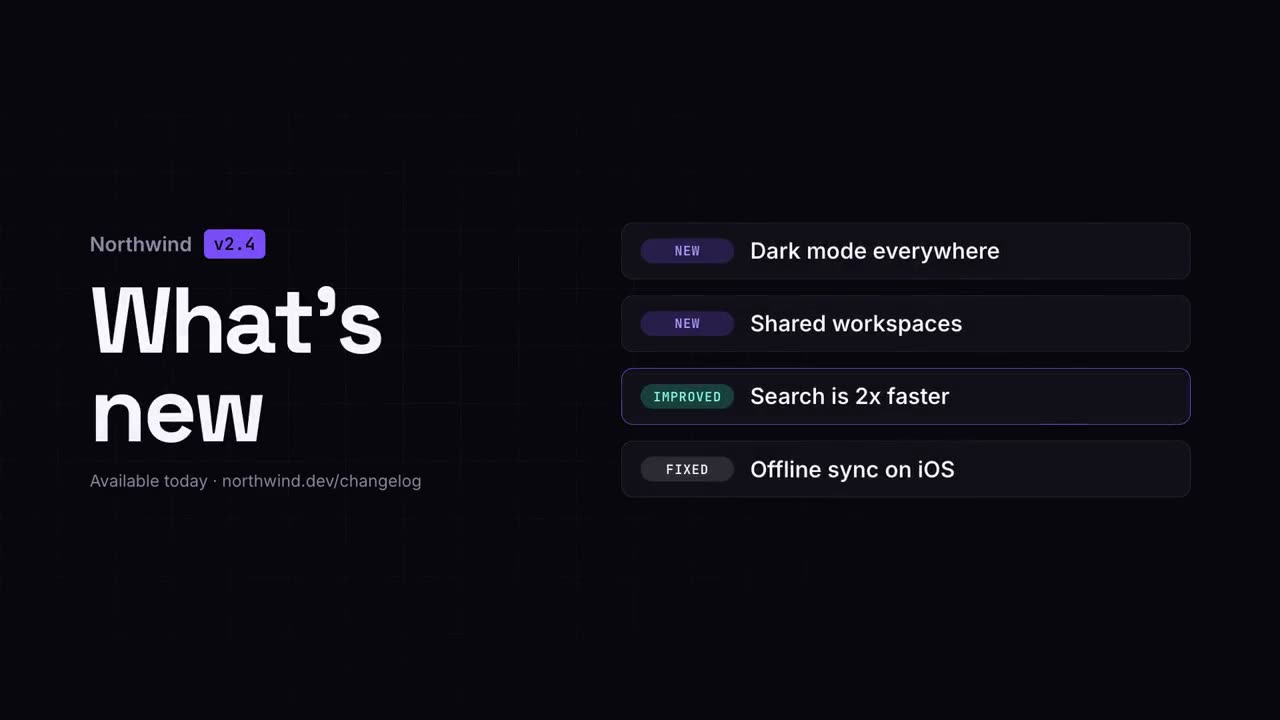
変更履歴ビデオ
リリースノートを、すっきりと共有しやすいクリップに。
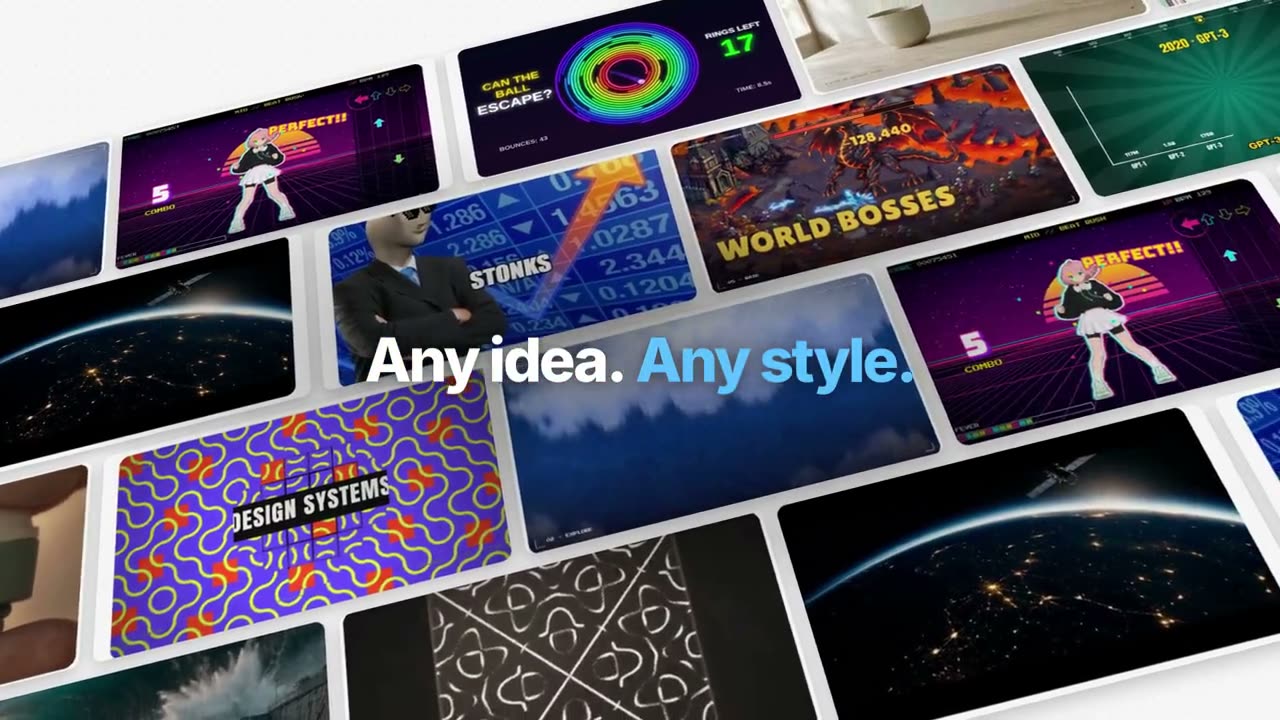
Manus 風の機能紹介フィルム
ひとつの作例を最後まで追う:素材整理、生成、字幕、追跡、コード、合成。青いキーワードがぼかしから浮かぶ。
Manus キーノート風ローンチ
章立てのローンチ:黒のイントロ、新機能のティッカー、風景の上で動く製品の各章、One More Thing、マスコット。
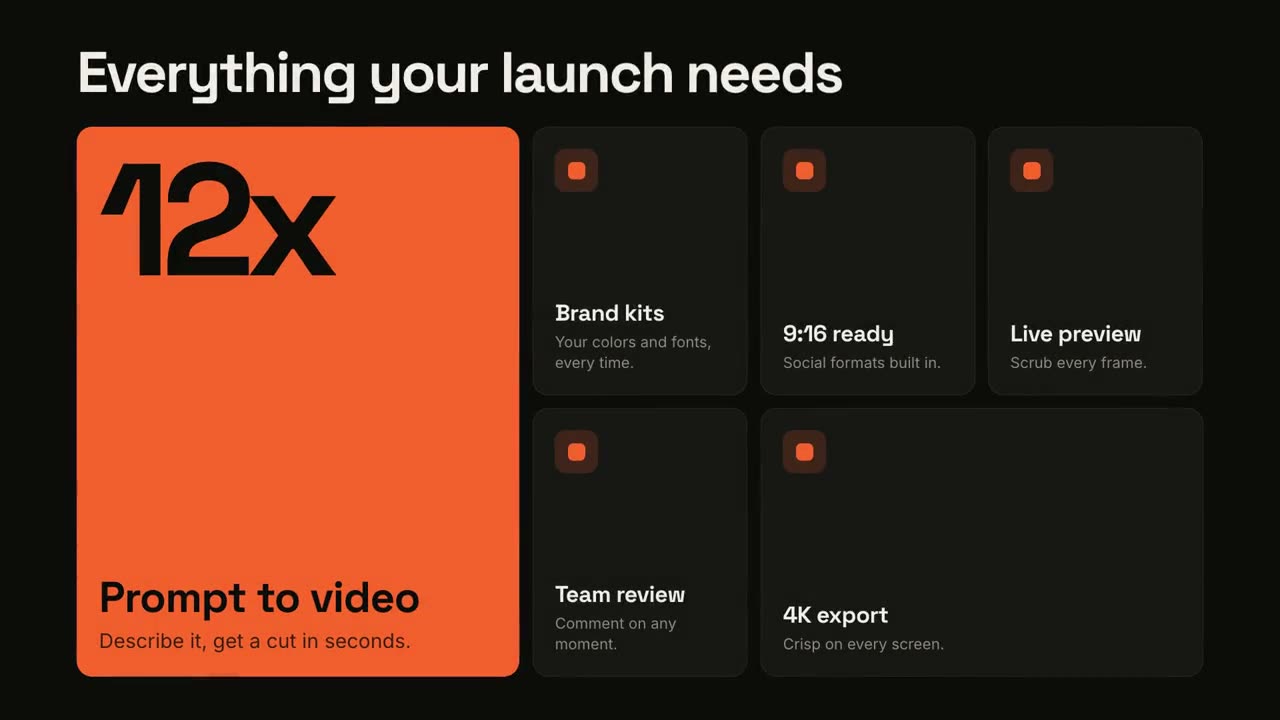
機能グリッド
ベントーグリッドが組み上がり、各機能にスポットライトが当たります。
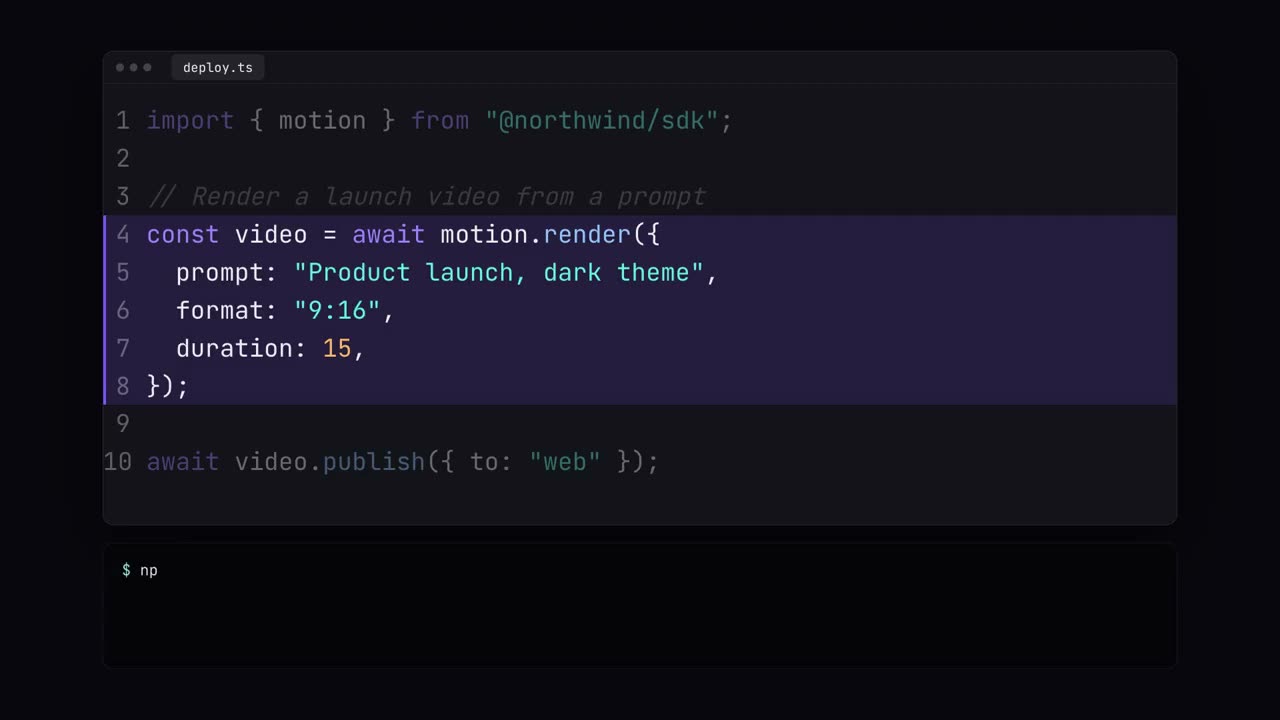
コードショーケース
シンタックスカラー付きのコード入力、ハイライト、ターミナル実行。
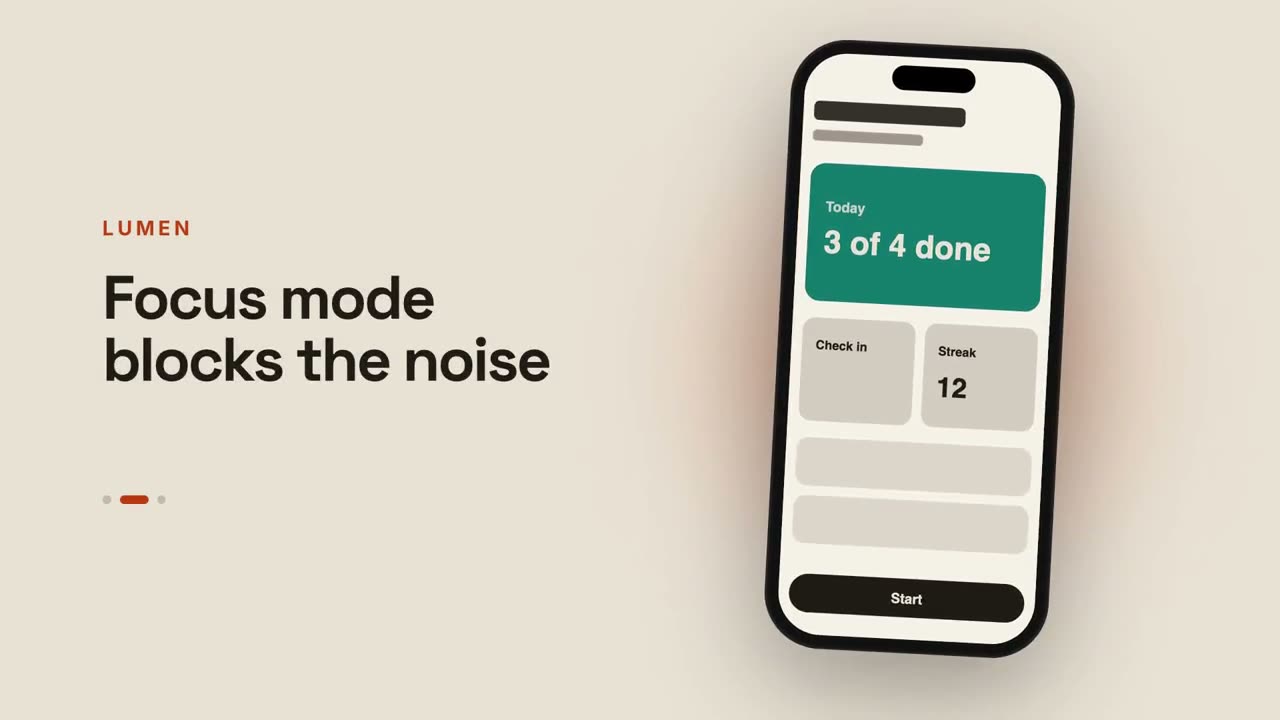
アプリプレビュー
スマートフォンが画面をスワイプし、横でキャプションが切り替わります。
ハーフトーン印刷ローンチ
レトロな印刷:網点と CMYK の版が見当合わせでぴたりと揃います。
デバイスキャンバス・ローンチ
光るキャンバスに浮かぶデスクトップとスマートフォンを、カメラが巡ります。
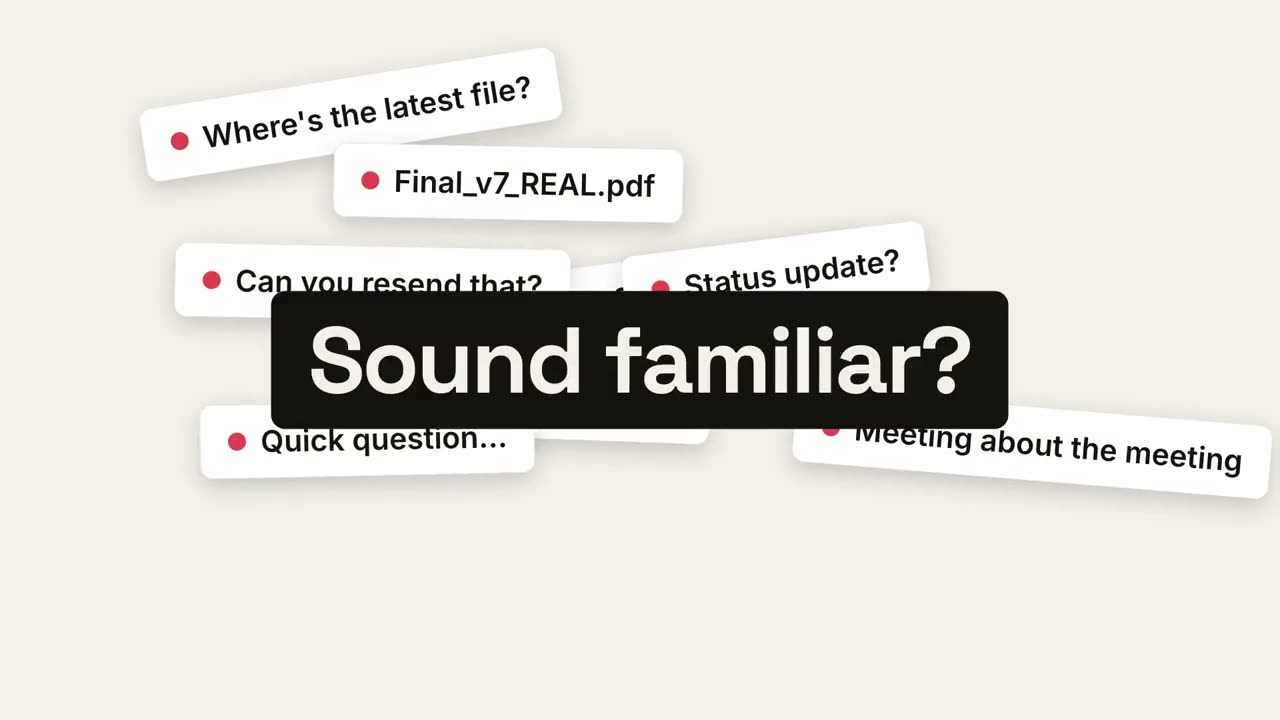
ペイン・リビール・ローンチ
日々の混乱が積み上がり、1 点に収束し、静けさが現れます。
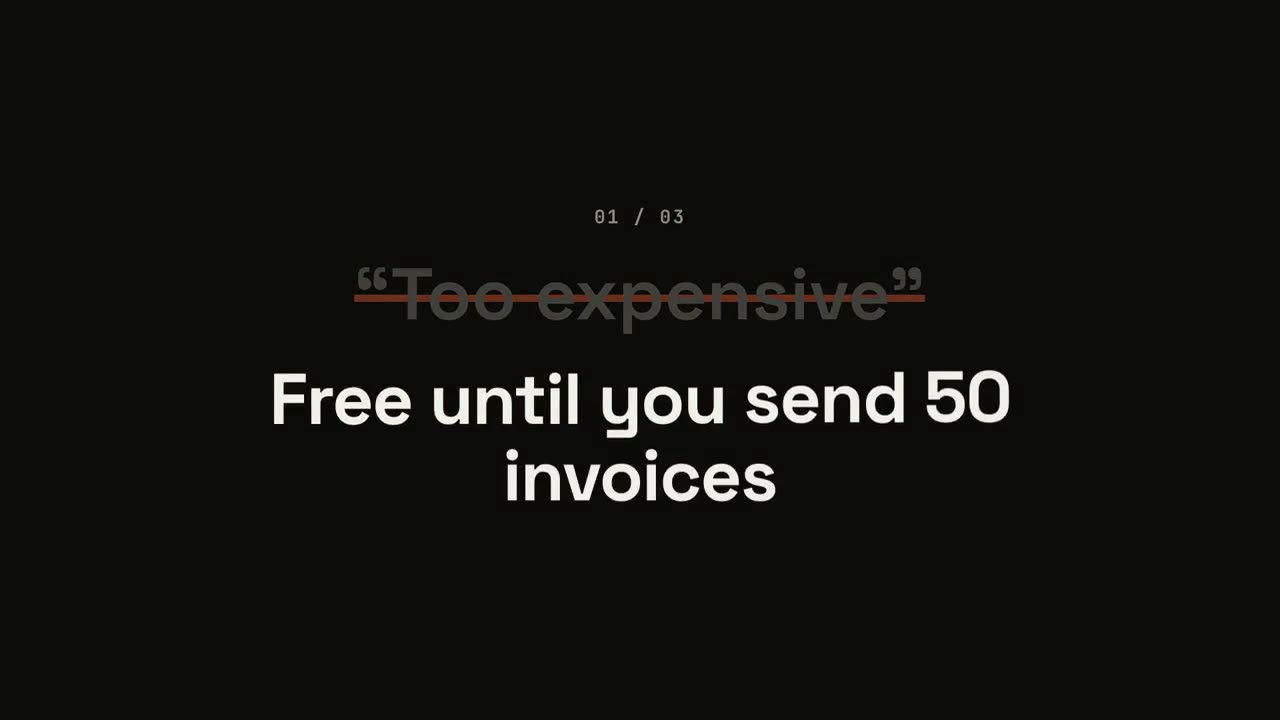
反論くつがえし・ローンチ
反論が引用符付きで現れ、打ち消され、ひっくり返されます。
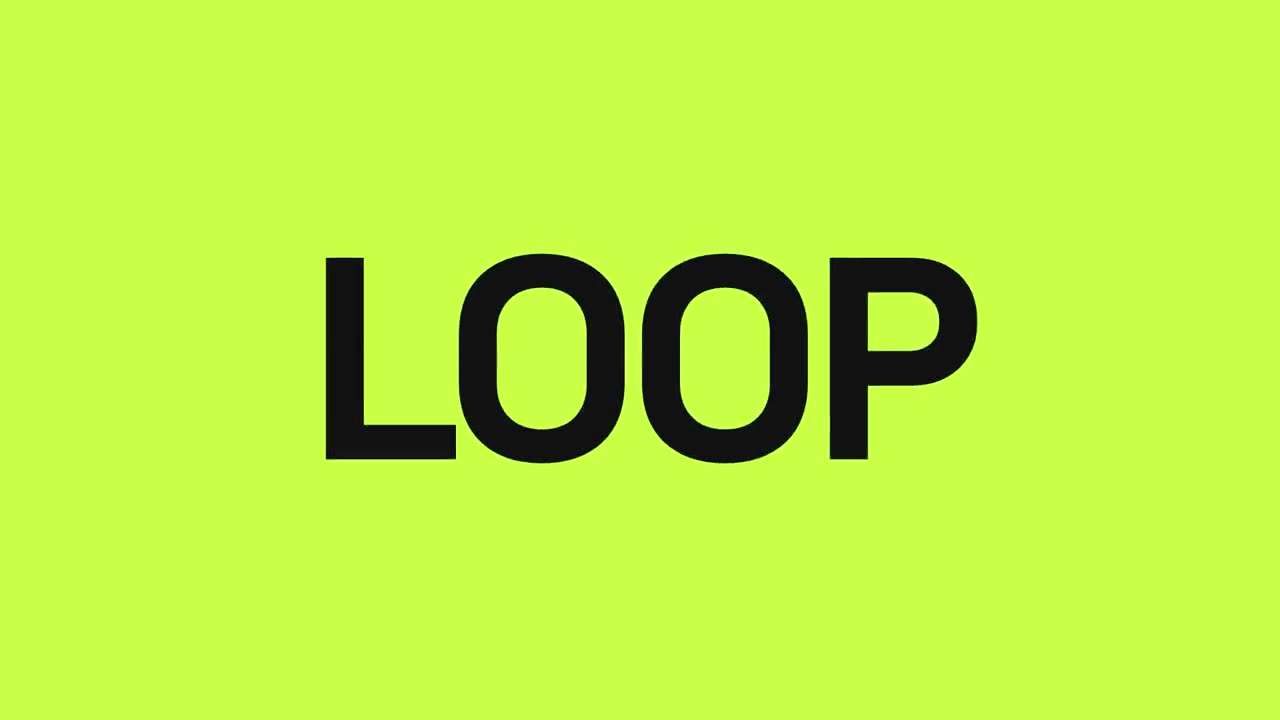
ビート・リビール・ローンチ
ビートに合わせたハードカット:言葉が点滅し、製品が登場し、メリットが脈打ちます。
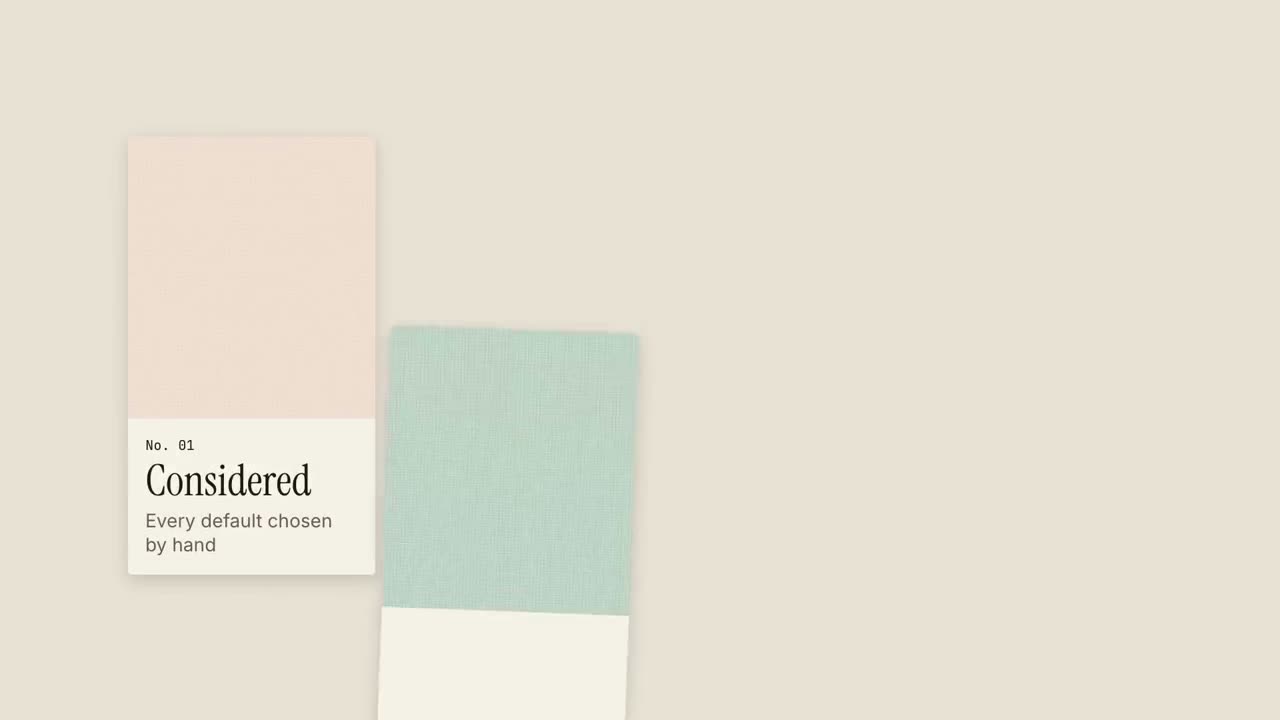
テクスチャースウォッチ・ローンチ
見本帳のように素材のスウォッチがスライドインし、それぞれが 1 つの品質を表します。
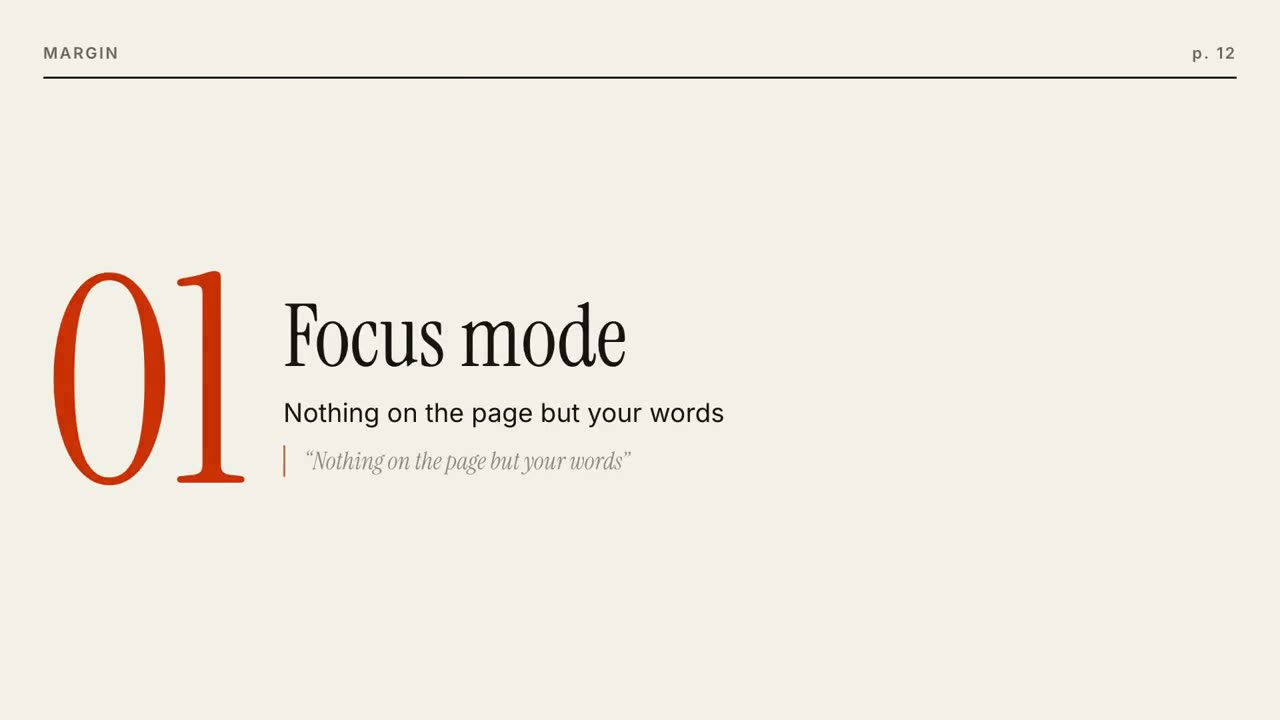
エディトリアル・ローンチ
雑誌の表紙が組み上がり、機能ごとにページがめくられます。
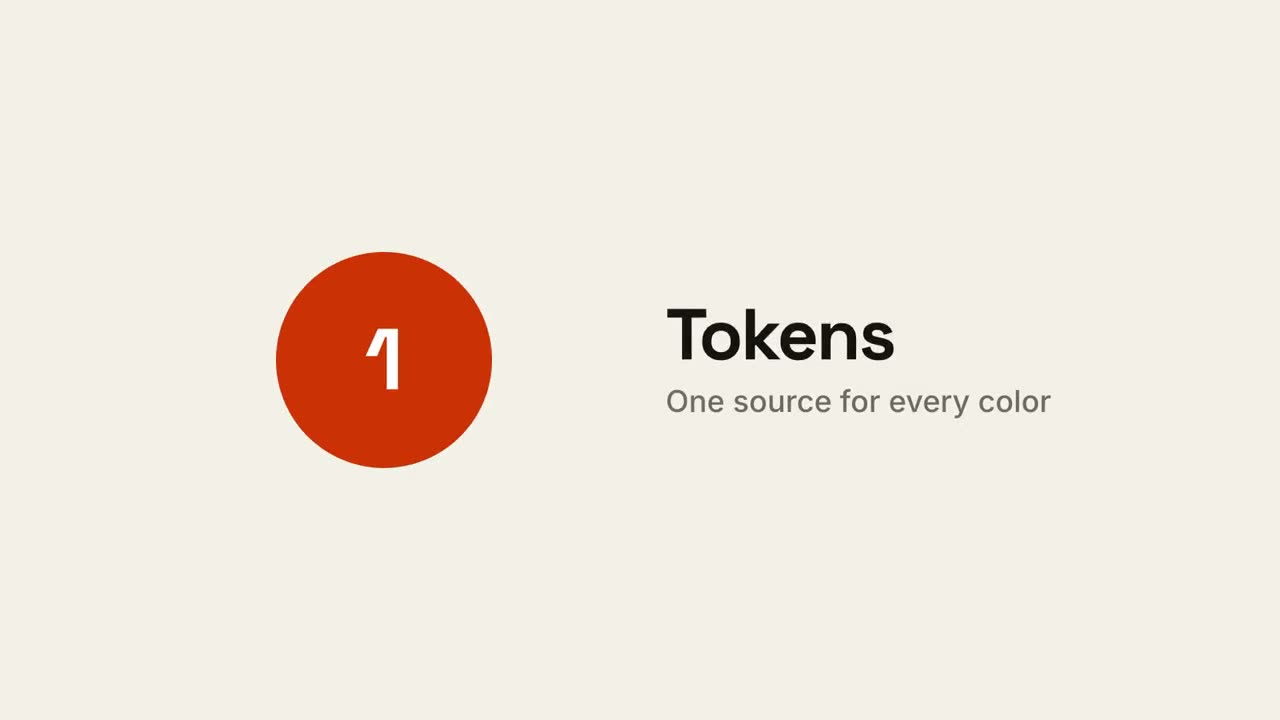
スクエア・モーフ・ローンチ
1 つのアクセントの四角が、点、カード、スマートフォン、ロゴへと変形します。
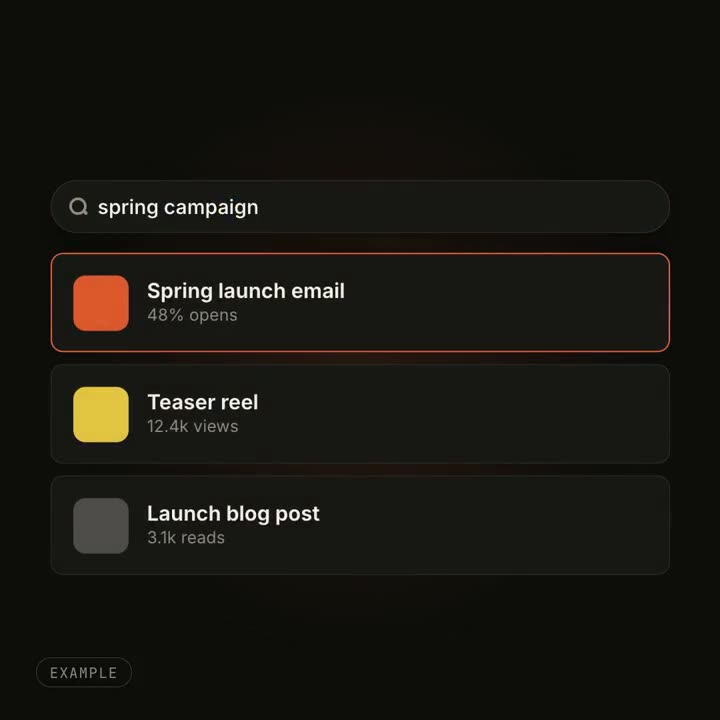
UI モーフ・エフェクト
ボタンがプレーヤーに、検索窓に結果が並ぶ。ひとつのものが形を変えます。
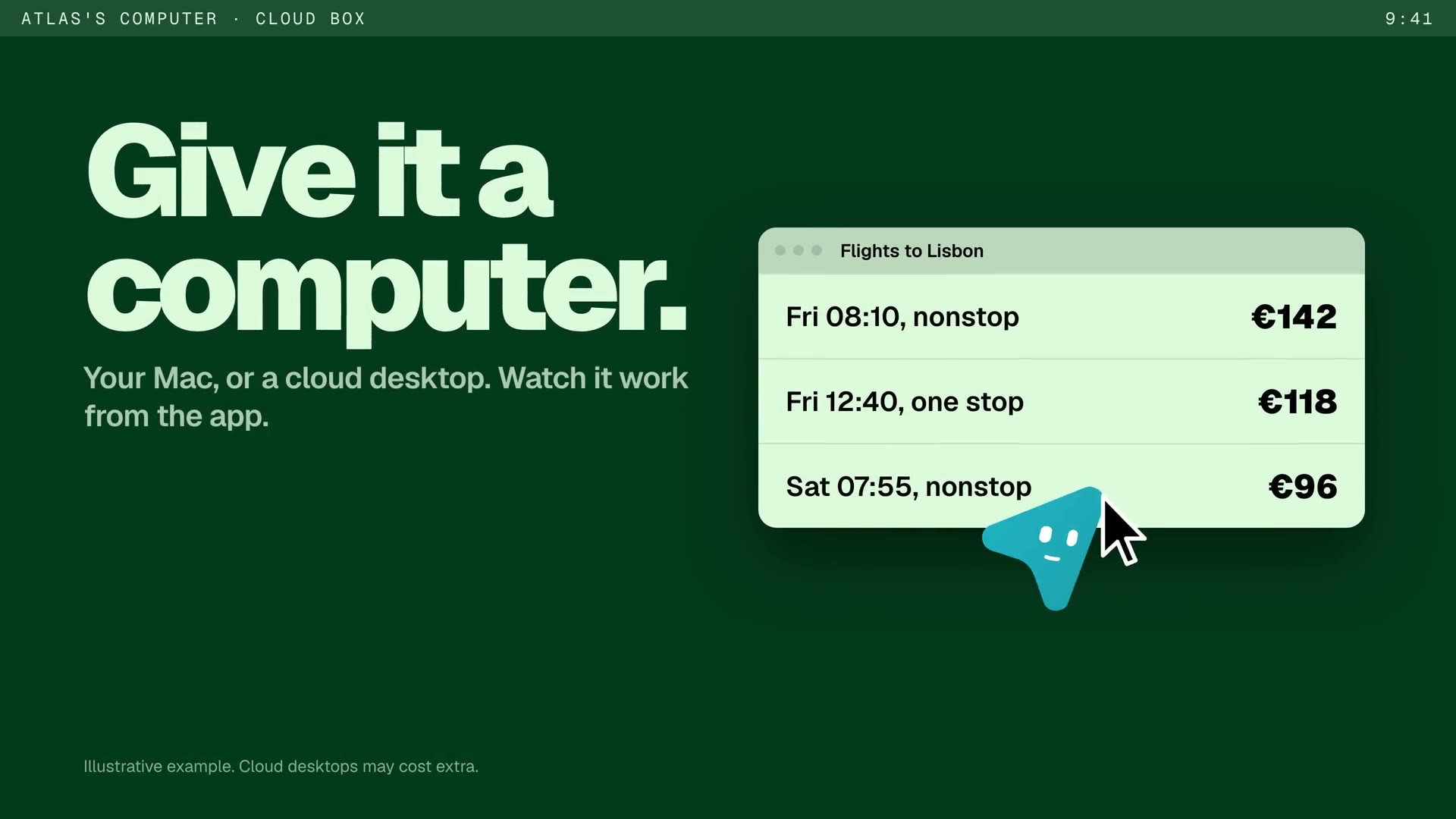
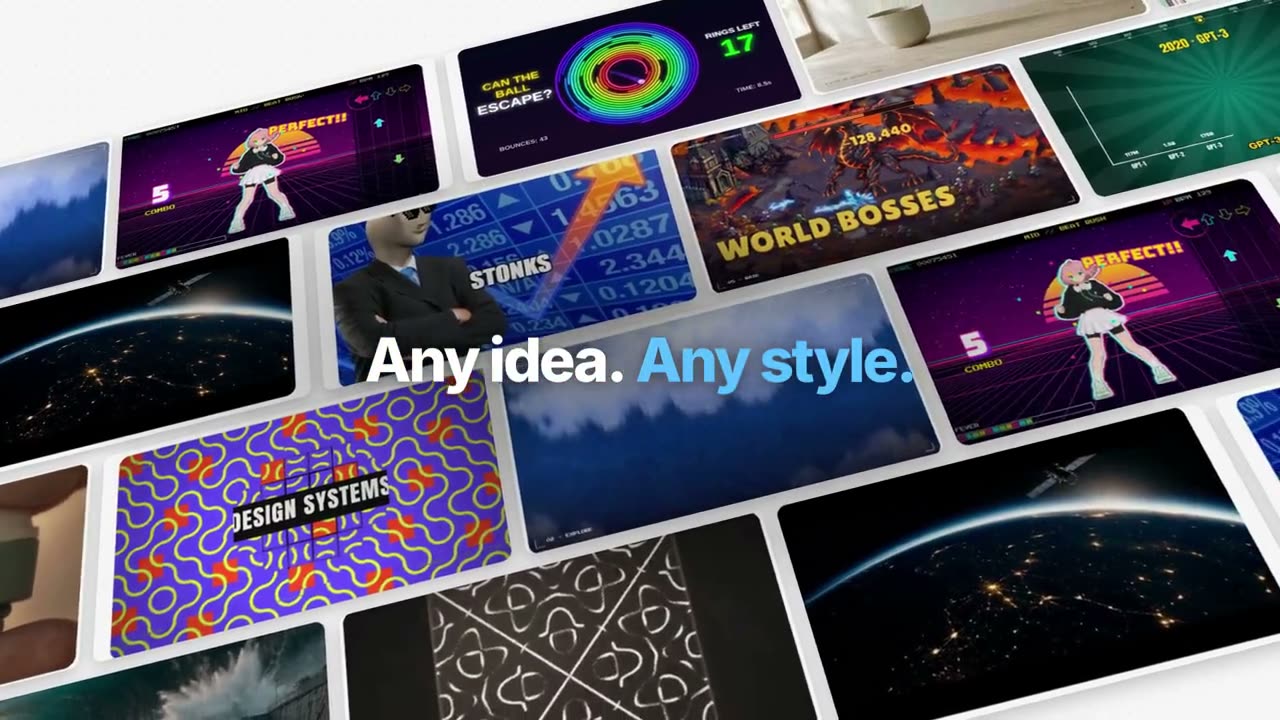
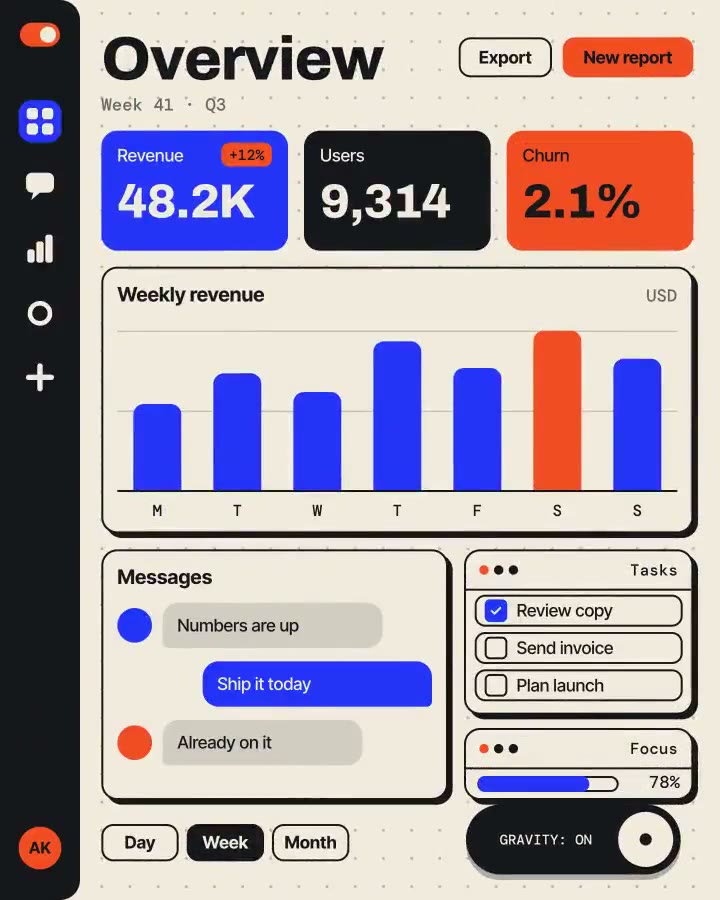
これらの Skill で作った作品
よくある質問
実際の製品を見せられますか?
はい。Project → Launch Video がリポジトリや Web サイトを読み、主要な操作が行われる画面をあなたのコピー・色・フォントで再現し、入力・クリック・結果という使用の流れを見せます。
プルリクエストやリリースを告知できますか?
はい。PR やリリースノートを Project → Launch Video に渡すと、変更を 1 つ選んで短いストーリーにします。
対応する画面比は?
16:9、9:16、1:1 です。1 本作ってから他の比率を頼めば、比率だけが変わります。