Claude Code、Codex、Cursor など Skill に対応したエージェントに貼り付けてください。
プロンプト例
Use the step-ladder skill: title "How onboarding works", steps "Sign up: 30 seconds | Connect: Your data source | Invite: Your team | Launch: First report". Ink theme, 16:9.
スタイルプロンプト(Claude Motion または Opus 5.5)
Make an 8-second 16:9 process scene for [who will watch, e.g. new team members], playing [where, e.g. the onboarding deck]. Use only the title and four steps below. Sand background.

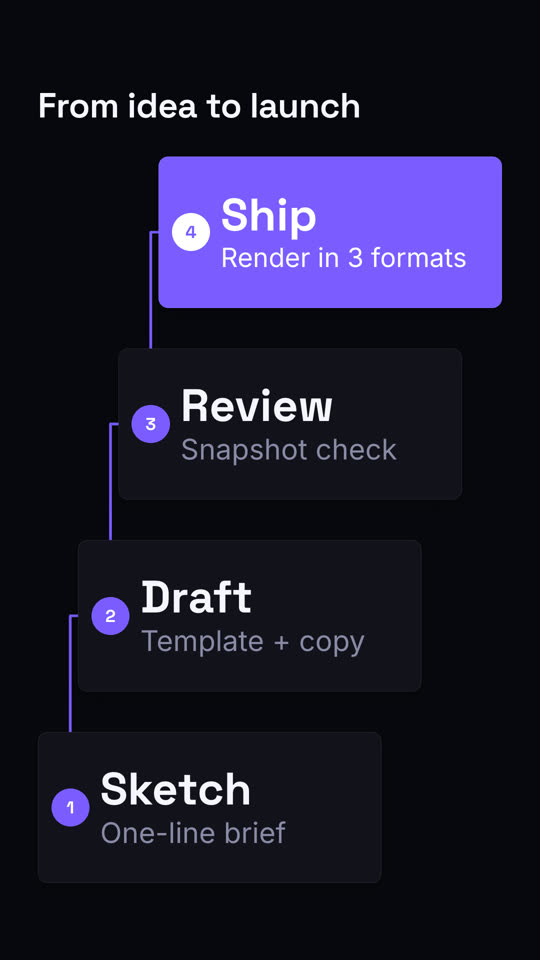
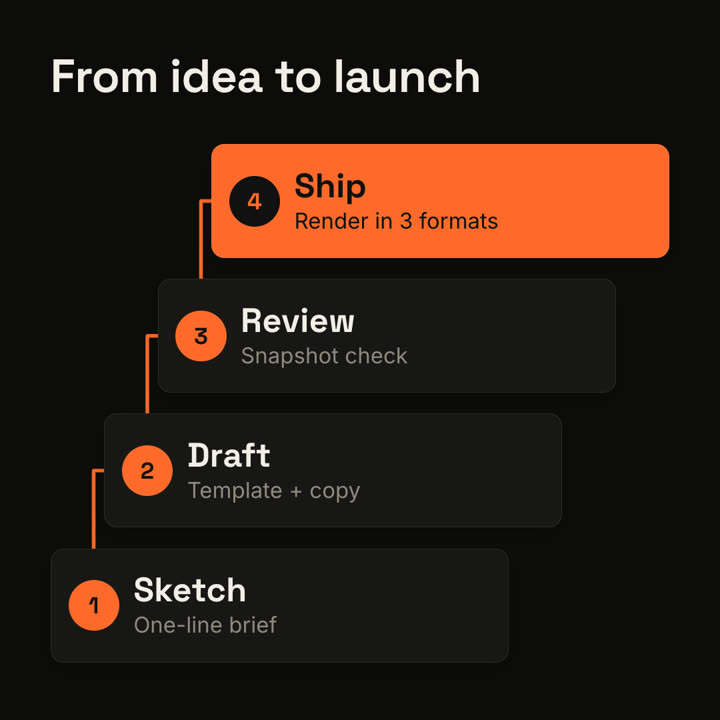
The title appears at the top left. Four cream cards rise one at a time along a staircase from the lower left to the upper right, each with an orange numbered circle, a bold title and a gray detail. An orange elbow line draws from each number to the next. End frame: the last card fills orange with white text.

Title: [e.g. "From idea to launch"]
Four steps: [e.g. "Sketch — One-line brief", "Draft — Template + copy", "Review — Snapshot check", "Ship — Render in 3 formats"]