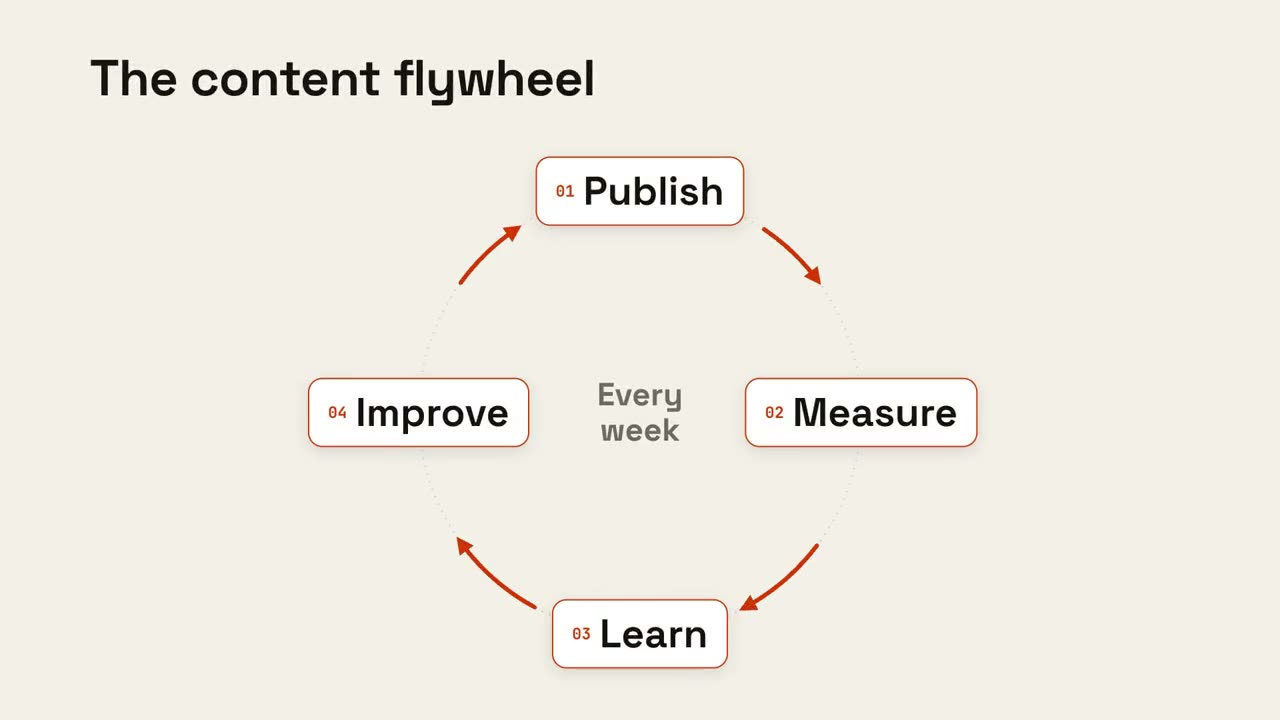
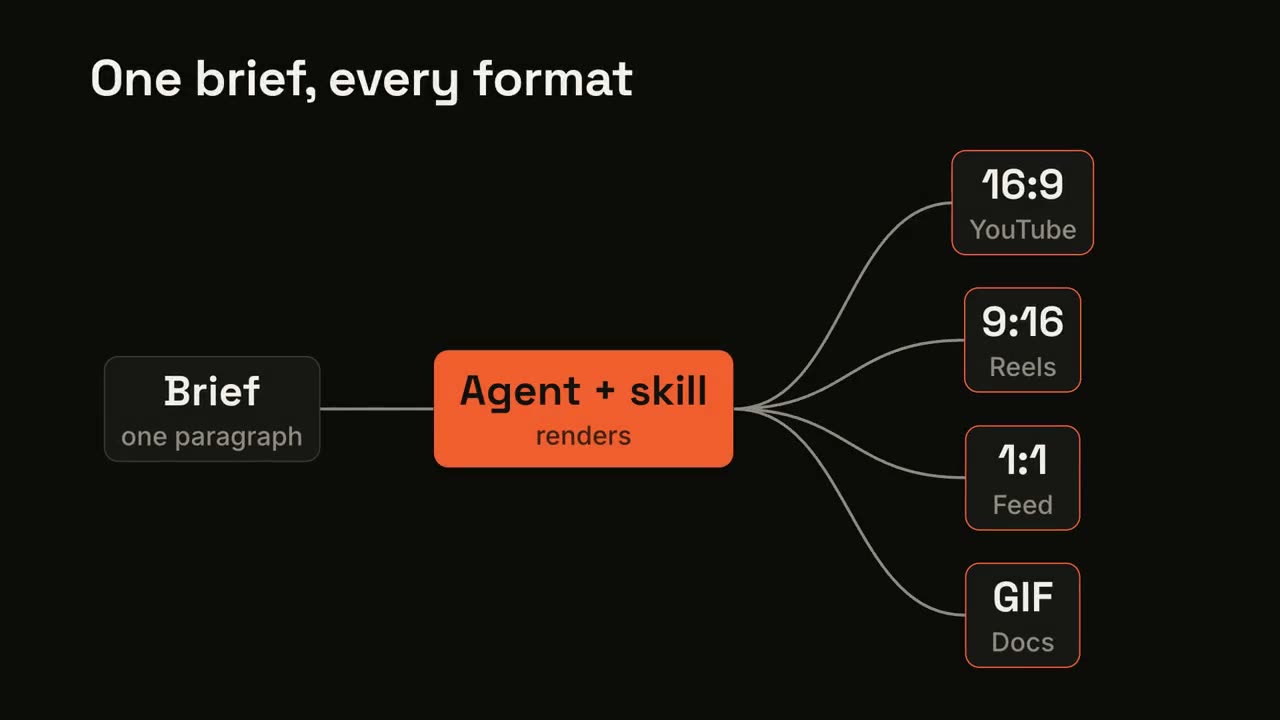
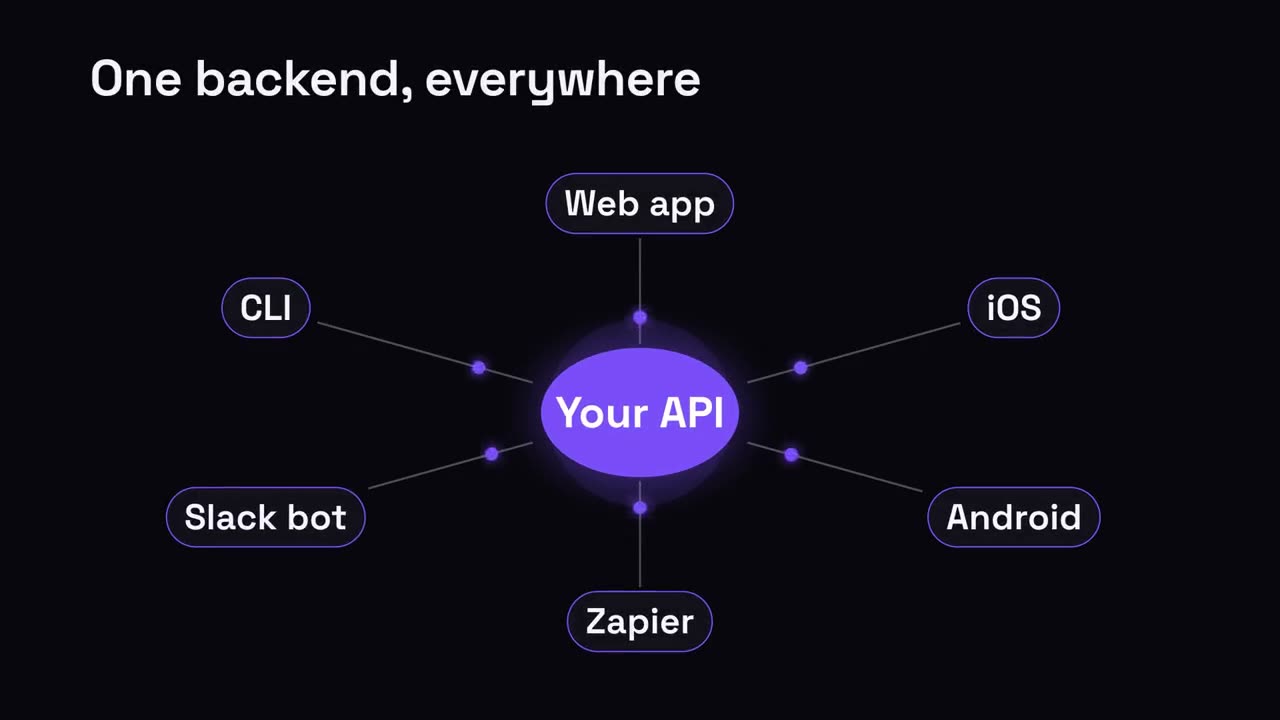
Claude Code、Codex、Cursor など Skill に対応したエージェントに貼り付けてください。
プロンプト例
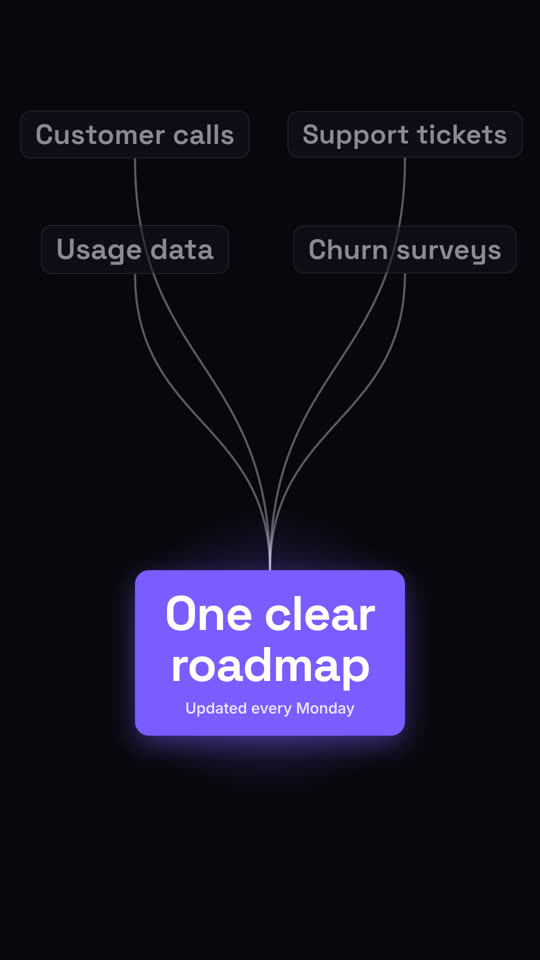
Use the converge-result skill: inputs "Docs | Tickets | Slack threads", result "One answer bot", note "Live in 2 days". Electric theme, 9:16.
スタイルプロンプト(Claude Motion または Opus 5.5)
Make a 7-second 16:9 scene for [who will watch, e.g. the product org], playing [where, e.g. the planning kickoff]. Use only the four inputs and the result below. Sand background.

Four cream pill labels appear on the left and thin dark curves draw from each, converging to one point on the right. Orange dots race along the curves. End frame: as they arrive, a bold rust-orange result card with a subtitle pops in with a soft orange glow behind it, while the input labels dim.

Four inputs: [e.g. "Customer calls", "Support tickets", "Usage data", "Churn surveys"]
Result and subtitle: [e.g. "One clear roadmap", "Updated every Monday"]