Claude Code、Codex、Cursor など Skill に対応したエージェントに貼り付けてください。
プロンプト例
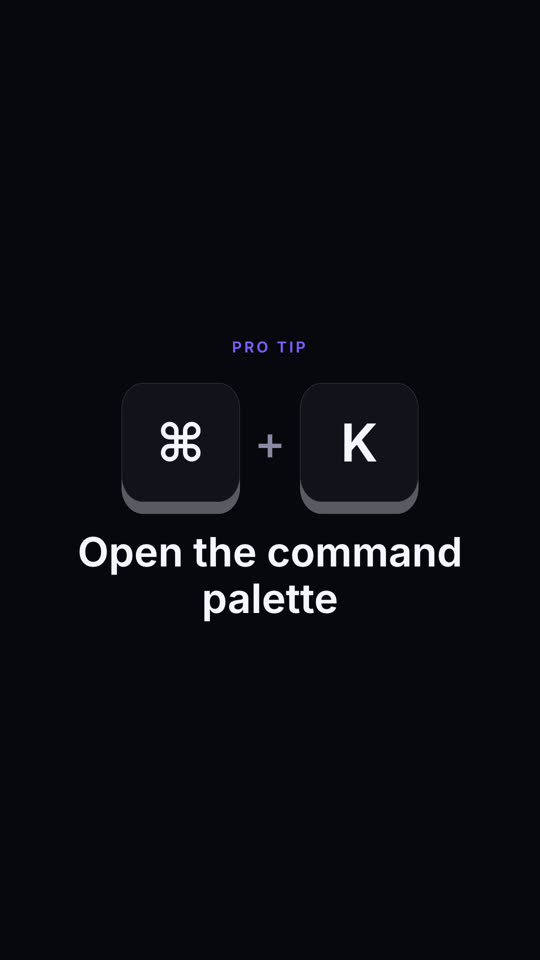
Use the shortcut-keys skill: keys "Ctrl | Shift | P", action "Run any command", context "VS Code". Ink theme, 9:16.
スタイルプロンプト(Claude Motion または Opus 5.5)
Make a 6-second 16:9 scene for [who will watch, e.g. our users], playing [where, e.g. the tips section of the newsletter]. Use only the shortcut and description below. Sand background.

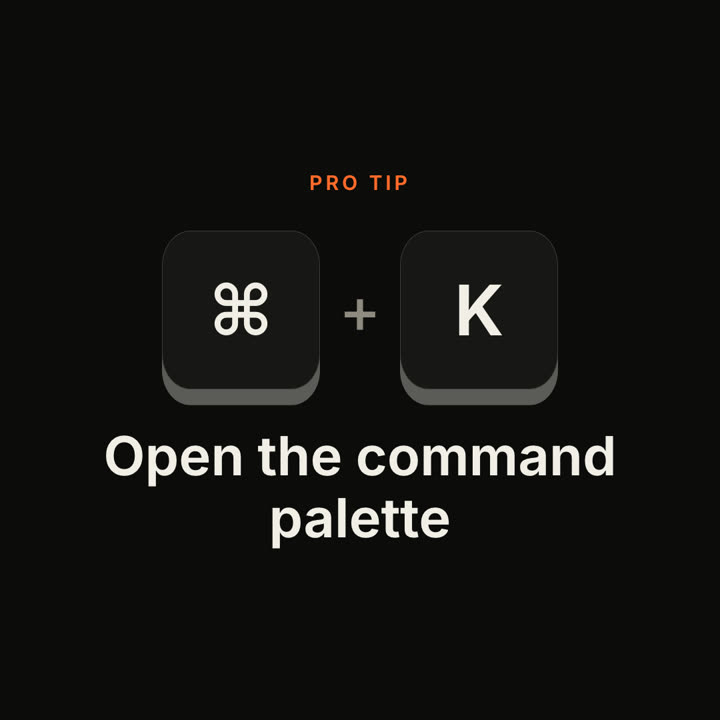
A small orange uppercase "PRO TIP" label appears. Chunky cream keycaps with a dark 3D edge bounce into the center with a gray plus sign between them. Each key presses down and turns orange in order. End frame: both release as the description rises below in a bold dark sans.

Keys: [e.g. ⌘ + K]
Description: [e.g. "Open the command palette"]