← Skills
無料解説
Motion Director
作りたい動画を説明するだけ。エージェントがショットごとに演出して MP4 に書き出します。
Claude Code、Codex、Cursor など Skill に対応したエージェントに貼り付けてください。
必要なもの: Node.js 22+、FFmpeg、Chrome。API キー不要。
インストール用プロンプト
https://claude-motion.com/skills/motion-director/install.md を読んで手順どおりに「motion-director」スキルをインストールし、それを使って最初の動画を作ってください。
Claude Code、Codex、Cursor など Skill に対応したエージェントに貼り付けてください。
プロンプト例
Use the motion-director skill: a 20-second launch video for our 2.0 release, 16:9, from the notes in CHANGELOG.md.
スタイルプロンプト(Claude Motion または Opus 5.5)
Make a 20-second 16:9 launch video for [who will watch, e.g. our existing users], playing [where, e.g. muted in the X and LinkedIn feed]. Use only the release notes and numbers I attach; don't invent features or change a number. Electric dark style, upbeat pace.

Scene 1: a bold hook line. Scene 2: the product on screen. Scene 3: the three biggest changes tick off one by one. Scene 4: two headline numbers count up. End frame: product name, one call to action and the URL, held for 2 seconds.

Attach: [your release notes or changelog]
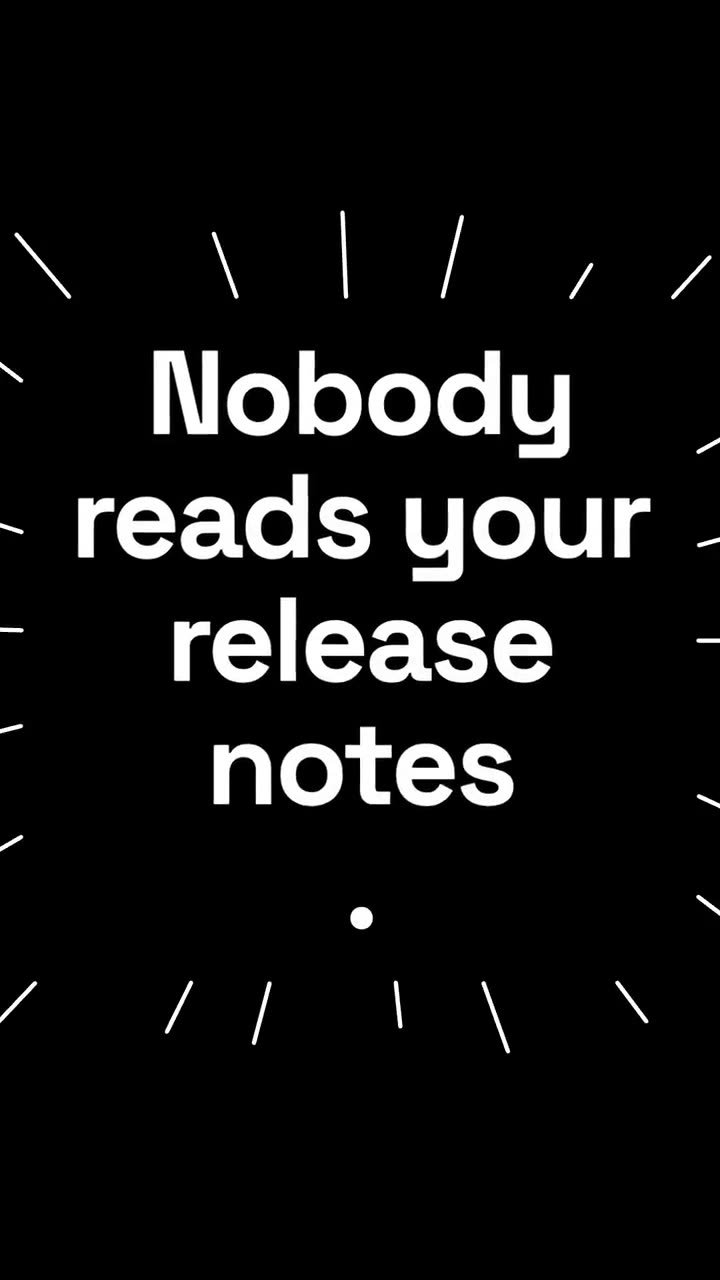
Hook: [one line, e.g. "Release notes nobody reads? Not anymore."]
Call to action: [e.g. "Update today"]
インストール不要:Claude Motion(Team または Enterprise)に貼り付けるか、Opus 5.5 に渡すと近い雰囲気になります。結果は実行ごとに変わります。Skill なら毎回同じ結果です。
素材をもっと活かす
プランを見る →Motion Director は無料で動画を丸ごと作れます。リポジトリ、スプレッドシート、記事、台本があるなら、これらのワークフローがさらに踏み込みます。各 $4.99、またはプランですべて利用できます。