Motion Skills
← Skills
Premium解説

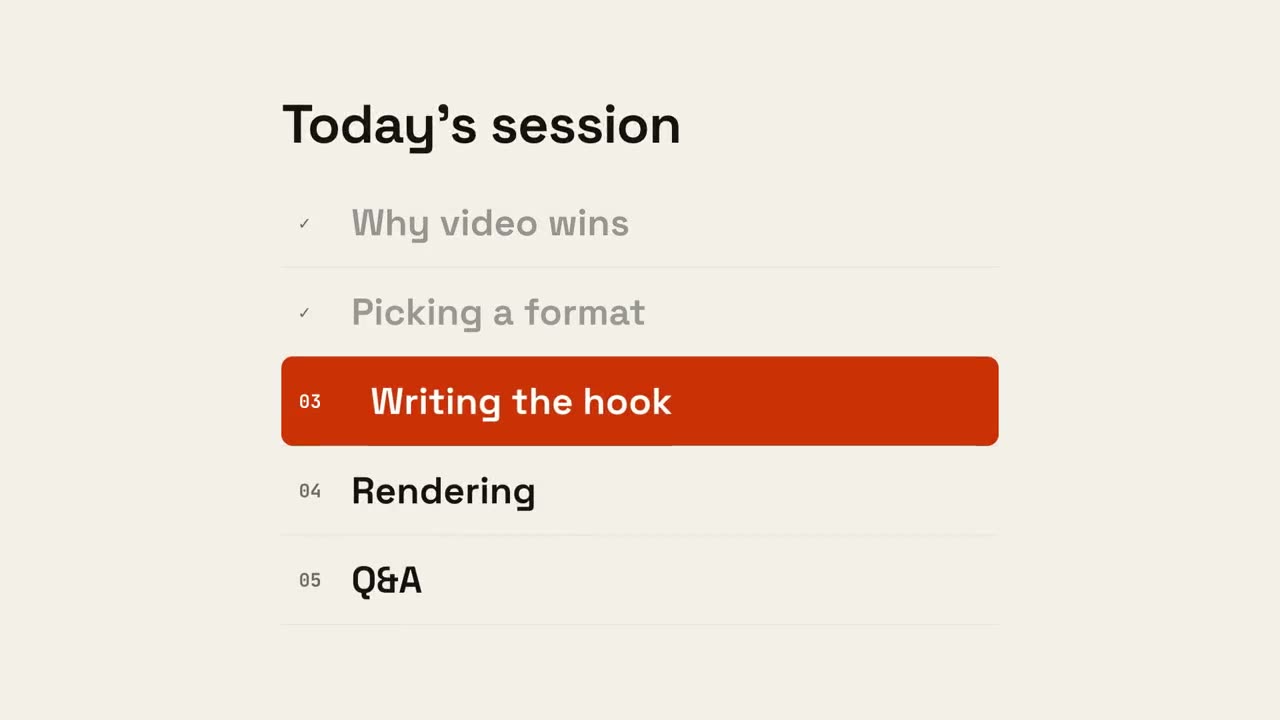
セクション番号ワイプ

アクセントのパネルが横切り、セクション番号が次へ切り替わります。

Claude Code、Codex、Cursor など Skill に対応したエージェントに貼り付けてください。

必要なもの: Node.js 22+、FFmpeg、Chrome。API キー不要。

ほかのテーマと画面比率

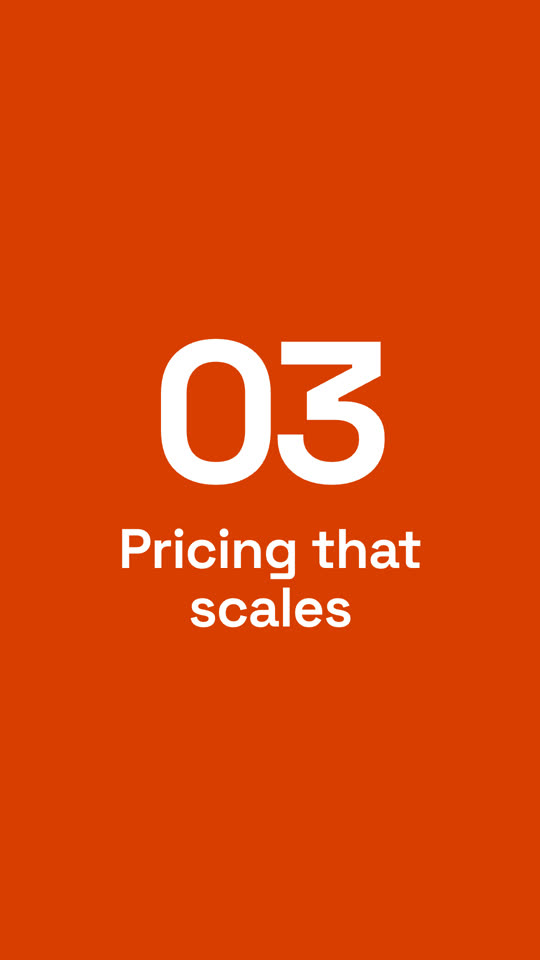
セクション番号ワイプ · ペーパー · 9:16
テーマ: ペーパー · 9:16
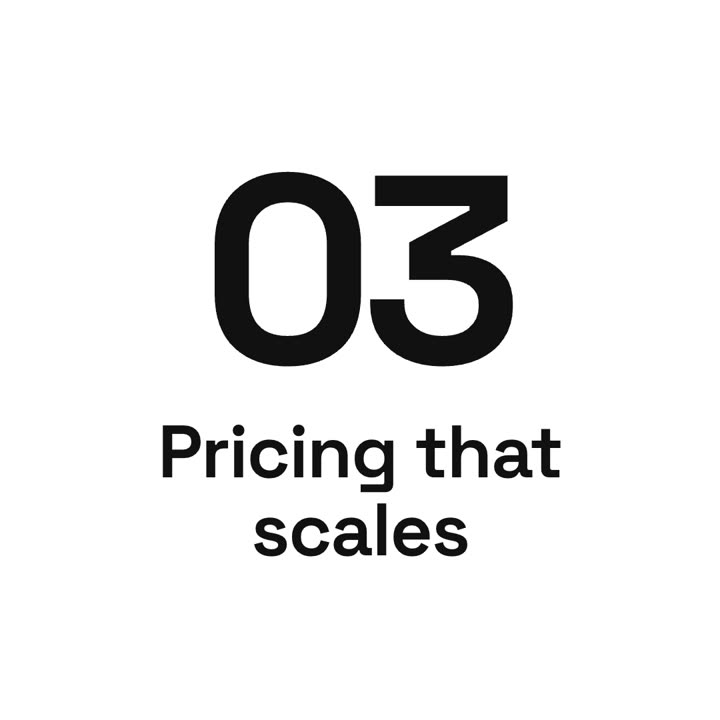
セクション番号ワイプ · ノワール · 1:1
テーマ: ノワール · 1:1

同じテンプレートをテーマと画面比率を変えてレンダリングした最終フレームです。

5つのテーマ

  • インク
    ink
  • ペーパー
    paper
  • エレクトリック · デフォルト
    electric
  • ノワール
    noir
  • サンド
    sand

プロンプトでテーマ名を指定するだけで切り替わります。アクセント色・背景色・文字色を自分で指定することもできます。

インストール用プロンプト
https://claude-motion.com/skills/section-wipe/install.md を読んで手順どおりに「section-wipe」スキルをインストールし、それを使って最初の動画を作ってください。

Claude Code、Codex、Cursor など Skill に対応したエージェントに貼り付けてください。

プロンプト例
Use the section-wipe skill: from "1", to "2", title "The setup", direction up, sand theme.
スタイルプロンプト(Claude Motion または Opus 5.5)
Make a 4-second 16:9 section transition for [who will watch, e.g. viewers of our product tour], playing [where, e.g. between sections]. Use only the numbers and title below.

A light panel and then a violet panel sweep across the frame from the left. On the violet, the old section number rolls upward out of view while the new one rolls in from below, like an odometer. End frame: the section title slides up beneath it in bold white, and everything scales up slightly.

Numbers: [e.g. 02 → 03]
Section title: [e.g. "Pricing that scales"]
インストール不要:Claude Motion(Team または Enterprise)に貼り付けるか、Opus 5.5 に渡すと近い雰囲気になります。結果は実行ごとに変わります。Skill なら毎回同じ結果です。

このシリーズの他の Skill

チャプター →