Claude Code、Codex、Cursor など Skill に対応したエージェントに貼り付けてください。
プロンプト例
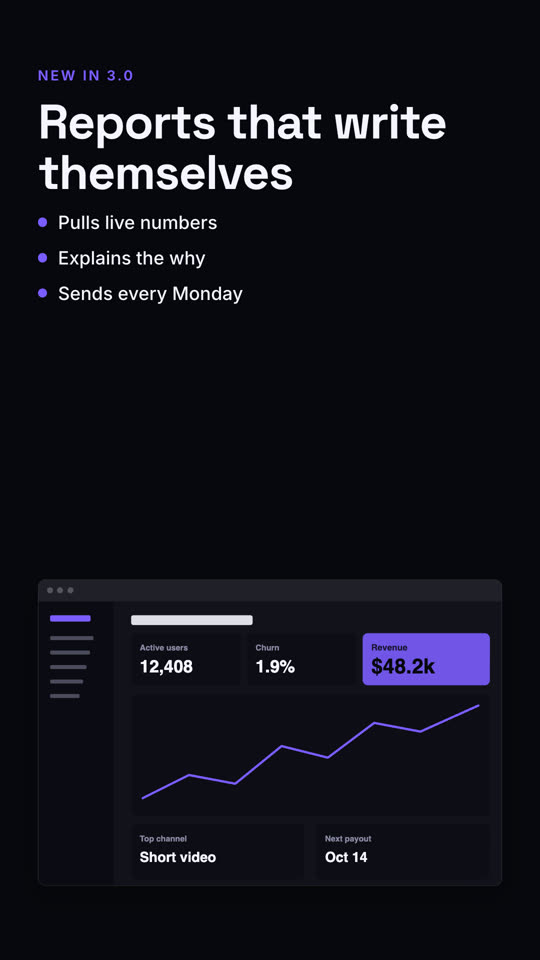
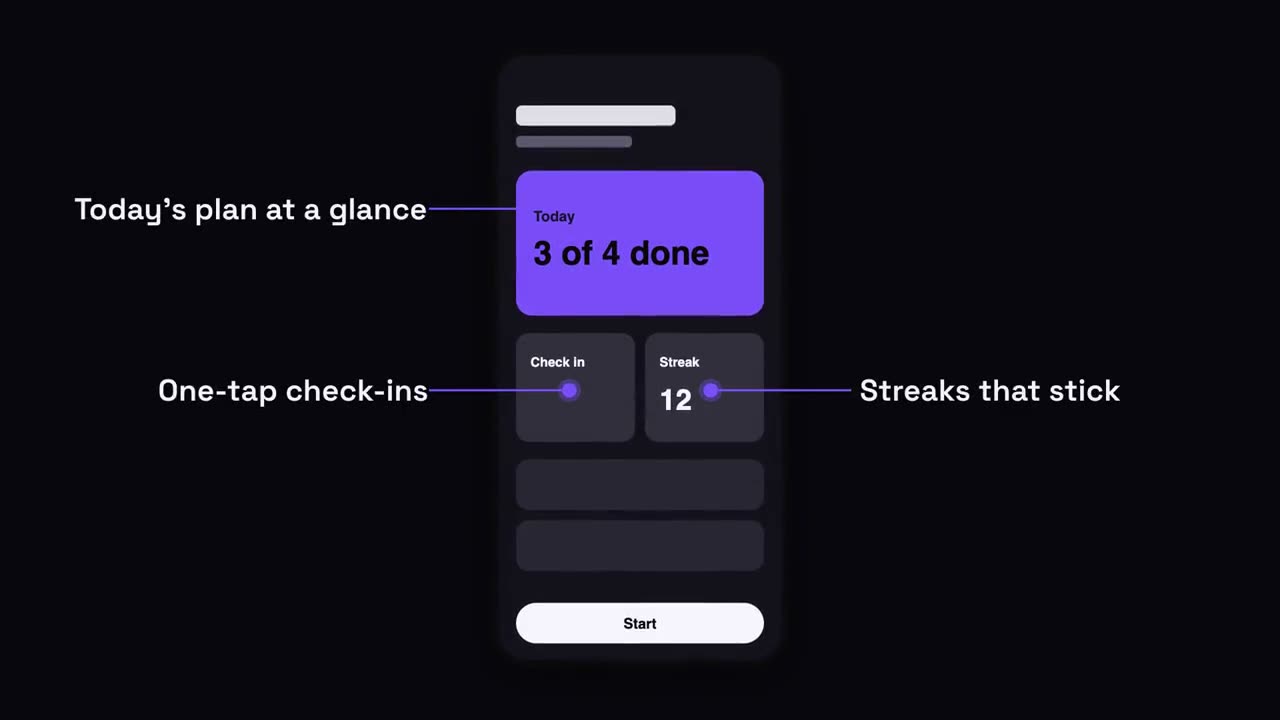
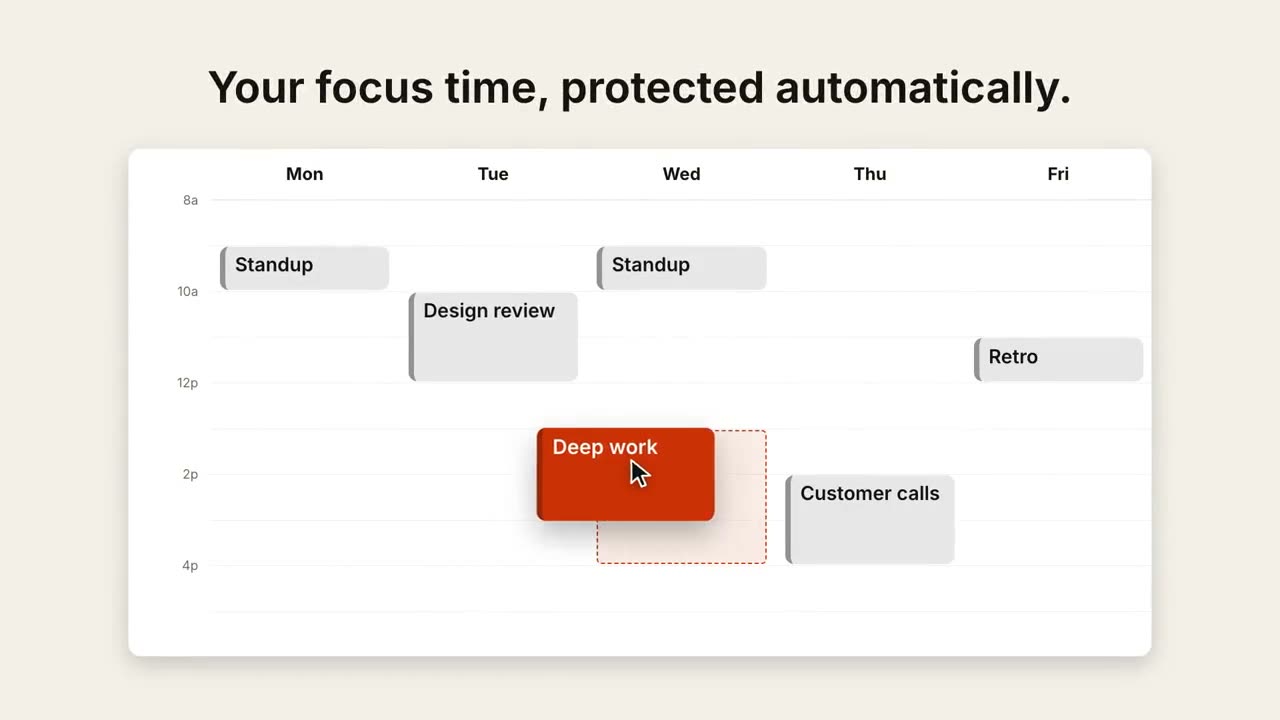
Use the text-screen-split skill: kicker "Mobile", headline "Your inbox, in your pocket", points "Offline mode | Smart filters", image assets/inbox-phone.png, phone frame. Electric theme, 9:16.
スタイルプロンプト(Claude Motion または Opus 5.5)
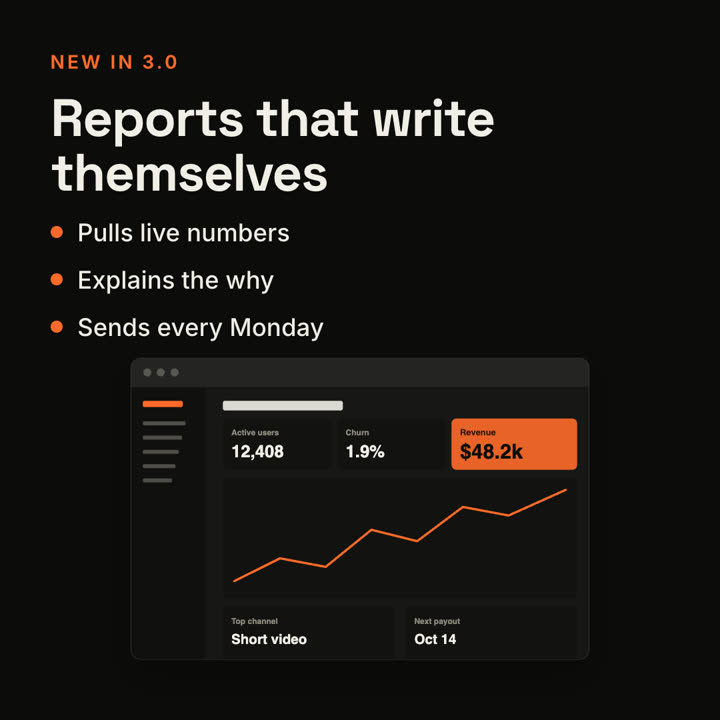
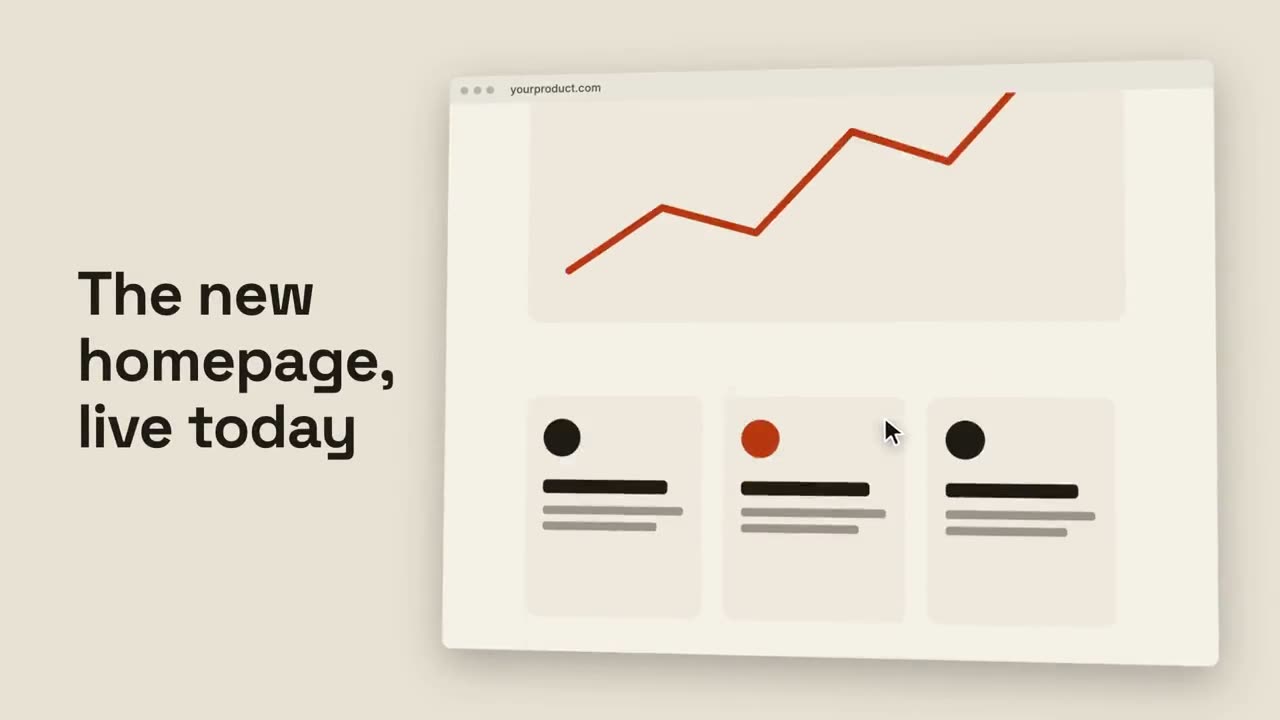
Make a 7-second 16:9 product scene for [who will watch, e.g. existing customers], playing [where, e.g. the release email]. Use only the label, headline, bullets and screenshot I give. Off-white background.

On the left, a small orange uppercase label, then the bold headline rising word by word, then three bullet points with orange dots. On the right, a browser window with the screenshot glides in from the right. End frame: the window floats gently beside the text.

Label: [e.g. "NEW IN 3.0"]
Headline: [e.g. "Reports that write themselves"]
Three bullets: [e.g. "Pulls live numbers", "Explains the why", "Sends every Monday"]
Attach: [a screenshot of the feature]