Lancements de produit
Pointez votre agent vers votre dépôt, vos notes de version ou une pull request, et Projet → vidéo de lancement en fait une vidéo de 15 à 30 secondes, histoire et MP4 compris. Ou choisissez un style de lancement ci-dessous et mettez-y votre produit.
De votre matière à une vidéo finie
Donnez à votre agent ce que vous avez ; le workflow écrit, réalise et rend le MP4.
Des prompts pour commencer
Collez-le dans Claude Motion, ou installez le skill correspondant et demandez à votre agent.
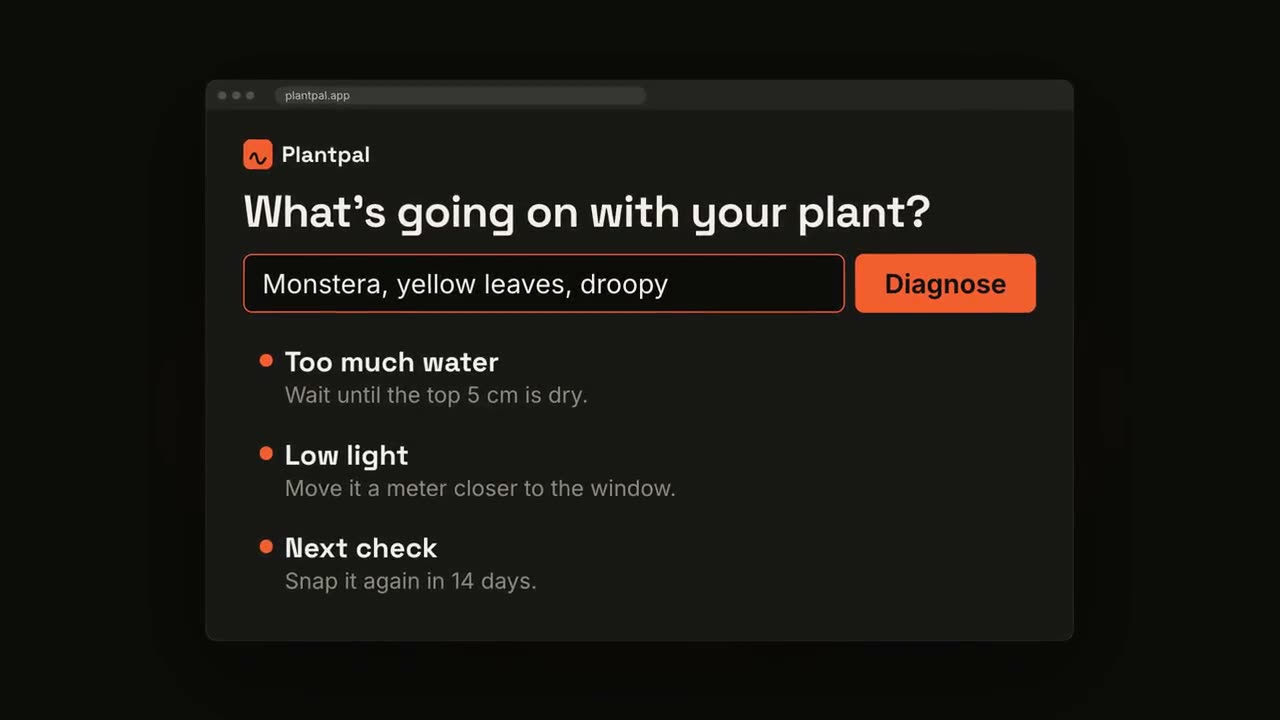
Du chat au résultat
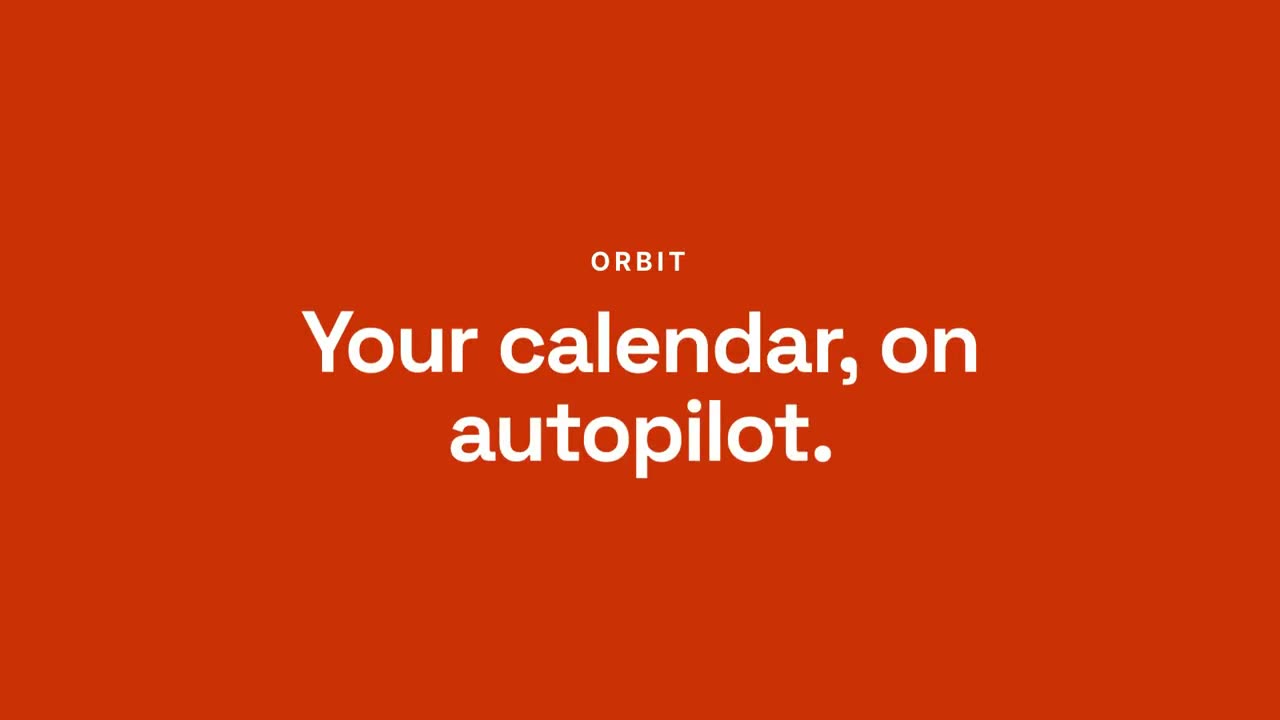
Ouvrir le skill →PremiumMake a 20-second 16:9 launch video for [who will watch, e.g. busy managers], playing [where, e.g. our homepage and LinkedIn]. Use only the product name, chat lines and features below; don't change a word. Off-white background. Scene 1: a clean white chat window appears and the user's request types into the input, then is sent. A small orange avatar shows typing dots, then replies. Scene 2: the reply expands into a full orange frame with the product name and the headline rising word by word. Scene 3: three white feature cards follow. End frame: the product name with an orange call-to-action button and the URL, held for 2 seconds. Product: [e.g. Orbit] Request and reply: [e.g. "Plan my week around three deep-work blocks." → "Done. Meetings moved, focus time locked in."] Headline: [e.g. "Your calendar, on autopilot."] Three features: [e.g. Smart slots, Focus guard, Daily recap] Call to action and URL: [e.g. "Try Orbit free", orbit.app]
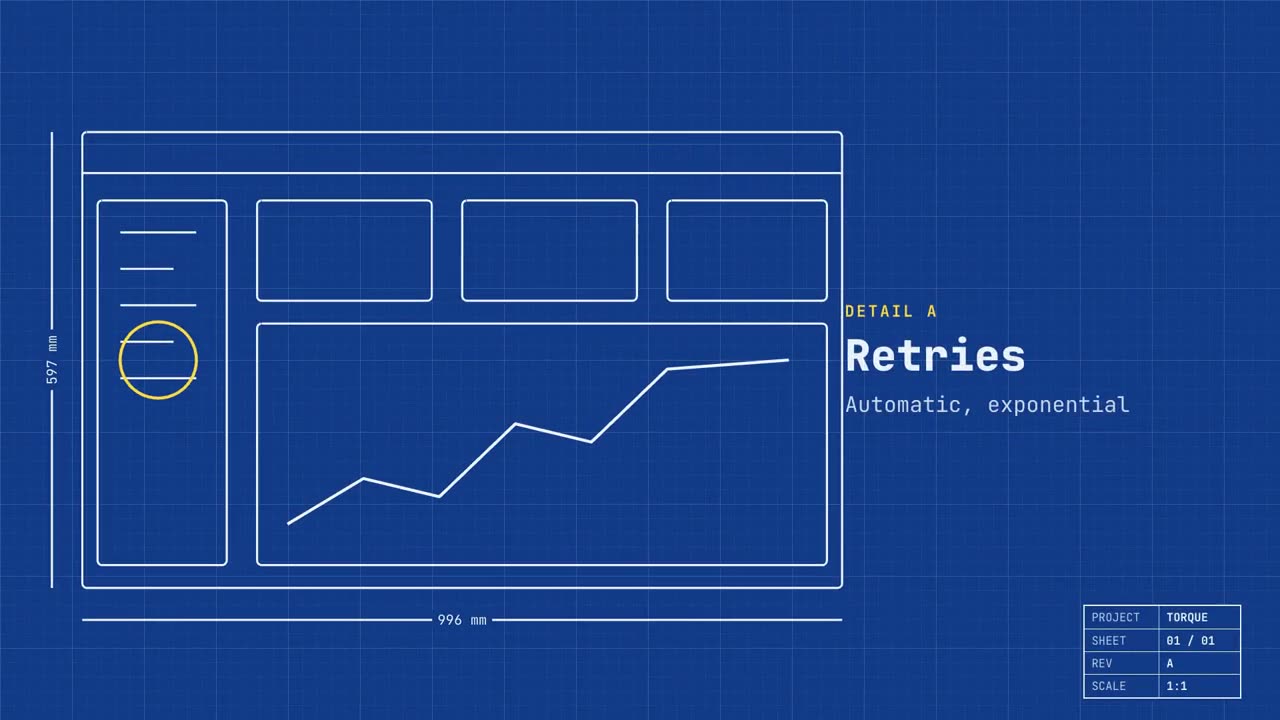
Lancement en plan technique
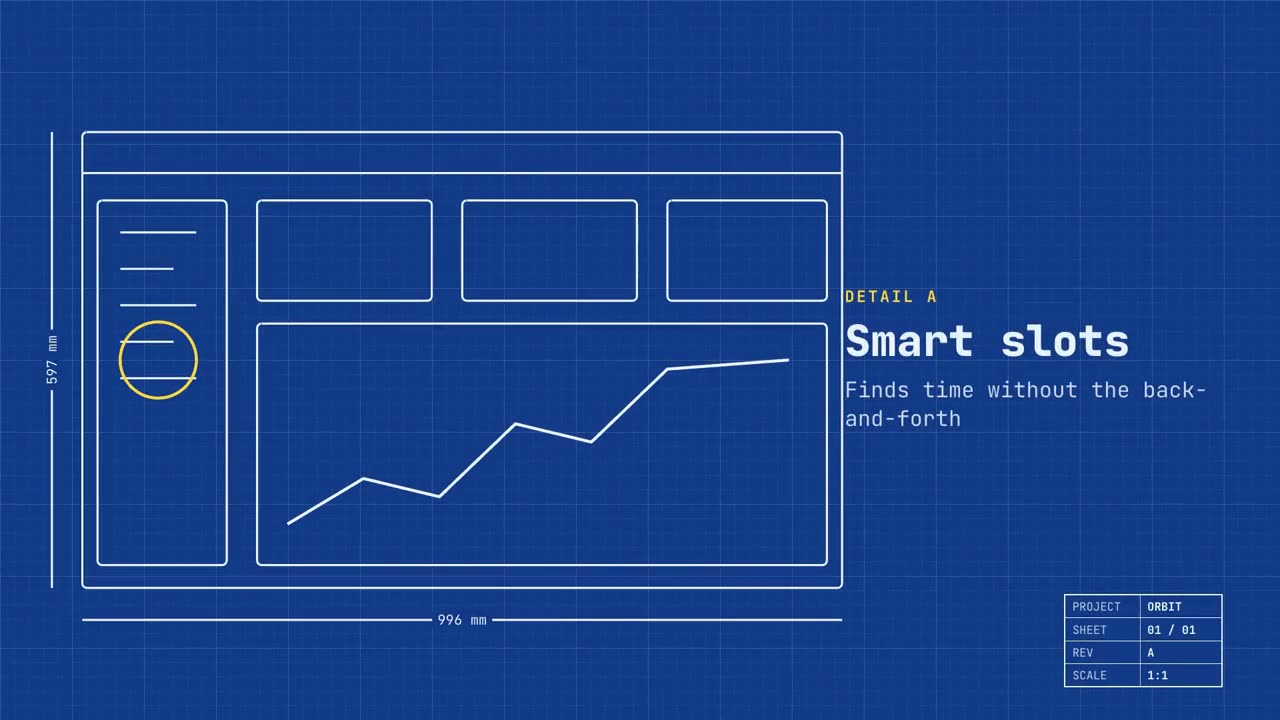
Ouvrir le skill →PremiumMake a 20-second 16:9 launch video for [who will watch, e.g. engineers and product teams], playing [where, e.g. Product Hunt and X]. Use only the name, lines and screenshot I give; don't change a word. Deep blueprint-blue background with a fine white grid. Scene 1: a wireframe of an app window draws itself in thin white lines (header, sidebar, three cards, a chart) with dashed dimension lines labeled in millimeters and a drawing title block in the corner with the project name. Scene 2: the product name scrambles in, monospace, with the tagline in yellow. Scene 3: three yellow rings circle details labeled DETAIL A, B, C with feature names. Scene 4: the wireframe fills in with the screenshot from left to right and a yellow "APPROVED" stamp slams on. End frame: the name, a yellow status tag and the URL. Product and tagline: [e.g. Orbit, "Engineered for focus."] Three features: [names] Status tag and URL: [e.g. "Now in public beta", orbit.app] Attach: [a screenshot of your product]
Film de lancement produit
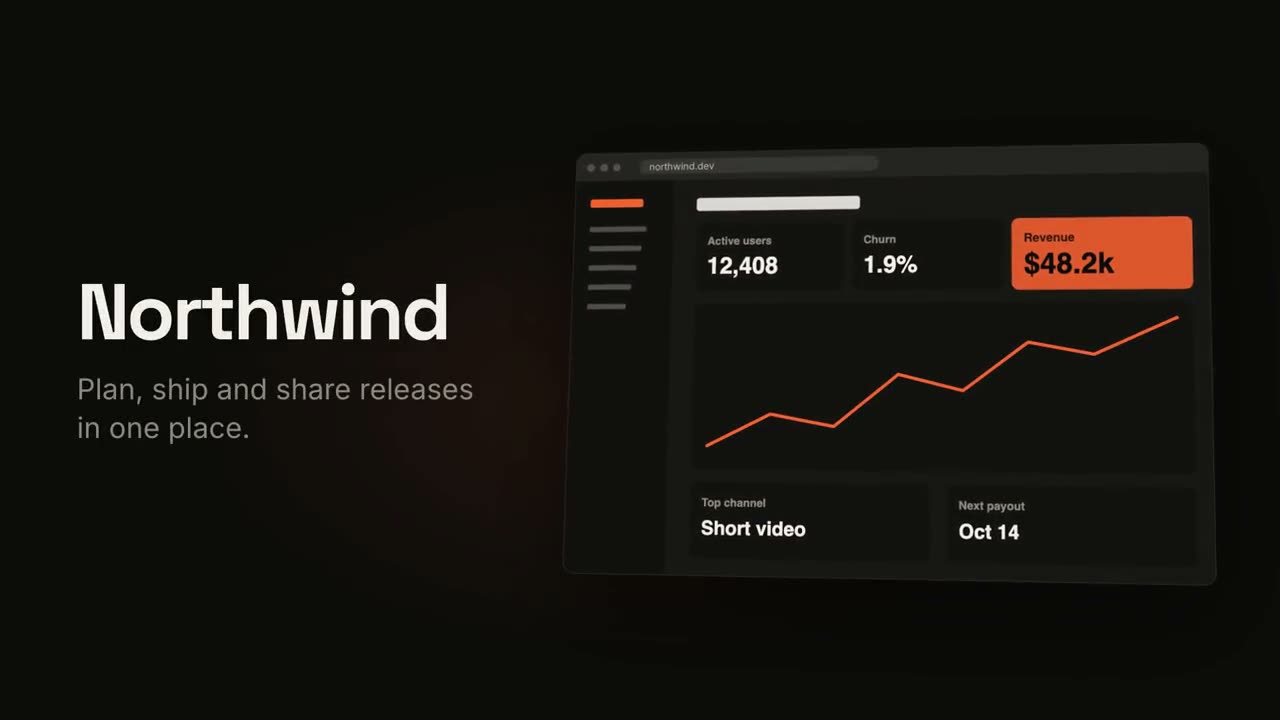
Ouvrir le skill →PremiumMake an 18-second 16:9 product launch film for [who will watch, e.g. product managers], playing [where, e.g. our homepage hero and X]. Use only the name, lines and screenshot I give below; don't change a word. Near-black background with a warm orange glow. Scene 1 (0–3.4s): a two-line hook rises from masks, line one off-white, line two orange, slowly pushing in. An orange wipe cuts to Scene 2: the product name and tagline on the left while a browser window with the screenshot rises from below with a 3D tilt and settles. Scene 3: three features one at a time, each with a huge orange numeral (01, 02, 03), a bold title and a gray description, with a segmented progress bar at the bottom. End frame: the logo mark spins in, then the name, an orange call-to-action pill and the URL. Hook: [two lines] (e.g. "Your roadmap" / "finally in motion") Product and tagline: [e.g. Northwind, one line] Features: [three titles with one-line descriptions] Call to action and URL: [e.g. "Start free", northwind.dev] Attach: [a screenshot of your product]
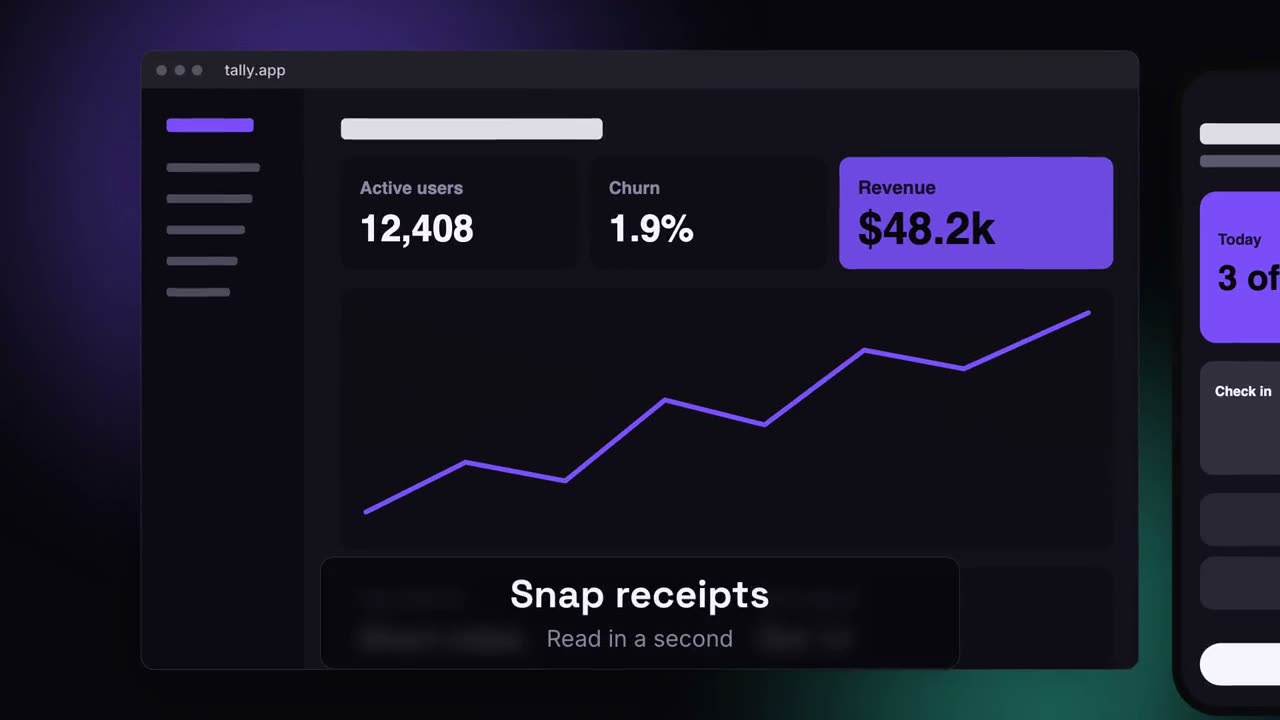
Lancement multi-écrans
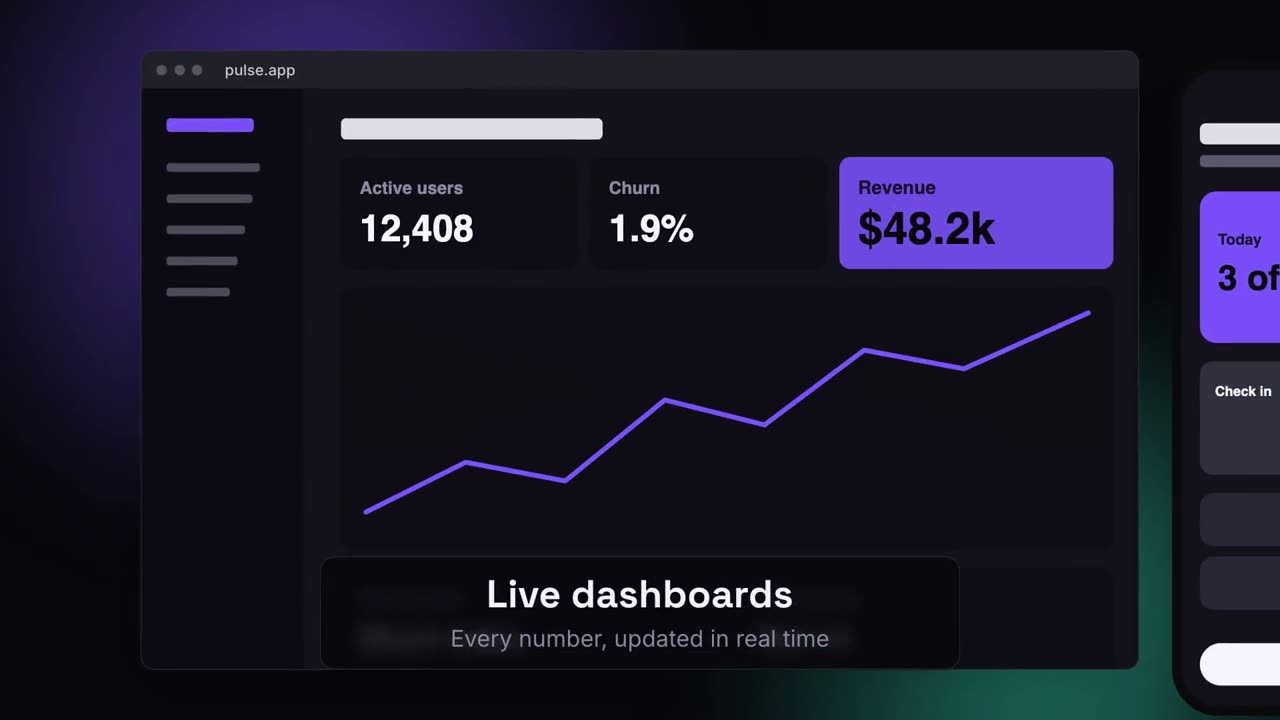
Ouvrir le skill →PremiumMake a 20-second 16:9 launch video for [who will watch, e.g. ops and finance leads], playing [where, e.g. the homepage hero]. Use only the lines and screenshots I give; don't change a word. Deep navy background with soft violet and teal glows. Scene 1: the hook rises word by word and fades. Scene 2: a browser window with the desktop screenshot and a phone with the mobile screenshot rise onto the canvas. Scene 3: the camera glides in to the browser while a glass caption shows the first feature, then to the phone with the second, then pulls back to show both with the third. End frame: the devices blur and sink as the product name, the hook and a violet call-to-action button appear. Hook: [e.g. "Your metrics, everywhere you work."] Three captions: [e.g. "Live dashboards — Every number, updated in real time", "Pocket alerts", "Always in sync"] Product and call to action: [e.g. Pulse, "Get Pulse free"] Attach: [a desktop screenshot and a phone screenshot]
Scènes à l’unité pour ça
Film de lancement produit
Accroche, révélation du produit, trois fonctionnalités, carton de fin.
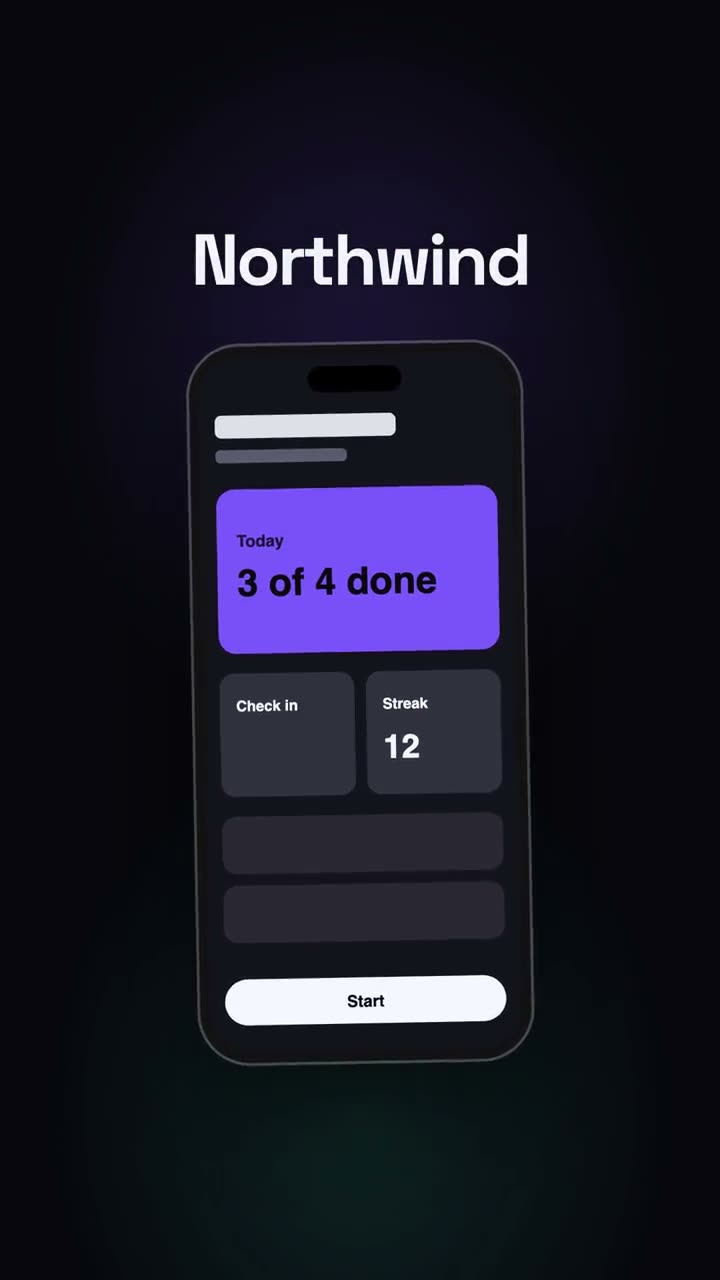
Lancement vertical
Un montage de lancement pensé pour les réseaux : accroche, téléphone, temps forts, CTA.
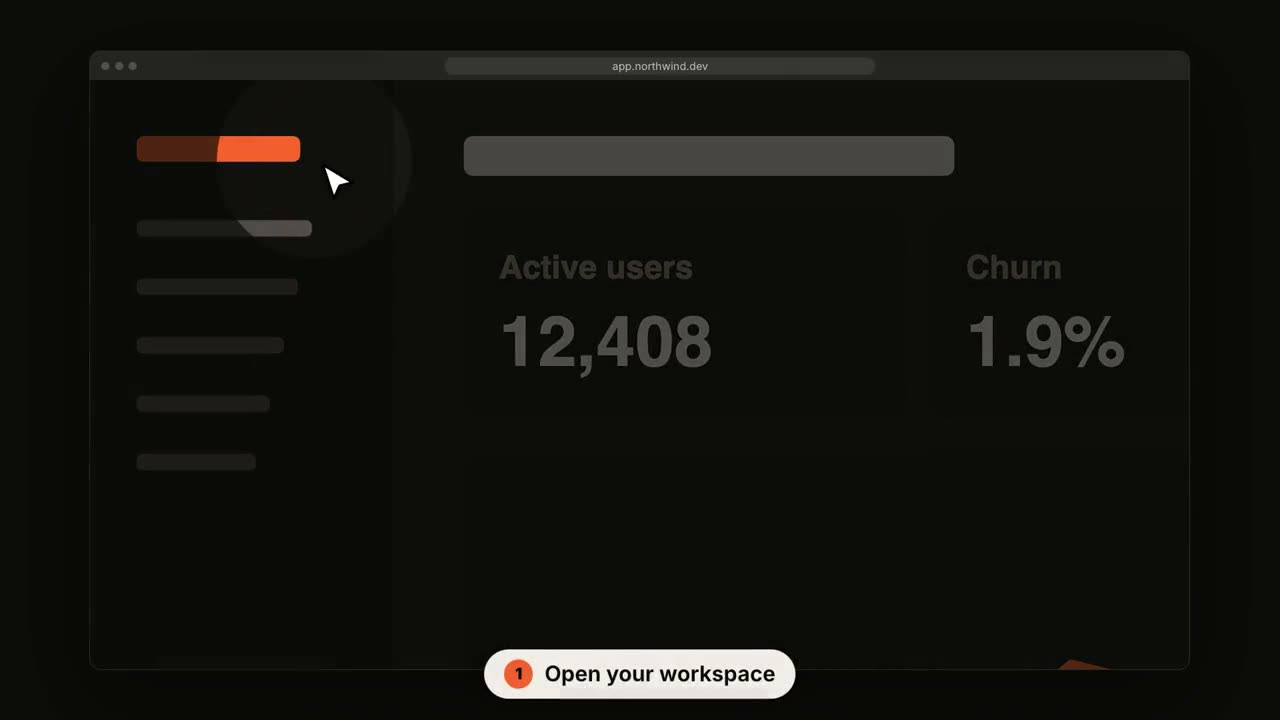
Visite d’interface SaaS
La caméra s’approche de chaque étape pendant qu’un curseur clique.
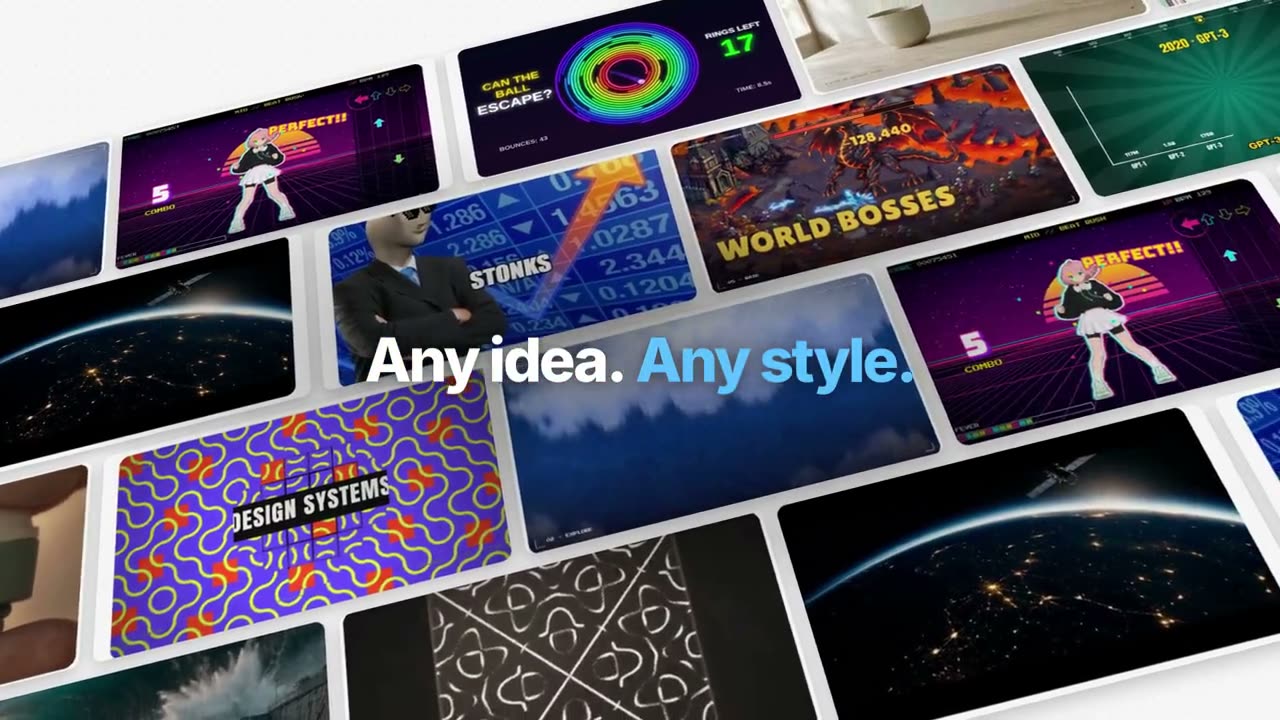
Film de fonctionnalité façon Manus
Un exemple suivi de bout en bout : trié, généré, sous-titré, suivi, codé, assemblé. Des mots clés bleus qui sortent du flou.
Lancement façon keynote Manus
Un lancement en chapitres : intro noire, un ticker des nouveautés, des chapitres du produit au travail sur des paysages, One More Thing, des mascottes.
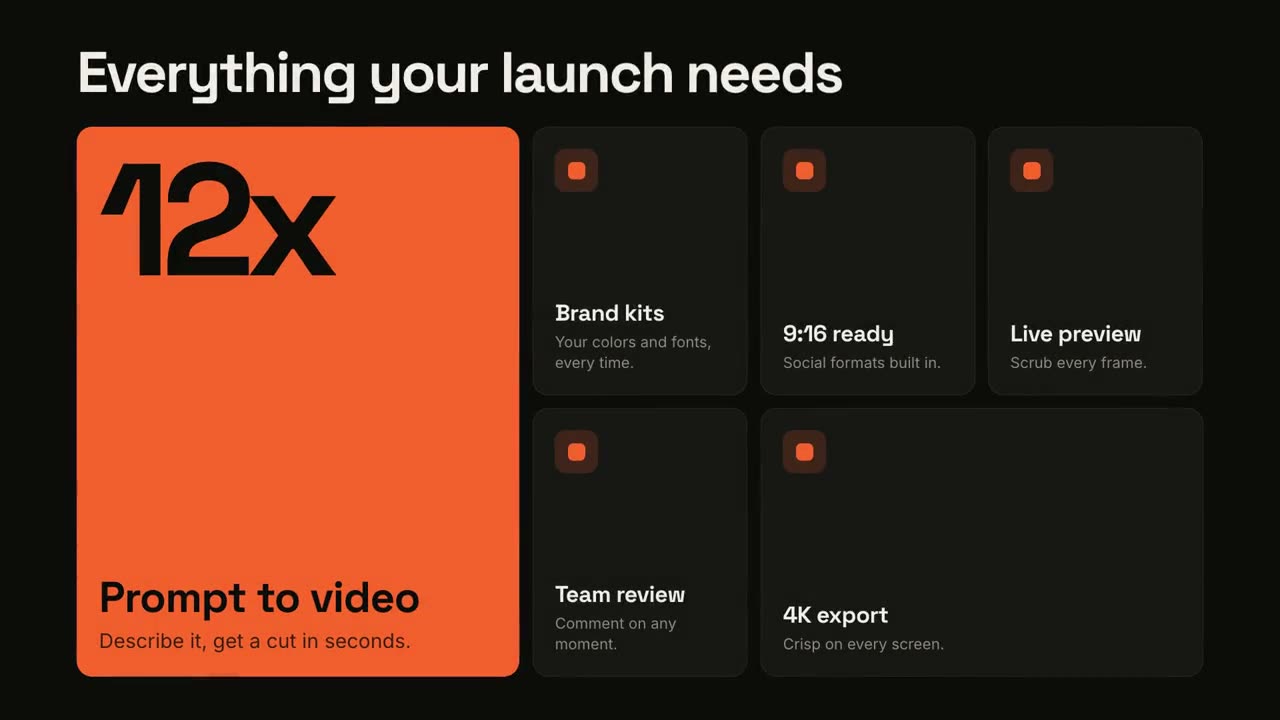
Grille de fonctionnalités
Une grille bento qui s’assemble, puis met chaque fonctionnalité en avant.
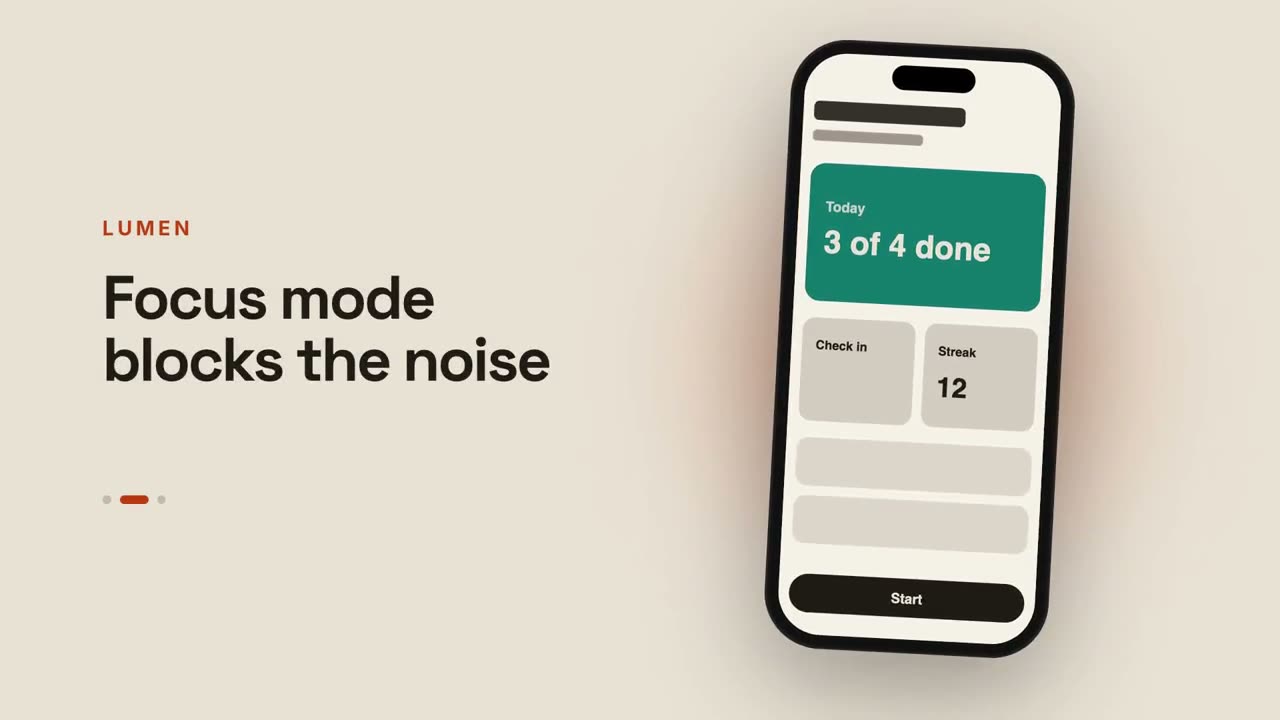
Aperçu d’appli
Un téléphone fait défiler des écrans à côté de légendes qui changent.
Du chat au résultat
Un prompt est tapé, l’assistant répond, et la réponse devient votre lancement.
Lancement en plan technique
Votre produit comme un plan qui se dessine tout seul, puis se remplit.
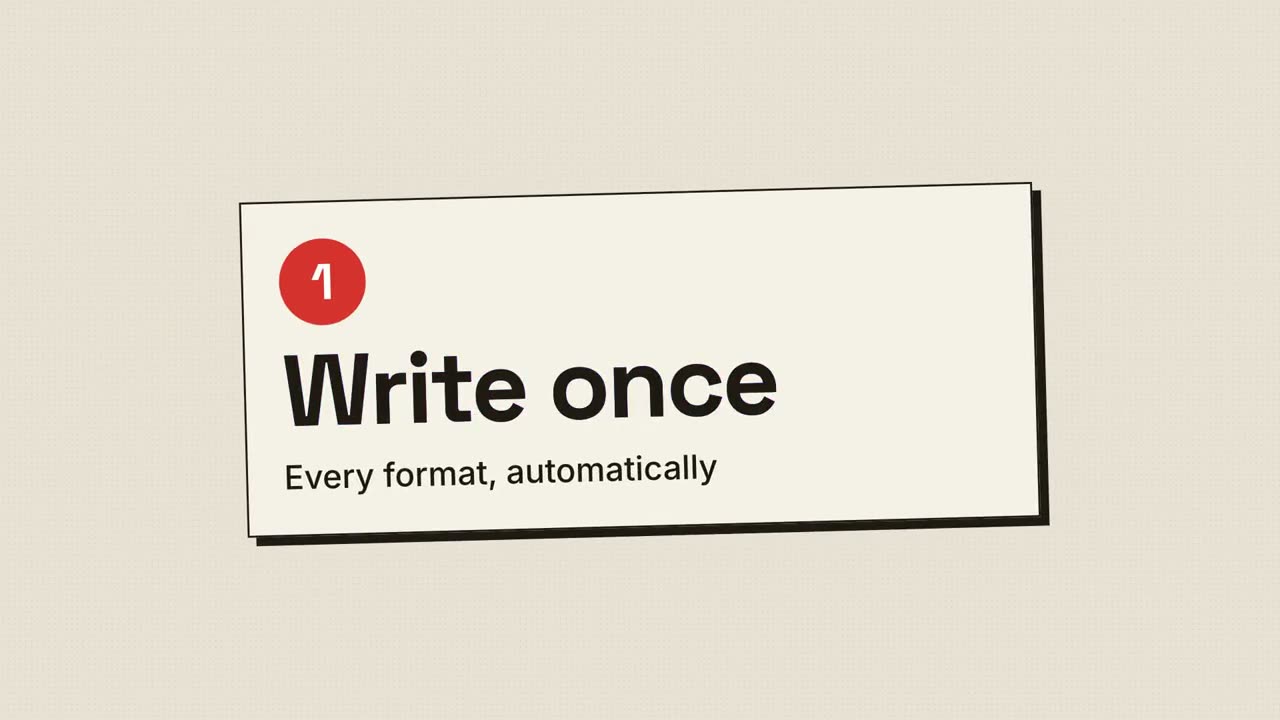
Lancement en trame d’impression
Impression rétro : points de trame et plaques CMJN qui se calent en repérage.
Lancement multi-écrans
Un ordinateur et un téléphone flottent sur une toile lumineuse ; la caméra les parcourt.
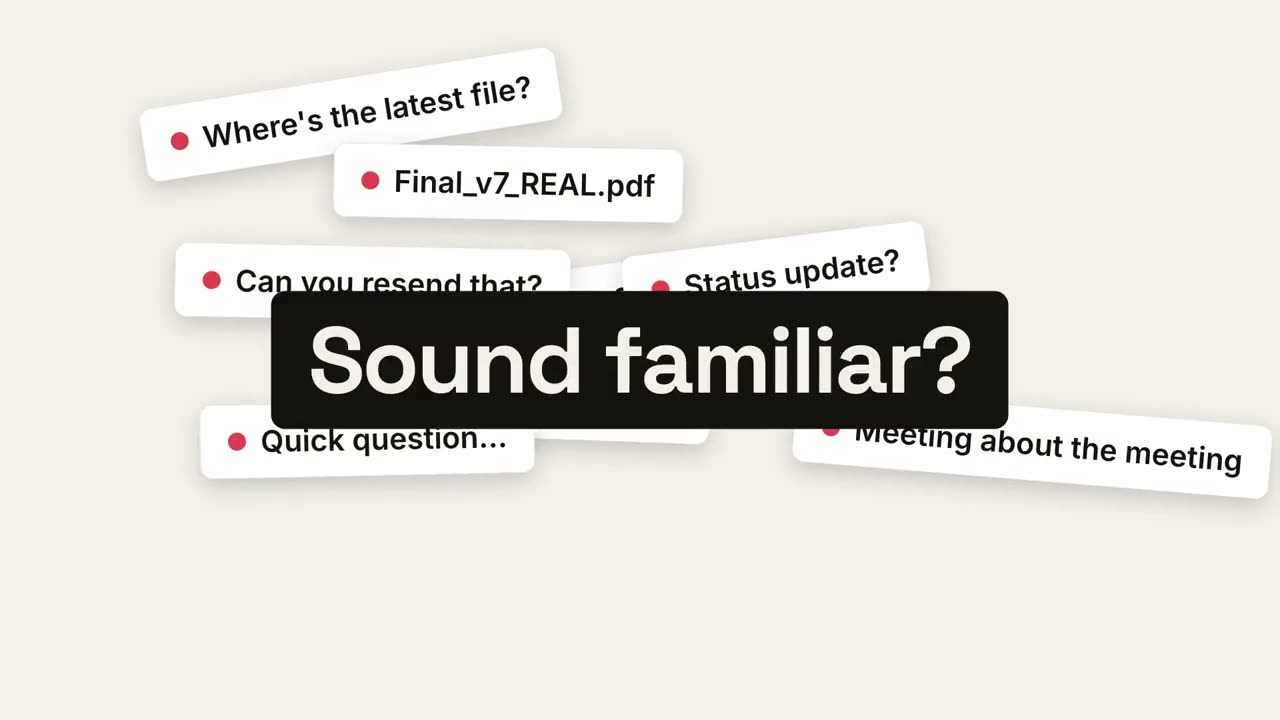
Du chaos au calme
Le chaos du quotidien s’accumule, s’effondre en un point et laisse place au calme.
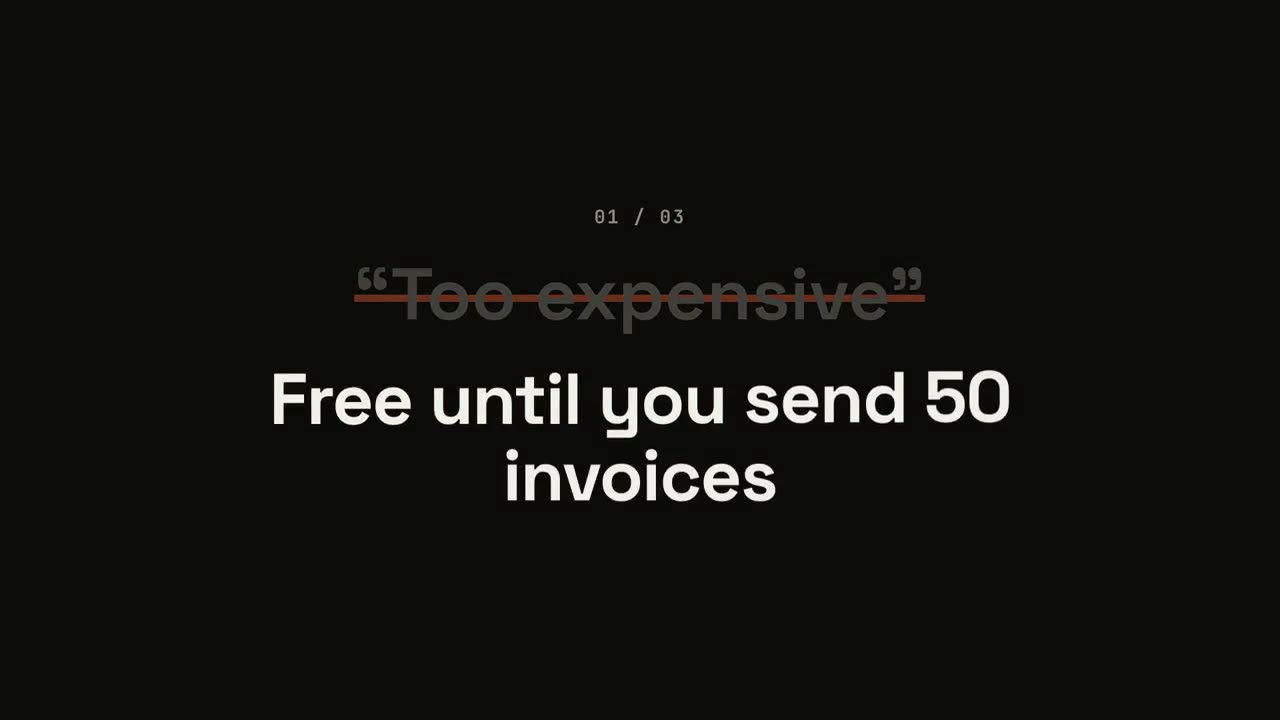
Lancement qui retourne les objections
Chaque objection apparaît entre guillemets, se fait barrer, puis est retournée.
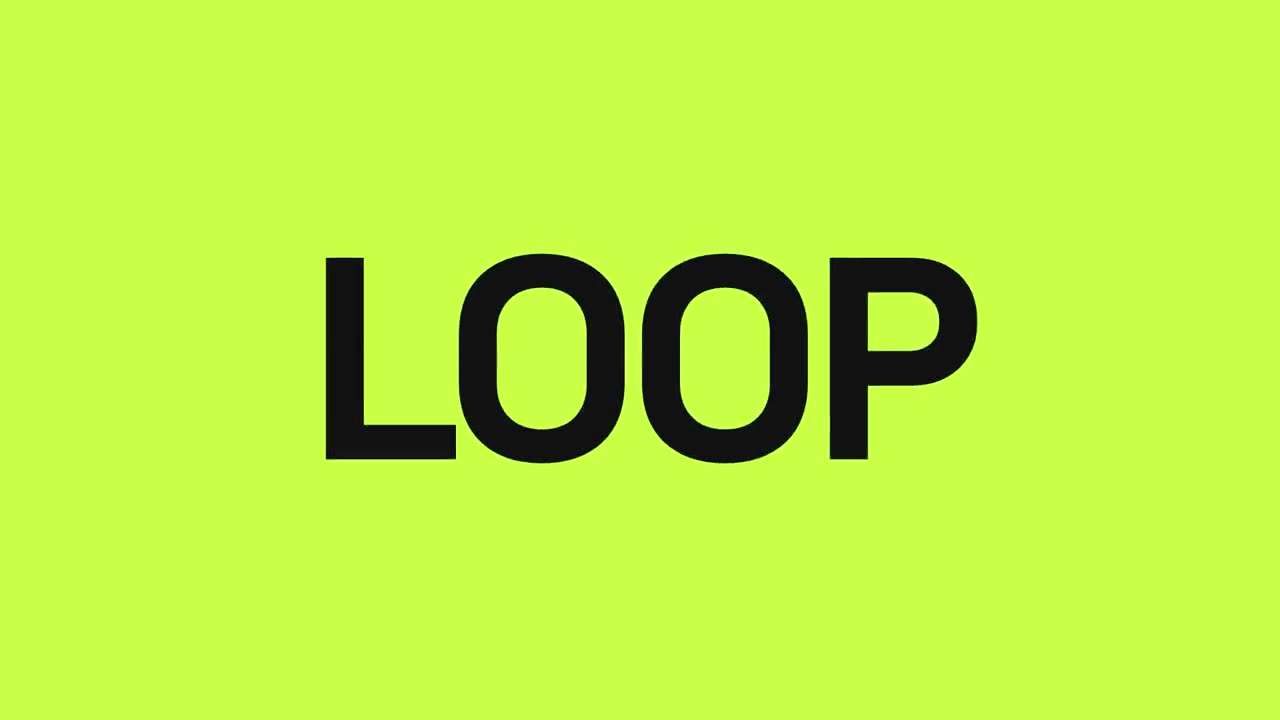
Lancement en rythme
Des coupes franches sur le temps : les mots clignotent, le produit tombe, les bénéfices pulsent.
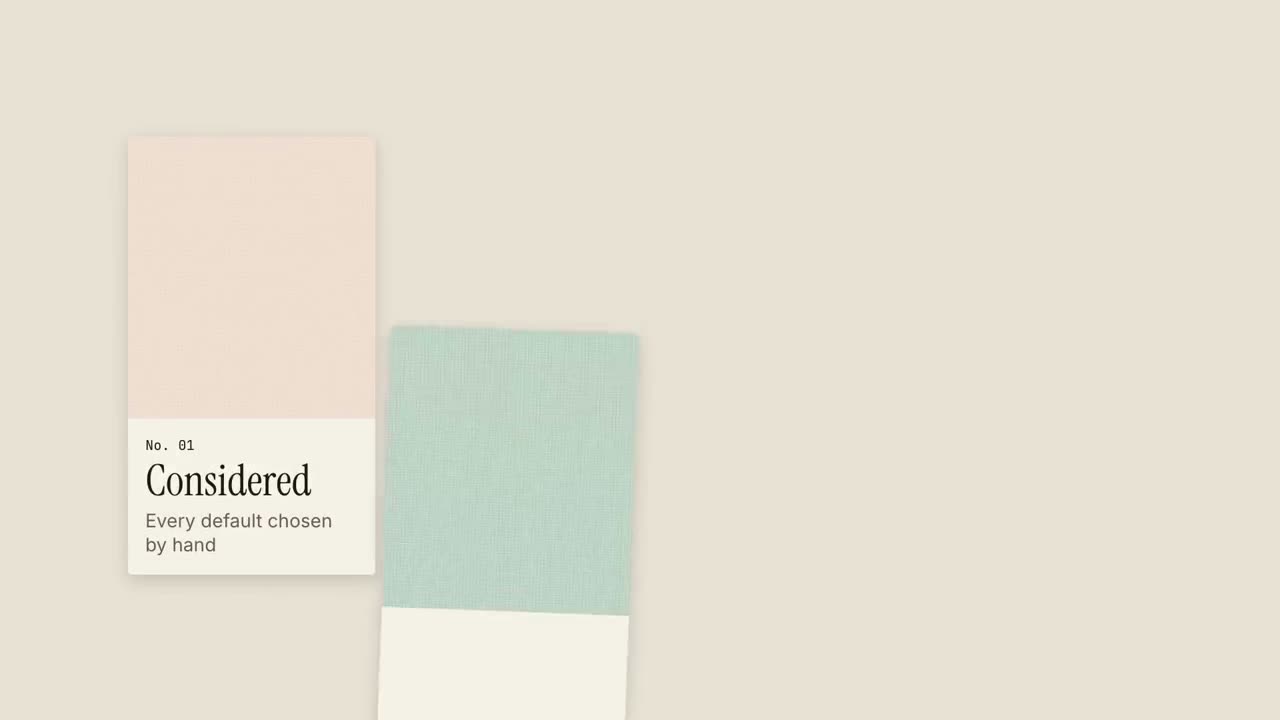
Lancement en nuancier
Des échantillons de matière glissent comme dans un nuancier, chacun portant une qualité.
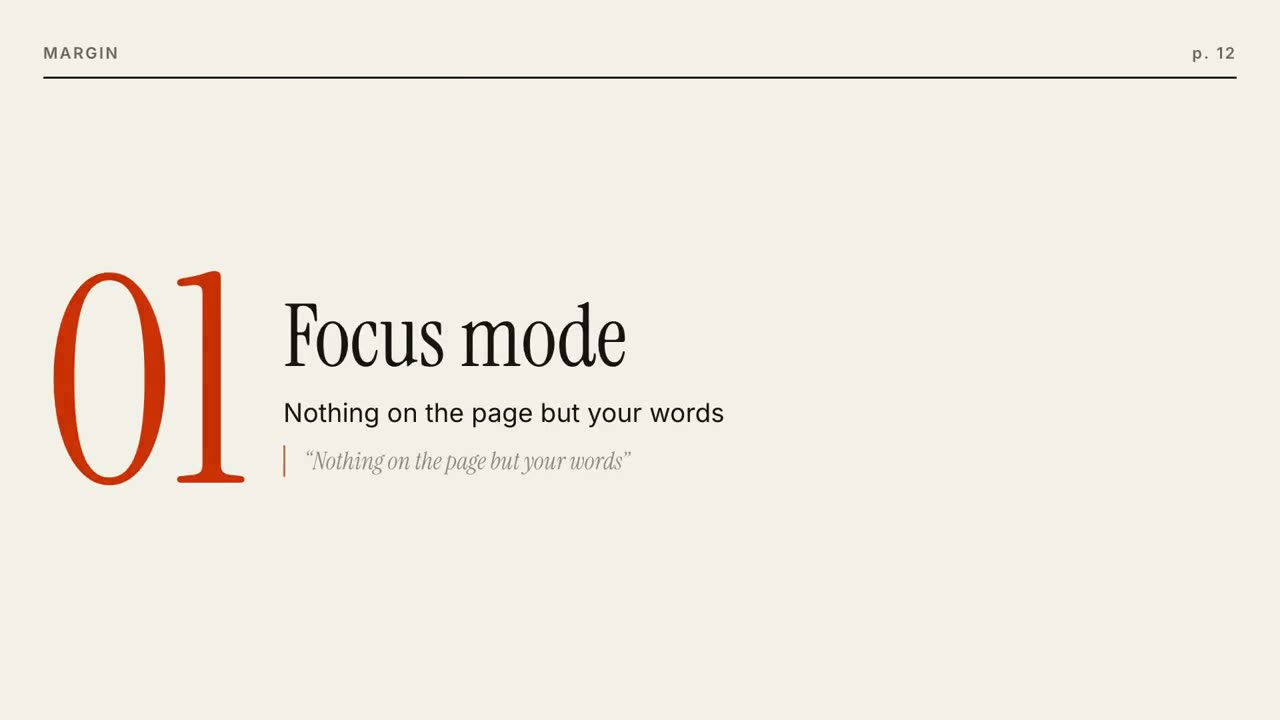
Lancement éditorial
Une couverture de magazine se construit, puis chaque fonctionnalité est une page qui se tourne.
Lancement au carré
Un carré d’accent se transforme à chaque temps : point, carte, téléphone, logo.
Effets de morphing d’interface
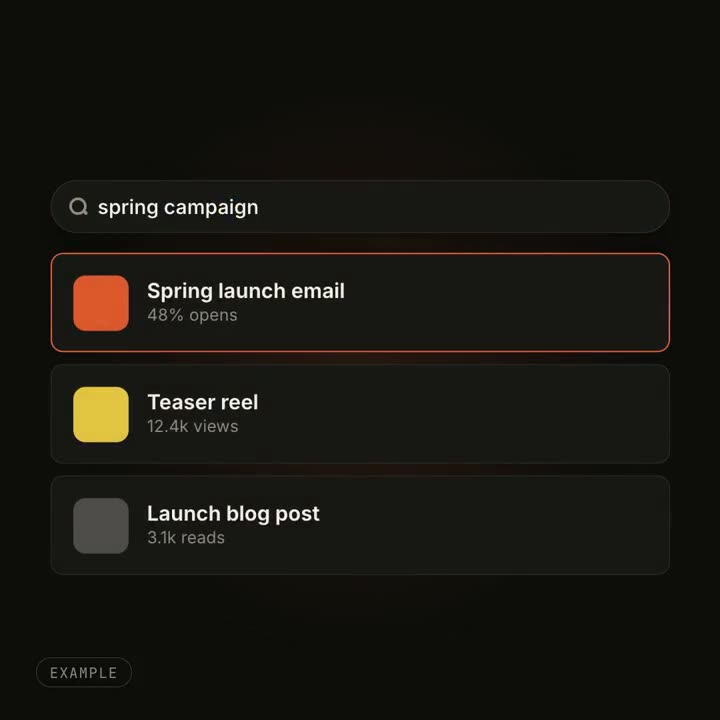
Un bouton devient lecteur, une recherche se remplit de résultats : un seul objet qui change de forme.
Réalisé avec ces skills